Tablets for Art and Design Students
Tablets for Art and Design Students offer a versatile platform for creativity, allowing you to sketch, draw, and design with precision. Whether you're attending class, working on assignments, or building your portfolio, these tablets provide the flexibility and performance needed to bring your ideas to life. Explore a range of options tailored to support your artistic journey, from digital illustration to graphic design projects. Find the right tablet to help you excel in your studies and express your unique vision.

Not every drawing tablet can replace your computer
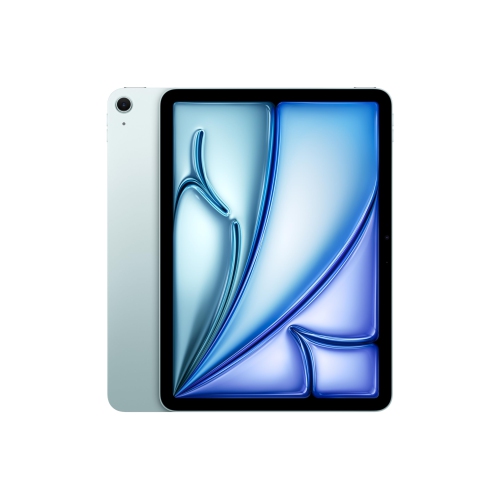
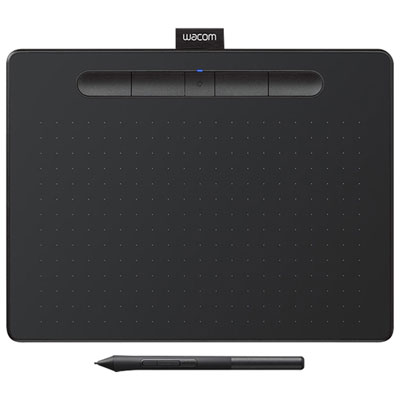
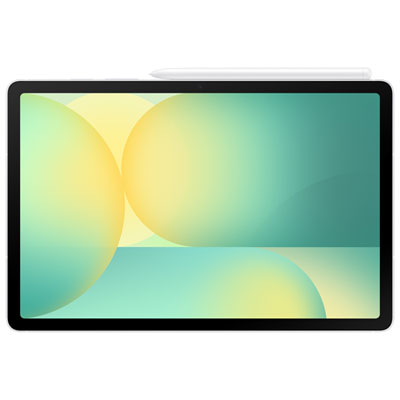
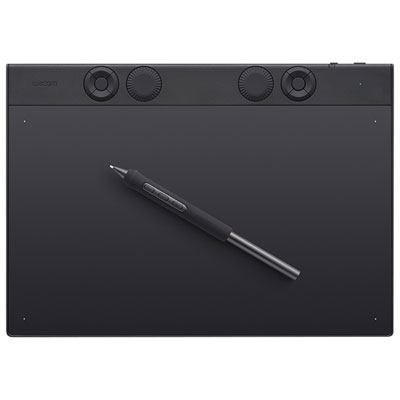
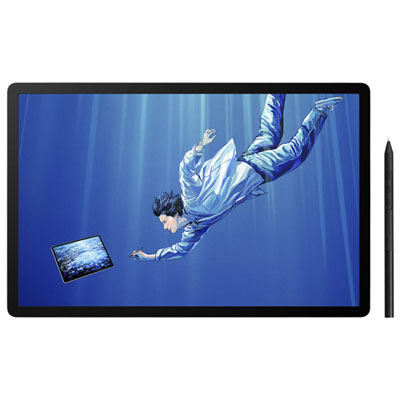
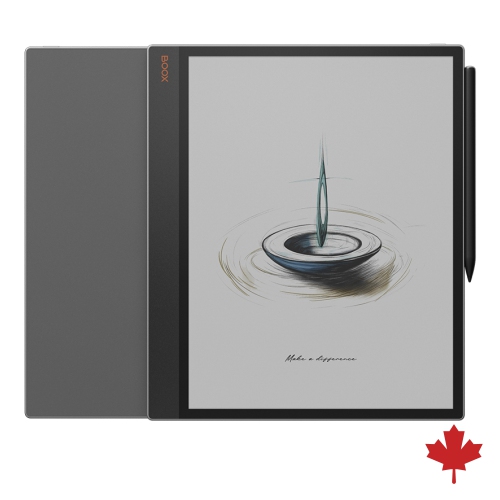
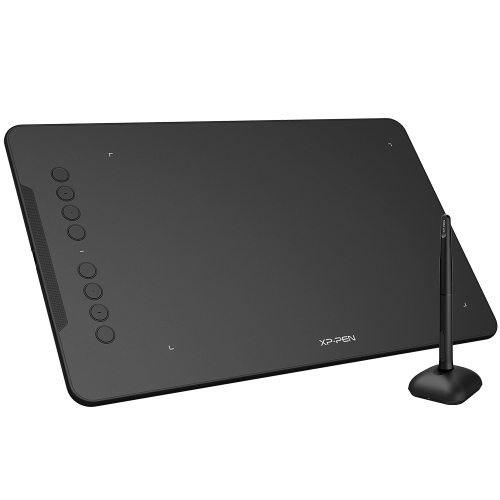
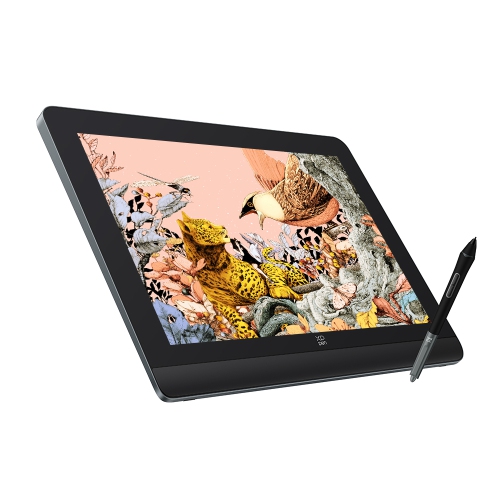
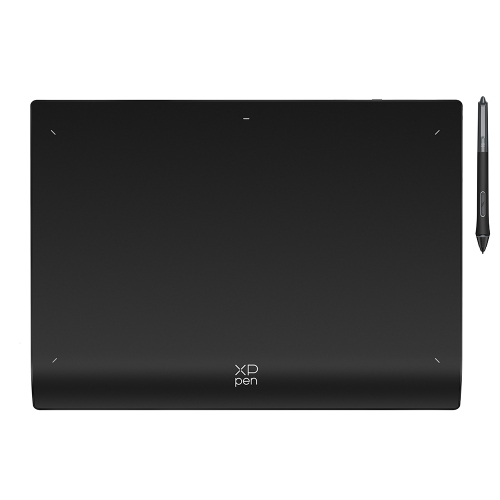
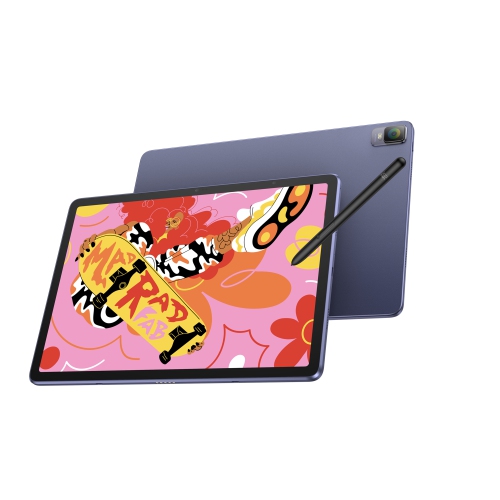
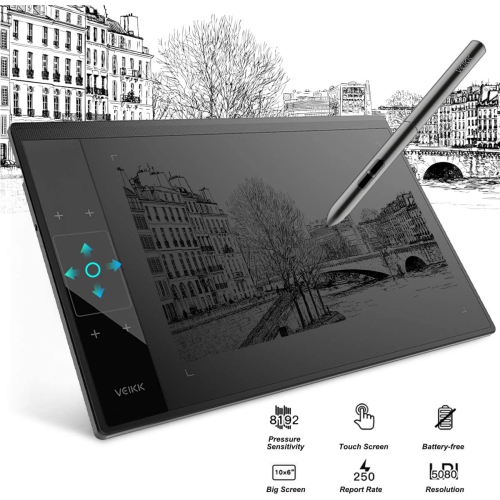
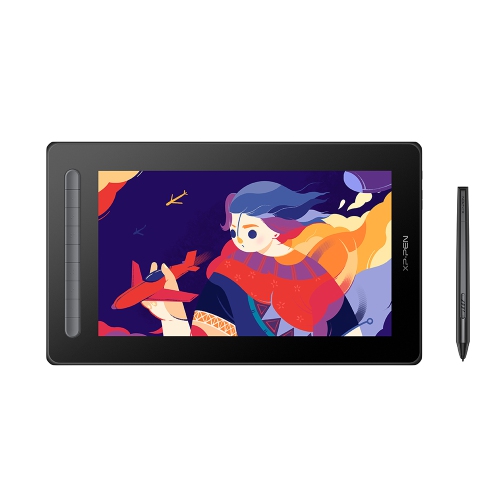
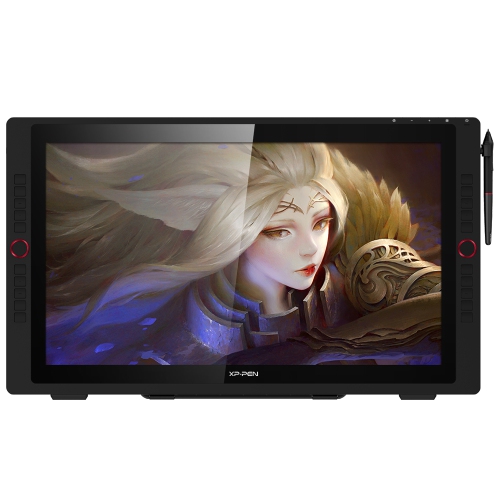
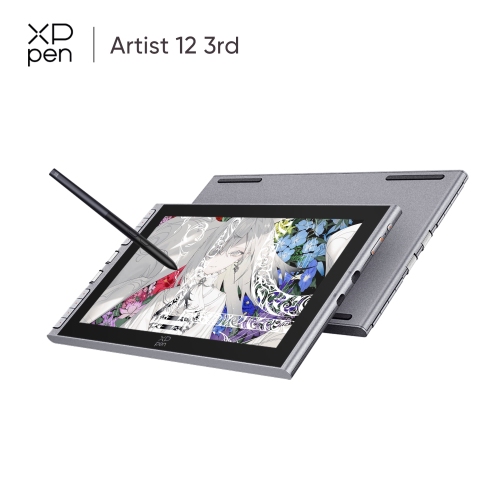
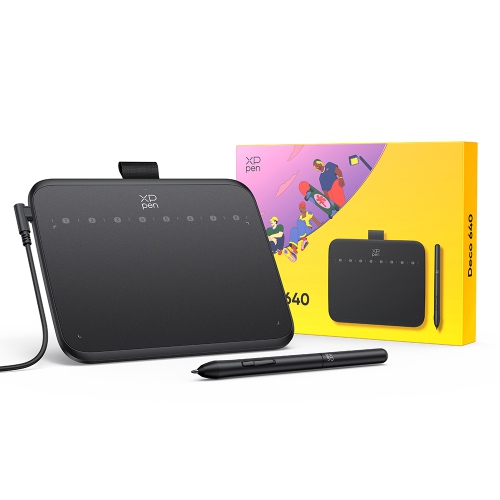
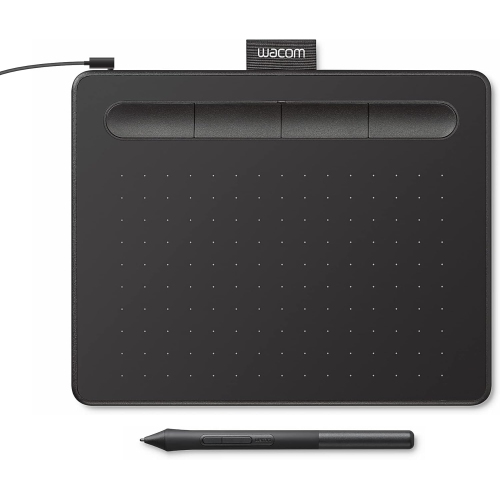
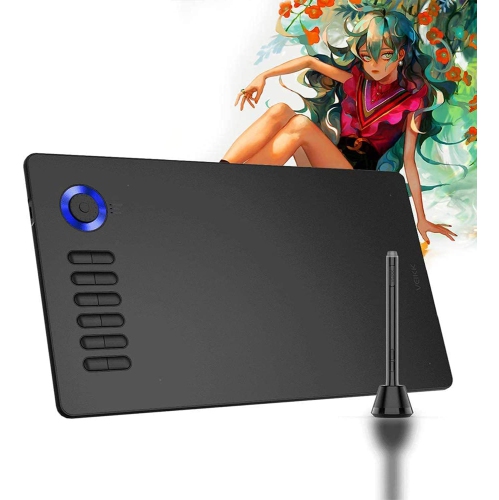
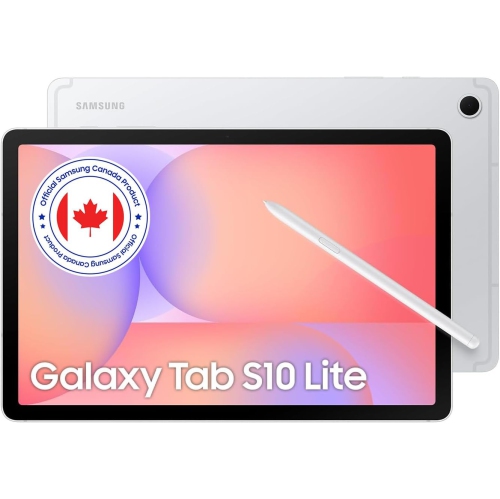
The drawing experience depends on how the pen, working area, and software respond together. Pressure sensitivity allows compatible brushes to vary their marks with changes in pen pressure, while tilt support can imitate effects such as shading with the side of a pencil when the app supports it. Tracking accuracy and responsiveness are especially noticeable when tracing a smooth curve, adding small lettering, or placing a fine highlight along an edge. A large pressure-level specification alone does not describe the whole experience; pen comfort, initial activation force, and consistent performance near the screen edges also matter. Some pens work without charging, while others require charging or batteries, and styluses are not universally interchangeable between devices. Grip shape, pen weight, and the position of shortcut buttons can influence comfort during extended drawing sessions. On screen-based devices, display resolution affects how clearly fine details appear, while colour gamut and calibration capabilities matter for colour-sensitive coursework. Screen appearance does not guarantee an exact print match, since paper, ink, and colour settings also influence the finished result. Screen size and usable drawing area affect both portability and movement: a compact surface fits more easily beside a laptop, while a larger one offers room for broad strokes and visible tool panels. On screenless tablets, the relationship between the active area and monitor size can change how much hand movement is needed to cross the canvas. Adjustable stands can raise a pen display to a more comfortable angle, and shortcut controls can reduce repeated reaches for a keyboard. Touch gestures and palm rejection depend on the device, stylus, and app rather than being standard features across every tablet. Smooth glass and textured drawing surfaces also feel different under the pen. A matte screen protector can add friction, but may slightly soften the image or increase nib wear, making surface feel another part of the overall drawing experience rather than a simple measure of quality.
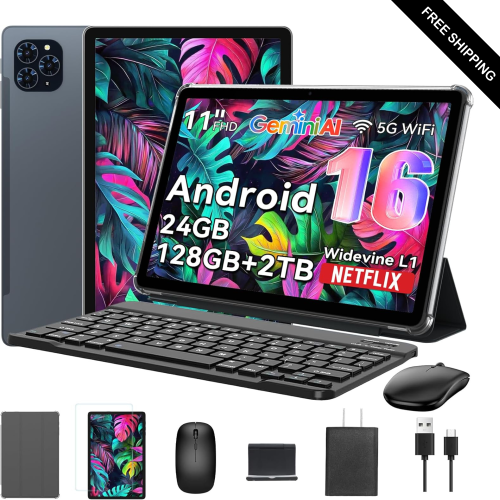
Software compatibility and file handling shape how easily a tablet fits into student life. Course assignments may require particular applications, editable file formats, or desktop features that are not present in a mobile version of the same program. For a screenless tablet or connected pen display, the computer supplies the processing power, so demanding illustration files, animation projects, and 3D work still depend on that computer's capabilities. For standalone tablets, memory, processing performance, and storage influence how comfortably the device handles large canvases, multiple layers, reference images, and exported projects. Storage needs can grow quickly when working files sit alongside time-lapse recordings, photographs, and presentation materials. Wireless file transfers, compatible external storage, and reliable backup options help keep assignments accessible across devices. Connections deserve equal attention: a USB-C port does not automatically support every display function, and some setups need additional cables, adapters, or power connections. Portability also involves more than the tablet's weight, since a stand, keyboard, charger, and protective case may travel with it. Glass screens, metal housings, and composite bodies offer different balances of weight and rigidity, but all benefit from protection against pressure, impacts, and loose objects inside a bag. A fitted sleeve or case helps keep the drawing surface separate from keys and other hard objects, while a secure pen holder reduces the chance of losing the stylus between classes. Regular care is straightforward: a clean microfibre cloth and the manufacturer's recommended cleaning method help maintain the surface, and worn pen nibs need replacement before they develop rough edges. Comfortable positioning, room for the drawing hand, and space for reference materials can make a small work surface more practical. For someone giving a tablet to an art or design student, compatibility with required software and any existing computer makes the gift more useful than specifications alone. Whether used for early thumbnail sketches, polished portfolio pieces, or feedback during a critique, a well-matched tablet supports the student's creative process without adding unnecessary obstacles between an idea and the finished work.
FAQ
What features should art and design students look for in a tablet?
Art and design students should prioritize tablets with high-resolution displays, accurate color reproduction, responsive touchscreens, and compatibility with stylus pens. Pressure sensitivity and palm rejection are also important for precise drawing and sketching.
Are stylus pens necessary for digital art on tablets?
Yes, stylus pens are highly recommended for digital art as they offer greater precision and control compared to using fingers. Many tablets support pressure-sensitive styluses that allow for varied line thickness and shading, which is essential for detailed artwork.
Can tablets run professional art and design software?
Many modern tablets can run professional art and design software such as Adobe Photoshop, Illustrator, Procreate, and Autodesk SketchBook. It's important to check the tablet's operating system and hardware specifications to ensure compatibility with your preferred applications.
How important is battery life for art students using tablets?
Battery life is important for students who need to work on projects throughout the day or in locations without easy access to charging. A long-lasting battery ensures uninterrupted creativity during classes, workshops, or while traveling.
Do tablets support external accessories like keyboards or stands for art projects?
Many tablets are compatible with external accessories such as detachable keyboards, stands, and cases. These accessories can enhance productivity by providing comfortable drawing angles or making it easier to type notes alongside creative work.
Top selling and popular products
-
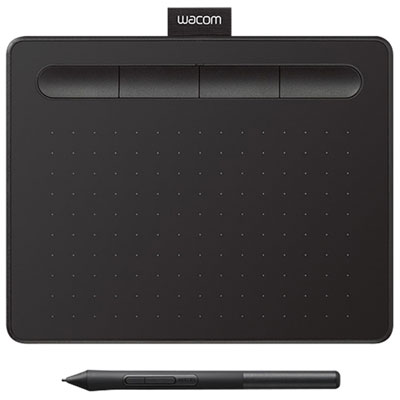 Your price for this item is $89.99
-
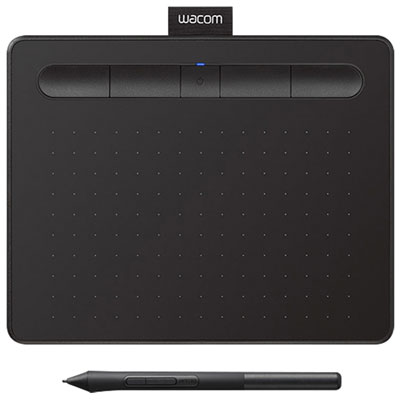 Your price for this item is $139.99
-
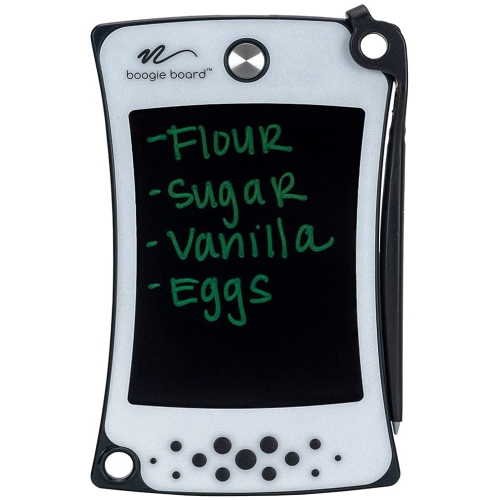 Your price for this item is $21.97
-
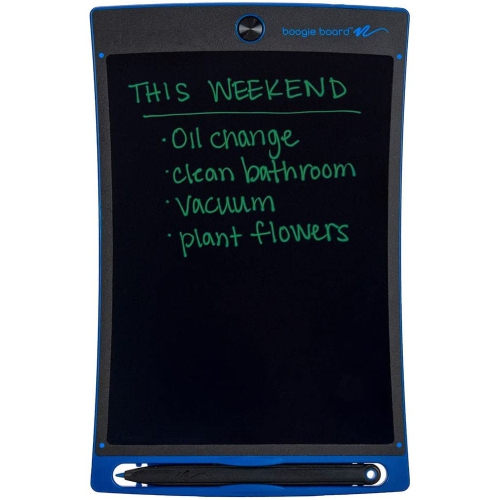 Your price for this item is $39.97
-
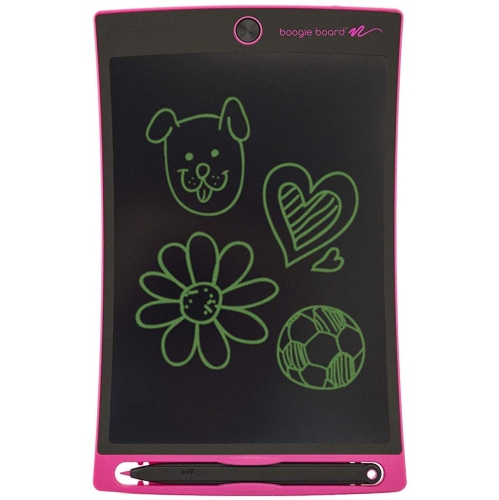 Your price for this item is $39.97
-
 Your price for this item is $319.99
-
 Your price for this item is $699.99
-
 Your price for this item is $2118.68