Best Tablets For Note Taking And Online Classes
The best tablets for note taking and online classes help you stay organized, capture ideas, and keep up with coursework wherever you study. Explore tablets ranked by user review ratings, and compare features such as stylus support, battery life, and video call capabilities to find the right fit for your learning needs.

Read More

What to look for in tablets for note taking and online classes

1. Stylus Support

Look for compatibility with an active stylus for handwritten notes, diagrams and document annotations. Palm rejection lets you rest your hand on the screen while writing, and checking whether the stylus is included can help you plan your budget.

2. Display and Portability

A larger display gives you more room to read course materials and take notes side by side, while a smaller tablet is easier to carry. Consider screen clarity, brightness and weight for comfortable use during long study sessions.

3. App Compatibility and Multitasking

Check that the tablet supports your school’s learning platform, video calling software and preferred note-taking apps. Split-screen features and keyboard support can make it easier to follow a lecture while taking notes, but some course software or exam tools may require a computer.

4. Battery Life and Connectivity

Compare battery life estimates with your class schedule, keeping in mind that video calls can drain the battery faster than reading or writing. Reliable Wi-Fi, a clear front-facing camera and a good microphone help you participate in online classes.
  1. 1

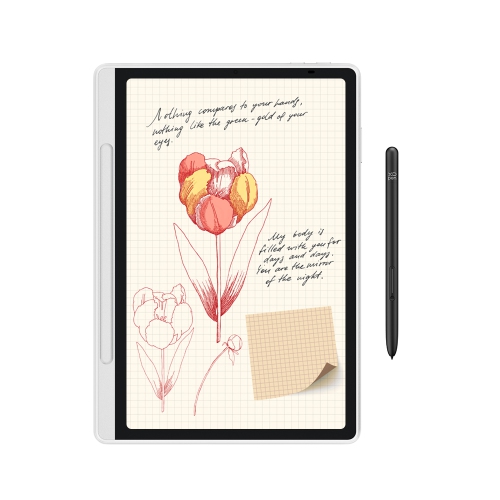
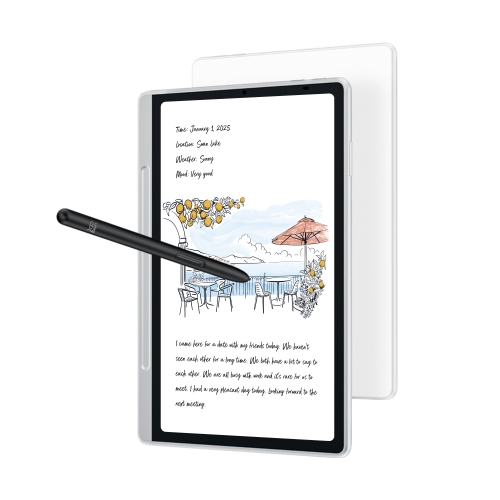
    XPPEN Magic Note Pad - 3 In 1 Color Digital Notebook 10.95" Ebook Reader Paper Note Taking Tablet w 16384 Pressure Levels Pencil 2 Magnetic Folio

    About this product

    A versatile digital notebook with a color display, 16K pressure-level pen, and magnetic folio for seamless note-taking.

    (3)
    $499.99
    SAVE $140
    Your price for this item is $499.99
  2. 2

    XPPEN 22 Inch 130% Srgb Drawing Tablet Display High Colors Accuracy Art Tablet With 16384 Pressure Stylus (Artist 22 Plus)

    About this product

    A high-colour-accuracy drawing tablet with 130% sRGB and 16,384-pressure-level stylus for creative work.

    (1)
    $519.99
    SAVE $240
    Your price for this item is $519.99
  3. 3

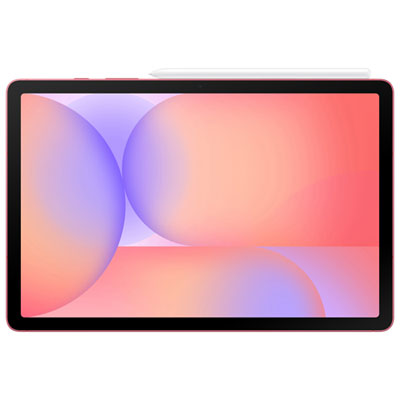
    Samsung Galaxy Tab S10 Lite 10.9-inch 128GB, Exynos 1380 with S Pen - Red

    About this product

    A slim red tablet featuring a 10.9" display, Exynos 1380 processor, and included S Pen.

    What customers like

    • High-quality display and sound
    • Smooth and fast performance
    • Versatile with included S Pen
    • Long-lasting battery life
    • Great value for the price
    (631)
    $579.99 Your price for this item is $579.99
  4. 4

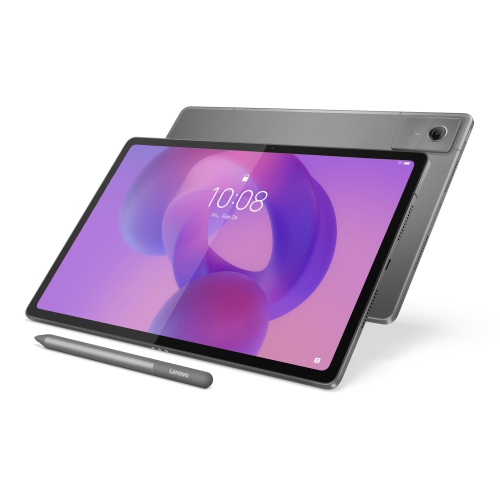
    LENOVO Idea Tab Plus 12.1-Inch 128GB, 8GB Ram, Dimensity 6400

    About this product

    A versatile tablet featuring a 12.1" IPS 90Hz display, 8GB RAM, and 128GB storage.

    What customers like

    • Affordable price and great value
    • Large and vivid screen
    • Good performance and memory
    • Stylus pen included
    • Lightweight and portable
    (46)
    $418.00
    SAVE $81
    Your price for this item is $418
  5. 5

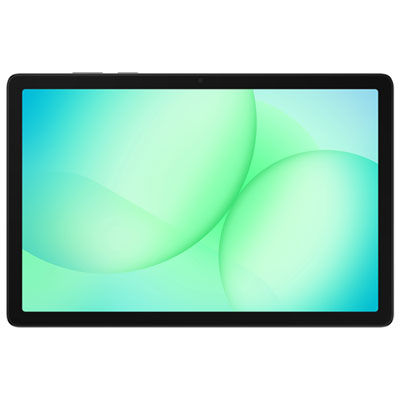
    Samsung Galaxy Tab A11+ (Plus) 11-inch 128GB, Wi-Fi, 6GB RAM, MediaTek MT8775 - Grey

    About this product

    A grey tablet featuring a vibrant 11" display, quad Dolby speakers, and fast MediaTek MT8775 performance.

    What customers like

    • Easy to set up and use
    • Loud and impressive sound quality
    • Great value for the price
    • Strong performance and battery life
    • Clear and vibrant screen
    (211)
    $429.99 Your price for this item is $429.99
  6. 6

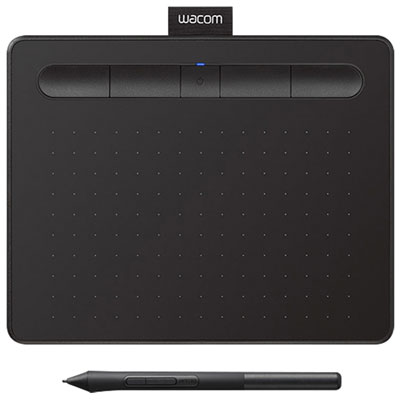
    Wacom Intuos 6.0" x 3.7" Graphic Tablet with Stylus (CTL4100WLK0) - Black

    About this product

    A black Bluetooth-enabled graphic tablet with a precise stylus and 4,096 pressure sensitivity levels.

    What customers like

    • Good value with included software and accessories
    • Simple setup and user-friendly interface
    • Easy wireless Bluetooth connectivity
    • Highly portable and compact design
    • Precise and responsive stylus with strong pressure sensitivity
    (1,002)
    $114.98
    SAVE $5
    Your price for this item is $114.98
  7. 7

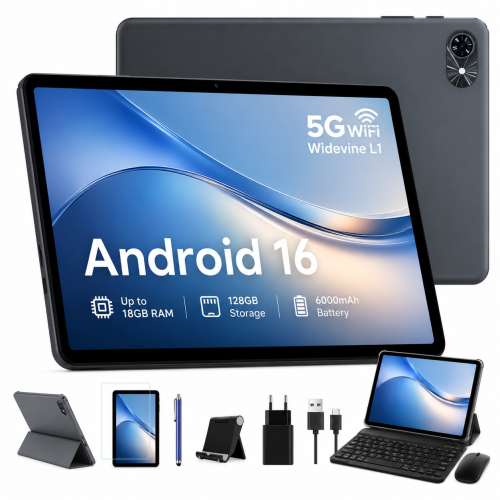
    BLACKVIEW 10" Tablets, Android 16 Tablet, 2026 Android Tablets w Keyboard 18GB+128GB, 10 Inch Tablet w Stylus, 6000Mah, 1080P, 5G Wifi

    About this product

    A versatile Android 15 tablet featuring 18GB RAM, 128GB storage, keyboard, stylus, and 5G Wi-Fi.

    What customers like

    • Easy to set up and use
    • Good memory and storage capacity
    • Excellent value for money
    • Includes useful accessories like keyboard and stylus
    • Fast and smooth performance
    (33)
    $142.99
    SAVE $13
    Your price for this item is $142.99
  8. 8

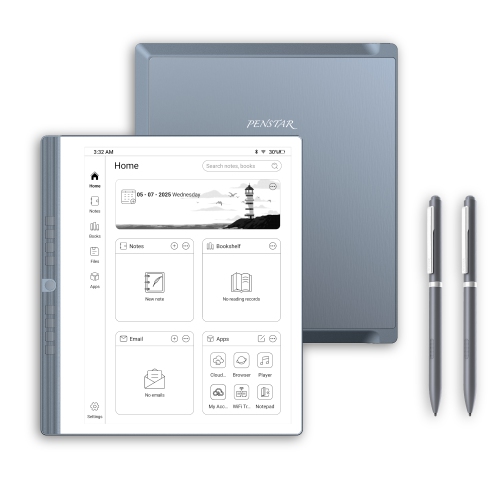
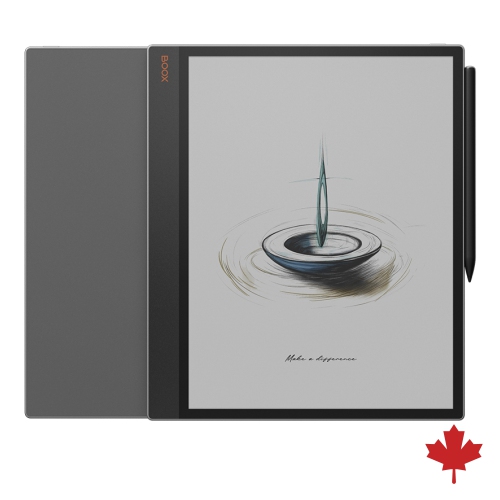
    PENSTAR Enote 2 10.3" Digital Notebook 4GB Ram 128GB With Folio Cover And 2 Pens for Voice-To-Text

    About this product

    A digital notepad with a 10.3" E Ink display, 4GB RAM, 128GB storage, and folio included.

    $639.00 Your price for this item is $639
  9. 9

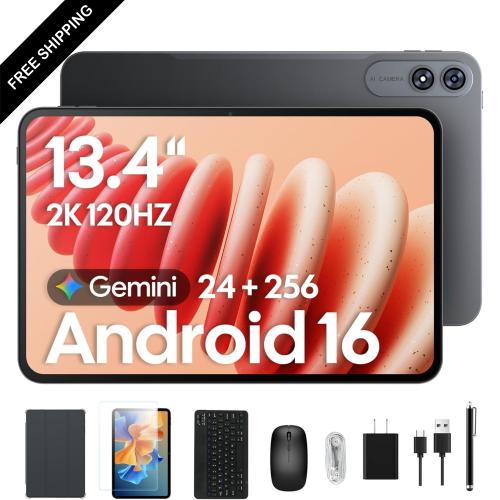
    LDAS ELECTRONICS 13.4-Inch 256GB Tablet, Octa-Core With Keyboard, Mouse, Stylus & Case for 120Hz Streaming

    About this product

    A powerful tablet bundle featuring a 2K 120Hz IPS display, 24GB RAM, and 256GB storage.

    $499.99
    SAVE $50
    Your price for this item is $499.99
  10. 10

    XPPEN Magic Note Pad 10.95-Inch 128GB Digital Notebook With Stylus - In Blue

    About this product

    A blue digital notepad with stylus, paper-like display, and AI-powered note-taking and calculation features.

    $499.99
    SAVE $140
    Your price for this item is $499.99

Handwritten notes and live lessons on one screen

The best tablets for note taking and online classes combine responsive pen input, a readable display, dependable video calling and the ability to keep coursework open alongside a lecture. For students, remote learners and adults taking professional courses, that combination can bring handwritten notes, assigned readings and class discussions onto one portable screen. A tablet can serve as a digital notebook beside a computer or handle many everyday study tasks on its own, depending on its operating system and software support. During a live lesson, a compatible stylus makes it possible to sketch a diagram, annotate a slide or work through an equation without switching to a separate paper notebook. Low pen latency helps handwriting follow the tip naturally, while palm rejection allows a hand to rest on the screen without leaving stray marks. These features depend on the tablet, stylus and app working together; a basic touch stylus does not necessarily offer the same precision as a supported active pen. Pen charging, replacement tips and a secure attachment point also matter when the tablet travels between a desk, a classroom and a library table. For typed assignments and discussion posts, support for a physical keyboard can make longer writing sessions more comfortable. A stable stand or adjustable case helps position the screen for reading and calls, although a keyboard case may feel different on a lap than a traditional laptop. Screen size shapes the experience as much as portability: a smaller tablet is easier to hold while reading, while a larger display leaves more room for a textbook page and handwritten notes side by side. The most suitable tablet is therefore not simply the one with the largest screen or fastest processor. It is one that supports the actual rhythm of a school day, from opening course materials and joining a seminar to saving an assignment in the required format.

Clear online classes rely on more than a sharp screen. A front-facing camera positioned for landscape use can make a video call feel more natural when a tablet is propped beside a keyboard, and clear microphones help classmates hear a presentation or a spoken answer. Headphone support is useful in shared spaces, whether through a compatible wired connection or Bluetooth. A pair of headphones can make a recorded lecture easier to follow without disturbing someone studying nearby, though microphone performance will also depend on the headset being used. Reliable Wi-Fi and a suitable internet connection are essential for live lessons, file uploads and shared documents; the tablet alone cannot prevent interruptions caused by a weak connection. Multitasking support is another important distinction. Opening a video lesson beside a note-taking app, or keeping a browser visible while drafting an answer, requires both compatible software and enough processing power and memory to work smoothly. Not every app supports split-screen use, and some classroom tasks require desktop software, browser extensions or assessment tools that may not work on a tablet. Course requirements are worth checking before treating a tablet as a full laptop replacement, especially for subjects involving specialised design, engineering or data applications. Display quality also affects daily comfort. Legible text, adjustable brightness and manageable reflections help when reading dense articles or following small labels on presentation slides. A matte screen protector may add a more textured writing feel, but it can slightly soften the image and affect stylus-tip wear. Colour displays are useful for highlighted passages, charts and diagrams, while writing-focused e-paper devices can suit reading and handwritten work but may lack the app support and video capabilities needed for live classes. Battery life should be considered across a realistic mix of activities: video calls, high screen brightness and several open apps generally use more power than quiet reading. Convenient charging and the right connections can make a difference during a day that moves from independent study to an evening lesson.

Day-to-day usefulness also comes from how well a tablet keeps study materials organised and how comfortably it fits into a routine. Note-taking apps may offer searchable handwriting, folders, audio-linked notes or PDF annotation, but features and language support vary. Export options matter when an instructor expects a PDF submission or when notes need to remain accessible on another device. Cloud syncing can help keep coursework together across devices, while downloaded readings and locally stored notes can support study sessions away from Wi-Fi. Syncing is not a substitute for a separate backup of important work, and shared tablets benefit from suitable account controls and screen locks. Storage needs grow with downloaded textbooks, presentation files, videos and handwritten notebooks, so usable internal capacity and any supported expansion deserve attention. For learners moving between home and campus, the feel and construction of the tablet matter too. Aluminium and plastic housings offer different balances of weight and feel, but neither material alone establishes how well a device will withstand a drop. Glass screens still need protection from pressure, grit and loose objects inside a bag. A fitted case with protected corners, a raised edge and secure stylus storage can make daily handling more practical. Cases, keyboards and screen protectors need to match the exact tablet model so that cameras, buttons and charging ports remain accessible. Routine care is straightforward: follow the manufacturer's cleaning directions, use a soft lint-free cloth and avoid spraying liquid directly onto the device. Software support and repair options also contribute to long-term usefulness, particularly when a tablet is expected to last through several years of coursework. For a closer focus on lecture notes, readings and campus assignments, the best tablets for college note taking collection brings together that related study theme. A tablet can also be a thoughtful gift for someone starting post-secondary studies or returning to learning, provided it suits their course software, preferred writing style and accessibility needs. Comfortable handwriting, readable text, dependable calls and easy access to saved work are the details that turn a portable screen into a useful everyday study companion.
Read More

FAQ

Some products may be subject to Environmental Handling Fees (EHF) depending on your province. Learn more about EHFs.