Digital Cameras for YouTube Videos
If you're looking to make your own YouTube videos, or capture footage of your family's vacations, parties, and other special moments, a digital camera is a great place to start. These cameras are easy to use and will help you create the video you want. Here are some of the best options available.
Sort

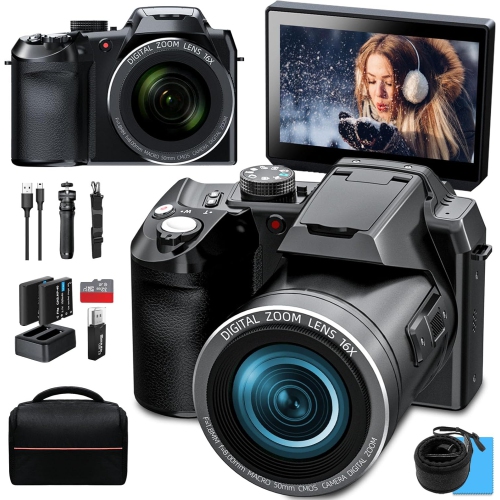
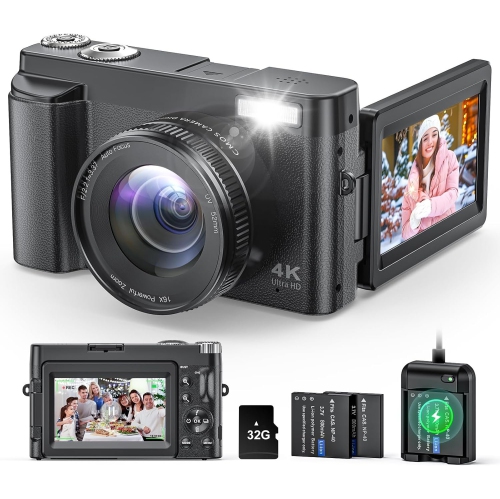
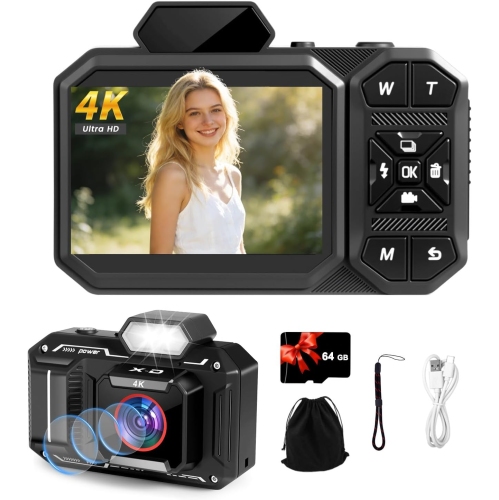
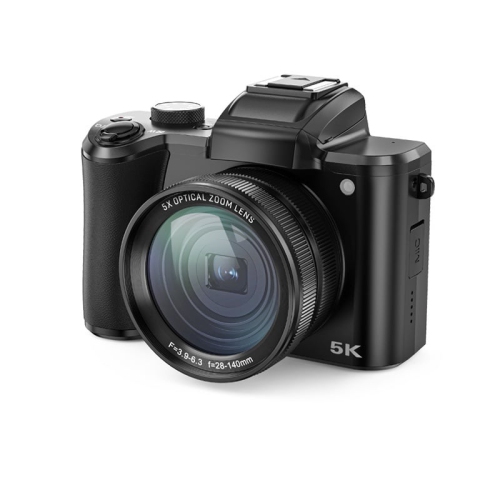
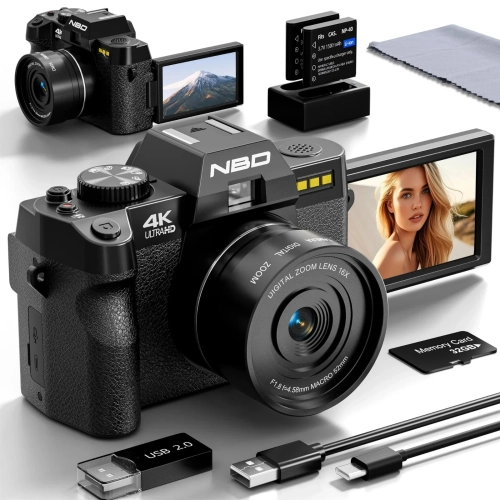
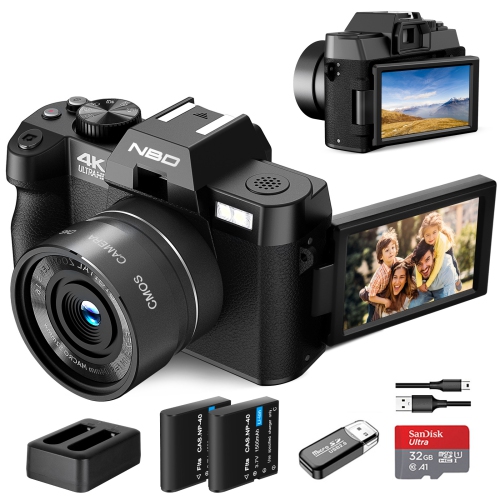
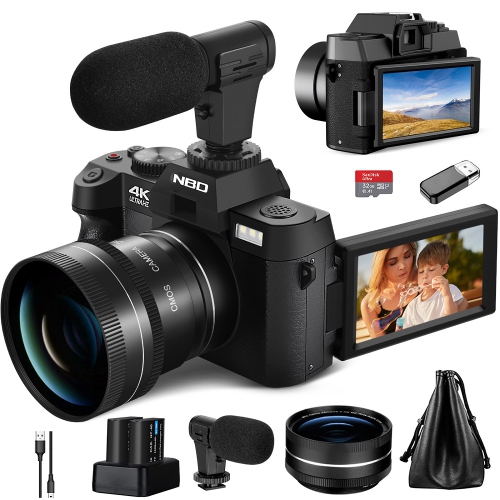
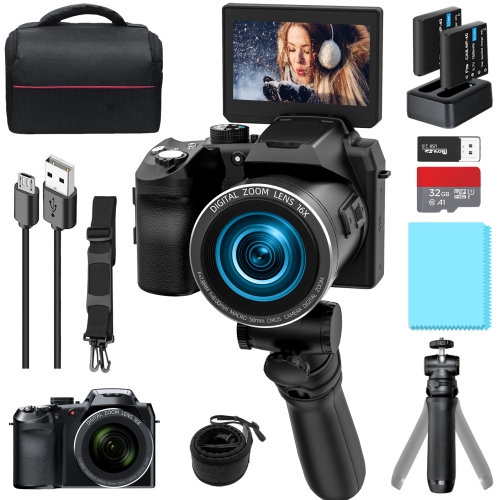
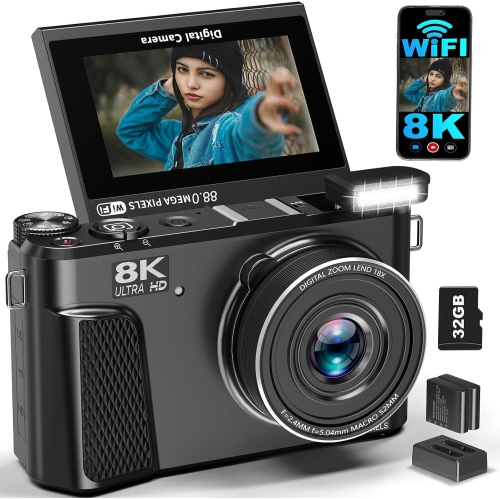
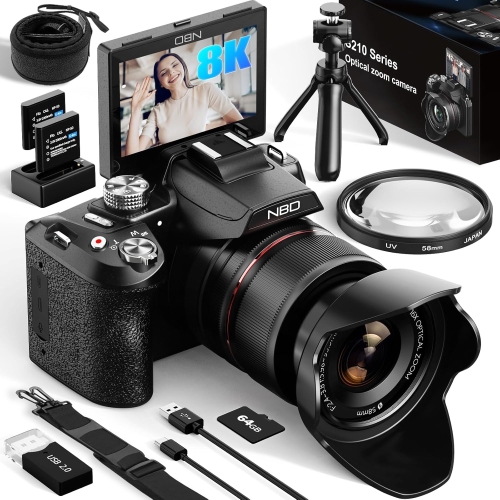
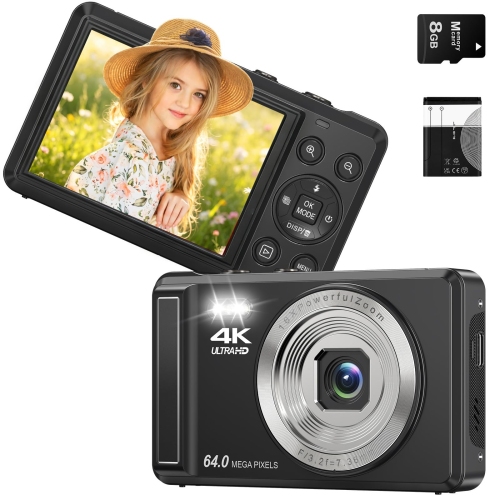
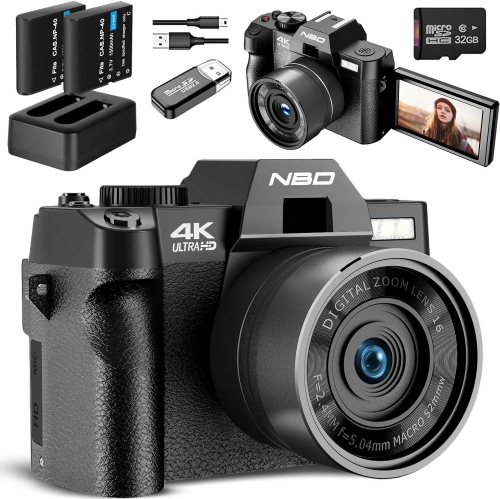
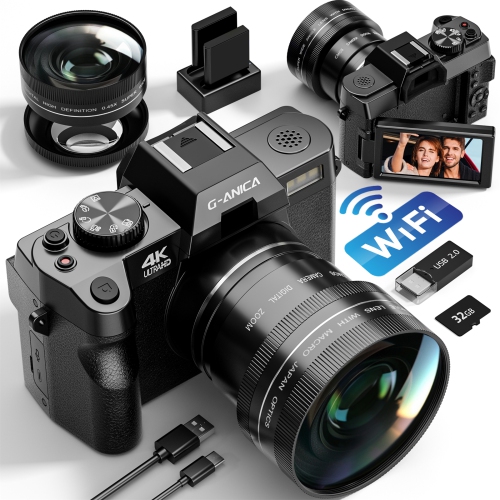
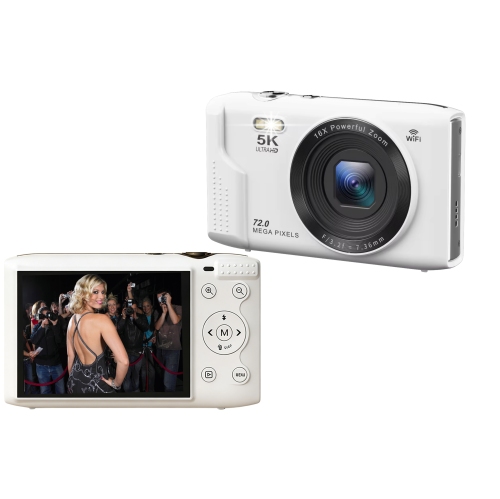
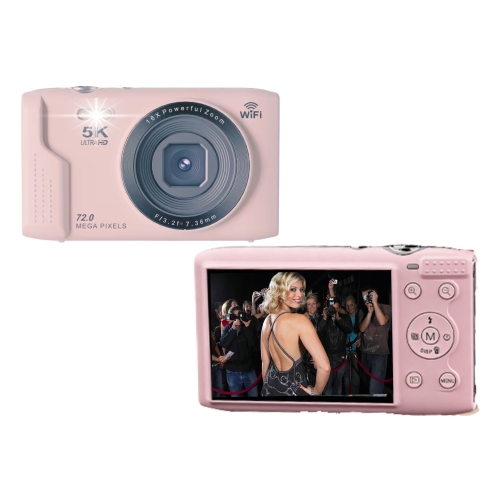
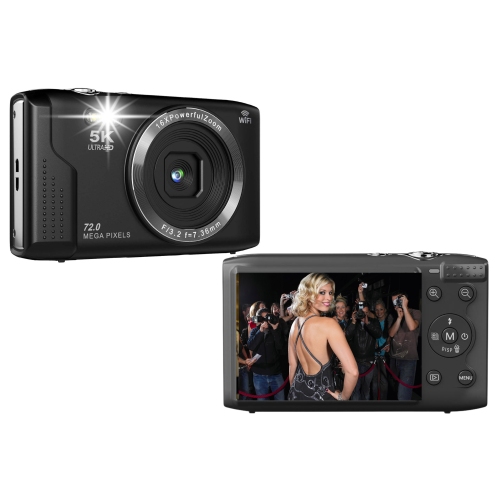
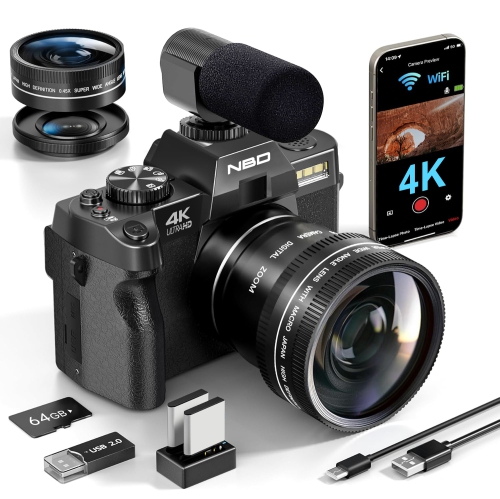
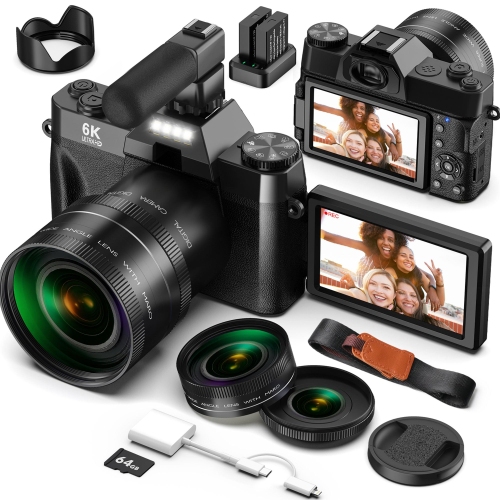
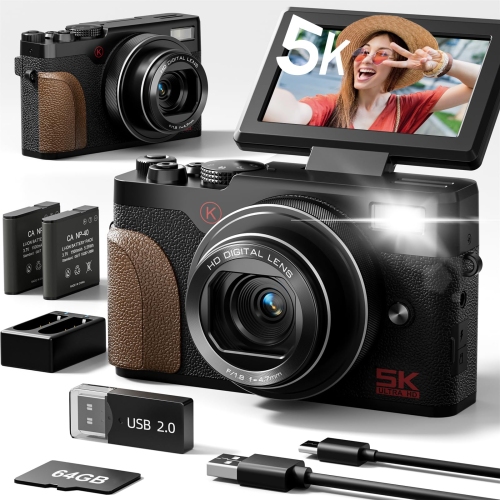
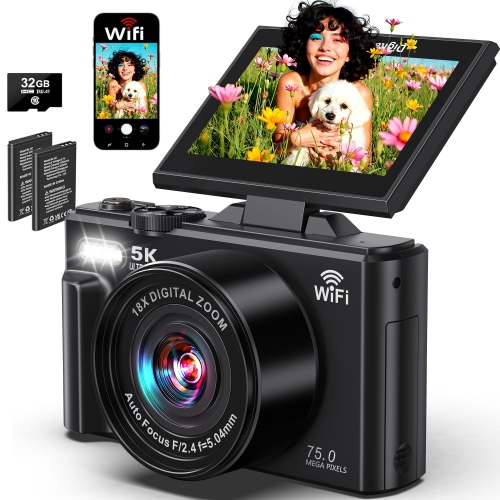

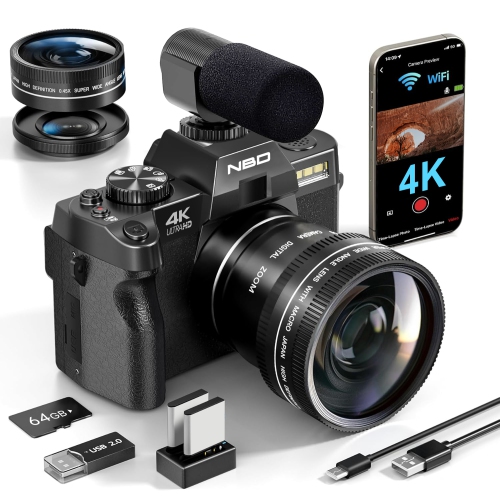
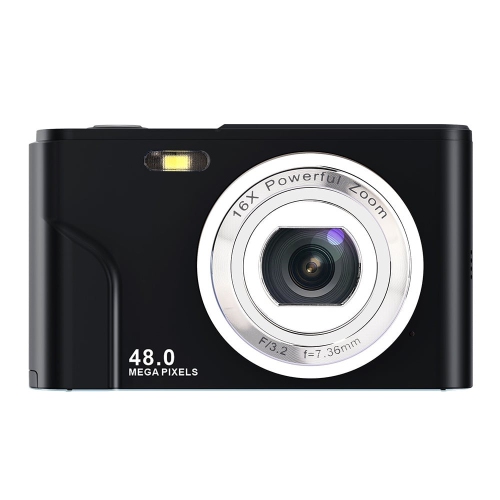
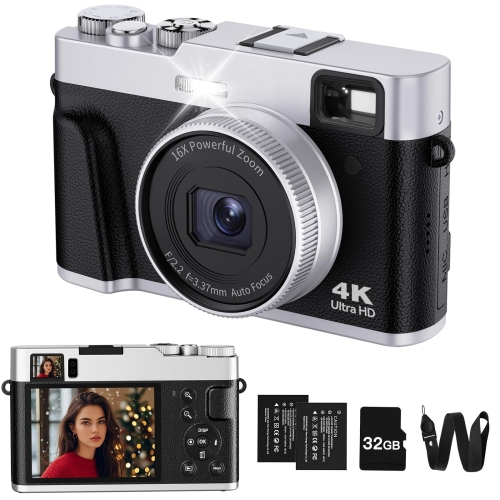
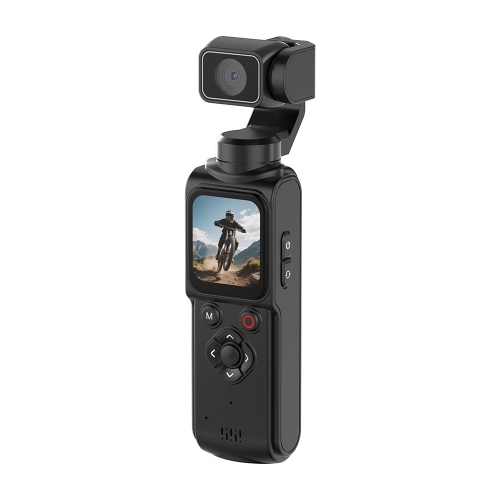
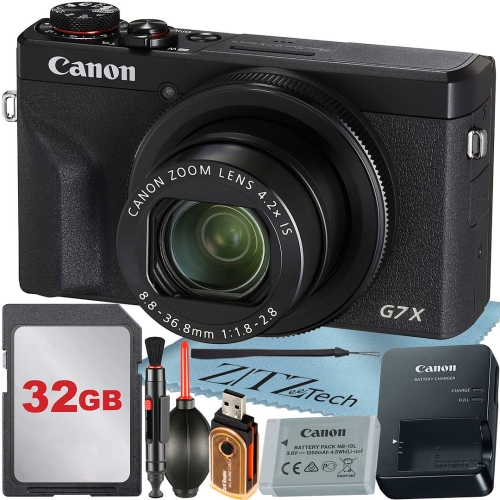
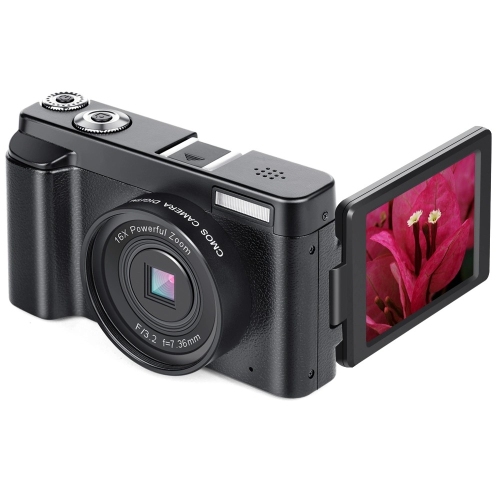
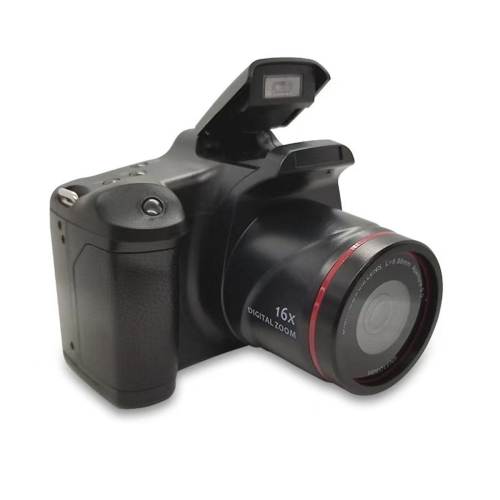
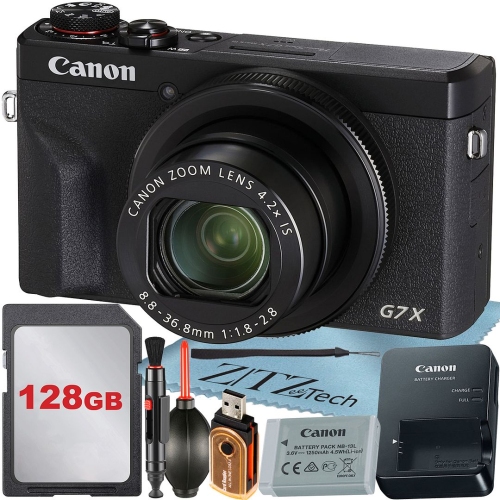
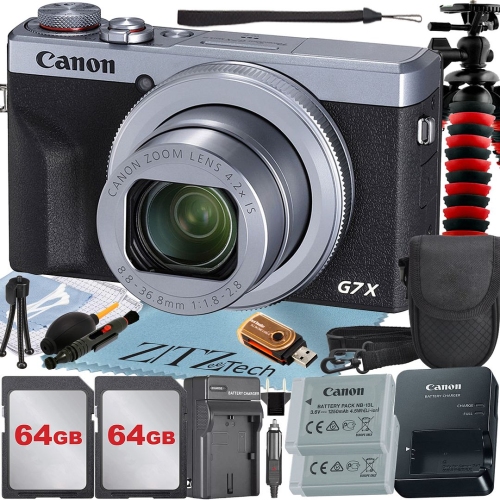
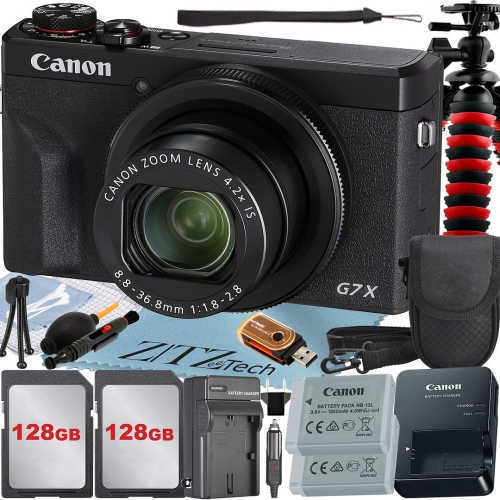
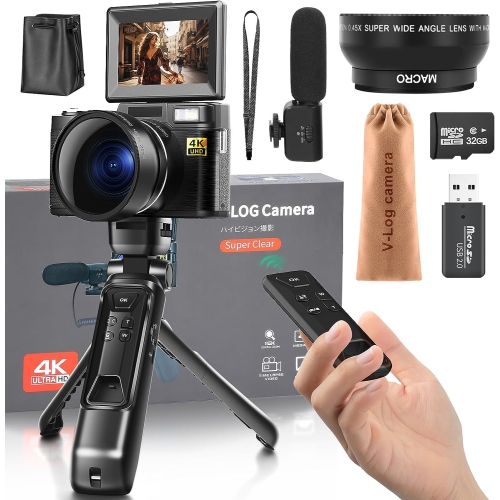
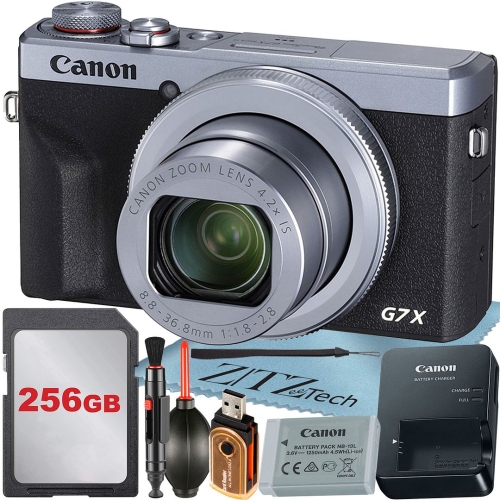
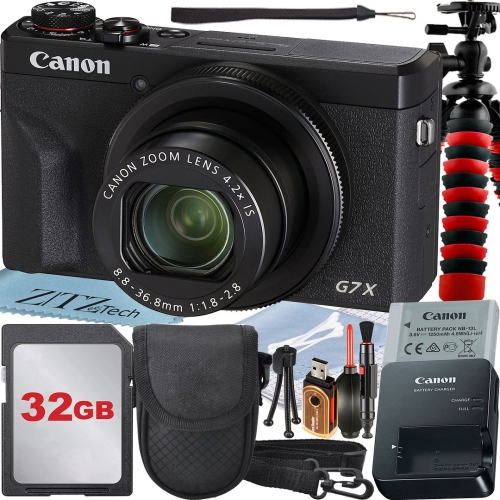
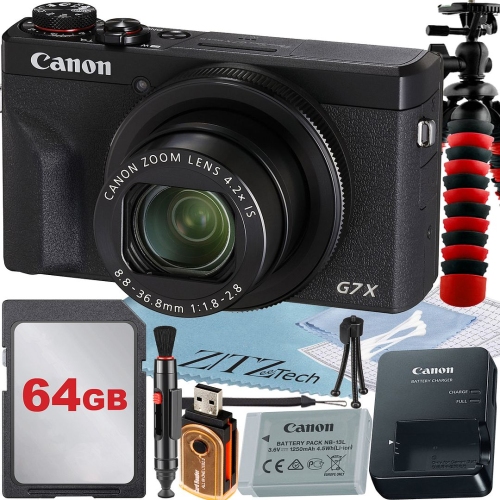
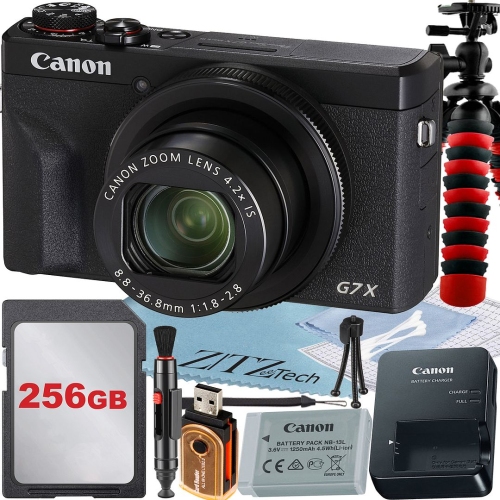
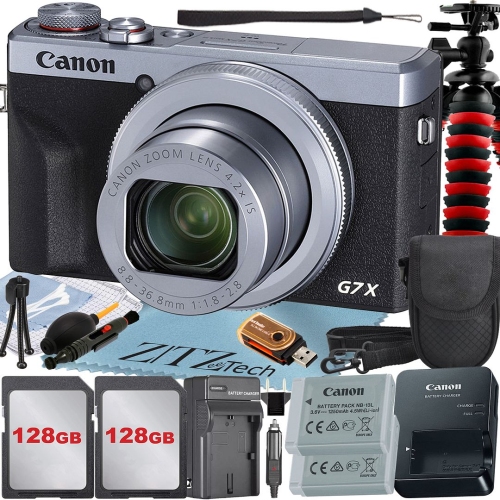
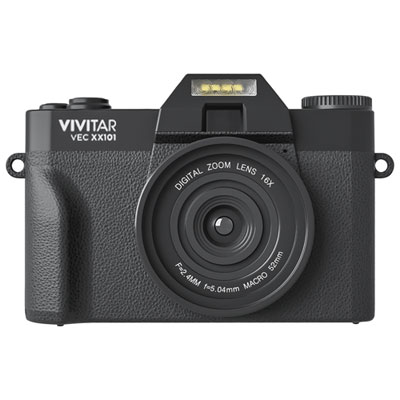

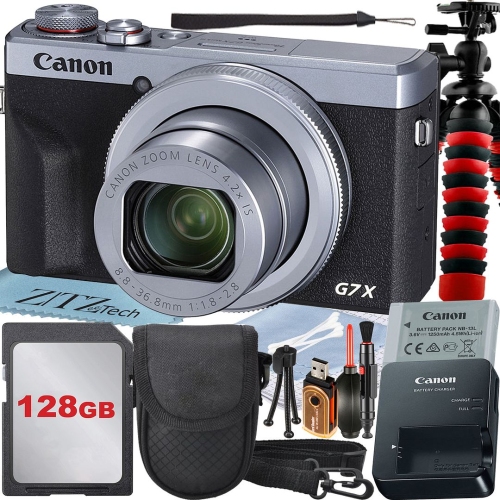
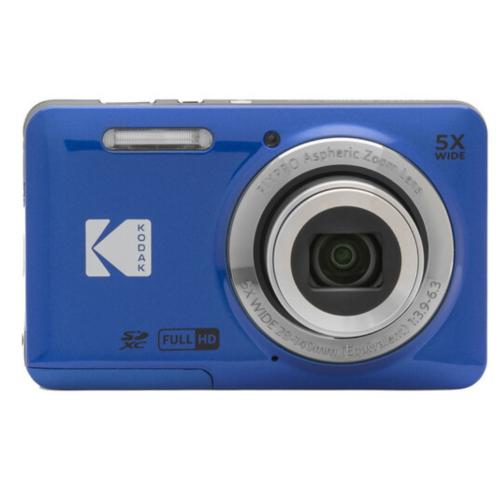
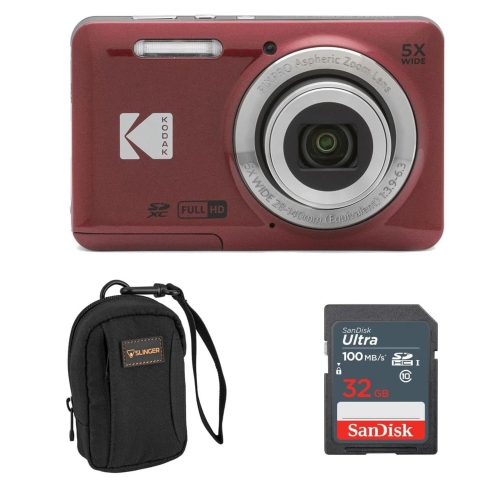
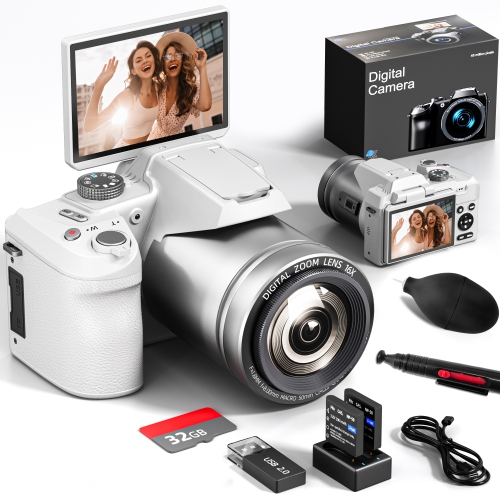
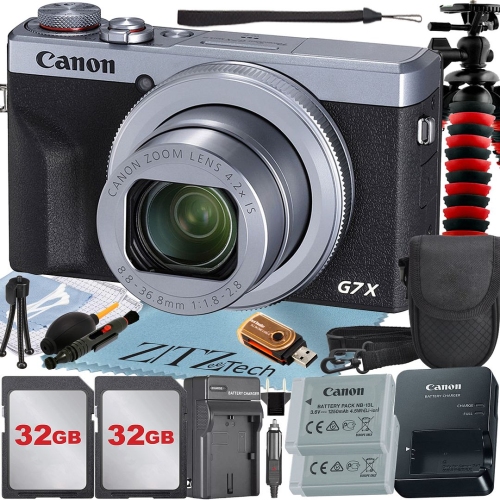
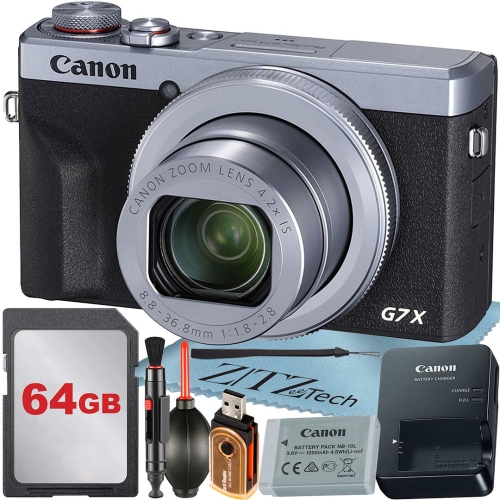
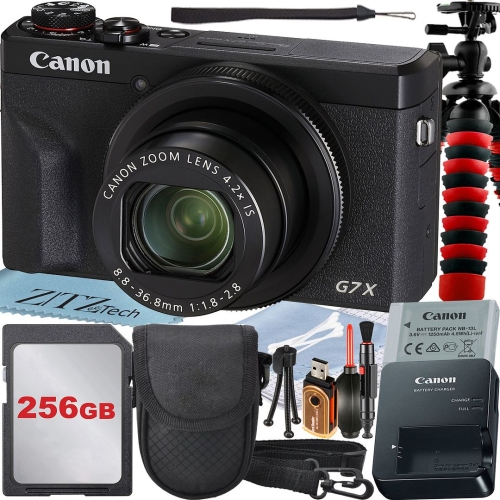
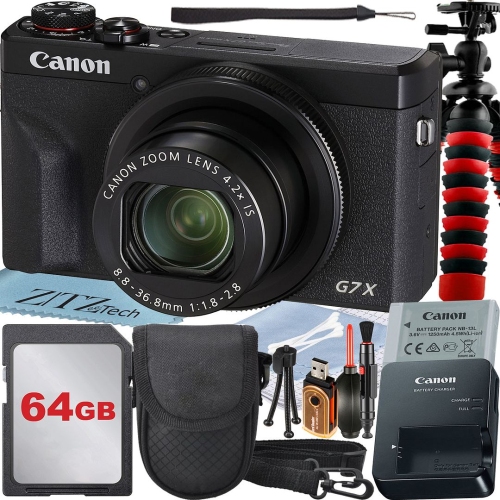
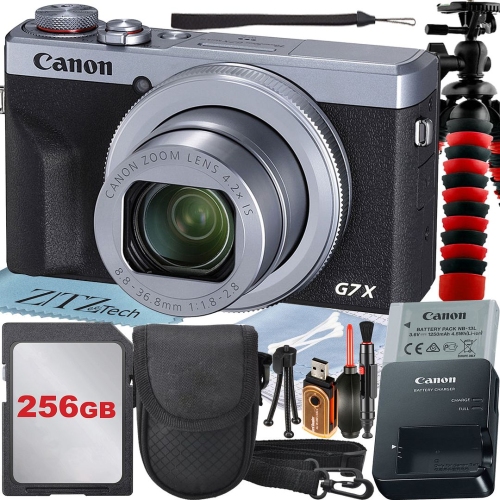
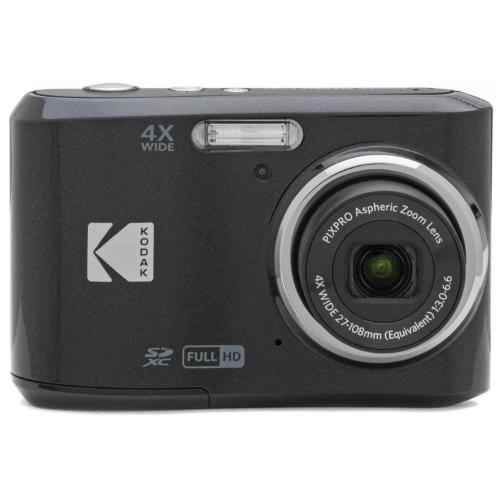
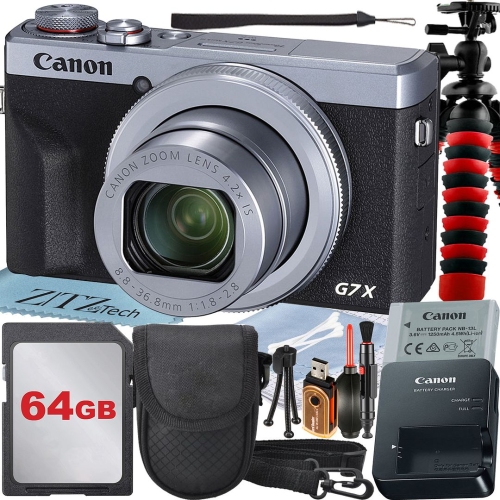
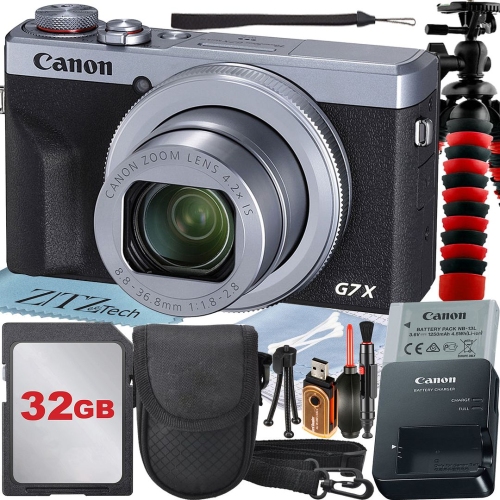
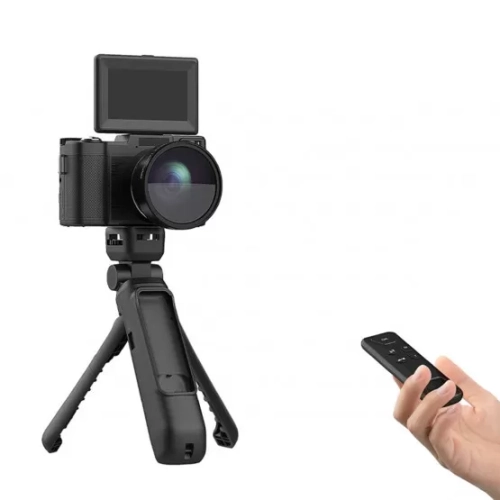
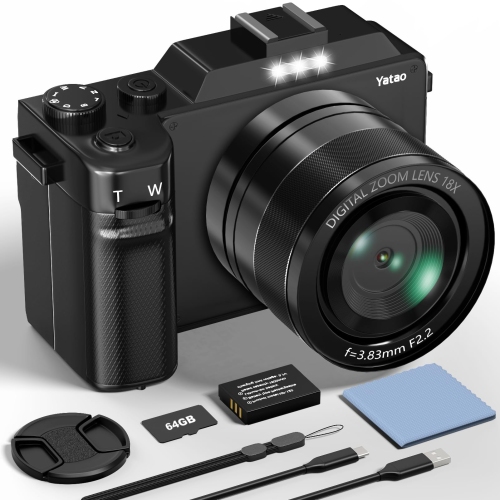
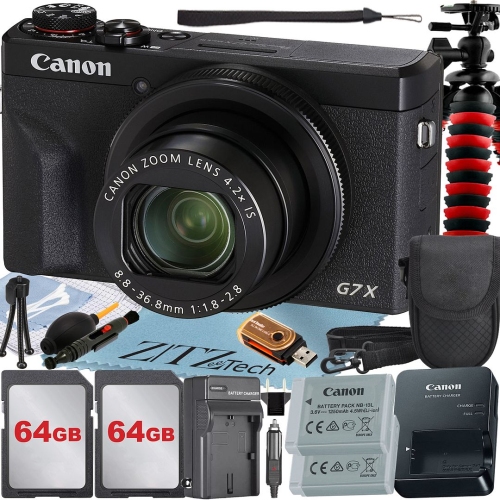
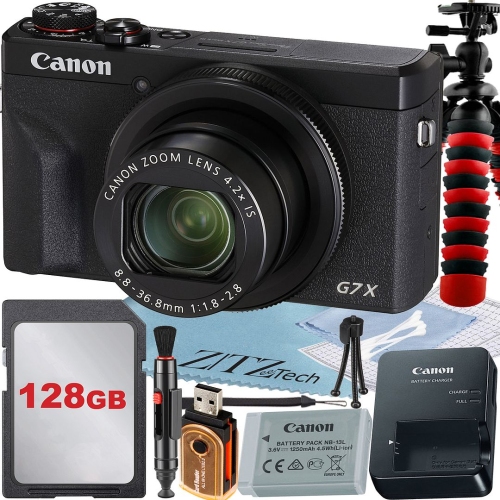
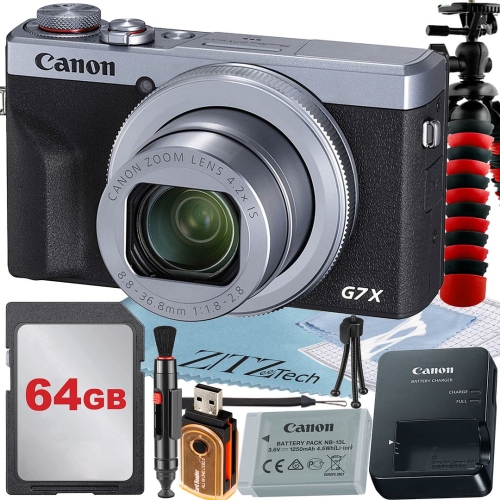
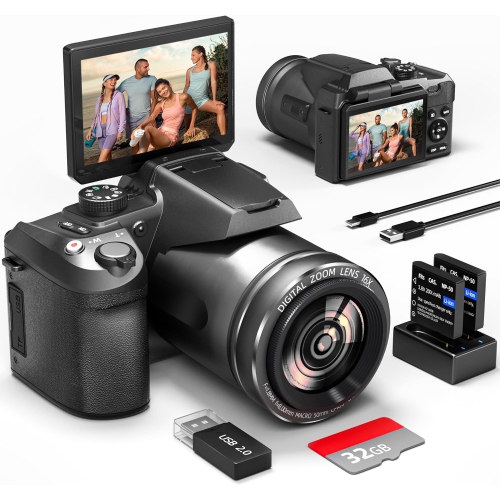
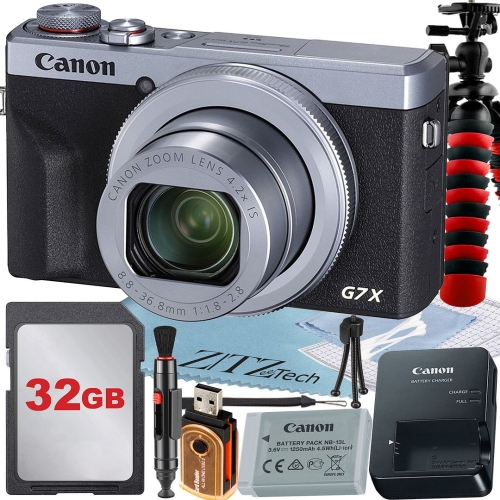
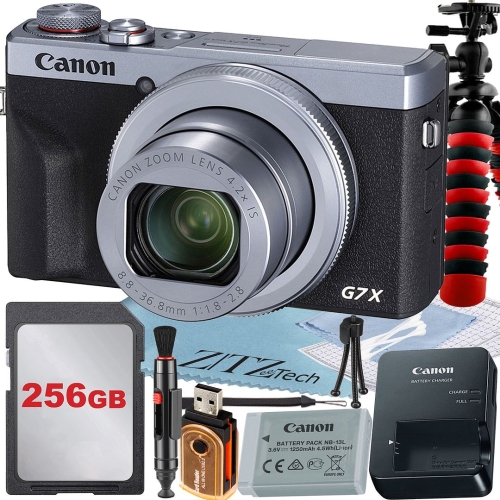
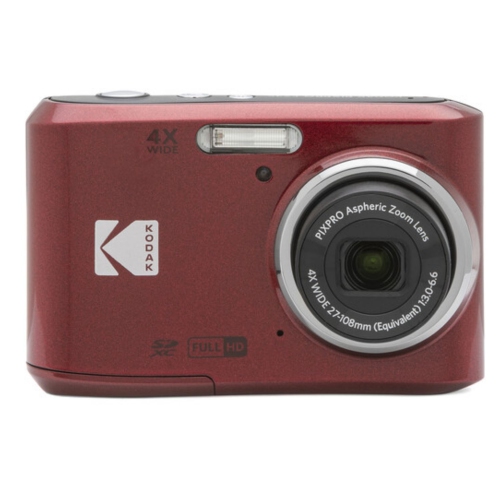
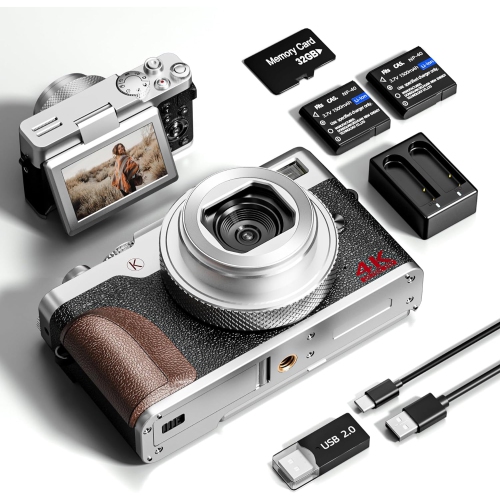
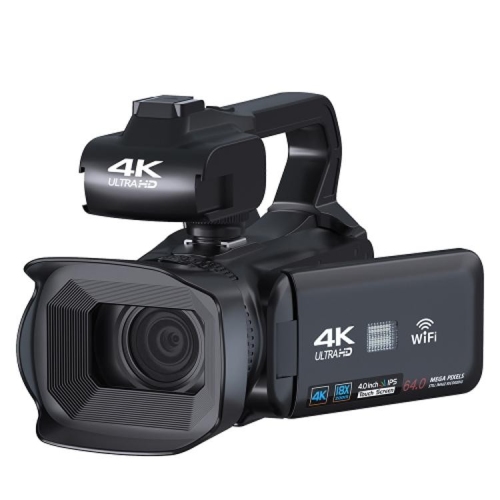
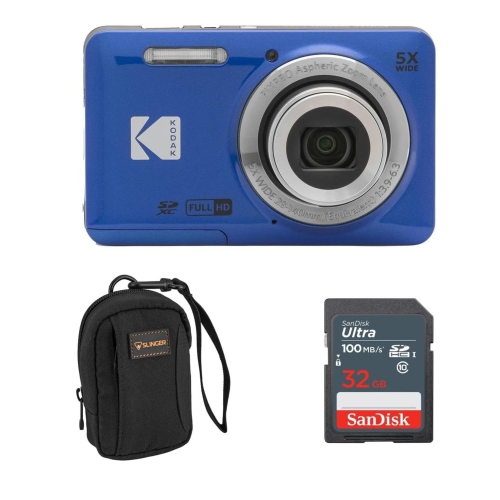
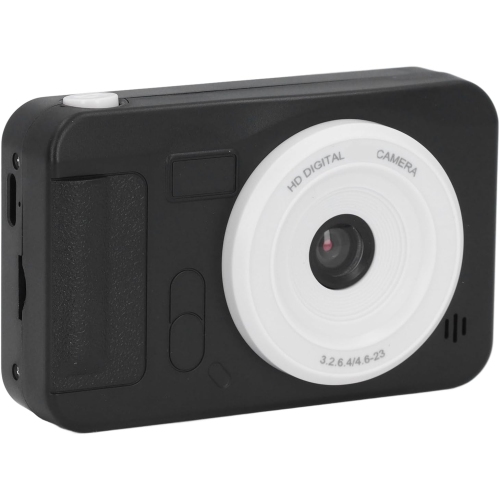
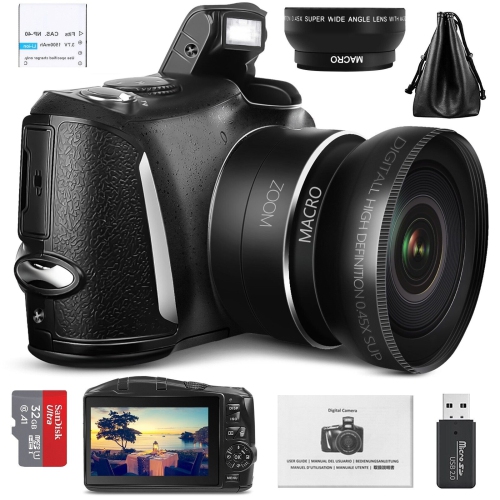
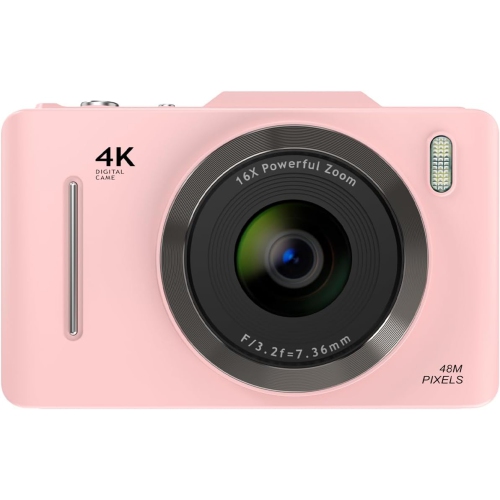
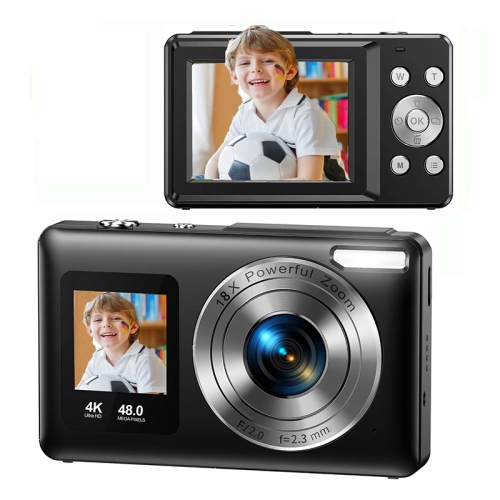
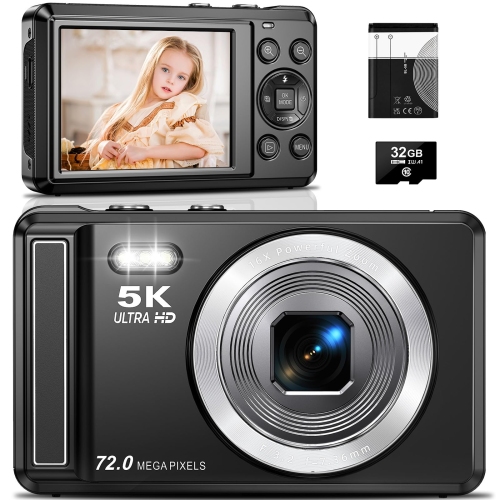
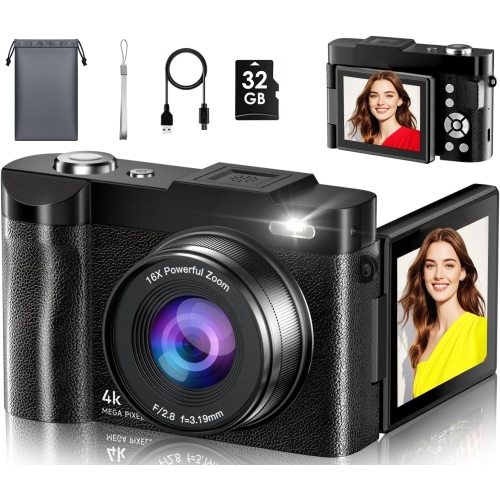
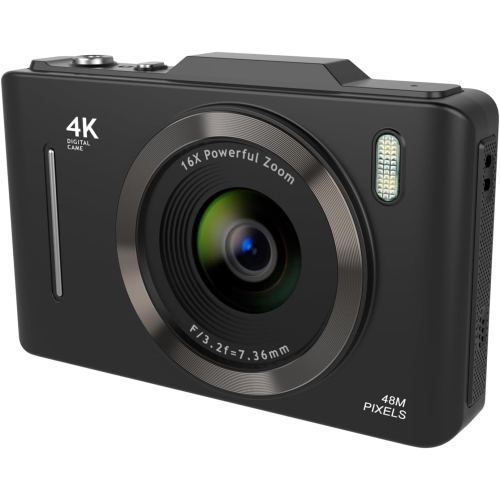
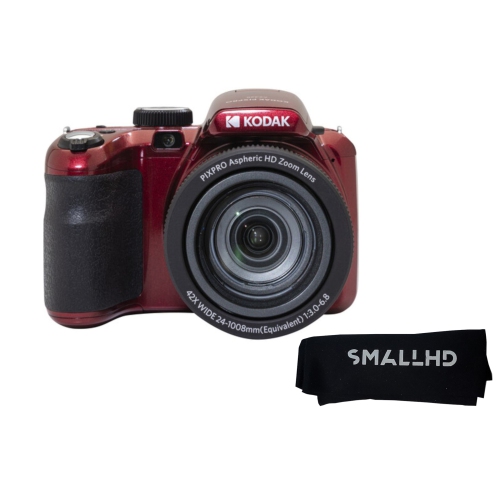
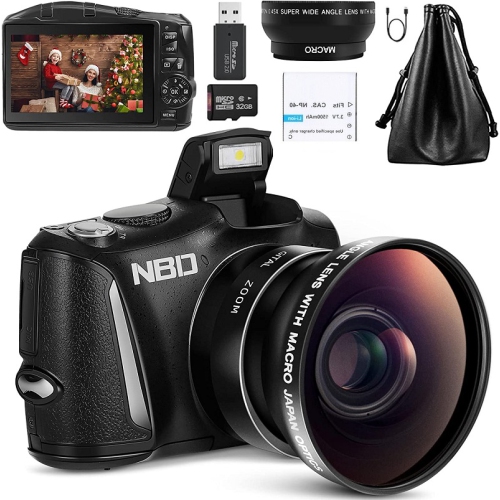

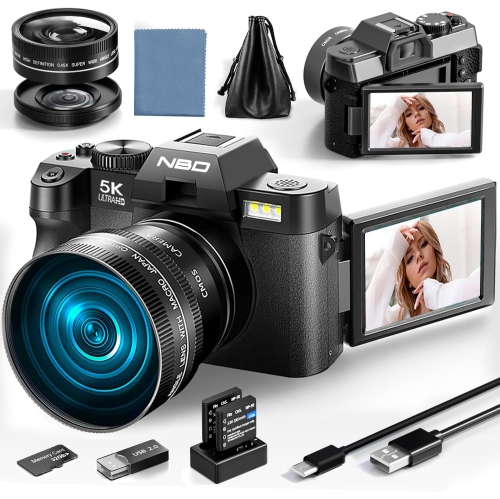
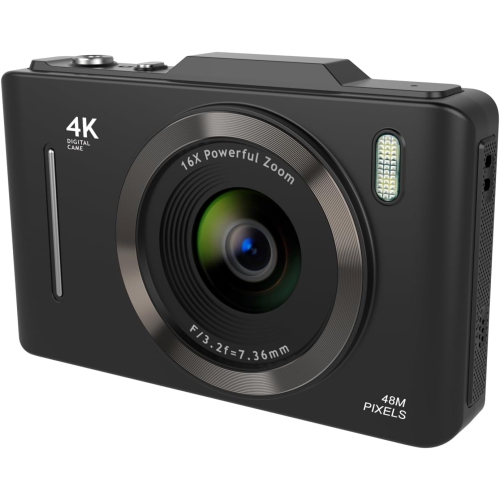
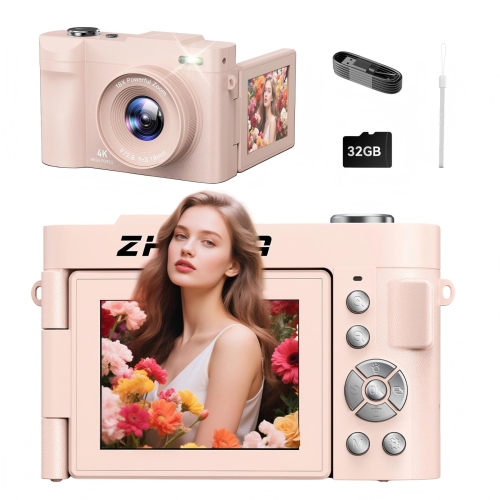
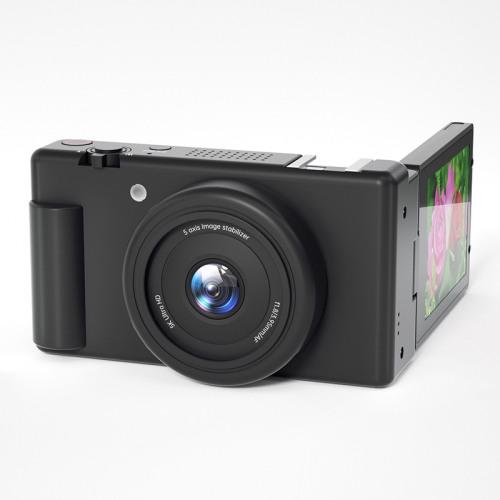
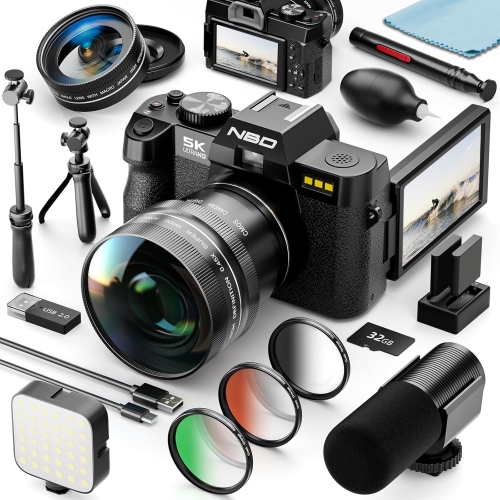
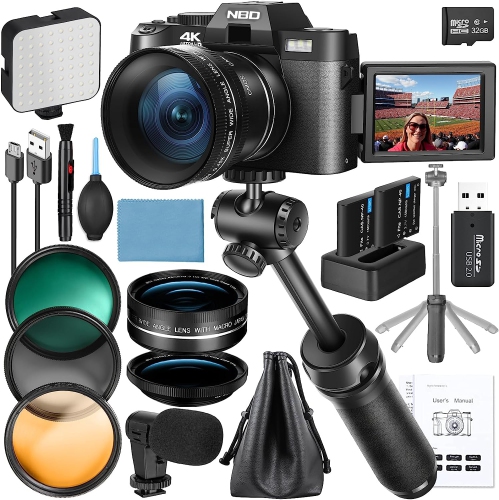
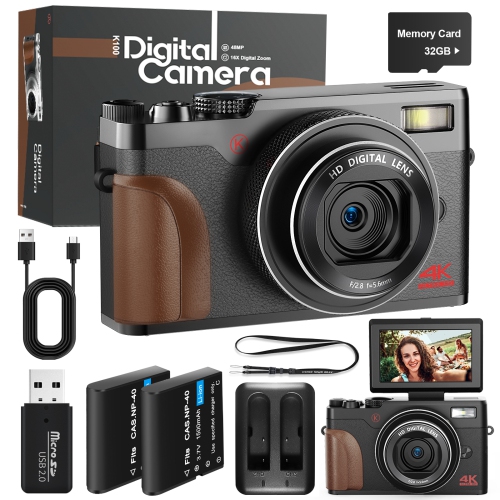
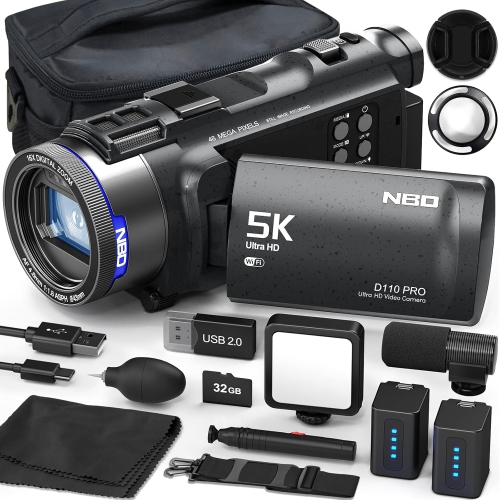
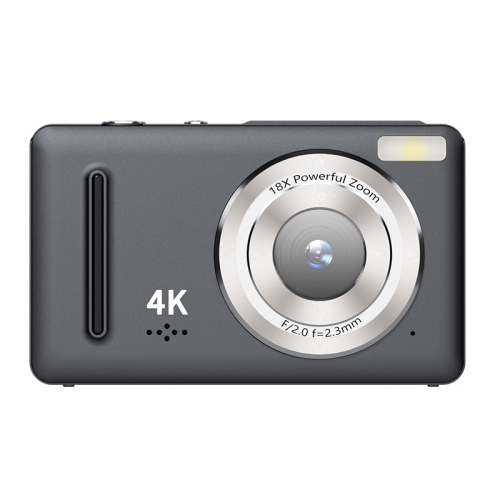
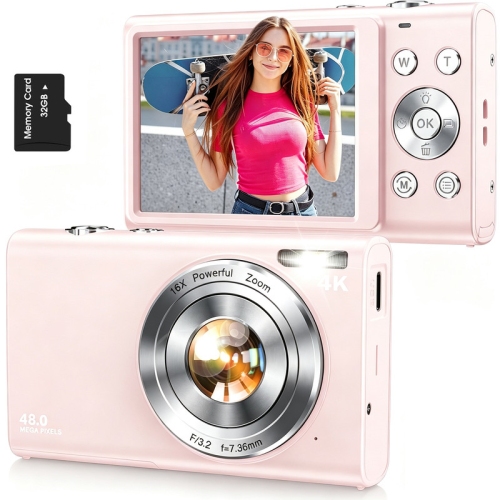
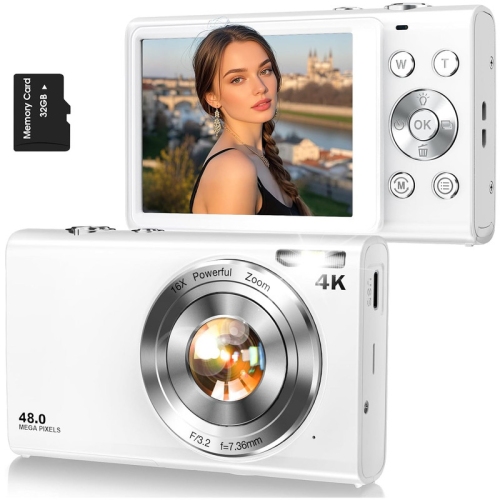
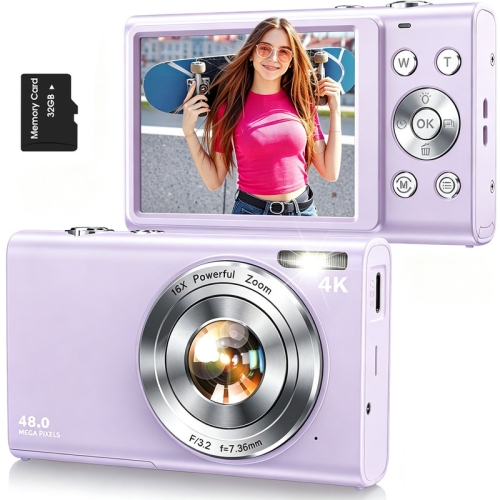
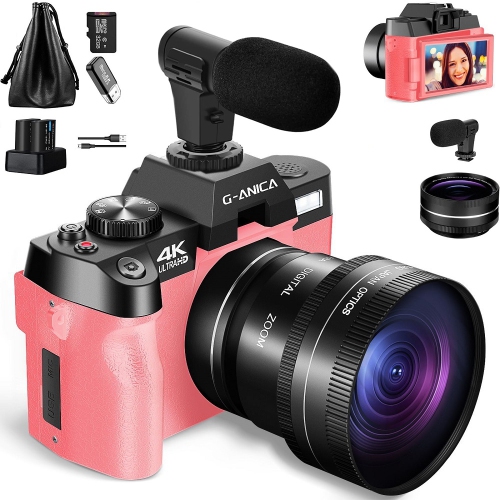
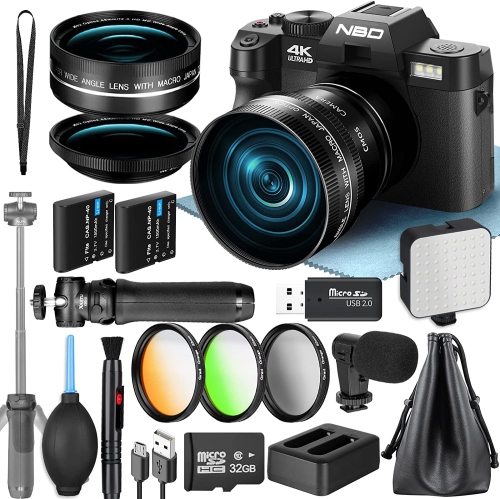
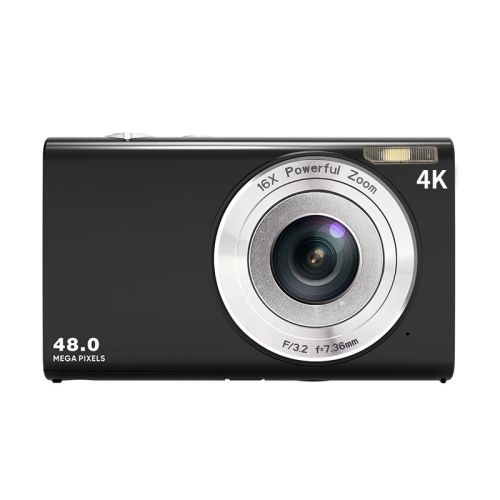
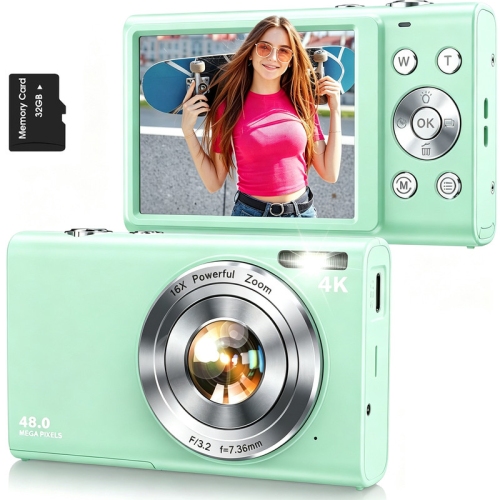
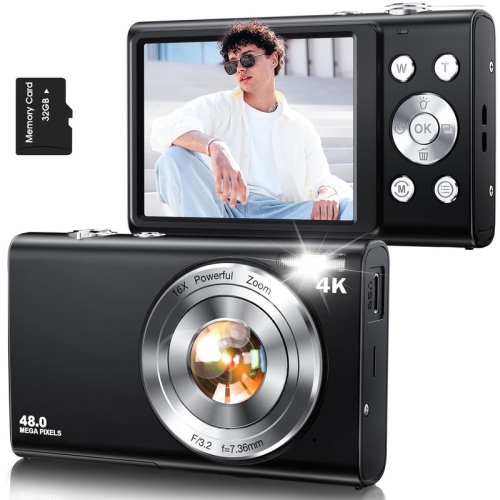
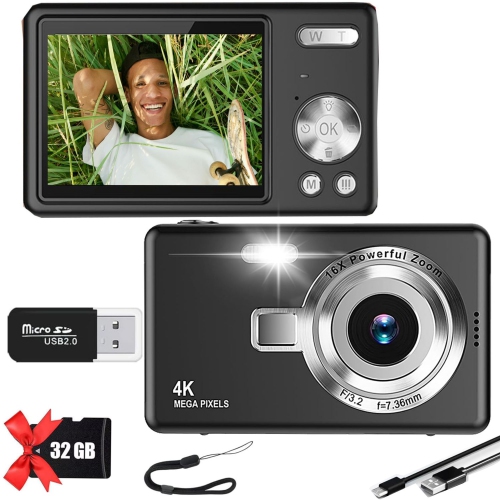
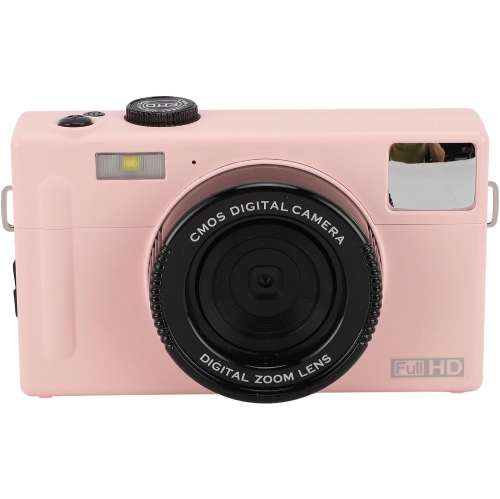
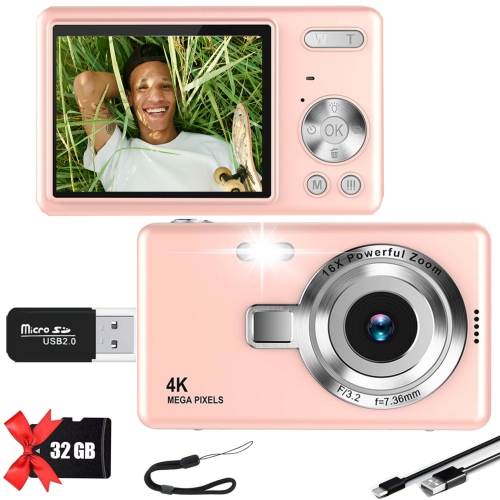
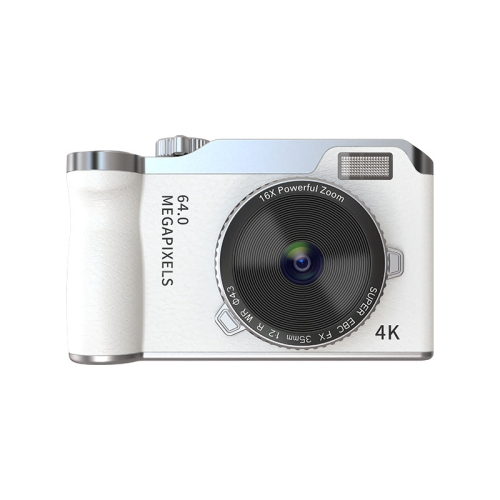
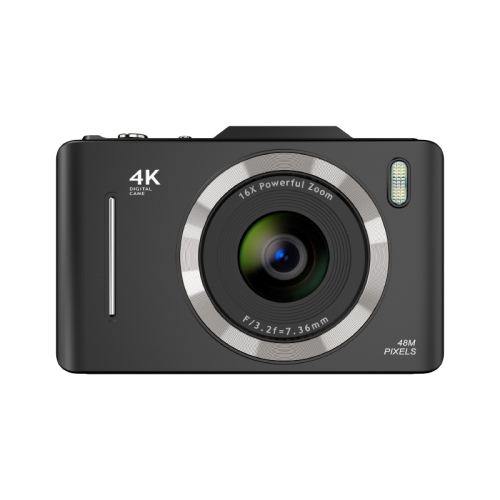
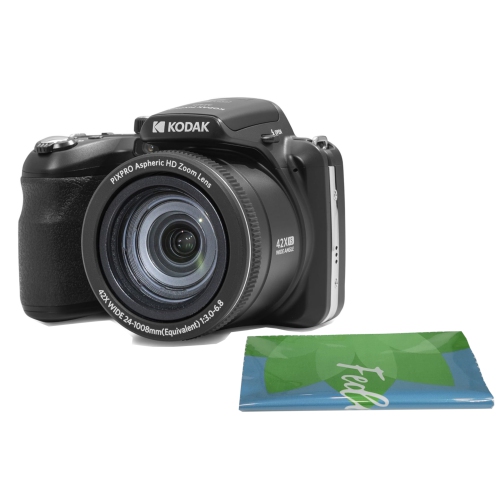

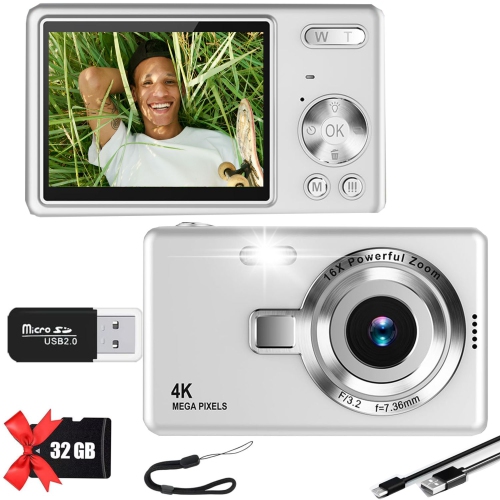
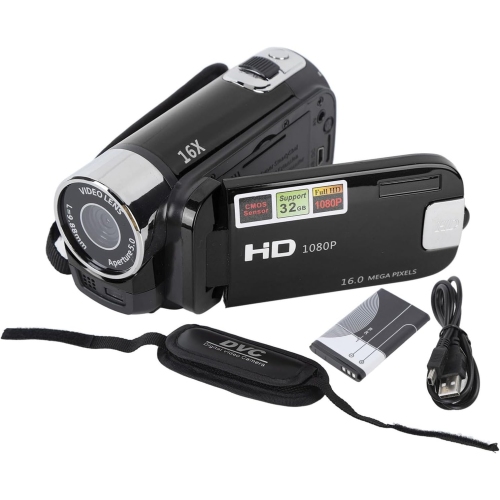
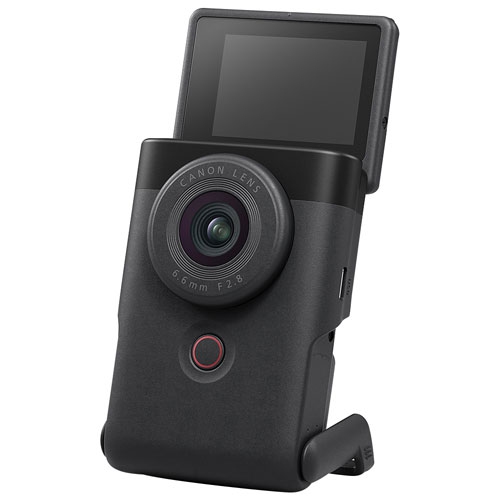
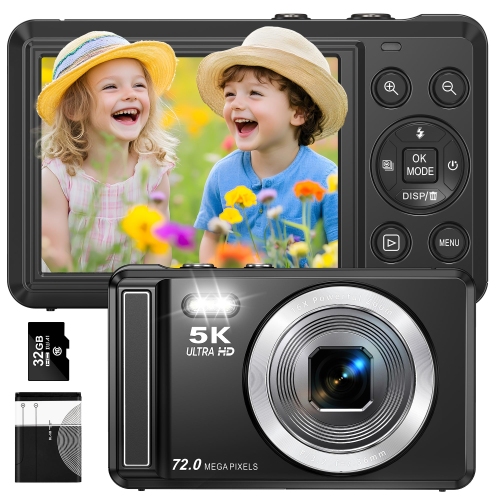
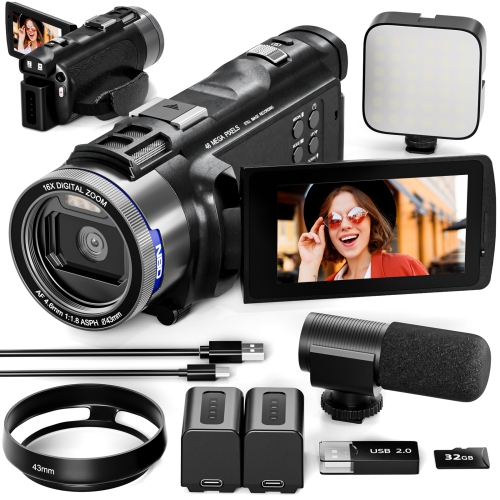
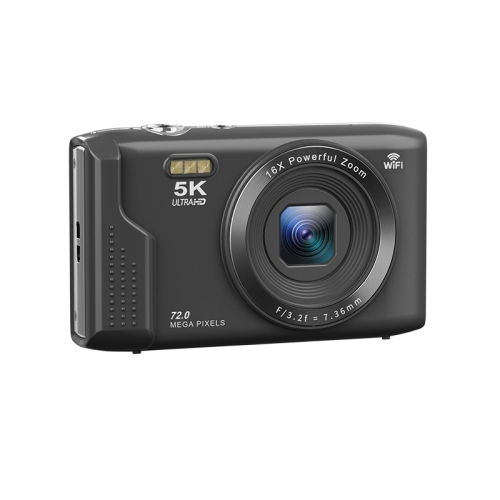
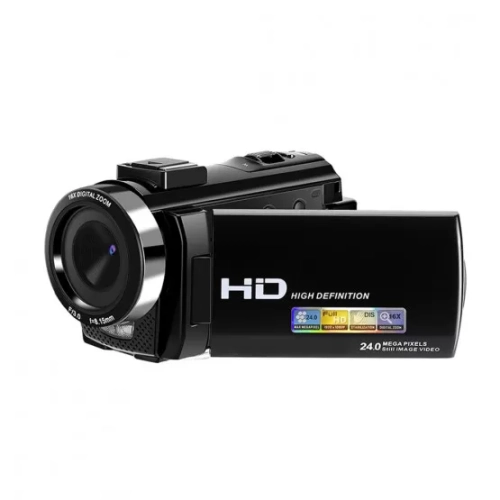
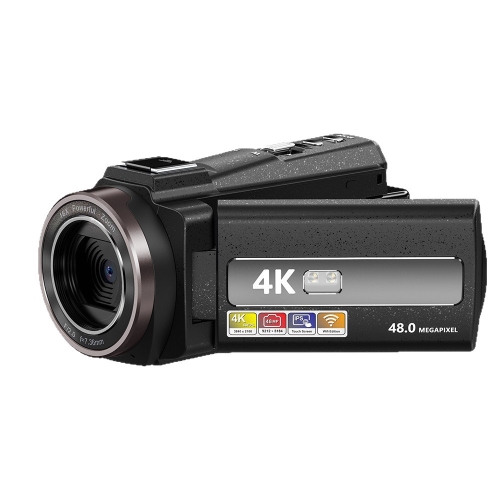
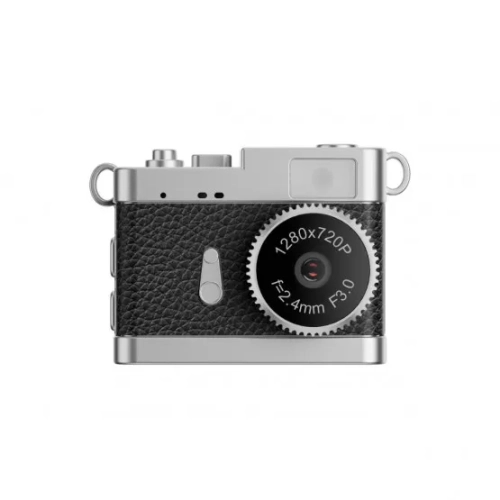
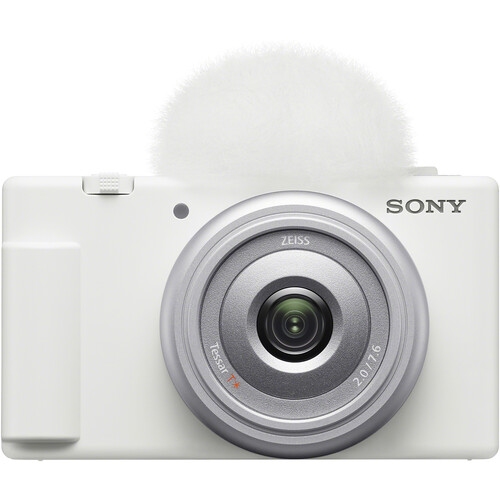
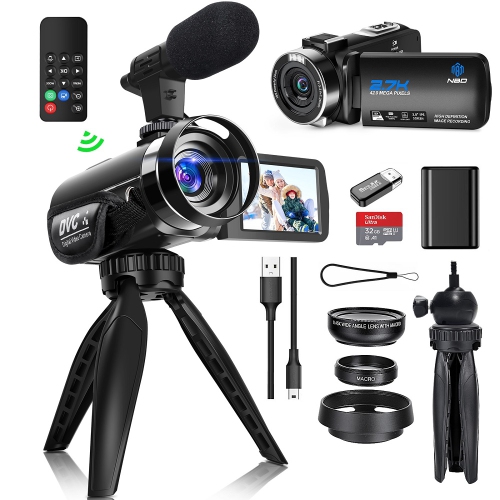
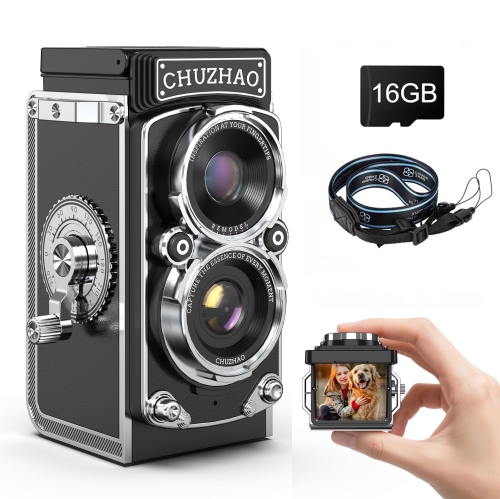
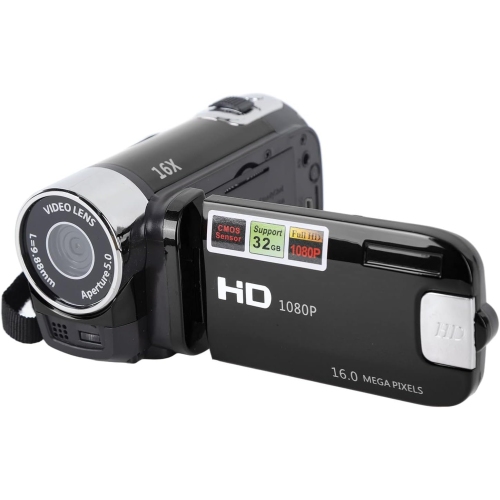
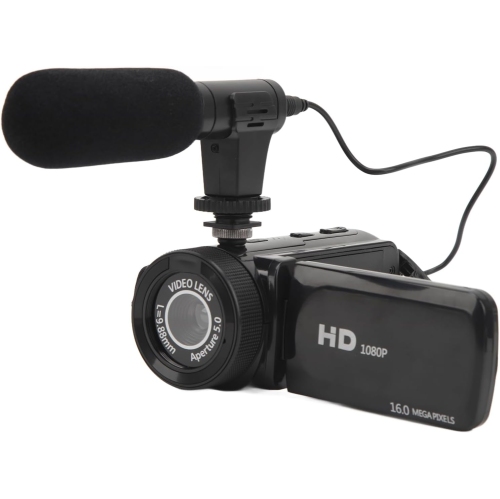
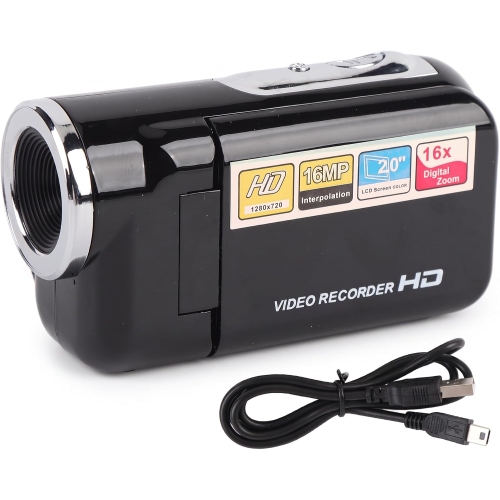
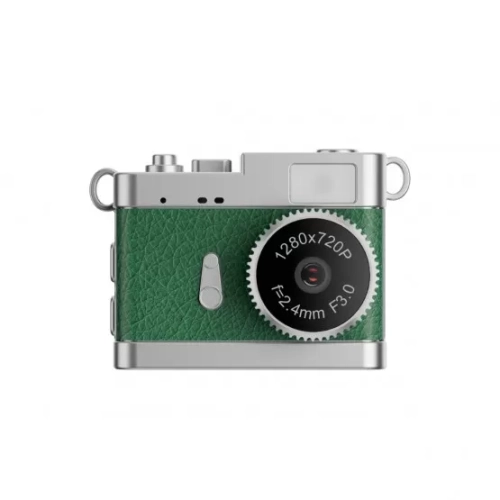
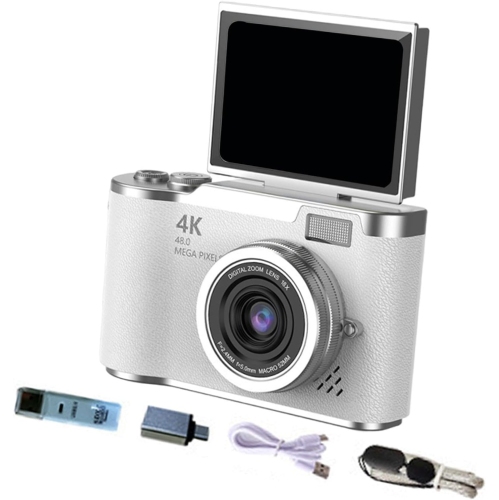
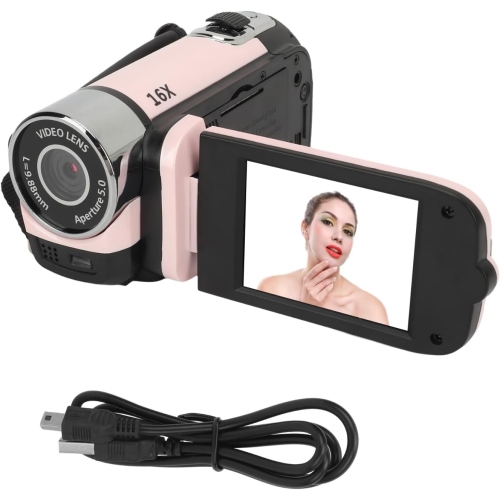
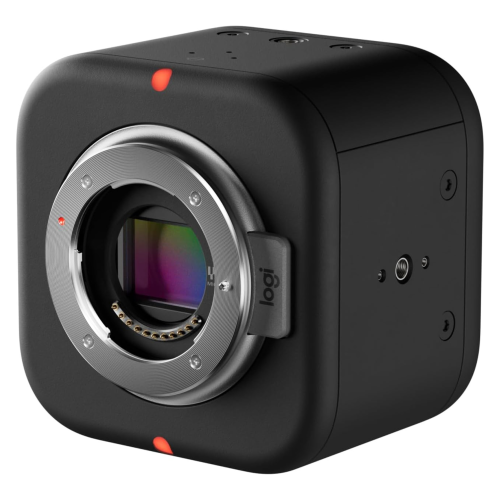
What matters in a camera beyond video resolution
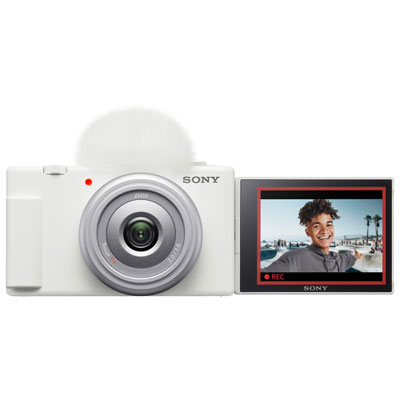
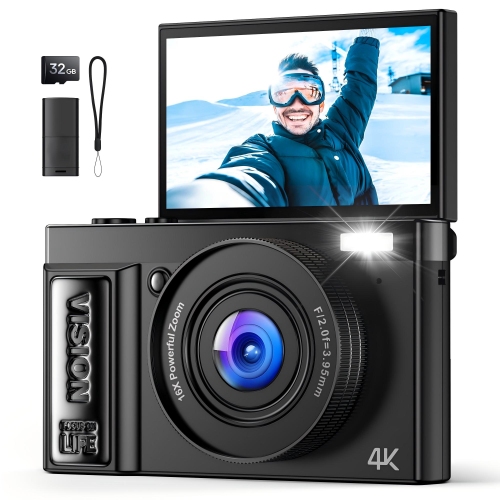
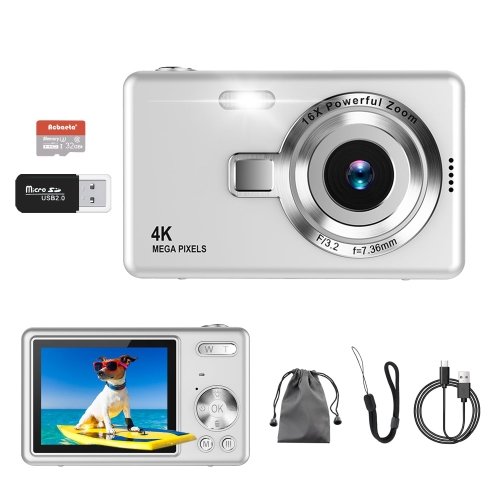
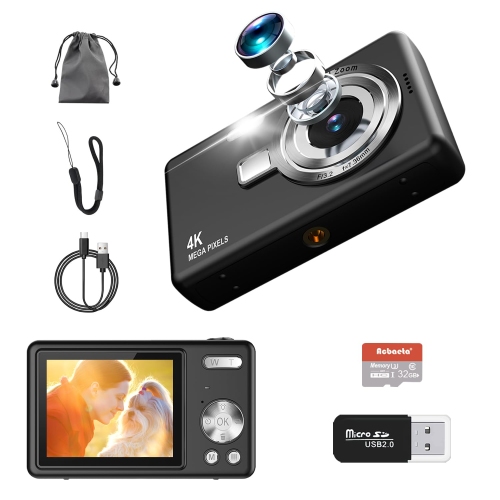
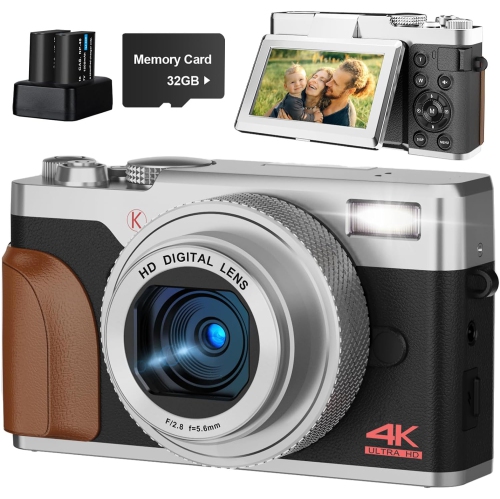
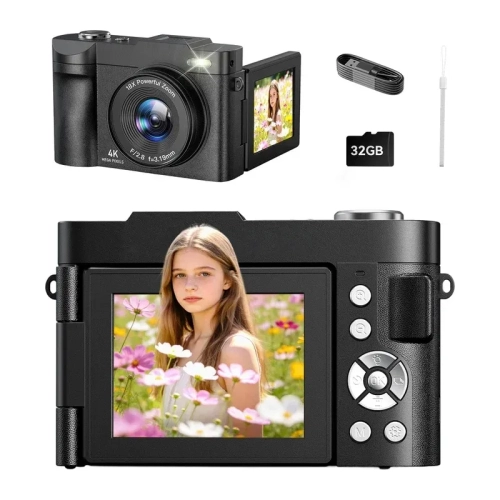
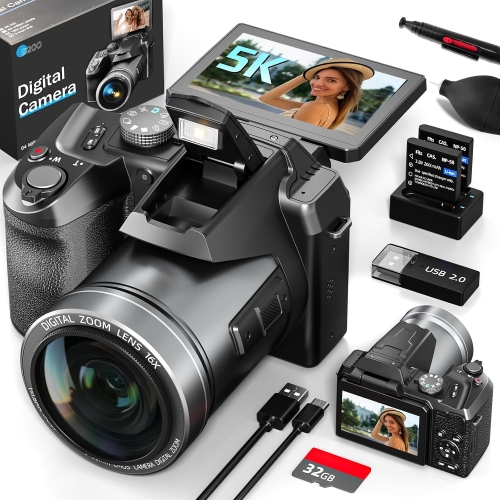
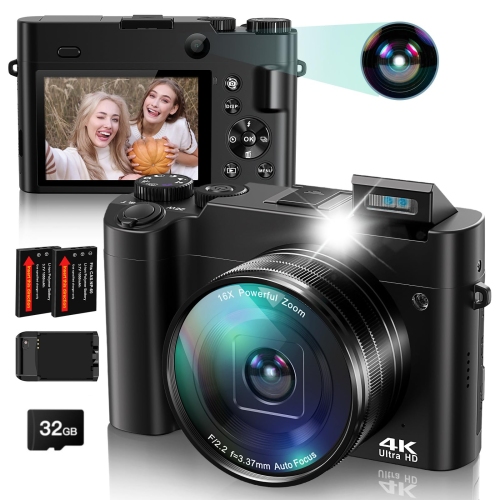
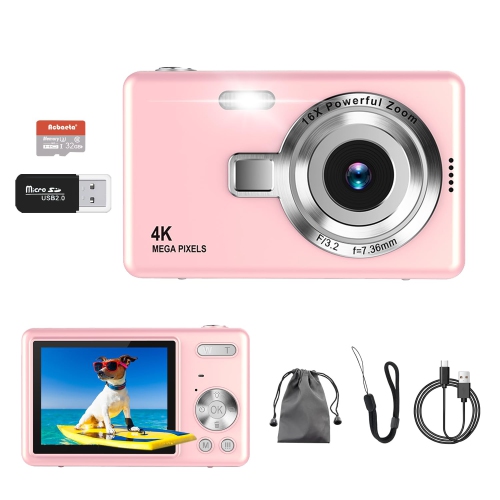
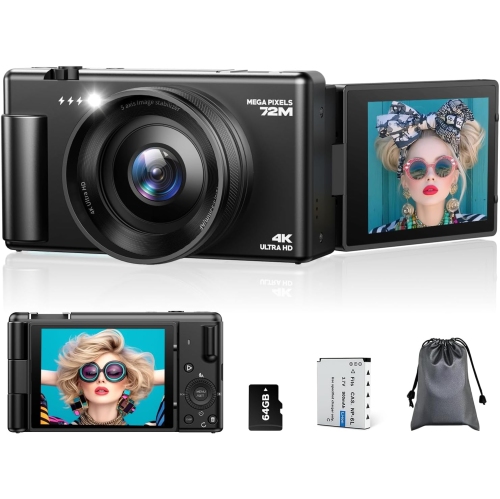
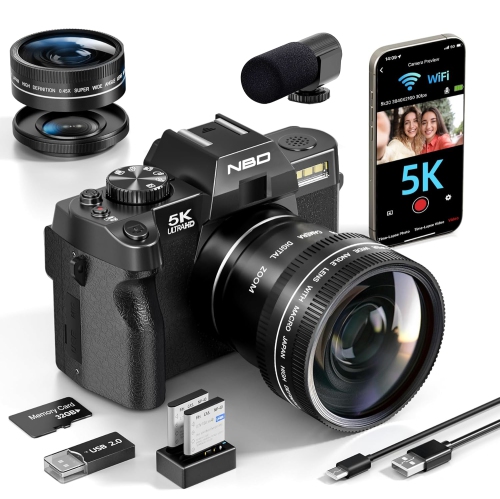
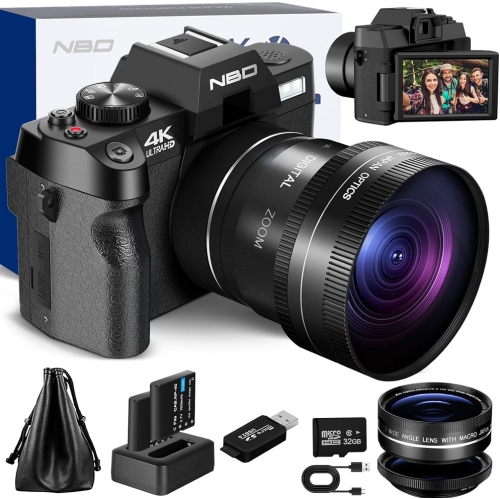
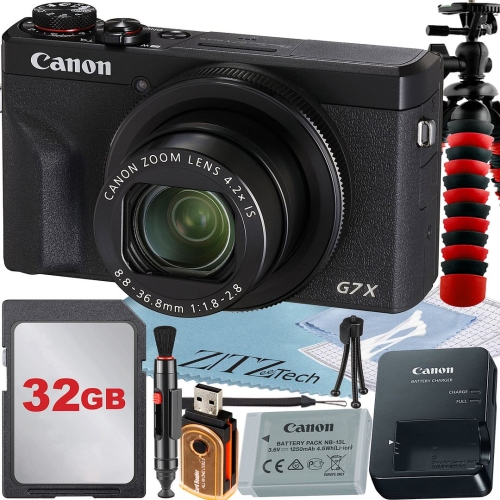
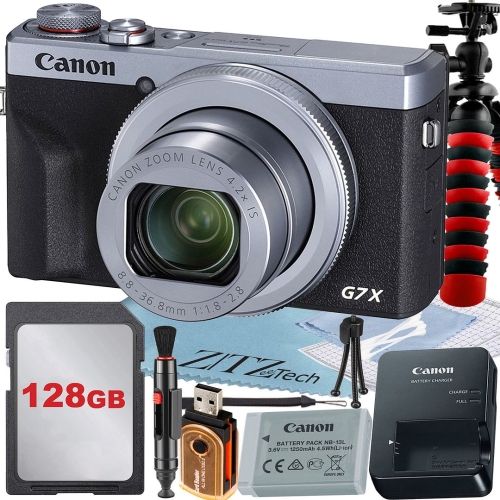
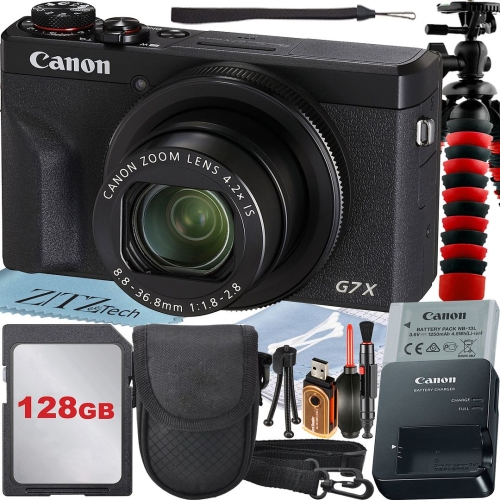
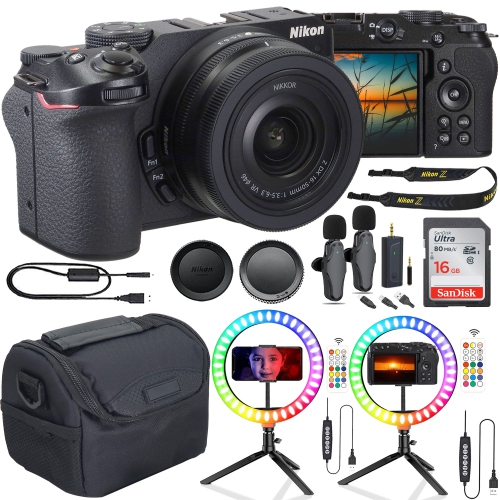
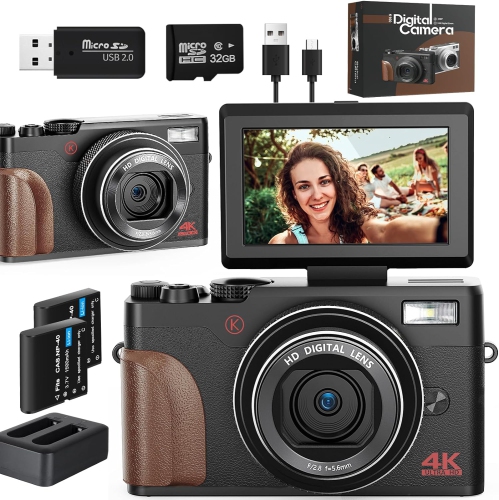
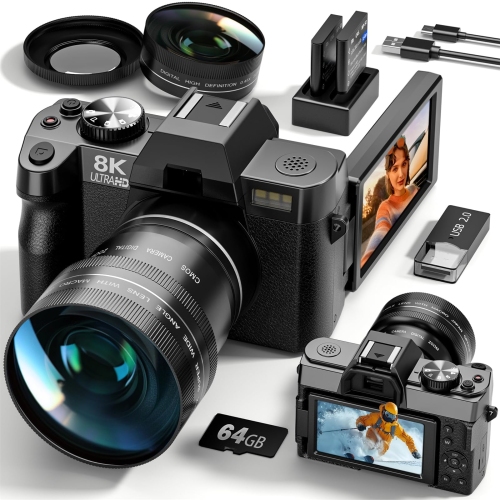
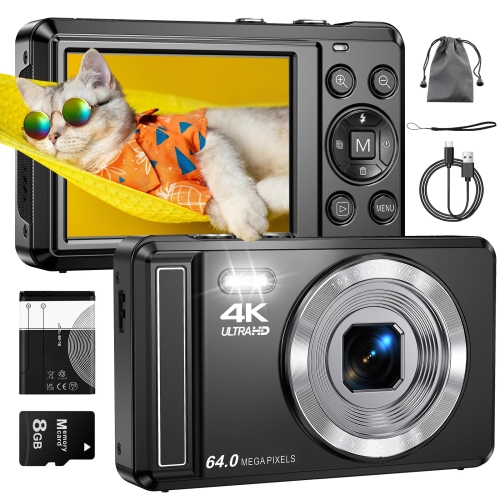
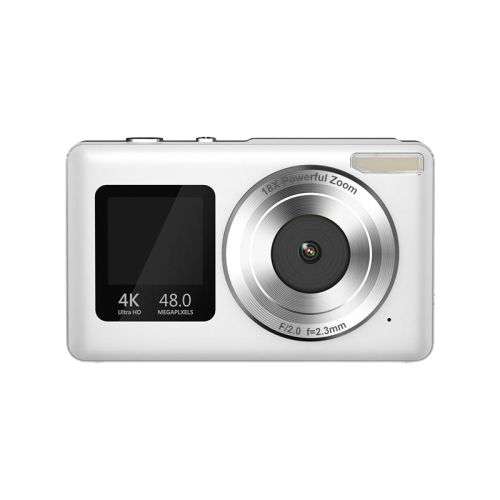
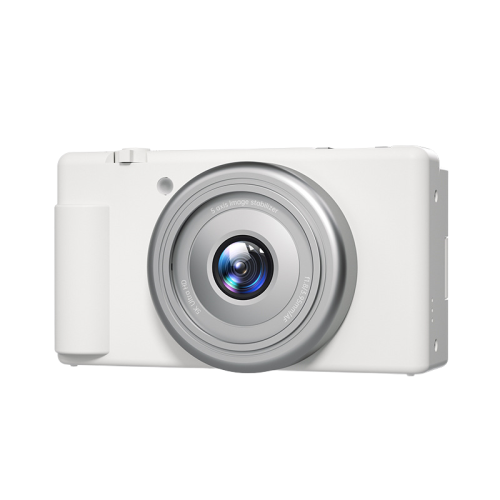
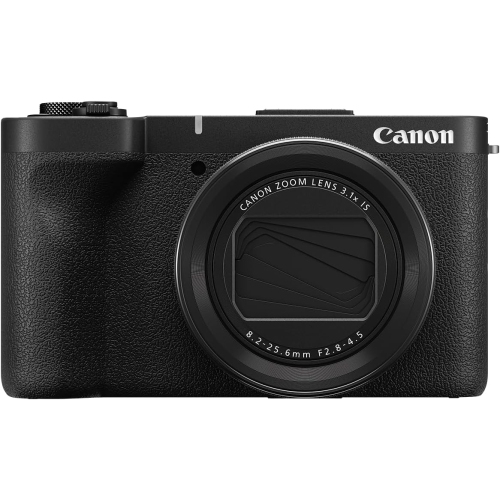
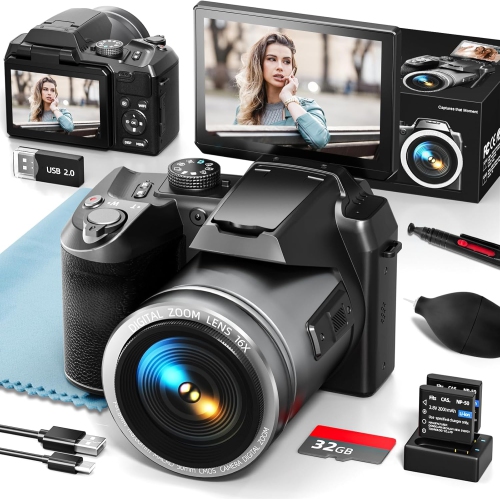
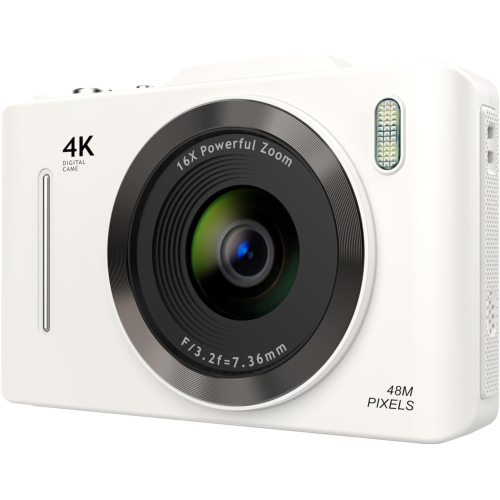
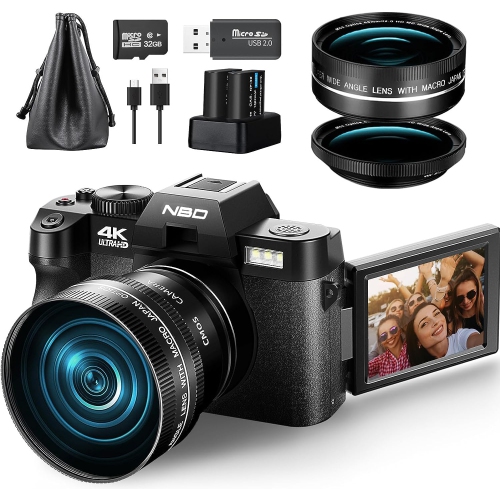
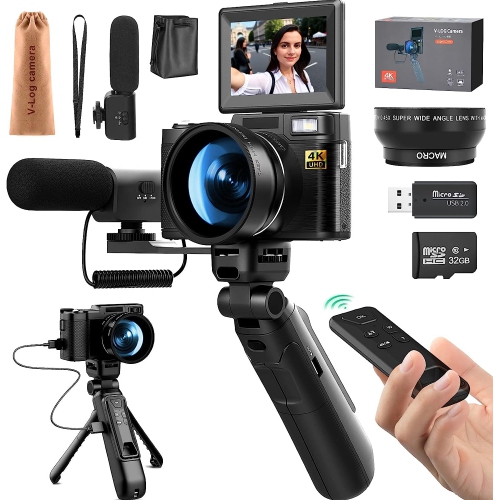
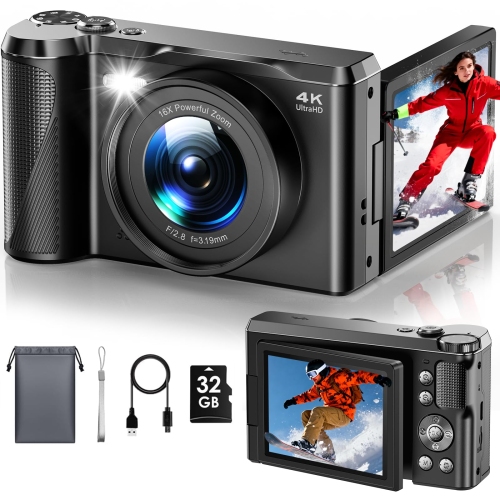
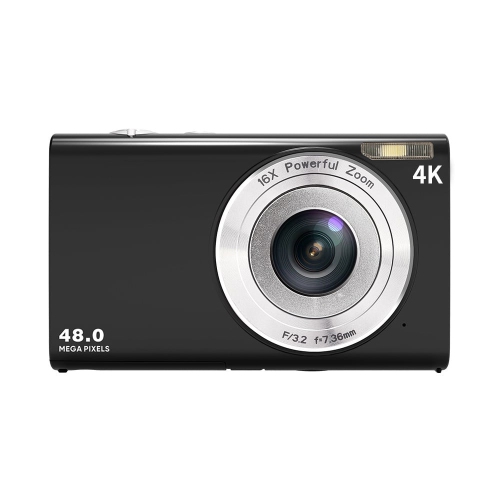
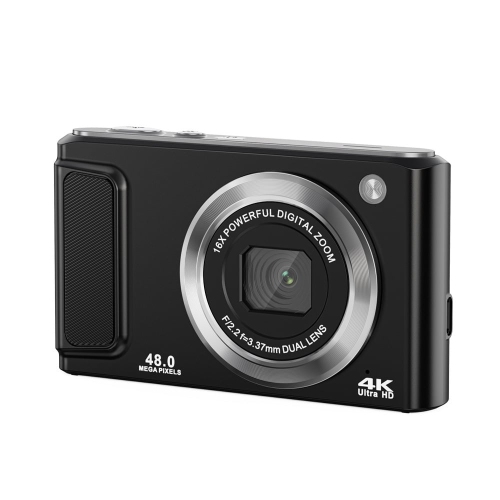
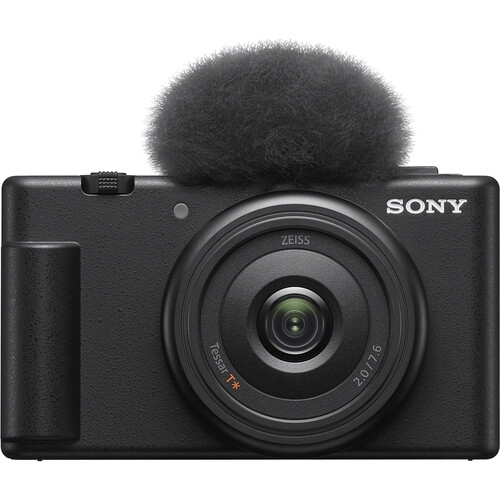
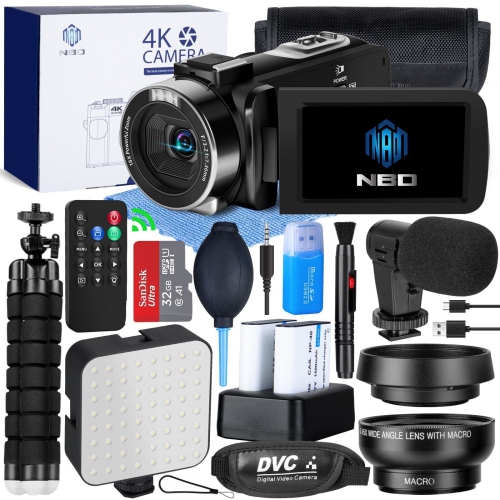
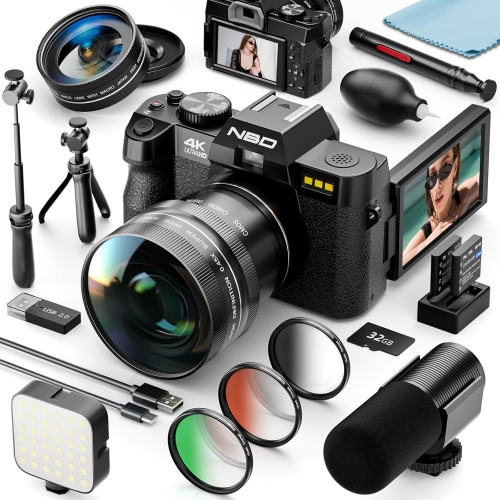
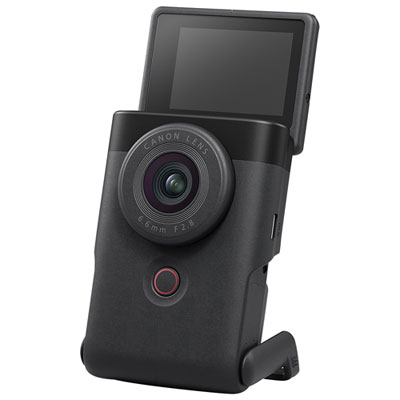
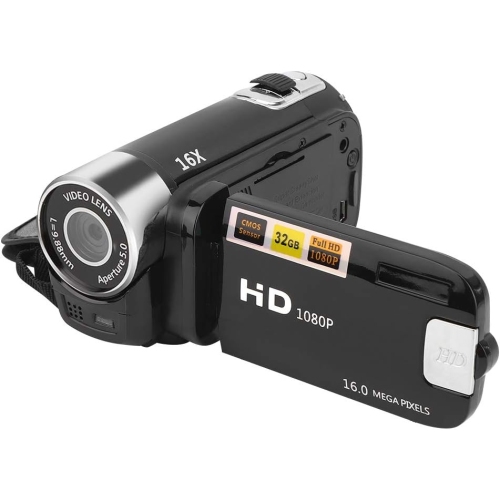
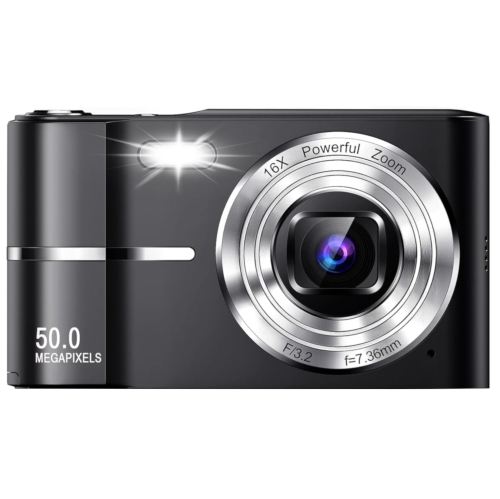
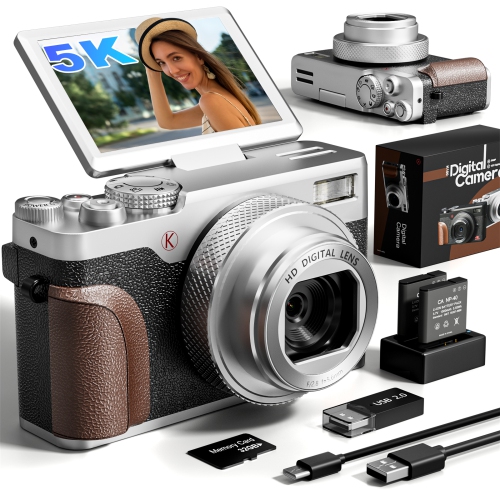
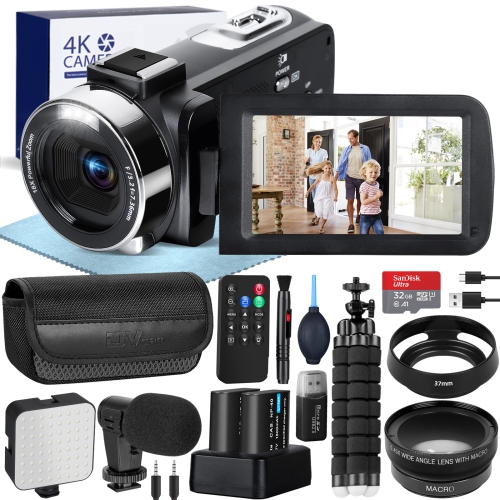
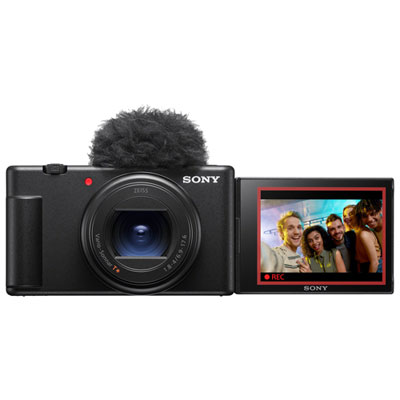
Digital cameras for YouTube videos range from pocket-sized fixed-lens cameras to interchangeable-lens mirrorless cameras, with different strengths for desk recordings, travel vlogs, demonstrations, and moving subjects. The most useful format depends on how the camera will be held, where it will be positioned, and how much control the creator wants over the image. A compact camera keeps the lens and body together in a small package, making it convenient for filming a café visit, capturing behind-the-scenes clips, or recording a quick introduction between locations. Some compact designs include a built-in gimbal that helps smooth handheld movement, while others use optical or electronic stabilization. A mirrorless camera offers the flexibility of changing lenses: a wider lens can fit a presenter and their workspace into a small room, while a close-focusing lens can show the texture of a painting or the details of a repair. Sensor size also influences the result. Cameras with 1-inch-type, APS-C, or full-frame sensors offer different balances of portability, lens requirements, low-light performance, and control over background blur. A larger sensor can offer advantages in dim indoor lighting, although the lens, exposure settings, and lighting remain important. For a creator seated at a desk, comfortable controls and a clear view of the recording screen may matter more than pocketability. For someone filming at arm’s length, the combined weight of the camera and lens, grip shape, and access to the record button become part of everyday usability. A front-facing or fully articulating screen makes it easier to check framing without leaving the shot. The screen’s movement is worth considering alongside microphone placement, since a connected accessory can interfere with its position on some designs. These practical details help distinguish a camera that looks suitable on paper from one that fits comfortably into a creator’s routine, whether that routine involves explaining a lesson, filming a recipe, or documenting a weekend away.
Video quality involves more than resolution. A digital camera that records in 4K can capture fine detail and provide room to crop footage for a closer view when producing a lower-resolution final video. That flexibility is useful when a single recording needs both a wide shot of a presenter and a tighter view of their hands. Full HD can still be practical for straightforward talking-head videos, especially when manageable file sizes and a simpler editing workflow are priorities. Frame rates affect how movement appears: 24 or 30 frames per second suit many presenter-led recordings, while 60 frames per second can give movement a smoother appearance or allow some slow-motion playback in editing. Higher frame-rate modes, where supported, may introduce changes to resolution, image cropping, sound capture, or recording duration. Reliable autofocus is particularly useful for creators working alone. Face and eye detection can help maintain focus as a presenter leans towards the camera, while subject-tracking features can assist when movement is less predictable. For demonstrations, the ability to shift focus from a face to an object held near the lens can make small details easier to see. Stabilization serves a different purpose, helping reduce visible shake rather than keeping the subject in focus. Optical, in-body, electronic, and gimbal-based systems work differently, and electronic stabilization may narrow the field of view. A stable tripod remains useful for tutorials, interviews, and overhead recordings where a consistent composition matters. Sound deserves equal attention. Built-in microphones are convenient for casual clips, but an external microphone input offers more flexibility for recording speech clearly when the camera is several feet away. Headphone monitoring, where available, can reveal a loose connection, distracting hum, or clothing brushing against a microphone before an entire session is finished. More advanced recording options, such as 10-bit colour or log profiles, can provide additional flexibility during editing, but they also require compatible software and more deliberate processing. For creators who prefer footage that is ready with minimal adjustment, dependable automatic settings and pleasing standard colour profiles can be more useful than features intended for extensive post-production.
Longer videos and livestreams place different demands on a camera than short clips. Recording limits, battery life, heat management, and support for external power all affect how comfortably a camera handles an extended interview or lesson. Continuous recording capability varies by model and recording mode, so a high-resolution specification alone does not establish suitability for lengthy sessions. USB streaming support or HDMI output can make a digital camera part of a desktop recording setup, although computer compatibility, capture hardware requirements, and the ability to send a clean image without on-screen menus depend on the camera. Creators exploring additional recording formats can also browse Video Recording Cameras for YouTube. Wireless features such as Wi-Fi can simplify transferring selected clips, while a wired connection or memory card reader may be more practical for large video files. Memory card speed and capacity need to match the chosen recording format; higher-resolution footage and higher bit rates generally require more storage and faster cards. Build quality matters as the camera moves between a desk, a carrying bag, and a handheld setup. Polycarbonate housings can help keep weight down, while metal-bodied designs may provide a sturdier feel, though material alone does not determine durability. Secure doors, firm mounting points, and well-positioned ports are useful details when accessories are connected frequently. Weather-resistant construction, where specified, is not the same as waterproofing, and protection can depend on the attached lens as well as the camera body. A padded case, a secure strap, and lens caps help protect equipment during transport. Routine care includes removing loose dust gently, using cleaning materials intended for optical surfaces, and avoiding unnecessary contact with the sensor when changing lenses. For a student starting a channel, a hobbyist sharing a skill, or a family member documenting projects, a camera can be a thoughtful gift when its handling and features match their interests. Lens compatibility is especially important when adding equipment to an existing setup. Comfortable operation, clear audio options, and dependable recording often make a more meaningful difference to everyday videos than specifications that rarely get used.
Top selling and popular products
-
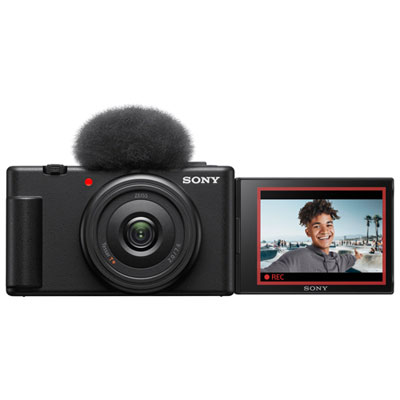 Your price for this item is $599.99
-
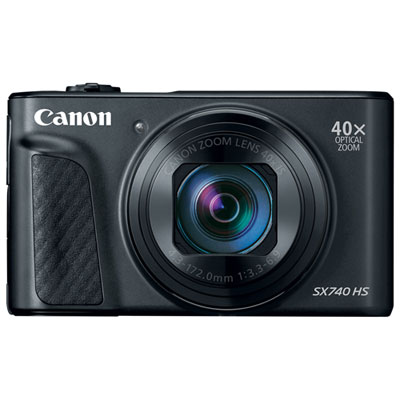 Your price for this item is $799.99
-
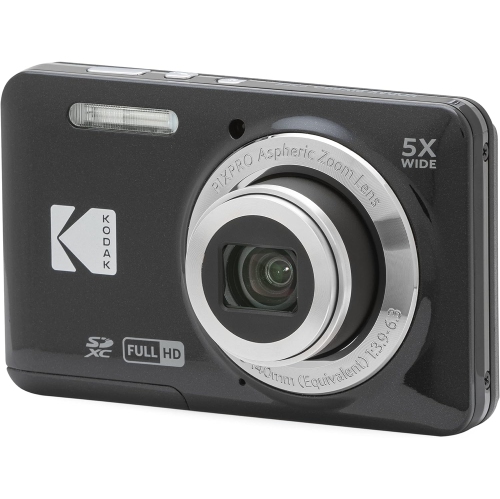 Your price for this item is $255
-
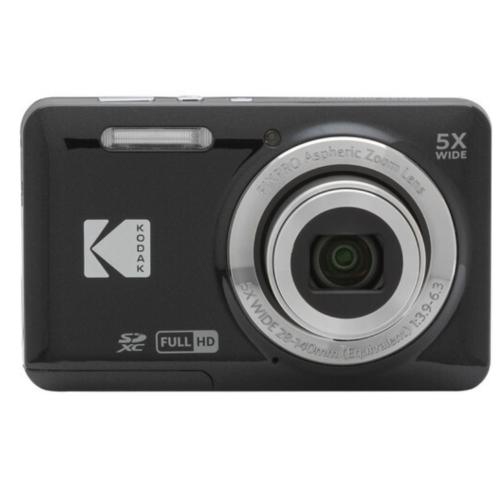 Your price for this item is $253
-
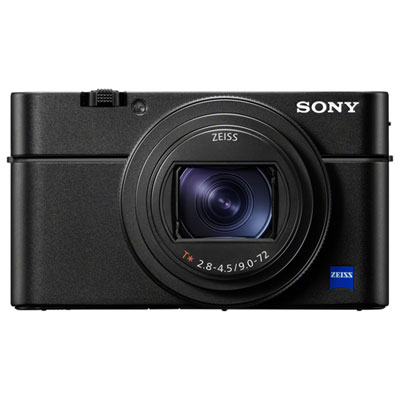 Your price for this item is $1799.99
-
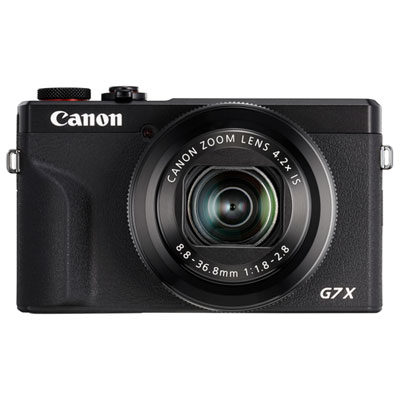 Your price for this item is $1999.99
-
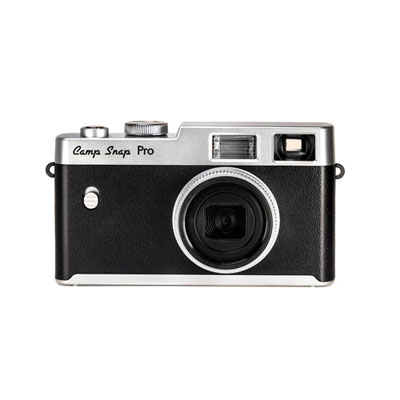 Your price for this item is $149.99
-
 Your price for this item is $1099.99
Discover more categories related to Digital Cameras for YouTube Videos
Top Collections:
Best Black Friday Deals This Year, Best Black Friday Deals On Electronics, Kindle Devices, Pokemon Centers, Best Black Friday Deals On Apple Products, Best Cameras for Sports Photography, Dyson Airwrap, Pokémon 30th Celebration Cards, Apple iPhone 17 Pro, Canon G7X Cameras
Some products may be subject to Environmental Handling Fees
(EHF) depending on your province.
Learn more about EHFs.