Lenovo Mouse Pads
Mousepads from Lenovo are designed to provide a smooth and comfortable surface for your mouse. Mousepads are essential for anyone using a computer, as they allow for more precise and accurate mouse movement. These mousepads are made with a durable and smooth material that provides an optimal level of comfort and accuracy. Here are some great options available.
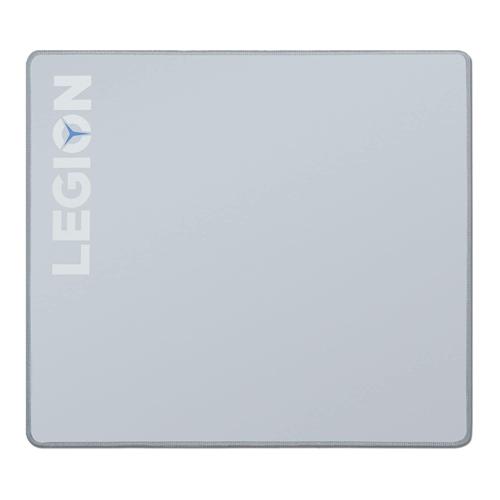
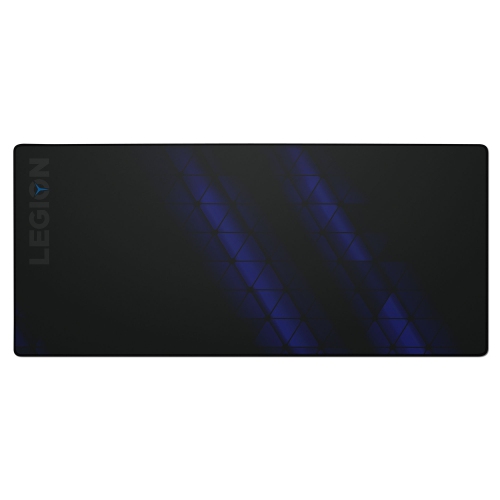
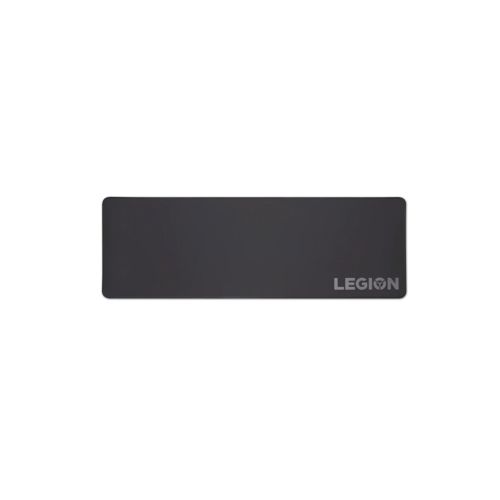
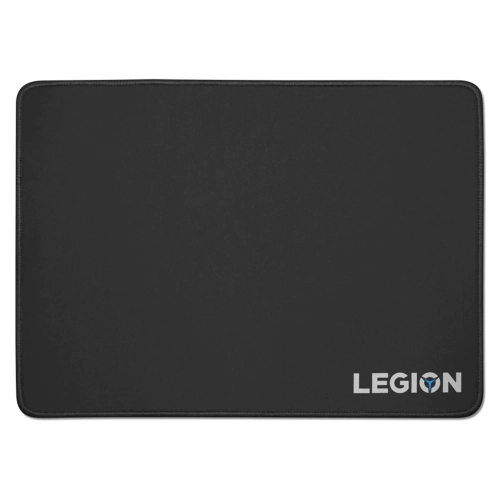
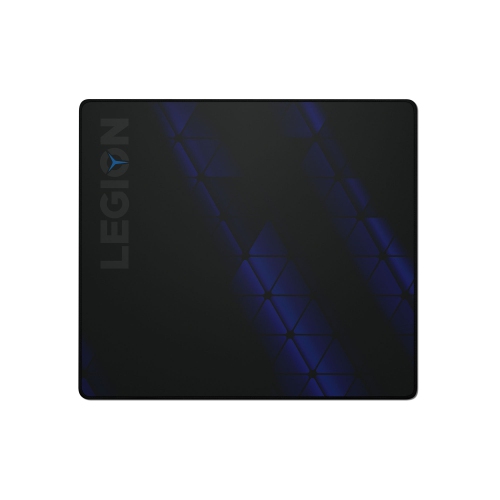
A more comfortable surface for precise everyday control
A well-chosen mouse pad can make a noticeable difference to the way a desk feels and functions. It gives a mouse a consistent surface for tracking, helps protect the desktop from repeated movement, and creates a more comfortable workspace for everything from everyday browsing to long gaming sessions. Cloth mouse pads are a popular choice because their woven surfaces provide smooth, predictable gliding while remaining comfortable beneath the hand and wrist. Many include a rubber or textured underside to help keep the pad in place when making quick movements, and some feature water-repellent coatings that make small spills easier to wipe away. When comparing options in this collection, consider the size of your desk, the type of mouse you use, and how much room you prefer for movement. A compact mouse-only pad can be a practical fit for a small workstation, dorm room, shared office, or bedside table, while a medium format gives more freedom without taking over the desk. Larger gaming mats can extend beneath both the keyboard and mouse, creating a unified surface that helps keep accessories aligned and reduces the need to reposition the pad during play or work. Browse the wider selection of Mouse Pads to compare different shapes, materials, sizes, and intended uses.
Surface texture is one of the most important details to consider because it affects both speed and control. A smoother cloth finish may suit users who make broad, fast mouse movements, while a slightly more controlled weave can feel reassuring for detailed tasks such as photo editing, spreadsheet work, design applications, or precision gaming. The ideal balance is personal: some people enjoy a quick glide that lets the mouse move effortlessly across the desk, while others prefer a surface with enough resistance to help stop the cursor exactly where intended. Pay attention to the edge construction as well. Stitched or braided edges can help reduce fraying and give a frequently handled pad a more finished feel, particularly when the wrist rests near the border throughout the day. Thickness also matters. A slim pad can sit discreetly beneath a mouse and is easy to roll or store, whereas a thicker design may help smooth over minor desk imperfections and provide a softer transition under the wrist. Before ordering, measure the open area beside or in front of the keyboard, allowing room for cables, speakers, notebooks, and other frequently used items. A full-desk mat can be especially useful for a tidy command centre, but it should not crowd the user or force the keyboard into an awkward position. Those switching between a desktop computer and a laptop should also confirm that they are looking for a physical desk accessory rather than help with a built-in touchpad. A mouse pad supports an external mouse; it does not unlock, repair, or replace the touchpad integrated into a notebook computer.
These accessories suit a wide range of people and can be a thoughtful, practical gift for a student setting up a study area, a remote worker refreshing a home office, or a gamer who wants more consistent control during extended sessions. They are also useful for family computer stations, reception desks, creative workspaces, and anyone who spends considerable time navigating documents, websites, presentations, or software. During the warmer season and through the cooler months, a mouse pad can help make a familiar desk feel more comfortable without requiring a major rearrangement. For shared spaces, look for a size that works with different seating positions and a surface that is simple to clean with a soft, slightly damp cloth; always follow the care instructions for the material and allow it to dry fully before use. If the pad arrives rolled, laying it flat and giving it time to settle can help the surface return to its intended shape. A non-slip base is particularly valuable on smooth laminate, glass, or finished wood, where an unsteady pad can interrupt cursor control. For travel between home, school, and the office, a compact model may fit easily into a laptop bag, while a larger mat is better suited to a permanent desk. Matching the dimensions and surface feel to the user’s habits is more valuable than choosing solely by appearance. Whether the goal is a cleaner-looking workstation, more precise control, added comfort, or a generous area for keyboard-and-mouse movement, the right mouse pad is a simple upgrade that can improve the rhythm of everyday computing.
Surface texture is one of the most important details to consider because it affects both speed and control. A smoother cloth finish may suit users who make broad, fast mouse movements, while a slightly more controlled weave can feel reassuring for detailed tasks such as photo editing, spreadsheet work, design applications, or precision gaming. The ideal balance is personal: some people enjoy a quick glide that lets the mouse move effortlessly across the desk, while others prefer a surface with enough resistance to help stop the cursor exactly where intended. Pay attention to the edge construction as well. Stitched or braided edges can help reduce fraying and give a frequently handled pad a more finished feel, particularly when the wrist rests near the border throughout the day. Thickness also matters. A slim pad can sit discreetly beneath a mouse and is easy to roll or store, whereas a thicker design may help smooth over minor desk imperfections and provide a softer transition under the wrist. Before ordering, measure the open area beside or in front of the keyboard, allowing room for cables, speakers, notebooks, and other frequently used items. A full-desk mat can be especially useful for a tidy command centre, but it should not crowd the user or force the keyboard into an awkward position. Those switching between a desktop computer and a laptop should also confirm that they are looking for a physical desk accessory rather than help with a built-in touchpad. A mouse pad supports an external mouse; it does not unlock, repair, or replace the touchpad integrated into a notebook computer.
These accessories suit a wide range of people and can be a thoughtful, practical gift for a student setting up a study area, a remote worker refreshing a home office, or a gamer who wants more consistent control during extended sessions. They are also useful for family computer stations, reception desks, creative workspaces, and anyone who spends considerable time navigating documents, websites, presentations, or software. During the warmer season and through the cooler months, a mouse pad can help make a familiar desk feel more comfortable without requiring a major rearrangement. For shared spaces, look for a size that works with different seating positions and a surface that is simple to clean with a soft, slightly damp cloth; always follow the care instructions for the material and allow it to dry fully before use. If the pad arrives rolled, laying it flat and giving it time to settle can help the surface return to its intended shape. A non-slip base is particularly valuable on smooth laminate, glass, or finished wood, where an unsteady pad can interrupt cursor control. For travel between home, school, and the office, a compact model may fit easily into a laptop bag, while a larger mat is better suited to a permanent desk. Matching the dimensions and surface feel to the user’s habits is more valuable than choosing solely by appearance. Whether the goal is a cleaner-looking workstation, more precise control, added comfort, or a generous area for keyboard-and-mouse movement, the right mouse pad is a simple upgrade that can improve the rhythm of everyday computing.
Top selling and popular products
-
 Your price for this item is $29.99
 -
 Your price for this item is $50.44
 -
 Your price for this item is $39.99
 -
 Your price for this item is $49.99
 -
 Your price for this item is $159.95
 -
 Your price for this item is $44.68
 -
 Your price for this item is $44.68
 -
 Your price for this item is $31
Discover more categories related to Lenovo Mouse Pads
Top Collections:
Pokemon Centers, Kindle Devices, Best Budget Office Chairs, Apple iPhones 16, Best Laptops for Writers, iPhone 15 Apple, Canon G7X Cameras, Refurbished Apple Laptops, Alarm Clock, Motorola Razr Phones
Some products may be subject to Environmental Handling Fees
(EHF) depending on your province.
Learn more about EHFs.