Ergo Gaming Mice
A good gaming mouse can make all the difference in your game. Whether you're playing first-person shooters, real-time strategy games, or role-playing games, a good gaming mouse can help you navigate complex menus, attack enemies with precision, and generally have a better time of it. Here are some of the best ergo gaming mice on the market.
Sort

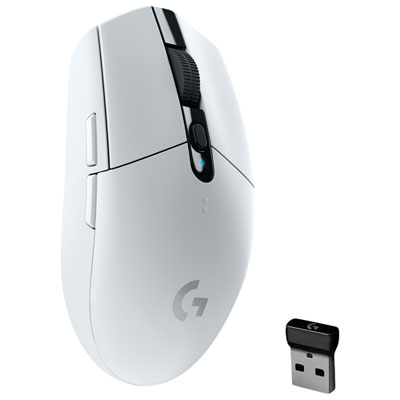
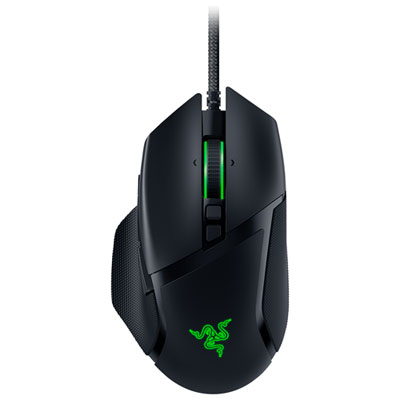


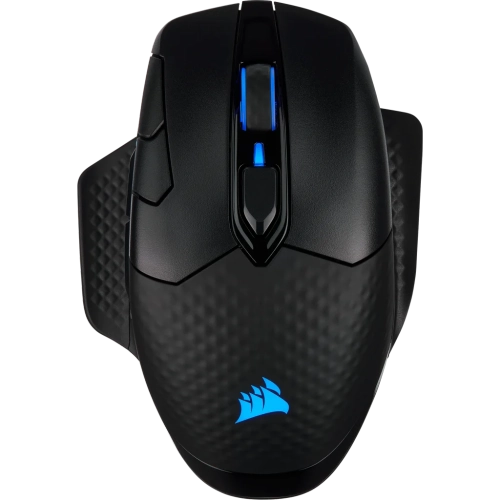
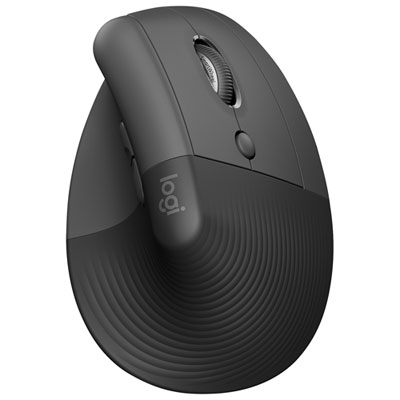
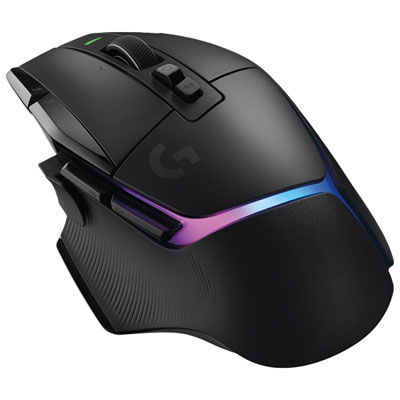
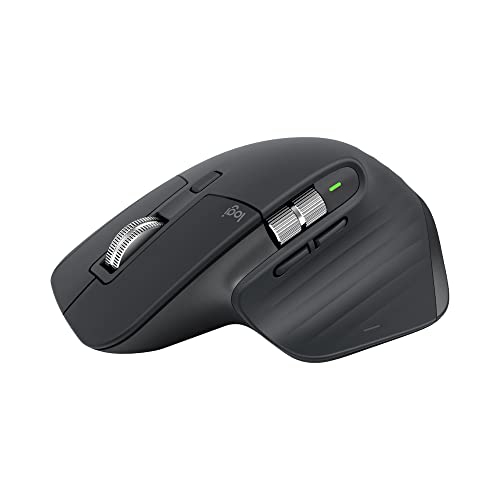
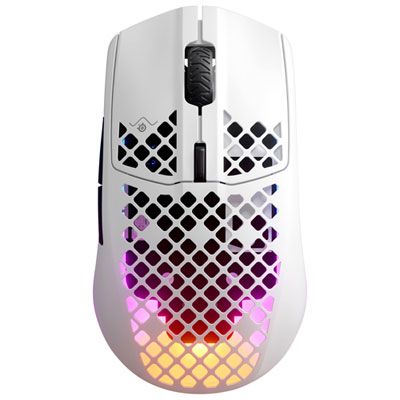
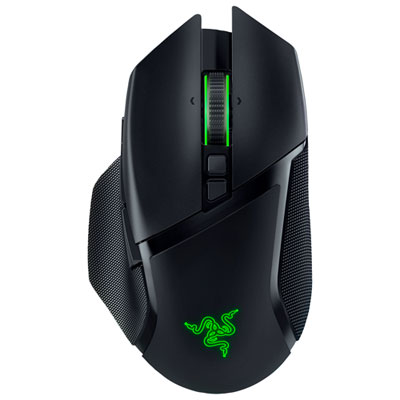
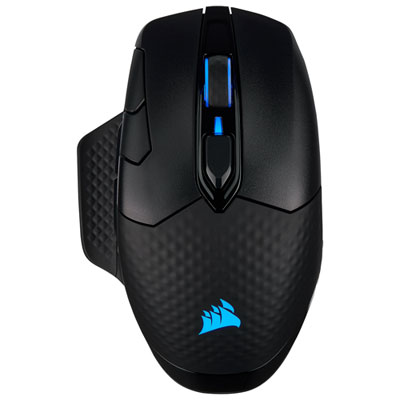
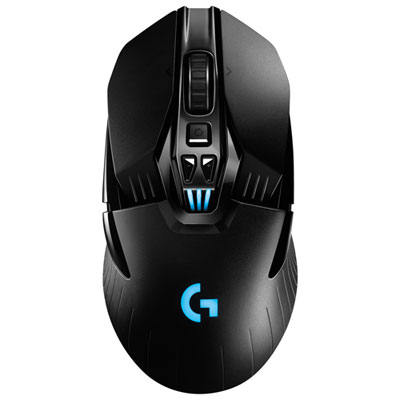
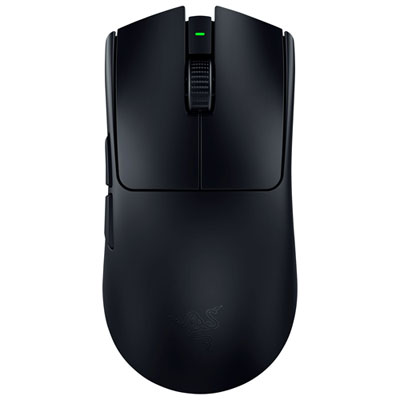
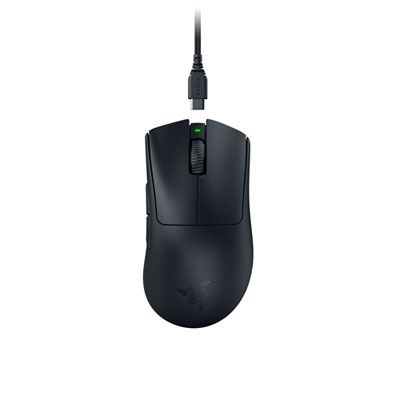
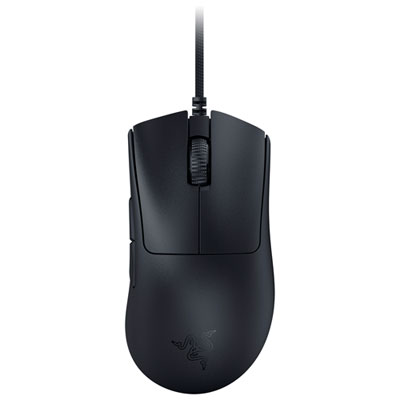
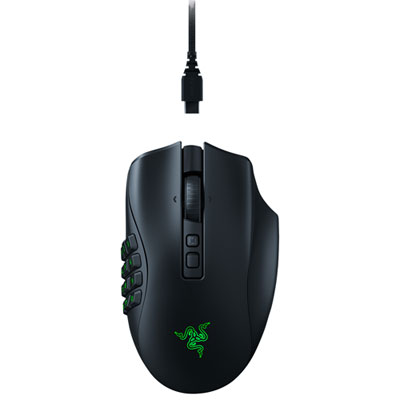
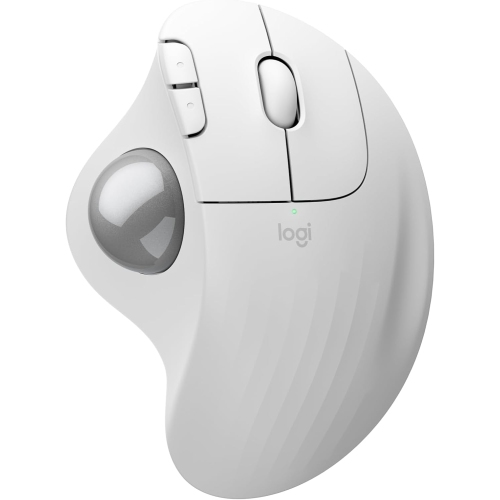
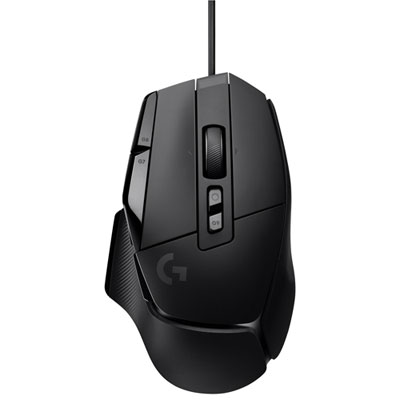
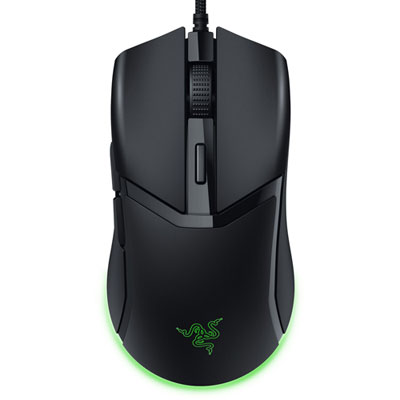


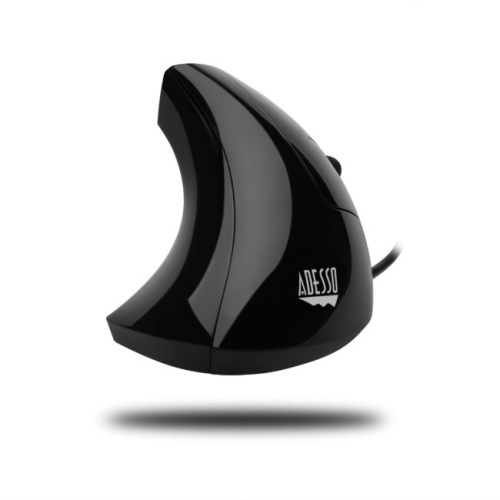
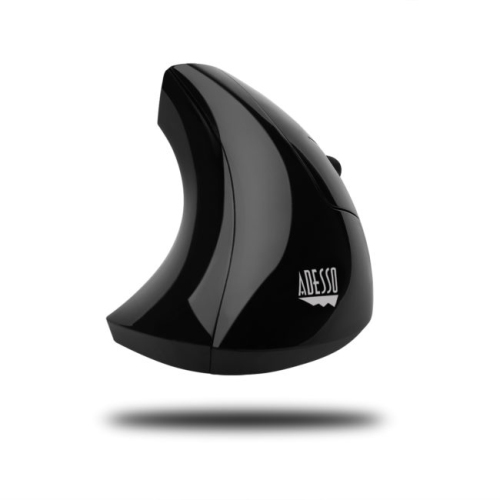
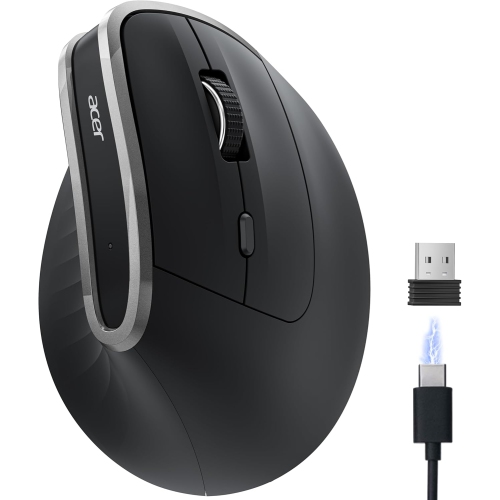
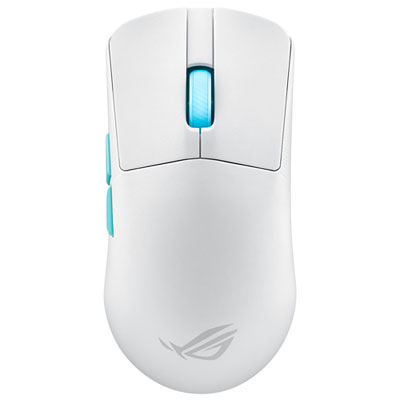
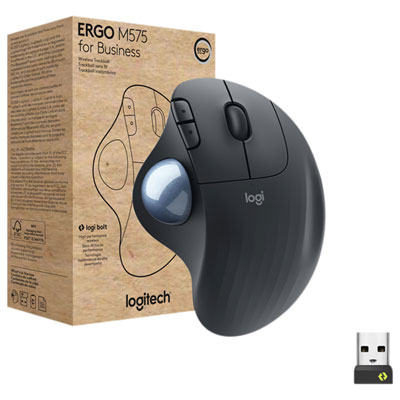
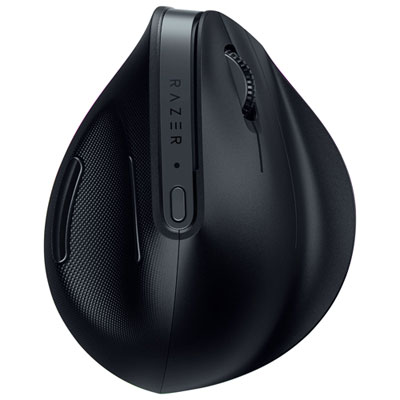
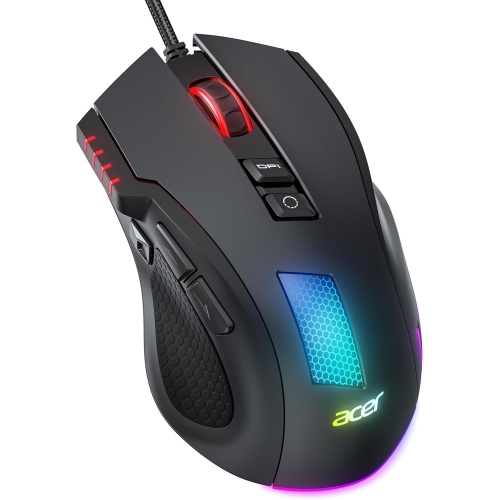

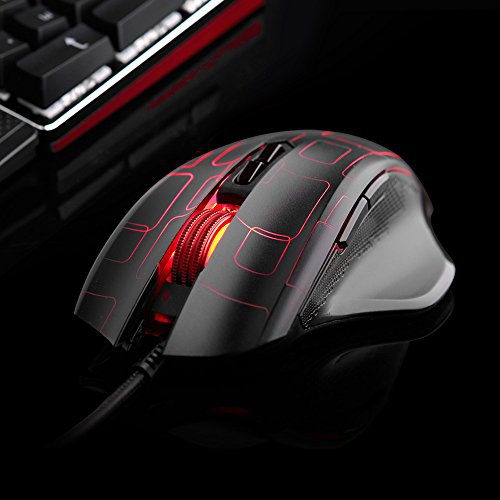
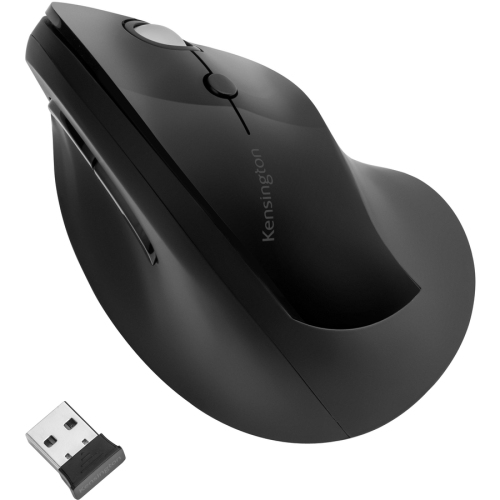
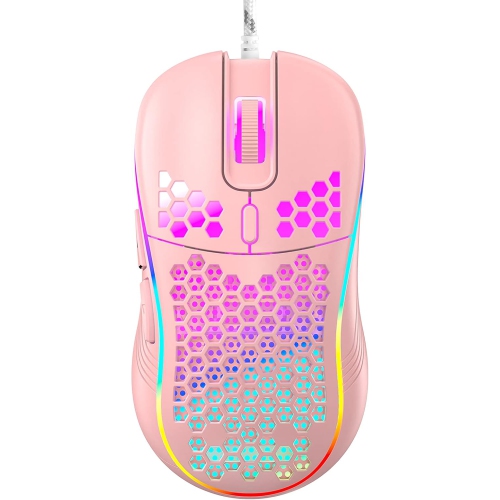
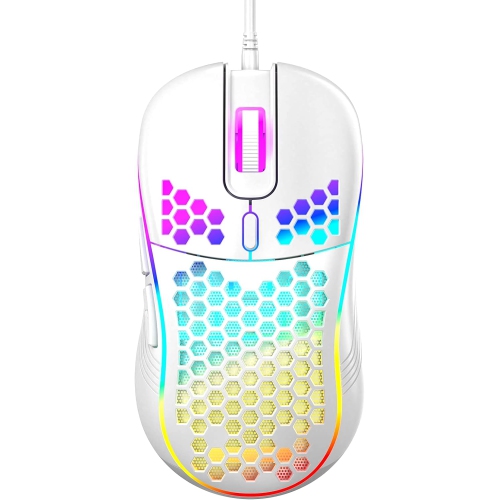


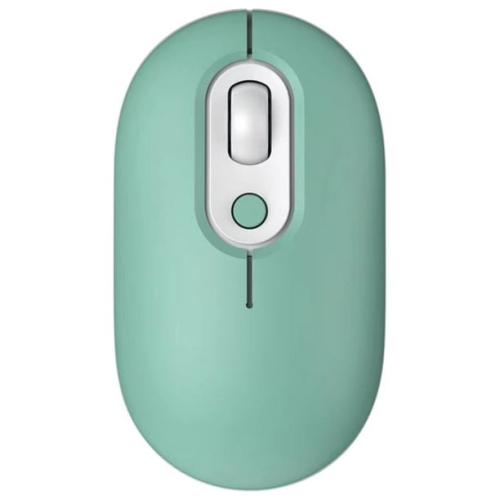
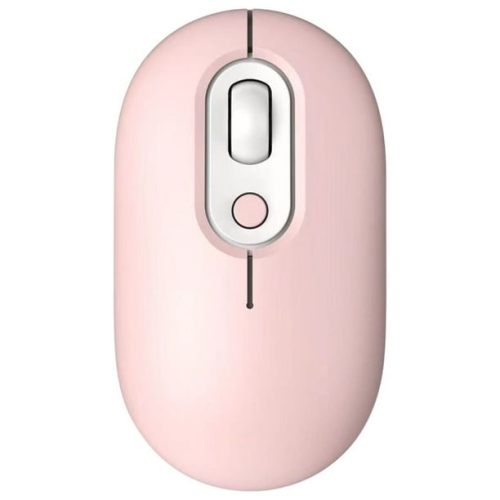
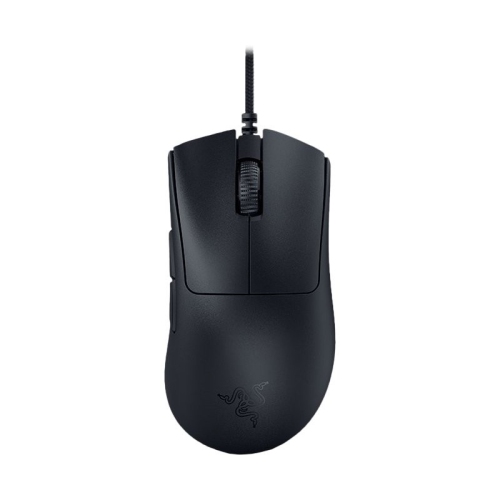
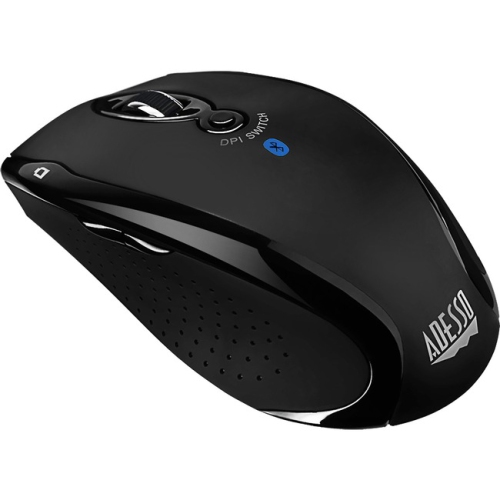
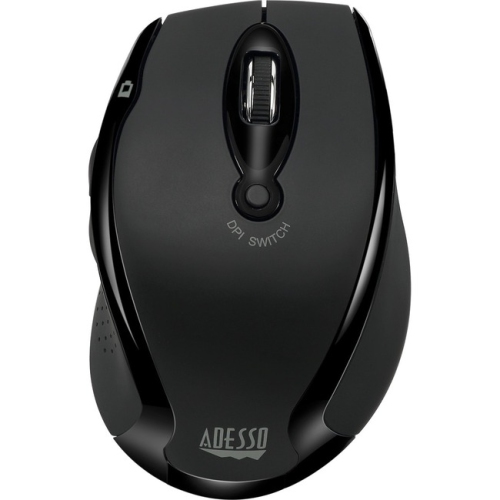
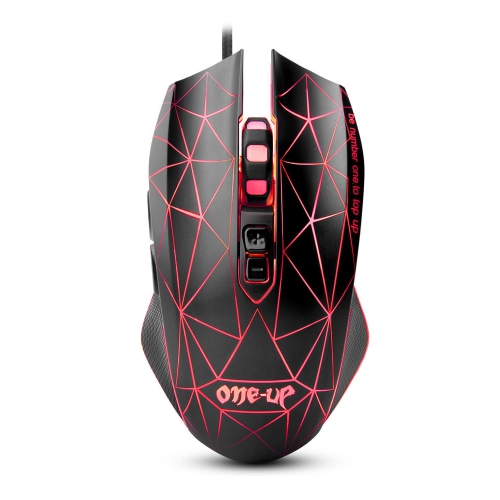
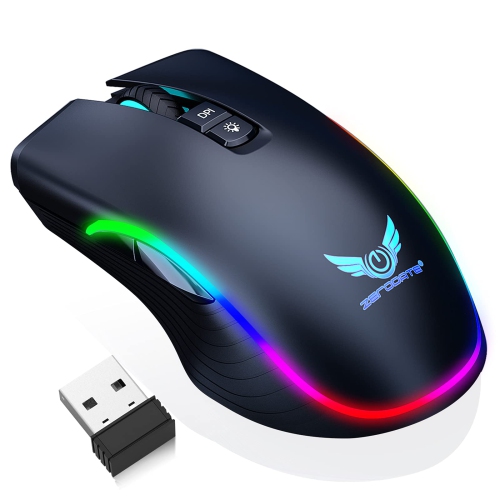
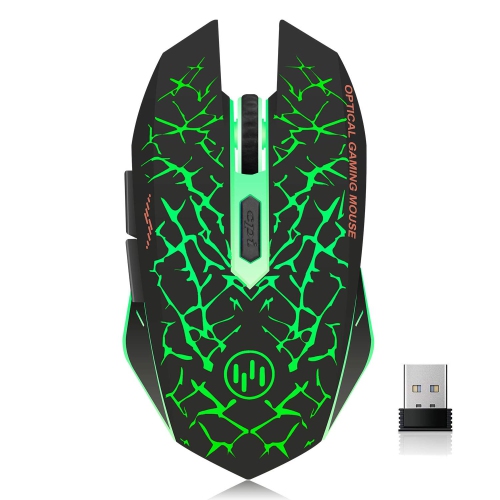
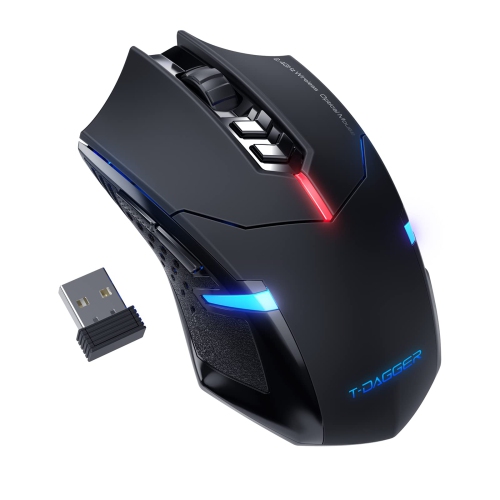
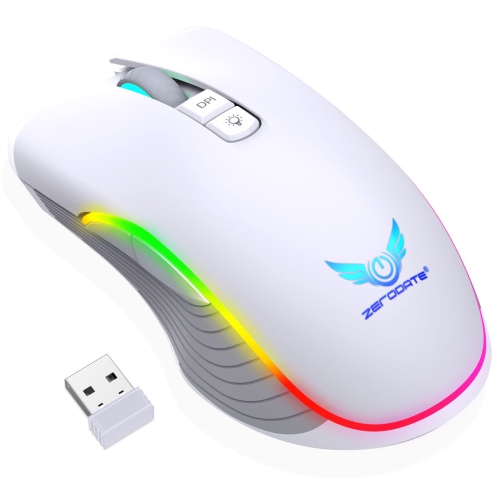
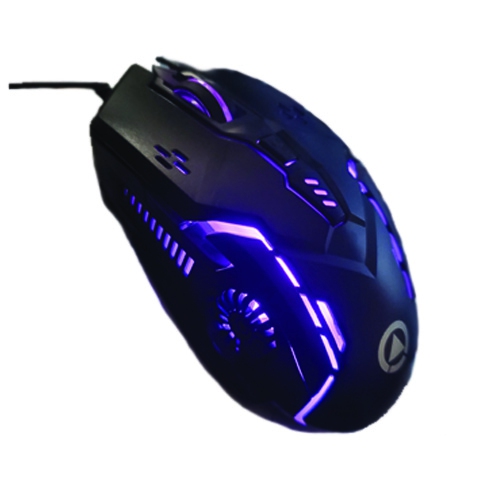
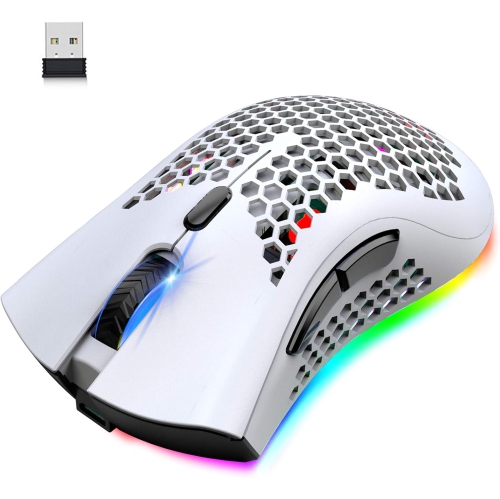
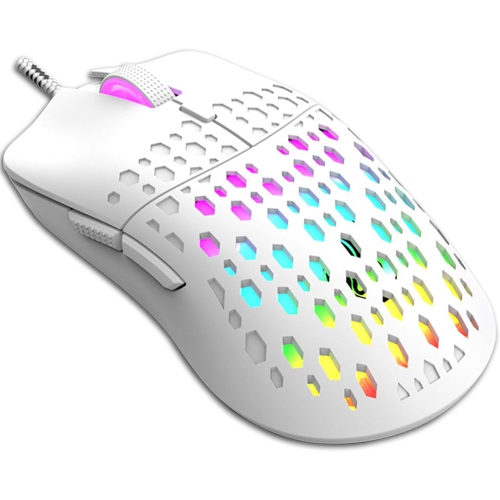
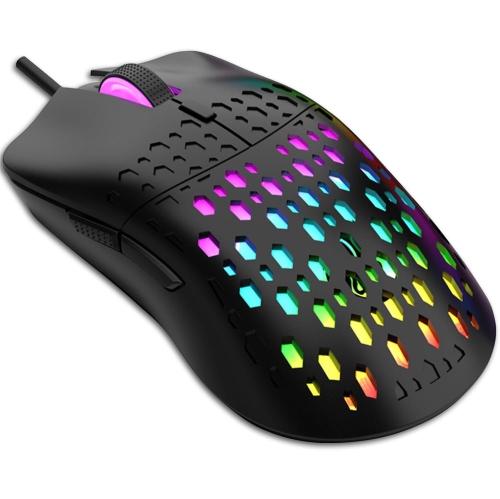
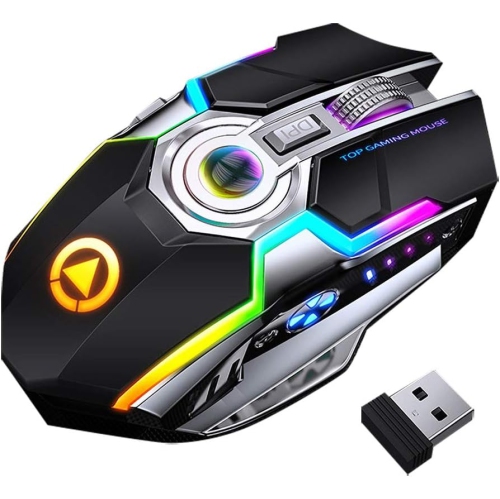
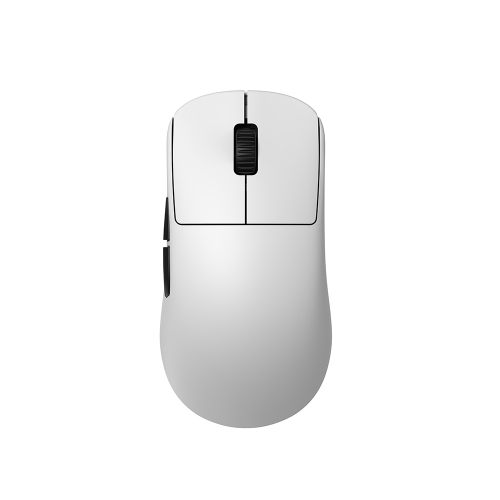
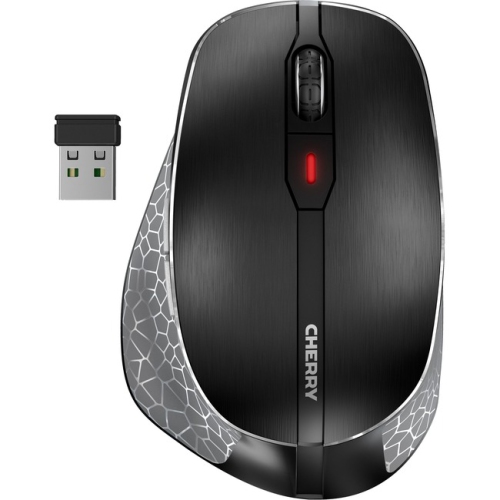
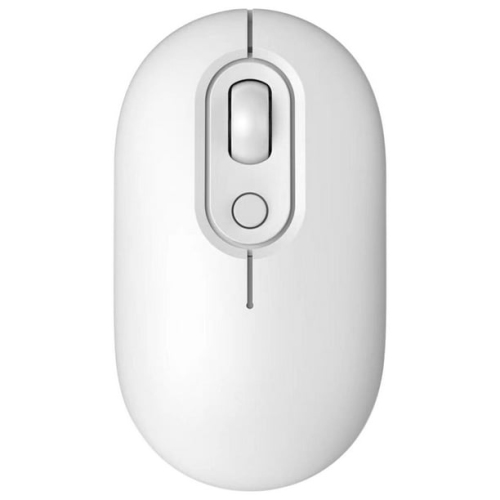

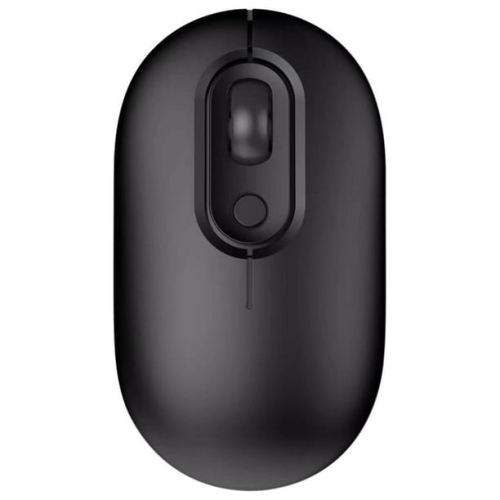
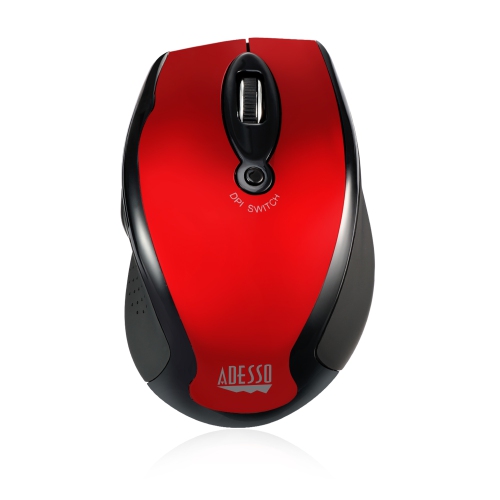
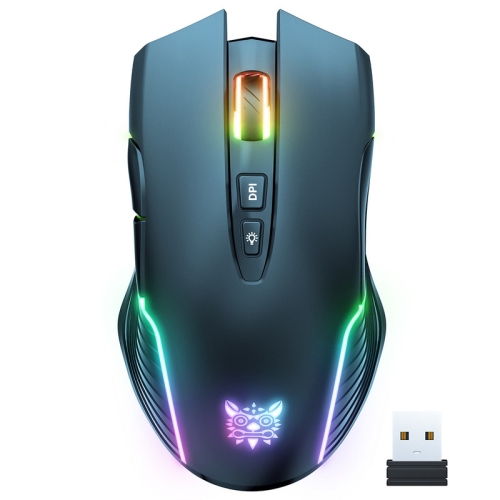
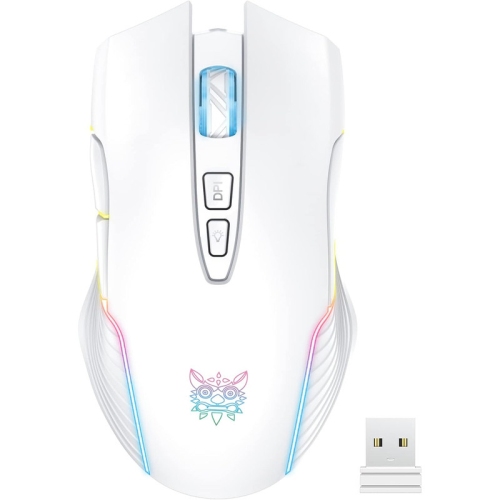
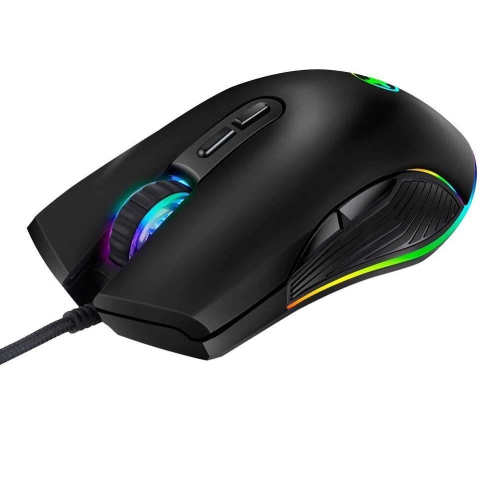
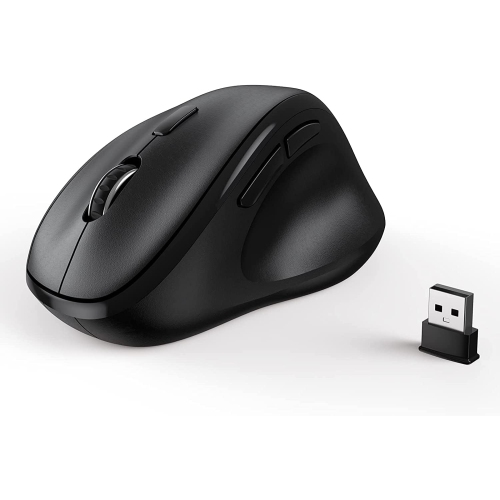
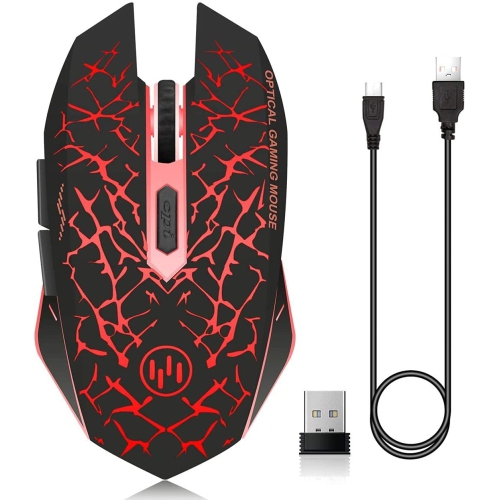
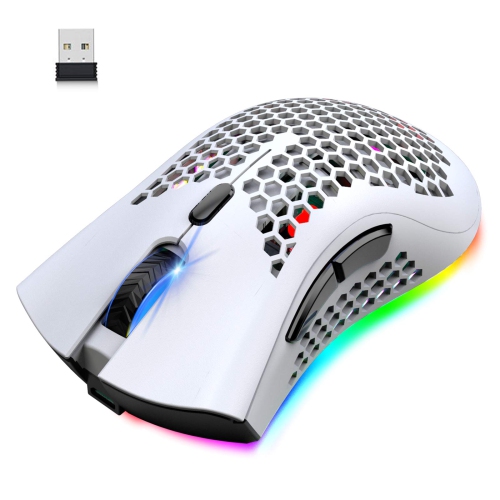
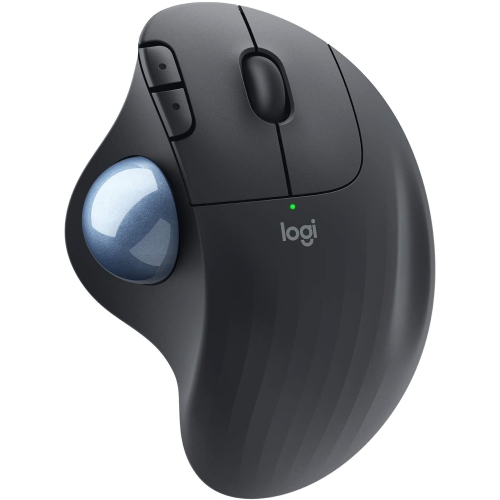
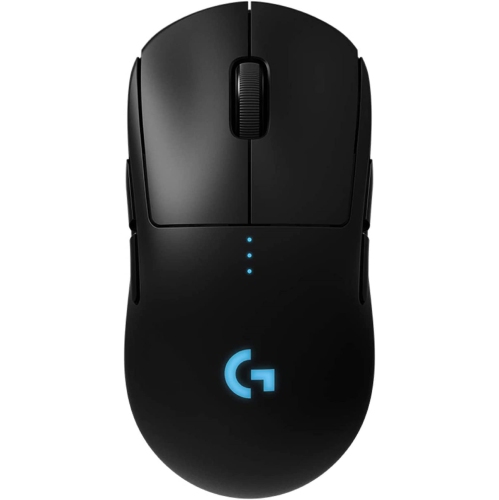
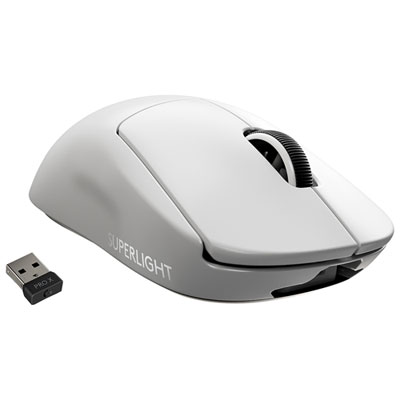
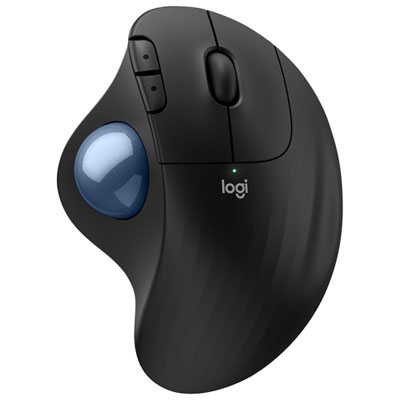
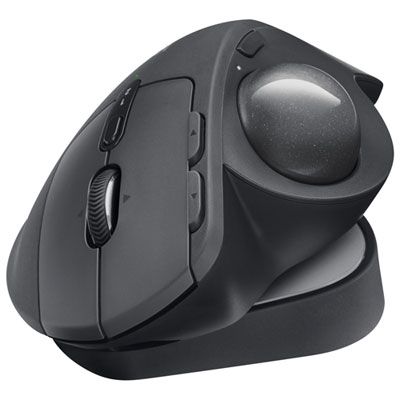
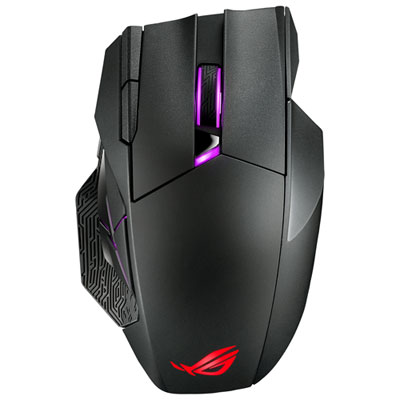
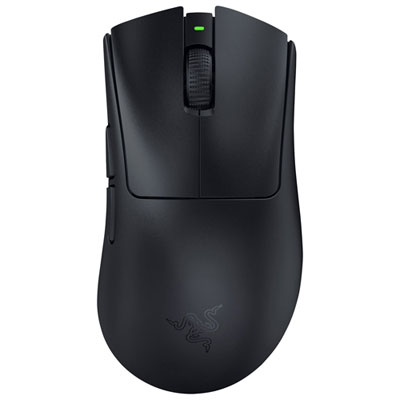
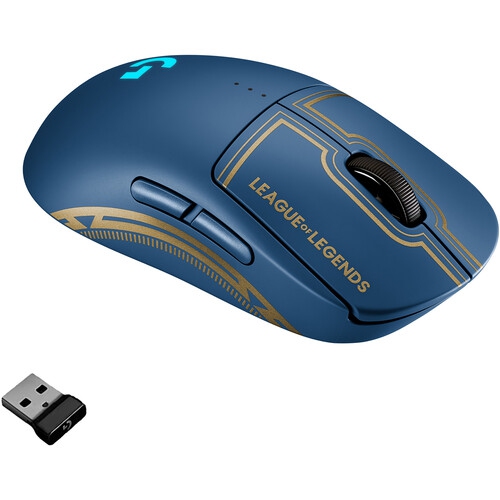
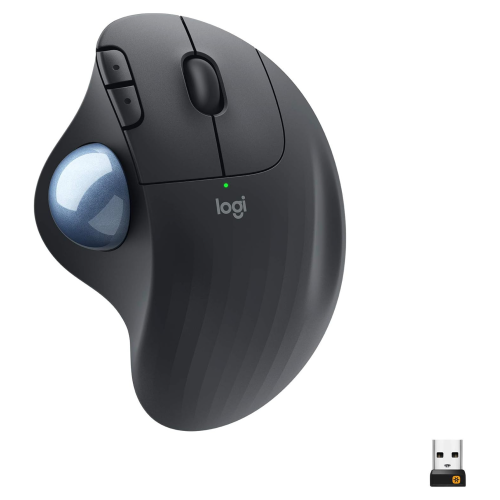
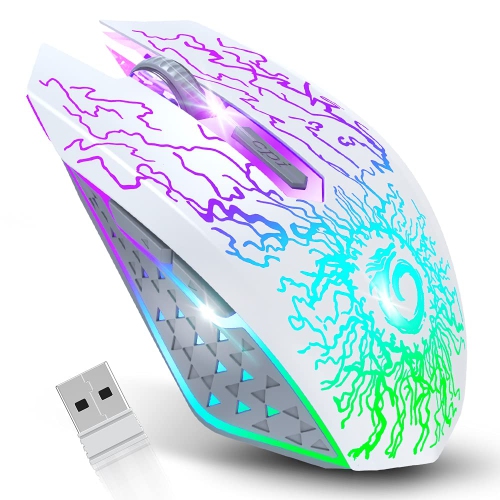
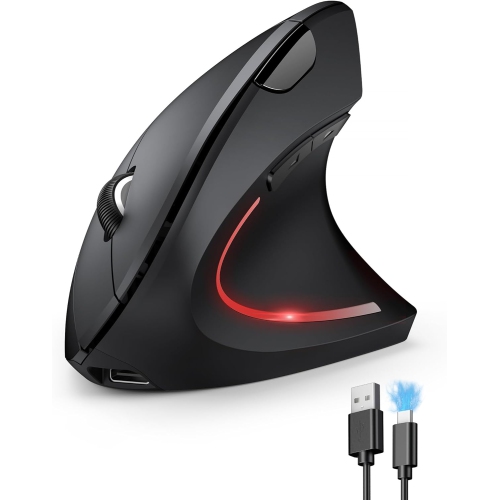
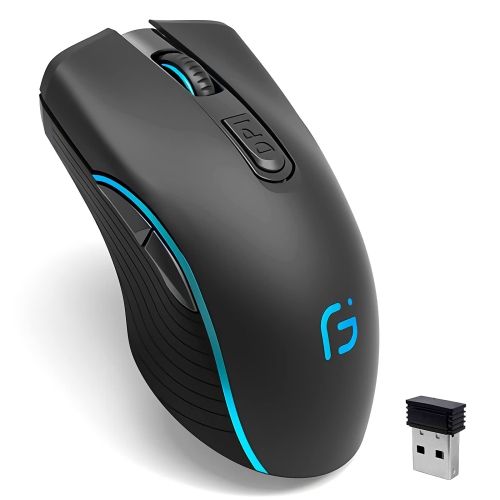
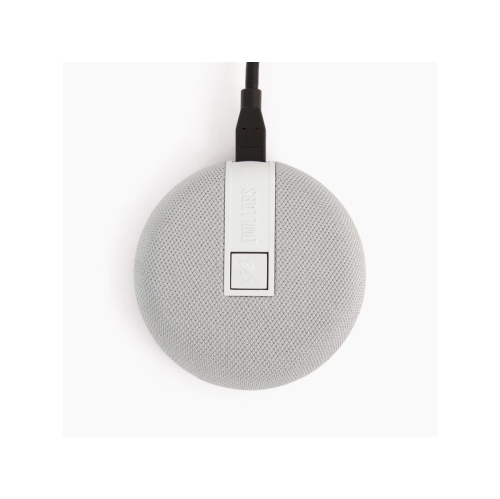


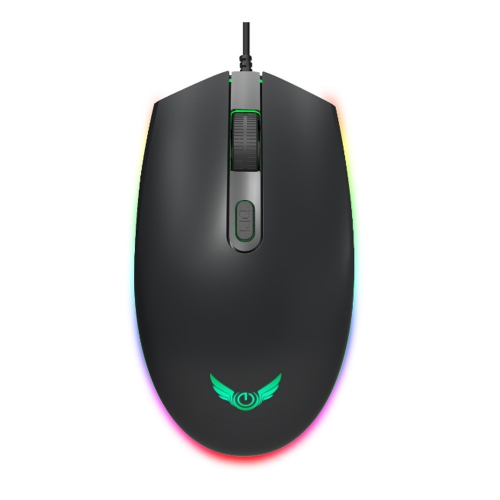
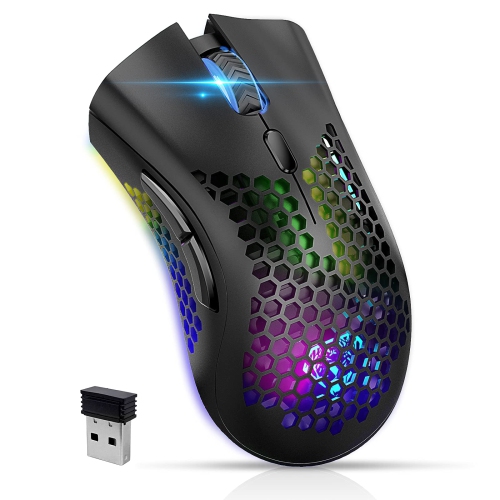
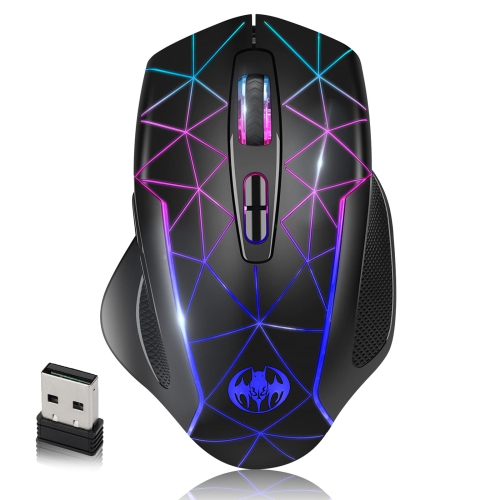
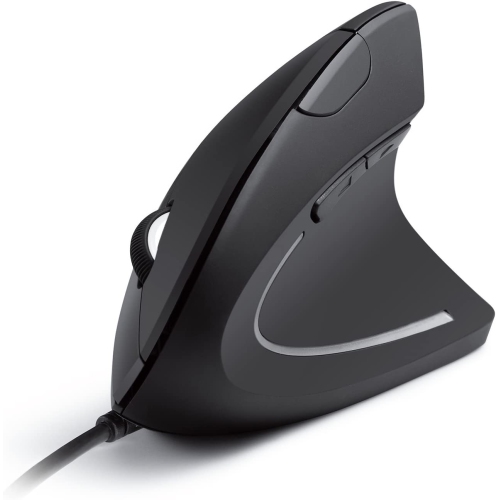
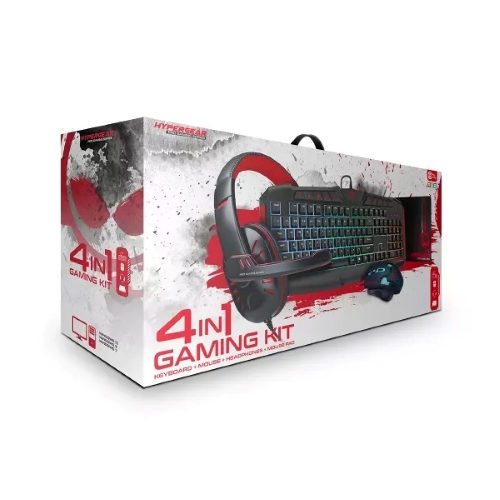
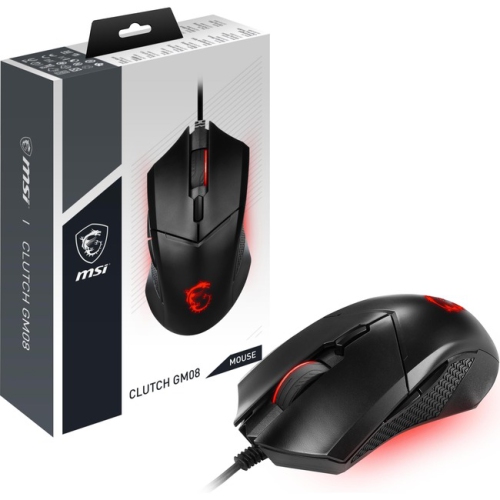
Comfort and control for longer gaming sessions
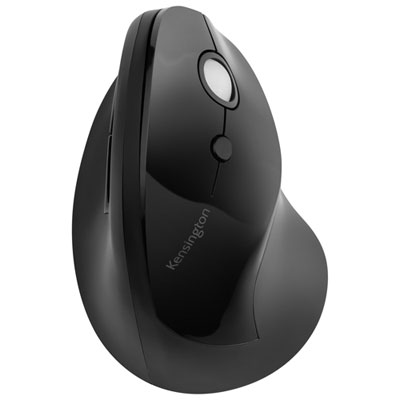
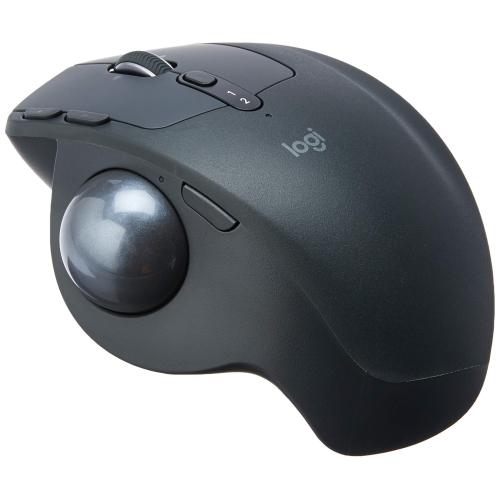
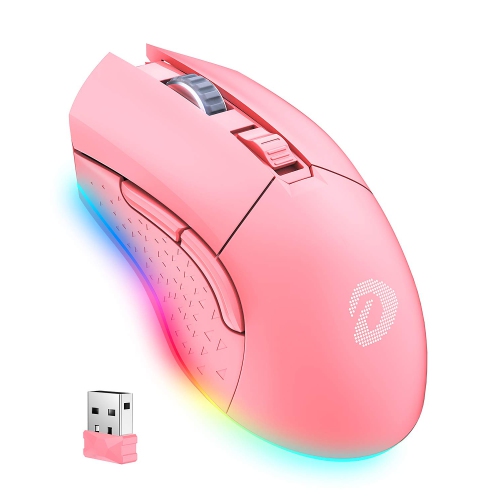
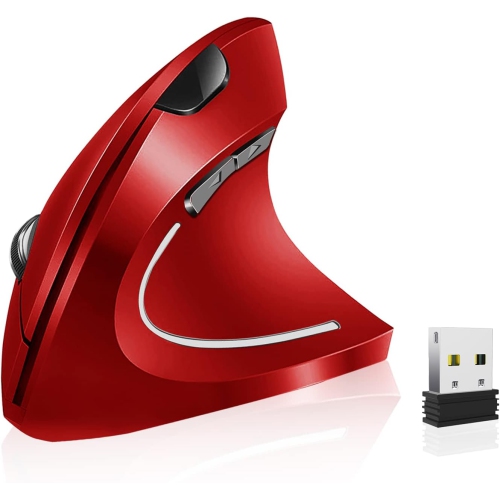
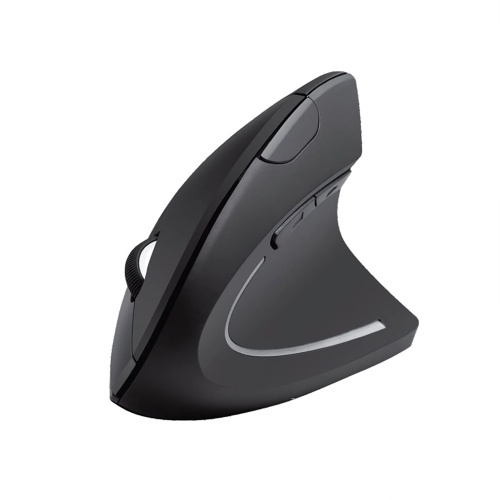
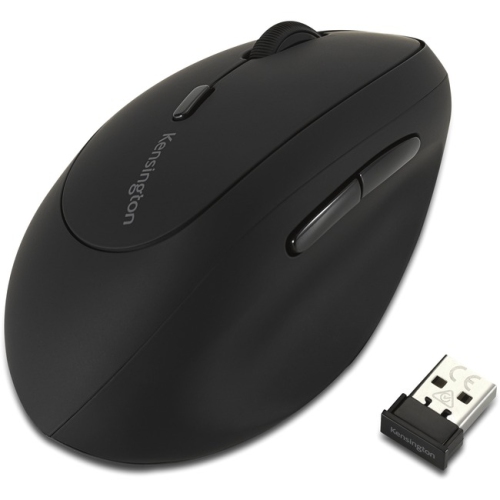
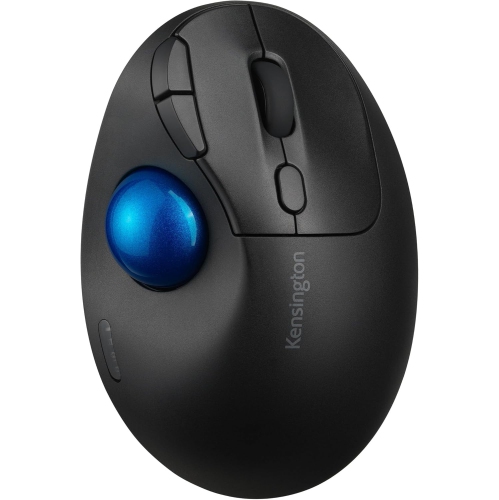
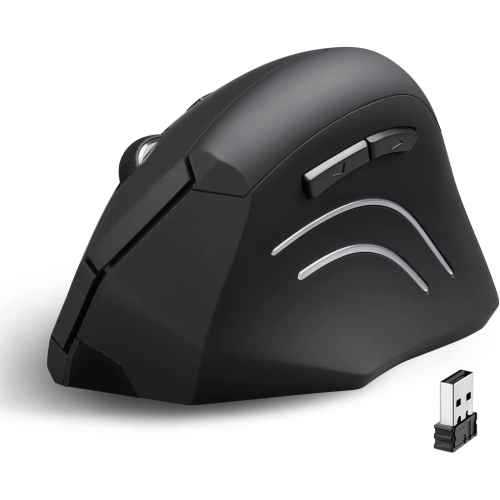
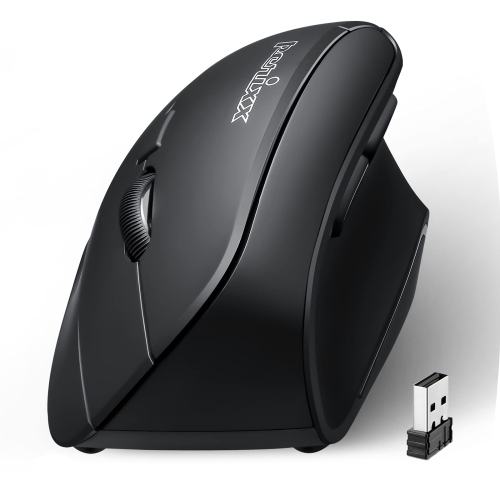
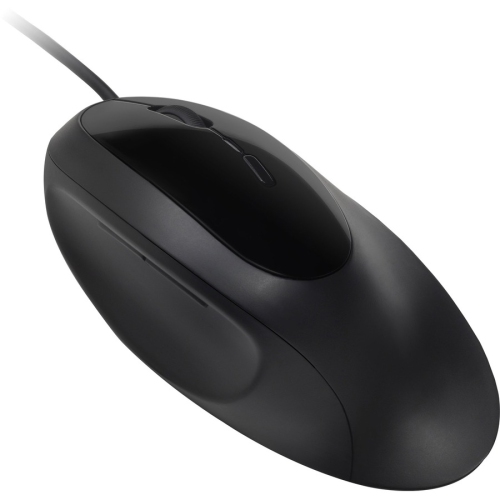
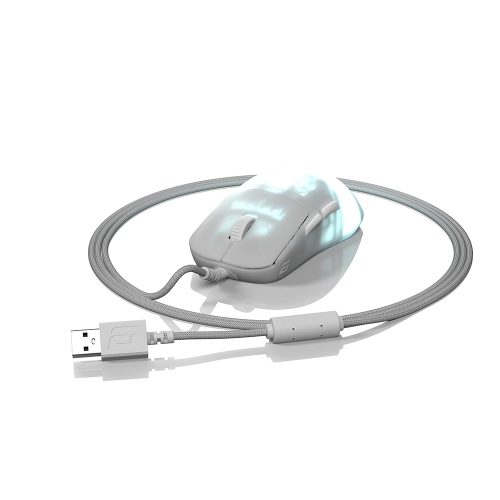
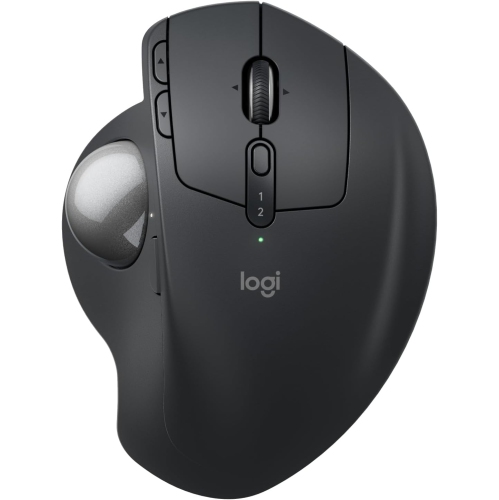
Ergonomic gaming mice are designed to make extended computer use feel more natural by supporting the hand and encouraging a comfortable wrist position. Compared with a flat, symmetrical mouse, an ergonomic model typically has a contoured, right-handed shape that follows the curve of the palm, a raised back that fills the hand, and a thumb rest that helps keep your fingers relaxed. These details can make a noticeable difference during a long gaming session, especially when you are moving between fast-paced matches, open-world exploration, and everyday tasks such as browsing, studying, or working from home. A well-shaped mouse should feel secure without forcing you to squeeze it, and your wrist should remain relatively straight rather than bent sharply toward the little-finger side. The right fit depends on your hand size, preferred grip, and the way you play. Palm grippers often appreciate a taller shell that supports most of the hand, while claw grippers may prefer a more compact profile that leaves room for quick finger movements. Fingertip grippers generally look for a narrower, lighter design that is easy to lift and reposition. There is no single shape that suits every player, so it helps to consider where the mouse sits beneath your palm, whether your thumb rests comfortably, and if your fingers can reach the main buttons without stretching. For a broader selection of shapes and features, explore Ergonomic Mice for Gaming.
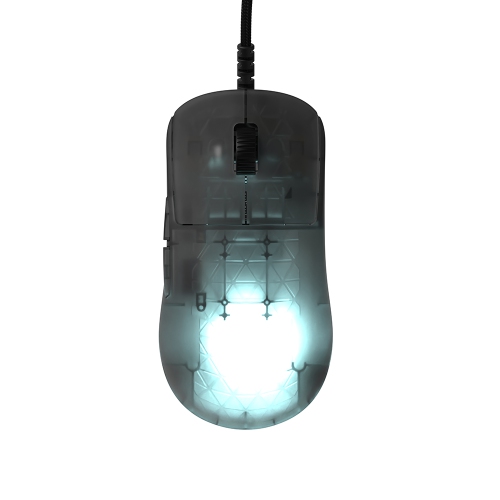
Sensor performance is another important consideration when choosing an ergonomic gaming mouse. A precise optical sensor can provide consistent tracking for aiming, camera movement, and cursor control, while adjustable sensitivity lets you tailor movement to different games and screen sizes. Lower sensitivity can be useful for controlled aiming in competitive shooters, although it may require more desk space and larger arm movements. Higher sensitivity can help with quick turns or compact setups, but it may feel less forgiving when you need fine control. Look for a model with smooth tracking, dependable lift-off behaviour, and settings that can be adjusted through compatible software or onboard controls. Weight also changes the way a mouse feels. Lightweight models can be easier to sweep across a large mouse pad and may reduce arm fatigue during rapid movements, while heavier designs can feel more planted for strategy games, role-playing games, creative work, and general desktop use. Button layout matters just as much. Two primary buttons and a clickable scroll wheel provide the basics, while additional side buttons can be useful for reloads, abilities, push-to-talk, shortcuts, or frequently used commands. More buttons are not automatically better; they should be easy to reach without shifting your grip or pressing the wrong control in the middle of a game. Some mice also include adjustable scroll-wheel modes, profile switching, onboard memory, and customizable lighting. These features can be helpful for players who move between genres, but a simple plug-and-play design may be preferable if you value straightforward setup and reliable performance.
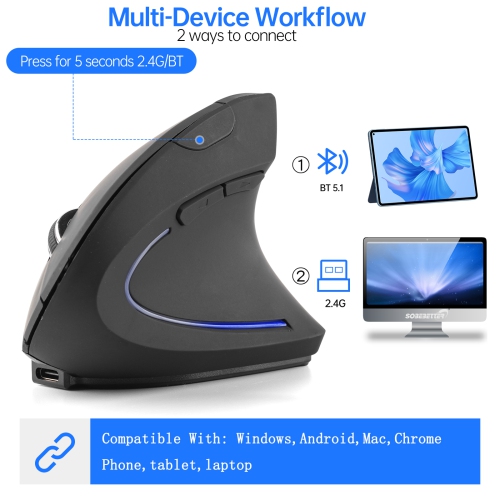
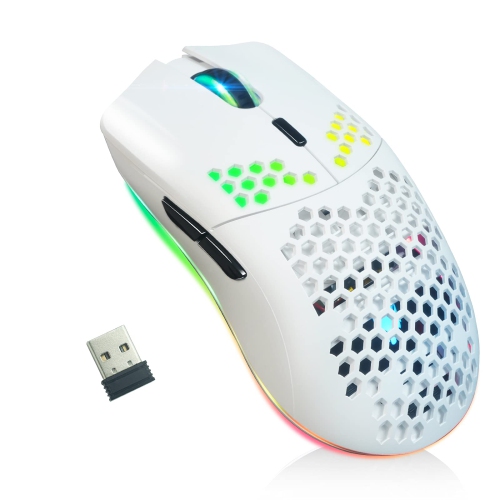
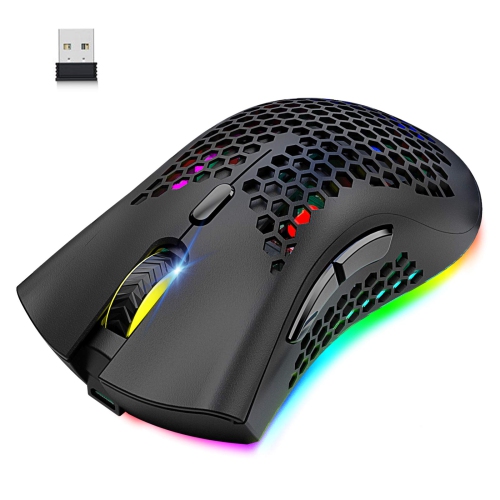
Connection type can shape both the feel and convenience of your setup. Wired ergonomic gaming mice provide a direct connection and do not require charging, making them a practical choice for a permanent desktop station or anyone who prefers uncomplicated performance. A flexible, low-drag cable can help prevent resistance as the mouse moves across the desk. Wireless models offer a cleaner playing area and freedom from cable drag, particularly when your keyboard, monitor, and mouse are arranged across a larger surface. Low-latency 2.4 GHz wireless connections are well suited to gaming, while Bluetooth can be convenient for switching between compatible devices or conserving battery power. Battery life, charging options, and the ability to use the mouse while it charges are worth checking before making a choice. Ergonomic gaming mice can be a thoughtful gift for a PC gamer, a student who spends long hours at a desk, or anyone upgrading an older mouse that leaves their hand feeling tired by the end of the day. They also suit family members who share a computer, since a comfortable shape can improve everyday browsing as much as it supports gaming. During the cooler months, when more time may be spent indoors playing, studying, or enjoying digital hobbies, a supportive mouse can make a desk setup feel more comfortable from the first click to the final match. Pairing it with a suitable mouse pad and enough room for natural arm movement can further improve control and comfort. Before choosing, consider your dominant hand, hand size, grip style, preferred genres, available desk space, desired weight, button needs, and whether wired or wireless connectivity fits your routine.
Sensor performance is another important consideration when choosing an ergonomic gaming mouse. A precise optical sensor can provide consistent tracking for aiming, camera movement, and cursor control, while adjustable sensitivity lets you tailor movement to different games and screen sizes. Lower sensitivity can be useful for controlled aiming in competitive shooters, although it may require more desk space and larger arm movements. Higher sensitivity can help with quick turns or compact setups, but it may feel less forgiving when you need fine control. Look for a model with smooth tracking, dependable lift-off behaviour, and settings that can be adjusted through compatible software or onboard controls. Weight also changes the way a mouse feels. Lightweight models can be easier to sweep across a large mouse pad and may reduce arm fatigue during rapid movements, while heavier designs can feel more planted for strategy games, role-playing games, creative work, and general desktop use. Button layout matters just as much. Two primary buttons and a clickable scroll wheel provide the basics, while additional side buttons can be useful for reloads, abilities, push-to-talk, shortcuts, or frequently used commands. More buttons are not automatically better; they should be easy to reach without shifting your grip or pressing the wrong control in the middle of a game. Some mice also include adjustable scroll-wheel modes, profile switching, onboard memory, and customizable lighting. These features can be helpful for players who move between genres, but a simple plug-and-play design may be preferable if you value straightforward setup and reliable performance.
Connection type can shape both the feel and convenience of your setup. Wired ergonomic gaming mice provide a direct connection and do not require charging, making them a practical choice for a permanent desktop station or anyone who prefers uncomplicated performance. A flexible, low-drag cable can help prevent resistance as the mouse moves across the desk. Wireless models offer a cleaner playing area and freedom from cable drag, particularly when your keyboard, monitor, and mouse are arranged across a larger surface. Low-latency 2.4 GHz wireless connections are well suited to gaming, while Bluetooth can be convenient for switching between compatible devices or conserving battery power. Battery life, charging options, and the ability to use the mouse while it charges are worth checking before making a choice. Ergonomic gaming mice can be a thoughtful gift for a PC gamer, a student who spends long hours at a desk, or anyone upgrading an older mouse that leaves their hand feeling tired by the end of the day. They also suit family members who share a computer, since a comfortable shape can improve everyday browsing as much as it supports gaming. During the cooler months, when more time may be spent indoors playing, studying, or enjoying digital hobbies, a supportive mouse can make a desk setup feel more comfortable from the first click to the final match. Pairing it with a suitable mouse pad and enough room for natural arm movement can further improve control and comfort. Before choosing, consider your dominant hand, hand size, grip style, preferred genres, available desk space, desired weight, button needs, and whether wired or wireless connectivity fits your routine.
Top selling and popular products
-
 Your price for this item is $29.99
 -
 Your price for this item is $50.44
 -
 Your price for this item is $39.99
 -
 Your price for this item is $49.99
 -
 Your price for this item is $159.95
 -
 Your price for this item is $44.68
 -
 Your price for this item is $44.68
 -
 Your price for this item is $31
Discover more categories related to Ergo Gaming Mice
Top Collections:
Pokemon Centers, Kindle Devices, Best Budget Office Chairs, Apple iPhones 16, Best Laptops for Writers, iPhone 15 Apple, Canon G7X Cameras, Refurbished Apple Laptops, Alarm Clock, Motorola Razr Phones
Some products may be subject to Environmental Handling Fees
(EHF) depending on your province.
Learn more about EHFs.