Keyboard And Mice for PS4
The PlayStation 4 is a powerful gaming console, but it's also a powerful media center. If you want to use your PS4 as a home theater PC, you'll need a keyboard and mouse. Here are some of the best options for both.
Sort
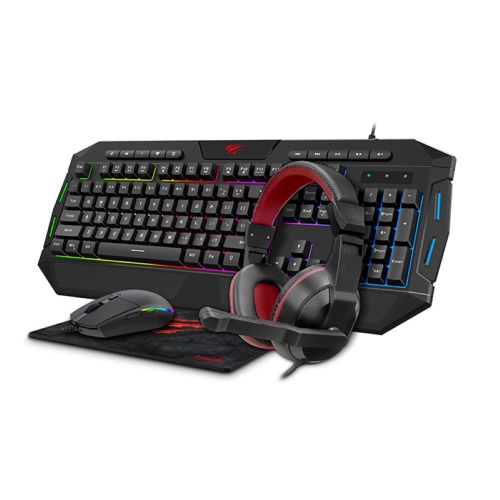
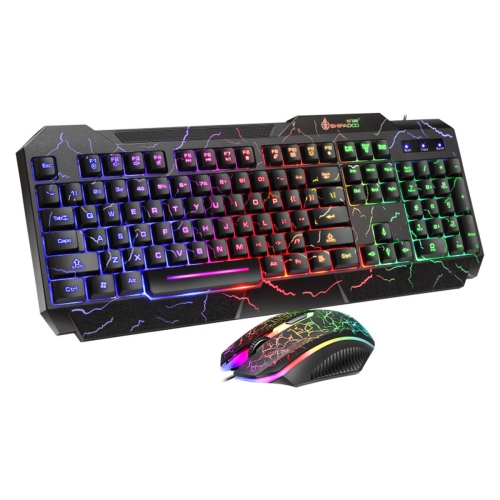
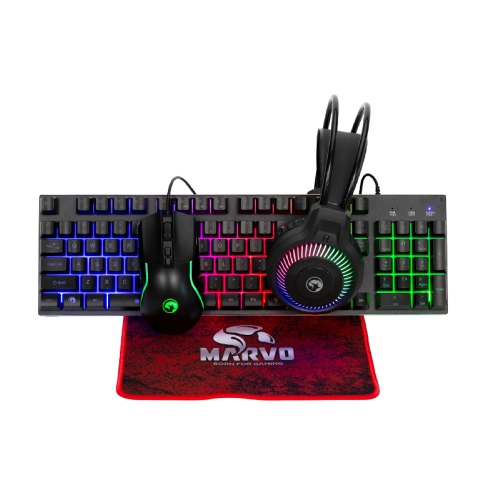
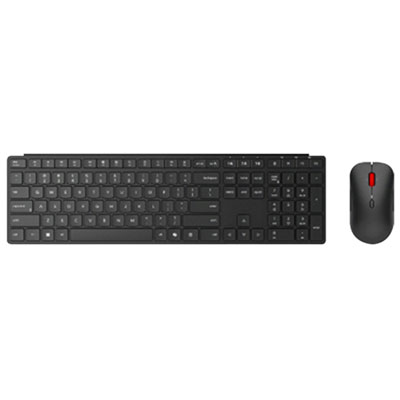
What to know about PS4 keyboard and mouse support
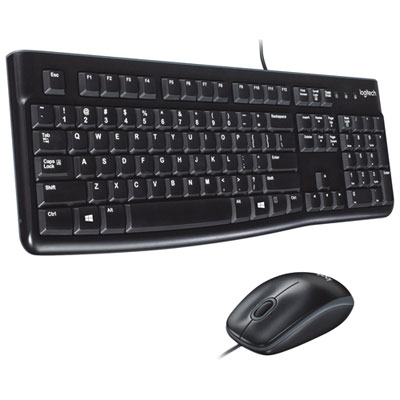
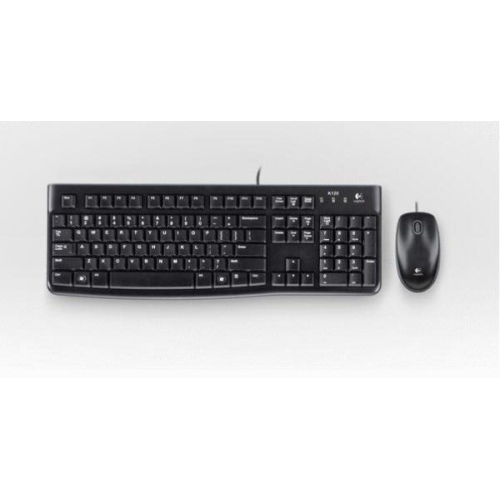
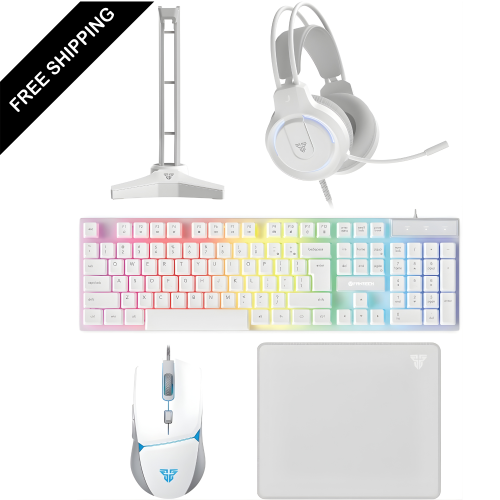
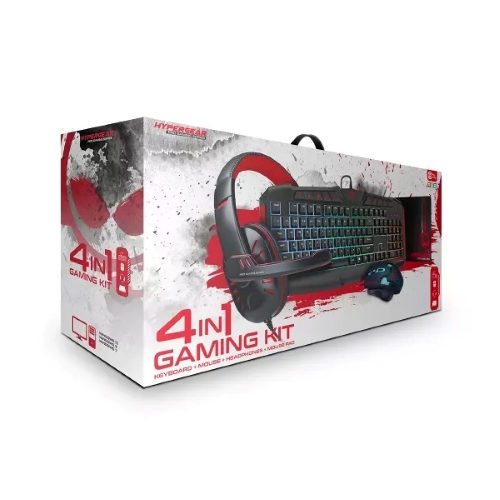
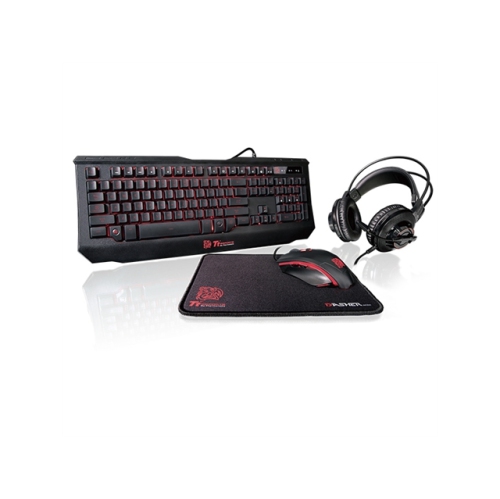
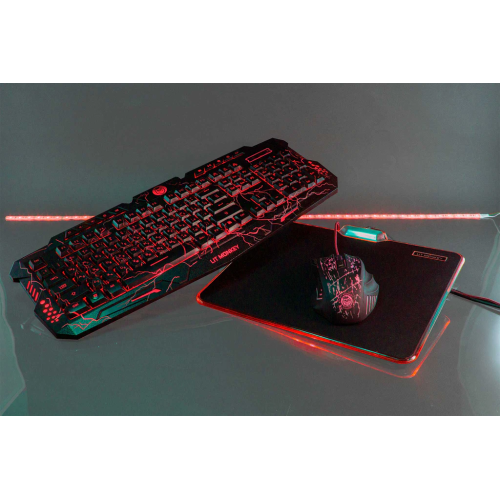
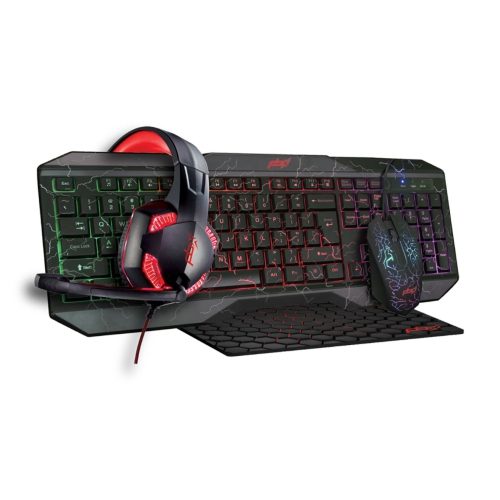
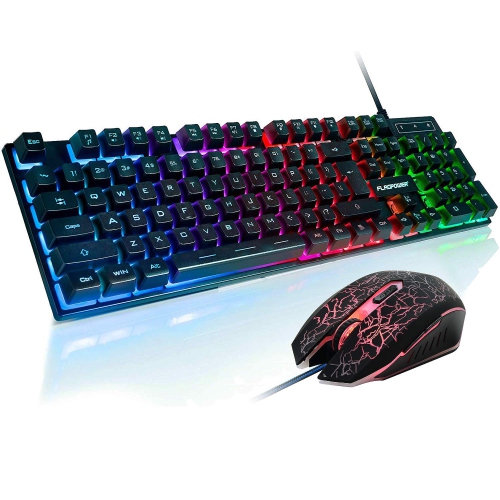
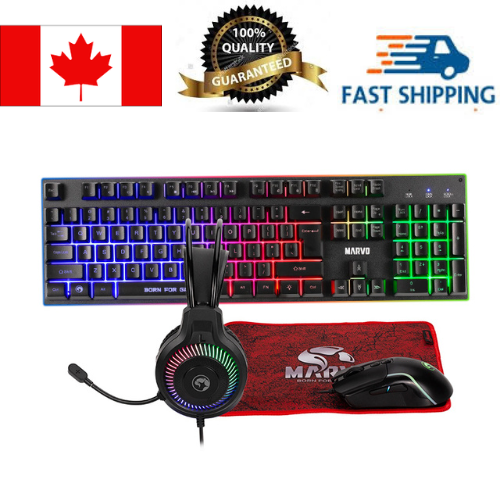
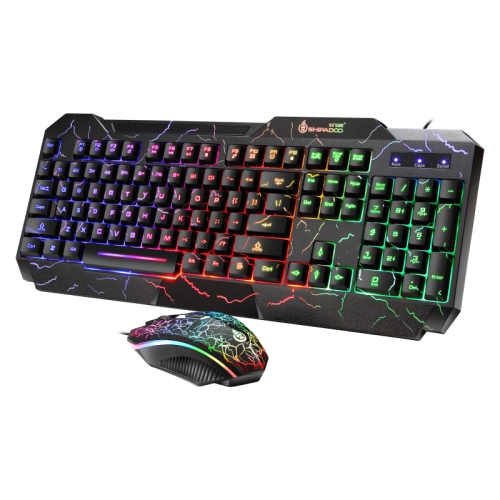
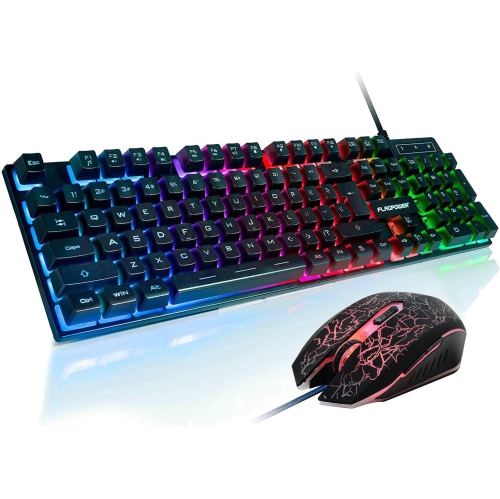
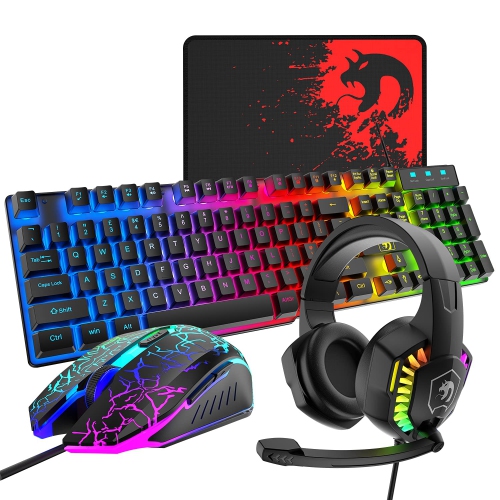
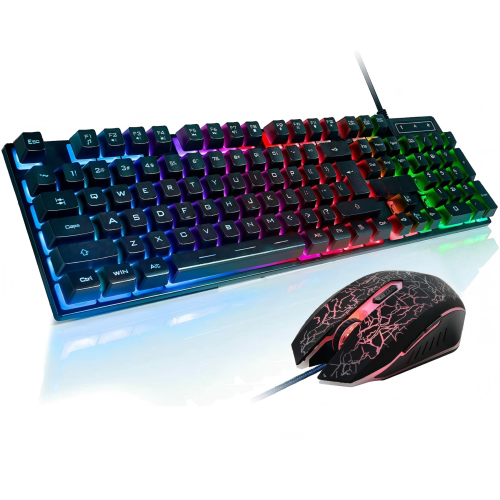
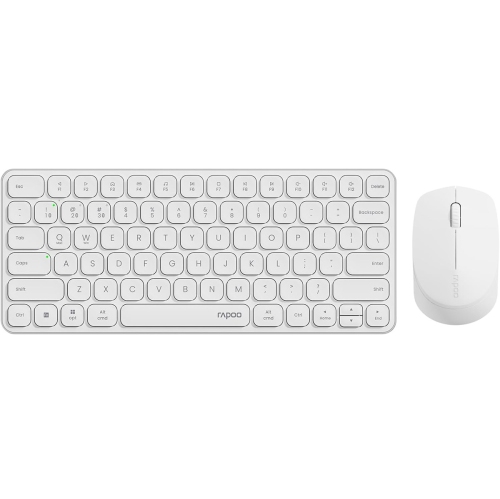
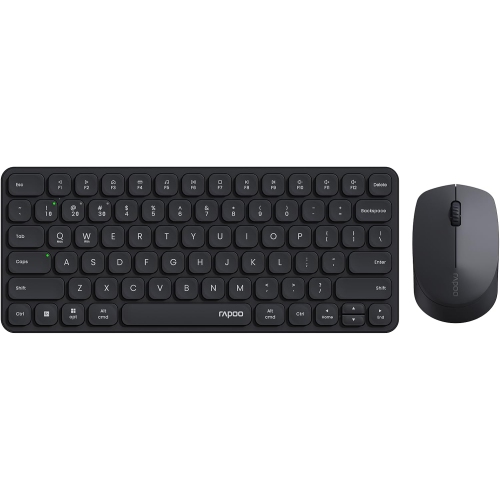
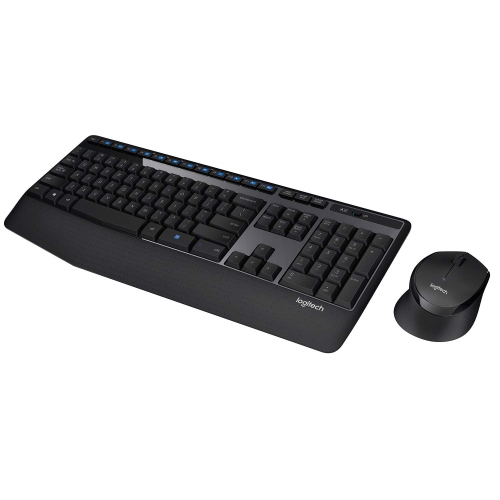
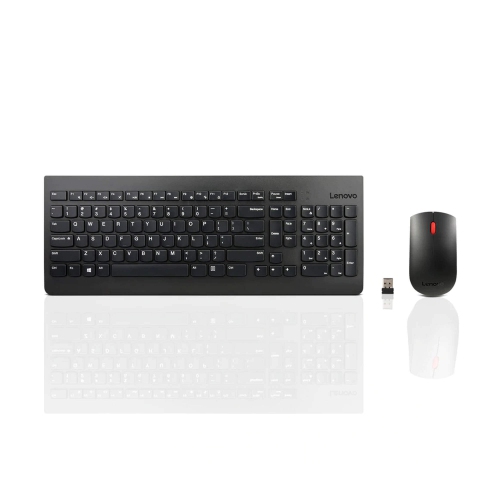
Keyboard And Mice for PS4 can make certain console tasks feel more familiar, especially for players who are accustomed to a desktop setup. A keyboard can be useful for entering text in messages, searching, naming saved items, navigating menus and communicating with other players, while a mouse may provide more precise pointer control in games that support mouse input. Standard USB models can generally be connected to the front USB ports on a PlayStation 4 console, and many wireless sets work through a small USB receiver. Compatible Bluetooth devices may also be paired through the console’s device settings. In each case, it is worth checking the connection method, receiver requirements and compatibility details before choosing a set, particularly if the console is positioned in an entertainment unit where access to the front ports is limited. The most important point for gaming is that keyboard and mouse functionality depends on the individual PS4 title. The console can recognize these devices for typing and menu navigation, but a game must be designed to accept them for in-game controls. Some titles offer full keyboard and mouse support, some allow only text entry, and others are intended exclusively for a controller. Checking the game’s documentation or support information can help avoid disappointment and ensures that the selected setup suits the way the player actually plays.
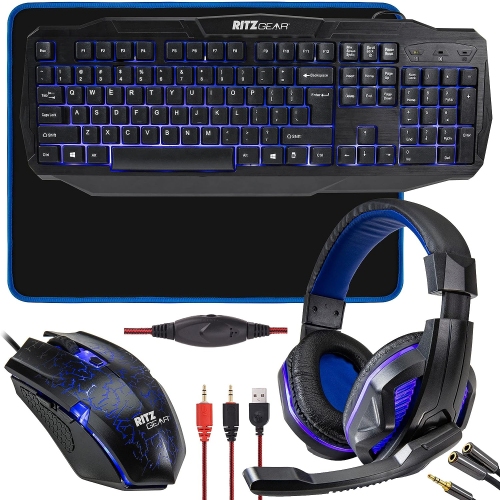
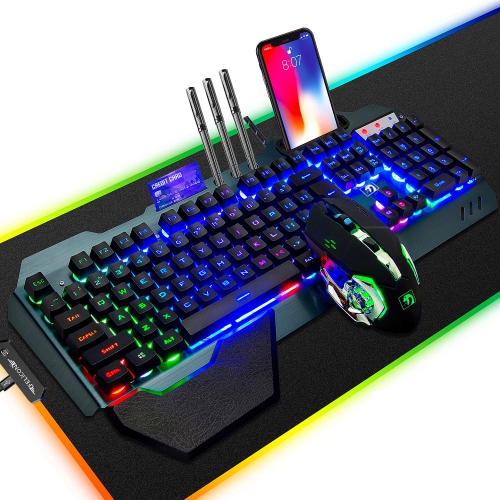
When comparing Keyboard And Mice for PS4, start with the space around the console and the distance to the seating area. A wired set can offer straightforward plug-and-play use without batteries, pairing steps or a wireless receiver to misplace, making it a practical choice for a desk near the console. A wireless keyboard and mouse can create a cleaner setup across a living room, bedroom or gaming area, although battery life, receiver range and storage are important considerations. If the receiver occupies one USB port, check whether the remaining ports will still accommodate other accessories. Keyboard layout is another detail that affects everyday comfort: a full-size design includes a number pad, while a compact layout takes up less room and may be easier to use from a lapboard or small side table. Look for responsive keys, clear legends and a shape that feels comfortable during longer sessions. For the mouse, consider the size of the hand, the preferred grip and the surface where it will be used. A mouse mat or other consistent surface can help movement feel smoother than a glossy coffee table or uneven fabric. Adjustable sensitivity can be helpful for switching between menus and supported games, but advanced settings only matter when the console or title can use them. Lighting is a personal preference rather than a requirement, and simple, dependable controls may be the better fit for shared spaces or late-night play. A keyboard and mouse set can also be a thoughtful gift for a PS4 player who wants to try supported strategy, building, action or multiplayer games with a familiar control style. It suits students setting up a compact gaming station, families sharing a console in a common room and players who already use a computer and want a similar feel when they move to the TV.
Comfort and convenience become especially noticeable during the cooler months, when indoor gaming, group play and relaxed weekend sessions often take up more time. A low-profile keyboard can be easier to position in front of a television, while a longer cable or dependable wireless range can prevent the need to move the console closer to the sofa. Consider whether the keyboard has a dedicated number row, media controls, volume shortcuts or a layout that matches the player’s typing habits. For shared households, quieter keys can reduce distractions when someone is watching television or working nearby. A mouse with well-placed buttons may be comfortable for browsing and supported games, but extra controls are not automatically useful if the PS4 title does not recognize them. It is also sensible to keep the original controller available, since many games require it or provide a better experience with analogue sticks, motion controls or console-specific buttons. During setup, connect the keyboard or receiver to a USB port, turn on the devices and follow the PS4 prompts if pairing is required. Bluetooth accessories can be managed through Settings, Devices and Bluetooth Devices, while wired models usually need only to be plugged in. If a wireless set does not respond, check its power switch, battery level, receiver placement and connection before assuming the device is incompatible. Players shopping for a second setup may want to match the keyboard’s size and mouse shape to the existing desk, whereas someone building a first gaming station may prefer a coordinated set that keeps the controls simple. Whether used for text chat, menu navigation or a game with native support, the right combination should fit the PS4, the available space and the player’s everyday habits. For shoppers comparing options for another console, the selection of Keyboard And Mice for Xbox provides a separate starting point for Xbox-focused setups.
When comparing Keyboard And Mice for PS4, start with the space around the console and the distance to the seating area. A wired set can offer straightforward plug-and-play use without batteries, pairing steps or a wireless receiver to misplace, making it a practical choice for a desk near the console. A wireless keyboard and mouse can create a cleaner setup across a living room, bedroom or gaming area, although battery life, receiver range and storage are important considerations. If the receiver occupies one USB port, check whether the remaining ports will still accommodate other accessories. Keyboard layout is another detail that affects everyday comfort: a full-size design includes a number pad, while a compact layout takes up less room and may be easier to use from a lapboard or small side table. Look for responsive keys, clear legends and a shape that feels comfortable during longer sessions. For the mouse, consider the size of the hand, the preferred grip and the surface where it will be used. A mouse mat or other consistent surface can help movement feel smoother than a glossy coffee table or uneven fabric. Adjustable sensitivity can be helpful for switching between menus and supported games, but advanced settings only matter when the console or title can use them. Lighting is a personal preference rather than a requirement, and simple, dependable controls may be the better fit for shared spaces or late-night play. A keyboard and mouse set can also be a thoughtful gift for a PS4 player who wants to try supported strategy, building, action or multiplayer games with a familiar control style. It suits students setting up a compact gaming station, families sharing a console in a common room and players who already use a computer and want a similar feel when they move to the TV.
Comfort and convenience become especially noticeable during the cooler months, when indoor gaming, group play and relaxed weekend sessions often take up more time. A low-profile keyboard can be easier to position in front of a television, while a longer cable or dependable wireless range can prevent the need to move the console closer to the sofa. Consider whether the keyboard has a dedicated number row, media controls, volume shortcuts or a layout that matches the player’s typing habits. For shared households, quieter keys can reduce distractions when someone is watching television or working nearby. A mouse with well-placed buttons may be comfortable for browsing and supported games, but extra controls are not automatically useful if the PS4 title does not recognize them. It is also sensible to keep the original controller available, since many games require it or provide a better experience with analogue sticks, motion controls or console-specific buttons. During setup, connect the keyboard or receiver to a USB port, turn on the devices and follow the PS4 prompts if pairing is required. Bluetooth accessories can be managed through Settings, Devices and Bluetooth Devices, while wired models usually need only to be plugged in. If a wireless set does not respond, check its power switch, battery level, receiver placement and connection before assuming the device is incompatible. Players shopping for a second setup may want to match the keyboard’s size and mouse shape to the existing desk, whereas someone building a first gaming station may prefer a coordinated set that keeps the controls simple. Whether used for text chat, menu navigation or a game with native support, the right combination should fit the PS4, the available space and the player’s everyday habits. For shoppers comparing options for another console, the selection of Keyboard And Mice for Xbox provides a separate starting point for Xbox-focused setups.
Top selling and popular products
-
 Your price for this item is $34.99
 -
 Your price for this item is $43.99
 -
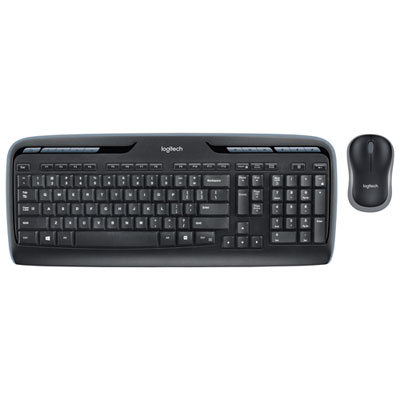 Your price for this item is $39.99
 -
 Your price for this item is $59.99
 -
 Your price for this item is $64.99
 -
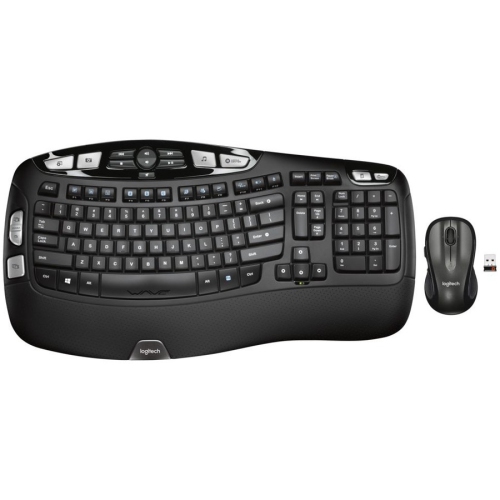 Your price for this item is $126.49
 -
 Your price for this item is $129.99
 -
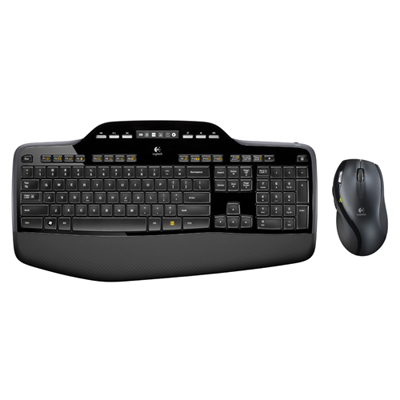 Your price for this item is $99.99
Discover more categories related to Keyboard And Mice for PS4

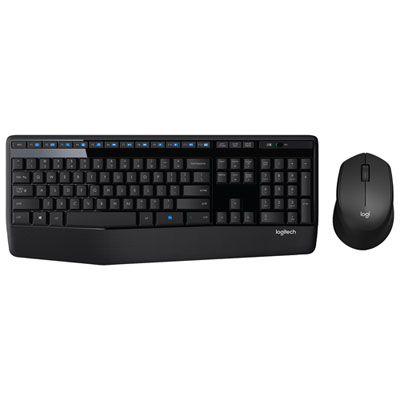
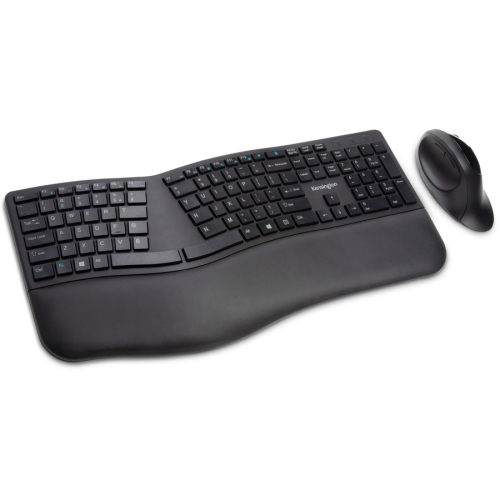
Top Collections:
Pokemon Centers, Kindle Devices, Best Cameras for Sports Photography, Samsung Galaxy Phones, Laptops for Business Work, Canon G7X Cameras, Pokémon 30th Celebration Cards, Refurbished Apple Laptops, iPhone 15 Apple, Cordless Dyson Vacuums
Some products may be subject to Environmental Handling Fees
(EHF) depending on your province.
Learn more about EHFs.