Gaming Mice for PS4
A gaming mouse is one of the most essential components for any PC setup, especially if you are a professional or a gamer. It has features that allow it to be more precise and responsive, which is ideal for games. Gaming mice often have additional buttons or switches that can be programed for specific functions by the user. These are also compatible with other devices, including the PS4. Here are some of the best options available today.
Sort
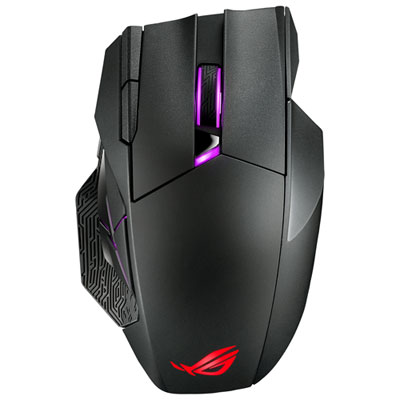
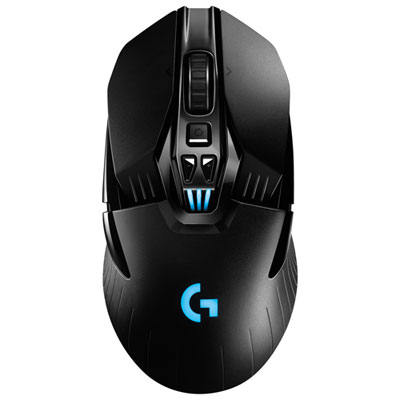
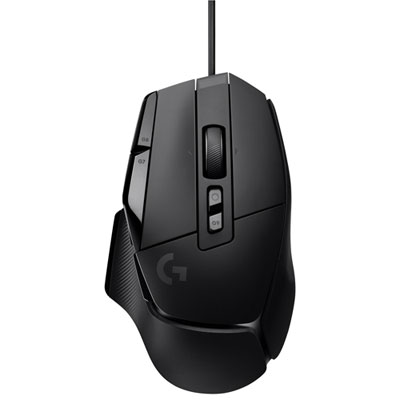
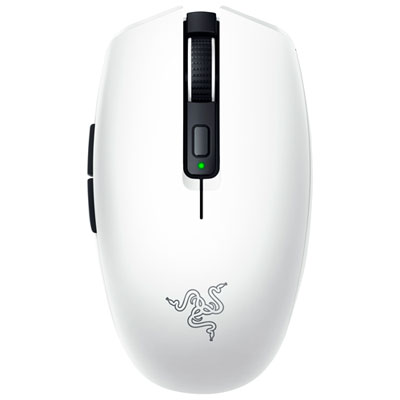
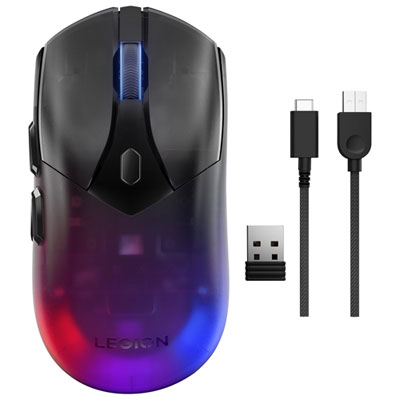
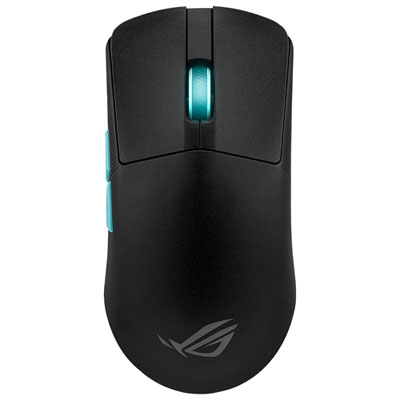

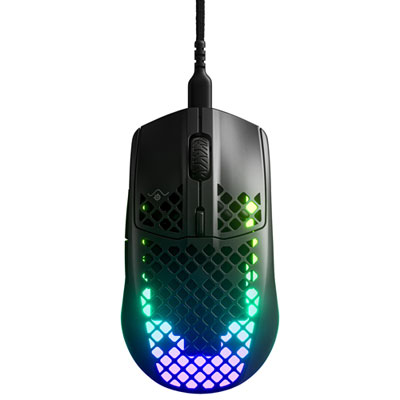
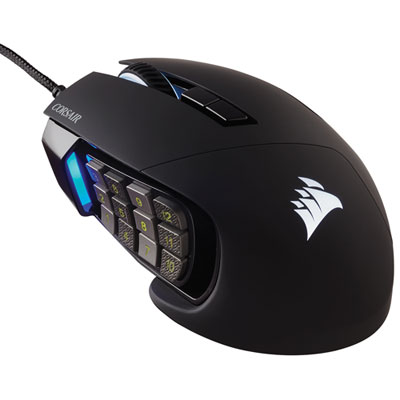
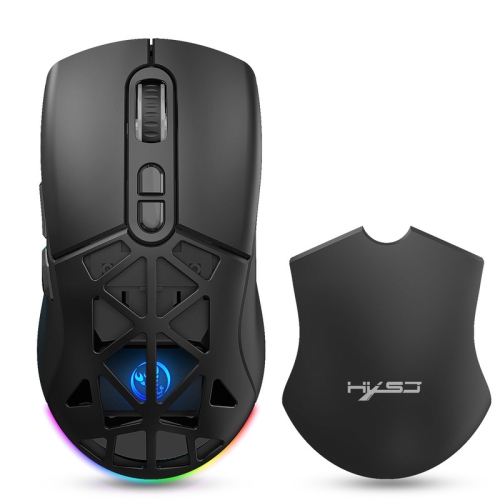
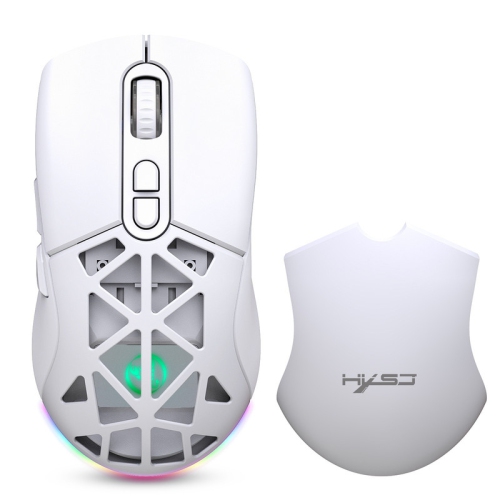
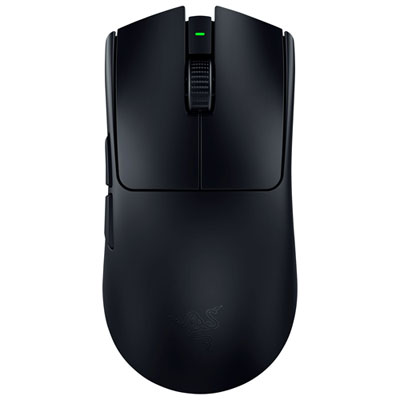
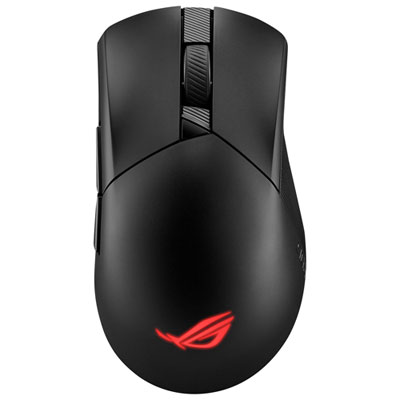
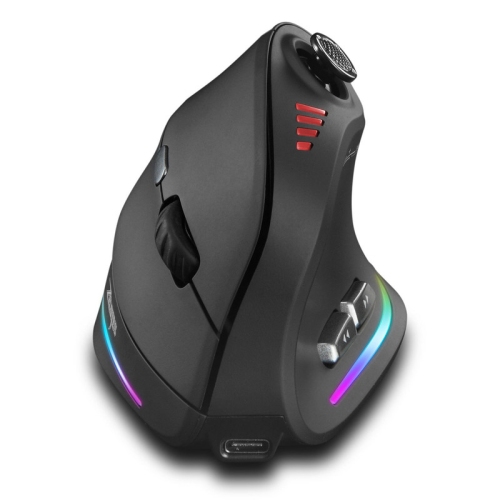
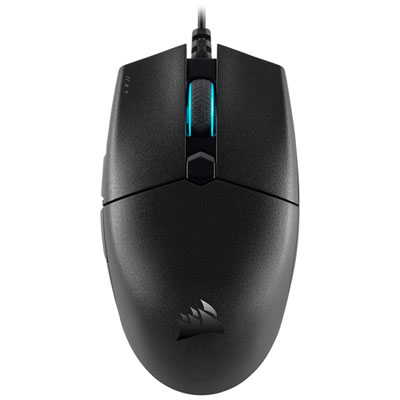


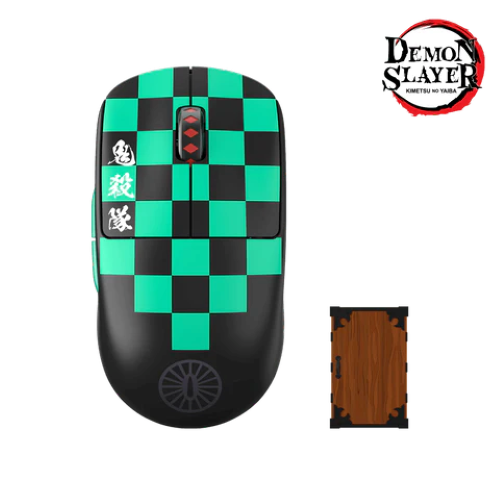
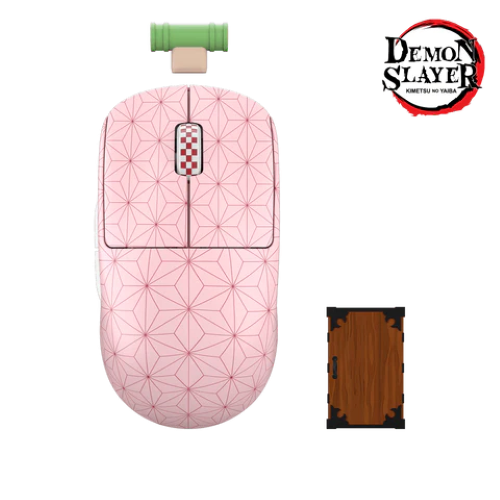
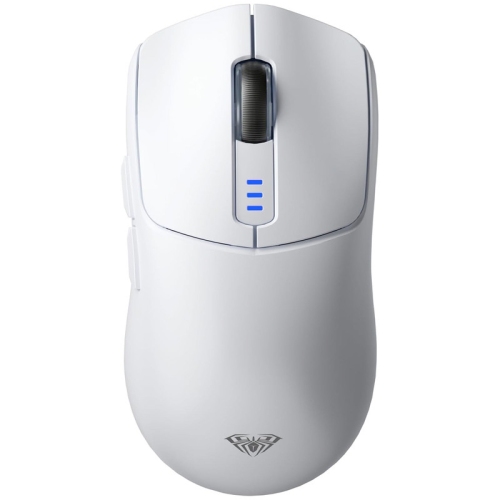
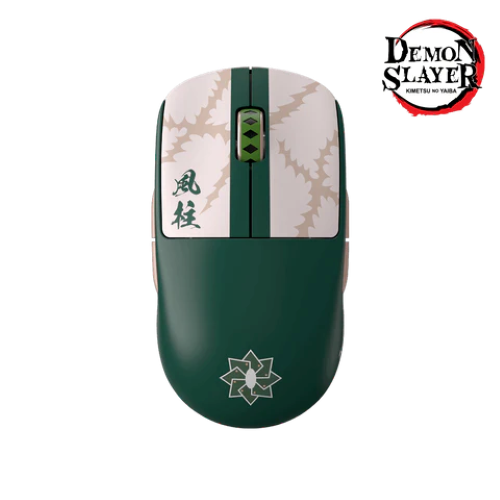

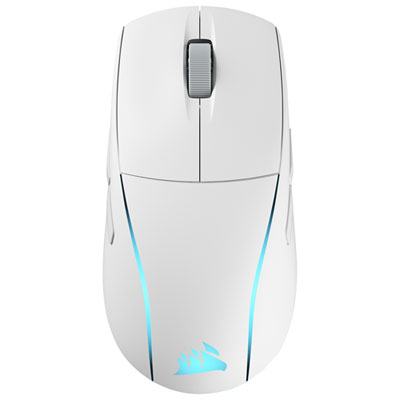

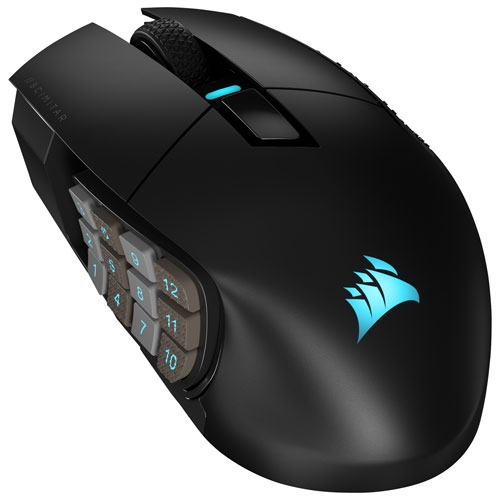
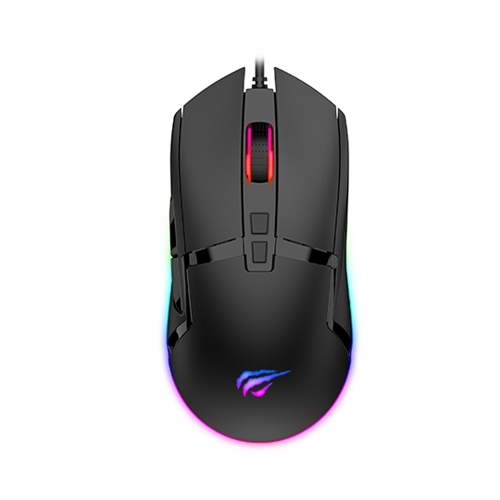
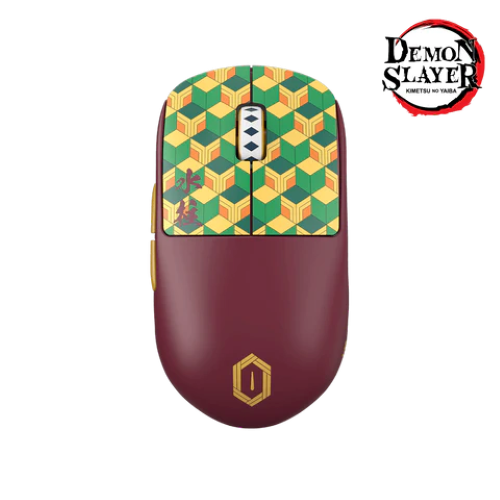
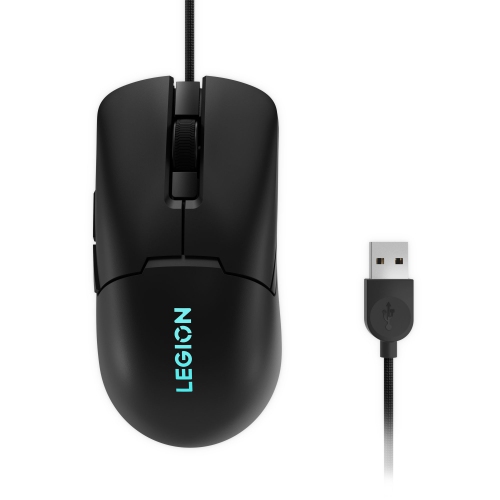
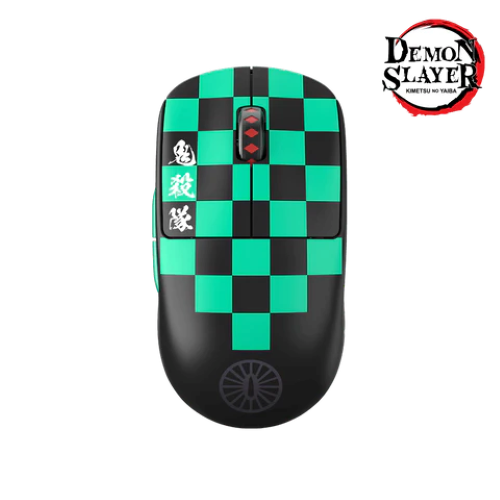

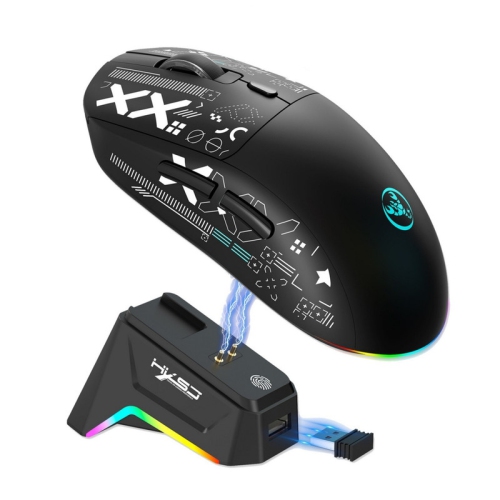
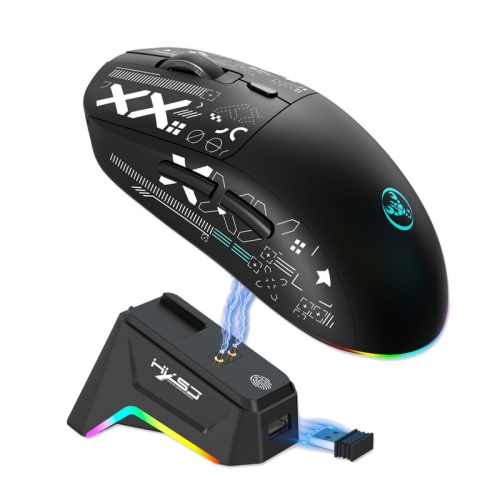
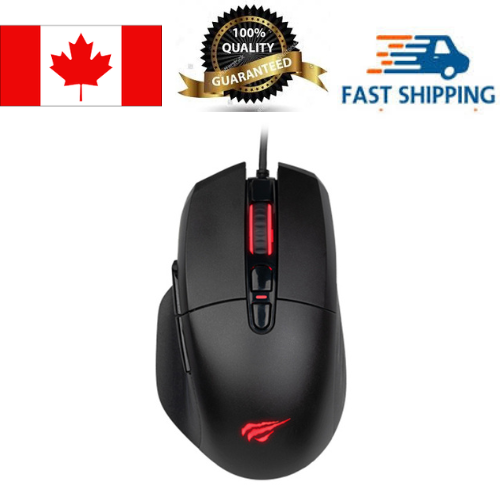
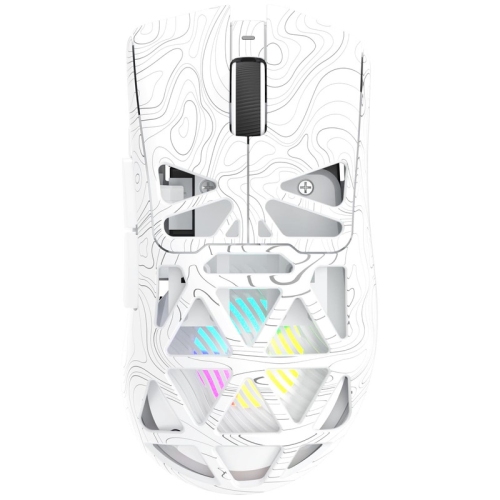
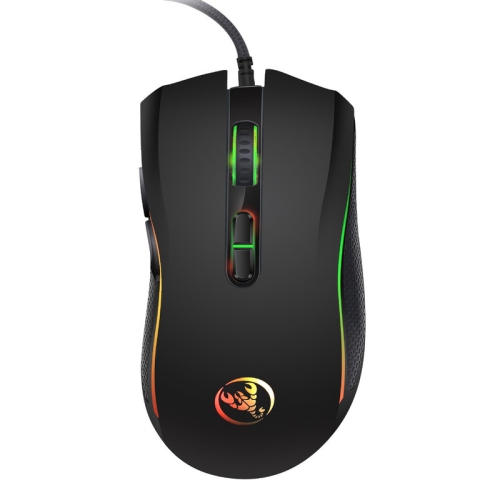
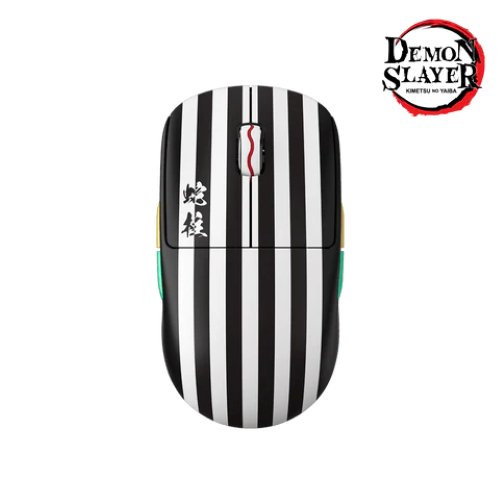
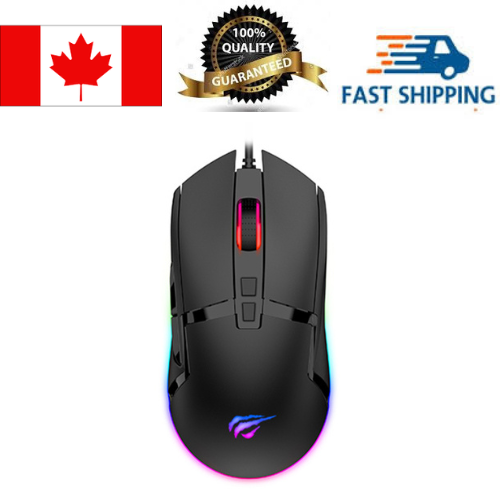
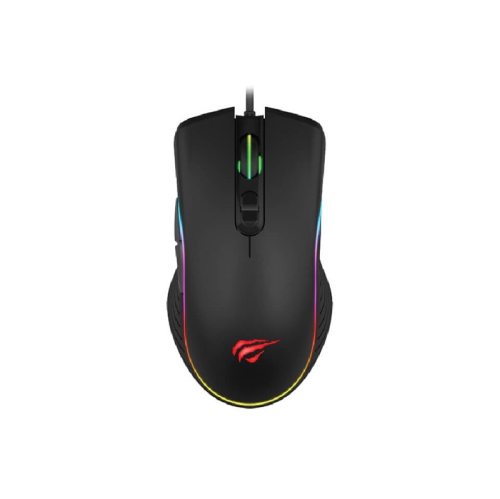


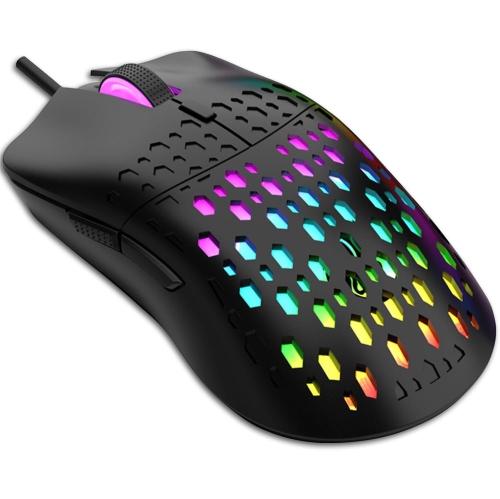
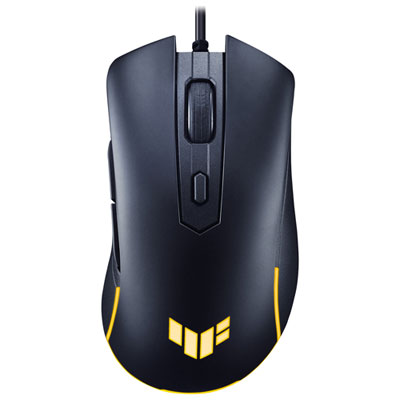
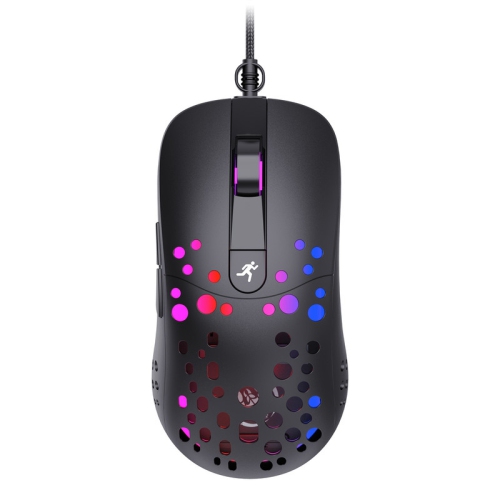
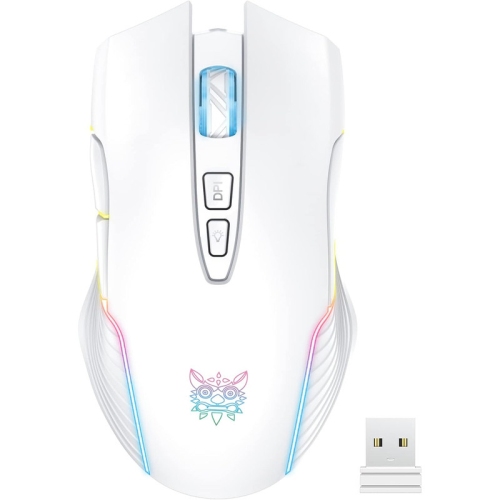
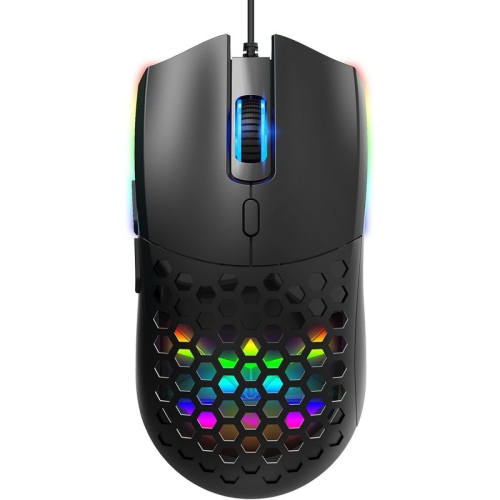
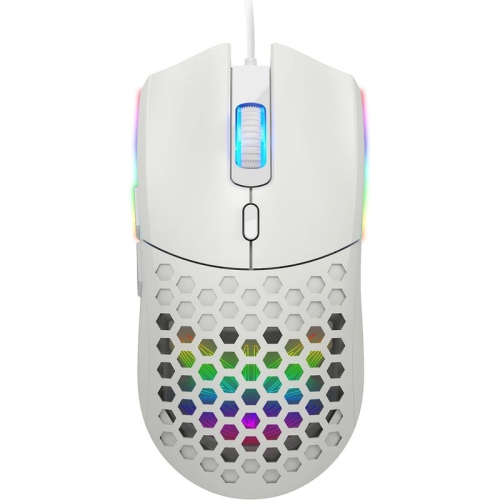
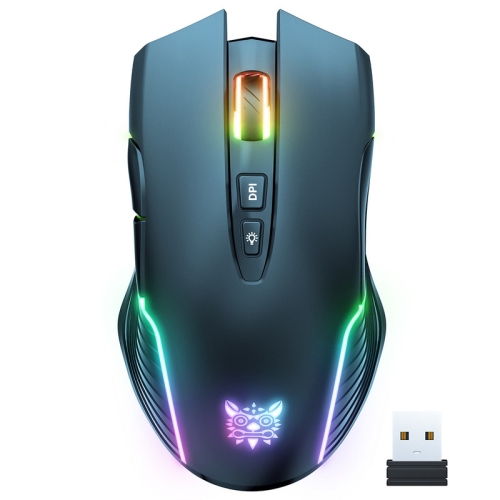
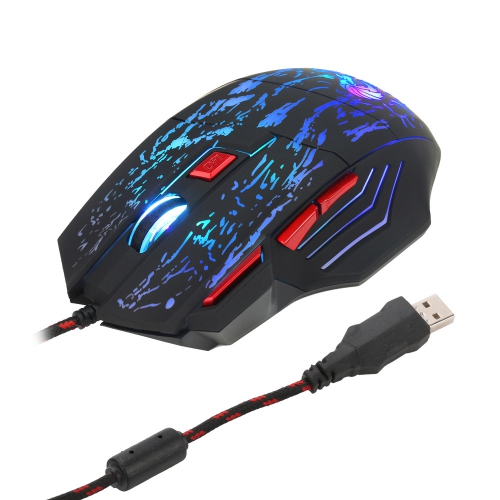
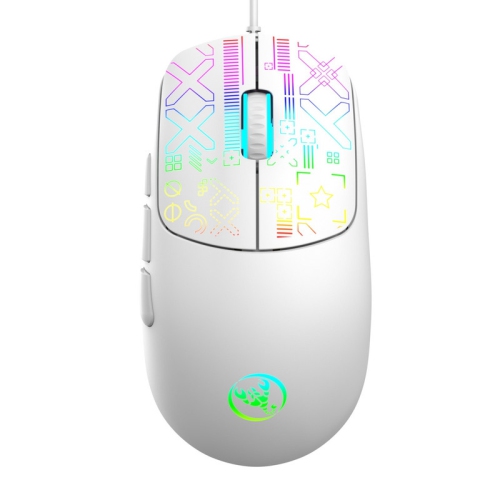
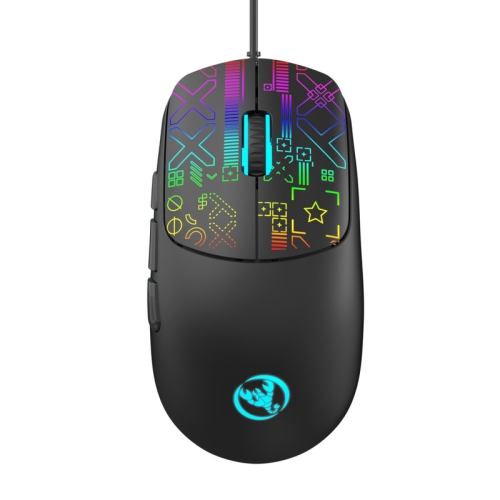
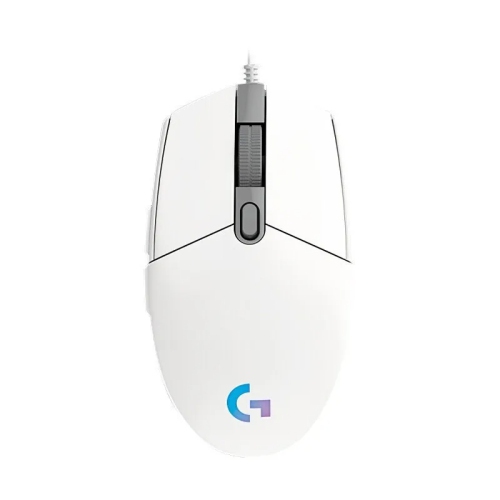
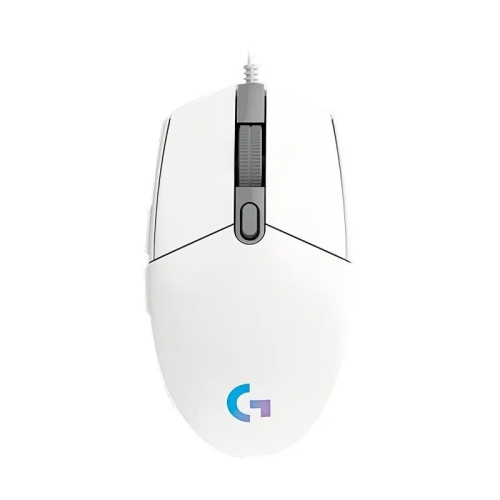
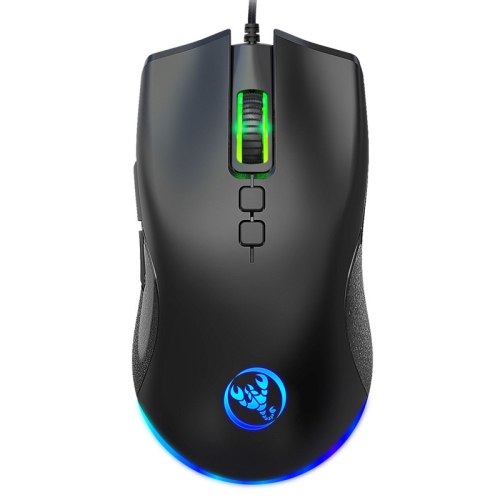
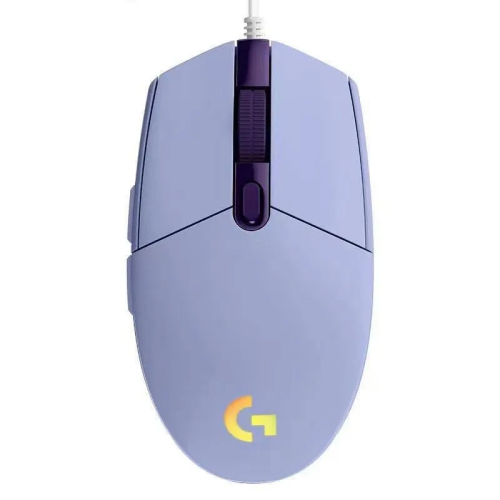
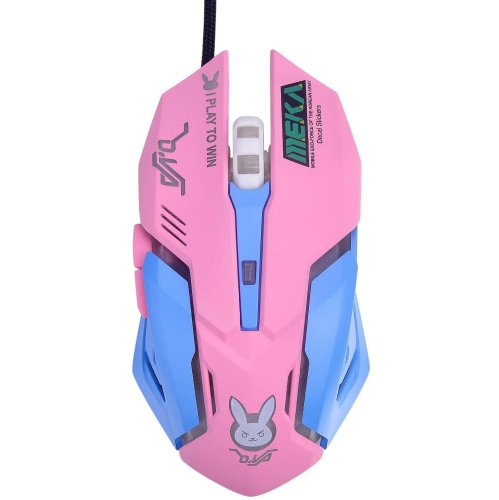
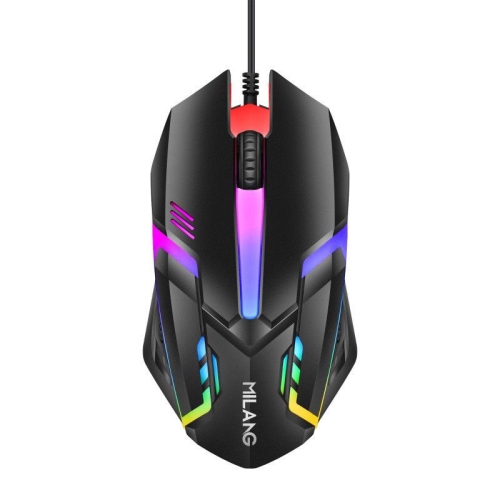
What to know about compatibility, connection, and comfort
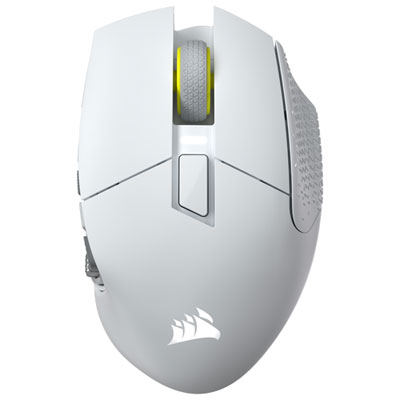
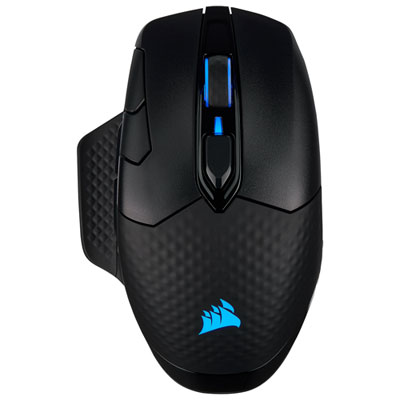
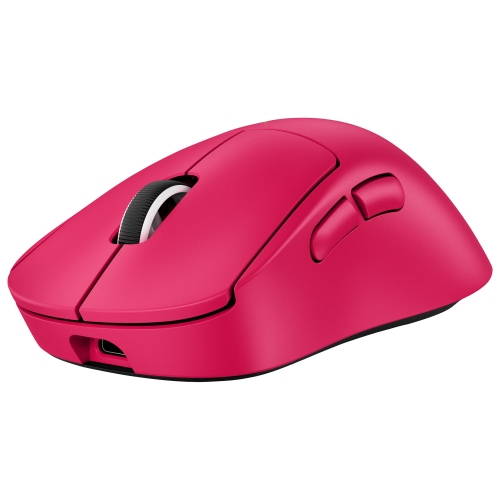
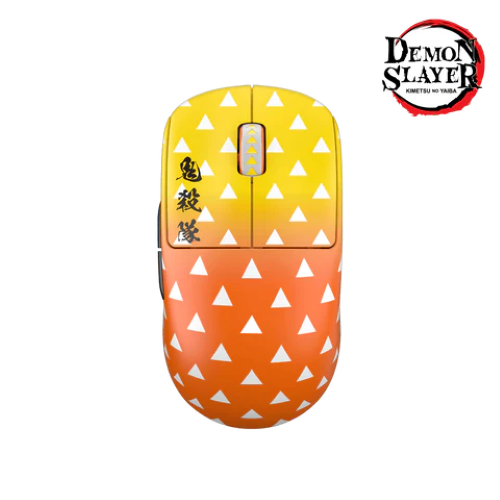
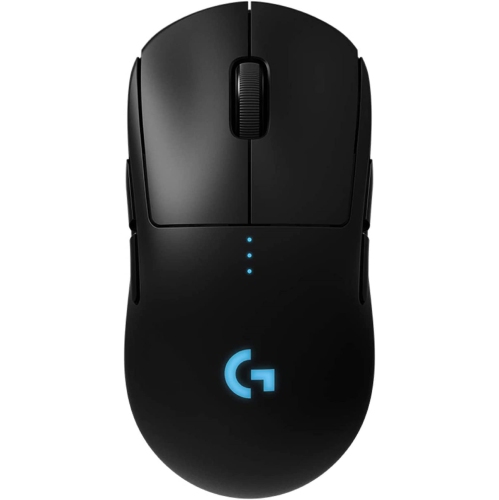
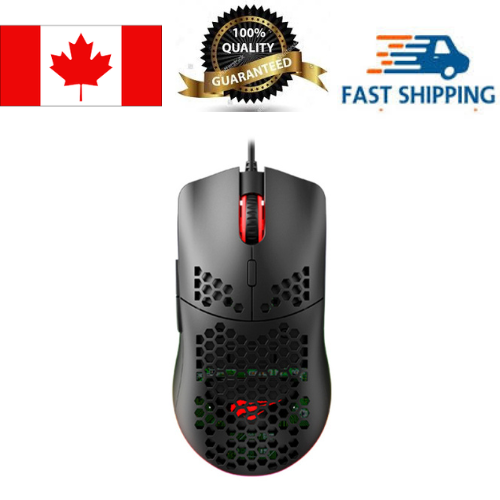
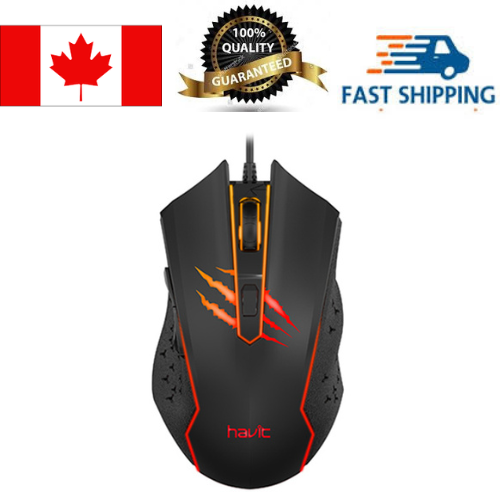
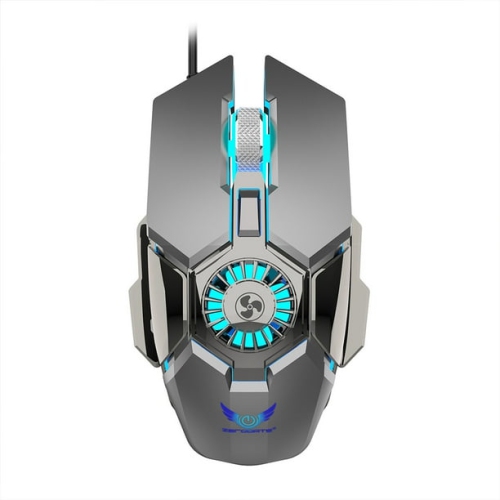
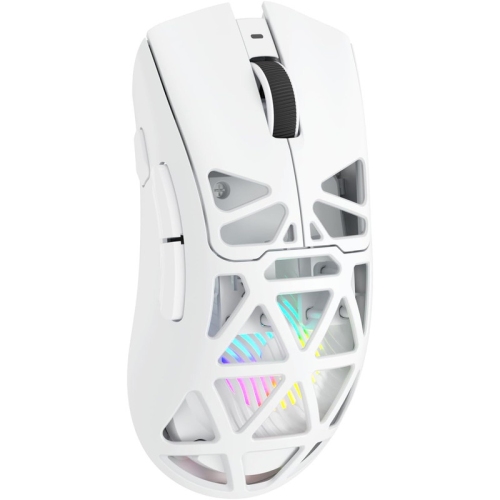
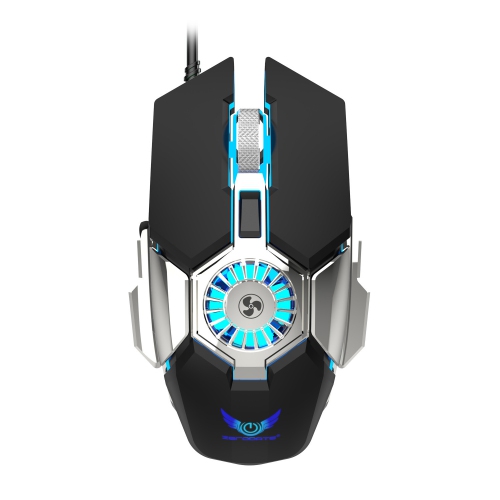
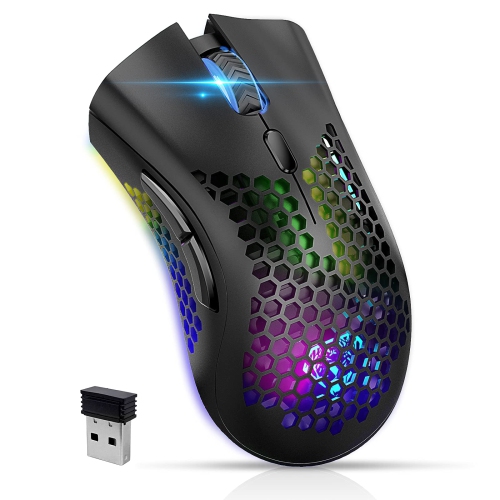
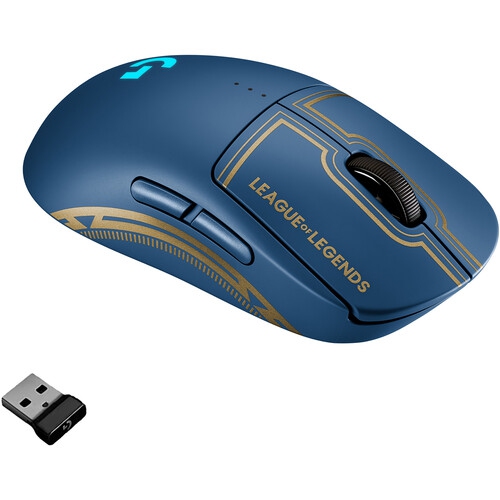
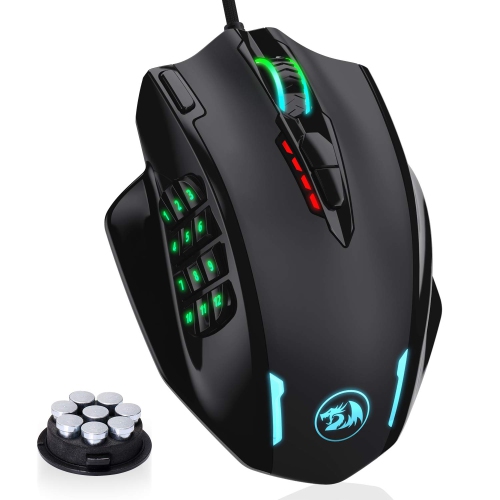
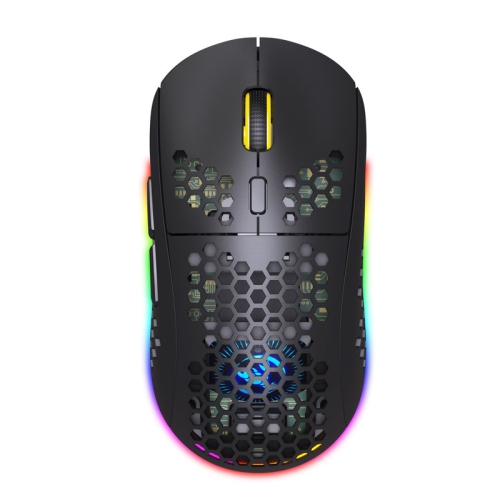
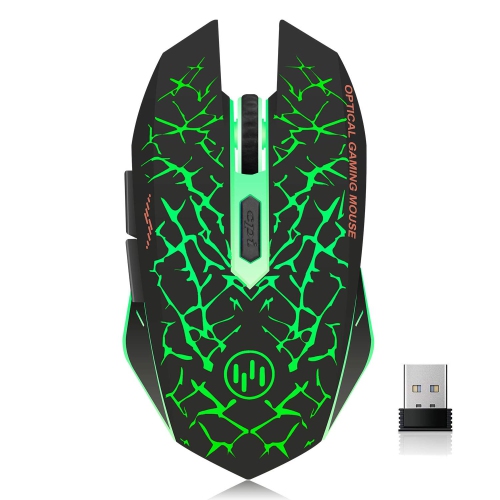
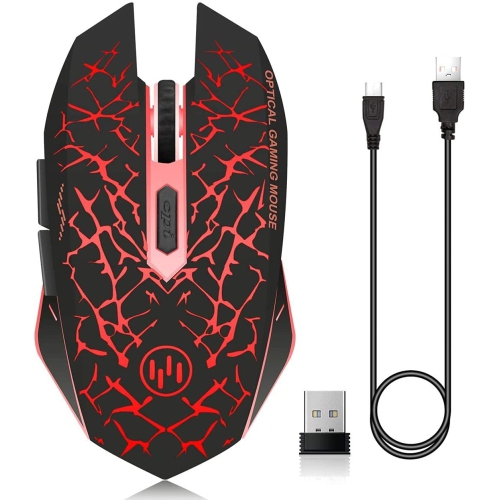
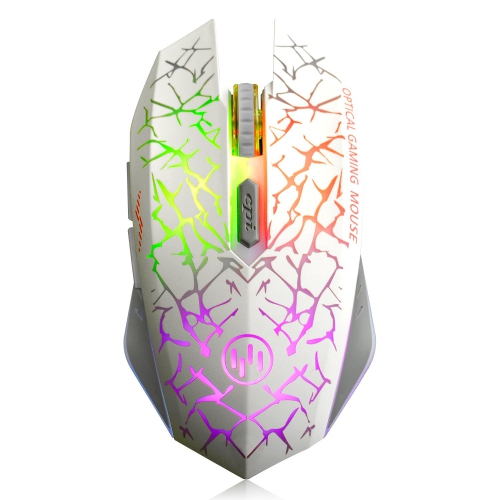
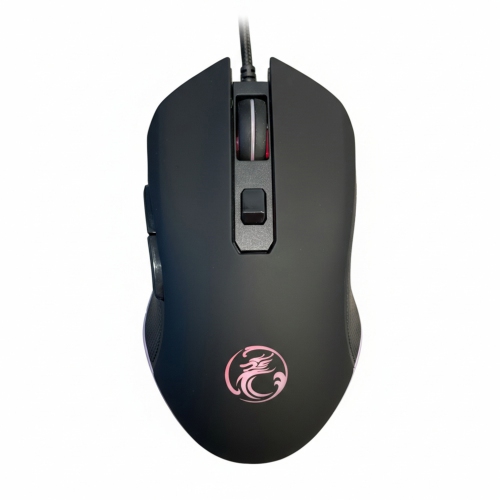
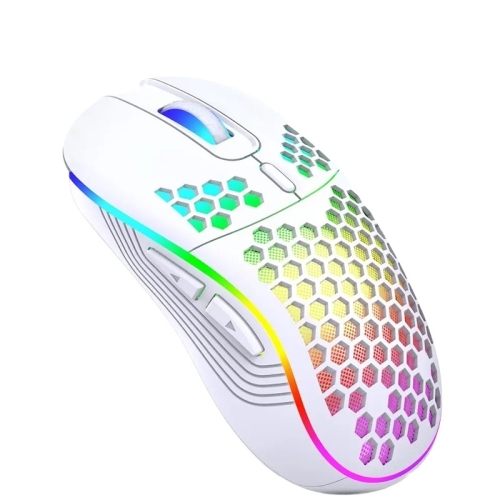
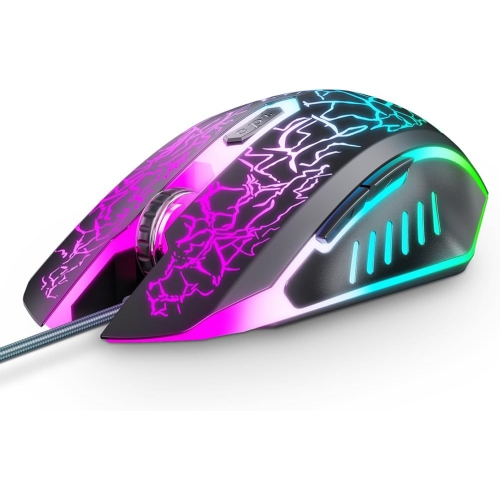
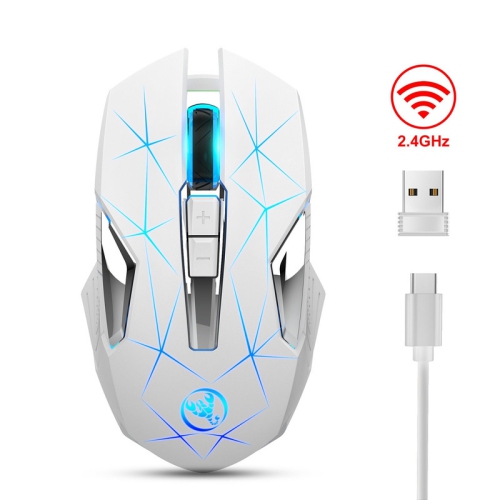
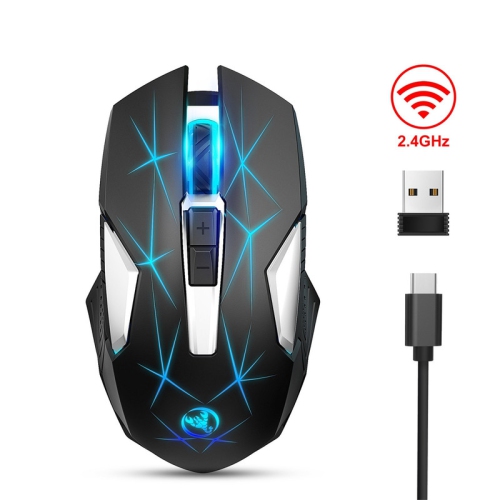
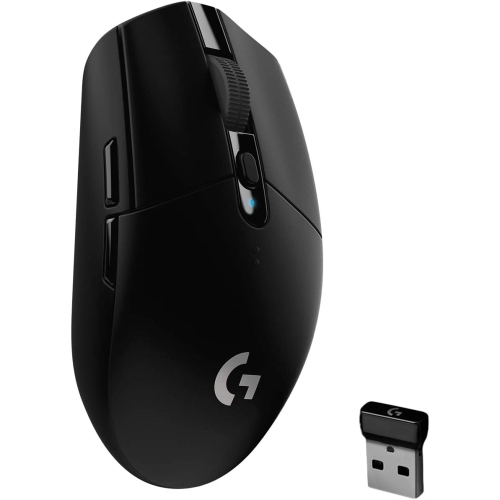
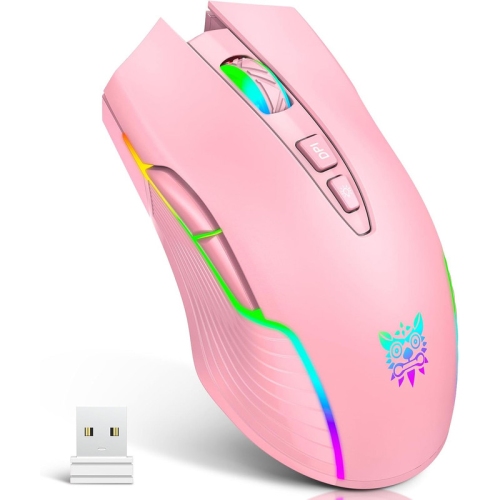
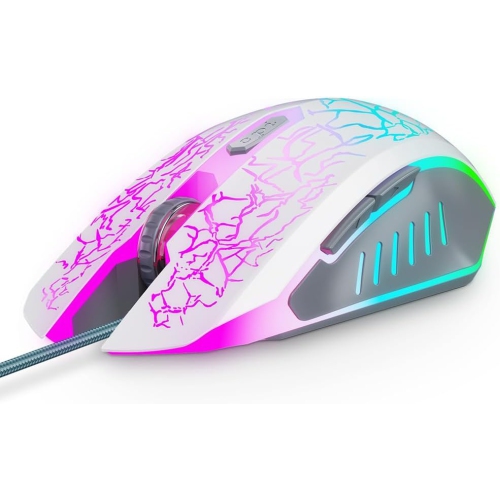
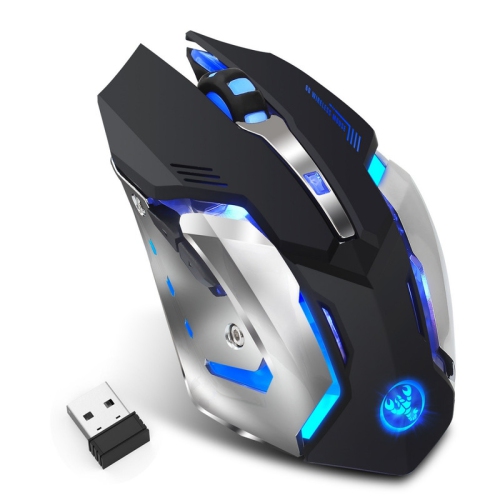
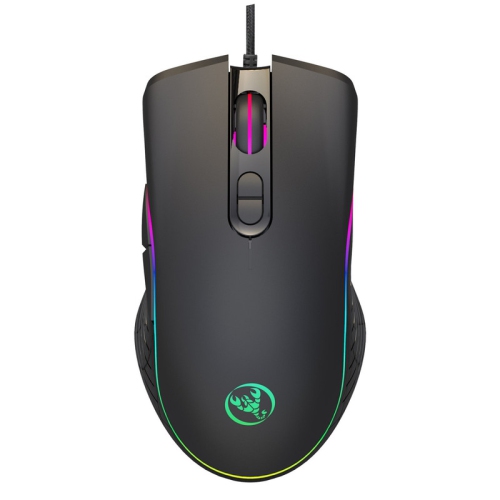
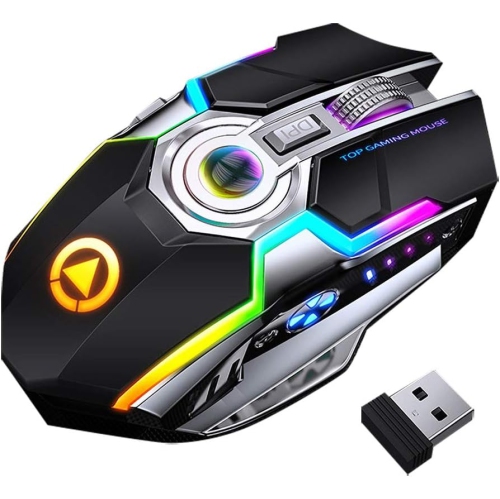
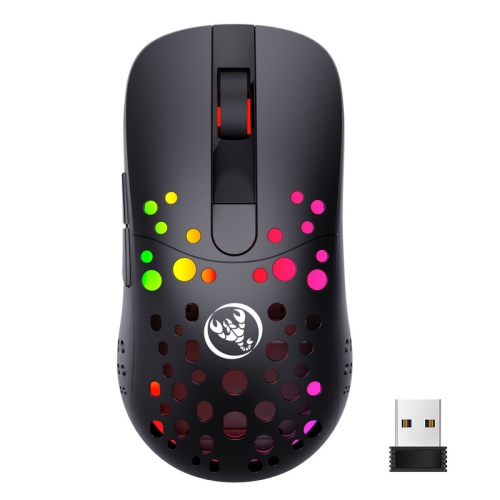
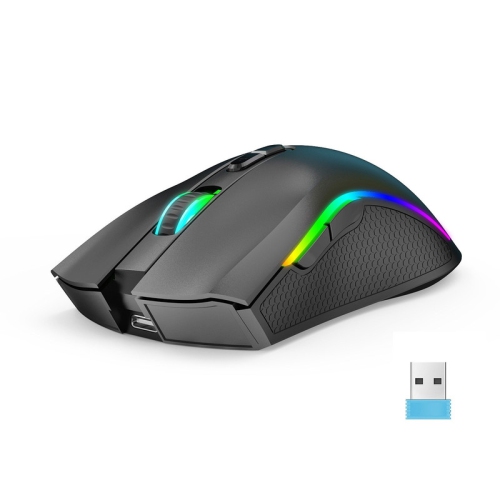
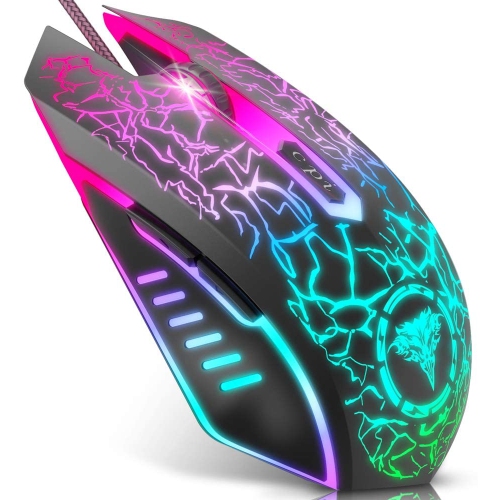
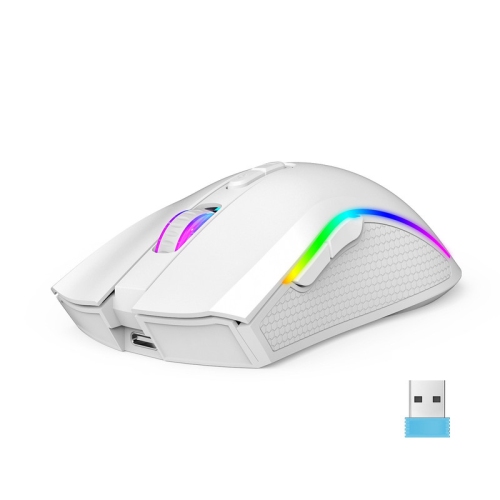
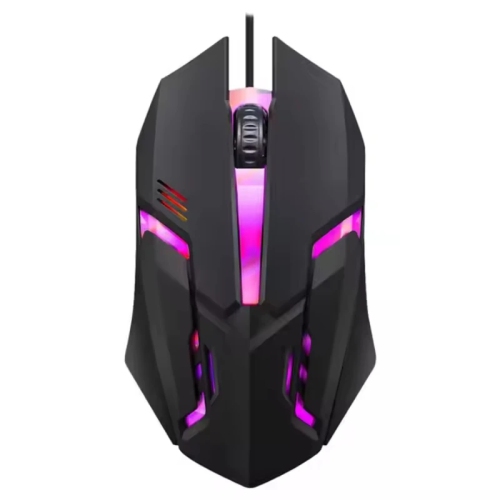
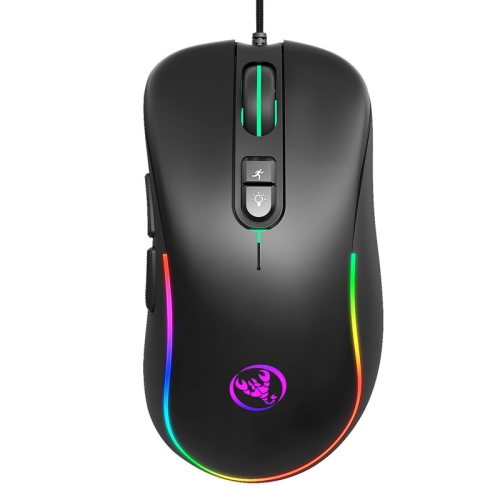
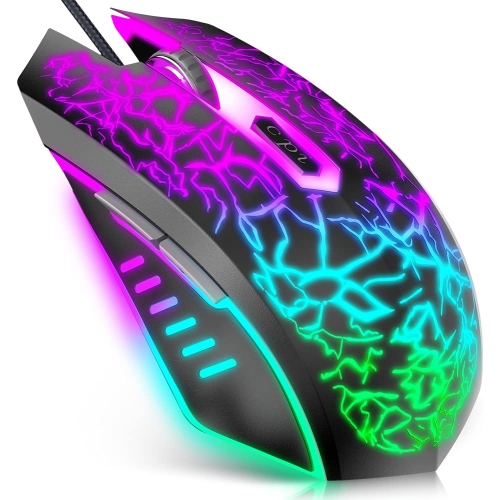
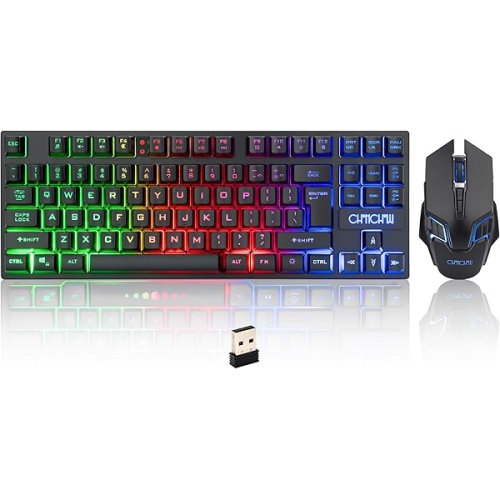
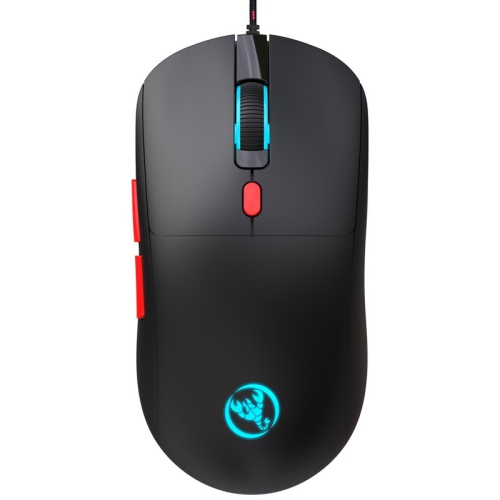
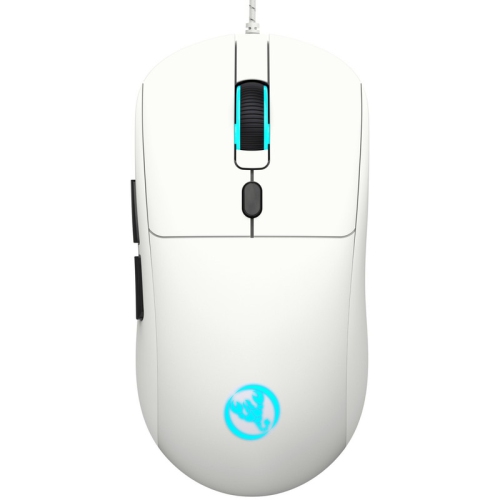
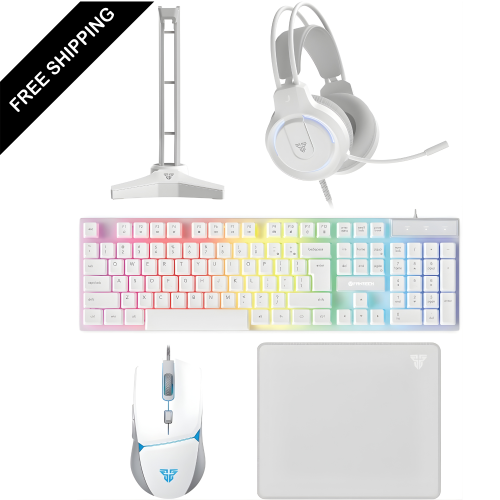
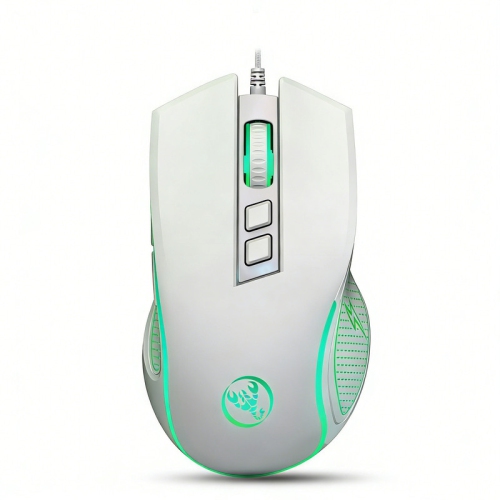
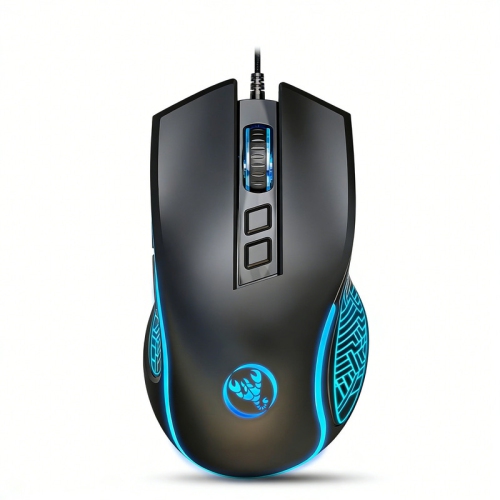
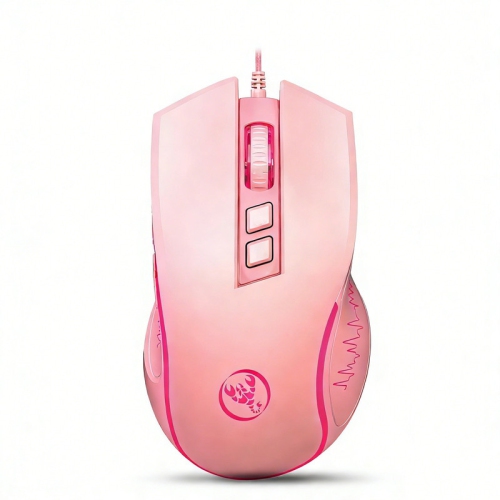
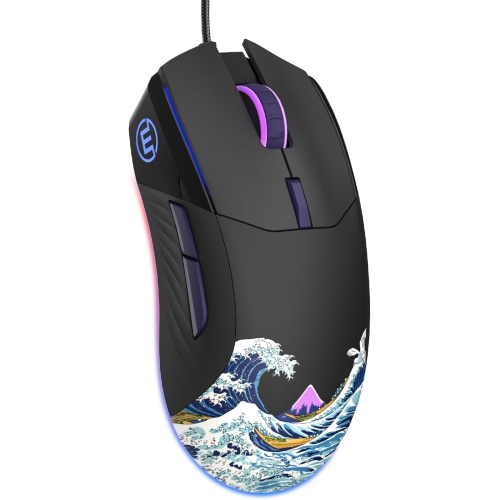
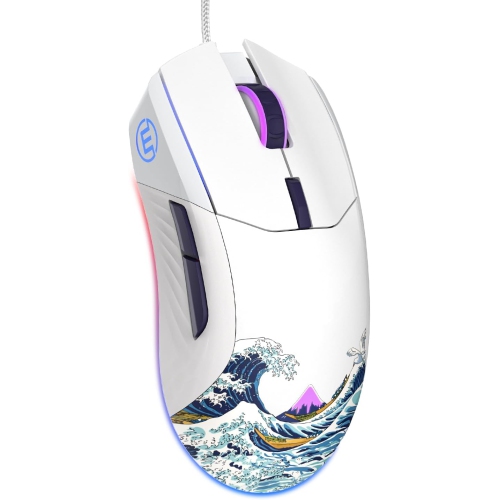
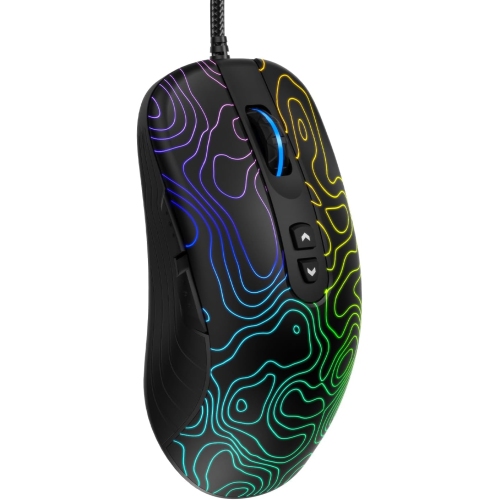
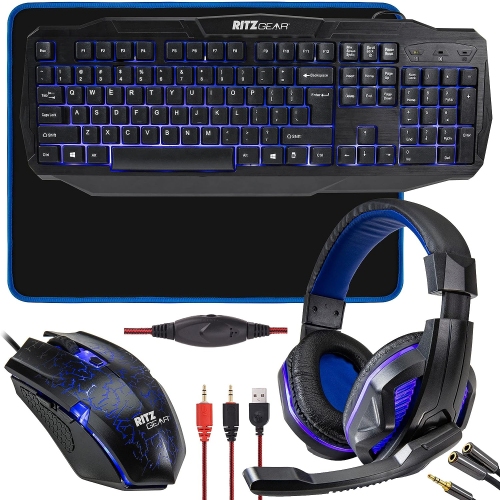
Gaming mice for PS4 can bring a more familiar PC-style control scheme to supported games, giving players precise cursor movement, quick aiming, and access to keyboard-and-mouse controls where the game allows them. A standard wired USB gaming mouse is often the simplest option: connect it to an available USB port on the console, place it on a suitable surface, and adjust the in-game settings. Wired models do not need charging or battery changes, and the direct connection keeps the setup tidy and dependable for longer gaming sessions. Wireless models can offer the same responsive feel while reducing cable clutter around a desk or entertainment centre. Many connect through a small 2.4 GHz USB receiver, while some Bluetooth-compatible mice can pair through the PS4’s accessory settings. Compatibility can vary by mouse and console setup, so checking the connection method before buying is worthwhile. Players who want more ideas for their setup can also browse Good Gaming Mice for additional options. Since the PS4 cannot run desktop configuration software such as the programs commonly used on a computer, useful hardware controls and onboard memory are particularly important. A mouse with adjustable sensitivity, a dedicated DPI button, or saved profiles can make it easier to set up the preferred feel before connecting to the console. Onboard memory may preserve sensitivity and button assignments, although advanced features can depend on the game and the mouse itself. It is also worth confirming the number and placement of programmable buttons, especially for players who want quick access to frequently used commands without reaching across the keyboard.
The most important compatibility detail is the game itself. A PS4 can recognize a compatible USB or Bluetooth mouse, but the game must support mouse-and-keyboard input for the mouse to control gameplay. Supported first-person shooters and multiplayer games may allow a mouse and keyboard to be used for aiming, movement, inventory management, or menu navigation, while other titles may continue to require a controller. Support can also differ between game modes, and a title that works with a mouse on a computer may not offer the same option on PS4. Checking the game’s current support information before purchasing helps set realistic expectations. A regular gaming mouse will not automatically add mouse control to games that do not natively support it. External adapters may be available for some unsupported titles, but they can introduce extra setup requirements and may not be accepted by every game or online service. For most players, choosing a mouse for games with built-in support is the more straightforward approach. Sensitivity is another personal consideration. Higher DPI settings can make a cursor or camera move farther with less physical movement, while lower settings may provide more deliberate control for careful aiming. A dedicated sensitivity button is useful when switching between fast turns and precise adjustments, but the best setting depends on the player, desk space, display size, and game. Sensor quality, glide, and tracking consistency matter as well. A mouse should move smoothly across a mouse pad without skipping, sticking, or feeling unpredictable. A larger pad can give low-sensitivity players room for broad arm movements, while a compact pad may suit a smaller gaming area. The shape should also match the way the hand rests on the mouse. Palm, claw, and fingertip grips each feel different, and a comfortable fit can reduce hand fatigue during a long evening of play.
Comfort and practical features often make the difference between a mouse that gets used regularly and one that stays in a drawer. Consider the mouse’s overall size and weight, the location of the side buttons, the texture of the shell, and whether the scroll wheel is easy to control during fast menu navigation. Lightweight designs can feel quick for competitive play, while a slightly heavier shape may feel more grounded for players who prefer deliberate movements. A wired mouse is convenient for a fixed gaming station, particularly when the PS4 is positioned close to the screen and there is a clear path for the cable. A wireless mouse can be a better match for a living-room setup, a shared space, or a desk where a cable crossing the surface would get in the way. Rechargeable models reduce the need to keep spare batteries nearby, while replaceable-battery models can be returned to use quickly when power runs low. Check the receiver’s storage and range, and avoid placing it behind a large console or other equipment where the signal could be obstructed. A gaming mouse for PS4 can be a thoughtful gift for someone who enjoys supported shooters, strategy games, creative titles, or browsing game menus with a mouse rather than a controller. It can also suit a player building a first desk-based console setup as the weather warms or settling into longer indoor gaming sessions during the cooler months. Before choosing, consider whether the recipient already uses a keyboard, which games they play, whether they sit at a desk or in front of a television, and whether they prefer a cable-free setup. Matching the mouse to those everyday habits is more useful than choosing based on lighting or a long list of features alone. With the right connection, comfortable shape, suitable sensitivity controls, and a game that supports the input method, a gaming mouse can make PS4 play feel responsive, natural, and easy to tailor.
The most important compatibility detail is the game itself. A PS4 can recognize a compatible USB or Bluetooth mouse, but the game must support mouse-and-keyboard input for the mouse to control gameplay. Supported first-person shooters and multiplayer games may allow a mouse and keyboard to be used for aiming, movement, inventory management, or menu navigation, while other titles may continue to require a controller. Support can also differ between game modes, and a title that works with a mouse on a computer may not offer the same option on PS4. Checking the game’s current support information before purchasing helps set realistic expectations. A regular gaming mouse will not automatically add mouse control to games that do not natively support it. External adapters may be available for some unsupported titles, but they can introduce extra setup requirements and may not be accepted by every game or online service. For most players, choosing a mouse for games with built-in support is the more straightforward approach. Sensitivity is another personal consideration. Higher DPI settings can make a cursor or camera move farther with less physical movement, while lower settings may provide more deliberate control for careful aiming. A dedicated sensitivity button is useful when switching between fast turns and precise adjustments, but the best setting depends on the player, desk space, display size, and game. Sensor quality, glide, and tracking consistency matter as well. A mouse should move smoothly across a mouse pad without skipping, sticking, or feeling unpredictable. A larger pad can give low-sensitivity players room for broad arm movements, while a compact pad may suit a smaller gaming area. The shape should also match the way the hand rests on the mouse. Palm, claw, and fingertip grips each feel different, and a comfortable fit can reduce hand fatigue during a long evening of play.
Comfort and practical features often make the difference between a mouse that gets used regularly and one that stays in a drawer. Consider the mouse’s overall size and weight, the location of the side buttons, the texture of the shell, and whether the scroll wheel is easy to control during fast menu navigation. Lightweight designs can feel quick for competitive play, while a slightly heavier shape may feel more grounded for players who prefer deliberate movements. A wired mouse is convenient for a fixed gaming station, particularly when the PS4 is positioned close to the screen and there is a clear path for the cable. A wireless mouse can be a better match for a living-room setup, a shared space, or a desk where a cable crossing the surface would get in the way. Rechargeable models reduce the need to keep spare batteries nearby, while replaceable-battery models can be returned to use quickly when power runs low. Check the receiver’s storage and range, and avoid placing it behind a large console or other equipment where the signal could be obstructed. A gaming mouse for PS4 can be a thoughtful gift for someone who enjoys supported shooters, strategy games, creative titles, or browsing game menus with a mouse rather than a controller. It can also suit a player building a first desk-based console setup as the weather warms or settling into longer indoor gaming sessions during the cooler months. Before choosing, consider whether the recipient already uses a keyboard, which games they play, whether they sit at a desk or in front of a television, and whether they prefer a cable-free setup. Matching the mouse to those everyday habits is more useful than choosing based on lighting or a long list of features alone. With the right connection, comfortable shape, suitable sensitivity controls, and a game that supports the input method, a gaming mouse can make PS4 play feel responsive, natural, and easy to tailor.
Top selling and popular products
-
 Your price for this item is $74.99
 -
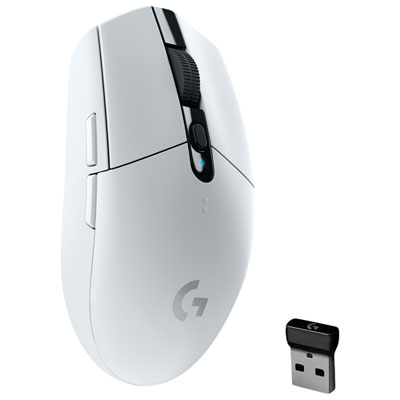 Your price for this item is $69.99
 -
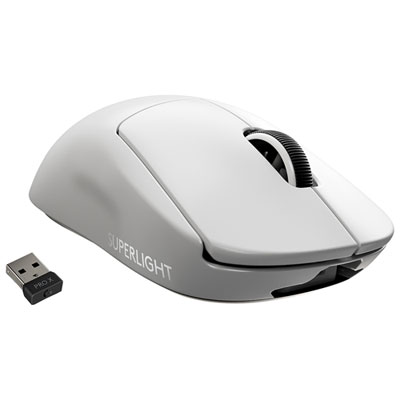 Your price for this item is $199.95
 -
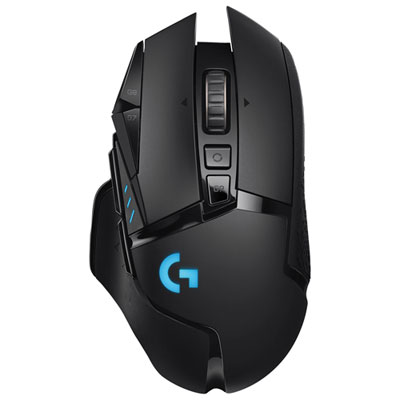 Your price for this item is $149.99
 -
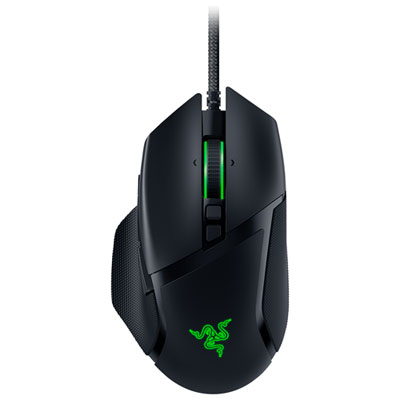 Your price for this item is $63.98
 -
 Your price for this item is $39.99
 -
 Your price for this item is $96.98
 -
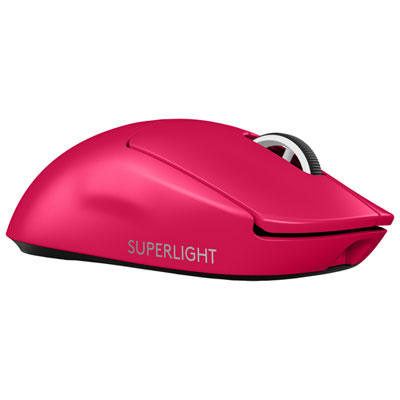 Your price for this item is $219.99
Discover more categories related to Gaming Mice for PS4

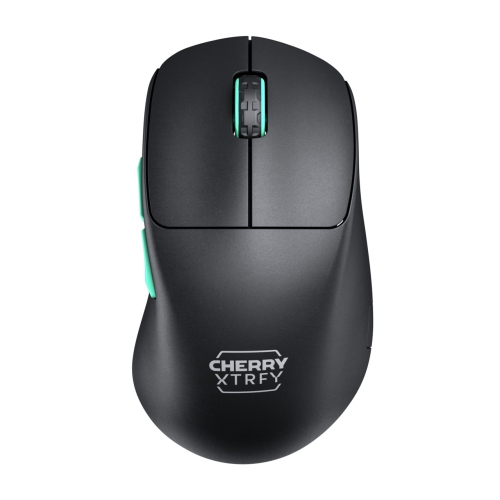
Top Collections:
Pokemon Centers, Kindle Devices, Best Cameras for Sports Photography, Samsung Galaxy Phones, Laptops for Business Work, Canon G7X Cameras, Pokémon 30th Celebration Cards, Refurbished Apple Laptops, iPhone 15 Apple, Cordless Dyson Vacuums
Some products may be subject to Environmental Handling Fees
(EHF) depending on your province.
Learn more about EHFs.