8TB NAS HDDs
Upgrade your data storage setup with an 8TB NAS HDD, designed to meet the demands of home and business users alike. Perfect for expanding your network-attached storage, these drives provide ample space for files, backups, and multimedia libraries. Whether you're managing important documents or large collections of photos and videos, an 8TB NAS HDD offers a reliable solution for keeping your data organized and accessible. Explore options that help streamline your workflow and support your growing storage needs.
Sort





Why shared storage needs more than capacity
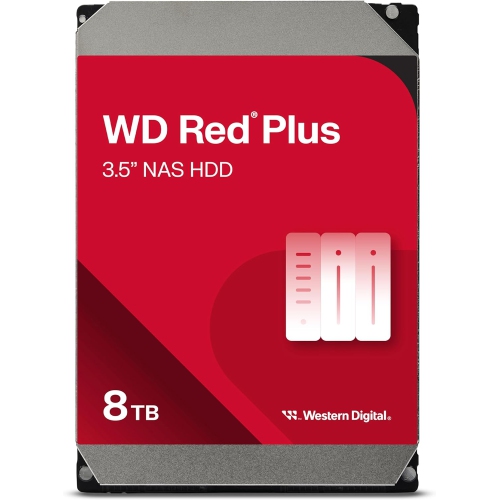
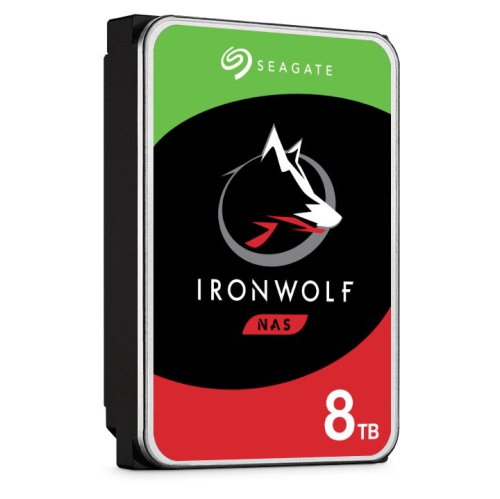
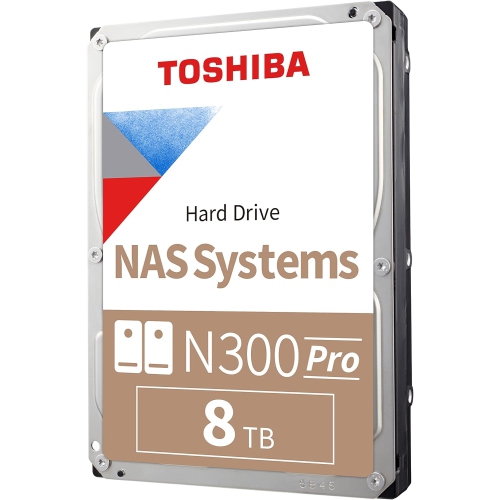
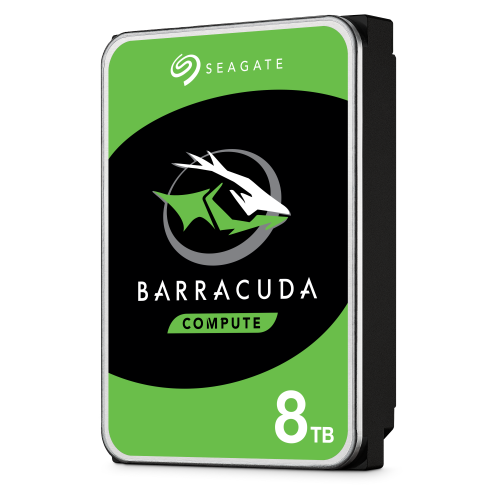
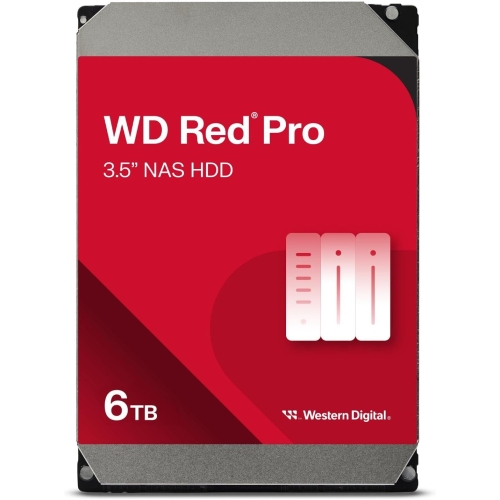
8TB NAS HDDs are hard disk drives designed for network-attached storage systems, where files are stored centrally and shared across connected devices. An 8TB drive can provide substantial space for family photos, computer backups, shared business documents and large media libraries without requiring a separate external drive for every computer. Unlike a desktop drive used for occasional file storage, a NAS-rated HDD is designed with continuous operation and shared storage workloads in mind. That distinction matters in a household where several people access files throughout the day, or a small office where scheduled backups run after everyone has signed out. Conventional magnetic recording, usually shortened to CMR, is an important specification for this type of storage. CMR drives are generally well suited to repeated writes, RAID arrays and lengthy rebuilds because they avoid the overlapping recording tracks used by shingled magnetic recording, or SMR. Recording technology should be confirmed in the drive specifications rather than inferred from capacity alone. Some NAS HDDs also include rotational vibration sensors, which help the drive compensate for vibration from neighbouring disks in a multi-bay enclosure. Sensor support and recommended enclosure sizes vary, so these features should not be assumed across all 8TB drives. Firmware designed for NAS workloads can also help a drive coordinate error recovery with the storage system. These features support dependable operation, but no hard drive is immune to mechanical failure. Inside the metal housing, spinning platters and moving read/write heads make careful handling and a suitable enclosure essential. Rotational speed, cache size, workload ratings and warranty terms provide further context when comparing drive specifications. For a shared photo archive, predictable operation and compatibility may matter more than the highest rotational speed; for frequent large transfers, sustained performance deserves closer attention. The most suitable drive is one whose intended workload matches how the NAS will actually be used, whether that means mostly reading archived files or writing new backups every day.
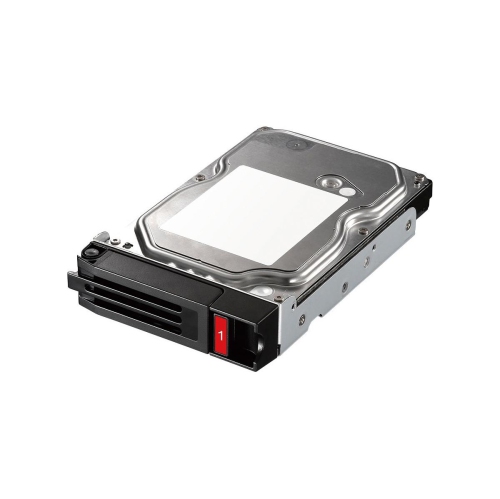
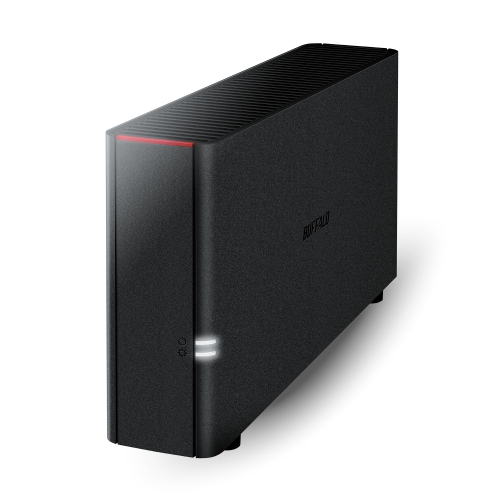
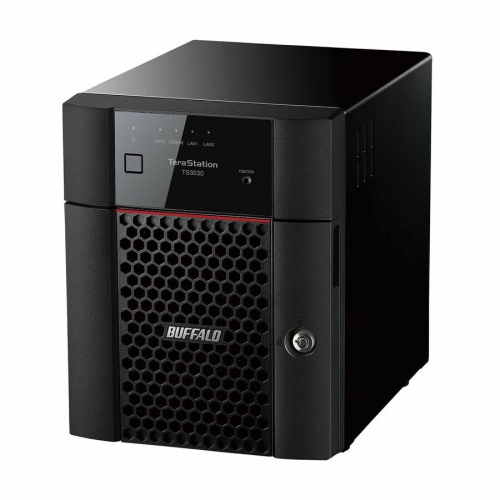
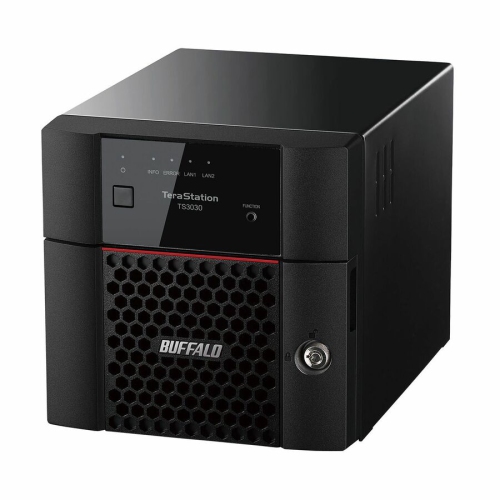
Physical and system compatibility are just as important as capacity. Many 8TB NAS hard drives use a 3.5-inch form factor and a SATA interface, but the enclosure’s supported drive sizes, interface requirements and compatibility list should be checked before installation. A drive tray needs to hold the disk securely, with the correct mounting hardware and enough clearance for the connector to seat properly. NAS software may also require an update to support particular drive capacities or features. The advertised 8TB capacity represents eight trillion bytes; software that reports storage in binary units may show approximately 7.28TiB before formatting and system overhead. Usable space is reduced further by the chosen storage arrangement. In a two-drive RAID 1 mirror containing two 8TB disks, the nominal capacity is about 8TB rather than 16TB because the same data is written to both drives. Other RAID layouts distribute data and parity differently, with their own minimum drive counts, usable capacities and fault-tolerance limits. Combining different drive capacities may leave some space unused, depending on the NAS software and storage configuration. This makes bay count and future expansion worth considering together. A two-bay system filled with drives has a different upgrade path from a larger enclosure with empty bays, and replacing disks may involve lengthy rebuilds. For compatible systems where capacity per bay is a priority, 16TB NAS Drives provide a higher-capacity option to compare against an 8TB configuration. More disk space does not automatically make file transfers faster, however. Network speed, the NAS processor, the storage layout and the size of the files all affect performance. Copying a single large video file can produce a very different transfer pattern from backing up thousands of small documents. Media playback also depends on the NAS hardware and playback software, particularly when video needs to be converted for a device. An 8TB HDD supplies storage capacity; it does not, by itself, determine the capabilities of the whole system.
In everyday use, 8TB NAS HDDs suit people who want a central place for files that would otherwise be scattered across laptops, desktop computers and portable drives. A photographer might keep completed image libraries on the NAS while editing active projects locally, then schedule a separate backup of the archive. A household can organize shared folders for photos and videos while keeping each person’s computer backups separate. A small business might use the same type of storage for project files, scanned paperwork and workstation backups, with permissions controlling who can open or change each folder. Surveillance recording can create another demanding workload, although suitability depends on the NAS application, camera count and the drive’s stated workload support. Across these uses, RAID redundancy is not a substitute for backup: it can help maintain access after certain drive failures, but it does not independently protect against accidental deletion, theft, malware or damage to the entire enclosure. Important files benefit from multiple copies, including one stored separately from the NAS, with occasional restore tests to confirm that the backup is usable. Day-to-day care is straightforward but consequential. Drives should be handled by their edges, protected from static discharge during installation and kept free from knocks, especially while running. Secure trays, unobstructed ventilation and a stable surface help the enclosure operate as intended. Removing a drive while the system is running is appropriate only when the NAS supports hot swapping and its replacement procedure is followed. Built-in drive health monitoring and storage alerts can highlight problems that deserve attention, although a normal health report cannot guarantee that a disk will not fail. Scheduled integrity checks, where supported, and prompt investigation of repeated errors help keep maintenance manageable. Capacity planning matters too: leaving room for new backups, file versions and growing media folders prevents a spacious archive from becoming cramped sooner than expected. With compatible hardware, sensible file organization and a separate backup plan, an 8TB NAS HDD can serve as a practical foundation for shared storage.
Physical and system compatibility are just as important as capacity. Many 8TB NAS hard drives use a 3.5-inch form factor and a SATA interface, but the enclosure’s supported drive sizes, interface requirements and compatibility list should be checked before installation. A drive tray needs to hold the disk securely, with the correct mounting hardware and enough clearance for the connector to seat properly. NAS software may also require an update to support particular drive capacities or features. The advertised 8TB capacity represents eight trillion bytes; software that reports storage in binary units may show approximately 7.28TiB before formatting and system overhead. Usable space is reduced further by the chosen storage arrangement. In a two-drive RAID 1 mirror containing two 8TB disks, the nominal capacity is about 8TB rather than 16TB because the same data is written to both drives. Other RAID layouts distribute data and parity differently, with their own minimum drive counts, usable capacities and fault-tolerance limits. Combining different drive capacities may leave some space unused, depending on the NAS software and storage configuration. This makes bay count and future expansion worth considering together. A two-bay system filled with drives has a different upgrade path from a larger enclosure with empty bays, and replacing disks may involve lengthy rebuilds. For compatible systems where capacity per bay is a priority, 16TB NAS Drives provide a higher-capacity option to compare against an 8TB configuration. More disk space does not automatically make file transfers faster, however. Network speed, the NAS processor, the storage layout and the size of the files all affect performance. Copying a single large video file can produce a very different transfer pattern from backing up thousands of small documents. Media playback also depends on the NAS hardware and playback software, particularly when video needs to be converted for a device. An 8TB HDD supplies storage capacity; it does not, by itself, determine the capabilities of the whole system.
In everyday use, 8TB NAS HDDs suit people who want a central place for files that would otherwise be scattered across laptops, desktop computers and portable drives. A photographer might keep completed image libraries on the NAS while editing active projects locally, then schedule a separate backup of the archive. A household can organize shared folders for photos and videos while keeping each person’s computer backups separate. A small business might use the same type of storage for project files, scanned paperwork and workstation backups, with permissions controlling who can open or change each folder. Surveillance recording can create another demanding workload, although suitability depends on the NAS application, camera count and the drive’s stated workload support. Across these uses, RAID redundancy is not a substitute for backup: it can help maintain access after certain drive failures, but it does not independently protect against accidental deletion, theft, malware or damage to the entire enclosure. Important files benefit from multiple copies, including one stored separately from the NAS, with occasional restore tests to confirm that the backup is usable. Day-to-day care is straightforward but consequential. Drives should be handled by their edges, protected from static discharge during installation and kept free from knocks, especially while running. Secure trays, unobstructed ventilation and a stable surface help the enclosure operate as intended. Removing a drive while the system is running is appropriate only when the NAS supports hot swapping and its replacement procedure is followed. Built-in drive health monitoring and storage alerts can highlight problems that deserve attention, although a normal health report cannot guarantee that a disk will not fail. Scheduled integrity checks, where supported, and prompt investigation of repeated errors help keep maintenance manageable. Capacity planning matters too: leaving room for new backups, file versions and growing media folders prevents a spacious archive from becoming cramped sooner than expected. With compatible hardware, sensible file organization and a separate backup plan, an 8TB NAS HDD can serve as a practical foundation for shared storage.
Top selling and popular products
-
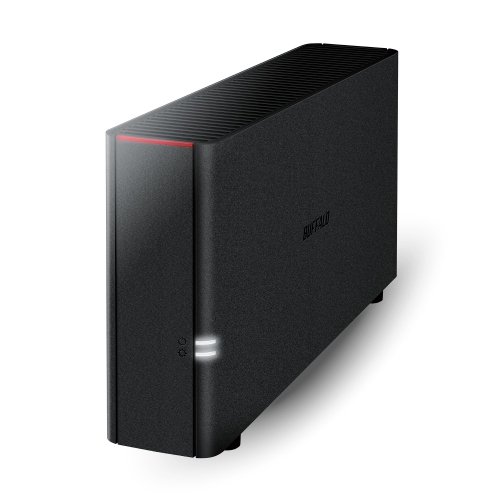 Your price for this item is $263.68
-
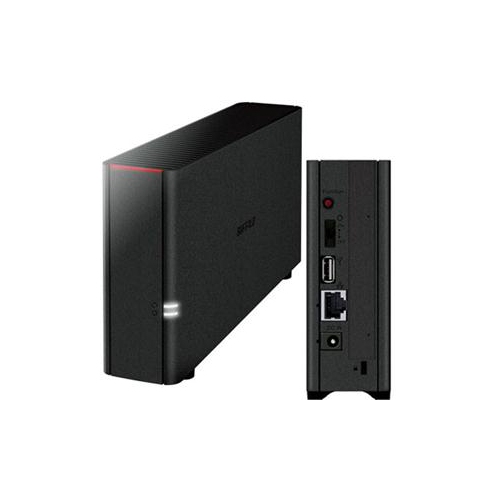 Your price for this item is $321.37
-
 Your price for this item is $285.99
-
 Your price for this item is $423.99
-
 Your price for this item is $1059
-
 Your price for this item is $293.99
-
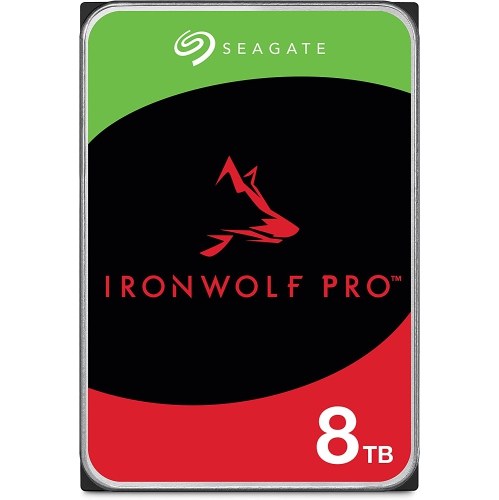 Your price for this item is $540.99
-
 Your price for this item is $913.02
Discover more categories related to 8TB NAS HDDs
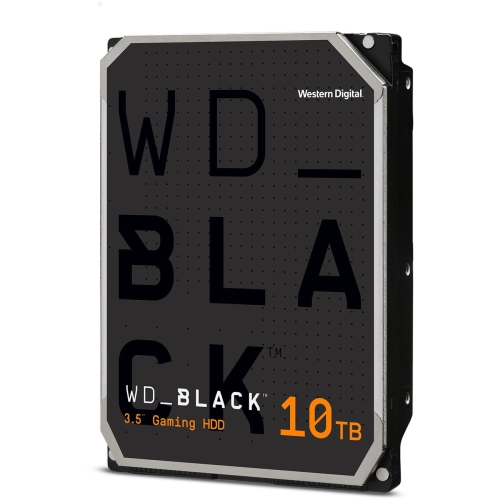
Top Collections:
Pokemon Centers, Pokémon 30th Celebration Cards, Best Budget Office Chairs, Kindle Devices, Best Cameras for Sports Photography, Canon G7X Cameras, Best Black Friday Deals On Electronics, Best Laptops for Writers, iPhone 15 Apple, Jackery Power Stations
Some products may be subject to Environmental Handling Fees
(EHF) depending on your province.
Learn more about EHFs.