Memory DDR5 6000MHz
Upgrade your system’s performance with Memory DDR5 6000MHz, the next step in advanced computing. Ideal for gamers, creative professionals, and tech enthusiasts, this memory delivers the boost needed for smooth multitasking and responsive applications. Discover a wide selection of Memory DDR5 6000MHz options designed to help you get the most from your desktop or laptop setup. Find the right fit to enhance your workflow and experience faster load times and seamless operation.
Sort
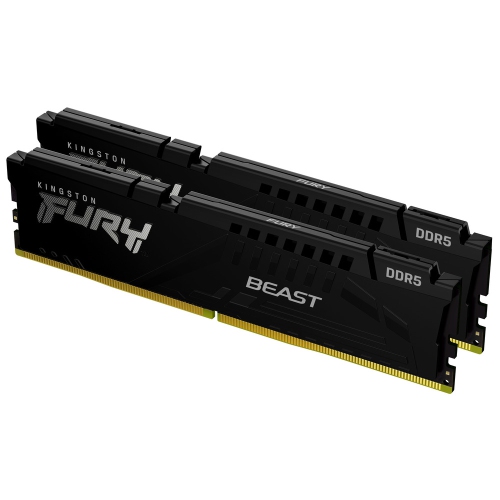
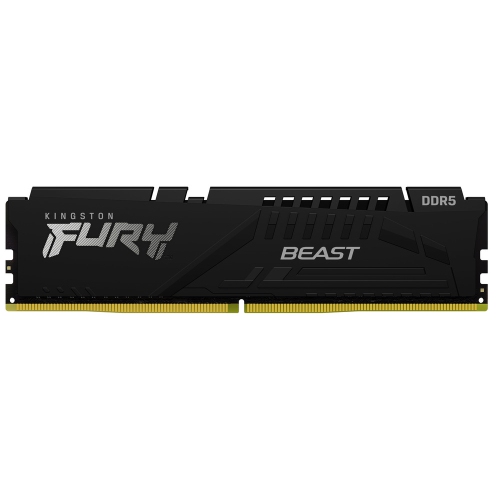

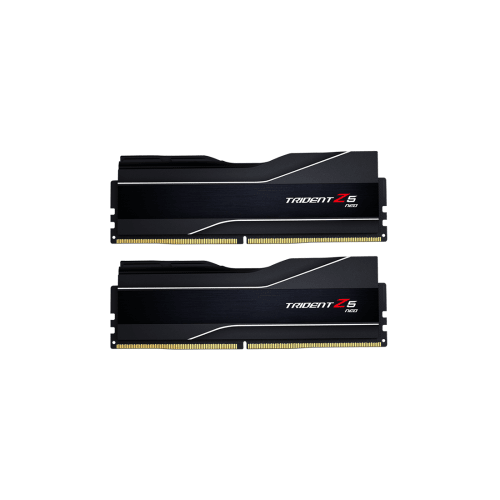
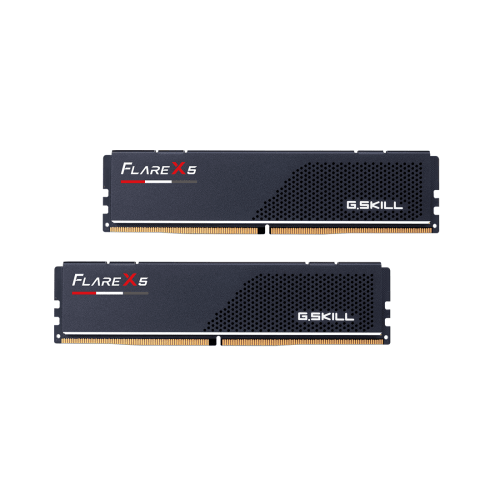
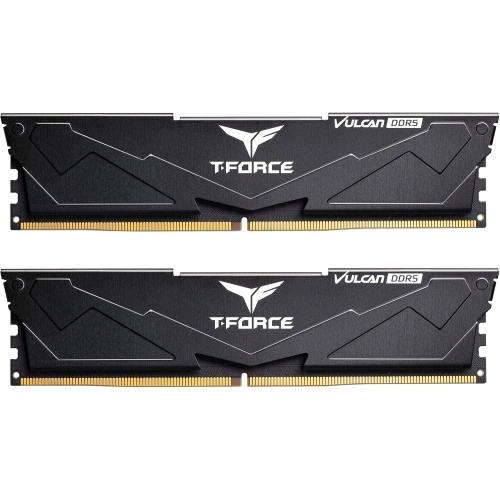
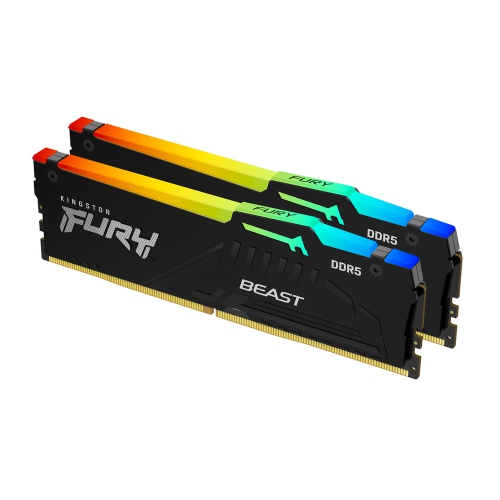
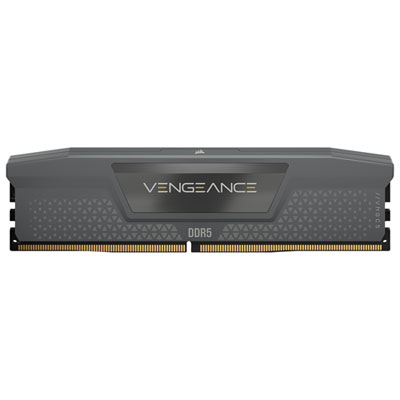
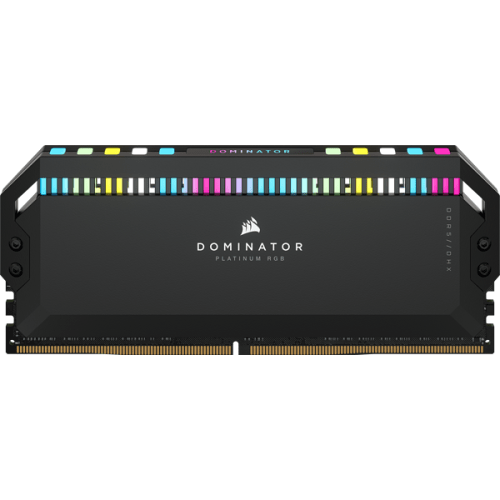

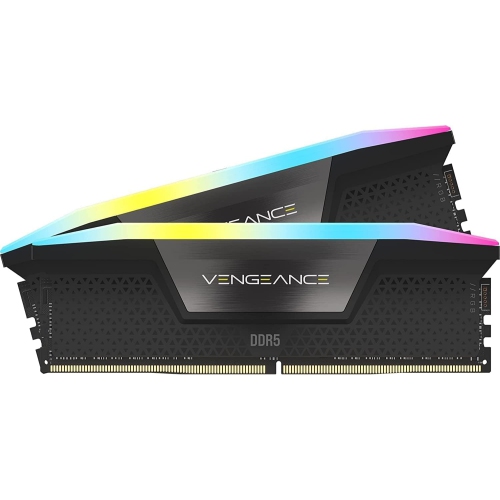
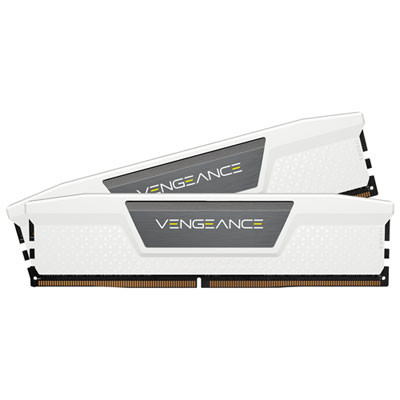

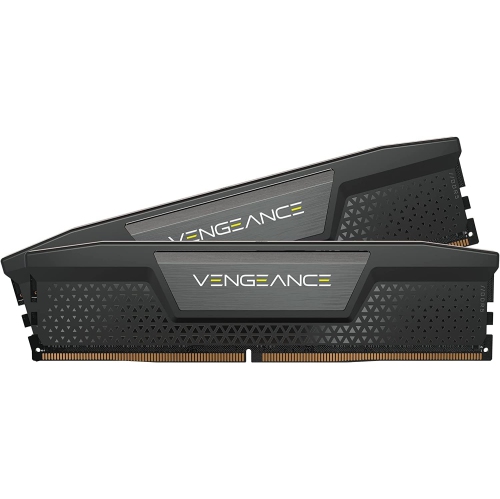
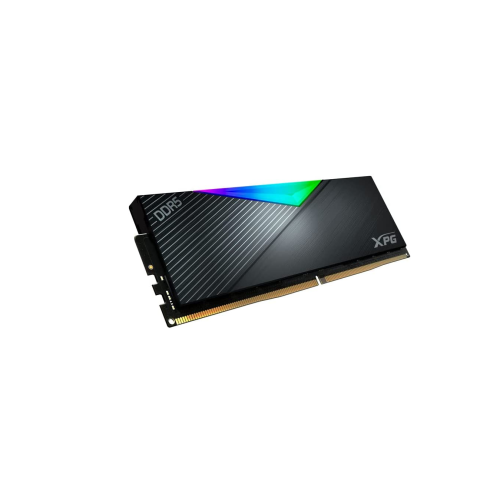
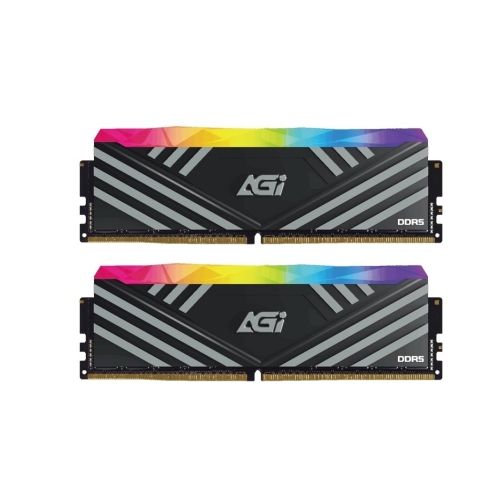
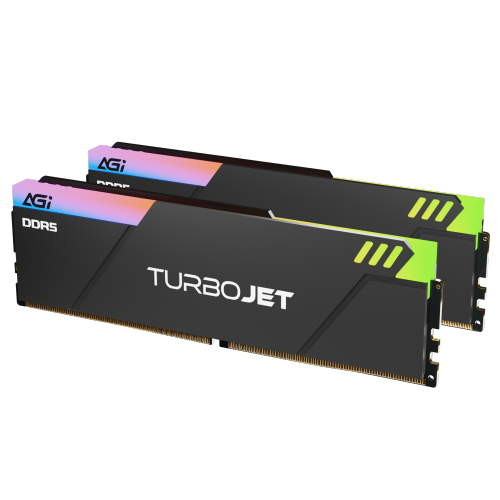
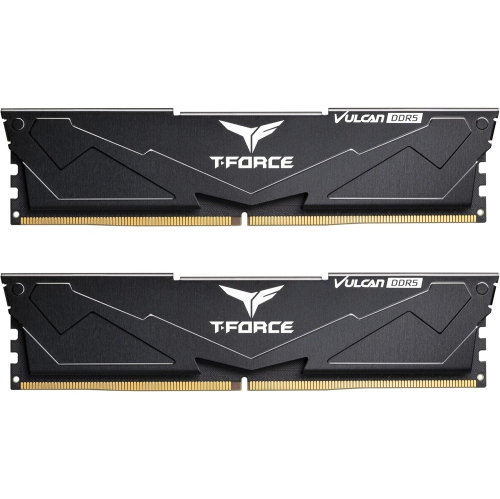
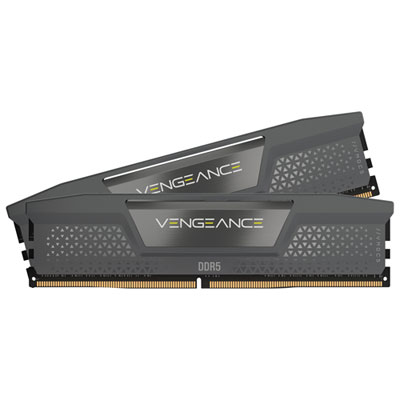

Memory performance depends on more than speed alone
DDR5 6000MHz memory is a performance-oriented option for compatible desktop computers used for gaming, creative work, and everyday multitasking. Often described as 6000MHz RAM, it more precisely operates at a rated transfer speed of 6000 megatransfers per second, or 6000MT/s; the underlying memory clock is 3000MHz because DDR memory transfers data twice per clock cycle. That distinction helps make sense of specifications that use different units for the same memory speed. RAM gives the processor a fast working space for active applications, game data, and files in use, while an SSD stores software and files after the computer shuts down. Enough memory can keep a demanding game, voice chat, a browser, and background applications running together without forcing the system to rely as heavily on slower storage. Faster memory can also benefit workloads that depend on memory bandwidth, although the difference depends on the processor, graphics hardware, software, and settings. It will not produce the same improvement in every game or application. Capacity remains just as important as speed: 16GB can suit lighter workloads, while 32GB, commonly supplied as two 16GB modules, offers useful headroom for gaming and multitasking. Video editing, virtual machines, large photo libraries, and complex design projects may call for more. Between familiar 32GB and 64GB capacities, 48GB RAM DDR5 configurations can offer additional working space, often through a matched pair of 24GB modules, provided the computer supports them. For someone moving between a detailed game world and a desktop full of open applications, the right balance of capacity and speed matters more than either specification alone. Additional RAM is most useful when existing memory is approaching its limit; unused capacity does not automatically make a computer faster. A well-matched DDR5 6000MHz kit therefore suits a system whose workload, processor, and motherboard can take advantage of its specifications.
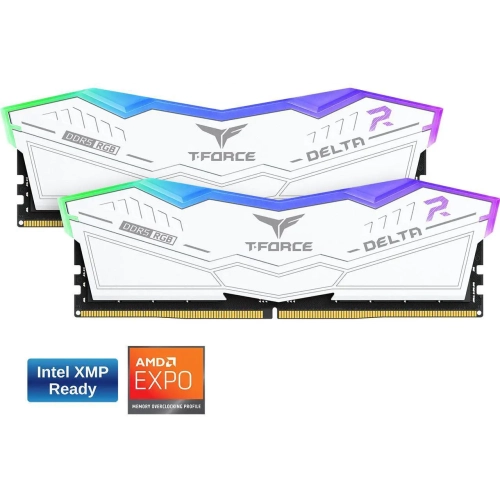
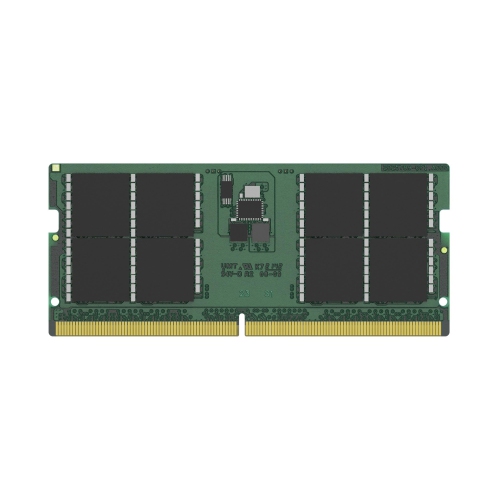
Compatibility determines whether DDR5 6000MHz RAM is a suitable addition to a computer. DDR5 desktop memory generally uses full-size DIMMs, while many laptops and compact systems use smaller SO-DIMMs or memory soldered directly to the system board. These formats are not interchangeable, and DDR5 does not fit or operate in DDR4 memory slots. Even within a DDR5-compatible desktop, supported capacity and attainable speed depend on the processor’s memory controller, motherboard design, firmware version, and number of installed modules. The motherboard’s published memory specifications and tested-memory list are useful references, particularly for higher capacities or less familiar module sizes. A matched two-module kit offers a straightforward configuration because its modules are supplied and tested together at their stated settings. Combining separate kits, even with similar specifications, does not guarantee that they will operate together at the advertised speed. Filling four slots can place more demand on the memory controller and may require a lower data rate than a two-module configuration. Performance profiles also matter. DDR5 6000MHz kits may support XMP 3.0, EXPO, or both, but profile support varies, and the motherboard needs to support the relevant profile. Many kits initially run at a standard default speed rather than their advertised performance setting. Reaching the rated 6000MT/s may require selecting the appropriate profile in the motherboard firmware, commonly called the BIOS or UEFI. Such settings can count as memory overclocking, and successful operation is not guaranteed on every combination of components. Latency adds another layer to the comparison: at the same 6000MT/s data rate, CL30 has a shorter nominal CAS delay than CL36. Those figures correspond to approximately 10 nanoseconds and 12 nanoseconds respectively for that particular timing, not the complete time required for every memory access. Lower latency can help some workloads, but capacity, stability, and broader system compatibility remain important. For a computer used for both gaming and work, dependable operation across long sessions can matter more than a small difference in benchmark results.
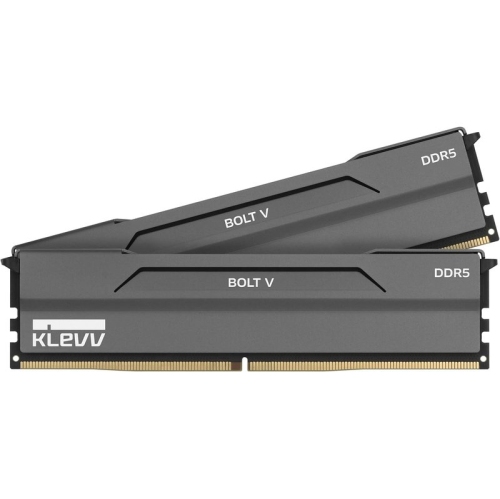
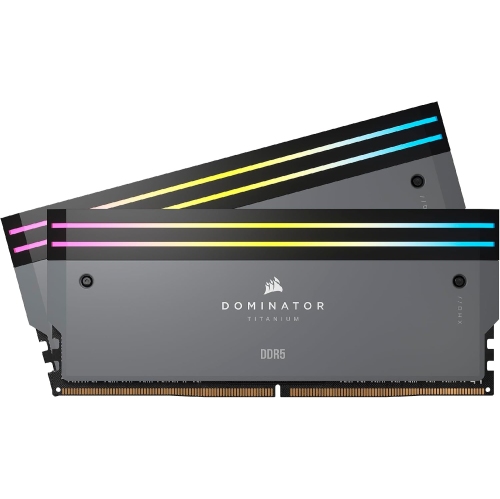
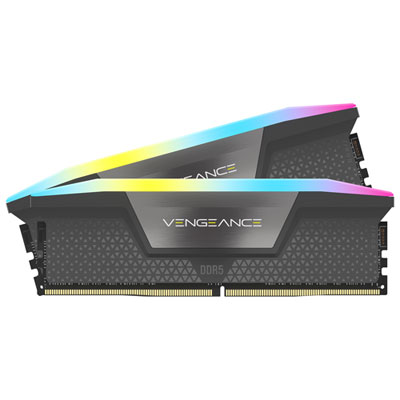
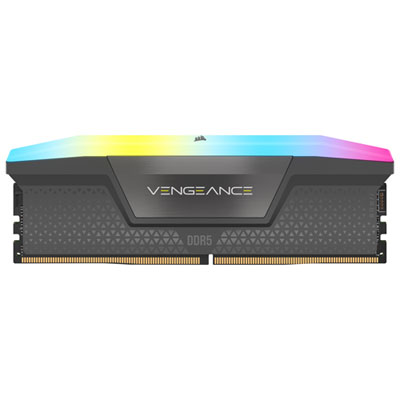
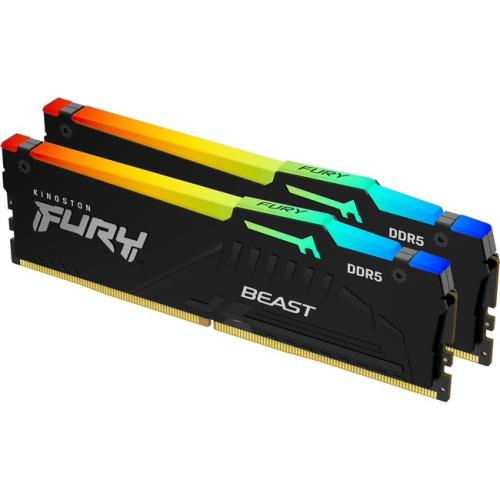
Physical design influences how DDR5 6000MHz memory fits into a build and how easily it can be maintained. A typical module combines memory chips, a printed circuit board, a power-management component, and metal contacts, with many performance designs adding an aluminium heat spreader. The heat spreader helps move heat away from components, but its height and shape also affect clearance. Tall decorative fins or lighting bars can interfere with a large processor air cooler, especially when the cooler extends over the memory slots. Low-profile modules can be easier to accommodate in tightly packed builds, while taller designs may suit cases with more room around the motherboard. Module height measurements and cooler clearance specifications are more useful than judging fit from photographs. RGB lighting is an appearance choice rather than a performance feature; lighting controls and synchronization depend on compatible hardware and software. A plain finish can blend into a discreet workstation, while illuminated modules can complement a display-focused gaming desktop. Neither appearance alone establishes memory quality or reliability. Good case airflow, supported operating settings, and careful handling contribute more to dependable everyday use. During installation or removal, the computer should be shut down and disconnected from power, with appropriate precautions against static electricity. Holding modules by their edges helps keep fingers away from the contacts and small surface-mounted components. Routine care generally means keeping the computer’s vents and interior free of excessive dust according to the system manufacturer’s directions, rather than applying cleaners directly to the memory. For an upgrade or a gift to someone building a PC, knowing the motherboard model, existing memory configuration, and intended workload makes the choice more useful than selecting by lighting or speed alone. DDR5 6000MHz memory is best understood as one part of a balanced computer: the appropriate capacity, compatible profiles, suitable physical dimensions, and stable operation together support gaming, creative projects, and productive multitasking.
Top selling and popular products
-
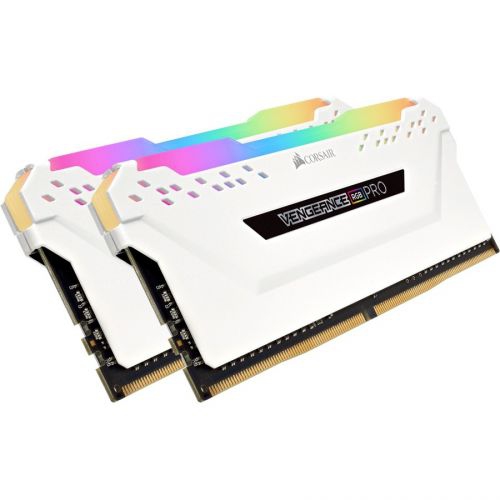 Your price for this item is $307.68
-
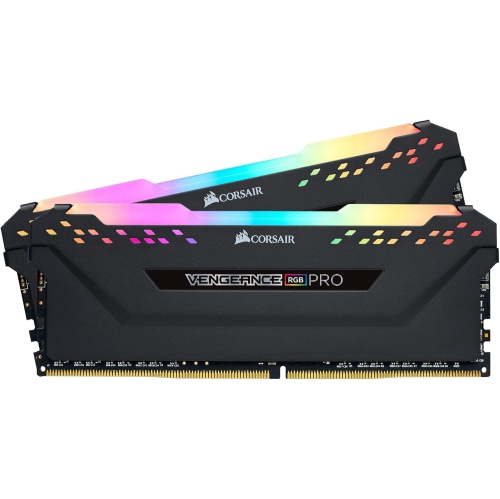 Your price for this item is $389.99
-
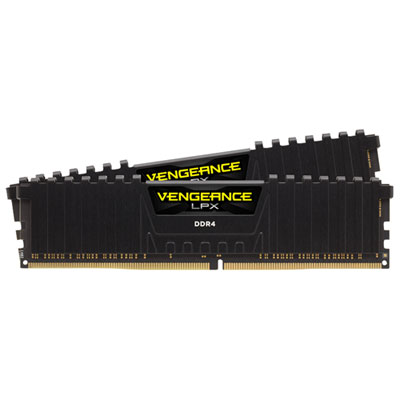 Your price for this item is $431.98
-
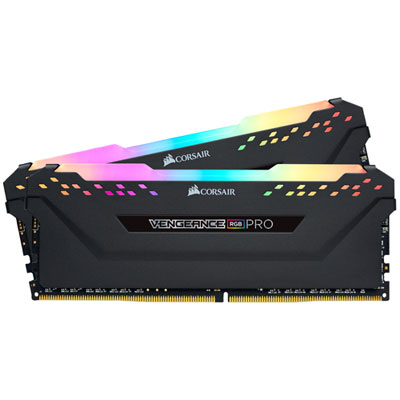 Your price for this item is $450.98
-
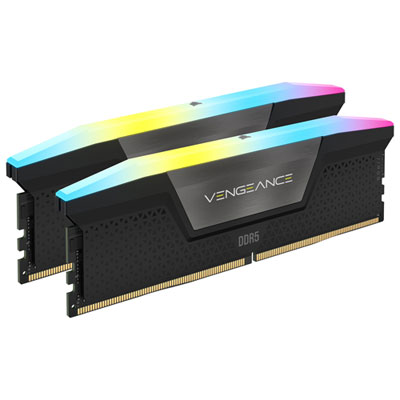 Your price for this item is $844.99
-
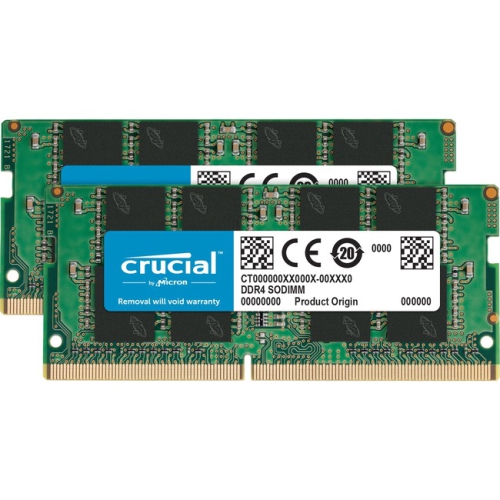 Your price for this item is $388.88
-
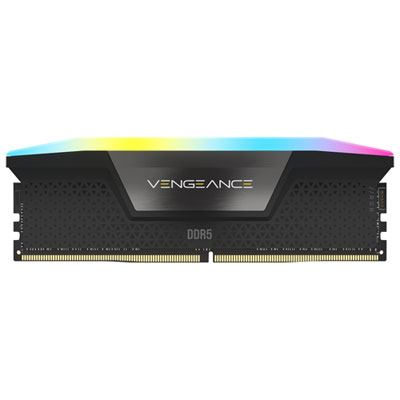 Your price for this item is $1853.99
-
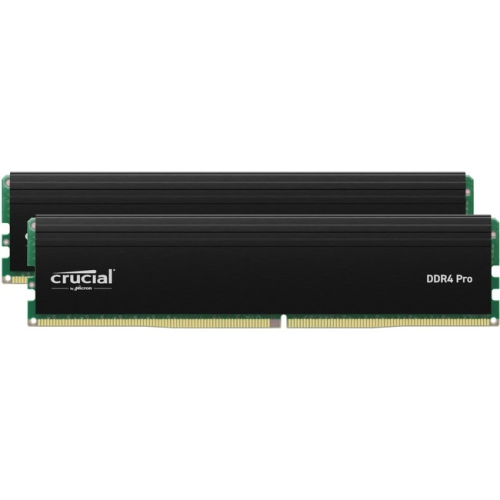 Your price for this item is $975.68
Discover more categories related to Memory DDR5 6000MHz
Top Collections:
Best Black Friday Deals This Year, Best Black Friday Deals On Electronics, Kindle Devices, Pokemon Centers, Best Black Friday Deals On Apple Products, Best Cameras for Sports Photography, Dyson Airwrap, Pokémon 30th Celebration Cards, Apple iPhone 17 Pro, Canon G7X Cameras
Some products may be subject to Environmental Handling Fees
(EHF) depending on your province.
Learn more about EHFs.