8 Port Poe Switches
Looking to power up your network with efficiency and convenience? Explore our selection of 8 port PoE switches designed to streamline your connectivity needs. With power over ethernet technology, these switches not only provide data transfer capabilities but also supply power to compatible devices, eliminating the need for multiple cables and power sources. Whether you're setting up a small office network or upgrading your home setup, these PoE switches offer a reliable solution for optimizing your network performance.
Sort
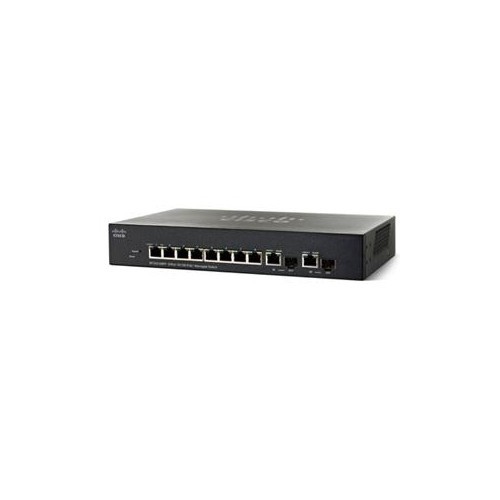

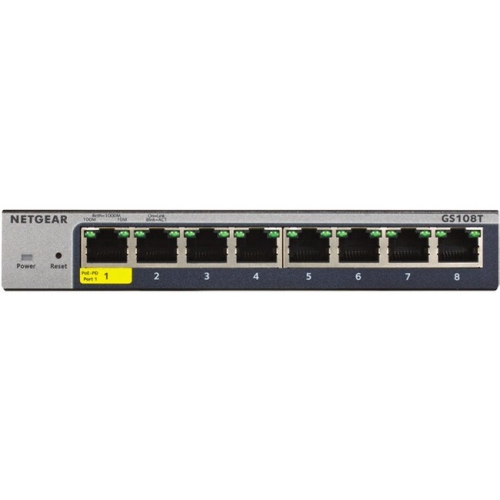
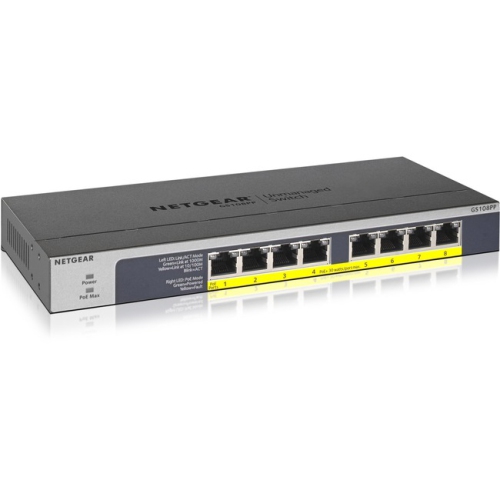
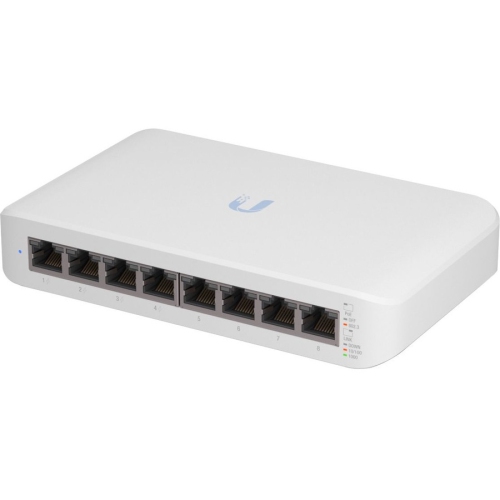
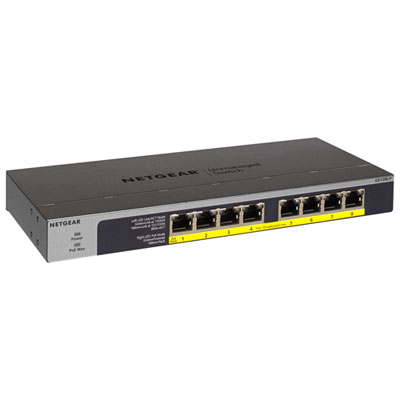
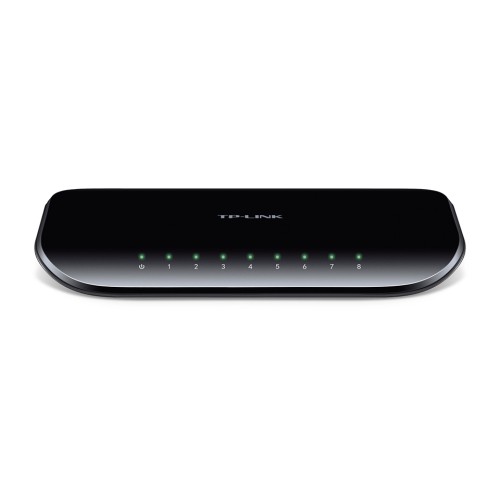
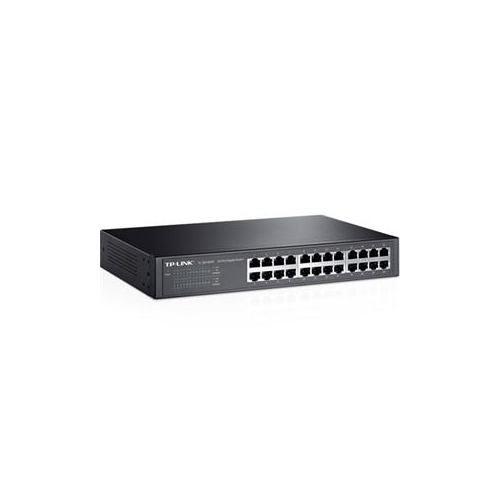
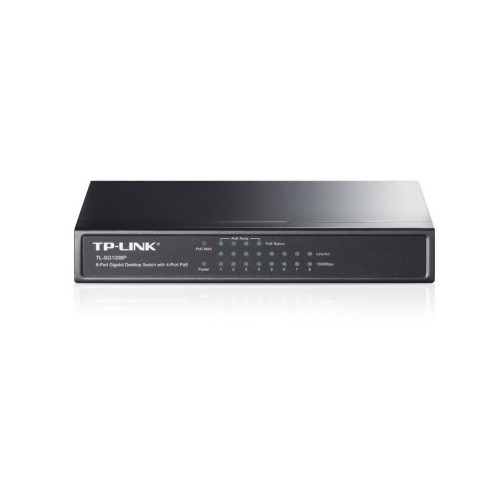
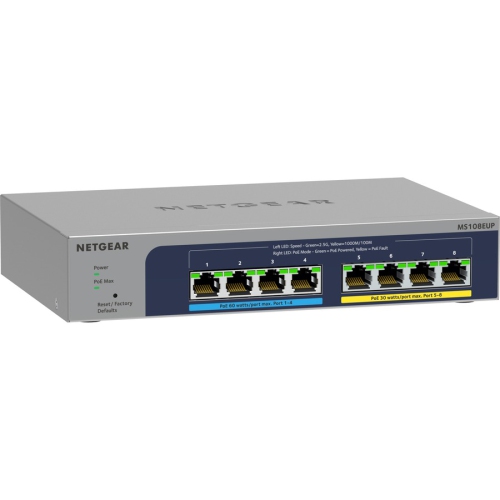
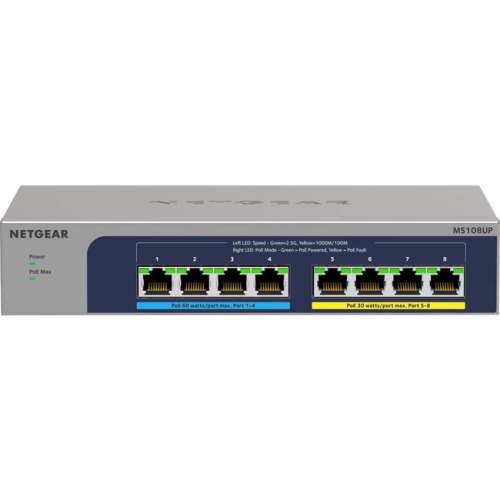
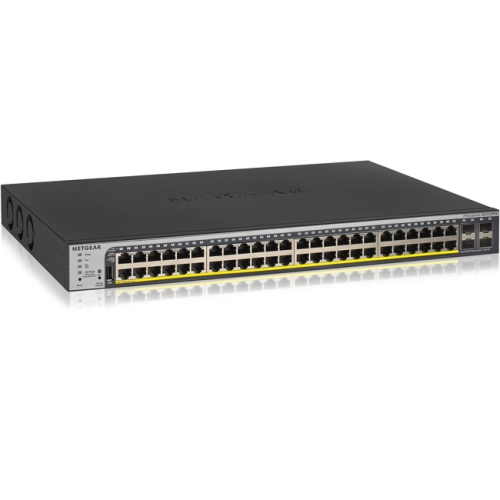
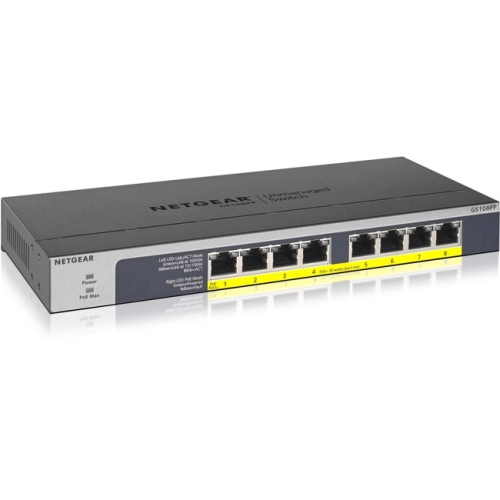
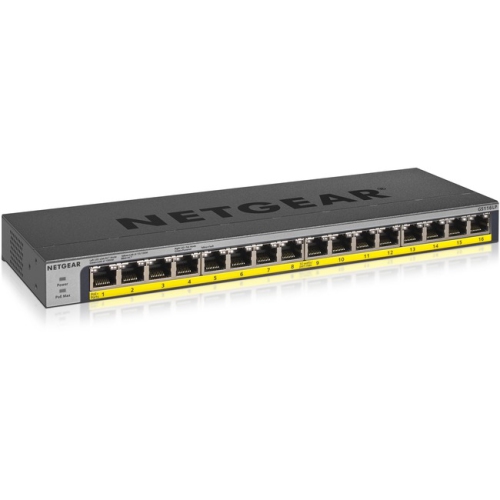
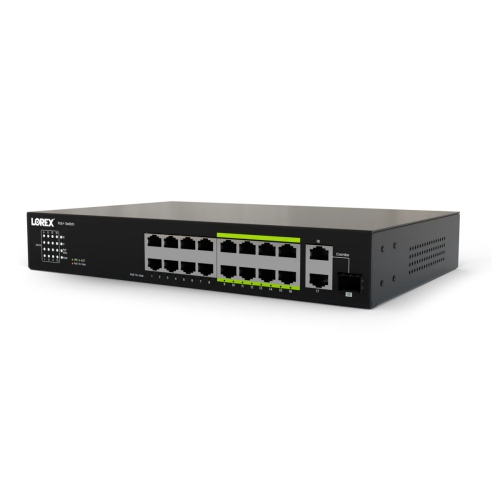
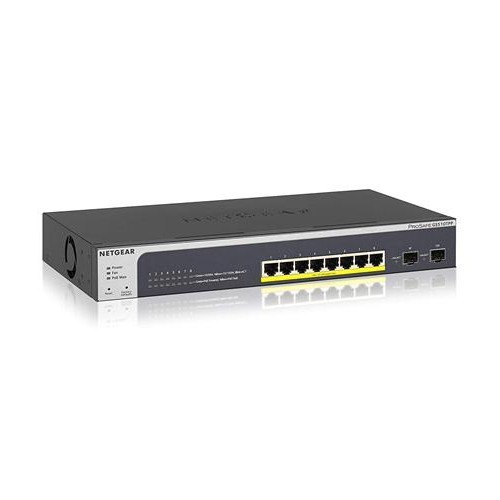
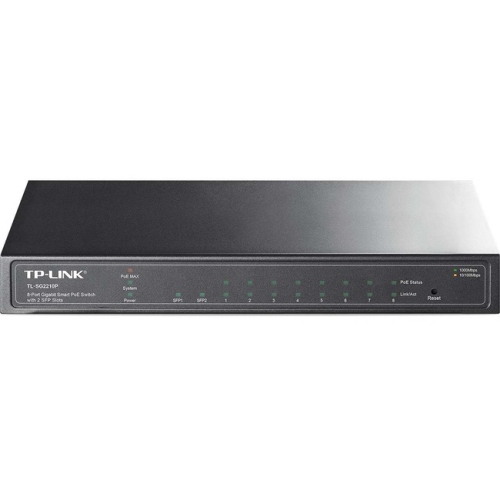
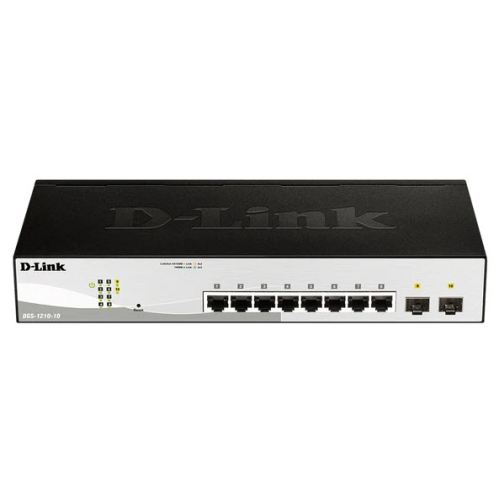
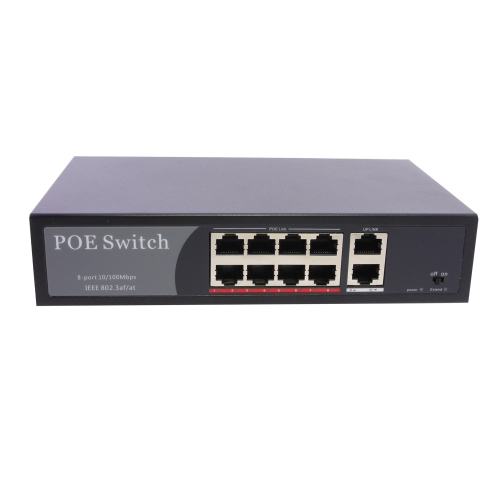
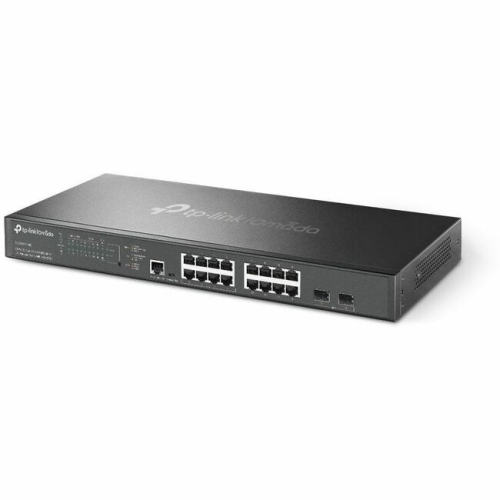
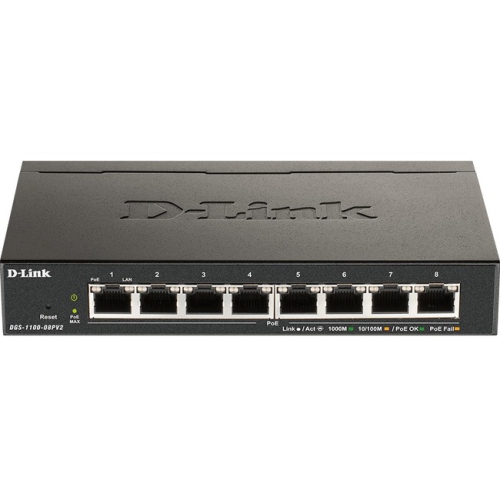

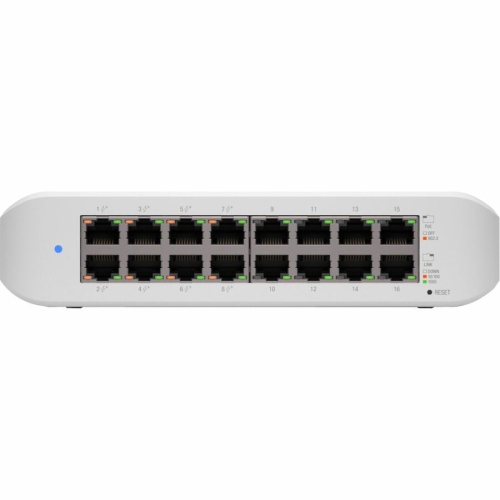
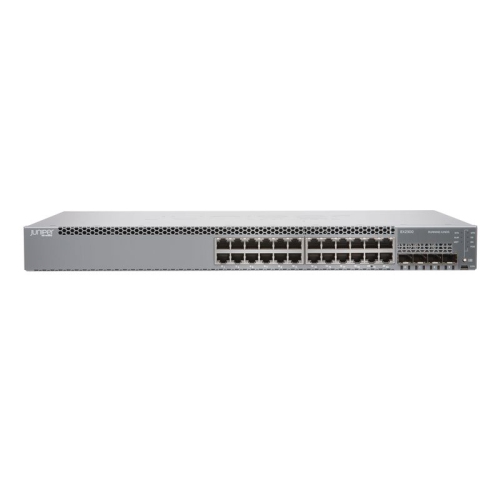

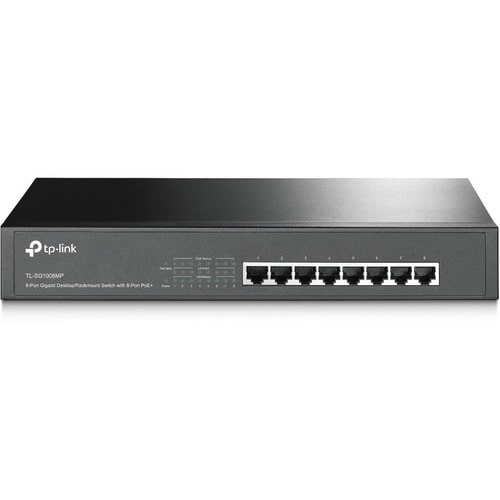
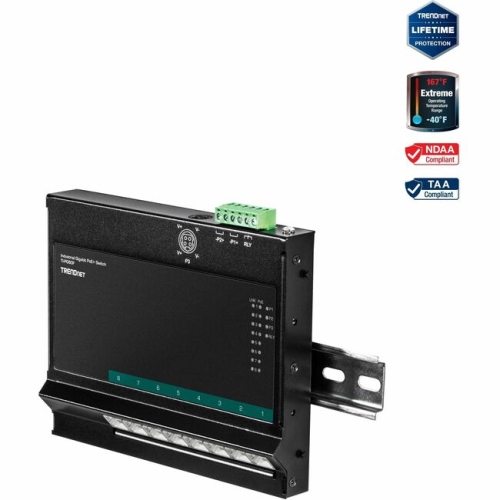
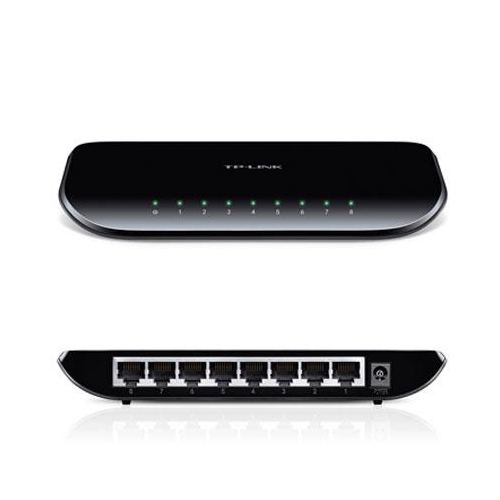
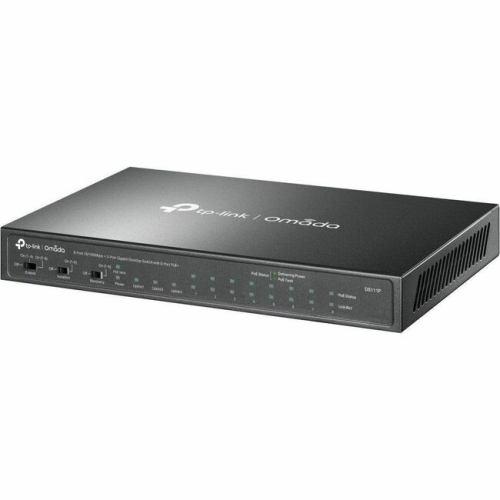
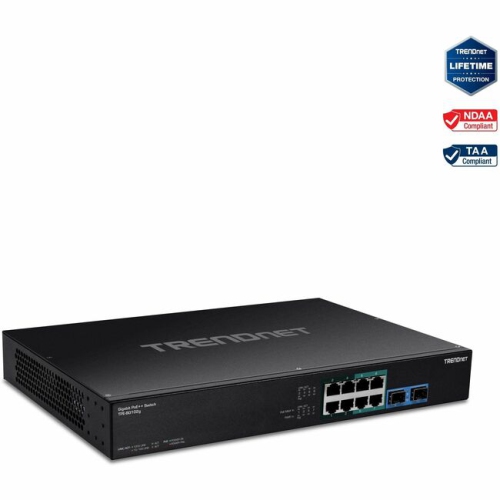
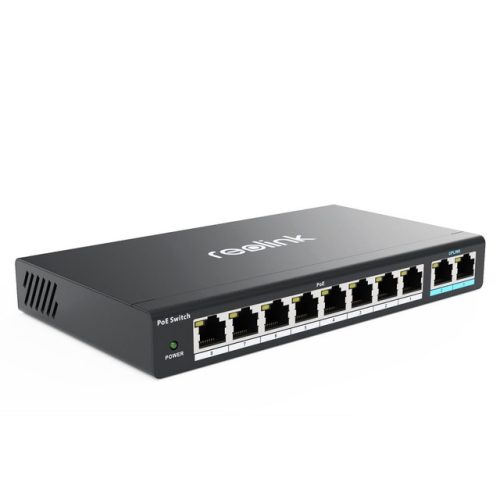
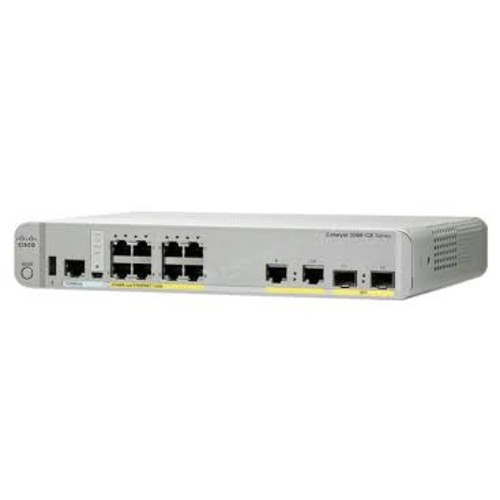
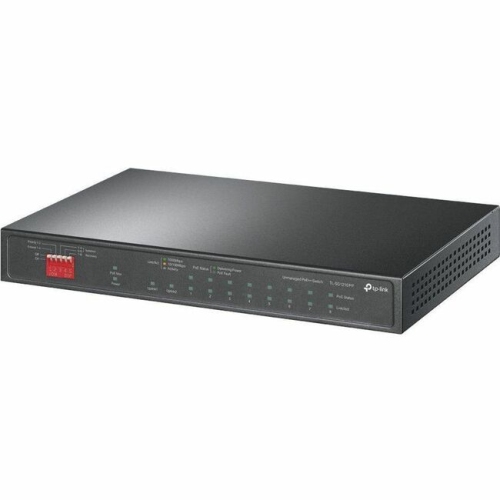
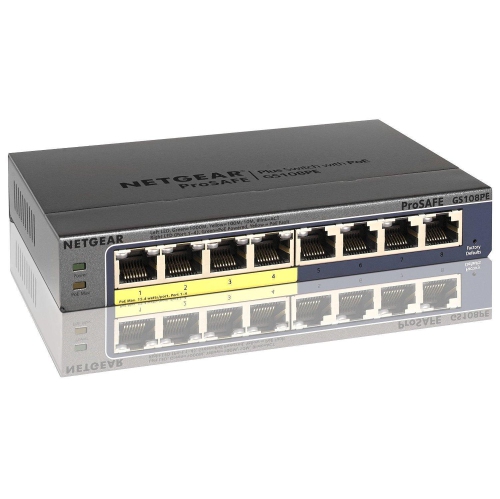
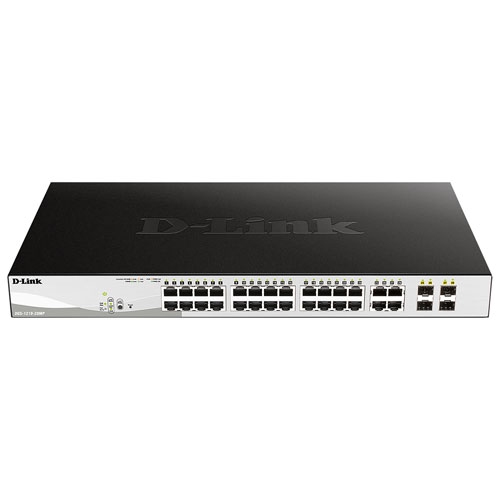
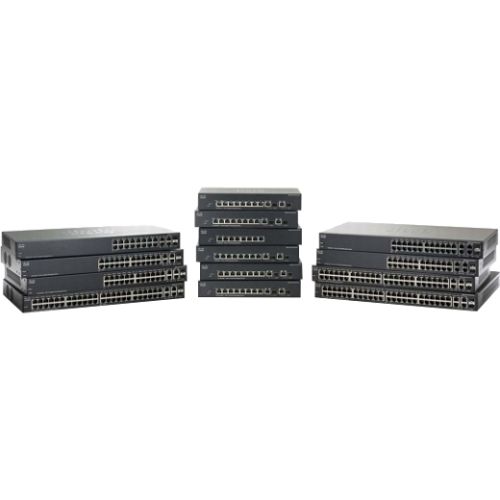
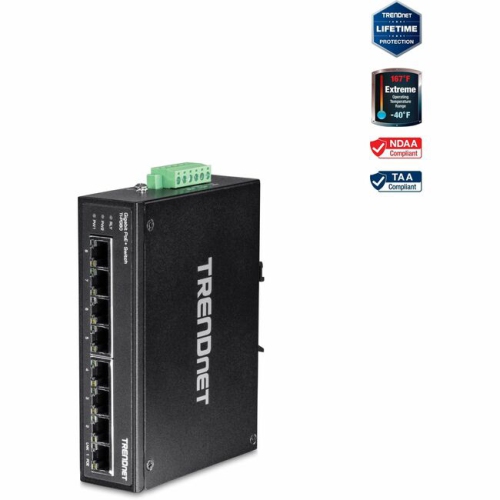
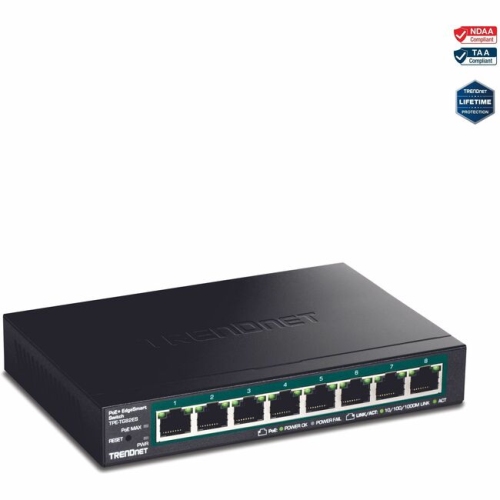
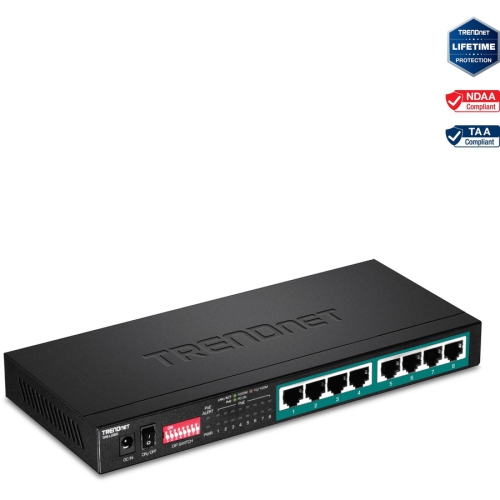
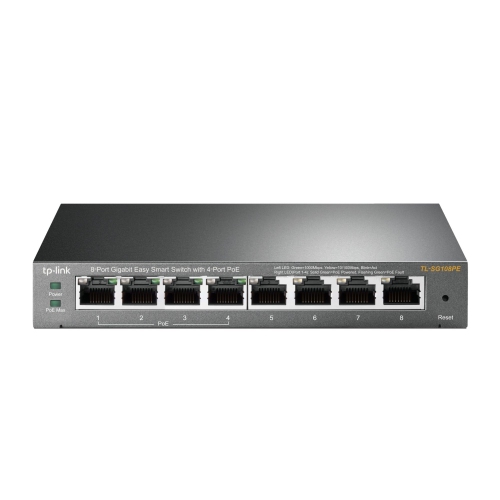
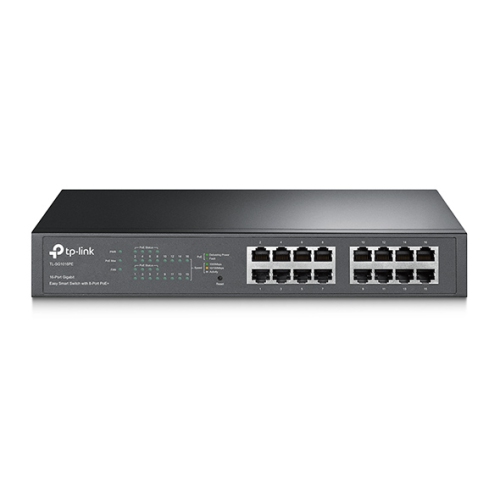
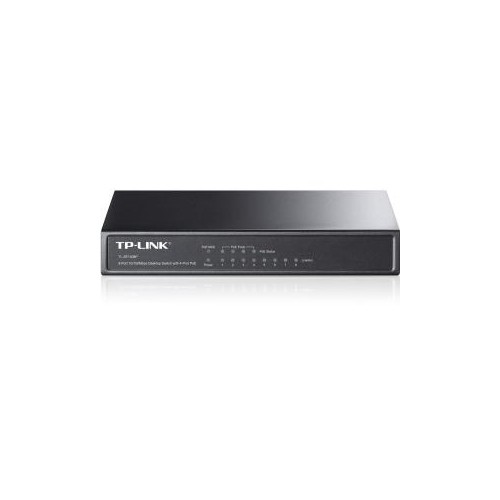
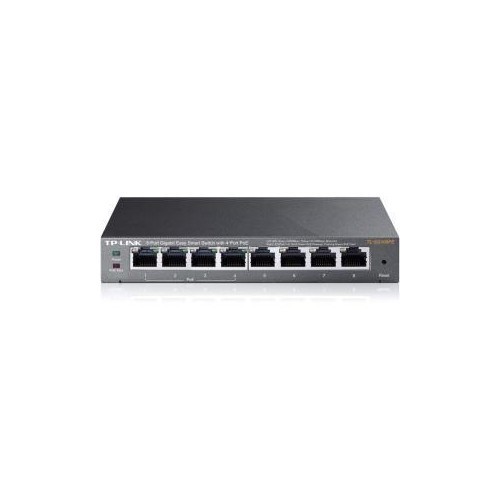
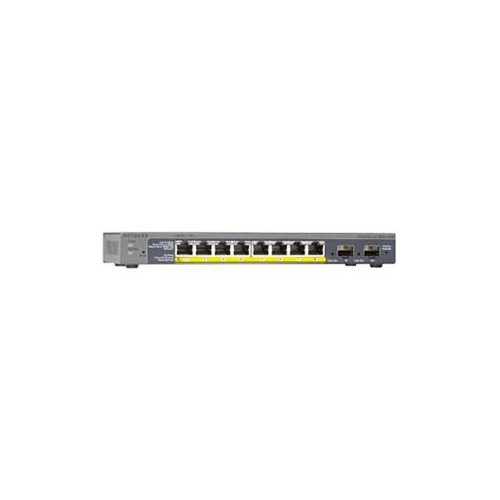
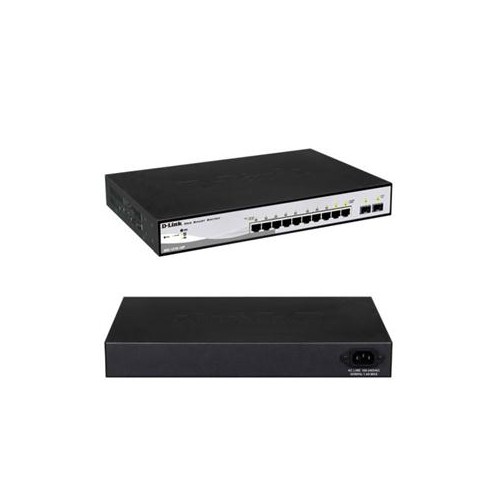
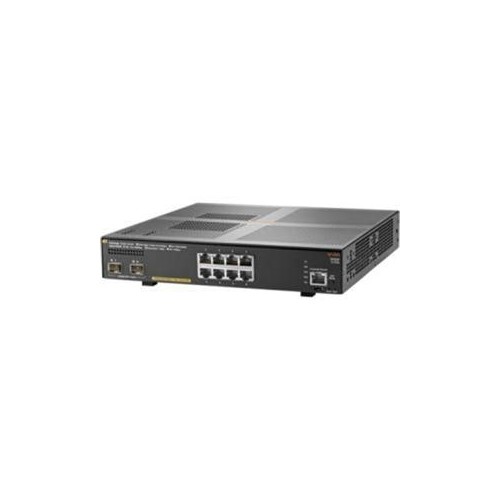
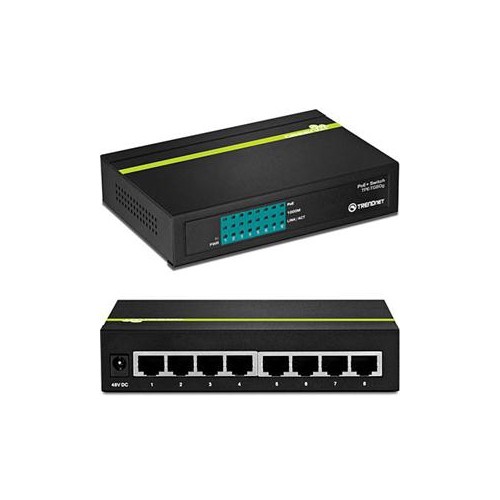
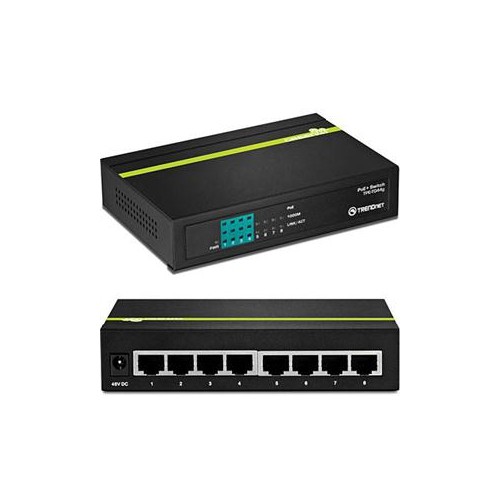

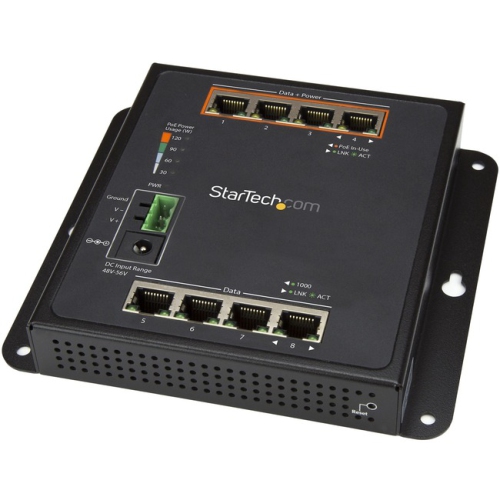
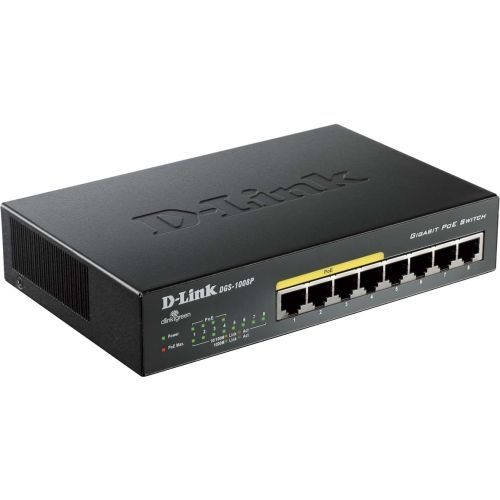
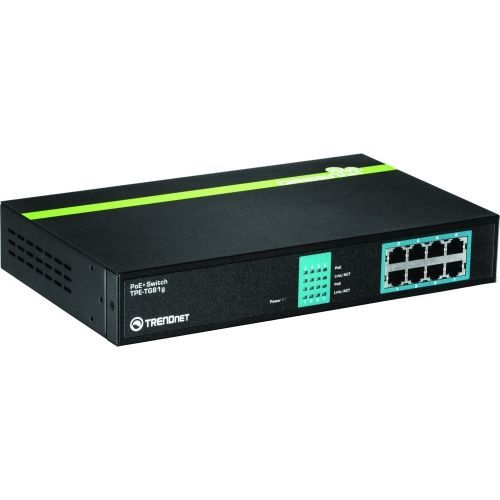
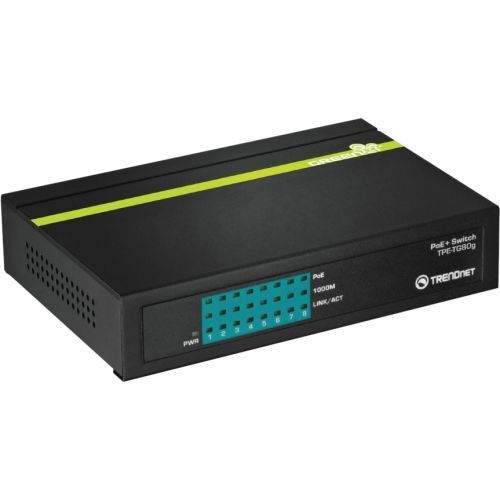
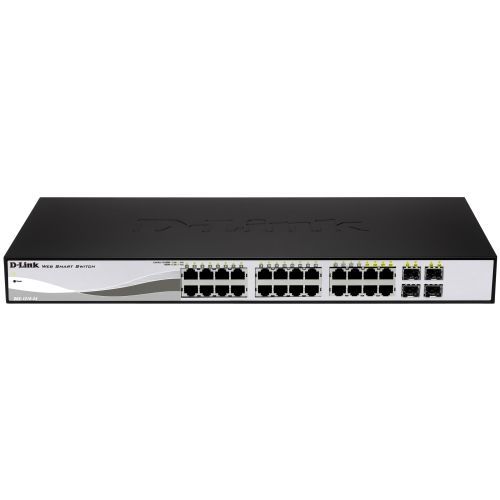
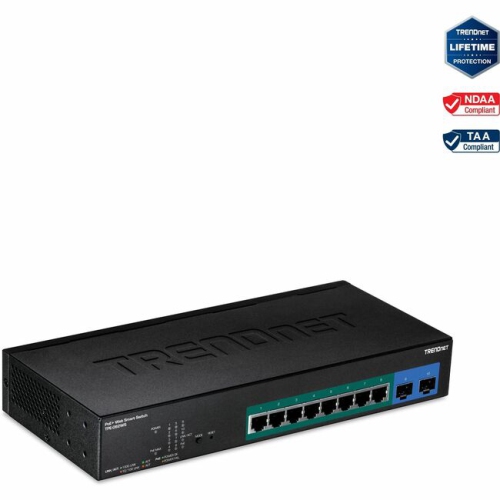
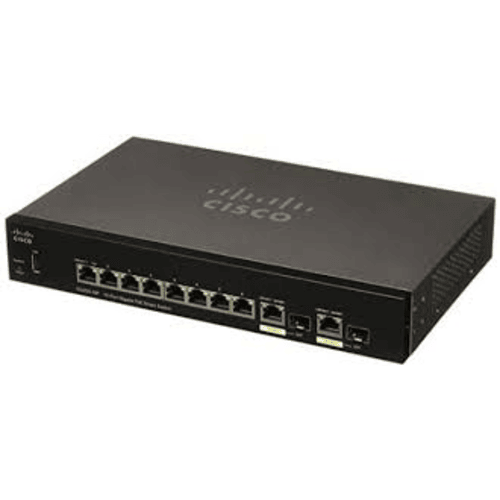
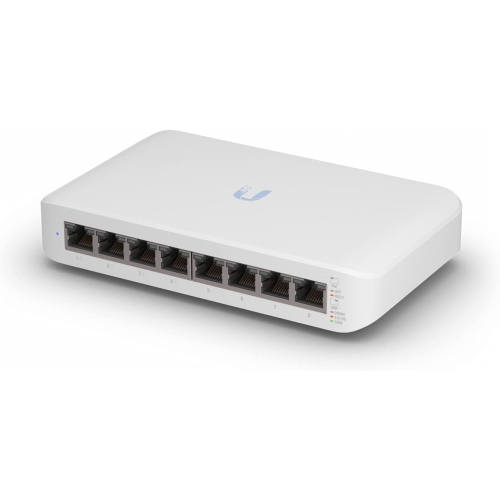
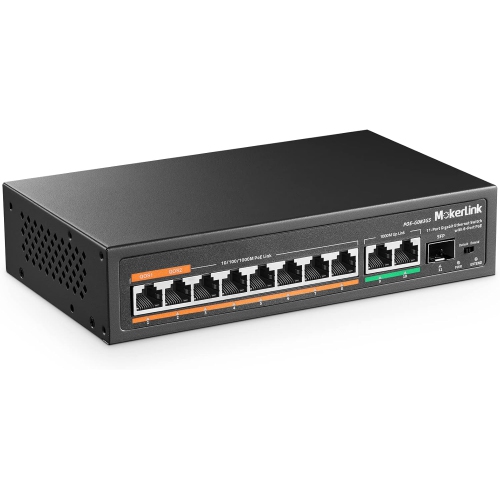
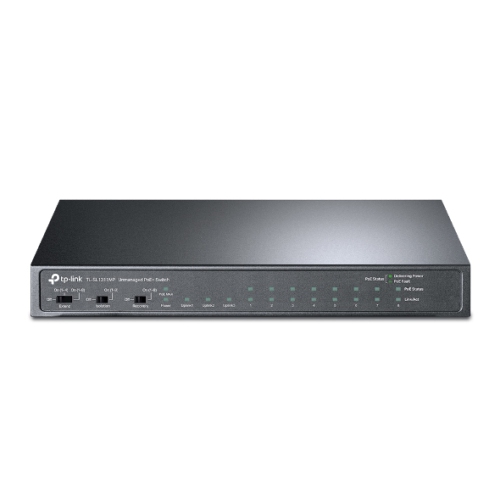
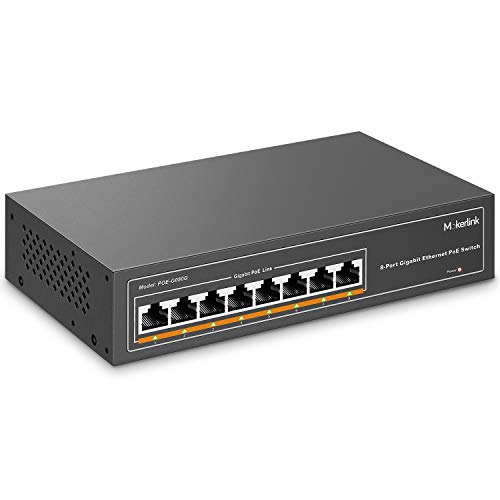
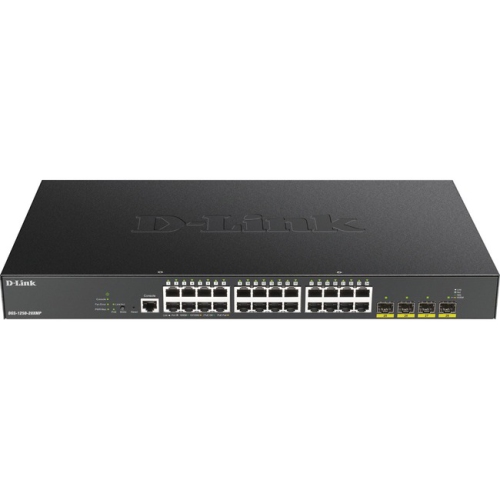
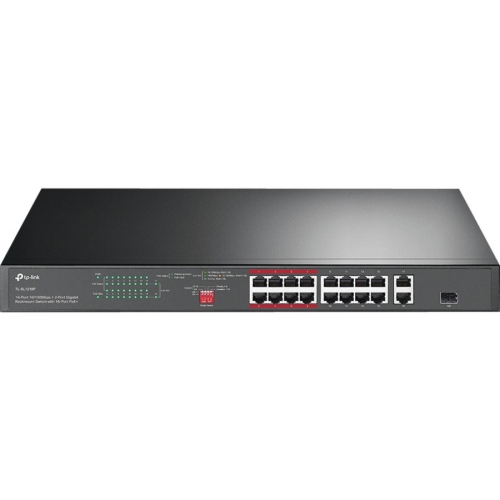
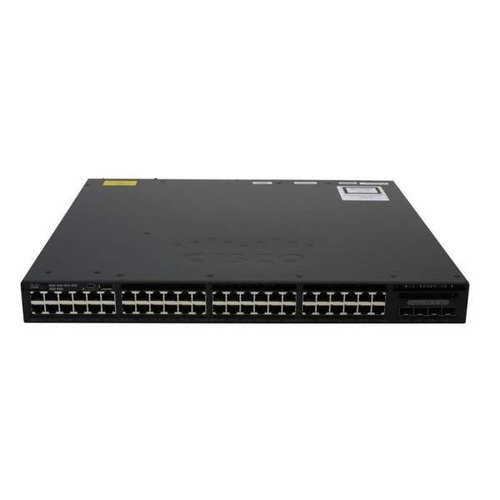
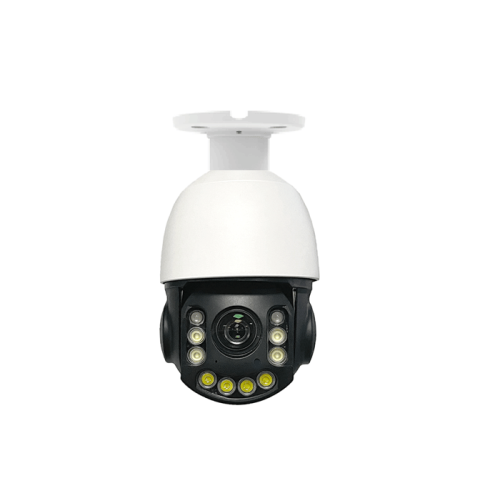
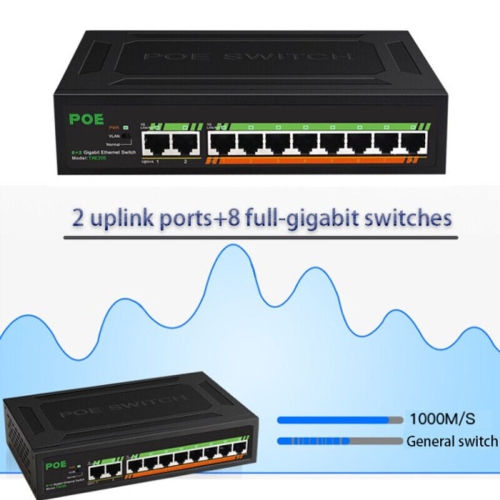

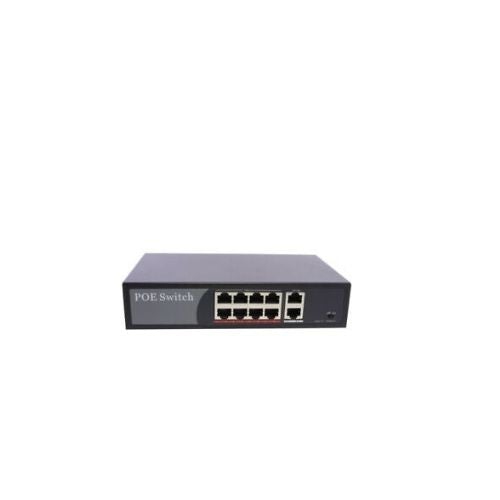

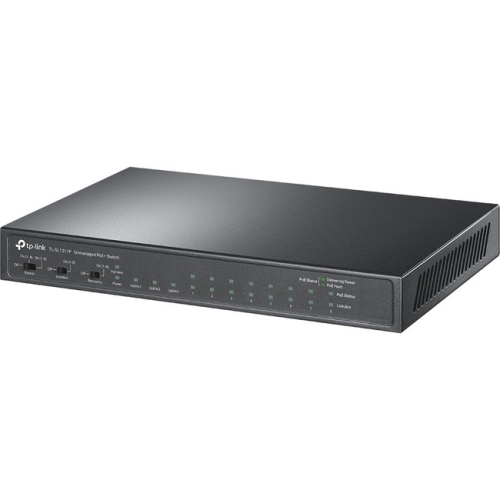
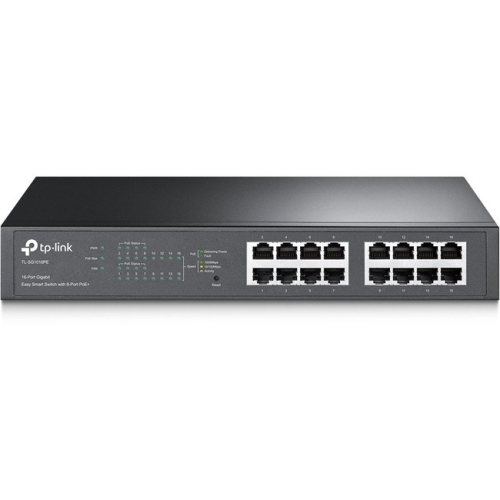
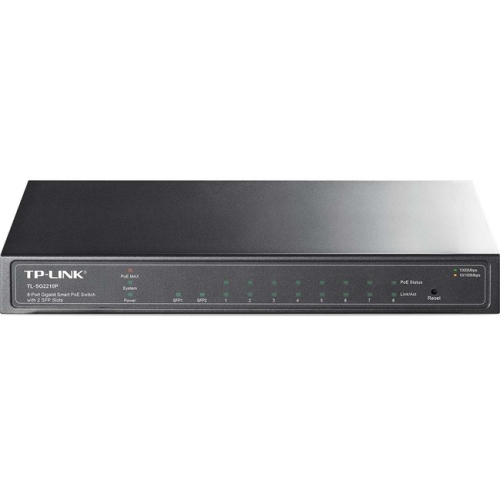
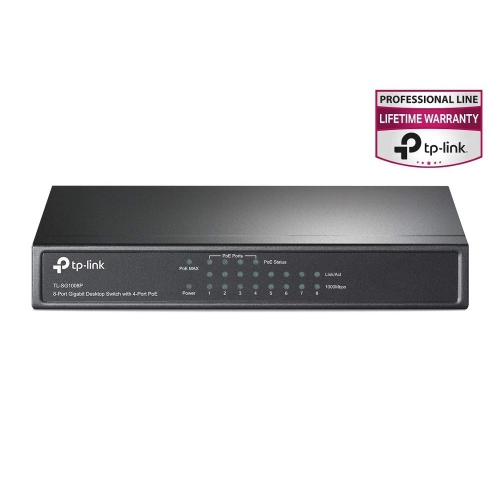
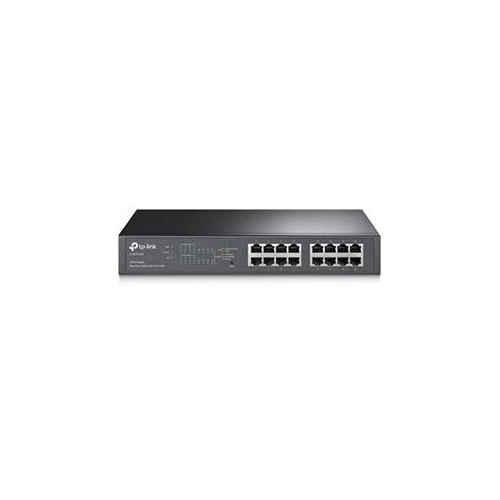
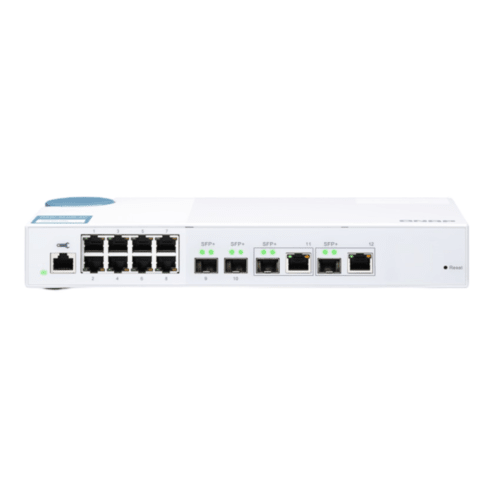
One Ethernet cable can power and connect devices
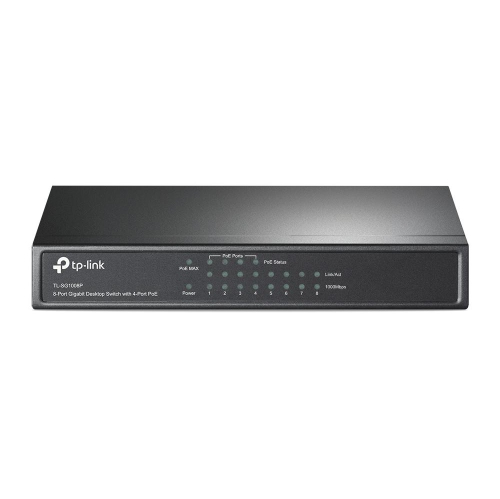
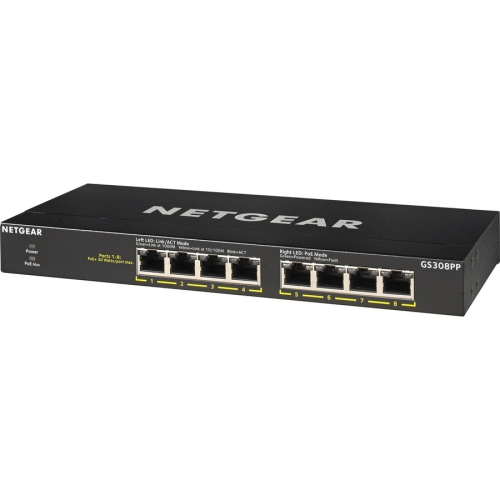
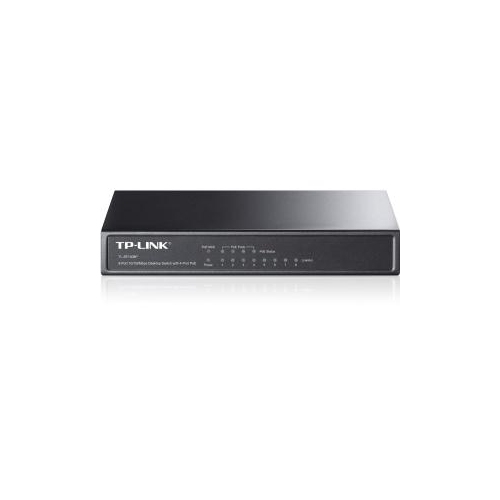
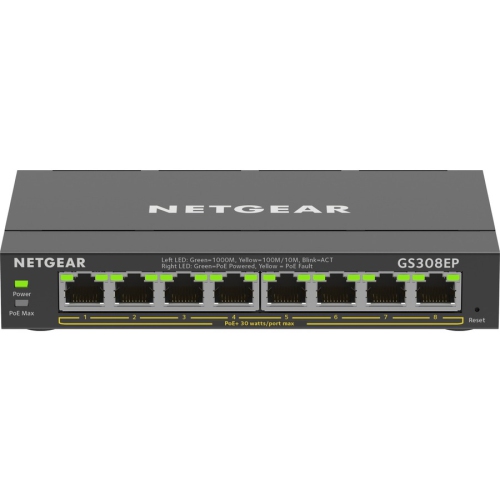
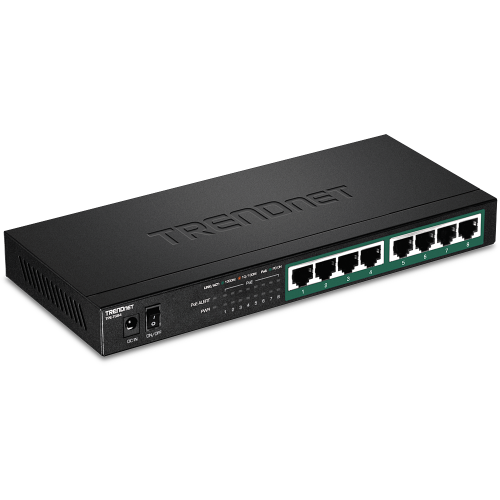
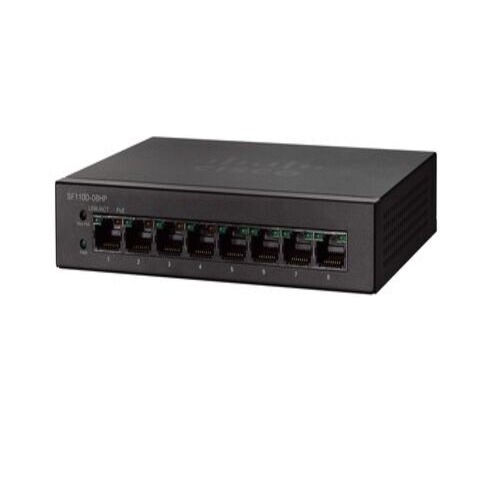
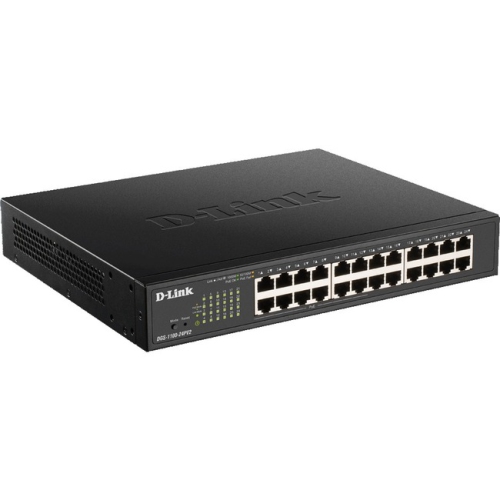
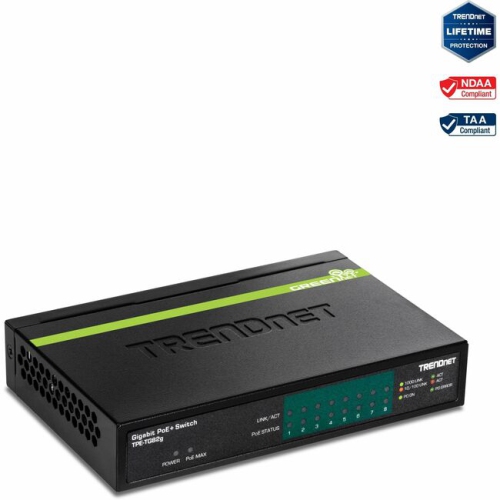
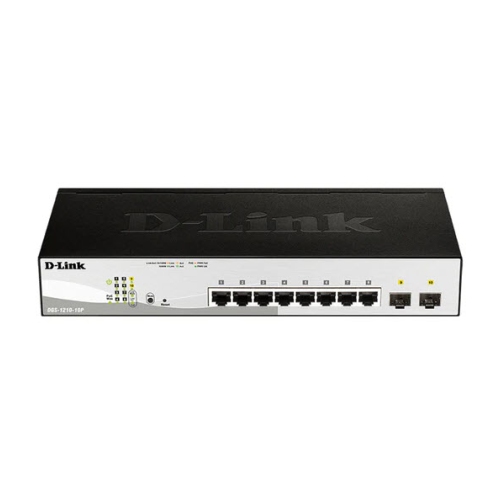
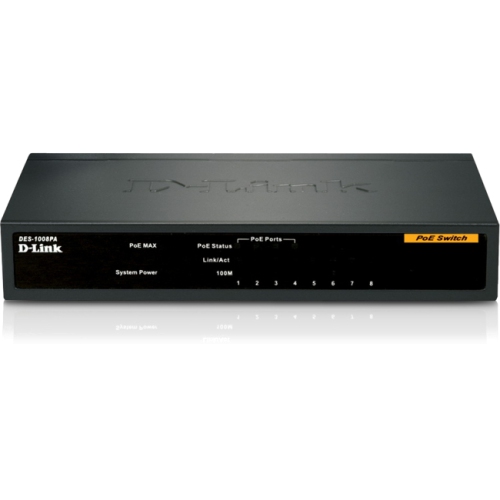
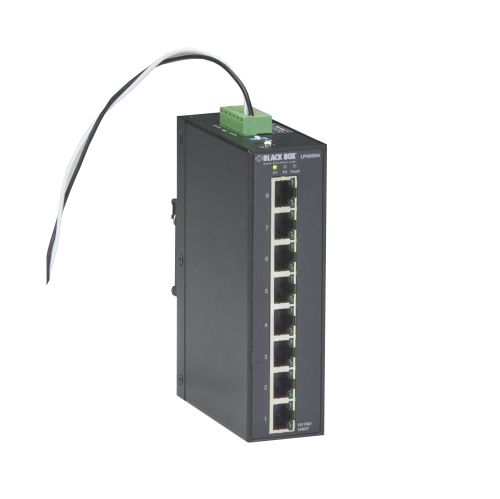
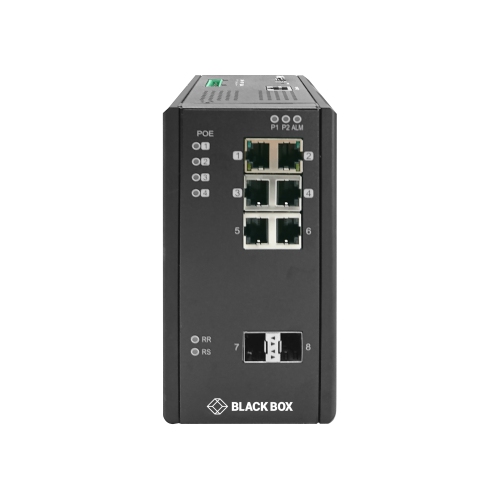
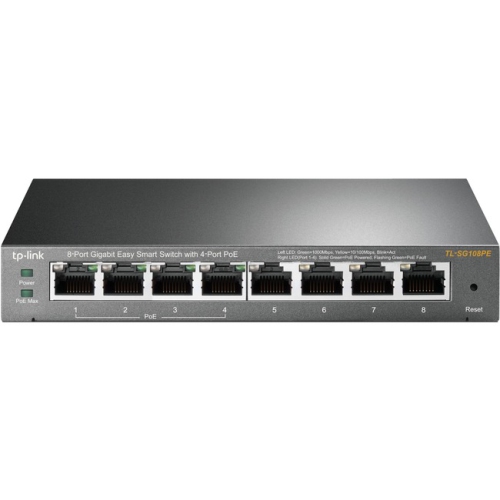
8 Port PoE Switches are a practical way to connect and power compatible devices through Ethernet cabling, helping reduce the number of separate power adapters and electrical outlets needed around a home, office, workshop, retail space, or small commercial installation. A Power over Ethernet switch sends network data and electrical power through the same cable, so devices such as security cameras, wireless access points, VoIP phones, intercoms, and select smart building equipment can often be installed in locations where a nearby outlet is unavailable. An 8-port design is well suited to modest networks that need several connected devices without the size, cost, or rack space of a larger business switch. It can be placed on a desk, shelf, utility-room surface, or equipment cabinet, depending on the design and installation requirements. Before choosing a switch, confirm whether all eight ports support PoE or whether only some ports provide power. Product descriptions may also identify uplink ports, which are used to connect the switch to a router, modem, another network switch, or a central network connection. Gigabit Ethernet is a useful feature for security footage, wireless networking, file transfers, and other activities that benefit from faster wired connections. For a small camera system, a home network with multiple access points, or a growing workspace, an 8-port PoE switch can help keep cabling organised while making device placement more flexible.
One of the most important specifications is the PoE power budget, which is the total amount of electrical power the switch can provide to connected devices at the same time. This figure is shared across the active PoE ports rather than supplied separately at the full amount to every port, so it is worth adding up the requirements of the equipment you plan to connect. Basic fixed security cameras and VoIP phones generally use modest amounts of power, while pan-tilt-zoom cameras, outdoor cameras with heaters, high-performance wireless access points, and other specialised devices may require considerably more. Also check the PoE standard listed by the manufacturer. PoE, PoE+, and higher-power standards support different maximum output levels, and a device should be connected to a switch that can meet its power and compatibility requirements. A switch with a little extra capacity can be helpful if you expect to add another camera, access point, or phone later, particularly when several devices may start up or operate at higher power simultaneously. Cable choice matters as well: use suitable Ethernet cables of the required length and condition, and keep cables away from sharp bends, heavy foot traffic, heat sources, and areas where they can be pinched. If the switch will be used for outdoor cameras or equipment in a damp area, the switch itself should generally stay in a suitable indoor location unless it is specifically designed and rated for that environment. A short cable run across a tidy office can be simple to manage, while a multi-camera installation may benefit from a patch panel, cable labels, and a small network cabinet.
The choice between an unmanaged, smart, or managed PoE switch depends on how much control you want over the network. An unmanaged switch is typically plug-and-play, making it a convenient choice for a straightforward installation where devices simply need to connect and receive power. It can suit a home user adding a few cameras, a small office connecting phones and access points, or someone replacing a collection of individual power adapters with a cleaner central setup. A smart or managed switch provides more configuration and monitoring options, such as traffic controls, port settings, device status information, VLAN support, and the ability to separate cameras, guest Wi-Fi, office computers, and other network traffic. These features can be valuable for a business, home office, community facility, or installer who needs greater visibility and control, although they may require additional setup through a web interface or management software. Consider the switch’s cooling design, noise level, mounting options, warranty, surge protection features, and whether it includes a suitable power adapter or power cord. An 8-port PoE switch can also be a thoughtful gift for a technology enthusiast, home renovator, small business owner, or family member setting up a home office or security system, provided the recipient’s devices use compatible PoE standards. If a project involves many cameras, several wireless access points, or a larger structured network, a higher-capacity option such as 48 Port PoE Network Switches may be more appropriate. Reviewing port configuration, PoE budget, speed, management features, installation space, and future expansion needs can make it easier to select an 8-port PoE switch that fits the network today and remains useful as connected devices are added.
One of the most important specifications is the PoE power budget, which is the total amount of electrical power the switch can provide to connected devices at the same time. This figure is shared across the active PoE ports rather than supplied separately at the full amount to every port, so it is worth adding up the requirements of the equipment you plan to connect. Basic fixed security cameras and VoIP phones generally use modest amounts of power, while pan-tilt-zoom cameras, outdoor cameras with heaters, high-performance wireless access points, and other specialised devices may require considerably more. Also check the PoE standard listed by the manufacturer. PoE, PoE+, and higher-power standards support different maximum output levels, and a device should be connected to a switch that can meet its power and compatibility requirements. A switch with a little extra capacity can be helpful if you expect to add another camera, access point, or phone later, particularly when several devices may start up or operate at higher power simultaneously. Cable choice matters as well: use suitable Ethernet cables of the required length and condition, and keep cables away from sharp bends, heavy foot traffic, heat sources, and areas where they can be pinched. If the switch will be used for outdoor cameras or equipment in a damp area, the switch itself should generally stay in a suitable indoor location unless it is specifically designed and rated for that environment. A short cable run across a tidy office can be simple to manage, while a multi-camera installation may benefit from a patch panel, cable labels, and a small network cabinet.
The choice between an unmanaged, smart, or managed PoE switch depends on how much control you want over the network. An unmanaged switch is typically plug-and-play, making it a convenient choice for a straightforward installation where devices simply need to connect and receive power. It can suit a home user adding a few cameras, a small office connecting phones and access points, or someone replacing a collection of individual power adapters with a cleaner central setup. A smart or managed switch provides more configuration and monitoring options, such as traffic controls, port settings, device status information, VLAN support, and the ability to separate cameras, guest Wi-Fi, office computers, and other network traffic. These features can be valuable for a business, home office, community facility, or installer who needs greater visibility and control, although they may require additional setup through a web interface or management software. Consider the switch’s cooling design, noise level, mounting options, warranty, surge protection features, and whether it includes a suitable power adapter or power cord. An 8-port PoE switch can also be a thoughtful gift for a technology enthusiast, home renovator, small business owner, or family member setting up a home office or security system, provided the recipient’s devices use compatible PoE standards. If a project involves many cameras, several wireless access points, or a larger structured network, a higher-capacity option such as 48 Port PoE Network Switches may be more appropriate. Reviewing port configuration, PoE budget, speed, management features, installation space, and future expansion needs can make it easier to select an 8-port PoE switch that fits the network today and remains useful as connected devices are added.
Top selling and popular products
-
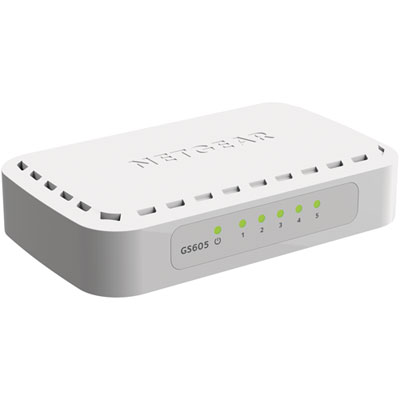 Your price for this item is $34.99
 -
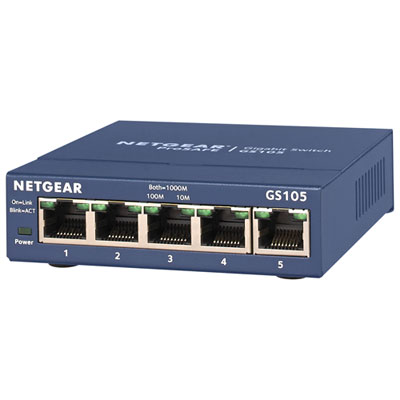 Your price for this item is $44.99
 -
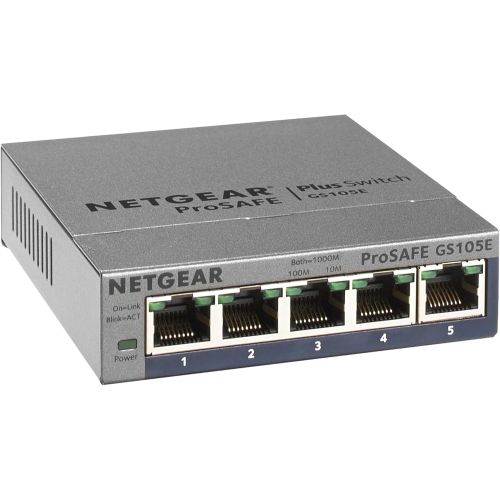 Your price for this item is $52.68
 -
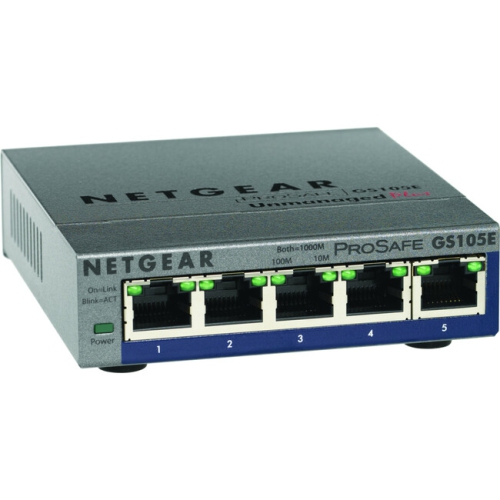 Your price for this item is $76.99
 -
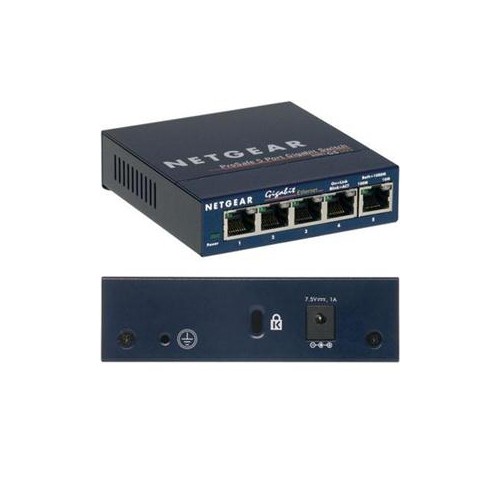 Your price for this item is $49.68
 -
 Your price for this item is $52.68
 -
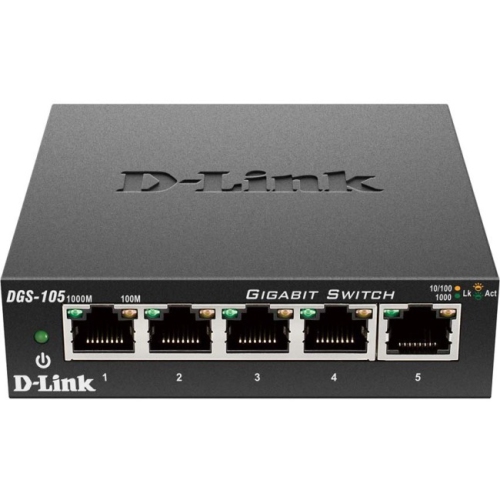 Your price for this item is $24.99
 -
 Your price for this item is $49.99
Discover more categories related to 8 Port Poe Switches
Top Collections:
Pokemon Centers, Kindle Devices, Best Budget Office Chairs, Apple iPhones 16, Best Laptops for Writers, iPhone 15 Apple, Canon G7X Cameras, Refurbished Apple Laptops, Alarm Clock, Motorola Razr Phones
Some products may be subject to Environmental Handling Fees
(EHF) depending on your province.
Learn more about EHFs.