Back To School Bluetooth Mice For Portable Workstations
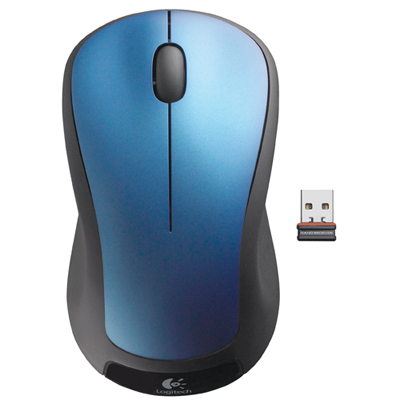
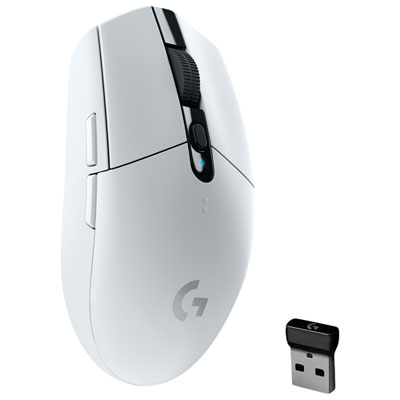
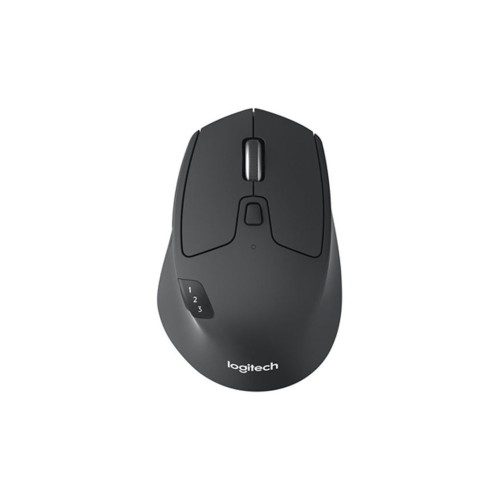
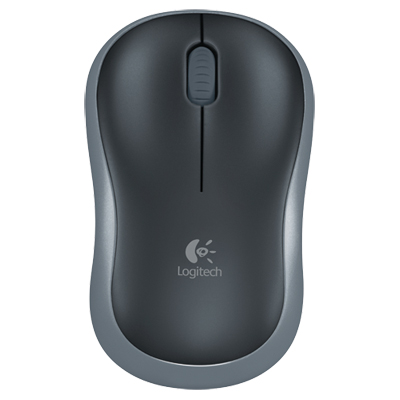
Back-to-school Bluetooth mice for portable workstations help you navigate notes, assignments, and research without a mouse cable. Browse wireless mice for your laptop or tablet, comparing size, comfort, battery options, and device compatibility to find a fit for your backpack and study setup.







FAQ
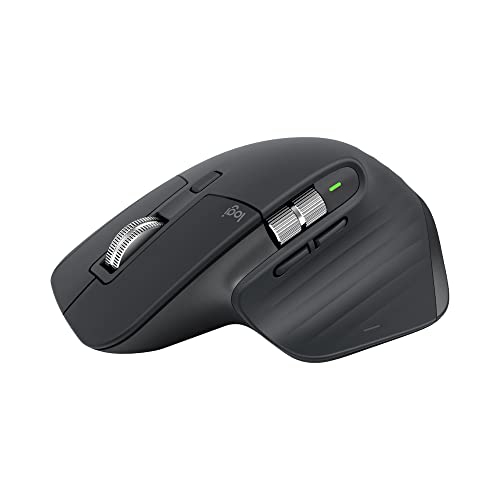
Look for compatibility with your laptop or tablet, a comfortable grip, and controls that suit your study routine. Quiet-click buttons can be useful in shared study spaces, while programmable buttons offer shortcuts for common tasks. Multi-device pairing is worth considering if you regularly switch between devices.
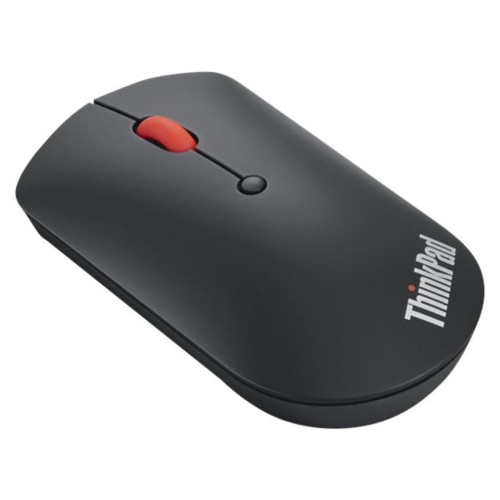
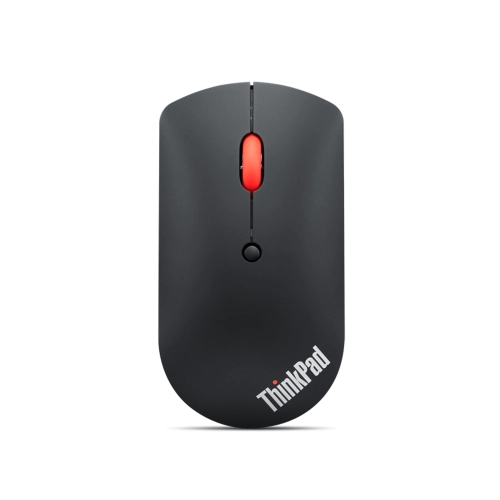
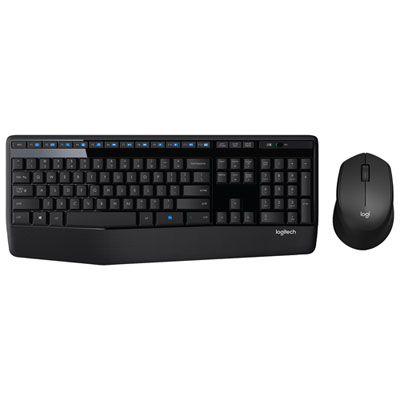
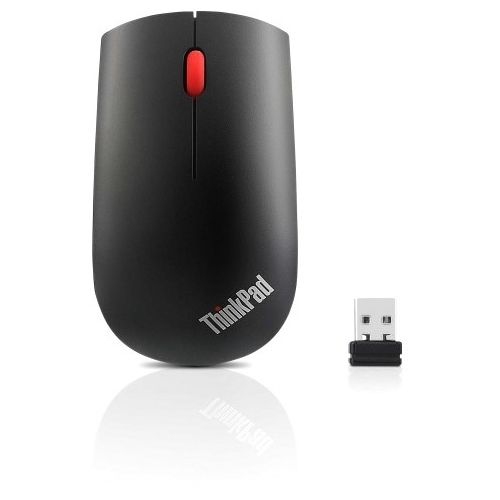
Bluetooth mice connect directly to devices with compatible Bluetooth support, so they do not need a USB receiver for that connection. Some models also offer a separate wireless connection through a USB receiver. Check the connection options to distinguish Bluetooth models from receiver-only wireless mice.
Many Bluetooth mice work with laptops and tablets, provided each device supports Bluetooth pointing devices. Models with multi-device pairing can store connections to more than one device and let you switch between them using a button or selector. Operating system support and available mouse features vary, so check compatibility with both devices.
Turn on the mouse and activate its pairing mode, then open your laptop’s Bluetooth settings. Select the option to add a device and choose the mouse from the list. Follow any on-screen prompts to complete pairing. On school-managed laptops, Bluetooth access may depend on the school’s device settings.
Bluetooth mice typically use either replaceable batteries or a built-in rechargeable battery. Rechargeable models charge through a cable, while replaceable-battery models require the battery type specified by the manufacturer. Battery indicators, power switches, and automatic sleep modes are useful features to consider for your school routine.
Top selling and popular products
Discover more categories related to Back To School Bluetooth Mice For Portable Workstations
Some products may be subject to Environmental Handling Fees (EHF) depending on your province. Learn more about EHFs.