Back To School Versatile USB C Hubs
Get ready for classes with versatile USB-C hubs for back-to-school laptop setups. Browse options for connecting peripherals, external displays and storage through a single USB-C port, and compare port types, charging support and device compatibility to find a hub that fits your study routine.






FAQ
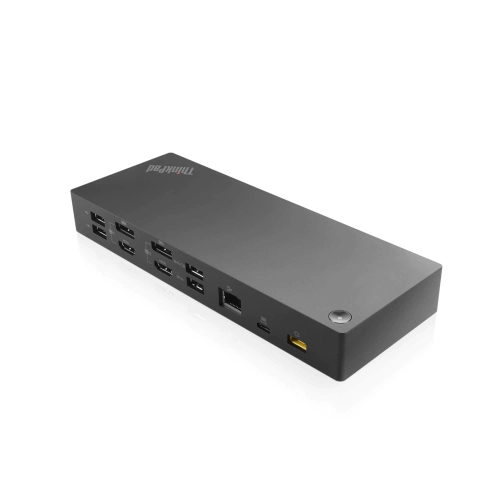
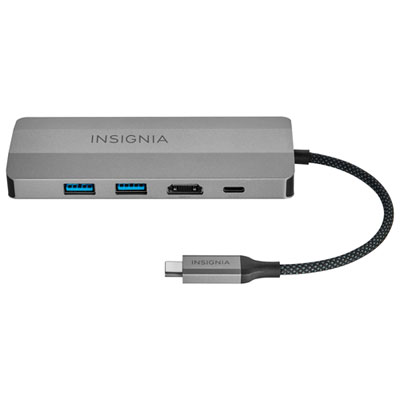
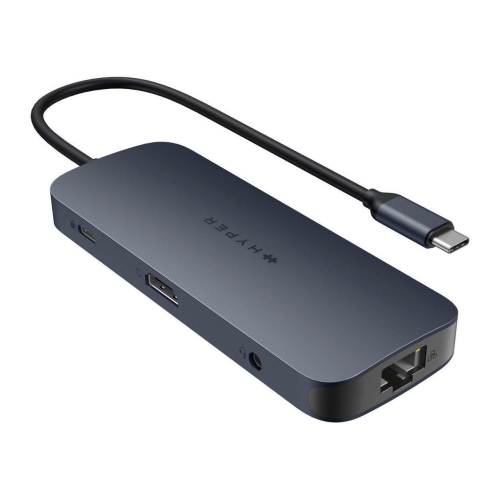
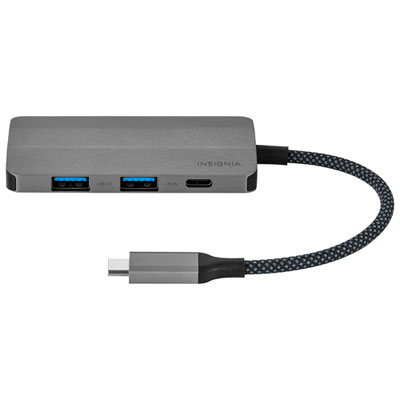
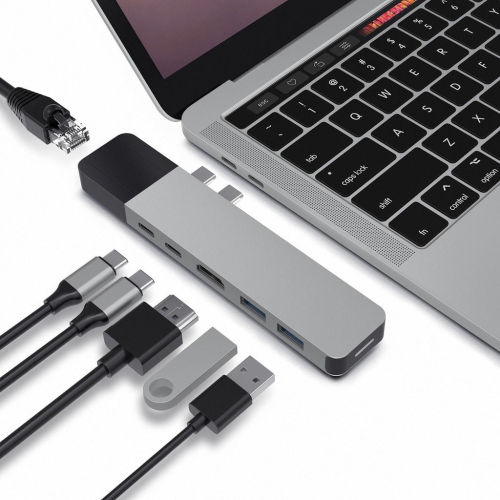
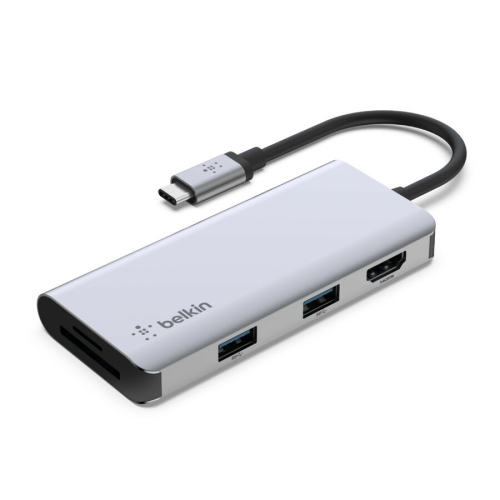
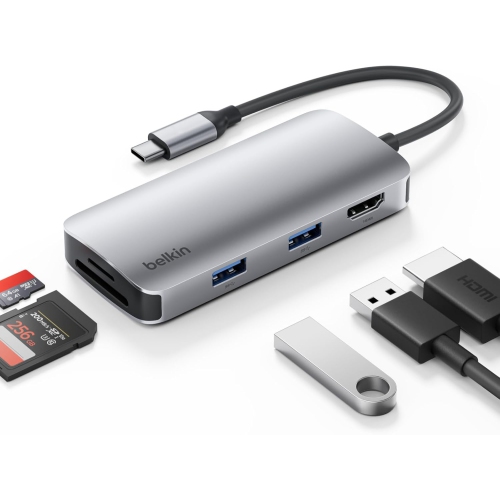
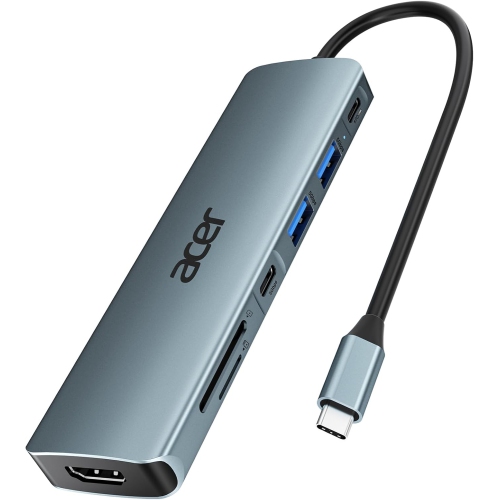
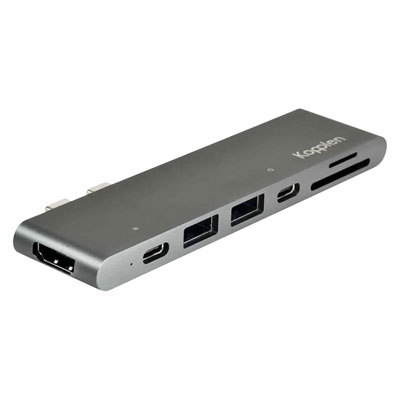
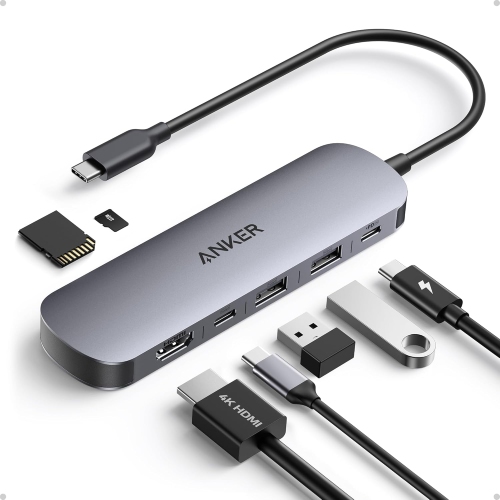
Choose ports that match your study setup. USB-A ports connect accessories such as keyboards and mice, while HDMI or DisplayPort can connect an external monitor. An SD or microSD card reader is useful for transferring class project files, and an Ethernet port provides a wired network connection.
Check your laptop’s USB-C specifications alongside the hub’s requirements. A USB-C connector does not necessarily support video output or charging. For an external display, look for compatible video support, such as DisplayPort Alt Mode, Thunderbolt or USB4, as required by the hub.
A hub with USB Power Delivery pass-through can let you charge a compatible laptop while connecting accessories. You will need a compatible charger and cable, and the hub’s power output should meet your laptop’s charging requirements. Some of the incoming power is used by the hub itself, so the power delivered to the laptop may be lower than the hub’s input rating.
Some USB-C hubs support multiple monitors, but the available setup depends on the hub, your laptop’s graphics capabilities, its USB-C port and its operating system. Check whether the combination supports separate extended displays or only mirrored content, along with the supported resolutions and refresh rates.
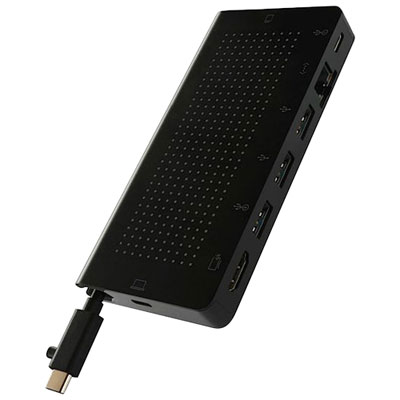
A USB-C hub typically adds a selection of ports for connecting classroom and study accessories. A docking station is generally designed for a more permanent desk setup and may offer more connections, dedicated power and broader display support. The terms can overlap, so compare the actual ports, charging features and laptop compatibility.
Top selling and popular products
Discover more categories related to Back To School Versatile USB C Hubs


Some products may be subject to Environmental Handling Fees (EHF) depending on your province. Learn more about EHFs.