Back To School Convenient USB Hubs
Convenient USB hubs for back to school help connect study essentials when your laptop has limited ports. Browse hubs for connecting devices such as keyboards, mice and USB drives, and compare port types, port counts and laptop compatibility to find a fit for your desk or backpack.






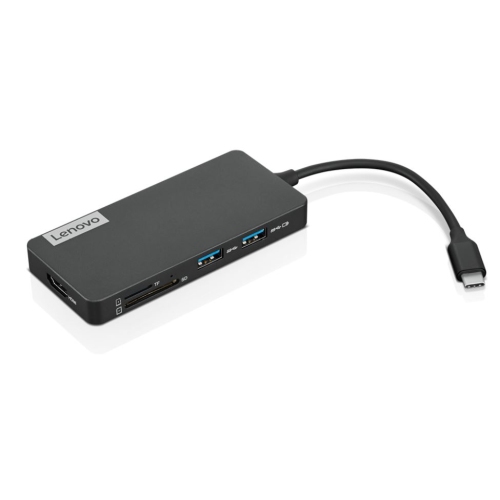
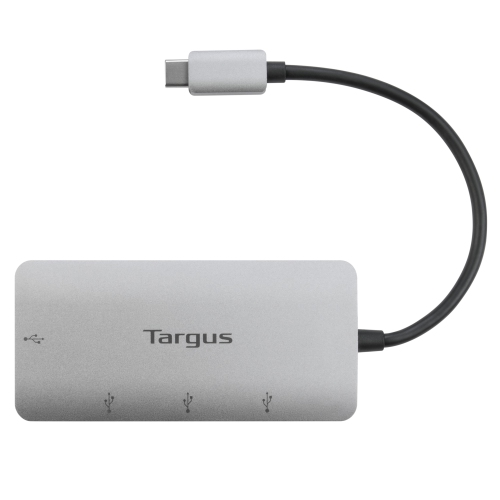
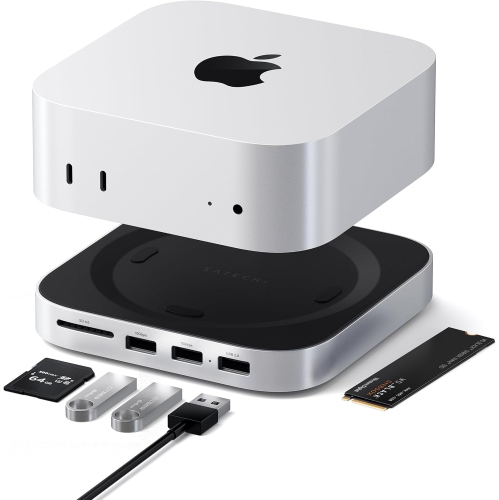
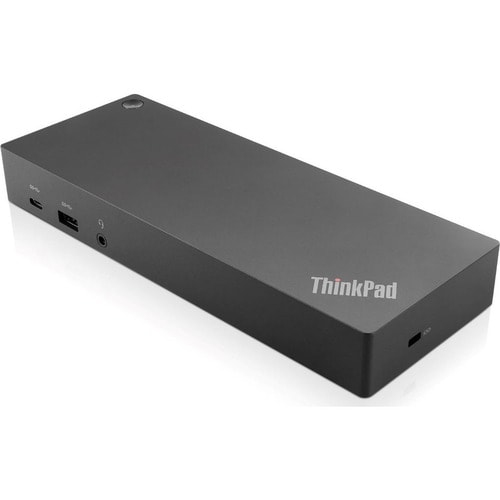
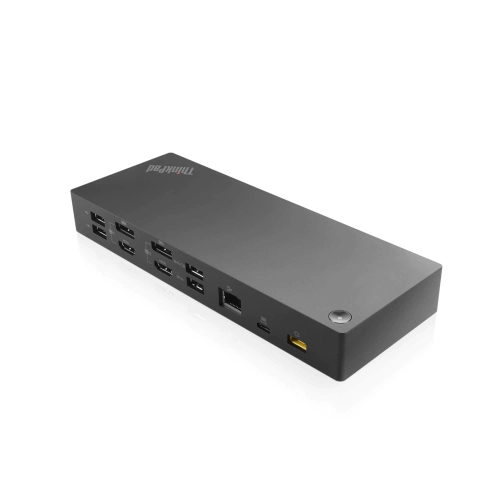
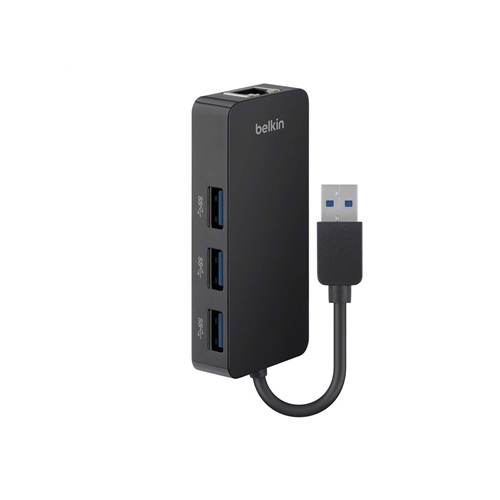

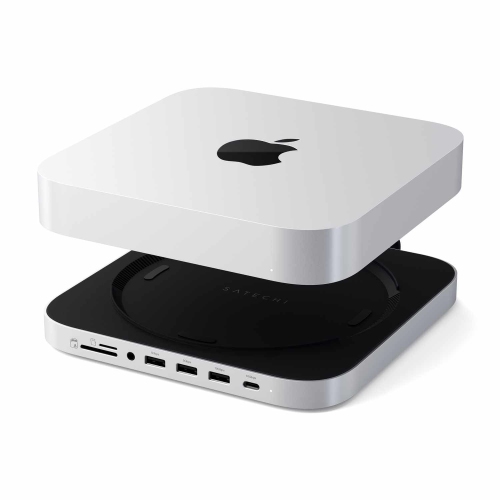
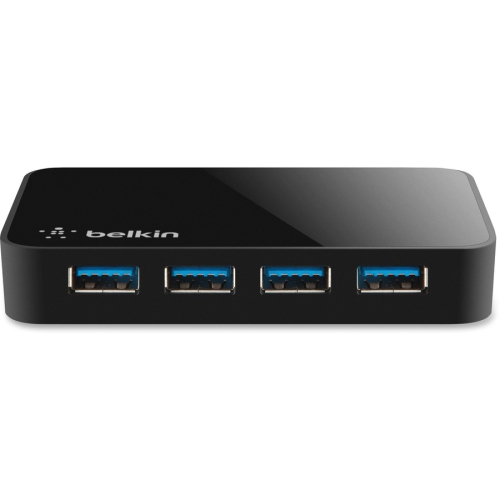
FAQ
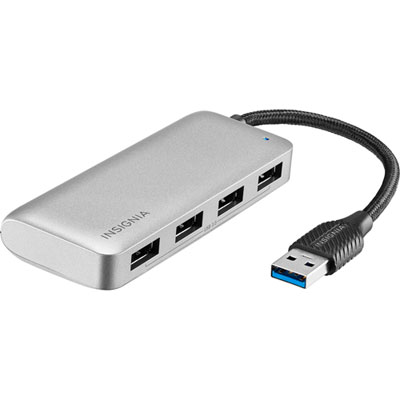
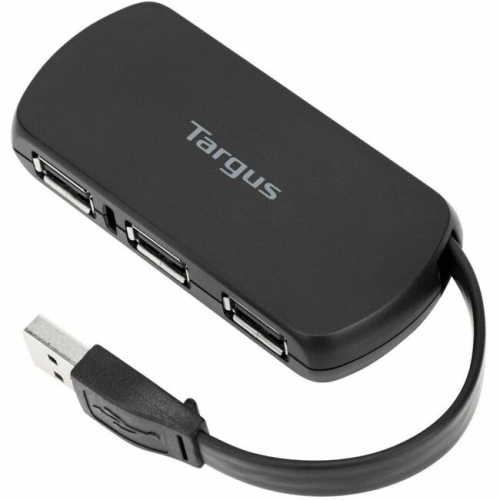
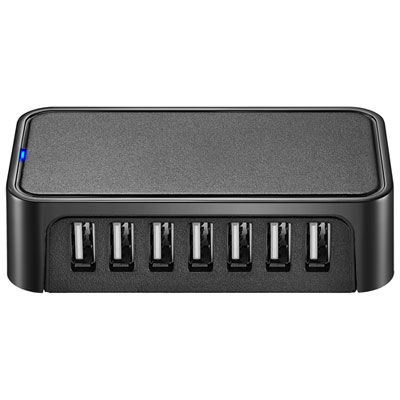
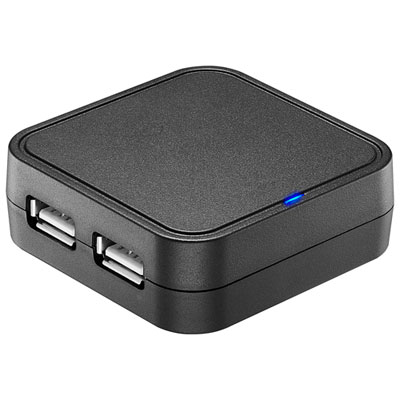
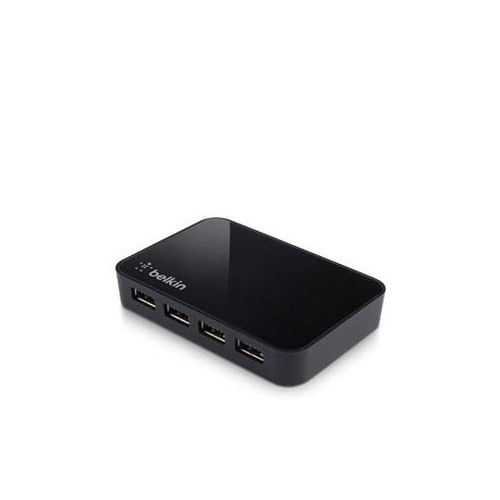
A USB hub connects to a computer’s USB port and provides additional ports for accessories. Students can use one to connect a keyboard, mouse, USB flash drive or printer while working on assignments.
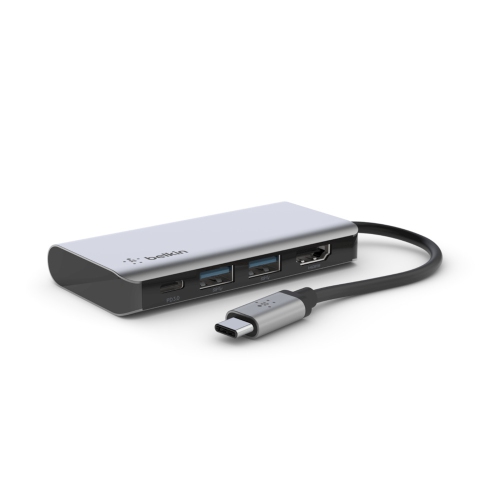
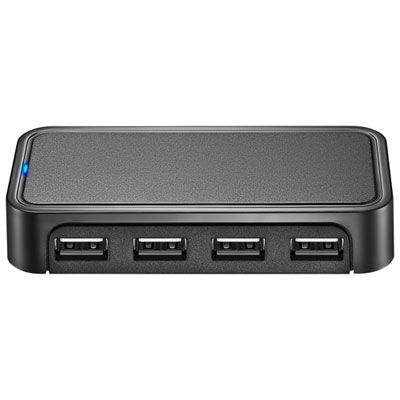
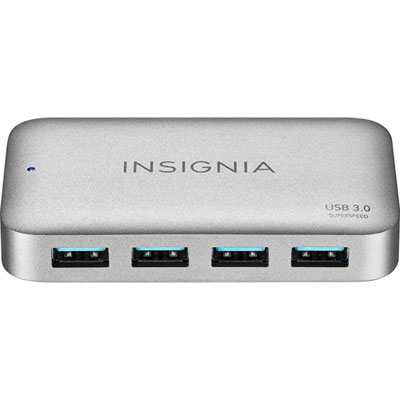
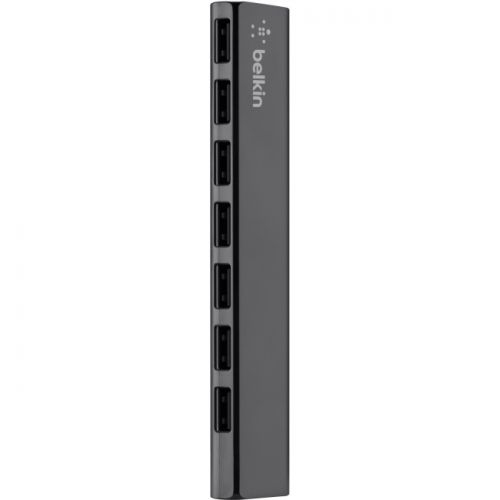
USB-A hubs connect through a rectangular USB-A port, while USB-C hubs connect through an oval USB-C port. Either type may offer a mix of connections, so check both the hub’s host connector and its accessory ports against the devices you plan to use.
USB ports support accessories and external storage, while memory card slots let you import files from compatible cards. Some hubs also include HDMI for an external display or Ethernet for a wired network connection. Display connections require compatible support from your computer’s port.
Some USB-C hubs support USB Power Delivery pass-through charging, allowing a compatible laptop to charge through the hub while accessories are connected. This requires a laptop that supports USB-C charging, along with a compatible charger and cable. Check the hub’s charging specifications and whether a charger is included.
Basic USB hubs typically work without additional software on supported operating systems. Hubs with features such as Ethernet or certain display connections may need drivers. Check compatibility with your version of Windows, macOS or ChromeOS, especially if your school manages software installation.
Top selling and popular products
Discover more categories related to Back To School Convenient USB Hubs

Some products may be subject to Environmental Handling Fees (EHF) depending on your province. Learn more about EHFs.