Back To School Webcams For Online Classes
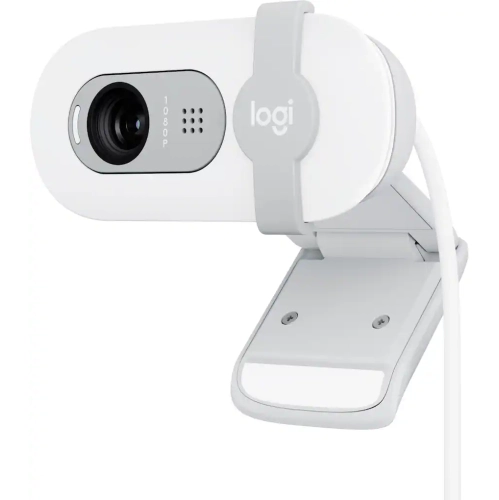
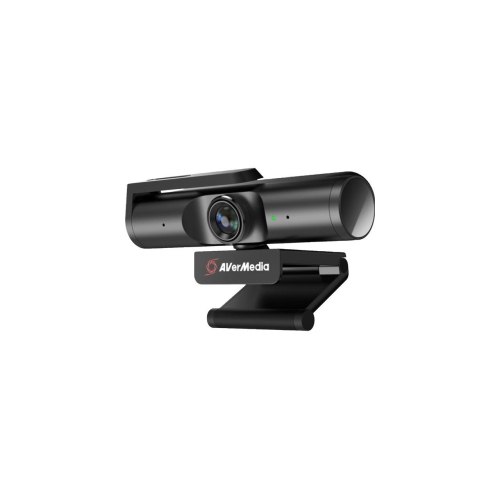
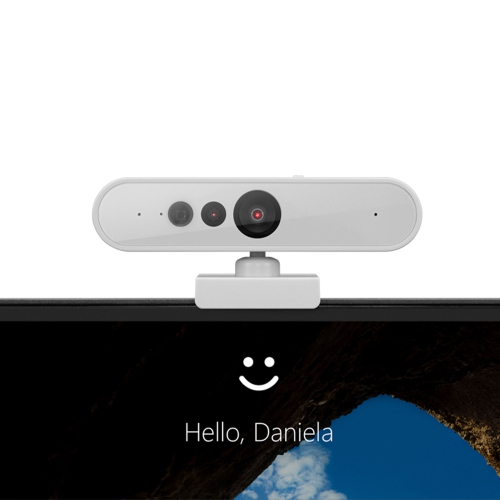
Find back-to-school webcams for online classes, study groups, and video calls with teachers. Compare options by video resolution, microphone features, and compatibility with your computer and class software, then check mounting options to find a webcam that fits your desk setup.










FAQ
Common webcam resolutions include 720p, 1080p Full HD and 4K. Many models support 30 frames per second, while some offer 60 frames per second at select resolutions. Video settings during online classes also depend on the conferencing platform, your computer and your internet connection.
Most external webcams connect through USB-A or USB-C. Many use plug-and-play setup, though some require software for additional features. Check your computer’s available ports and the webcam’s connection requirements before choosing one for the school year.
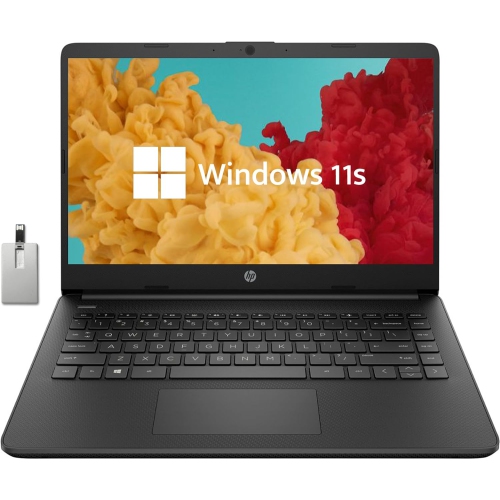
Check whether the webcam supports your computer’s operating system and the video platform used by your school, such as Microsoft Teams, Google Meet or Zoom. Some webcam features require separate software that may not be available on every operating system. School-managed computers may also restrict software installation.
Many webcams include one or more built-in microphones, but others capture video only. You can usually select a webcam for video and a separate headset or microphone for audio in your classroom platform’s settings. Check the webcam specifications to confirm whether a microphone is included.
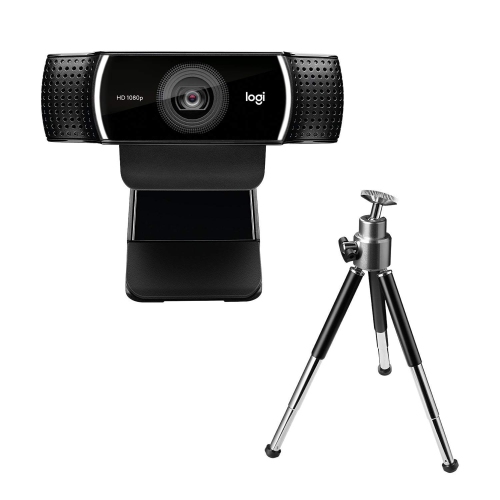
Common options include clips that attach to a laptop screen or monitor, adjustable desk stands and tripod-compatible mounts. Some webcams also offer tilt or swivel adjustments. The included mounting hardware varies by model, so check whether any additional stand or tripod is sold separately.
Top selling and popular products
Discover more categories related to Back To School Webcams For Online Classes
Some products may be subject to Environmental Handling Fees (EHF) depending on your province. Learn more about EHFs.