Budget Keyboards for Back to School
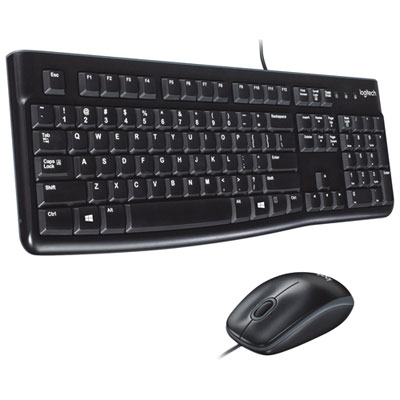
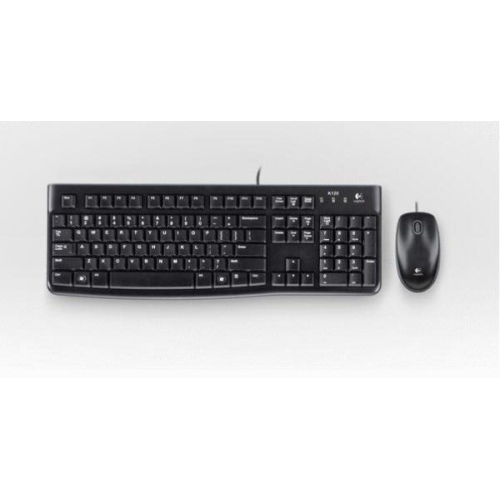
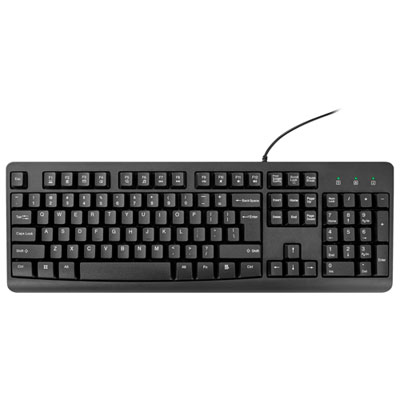
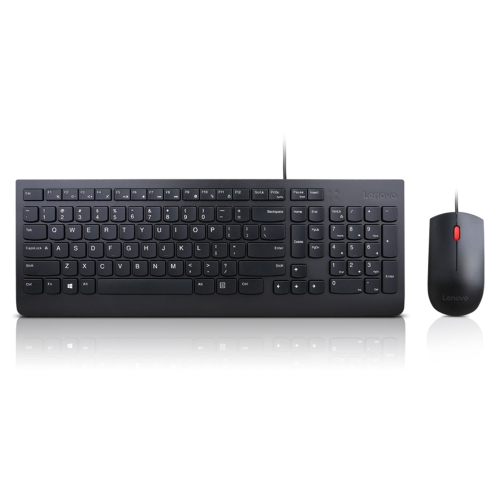
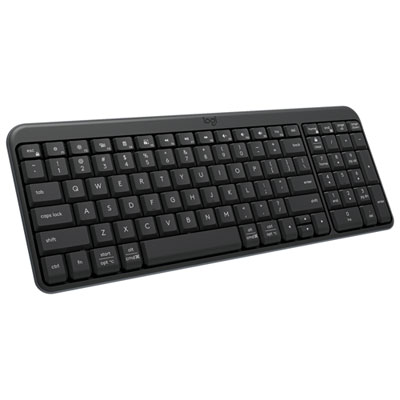
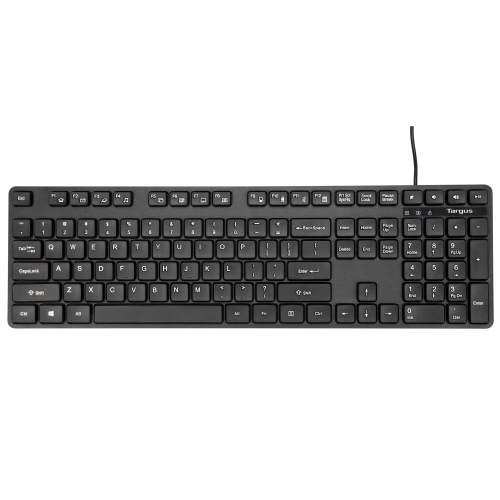
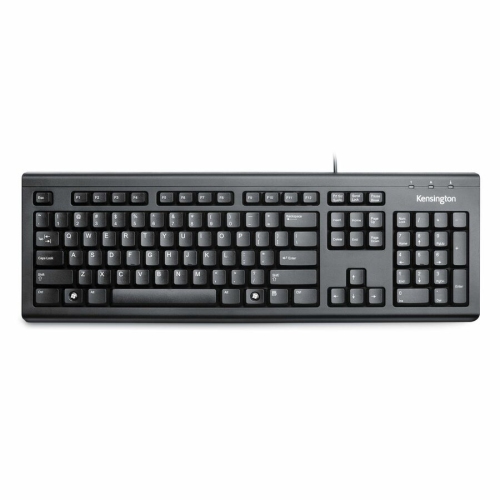
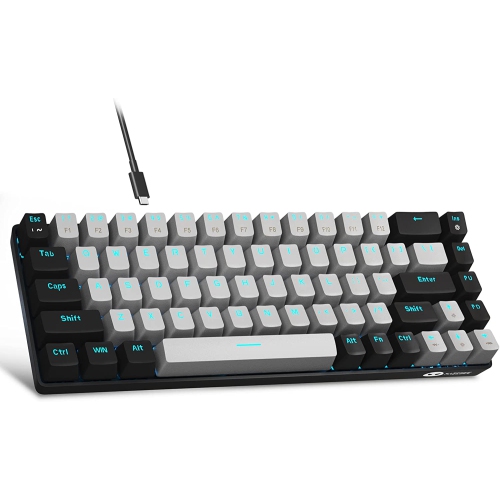
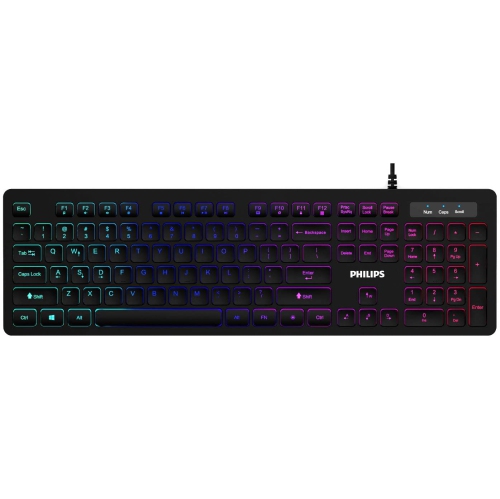
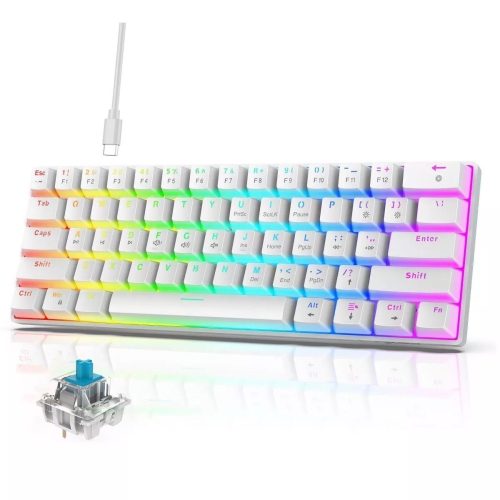
Find budget keyboards for back to school that fit your study setup and spending limit. Browse affordable options for typing assignments, taking notes, and working at a desk, and compare connection type, keyboard size, and device compatibility to find a practical fit for your laptop or desktop computer.



FAQ
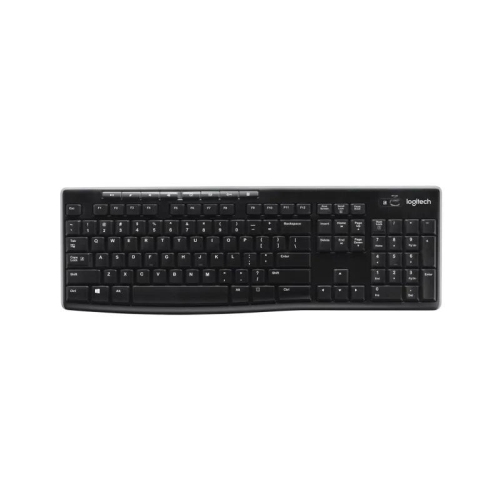
Keyboards commonly connect through a USB cable, Bluetooth, or a wireless USB receiver. Wired keyboards plug directly into a compatible port, while wireless models use batteries or a rechargeable battery. Check your computer’s ports and Bluetooth support before choosing a connection type.
Many keyboards support multiple operating systems, but compatibility varies. Standard typing keys generally work across supported devices, while shortcut keys and customization software may require a particular operating system. Check the listed compatibility and key labels, especially for Windows and Mac layouts.
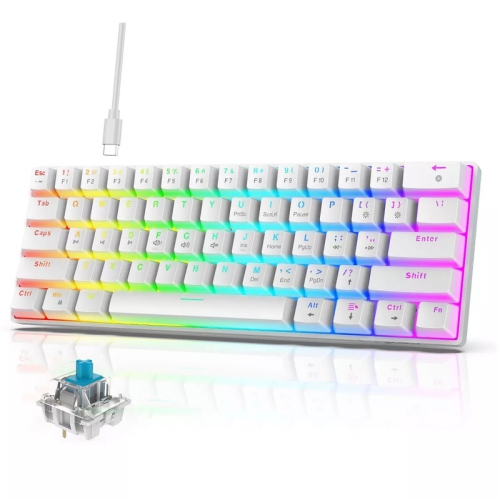
Membrane keyboards use a flexible layer beneath the keys, while mechanical keyboards use individual switches. Membrane models often have a softer, more muted typing feel. Mechanical models offer different switch styles, including linear, tactile, and clicky, with varying sound and feedback.
Common shortcuts include copying, pasting, undoing an action, saving a document, and finding text. Many applications use Ctrl-based shortcuts on Windows and ChromeOS, and Command-based shortcuts on macOS. Some keyboards also include media keys for adjusting volume or controlling playback.
Some wireless keyboards support pairing with multiple devices and switching between them using dedicated buttons or key combinations. This feature is not available on every wireless model, so check for multi-device support and compatibility with both devices. A keyboard that uses only a USB receiver may need a compatible USB port or adapter.
Top selling and popular products
Discover more categories related to Budget Keyboards for Back to School

Some products may be subject to Environmental Handling Fees (EHF) depending on your province. Learn more about EHFs.