Budget Wireless Mice for Travel
If you're a frequent traveler, you need one that's comfortable to hold, easy to use and reliable. The best budget wireless mouse for travel is one that's compact, lightweight and has a battery life that lasts. Here are some of the budget wireless mice for travel we offer.
Sort
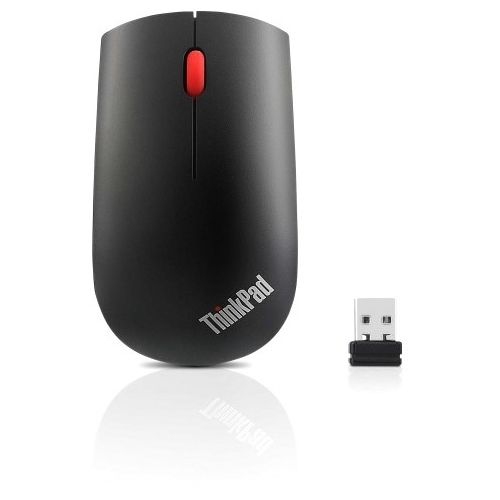
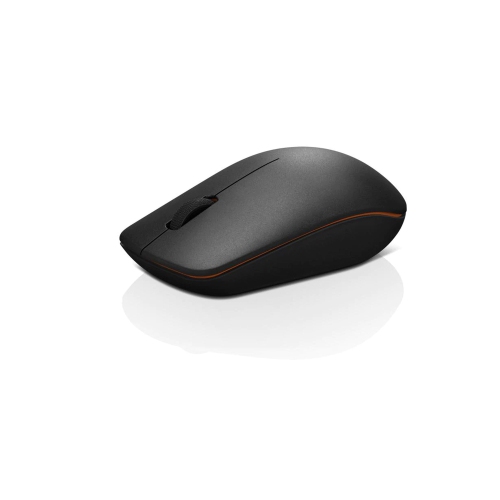
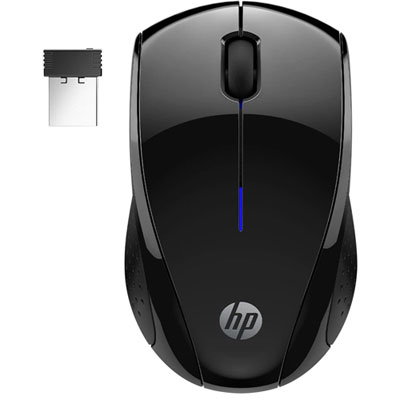
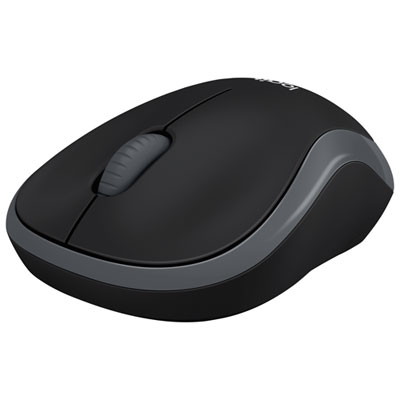

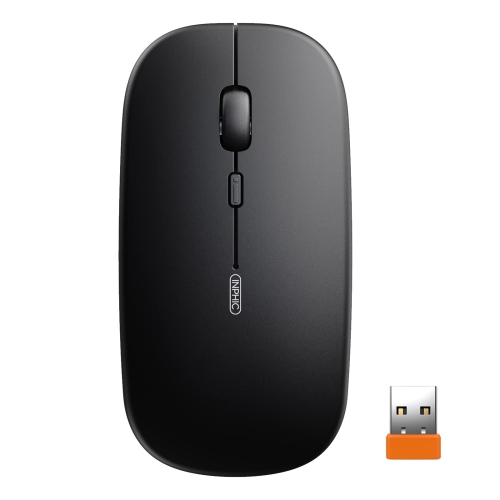
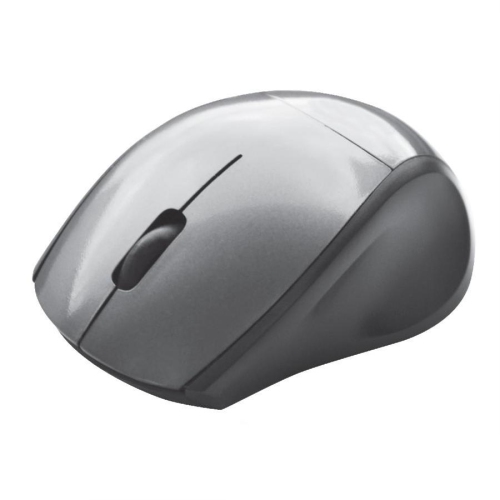
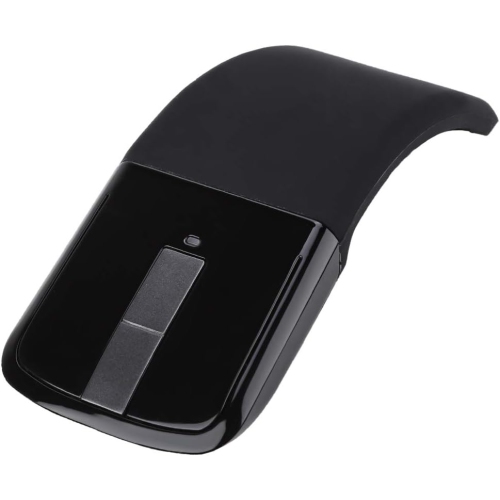
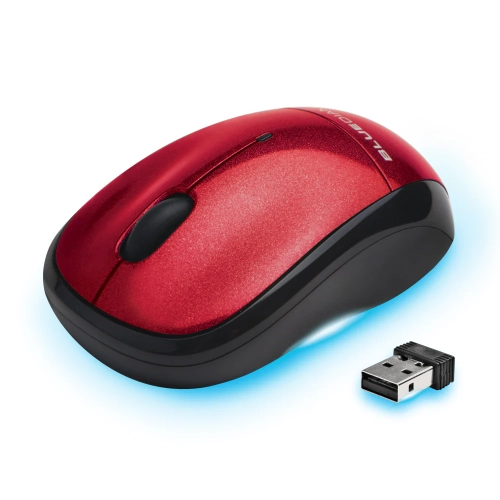
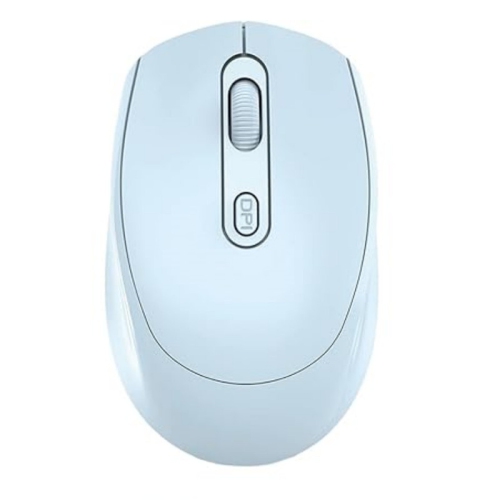
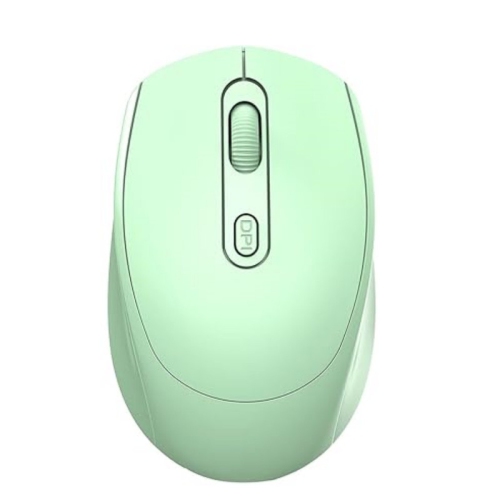


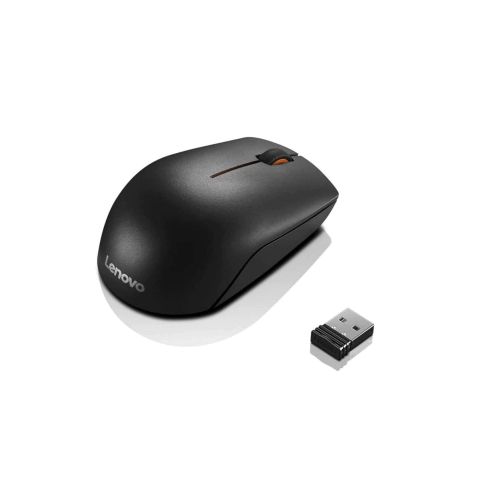
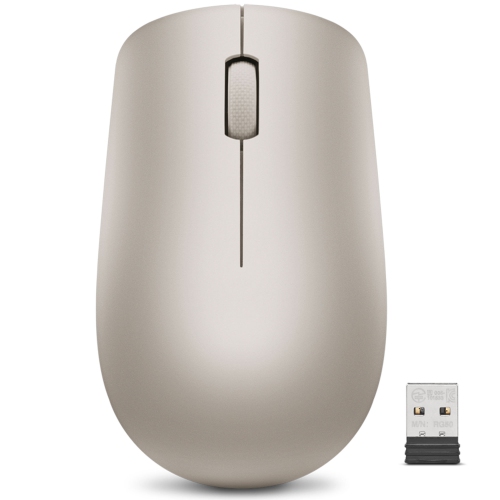

Comfortable control for laptops wherever work takes you
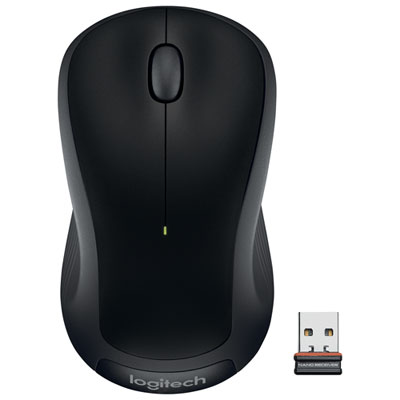
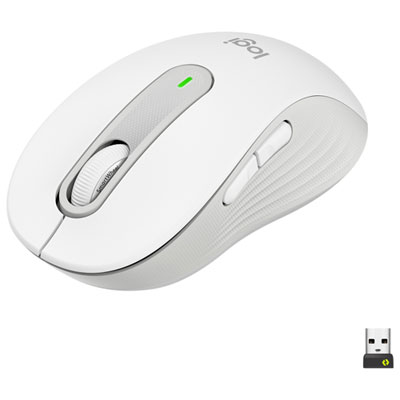
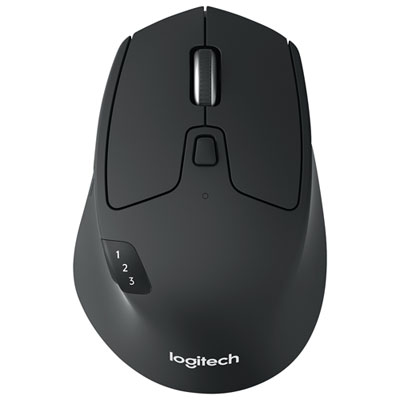
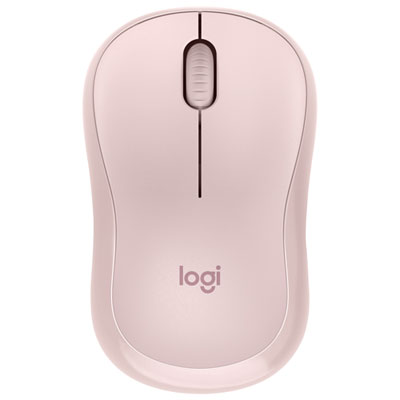
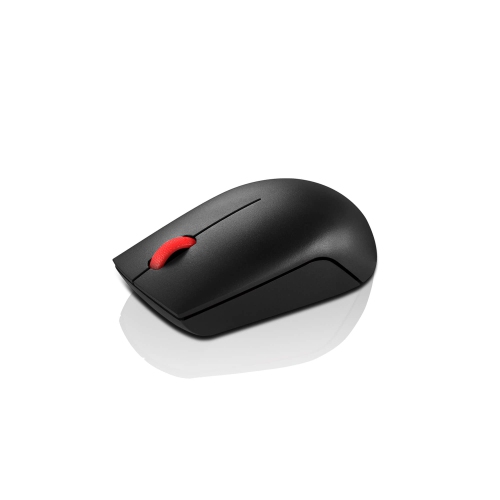
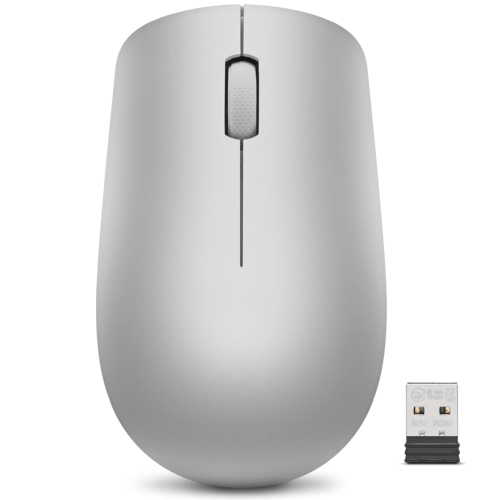
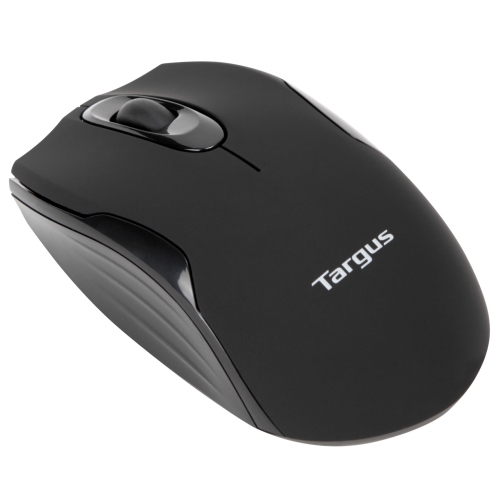
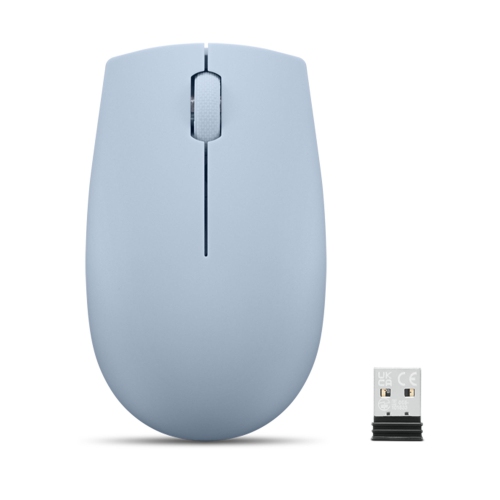
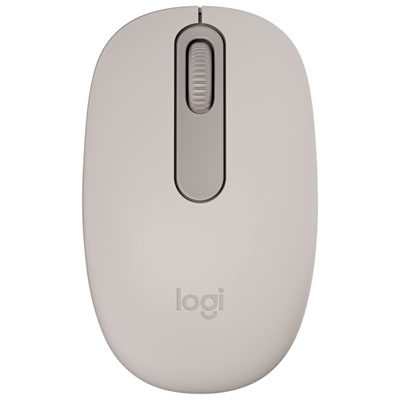
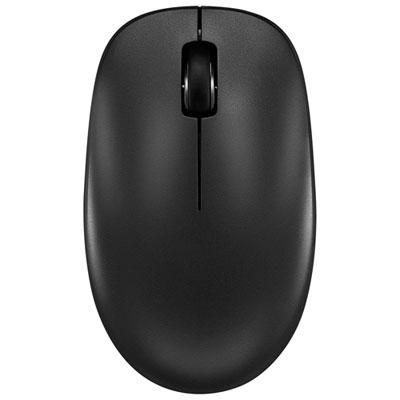
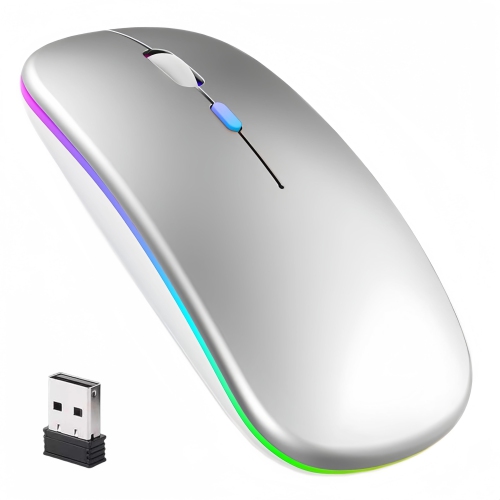
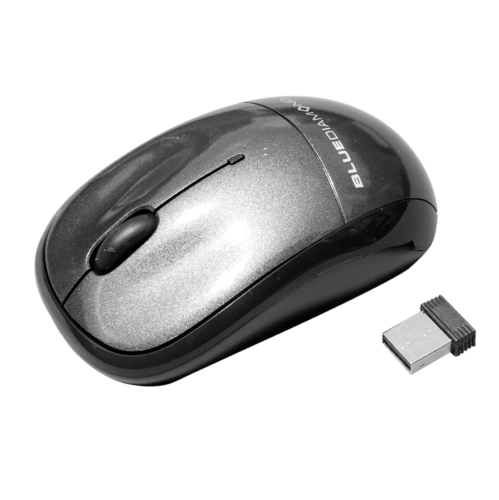
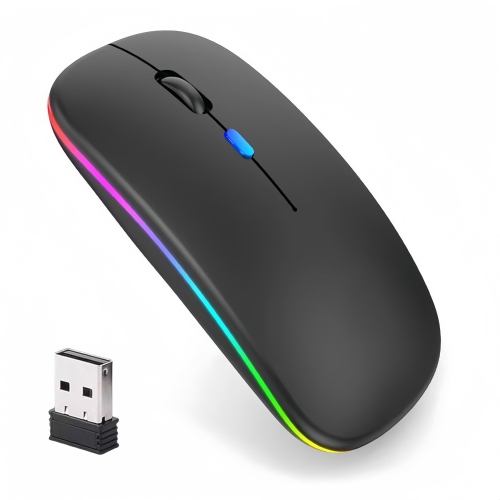
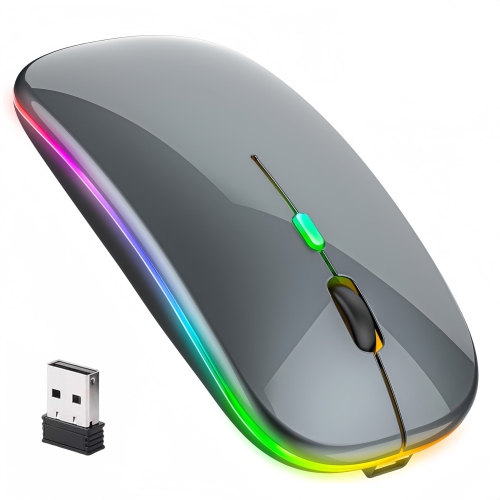
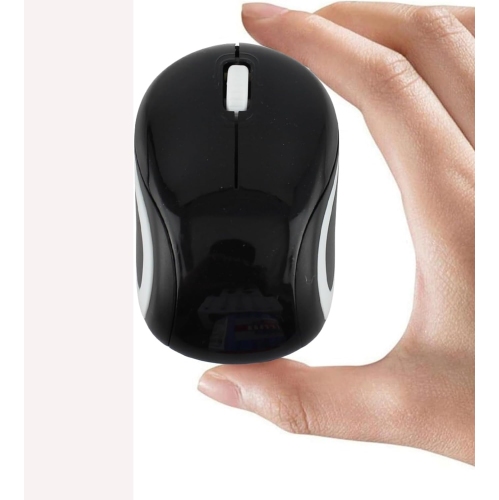
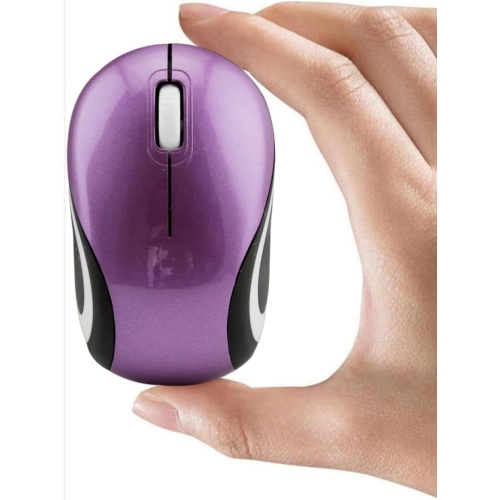
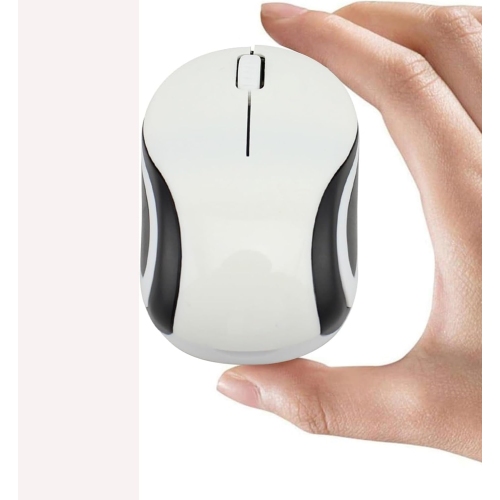
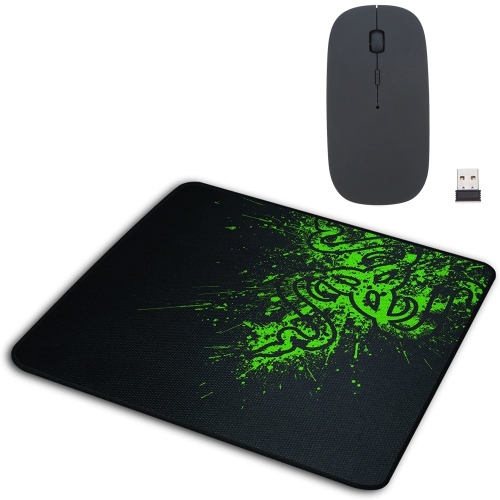
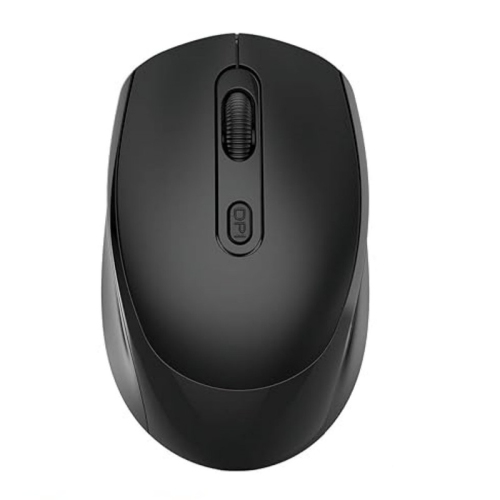
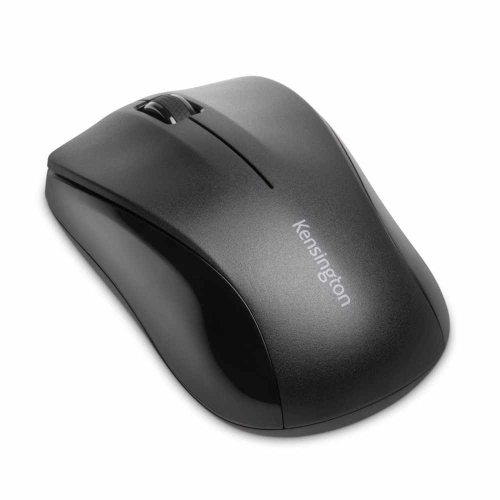
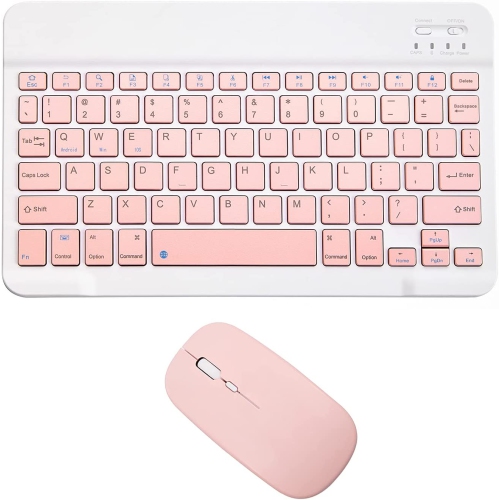
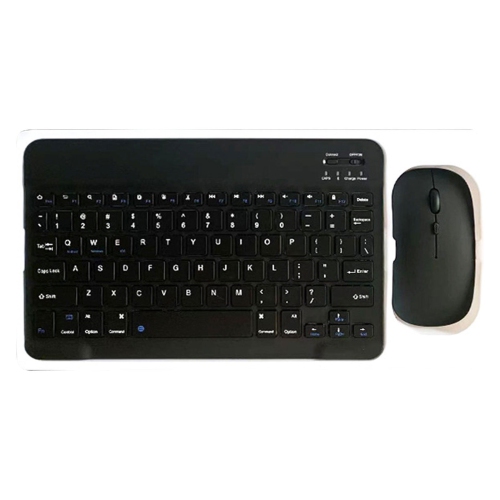
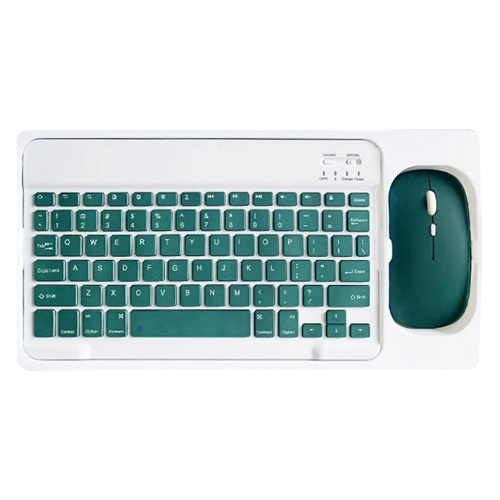
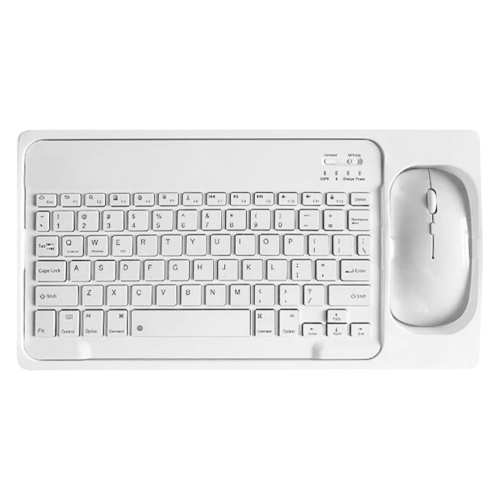
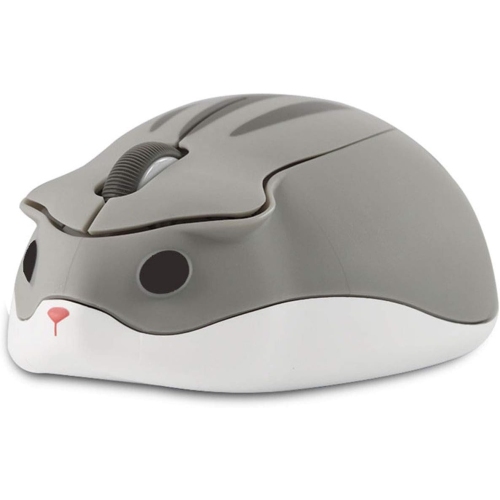
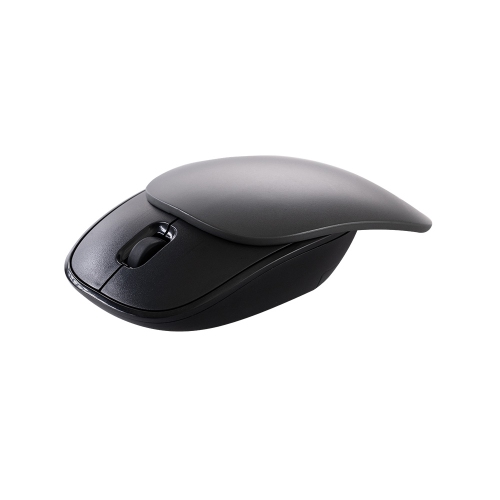
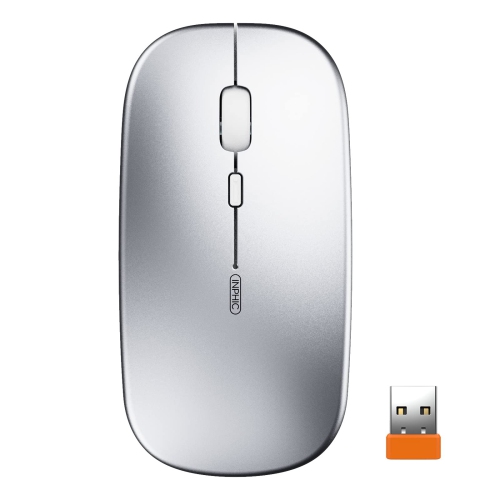
Budget wireless mice for travel are a practical way to make laptops, tablets, and compact workstations more comfortable to use without adding much weight to a bag. Many affordable options cost under $25 and are designed with a slim, lightweight shape that can slide into a laptop sleeve, backpack pocket, briefcase, or even a jacket pocket. A wireless mouse can be especially helpful when working from a hotel room, navigating a presentation in a meeting space, studying in a library, or catching up on tasks at a café during the cooler months. Compared with using a laptop touchpad for long stretches, a mouse can offer more precise control for spreadsheets, photo selection, web browsing, document editing, and other everyday tasks. Travellers who spend time moving between home, school, the office, and temporary workspaces may appreciate having a dedicated mouse that stays packed with their computer. It can also be a useful gift for students, commuters, remote workers, frequent flyers, and anyone setting up a portable workstation. When comparing budget wireless mice for travel, start with the overall size and shape. A compact design takes up less room, but it should still feel comfortable enough for regular use. Slim, low-profile models are easy to pack, while rounded shapes may provide more support for the palm. An ambidextrous design can be convenient for households where more than one person may use the mouse, or for travellers who switch hands to stay comfortable during a long working session. A textured surface or gently curved sides can make the mouse easier to hold when hands are dry or when the device is being used quickly between appointments.
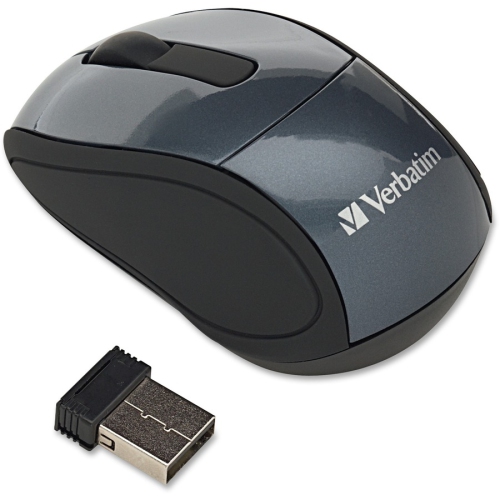
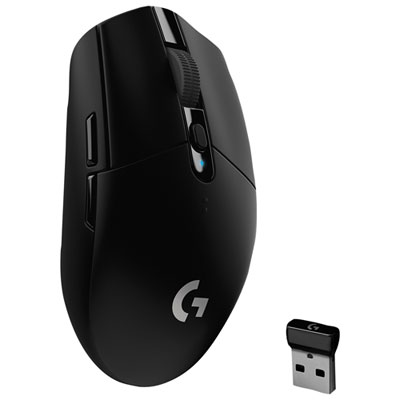
Connection type is another important consideration for travel. Bluetooth mice pair directly with many laptops and tablets, which can help keep the computer bag free from an extra receiver. They are often a good fit for newer devices with limited USB ports, including thin laptops and tablets used with a keyboard case. A mouse with a USB nano receiver offers a simple plug-and-play setup for compatible computers. The receiver is small enough to remain connected in some laptops or to be stored in a dedicated compartment when not in use. Before choosing between Bluetooth and a USB receiver, check the ports and operating system on the devices you plan to use. Compatibility can vary between Windows, macOS, ChromeOS, tablets, and other platforms, and some computers may require Bluetooth pairing settings or a USB adapter. It is also useful to consider how the connection behaves in shared spaces. A dependable wireless range gives you flexibility when the computer is positioned on a desk or tray, while a quiet-click design can be welcome in a library, classroom, train, hotel lobby, or shared office. Basic navigation usually requires left- and right-click buttons plus a scroll wheel, while additional buttons may be useful for browser navigation or frequently used shortcuts. For a broader selection of compact designs, explore Portable Mice for Travel and compare the features that best match your devices and routine.
Battery and storage details matter when a mouse is carried from place to place. Many budget wireless mice use standard batteries, making replacements easy to find at a convenience store, electronics retailer, airport shop, or hotel reception desk. Others use a rechargeable battery, which can reduce the need to pack spares but adds another device to charge before leaving home. Check whether the mouse includes an on-off switch or an automatic sleep function, as these features can help preserve battery power while the mouse is tucked away in a bag. A compact receiver compartment can prevent the small accessory from getting lost among charging cables, notebooks, and travel documents. Smooth feet on the underside help the mouse glide across a desk, tray table, or portable mouse pad, while an optical sensor can provide reliable everyday tracking on many common surfaces. A mouse pad may still be helpful when working on glass, highly reflective material, fabric, or an uneven table. Packing the mouse in a small sleeve or the same pocket as the laptop charger can also make it easier to find when settling into a new workspace. For travellers who value quiet, uncomplicated equipment, an affordable wireless mouse with a straightforward design may provide all the control they need without unnecessary bulk. It can be wrapped with a notebook, paired with a laptop stand, or included in a back-to-school, office, graduation, or work-from-home gift. During trips that involve early departures, long waits, and changing work locations, a light mouse that connects reliably and stores neatly can make everyday computer use feel more natural and less tiring.
Connection type is another important consideration for travel. Bluetooth mice pair directly with many laptops and tablets, which can help keep the computer bag free from an extra receiver. They are often a good fit for newer devices with limited USB ports, including thin laptops and tablets used with a keyboard case. A mouse with a USB nano receiver offers a simple plug-and-play setup for compatible computers. The receiver is small enough to remain connected in some laptops or to be stored in a dedicated compartment when not in use. Before choosing between Bluetooth and a USB receiver, check the ports and operating system on the devices you plan to use. Compatibility can vary between Windows, macOS, ChromeOS, tablets, and other platforms, and some computers may require Bluetooth pairing settings or a USB adapter. It is also useful to consider how the connection behaves in shared spaces. A dependable wireless range gives you flexibility when the computer is positioned on a desk or tray, while a quiet-click design can be welcome in a library, classroom, train, hotel lobby, or shared office. Basic navigation usually requires left- and right-click buttons plus a scroll wheel, while additional buttons may be useful for browser navigation or frequently used shortcuts. For a broader selection of compact designs, explore Portable Mice for Travel and compare the features that best match your devices and routine.
Battery and storage details matter when a mouse is carried from place to place. Many budget wireless mice use standard batteries, making replacements easy to find at a convenience store, electronics retailer, airport shop, or hotel reception desk. Others use a rechargeable battery, which can reduce the need to pack spares but adds another device to charge before leaving home. Check whether the mouse includes an on-off switch or an automatic sleep function, as these features can help preserve battery power while the mouse is tucked away in a bag. A compact receiver compartment can prevent the small accessory from getting lost among charging cables, notebooks, and travel documents. Smooth feet on the underside help the mouse glide across a desk, tray table, or portable mouse pad, while an optical sensor can provide reliable everyday tracking on many common surfaces. A mouse pad may still be helpful when working on glass, highly reflective material, fabric, or an uneven table. Packing the mouse in a small sleeve or the same pocket as the laptop charger can also make it easier to find when settling into a new workspace. For travellers who value quiet, uncomplicated equipment, an affordable wireless mouse with a straightforward design may provide all the control they need without unnecessary bulk. It can be wrapped with a notebook, paired with a laptop stand, or included in a back-to-school, office, graduation, or work-from-home gift. During trips that involve early departures, long waits, and changing work locations, a light mouse that connects reliably and stores neatly can make everyday computer use feel more natural and less tiring.
Top selling and popular products
-
 Your price for this item is $29.99
 -
 Your price for this item is $50.44
 -
 Your price for this item is $39.99
 -
 Your price for this item is $49.99
 -
 Your price for this item is $159.95
 -
 Your price for this item is $44.68
 -
 Your price for this item is $44.68
 -
 Your price for this item is $31
Discover more categories related to Budget Wireless Mice for Travel

Top Collections:
Pokemon Centers, Kindle Devices, Best Budget Office Chairs, Apple iPhones 16, Best Laptops for Writers, iPhone 15 Apple, Canon G7X Cameras, Refurbished Apple Laptops, Alarm Clock, Motorola Razr Phones
Some products may be subject to Environmental Handling Fees
(EHF) depending on your province.
Learn more about EHFs.