Budget Wireless Mice for School
A budget wireless mouse is a great option for students who need a mouse to use in their schoolwork but don't want to spend a lot of money. These mice are affordable, and they can be used for all sorts of tasks. Whether you're using it for schoolwork, gaming, or just surfing the Internet, a budget wireless mouse will get the job done. Here are the best budget wireless mice for school that we offer.
Sort
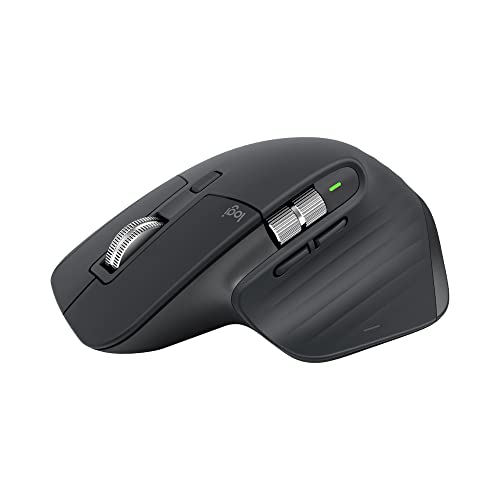
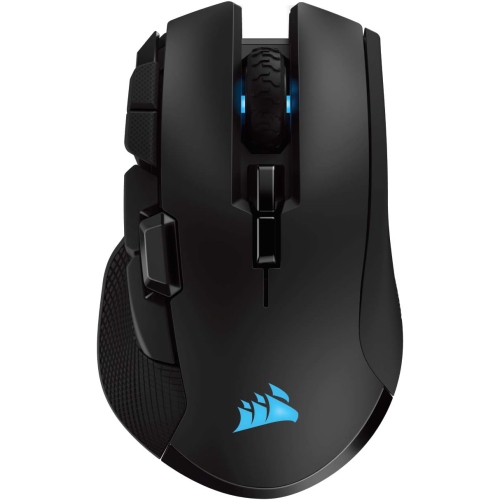
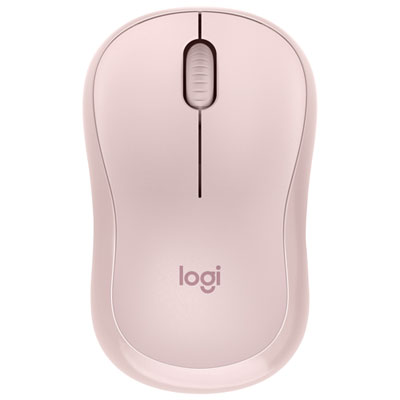
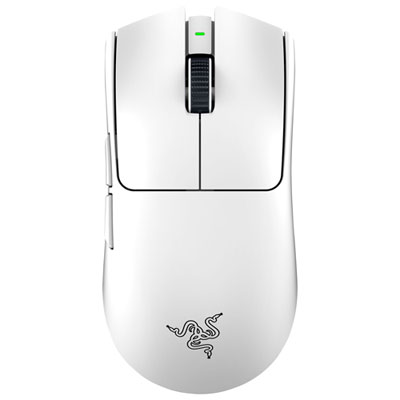
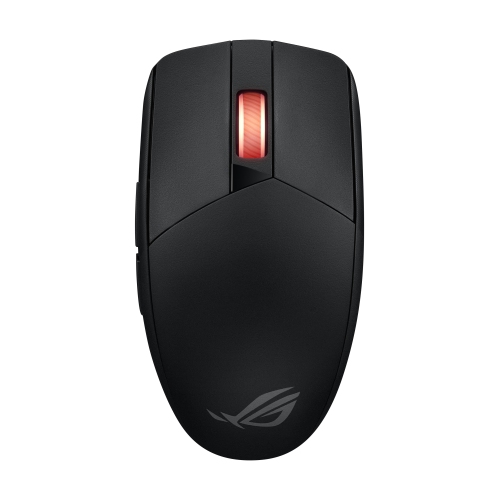
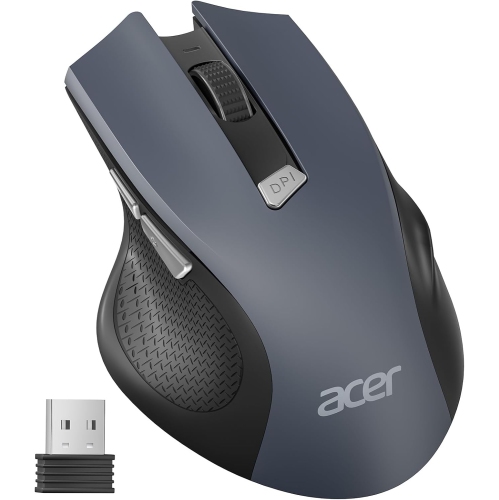
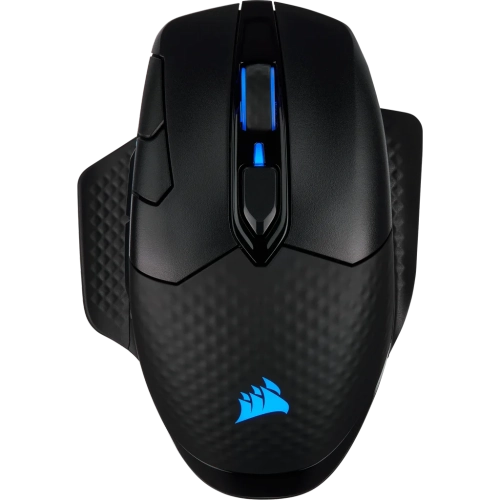
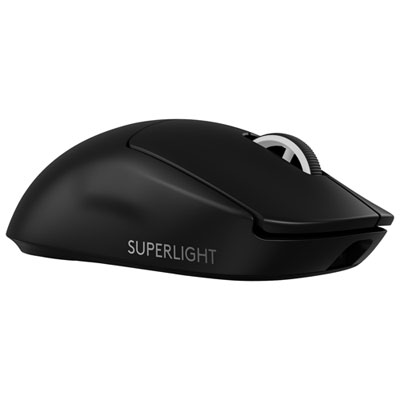
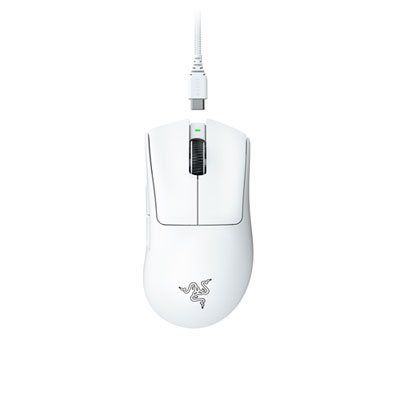
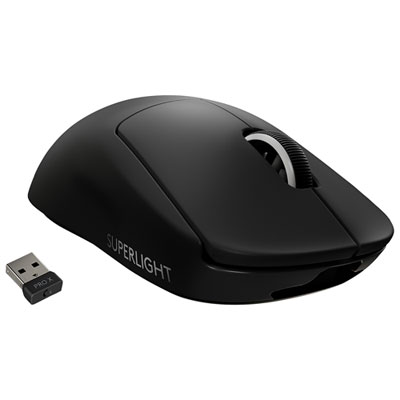
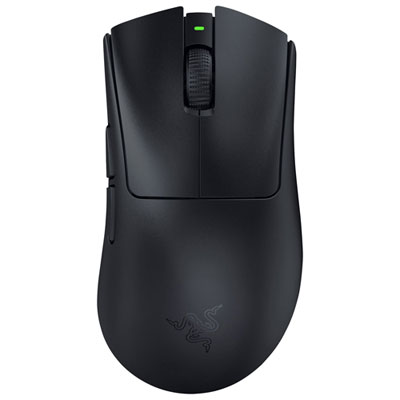
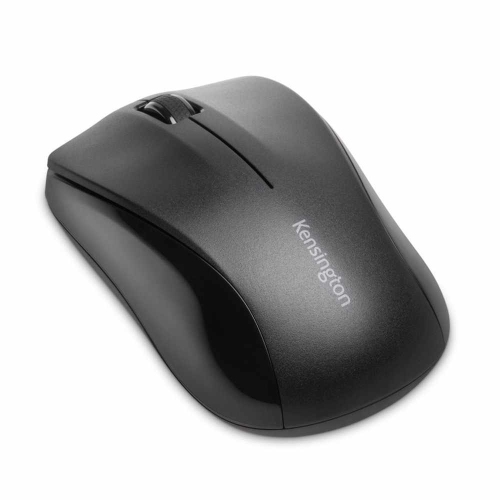
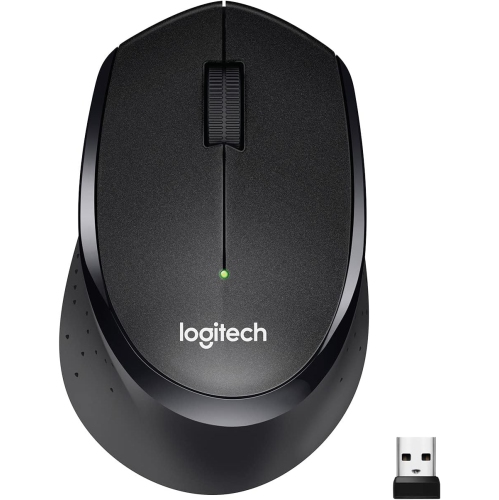
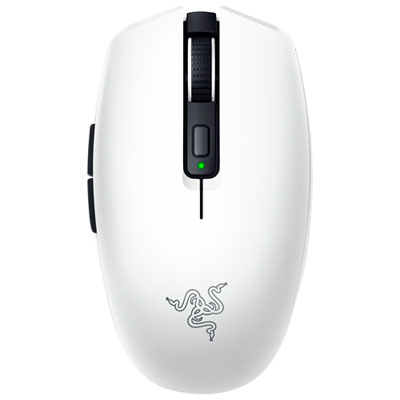
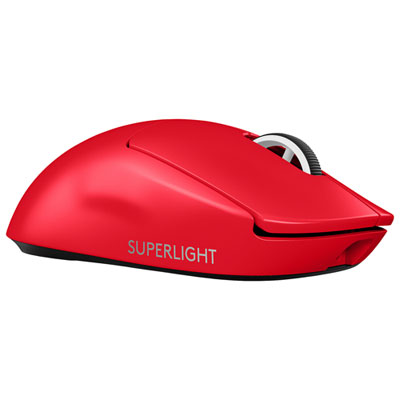
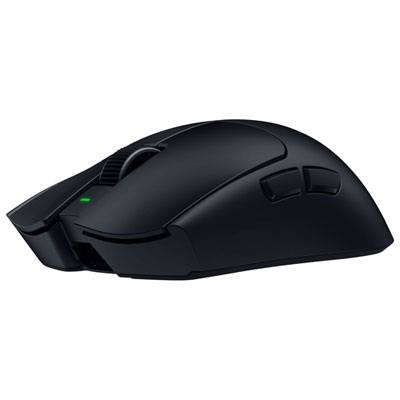
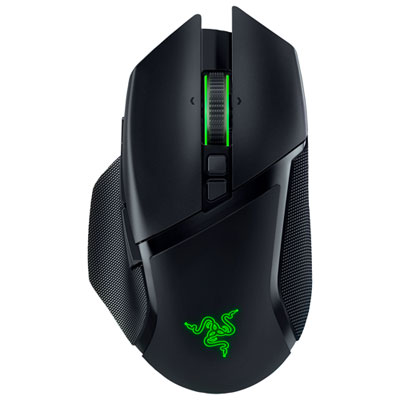
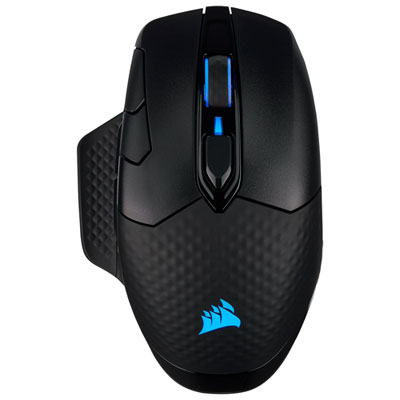
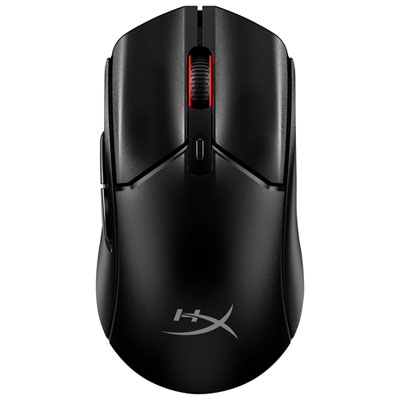
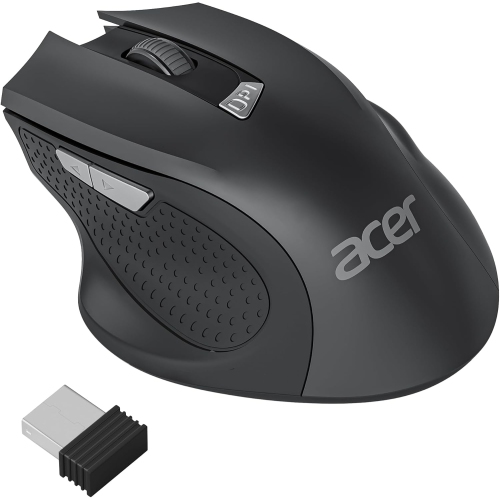
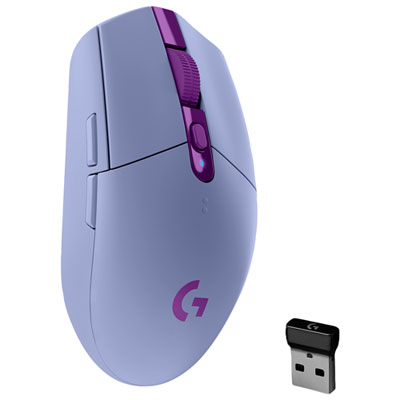
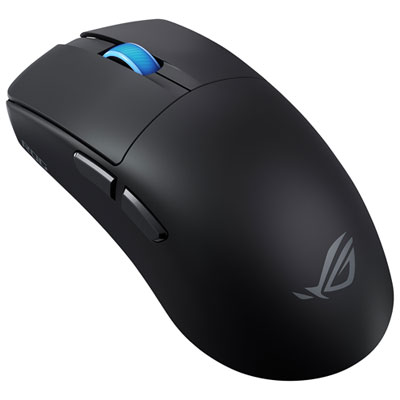
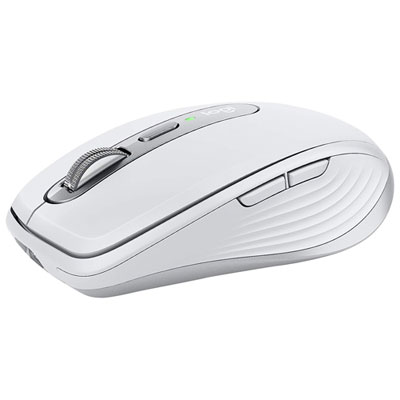
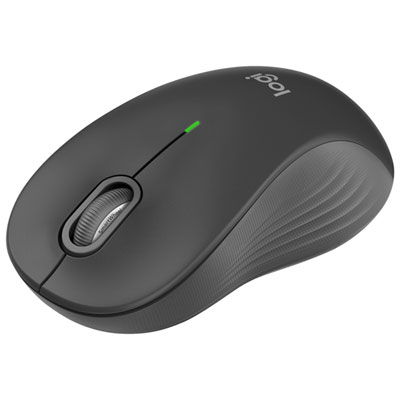
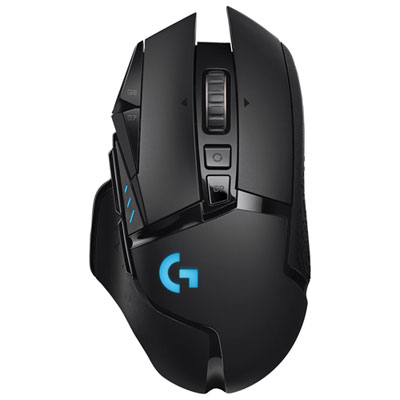
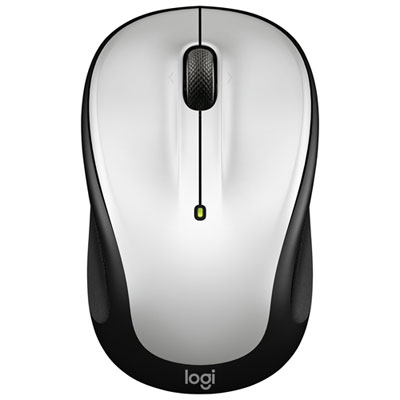
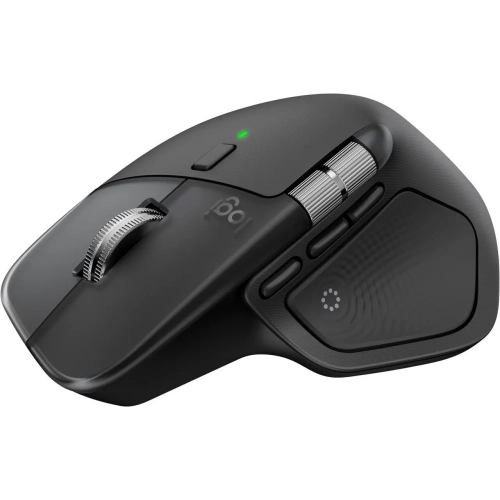
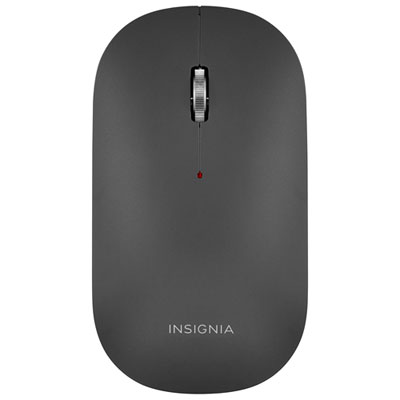
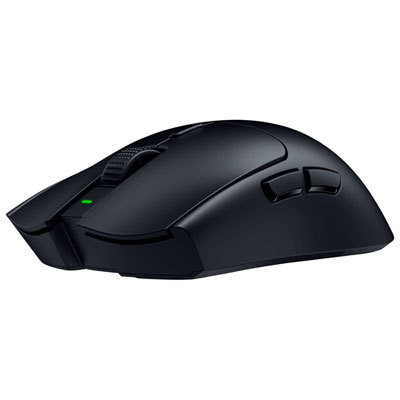
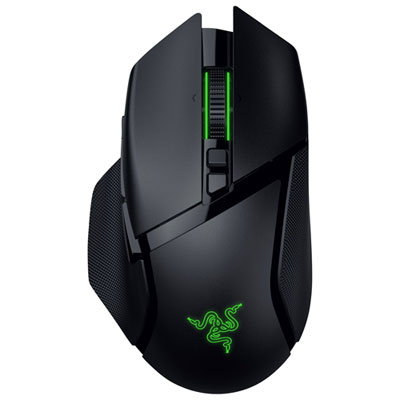
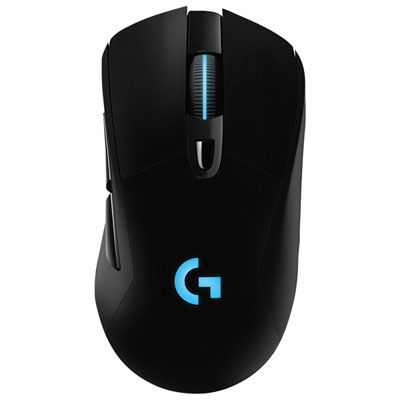
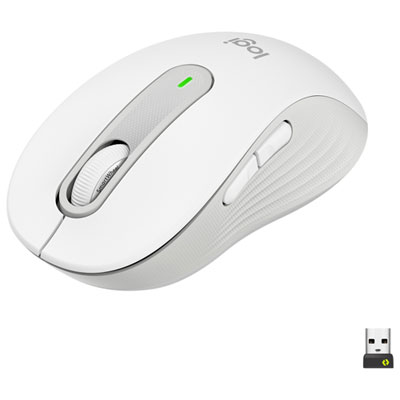
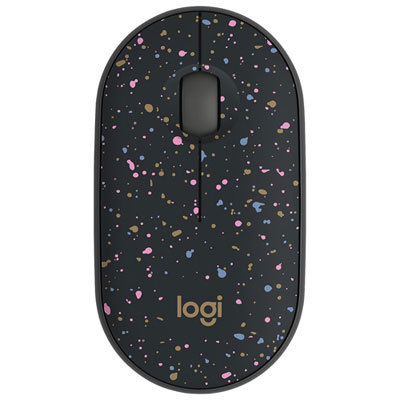
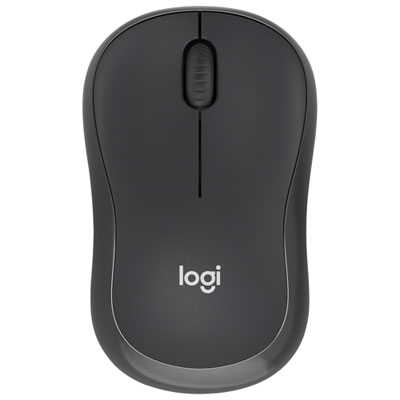
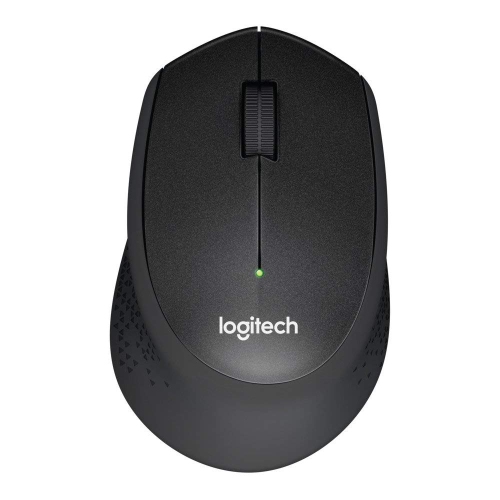

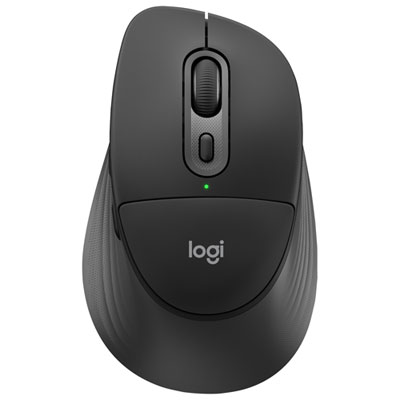
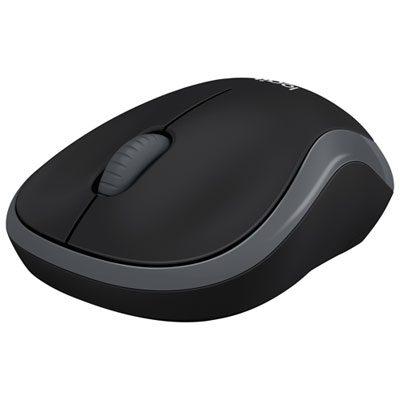
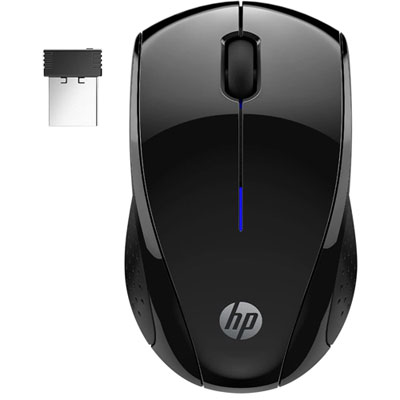
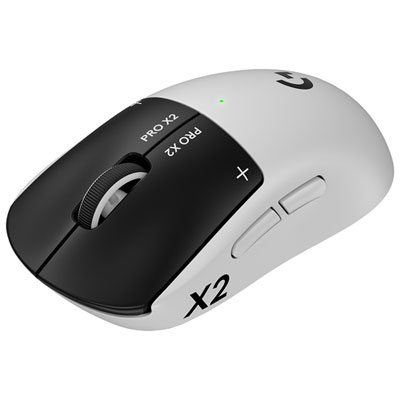
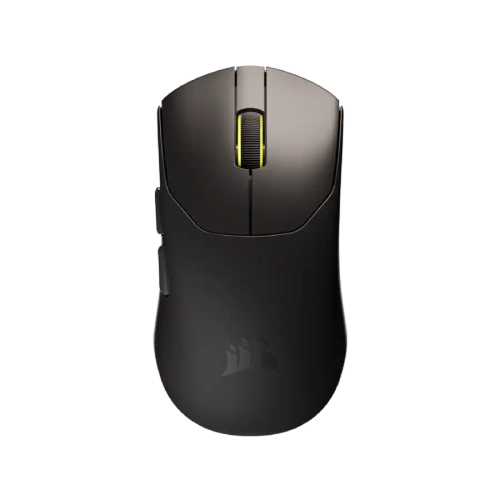
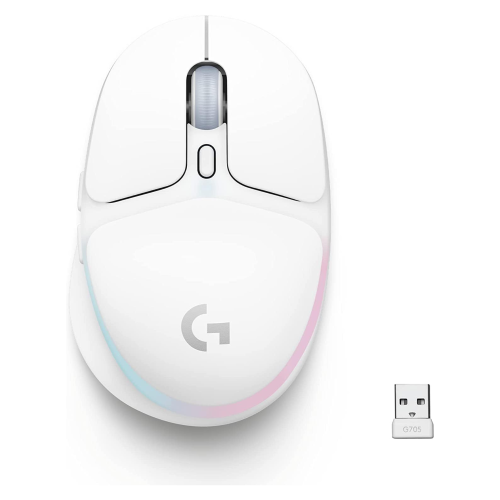
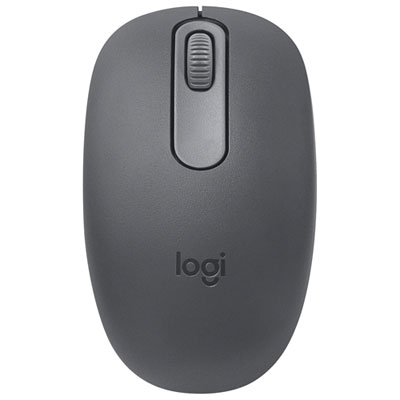
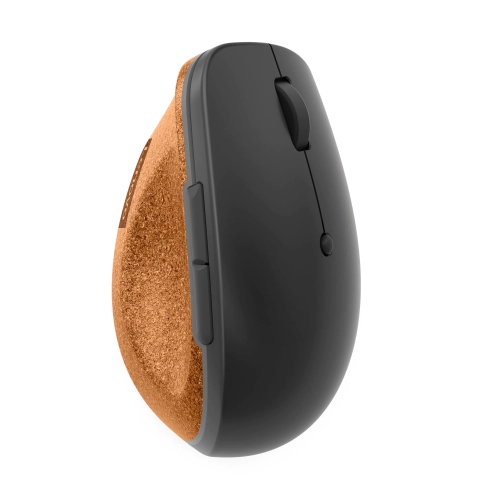
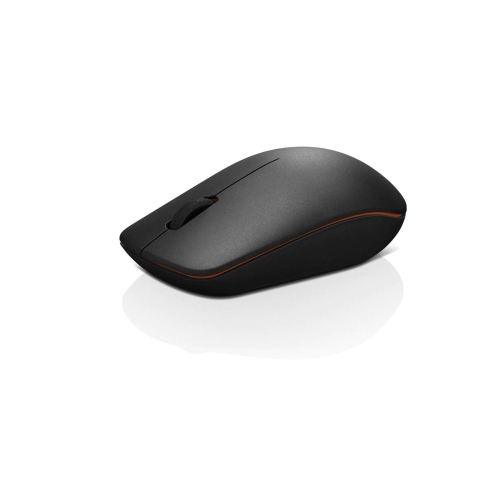
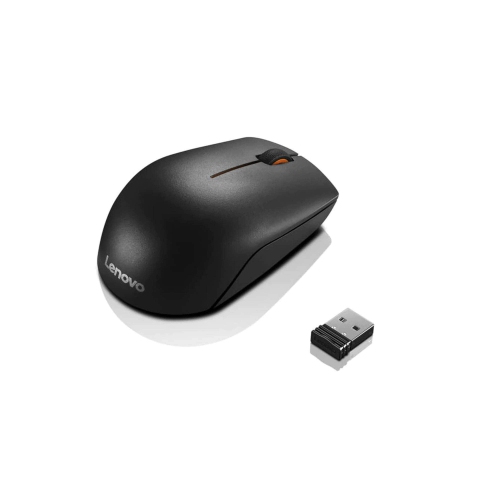
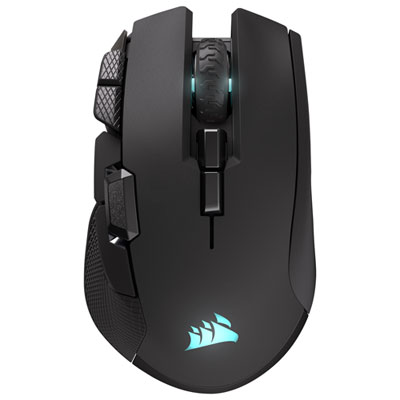
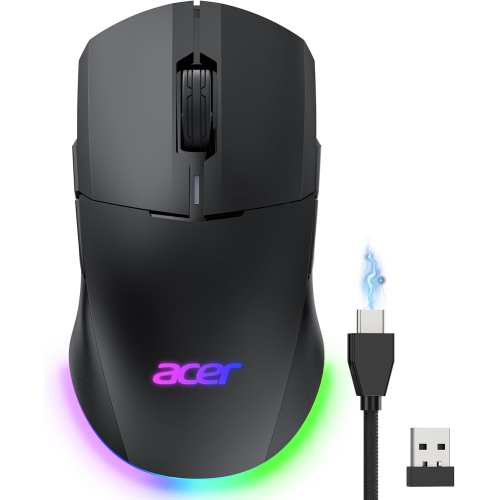
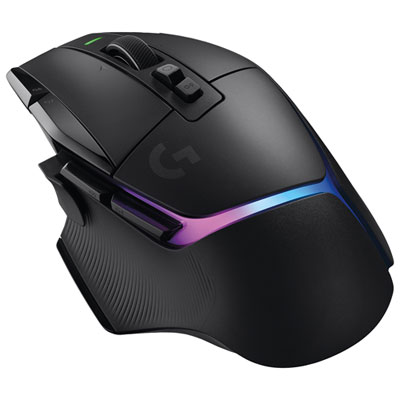
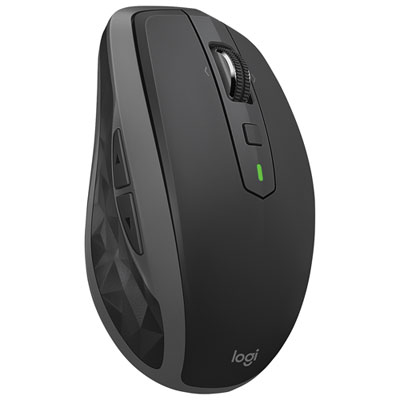
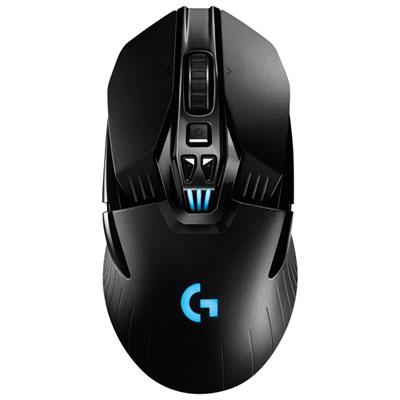
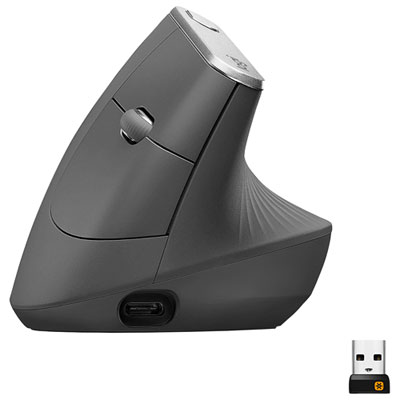
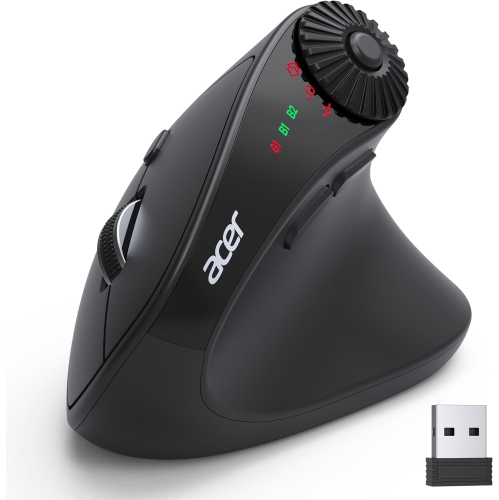
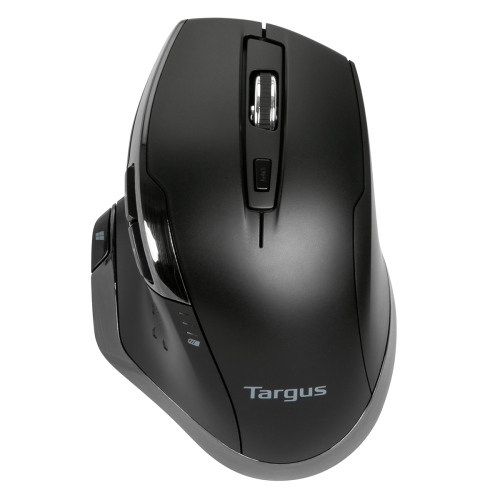
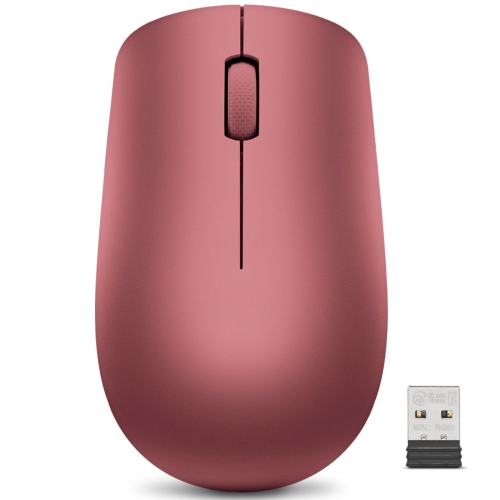
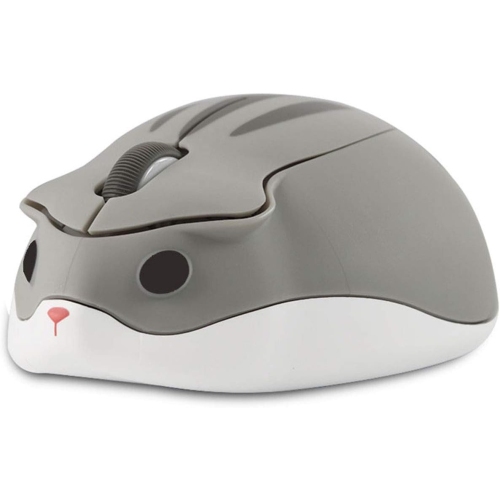

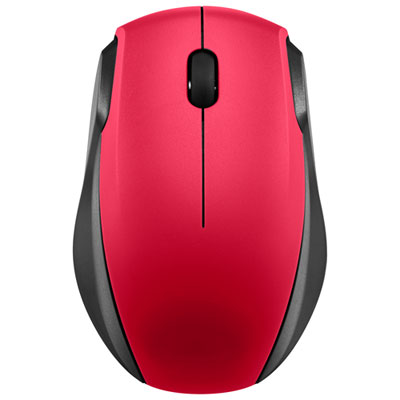

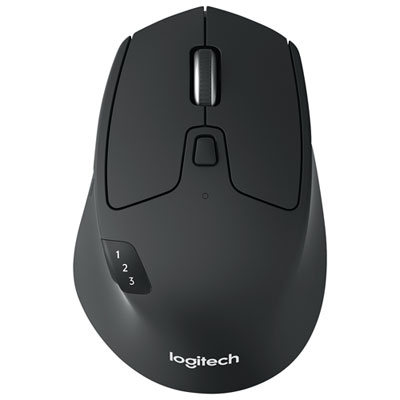
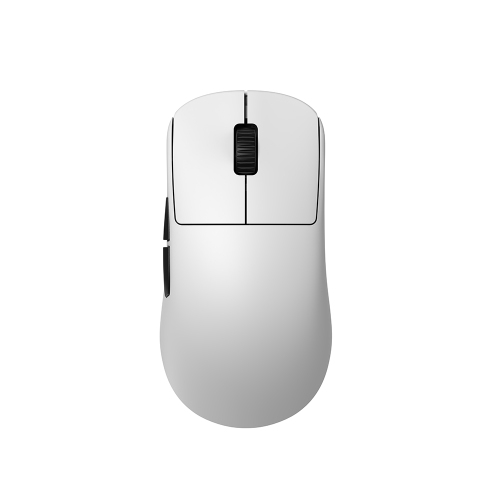
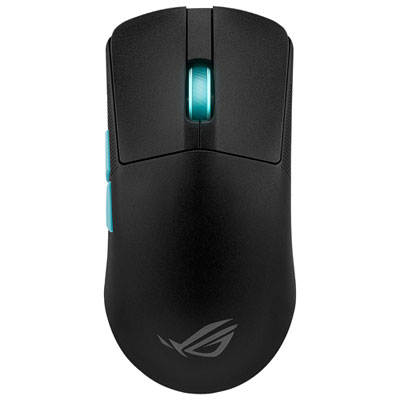
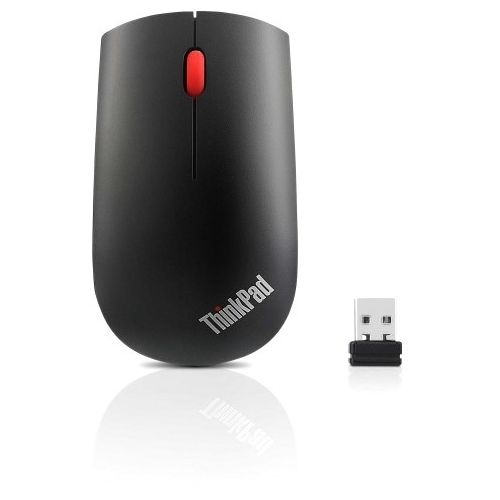
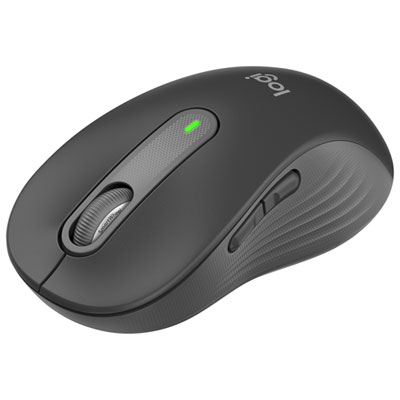
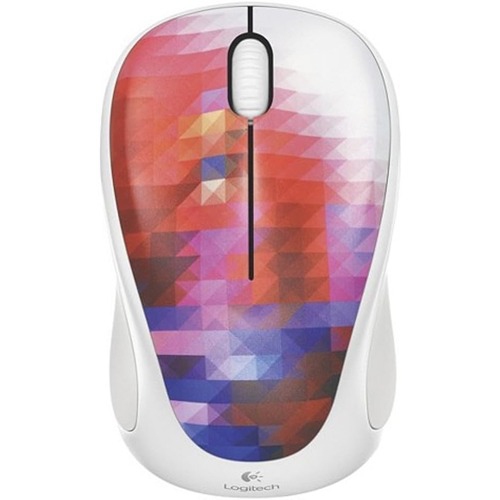
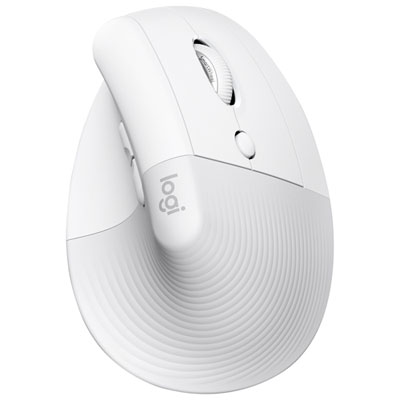
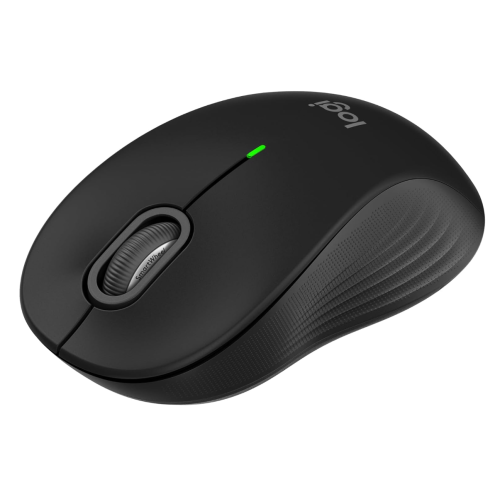

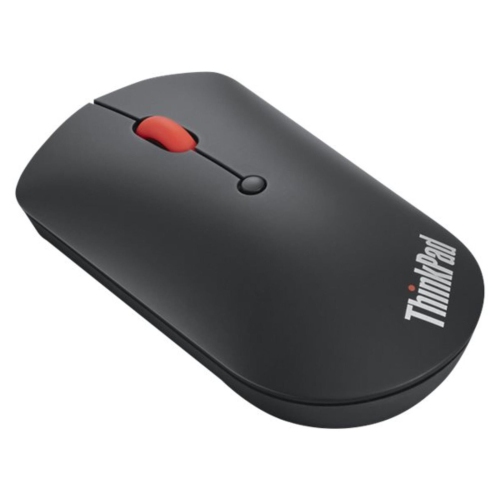
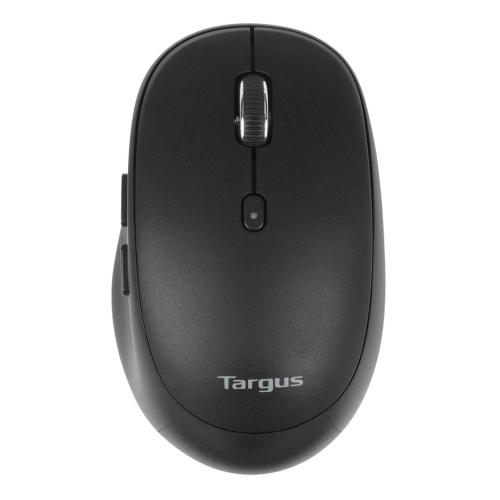
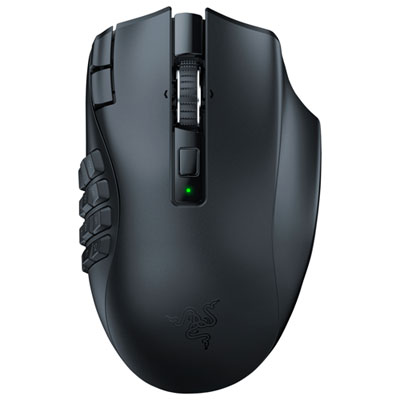
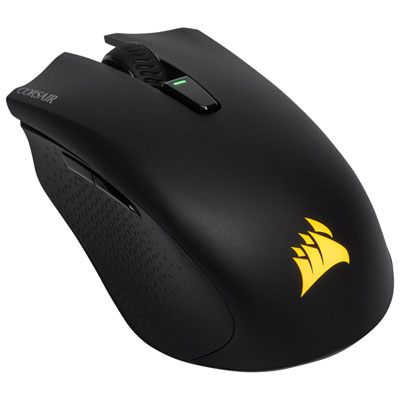
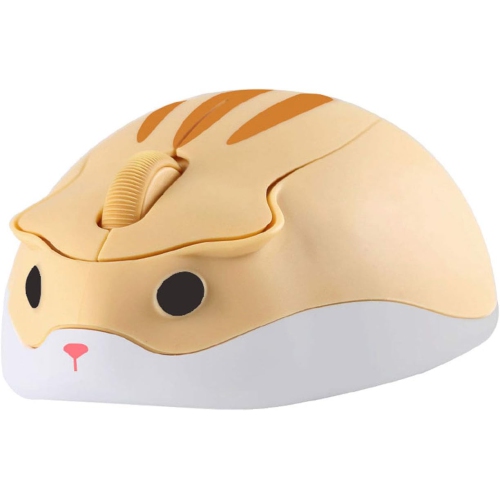
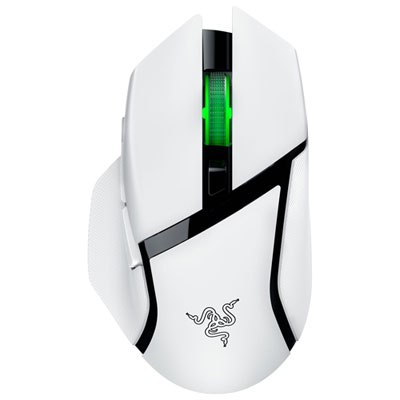

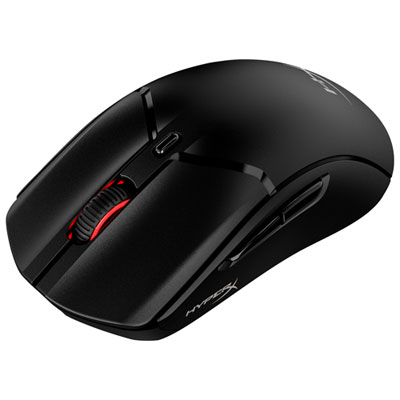
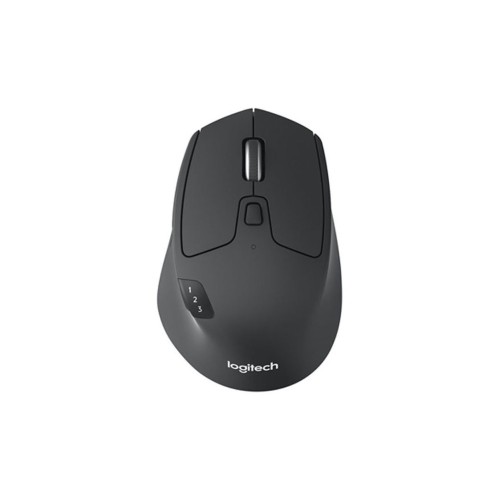
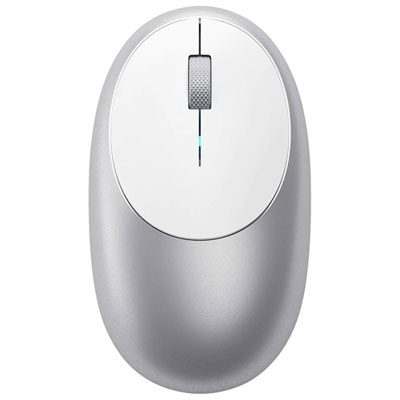
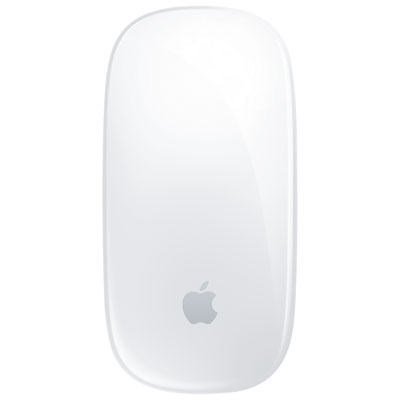
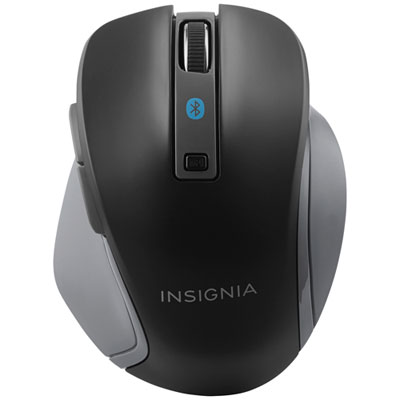
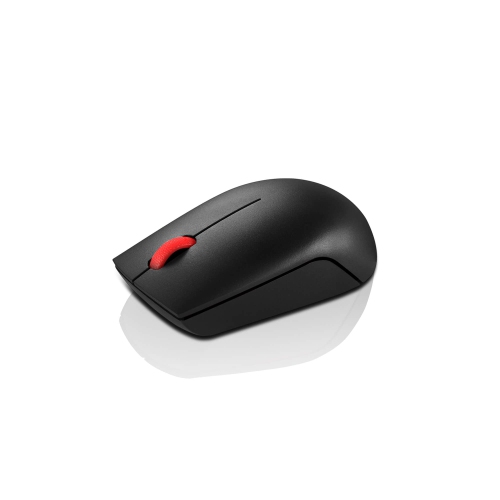
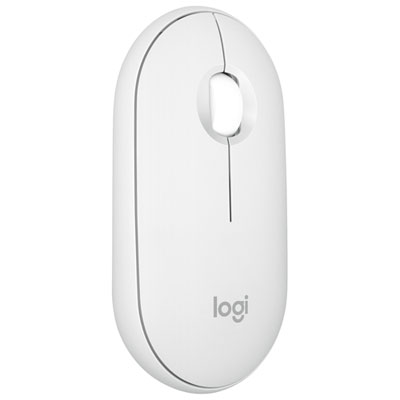
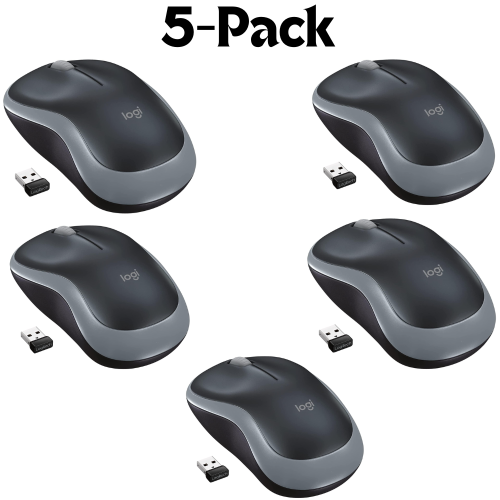
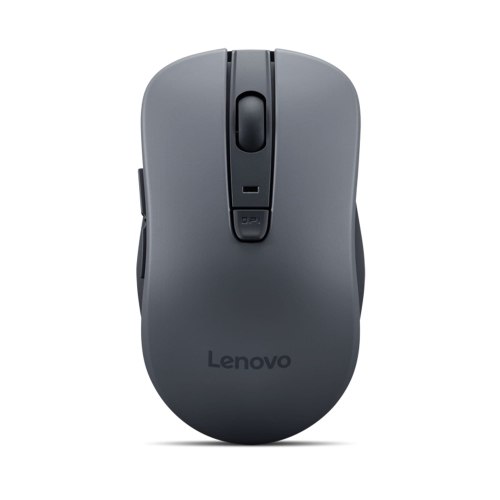
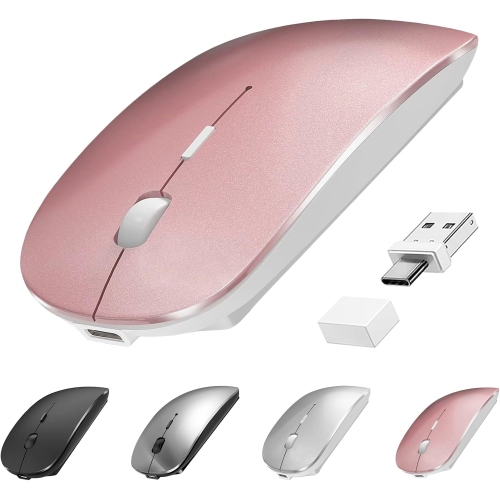
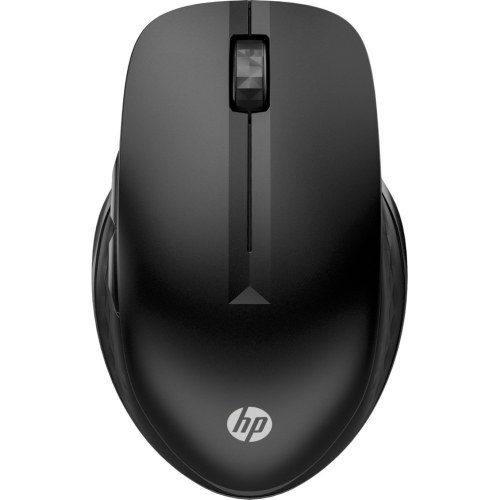
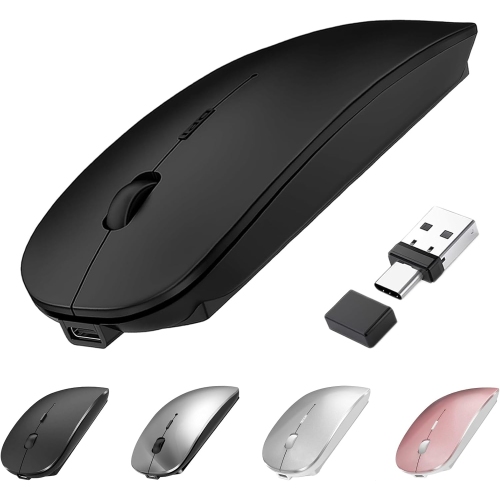
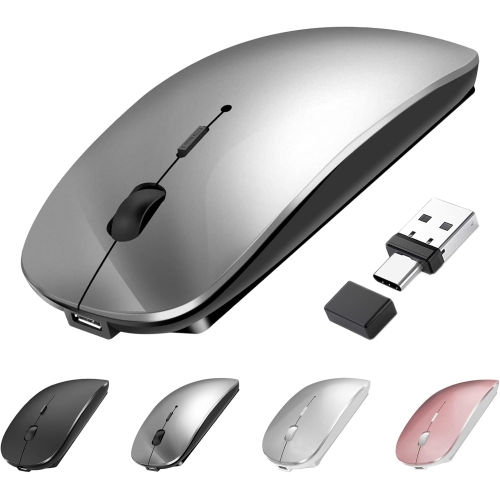
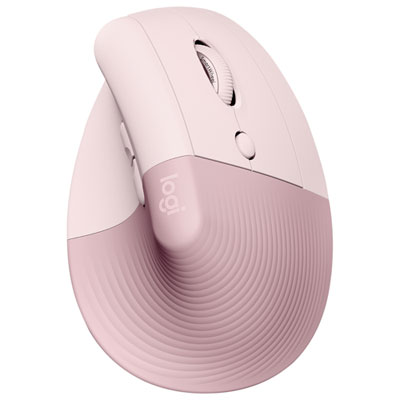
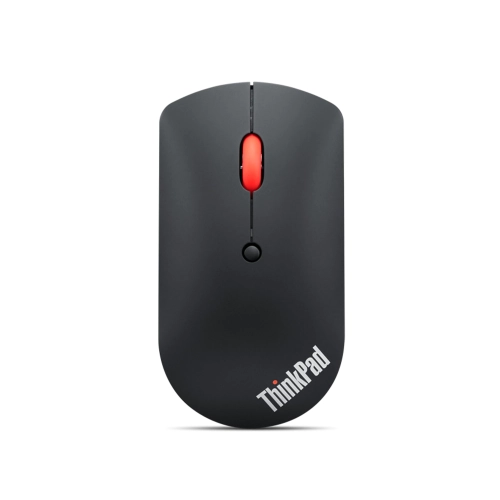
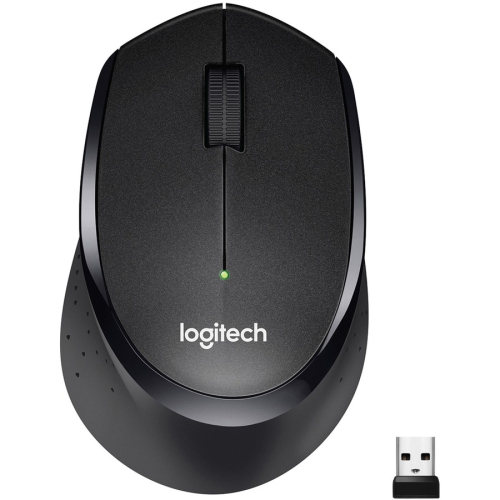

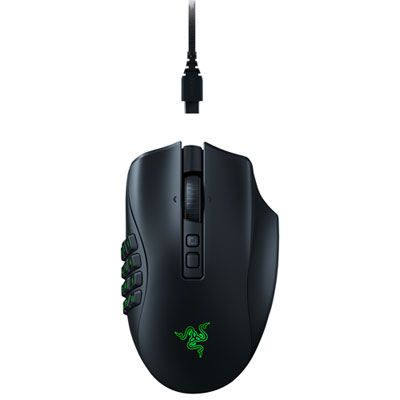
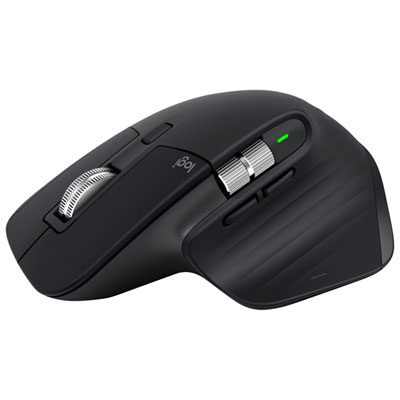
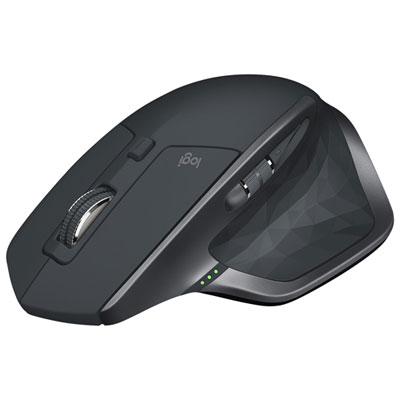
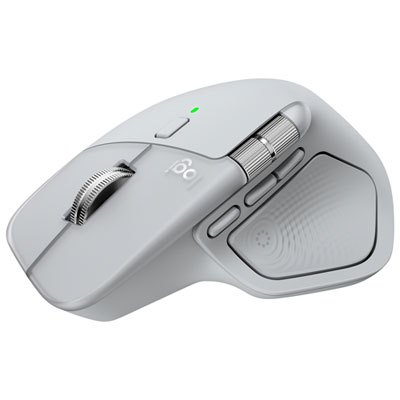
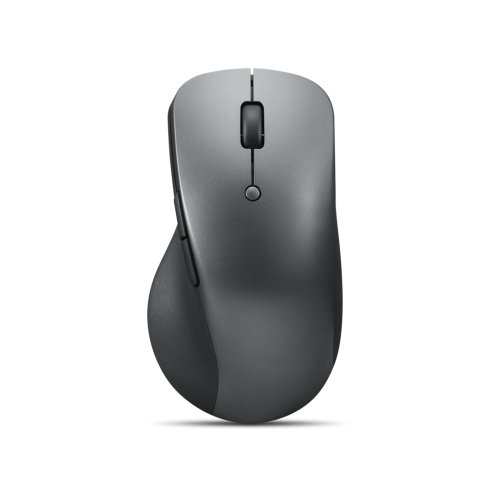
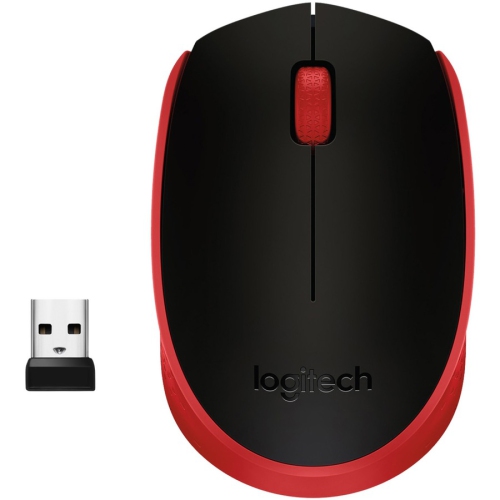
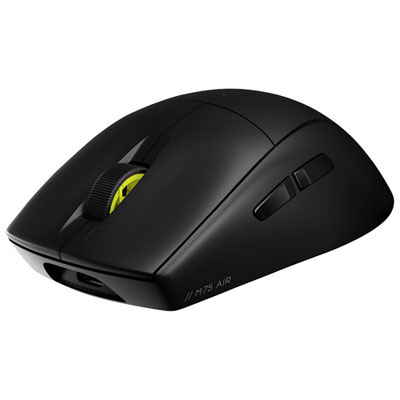
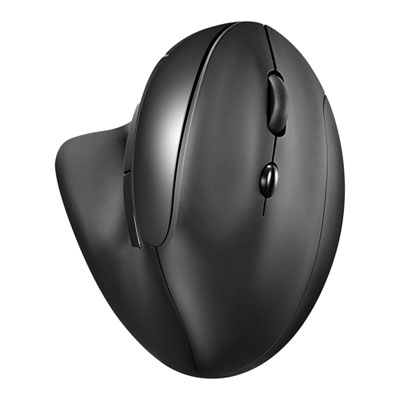

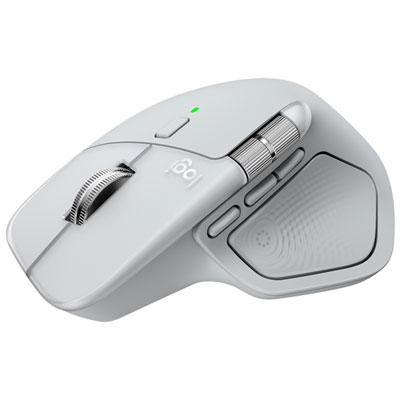
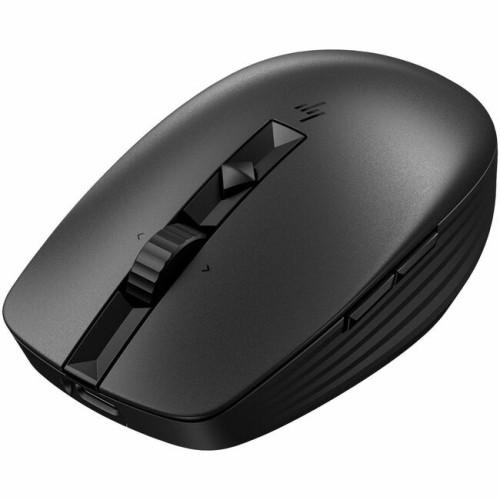
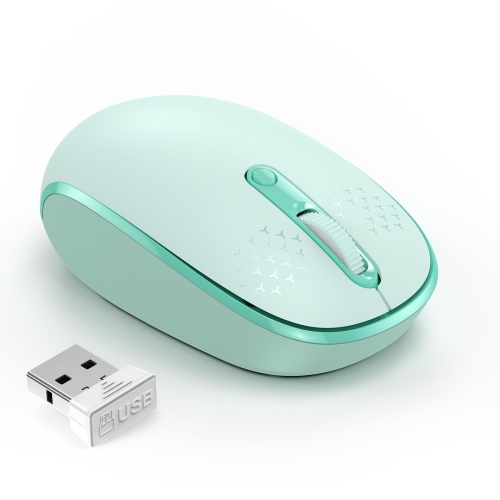
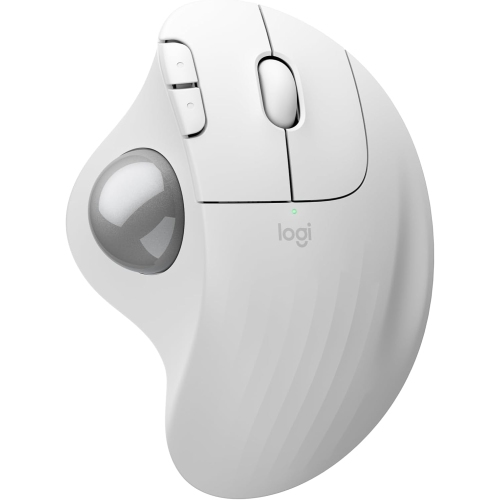
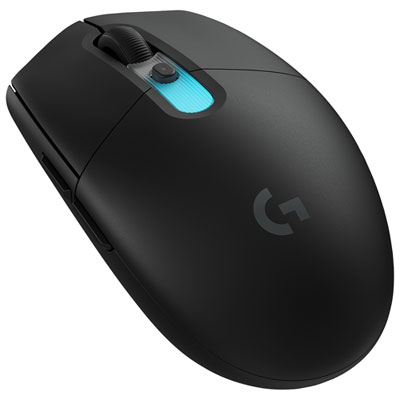
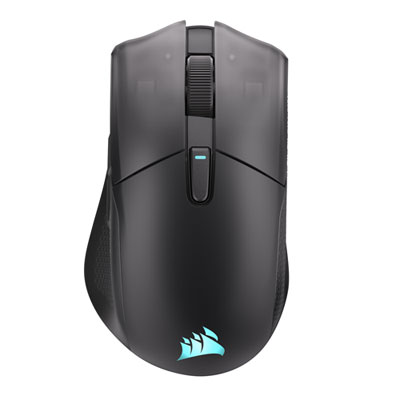
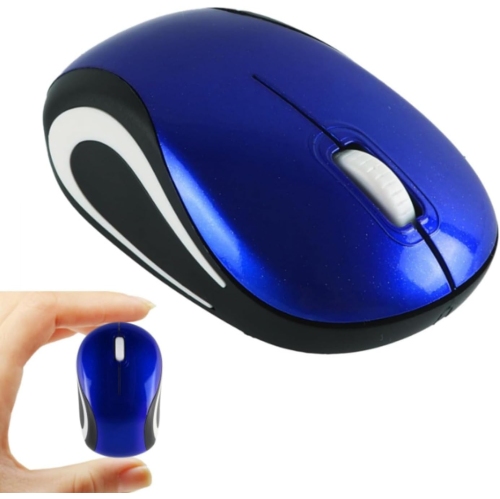
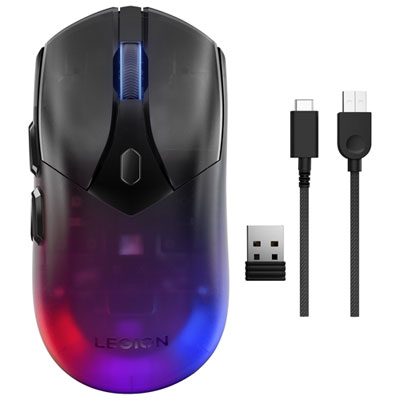
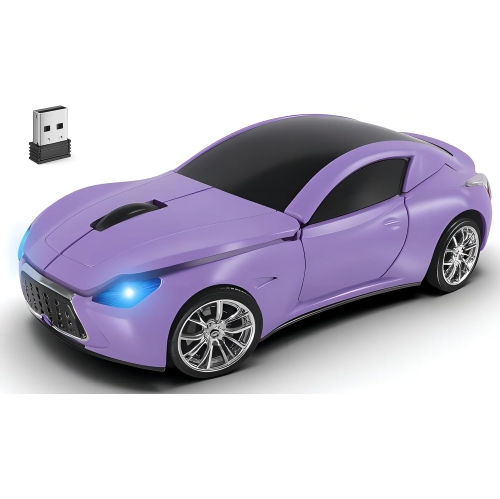
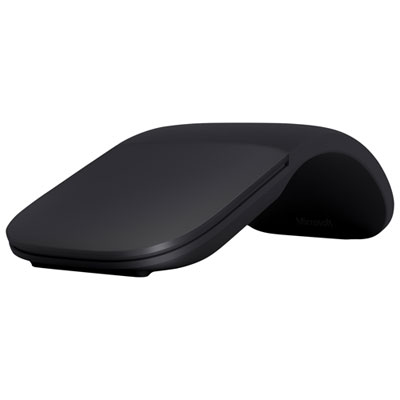
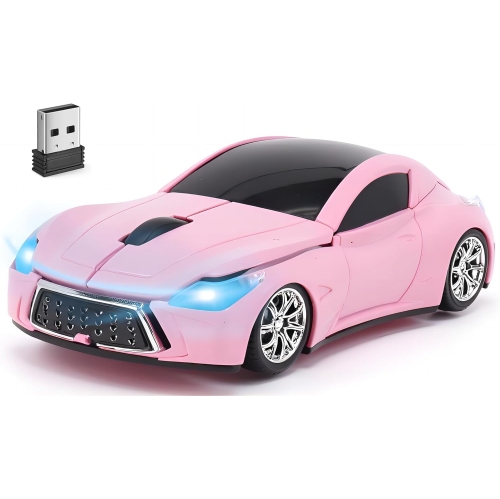
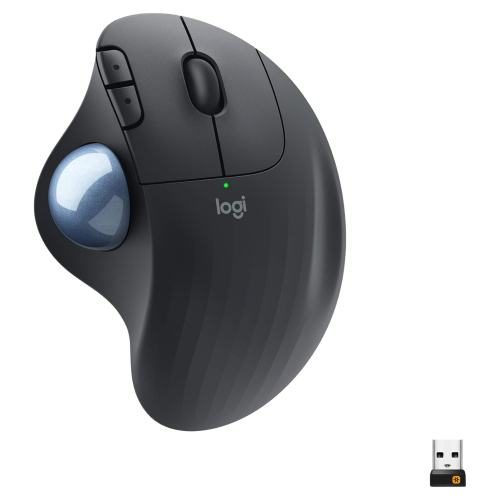
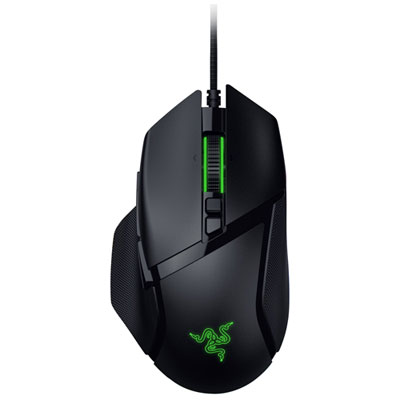
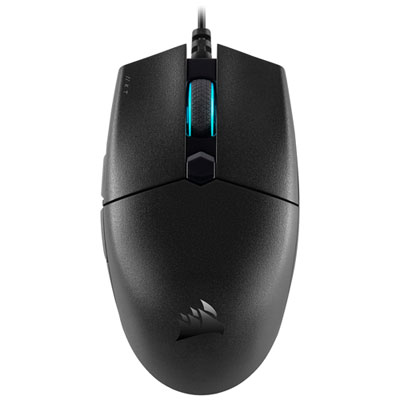
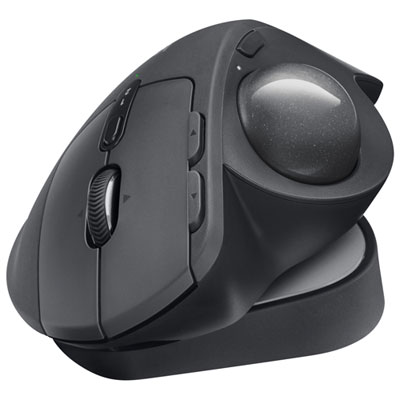
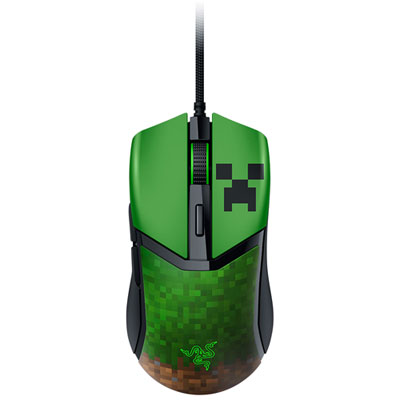
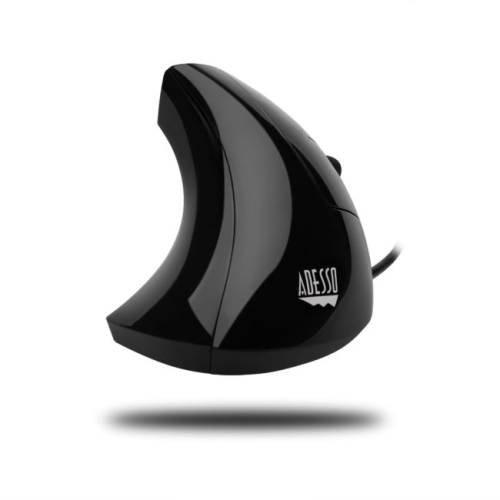
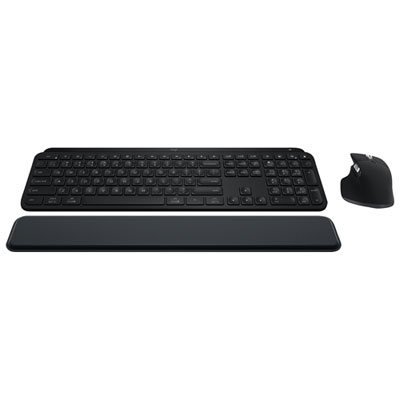
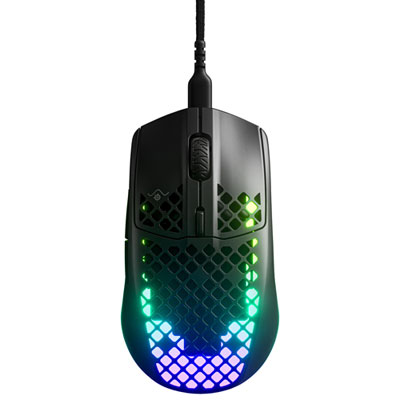
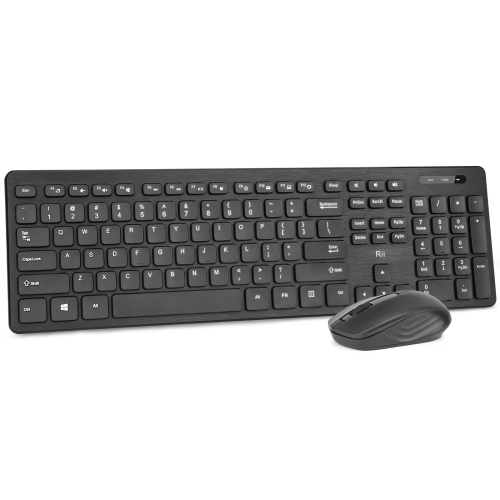
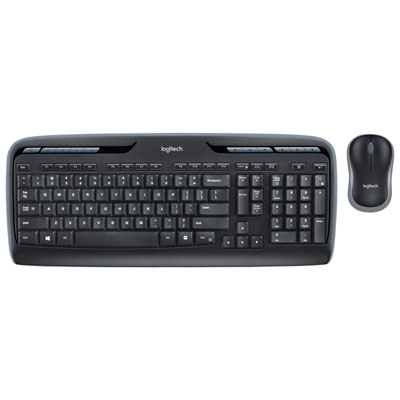
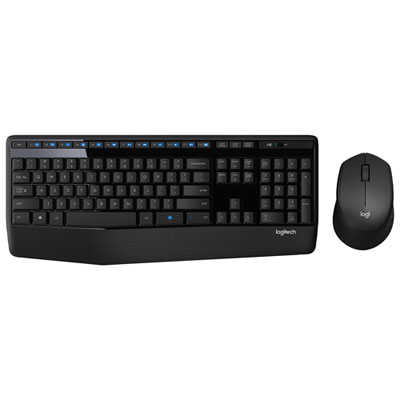
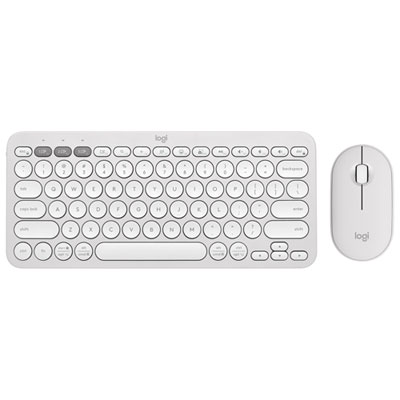
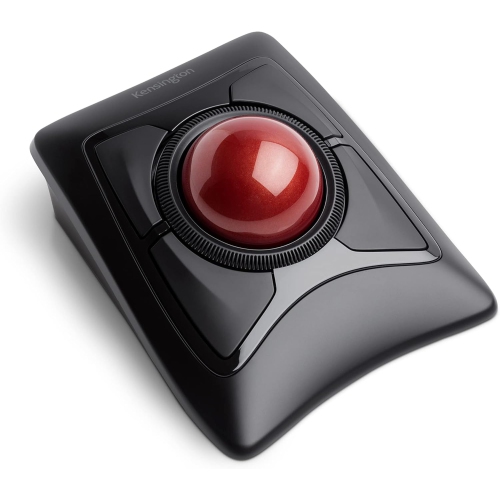

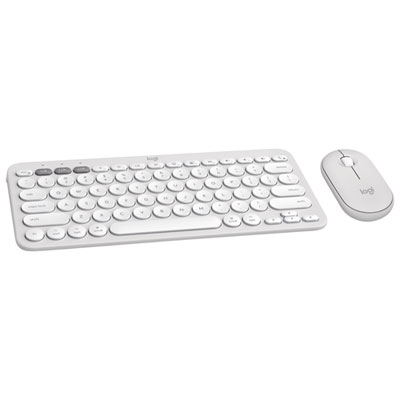
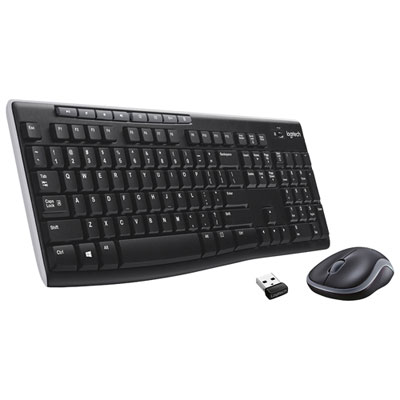
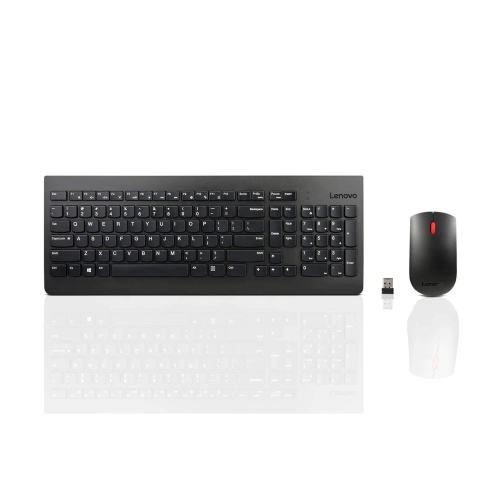
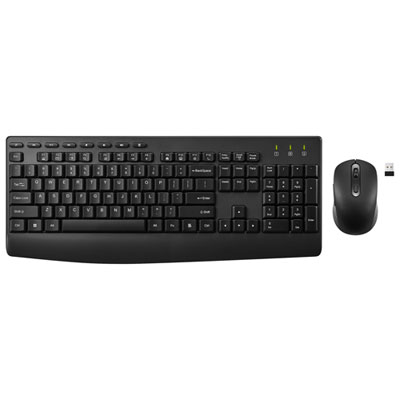
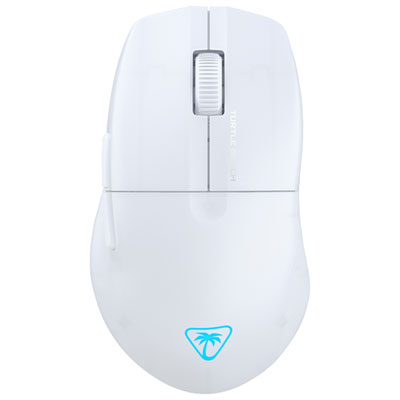
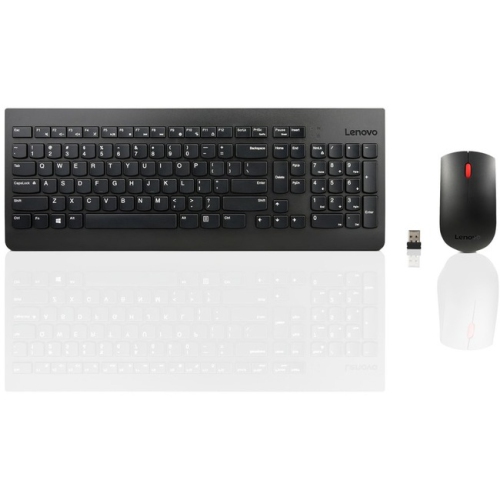
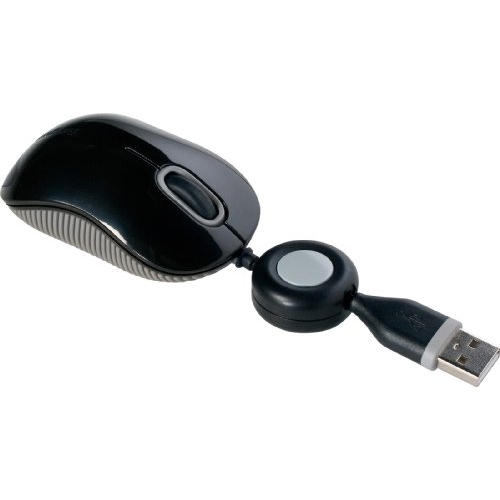
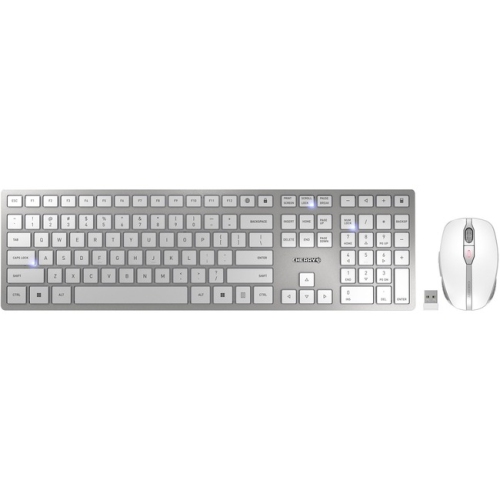
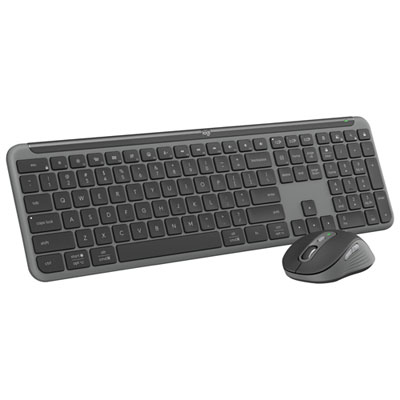
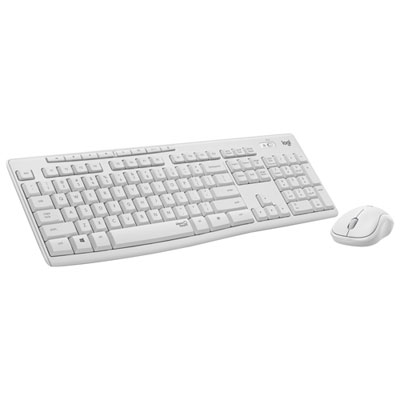
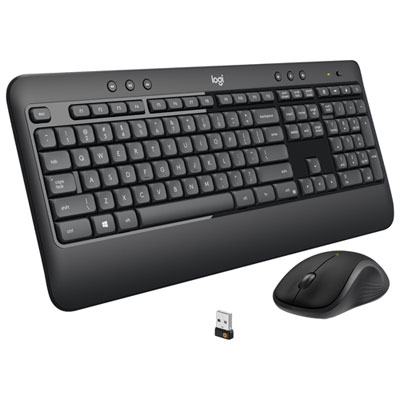
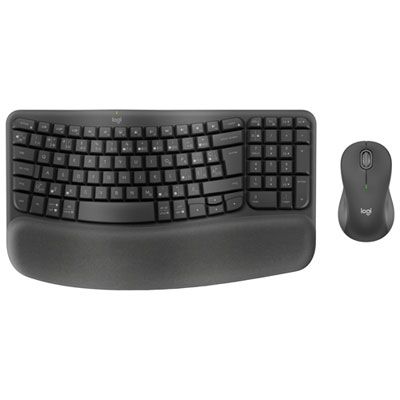
Comfortable control for coursework without the cable
Budget wireless mice for school provide familiar point-and-click control for everyday coursework, from moving between lesson tabs to editing a presentation or selecting cells in a spreadsheet. Their main appeal is straightforward: a separate mouse gives students another way to navigate a computer without a cable running across the work surface. That can be useful beside a laptop in a classroom, at a library study table, or on a desktop shared by siblings. For many school tasks, the most relevant features are a comfortable shape, dependable tracking, accessible buttons and a connection that works with the student’s computer. Wireless connections generally fall into two groups: Bluetooth and a dedicated USB receiver, often using a 2.4 GHz connection. Bluetooth connects directly to a compatible computer without occupying a USB port, while a receiver plugs into the computer to establish the wireless connection. The receiver’s connector matters, particularly on slim laptops that may have USB-C ports but no USB-A port. An adapter may be needed when the receiver and laptop ports do not match. Compatibility also extends to the operating system and any school-managed device restrictions; basic pointer functions may work without additional software, while extra button assignments or other settings can require software that a student is not permitted to install. A compact receiver that stores inside the mouse is useful when equipment travels between home and school, since a loose receiver can easily disappear into a pencil case or backpack pocket. Models that support more than one connection method can offer flexibility, although switching procedures and supported devices vary. In a busy classroom, connection stability also depends on battery condition, distance and nearby wireless activity. Keeping the mouse near its connected computer and using a suitable tracking surface helps support consistent everyday use. These practical details matter more for writing assignments, online learning platforms and research than elaborate controls intended for specialized tasks.
Comfort depends on how the mouse fits the hand, not simply whether it is described as compact or full-size. A smaller body can suit a younger student’s hand and take up less room in a school bag, but an especially short or flat shape may feel cramped during longer study sessions. A taller body offers a different kind of palm support, while a low-profile design is easier to slip into a laptop sleeve with an accessory compartment. Neither shape is automatically better for every student. Hand size, grip style and the amount of desk space available all influence the fit. A student working at a narrow classroom desk may appreciate a mouse that moves easily within a small area, whereas someone completing longer assignments at home may place more importance on a fuller shape. Left-handed students benefit from attention to the whole design: a symmetrical shell can be suitable for either hand, but side-button placement may still favour right-handed use. Weight is another practical consideration. A lightweight mouse is easy to carry, while a slightly heavier body may feel steadier to some users; the installed battery can affect that balance. Common construction materials include moulded plastic shells, textured side panels and, on some designs, soft-touch grips. Smooth surfaces are generally easy to wipe, while pronounced textures and seams can collect dust or crumbs. Rubberized areas may offer extra grip, though their feel and wear characteristics differ between designs. Durability also comes down to everyday handling. A scroll wheel with a stable feel, buttons that respond consistently and a battery cover that closes securely are useful qualities in equipment that moves through a school day. Colour and shape can make a mouse feel personal, but clear left and right buttons and a readily accessible scroll wheel remain central to school use. A protective pocket helps prevent the mouse from being crushed beneath textbooks or pressed against other supplies during transport.
Controls, power and care shape how well a wireless mouse fits into a student’s routine over time. Standard left and right buttons and a clickable scroll wheel cover much of the navigation involved in documents, browser-based assignments and learning platforms. A quieter click can be welcome in a library or shared study space, although quiet operation does not mean completely silent operation. Extra side buttons may make it easier to move backwards and forwards through web pages, but they are optional for ordinary coursework and can be awkward if positioned where the student’s thumb rests. Pointer sensitivity, sometimes listed as DPI, affects how far the pointer travels in response to physical movement. A high maximum setting is not inherently more useful for school; a comfortable speed that allows accurate text selection and controlled movement is usually more relevant. Computer settings can also affect pointer speed. Tracking tends to be more predictable on a clean, even surface, and a mouse pad can help when a desk is glossy, transparent or uneven. Power arrangements vary between replaceable batteries and built-in rechargeable batteries. Replaceable batteries can be convenient when a spare is on hand, while rechargeable designs require access to a suitable charging cable and power source. Battery-life claims depend on usage and operating conditions, so power-saving features and an accessible on/off switch can be useful between study sessions. For routine cleaning, follow the care instructions, switch the mouse off and use a soft cloth without allowing liquid into openings. Dust around the sensor or scroll wheel can interfere with normal operation, and the mouse should be dry before use. As a gift for a student, a wireless mouse is most useful when its size, connection type and handedness suit the recipient’s existing setup. The Budget Mice for Back to School collection offers another place to explore mice for schoolwork. Across different study setups, the strongest fit is a mouse that feels comfortable, connects without unnecessary complications and supports the tasks a student actually completes each day.
Top selling and popular products
-
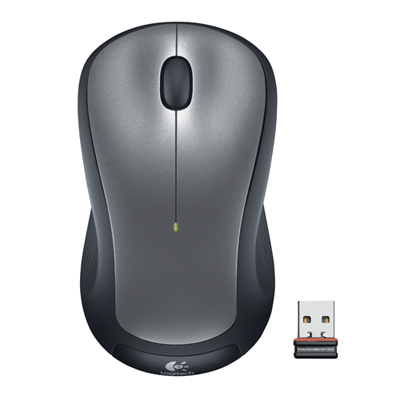 Your price for this item is $29.99
-
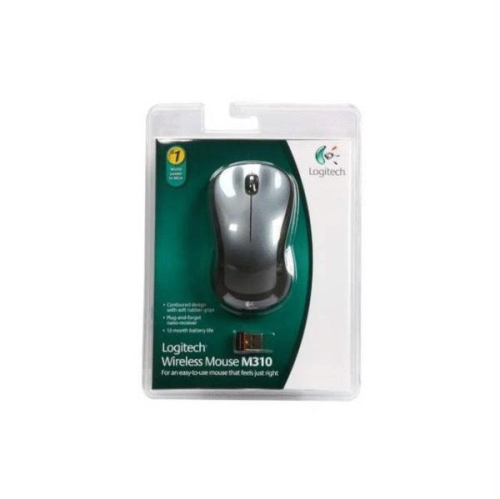 Your price for this item is $50.44
-
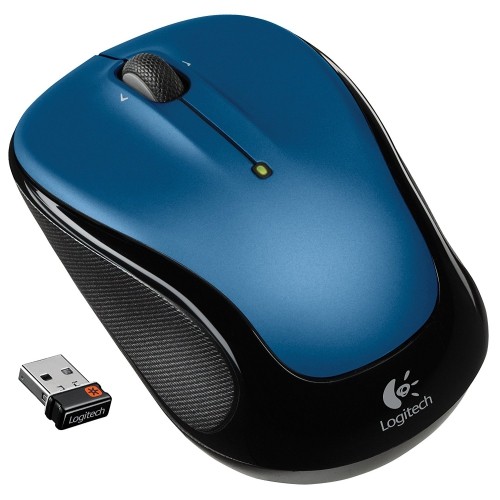 Your price for this item is $39.99
-
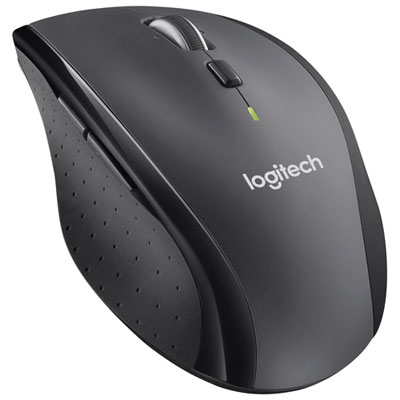 Your price for this item is $49.99
-
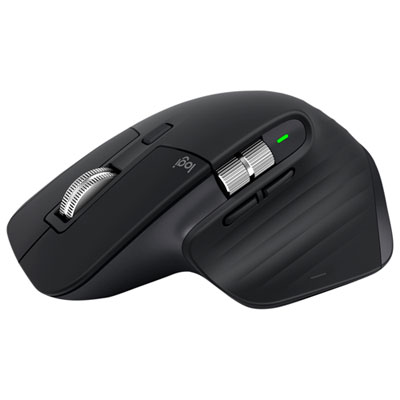 Your price for this item is $159.97
-
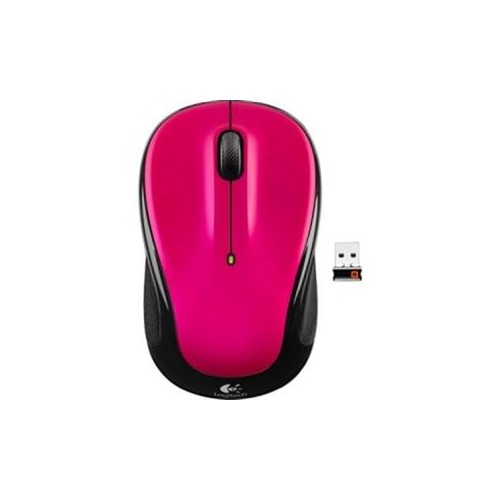 Your price for this item is $64.68
-
 Your price for this item is $48.68
-
 Your price for this item is $31
Discover more categories related to Budget Wireless Mice for School
Top Collections:
Best Black Friday Deals This Year, Best Black Friday Deals On Electronics, Kindle Devices, Pokemon Centers, Best Black Friday Deals On Apple Products, Best Cameras for Sports Photography, Dyson Airwrap, Pokémon 30th Celebration Cards, Apple iPhone 17 Pro, Canon G7X Cameras
Some products may be subject to Environmental Handling Fees
(EHF) depending on your province.
Learn more about EHFs.