Color Printers With Scanner
Find the perfect color printer with scanner to handle all your home or office needs. Combining vibrant color printing and convenient scanning capabilities, these versatile devices help streamline your workflow and keep important documents organized. Whether you’re printing family photos, work presentations, or school projects, a color printer with scanner offers reliable performance and flexibility for any task. Explore a wide selection of models designed to deliver quality results and make everyday tasks easier.
Sort
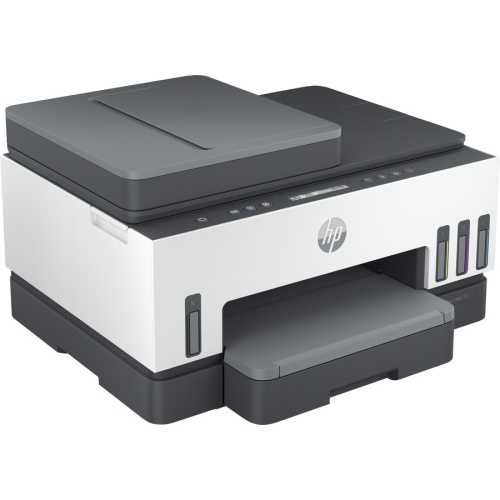
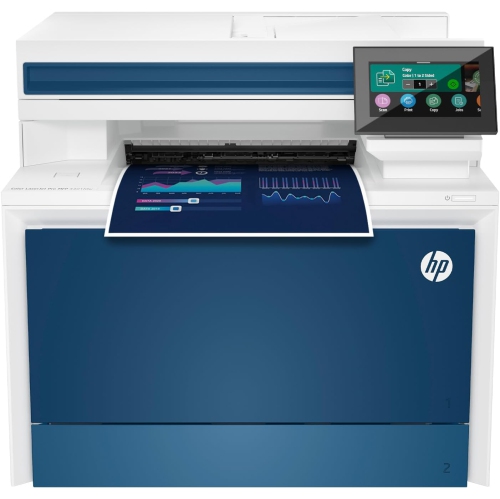
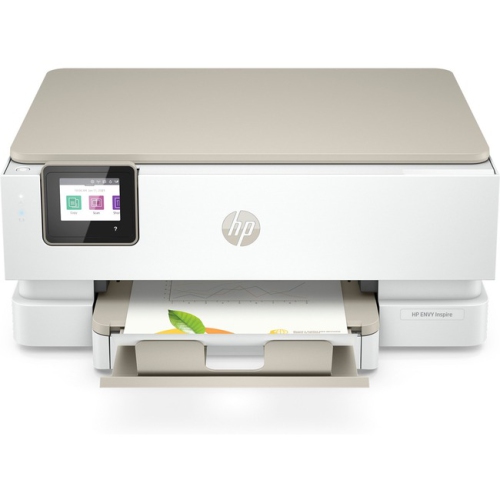
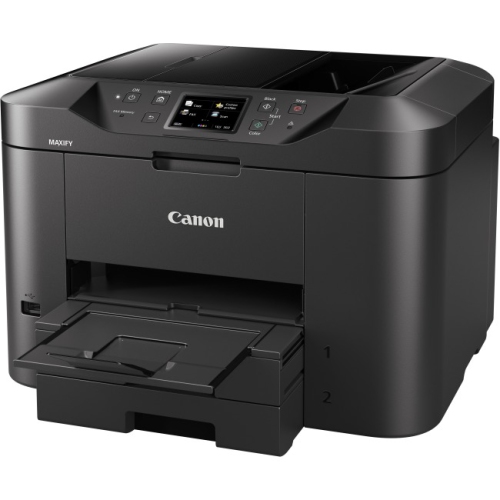
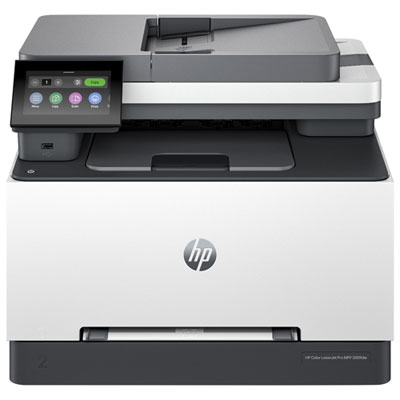
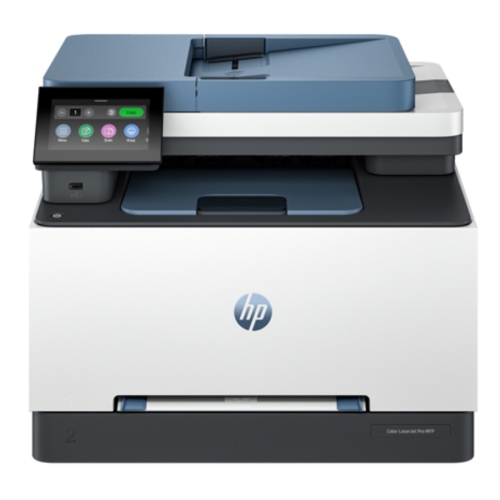
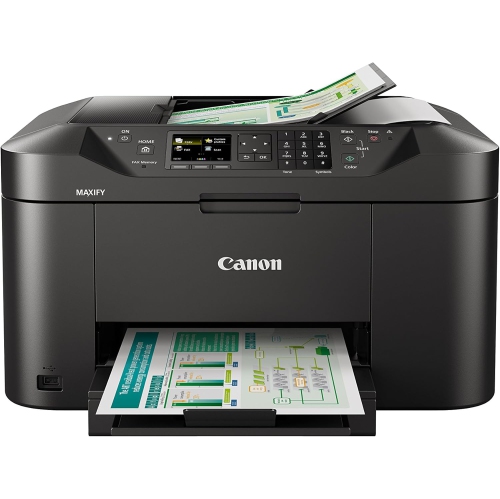
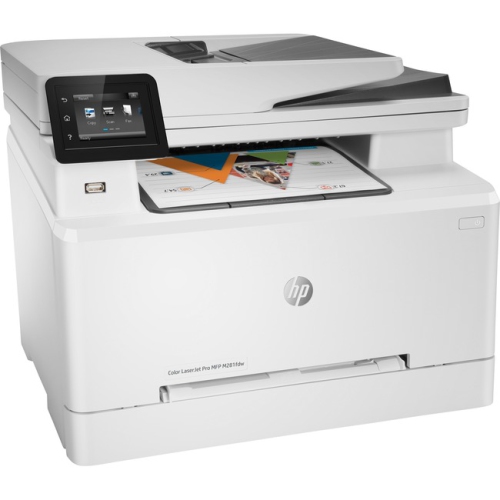
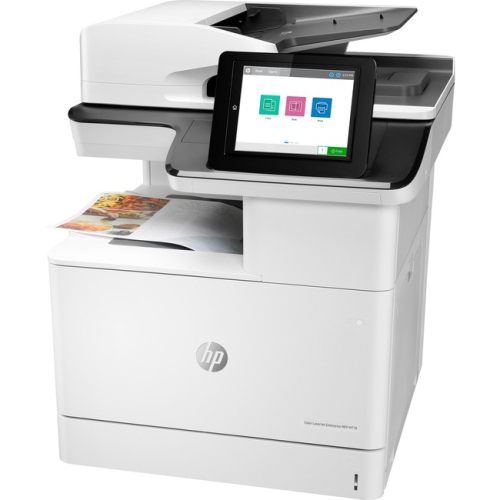
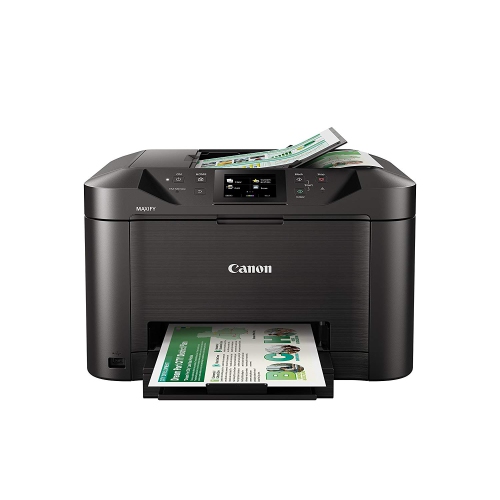
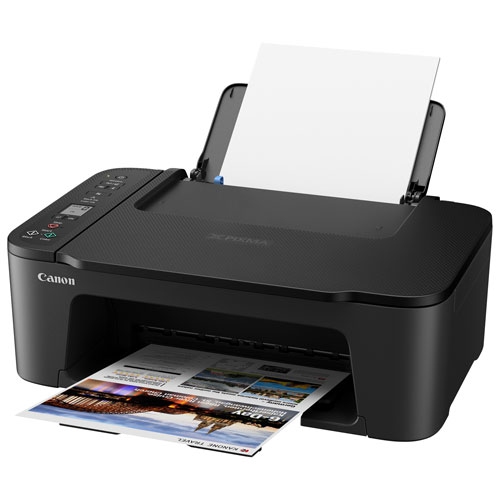
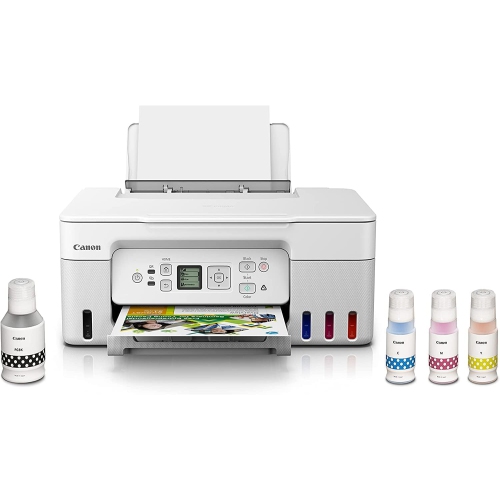
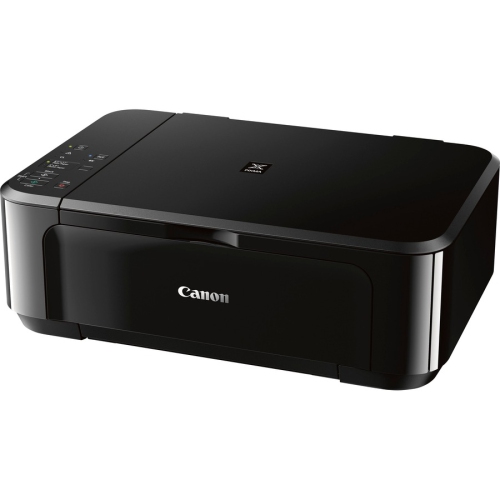
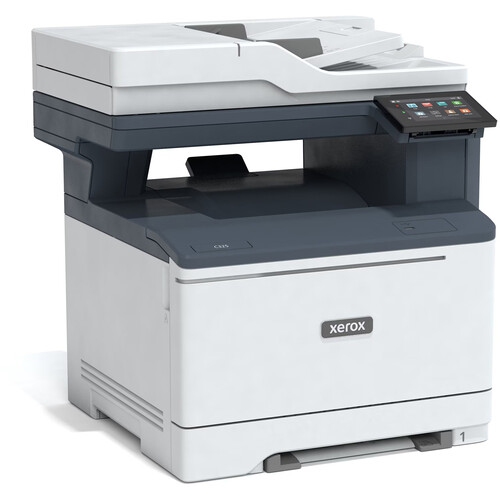
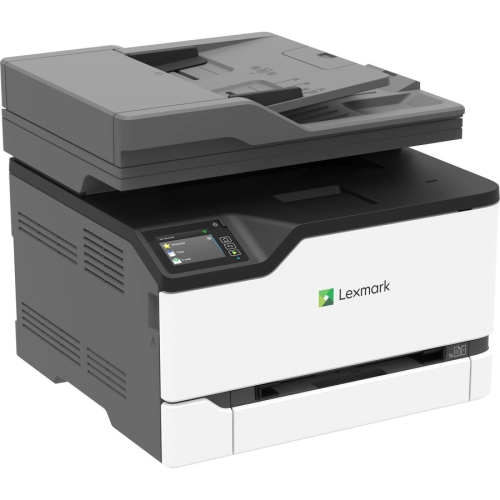
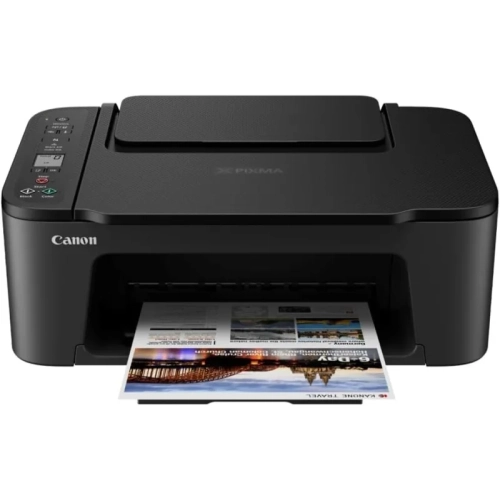
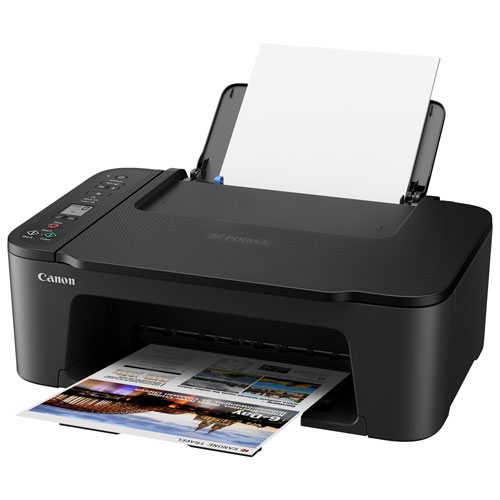
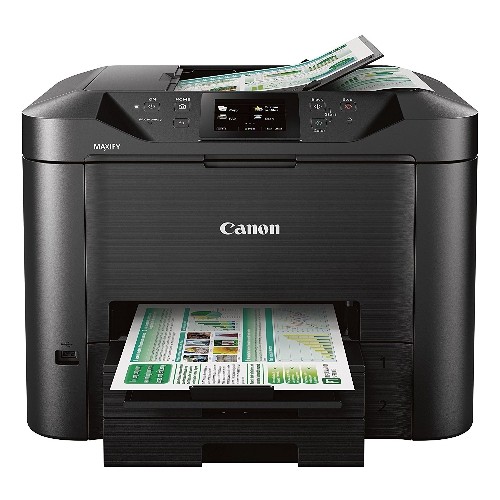
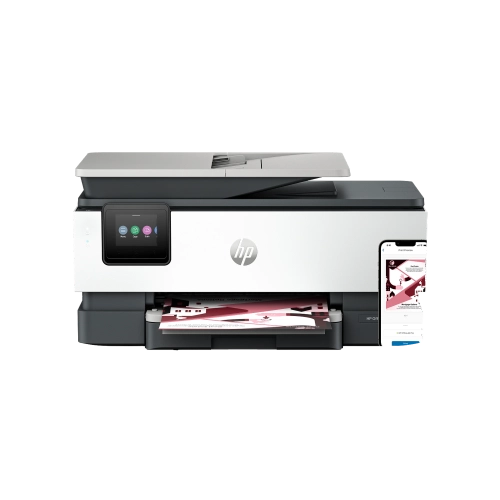
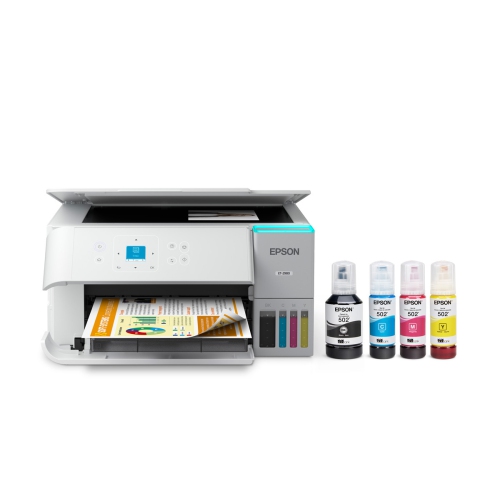
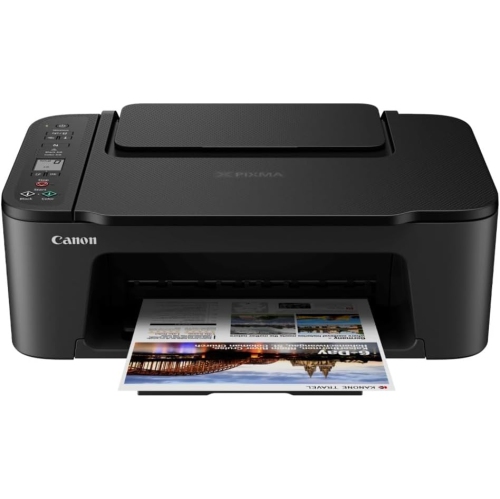
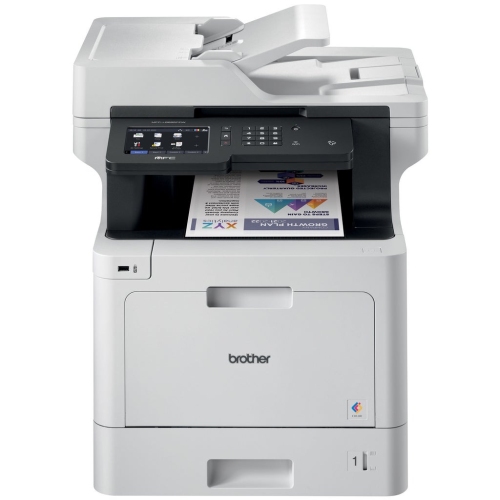
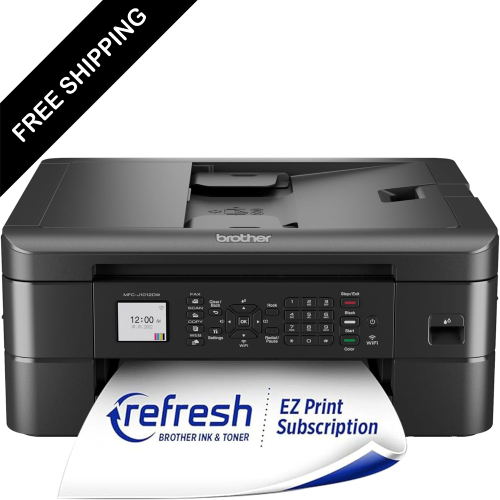
Everyday printing and scanning without juggling separate devices
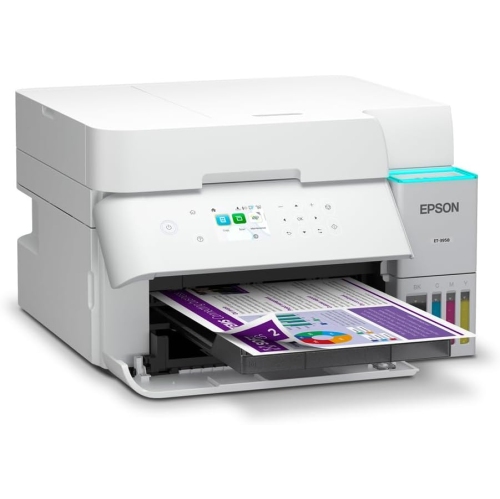
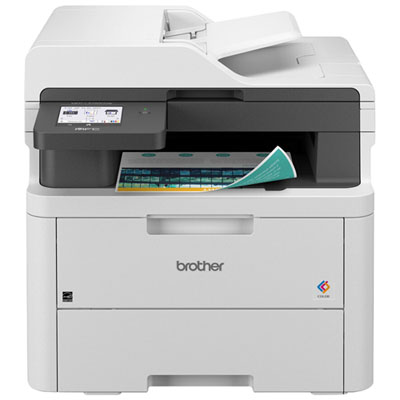
Colour printers with scanners combine colour printing, document scanning, and copying in one device, making them useful for homes, shared workspaces, and small offices where paper and digital tasks overlap. A student might print a chart-filled assignment, scan handwritten notes, and copy a signed form without needing separate machines. A household can use the same printer for school projects, family photographs, permission slips, and copies of important paperwork. Often described as all-in-one or multifunction printers, these devices differ in the type of printing they do best. Colour inkjet models are well suited to mixed use, especially when photographs, illustrations, and documents share the workload. Photo-oriented inkjets may use additional ink colours to help reproduce subtle shading and skin tones, although the paper and print settings also affect the finished image. Colour laser models are often a strong fit for text-heavy documents, presentation handouts, and regular batches of business paperwork. They use toner rather than liquid ink and can suit users who value crisp lettering and consistent document output. Refillable ink-tank designs offer another approach to inkjet printing, with reservoirs that are topped up from compatible bottles rather than replaced as cartridges. The most suitable type depends on the balance of photographs, everyday documents, and longer print jobs. Print speed figures are useful for comparison, but colour graphics, high-quality settings, and two-sided printing can take longer than basic text pages. Recommended monthly print volume is a more practical measure of ongoing workload than a maximum duty-cycle figure, which does not describe an ideal everyday pace. Automatic duplex printing is useful for reports and multipage assignments because it prints on both sides without requiring each sheet to be turned by hand. Paper handling matters just as much: a larger input tray means fewer interruptions during a longer job, while a separate feed can make occasional envelopes or specialty paper easier to manage. Letter-size documents are common in home use, but legal-size forms, larger artwork, and borderless photographs require support for the intended size and media type.
The scanner adds flexibility that goes beyond making a quick photocopy. A flatbed provides a glass surface for individual sheets, photographs, and other originals that are unsuitable for feeding through rollers. It is especially useful for preserving the appearance of a handwritten recipe, capturing a child’s drawing, or making a digital copy of a document with creases or worn edges. A lid with some height adjustment can help accommodate thicker originals, though books and bound materials should never be forced flat against the glass. For stacks of loose pages, an automatic document feeder can save considerable handling by moving sheets through the scanner in sequence. Feeder capacity indicates how many originals it can hold at once, while supported paper sizes determine whether it can handle longer forms. Two-sided printing and two-sided scanning are separate functions: a printer that automatically prints on both sides may still require manual handling to scan both sides of an original. Some feeders scan both sides in a single pass, which can be useful for regular batches of double-sided paperwork. Optical scan resolution is worth considering for detailed images or small print, but a higher setting is not necessary for every task and usually creates larger files. Clear text, accurate colour, and an evenly captured page are often more useful than an oversized image file. Scanning software may offer searchable PDFs through optical character recognition, allowing typed words in a scanned document to be found or copied. Recognition accuracy depends on the original’s clarity, layout, and language, so important names and numbers still need a careful check. File destinations also vary: some devices work through a computer application, while others support mobile scanning, network folders, or additional sharing features. Compatibility with the intended computer, phone, and operating system helps keep these tasks straightforward. For home offices handling contracts or personal records, supported access controls and local saving options can also matter, especially when several people share the same printer.
A colour printer with a scanner needs to fit both the workspace and the way people use it. Published dimensions may describe the printer with its trays closed, so the working footprint should also allow for an extended output tray, an open scanner lid, and access to paper feeds and consumables. A stable desk or cabinet with adequate clearance is more suitable than a cramped shelf that makes refilling paper or removing a jam awkward. Sturdy tray hinges, accessible paper paths, and controls that are easy to read contribute to a device that feels dependable through repeated use. Wi-Fi can make sharing a printer between household members more convenient, while Ethernet may suit a fixed office setup and USB can provide a direct connection to a computer. Support for mobile printing varies, as do network requirements; checking supported Wi-Fi bands and device compatibility helps avoid connection surprises. A touchscreen may simplify copying and scanning at the printer, while physical buttons can be convenient for frequently repeated tasks. Day-to-day care is generally straightforward but makes a noticeable difference. Clean scanner glass helps prevent marks appearing in every digital copy, and a soft, lint-free cloth used according to the manufacturer’s directions helps protect the surface. Paper stored flat and dry feeds more reliably than curled or damaged sheets. Using media approved for the printer type is important, particularly because laser printers require materials suitable for their heated printing process. Inkjet printers may need periodic nozzle checks or cleaning after extended gaps between jobs, while toner-based models have different maintenance needs and may use separate imaging components. Replaceable parts, supported supplies, and stated maintenance procedures are useful considerations for long-term use. The Printers for Color Printing category is also relevant when colour output is the main priority, while an integrated scanner adds the ability to capture and copy paper originals. Whether the routine involves occasional family paperwork or frequent office documents, the most useful combination is one that matches the expected workload, handles the right media, and makes everyday printing and scanning easy to repeat.
Top selling and popular products
-
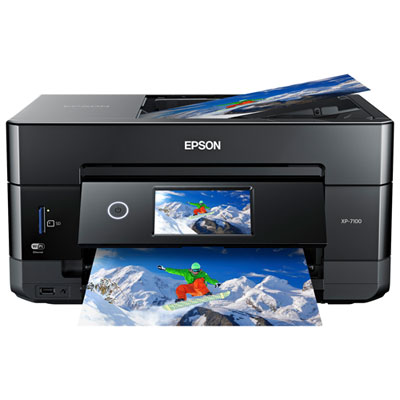 Your price for this item is $249.99
-
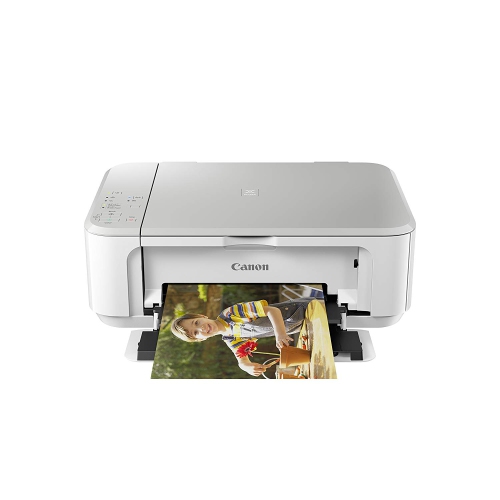 Your price for this item is $69.95
-
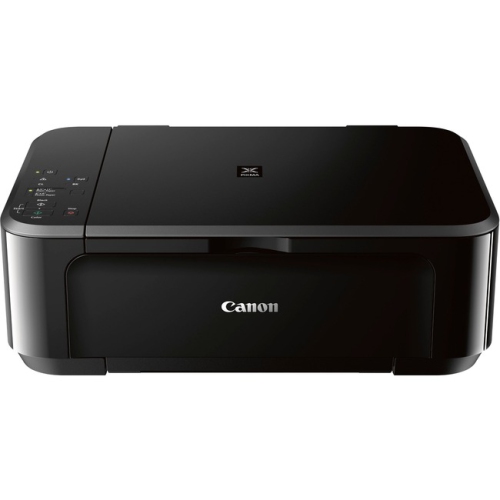 Your price for this item is $67.5
-
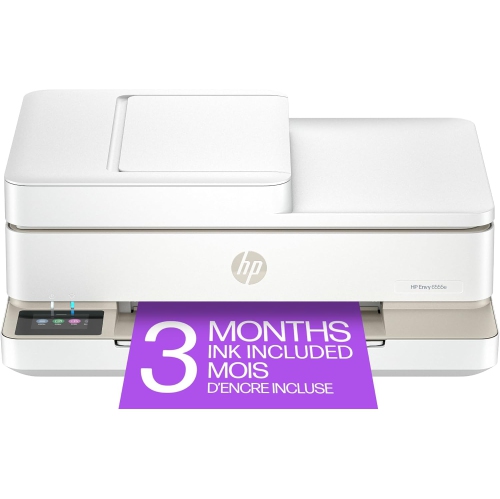 Your price for this item is $214.79
-
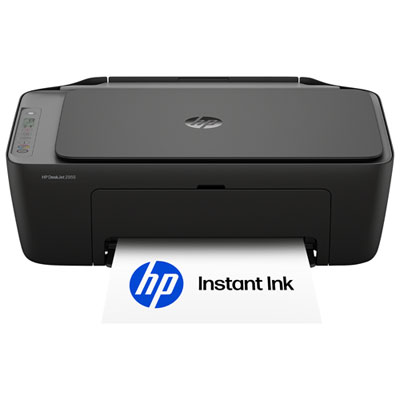 Your price for this item is $99.99
-
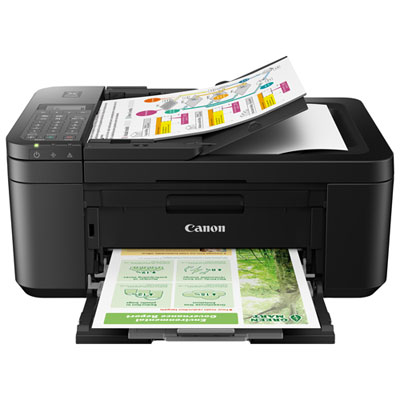 Your price for this item is $149.99
-
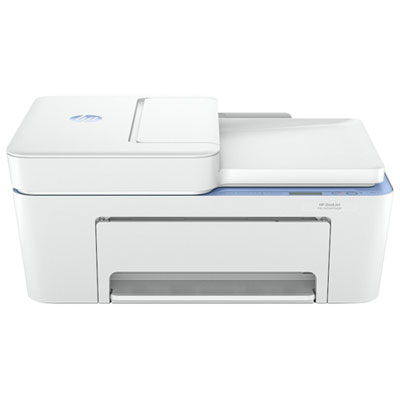 Your price for this item is $49.99
-
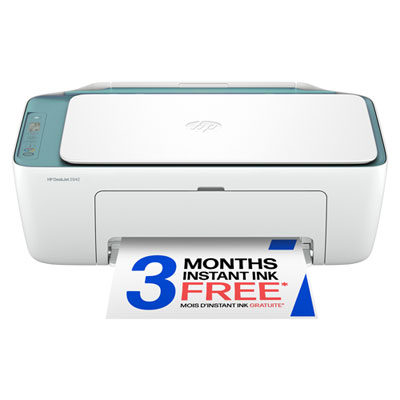 Your price for this item is $49.99
Discover more categories related to Color Printers With Scanner
Top Collections:
Best Black Friday Deals This Year, Best Black Friday Deals On Electronics, Kindle Devices, Pokemon Centers, Best Black Friday Deals On Apple Products, Best Cameras for Sports Photography, Dyson Airwrap, Pokémon 30th Celebration Cards, Apple iPhone 17 Pro, Canon G7X Cameras
Some products may be subject to Environmental Handling Fees
(EHF) depending on your province.
Learn more about EHFs.