Conference Webcams
Upgrade your virtual meetings with high-quality conference webcams that deliver crystal-clear video and audio for seamless communication. Whether you're working from home or in the office, these webcams are designed to enhance your online conferences, presentations, and video calls. Stay connected with colleagues, clients, and loved ones with professional-grade webcams that offer superior performance and reliability. Find the perfect conference webcam to suit your needs and take your virtual meetings to the next level.
Sort


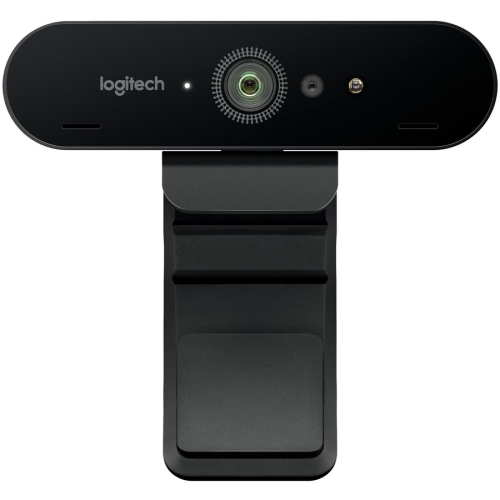
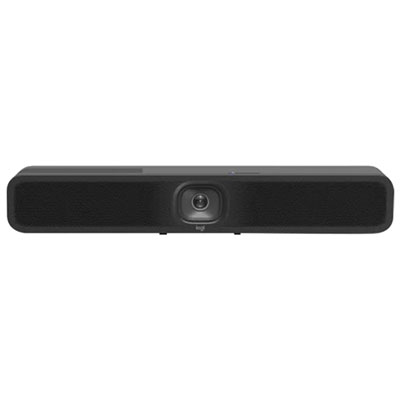

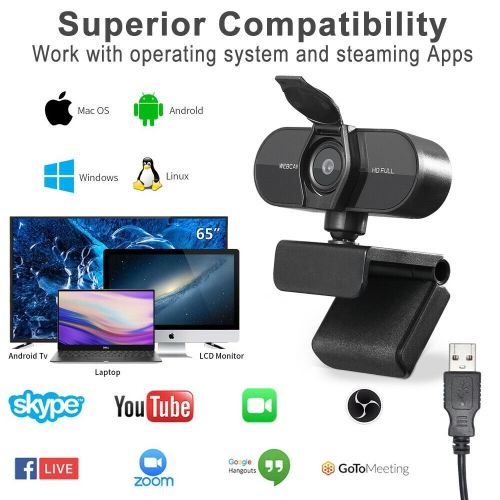
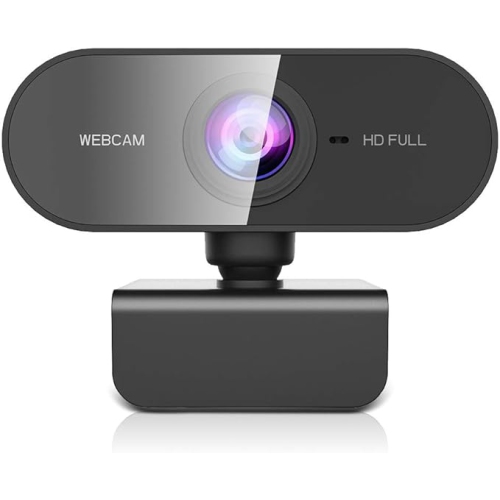



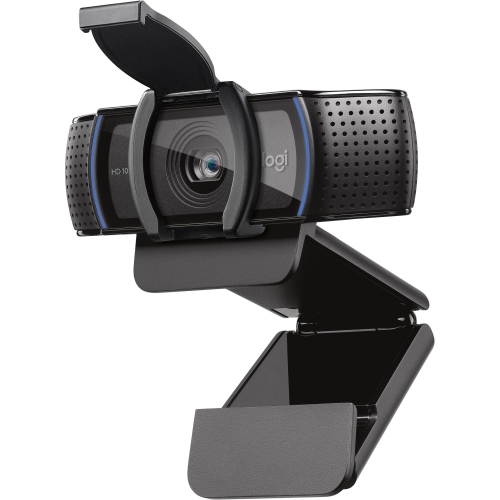
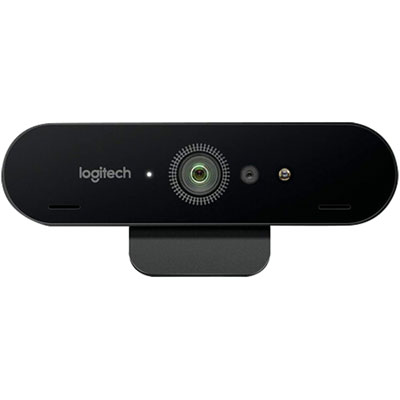
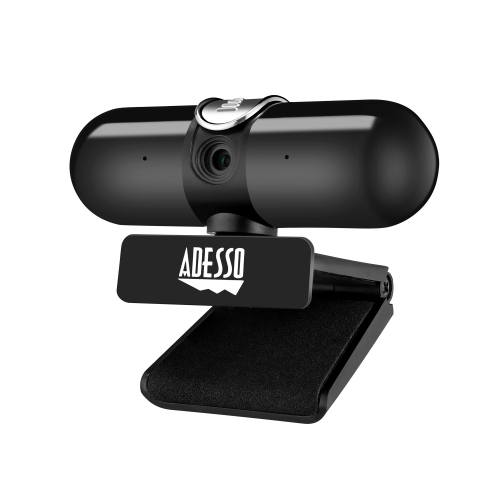

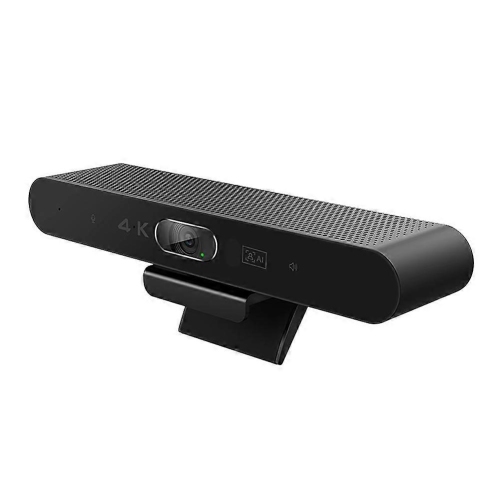





![EMEET C960 1080P Webcam With Dual Microphones [Employee of 3m-scotch-brite] I love cleaning with this scrub sponge!](https://multimedia.bbycastatic.ca/multimedia/products/500x500/201/20183/20183752.jpeg)

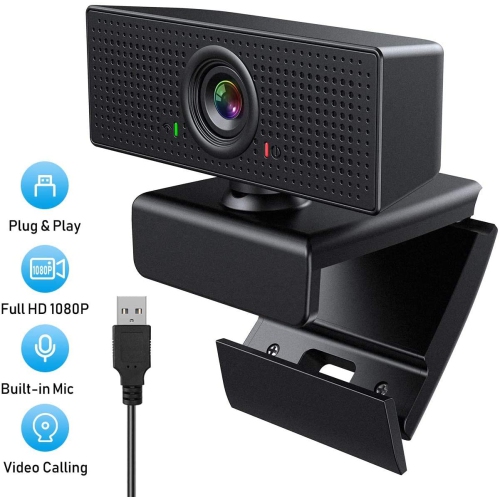
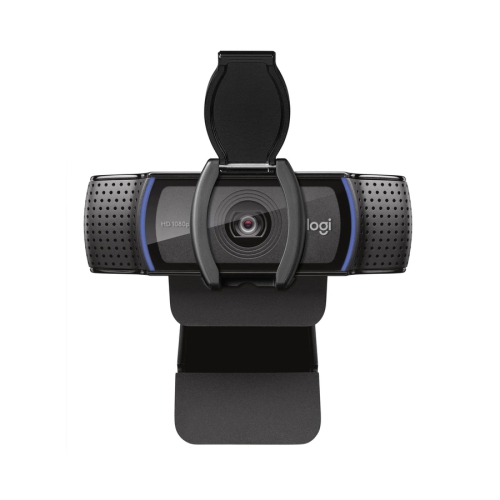
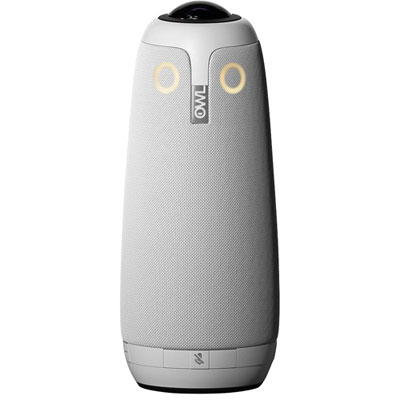
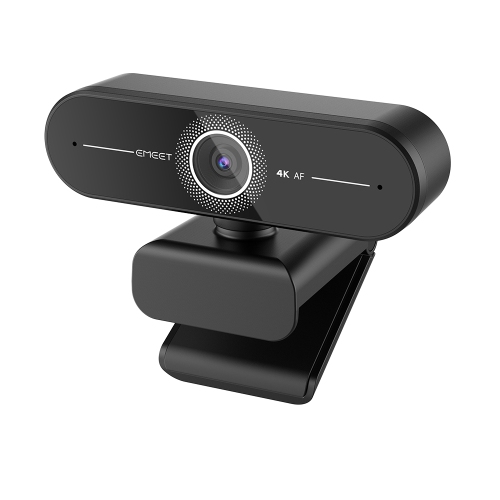


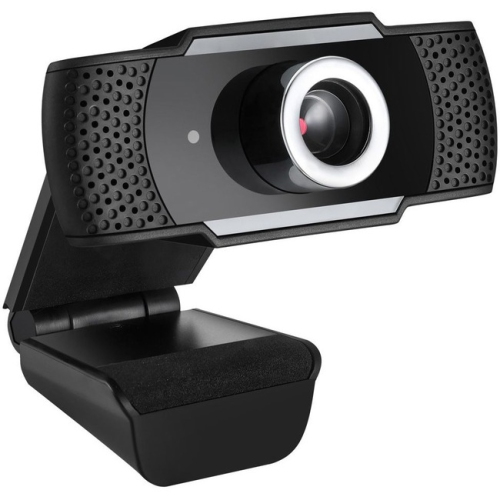
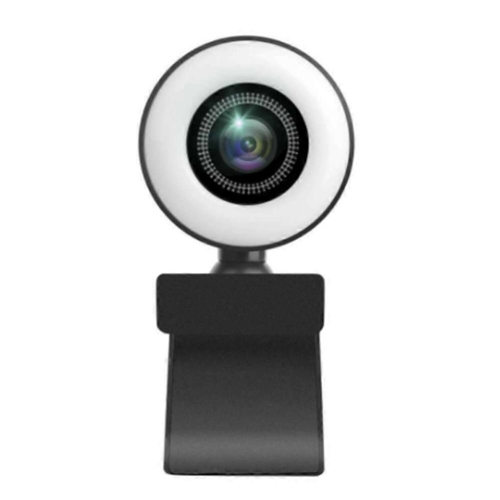
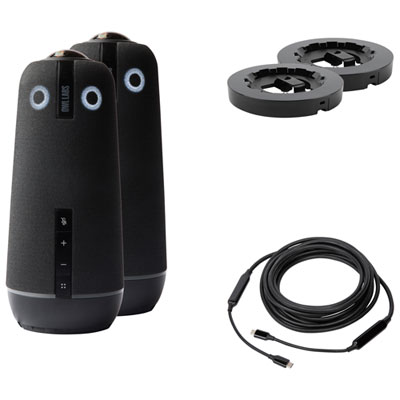
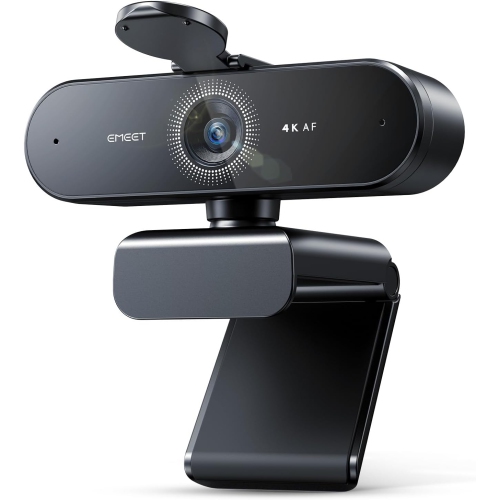

Why room layout matters for group video calls
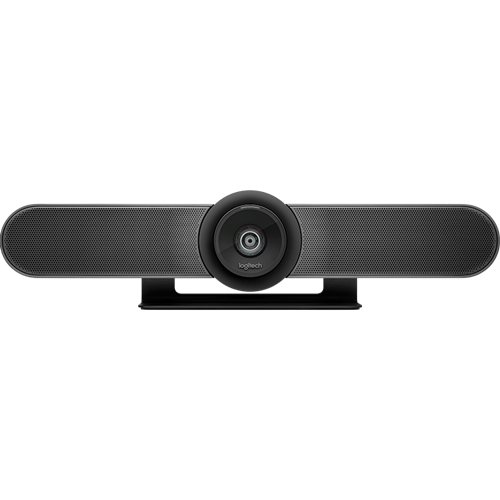
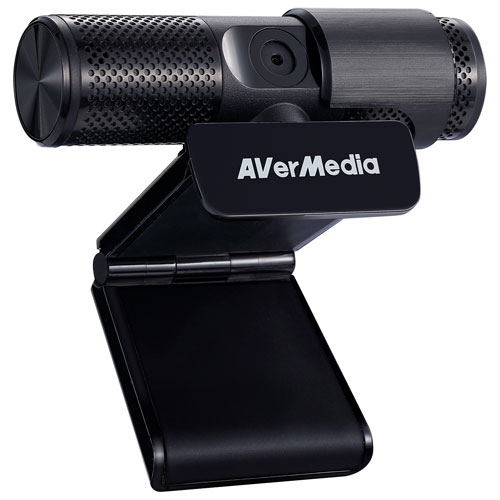
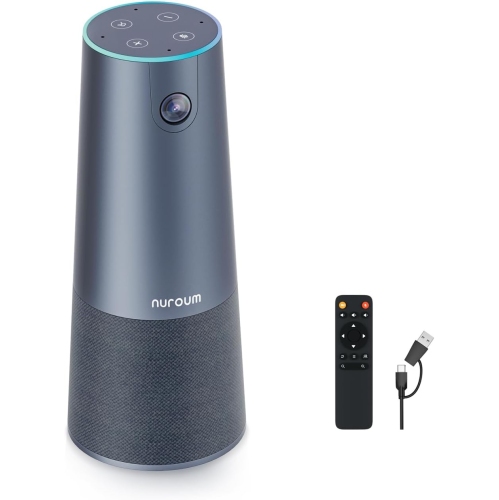
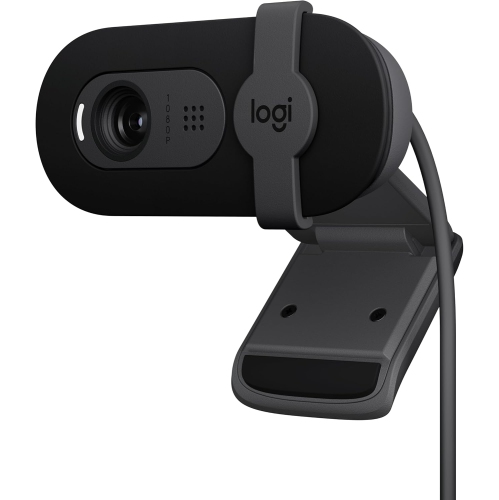
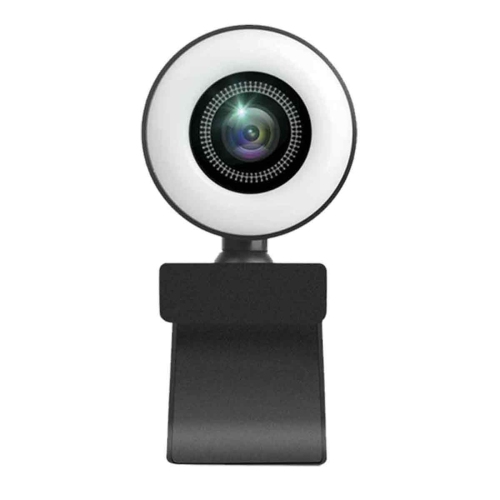
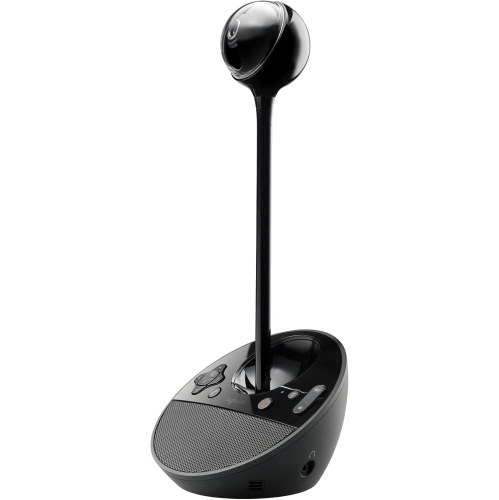
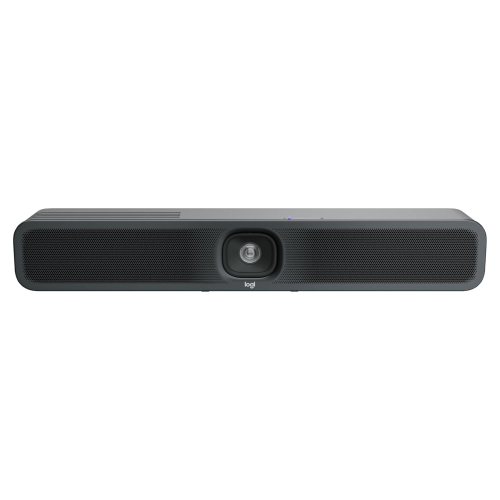
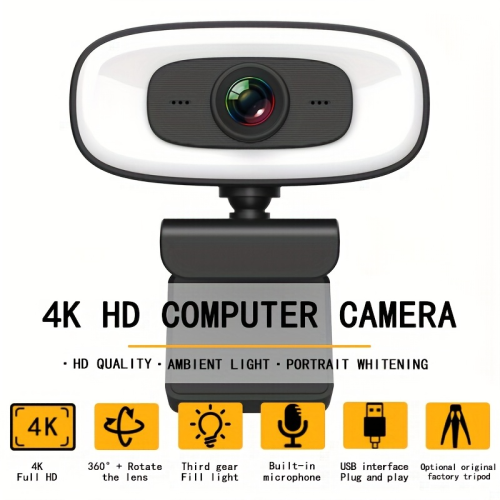
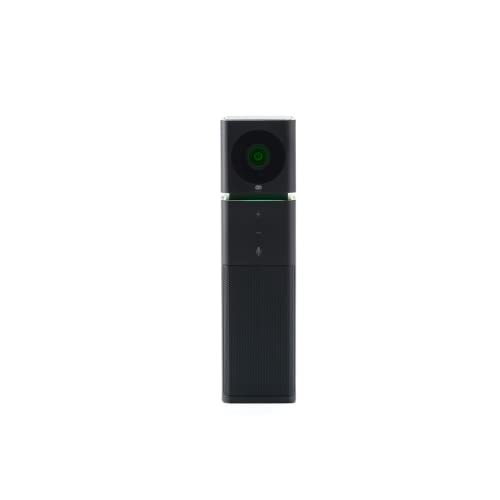
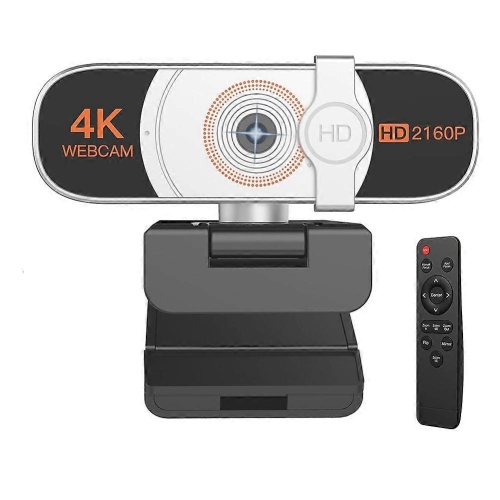
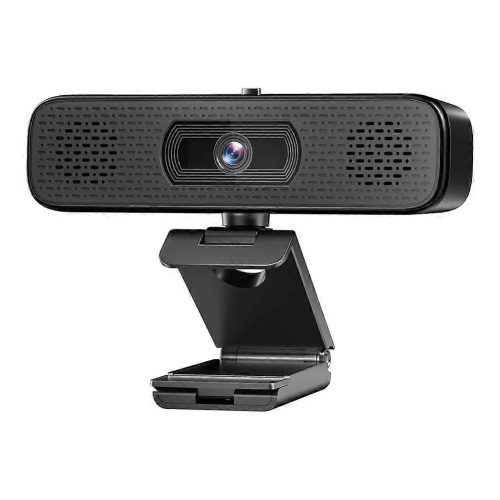
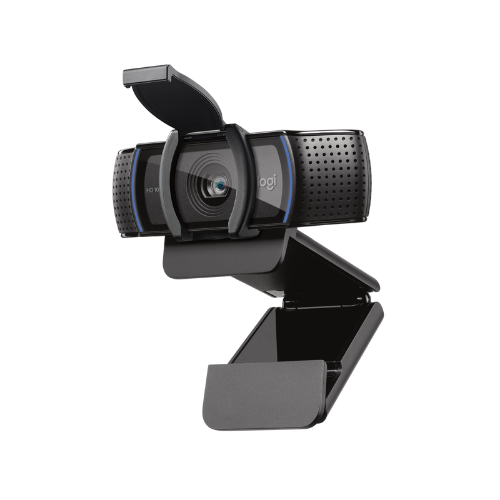
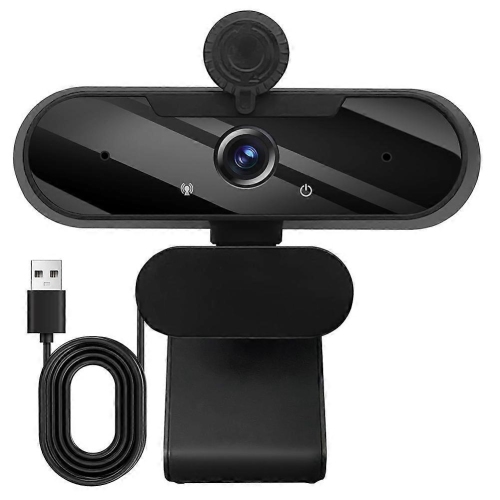
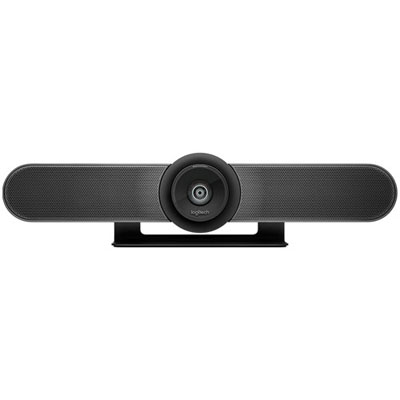
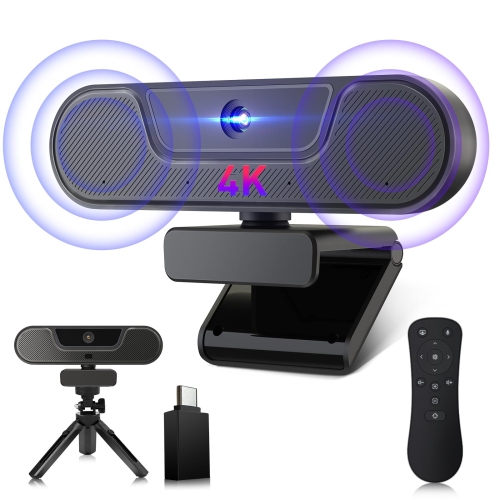
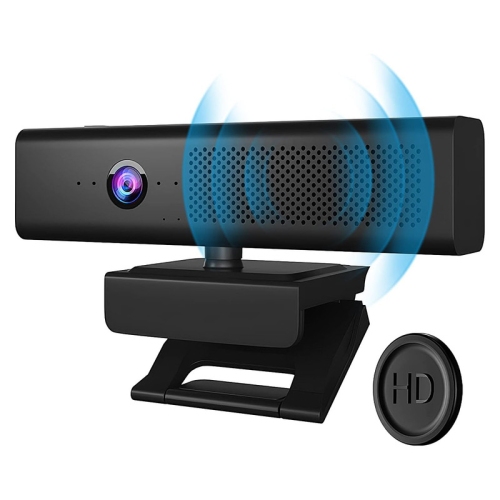
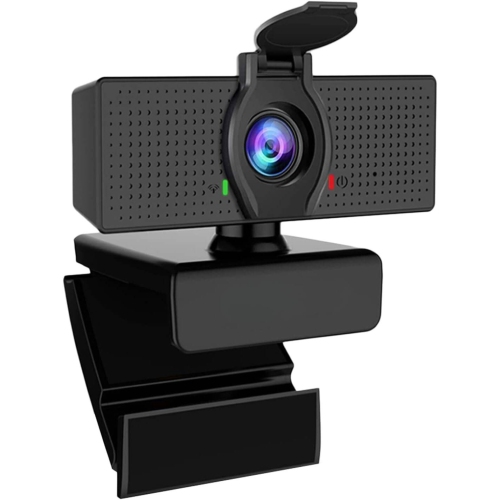
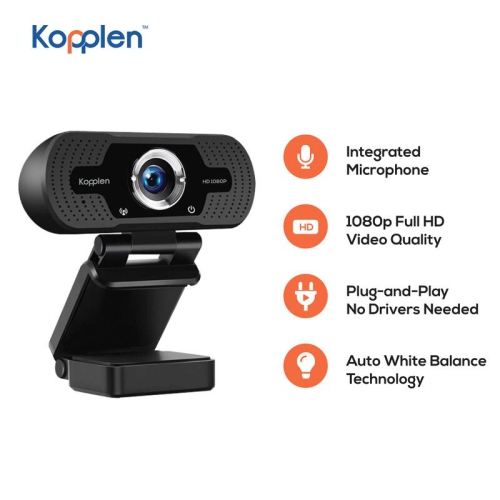
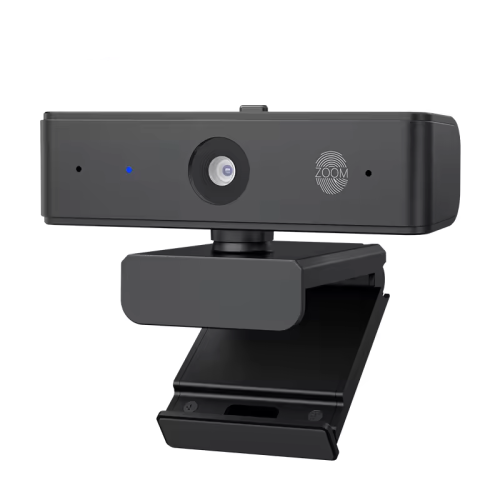
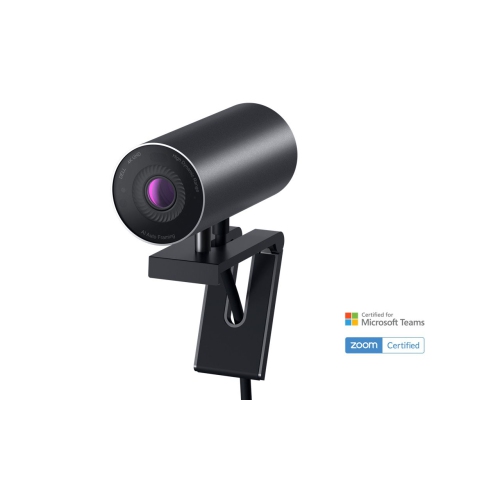
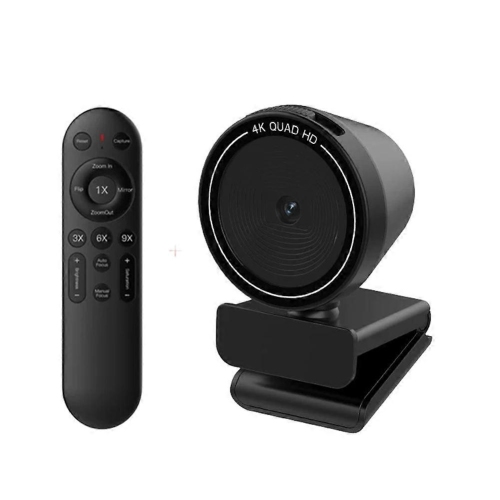
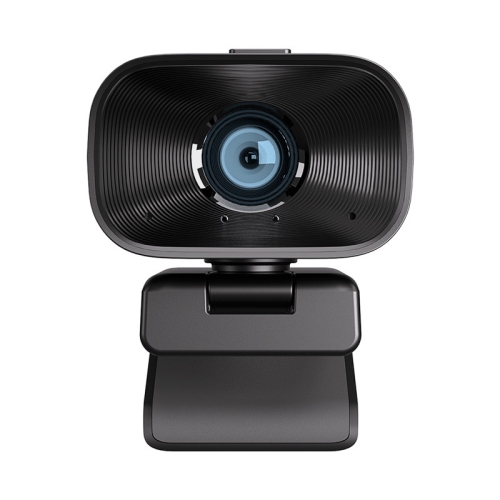
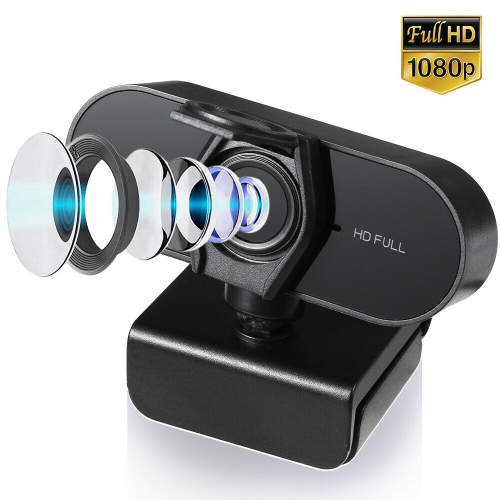
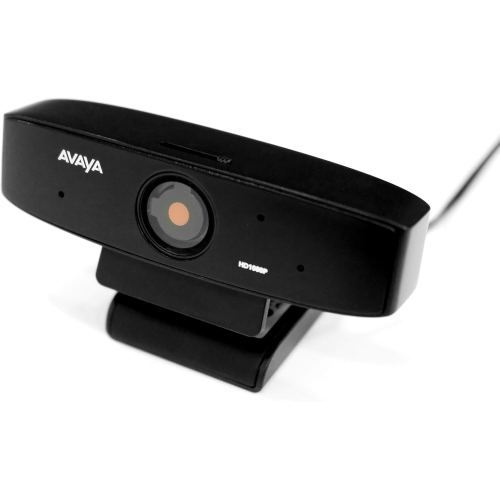
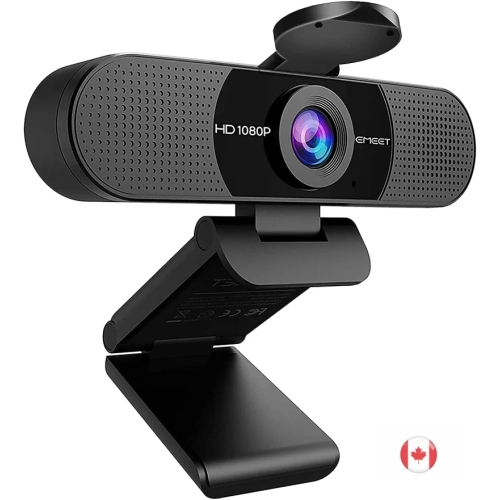
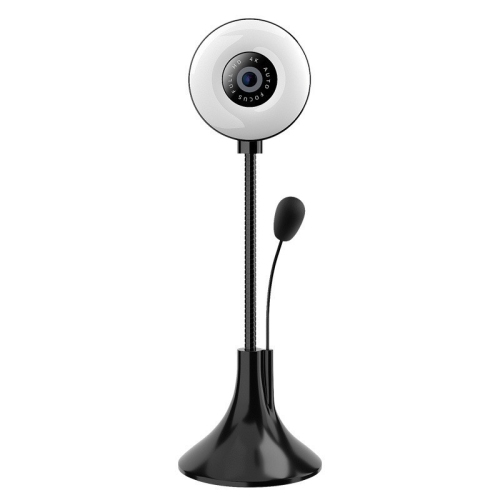
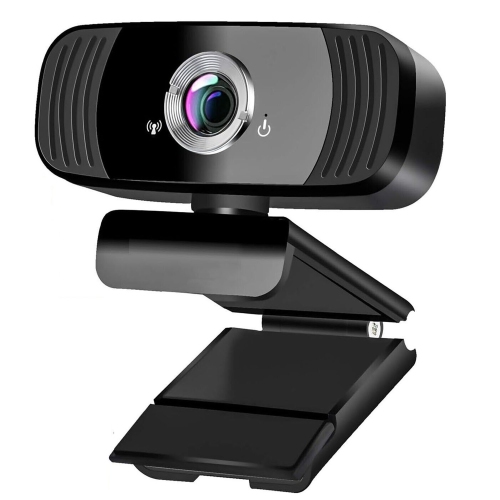
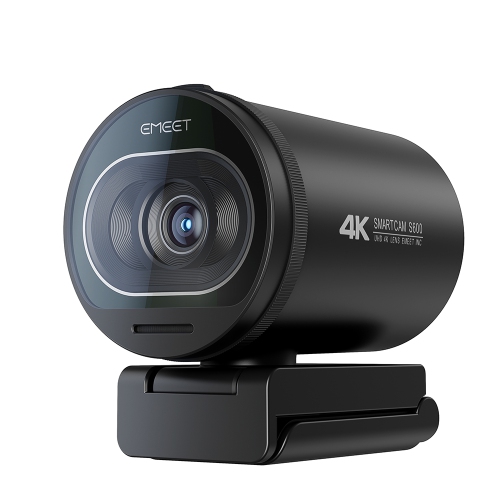
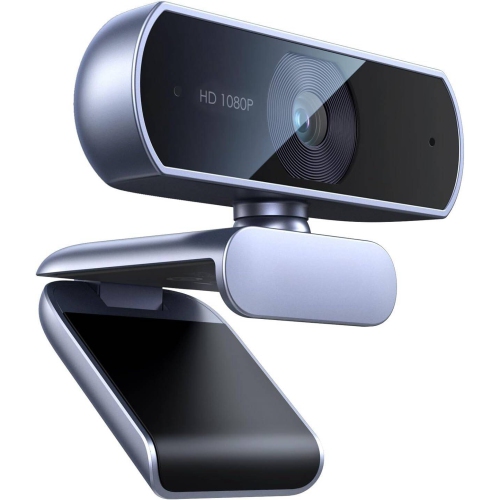
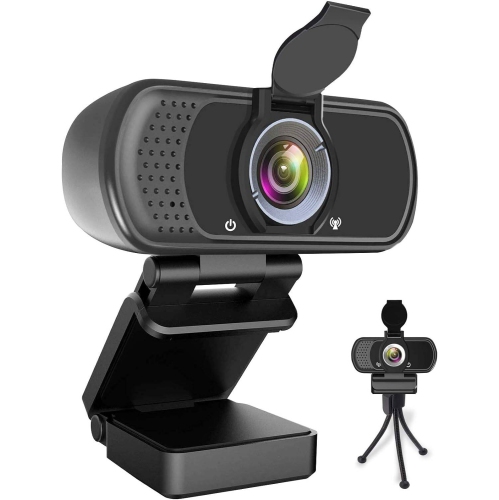
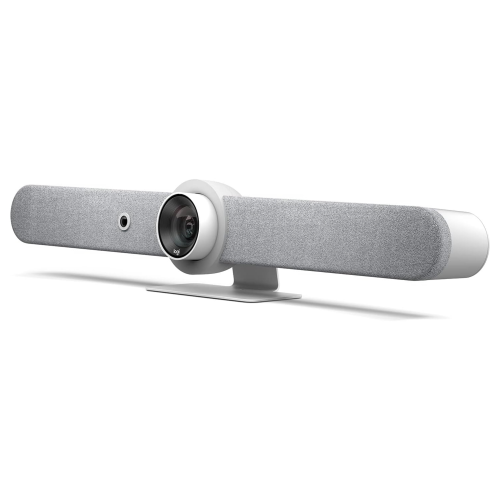
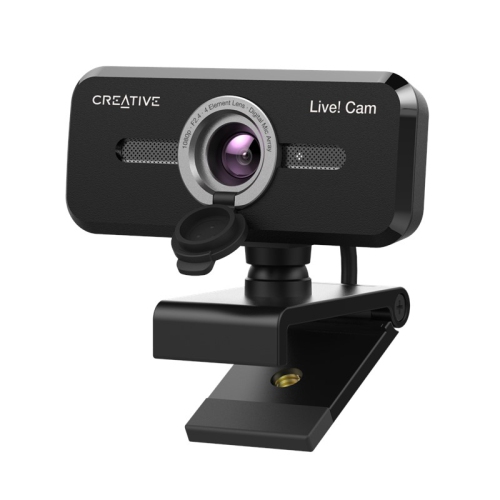
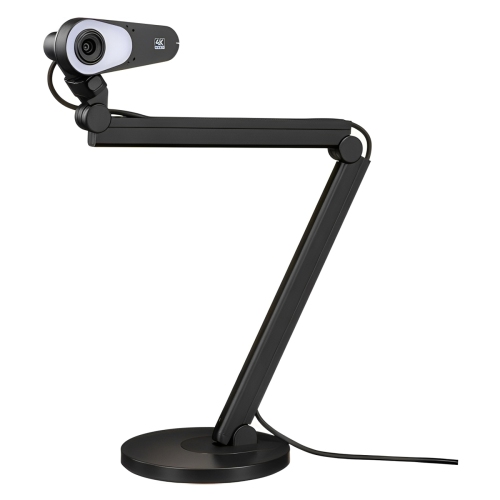
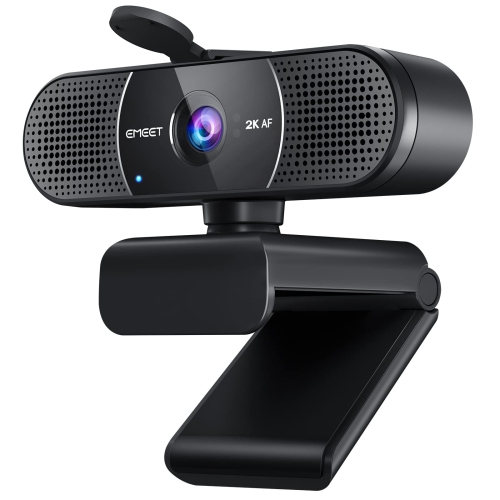
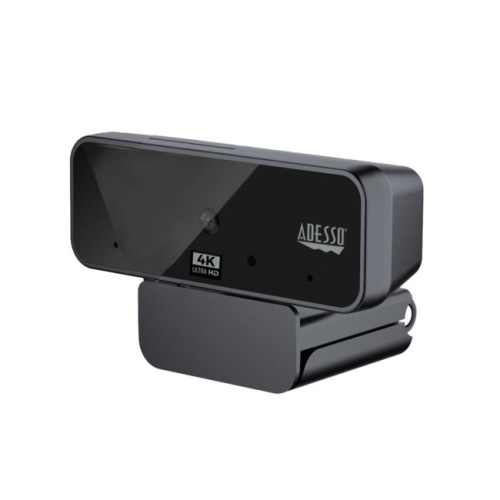
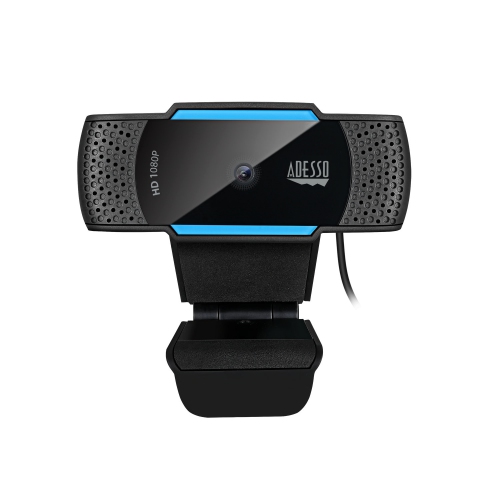
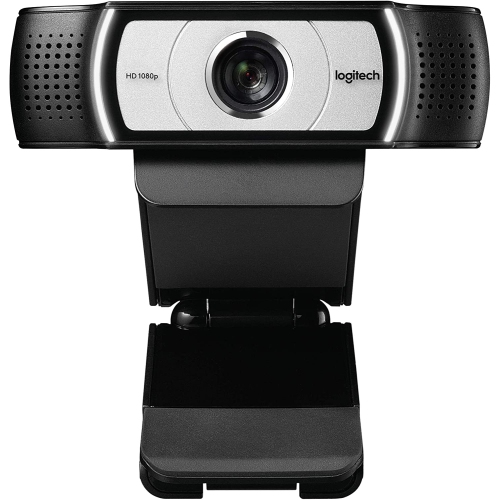
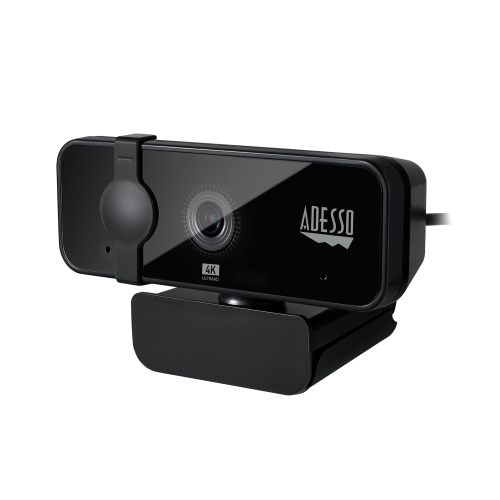
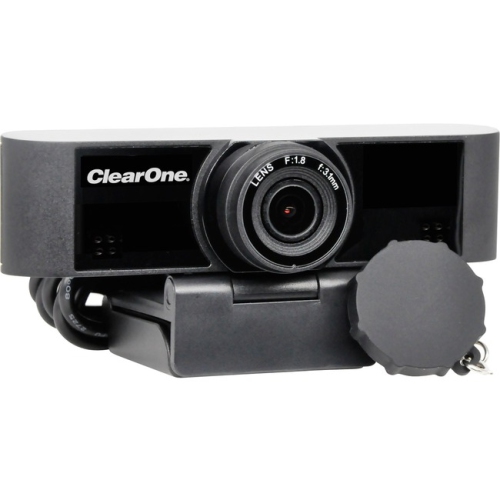
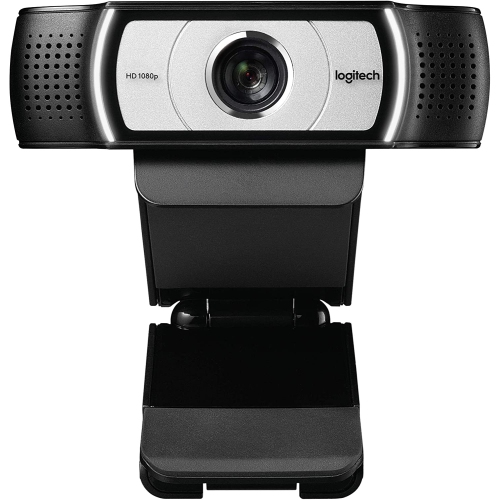
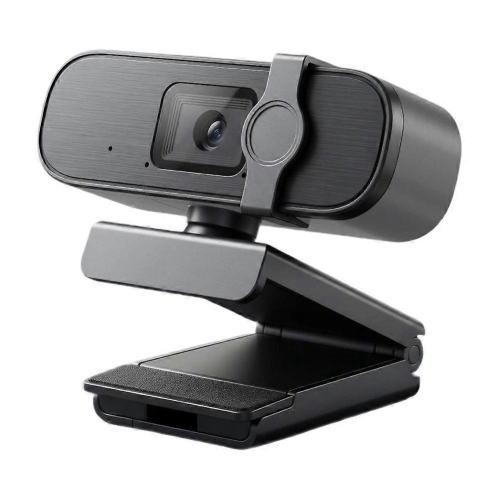
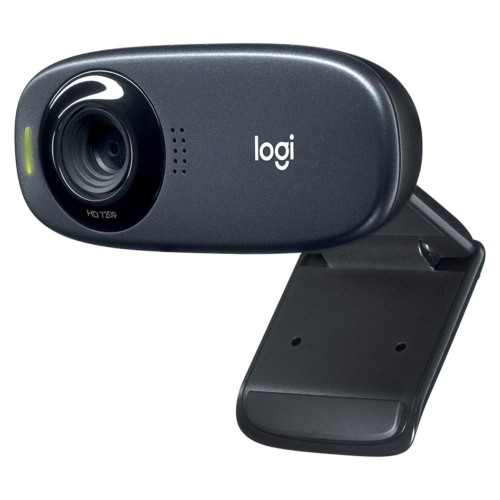
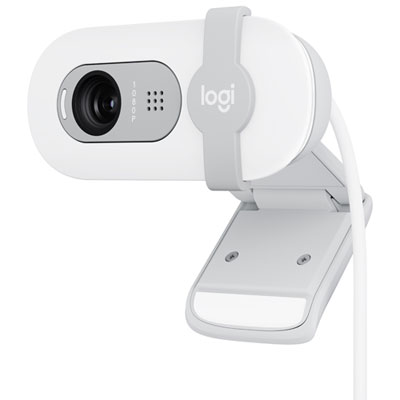
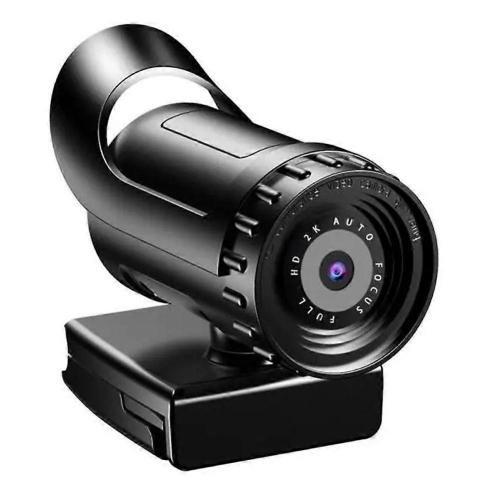
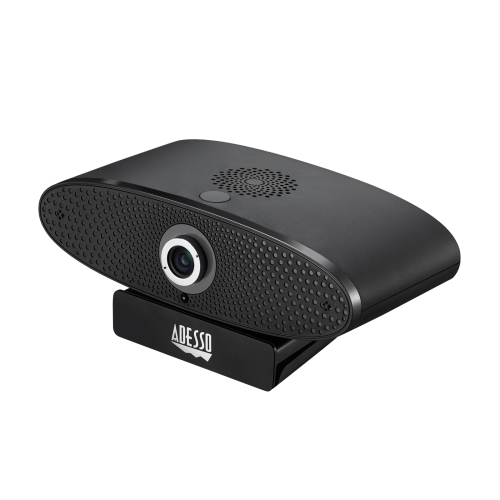
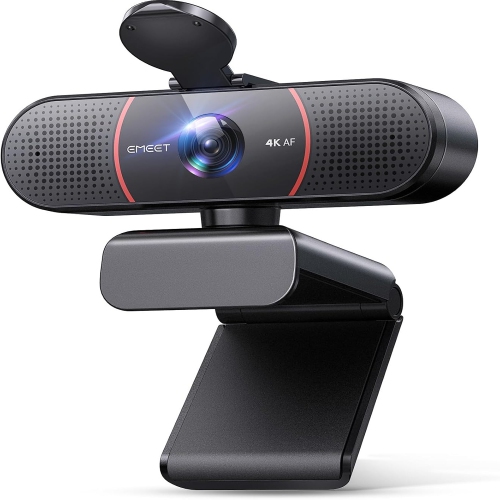
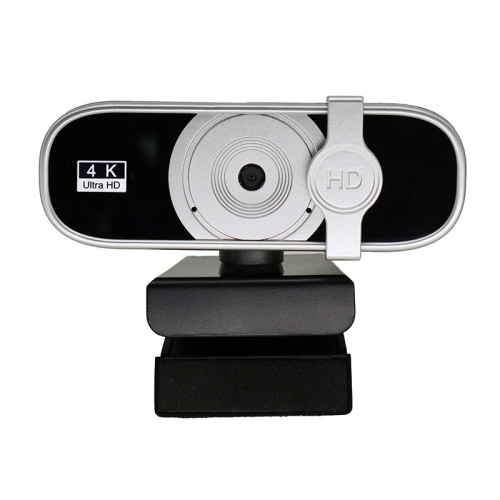
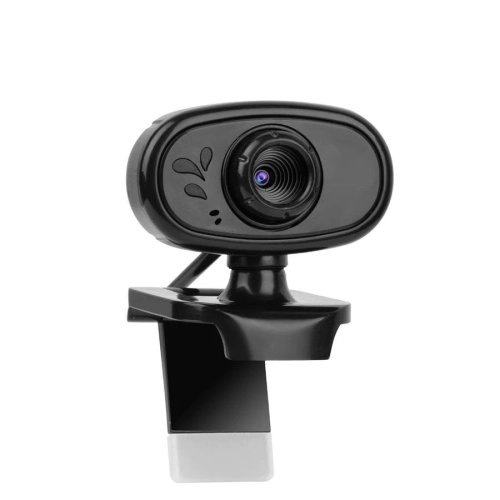
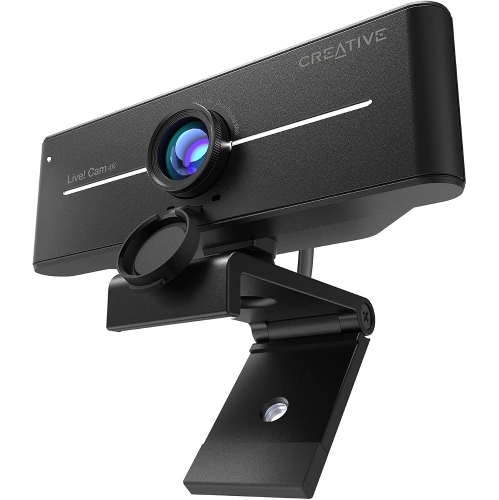
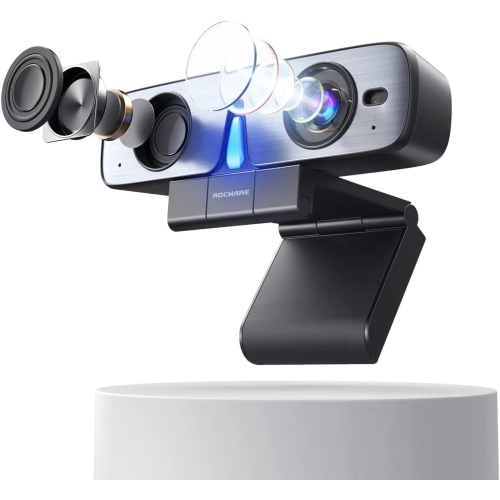
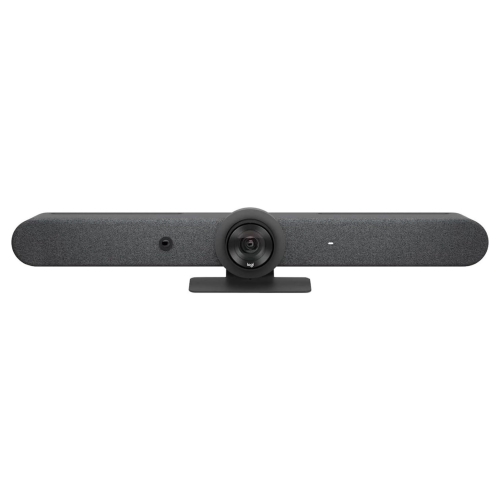
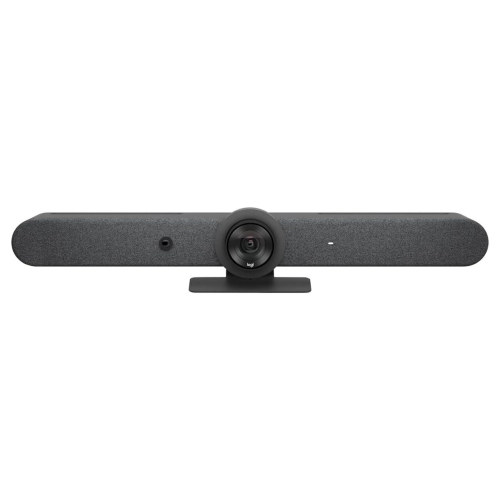
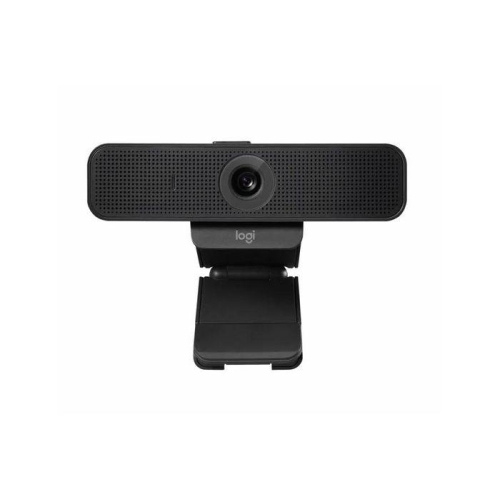
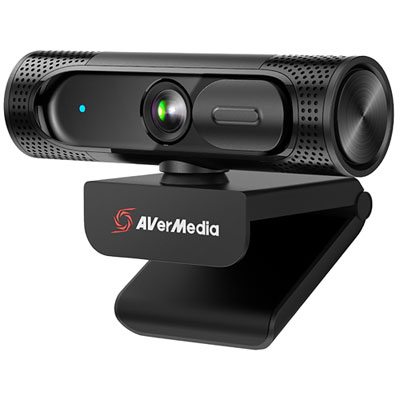
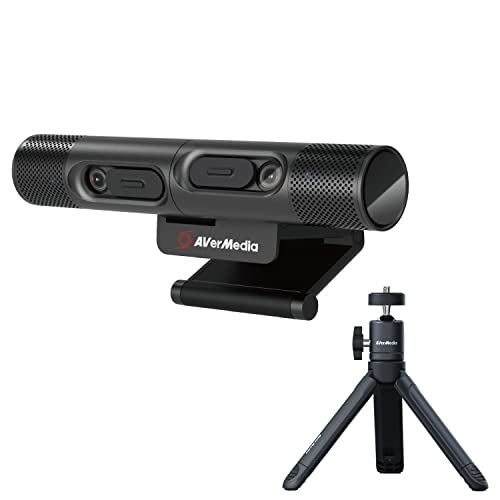
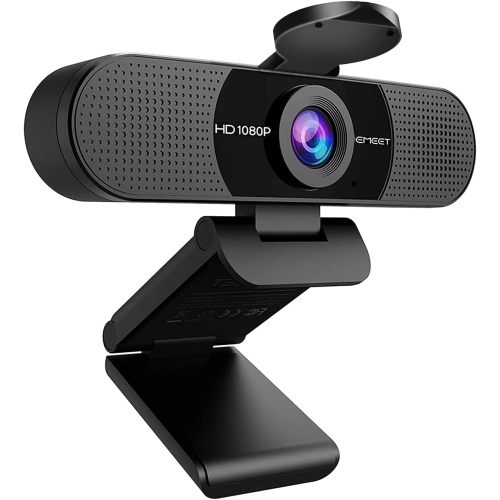
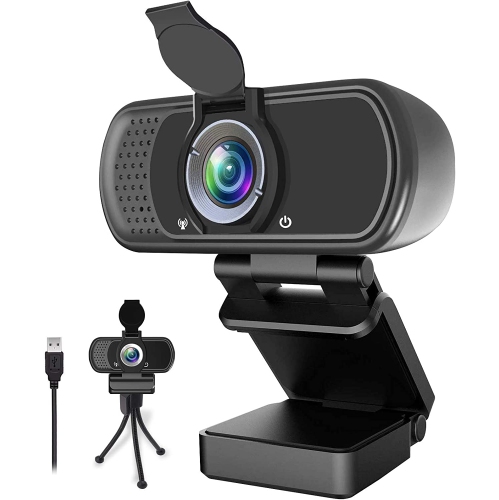
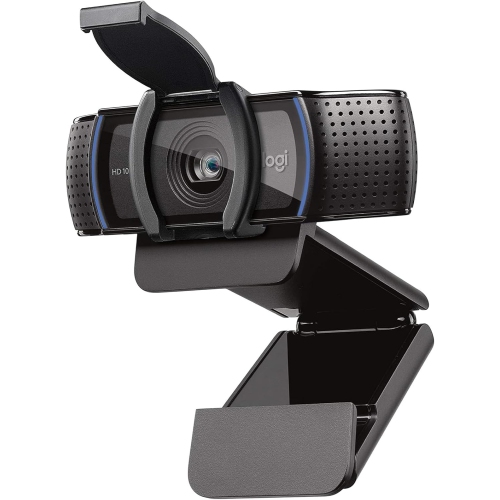
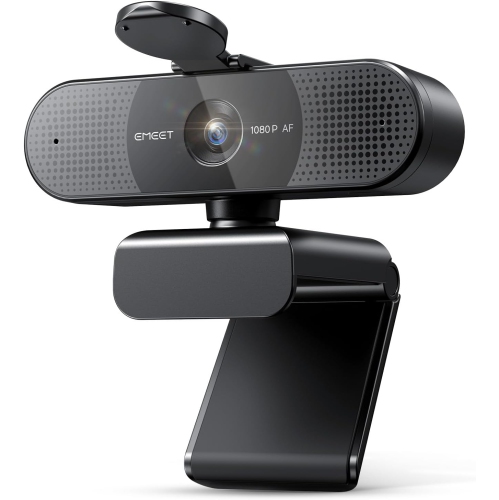
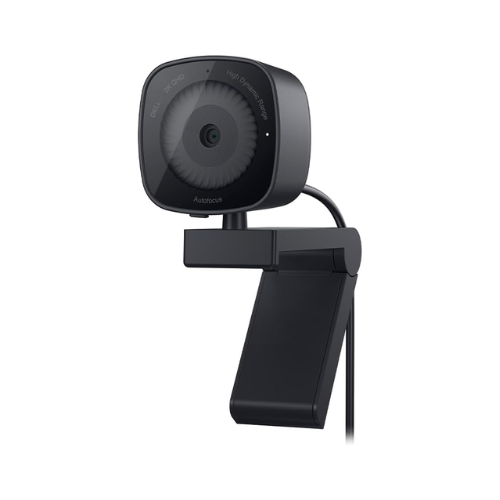
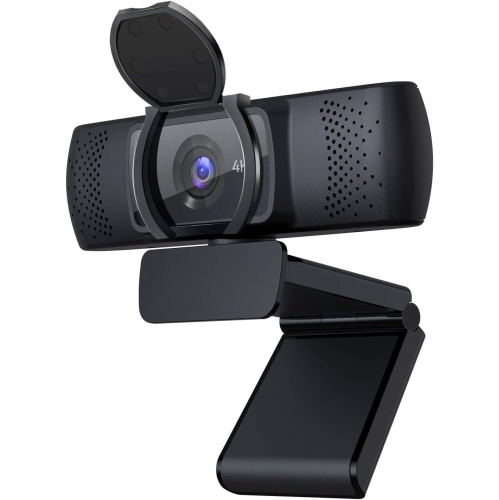
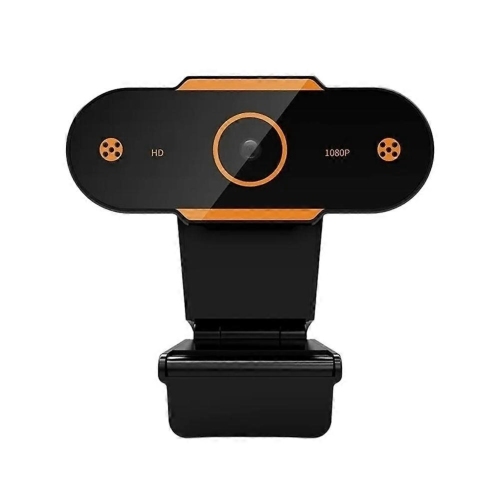
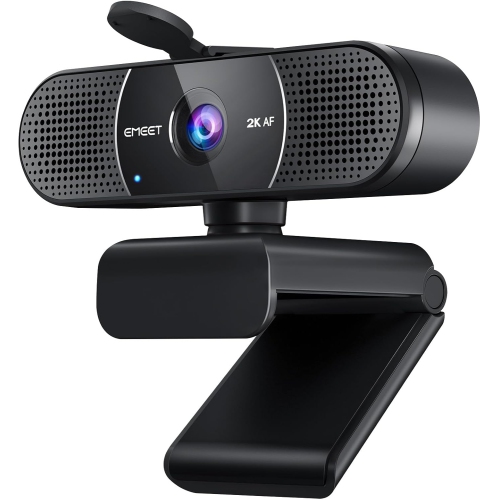
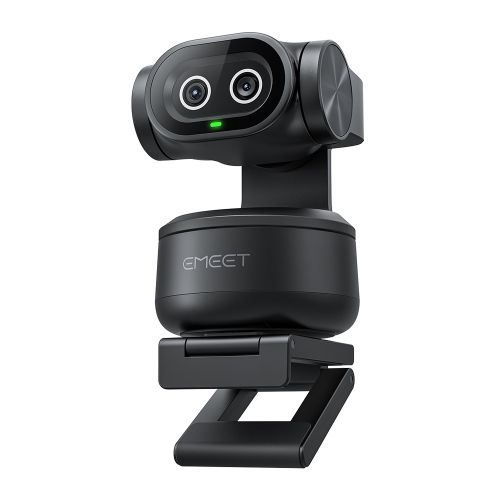
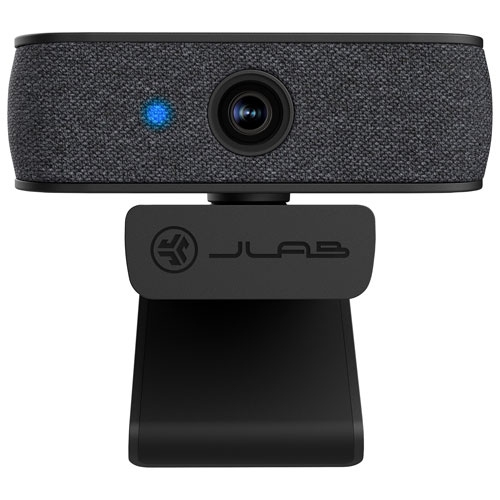
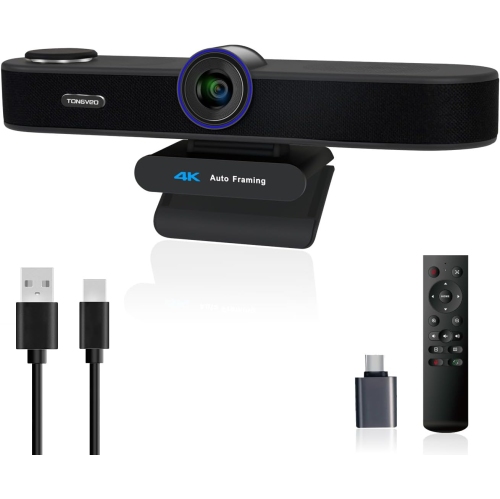
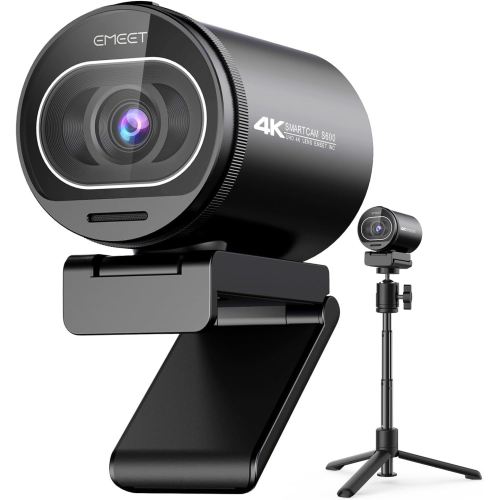
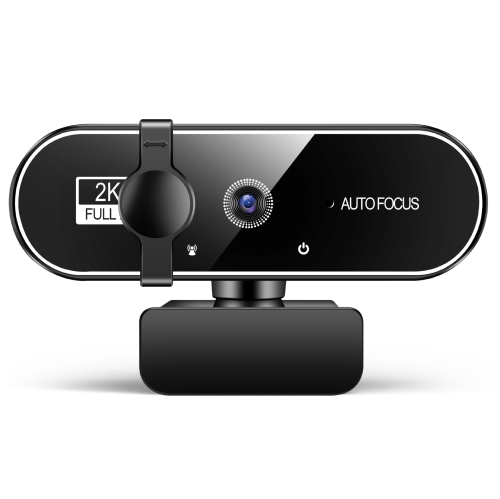
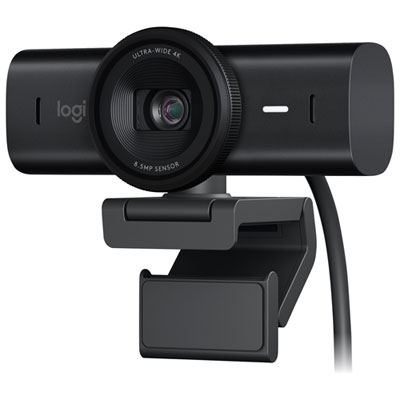
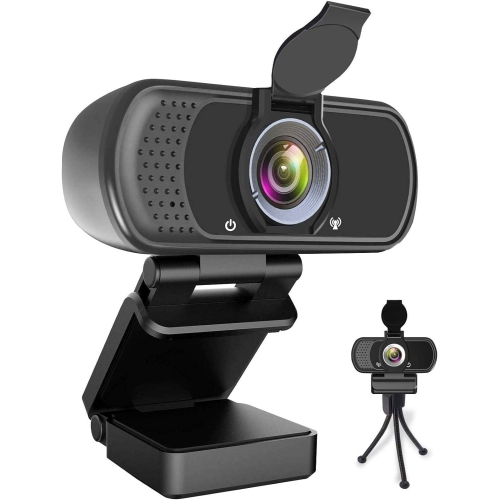
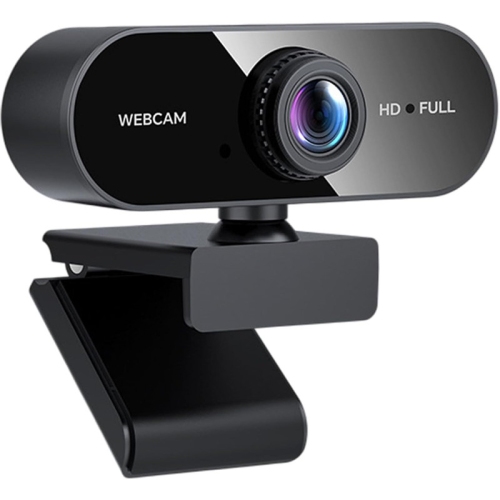
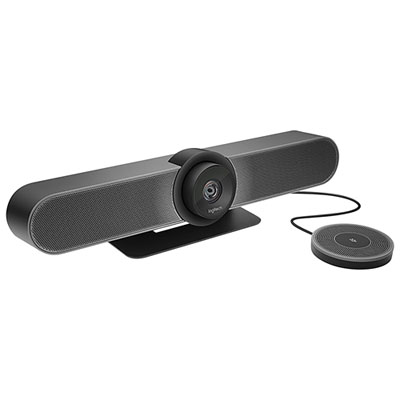
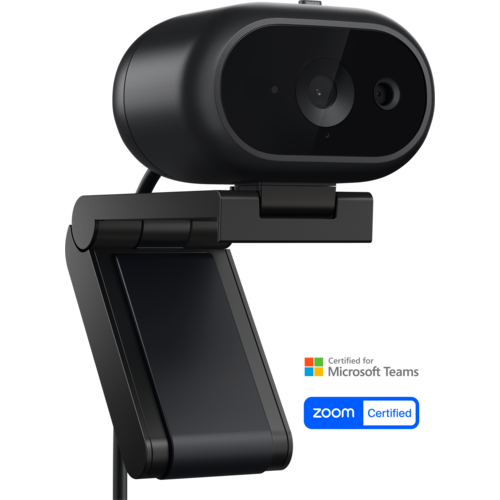
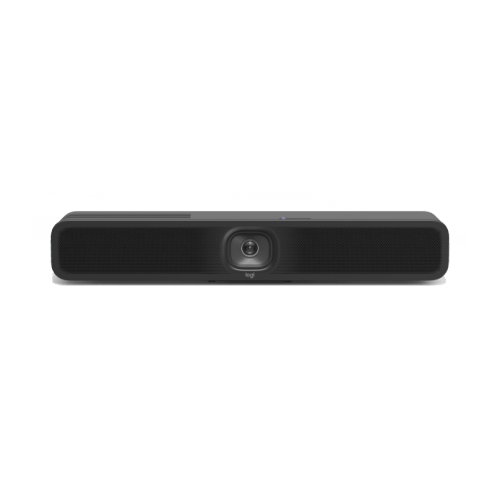
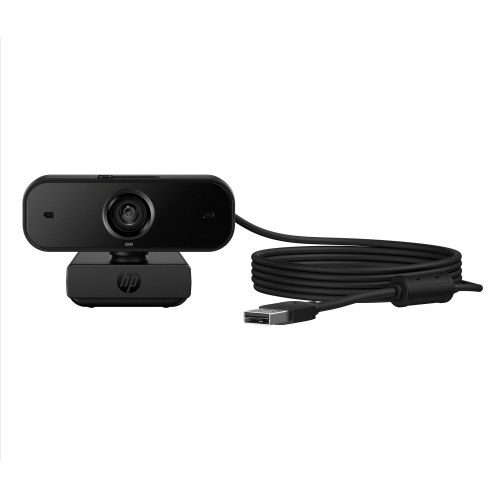
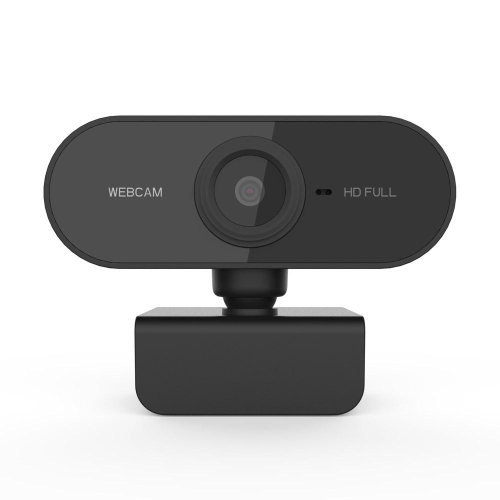
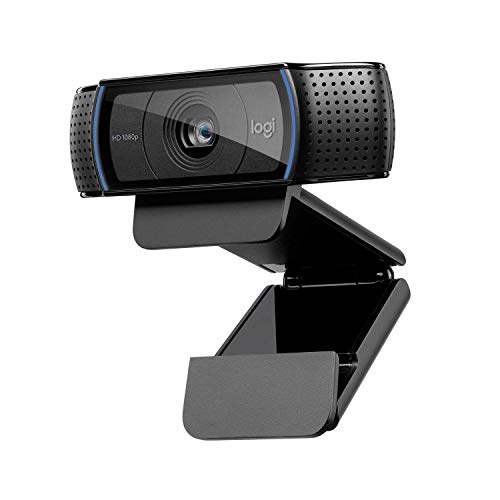
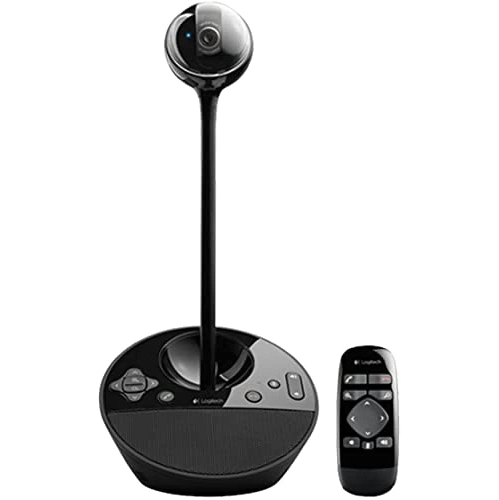
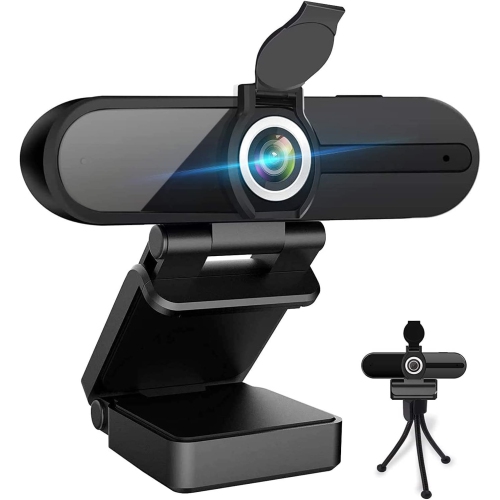
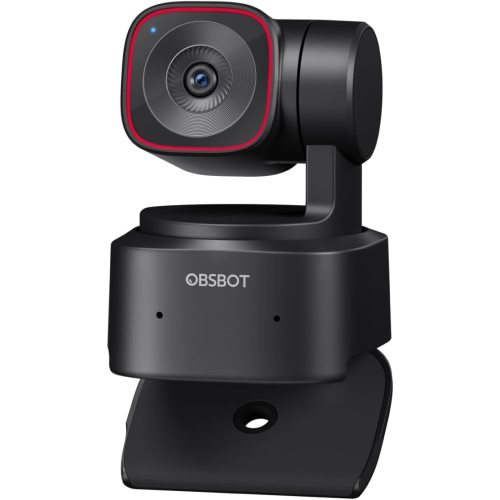
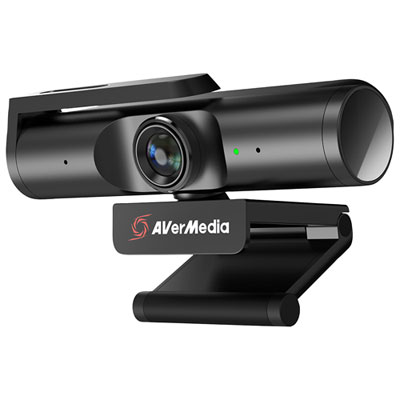
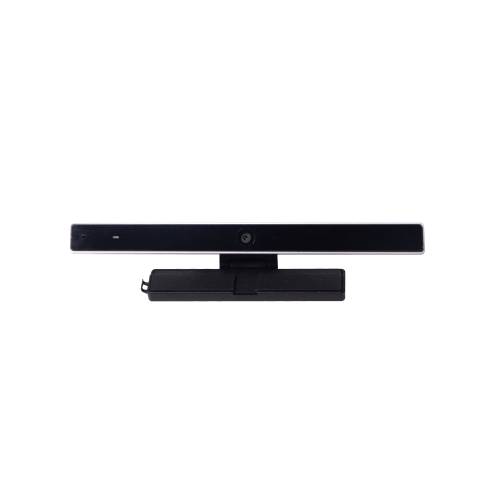
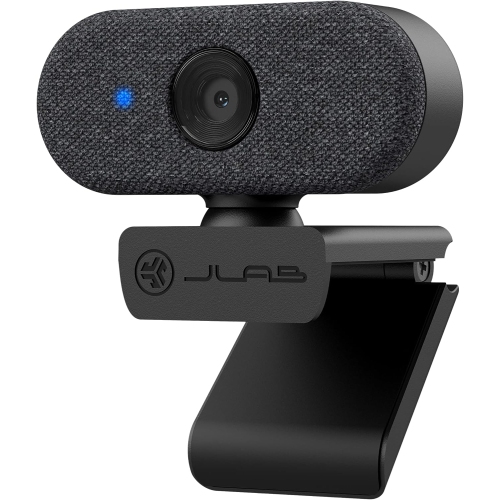
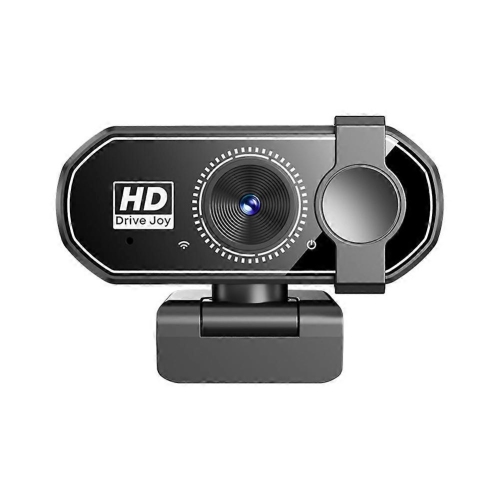
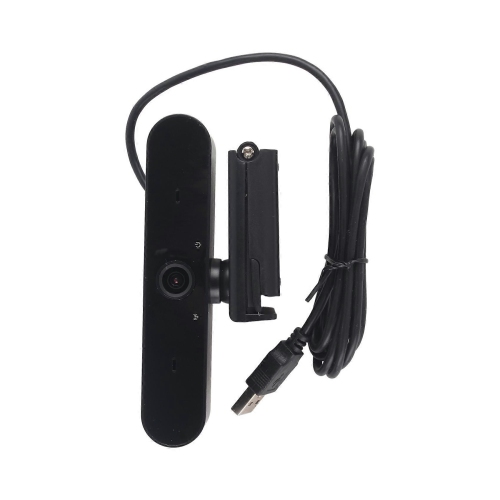
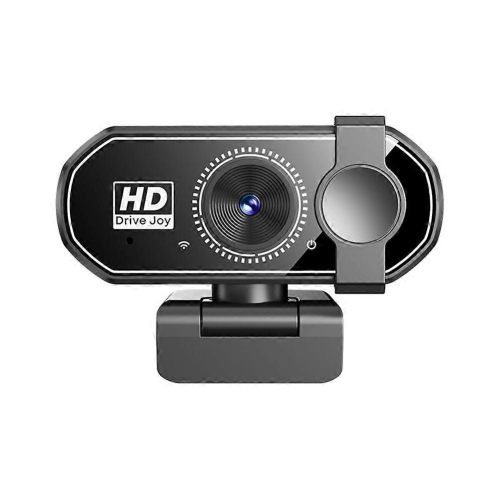
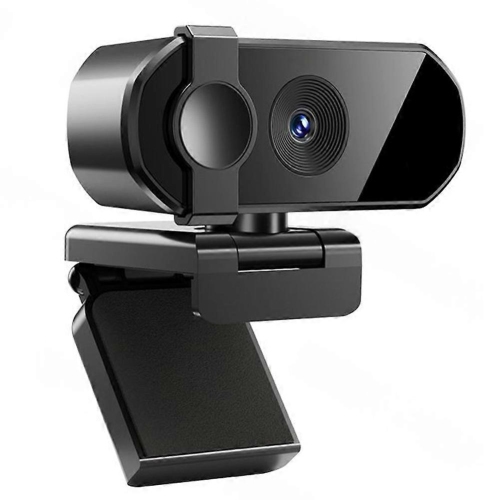
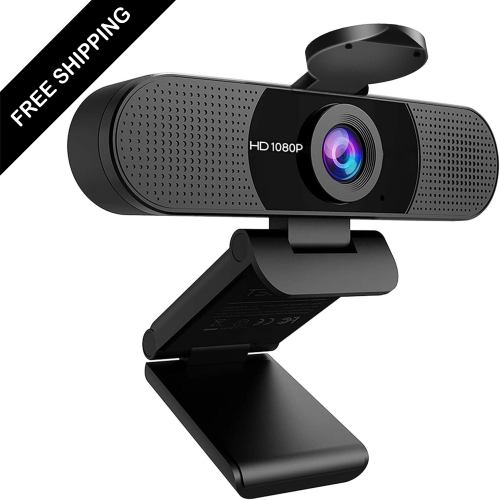
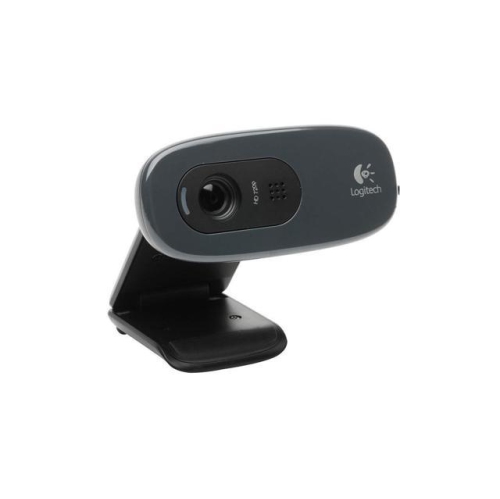
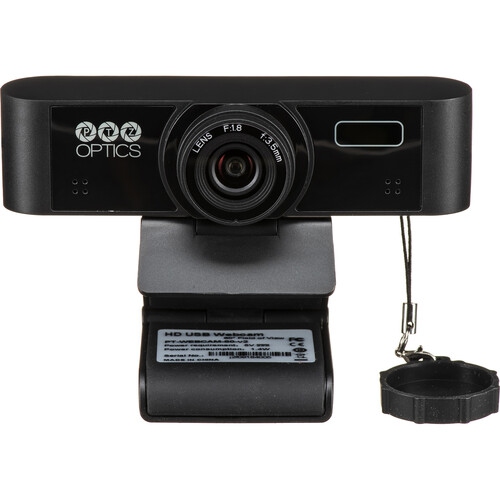
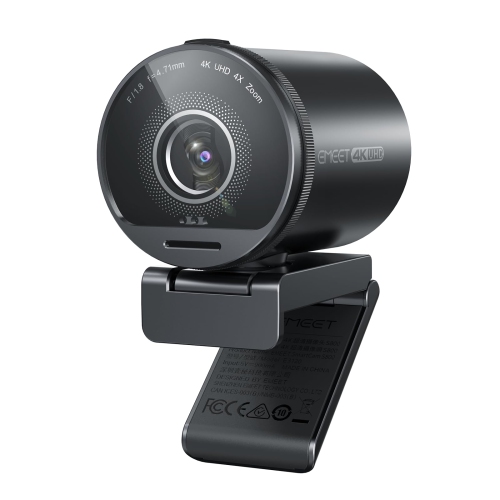
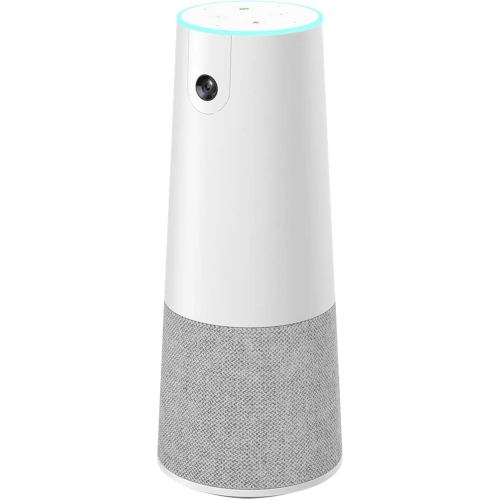
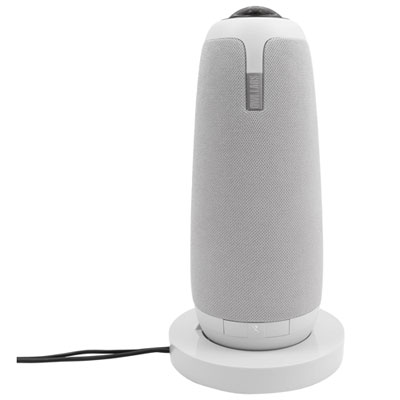
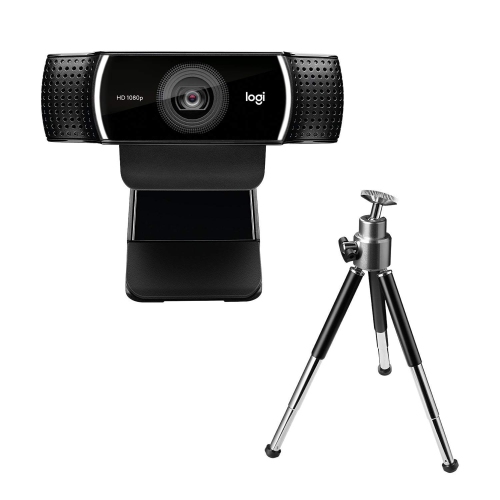
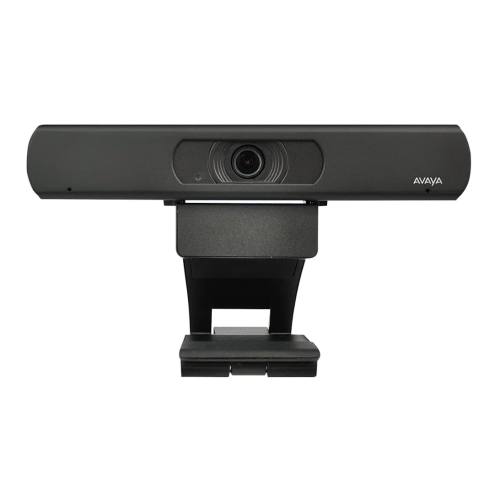
Conference webcams are cameras designed to bring people in a shared meeting space into an online conversation, with a view wide enough to include several participants rather than just one person at a desk. They serve small meeting rooms, larger boardrooms, training spaces, and home offices where two or more people regularly join the same call. Depending on the design, a conference webcam may combine a camera, microphones, and a speaker, or work alongside separate audio equipment. The most useful fit depends on seating distance, room layout, and how people participate. A compact room with three colleagues seated across one side of a table needs a different view from a long boardroom where participants sit several metres from the screen. A wide-angle lens can include nearby seats without forcing everyone to crowd together, while an especially broad view may make faces appear smaller or stretch details near the edges. Some tabletop cameras offer 360-degree coverage, making them suitable for groups seated around a central point. Resolution describes the detail a camera can capture: Full HD provides 1920 × 1080 pixels, while 4K provides 3840 × 2160 pixels. Higher resolution can help preserve facial detail when a supported camera crops into a wider image, though the meeting application and connection may limit the quality others receive. Autofocus helps keep faces sharp as participants move, and automatic exposure adjusts brightness when someone sits beside a window or in front of a bright display. Neither feature replaces thoughtful placement and even lighting. For conversations that move between presenters, automatic framing can adjust the view to include the group, while speaker tracking on supported models can shift attention towards the person talking. These functions vary by camera and software, so their value depends on whether meetings involve seated discussion, standing presentations, or frequent movement around the room.
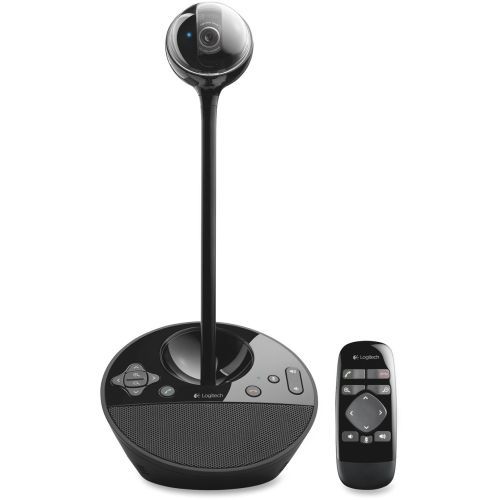
Clear audio is just as important as a useful camera angle, particularly when someone at the far end of a table speaks quietly or a remote participant asks a follow-up question. Built-in microphones offer a straightforward setup, but their stated pickup range should suit the distance between the camera and every seat in use. A microphone array uses several microphones to capture sound; some systems also use directional processing to emphasize speech from particular positions. Noise reduction may lessen steady background sounds, such as ventilation or a computer fan, but it cannot reliably remove every interruption. Acoustic echo cancellation helps prevent sound from a room speaker from returning through the microphones and reaching remote participants as an echo. Where supported, full-duplex audio allows people at both ends of a call to speak at the same time with less clipping, making quick exchanges feel more natural. Larger rooms may benefit from compatible expansion microphones or a separate speakerphone, while a small meeting space may need only an integrated camera and audio unit. Hard surfaces, bare walls, and a long glass table can make speech sound hollow, so soft furnishings and sensible microphone placement matter alongside the hardware. Connection requirements also shape everyday use. USB conference webcams typically connect to a computer running the meeting application, although connector types, required USB speeds, and supported functions differ. A USB-C plug alone does not establish which video modes or power arrangements a device supports. Cable length matters when the computer sits across the room, and longer runs may require a suitable active cable or extension system rather than a basic cable. Compatibility with the operating system and preferred calling platform is worth checking, especially for features such as camera controls, framing, or microphone adjustments. For spaces that alternate between group meetings and individual calls, Webcams for Video Conferencing also covers the broader category of cameras used to connect colleagues, clients, students, and family members on screen.
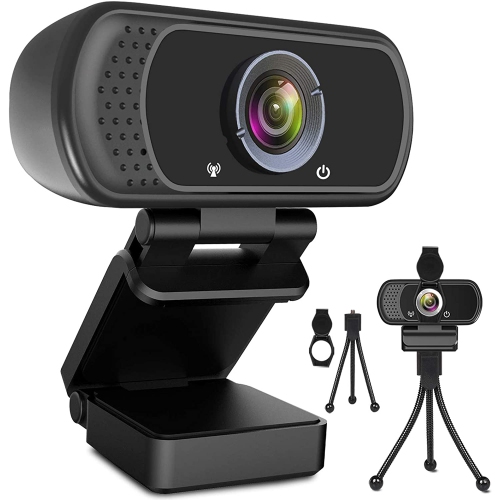
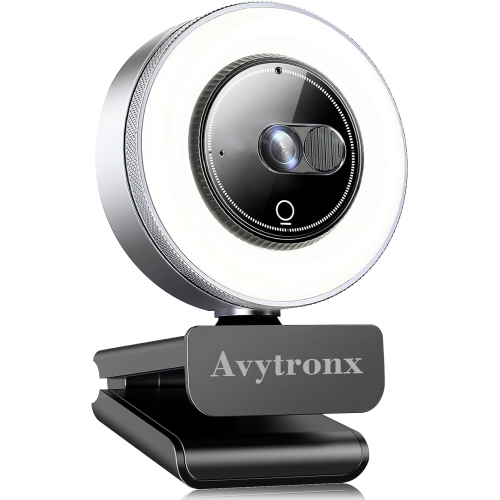
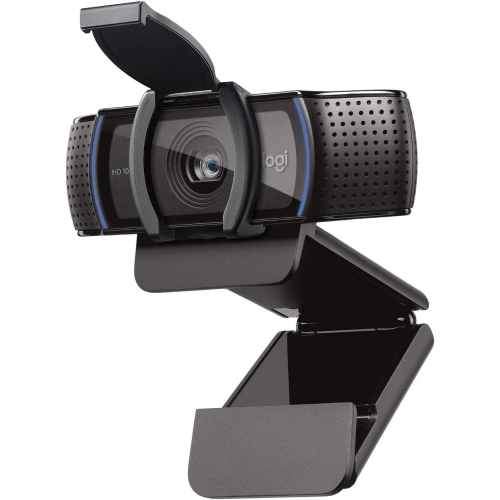
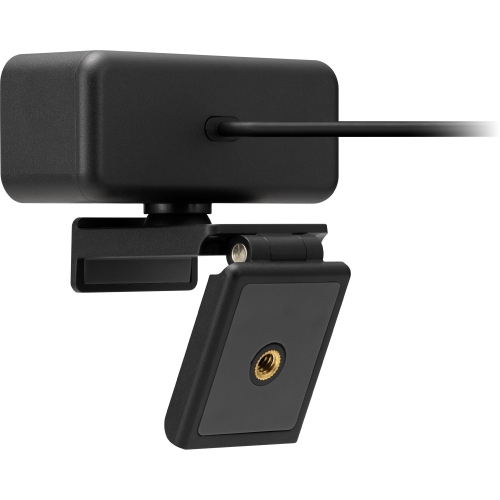
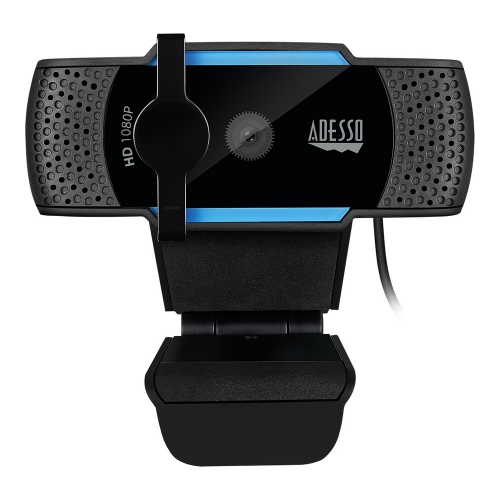
Physical fit makes a noticeable difference to how comfortably a conference webcam works in a room. Monitor clips keep a camera close to the display, tabletop stands allow more flexible positioning, and compatible wall mounts can keep shared surfaces clear. A camera placed near eye level and close to the faces on the screen helps conversation feel more direct; one positioned too low may show mostly the tabletop and leave distant participants partly hidden. Mounting arrangements should match the display thickness, available clearance, and camera weight, with enough room for cables to connect without sharp bends. Some housings use moulded plastic to keep weight manageable, while others include metal stands or mounting components for added rigidity. Neither material alone establishes durability: secure hinges, a stable base, strain relief around connections, and a mount that holds its angle all contribute to reliable daily use. A webcam moved between rooms benefits from a protective case and a simple cable arrangement, whereas a permanently installed camera benefits from tidy routing that keeps leads away from chair wheels and busy walkways. Routine care is usually straightforward. A clean, dry microfibre cloth can remove fingerprints from the lens, following the manufacturer's cleaning directions and avoiding abrasive materials or liquid sprayed directly onto the camera. Dust around microphones and vents should be removed gently without pushing objects into openings. Privacy features deserve attention in shared spaces, too. A physical lens cover blocks the camera's view when closed, but does not necessarily mute the microphone; separate mute controls and clear status indicators make it easier to confirm what is active. Supported firmware updates may improve compatibility or address security issues over time. For an instructor demonstrating a technique, a consultant meeting clients, or a team gathering for a project review, the aim is consistent: faces that are easy to see, voices that are easy to follow, and controls that do not distract from the discussion. A well-matched conference webcam lets participants sit naturally, share ideas, and include remote attendees without repeatedly rearranging the room.
Clear audio is just as important as a useful camera angle, particularly when someone at the far end of a table speaks quietly or a remote participant asks a follow-up question. Built-in microphones offer a straightforward setup, but their stated pickup range should suit the distance between the camera and every seat in use. A microphone array uses several microphones to capture sound; some systems also use directional processing to emphasize speech from particular positions. Noise reduction may lessen steady background sounds, such as ventilation or a computer fan, but it cannot reliably remove every interruption. Acoustic echo cancellation helps prevent sound from a room speaker from returning through the microphones and reaching remote participants as an echo. Where supported, full-duplex audio allows people at both ends of a call to speak at the same time with less clipping, making quick exchanges feel more natural. Larger rooms may benefit from compatible expansion microphones or a separate speakerphone, while a small meeting space may need only an integrated camera and audio unit. Hard surfaces, bare walls, and a long glass table can make speech sound hollow, so soft furnishings and sensible microphone placement matter alongside the hardware. Connection requirements also shape everyday use. USB conference webcams typically connect to a computer running the meeting application, although connector types, required USB speeds, and supported functions differ. A USB-C plug alone does not establish which video modes or power arrangements a device supports. Cable length matters when the computer sits across the room, and longer runs may require a suitable active cable or extension system rather than a basic cable. Compatibility with the operating system and preferred calling platform is worth checking, especially for features such as camera controls, framing, or microphone adjustments. For spaces that alternate between group meetings and individual calls, Webcams for Video Conferencing also covers the broader category of cameras used to connect colleagues, clients, students, and family members on screen.
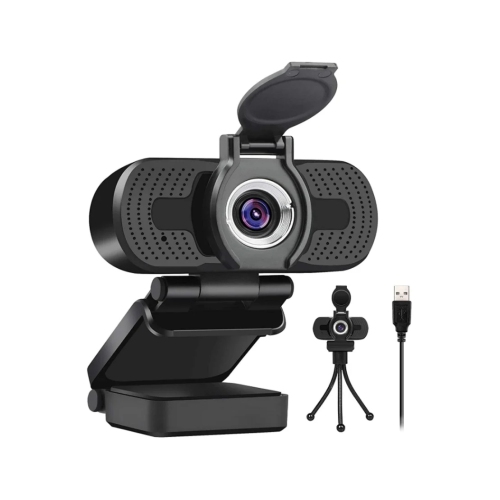
Physical fit makes a noticeable difference to how comfortably a conference webcam works in a room. Monitor clips keep a camera close to the display, tabletop stands allow more flexible positioning, and compatible wall mounts can keep shared surfaces clear. A camera placed near eye level and close to the faces on the screen helps conversation feel more direct; one positioned too low may show mostly the tabletop and leave distant participants partly hidden. Mounting arrangements should match the display thickness, available clearance, and camera weight, with enough room for cables to connect without sharp bends. Some housings use moulded plastic to keep weight manageable, while others include metal stands or mounting components for added rigidity. Neither material alone establishes durability: secure hinges, a stable base, strain relief around connections, and a mount that holds its angle all contribute to reliable daily use. A webcam moved between rooms benefits from a protective case and a simple cable arrangement, whereas a permanently installed camera benefits from tidy routing that keeps leads away from chair wheels and busy walkways. Routine care is usually straightforward. A clean, dry microfibre cloth can remove fingerprints from the lens, following the manufacturer's cleaning directions and avoiding abrasive materials or liquid sprayed directly onto the camera. Dust around microphones and vents should be removed gently without pushing objects into openings. Privacy features deserve attention in shared spaces, too. A physical lens cover blocks the camera's view when closed, but does not necessarily mute the microphone; separate mute controls and clear status indicators make it easier to confirm what is active. Supported firmware updates may improve compatibility or address security issues over time. For an instructor demonstrating a technique, a consultant meeting clients, or a team gathering for a project review, the aim is consistent: faces that are easy to see, voices that are easy to follow, and controls that do not distract from the discussion. A well-matched conference webcam lets participants sit naturally, share ideas, and include remote attendees without repeatedly rearranging the room.
Top selling and popular products
-
 Your price for this item is $79.99
 -
 Your price for this item is $123.44
 -
 Your price for this item is $27.98
 -
 Your price for this item is $48.49
 -
 Your price for this item is $149.99
 -
 Your price for this item is $249.99
 -
 Your price for this item is $49.99
 -
 Your price for this item is $34.99
Discover more categories related to Conference Webcams
Top Collections:
Pokemon Centers, Best Cameras for Sports Photography, Kindle Devices, Samsung Galaxy Phones, Canon G7X Cameras, Pokémon 30th Celebration Cards, Refurbished Apple Laptops, iPhone 15 Apple, Laptops for Students, Budget Smartphones
Some products may be subject to Environmental Handling Fees
(EHF) depending on your province.
Learn more about EHFs.