Desktop Computers With Dual Monitor Capability
Upgrade your workspace and boost productivity with a desktop computer with dual monitor capability. Perfect for multitasking, creative projects, or managing multiple applications at once, these desktops offer the flexibility to connect two monitors for an enhanced viewing experience. Whether you’re working from home, gaming, or editing media, choosing a desktop computer with dual monitor capability makes it easier to stay organized and efficient. Explore a wide selection of options to find the ideal setup for your needs.
Sort

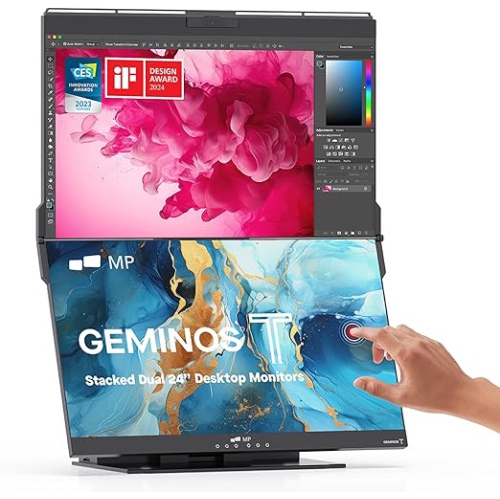
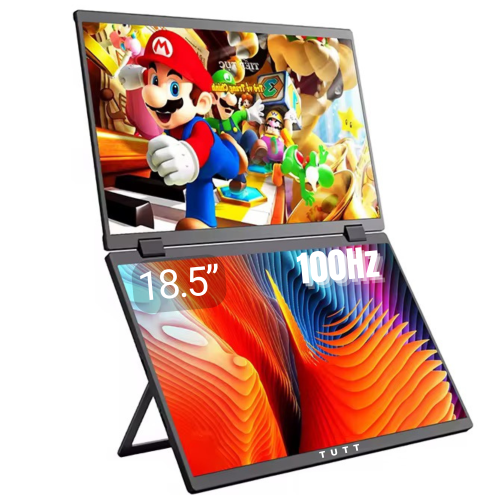
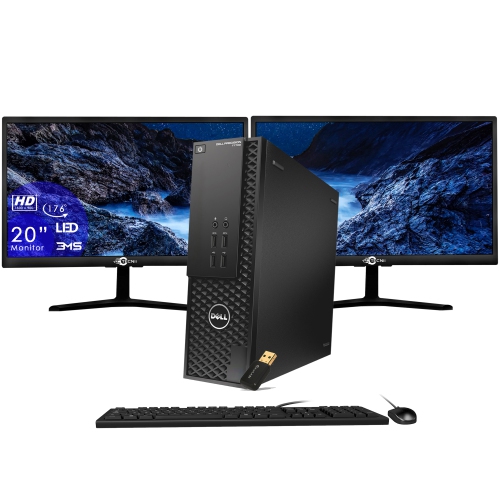
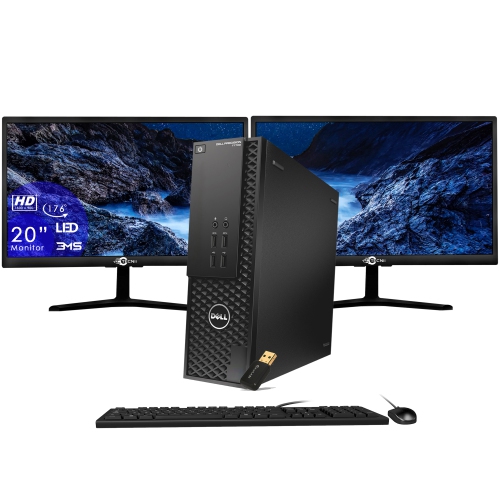
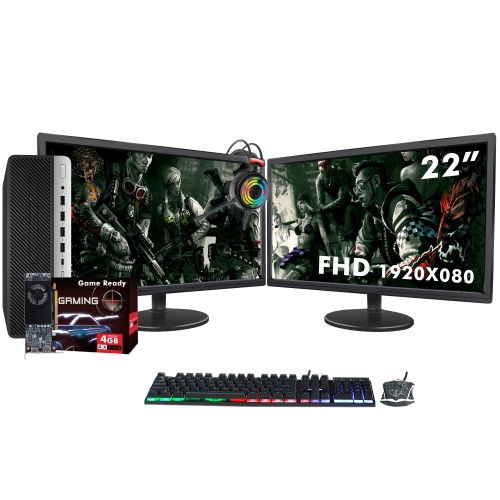
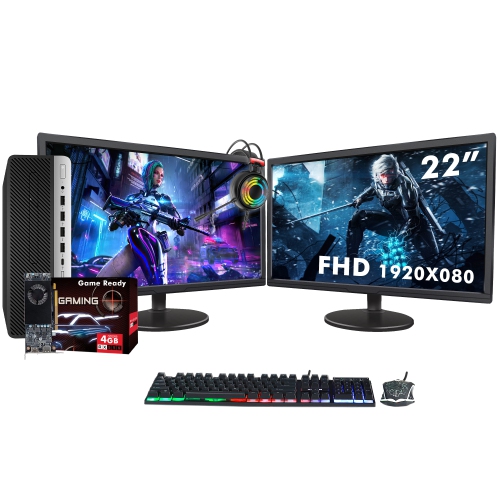
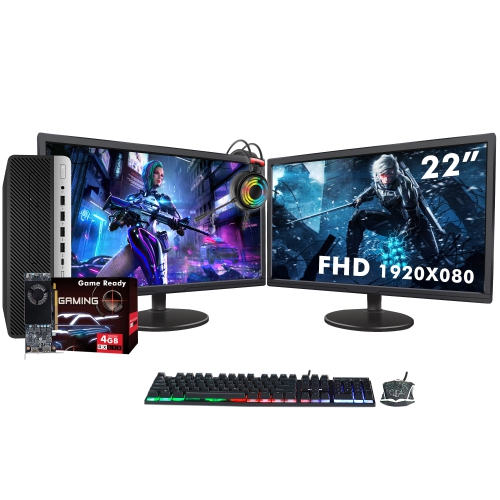
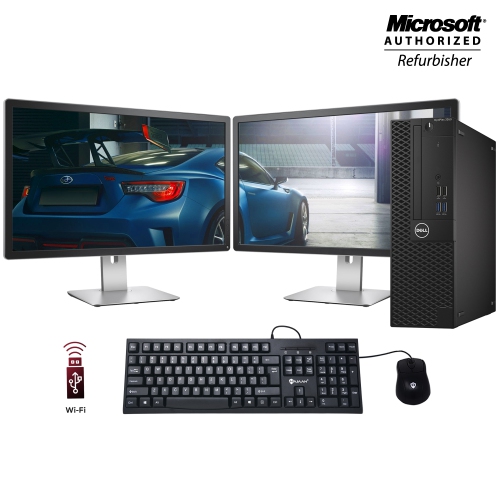
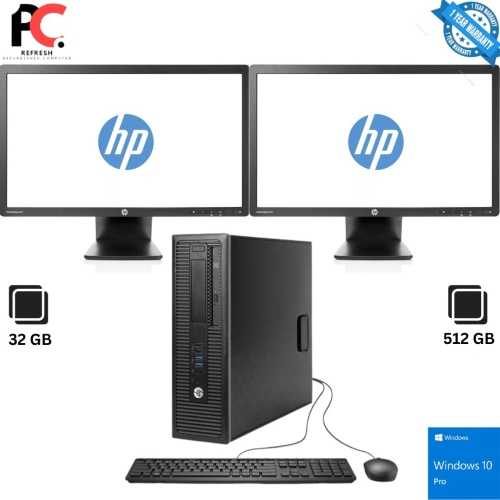
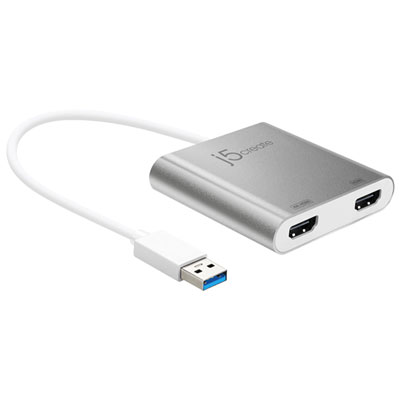

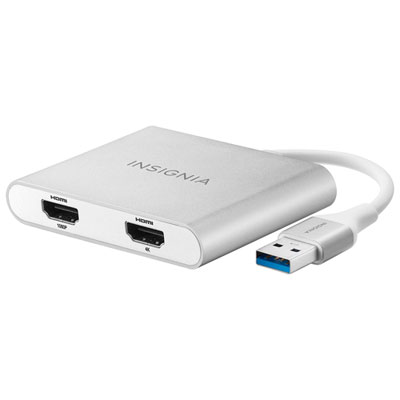


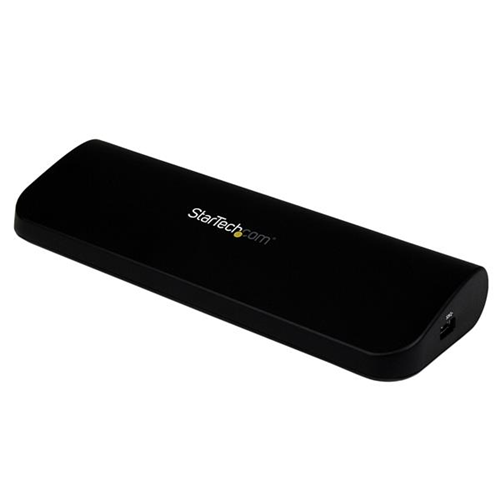
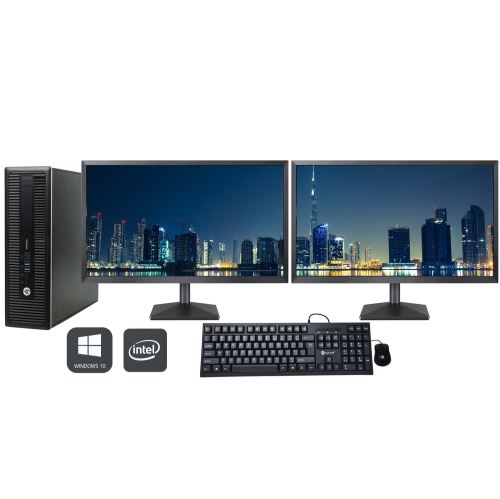
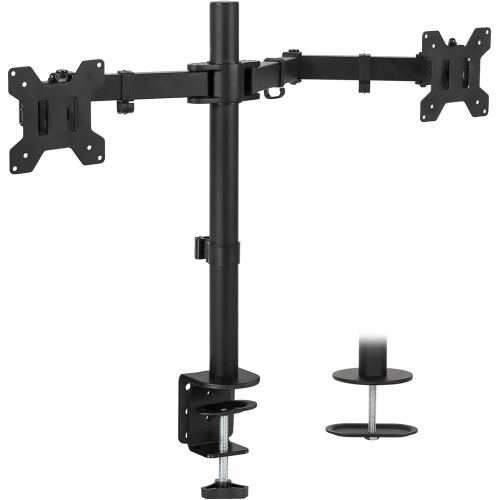

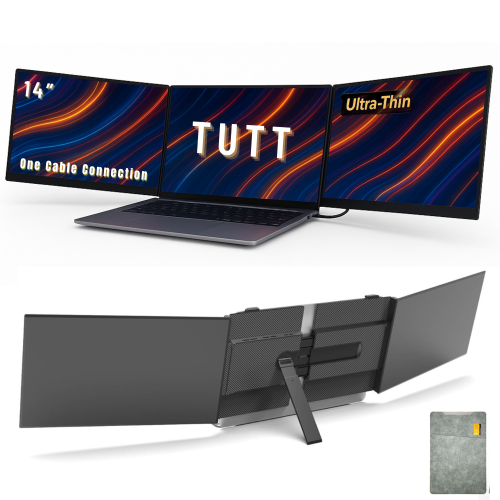

More screen space for smoother multitasking and productivity
Desktop computers with dual monitor capability have become a cornerstone for anyone seeking to maximize their workspace, whether at home, in a professional office, or as part of a creative studio. As the weather shifts and routines evolve through summer into fall, many people find themselves upgrading their workstations or preparing learning environments for students and professionals alike. A desktop PC dual monitor setup is especially valuable for those who manage multiple tasks at once—think graphic designers editing images on one screen while referencing inspiration on another, analysts comparing data sets side by side, or remote workers keeping video calls open while managing projects simultaneously. The expanded digital real estate offered by dual monitors can transform how you interact with your computer, minimizing the need to constantly switch between windows and making multitasking smoother and more intuitive. This type of configuration is also a thoughtful gift for students heading into a new academic year, professionals setting up a home office, or anyone passionate about gaming, content creation, or streaming, where simultaneous access to multiple applications is a game-changer.
When considering desktop computers with dual monitor capability, there are a few important features to keep in mind to ensure a seamless experience. Look for PCs equipped with at least two dedicated video outputs—such as HDMI, DisplayPort, or USB-C—to support dual screens without the need for extra adapters. Many modern desktops, including compact towers and all-in-one systems, are designed with dual monitor setups in mind, offering the flexibility to connect different types of displays. For those who demand higher performance, systems with a minimum of 16GB RAM and an Intel Core i5 or better processor can deliver smooth multitasking across both screens, even when running demanding applications. Graphics capabilities are also crucial: while dedicated graphics cards are ideal for 4K or design-intensive work, the integrated graphics in many current processors are more than capable of handling everyday dual monitor tasks. For those on a budget or looking for reliable value, refurbished office PCs often feature robust dual monitor support, making them a practical choice for expanding your workspace without breaking the bank. Whether you’re setting up a new office, refreshing your study area, or building a gaming command centre, a desktop PC with dual monitor support can help you stay organized and productive as your needs change throughout the year.
Creating an efficient dual monitor setup is about more than just the hardware—it’s about designing a workspace that fits your lifestyle and enhances your productivity. As you browse for desktop computers with dual monitor capability, consider how your workflow might evolve with the addition of a second screen. Imagine editing documents while referencing research, keeping communication tools open during video conferences, or enjoying immersive gaming experiences with extended visuals. The versatility of these systems makes them suitable for a wide range of users, from busy professionals to students and hobbyists. For inspiration on how to arrange your workspace and get the most out of your new setup, visit our Dual Monitors Home Office Setup page, where you’ll find ideas and accessories to help you build a comfortable and productive environment. With the right desktop PC dual monitor configuration, you can enjoy a more organized, efficient, and enjoyable computing experience, whether you’re working, studying, or relaxing as the seasons change.
When considering desktop computers with dual monitor capability, there are a few important features to keep in mind to ensure a seamless experience. Look for PCs equipped with at least two dedicated video outputs—such as HDMI, DisplayPort, or USB-C—to support dual screens without the need for extra adapters. Many modern desktops, including compact towers and all-in-one systems, are designed with dual monitor setups in mind, offering the flexibility to connect different types of displays. For those who demand higher performance, systems with a minimum of 16GB RAM and an Intel Core i5 or better processor can deliver smooth multitasking across both screens, even when running demanding applications. Graphics capabilities are also crucial: while dedicated graphics cards are ideal for 4K or design-intensive work, the integrated graphics in many current processors are more than capable of handling everyday dual monitor tasks. For those on a budget or looking for reliable value, refurbished office PCs often feature robust dual monitor support, making them a practical choice for expanding your workspace without breaking the bank. Whether you’re setting up a new office, refreshing your study area, or building a gaming command centre, a desktop PC with dual monitor support can help you stay organized and productive as your needs change throughout the year.
Creating an efficient dual monitor setup is about more than just the hardware—it’s about designing a workspace that fits your lifestyle and enhances your productivity. As you browse for desktop computers with dual monitor capability, consider how your workflow might evolve with the addition of a second screen. Imagine editing documents while referencing research, keeping communication tools open during video conferences, or enjoying immersive gaming experiences with extended visuals. The versatility of these systems makes them suitable for a wide range of users, from busy professionals to students and hobbyists. For inspiration on how to arrange your workspace and get the most out of your new setup, visit our Dual Monitors Home Office Setup page, where you’ll find ideas and accessories to help you build a comfortable and productive environment. With the right desktop PC dual monitor configuration, you can enjoy a more organized, efficient, and enjoyable computing experience, whether you’re working, studying, or relaxing as the seasons change.
Top selling and popular products
-
 Your price for this item is $299
 -
 Your price for this item is $599
 -
 Your price for this item is $94.99
 -
 Your price for this item is $329.99
 -
 Your price for this item is $499
 -
 Your price for this item is $265.99
 -
 Your price for this item is $1299.97
 -
 Your price for this item is $249.99
Discover more categories related to Desktop Computers With Dual Monitor Capability
Top Collections:
Pokemon Centers, Kindle Devices, Best Budget Office Chairs, Apple iPhones 16, Best Laptops for Writers, iPhone 15 Apple, Canon G7X Cameras, Refurbished Apple Laptops, Alarm Clock, Motorola Razr Phones
Some products may be subject to Environmental Handling Fees
(EHF) depending on your province.
Learn more about EHFs.