English Keyboards
Looking for an English keyboard that perfectly suits your typing needs? Look no further! Our extensive collection of English keyboards offers a wide range of options to enhance your typing experience. Whether you're a student, a professional, or simply someone who loves to type, our selection has something for everyone. From sleek and compact designs to ergonomic layouts, we have the perfect English keyboard to meet your preferences. Here are some great options available.
Sort



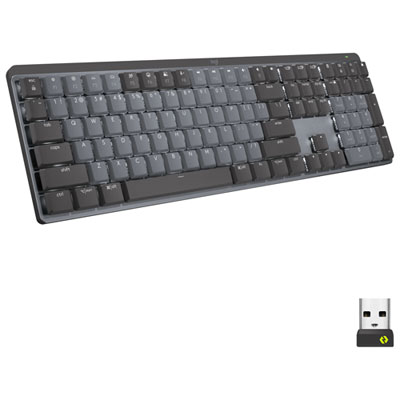
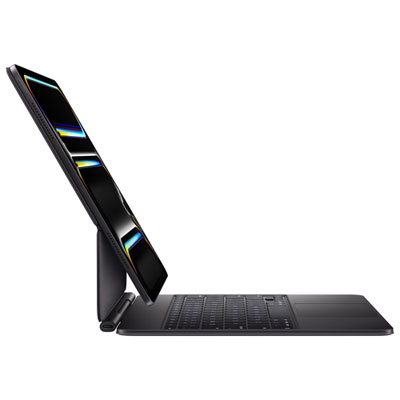
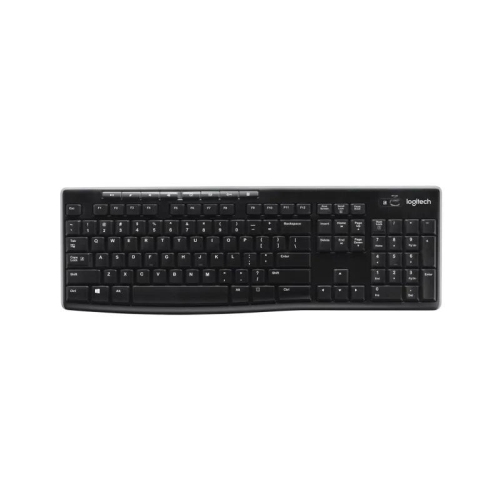
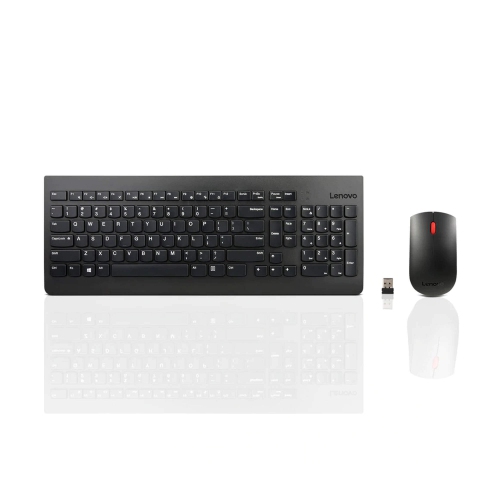
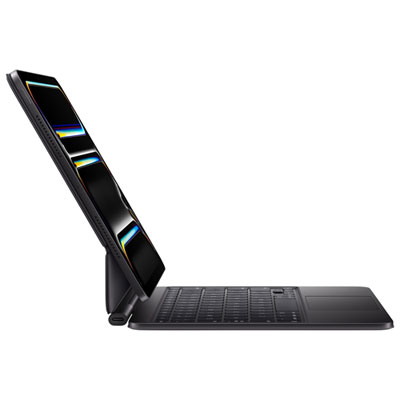
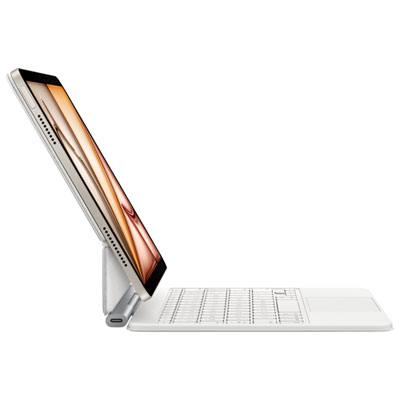
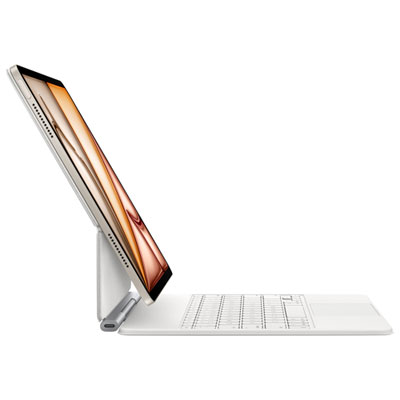
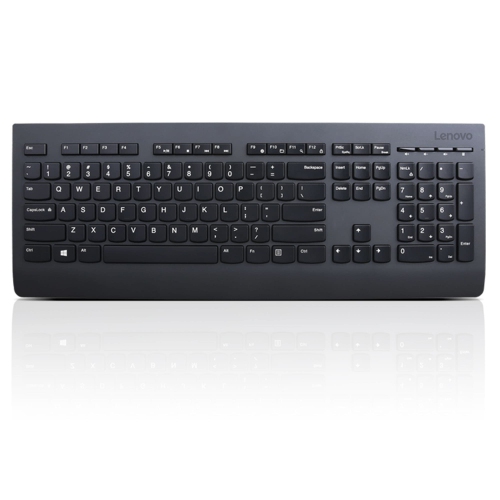
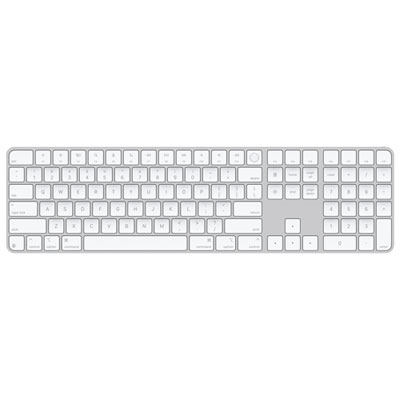

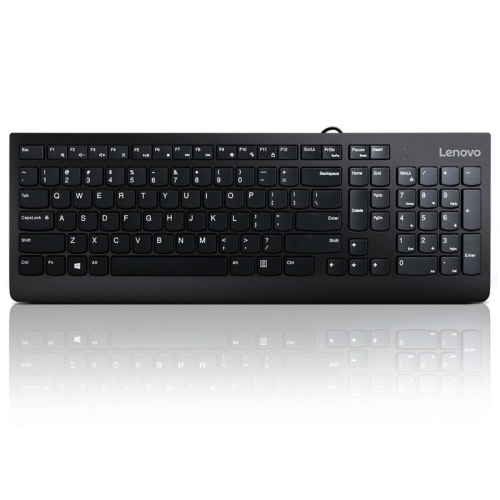
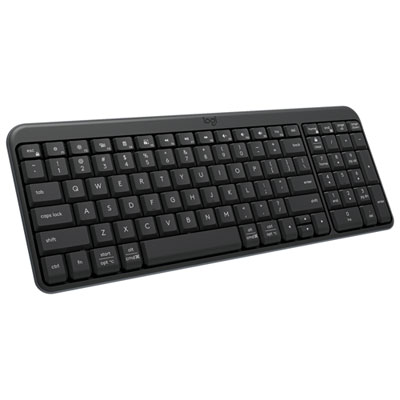
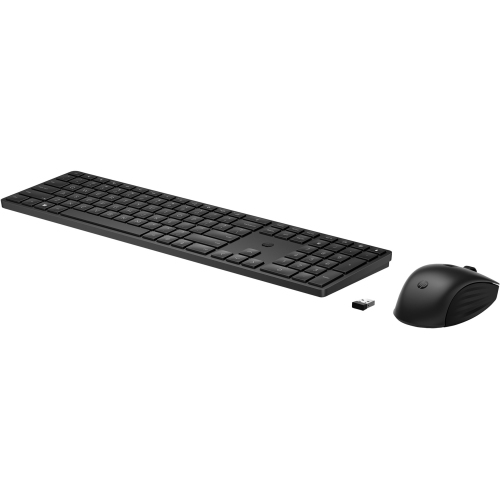
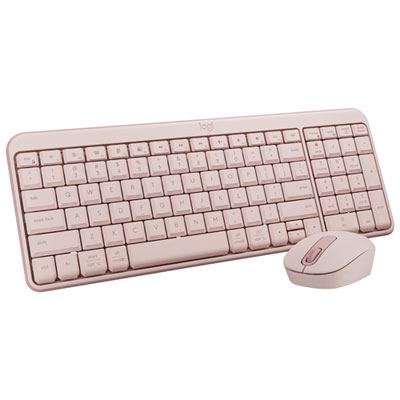
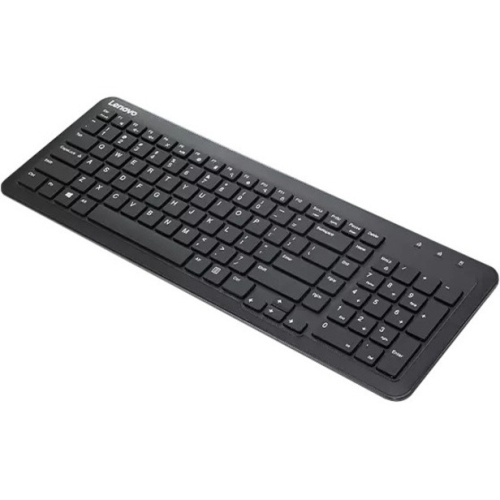

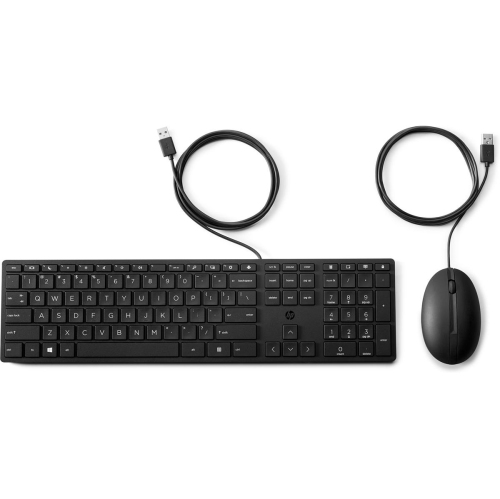
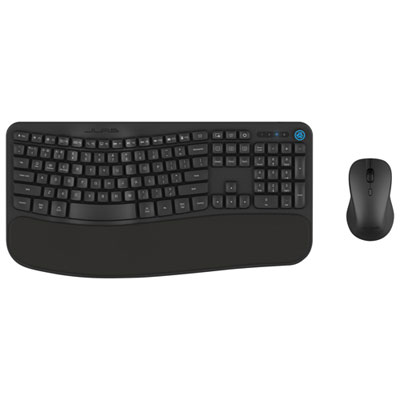
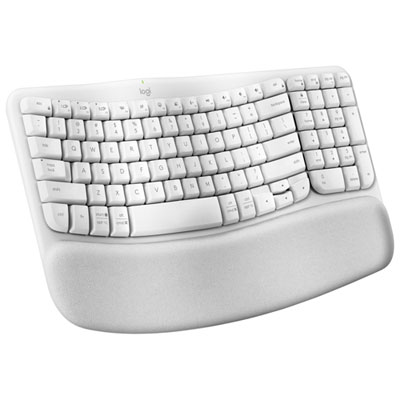
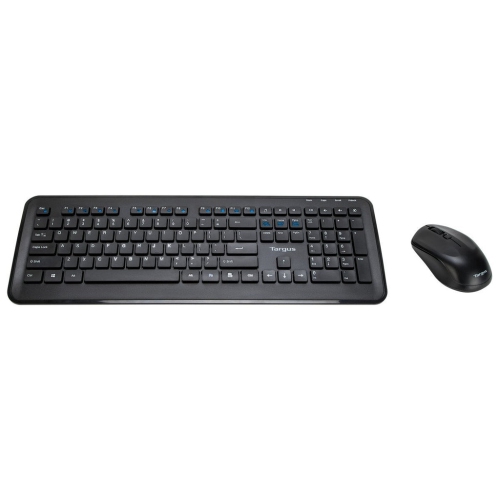
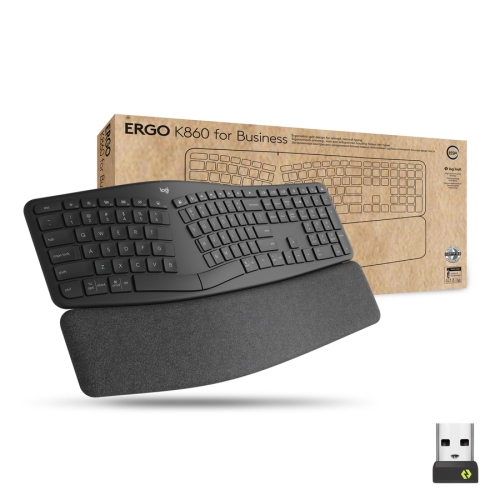
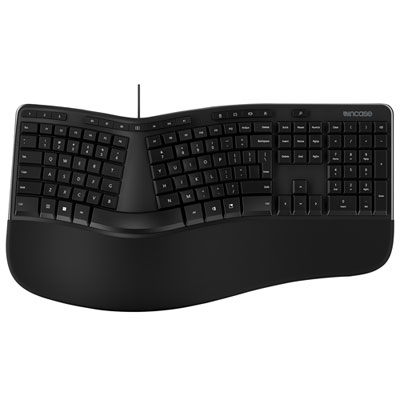
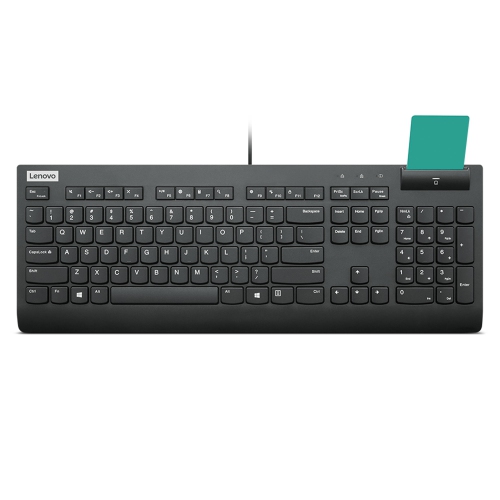
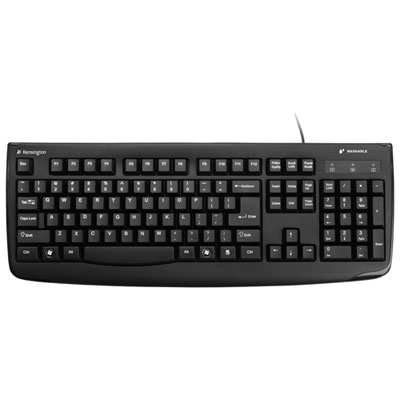
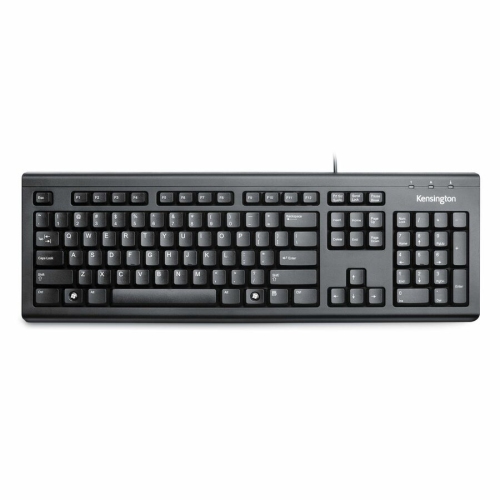
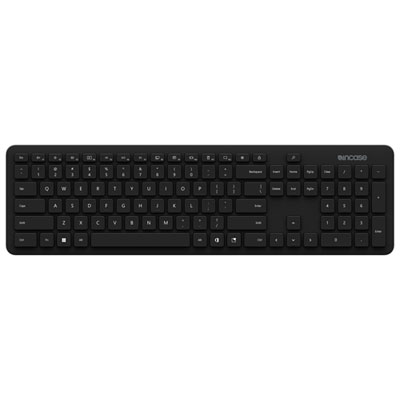
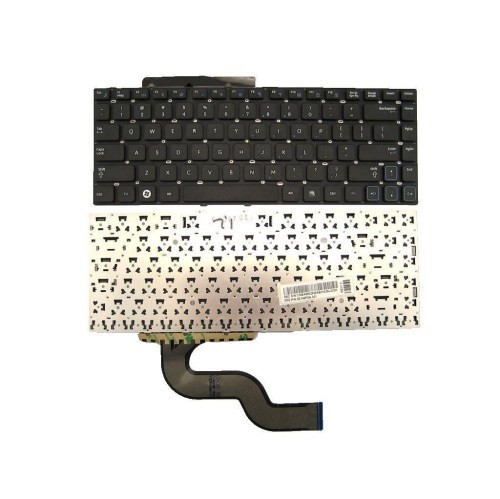
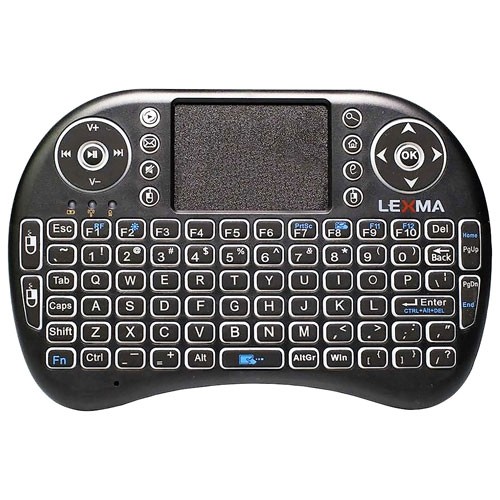
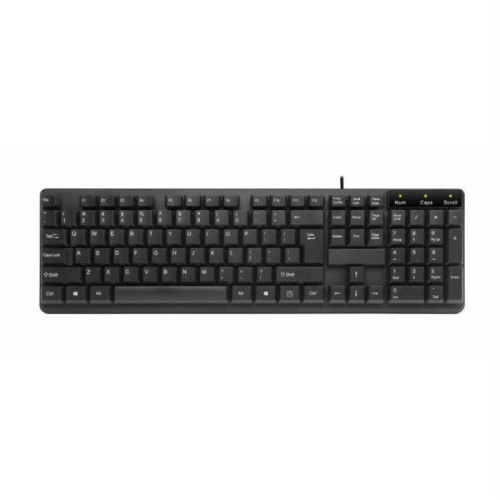
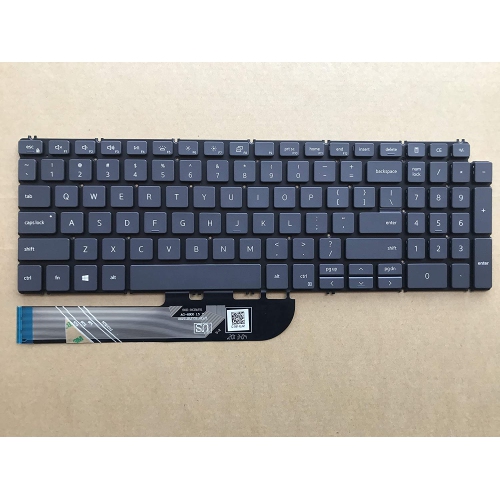
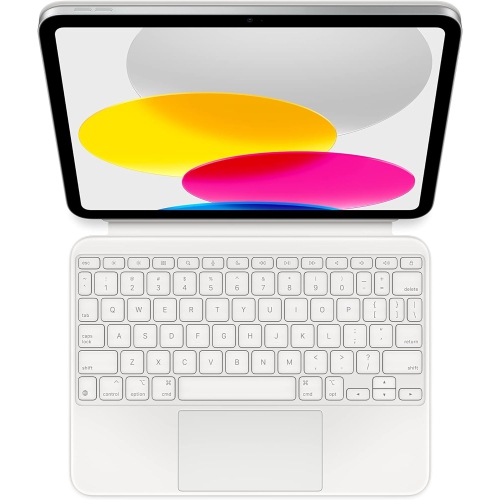
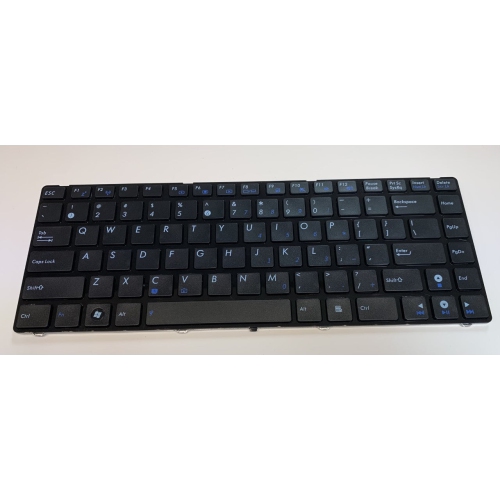
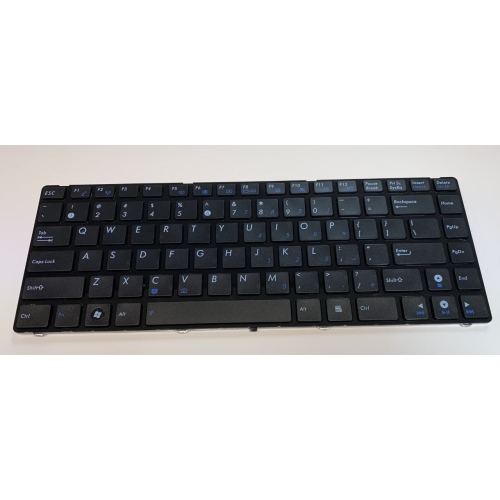
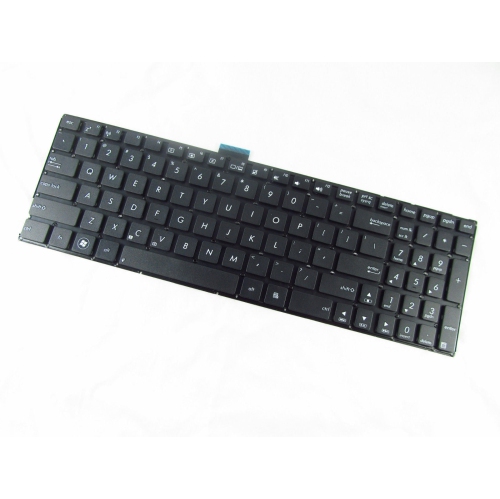
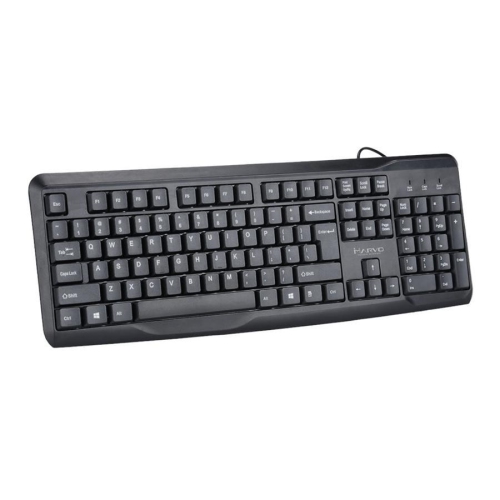
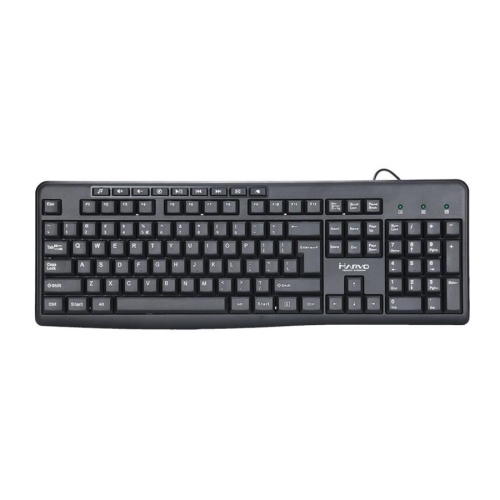
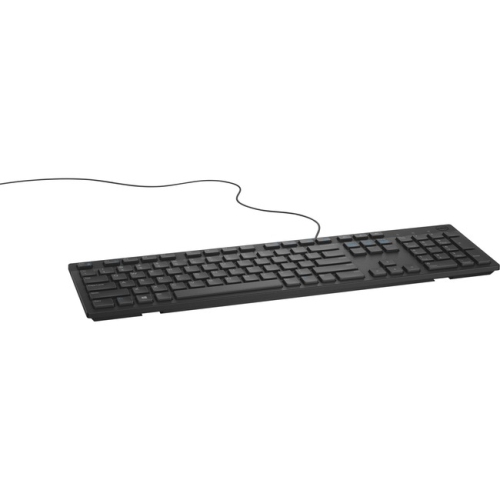
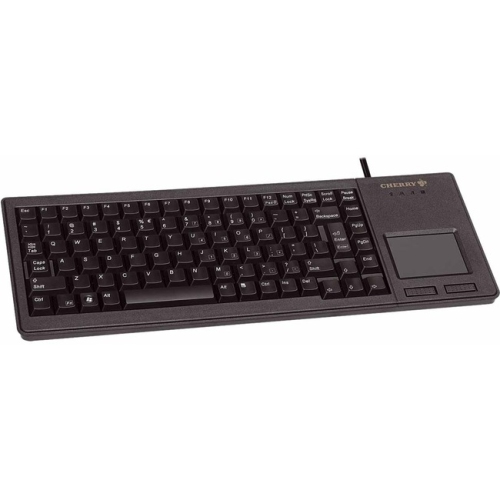
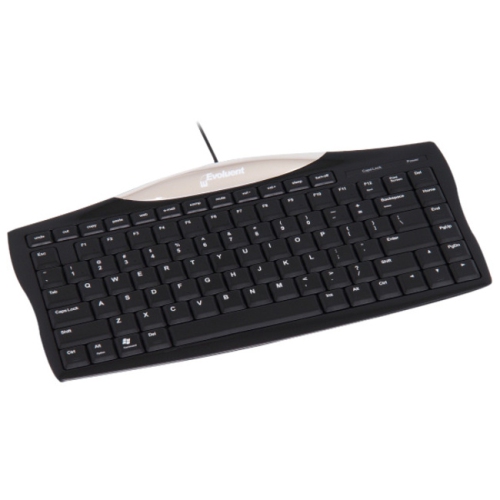
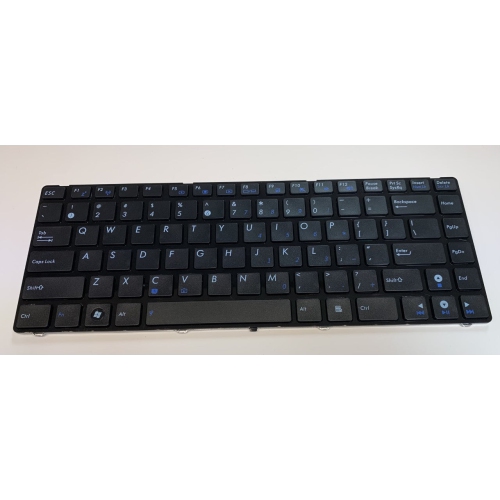
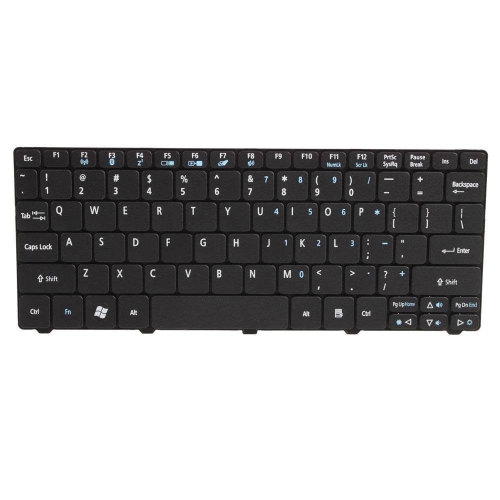
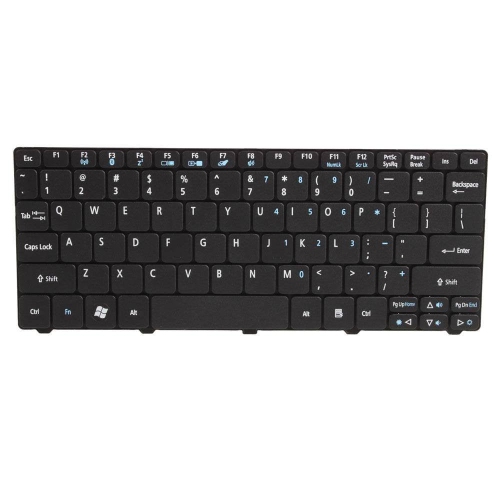
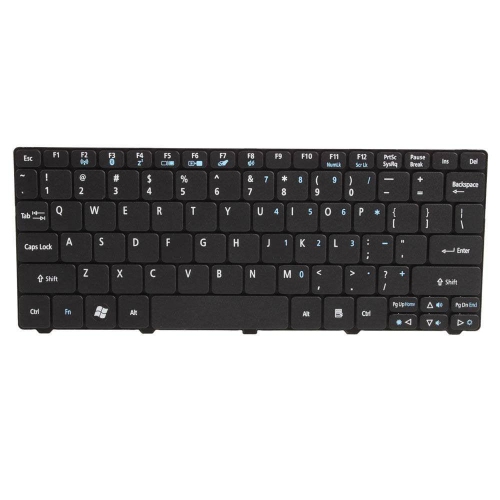
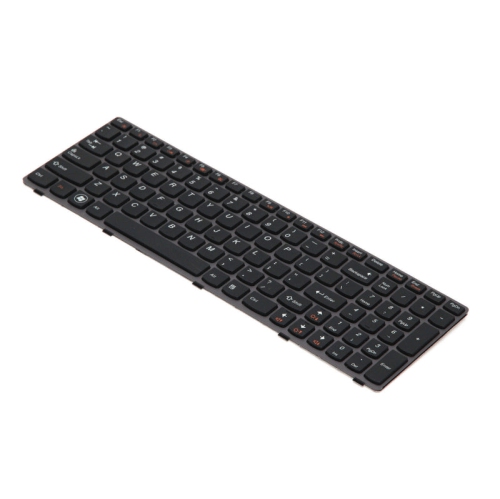
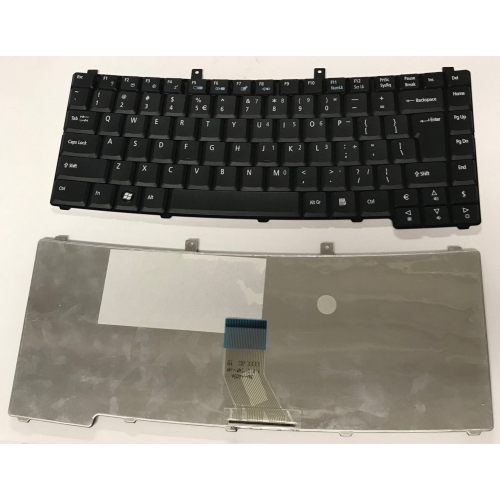
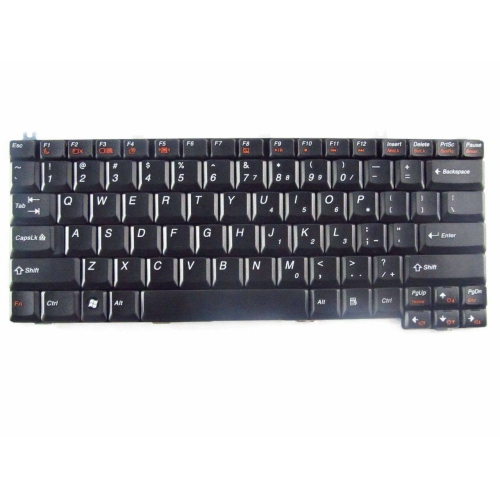
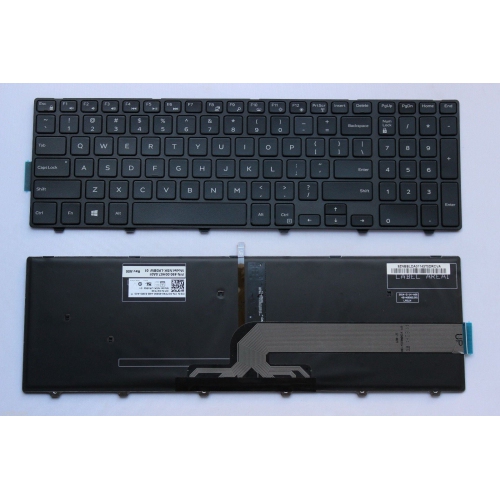
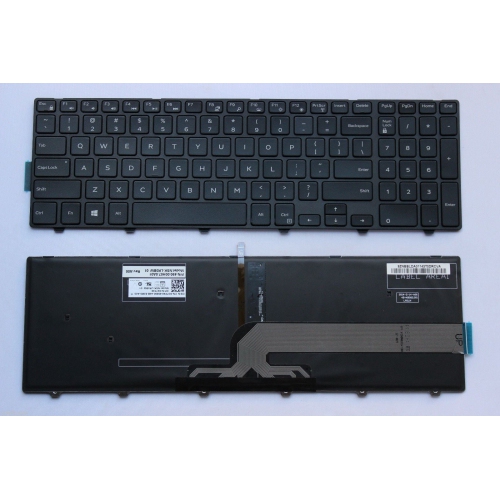
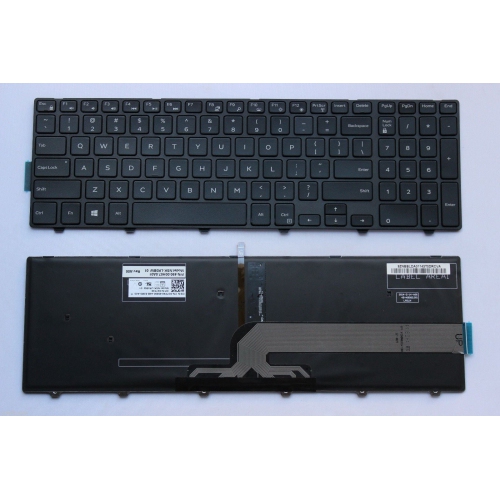
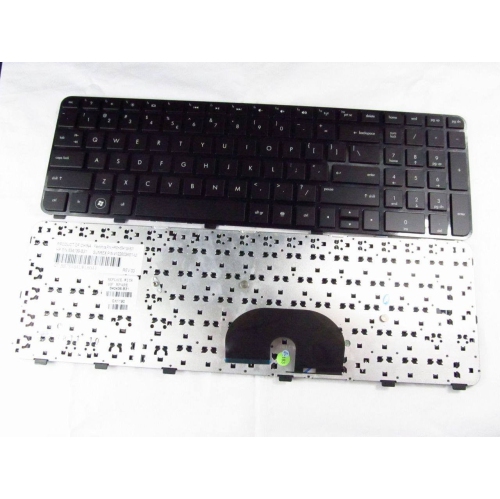
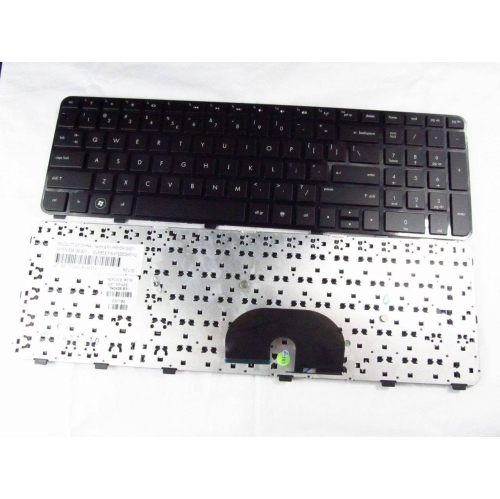
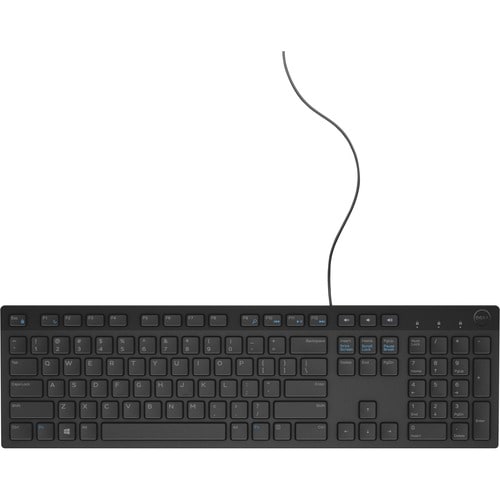
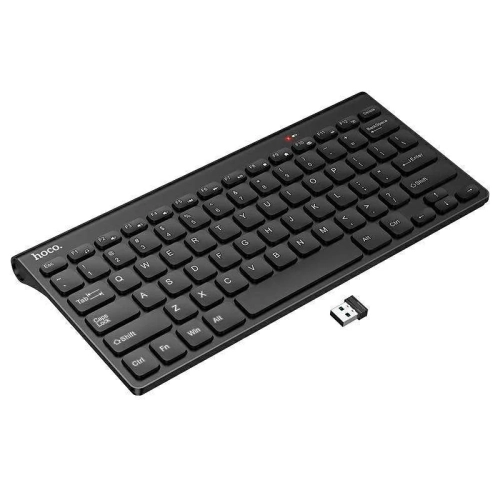
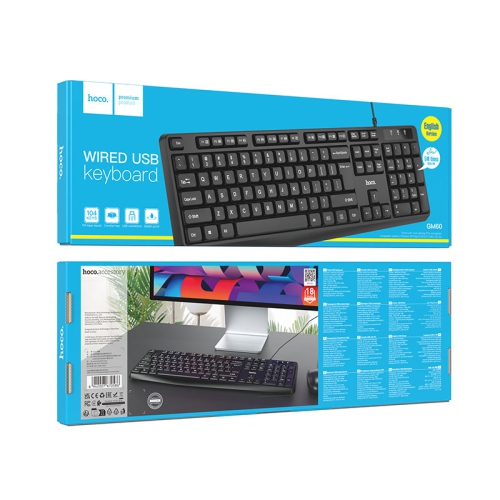
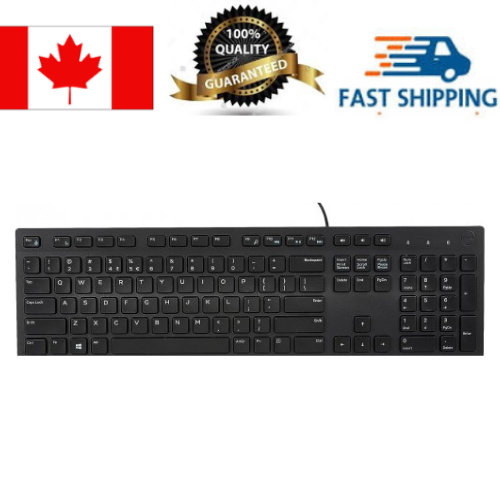
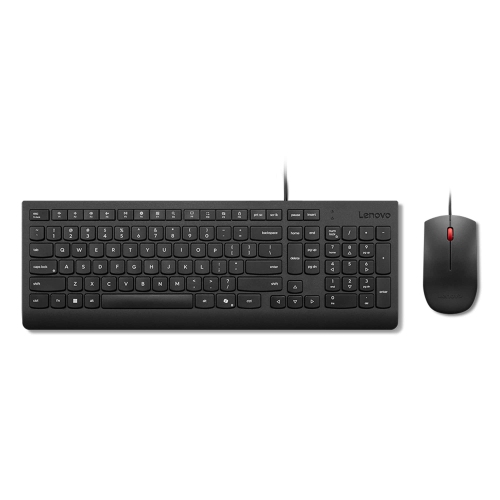
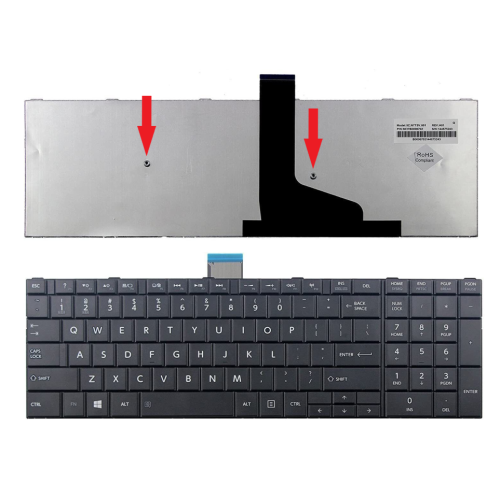
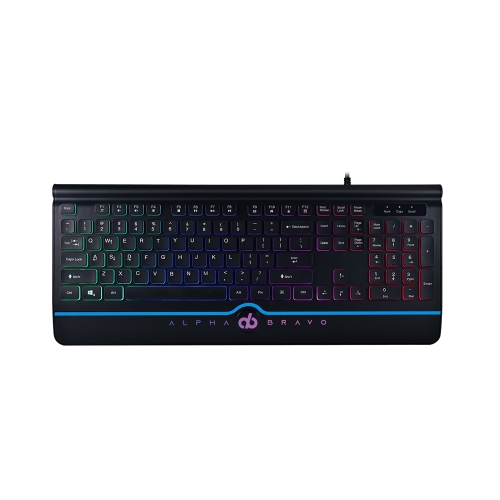

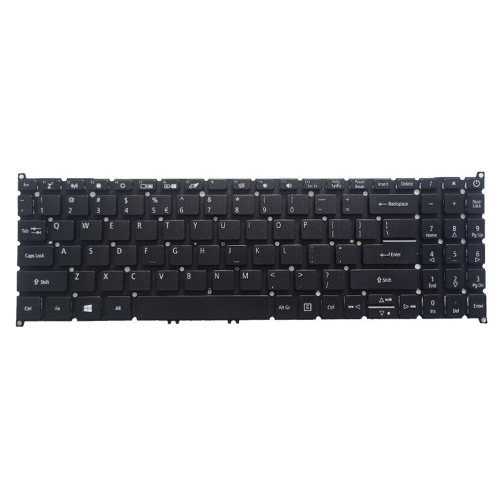
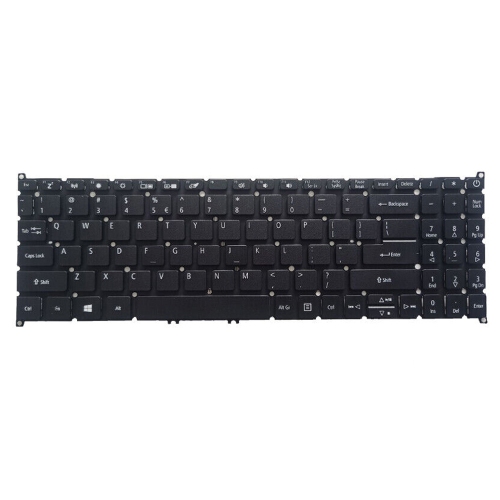
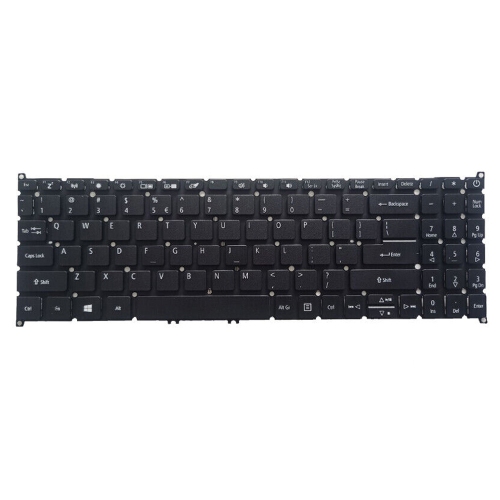
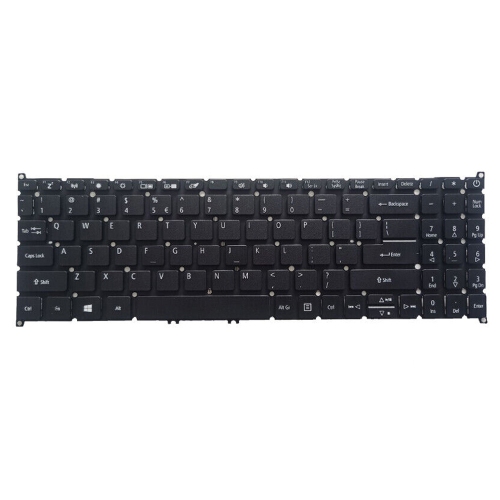
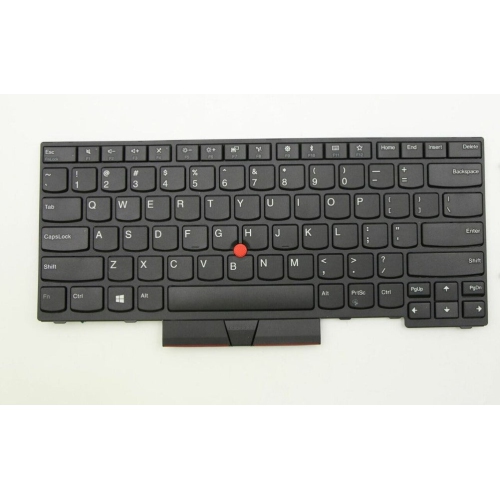
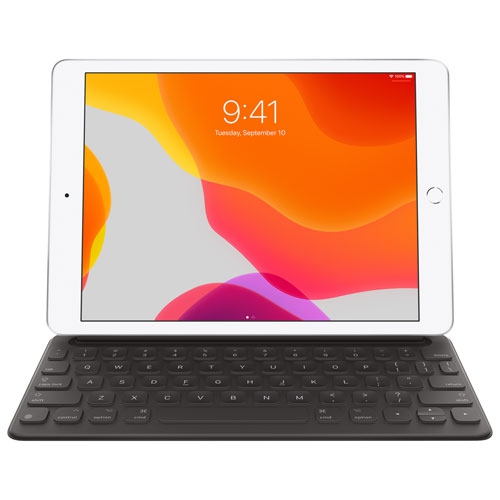
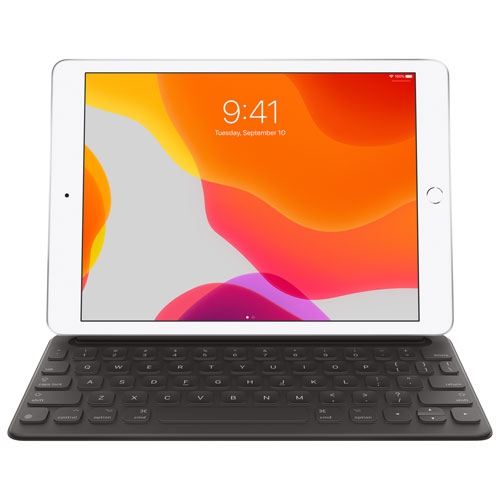
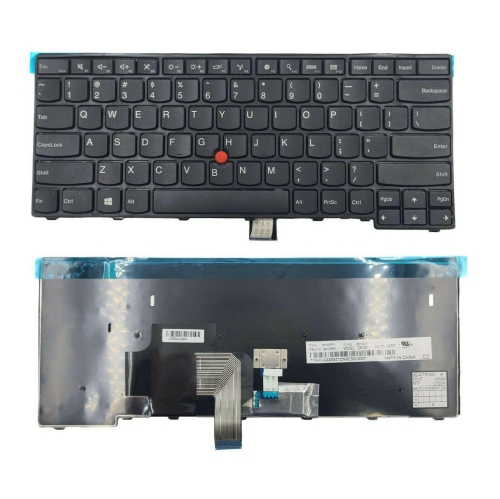
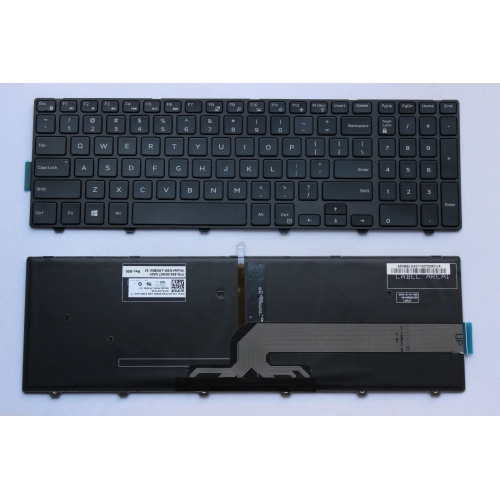
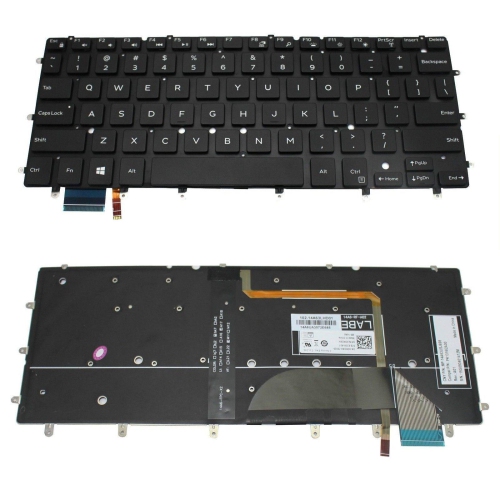
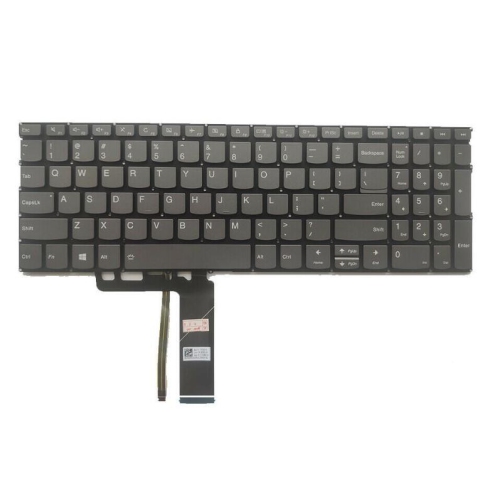
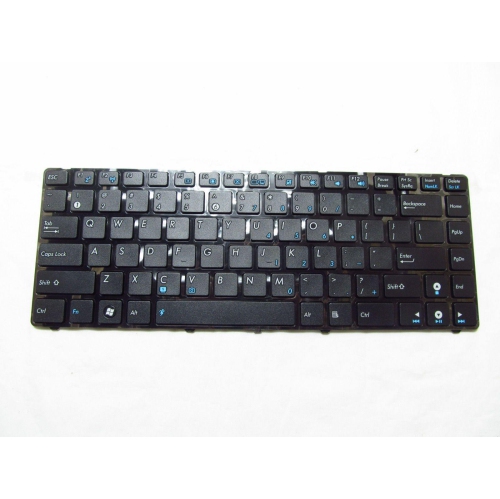
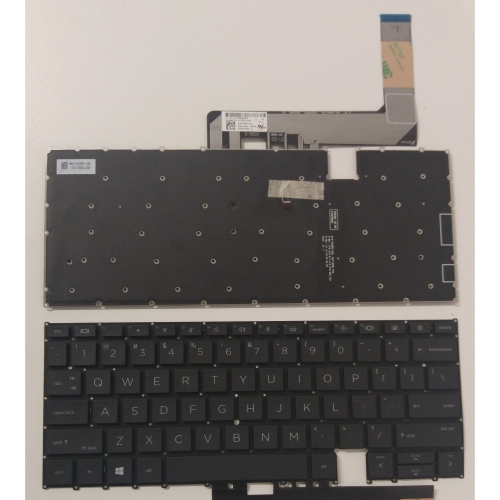

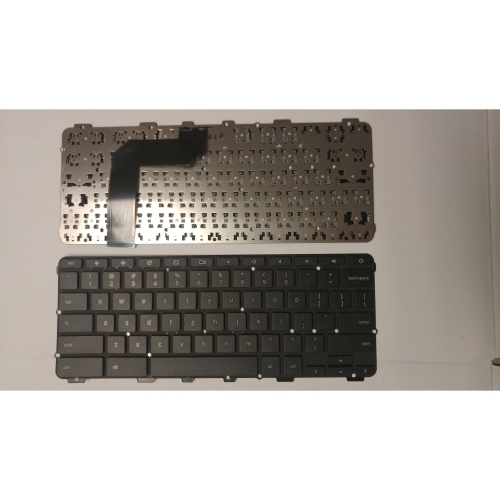
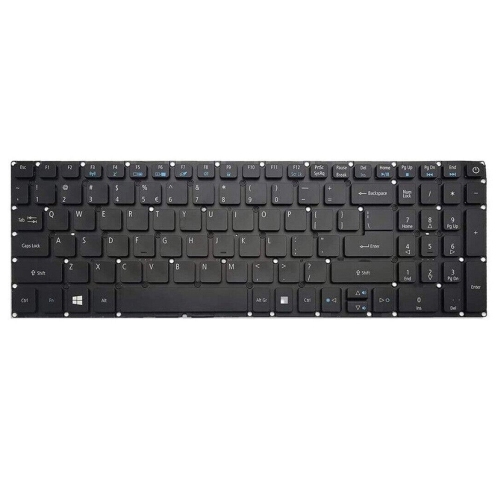
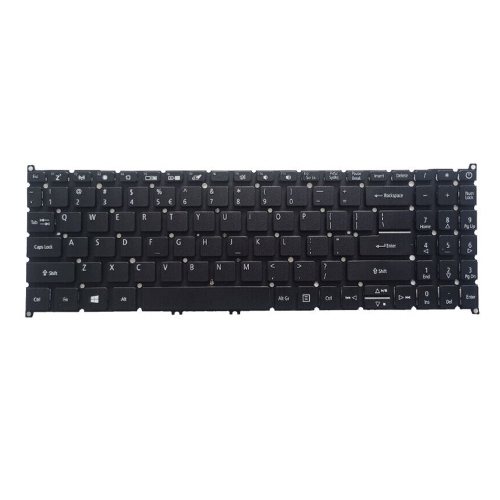
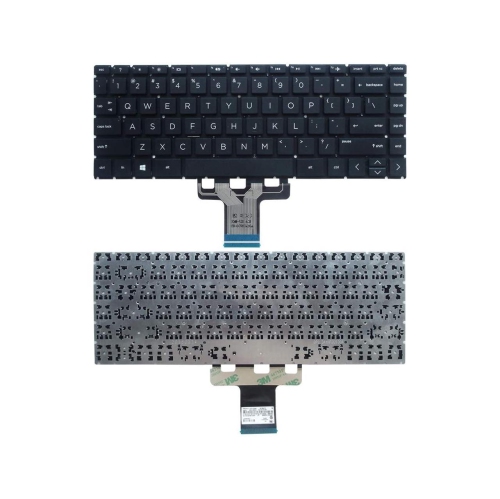
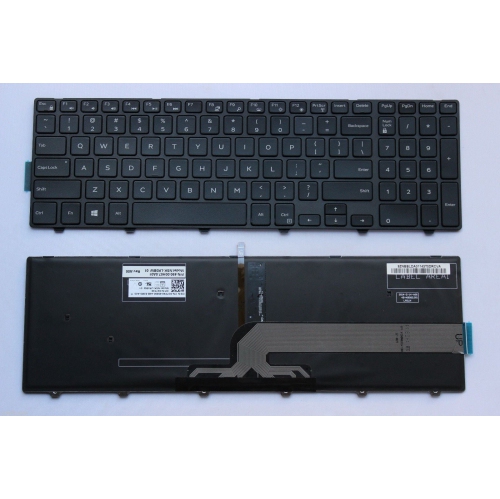
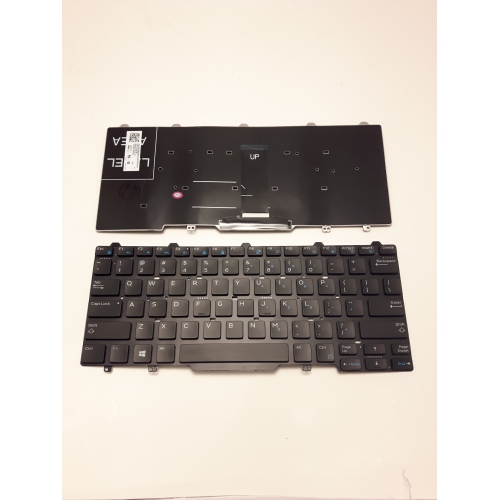
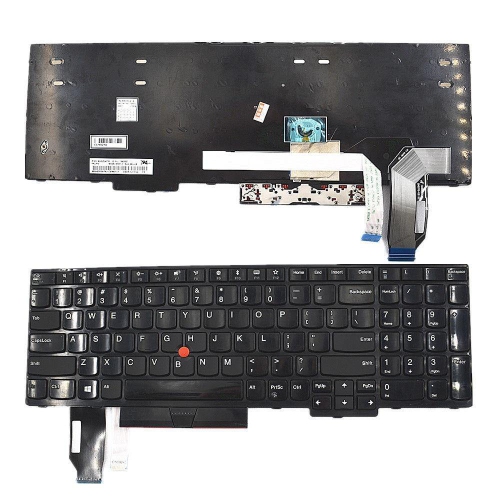
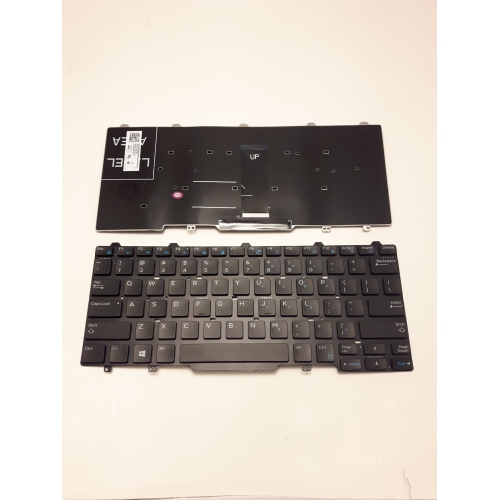
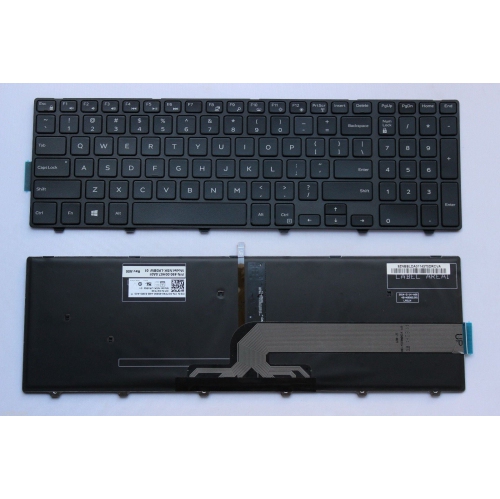
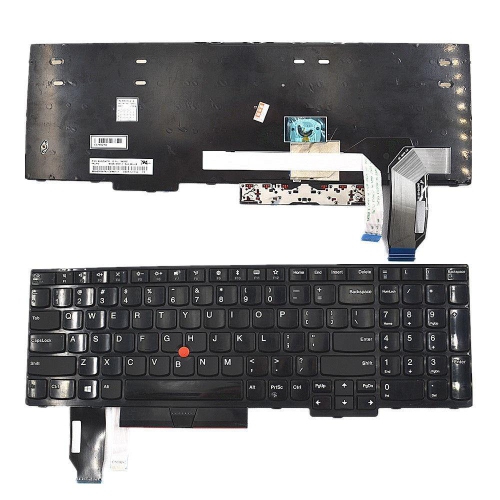
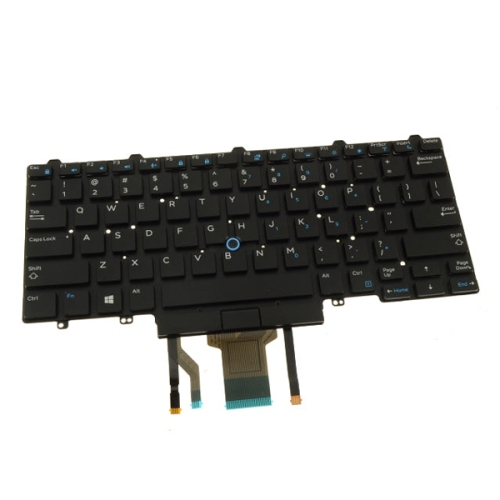
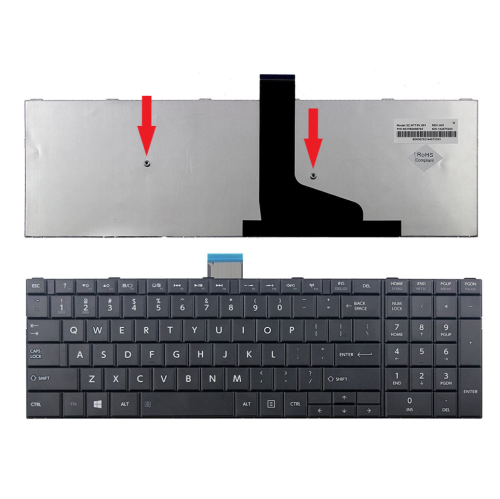
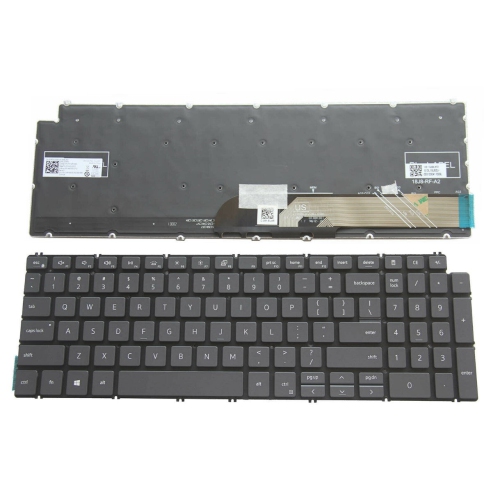
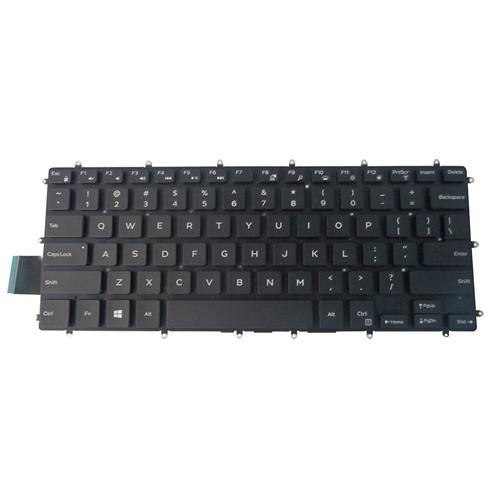

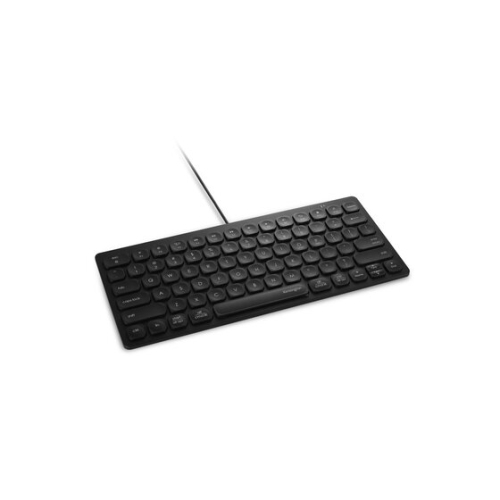
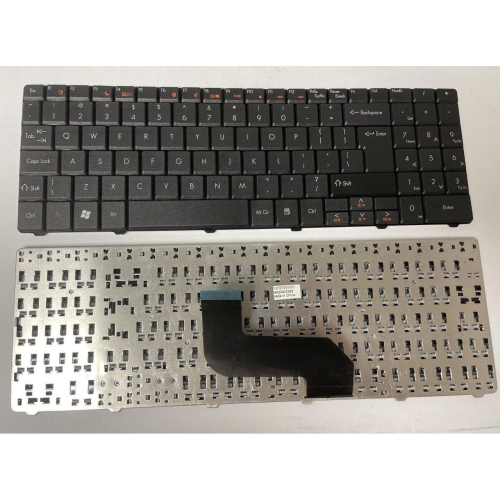
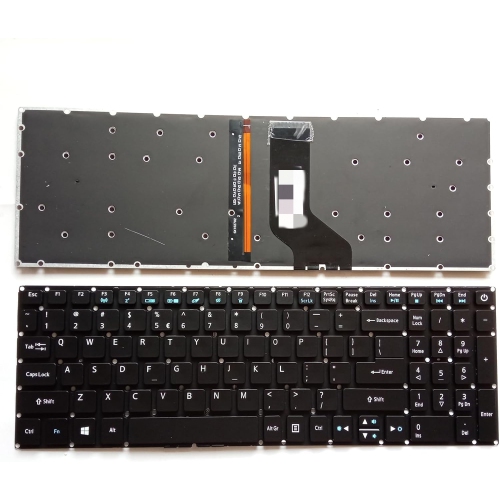



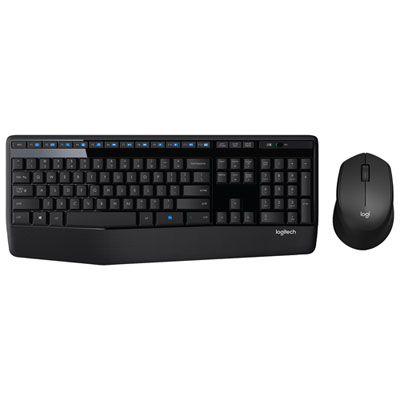
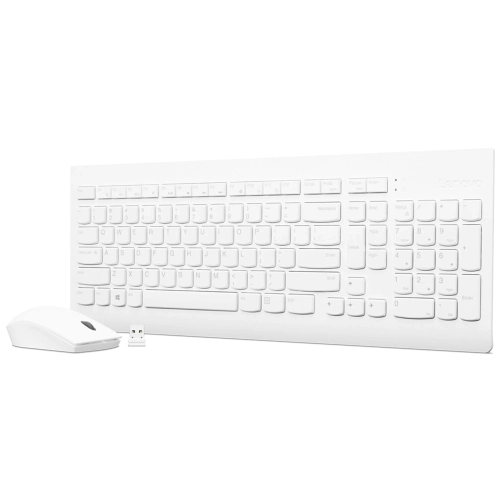
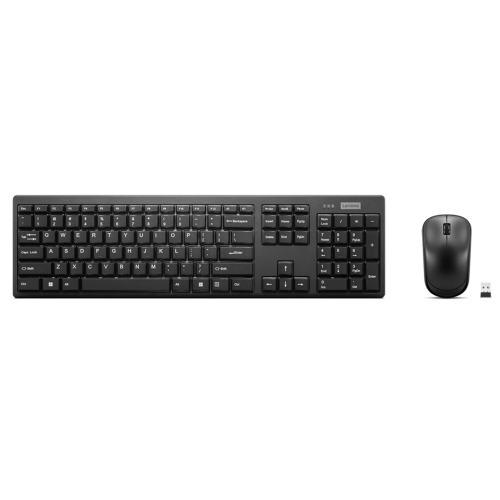
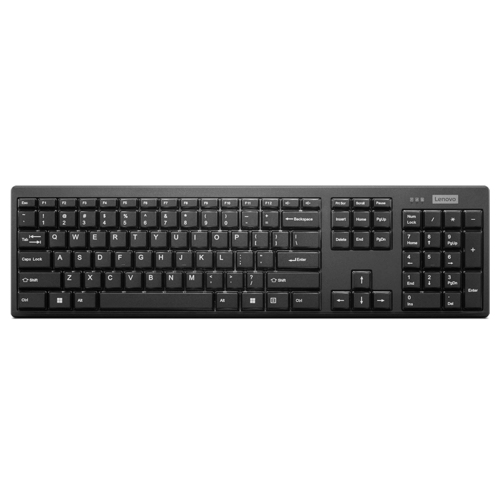
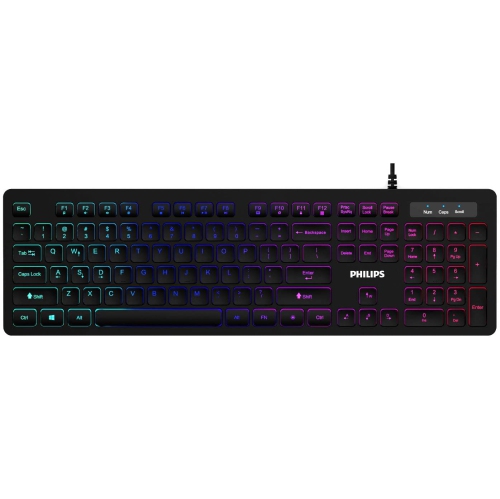
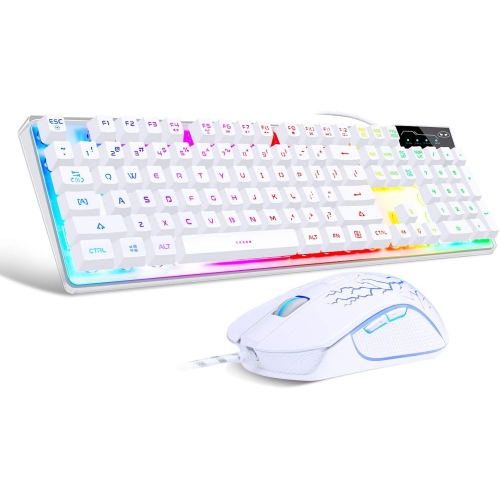
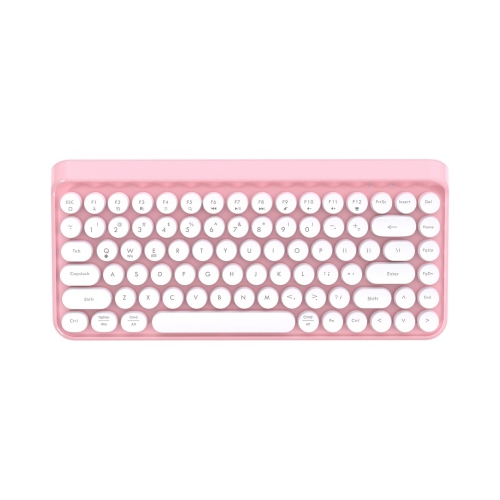
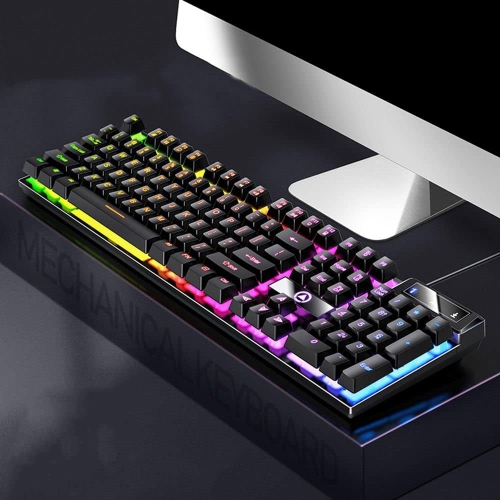
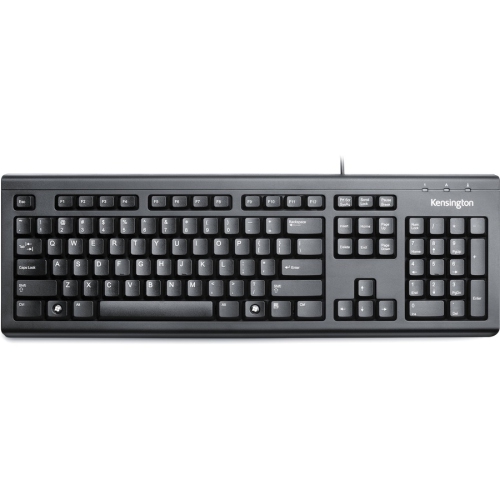
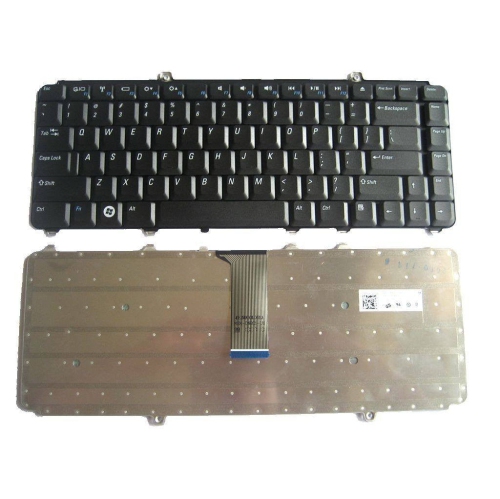

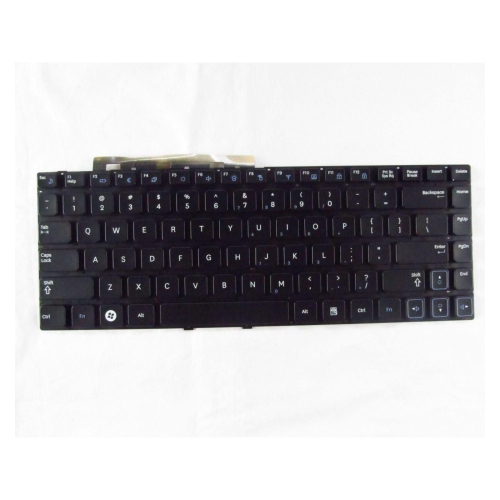
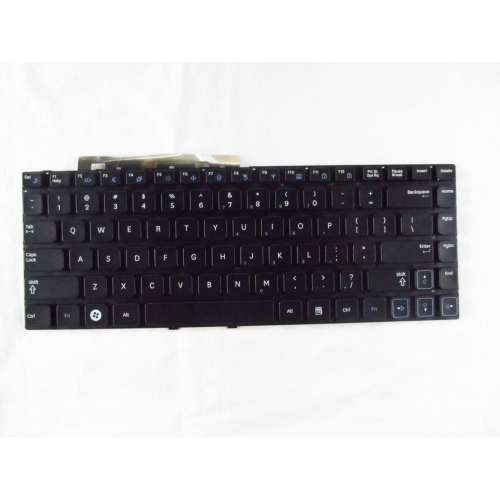
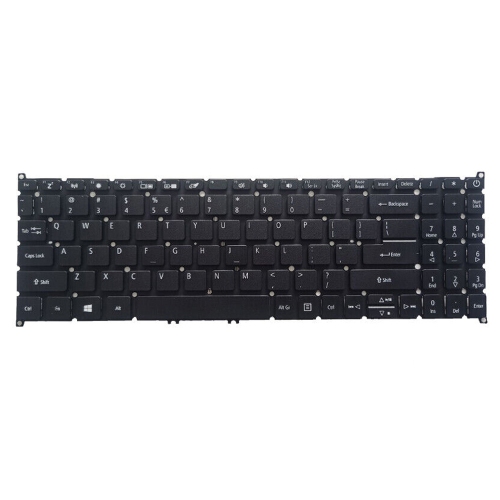

Familiar letters can hide differences in keyboard layouts
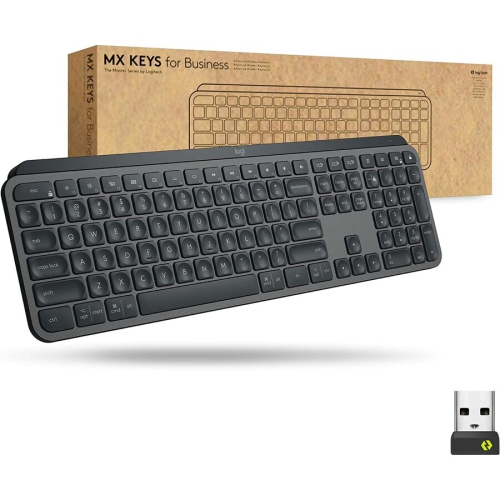
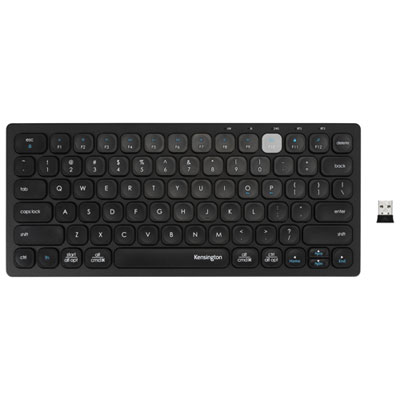
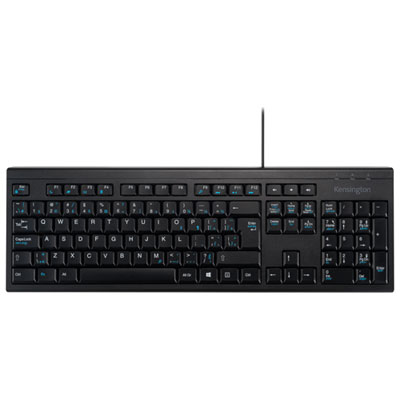
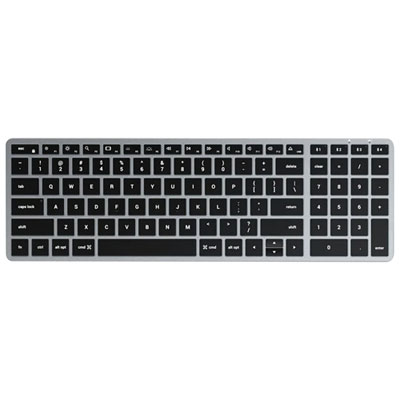
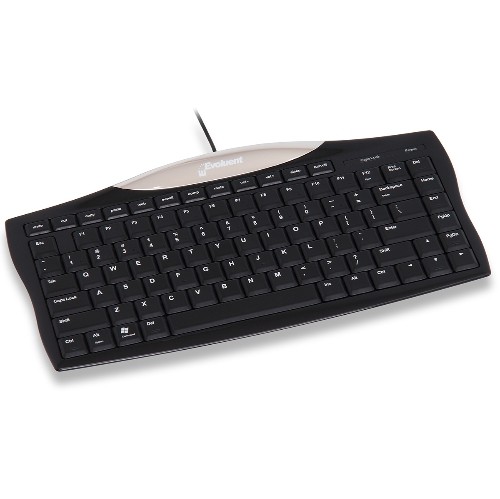
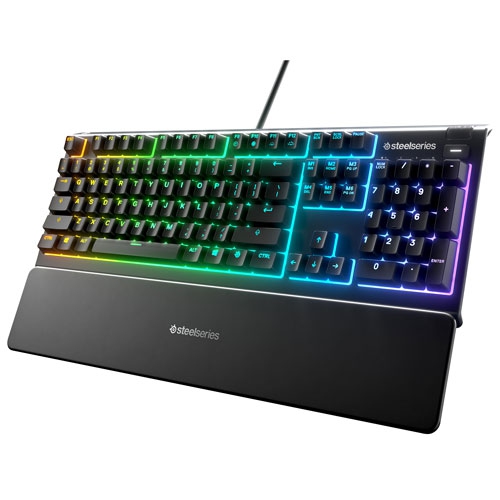
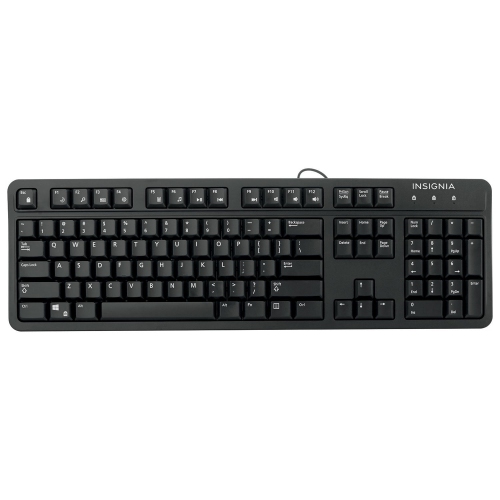
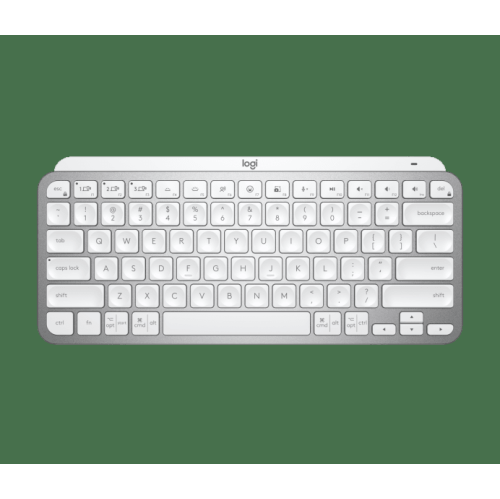
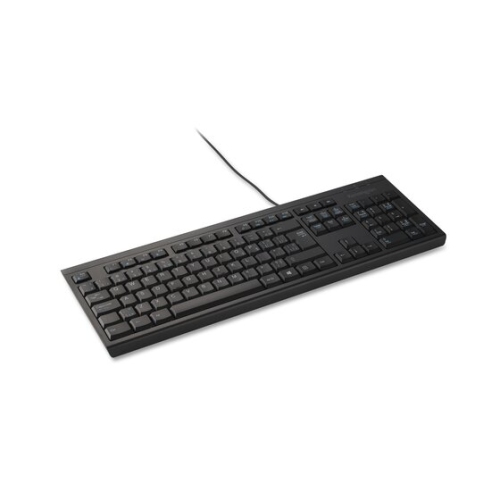
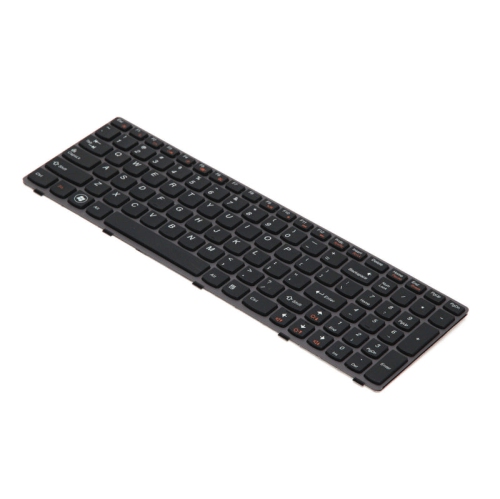
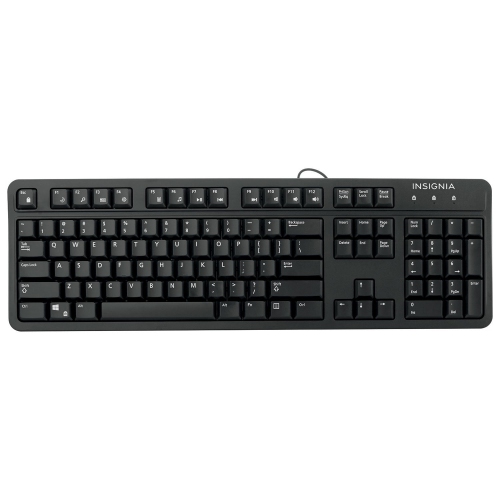
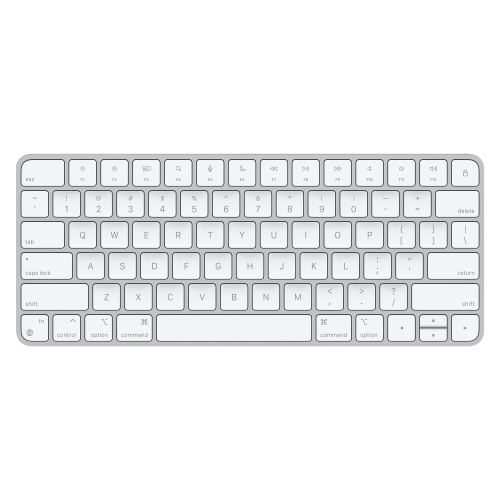
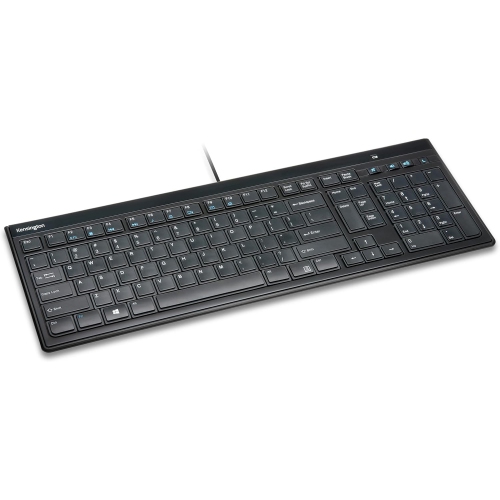
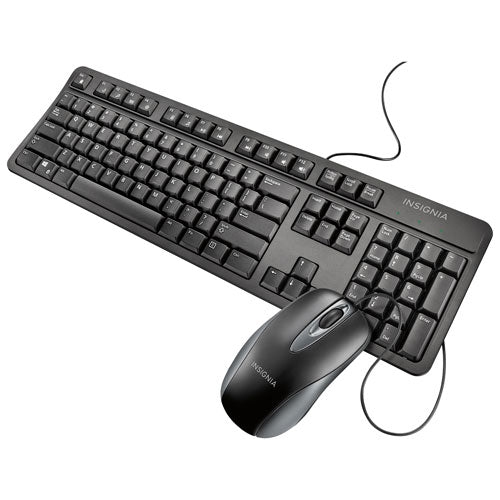
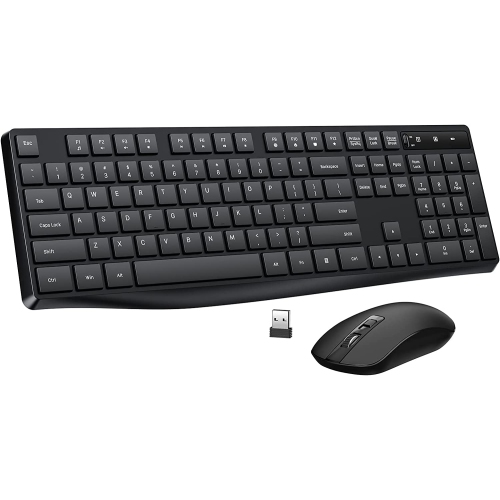
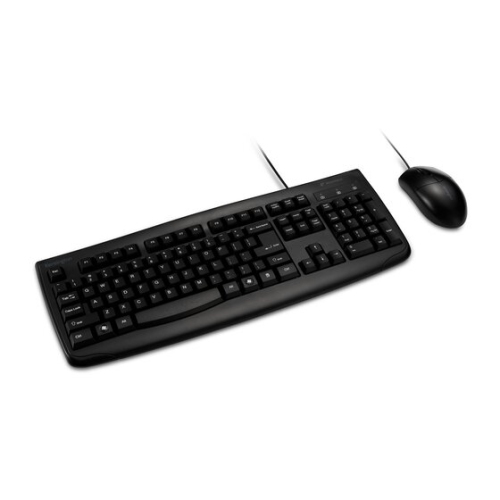
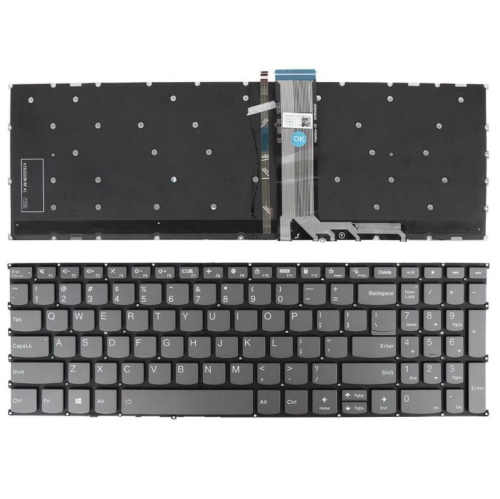
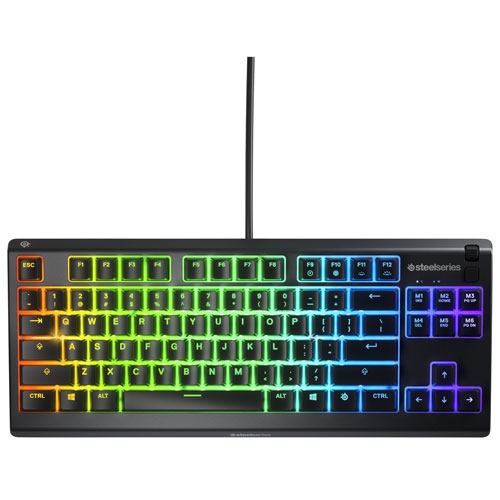
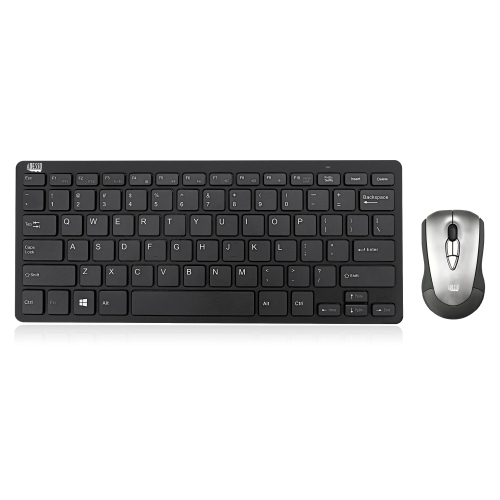
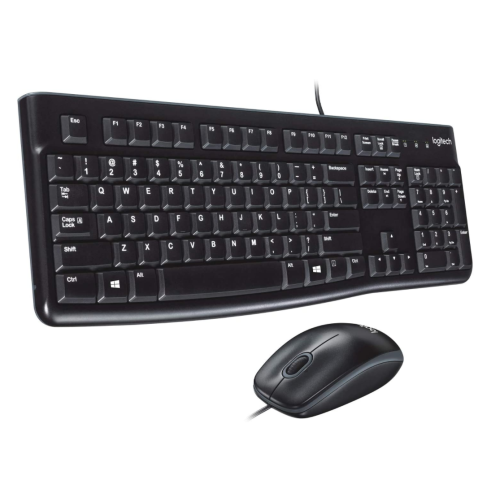
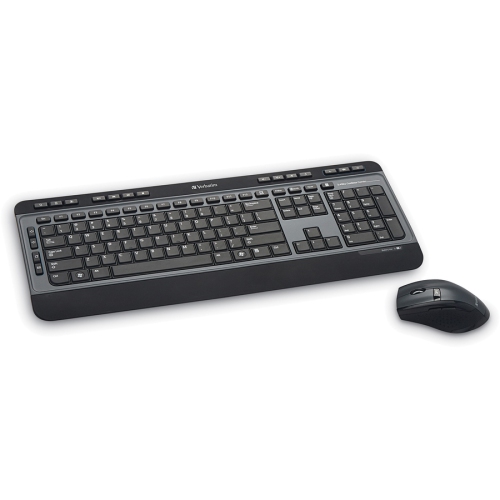
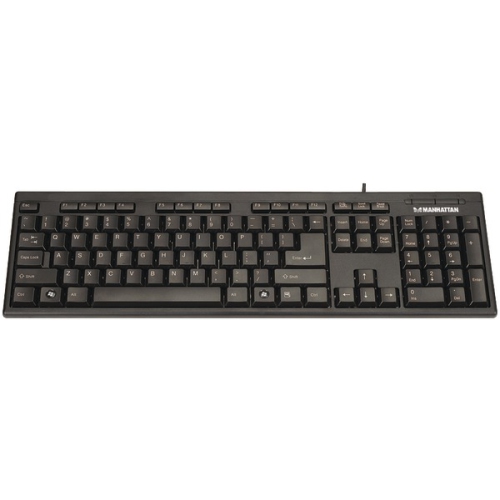
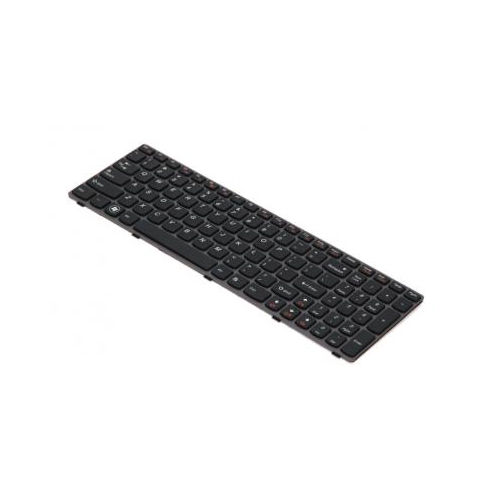
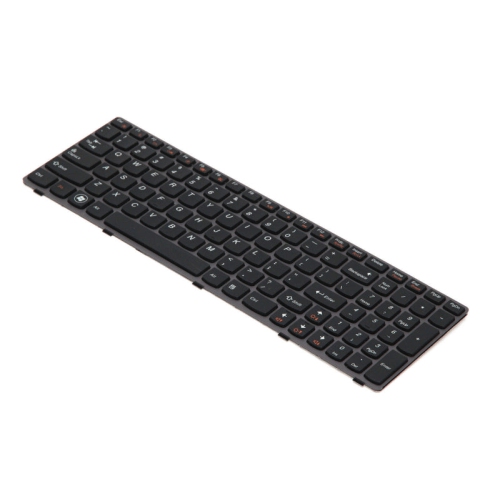
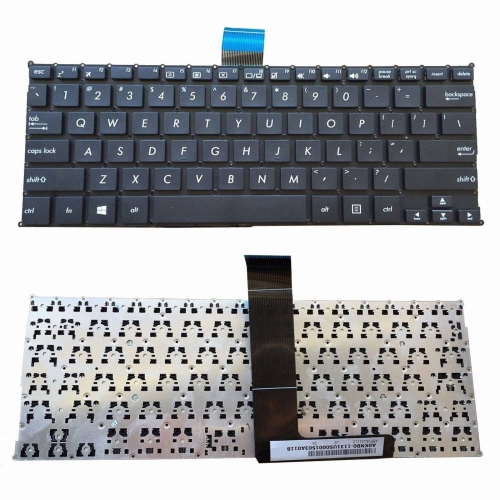
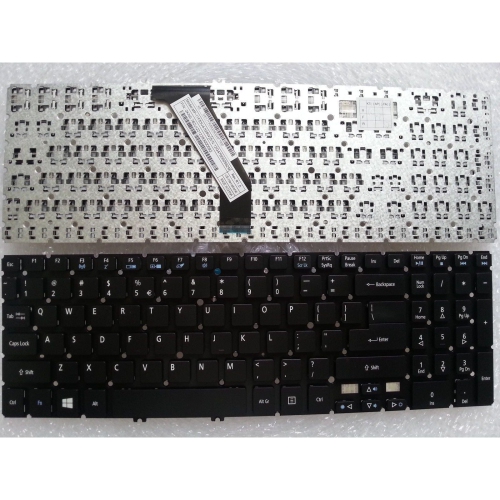
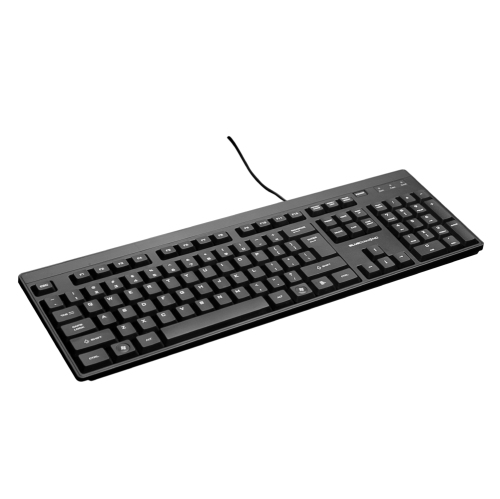
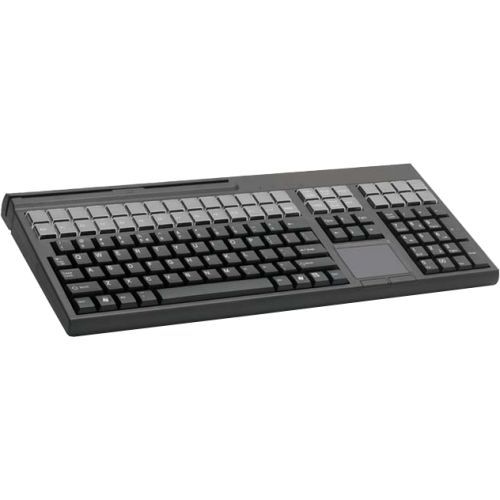
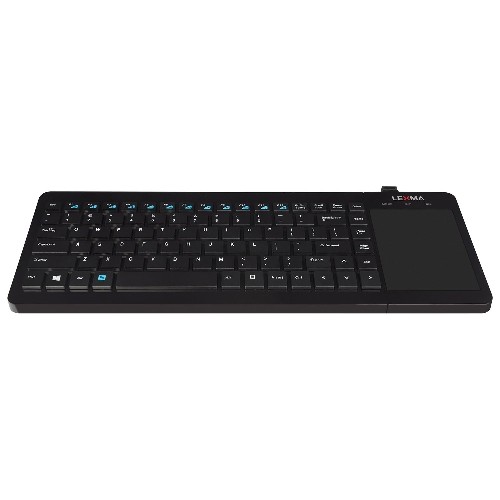
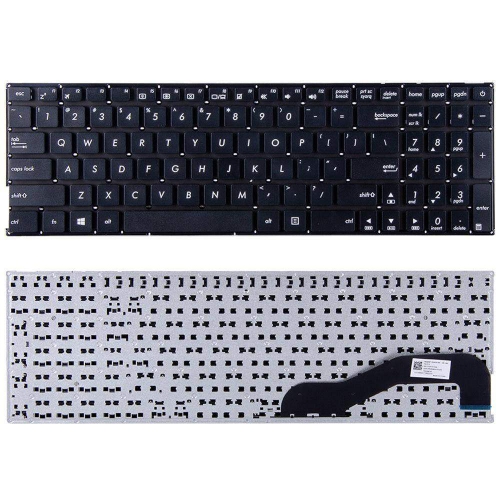
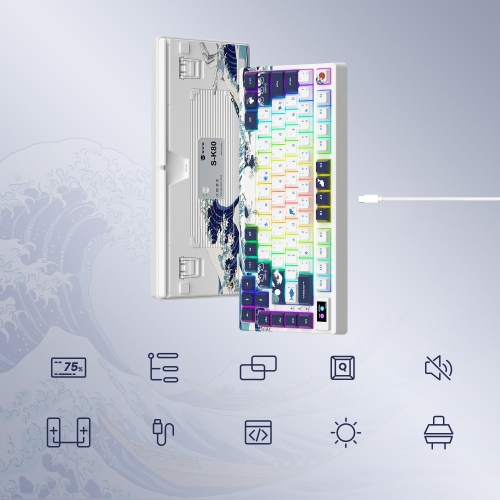
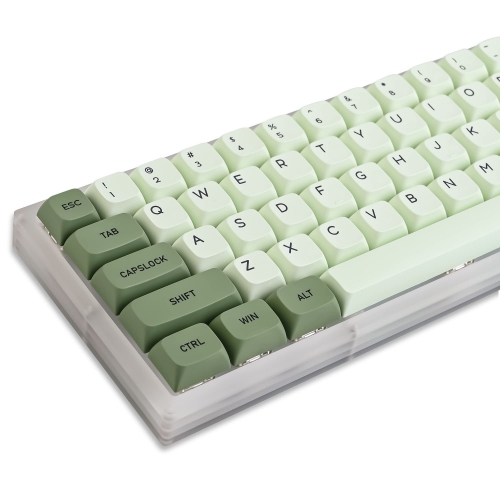
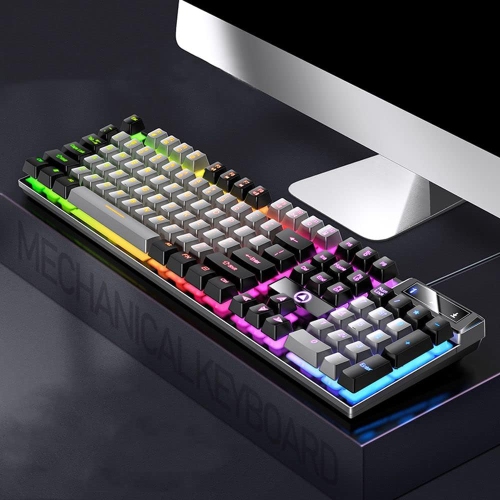
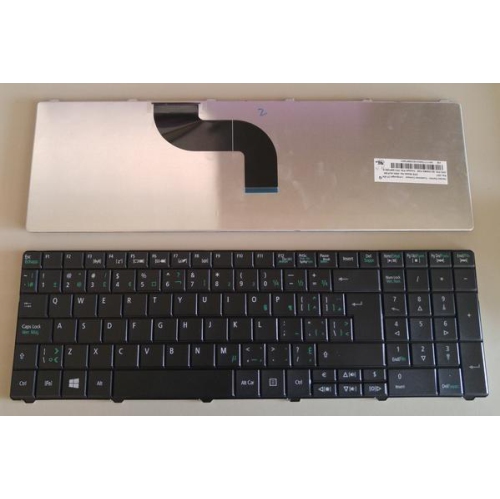
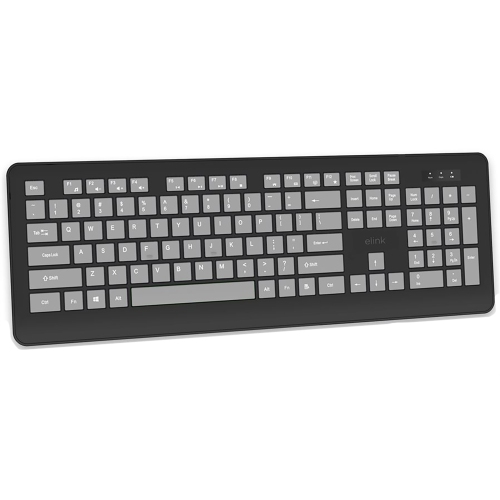
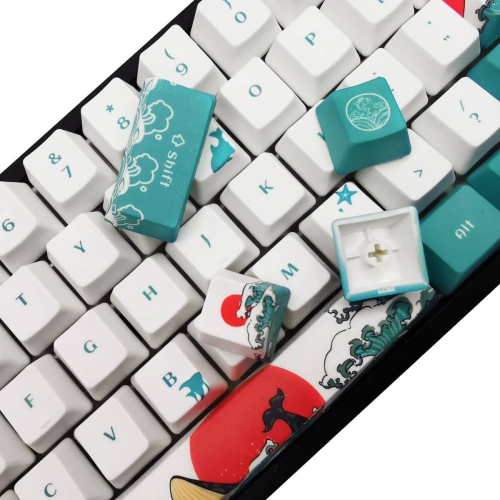
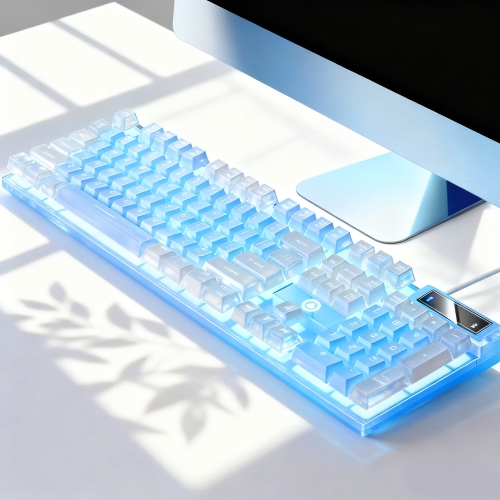
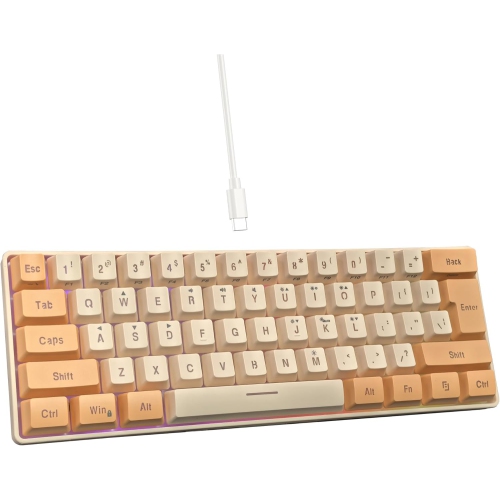
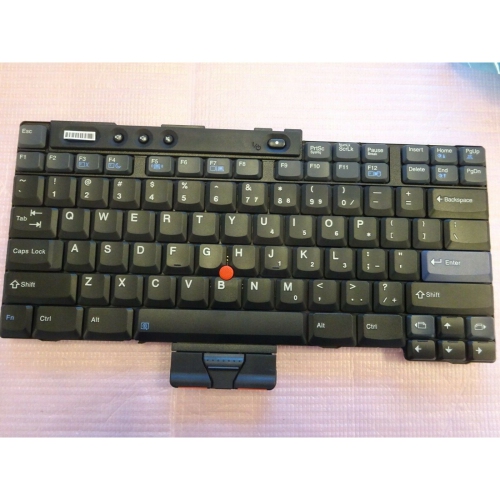
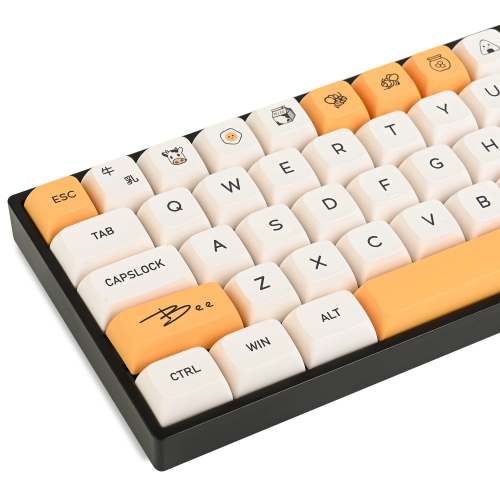
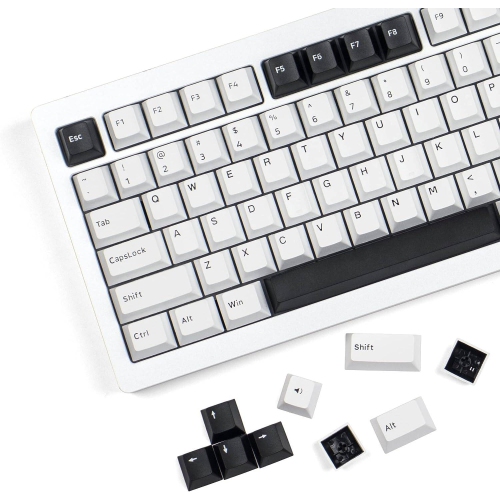
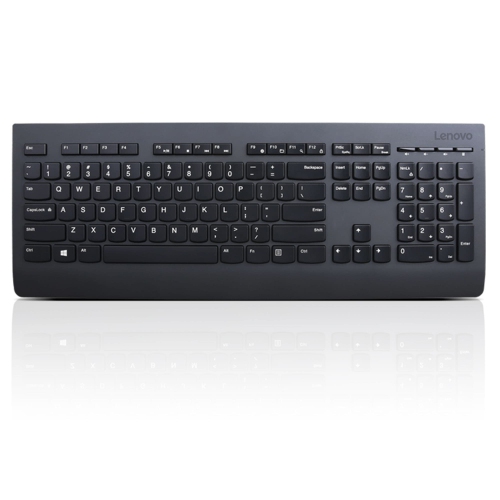
English keyboards are physical keyboards with key labels and layouts suited to typing in English, commonly using the QWERTY arrangement named after the first six letters on the upper letter row. They serve everyday tasks such as writing assignments, answering emails, entering figures, and playing games, with differences in size, key feel, and connectivity that can make one style more comfortable than another. The language label alone does not identify every detail of the layout. US English and UK English keyboards share the same letter arrangement but differ in the placement of some punctuation marks and symbols, as well as the shape of certain keys. On a US English layout, Shift + 2 produces the at sign (@); on a standard UK English layout, that combination produces double quotation marks, while the at sign shares a key with the apostrophe. UK layouts also include a pound sign (£) on Shift + 3, where US layouts place the number sign (#). These distinctions matter when entering email addresses, writing code, or moving between a laptop and a separate keyboard throughout the day. Canadian shoppers may also encounter Canadian multilingual layouts, which are not identical to a US English layout and can have different labels or key positions. A clear view of the key legends, Enter key, and left Shift key helps establish whether the arrangement matches familiar typing habits. The physical keyboard and the input language selected in the operating system work together: changing a software setting can change what appears on screen, but it does not change the printed labels. English keyboards can also support typing in other languages through software input settings and character shortcuts. Unlike an online English keyboard, which displays clickable keys in a browser, a physical keyboard provides tactile keys for sustained typing. Matching those keys to the intended software layout makes punctuation and shortcuts more predictable, especially for students learning touch typing or anyone who writes frequently.
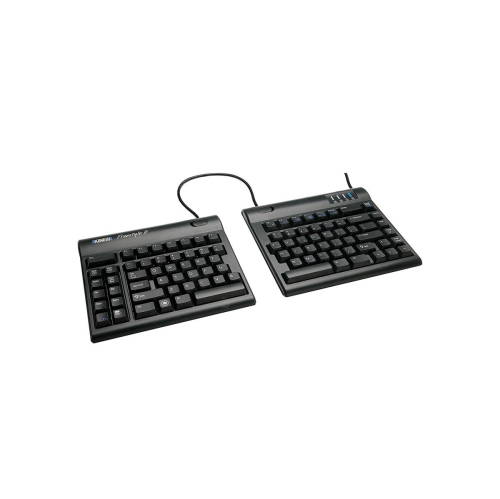
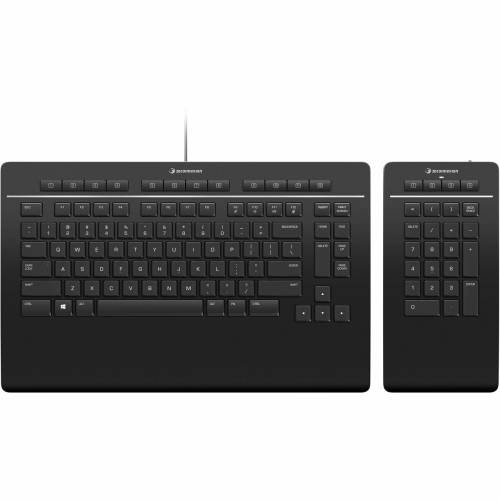
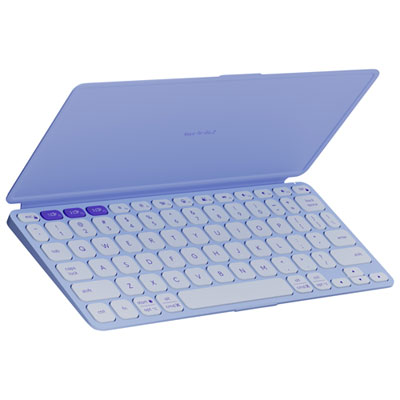
Size and key action shape how an English keyboard fits into a workspace. A full-size layout includes a number pad, making it useful for spreadsheets, bookkeeping, and repeated numeric entry. A tenkeyless layout removes that section while usually retaining dedicated arrow and navigation keys, leaving more room for a mouse beside the keyboard. More compact layouts reduce the footprint further, sometimes placing function keys, navigation commands, or other controls behind key combinations. That trade-off can suit a small desk, but someone who regularly uses Home, End, or function shortcuts may prefer those controls to remain separate. For people who carry their setup between locations, Travel Keyboards offer a related category centred on portability, where dimensions, weight, and protection in a bag deserve particular attention. Key spacing matters as much as overall width: a narrow keyboard with compressed keys can feel different from a compact model that preserves standard spacing. Low-profile keys and scissor mechanisms often appeal to people accustomed to laptop typing, while mechanical switches offer a range of distinct responses. Linear switches move without a tactile bump, tactile switches provide a noticeable point of feedback, and clicky switches add an audible click. Mechanical does not automatically mean loud, and quiet does not necessarily mean soft; switch design, keycaps, and the keyboard housing all influence sound and feel. In a shared office or study area, quieter keystrokes may be more welcome than a pronounced click. For long writing sessions, a stable position, relaxed shoulders, and wrists held comfortably rather than bent upward are useful considerations. Split layouts and adjustable angles can offer more positioning options, though they may take practice to use comfortably. Raised rear feet are not always the best setting for every desk or chair height. Gaming use brings additional priorities, including reliable simultaneous key registration and convenient access to frequently used commands, while dedicated media controls can simplify pausing audio or adjusting volume during everyday work. Backlit legends may also be helpful when room lighting is low, provided the characters remain easy to read.
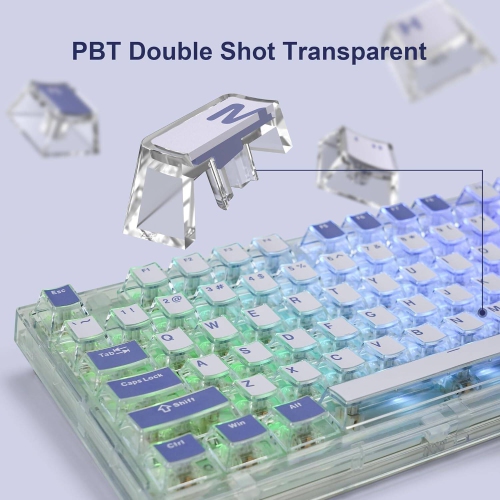
Connection type, construction, and care help determine how well a keyboard handles daily use. A wired USB connection avoids battery charging and provides a straightforward setup when the computer has a compatible port. A Bluetooth keyboard can connect without occupying a USB port, while a wireless keyboard that uses a USB receiver requires an appropriate port for that receiver. Some designs support more than one connection method or allow switching among paired devices, which can be useful when writing on a computer and replying to messages on a compatible tablet. Compatibility still depends on the operating system, connection support, and keyboard features; shortcut labels and special controls may work differently across platforms. For rechargeable designs, charging connector type and battery indicators affect day-to-day convenience, while replaceable-battery designs require attention to the specified battery type. Plastic housings keep many keyboards relatively light, and metal top plates or frames can add rigidity and weight. Neither material alone establishes durability: a housing that resists flexing, secure keycaps, and feet that grip the desk also contribute to a solid typing surface. Keycaps commonly use ABS or PBT plastic. ABS can develop a polished surface with repeated use, while PBT often retains its texture longer, though finish and manufacturing quality vary. Printed, laser-marked, dye-sublimated, and double-shot legends can differ in how they wear, making label construction worth considering for heavy daily typing. Care generally starts with unplugging the keyboard or turning it off before cleaning. Loose debris can be removed gently, and accessible surfaces can be wiped with a lightly dampened cloth when permitted by the manufacturer. Liquid should not be sprayed directly onto the keys, and keycaps should only be removed when the design and care instructions allow it. Spill resistance, where specified, is not the same as waterproofing. As a gift for a student, writer, gamer, or someone setting up a home office, an English keyboard is most personal when it matches the recipient’s familiar layout, preferred key feel, and actual desk space rather than appearance alone.
Size and key action shape how an English keyboard fits into a workspace. A full-size layout includes a number pad, making it useful for spreadsheets, bookkeeping, and repeated numeric entry. A tenkeyless layout removes that section while usually retaining dedicated arrow and navigation keys, leaving more room for a mouse beside the keyboard. More compact layouts reduce the footprint further, sometimes placing function keys, navigation commands, or other controls behind key combinations. That trade-off can suit a small desk, but someone who regularly uses Home, End, or function shortcuts may prefer those controls to remain separate. For people who carry their setup between locations, Travel Keyboards offer a related category centred on portability, where dimensions, weight, and protection in a bag deserve particular attention. Key spacing matters as much as overall width: a narrow keyboard with compressed keys can feel different from a compact model that preserves standard spacing. Low-profile keys and scissor mechanisms often appeal to people accustomed to laptop typing, while mechanical switches offer a range of distinct responses. Linear switches move without a tactile bump, tactile switches provide a noticeable point of feedback, and clicky switches add an audible click. Mechanical does not automatically mean loud, and quiet does not necessarily mean soft; switch design, keycaps, and the keyboard housing all influence sound and feel. In a shared office or study area, quieter keystrokes may be more welcome than a pronounced click. For long writing sessions, a stable position, relaxed shoulders, and wrists held comfortably rather than bent upward are useful considerations. Split layouts and adjustable angles can offer more positioning options, though they may take practice to use comfortably. Raised rear feet are not always the best setting for every desk or chair height. Gaming use brings additional priorities, including reliable simultaneous key registration and convenient access to frequently used commands, while dedicated media controls can simplify pausing audio or adjusting volume during everyday work. Backlit legends may also be helpful when room lighting is low, provided the characters remain easy to read.
Connection type, construction, and care help determine how well a keyboard handles daily use. A wired USB connection avoids battery charging and provides a straightforward setup when the computer has a compatible port. A Bluetooth keyboard can connect without occupying a USB port, while a wireless keyboard that uses a USB receiver requires an appropriate port for that receiver. Some designs support more than one connection method or allow switching among paired devices, which can be useful when writing on a computer and replying to messages on a compatible tablet. Compatibility still depends on the operating system, connection support, and keyboard features; shortcut labels and special controls may work differently across platforms. For rechargeable designs, charging connector type and battery indicators affect day-to-day convenience, while replaceable-battery designs require attention to the specified battery type. Plastic housings keep many keyboards relatively light, and metal top plates or frames can add rigidity and weight. Neither material alone establishes durability: a housing that resists flexing, secure keycaps, and feet that grip the desk also contribute to a solid typing surface. Keycaps commonly use ABS or PBT plastic. ABS can develop a polished surface with repeated use, while PBT often retains its texture longer, though finish and manufacturing quality vary. Printed, laser-marked, dye-sublimated, and double-shot legends can differ in how they wear, making label construction worth considering for heavy daily typing. Care generally starts with unplugging the keyboard or turning it off before cleaning. Loose debris can be removed gently, and accessible surfaces can be wiped with a lightly dampened cloth when permitted by the manufacturer. Liquid should not be sprayed directly onto the keys, and keycaps should only be removed when the design and care instructions allow it. Spill resistance, where specified, is not the same as waterproofing. As a gift for a student, writer, gamer, or someone setting up a home office, an English keyboard is most personal when it matches the recipient’s familiar layout, preferred key feel, and actual desk space rather than appearance alone.
Top selling and popular products
-
 Your price for this item is $39.98
 -
 Your price for this item is $49.72
 -
 Your price for this item is $159
 -
 Your price for this item is $219.99
 -
 Your price for this item is $199.99
 -
 Your price for this item is $44.99
 -
 Your price for this item is $22.68
 -
 Your price for this item is $169.99
Discover more categories related to English Keyboards
Top Collections:
Pokemon Centers, Kindle Devices, Best Budget Office Chairs, Apple iPhones 16, Best Laptops for Writers, iPhone 15 Apple, Canon G7X Cameras, Refurbished Apple Laptops, Alarm Clock, Motorola Razr Phones
Some products may be subject to Environmental Handling Fees
(EHF) depending on your province.
Learn more about EHFs.