Epson Business Printers
Elevate your office productivity with an Epson Business Printer, designed to meet the demands of dynamic work environments. Whether setting up a new workspace or upgrading your current setup, these printers offer reliable performance for everyday business tasks. Explore a selection of models tailored to handle high-volume printing, scanning, and copying needs, ensuring seamless workflow and professional results. Find the right Epson Business Printer to support your team's efficiency at Best Buy.
Sort
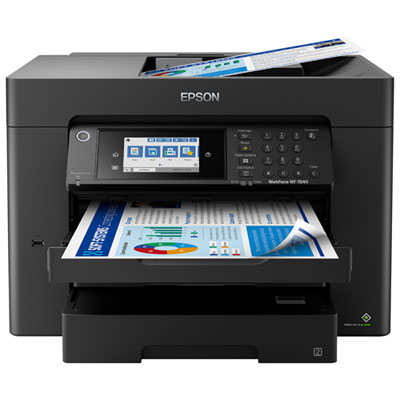
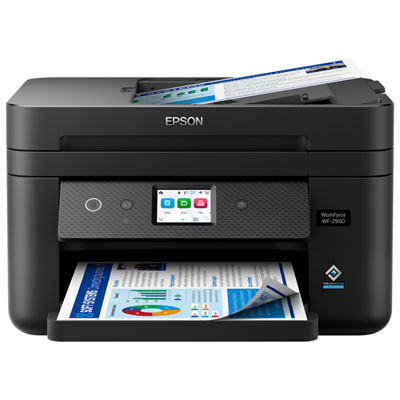
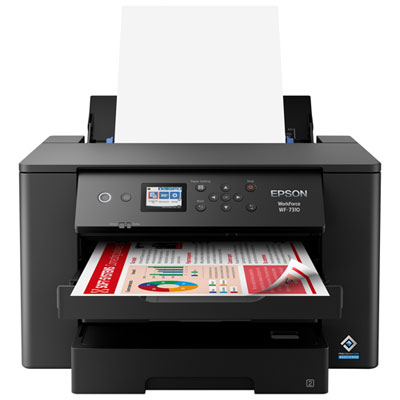
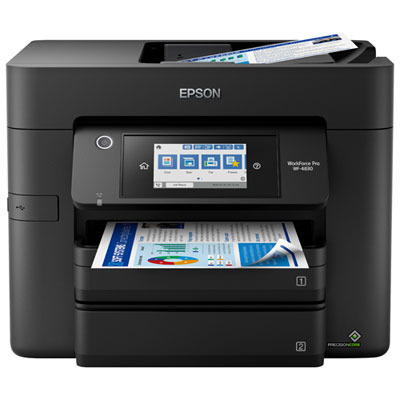
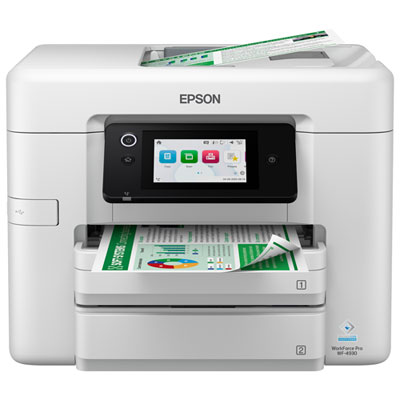

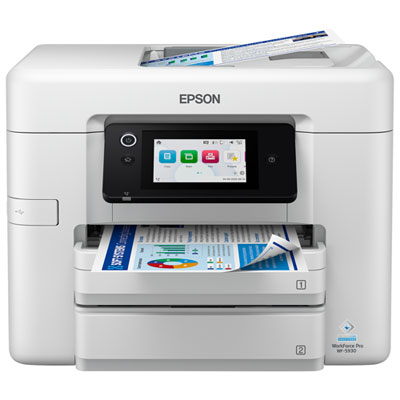
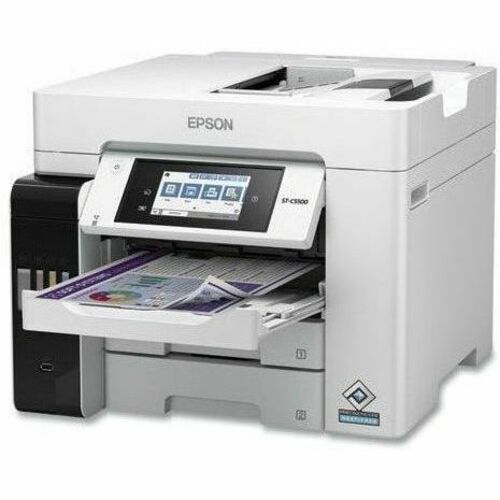
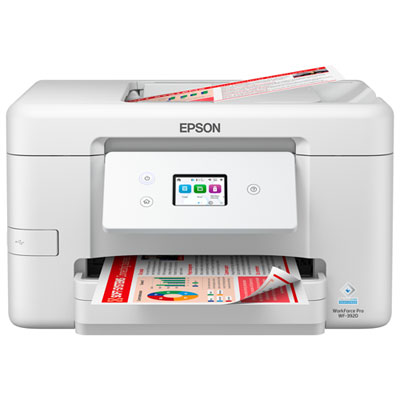

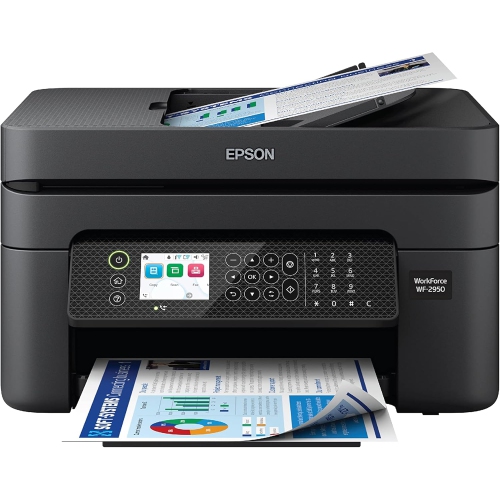
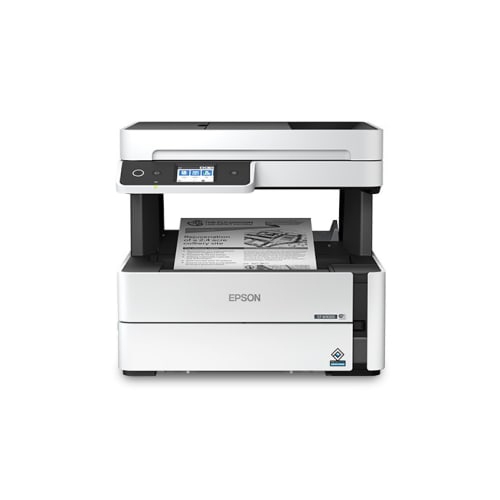
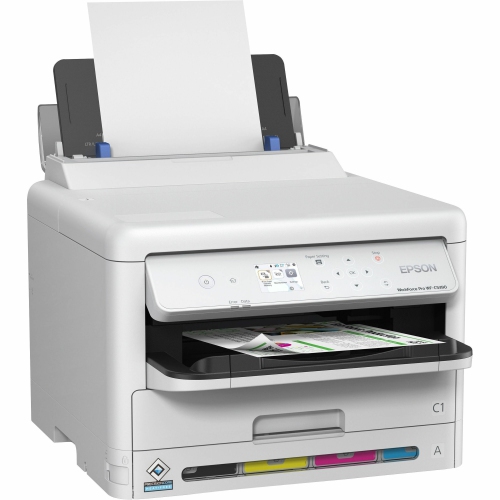
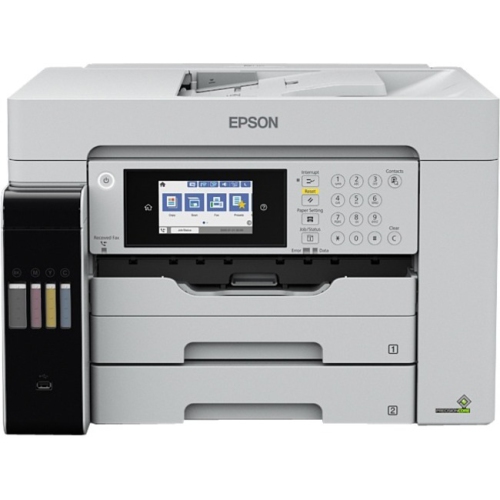
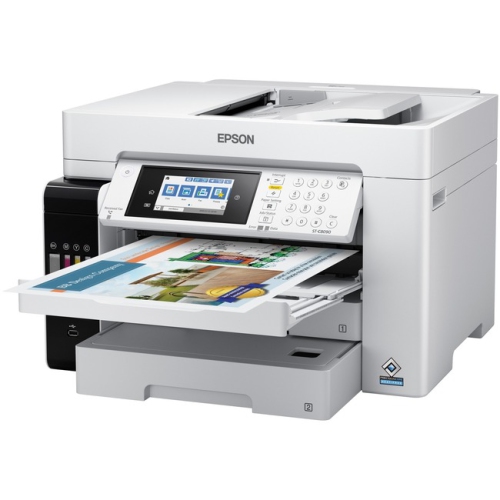

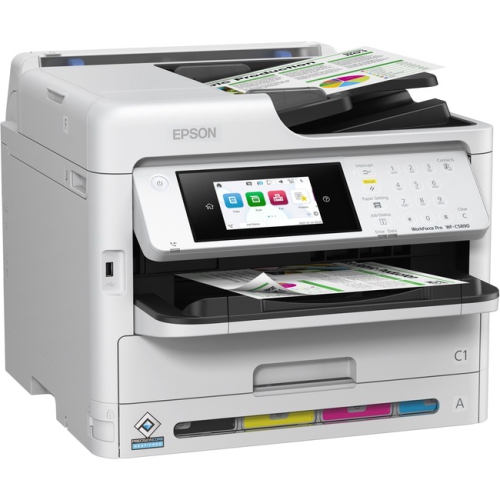
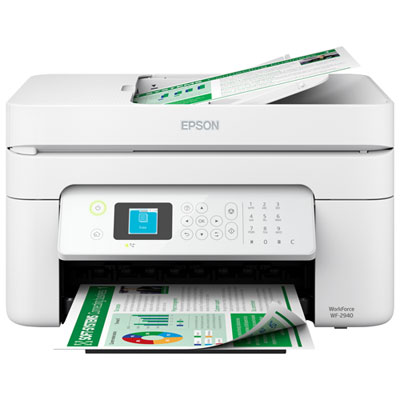
How everyday paperwork shapes your office printer needs
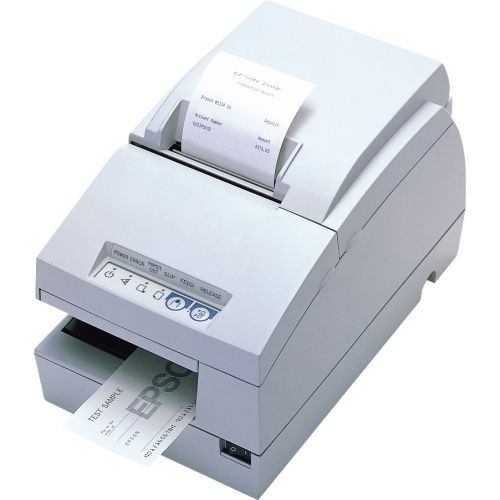
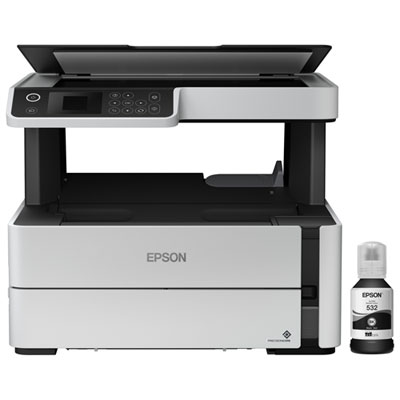
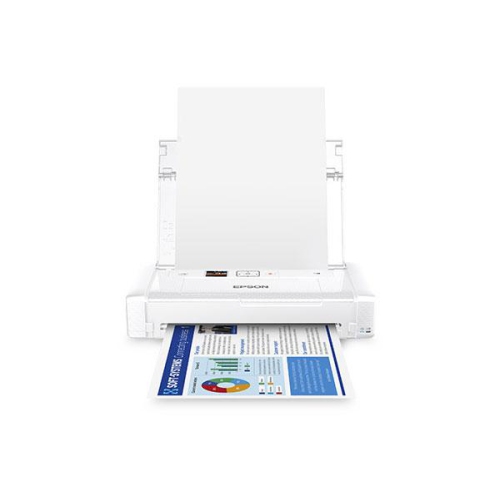
Business printers support the documents that keep a workplace moving, from client proposals and purchase orders to shipping paperwork, training handouts and meeting notes. The category includes compact printers for individual workspaces and multifunction designs that combine printing, scanning and copying, with fax capabilities on some models. Cartridge-based inkjet and refillable ink tank designs serve different printing routines, while features such as automatic two-sided printing, larger paper trays and network connectivity help match the machine to the workload. A home-based consultant may need crisp text, occasional colour charts and a printer that fits beside a filing cabinet. A busy reception desk may depend more on quick first-page output, straightforward copying and enough paper capacity to handle repeated forms without constant refilling. For a shared office, printing speed matters, but it is only part of the picture. Published page-per-minute figures are measured under defined test conditions, so longer reports, detailed graphics and two-sided jobs can take different amounts of time. First-page-out time can be especially relevant when several people send short jobs throughout the day. Recommended monthly print volume is another useful distinction: it describes an intended working range, whereas a maximum duty cycle should not be treated as a target for regular use. Clear text helps small type remain readable on invoices and contracts, while consistent colour makes charts, presentation materials and customer-facing documents easier to follow. Colour performance also depends on the document settings and paper used, rather than resolution alone. Paper handling shapes everyday convenience just as much as output quality. A tray that holds the office’s usual paper size, a separate feed for envelopes or letterhead, and support for the required media weights can reduce interruptions. These practical details help distinguish a printer suited to occasional administrative tasks from one intended to handle a steady flow of business documents.
Ink format influences how a business printer fits into an office routine. Cartridge-based designs use replaceable ink cartridges, while refillable ink tank designs hold ink in reservoirs topped up with compatible bottled ink. The right fit depends on printing frequency, the balance of black-and-white and colour documents, and how comfortably the printer can be maintained by the people using it. Offices considering the refillable ink tank category can also explore Epson ET Printers. Ink yield figures provide a reference for comparing expected output, but actual results vary with page coverage, settings, document content and maintenance activity. A page filled with coloured graphics uses ink differently from a short letter, and a long run of similar documents creates a different workload from intermittent single-page jobs. Ink formulation also matters for intended use. Depending on the model, pigment or dye inks may be used, and resistance to smudging, moisture or highlighting should be confirmed for the specific ink and paper combination rather than assumed. Plain office paper is suitable for many internal documents, while compatible presentation paper can give charts and images a more polished finish. Specialty media requires attention to supported sizes, thicknesses and feed methods; a printer that handles standard sheets may not accept every label stock or heavier cover paper. Scanning and copying features deserve similar attention when paper records are part of the working day. An automatic document feeder can make a stack of signed forms easier to process than placing each sheet on the scanner glass. Two-sided scanning is a separate capability from two-sided printing, and not every feeder handles both sides automatically. A flatbed remains useful for receipts, bound material and documents that should not pass through a feeder. For teams organizing digital records, compatible scanning software, searchable document functions and supported destinations can be as important as the scan resolution itself. The most useful combination is one that handles the office’s actual paperwork without adding unnecessary steps.
Physical fit, connectivity and routine care help determine how smoothly a business printer works after it is set up. Dimensions should account for more than the closed cabinet: paper trays, output supports, scanner lids and access panels need room to open, and some layouts require additional clearance for paper feeding or maintenance. A stable desktop or dedicated printer stand should support the machine’s weight and leave finished pages within easy reach. In a small office, placing the printer near the people who use it most can prevent repeated trips across the room, while keeping it clear of a crowded work surface leaves space for sorting documents. Connection options vary by model. USB can suit a single workstation, Ethernet can provide a wired connection for shared office use, and Wi-Fi can offer placement flexibility where supported. Mobile printing and direct wireless connections may also be useful, but compatibility with the office’s computers, phones, operating systems and network settings needs to match the intended workflow. A shared printer can involve access controls, firmware updates and document-handling considerations, particularly where client or employee information is involved. Sensitive printouts should not sit unattended in an output tray, and any supported secure-release features need to be configured appropriately. Day-to-day care is generally straightforward but still affects reliability. Paper stored flat and dry feeds more consistently than curled or damp sheets, and trays loaded within their stated limits are less likely to cause feeding trouble. Compatible ink and media, clean scanning glass and maintenance performed according to the manufacturer’s instructions help preserve consistent results. Inkjet printers can require nozzle checks or printhead cleaning when output shows gaps or streaks; repeated cleaning without following the recommended process can use ink unnecessarily. Accessible paper paths and clearly marked controls make routine tasks less disruptive, especially when several colleagues share responsibility for the equipment. For regular business use, a well-matched printer brings together manageable upkeep, appropriate capacity and dependable document handling, whether it is producing a single signed letter or preparing a complete set of materials for a client meeting.
Top selling and popular products
-
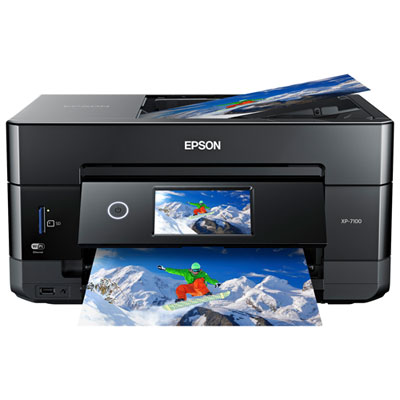 Your price for this item is $249.99
-
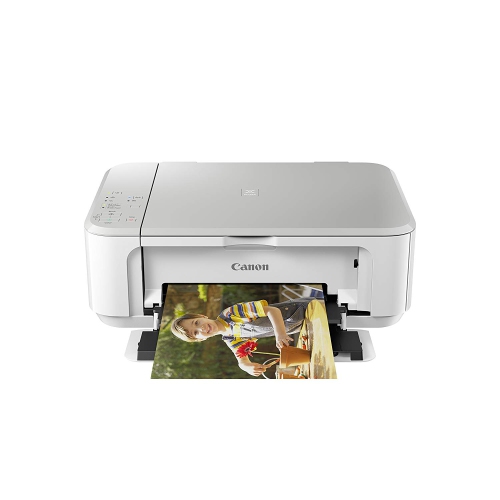 Your price for this item is $69.95
-
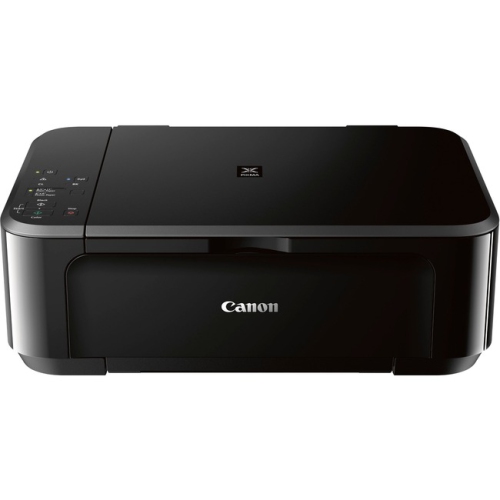 Your price for this item is $67.5
-
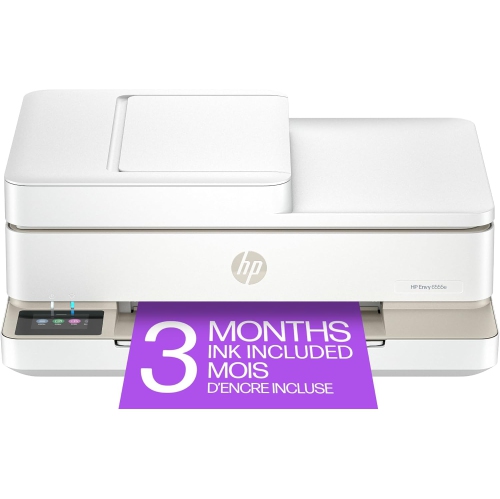 Your price for this item is $214.79
-
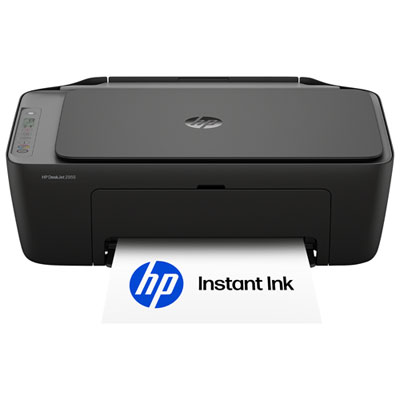 Your price for this item is $99.99
-
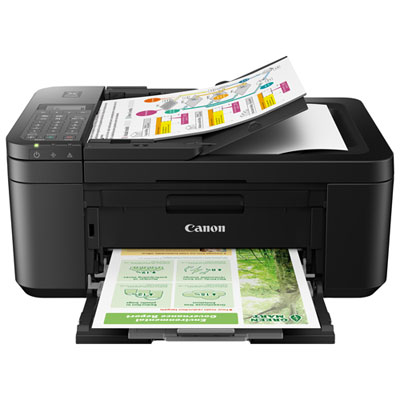 Your price for this item is $149.99
-
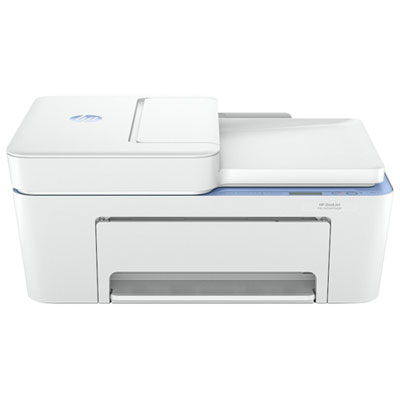 Your price for this item is $49.99
-
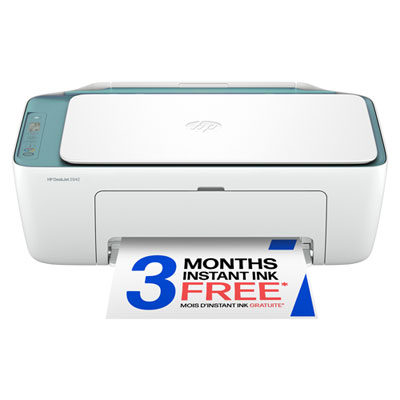 Your price for this item is $49.99
Discover more categories related to Epson Business Printers
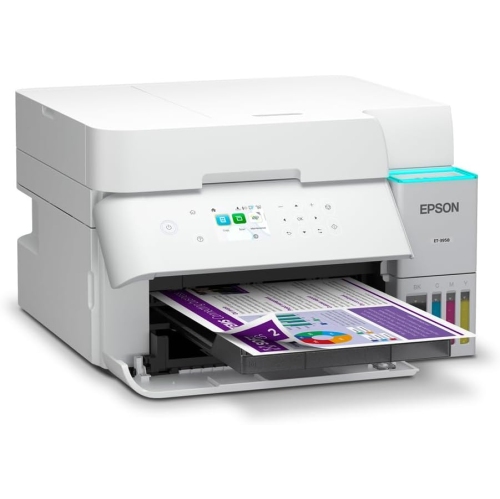
Top Collections:
Best Black Friday Deals This Year, Best Black Friday Deals On Electronics, Kindle Devices, Pokemon Centers, Best Black Friday Deals On Apple Products, Best Cameras for Sports Photography, Dyson Airwrap, Pokémon 30th Celebration Cards, Apple iPhone 17 Pro, Canon G7X Cameras
Some products may be subject to Environmental Handling Fees
(EHF) depending on your province.
Learn more about EHFs.