Epson Printer Papers
Find the perfect match for your printing needs with Epson Printer Paper. Designed to deliver reliable results for home, office, or creative projects, this selection provides options suited for a variety of tasks. Whether you’re producing crisp documents or vibrant images, Epson Printer Paper helps ensure consistent quality with every print. Explore different sizes and finishes to find the ideal paper for your printer and make every project stand out.
Sort

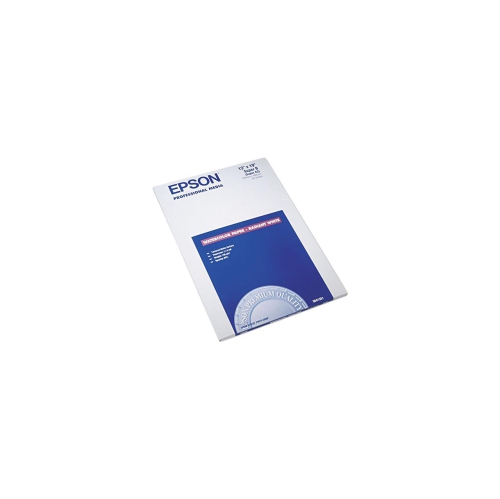

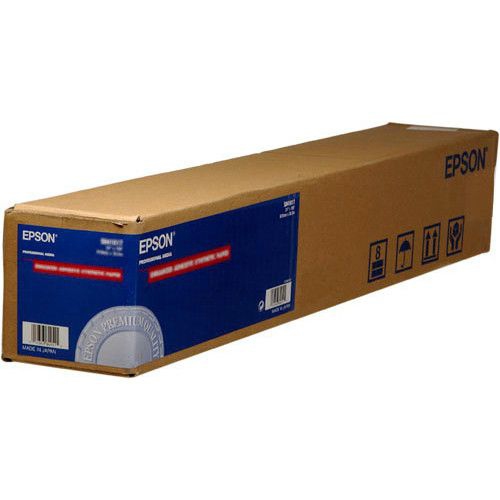



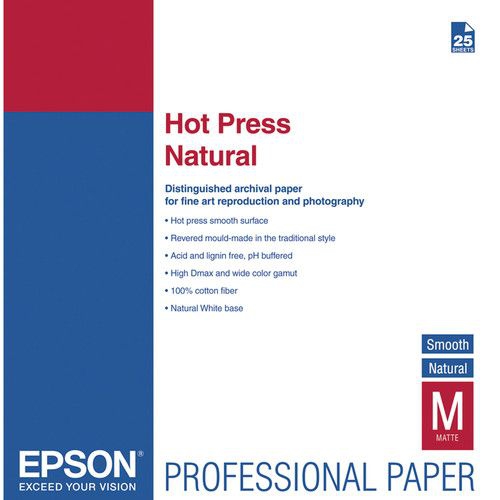

Why paper finish matters for photos and documents
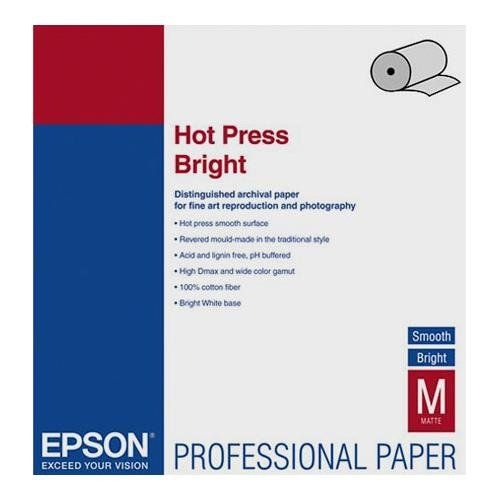
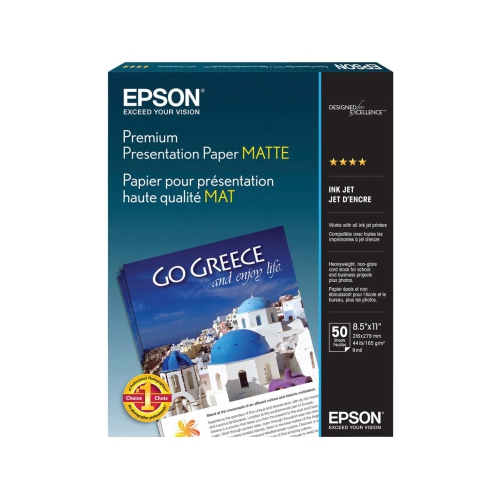
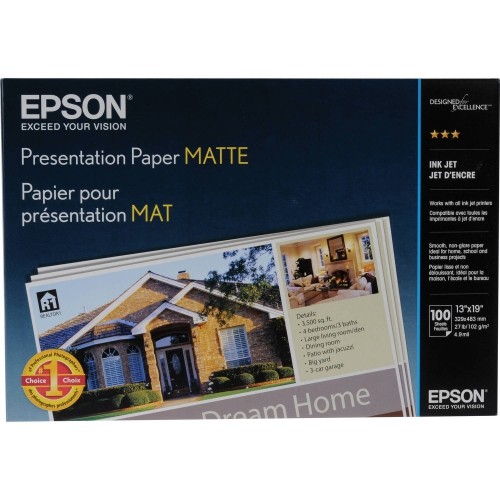
Inkjet printer papers include everyday document sheets, matte presentation papers and photo papers with glossy or satin finishes. Their differences go beyond appearance: the paper’s surface, coating and thickness influence how ink settles, how clearly small details appear and how a finished print feels in the hand. Everyday document paper suits homework, correspondence, forms and reference material, where readable text and easy handling matter most. Coated presentation paper is useful for colour charts, illustrated reports and handouts that need more definition than ordinary office sheets may provide. Photo paper has a surface designed to receive ink for detailed images, helping preserve subtle shading, fine textures and the distinction between neighbouring colours when used with compatible printer settings. Glossy finishes give photographs a reflective surface that can emphasize contrast and rich colour, making them a familiar choice for family portraits, travel photographs and album pages. Matte finishes have little surface reflection, which makes them useful for text-heavy layouts, illustrations and images viewed under overhead lighting. Satin and lustre finishes offer an intermediate appearance, with some sheen but less reflection than a high-gloss surface. These finishes also affect the character of an image: a bright city scene may look particularly crisp on glossy paper, while a softly lit portrait or a reproduction of a pencil drawing may suit matte paper. No single finish is best for every project, and the intended viewing conditions matter as much as the image itself. A menu read across a table, a photograph behind glass and a school presentation passed around a classroom each place different demands on the sheet. Paper brightness and whiteness also influence the result. Brightness describes a measured aspect of light reflection, while whiteness relates to the paper’s overall visual appearance. A brighter sheet does not automatically produce a better photograph; its coating, compatibility with the ink and suitability for the project remain important parts of the finished result.
Paper size, weight and printer compatibility determine whether a sheet is a practical fit for the job. Familiar photo formats such as 4 × 6 inch and 5 × 7 inch suit albums, small frames and photographs shared with friends or relatives. Letter-size paper, measuring 8.5 × 11 inches, is common for Canadian home and office documents, while A4 measures 210 × 297 mm and requires the matching page layout and printer settings. Larger sheets offer room for oversized photographs, artwork and detailed presentations, but they require a printer with the appropriate feed width and supported media size. Borderless printing also depends on the printer and the selected paper format; a sheet that fits the tray is not necessarily supported for printing to every edge. Paper weight, often expressed in grams per square metre, describes mass rather than thickness. Heavier sheets generally feel more substantial, but two papers with the same weight can differ in stiffness and thickness because of their composition and coatings. A printer’s media limits therefore matter for both feeding and print quality, particularly with heavier photo papers or rigid specialty sheets. For home offices using Epson all-in-one printers, the supported paper types and loading instructions help establish which document and photo papers are suitable. Double-sided work introduces another consideration: the sheet needs sufficient opacity to keep text or images on the reverse from becoming distracting. Paper described as printable on both sides has surfaces intended for that purpose, whereas some photo papers have only one printable face. A two-sided brochure with photographs, for example, needs different paper characteristics from a single-sided print destined for a frame. Printer settings should match the paper type because they can affect ink delivery and handling. Selecting ordinary paper settings for a coated photo sheet may produce a different result from the intended photo setting, even when the image file is unchanged. A test print is useful before printing multiple copies, especially when checking page orientation, margins, fine text or the way a photograph has been cropped.
Careful handling helps paper retain its appearance before and after printing. Unused sheets are best kept flat in their original packaging, away from moisture, direct sunlight and large changes in storage conditions. Open packaging can leave paper exposed to dust or changes in humidity, which may contribute to curling or feeding difficulties. Holding photo paper by its edges keeps fingerprints away from the printable surface, where skin oils can interfere with an even finish. The printable side is not always obvious, so the packaging and loading directions are more dependable than guessing from colour alone. After printing, drying time varies with the paper, ink and amount of coverage. A photograph with a dark background may need different handling from a lightly printed document, and freshly printed sheets should not be stacked or placed against protective sleeves before they are ready. Printed paper is not automatically waterproof or resistant to repeated rubbing, even when the surface looks smooth and durable. Longevity depends on the combination of paper, ink, display conditions and storage, rather than on paper thickness alone. Framing prints away from direct sunlight and keeping album pages dry can help preserve their appearance, while any stated display-life claims apply only under the specified conditions. These practical differences make printer paper relevant to many everyday projects. Students may need clear diagrams and readable assignments; home offices may print client correspondence, schedules and presentation materials; photographers may want consistent surfaces for a series of images. Artists and hobbyists can use suitable papers for illustrations, scrapbook elements and printable designs, provided the media matches the printer’s capabilities. Printed photographs also make personal gifts, whether arranged in an album, placed in a frame or included with a handwritten message. For these projects, the right paper brings together the required size, surface, handling qualities and intended use, giving the finished piece a considered appearance without relying on an unnecessarily heavy or highly reflective sheet.
Top selling and popular products
-
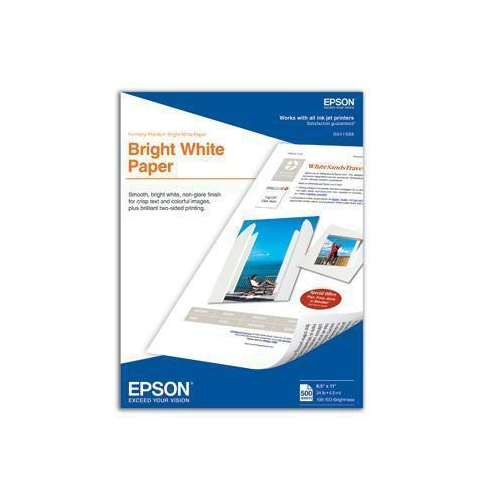 Your price for this item is $33.37
-
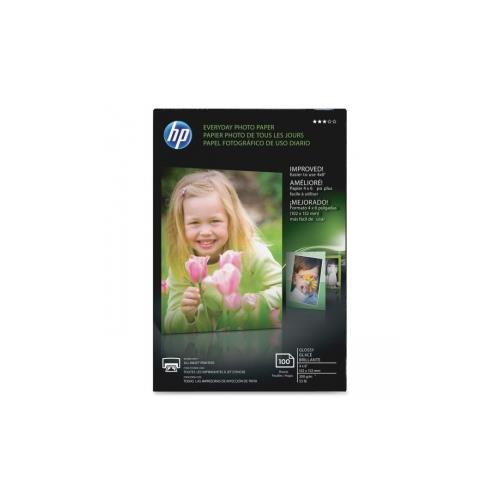 Your price for this item is $24.68
-
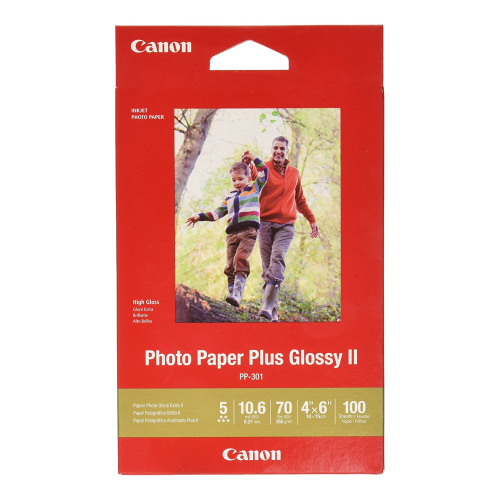 Your price for this item is $43.79
-
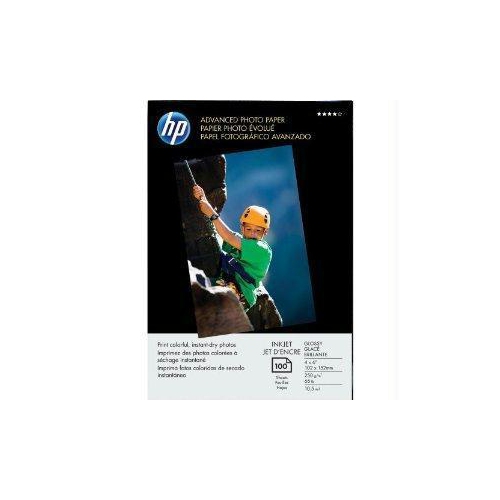 Your price for this item is $31.68
-
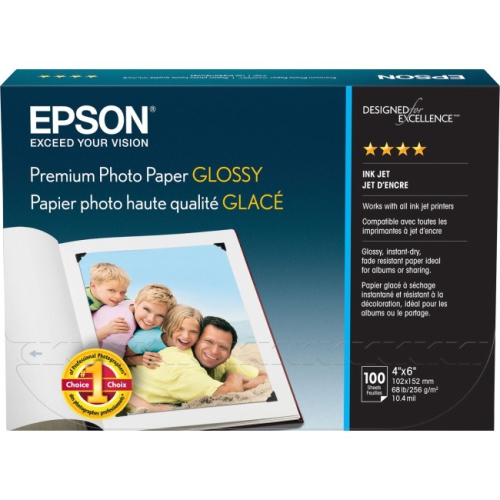 Your price for this item is $24.68
-
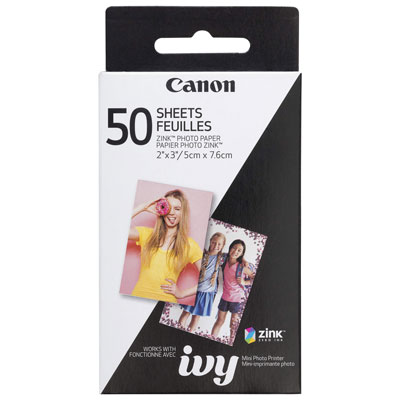 Your price for this item is $39.99
-
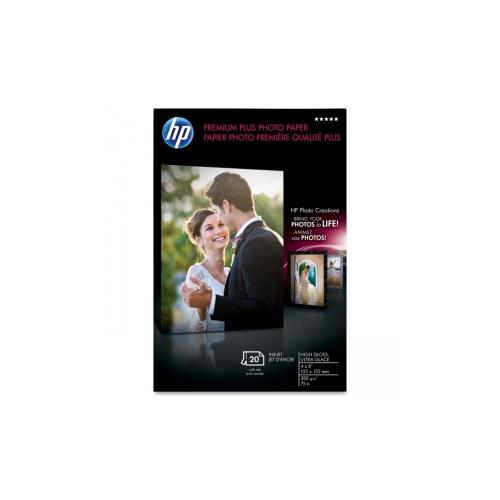 Your price for this item is $28.99
-
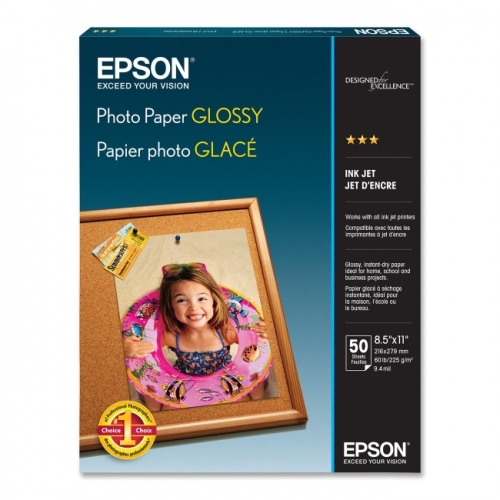 Your price for this item is $65.68
Discover more categories related to Epson Printer Papers
Top Collections:
Best Black Friday Deals This Year, Best Black Friday Deals On Electronics, Kindle Devices, Pokemon Centers, Best Black Friday Deals On Apple Products, Best Cameras for Sports Photography, Dyson Airwrap, Pokémon 30th Celebration Cards, Apple iPhone 17 Pro, Canon G7X Cameras
Some products may be subject to Environmental Handling Fees
(EHF) depending on your province.
Learn more about EHFs.