Fastest RAM
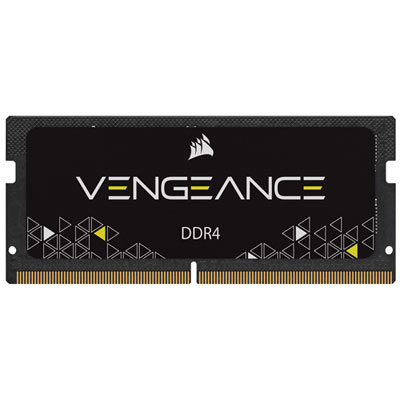
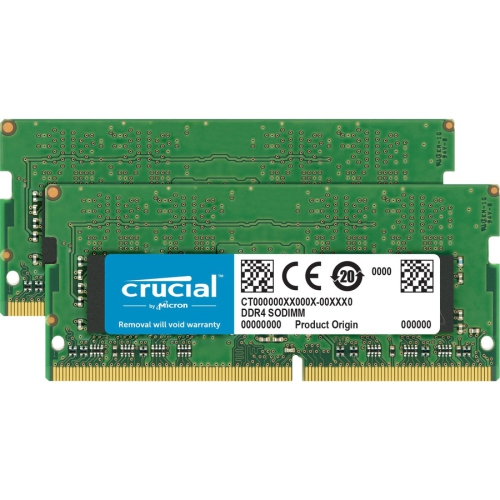
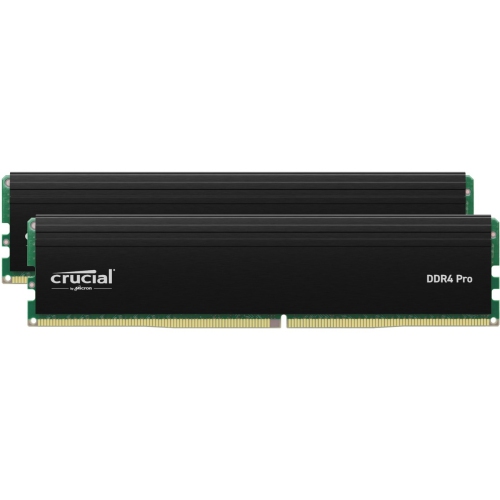
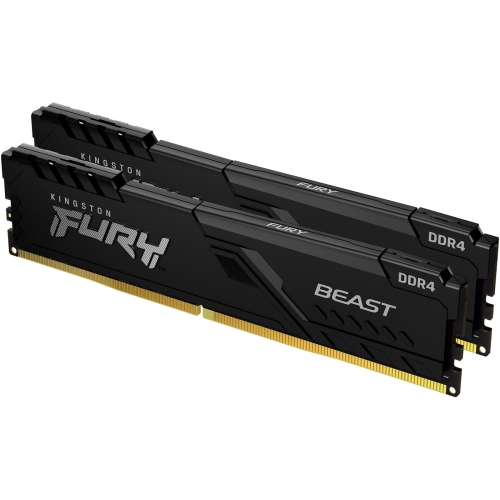
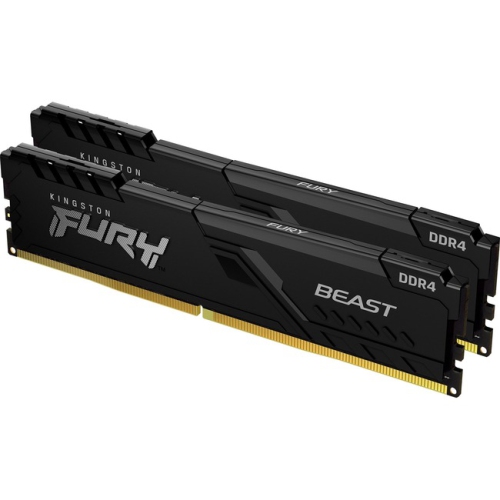
RAM or Random Access Memory is where your computer stores information it's currently working on. The more RAM you have, the more information your computer can store. So if you're running a lot of programs at once, you'll want to make sure your computer has enough and fast RAM. Here are some of the fastest RAM available on the market.
Sort
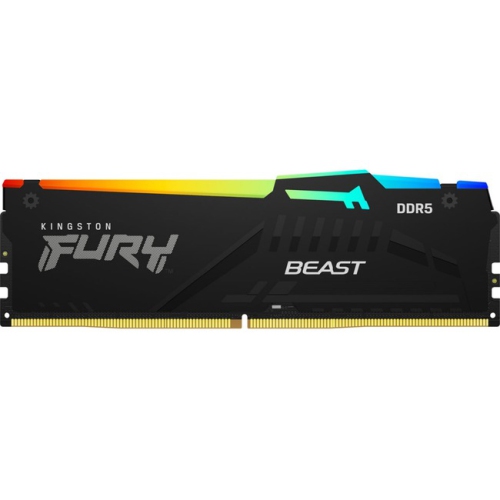
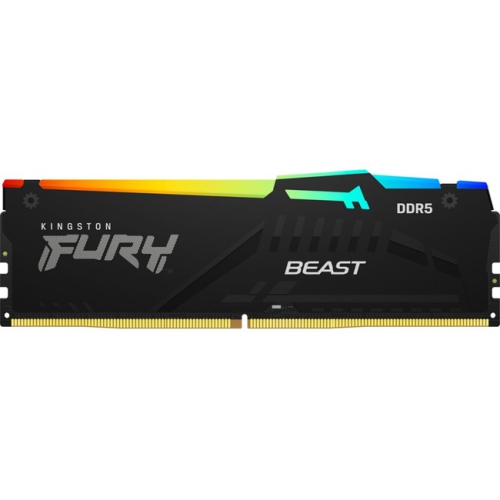
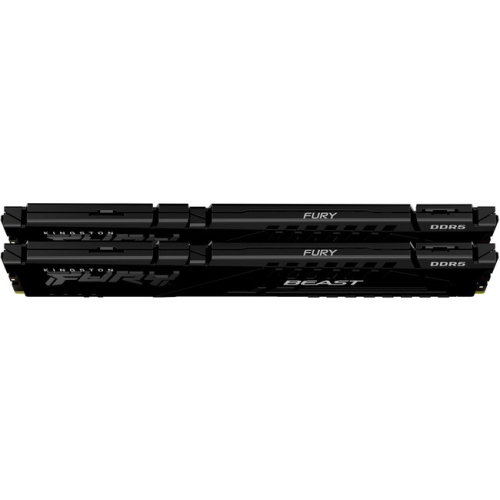
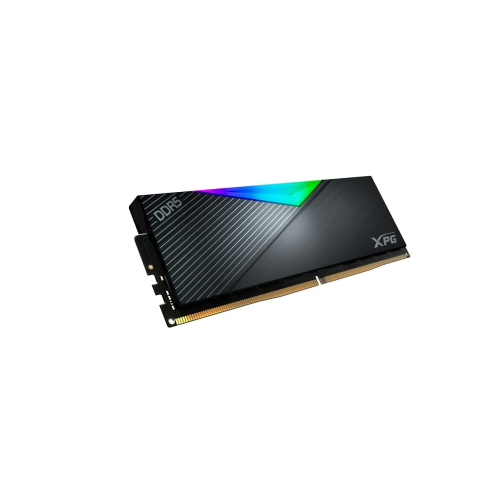


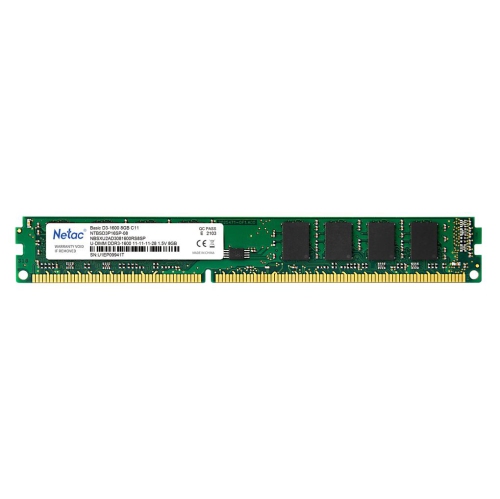
Why the fastest memory is not always the best fit
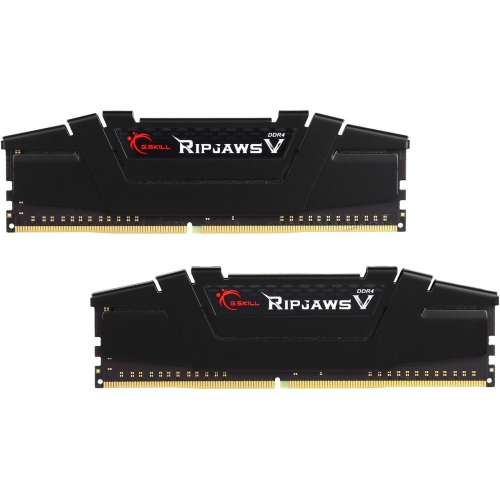
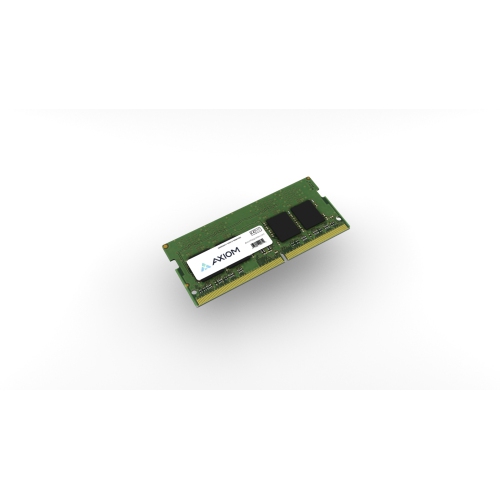
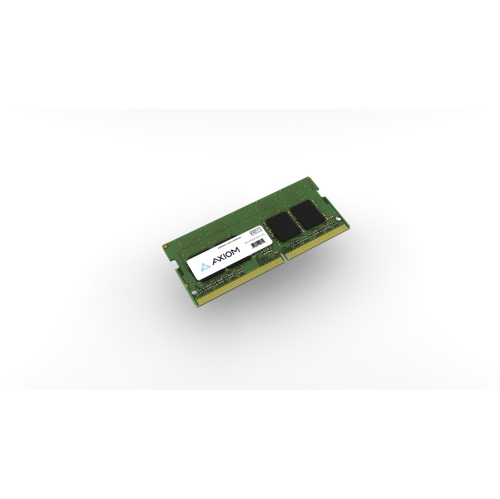
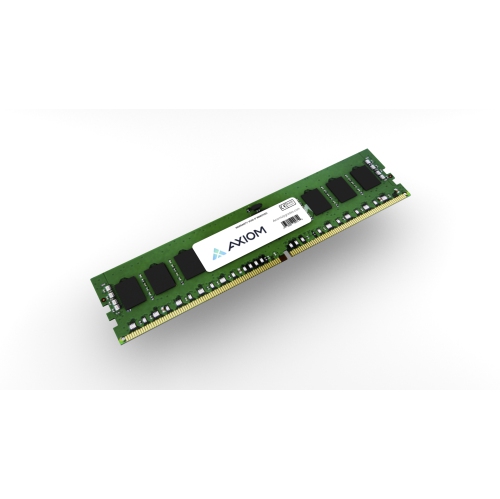
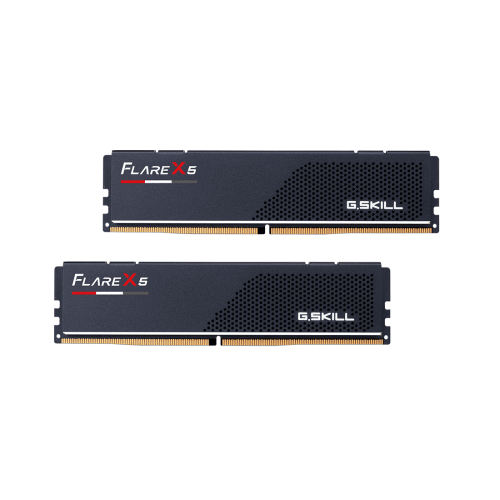
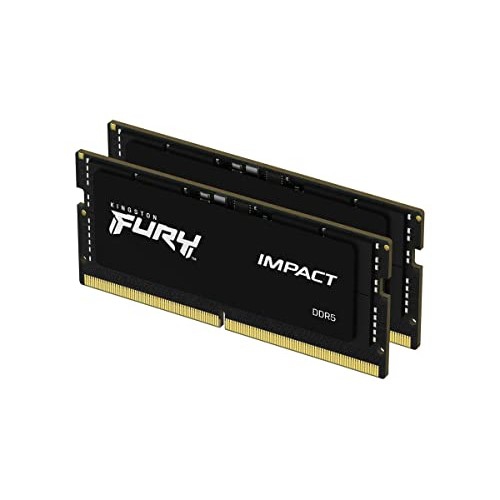
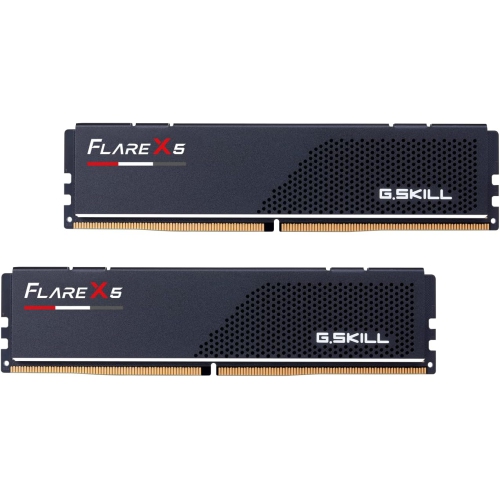
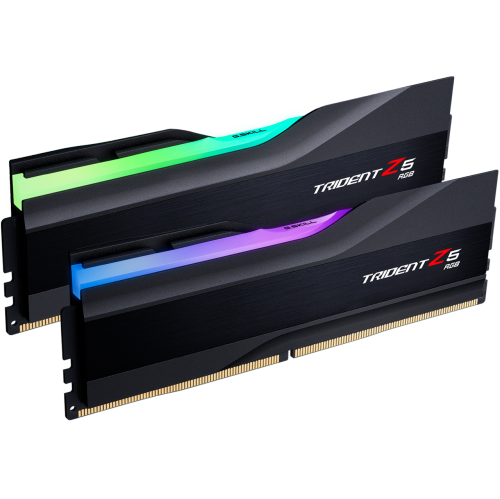
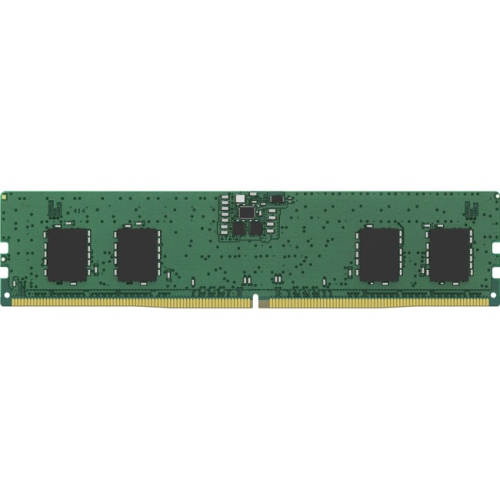
Fastest RAM is designed for people who want exceptionally responsive desktop performance, high memory bandwidth, and the flexibility to push demanding applications further. Modern DDR5 memory kits can reach very high data rates, with leading consumer options available at speeds such as DDR5-7200 and DDR5-7600. These numbers describe transfers per second, measured in MT/s, rather than the actual clock frequency, but they provide a useful way to compare raw throughput between kits. Faster memory can help a computer move large amounts of data more quickly, which is especially valuable when gaming at high frame rates, editing high-resolution video, compiling software, rendering 3D scenes, running virtual machines, or working with large creative projects. The benefits are most noticeable when the rest of the system can keep up. A powerful processor, a modern motherboard, a capable graphics card, and fast storage all contribute to a balanced build, while a computer with an entry-level processor may not take full advantage of the highest available memory speeds. For many gaming systems and general performance PCs, DDR5-6000 or DDR5-6400 remains a practical performance range because it offers strong bandwidth and broad compatibility without the added tuning often associated with more extreme kits. Enthusiasts who want the highest rated specifications may choose DDR5-7200 or DDR5-7600 memory, but these kits can require more careful setup, a recent BIOS, and a motherboard with a suitable memory layout. It is also important to distinguish speed from latency. A kit with a higher transfer rate may have looser timings, while a slightly slower kit with tighter timings can deliver comparable real-world responsiveness in some tasks. CAS latency, commonly shown as CL followed by a number, indicates the delay between a memory request and the start of data delivery. Looking at both the data rate and timings gives a more complete picture than focusing on either number alone.
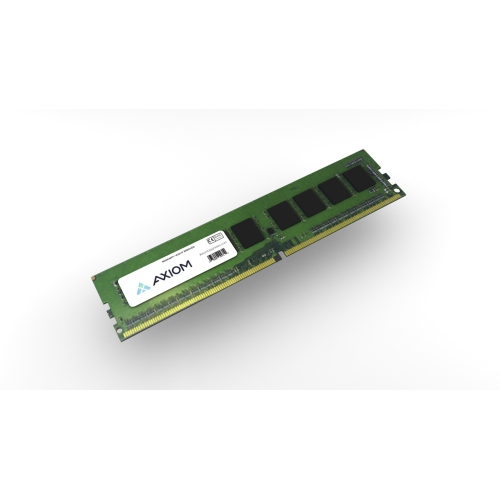
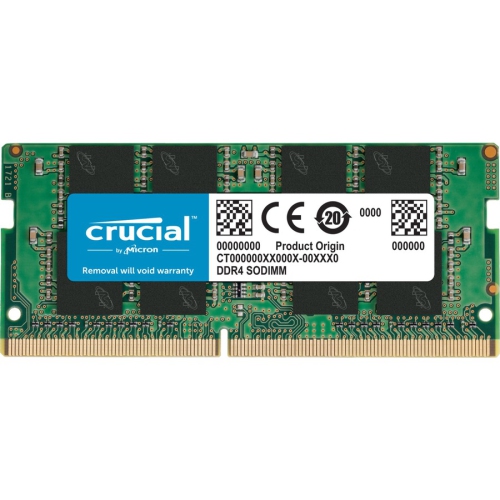
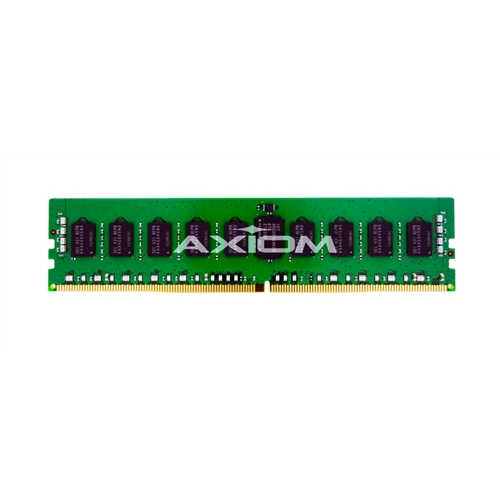
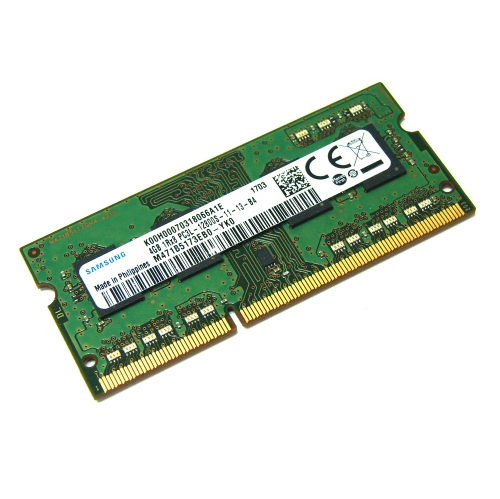
Compatibility should be the first check before choosing the fastest RAM for a new build or upgrade. DDR5 memory is not interchangeable with DDR4 memory, and desktop DIMMs are different from laptop SO-DIMMs. The motherboard manual identifies the supported memory generation, maximum capacity, recommended slots, and tested speeds. Processor support also matters, as the memory controller built into the CPU can influence how reliably a high-speed kit operates. A motherboard may advertise support for a very high data rate, but the result can vary depending on the processor model, the number of memory modules installed, and the configuration of the computer. Two matched modules are often easier to run at high speeds than four modules, particularly when aiming for demanding settings. Before purchasing, check the motherboard manufacturer’s qualified vendor list when available, confirm the total capacity required, and make sure the kit’s physical height will clear the CPU cooler or other components. Memory rated for its top speed may start at a standard, lower speed until a performance profile is enabled in the system firmware. On compatible platforms, Intel XMP or AMD EXPO profiles can apply the advertised speed, timings, and voltage with a straightforward BIOS selection, although stability should still be tested after the change. If a system fails to boot, produces errors, or crashes during intensive workloads, returning to a lower setting or updating the BIOS may help. Capacity remains just as important as speed: 16 GB can suit many gaming systems, 32 GB gives more room for modern games, streaming, and creative software, and 64 GB or more is useful for demanding professional workflows, heavy multitasking, virtual machines, and large media projects. Adding more memory does not automatically make a computer faster if the existing capacity is already sufficient, so the best choice combines enough room for the intended workload with a speed the platform can reliably support.
Fastest RAM can be a thoughtful gift for someone assembling a gaming PC, refreshing an older workstation, or learning how to tune a computer for demanding software. It is also a practical upgrade for a family computer used for school projects, photo management, game development, or multiple applications at once, provided the recipient’s system supports the selected memory type. A builder replacing an older platform may appreciate a matched kit with a generous capacity, while an enthusiast may prefer a higher-speed kit for experimentation and performance testing. Installation is usually simple: shut down and unplug the computer, release the motherboard’s memory-slot latches, align the notch on each module, and press evenly until the latches click into place. Use the motherboard’s recommended slots, commonly the second and fourth positions for a two-module kit, rather than assuming that adjacent slots are correct. After installation, verify the detected capacity in the operating system and check the firmware to confirm the intended profile and speed. Memory diagnostics and extended gaming or productivity sessions can reveal instability that a quick start-up will not. High-speed RAM works best as part of a considered system rather than as an isolated specification, and the fastest-rated kit is not always the most suitable option for every computer. Those building a performance-focused setup should also consider a responsive solid-state drive for loading applications and moving project files; options listed with Fastest External Storage can complement a high-bandwidth memory upgrade by providing convenient space for backups, media libraries, game installations, and files that need to move between compatible computers. With the right capacity, timings, profile support, and platform compatibility, a fast memory kit can make a system feel smoother during the moments that matter, from launching a complex project to keeping numerous windows open while a demanding task runs in the background.
Compatibility should be the first check before choosing the fastest RAM for a new build or upgrade. DDR5 memory is not interchangeable with DDR4 memory, and desktop DIMMs are different from laptop SO-DIMMs. The motherboard manual identifies the supported memory generation, maximum capacity, recommended slots, and tested speeds. Processor support also matters, as the memory controller built into the CPU can influence how reliably a high-speed kit operates. A motherboard may advertise support for a very high data rate, but the result can vary depending on the processor model, the number of memory modules installed, and the configuration of the computer. Two matched modules are often easier to run at high speeds than four modules, particularly when aiming for demanding settings. Before purchasing, check the motherboard manufacturer’s qualified vendor list when available, confirm the total capacity required, and make sure the kit’s physical height will clear the CPU cooler or other components. Memory rated for its top speed may start at a standard, lower speed until a performance profile is enabled in the system firmware. On compatible platforms, Intel XMP or AMD EXPO profiles can apply the advertised speed, timings, and voltage with a straightforward BIOS selection, although stability should still be tested after the change. If a system fails to boot, produces errors, or crashes during intensive workloads, returning to a lower setting or updating the BIOS may help. Capacity remains just as important as speed: 16 GB can suit many gaming systems, 32 GB gives more room for modern games, streaming, and creative software, and 64 GB or more is useful for demanding professional workflows, heavy multitasking, virtual machines, and large media projects. Adding more memory does not automatically make a computer faster if the existing capacity is already sufficient, so the best choice combines enough room for the intended workload with a speed the platform can reliably support.
Fastest RAM can be a thoughtful gift for someone assembling a gaming PC, refreshing an older workstation, or learning how to tune a computer for demanding software. It is also a practical upgrade for a family computer used for school projects, photo management, game development, or multiple applications at once, provided the recipient’s system supports the selected memory type. A builder replacing an older platform may appreciate a matched kit with a generous capacity, while an enthusiast may prefer a higher-speed kit for experimentation and performance testing. Installation is usually simple: shut down and unplug the computer, release the motherboard’s memory-slot latches, align the notch on each module, and press evenly until the latches click into place. Use the motherboard’s recommended slots, commonly the second and fourth positions for a two-module kit, rather than assuming that adjacent slots are correct. After installation, verify the detected capacity in the operating system and check the firmware to confirm the intended profile and speed. Memory diagnostics and extended gaming or productivity sessions can reveal instability that a quick start-up will not. High-speed RAM works best as part of a considered system rather than as an isolated specification, and the fastest-rated kit is not always the most suitable option for every computer. Those building a performance-focused setup should also consider a responsive solid-state drive for loading applications and moving project files; options listed with Fastest External Storage can complement a high-bandwidth memory upgrade by providing convenient space for backups, media libraries, game installations, and files that need to move between compatible computers. With the right capacity, timings, profile support, and platform compatibility, a fast memory kit can make a system feel smoother during the moments that matter, from launching a complex project to keeping numerous windows open while a demanding task runs in the background.
Top selling and popular products
-
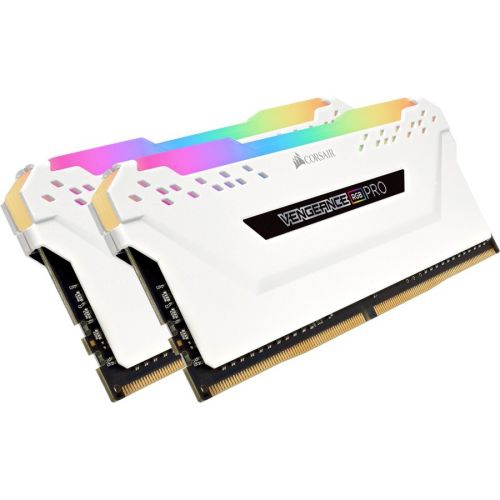 Your price for this item is $307.68
 -
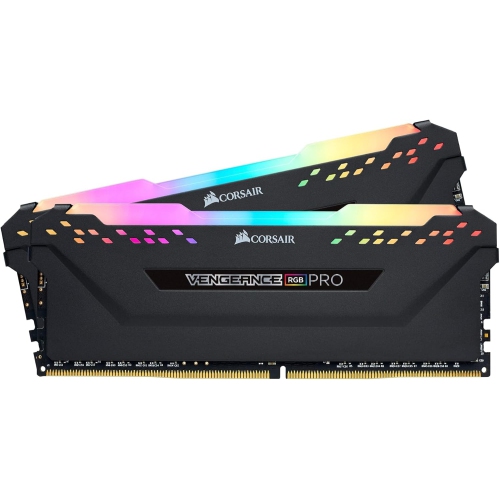 Your price for this item is $329.99
 -
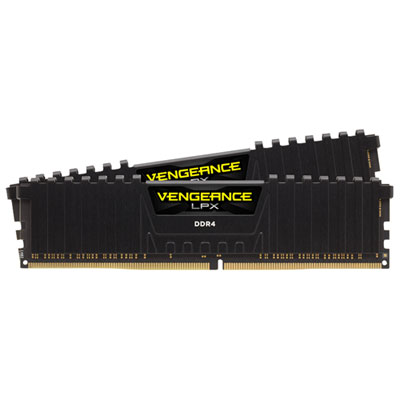 Your price for this item is $406.98
 -
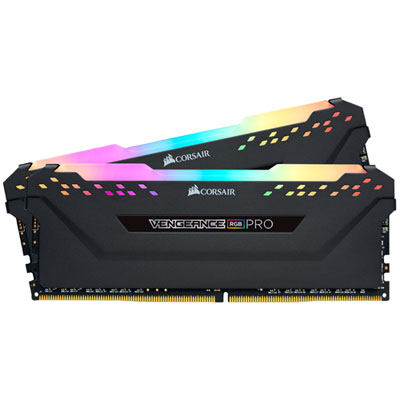 Your price for this item is $450.99
 -
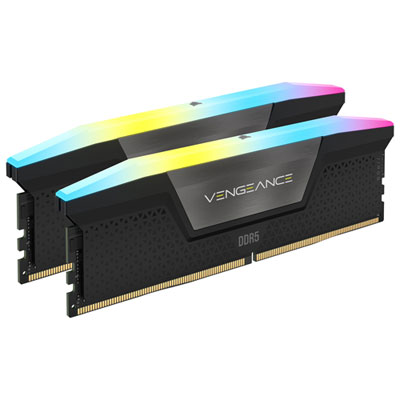 Your price for this item is $799.99
 -
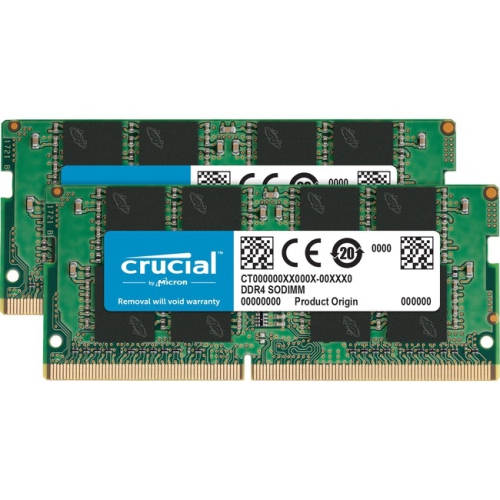 Your price for this item is $379.99
 -
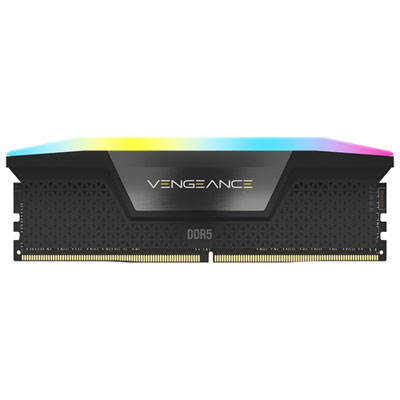 Your price for this item is $1793.99
 -
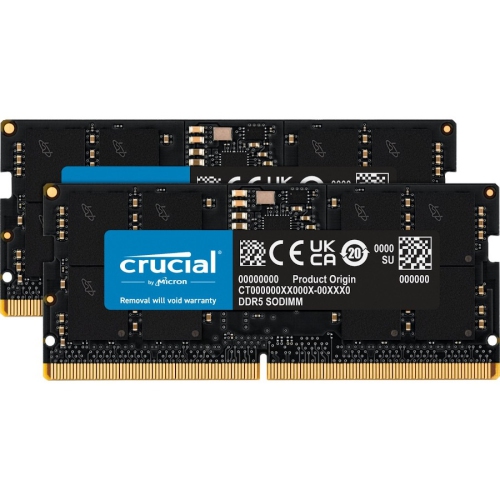 Your price for this item is $1039.68
Discover more categories related to Fastest RAM
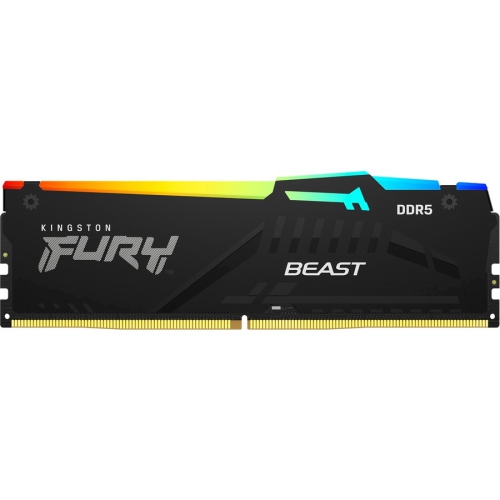

Top Collections:
Pokemon Centers, Kindle Devices, Best Budget Office Chairs, Apple iPhones 16, Best Laptops for Writers, iPhone 15 Apple, Canon G7X Cameras, Refurbished Apple Laptops, Alarm Clock, Motorola Razr Phones
Some products may be subject to Environmental Handling Fees
(EHF) depending on your province.
Learn more about EHFs.