Graphic Pads for Mac
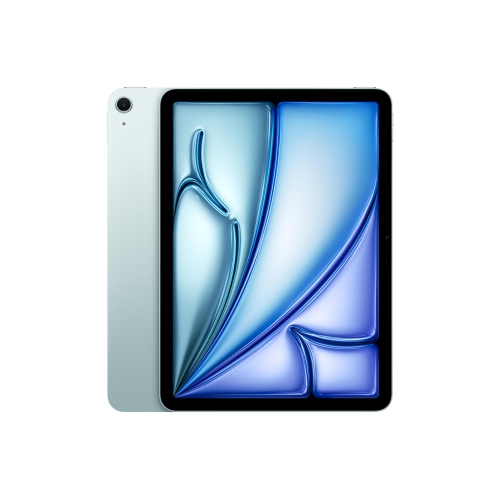
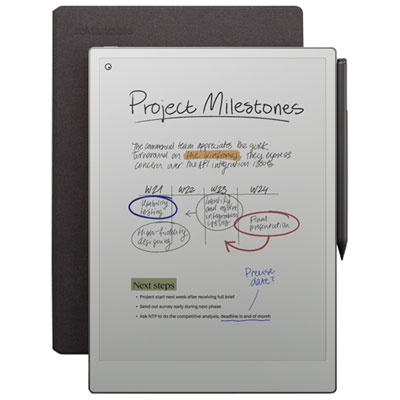
Enhance your creative workflow and unlock your artistic potential with our extensive collection of graphic pads designed specifically for Mac users. Whether you're a professional graphic designer or an aspiring digital artist, these cutting-edge devices offer unparalleled precision and control to bring your imagination to life. With a range of sizes, features, and advanced technologies, our graphic pads for Mac are the perfect companion for creating stunning illustrations, editing photos, or even navigating through your favorite applications seamlessly. Elevate your digital artistry and take your creativity to new heights with our exceptional selection of graphic pads tailored to meet the needs of Mac users.
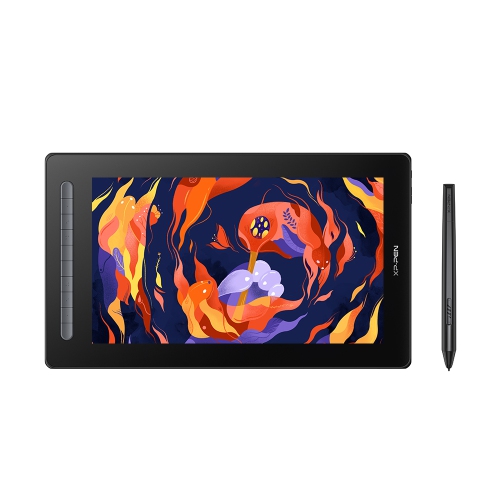
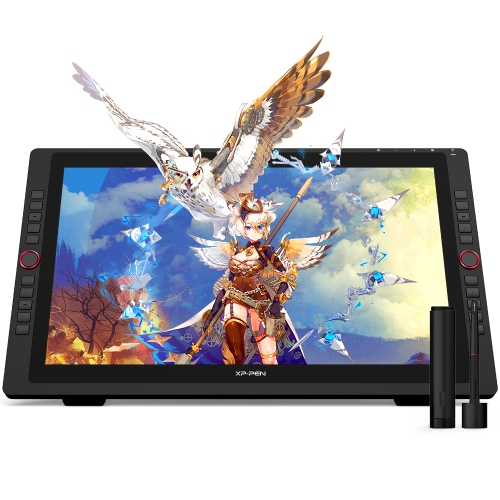
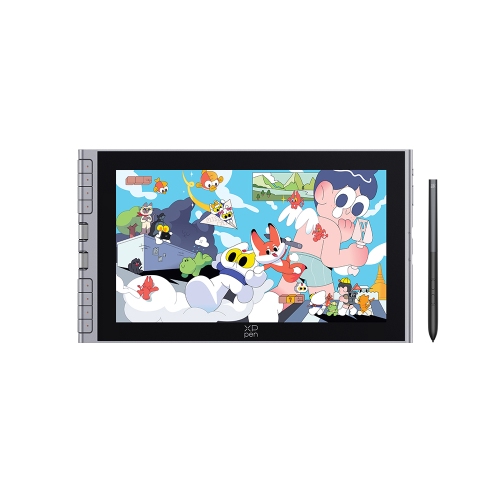
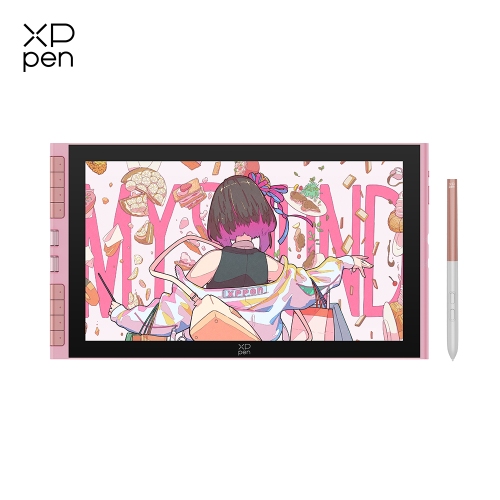
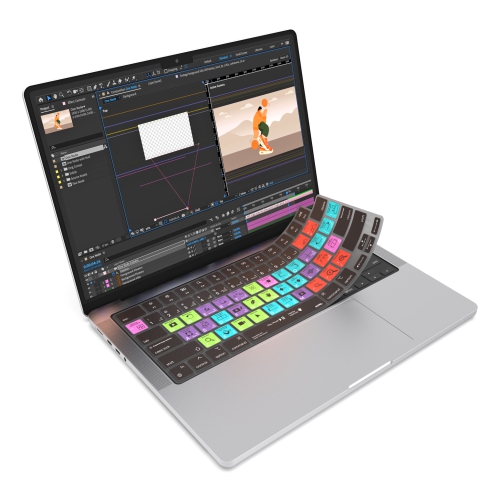
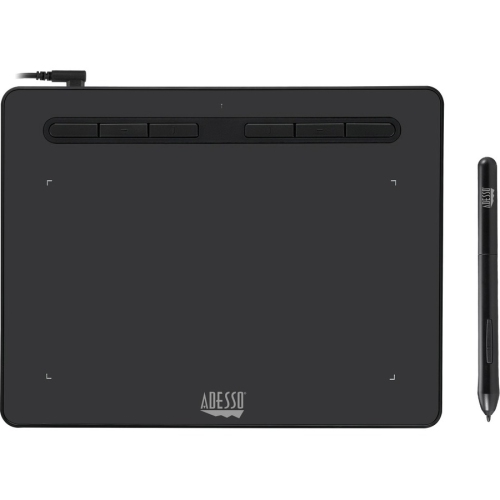
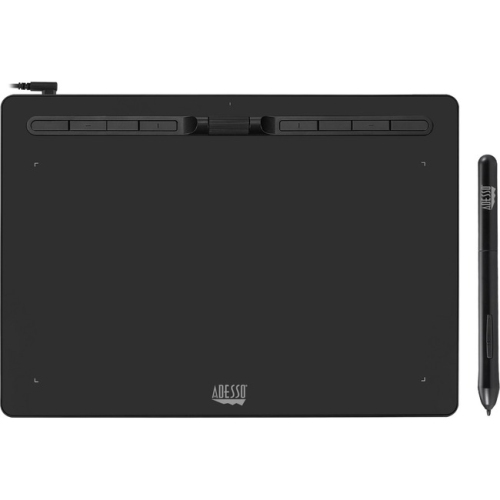
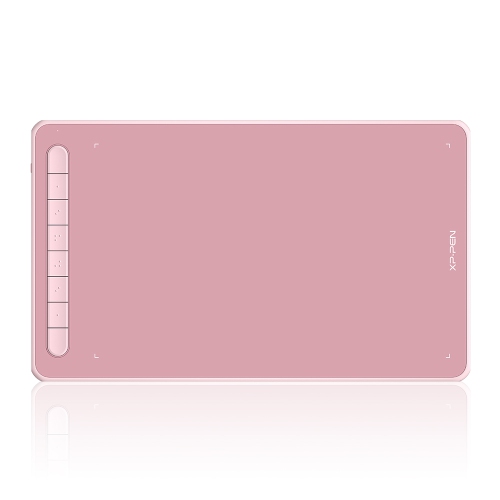
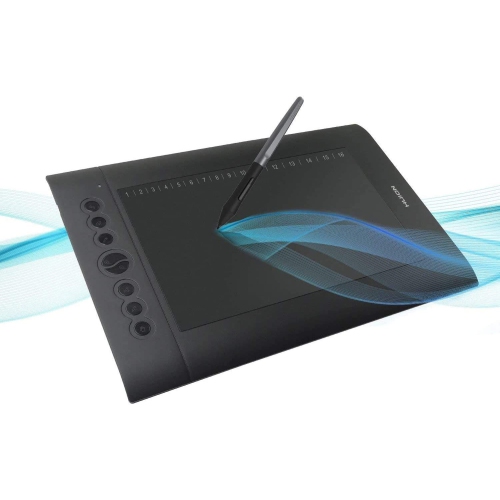
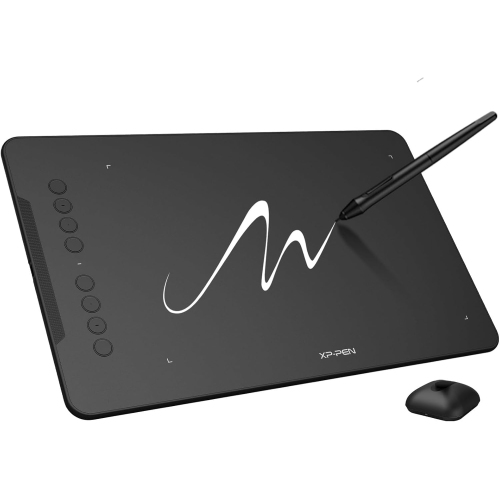
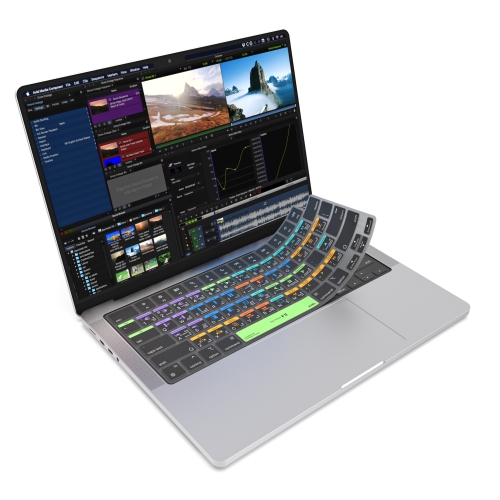
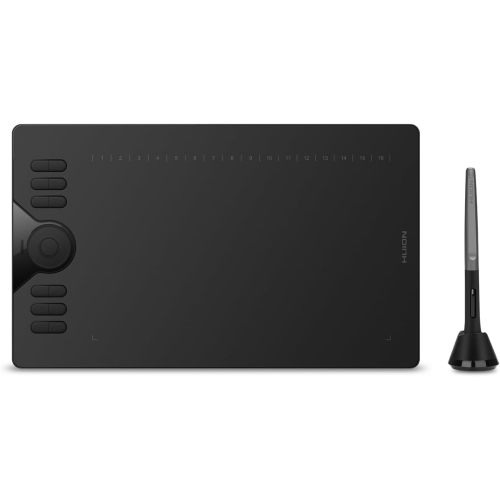
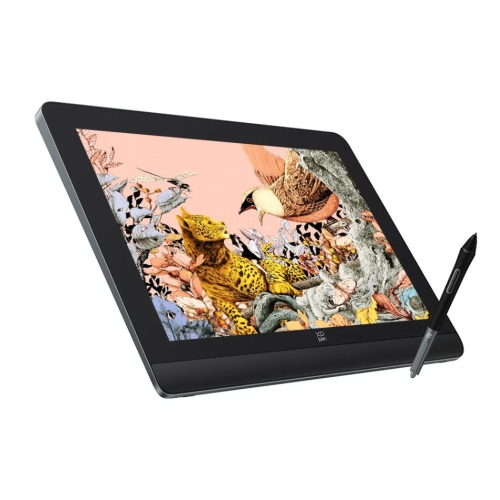
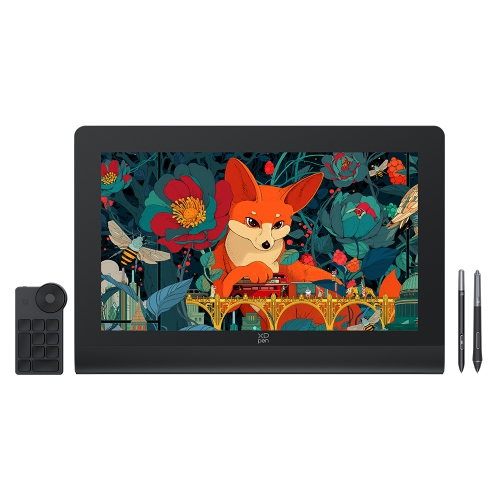
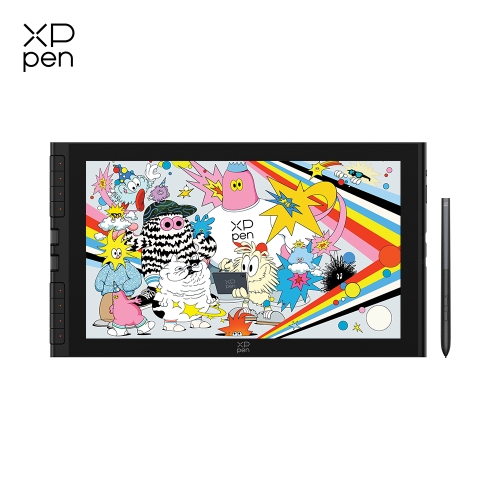
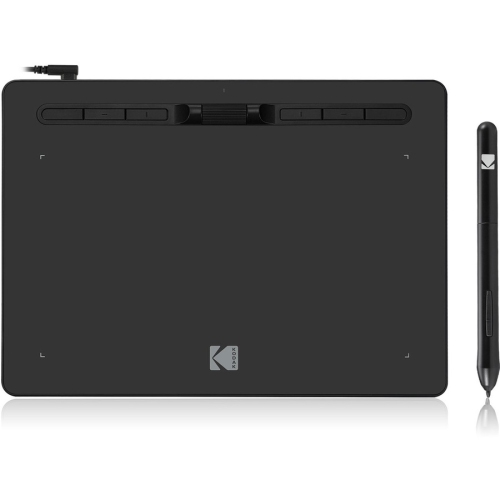
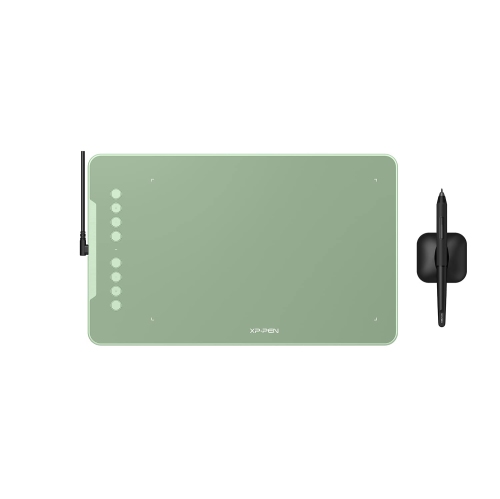
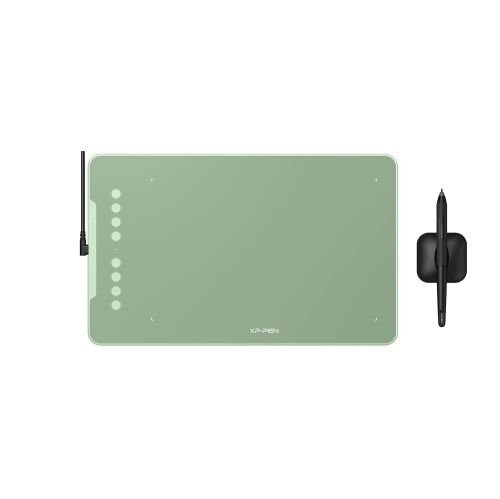
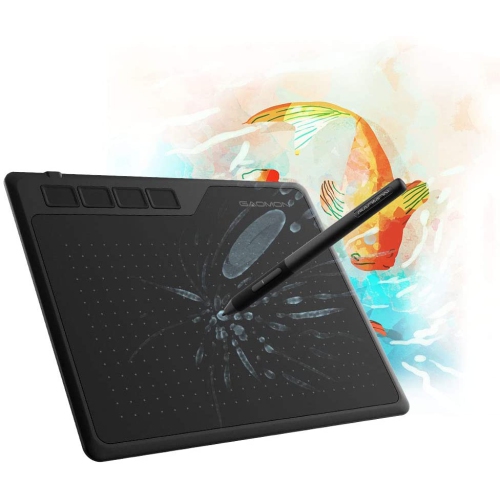
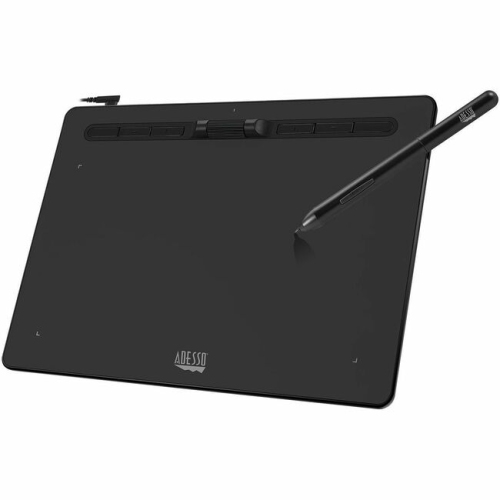
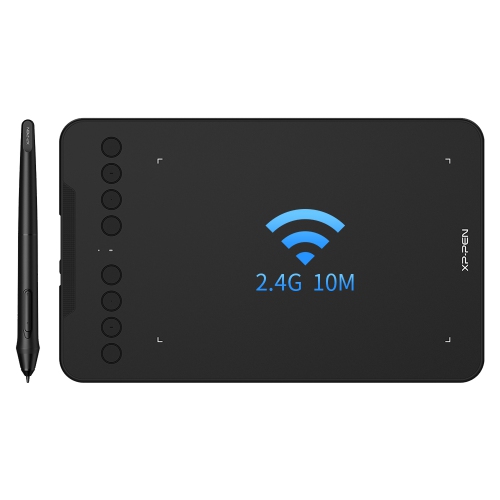
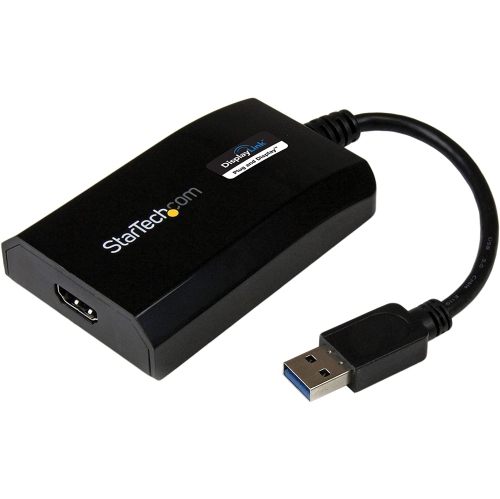
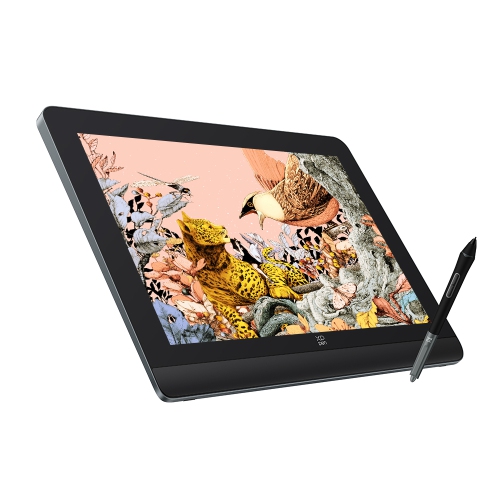
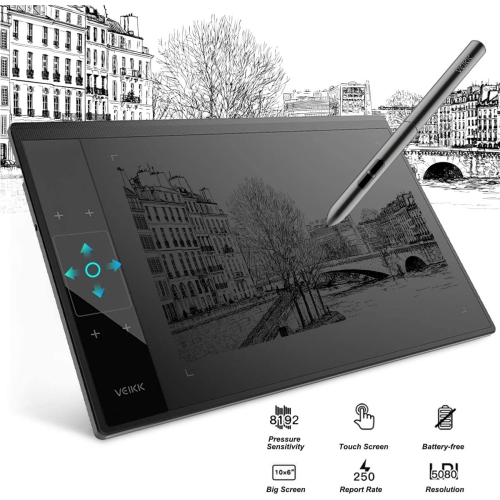
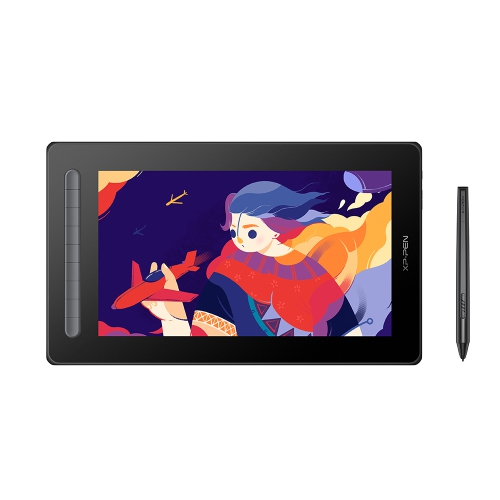
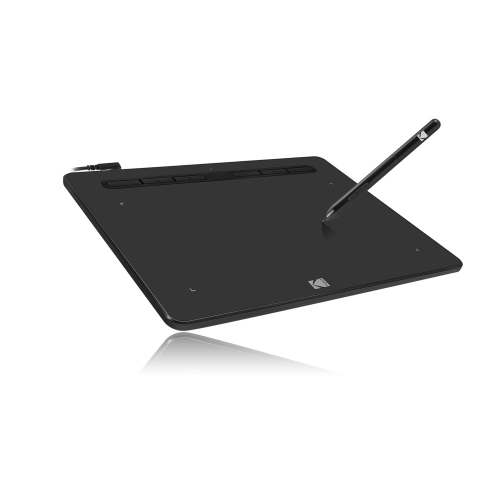
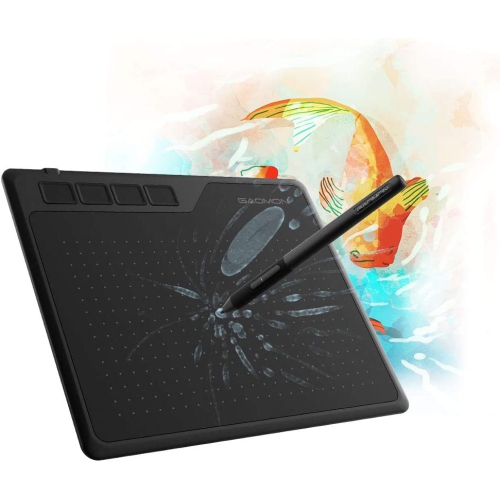
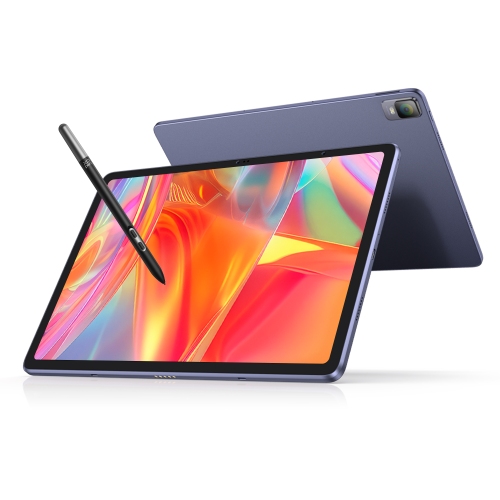
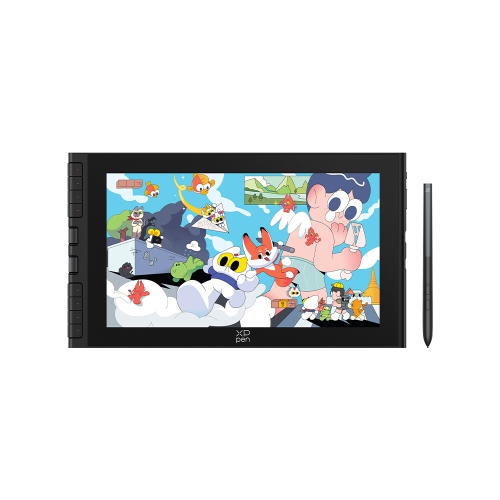
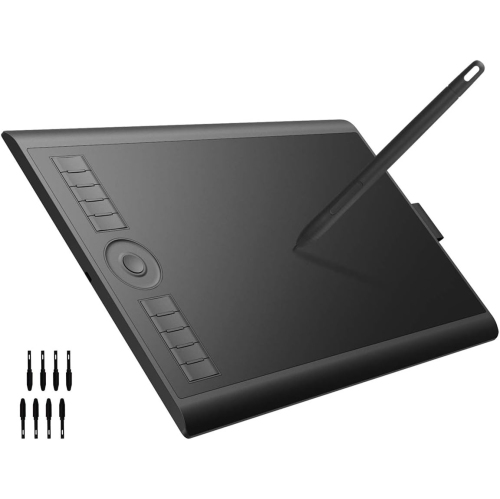
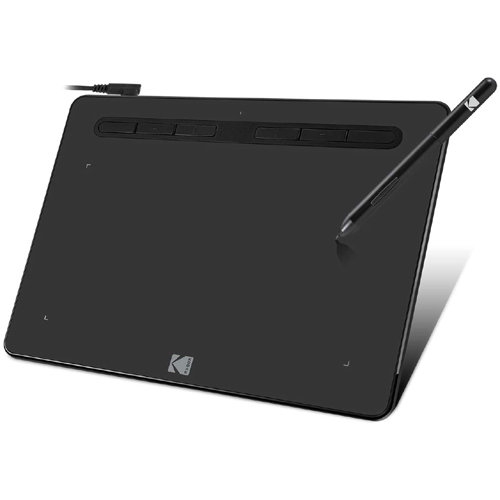
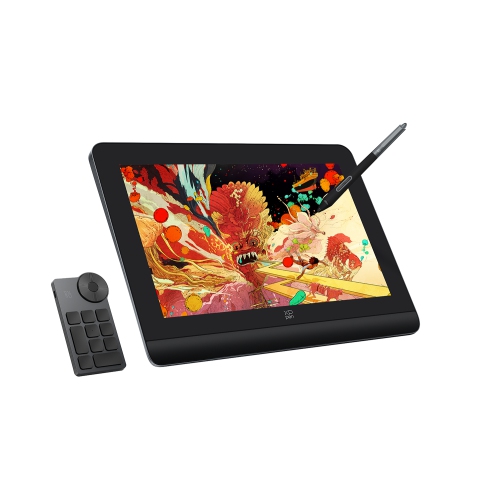
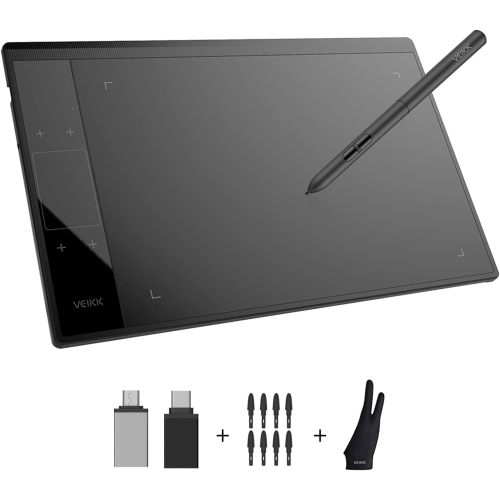
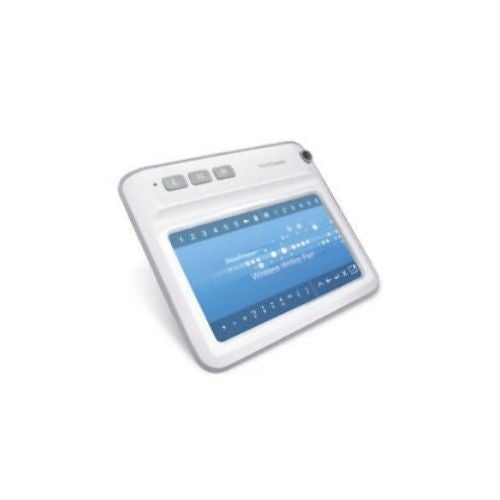
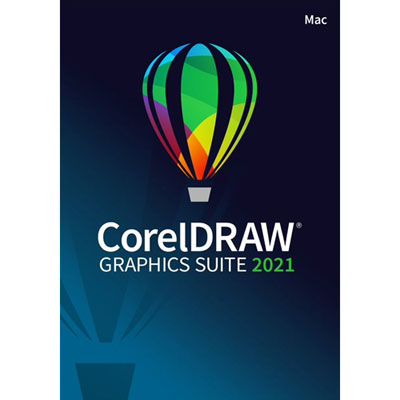
Screen and non-screen options for more precise creative control
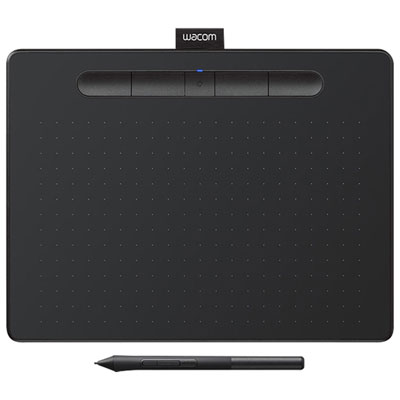
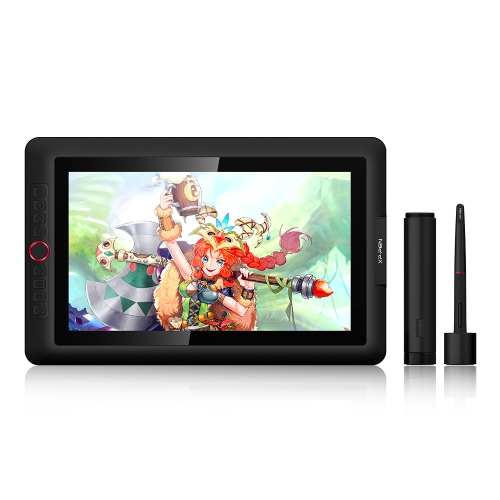
Compatibility is one of the most important purchase considerations. Look for a graphic pad with drivers that support the version of macOS installed on your Mac, and check whether the required connection uses USB, USB-C, Bluetooth, or an adapter. Wireless connectivity can help keep a creative workspace tidy, while a wired connection may be preferable for a fixed studio setup or long editing sessions. Some pads are ready to use with a single cable, whereas screen-equipped models may need separate connections for power and video. It is also worth checking support for the software you plan to use, including photo-editing, illustration, vector-design, animation, note-taking, and 3D applications. Pressure sensitivity allows the pen to respond to how lightly or firmly you press, making it easier to vary line weight, opacity, brush size, or shading without repeatedly reaching for an on-screen control. Tilt recognition can add a more pencil-like feel, particularly when shading with a digital brush, while programmable buttons and touch rings can place undo, zoom, brush size, and other frequently used commands close to hand. A pen with a comfortable shape, replaceable nibs, and a low-lag response can make a noticeable difference during a long session. If you are comparing display models, pay attention to screen size, viewing angle, surface texture, colour coverage, brightness, resolution, and parallax—the small space between the pen tip and the visible line. A laminated display with low parallax can make strokes feel more closely aligned with the tip of the pen. Non-screen pads tend to offer a lower entry price, with basic options often available from about $40 to $100, while larger, more advanced, or screen-equipped models can range from several hundred dollars to over $1,000. The right price is less about choosing the most features and more about matching the pad to the way you create. For a broader selection of compatible options, explore Apple Drawing Tablets.
Graphic pads can be a practical addition to a Mac setup for beginners and experienced creators alike. Someone learning digital drawing may appreciate a simple non-screen pad with a few customizable shortcut keys, since it offers the essential pen experience without taking over a desk. A photographer could use one for careful masking, skin retouching, dust removal, and local adjustments, where a pen can feel far more controlled than a mouse. A graphic design student might use a medium-size pad for logos, posters, typography, and class projects, while an illustrator or animator may prefer a pen display that shows the artwork directly beneath the hand. These devices can also make thoughtful gifts for an artist, design student, teacher, or creative family member, especially when paired with a comfortable workspace and the software they already know. Before giving one as a gift, check the recipient’s Mac model, available ports, operating system, preferred applications, and whether they favour a screen or non-screen design. Consider the complete setup as well: a stable stand can improve the angle of a display, a glove can reduce friction during long drawing sessions, and extra pen nibs can be useful for regular users. During the cooler months, a graphic pad can turn a kitchen table, bedroom desk, or quiet corner into a welcoming creative station for sketching, journaling, editing photos, or exploring a new hobby. In warmer weather, a lightweight pad that slips into a laptop bag can make it easier to work from a studio, classroom, library, or another temporary workspace. Whether the goal is a first step into digital art or a more precise tool for professional work, choosing the right graphic pad for Mac comes down to comfort, compatibility, workspace, software support, and the kind of creative control you want beneath your hand.
Top selling and popular products
-
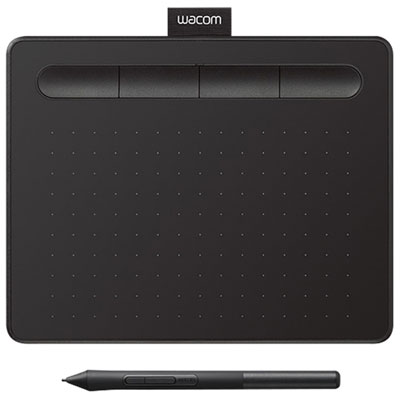 Your price for this item is $49.99
 -
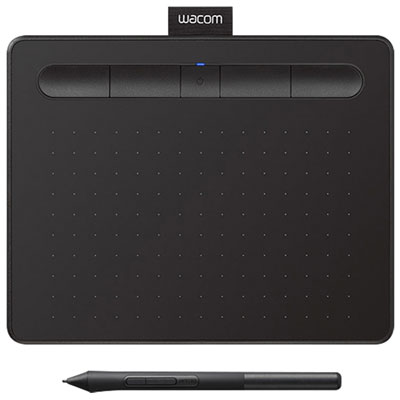 Your price for this item is $139.99
 -
 Your price for this item is $409.99
 -
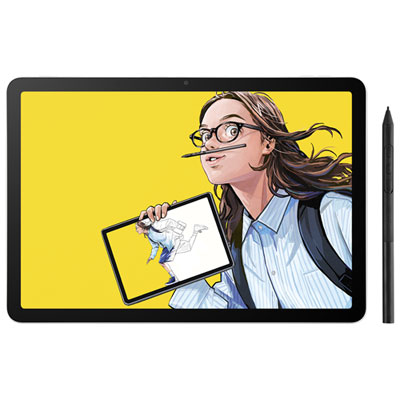 Your price for this item is $699.99
 -
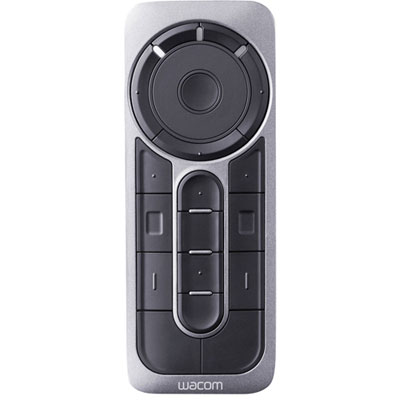 Your price for this item is $139.99
 -
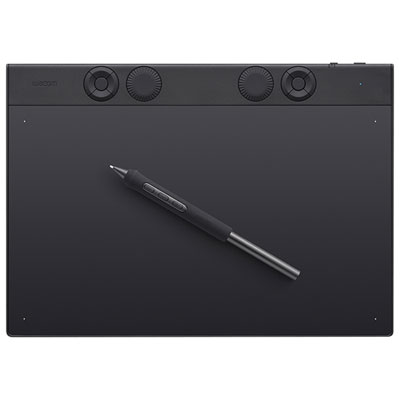 Your price for this item is $439.99
 -
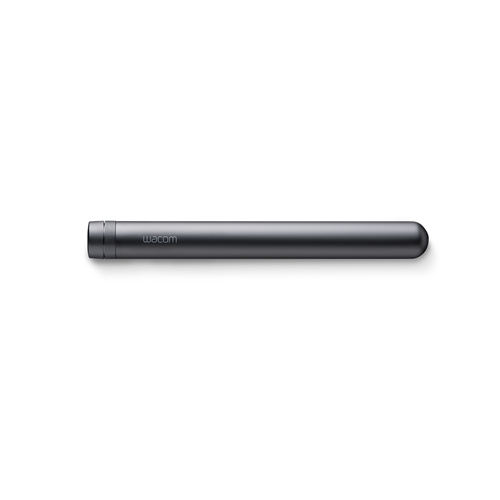 Your price for this item is $120
 -
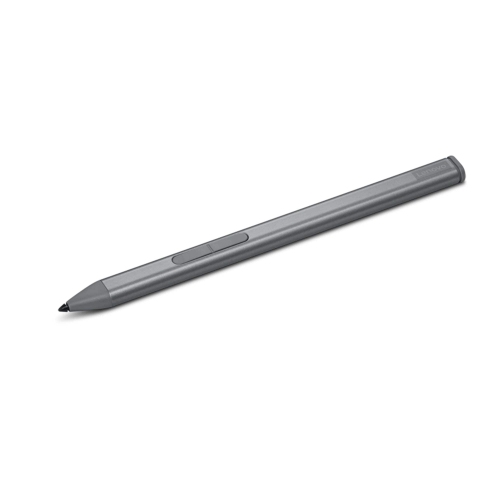 Your price for this item is $64.99