HDMI Ethernet Adapters
Discover a wide selection of HDMI Ethernet Adapter options designed to help you connect your devices with ease. Whether you're looking to enhance your home entertainment setup or streamline your office workspace, these adapters offer a convenient solution for integrating audio, video, and network connectivity. Explore the range of HDMI Ethernet Adapter choices to find the right fit for your needs and enjoy seamless connections for streaming, gaming, presentations, and more.
Sort









How network cables carry HDMI signals farther
HDMI Ethernet adapters usually refer to HDMI extenders that carry digital video and audio over Cat5e or Cat6 cable between a transmitter and a receiver. They connect an HDMI source, such as a computer, media player, or game console, to a television, monitor, or projector positioned farther away than a typical HDMI cable can conveniently reach. In a common setup, a short HDMI cable connects the source to the transmitter, a longer network cable links the two extender units, and another HDMI cable connects the receiver to the display. The network cable serves as the transport path for the audiovisual signal; it does not automatically provide an internet connection. This distinction matters because an HDMI extender and an ordinary Ethernet network adapter perform different jobs, even when both have an RJ45 port. Many HDMI extenders require a dedicated, direct cable connection and cannot pass their signal through a household router or network switch. Systems specifically designed for AV over IP can use compatible network equipment, but they have their own requirements and should not be treated as interchangeable with point-to-point extenders. A simple passive HDMI-to-RJ45 connector is also not equivalent to a powered extender system. For a wall-mounted television with its source equipment tucked into a cabinet across the room, or a meeting-room projector located well away from the presentation desk, the right extender can make the layout easier to manage. Teachers, office teams, home theatre enthusiasts, and people arranging shared viewing spaces may find this format useful when equipment placement matters as much as picture quality. The practical benefit is flexibility: the display can sit where people can see it comfortably, while playback equipment remains somewhere accessible. Actual cable routes often travel around doorways, through approved wall pathways, or above ceilings, so the required connection length can be considerably longer than the straight-line distance between the source and screen.
Picture and sound capabilities vary across HDMI Ethernet adapters, and the supported combination of resolution, refresh rate, and cable distance is more informative than a resolution label alone. An extender suitable for a 1080p presentation display may not carry 4K video at 60 Hz with the colour format or HDR features expected from a home theatre setup. Maximum distance ratings also depend on the cable category, installation quality, and signal format, with some systems supporting a longer run at a lower resolution. Compatibility includes the source, both extender units, the HDMI cables at either end, and the display. Content protection support, commonly identified by an HDCP version, can affect whether protected video plays correctly. EDID handling helps the source identify the picture and sound formats supported by the connected equipment, which is particularly relevant when a computer changes displays or an audiovisual system includes a receiver. Audio support deserves similar attention: carrying stereo sound is not necessarily the same as supporting a particular multichannel format, and ARC or eARC functionality is not a standard feature of every extender. Some designs offer infrared control pass-through, USB connections, or other control functions, but these capabilities need to be explicitly supported. Latency can matter for gaming, live demonstrations, and interactive applications, especially when a system uses video compression. A dependable cable run is equally important. Cat5e and Cat6 are common, though the required category and construction depend on the extender’s specifications. Properly terminated solid-copper cable, sound connections, and an installation that stays within the stated distance rating help maintain a stable signal. Extra couplers, damaged plugs, tightly kinked cable, and unnecessary joins can undermine an otherwise suitable setup. Shielding may be required for certain systems or installation conditions rather than being an automatic upgrade for every room. For permanent runs through walls or ceilings, the cable jacket and installation method also need to suit applicable building requirements. These details distinguish a tidy connection that performs reliably from one that loses the picture whenever the equipment or cabling is disturbed.
Physical design affects how neatly HDMI Ethernet adapters fit into everyday spaces. Compact housings can sit behind a display or beside a media player, while units with mounting points are easier to secure beneath a desk or inside an equipment cabinet. Metal enclosures may offer a sturdier feel and help dissipate heat, although durability also depends on connector quality, strain relief, ventilation, and handling. Clearance around the HDMI and RJ45 ports matters when a screen sits close to the wall: a plug that fits easily on an open desk may press against the wall once the display is mounted. Cable weight should not hang from a small connector, and gentle cable curves are preferable to sharp bends that pull on a socket. Power arrangements differ as well. Some extender pairs need power at both ends, while others can power a matched receiver or transmitter through the connecting cable. That capability does not mean an arbitrary network power supply or unrelated extender unit will be compatible. Transmitters and receivers are generally intended to work as a specified pair, and their direction matters when connecting the source and display. For a computer that lacks an HDMI output, USB to HDMI adapters address a different connection need; compatibility depends on the computer’s USB capabilities and the adapter’s requirements. An HDMI extender then serves the separate purpose of carrying an existing HDMI signal farther. Day-to-day care is straightforward: keeping ventilation openings clear, removing surface dust with a soft, dry cloth, and avoiding liquids around connections help protect the equipment. Clearly labelled cables and accessible power connections also make maintenance less disruptive in classrooms, meeting rooms, and entertainment centres. With suitable connections and secure placement, these adapters can support a clean arrangement without forcing every source device to sit directly beside the screen.
Picture and sound capabilities vary across HDMI Ethernet adapters, and the supported combination of resolution, refresh rate, and cable distance is more informative than a resolution label alone. An extender suitable for a 1080p presentation display may not carry 4K video at 60 Hz with the colour format or HDR features expected from a home theatre setup. Maximum distance ratings also depend on the cable category, installation quality, and signal format, with some systems supporting a longer run at a lower resolution. Compatibility includes the source, both extender units, the HDMI cables at either end, and the display. Content protection support, commonly identified by an HDCP version, can affect whether protected video plays correctly. EDID handling helps the source identify the picture and sound formats supported by the connected equipment, which is particularly relevant when a computer changes displays or an audiovisual system includes a receiver. Audio support deserves similar attention: carrying stereo sound is not necessarily the same as supporting a particular multichannel format, and ARC or eARC functionality is not a standard feature of every extender. Some designs offer infrared control pass-through, USB connections, or other control functions, but these capabilities need to be explicitly supported. Latency can matter for gaming, live demonstrations, and interactive applications, especially when a system uses video compression. A dependable cable run is equally important. Cat5e and Cat6 are common, though the required category and construction depend on the extender’s specifications. Properly terminated solid-copper cable, sound connections, and an installation that stays within the stated distance rating help maintain a stable signal. Extra couplers, damaged plugs, tightly kinked cable, and unnecessary joins can undermine an otherwise suitable setup. Shielding may be required for certain systems or installation conditions rather than being an automatic upgrade for every room. For permanent runs through walls or ceilings, the cable jacket and installation method also need to suit applicable building requirements. These details distinguish a tidy connection that performs reliably from one that loses the picture whenever the equipment or cabling is disturbed.
Physical design affects how neatly HDMI Ethernet adapters fit into everyday spaces. Compact housings can sit behind a display or beside a media player, while units with mounting points are easier to secure beneath a desk or inside an equipment cabinet. Metal enclosures may offer a sturdier feel and help dissipate heat, although durability also depends on connector quality, strain relief, ventilation, and handling. Clearance around the HDMI and RJ45 ports matters when a screen sits close to the wall: a plug that fits easily on an open desk may press against the wall once the display is mounted. Cable weight should not hang from a small connector, and gentle cable curves are preferable to sharp bends that pull on a socket. Power arrangements differ as well. Some extender pairs need power at both ends, while others can power a matched receiver or transmitter through the connecting cable. That capability does not mean an arbitrary network power supply or unrelated extender unit will be compatible. Transmitters and receivers are generally intended to work as a specified pair, and their direction matters when connecting the source and display. For a computer that lacks an HDMI output, USB to HDMI adapters address a different connection need; compatibility depends on the computer’s USB capabilities and the adapter’s requirements. An HDMI extender then serves the separate purpose of carrying an existing HDMI signal farther. Day-to-day care is straightforward: keeping ventilation openings clear, removing surface dust with a soft, dry cloth, and avoiding liquids around connections help protect the equipment. Clearly labelled cables and accessible power connections also make maintenance less disruptive in classrooms, meeting rooms, and entertainment centres. With suitable connections and secure placement, these adapters can support a clean arrangement without forcing every source device to sit directly beside the screen.
Top selling and popular products
-
 Your price for this item is $49.99
-
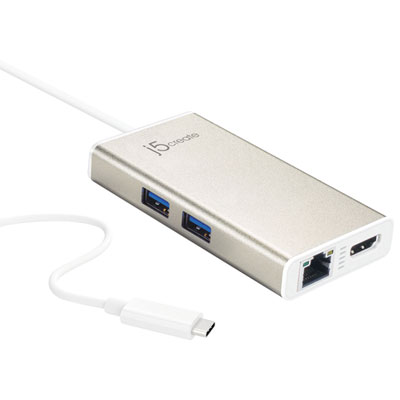 Your price for this item is $65.99
-
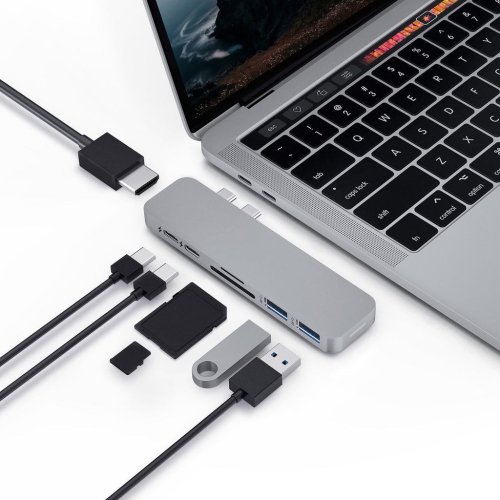 Your price for this item is $19.98
-
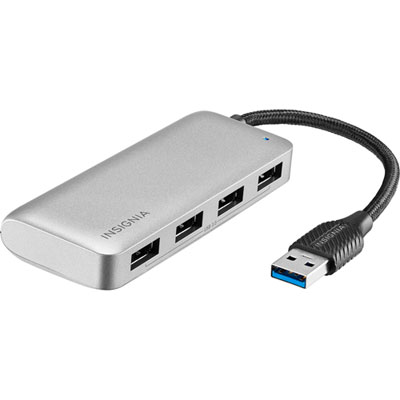 Your price for this item is $29.99
-
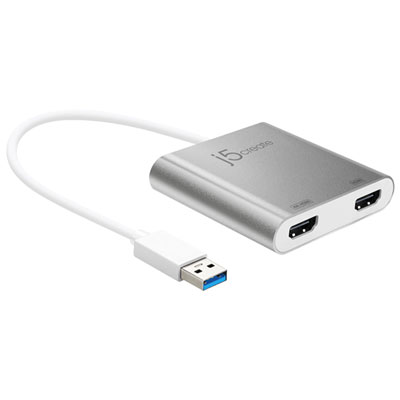 Your price for this item is $99.99
-
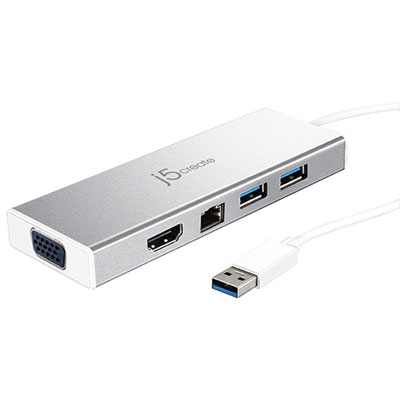 Your price for this item is $79.99
-
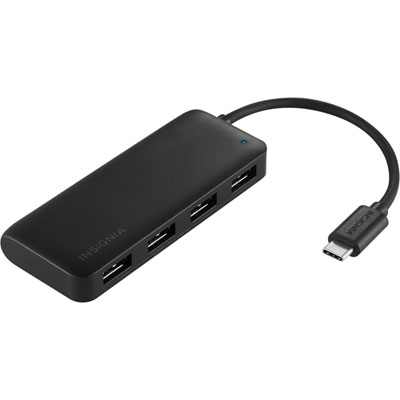 Your price for this item is $19.99
-
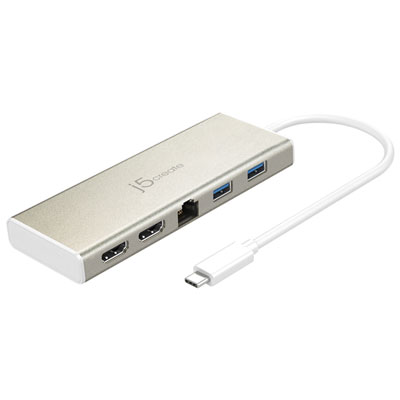 Your price for this item is $104.99
Discover more categories related to HDMI Ethernet Adapters
Top Collections:
Pokemon Centers, Kindle Devices, Best Cameras for Sports Photography, Pokémon 30th Celebration Cards, Apple iPhones 16, Canon G7X Cameras, iPhone 15 Apple, Flip Phones, Samsung Galaxy Phones, Alarm Clock
Some products may be subject to Environmental Handling Fees
(EHF) depending on your province.
Learn more about EHFs.