White Hdmi Cables
Looking for a high-quality HDMI cable to enhance your home entertainment setup? Look no further than our collection of white HDMI cables. Designed to deliver exceptional audio and video performance, these cables are perfect for connecting your devices to your TV, projector, or monitor. With their sleek and modern white design, they not only offer reliable connectivity but also add a touch of style to your entertainment area. Whether you're gaming, streaming your favorite shows, or enjoying movies in stunning 4K resolution, our white HDMI cables are the ideal choice for a seamless and immersive viewing experience.
Sort

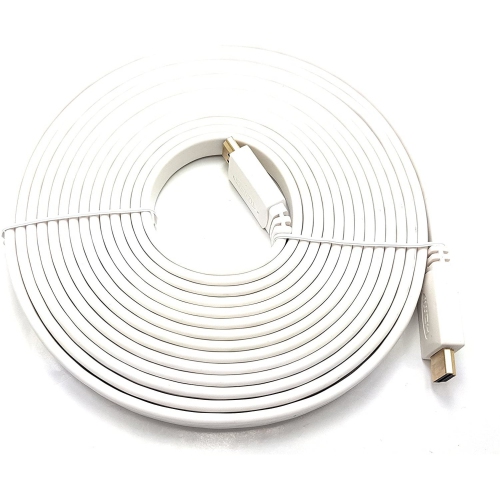
![V-MAX [2 Pack]High Speed Flat HDMI to HDMI Cable 5M In White](https://multimedia.bbycastatic.ca/multimedia/products/500x500/156/15667/15667174.jpg)
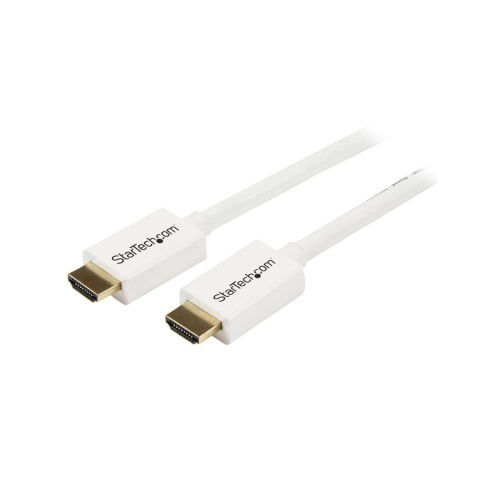
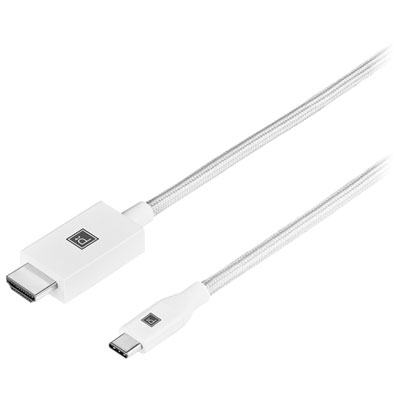
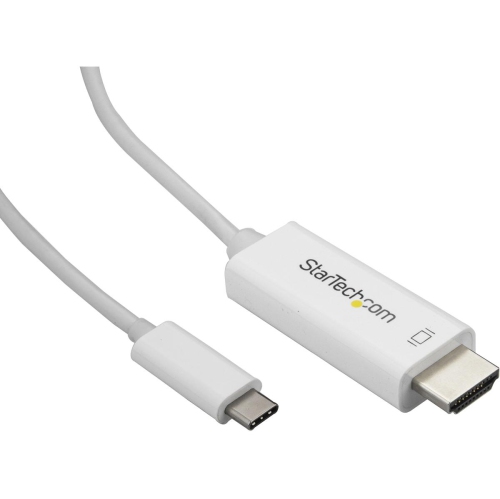
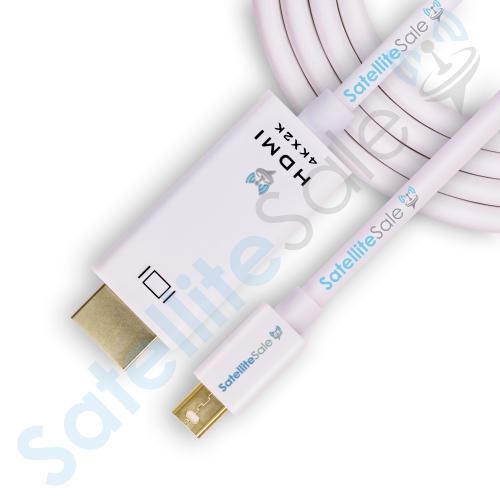
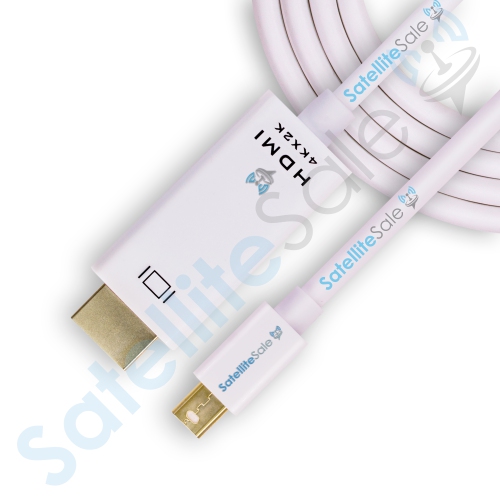
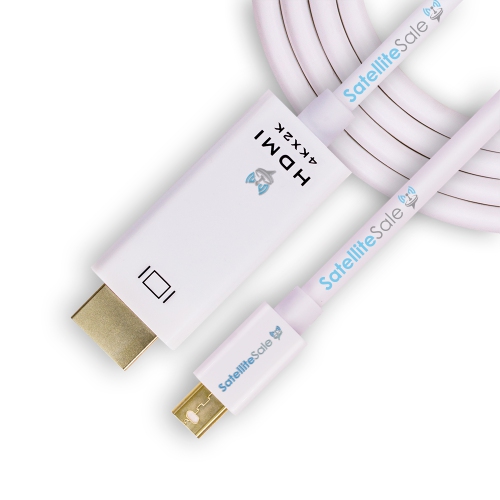
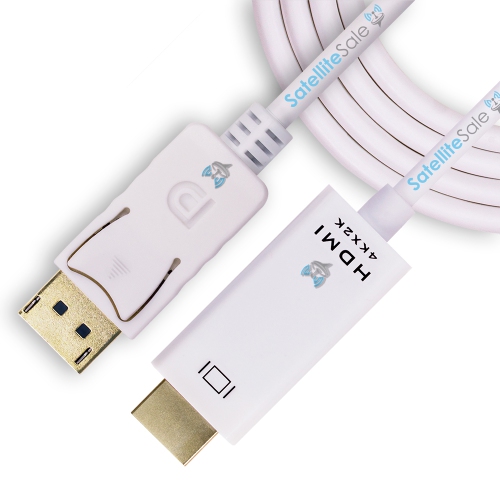
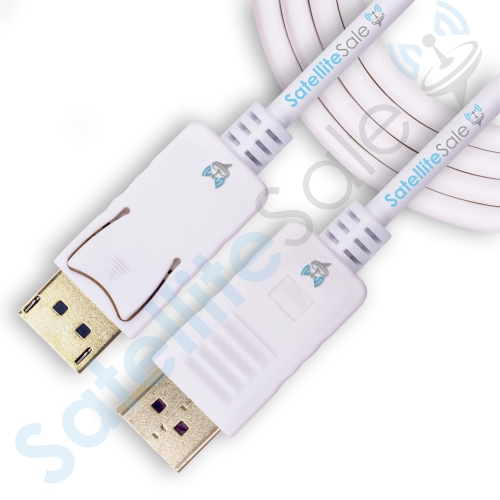





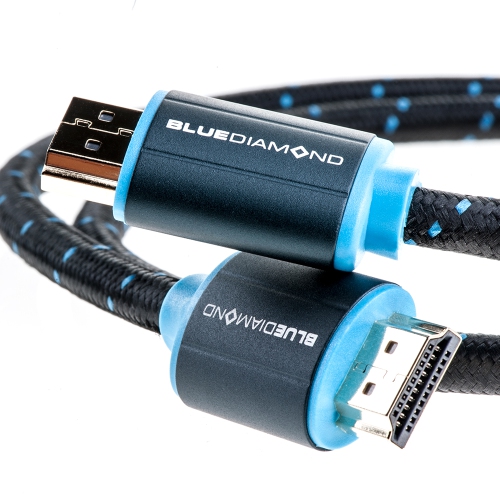
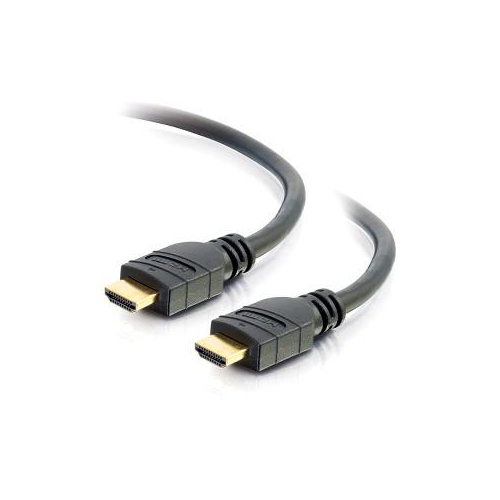
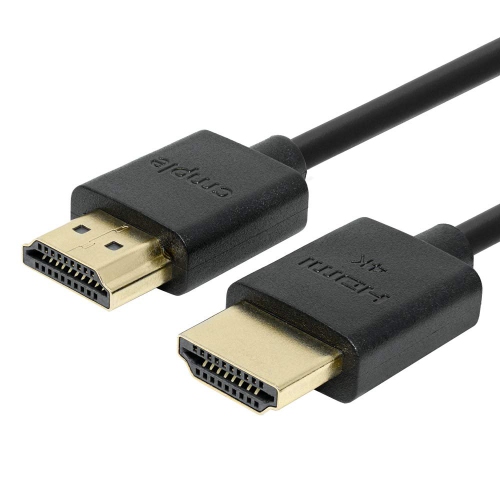

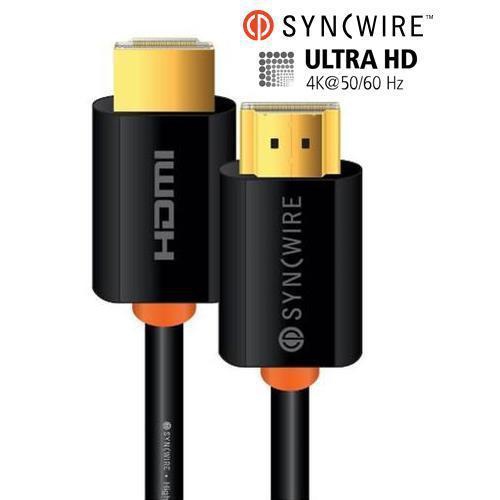
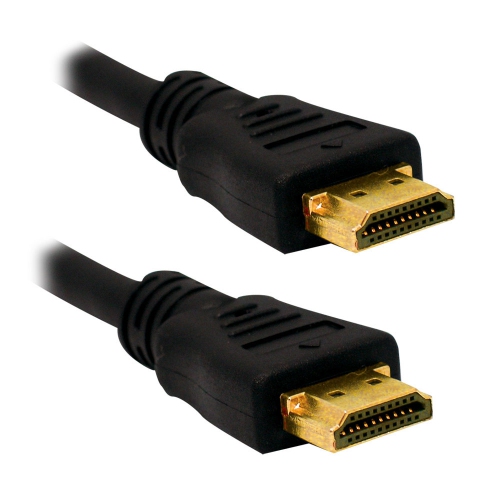


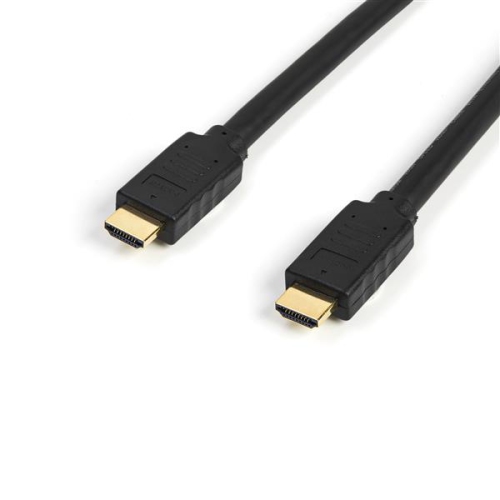
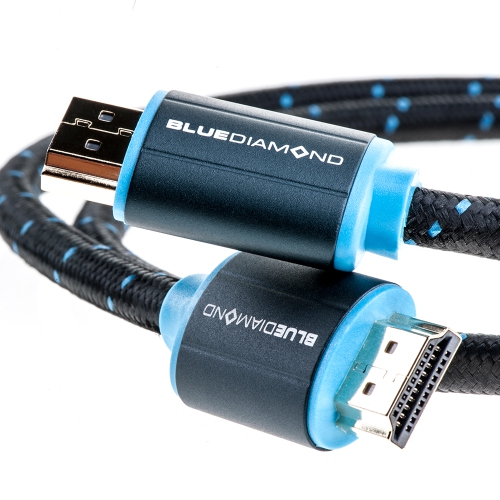
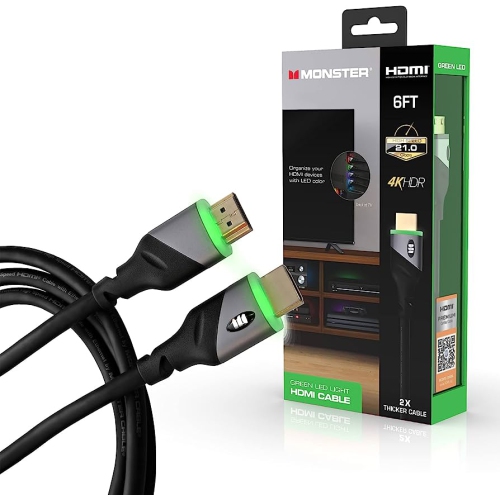

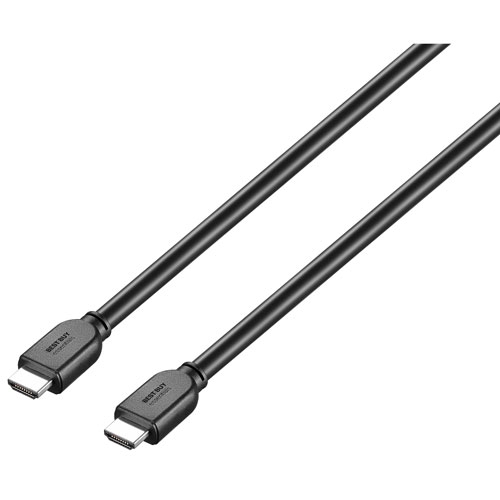
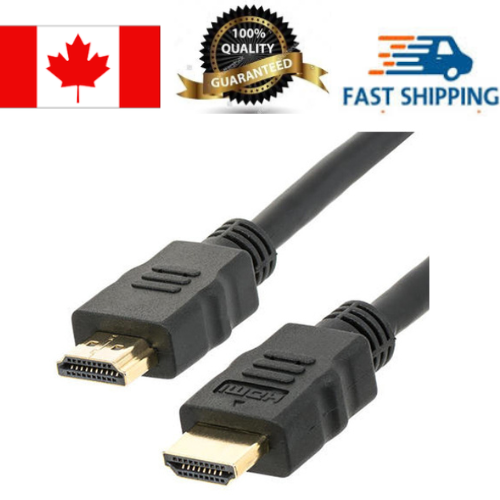
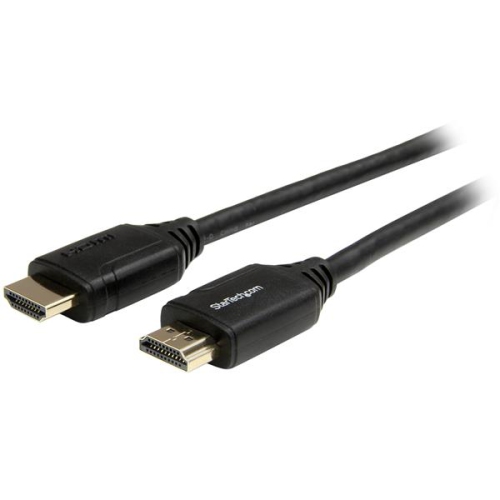
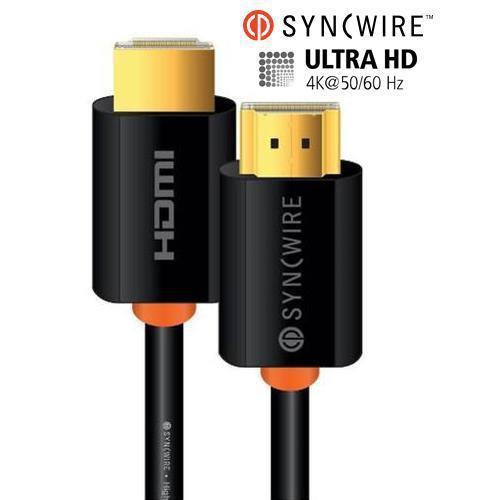
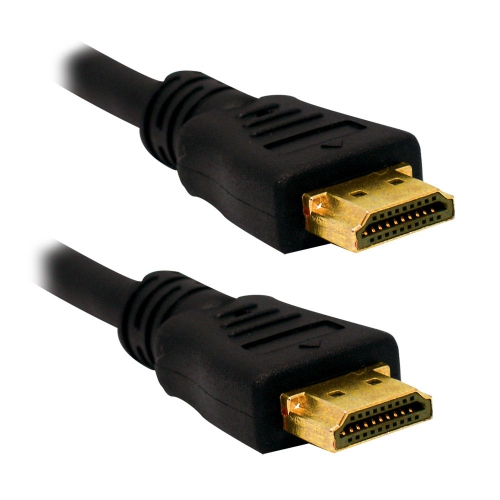

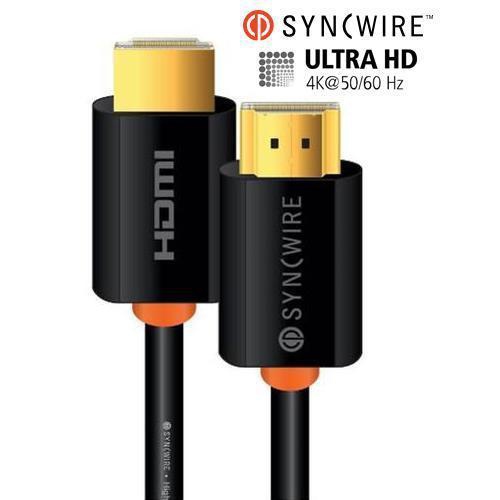
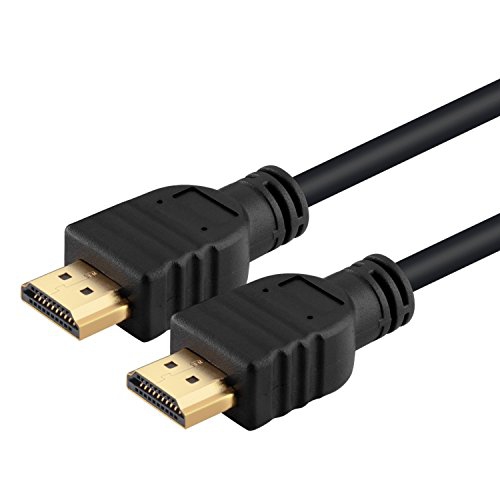
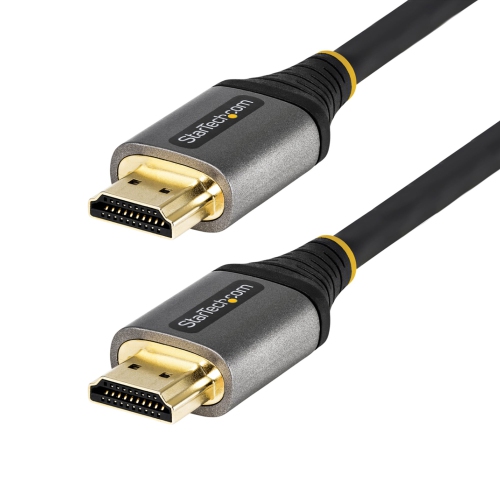
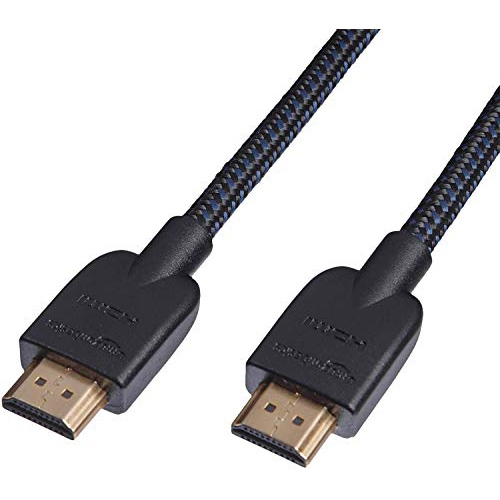
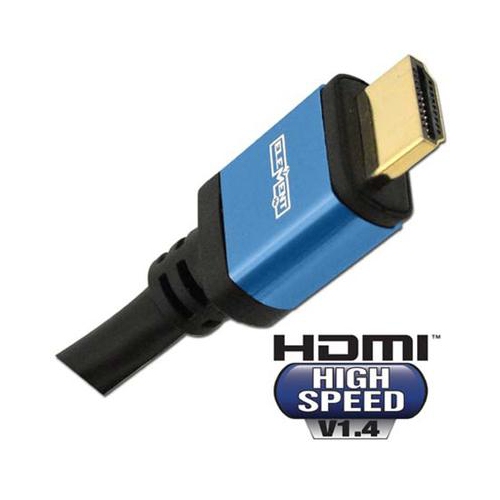

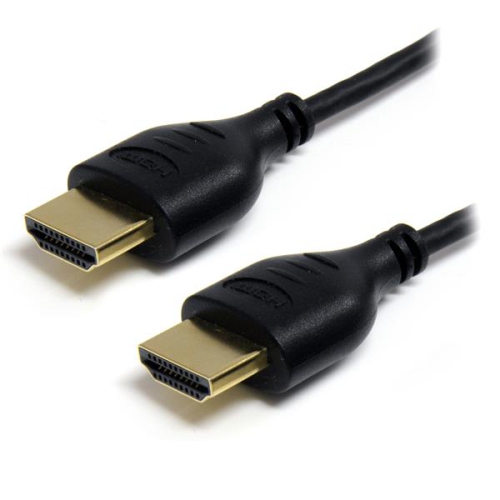
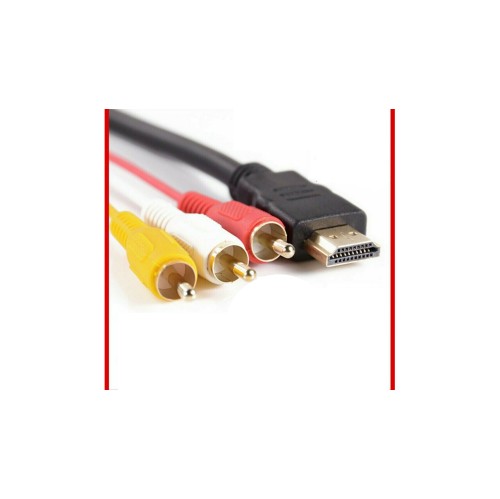
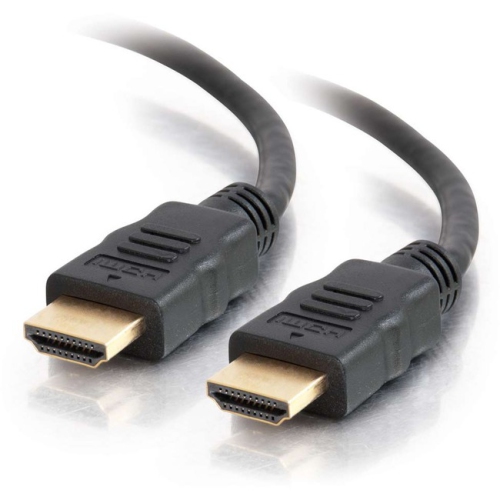
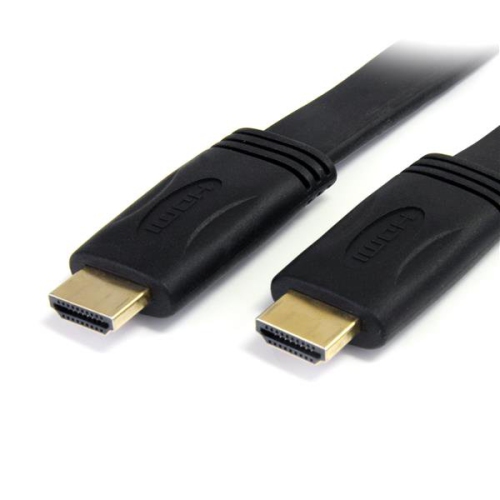
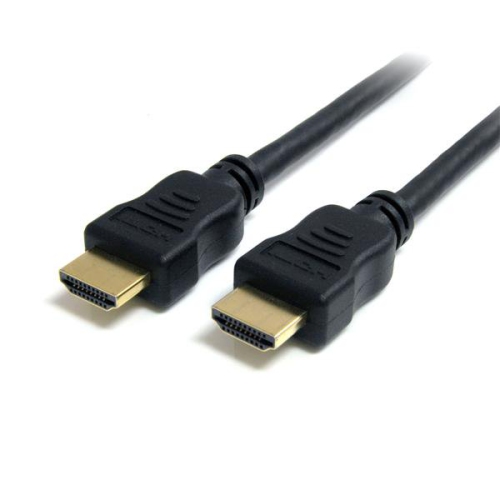
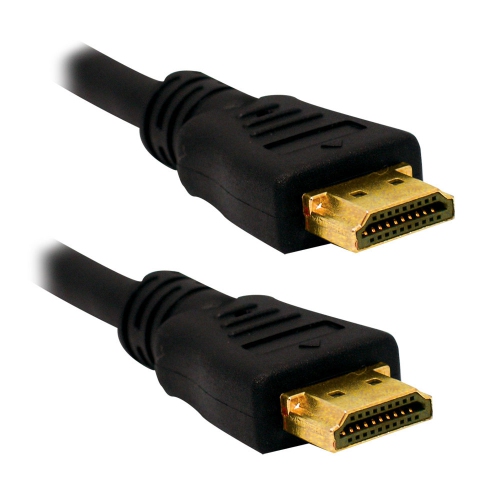

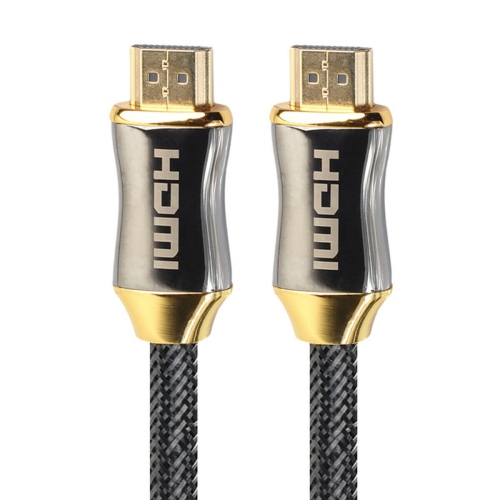

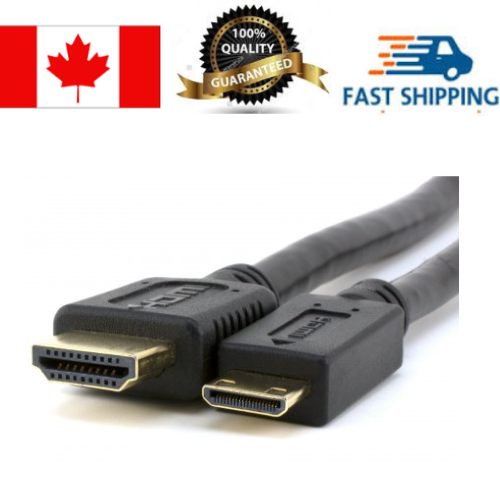
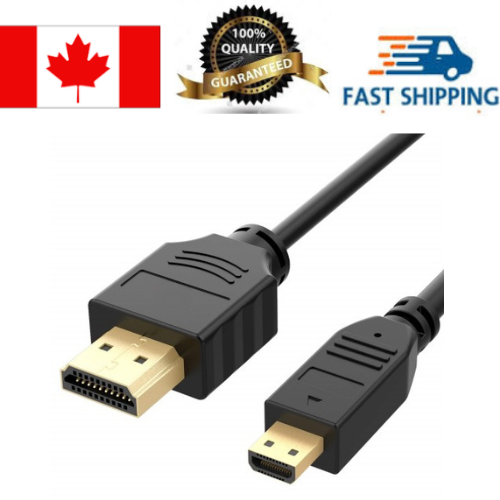
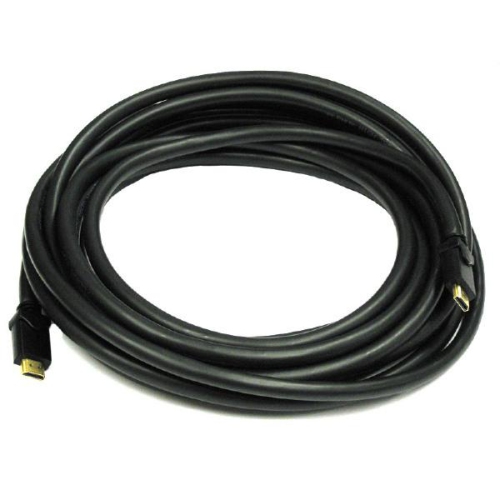
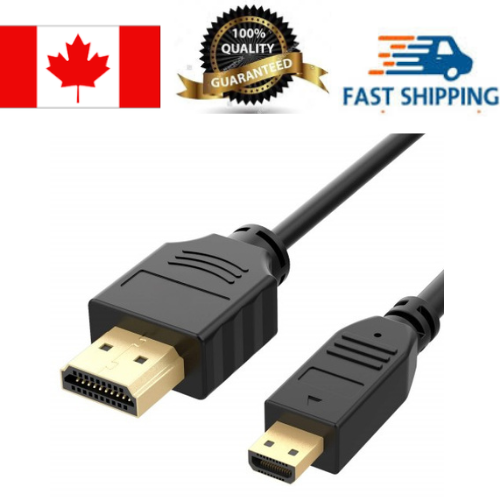
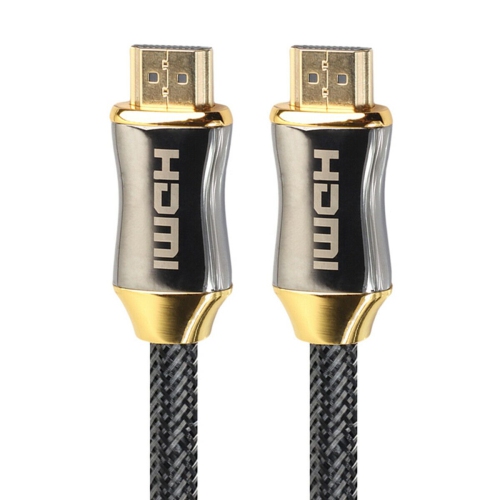
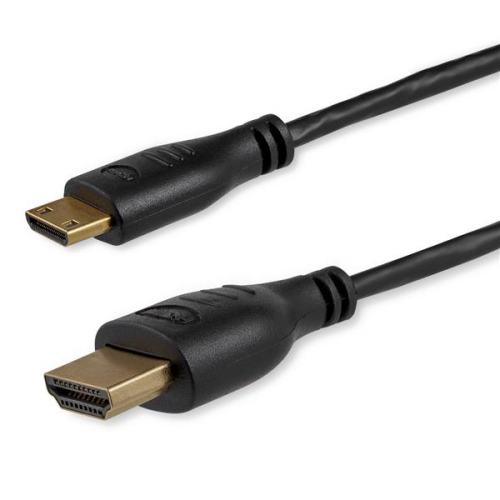
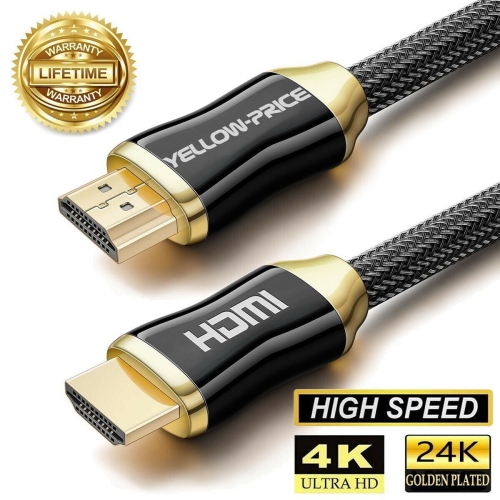
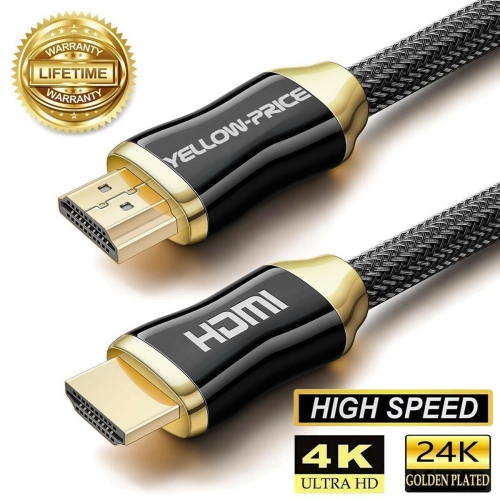

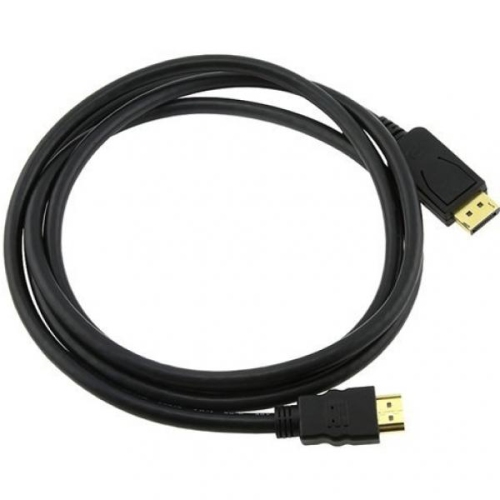
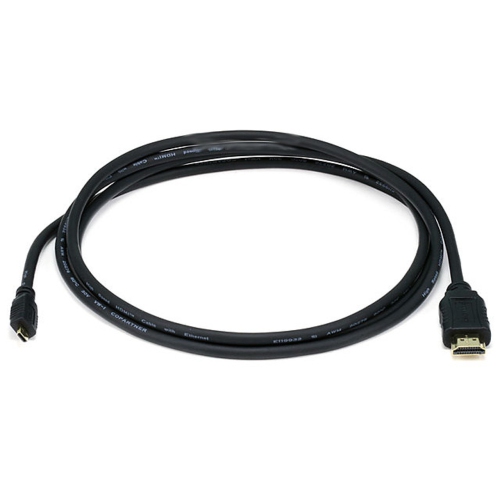
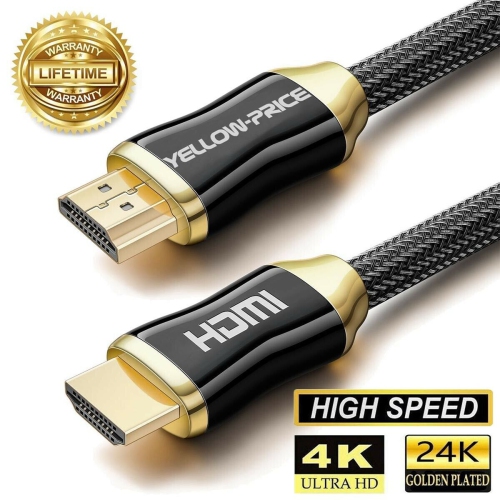
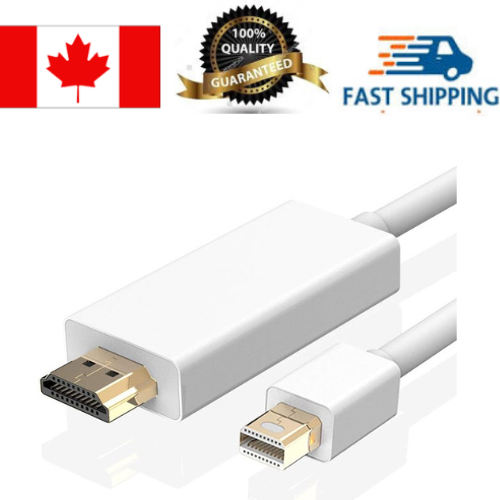
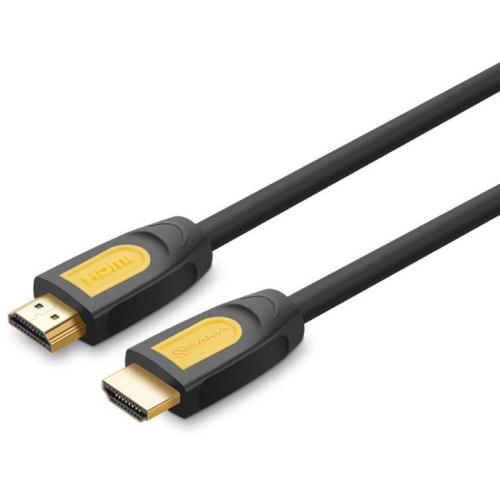
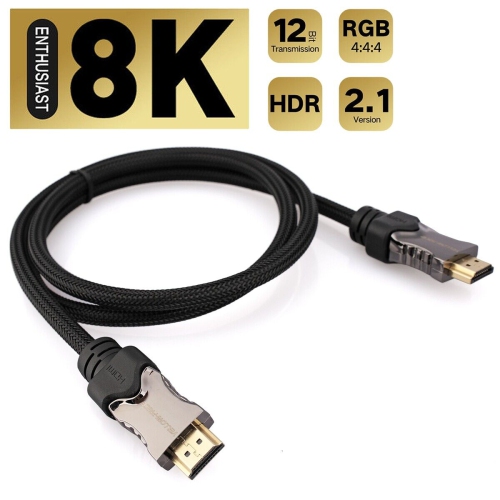
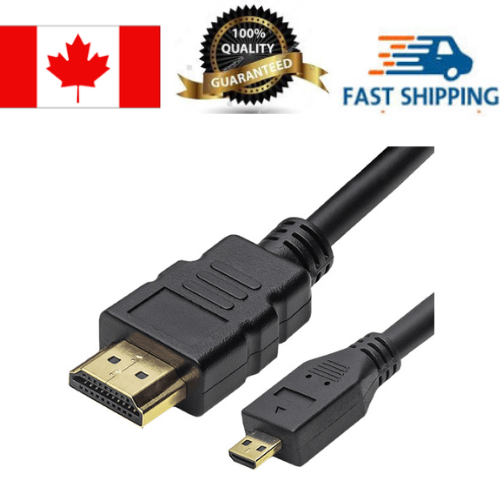
A cleaner HDMI setup starts with the right cable
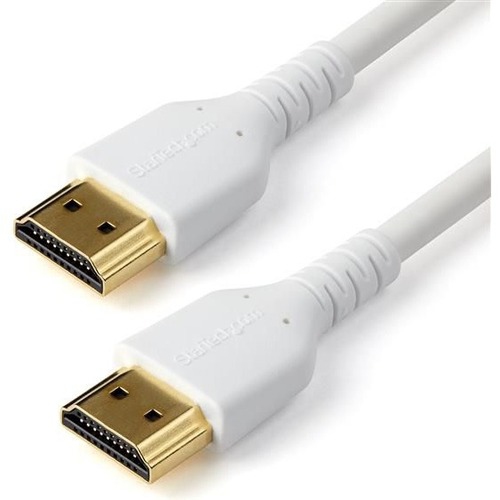
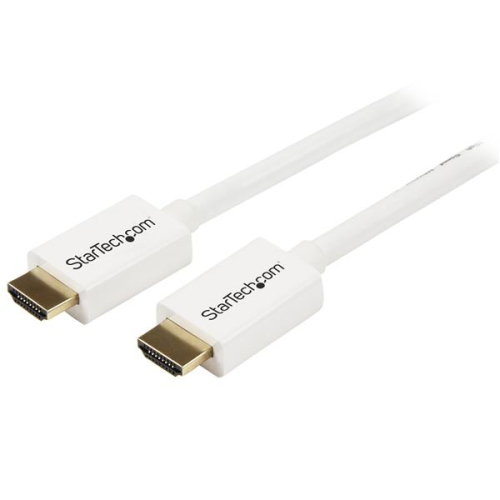
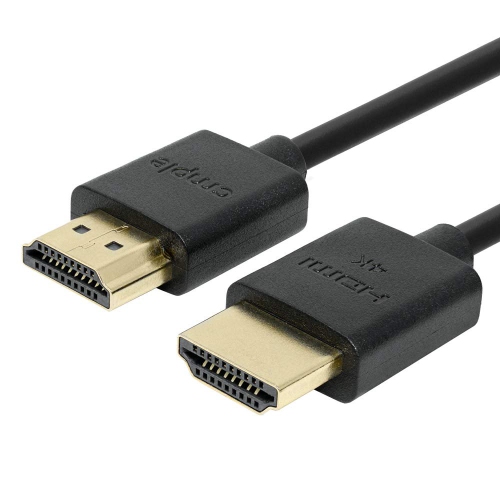
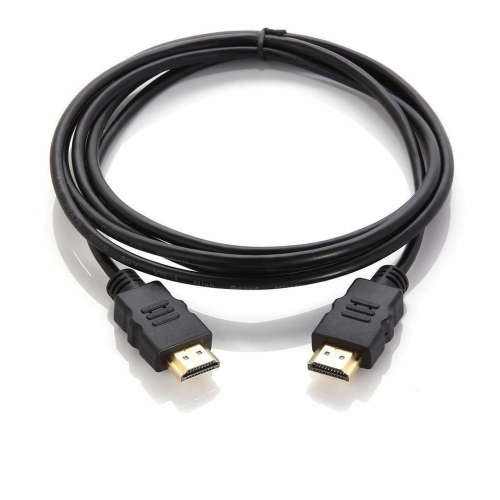
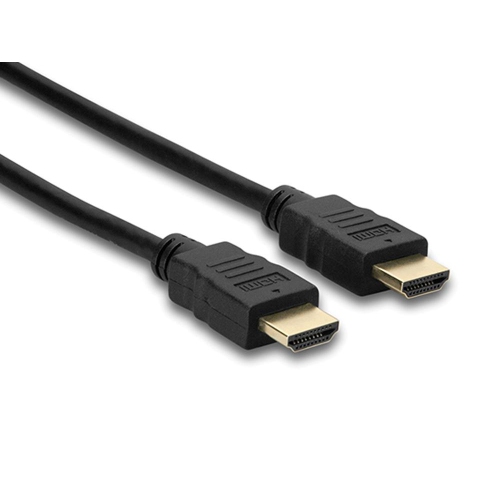
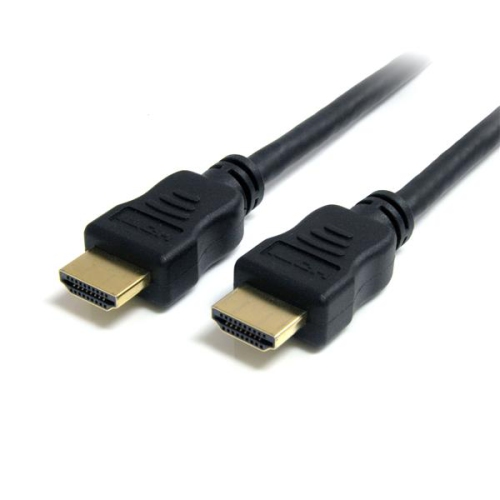
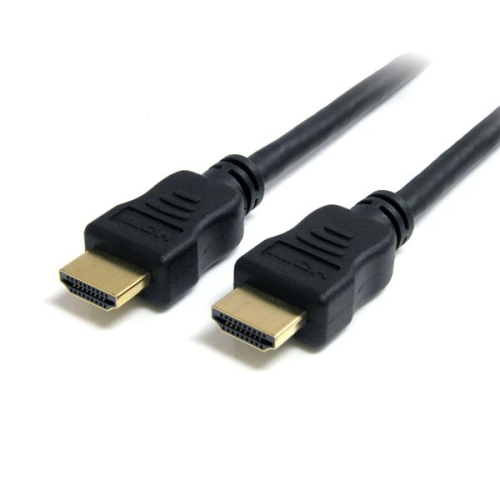
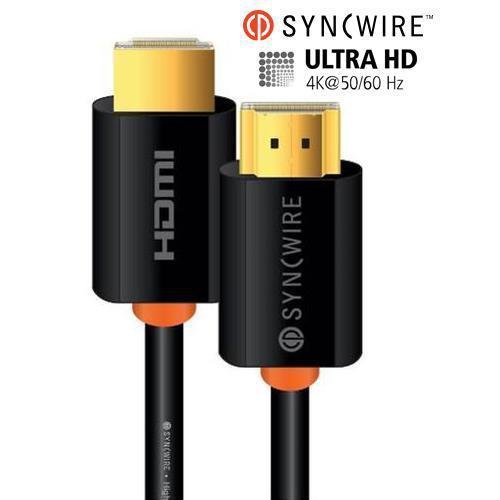
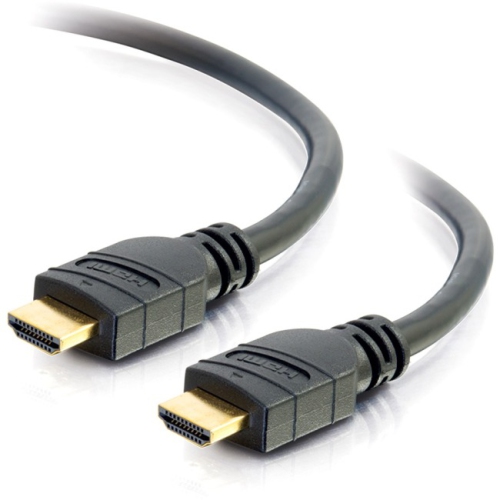
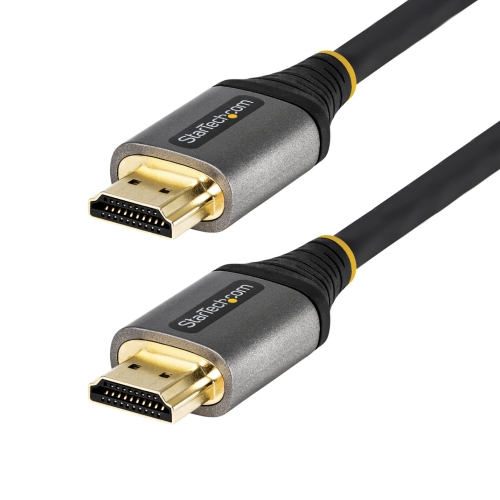
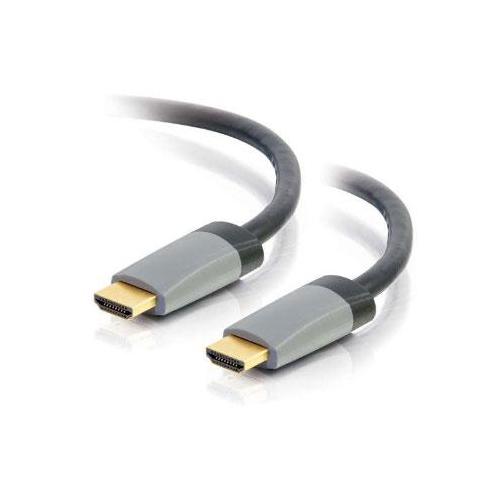
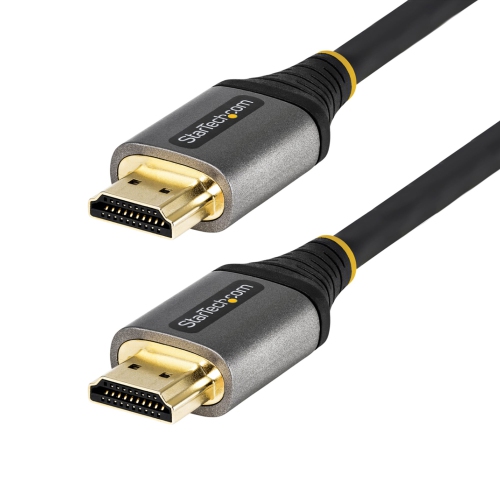
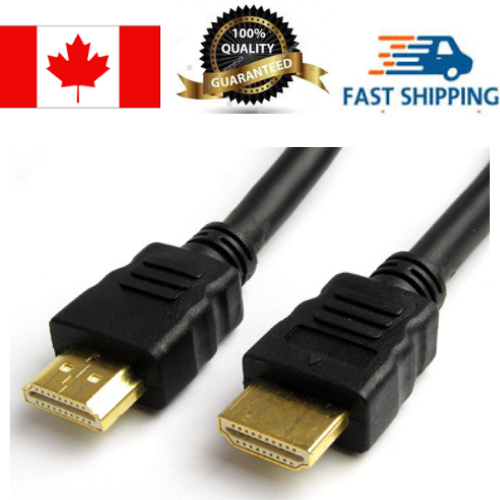
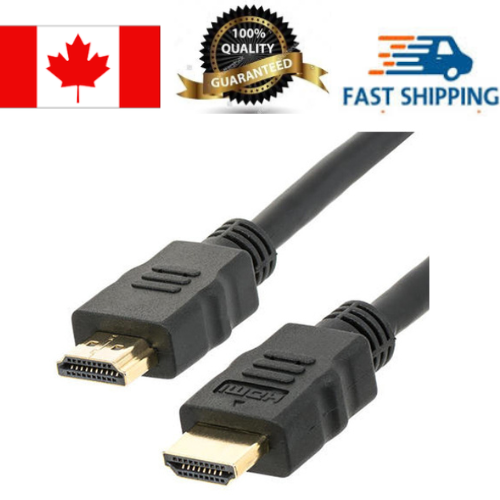
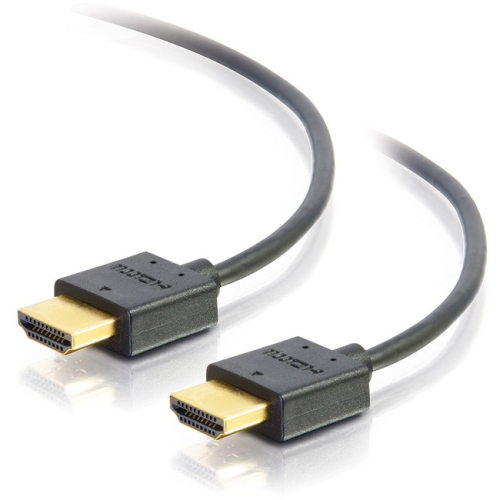
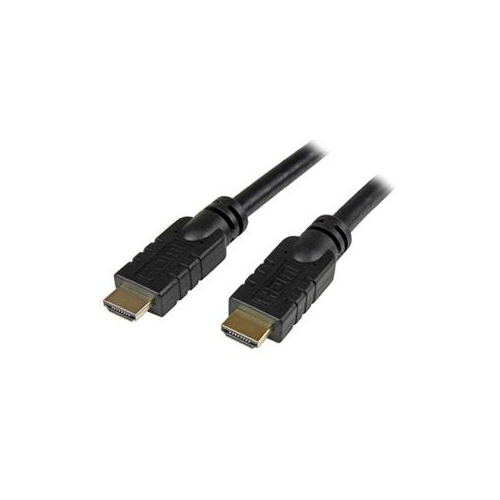
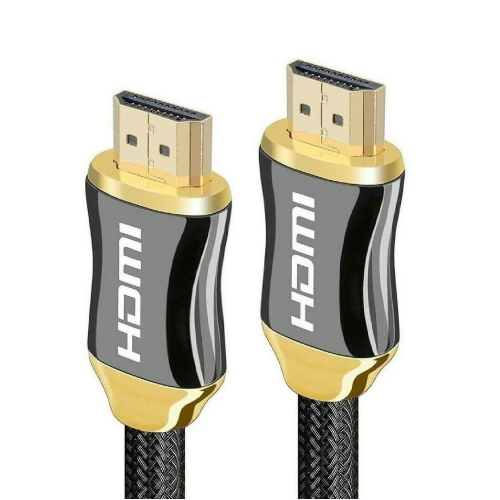
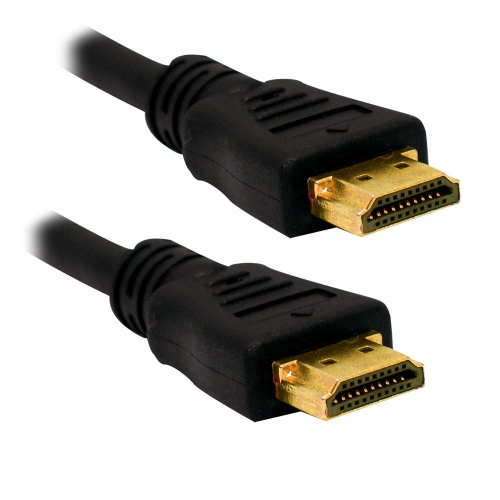
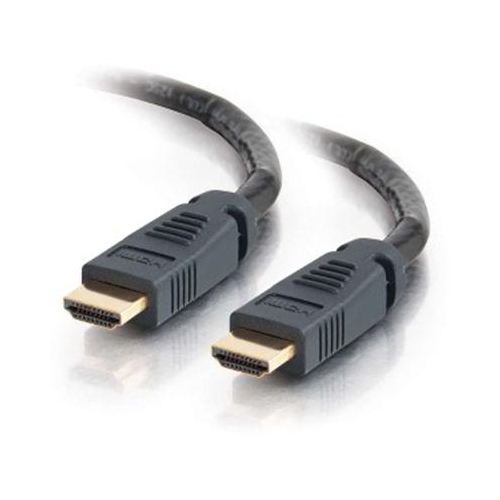
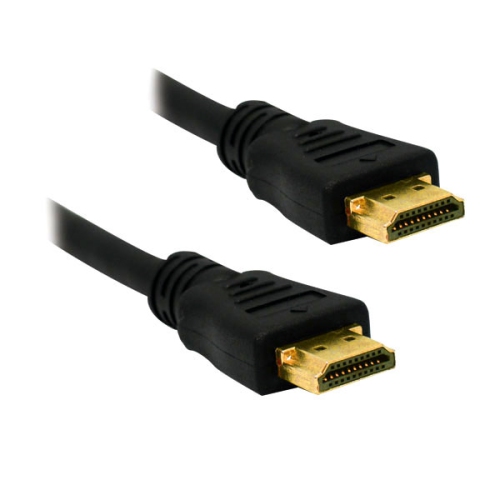
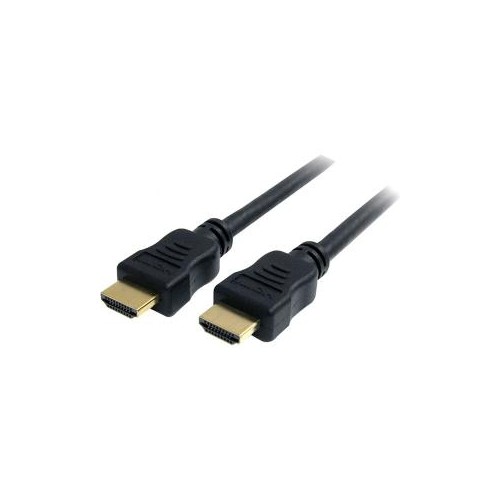
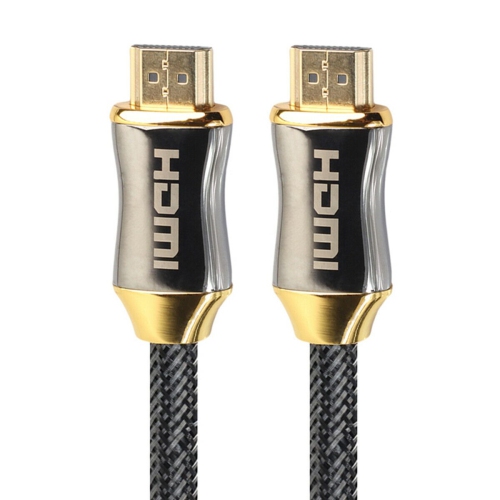
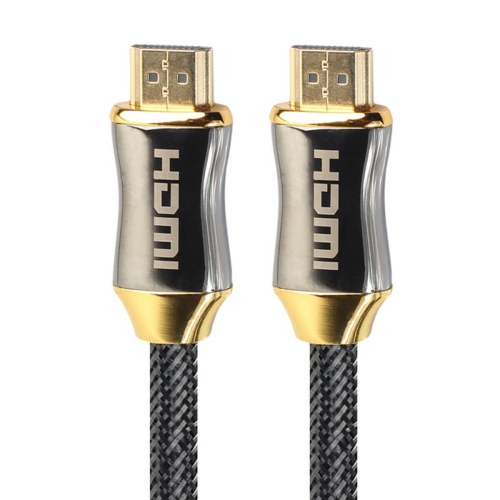
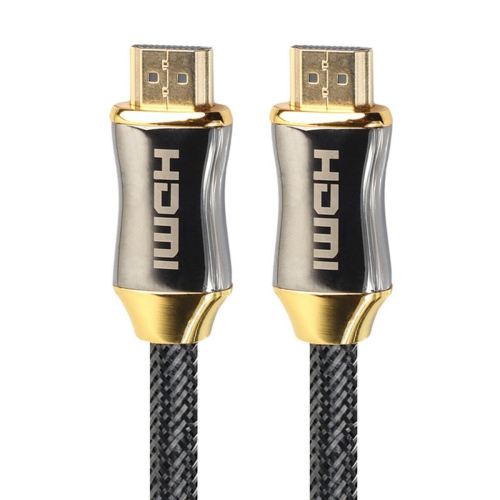
White HDMI cables offer a practical way to connect home theatre equipment while keeping a light, tidy look around your entertainment area. They are especially well suited to white walls, pale media consoles, light-coloured furniture, and rooms where a darker cable would stand out. A white cable can run neatly from a television to a streaming device, Blu-ray player, soundbar, game console, computer, or receiver without becoming the most noticeable part of the setup. It may also be a useful choice for a wall-mounted TV, where the cable follows the wall or passes through a discreet cord cover. When selecting a white HDMI cable, start by considering the devices you plan to connect, the distance between their ports, and the video and audio features you want to use. A shorter cable is often ideal when two devices sit close together on the same shelf. Cables under 6 feet can be a convenient choice for many everyday 4K setups, including a television connected to a nearby streaming player or console, provided the cable has the required bandwidth and the connected devices support the same resolution and refresh rate. Measure the route rather than relying on a straight-line estimate, allowing enough length to reach around the back of furniture without placing tension on either connector. A little extra length can make it easier to move equipment for cleaning or rearrange a shelf, while an excessively long cable may create loops that are difficult to manage. For a neat installation, flexible construction, slim connectors, and a finish that blends with the surrounding décor can make a noticeable difference.
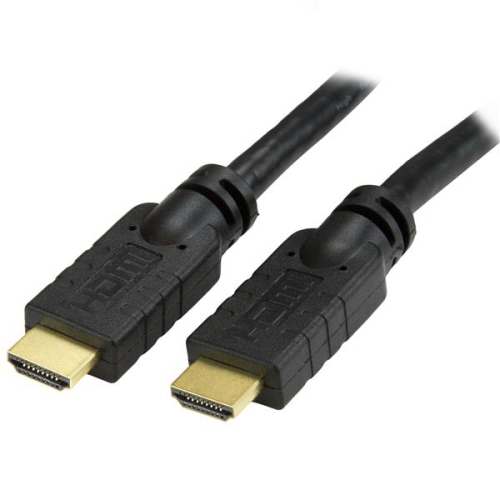
Signal requirements become more important as cable runs get longer or as you use higher-resolution content and faster refresh rates. A cable connecting a 4K TV to a gaming console may need to carry 4K video at 60Hz, while some newer gaming and home theatre equipment can call for greater bandwidth to support higher refresh rates, HDR, immersive audio, or advanced display features. Check the specifications of both connected devices and look for a cable rated for the capabilities you intend to use. Runs longer than 10 feet deserve particular attention because signal quality can become more challenging over greater distances; an active HDMI cable or a certified high-bandwidth option may be more suitable than a basic passive cable. Keep the cable away from sharp bends, pinch points, and areas where furniture legs or drawers could press against it. Connectors should fit firmly without forcing them, and the cable should have enough flexibility to follow the route naturally. For installations inside a wall or behind custom panelling, choose a cable with the appropriate in-wall rating, such as CL3 or FT4 where required by local building and fire-safety rules. An in-wall-rated cable is designed for that type of placement, but installation requirements can vary, so check applicable codes or consult a qualified installer before closing up a wall. For surface routing, a white cord cover can help create a continuous, understated line and protect the cable from everyday contact. People setting up a new television, refreshing a home office, organizing a gaming corner, or preparing a spare-room media area may appreciate having the right length and rating available from the start. White HDMI cables can also make a thoughtful, practical gift for someone moving into a new home or building a first entertainment system, since they help connect the equipment that often gathers around a television or desk.
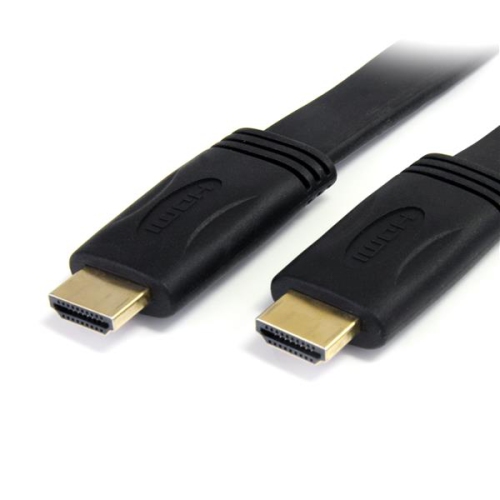
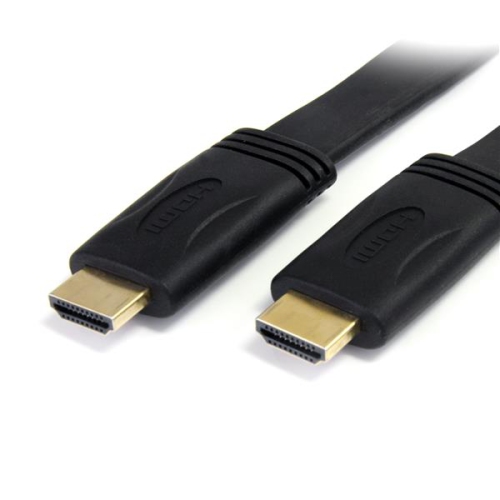
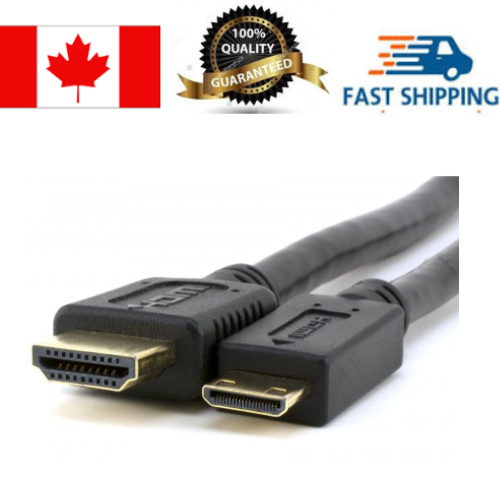
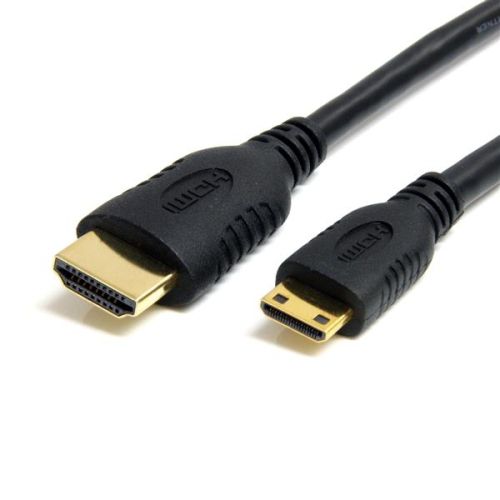
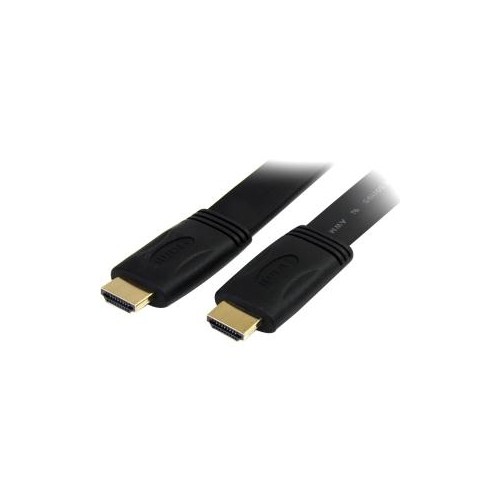
The best cable choice depends on the complete setup rather than colour alone. Count the number of connections required, note whether each device uses standard HDMI or a smaller connector format, and confirm that the cable length will reach without stretching. If the cable will be visible along a wall or tabletop, a white finish and a smooth, flexible jacket can help it blend into the room; if it will be tucked behind a cabinet, connector shape and bend radius may matter more. For compact spaces, a shorter cable can reduce clutter between closely placed components. For a television mounted across the room from its source device, measure from port to port along the intended path, including vertical drops and turns. Leave a modest amount of slack at each end so equipment can be pulled forward safely, but avoid bundling excess cable tightly. A flat design can be useful where a cable must pass beneath a rug-free floor transition, along a baseboard, or close to a wall-mounted display. Explore Flat HDMI Cables when a low-profile shape suits the room. Before completing a setup, verify that the television displays the expected resolution and refresh rate, that sound reaches the intended soundbar or receiver, and that connected devices remain secure when the cabinet or desk is gently moved. During the cooler months, when more time is often spent watching films, playing games, or enjoying streamed programming indoors, a well-planned cable arrangement can keep the viewing area comfortable and uncluttered. A carefully matched white HDMI cable provides a simple connection between compatible devices while supporting a cleaner-looking installation tailored to the room.
Signal requirements become more important as cable runs get longer or as you use higher-resolution content and faster refresh rates. A cable connecting a 4K TV to a gaming console may need to carry 4K video at 60Hz, while some newer gaming and home theatre equipment can call for greater bandwidth to support higher refresh rates, HDR, immersive audio, or advanced display features. Check the specifications of both connected devices and look for a cable rated for the capabilities you intend to use. Runs longer than 10 feet deserve particular attention because signal quality can become more challenging over greater distances; an active HDMI cable or a certified high-bandwidth option may be more suitable than a basic passive cable. Keep the cable away from sharp bends, pinch points, and areas where furniture legs or drawers could press against it. Connectors should fit firmly without forcing them, and the cable should have enough flexibility to follow the route naturally. For installations inside a wall or behind custom panelling, choose a cable with the appropriate in-wall rating, such as CL3 or FT4 where required by local building and fire-safety rules. An in-wall-rated cable is designed for that type of placement, but installation requirements can vary, so check applicable codes or consult a qualified installer before closing up a wall. For surface routing, a white cord cover can help create a continuous, understated line and protect the cable from everyday contact. People setting up a new television, refreshing a home office, organizing a gaming corner, or preparing a spare-room media area may appreciate having the right length and rating available from the start. White HDMI cables can also make a thoughtful, practical gift for someone moving into a new home or building a first entertainment system, since they help connect the equipment that often gathers around a television or desk.
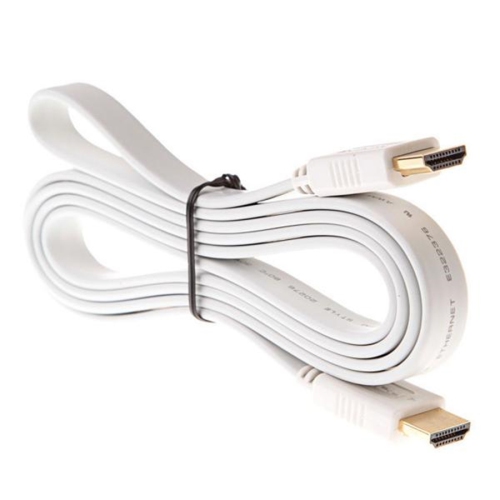
The best cable choice depends on the complete setup rather than colour alone. Count the number of connections required, note whether each device uses standard HDMI or a smaller connector format, and confirm that the cable length will reach without stretching. If the cable will be visible along a wall or tabletop, a white finish and a smooth, flexible jacket can help it blend into the room; if it will be tucked behind a cabinet, connector shape and bend radius may matter more. For compact spaces, a shorter cable can reduce clutter between closely placed components. For a television mounted across the room from its source device, measure from port to port along the intended path, including vertical drops and turns. Leave a modest amount of slack at each end so equipment can be pulled forward safely, but avoid bundling excess cable tightly. A flat design can be useful where a cable must pass beneath a rug-free floor transition, along a baseboard, or close to a wall-mounted display. Explore Flat HDMI Cables when a low-profile shape suits the room. Before completing a setup, verify that the television displays the expected resolution and refresh rate, that sound reaches the intended soundbar or receiver, and that connected devices remain secure when the cabinet or desk is gently moved. During the cooler months, when more time is often spent watching films, playing games, or enjoying streamed programming indoors, a well-planned cable arrangement can keep the viewing area comfortable and uncluttered. A carefully matched white HDMI cable provides a simple connection between compatible devices while supporting a cleaner-looking installation tailored to the room.
Top selling and popular products
-
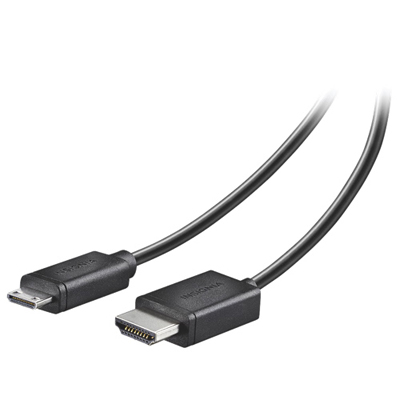 Your price for this item is $24.95
 -
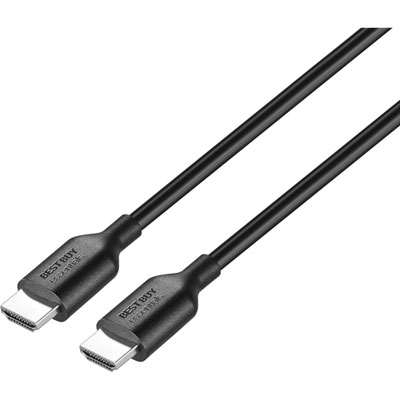 Your price for this item is $9.99
 -
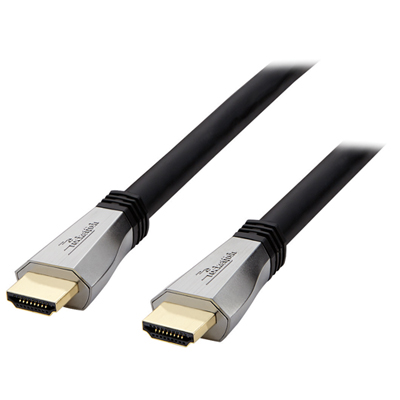 Your price for this item is $119.99
 -
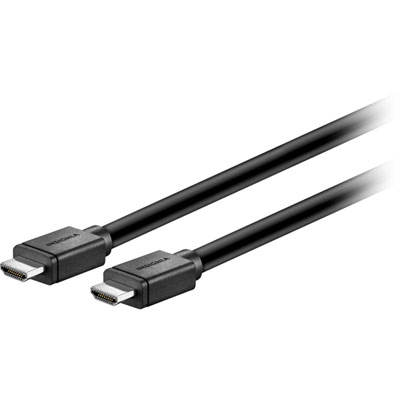 Your price for this item is $129.99
 -
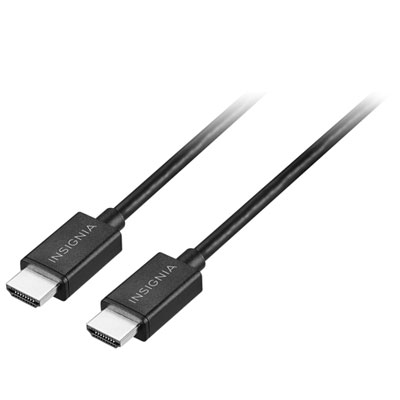 Your price for this item is $19.99
 -
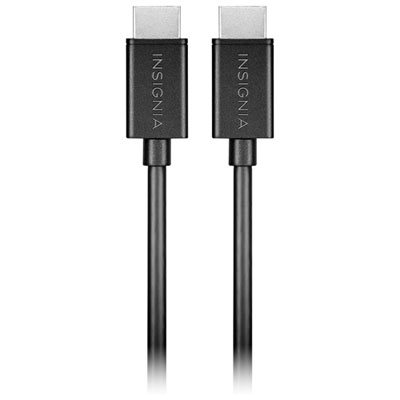 Your price for this item is $29.99
 -
![BDA / POWER A HDMI Cable Ps5 10 Ft [Power A]](https://multimedia.bbycastatic.ca/multimedia/products/500x500/176/17616/17616431.jpeg) Your price for this item is $59.99
Your price for this item is $59.99 -
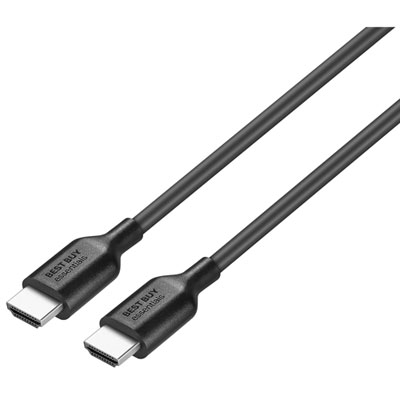 Your price for this item is $19.99
Discover more categories related to White Hdmi Cables
Top Collections:
Pokemon Centers, Kindle Devices, Best Cameras for Sports Photography, Pokémon 30th Celebration Cards, Apple iPhones 16, Canon G7X Cameras, iPhone 15 Apple, Flip Phones, Samsung Galaxy Phones, Alarm Clock
Some products may be subject to Environmental Handling Fees
(EHF) depending on your province.
Learn more about EHFs.