Internet Boosters for Home Wi-Fi
Internet Booster For Home WiFi solutions are designed to help you enjoy a more reliable and consistent connection throughout your living space. Whether you’re working remotely, streaming your favorite shows, or connecting multiple devices at once, the right internet booster can make a noticeable difference in your online experience. Explore a wide range of options to find the perfect fit for your home network needs and keep every corner of your house connected.
Sort








Wider Wi-Fi coverage depends on more than speed
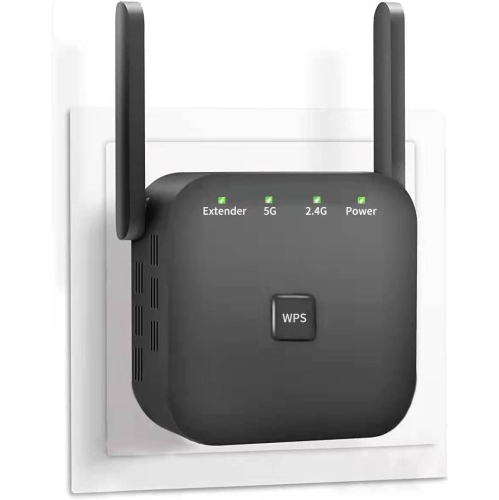
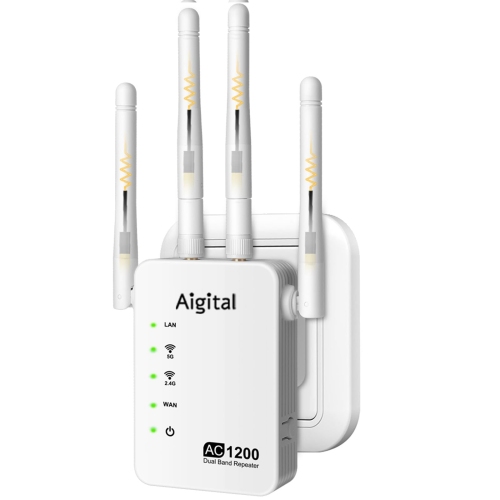
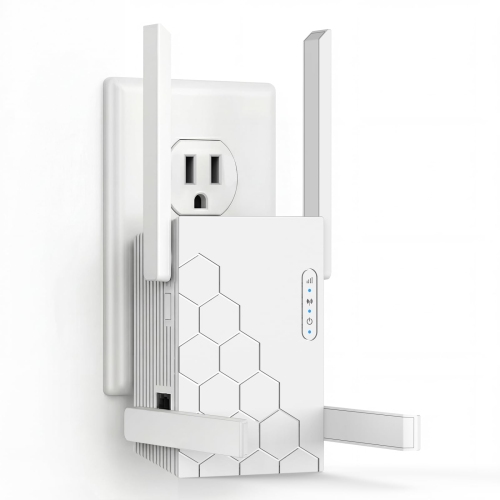
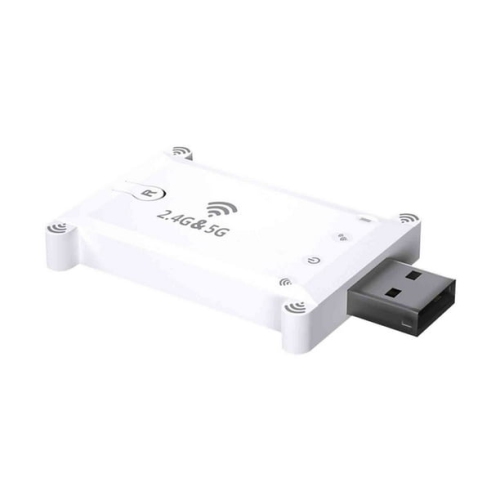
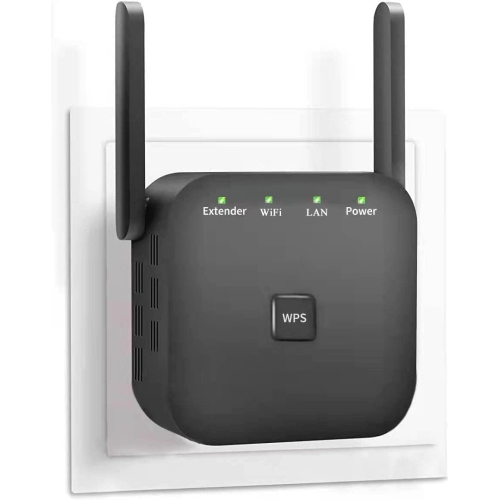
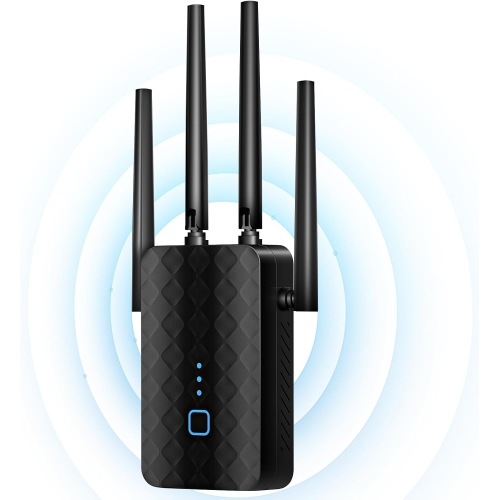
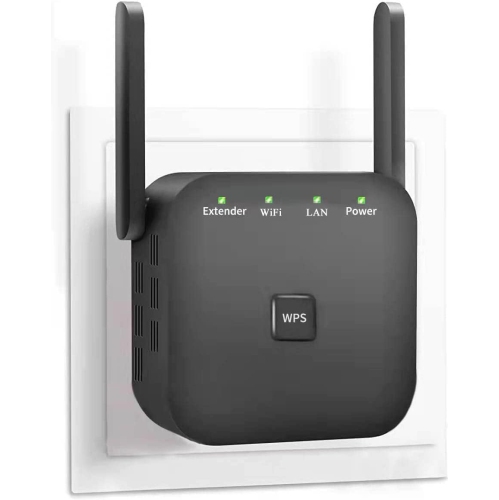
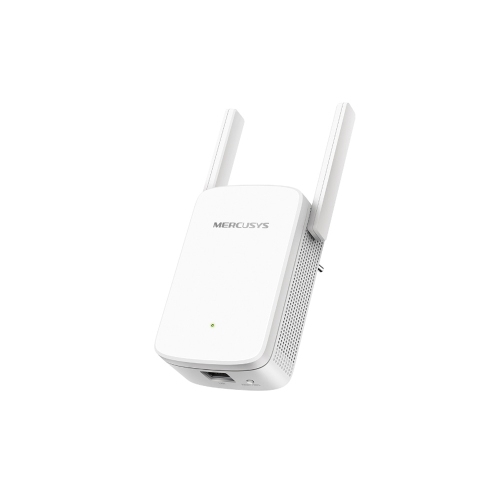
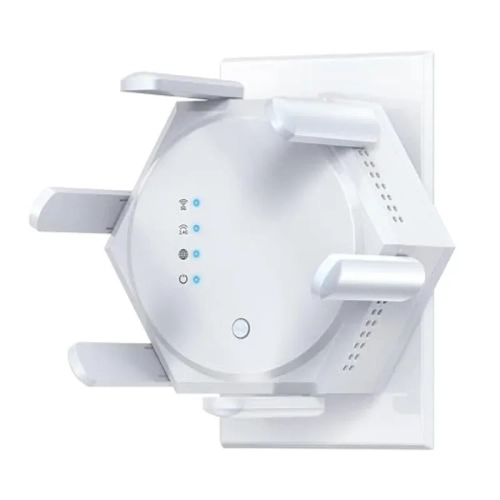
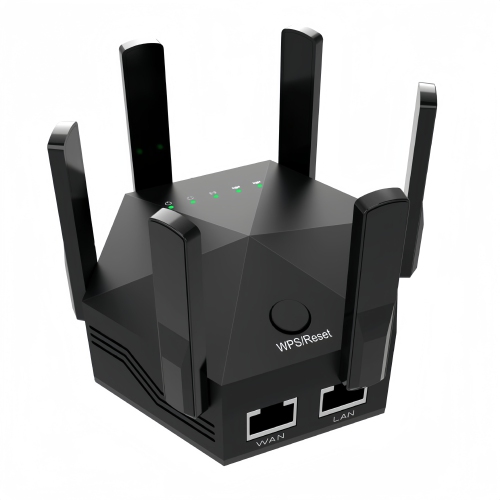
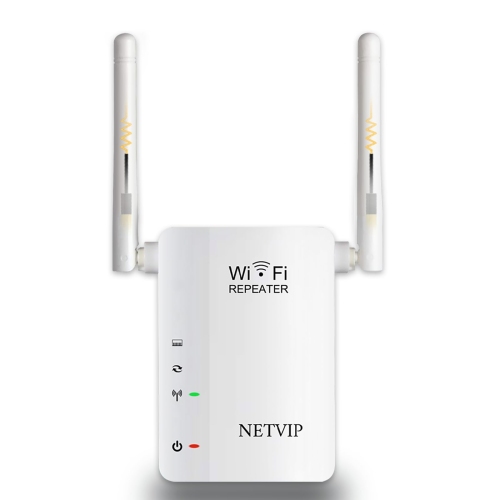
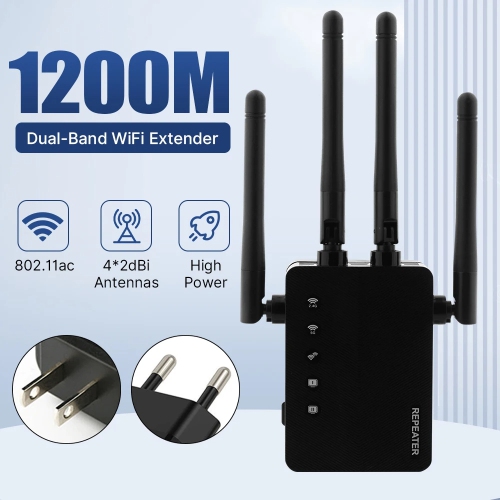
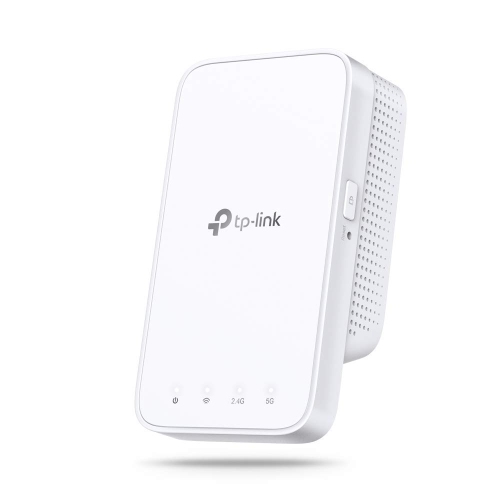
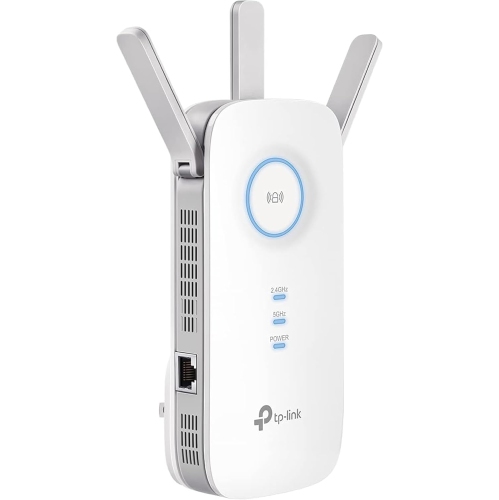
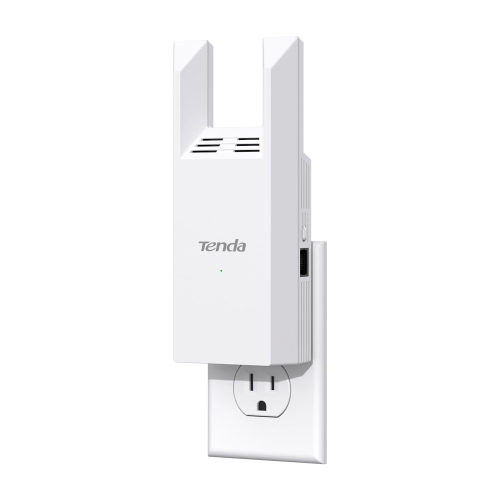
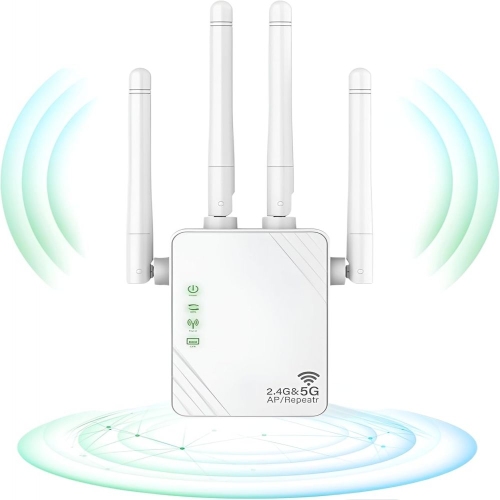
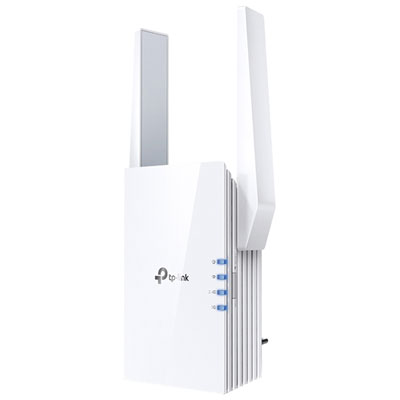
Internet boosters for home Wi-Fi extend an existing wireless network into rooms where the router’s signal is weak or unreliable. Often called Wi-Fi range extenders or repeaters, they receive a wireless signal from the router and rebroadcast it to help nearby devices stay connected. They can be useful when a laptop loses its connection in an upstairs bedroom, a television buffers at the far end of the living room, or a video call becomes choppy at a desk behind several walls. A booster improves the reach of a network; it does not increase the speed included in an internet plan or repair an unreliable connection coming into the home. Its performance depends on the signal it receives, the home’s layout, interference, and the capabilities of the router and connected devices. For households with a few troublesome coverage gaps, home Wi-Fi signal boosters can provide a practical way to extend coverage without replacing the main router. Single-band, dual-band, and tri-band designs handle wireless traffic differently, making band support an important distinction beyond the advertised speed. The 2.4 GHz band generally reaches farther through a home, while 5 GHz can deliver higher speeds at shorter distances. Dual-band models offer access to both, although their connections to the router and household devices vary by design. Wi-Fi 6 support can be helpful in busy households with compatible equipment, but the newest standard alone does not guarantee stronger coverage in every room. Advertised wireless speeds describe theoretical connection capabilities rather than the download speed a phone or computer will necessarily receive. Working from home, streaming video, attending online classes, and connecting smart home accessories all place different demands on a network. A quiet reading corner used for email needs less bandwidth than a family room where several people stream, play online, and download large files at the same time. The right fit depends as much on those everyday activities as it does on the size of the home.
Placement is central to how well a Wi-Fi booster works. An extender needs a reliable connection to the router before it can provide a useful connection farther away, so an outlet between the router and the weak-signal area is usually more suitable than one deep inside a dead zone. A hallway outside an upstairs office may work better than an outlet behind the office desk, particularly when the route back to the router passes through dense walls. Signal indicators and companion apps can help identify a suitable position, but their displays differ, so there is no single indicator percentage that applies to every model. Coverage estimates are also approximate: concrete walls, metal ductwork, large appliances, and floor construction can all change how a signal travels. Physical fit deserves attention alongside wireless specifications. Plug-in designs keep shelves clear, while tabletop designs require a stable surface and may offer more flexibility in positioning antennas. The size and orientation of a plug-in unit can affect access to the neighbouring electrical socket, especially beside a wide power adapter. Lightweight plastic housings are common, and everyday durability depends partly on keeping the device clear of knocks, spills, and blocked ventilation. An accessible outlet or open shelf is generally more practical than a cramped space behind furniture. Routine care is straightforward: follow the manufacturer’s cleaning directions, keep ventilation openings clear, and avoid letting dust collect around the unit. Ethernet ports add another useful distinction. A port may allow a television, desktop computer, or game console to connect by cable to the extender, although the extender’s wireless link to the router can still limit performance. Some models also support access point mode, which uses an Ethernet cable back to the router to provide Wi-Fi in another part of the home. That can suit a room with an existing network wall connection, but the feature is not universal. Compatibility, operating modes, cable routing, and access to power all influence whether a particular design suits the intended space.
The way a booster carries traffic back to the router matters just as much as the strength of the signal shown on a phone. A basic repeater that receives and retransmits over the same radio channel shares airtime between those tasks, which can substantially reduce usable throughput; in some conditions, the reduction can approach half. That trade-off is not identical across all extenders, and designs using separate bands or a dedicated wireless connection can behave differently. For browsing and occasional streaming in a spare room, wider coverage may be more valuable than maximum throughput. For competitive gaming, large file transfers, or several simultaneous video calls, latency and connection consistency become more important. A wired connection back to the router, where supported, can reduce reliance on a congested wireless link. A mesh Wi-Fi system is another option when weak coverage affects several rooms or floors rather than one isolated corner. Mesh systems typically coordinate multiple access points under one network name and can help compatible devices move between them, but they do not guarantee interruption-free roaming or the absence of speed loss. Some extenders can join a compatible mesh network, while others operate as conventional repeaters; matching Wi-Fi standards alone does not establish mesh compatibility. Network naming also affects daily use. An extender may create a separate network name or allow the router’s name to be reused, and using the same name does not by itself ensure smooth handoffs as someone walks through the house. Setup methods, supported security settings, and access to firmware updates are worth considering for a device that will remain part of the household network. A well-matched booster should address a clear coverage need, whether that means dependable browsing at a bedroom desk, steadier streaming in a den, or a stronger connection for devices beyond the router’s usual reach. Realistic expectations about speed, placement, and compatibility help distinguish a useful coverage extension from simply adding another wireless device.
Placement is central to how well a Wi-Fi booster works. An extender needs a reliable connection to the router before it can provide a useful connection farther away, so an outlet between the router and the weak-signal area is usually more suitable than one deep inside a dead zone. A hallway outside an upstairs office may work better than an outlet behind the office desk, particularly when the route back to the router passes through dense walls. Signal indicators and companion apps can help identify a suitable position, but their displays differ, so there is no single indicator percentage that applies to every model. Coverage estimates are also approximate: concrete walls, metal ductwork, large appliances, and floor construction can all change how a signal travels. Physical fit deserves attention alongside wireless specifications. Plug-in designs keep shelves clear, while tabletop designs require a stable surface and may offer more flexibility in positioning antennas. The size and orientation of a plug-in unit can affect access to the neighbouring electrical socket, especially beside a wide power adapter. Lightweight plastic housings are common, and everyday durability depends partly on keeping the device clear of knocks, spills, and blocked ventilation. An accessible outlet or open shelf is generally more practical than a cramped space behind furniture. Routine care is straightforward: follow the manufacturer’s cleaning directions, keep ventilation openings clear, and avoid letting dust collect around the unit. Ethernet ports add another useful distinction. A port may allow a television, desktop computer, or game console to connect by cable to the extender, although the extender’s wireless link to the router can still limit performance. Some models also support access point mode, which uses an Ethernet cable back to the router to provide Wi-Fi in another part of the home. That can suit a room with an existing network wall connection, but the feature is not universal. Compatibility, operating modes, cable routing, and access to power all influence whether a particular design suits the intended space.
The way a booster carries traffic back to the router matters just as much as the strength of the signal shown on a phone. A basic repeater that receives and retransmits over the same radio channel shares airtime between those tasks, which can substantially reduce usable throughput; in some conditions, the reduction can approach half. That trade-off is not identical across all extenders, and designs using separate bands or a dedicated wireless connection can behave differently. For browsing and occasional streaming in a spare room, wider coverage may be more valuable than maximum throughput. For competitive gaming, large file transfers, or several simultaneous video calls, latency and connection consistency become more important. A wired connection back to the router, where supported, can reduce reliance on a congested wireless link. A mesh Wi-Fi system is another option when weak coverage affects several rooms or floors rather than one isolated corner. Mesh systems typically coordinate multiple access points under one network name and can help compatible devices move between them, but they do not guarantee interruption-free roaming or the absence of speed loss. Some extenders can join a compatible mesh network, while others operate as conventional repeaters; matching Wi-Fi standards alone does not establish mesh compatibility. Network naming also affects daily use. An extender may create a separate network name or allow the router’s name to be reused, and using the same name does not by itself ensure smooth handoffs as someone walks through the house. Setup methods, supported security settings, and access to firmware updates are worth considering for a device that will remain part of the household network. A well-matched booster should address a clear coverage need, whether that means dependable browsing at a bedroom desk, steadier streaming in a den, or a stronger connection for devices beyond the router’s usual reach. Realistic expectations about speed, placement, and compatibility help distinguish a useful coverage extension from simply adding another wireless device.
Top selling and popular products
-
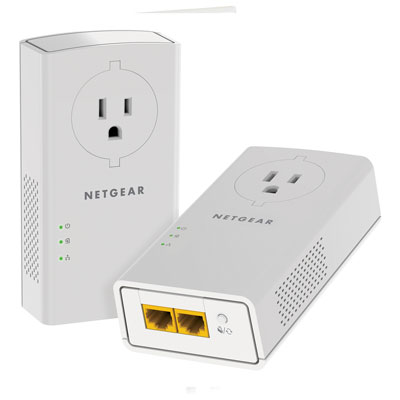 Your price for this item is $139.99
-
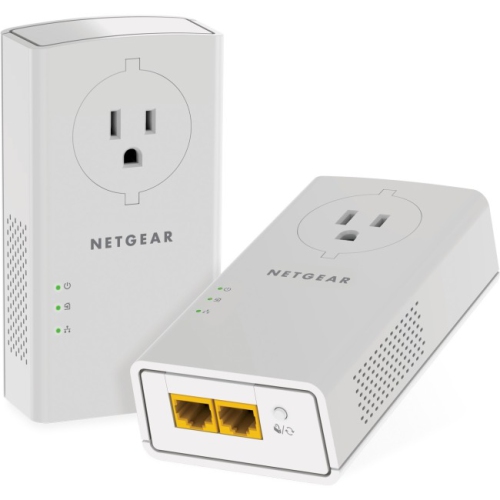 Your price for this item is $182.68
-
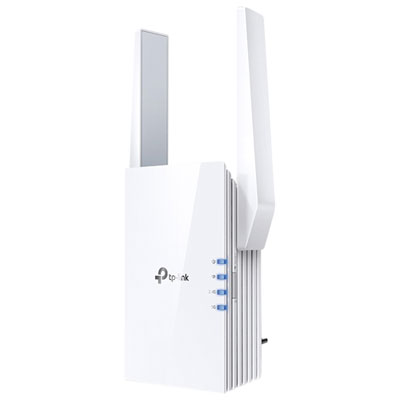 Your price for this item is $89.99
-
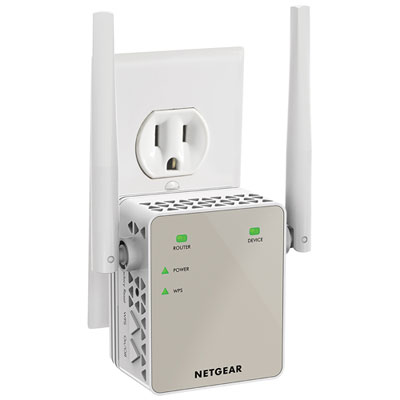 Your price for this item is $79.99
-
 Your price for this item is $45.78
-
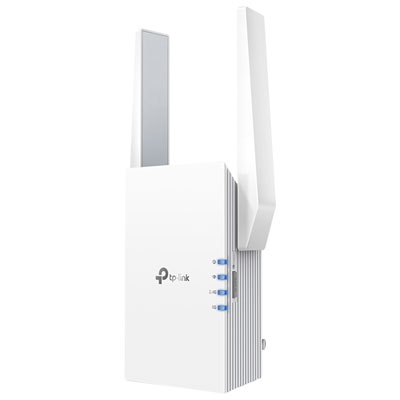 Your price for this item is $109.99
-
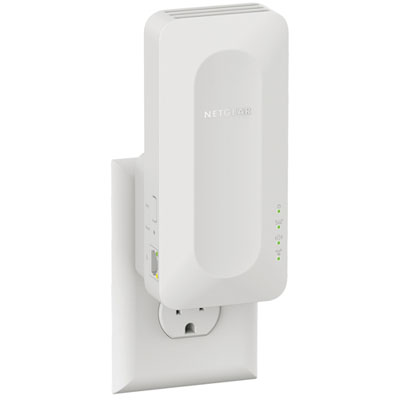 Your price for this item is $79.99
-
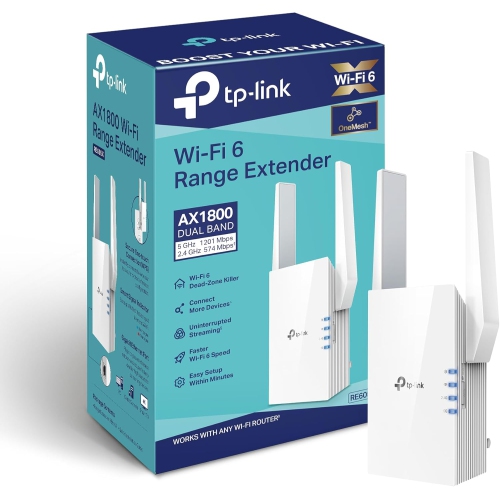 Your price for this item is $147.29
Discover more categories related to Internet Boosters for Home Wi-Fi
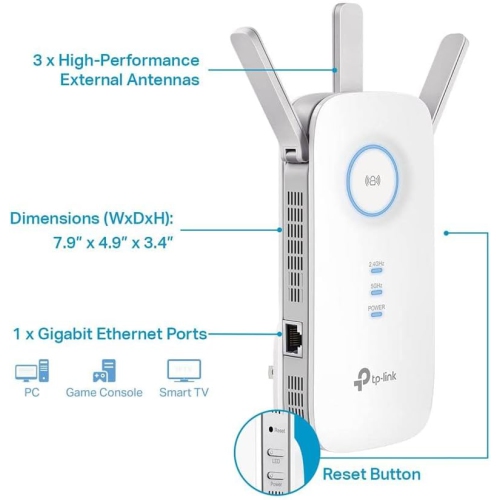
Top Collections:
Pokemon Centers, Best Black Friday Deals This Year, Best Black Friday Deals On Electronics, Kindle Devices, Best Budget Office Chairs, Best Black Friday Deals On Apple Products, Best Cameras for Sports Photography, Pokémon 30th Celebration Cards, Dyson Airwrap, Canon G7X Cameras
Some products may be subject to Environmental Handling Fees
(EHF) depending on your province.
Learn more about EHFs.