Keyboard Computers
Discover a wide selection of Keyboard Computer options designed to enhance your productivity and comfort. Whether you're setting up a home office, upgrading your gaming station, or outfitting your workspace, you'll find the perfect fit for every need. Browse a variety of styles and configurations to complement any setup and enjoy seamless connectivity with your devices. Find the ideal Keyboard Computer solution to match your preferences and elevate your computing experience.
Sort
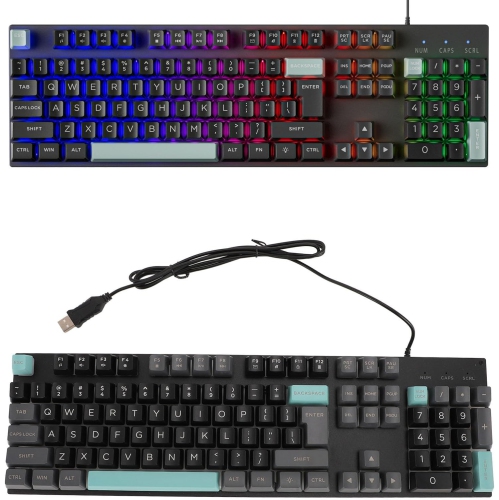
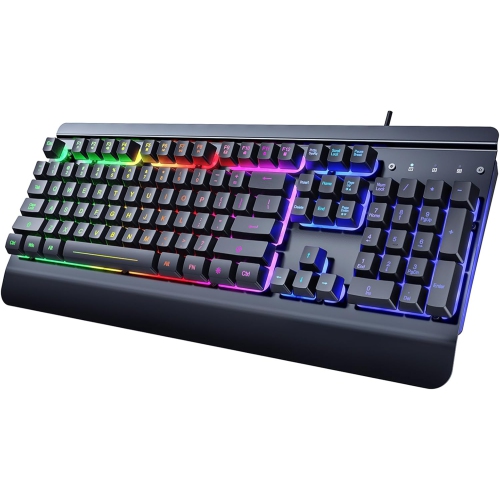
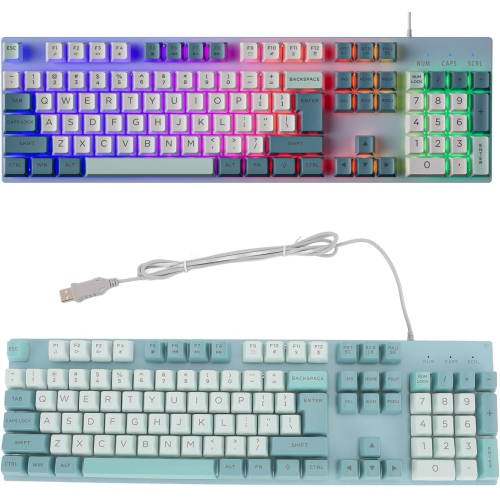
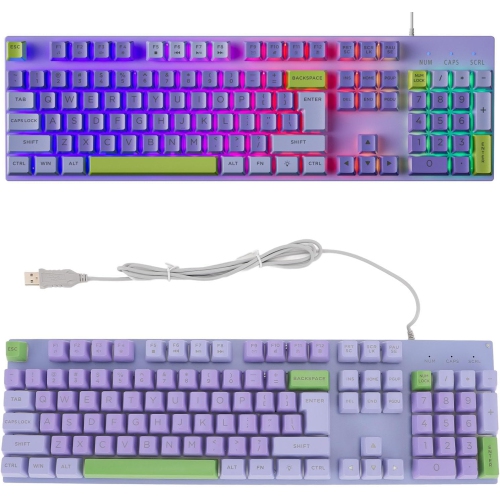




Why keyboard switches change the feel of everyday typing
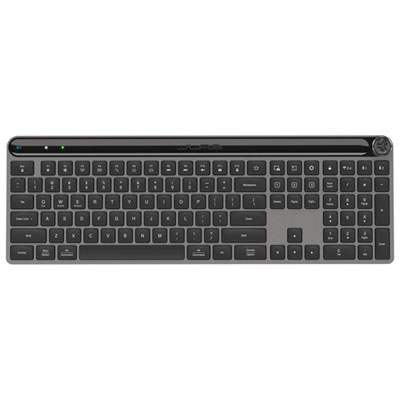
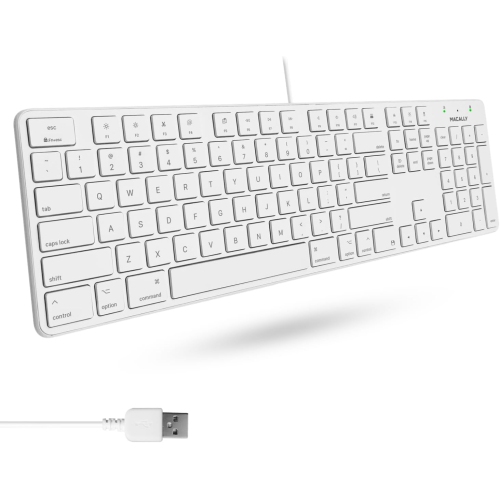
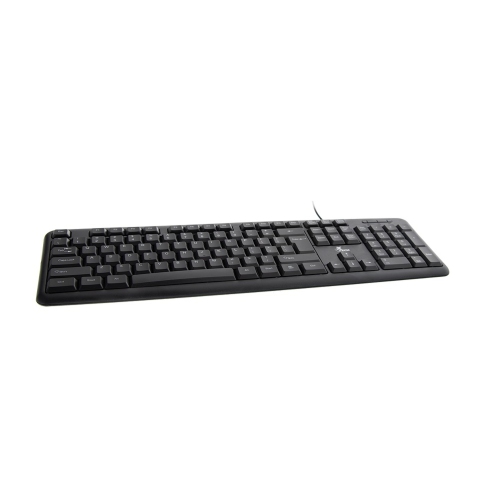
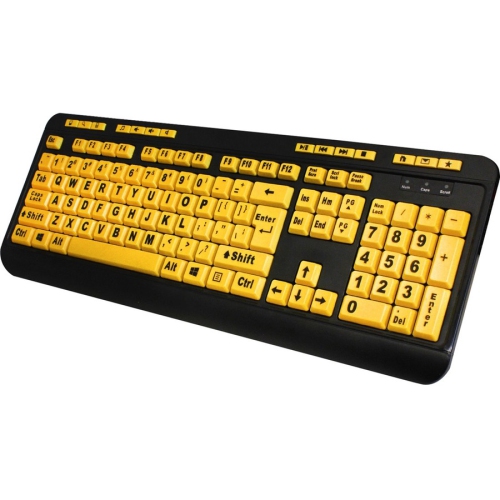
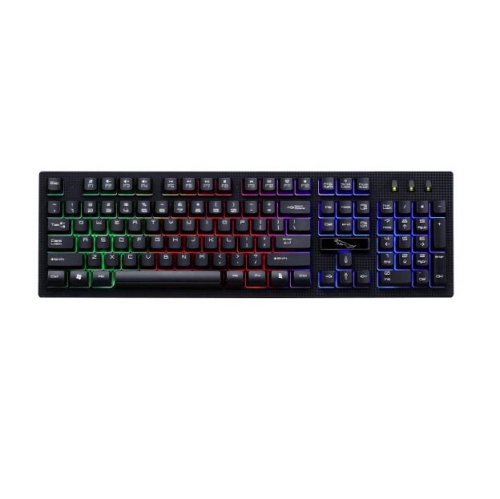
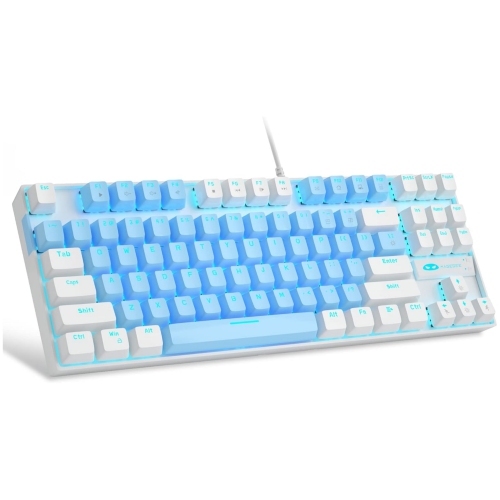
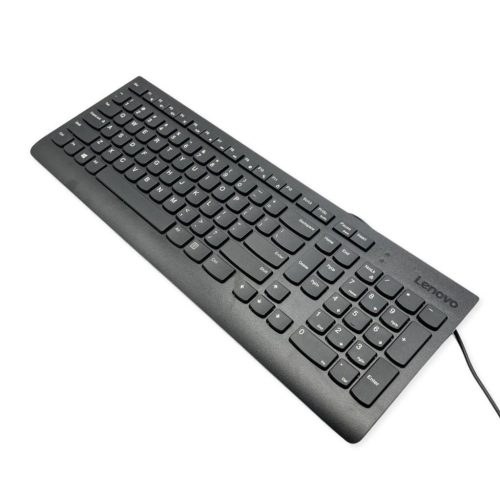
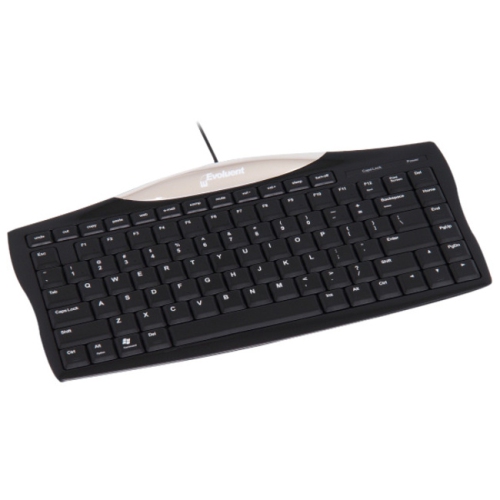
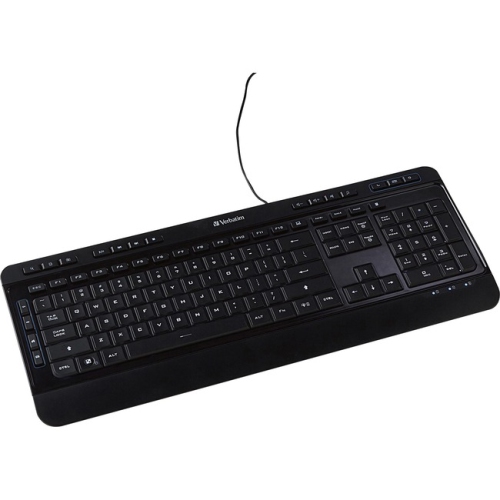
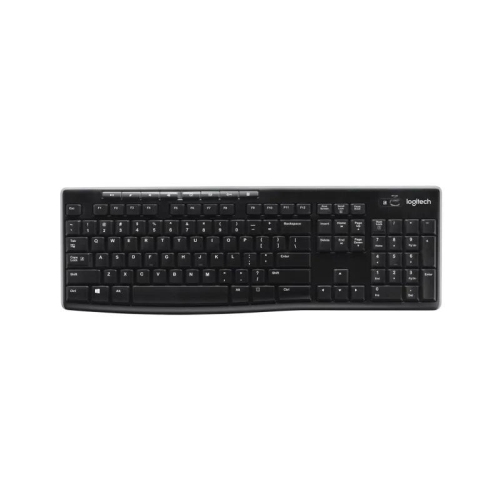
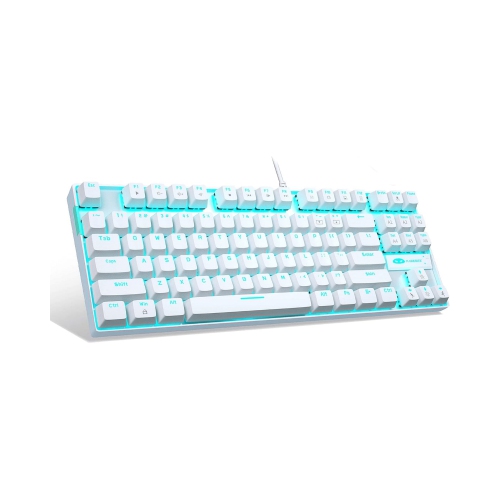
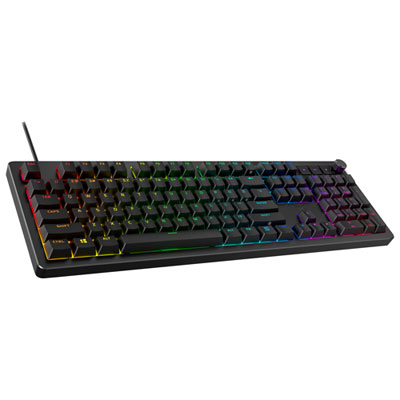
Computer keyboards are input devices that use keys to enter letters, numbers, symbols, and commands on a desktop computer, laptop, or other compatible device. They shape the feel of everyday tasks, from writing an assignment and replying to messages to entering spreadsheet figures or controlling a game. The main keyboard types are mechanical, membrane, and scissor-switch, each with a different response beneath the fingertips. Mechanical keyboards use individual spring-loaded switches under the keys. Depending on the switch, a keystroke can feel smooth from top to bottom, have a noticeable tactile bump, or produce a distinct click. These differences matter during a long writing session or a game that calls for repeated, precise inputs; a mechanical design is not necessarily loud, but its sound depends on the switches, keycaps, case, and desk surface. Most membrane keyboards use rubber domes over a flexible membrane layer, producing a softer key feel that suits general typing, shared workspaces, and family computers. Scissor-switch keyboards use a stabilizing mechanism beneath shallow keys, typically paired with rubber domes, to deliver short travel and a familiar laptop-like feel. Someone moving between a laptop and a desktop may appreciate that consistency, while a frequent typist may prefer more pronounced feedback. Key travel describes how far a key moves when pressed, and actuation force describes the pressure needed to register an input. Neither a deeper press nor a lighter touch is automatically better: comfort depends on typing habits and personal preference. Students, office workers, programmers, gamers, and people using accessibility features may all value different combinations of feedback, layout, and controls. A keyboard can also make a thoughtful gift for someone setting up a study space or home office, particularly when its connection type, language layout, and typing feel match the recipient’s existing setup.
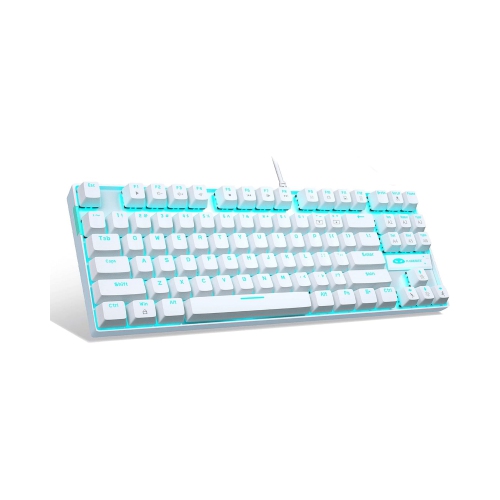
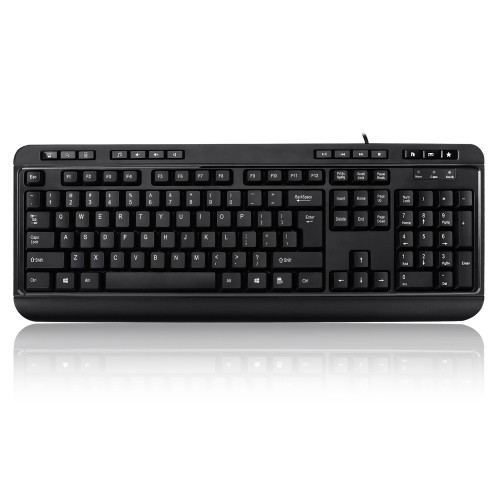
Keyboard size affects both the typing experience and how the rest of a desk comes together. A full-size keyboard includes the main typing area, function keys, navigation keys, and a dedicated numeric keypad, making it practical for accounting, data entry, and other number-heavy work. A tenkeyless, or TKL, keyboard removes the numeric keypad while usually retaining separate navigation and function keys. That shorter footprint leaves more room for a mouse and can help keep the mouse closer to the body. Compact layouts reduce the footprint further, often placing functions such as arrow keys, media controls, or the function row behind key combinations. They suit smaller desks and portable setups, though those shared functions can take practice when editing documents or moving through large worksheets. Physical dimensions deserve attention alongside the layout name: a wide frame or attached palm rest can occupy more space than expected. Ergonomic keyboards may have split key groups, curved rows, adjustable tenting, or a cushioned palm rest to support a more comfortable hand position. Their usefulness depends on desk height, chair position, reach, and individual fit rather than shape alone. A palm rest should support relaxed pauses without forcing the wrists upward, and raising the rear feet is not automatically the most comfortable position. Language and operating-system compatibility also affect daily use. English, French Canadian, and bilingual layouts can differ in key placement and printed legends, so familiar punctuation and accent access are worth checking. Wired USB keyboards provide a direct connection without battery charging, although the plug must match an available port or suitable adapter. Wireless keyboards connect through Bluetooth or a USB receiver, reducing cable clutter while introducing battery or charging needs. Some can switch between multiple paired devices, which is useful when moving from a work computer to a personal laptop. Shortcut labels, programmable controls, and customization software may work differently across operating systems, so basic typing compatibility does not always mean every extra feature is supported.
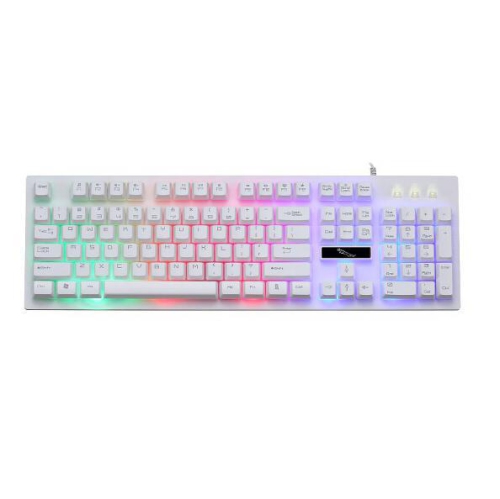
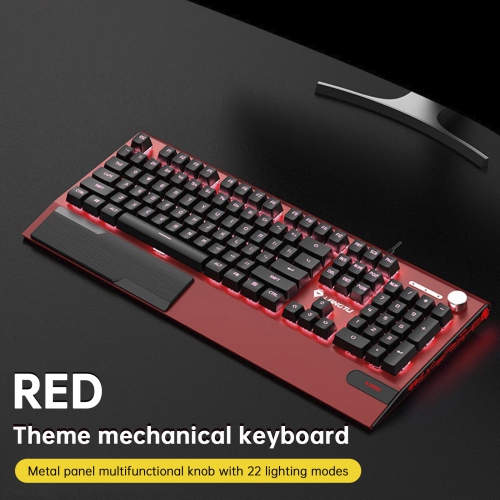
Construction and maintenance influence how a computer keyboard feels after months of regular use. Plastic cases are common and can keep weight manageable, while metal top plates or frames may add rigidity and a firmer feel on the desk. A heavier keyboard with stable rubber feet can stay put during rapid typing, whereas a lighter, slimmer model is easier to carry between workspaces. Keycap materials matter too. ABS plastic is widely used and may develop a polished surface with wear; PBT keycaps often have a textured finish that tends to resist visible shine, although quality varies with manufacturing and use. Double-shot legends are formed from separate pieces of plastic rather than printed only on the surface, helping the characters remain readable through repeated contact. Durable construction also includes secure connections, consistent stabilizers beneath larger keys, and a cable that is not repeatedly bent against the edge of a desk. For gaming, features such as anti-ghosting and key rollover help a keyboard register intended combinations of simultaneous presses, while programmable keys can keep frequently used commands within reach. For writing and office tasks, easy-to-find navigation keys, clear legends, and accessible volume controls may matter more than extensive customization. Backlighting can improve key visibility in a dim room, but printed contrast remains important when the lighting is off. Colour, keycap shape, and visual styling also help a keyboard feel at home beside a monitor and other desk accessories; Creative Keyboards offer another way to explore expressive designs. Routine care is straightforward: disconnect the keyboard or switch it off before cleaning, remove loose debris gently, and wipe surfaces with a soft cloth lightly dampened according to the manufacturer’s directions. Avoid spraying liquid directly between keys, and remove keycaps only when the design and care instructions allow it. Spill resistance, where specified, should not be treated as waterproofing. A keyboard that matches its user’s tasks, fits the available space, and receives simple regular care can remain a dependable part of a computer setup.
Keyboard size affects both the typing experience and how the rest of a desk comes together. A full-size keyboard includes the main typing area, function keys, navigation keys, and a dedicated numeric keypad, making it practical for accounting, data entry, and other number-heavy work. A tenkeyless, or TKL, keyboard removes the numeric keypad while usually retaining separate navigation and function keys. That shorter footprint leaves more room for a mouse and can help keep the mouse closer to the body. Compact layouts reduce the footprint further, often placing functions such as arrow keys, media controls, or the function row behind key combinations. They suit smaller desks and portable setups, though those shared functions can take practice when editing documents or moving through large worksheets. Physical dimensions deserve attention alongside the layout name: a wide frame or attached palm rest can occupy more space than expected. Ergonomic keyboards may have split key groups, curved rows, adjustable tenting, or a cushioned palm rest to support a more comfortable hand position. Their usefulness depends on desk height, chair position, reach, and individual fit rather than shape alone. A palm rest should support relaxed pauses without forcing the wrists upward, and raising the rear feet is not automatically the most comfortable position. Language and operating-system compatibility also affect daily use. English, French Canadian, and bilingual layouts can differ in key placement and printed legends, so familiar punctuation and accent access are worth checking. Wired USB keyboards provide a direct connection without battery charging, although the plug must match an available port or suitable adapter. Wireless keyboards connect through Bluetooth or a USB receiver, reducing cable clutter while introducing battery or charging needs. Some can switch between multiple paired devices, which is useful when moving from a work computer to a personal laptop. Shortcut labels, programmable controls, and customization software may work differently across operating systems, so basic typing compatibility does not always mean every extra feature is supported.
Construction and maintenance influence how a computer keyboard feels after months of regular use. Plastic cases are common and can keep weight manageable, while metal top plates or frames may add rigidity and a firmer feel on the desk. A heavier keyboard with stable rubber feet can stay put during rapid typing, whereas a lighter, slimmer model is easier to carry between workspaces. Keycap materials matter too. ABS plastic is widely used and may develop a polished surface with wear; PBT keycaps often have a textured finish that tends to resist visible shine, although quality varies with manufacturing and use. Double-shot legends are formed from separate pieces of plastic rather than printed only on the surface, helping the characters remain readable through repeated contact. Durable construction also includes secure connections, consistent stabilizers beneath larger keys, and a cable that is not repeatedly bent against the edge of a desk. For gaming, features such as anti-ghosting and key rollover help a keyboard register intended combinations of simultaneous presses, while programmable keys can keep frequently used commands within reach. For writing and office tasks, easy-to-find navigation keys, clear legends, and accessible volume controls may matter more than extensive customization. Backlighting can improve key visibility in a dim room, but printed contrast remains important when the lighting is off. Colour, keycap shape, and visual styling also help a keyboard feel at home beside a monitor and other desk accessories; Creative Keyboards offer another way to explore expressive designs. Routine care is straightforward: disconnect the keyboard or switch it off before cleaning, remove loose debris gently, and wipe surfaces with a soft cloth lightly dampened according to the manufacturer’s directions. Avoid spraying liquid directly between keys, and remove keycaps only when the design and care instructions allow it. Spill resistance, where specified, should not be treated as waterproofing. A keyboard that matches its user’s tasks, fits the available space, and receives simple regular care can remain a dependable part of a computer setup.
Top selling and popular products
-
 Your price for this item is $39.99
 -
 Your price for this item is $49.72
 -
 Your price for this item is $159
 -
 Your price for this item is $219.99
 -
 Your price for this item is $189.99
 -
 Your price for this item is $44.99
 -
 Your price for this item is $29.99
 -
 Your price for this item is $159.99
Discover more categories related to Keyboard Computers
Top Collections:
Pokemon Centers, Best Cameras for Sports Photography, Kindle Devices, Samsung Galaxy Phones, Canon G7X Cameras, Pokémon 30th Celebration Cards, Refurbished Apple Laptops, iPhone 15 Apple, Laptops for Students, Budget Smartphones
Some products may be subject to Environmental Handling Fees
(EHF) depending on your province.
Learn more about EHFs.