Keyboards for Dell Tablet
Enhance your productivity and typing experience with a Keyboard for Dell Tablet. Whether you're working, studying, or enjoying entertainment on your device, the right keyboard can make all the difference in comfort and efficiency. Explore a variety of options designed to seamlessly connect with your Dell tablet, making it easy to type, navigate, and get more done wherever you are. Find the perfect Keyboard for Dell Tablet to suit your needs and elevate your tablet use today.
Sort
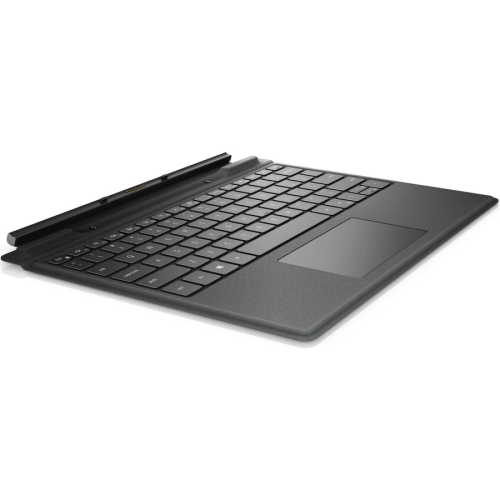
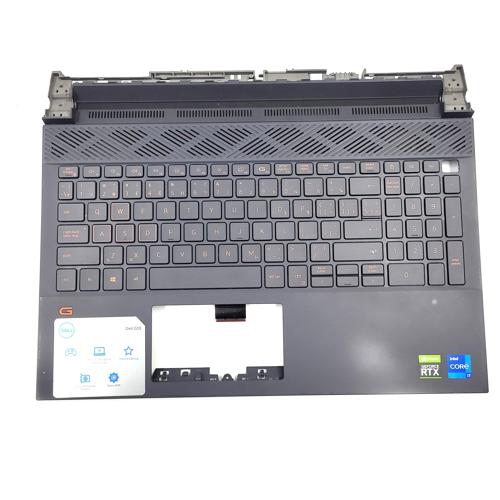
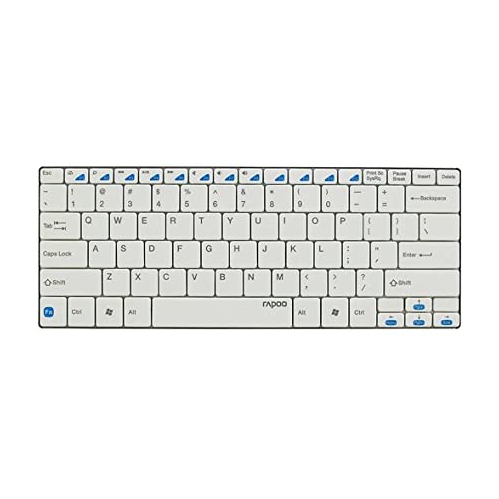
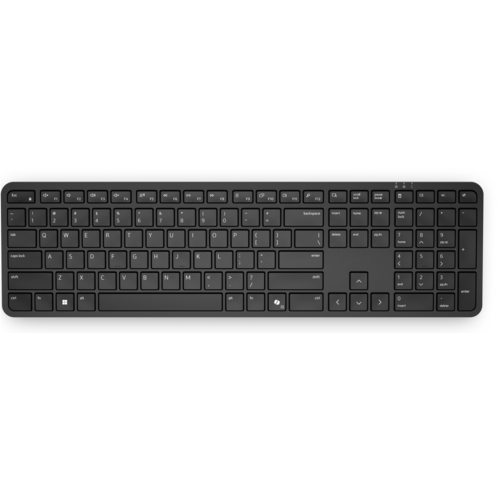
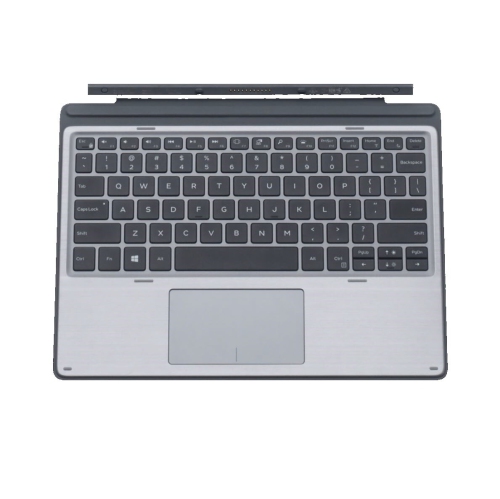
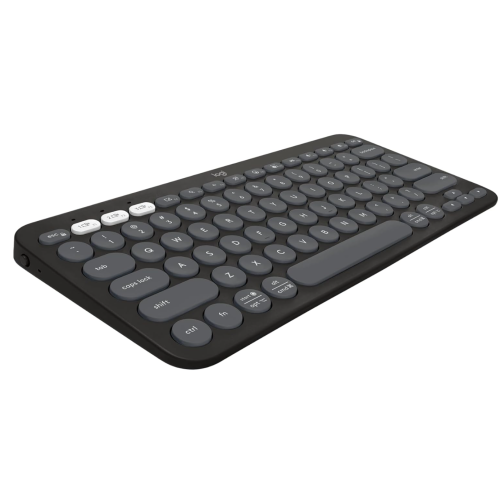
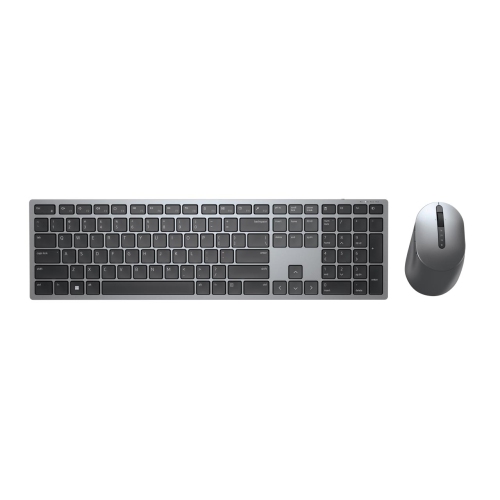
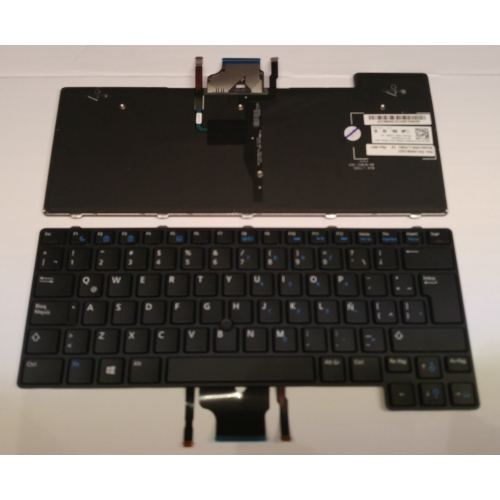
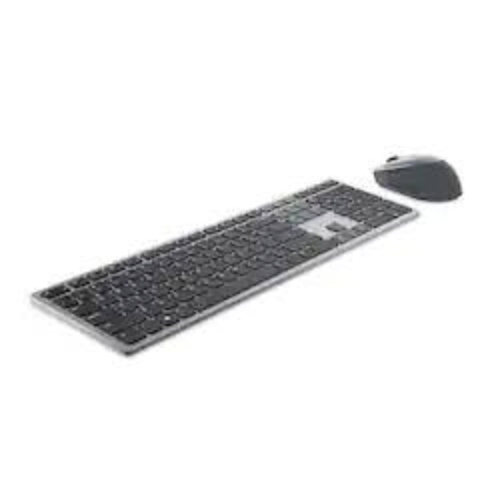
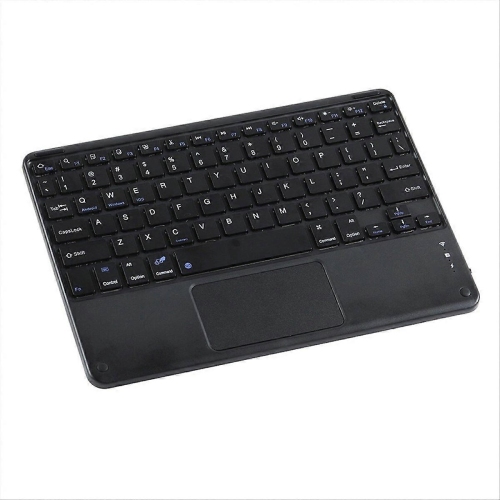
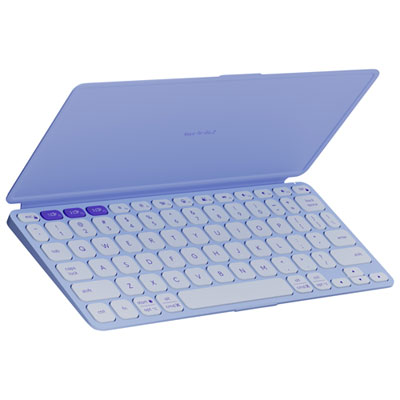
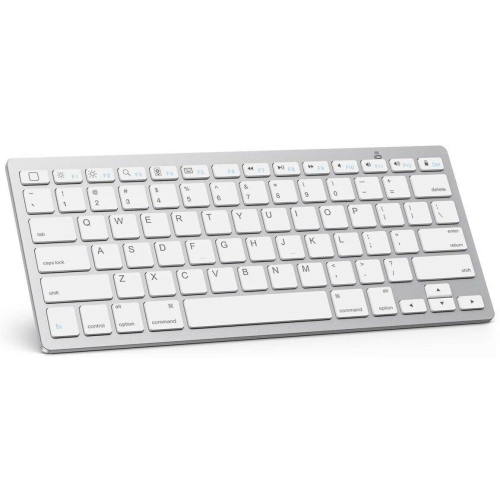
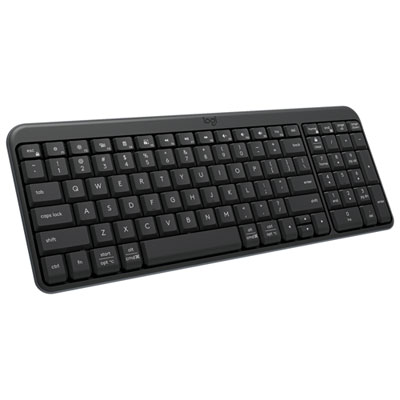
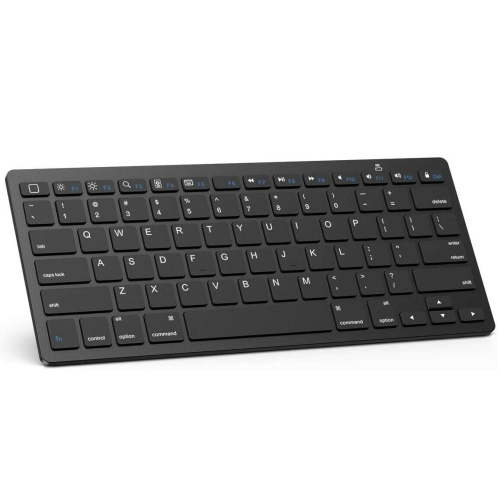
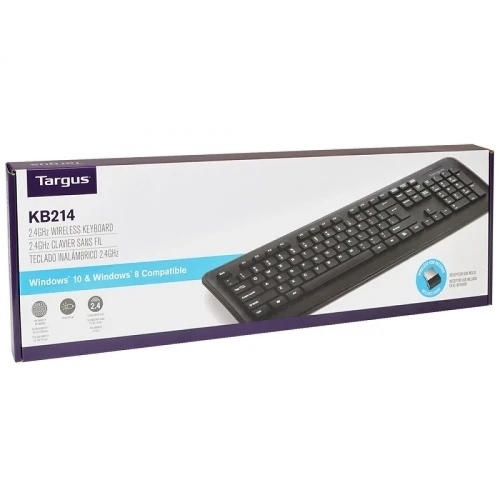
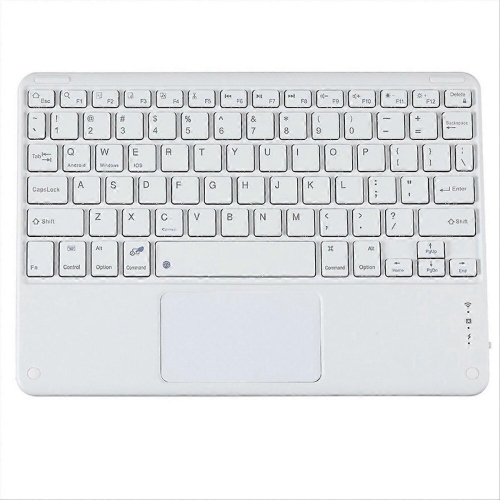
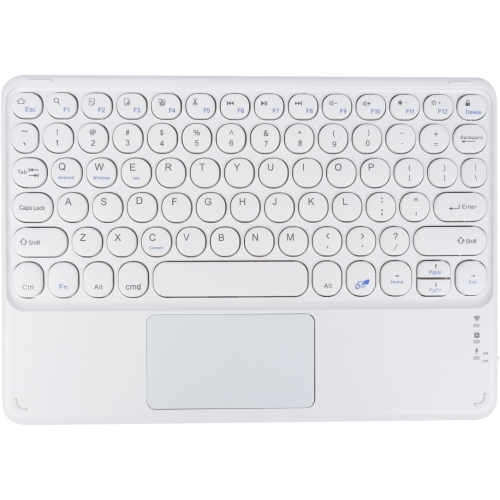

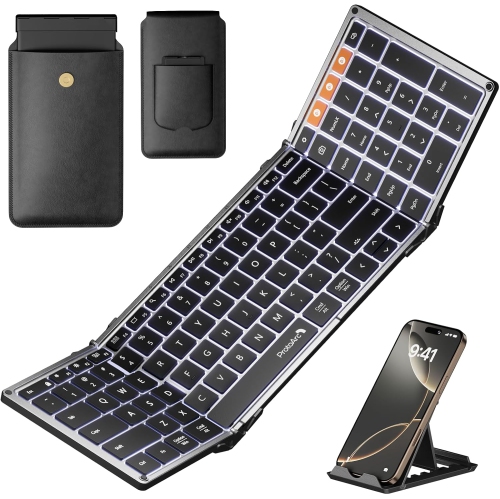
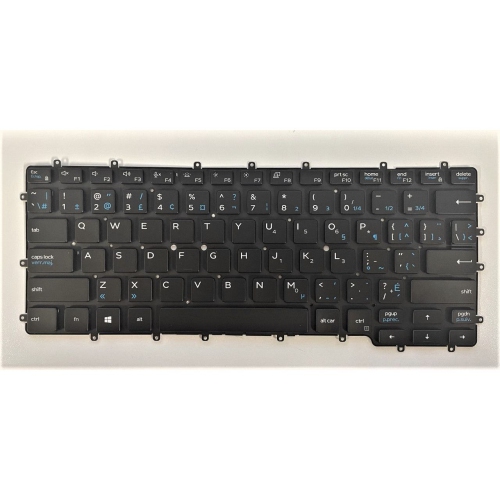
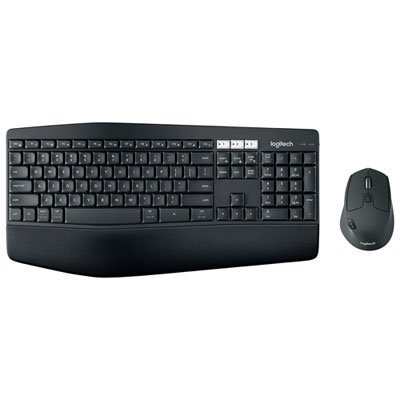
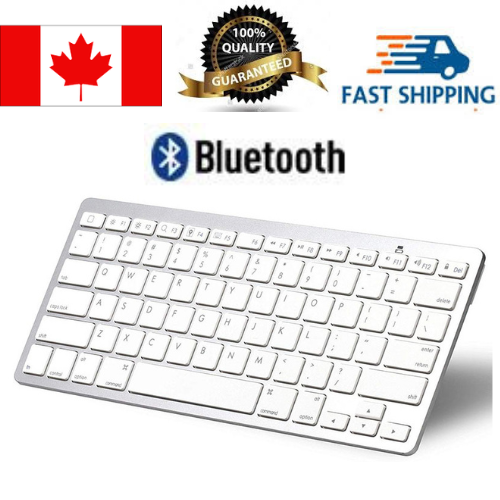
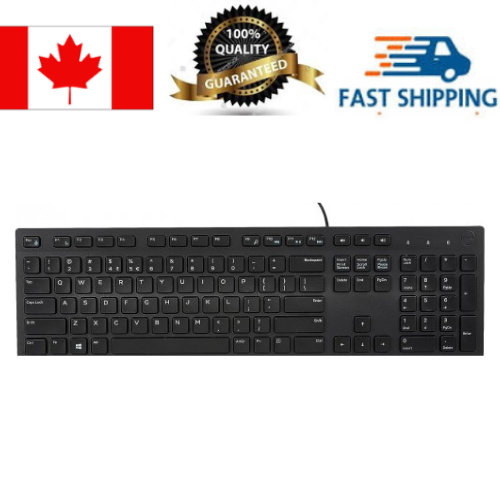
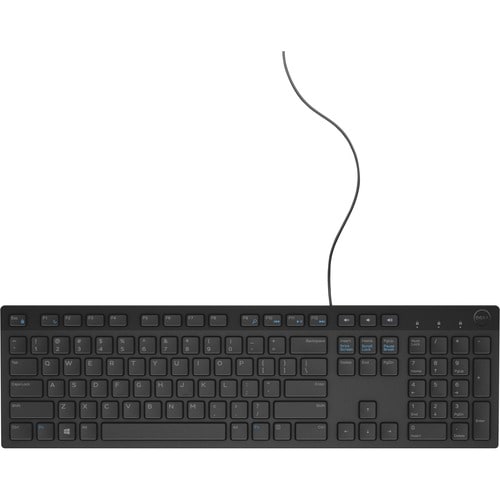
A more comfortable way to work on your tablet
When it comes to enhancing productivity and comfort on your Dell tablet, finding the right keyboard is a game-changer. Whether you’re a student preparing for exams, a professional working on the go, or someone who enjoys browsing and streaming from the couch, a dedicated keyboard for your Dell tablet can transform your experience. Spring is a season of renewal, and for many, it’s the perfect time to refresh your tech setup—especially as days get longer and you find yourself working or studying in different locations, from sunlit kitchen tables to bustling coffee shops. The right keyboard can make transitioning between work, study, and leisure seamless. For those who travel frequently or commute, a slim, lightweight keyboard that easily slips into a backpack or briefcase is invaluable, while rugged models are ideal for fieldwork or outdoor use, standing up to the unpredictable Canadian weather.
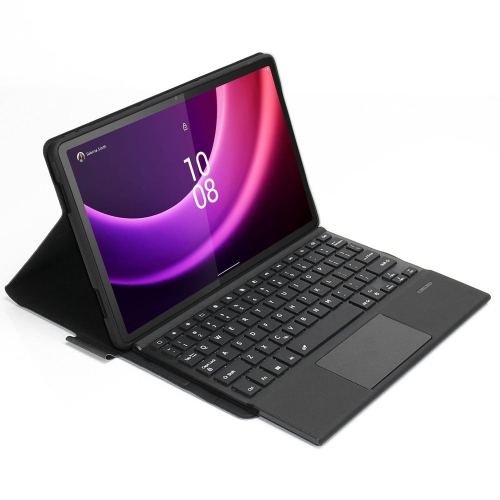
Choosing a keyboard for your Dell tablet involves more than just finding a device that fits; it’s about matching your workflow, preferences, and the unique features of your tablet. Many users appreciate detachable keyboards that offer a true laptop-like typing experience, complete with tactile keys and integrated touchpads for navigation. If you’re someone who often works in low-light environments, backlit keys can make a noticeable difference, letting you stay productive after sunset or during late-night study sessions. For those who rely on their tablet for extended periods, some keyboard docks even provide extra battery power, extending your device’s life when you need it most—think of long business trips or days packed with back-to-back meetings. Families might find these keyboards useful for kids’ homework, creative projects, or simply keeping everyone connected. They also make thoughtful gifts for graduates, busy professionals, or anyone looking to get more from their tablet, especially as the season brings new opportunities for learning and growth.
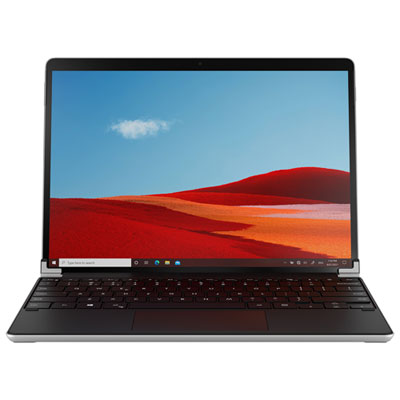
Compatibility is key when selecting a keyboard for your Dell tablet. It’s important to match the keyboard model to your specific tablet, ensuring that connectors, ports, and features like stylus holders or rugged protection align with your device’s needs. Some users may prefer the flexibility of Bluetooth connectivity, while others value the security and stability of direct connections via pogo-pins or docking ports. If you’re exploring options beyond Dell, it’s worth noting that other tablets offer similar keyboard accessories—discover more by visiting the Microsoft Surface Pro Tablet Keyboard page for inspiration. With the right keyboard, your Dell tablet becomes more than just a portable screen; it evolves into a versatile tool ready to tackle any task, from drafting reports and editing documents to creative pursuits and everyday communication. As you browse the selection, consider how different features—such as durability, portability, and battery life—fit your lifestyle, ensuring you choose a keyboard that keeps pace with your ambitions this spring and beyond.
Choosing a keyboard for your Dell tablet involves more than just finding a device that fits; it’s about matching your workflow, preferences, and the unique features of your tablet. Many users appreciate detachable keyboards that offer a true laptop-like typing experience, complete with tactile keys and integrated touchpads for navigation. If you’re someone who often works in low-light environments, backlit keys can make a noticeable difference, letting you stay productive after sunset or during late-night study sessions. For those who rely on their tablet for extended periods, some keyboard docks even provide extra battery power, extending your device’s life when you need it most—think of long business trips or days packed with back-to-back meetings. Families might find these keyboards useful for kids’ homework, creative projects, or simply keeping everyone connected. They also make thoughtful gifts for graduates, busy professionals, or anyone looking to get more from their tablet, especially as the season brings new opportunities for learning and growth.
Compatibility is key when selecting a keyboard for your Dell tablet. It’s important to match the keyboard model to your specific tablet, ensuring that connectors, ports, and features like stylus holders or rugged protection align with your device’s needs. Some users may prefer the flexibility of Bluetooth connectivity, while others value the security and stability of direct connections via pogo-pins or docking ports. If you’re exploring options beyond Dell, it’s worth noting that other tablets offer similar keyboard accessories—discover more by visiting the Microsoft Surface Pro Tablet Keyboard page for inspiration. With the right keyboard, your Dell tablet becomes more than just a portable screen; it evolves into a versatile tool ready to tackle any task, from drafting reports and editing documents to creative pursuits and everyday communication. As you browse the selection, consider how different features—such as durability, portability, and battery life—fit your lifestyle, ensuring you choose a keyboard that keeps pace with your ambitions this spring and beyond.
Top selling and popular products
-
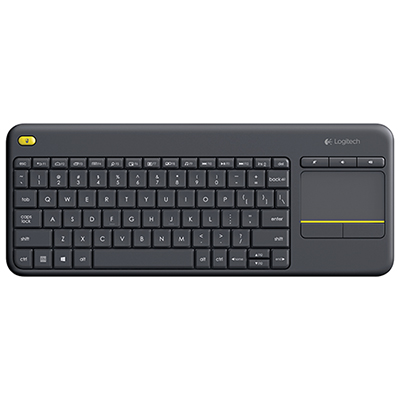 Your price for this item is $39.99
 -
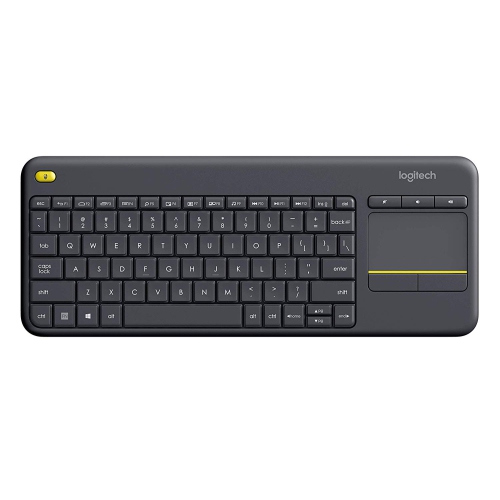 Your price for this item is $49.72
 -
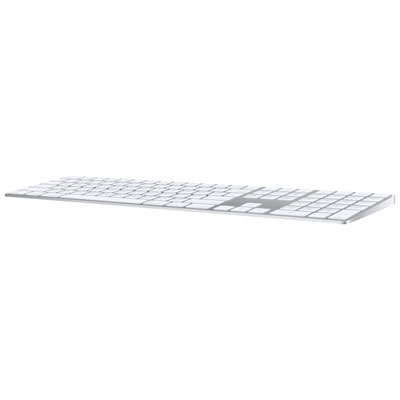 Your price for this item is $159
 -
 Your price for this item is $219.99
 -
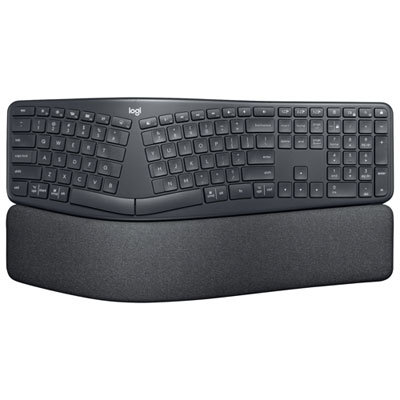 Your price for this item is $189.99
 -
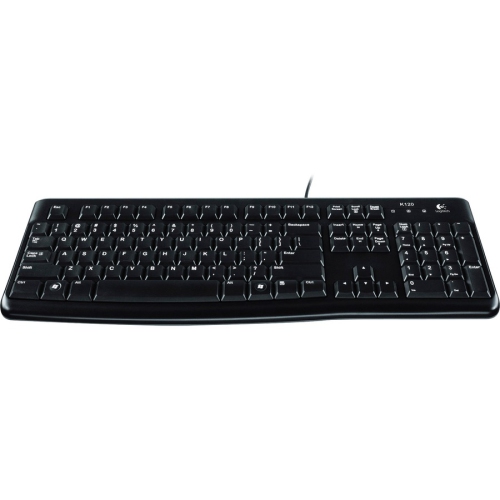 Your price for this item is $44.99
 -
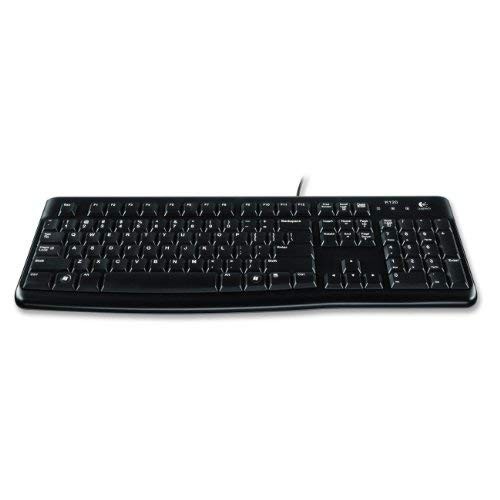 Your price for this item is $29.99
 -
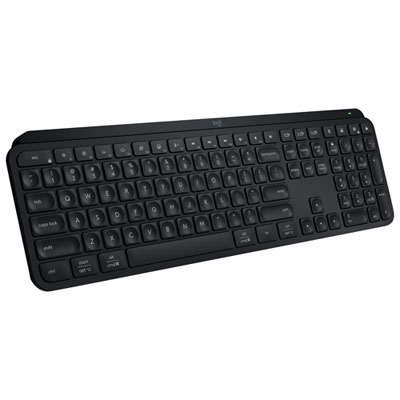 Your price for this item is $159.99
Discover more categories related to Keyboards for Dell Tablet
Top Collections:
Pokemon Centers, Best Cameras for Sports Photography, Kindle Devices, Samsung Galaxy Phones, Canon G7X Cameras, Pokémon 30th Celebration Cards, Refurbished Apple Laptops, iPhone 15 Apple, Laptops for Students, Budget Smartphones
Some products may be subject to Environmental Handling Fees
(EHF) depending on your province.
Learn more about EHFs.