Laptops for Music Students
Laptops for Music Students are designed to support a wide range of creative and academic needs, from composing and editing tracks to managing assignments and collaborating on projects. Whether you're attending virtual lessons, producing music, or simply taking notes in class, the right laptop can make all the difference in your studies. Explore options that offer reliable performance and versatile functionality, helping you stay productive and inspired throughout your musical journey. Find the ideal match for your educational goals with our selection of Laptops for Music Students.
Sort






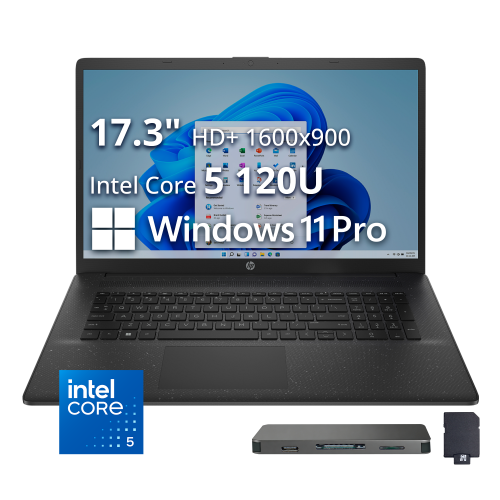
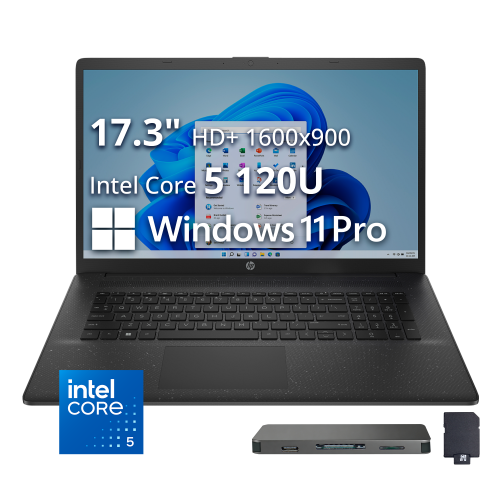
What music coursework really asks of your laptop
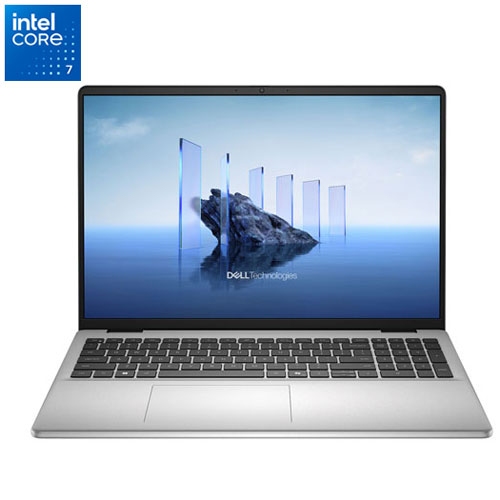
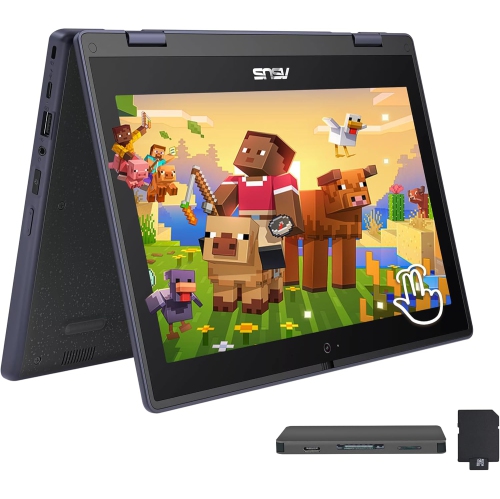
Laptops for music students support a mix of creative work and everyday coursework, from writing harmony exercises and reading scores to recording a vocal take or building a multitrack arrangement. The most useful balance is enough processing power and memory for music software, storage that loads projects quickly, and a design that travels comfortably between classes, practice rooms, and home. A modern processor with strong single-core performance helps with time-sensitive audio tasks, while multiple cores can support larger sessions with more tracks and effects. For many students, 16 GB of RAM is a practical starting point for notation software, recording, and moderate projects in a digital audio workstation, or DAW. Larger sample libraries, orchestral arrangements, and sessions running several virtual instruments can benefit from 32 GB or more. These figures are useful reference points rather than guarantees: the requirements of the course software and the complexity of the music matter more than any single specification. An SSD helps projects open promptly and makes working with audio files more responsive. A 512 GB SSD can suit lighter coursework when paired with a sensible storage routine, while 1 TB or more leaves additional room for recorded takes, software instruments, and growing project folders. Sample libraries can occupy substantial space, especially when they include multiple microphone positions or detailed articulations. Separate backup storage is important regardless of internal capacity, since an assignment may contain recordings that cannot easily be recreated. Dedicated graphics are not usually the main priority for audio-only coursework, although students who also edit performance videos or compose to picture may have different needs. A laptop that handles a typical project comfortably is more valuable than one selected around an unrelated headline specification. Keeping a score editor, reference recording, browser, and DAW open together also makes sufficient memory particularly useful during a busy study session.
Audio performance depends on more than the laptop’s processor. Low latency means a shorter delay between playing or singing and hearing the result through software, which matters when recording vocals, practising with virtual amplifiers, or playing a keyboard instrument. The audio interface, its drivers, the DAW settings, and the demands of the project all affect that delay. Smaller audio buffers can make live playing feel more immediate, but they also give the computer less time to process each block of sound. Larger buffers can be helpful during mixing, when immediate response is less important than running a demanding session smoothly. Some interfaces provide direct monitoring, allowing a performer to hear the input without routing it through the full software processing chain, although software effects may not be heard on that direct signal. Compatibility is equally important for students following a shared curriculum. The operating system and processor architecture need to support the required DAW, notation program, plug-ins, audio interface, and any course-specific applications. Older plug-ins or specialist teaching tools may have requirements that differ from newer software. Connections shape the working experience, too. USB-C describes a connector, not a guarantee of every charging, display, or data feature, so the supported functions matter when connecting an interface, external SSD, display, or dock. A setup with a MIDI keyboard and an interface can use several ports before backup storage is added. Reliable Wi-Fi is useful for course portals, collaboration, and downloading sound libraries, but it does not replace checking local audio hardware compatibility. For students whose coursework centres on capturing instruments and voices, Laptops for Recording Music offers a closely related focus. Quiet cooling also deserves attention: a laptop fan near a sensitive microphone may become part of a recording, particularly during an exposed acoustic passage.
The physical design of a student laptop matters over a full day of carrying, reading, typing, and listening. A smaller display can make a computer easier to carry alongside sheet music and an instrument, while a larger screen gives notation, mixer channels, and arrangement timelines more breathing room. Display resolution and comfortable scaling affect how clearly noteheads, track names, and small editing controls appear. An external monitor can provide a wider workspace at a desk without adding weight to the laptop carried to class. A well-supported keyboard, responsive trackpad, firm hinges, and sturdy chassis are useful qualities for frequent travel. Metal and well-built plastic housings can both serve student use; construction quality and protection during transport matter more than the material name alone. A padded sleeve or compartment helps protect against scratches and knocks, and keeping chargers or adapters from pressing against the lid reduces unnecessary pressure on the display. Battery life varies with the workload, so a figure measured during light browsing may not reflect a session running virtual instruments, an audio interface, and a bright screen. Portable charging arrangements and access to power can therefore matter during longer rehearsals or recording sessions. Clear ventilation paths help the laptop manage demanding work, and a hard, stable surface is preferable to fabric that can obstruct airflow. Routine care includes keeping liquids away, cleaning the screen with suitable materials, and following the manufacturer’s cleaning directions. Project care is just as valuable: clearly named folders, copies of recordings, and backups made before major edits help keep coursework organized. Saving a complete project with its associated audio files makes moving between a personal laptop and a teaching studio less frustrating. For someone giving a laptop to a music student, knowing the course’s software requirements and the equipment already in use is more helpful than guessing at creative preferences. The right fit supports both the small daily tasks and the longer sessions when a composition, performance, or final mix needs sustained attention.
Audio performance depends on more than the laptop’s processor. Low latency means a shorter delay between playing or singing and hearing the result through software, which matters when recording vocals, practising with virtual amplifiers, or playing a keyboard instrument. The audio interface, its drivers, the DAW settings, and the demands of the project all affect that delay. Smaller audio buffers can make live playing feel more immediate, but they also give the computer less time to process each block of sound. Larger buffers can be helpful during mixing, when immediate response is less important than running a demanding session smoothly. Some interfaces provide direct monitoring, allowing a performer to hear the input without routing it through the full software processing chain, although software effects may not be heard on that direct signal. Compatibility is equally important for students following a shared curriculum. The operating system and processor architecture need to support the required DAW, notation program, plug-ins, audio interface, and any course-specific applications. Older plug-ins or specialist teaching tools may have requirements that differ from newer software. Connections shape the working experience, too. USB-C describes a connector, not a guarantee of every charging, display, or data feature, so the supported functions matter when connecting an interface, external SSD, display, or dock. A setup with a MIDI keyboard and an interface can use several ports before backup storage is added. Reliable Wi-Fi is useful for course portals, collaboration, and downloading sound libraries, but it does not replace checking local audio hardware compatibility. For students whose coursework centres on capturing instruments and voices, Laptops for Recording Music offers a closely related focus. Quiet cooling also deserves attention: a laptop fan near a sensitive microphone may become part of a recording, particularly during an exposed acoustic passage.
The physical design of a student laptop matters over a full day of carrying, reading, typing, and listening. A smaller display can make a computer easier to carry alongside sheet music and an instrument, while a larger screen gives notation, mixer channels, and arrangement timelines more breathing room. Display resolution and comfortable scaling affect how clearly noteheads, track names, and small editing controls appear. An external monitor can provide a wider workspace at a desk without adding weight to the laptop carried to class. A well-supported keyboard, responsive trackpad, firm hinges, and sturdy chassis are useful qualities for frequent travel. Metal and well-built plastic housings can both serve student use; construction quality and protection during transport matter more than the material name alone. A padded sleeve or compartment helps protect against scratches and knocks, and keeping chargers or adapters from pressing against the lid reduces unnecessary pressure on the display. Battery life varies with the workload, so a figure measured during light browsing may not reflect a session running virtual instruments, an audio interface, and a bright screen. Portable charging arrangements and access to power can therefore matter during longer rehearsals or recording sessions. Clear ventilation paths help the laptop manage demanding work, and a hard, stable surface is preferable to fabric that can obstruct airflow. Routine care includes keeping liquids away, cleaning the screen with suitable materials, and following the manufacturer’s cleaning directions. Project care is just as valuable: clearly named folders, copies of recordings, and backups made before major edits help keep coursework organized. Saving a complete project with its associated audio files makes moving between a personal laptop and a teaching studio less frustrating. For someone giving a laptop to a music student, knowing the course’s software requirements and the equipment already in use is more helpful than guessing at creative preferences. The right fit supports both the small daily tasks and the longer sessions when a composition, performance, or final mix needs sustained attention.
Top selling and popular products
-
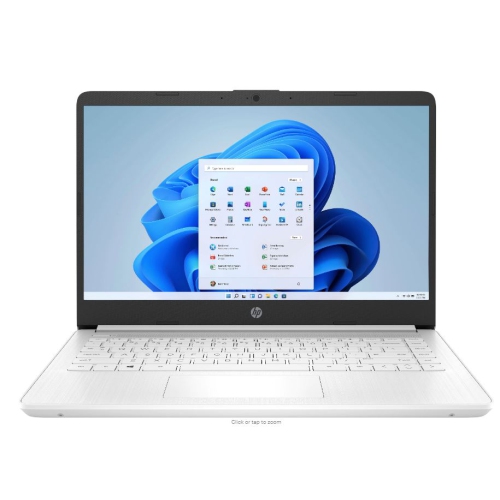 Your price for this item is $449
-
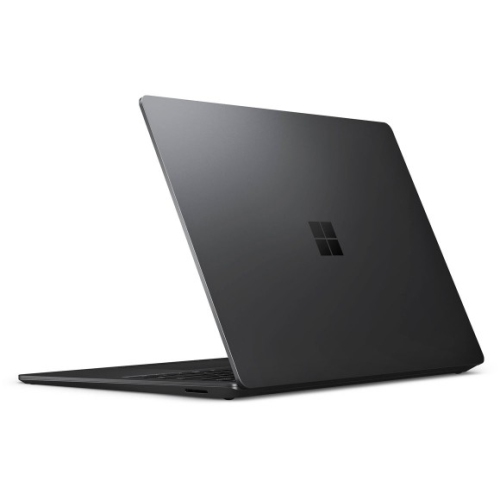 Your price for this item is $3099
-
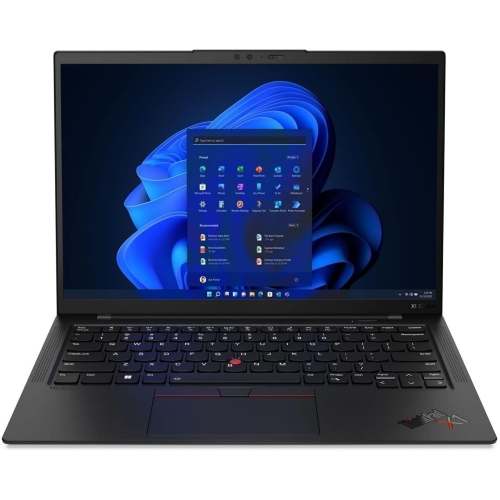 Your price for this item is $429.99
-
 Your price for this item is $1800.68
-
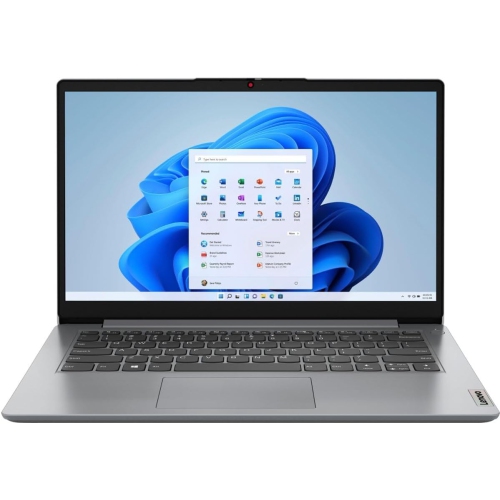 Your price for this item is $664.05
-
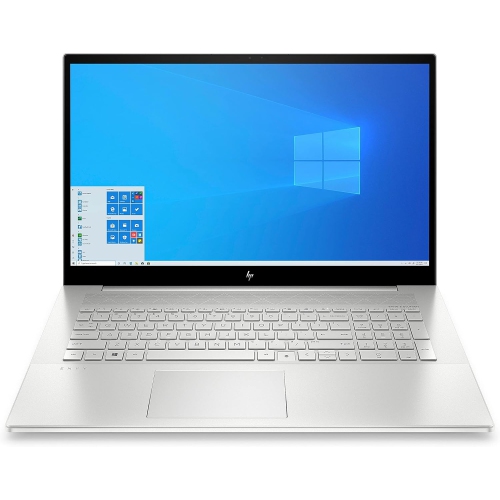 Your price for this item is $869.99
-
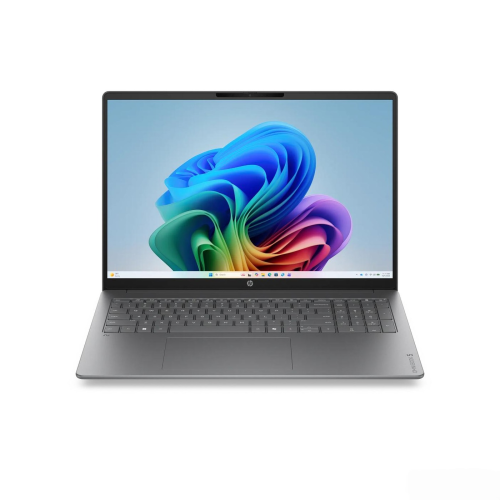 Your price for this item is $2960.48
-
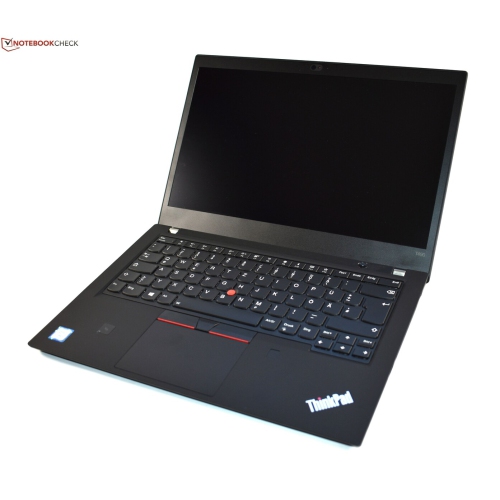 Your price for this item is $479.68
Discover more categories related to Laptops for Music Students
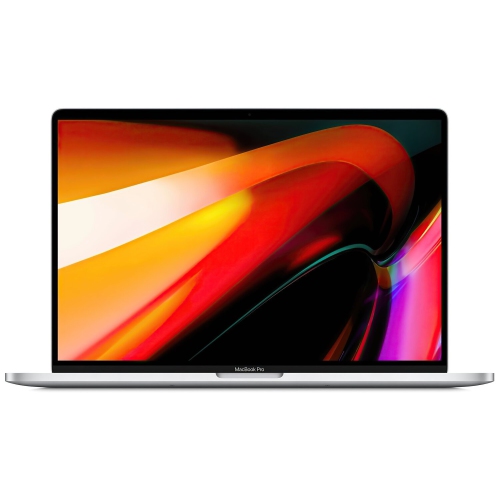
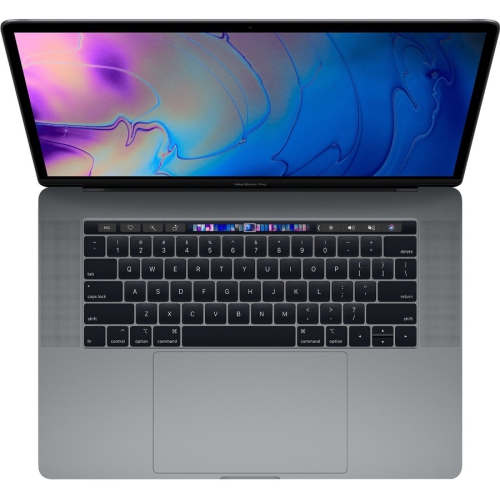
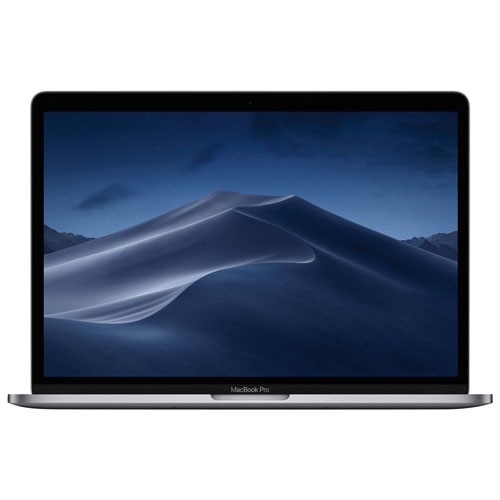
Top Collections:
Pokemon Centers, Pokémon 30th Celebration Cards, Best Budget Office Chairs, Kindle Devices, Best Cameras for Sports Photography, Canon G7X Cameras, Best Black Friday Deals On Electronics, Best Laptops for Writers, iPhone 15 Apple, Jackery Power Stations
Some products may be subject to Environmental Handling Fees
(EHF) depending on your province.
Learn more about EHFs.