Laptops for Recording Music
Laptop for Recording Music is essential for musicians, producers, and audio engineers looking to create high-quality tracks at home or on the go. Whether you're setting up a home studio or need a portable solution for live sessions, finding the right laptop can make all the difference in your music production workflow. Explore a wide selection of laptops designed to meet the needs of music recording, offering reliable performance and seamless compatibility with popular audio software. Discover options that help you capture inspiration whenever creativity strikes.
Sort





Why smooth recording takes more than processor power
Laptops for recording music bring the recording desk into a portable format, giving singers, instrumentalists, songwriters, and producers a place to capture ideas, build arrangements, and refine performances. A simple session might involve a vocal track over an acoustic guitar, while a larger project could combine dozens of recorded parts, virtual instruments, and effects inside a digital audio workstation, or DAW. Those different workloads explain why there is no single specification that suits every musician. Processor performance matters when recording through effects or playing software instruments, particularly at the smaller audio buffer settings often used to keep monitoring responsive. Both strong individual core performance and the ability to handle work across multiple cores can be useful, although the benefit depends on the recording software and the way a session is arranged. For many home-recording projects, 16GB of RAM is a practical starting point; 32GB or more provides additional room for large sampled instruments, layered arrangements, and several demanding applications running together. A high track count alone does not tell the whole story: a few intricate software instruments can place more pressure on a laptop than many straightforward audio tracks. Fast solid-state storage helps projects open promptly and supports responsive access to audio files and sample libraries. A 512GB SSD can accommodate recording software and a modest collection of projects, while 1TB or more offers greater flexibility for musicians who keep substantial libraries on the computer. Usable space will be lower after the operating system and applications are installed, and recorded takes can accumulate quickly when sessions use multiple microphones or higher sample rates. Keeping active projects organized and maintaining a separate backup helps protect performances that may be difficult to recreate. Since memory and internal storage are not replaceable in every laptop, the original configuration deserves attention, especially when the computer is intended to support increasingly ambitious sessions over several years.
The connection between a laptop and the rest of a recording setup is just as important as its processing specifications. An audio interface typically connects microphones and instruments to the computer, while a MIDI controller provides a hands-on way to play virtual instruments or control recording software. Enough suitable ports make it easier to connect these devices alongside an external drive, keyboard, or display without repeatedly rearranging cables. USB-C describes a connector shape rather than a guaranteed level of speed or functionality, so compatibility depends on the specifications of both the laptop port and the connected equipment. Some setups work well with a compatible hub or dock, but audio hardware should be connected according to its manufacturer’s recommendations, including any power requirements. Software compatibility also extends beyond the DAW itself: interface drivers, instrument libraries, plug-ins, and licence tools all need to support the chosen operating system and processor architecture. A reliable recording experience comes from that complete combination rather than from one impressive hardware specification. Latency, the delay between a performance and the sound heard through the computer, is influenced by the interface, driver, sample rate, buffer size, and processing load. Smaller buffers can reduce delay but leave less processing time before a dropout occurs; larger buffers are often more comfortable for mixing once live recording is complete. Where supported, an interface’s direct-monitoring function lets performers hear the input without routing it through the full software monitoring path. Noise matters too. A sensitive microphone can capture a cooling fan during a quiet vocal passage or a fingerpicked guitar part, so fan behaviour under sustained recording loads is worth considering. Fanless designs avoid fan noise, but still need enough performance for the intended sessions. Positioning a laptop farther from the microphone and keeping its vents clear can also help. The laptop’s built-in microphone is useful for quick sketches, but recording vocals and instruments with greater control usually involves a suitable external microphone or instrument input.
Portability becomes especially valuable when music moves between a bedroom setup, a rehearsal space, a teaching room, and a shared studio. A lighter laptop is easier to carry with an interface and headphones, while a larger screen gives more space to see waveforms, mixer channels, and plug-in controls. A compact display can still work well for recording a few parts at a time, particularly when an external monitor is used for detailed editing at a desk. Screen brightness, viewing angles, and comfortable text sizing matter during longer sessions, as do a keyboard and trackpad that feel dependable when naming takes, placing edit points, or adjusting automation. Battery life varies with processor load, screen settings, and connected devices; recording with virtual instruments and a bus-powered interface can be more demanding than everyday browsing. For extended sessions, access to power helps avoid an interruption, and checking the laptop’s performance settings can reveal whether battery operation limits processing speed. Build quality matters when the computer travels frequently. A well-supported hinge, secure ports, and a rigid chassis help it withstand routine handling, whether its casing uses aluminium, reinforced plastic, or a combination of materials. A padded sleeve or compartment protects the finish from cables and accessories, while disconnecting peripherals before packing reduces strain on the ports. Keeping drinks away from the keyboard and cleaning the casing with a soft cloth according to the manufacturer’s directions supports everyday care. For a music student or songwriter receiving a laptop as a gift, compatibility with their recording software and existing equipment is more useful than choosing by appearance alone. Musicians whose work also includes arranging, sound design, and mixing can explore Best Laptops for Music Production as a related category. Across these uses, a suitable recording laptop balances processing headroom, manageable noise, practical connections, and comfortable portability, leaving more attention for the timing of a take, the texture of a voice, and the details that make a performance worth keeping.
The connection between a laptop and the rest of a recording setup is just as important as its processing specifications. An audio interface typically connects microphones and instruments to the computer, while a MIDI controller provides a hands-on way to play virtual instruments or control recording software. Enough suitable ports make it easier to connect these devices alongside an external drive, keyboard, or display without repeatedly rearranging cables. USB-C describes a connector shape rather than a guaranteed level of speed or functionality, so compatibility depends on the specifications of both the laptop port and the connected equipment. Some setups work well with a compatible hub or dock, but audio hardware should be connected according to its manufacturer’s recommendations, including any power requirements. Software compatibility also extends beyond the DAW itself: interface drivers, instrument libraries, plug-ins, and licence tools all need to support the chosen operating system and processor architecture. A reliable recording experience comes from that complete combination rather than from one impressive hardware specification. Latency, the delay between a performance and the sound heard through the computer, is influenced by the interface, driver, sample rate, buffer size, and processing load. Smaller buffers can reduce delay but leave less processing time before a dropout occurs; larger buffers are often more comfortable for mixing once live recording is complete. Where supported, an interface’s direct-monitoring function lets performers hear the input without routing it through the full software monitoring path. Noise matters too. A sensitive microphone can capture a cooling fan during a quiet vocal passage or a fingerpicked guitar part, so fan behaviour under sustained recording loads is worth considering. Fanless designs avoid fan noise, but still need enough performance for the intended sessions. Positioning a laptop farther from the microphone and keeping its vents clear can also help. The laptop’s built-in microphone is useful for quick sketches, but recording vocals and instruments with greater control usually involves a suitable external microphone or instrument input.
Portability becomes especially valuable when music moves between a bedroom setup, a rehearsal space, a teaching room, and a shared studio. A lighter laptop is easier to carry with an interface and headphones, while a larger screen gives more space to see waveforms, mixer channels, and plug-in controls. A compact display can still work well for recording a few parts at a time, particularly when an external monitor is used for detailed editing at a desk. Screen brightness, viewing angles, and comfortable text sizing matter during longer sessions, as do a keyboard and trackpad that feel dependable when naming takes, placing edit points, or adjusting automation. Battery life varies with processor load, screen settings, and connected devices; recording with virtual instruments and a bus-powered interface can be more demanding than everyday browsing. For extended sessions, access to power helps avoid an interruption, and checking the laptop’s performance settings can reveal whether battery operation limits processing speed. Build quality matters when the computer travels frequently. A well-supported hinge, secure ports, and a rigid chassis help it withstand routine handling, whether its casing uses aluminium, reinforced plastic, or a combination of materials. A padded sleeve or compartment protects the finish from cables and accessories, while disconnecting peripherals before packing reduces strain on the ports. Keeping drinks away from the keyboard and cleaning the casing with a soft cloth according to the manufacturer’s directions supports everyday care. For a music student or songwriter receiving a laptop as a gift, compatibility with their recording software and existing equipment is more useful than choosing by appearance alone. Musicians whose work also includes arranging, sound design, and mixing can explore Best Laptops for Music Production as a related category. Across these uses, a suitable recording laptop balances processing headroom, manageable noise, practical connections, and comfortable portability, leaving more attention for the timing of a take, the texture of a voice, and the details that make a performance worth keeping.
Top selling and popular products
-
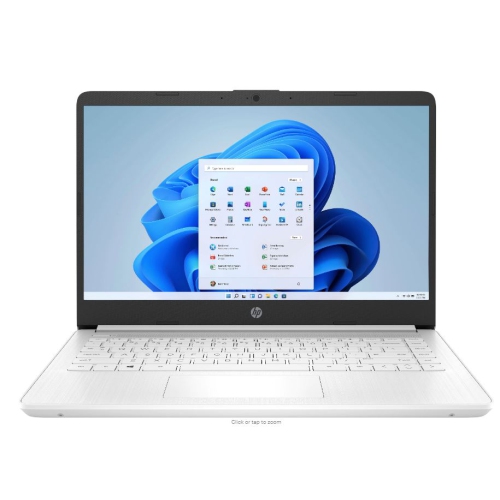 Your price for this item is $449
-
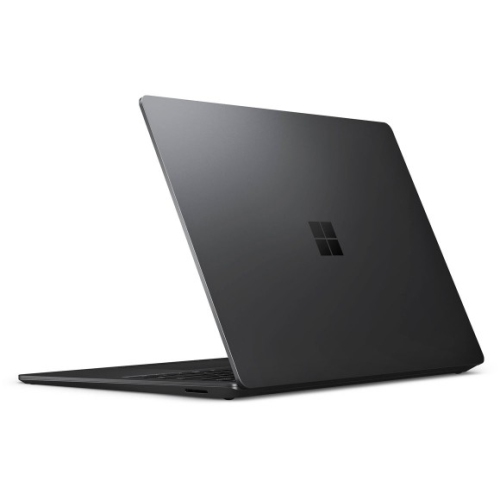 Your price for this item is $3099
-
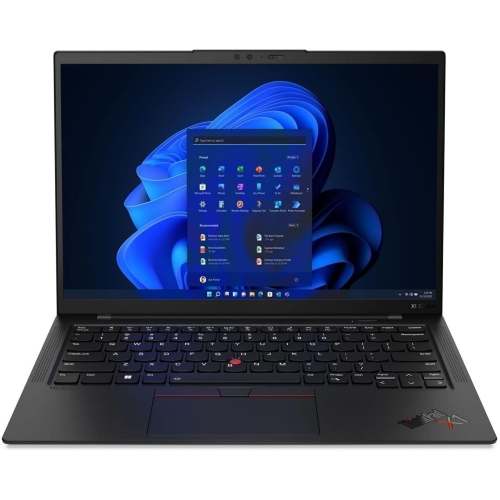 Your price for this item is $429.99
-
 Your price for this item is $1800.68
-
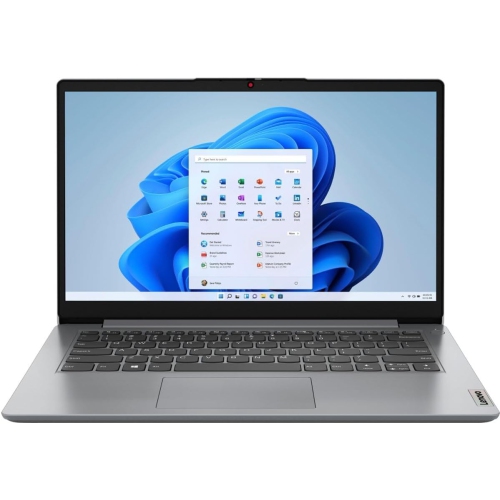 Your price for this item is $664.05
-
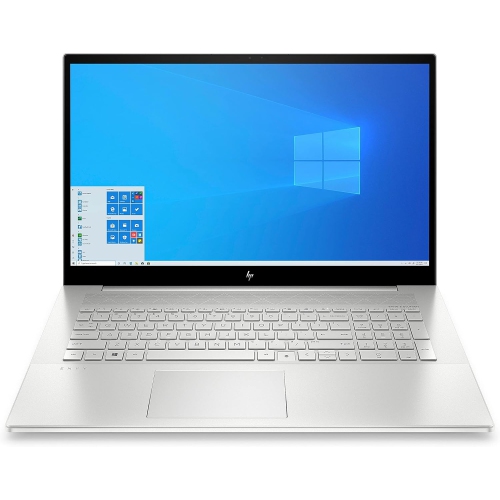 Your price for this item is $869.99
-
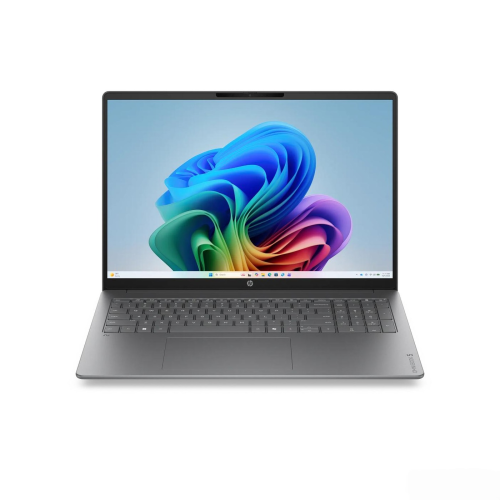 Your price for this item is $2960.48
-
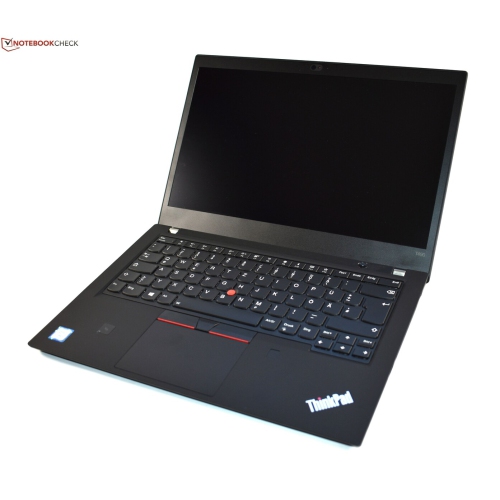 Your price for this item is $479.68
Discover more categories related to Laptops for Recording Music
Top Collections:
Pokemon Centers, Pokémon 30th Celebration Cards, Best Budget Office Chairs, Kindle Devices, Best Cameras for Sports Photography, Canon G7X Cameras, Best Black Friday Deals On Electronics, Best Laptops for Writers, iPhone 15 Apple, Jackery Power Stations
Some products may be subject to Environmental Handling Fees
(EHF) depending on your province.
Learn more about EHFs.