Smart Card Readers
If you're looking to enhance your digital experience, look no further than this wide selection of smart card readers. Whether you're a tech-savvy professional or simply looking to streamline your everyday tasks, these versatile devices offer a convenient way to access and transfer data from various types of memory cards. With their compact design and easy-to-use functionality, smart card readers are the perfect accessory for transferring photos, videos, documents, and more.
Sort




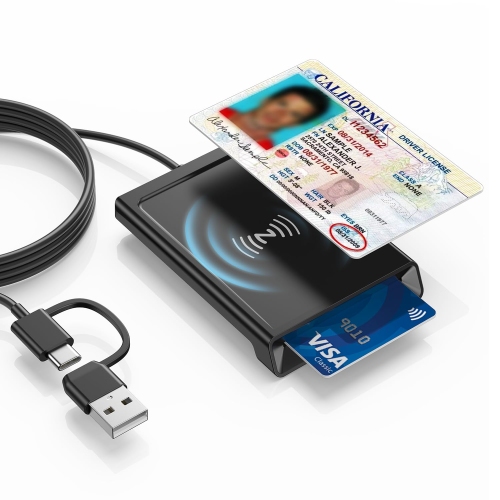
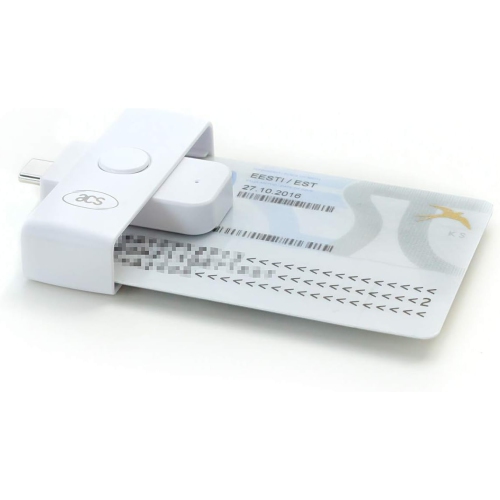
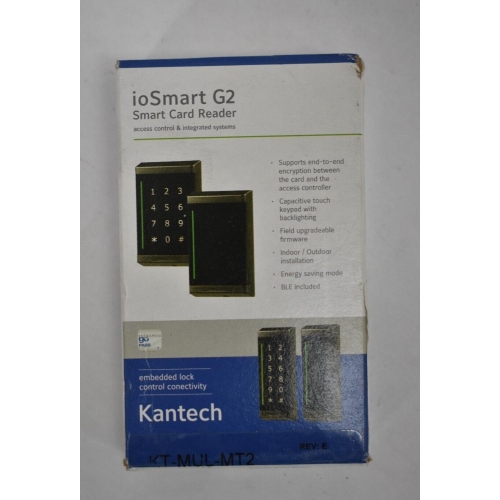
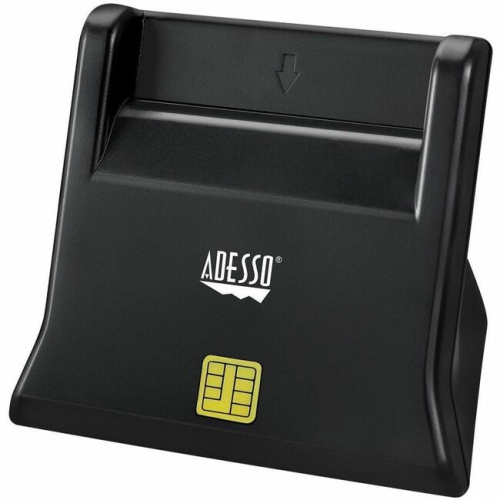
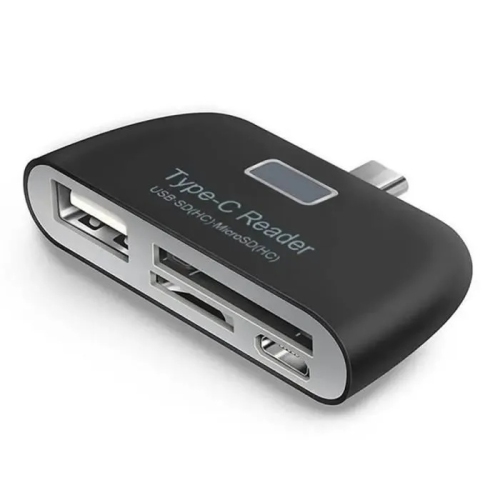

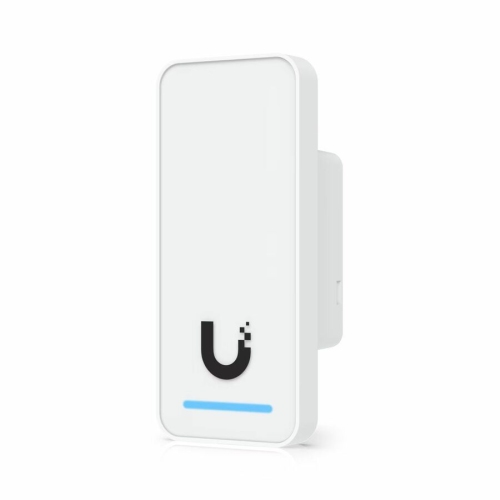
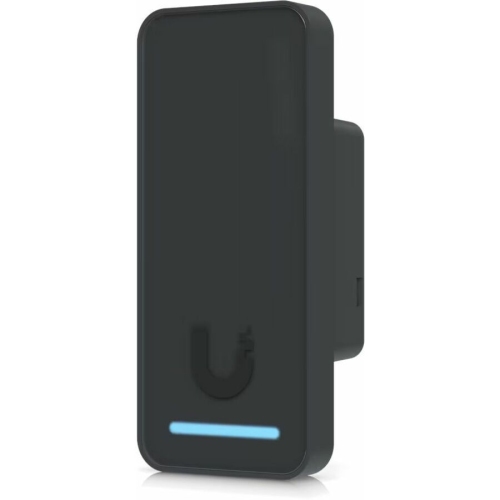
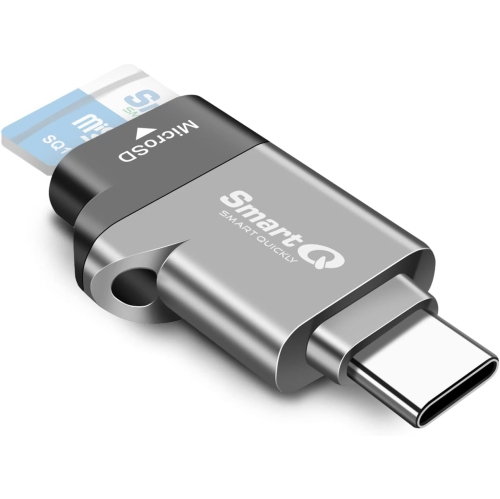


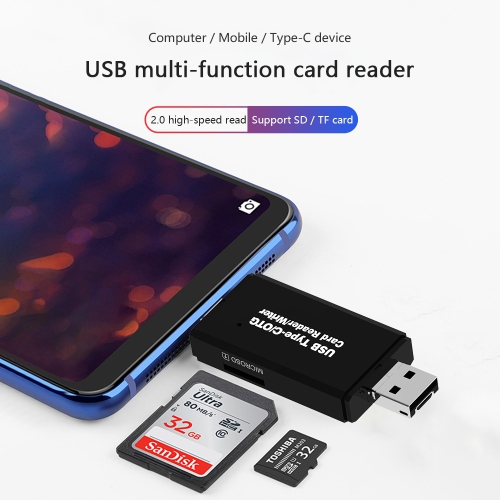
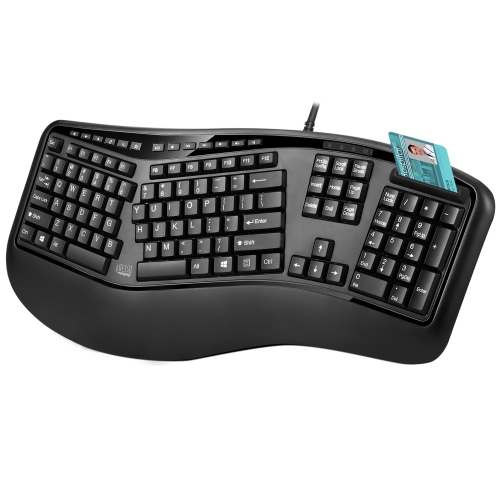
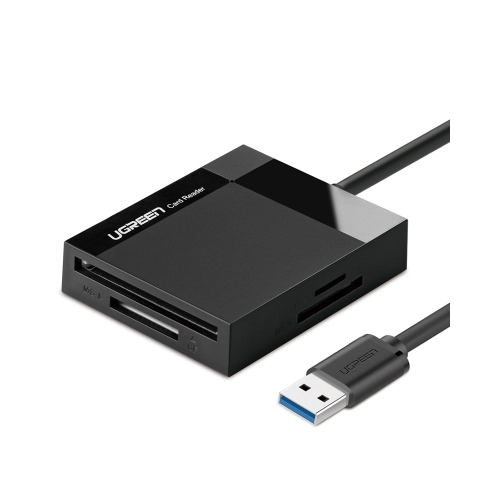
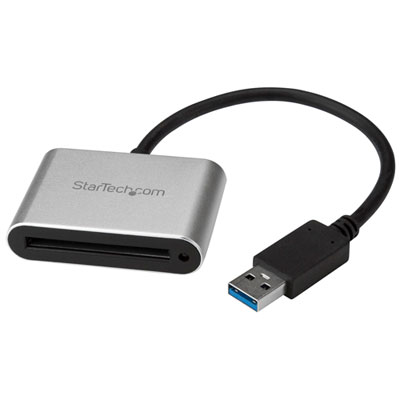
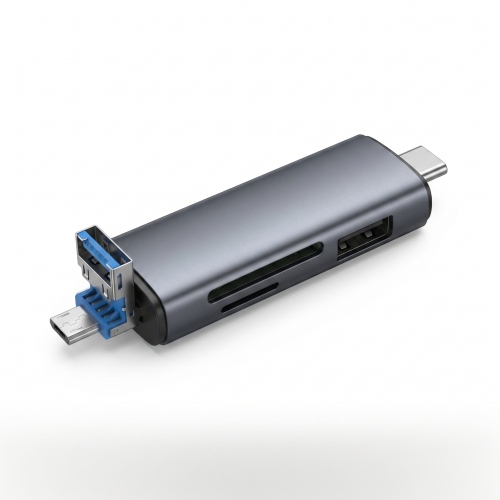
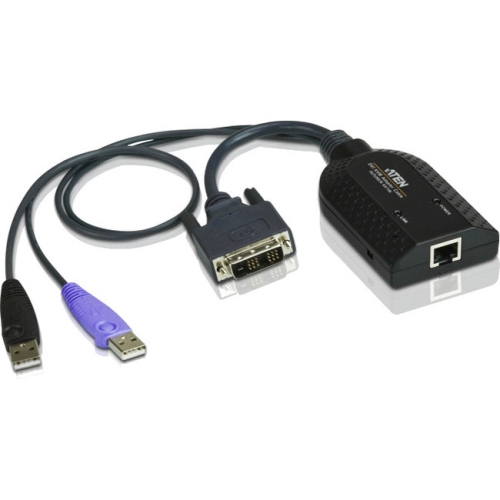

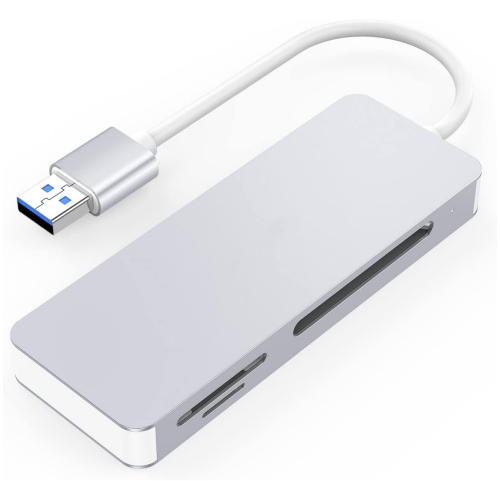
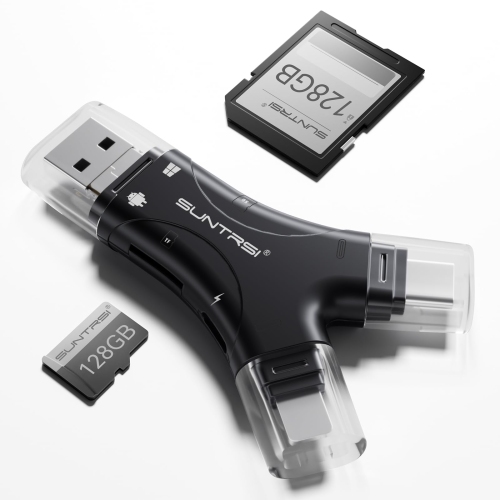
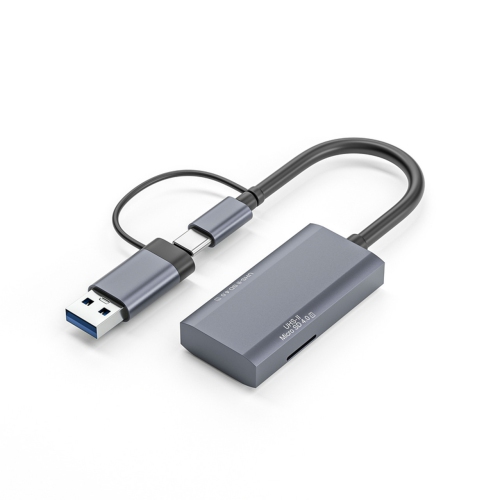
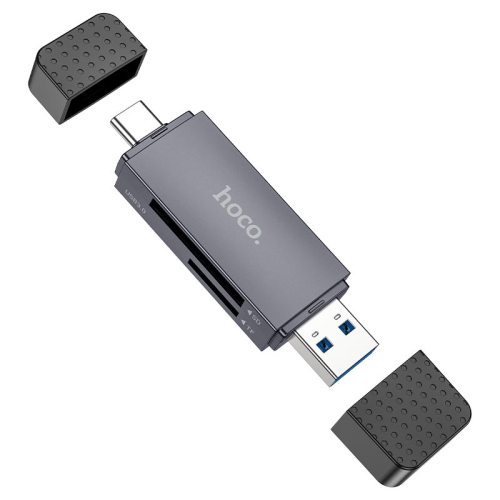
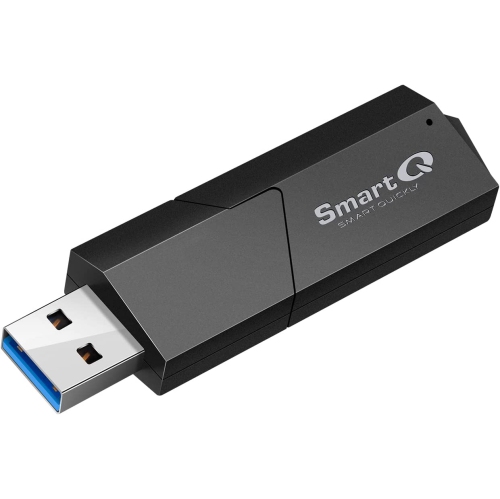
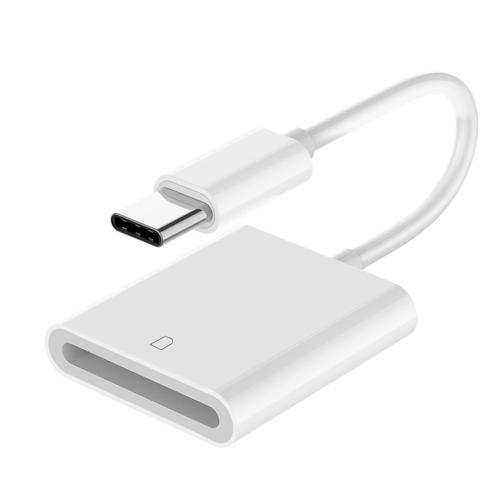
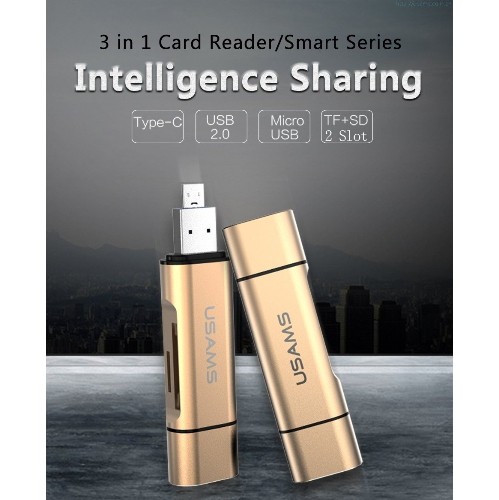
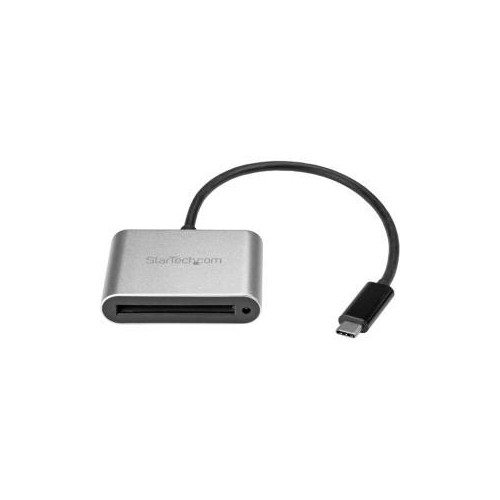
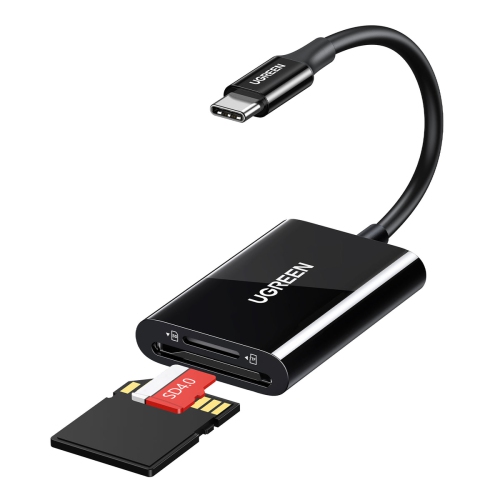
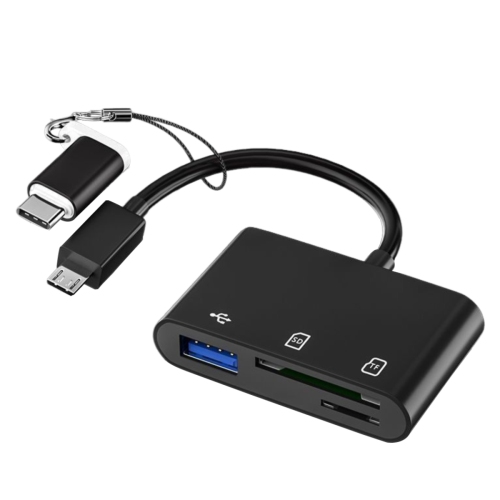
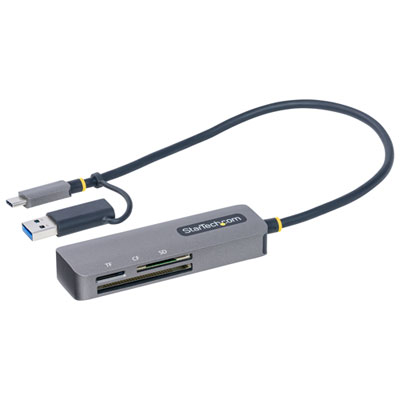
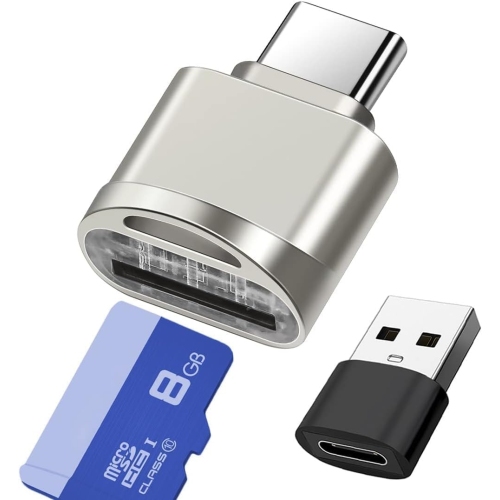
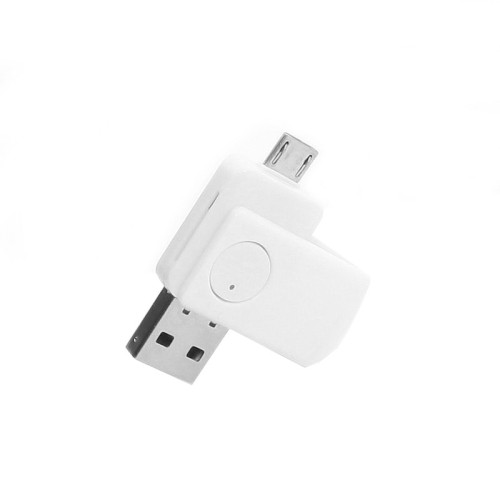


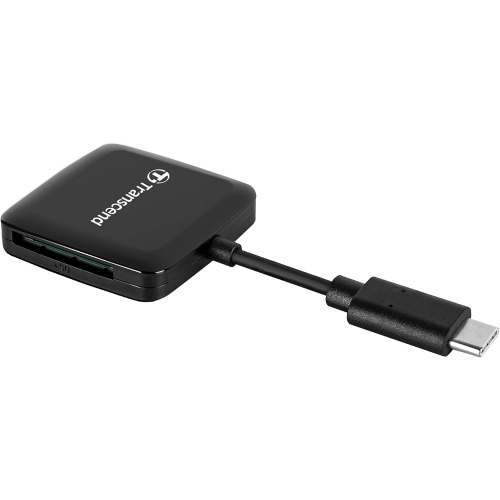
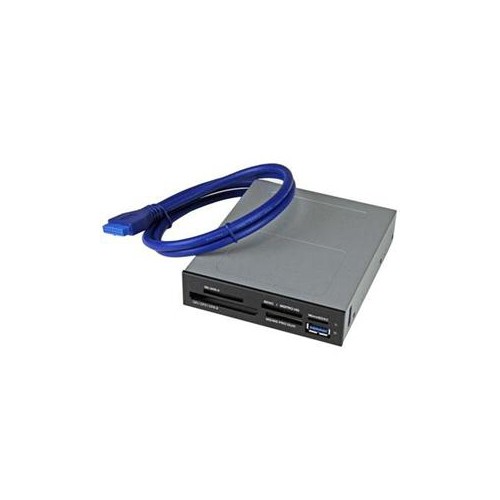
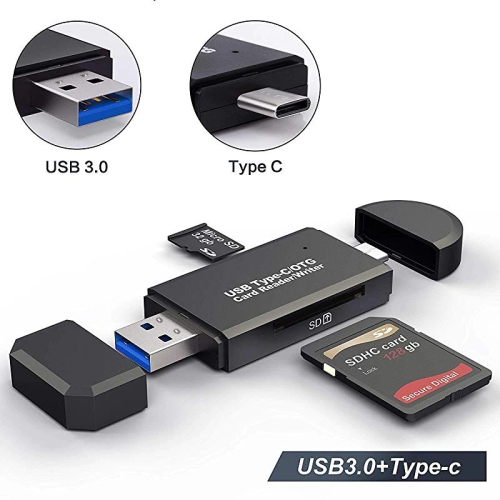
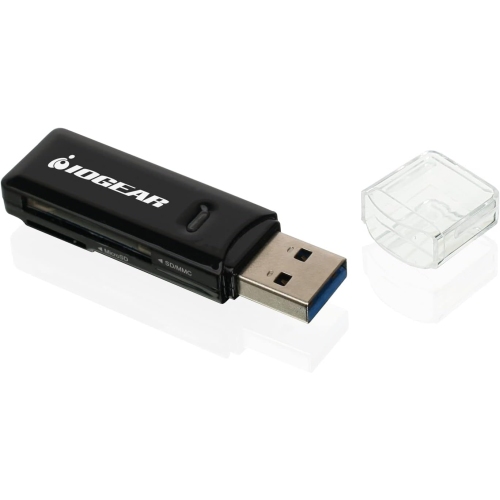
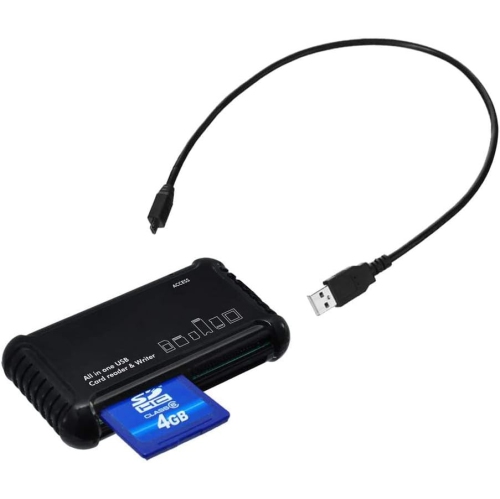


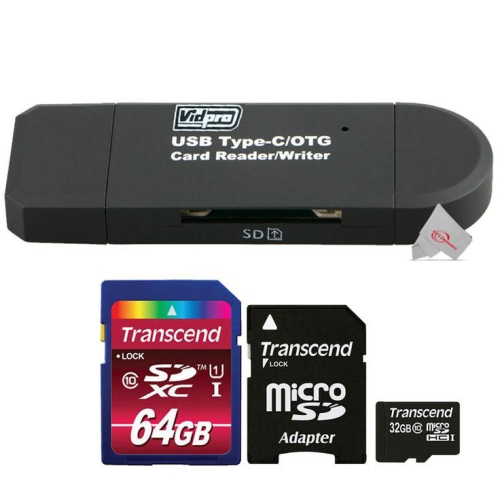

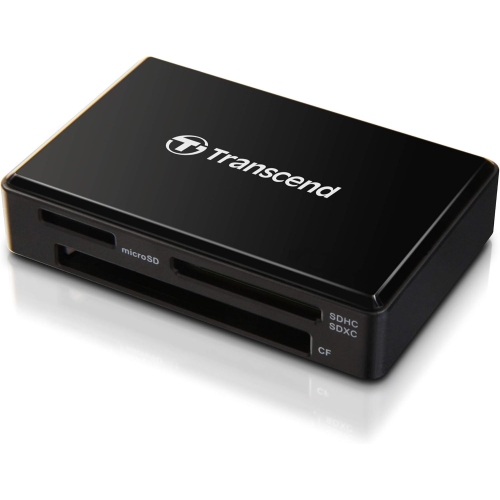
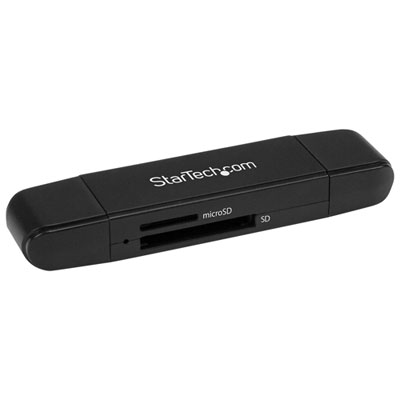
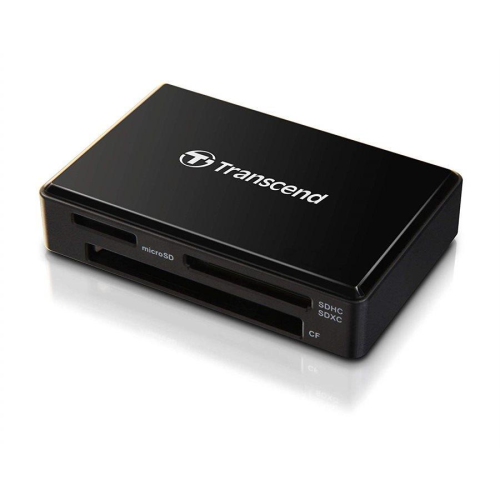
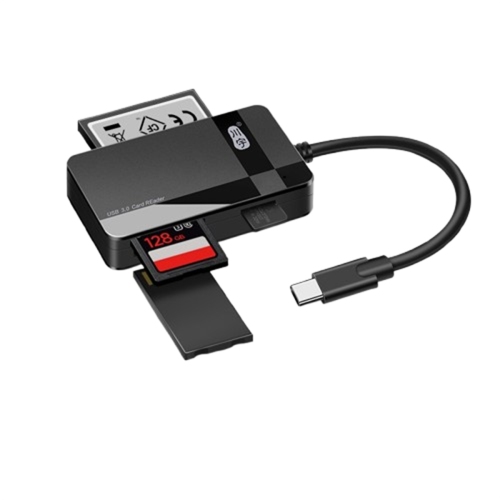
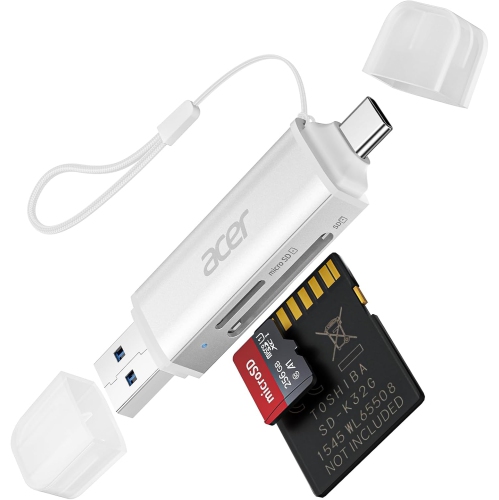

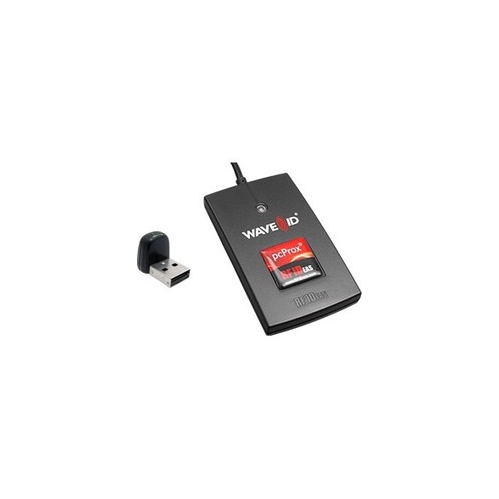
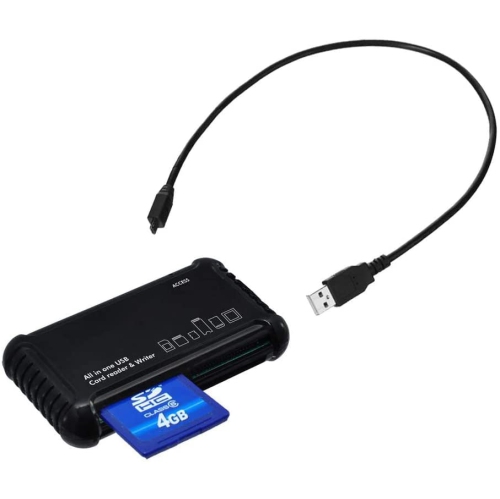
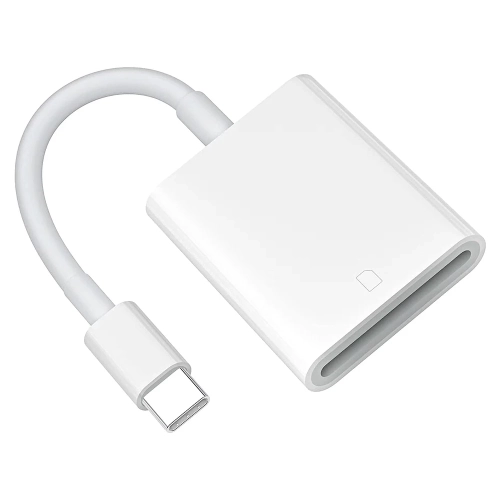

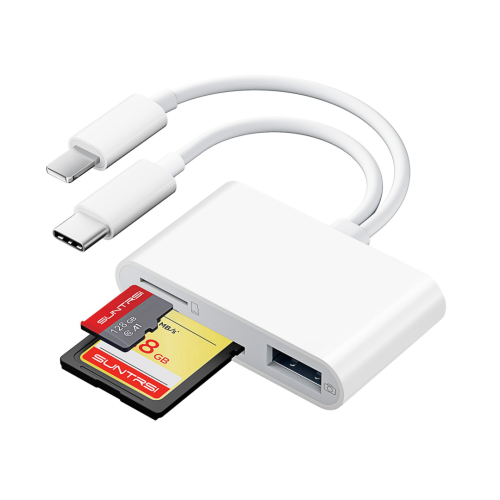
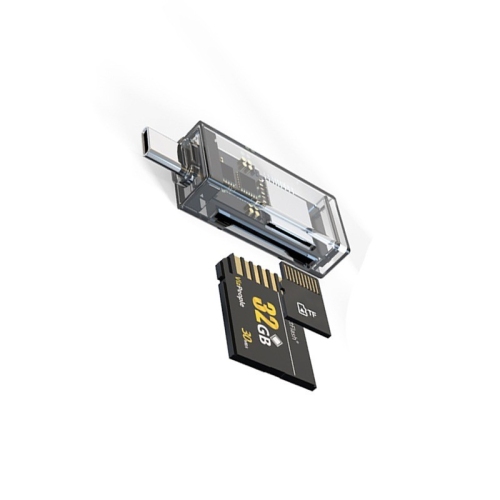
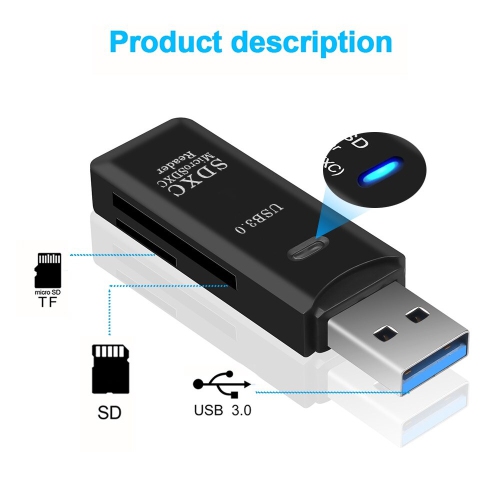
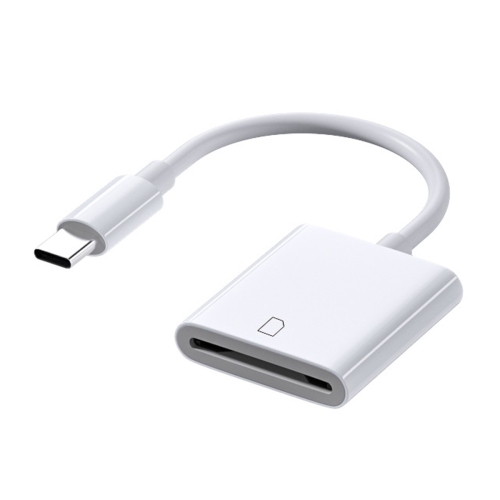
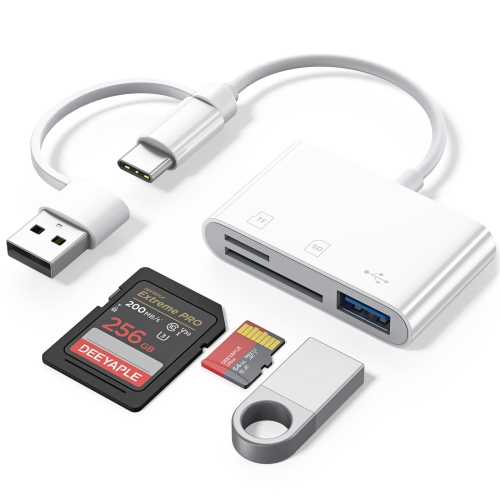
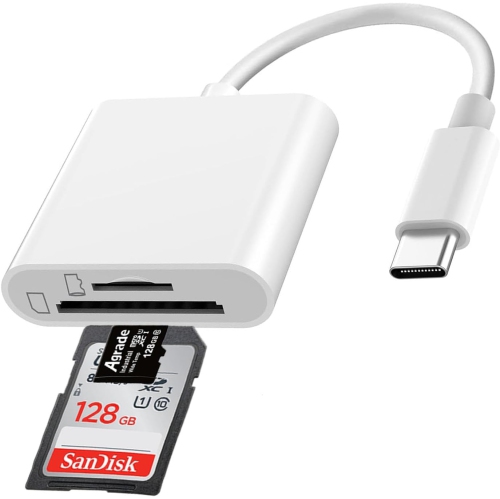
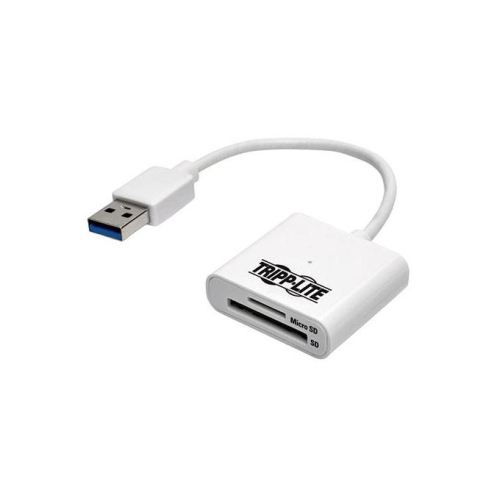
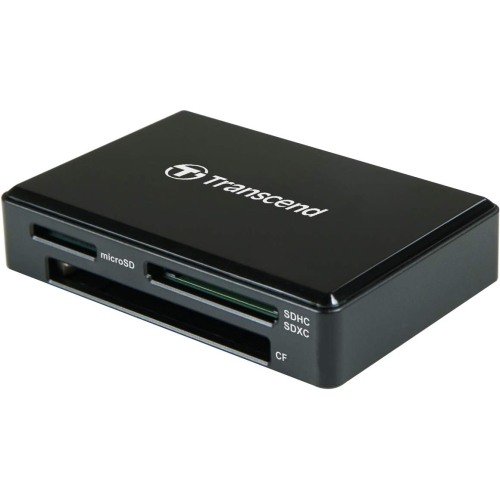


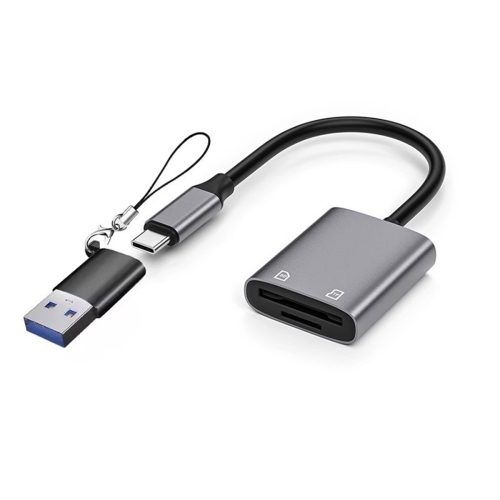
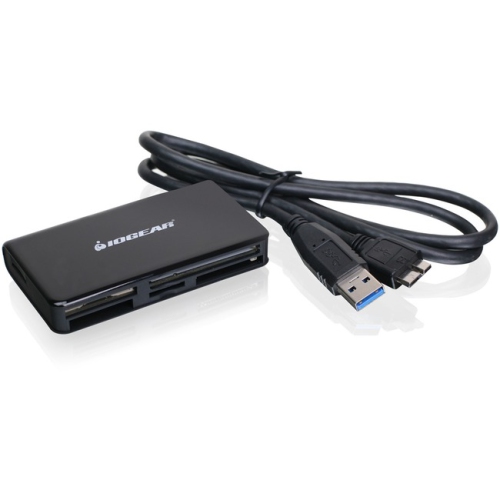
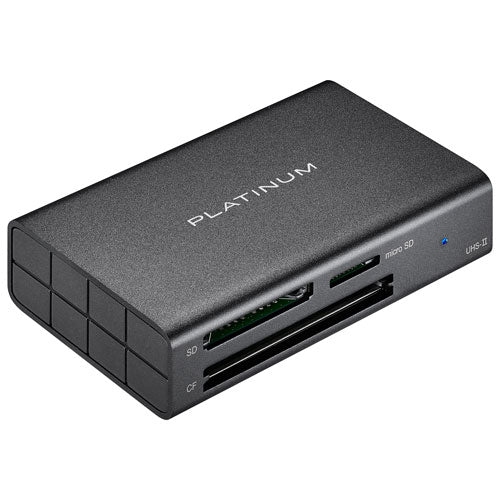
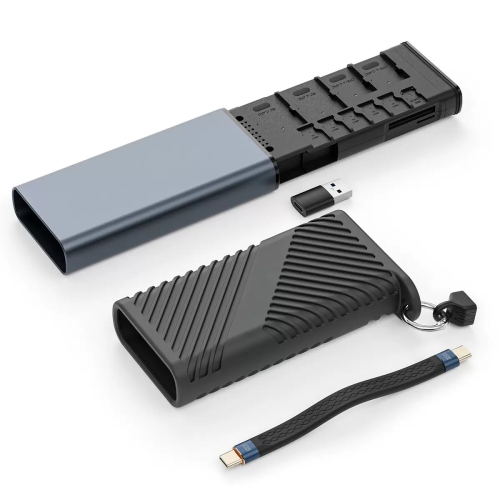

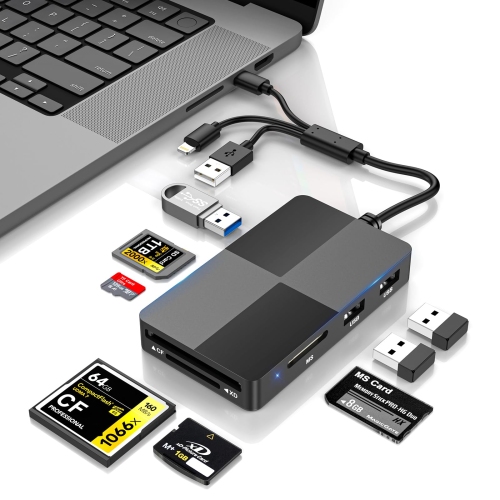
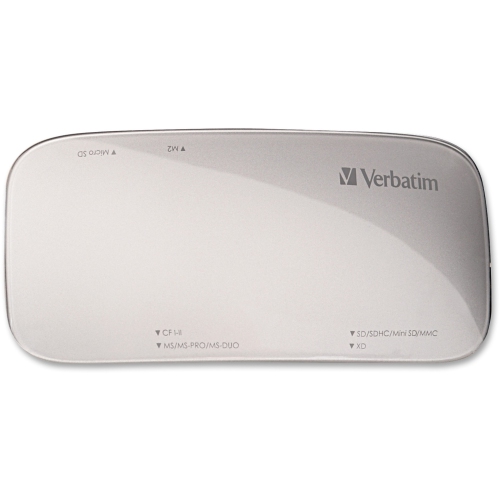
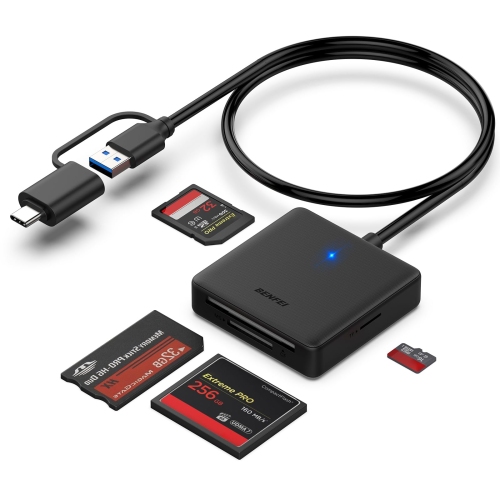

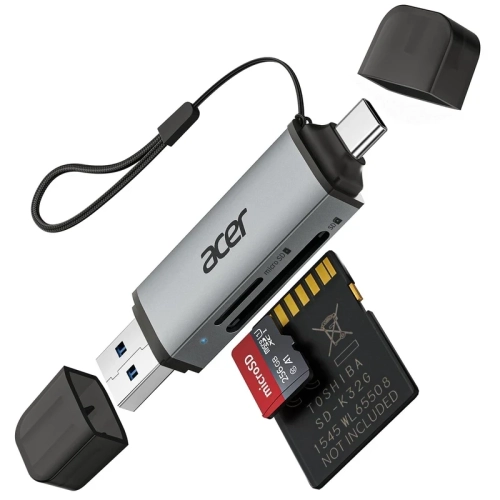
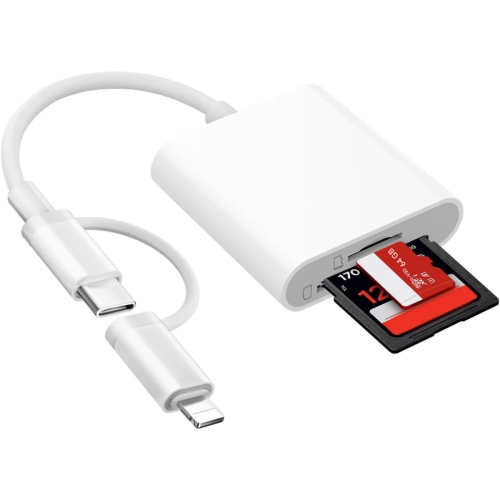
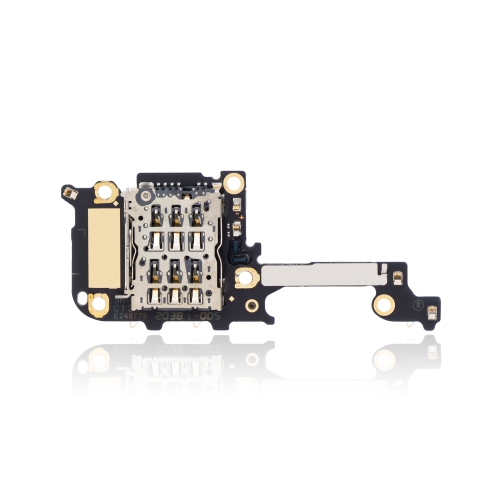
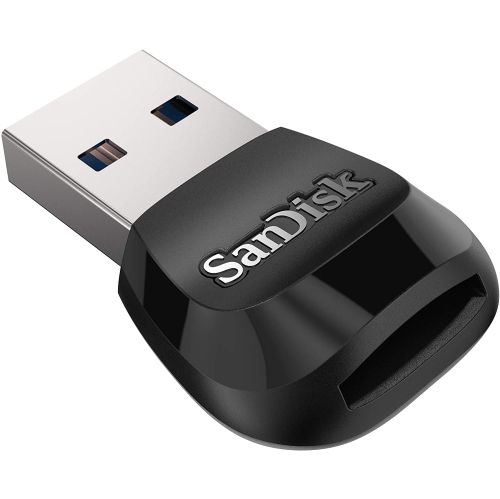
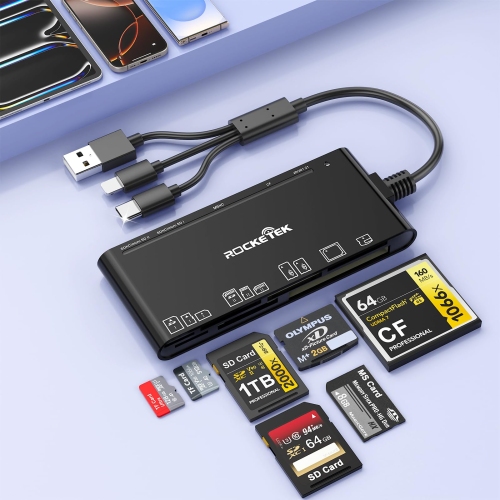
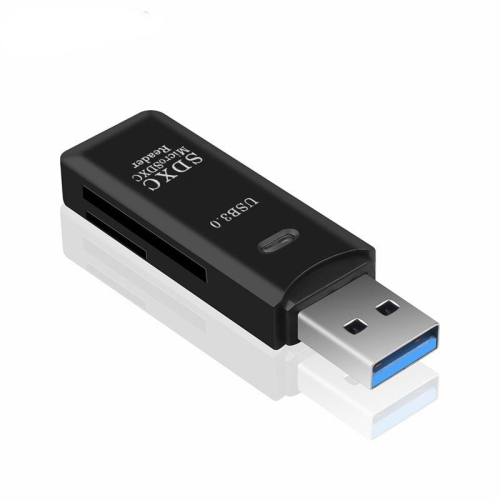
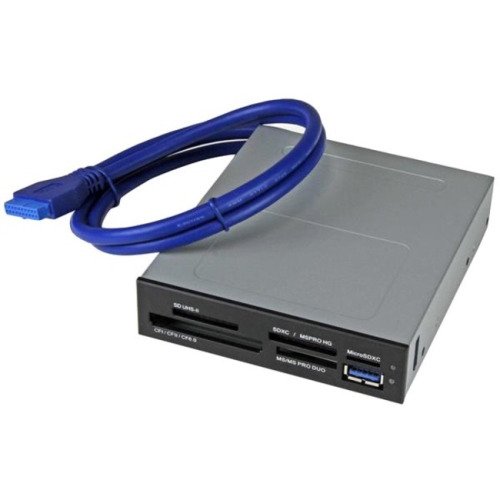
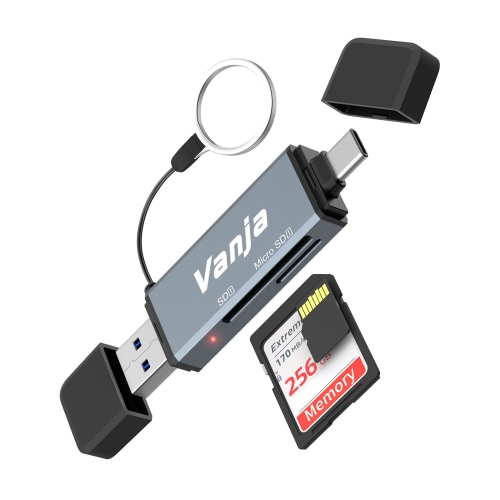

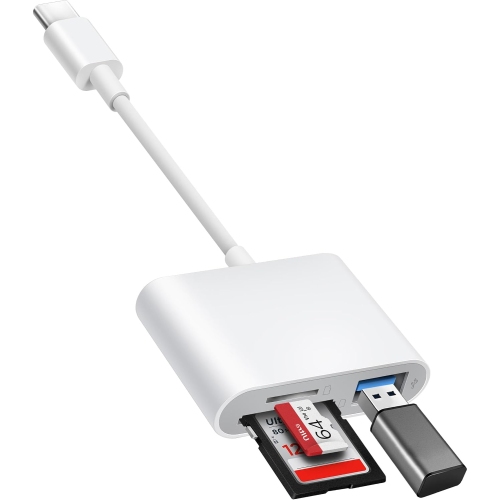
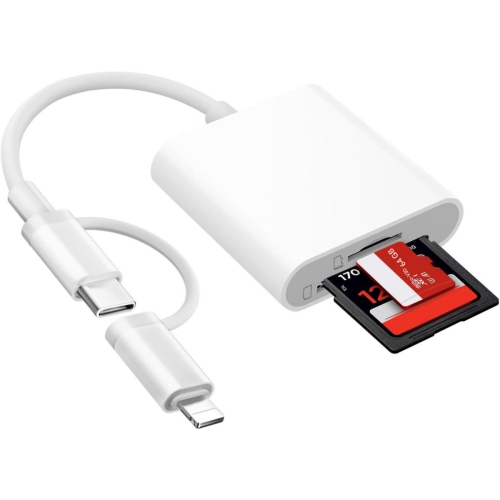
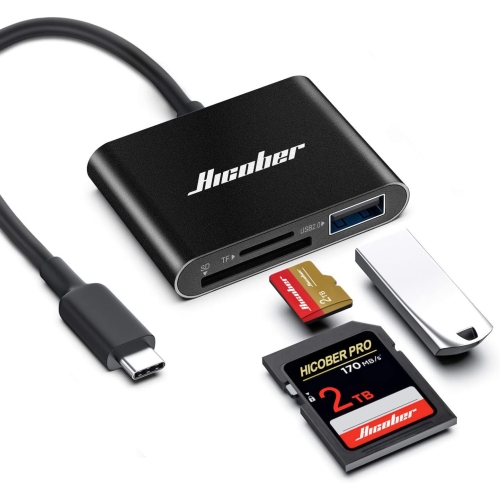

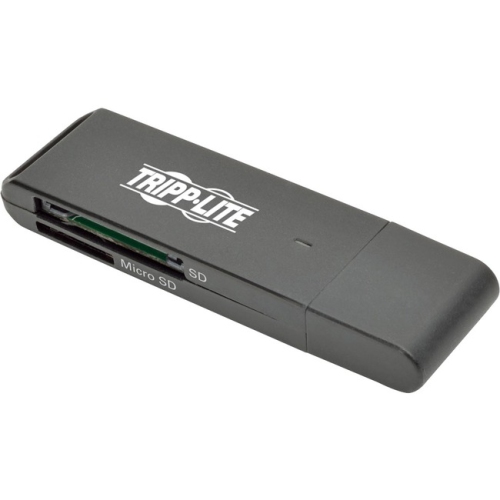

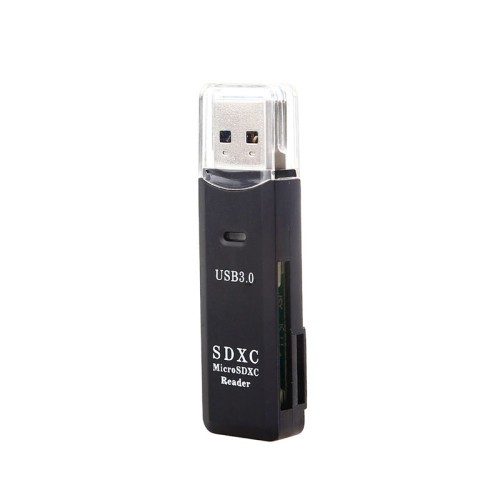
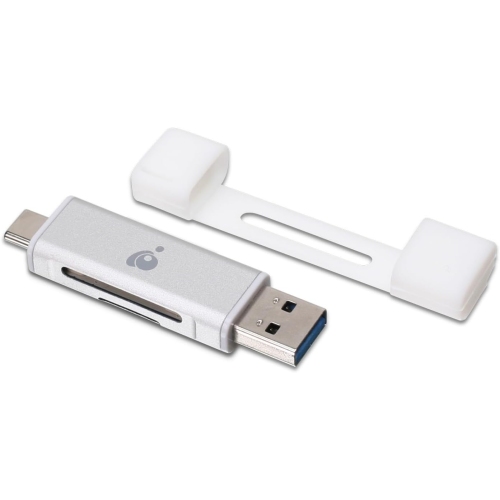
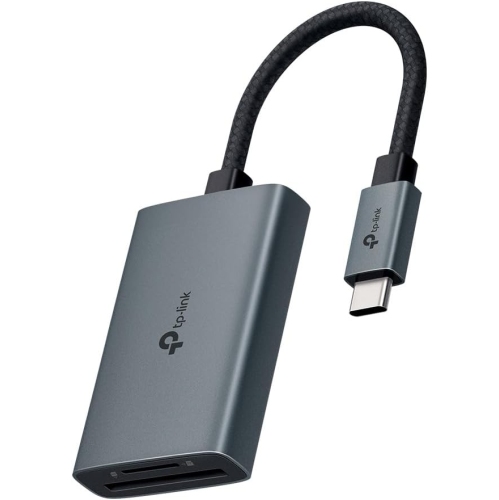
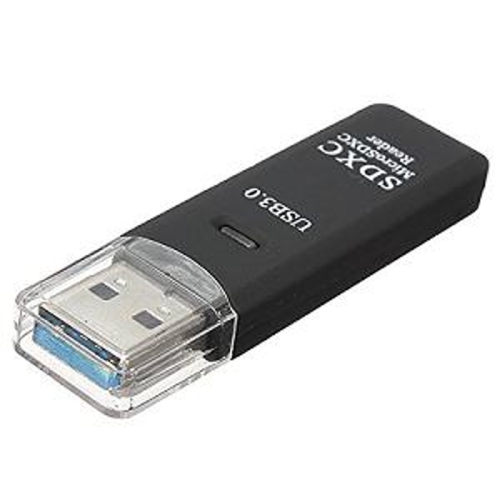
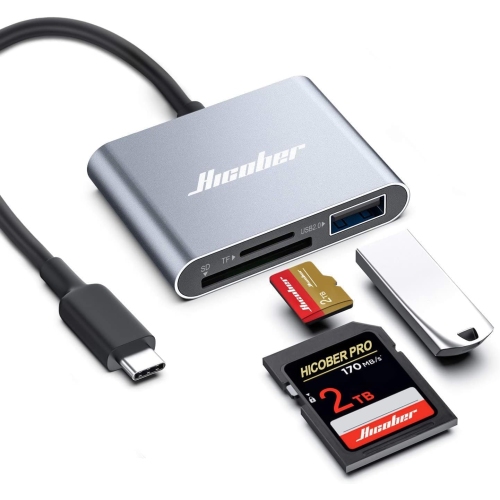
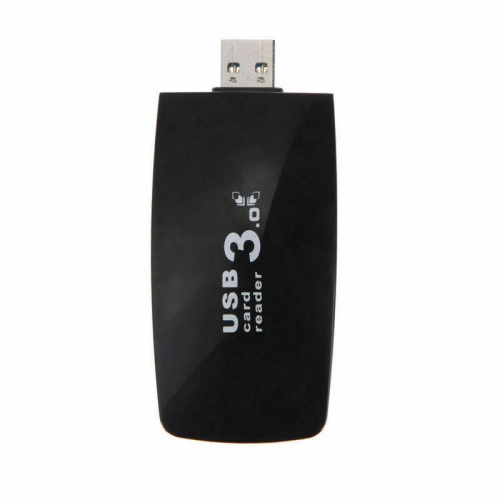

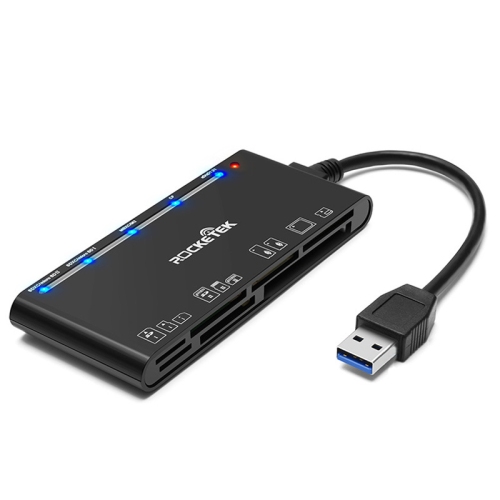
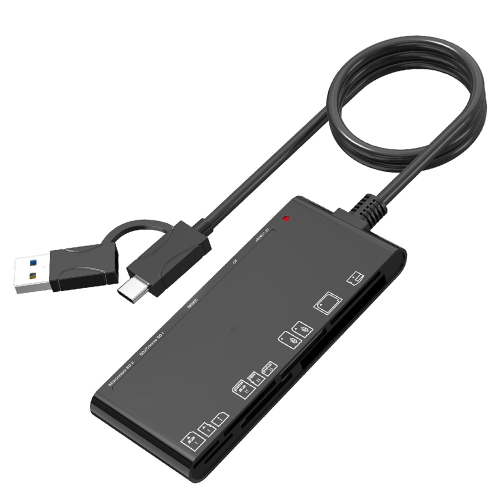

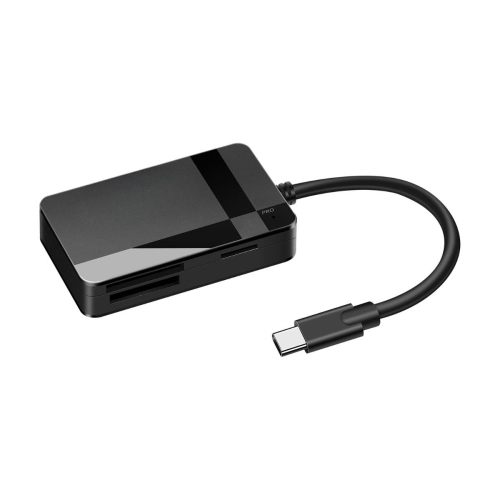
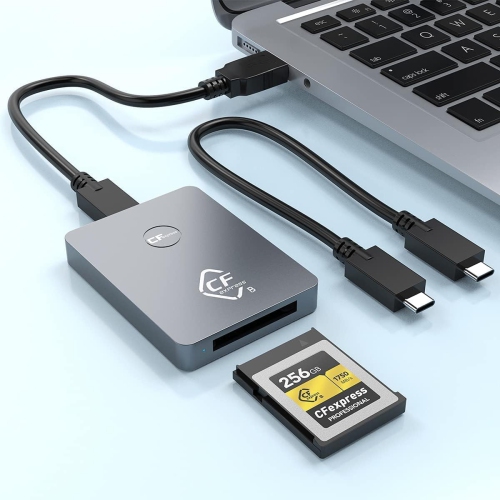
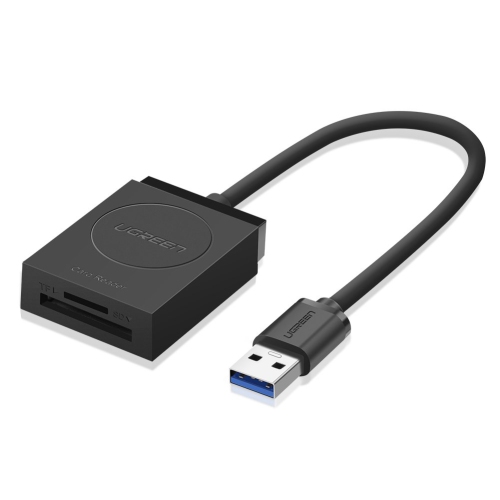
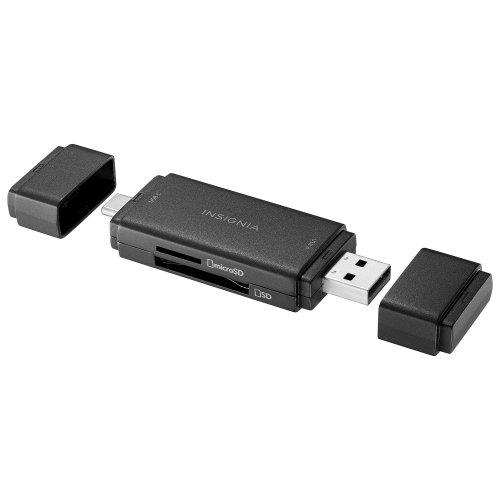
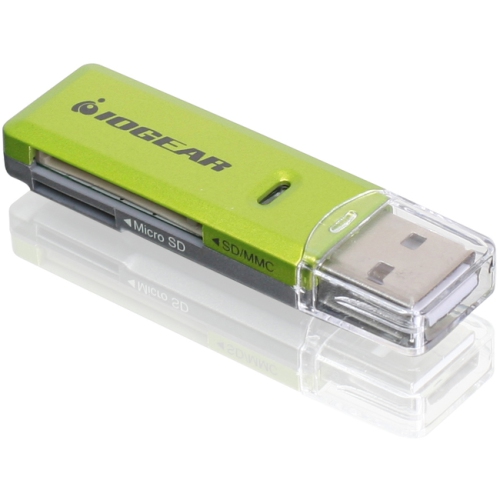
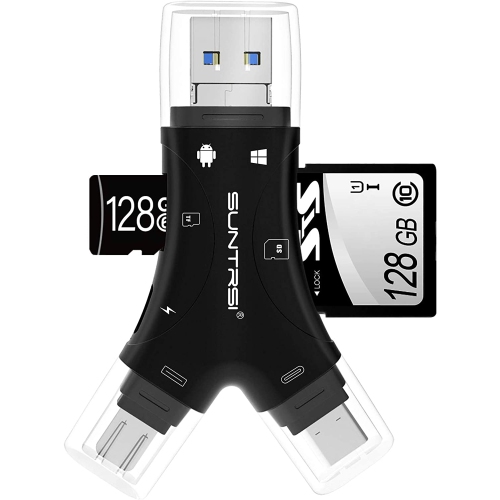

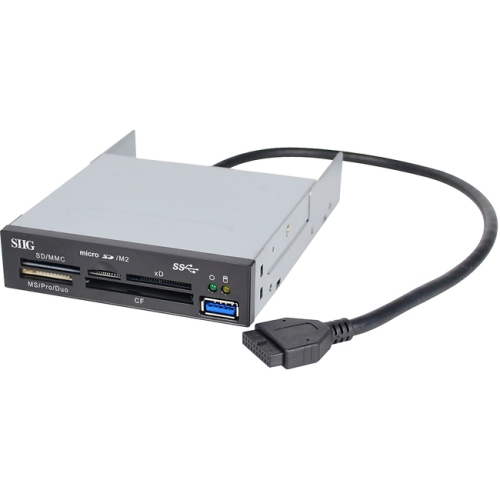
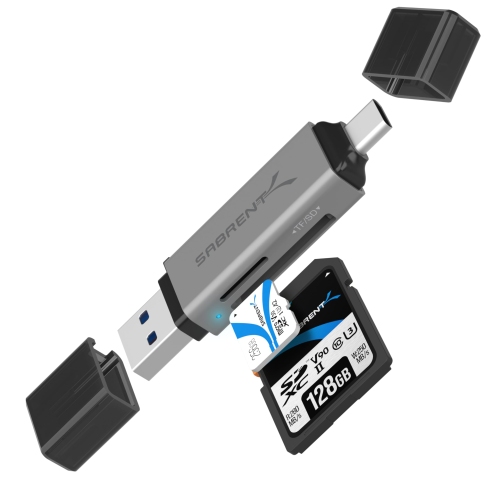




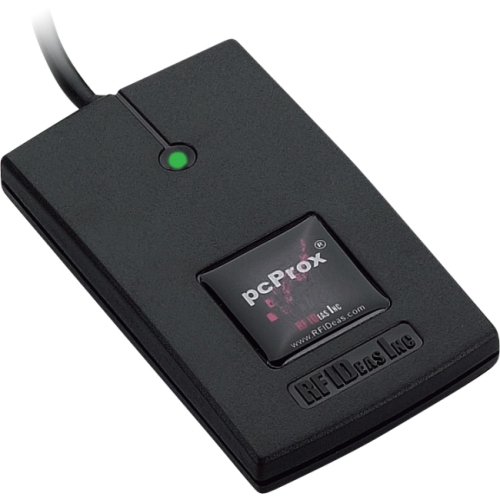
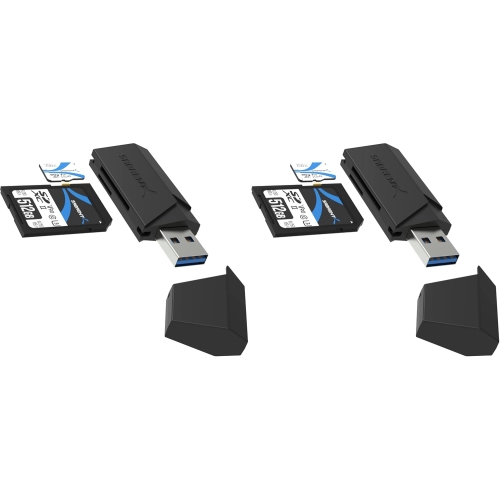
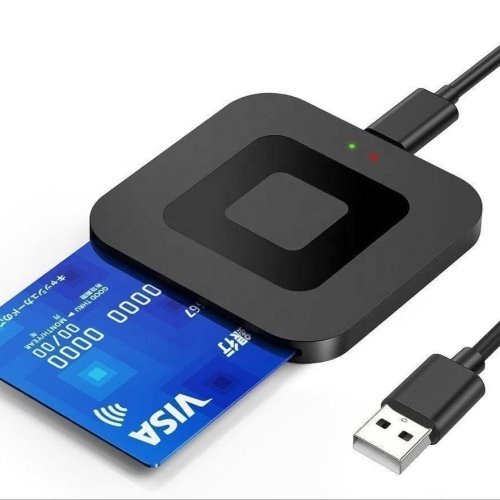
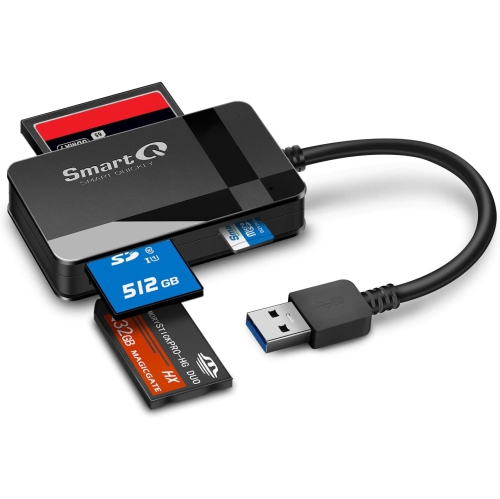
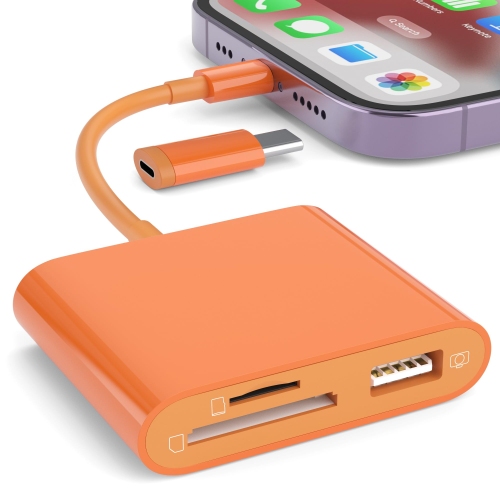
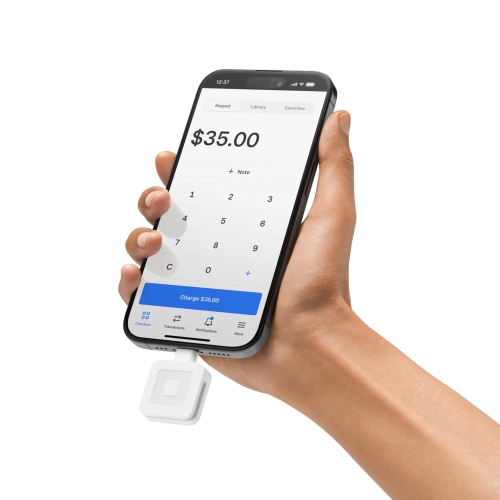

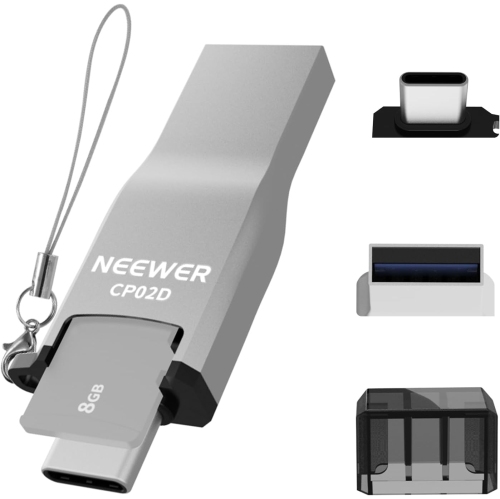
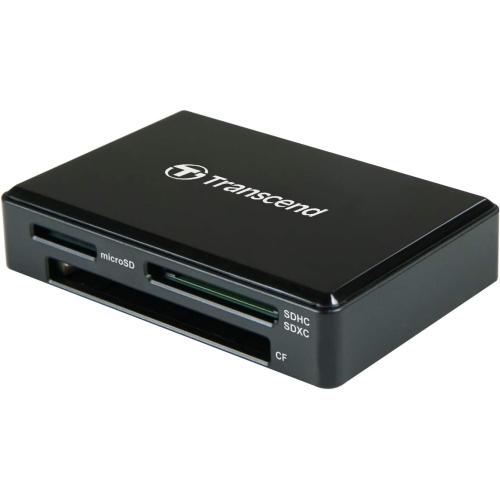
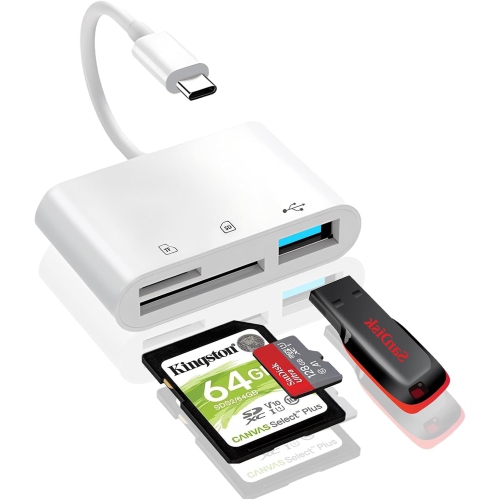


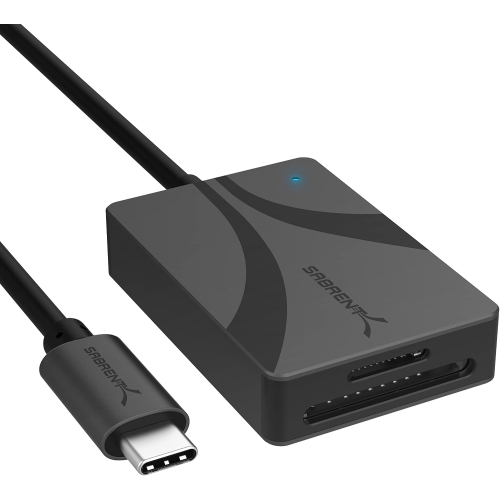
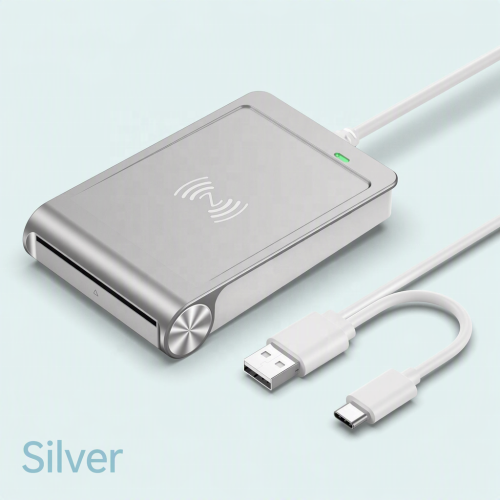


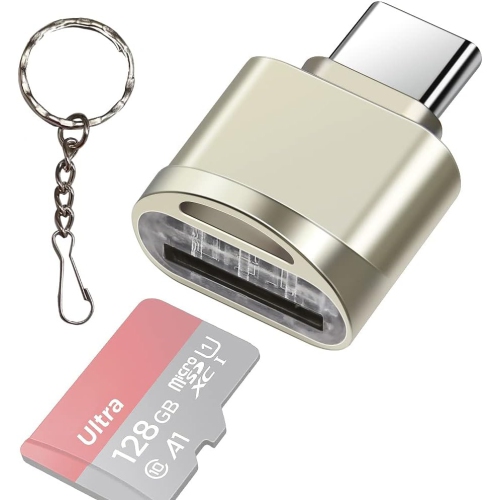
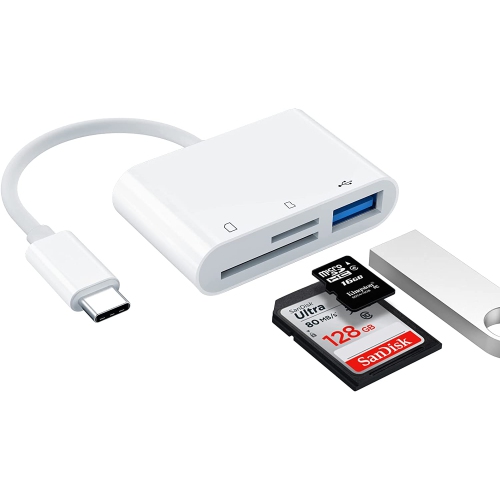

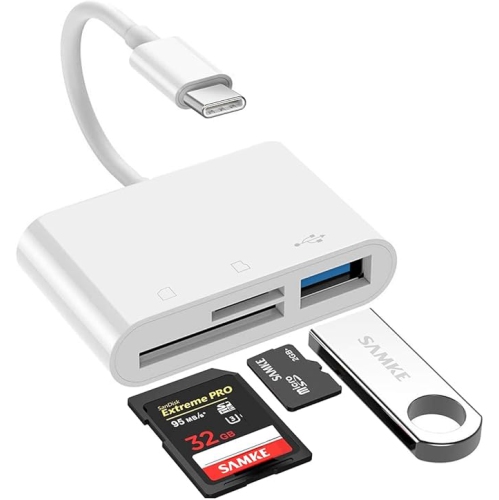

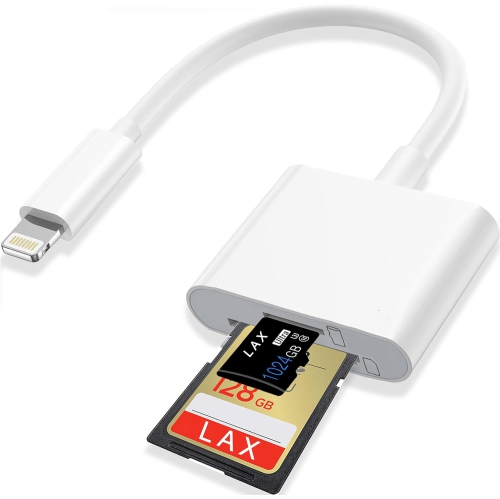

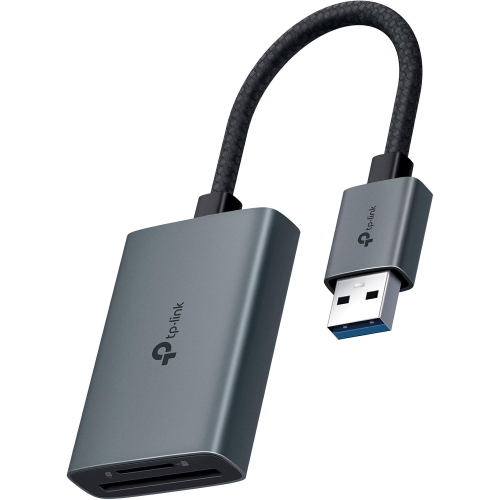


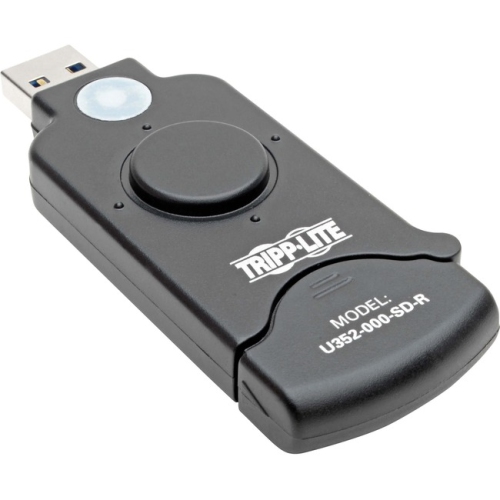
Card compatibility goes beyond the right connection
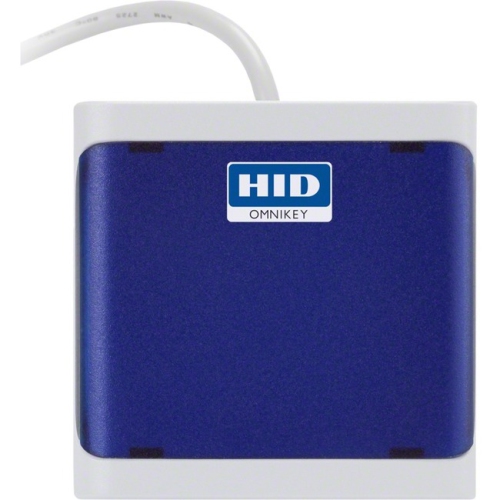
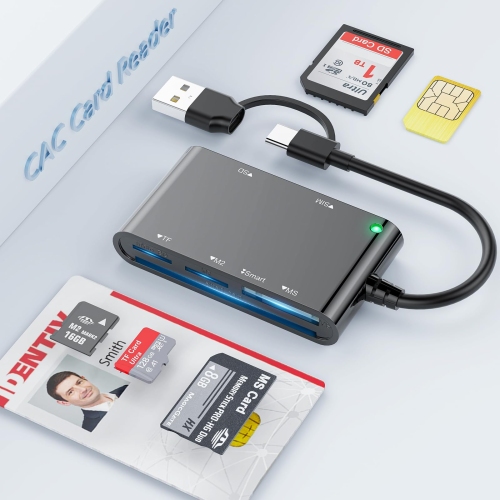
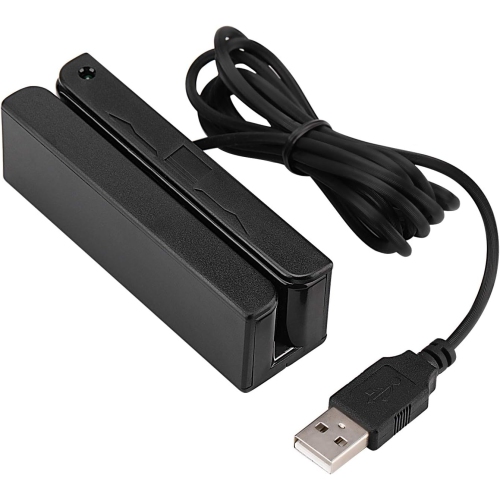
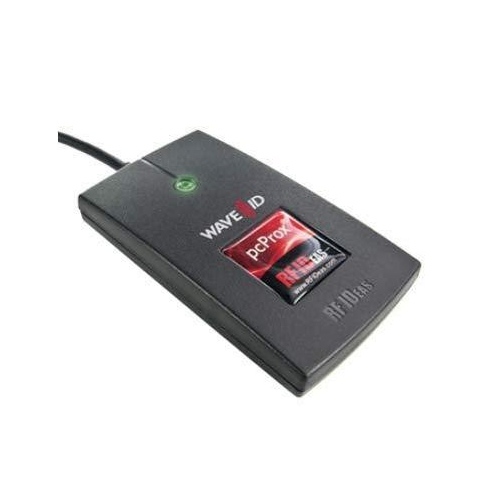
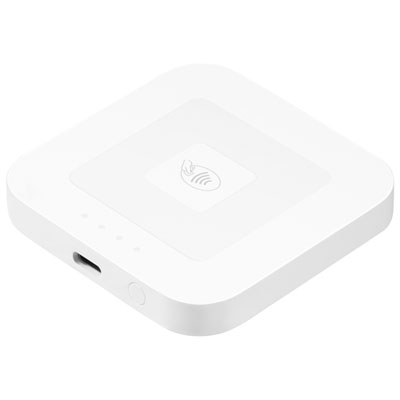
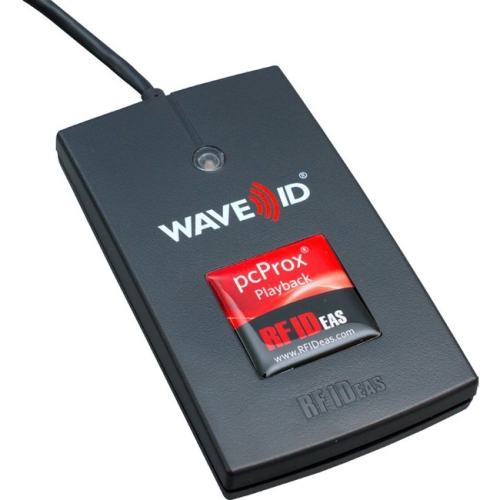
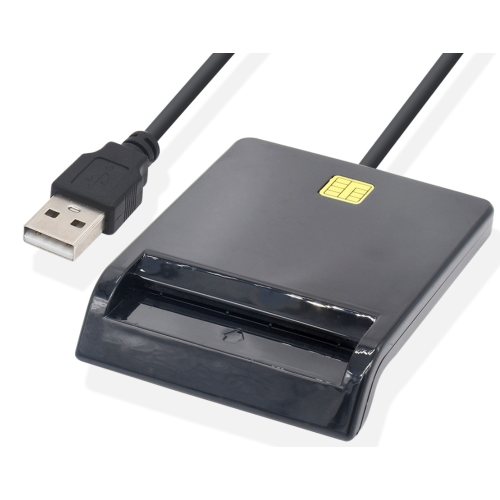
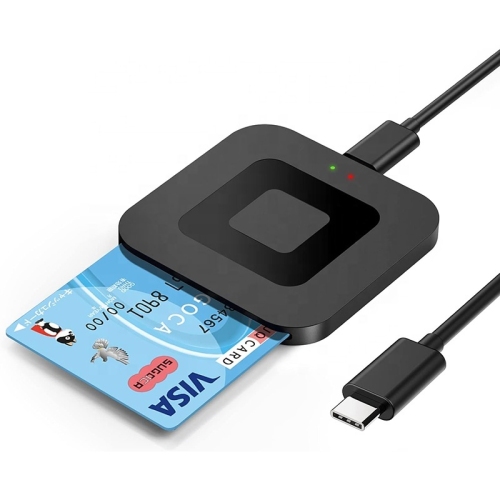
Smart card readers connect chip-enabled cards with computers, terminals, or access systems so that compatible applications can exchange data with the card. Common uses include employee authentication, access to protected files, digital signatures, identity verification, and supported payment transactions. Unlike a magnetic stripe reader, which reads information stored on a stripe, a smart card reader communicates with an embedded chip. The reader provides the connection; the card, software, and connected system determine what that connection can do. Contact readers have a slot that positions the card’s metal contacts against an internal connector, usually keeping the card inserted throughout authentication or signing. Contactless readers communicate with compatible cards held within a specified reading distance, using supported radio-frequency technology such as NFC. Dual-interface readers support both contact and contactless operation, although compatibility still depends on the card technology and application. This distinction matters in everyday use: a staff member signing in at a desktop may need an inserted credential, while an access badge may be presented briefly to a wall-mounted reader. Cards that look alike are not necessarily interchangeable, and not every RFID badge works with an NFC reader. Supported frequencies, communication protocols, and credential formats all affect whether a reader can recognize and communicate with a card. For workplaces using Common Access Cards, often called CACs, compatibility also involves the required certificates, middleware, and organizational systems rather than the card slot alone. Smart card readers can support authentication that combines possession of a card with a PIN, helping organizations control access without relying solely on a password. They do not independently grant permission, create a digital identity, or make an unsupported service accept a credential. Their value comes from fitting into an established process, whether that means a professional accessing an approved portal, an employee signing a document, or a team using issued credentials across shared workstations. That makes the intended task a more useful starting point than appearance alone, especially when several compact readers seem similar at first glance.
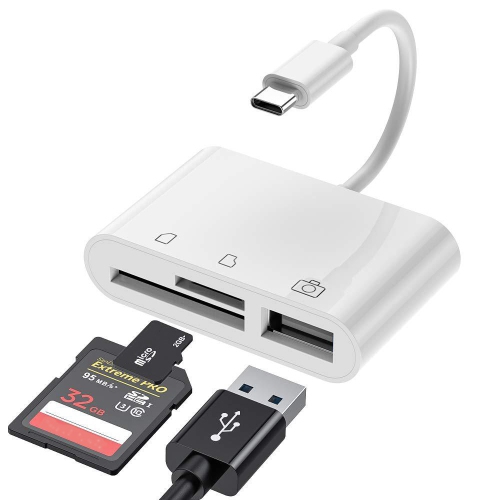
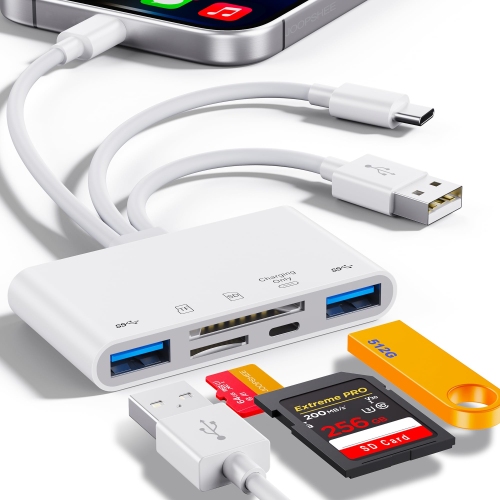
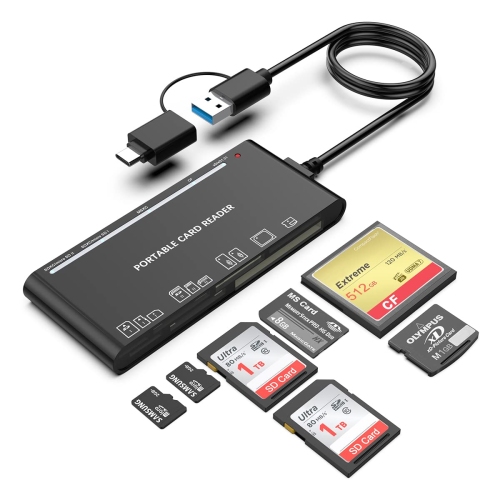
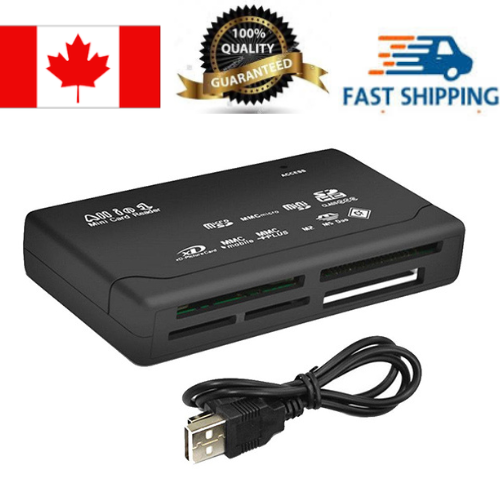
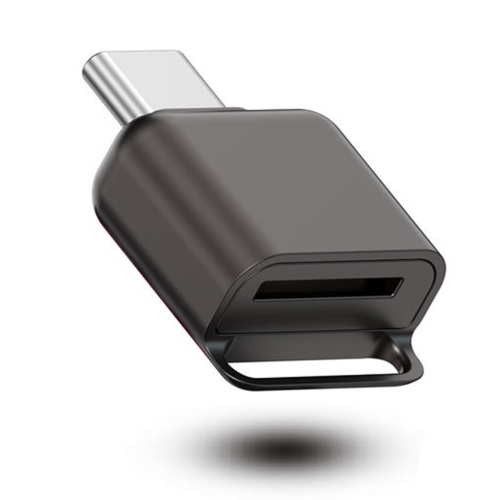
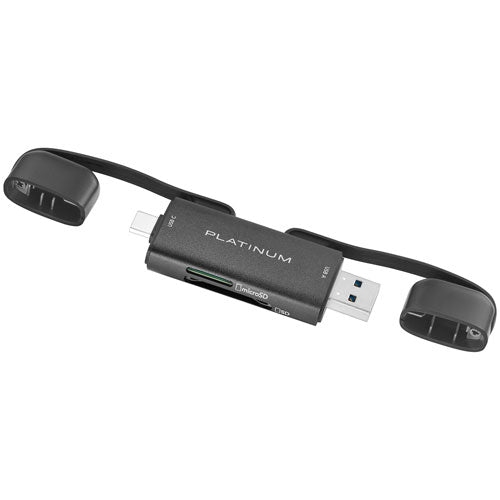
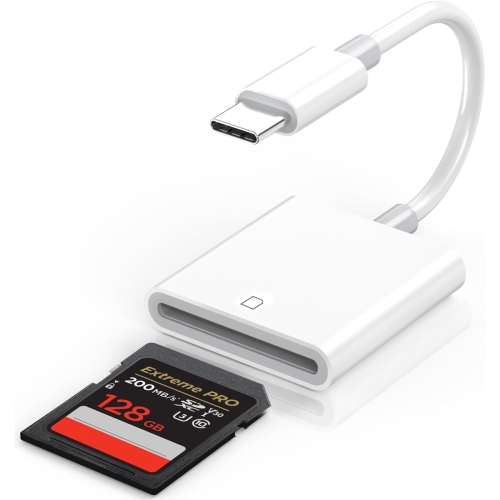
Connection type and software support have a direct effect on how comfortably a smart card reader fits into a workspace. A USB-connected reader can sit beside a keyboard, while a compact design may travel with a laptop between an office and an approved remote work location. USB-A and USB-C describe different physical connectors; neither one, by itself, confirms support for a particular card or application. A suitable connection also needs to carry data, and any adapter, hub, or docking station becomes part of that setup. Operating system support deserves equal attention because a reader may require a driver, while the credential can need separate middleware, certificates, or an application supplied by the organization that issued it. Standards such as USB CCID and PC/SC can help explain how a reader communicates with a computer, but they do not guarantee that every login service, browser-based portal, or signing application will work. Managed computers may also restrict software installation or the use of external devices. These details are particularly relevant for shared workstations and remote desktop sessions, where access to a locally connected reader may depend on administrator settings. Reading and writing capabilities are another important distinction. Some readers support commands that update compatible cards, but changing stored information requires permission and appropriate software; a reader cannot simply copy a protected credential or bypass its security controls. Storage-card accessories serve a different purpose. The Card Reader Writers category is relevant to transferring files from compatible memory cards, rather than authenticating with an identity chip. Similarly, accepting card payments requires a supported payment terminal or reader, a payment service, and the necessary account setup. A general-purpose contactless reader is not automatically a checkout device. Door-access readers also belong to a broader system involving compatible credentials, controllers, power, and installation requirements. Keeping these roles distinct makes it easier to understand why readers with similar slots, tap symbols, or cables can have very different intended uses.
Physical design becomes more noticeable once a reader is used repeatedly throughout the day. A lightweight housing is convenient in a laptop bag, while a stable desktop base can make frequent card insertion less awkward. Non-slip feet, a clearly positioned slot, and enough cable length can help keep the reader within reach without stretching a connection across the work surface. A reader that stays beside a monitor has different demands from one that is packed away after every appointment or moved between meeting rooms. Plastic housings can offer low weight, while metal components may add rigidity; neither material alone establishes durability. Cable strain relief, connector construction, insertion-cycle ratings where provided, and the manufacturer’s stated operating conditions offer more meaningful context. For contact readers, the card needs to match the supported dimensions and sit correctly in the slot without force. Contactless models need a practical presentation area, with placement that allows a card to be held where the reader can detect it. Metal surfaces and nearby cards can affect communication in some setups, so the manufacturer’s placement recommendations matter. Indicator lights can make connection and card activity easier to understand, although a light does not necessarily confirm that an application has completed authentication. Routine care is generally straightforward: keeping the reader dry, protecting the cable from sharp bends, and preventing dust or debris from entering the slot help preserve reliable operation. Cleaning methods should follow the manufacturer’s directions, particularly around internal contacts, where liquids or abrasive tools can cause damage. These accessories are useful for professionals with issued credentials, administrators supporting workplace authentication, and people accessing compatible identity-based services from an authorized computer. For someone equipping another person’s workspace, confirmed compatibility is more valuable than guessing from the connector or card shape. A well-matched reader should fit the card, software, connection, and daily routine, allowing the authentication process to remain familiar whether the task takes a few seconds or involves a longer session with the card inserted.
Top selling and popular products
-
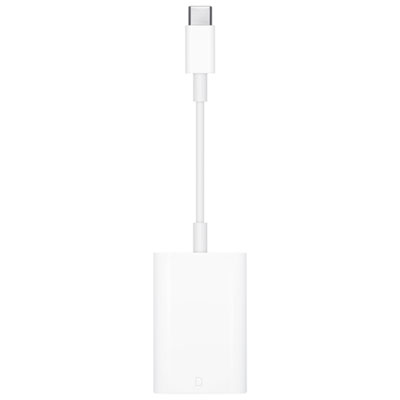 Your price for this item is $49
-
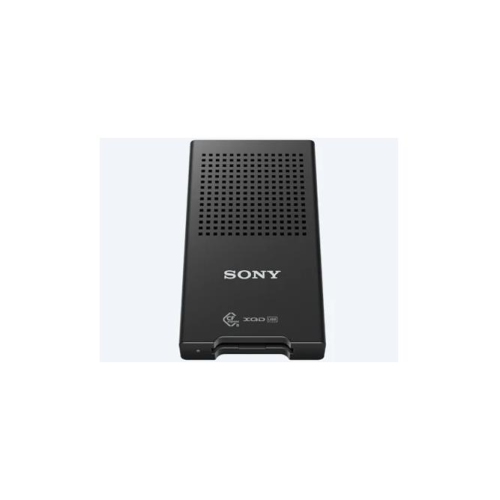 Your price for this item is $179.99
-
 Your price for this item is $39.68
-
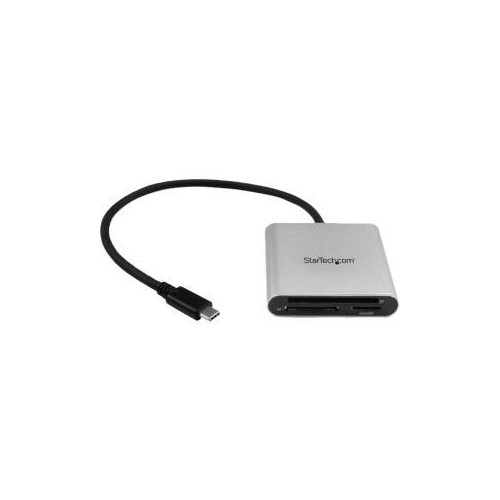 Your price for this item is $68.68
-
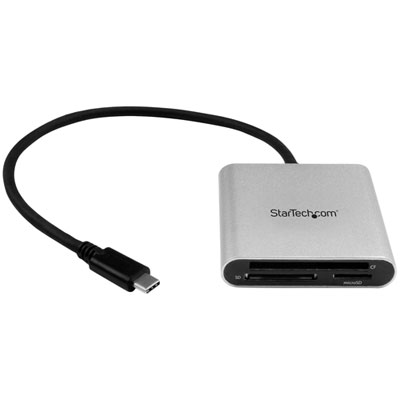 Your price for this item is $57.99
-
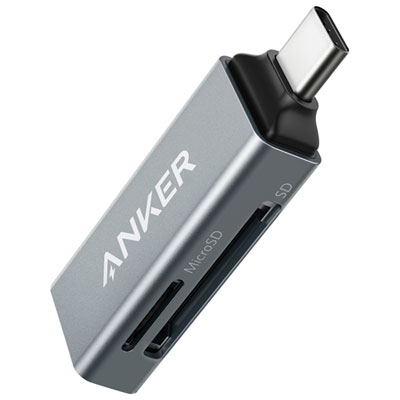 Your price for this item is $39.99
-
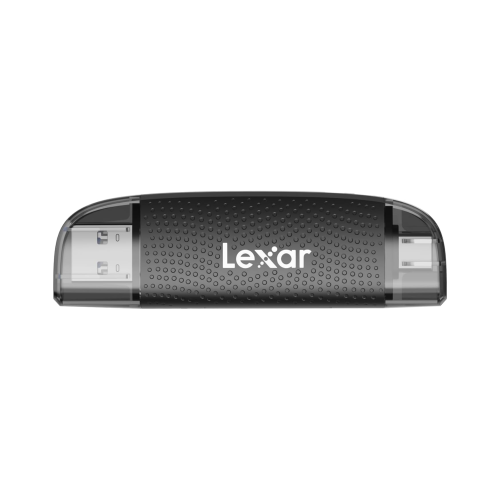 Your price for this item is $48.68
-
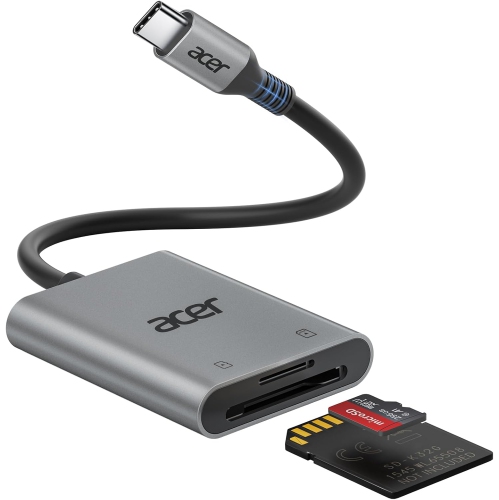 Your price for this item is $13.99
Discover more categories related to Smart Card Readers
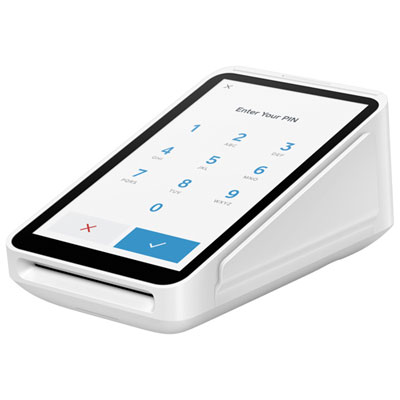
Top Collections:
Best Black Friday Deals This Year, Best Black Friday Deals On Electronics, Kindle Devices, Pokemon Centers, Best Black Friday Deals On Apple Products, Best Cameras for Sports Photography, Dyson Airwrap, Pokémon 30th Celebration Cards, Apple iPhone 17 Pro, Canon G7X Cameras
Some products may be subject to Environmental Handling Fees
(EHF) depending on your province.
Learn more about EHFs.