Portable Webcams
Capture your favorite moments on-the-go with our selection of portable webcams. Whether you're a frequent traveler, a digital nomad, or simply want to stay connected with loved ones, these compact and versatile devices are designed to deliver high-quality video and audio wherever you are. From video calls and conference meetings to vlogging and live streaming, our portable webcams offer convenience and flexibility without compromising on performance. With easy setup and compatibility with various devices, you can effortlessly capture memories and stay connected no matter where life takes you.
Sort
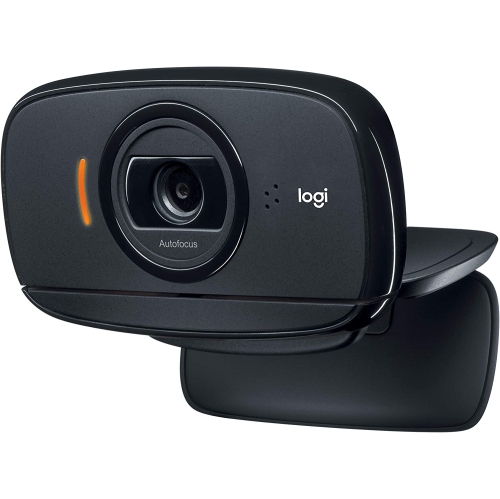

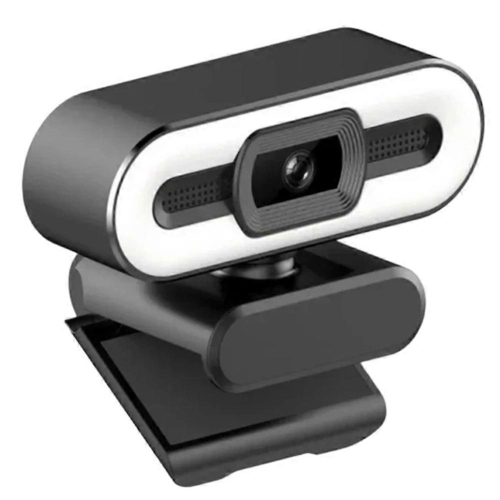
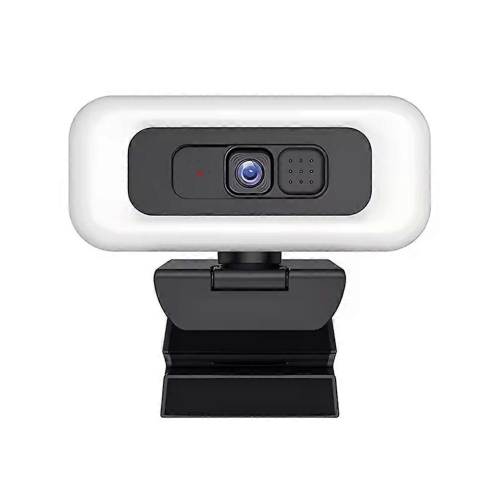
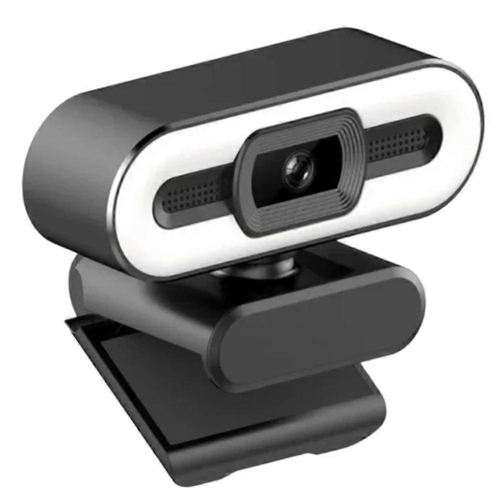
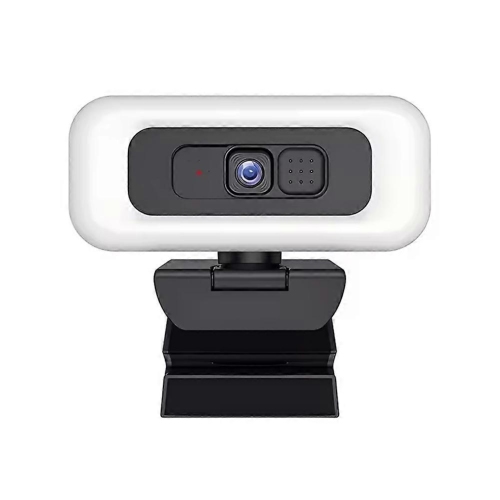
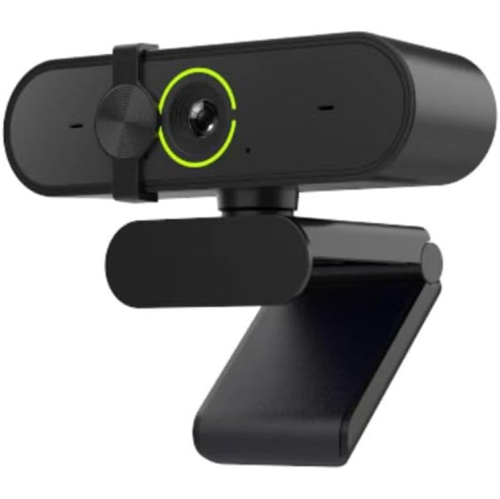
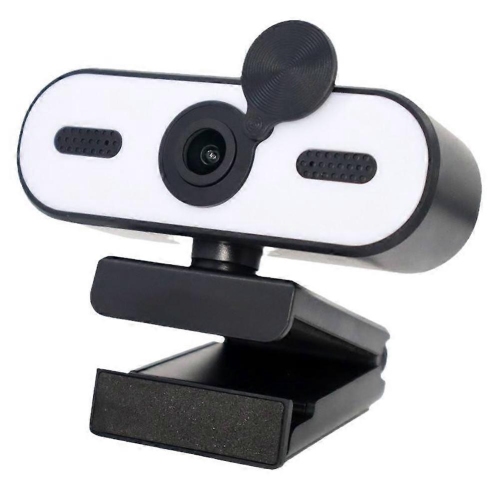
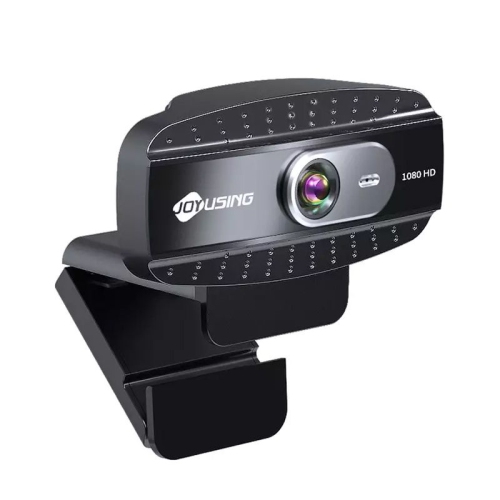
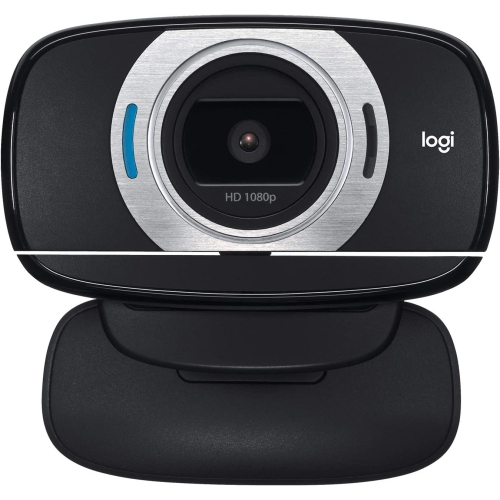
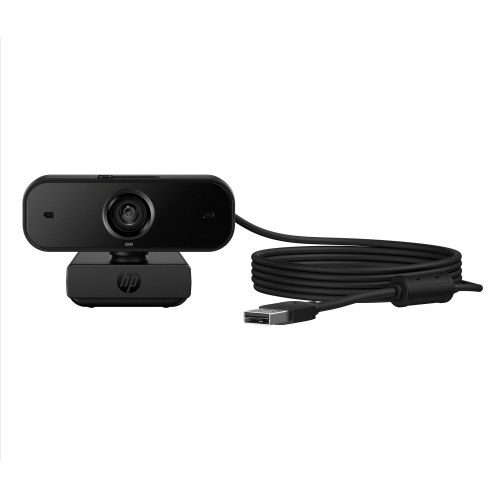
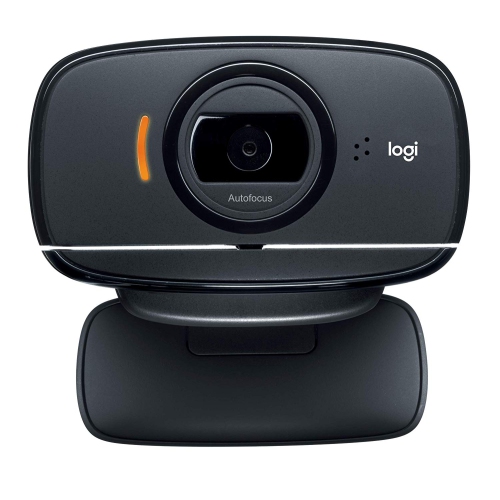
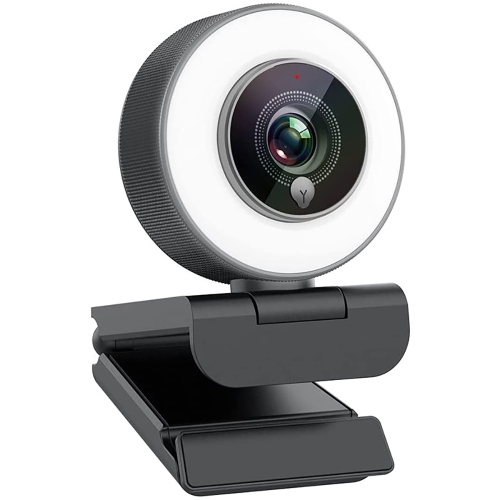
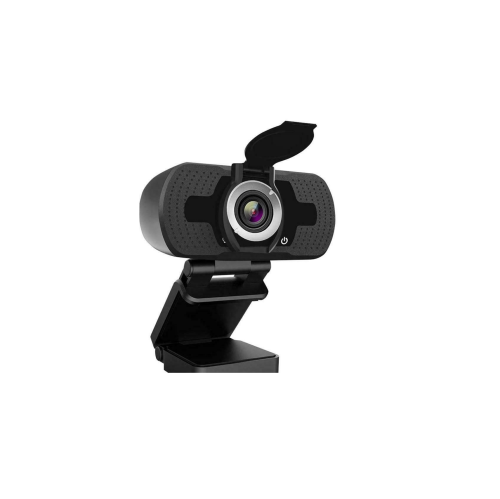
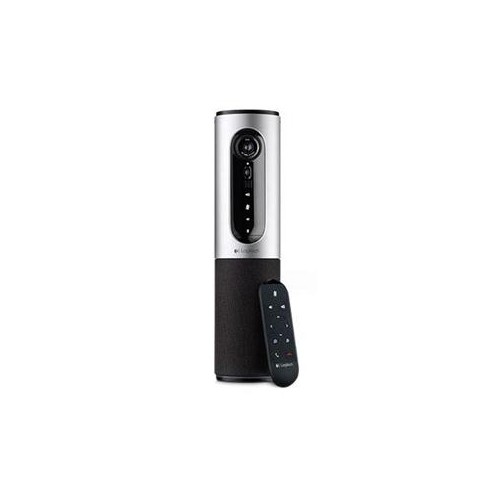
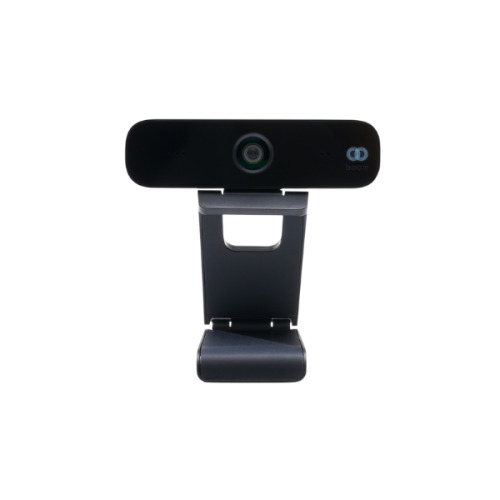
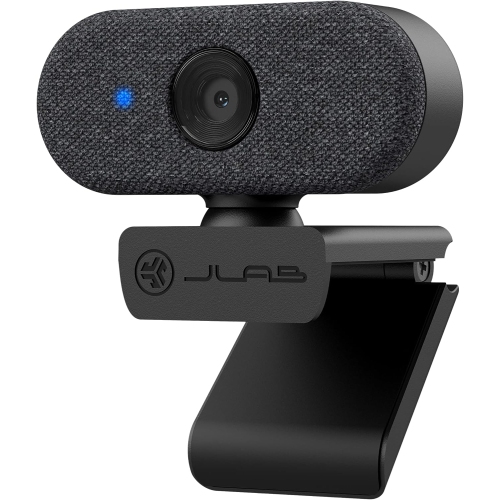
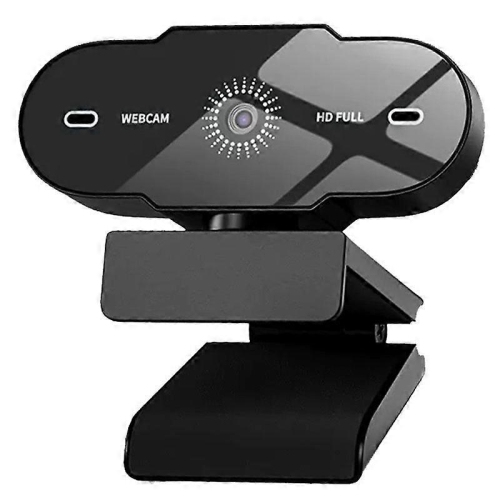

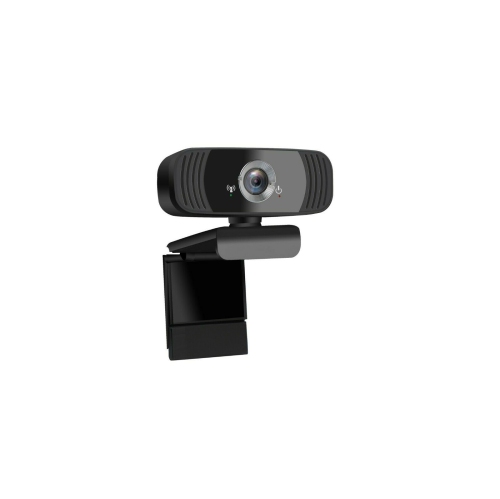
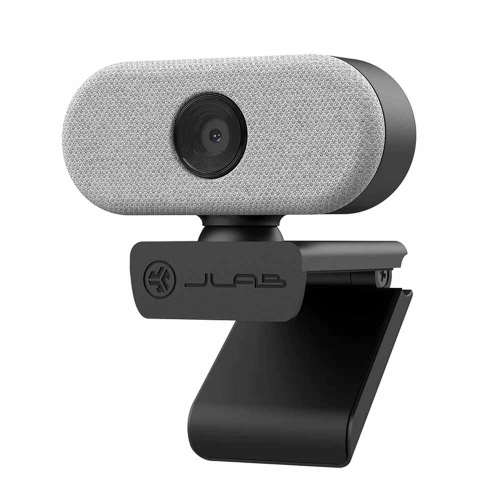

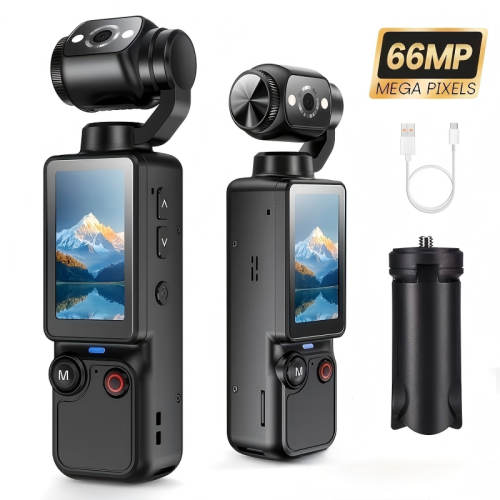

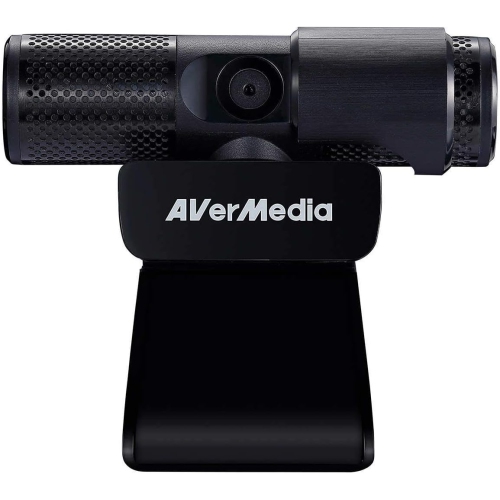
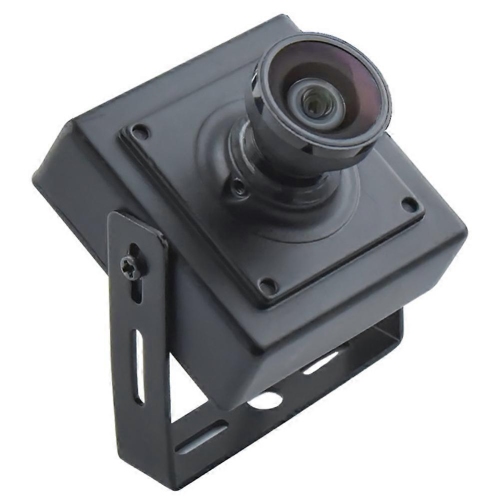
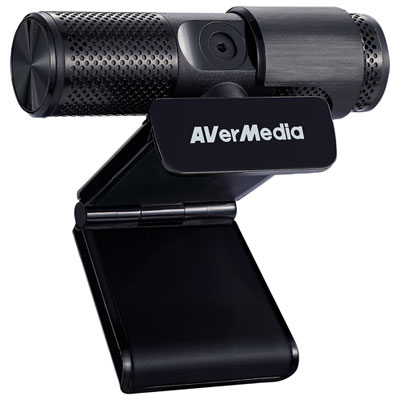
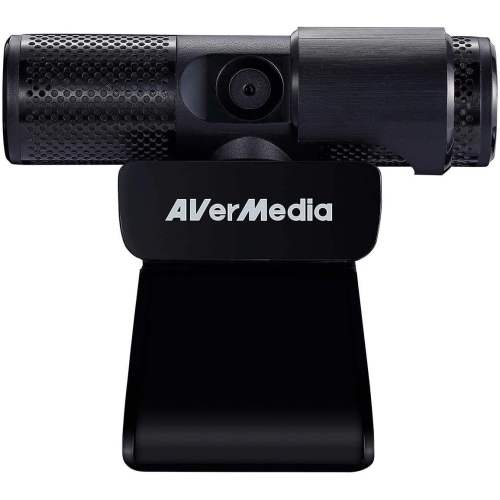
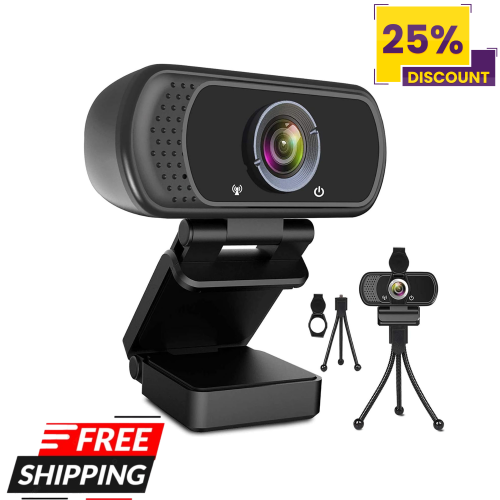
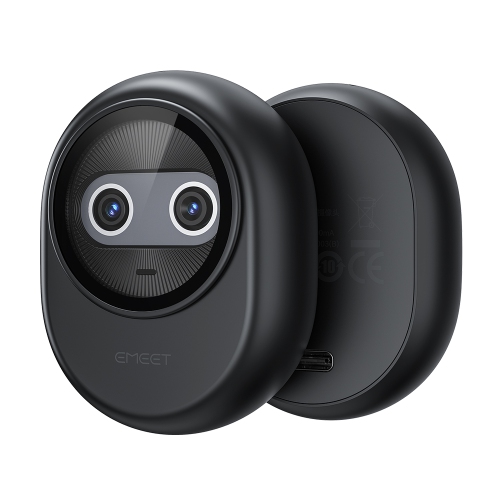
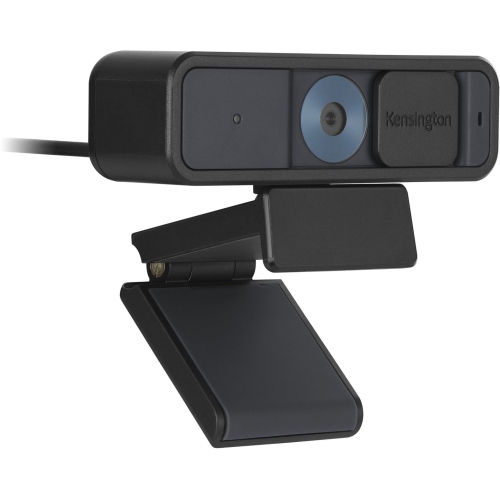
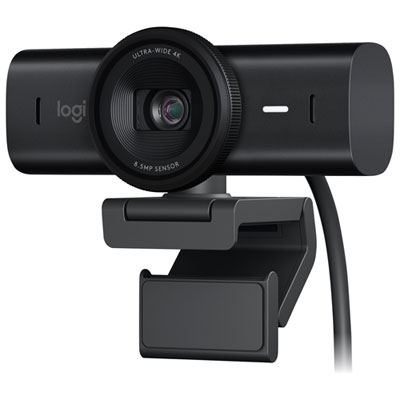
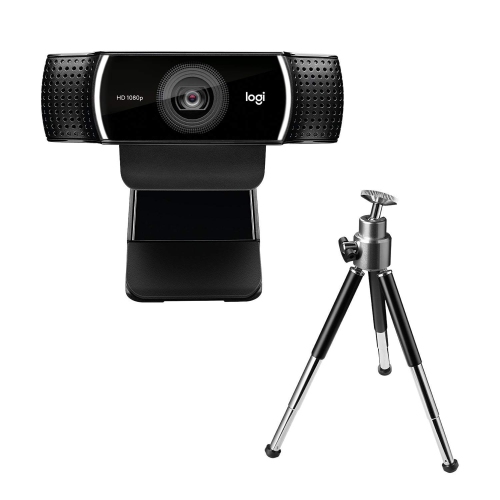
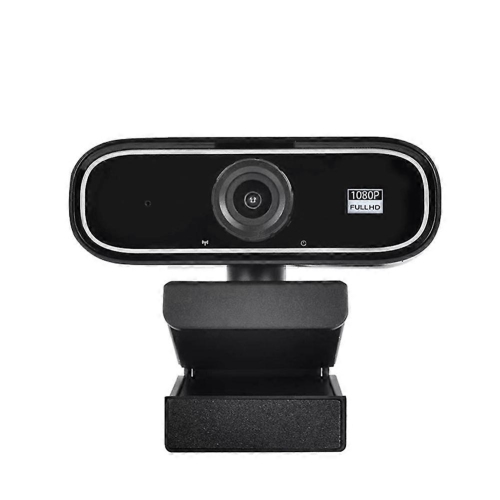
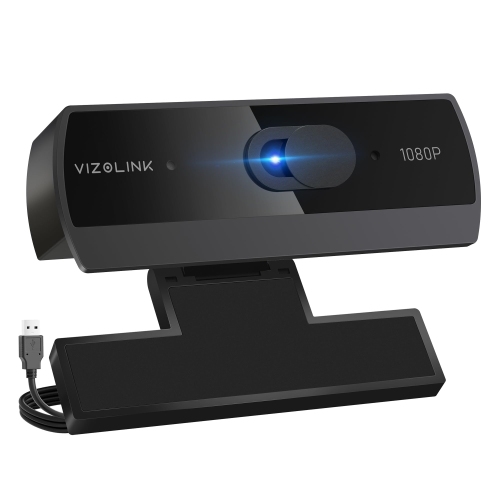
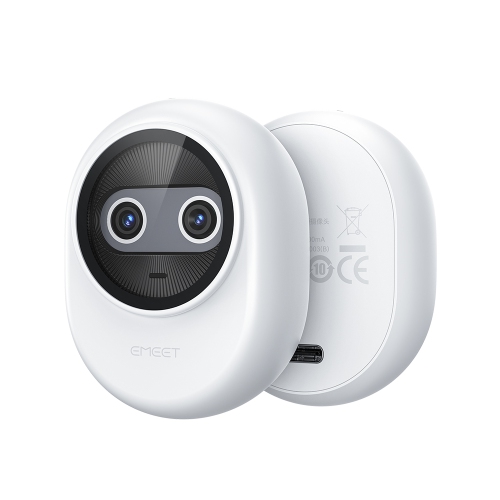
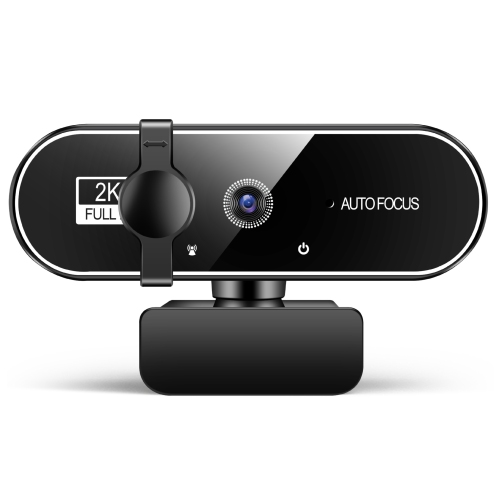
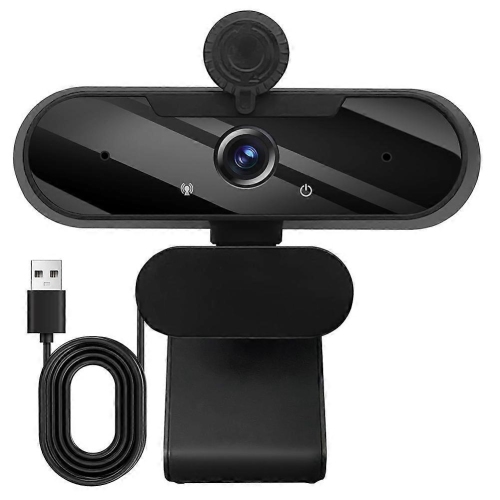
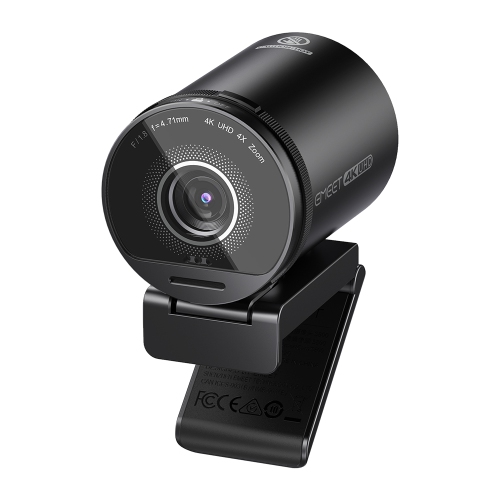

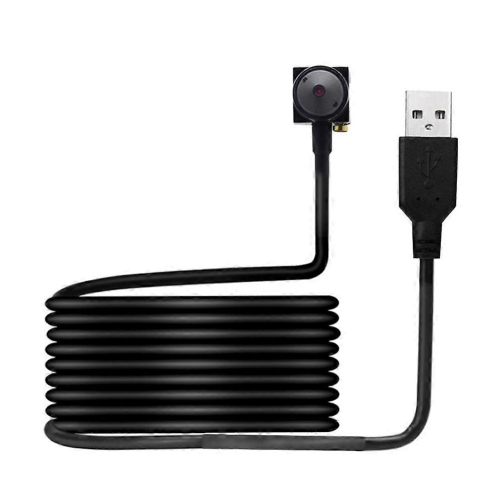

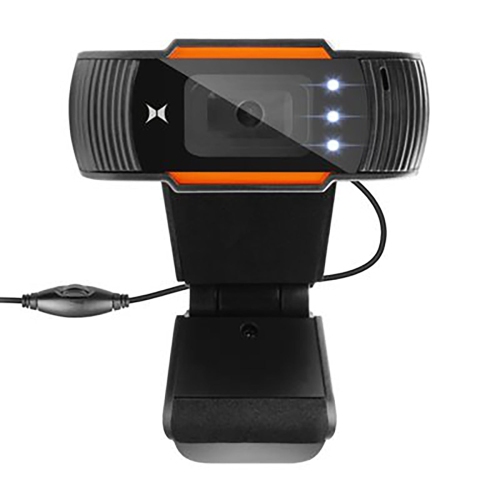

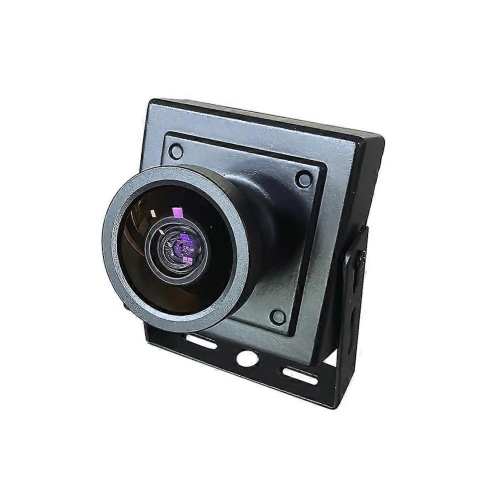
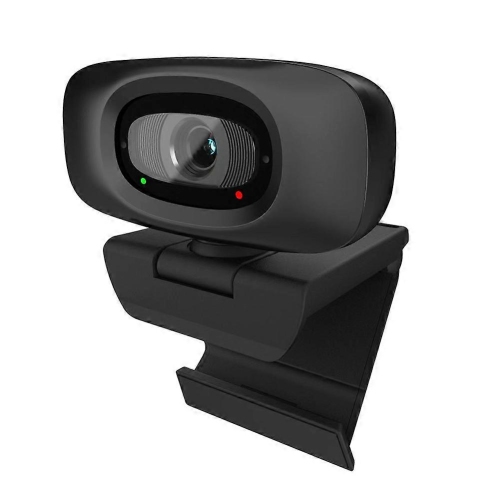
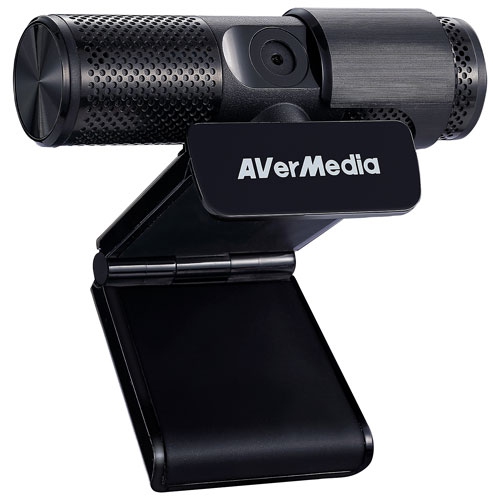
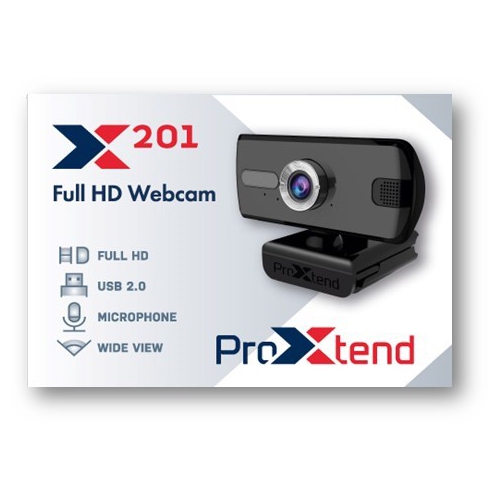
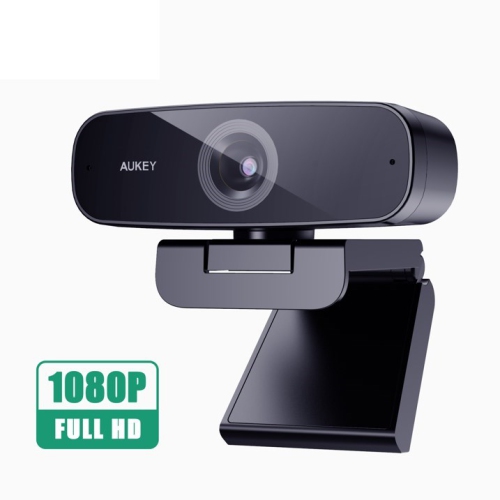
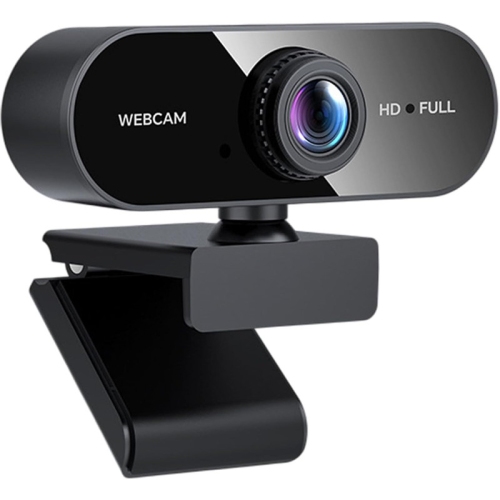
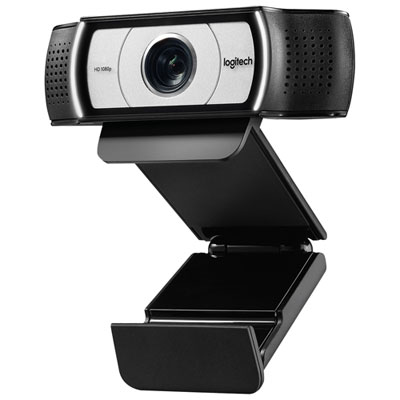
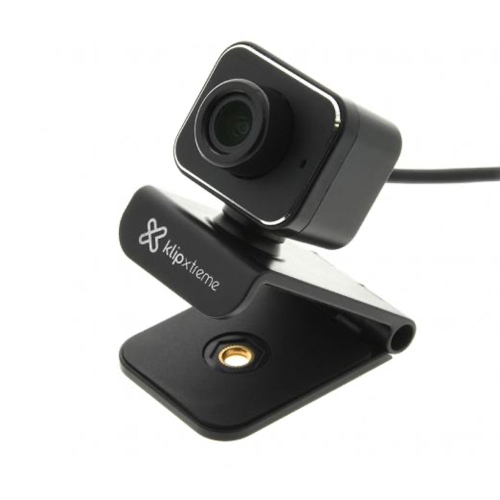
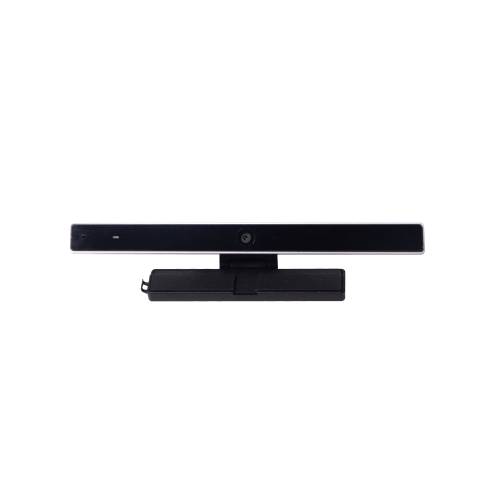
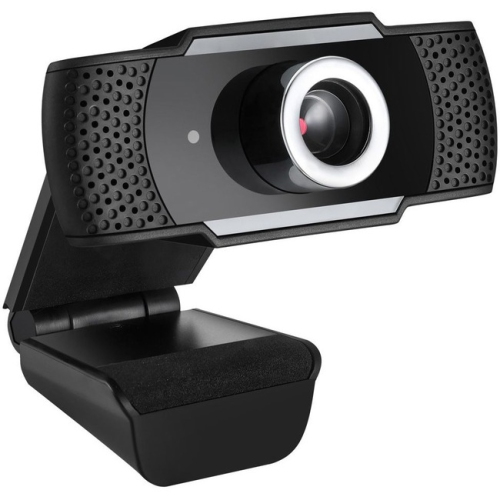
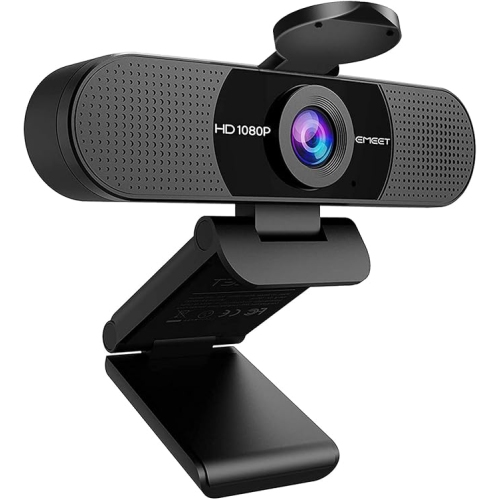
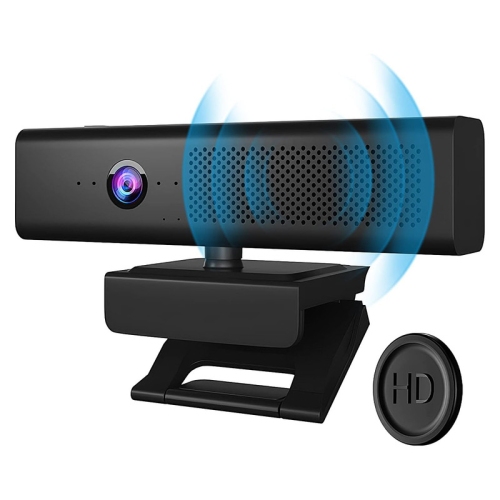
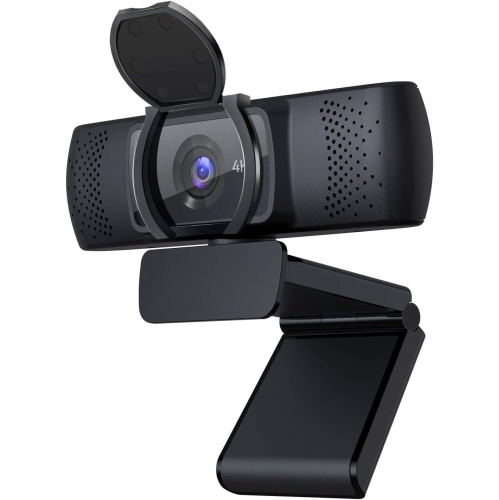
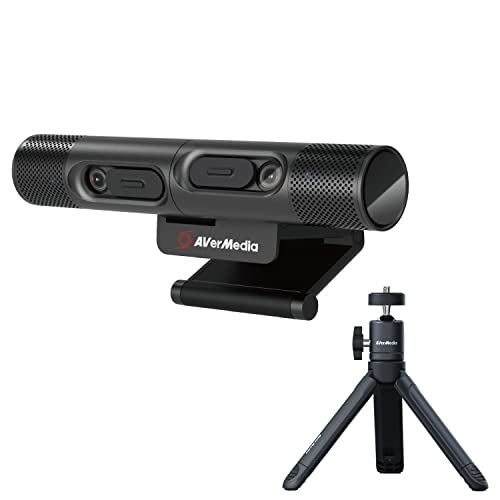
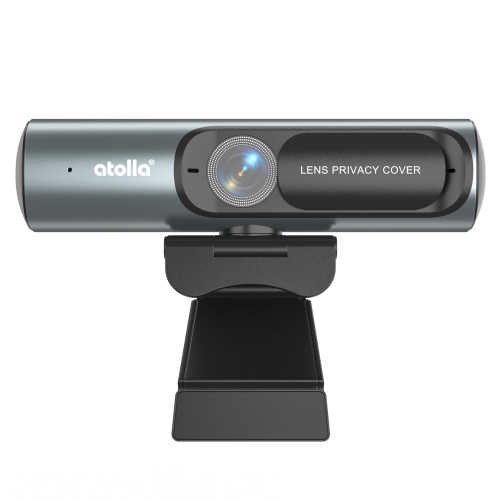
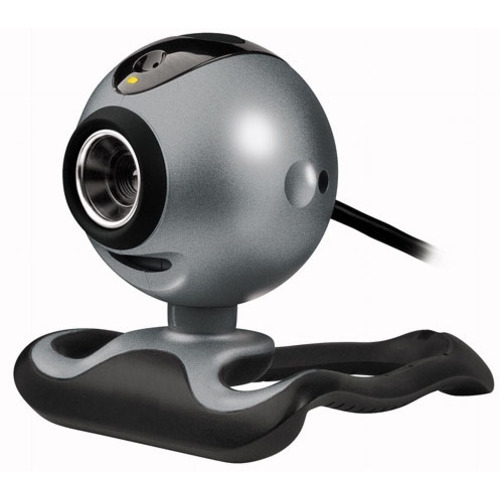
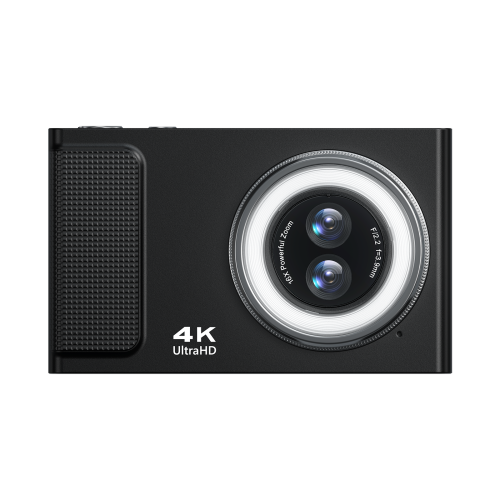
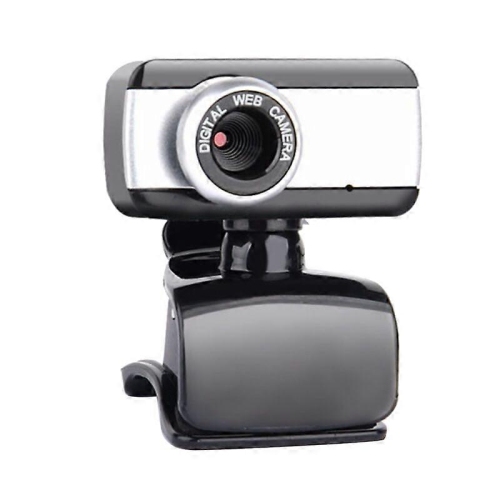
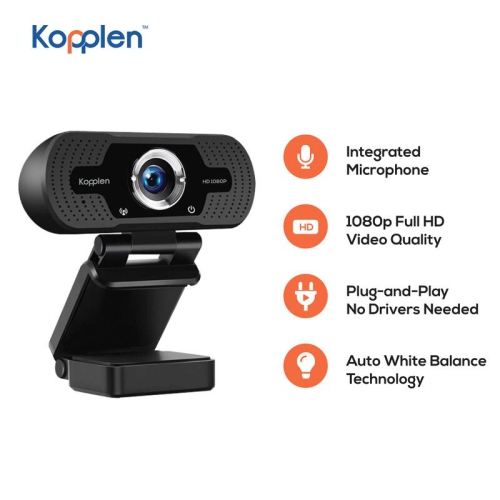
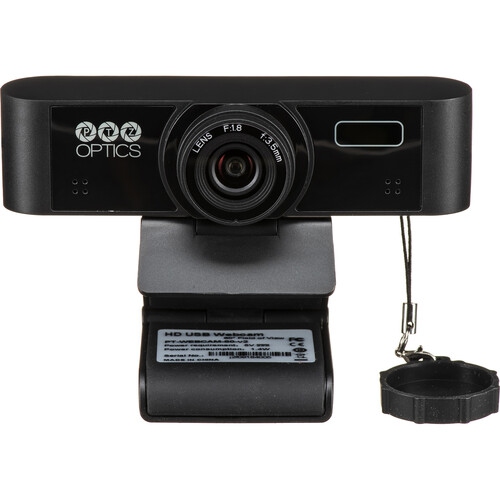

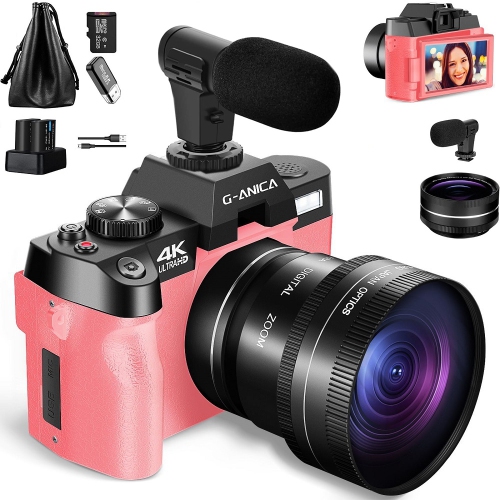
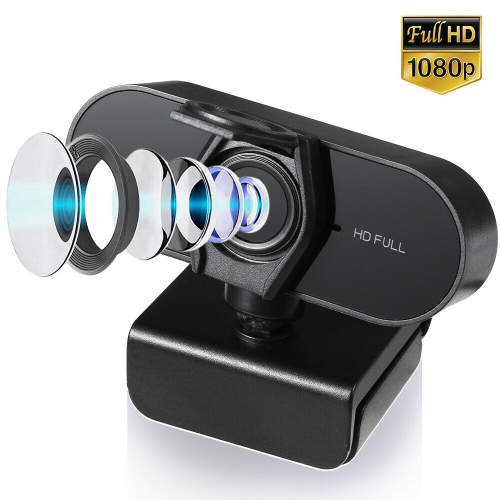
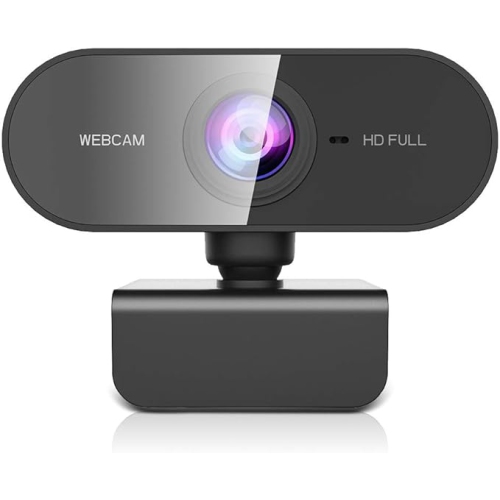
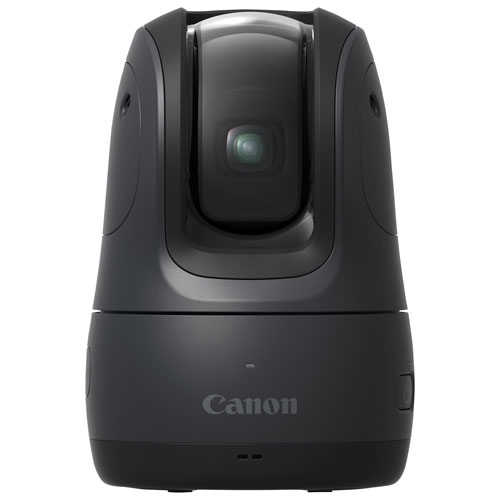
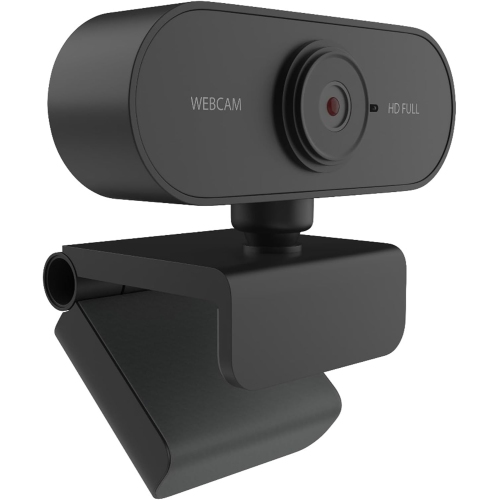
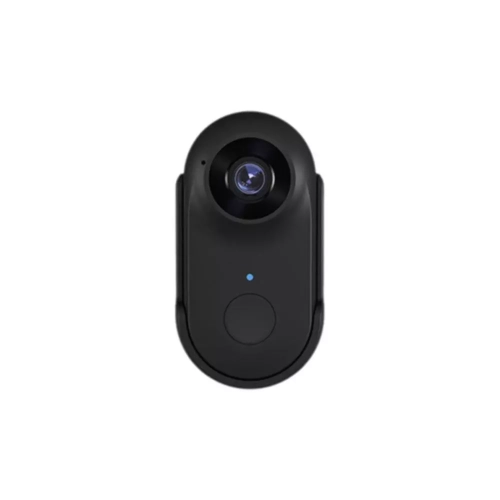
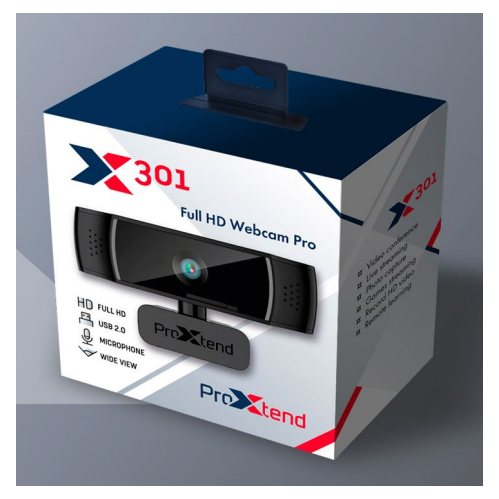
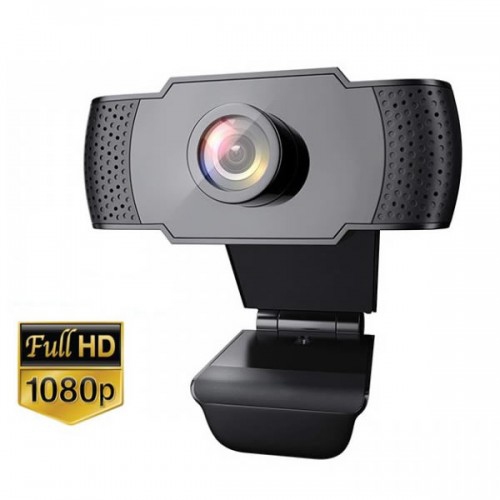
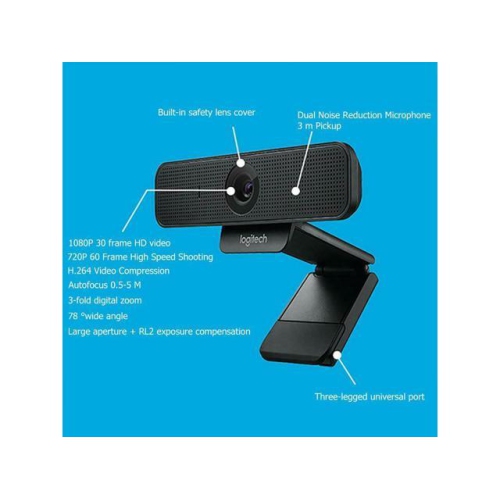
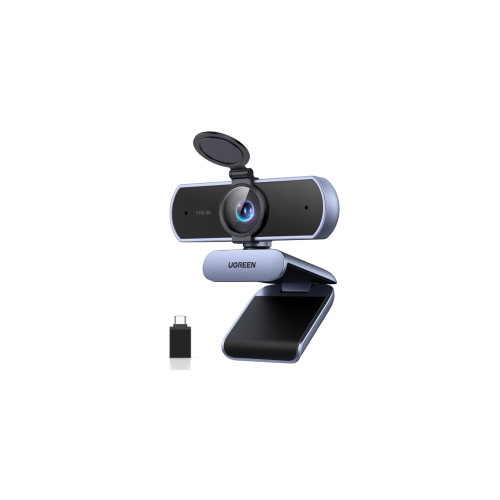

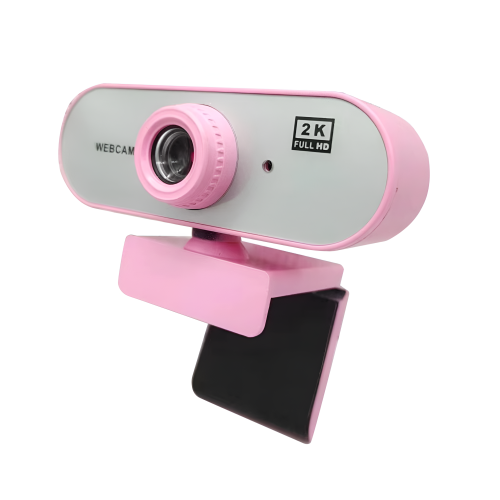
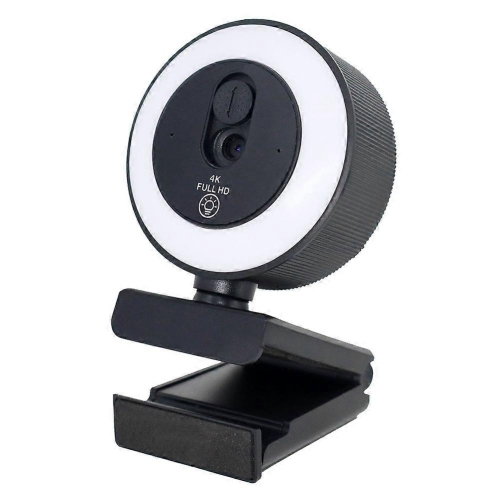
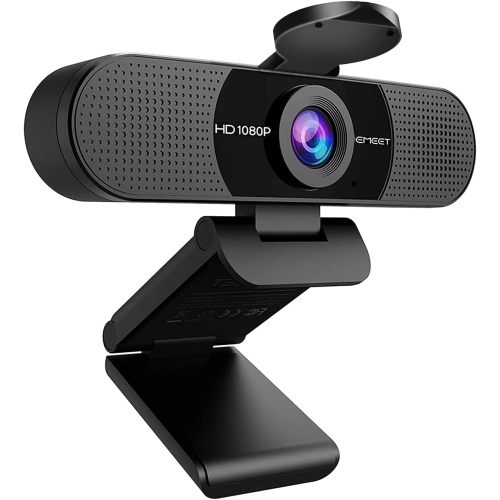
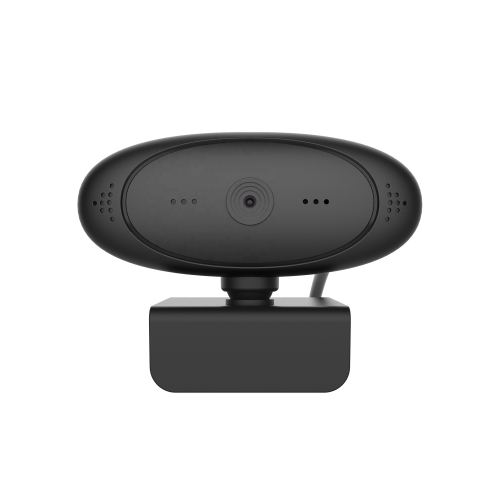
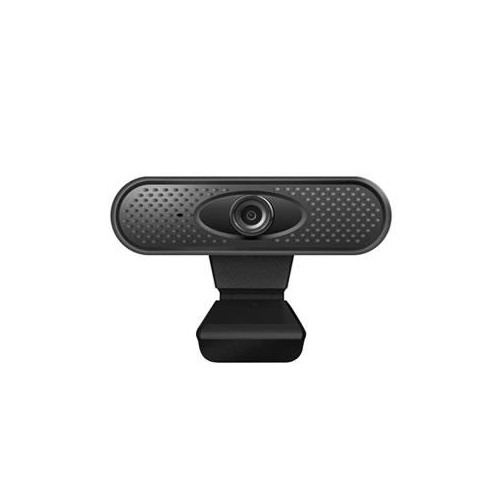
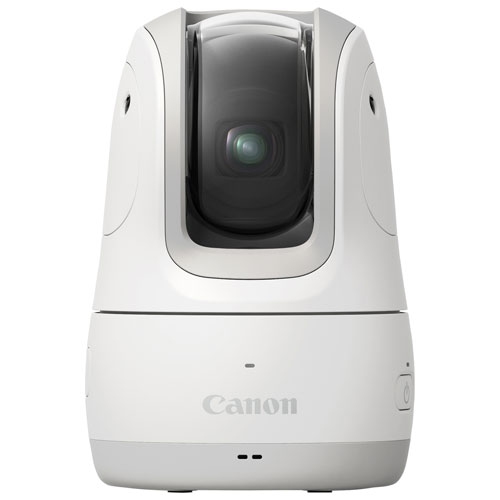
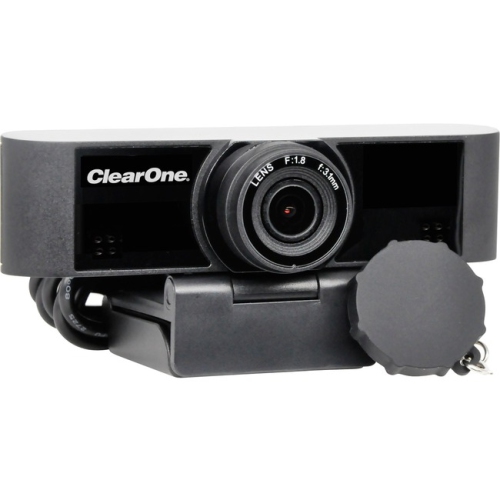
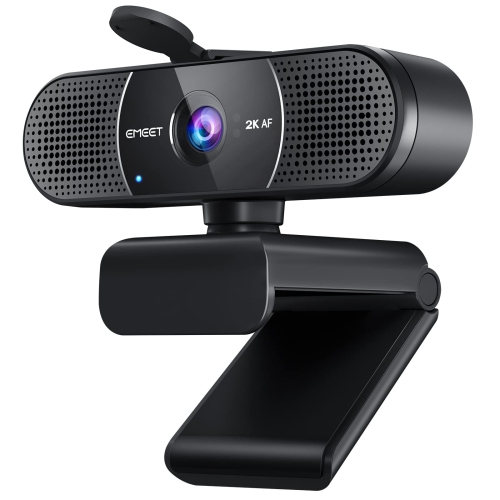
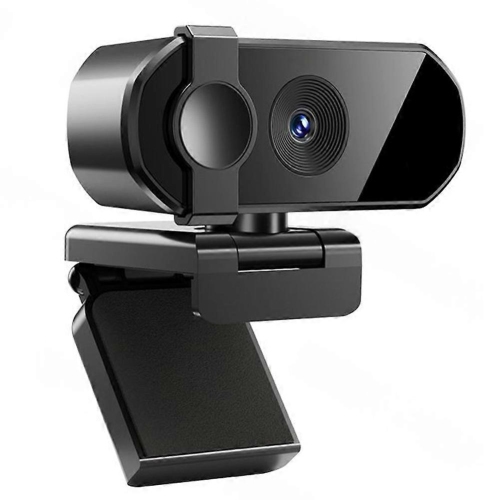
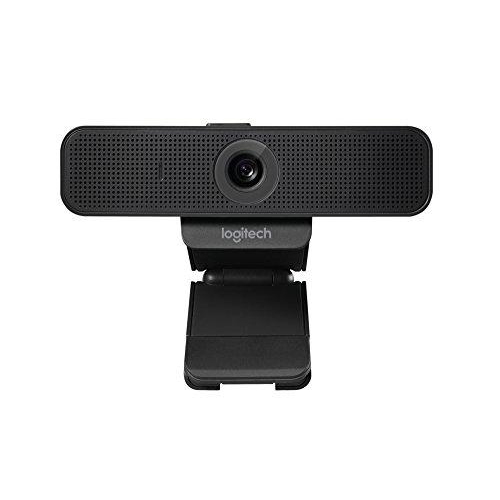
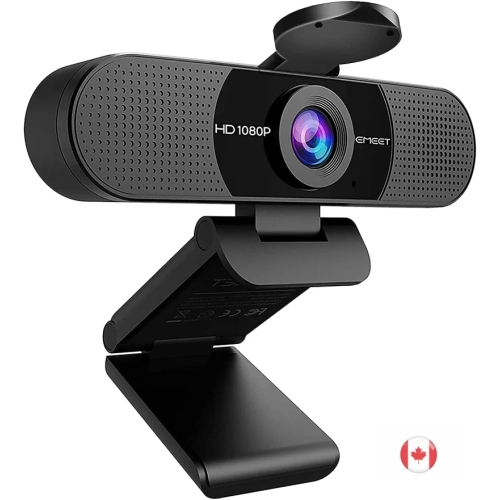
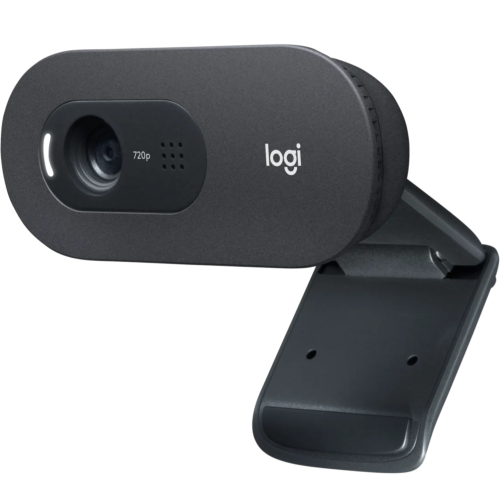
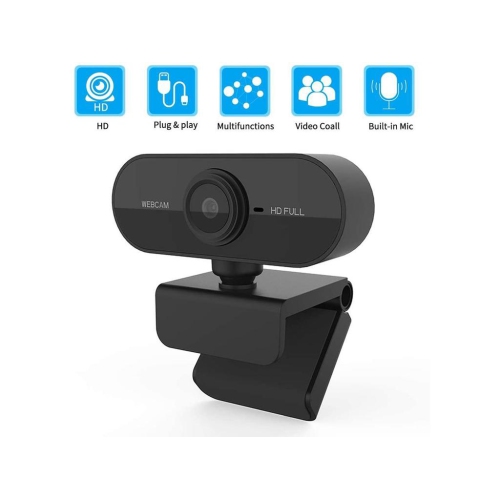
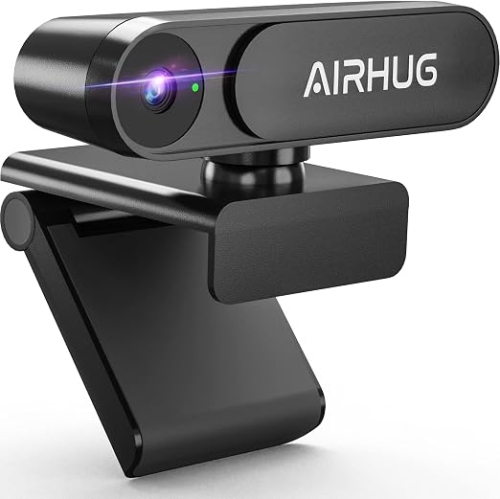
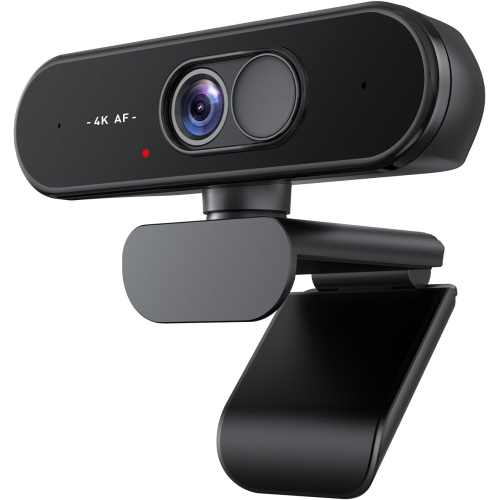
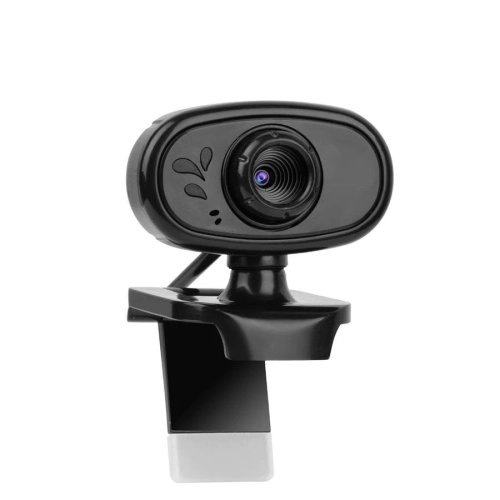
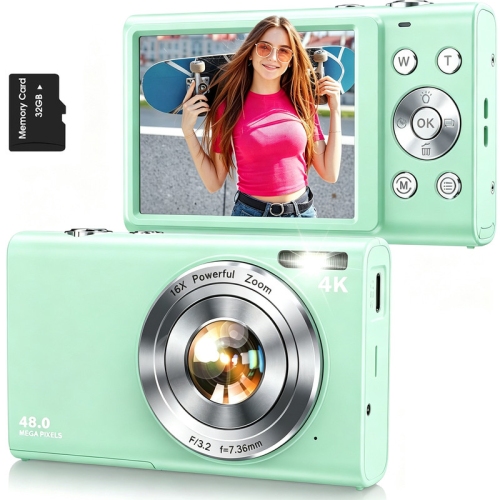
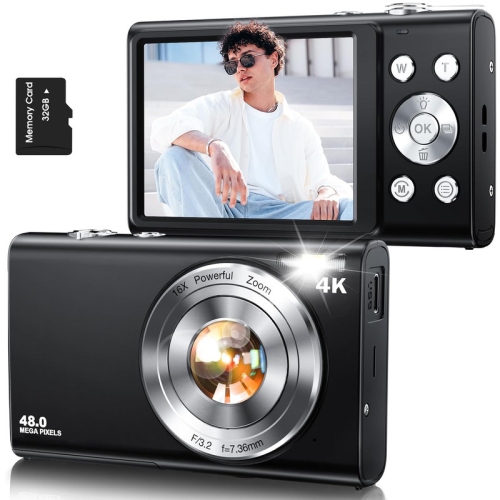
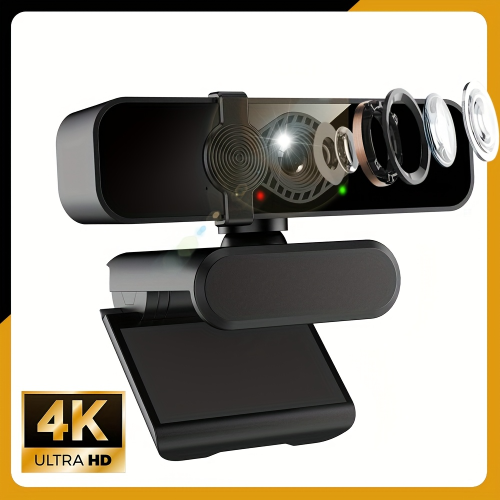
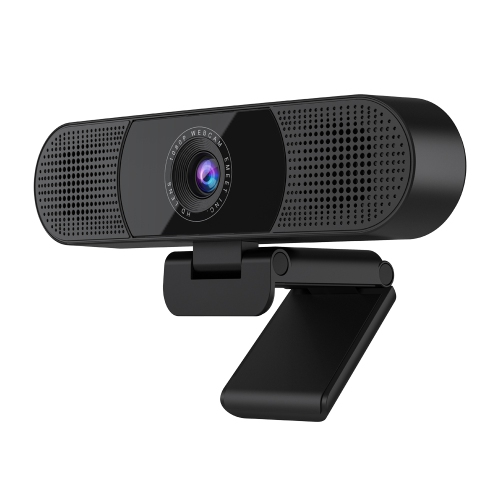
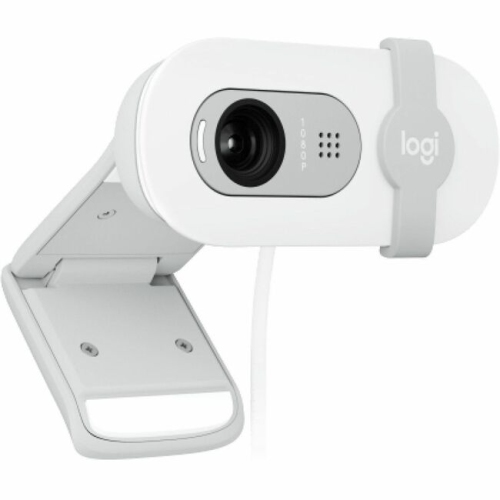
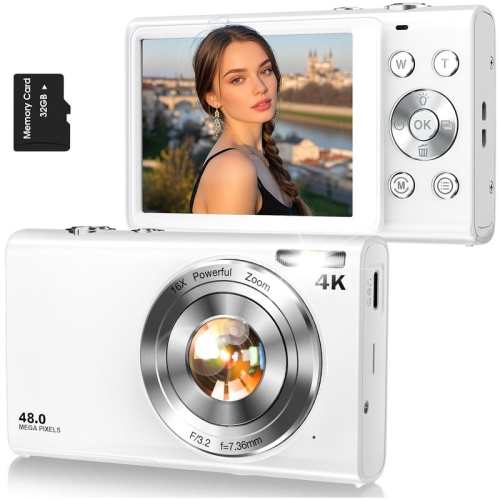
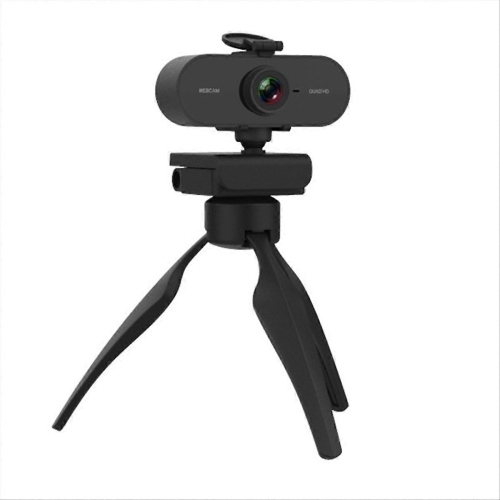
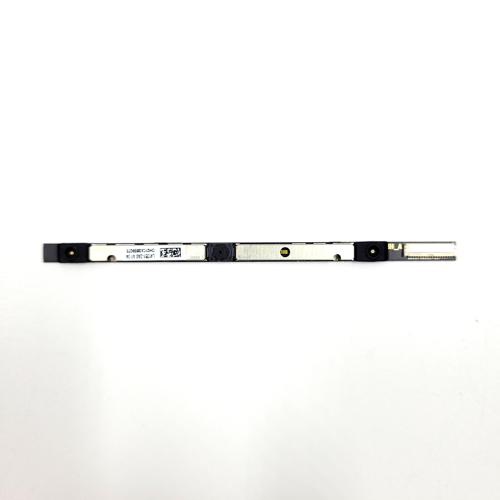
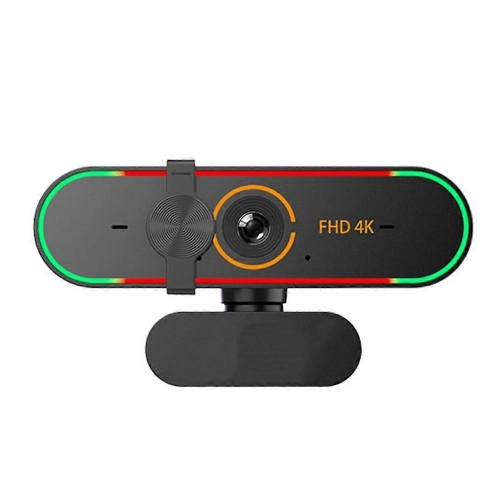
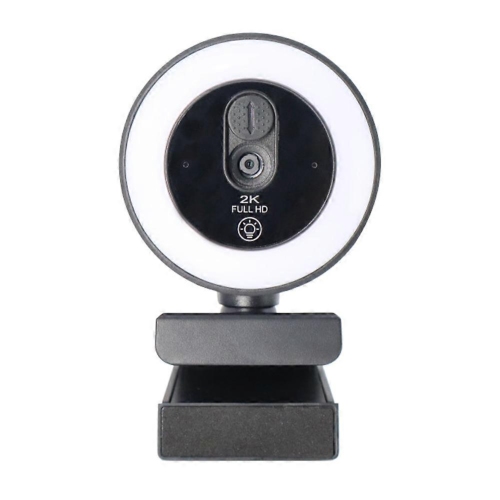
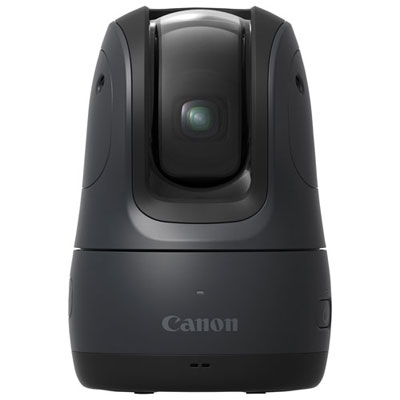
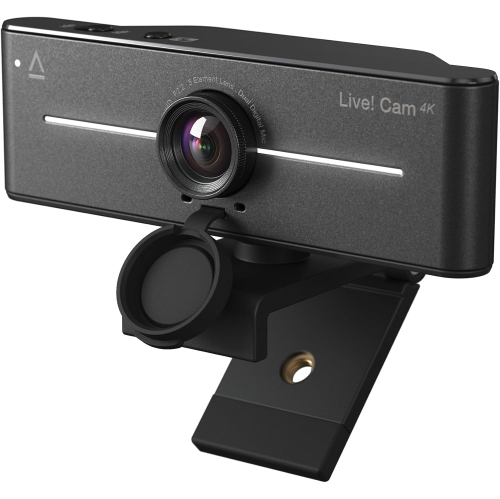
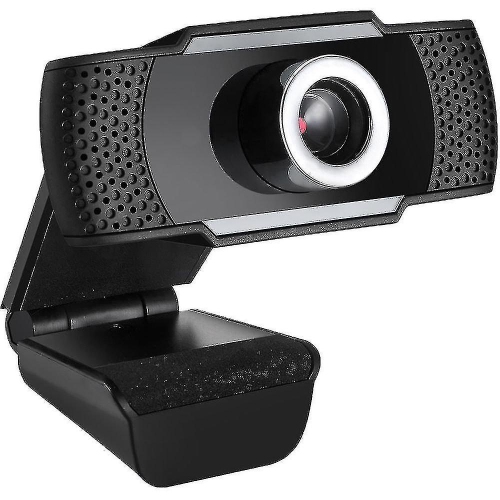
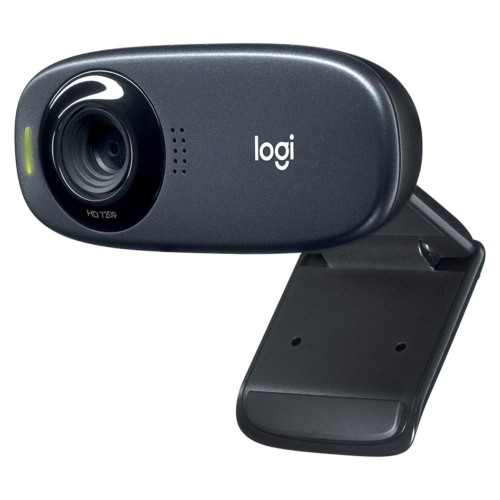
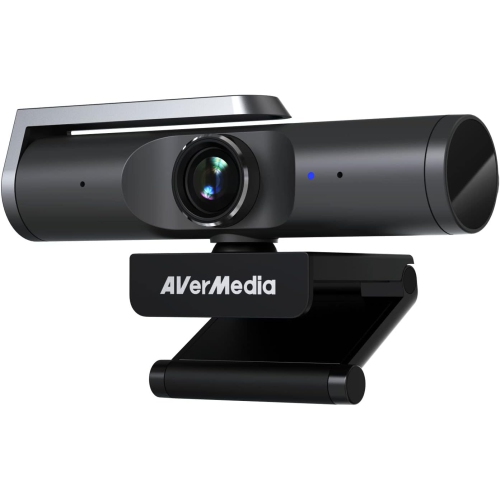
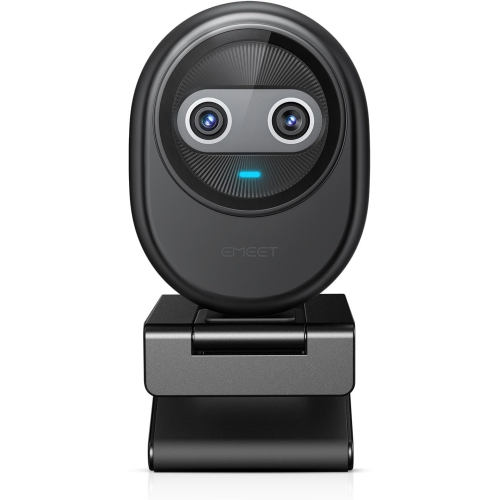
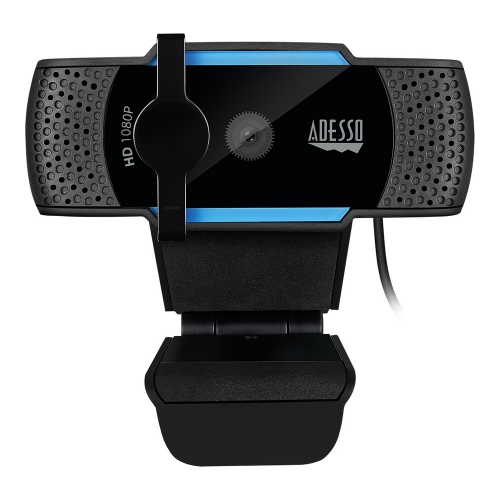
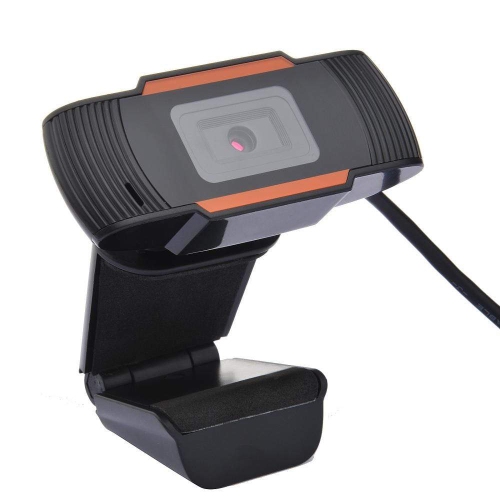
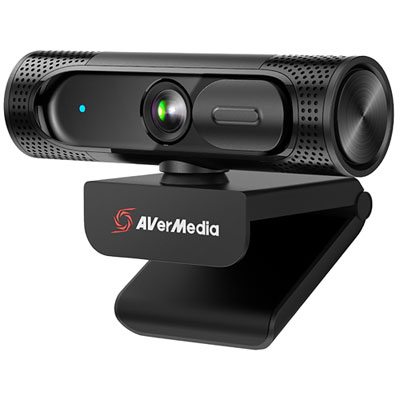
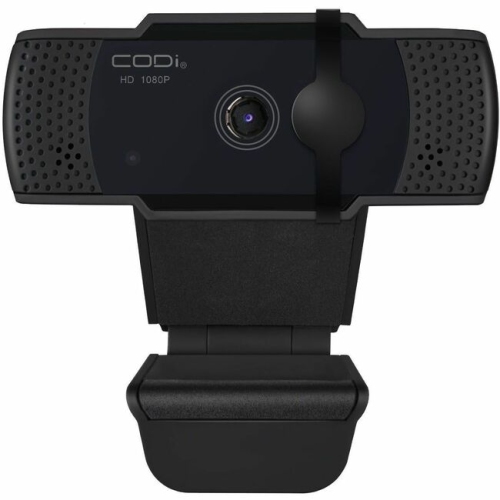
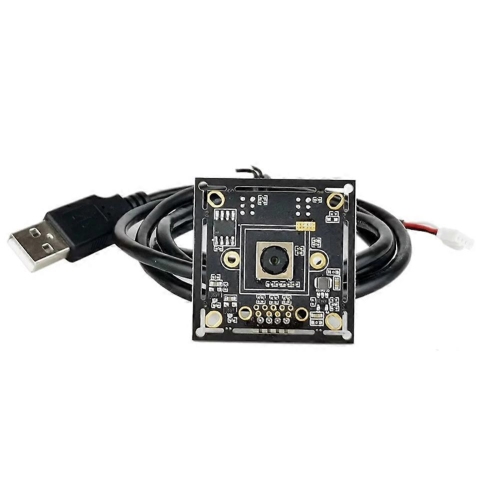
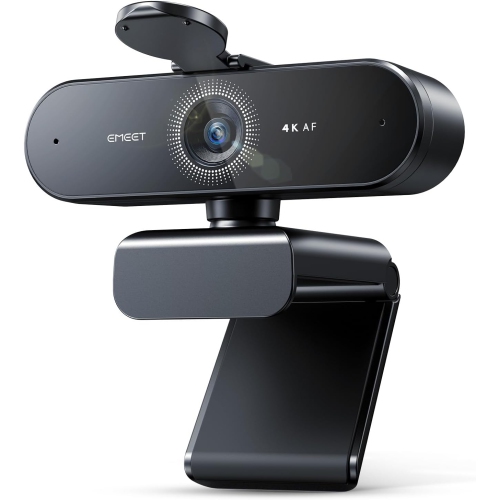
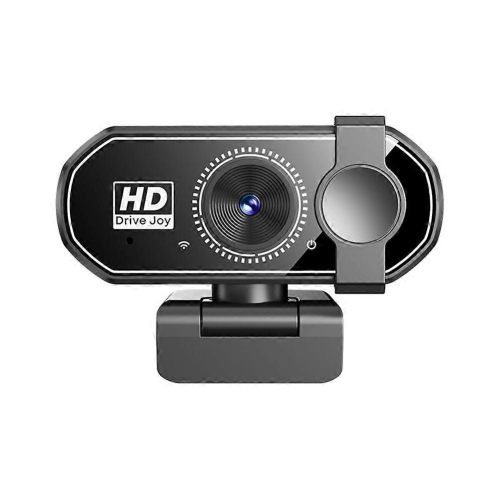
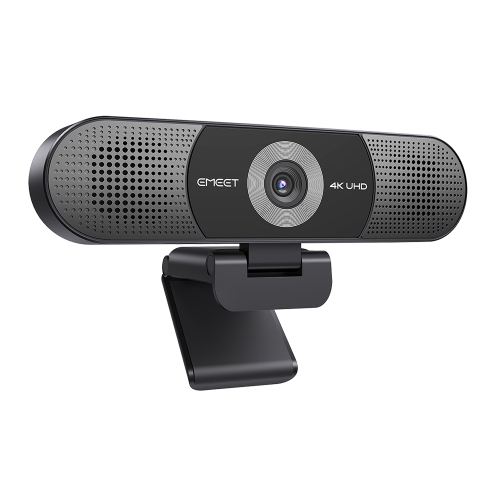
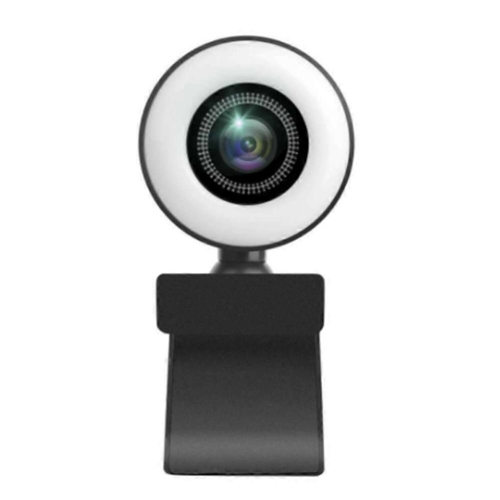
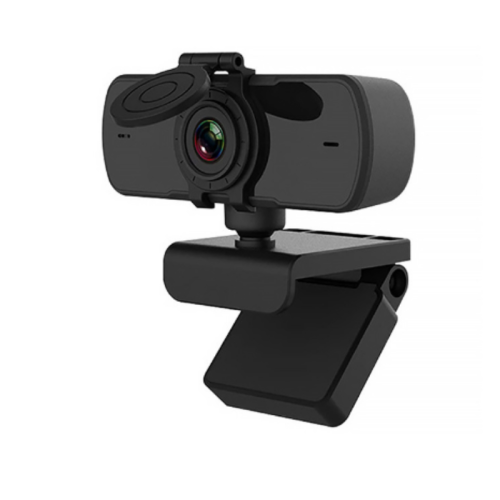
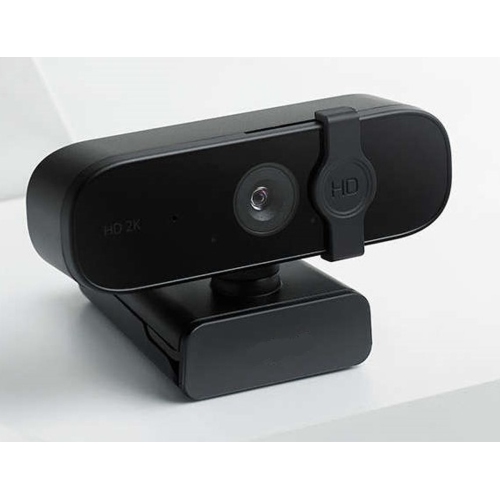
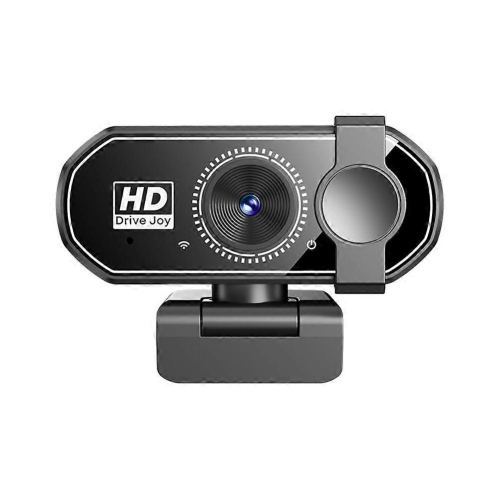
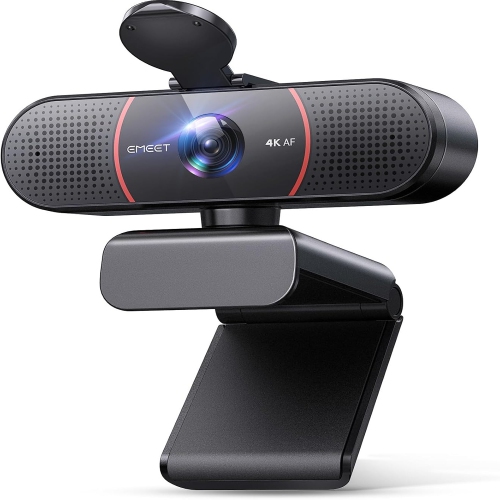
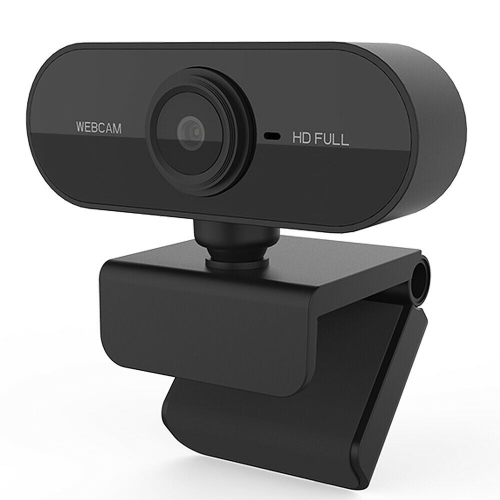
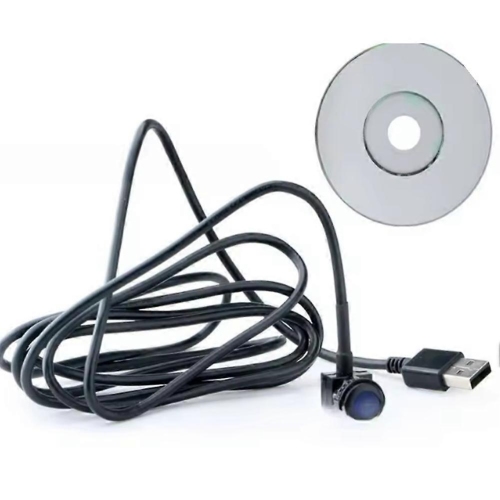
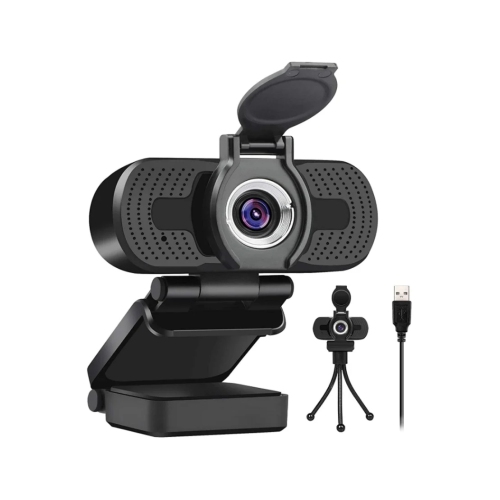
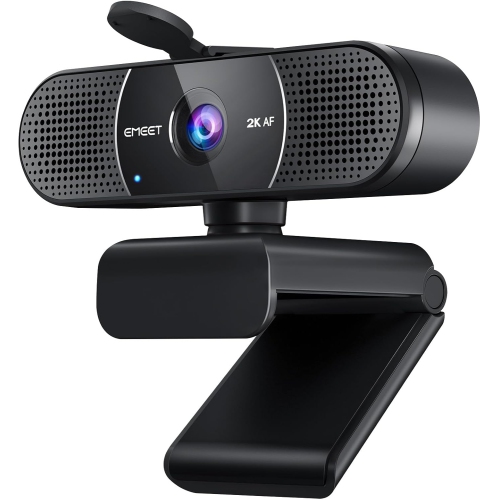
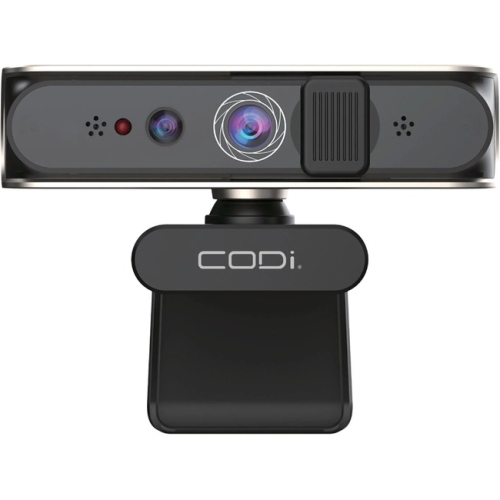
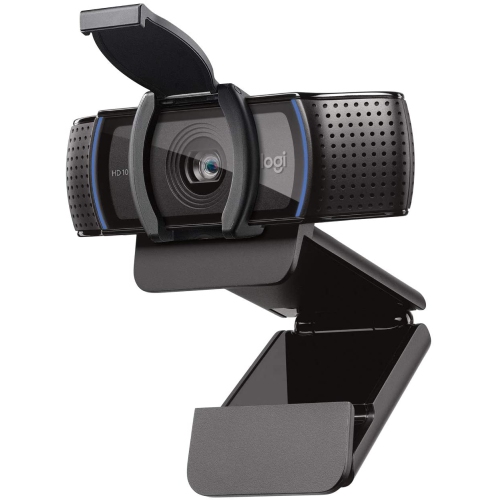
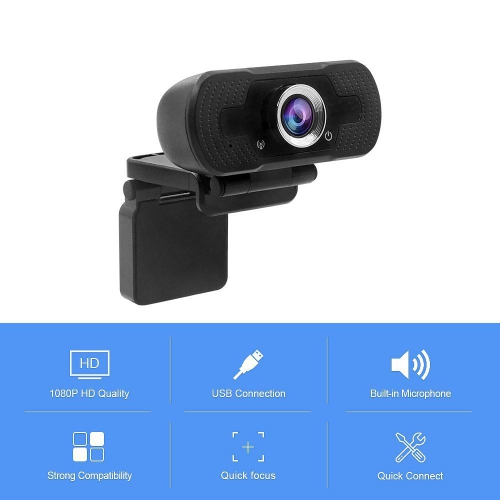
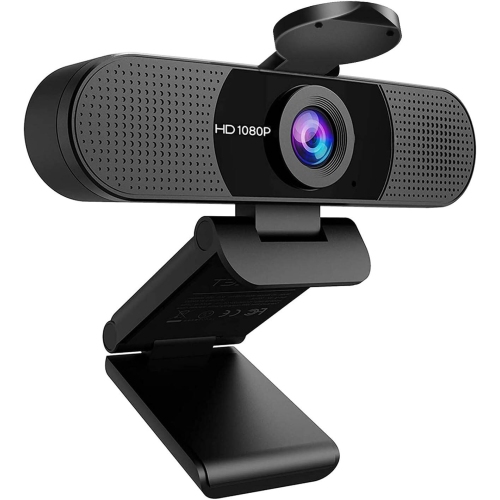
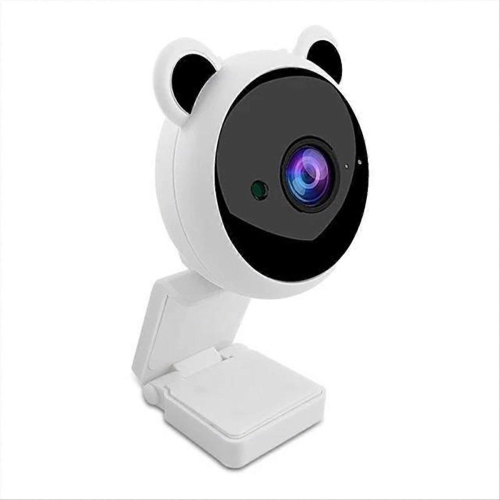
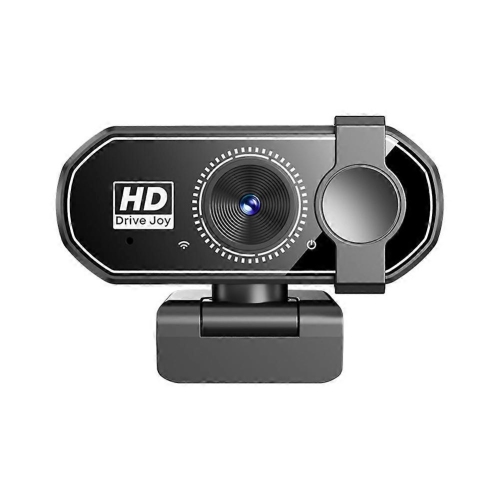
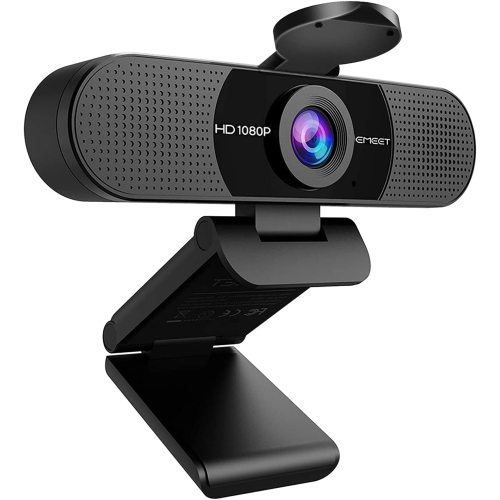
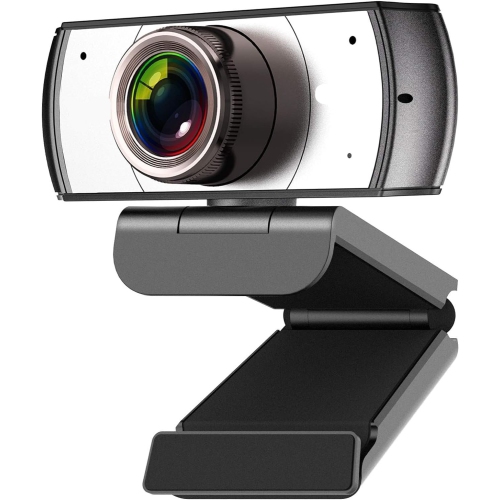
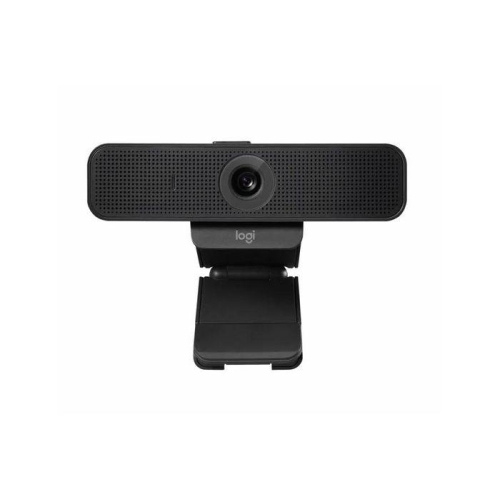
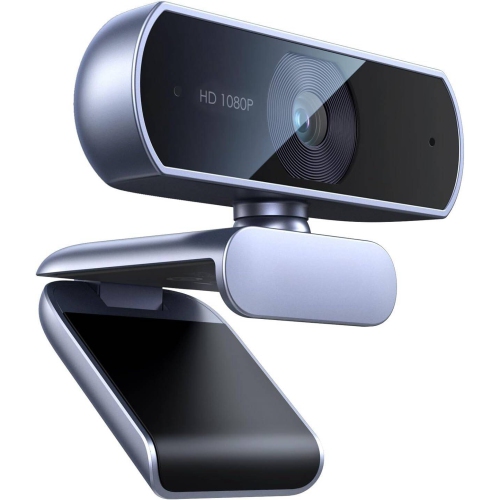
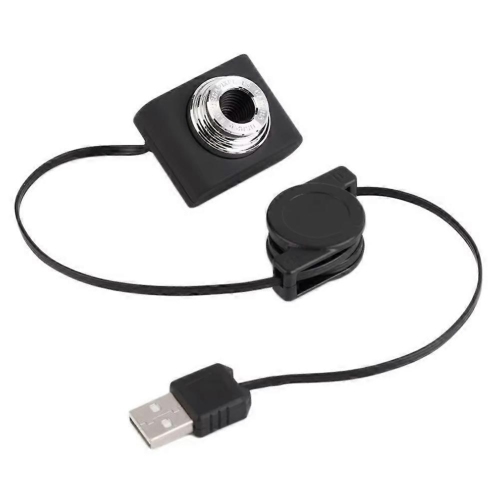
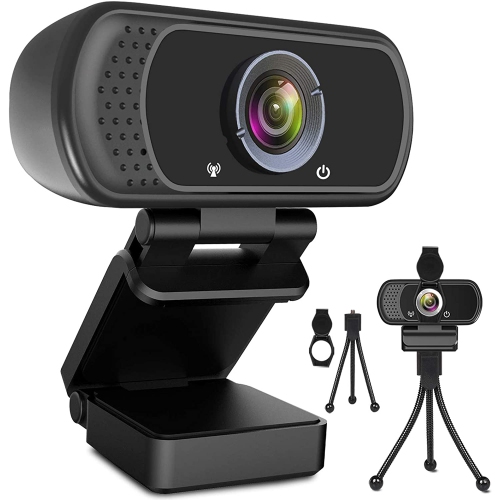
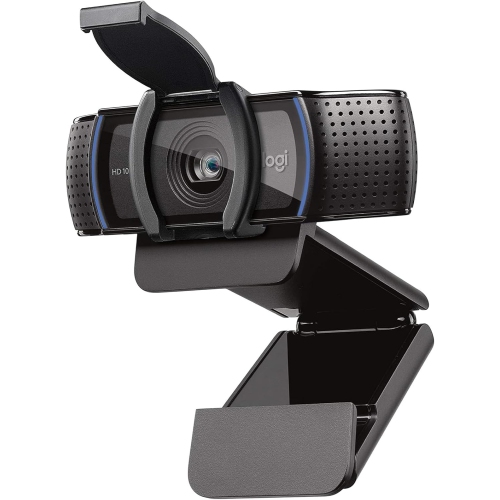
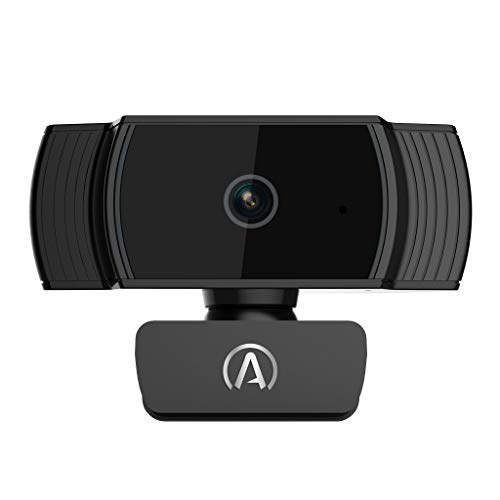
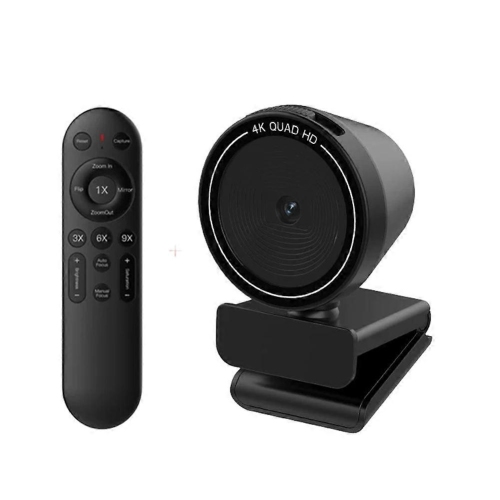
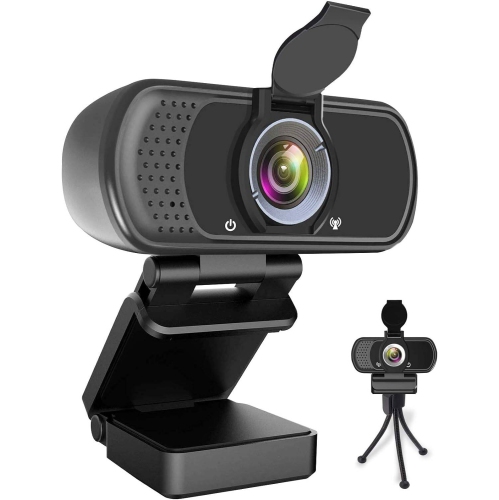
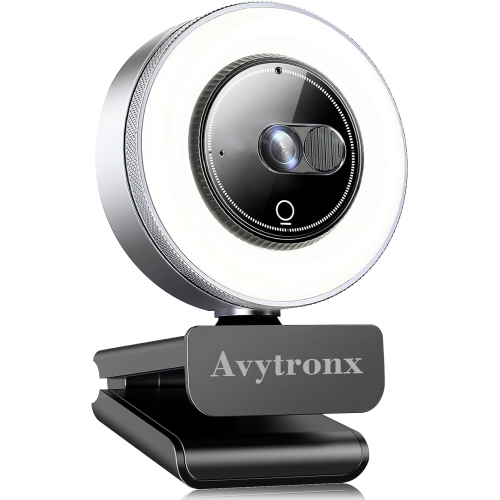
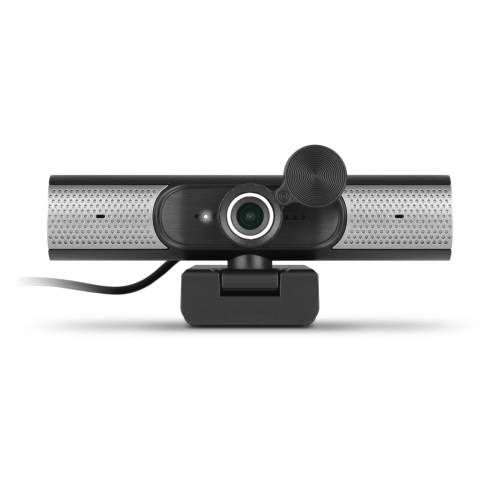
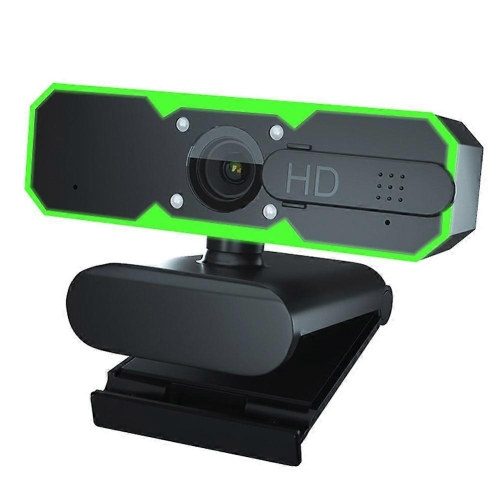

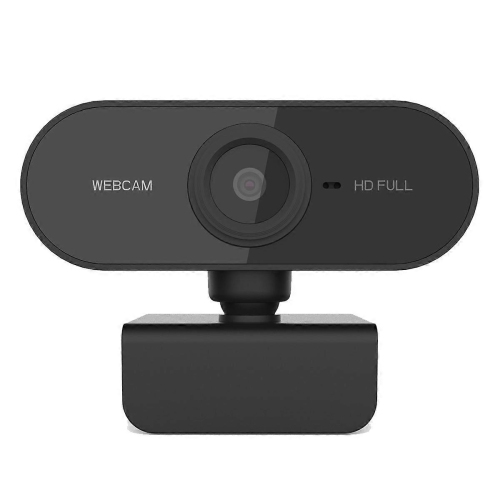
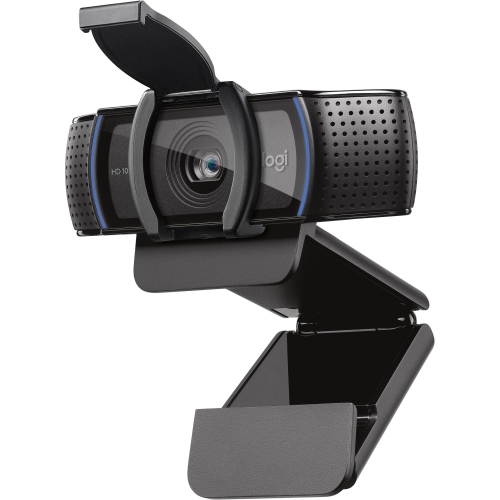
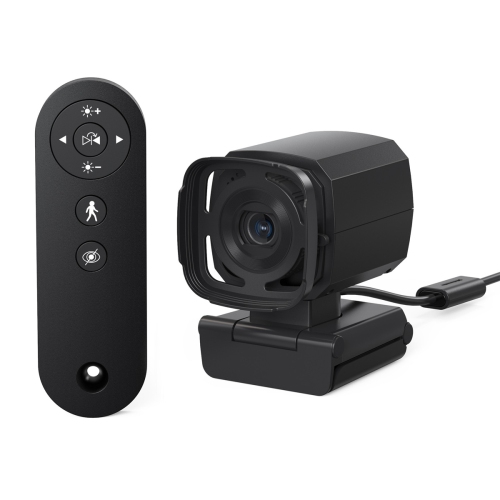
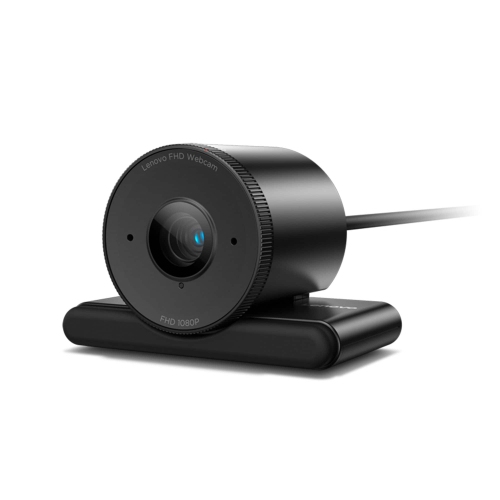
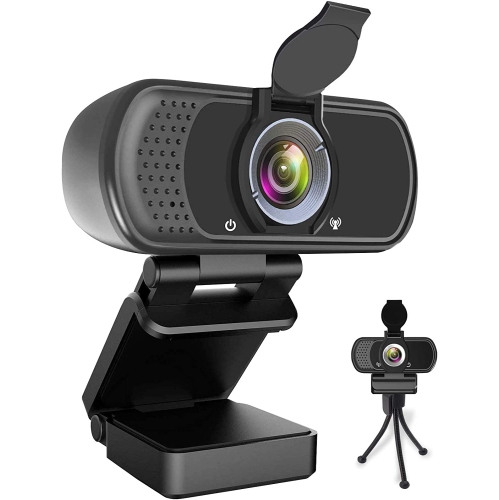
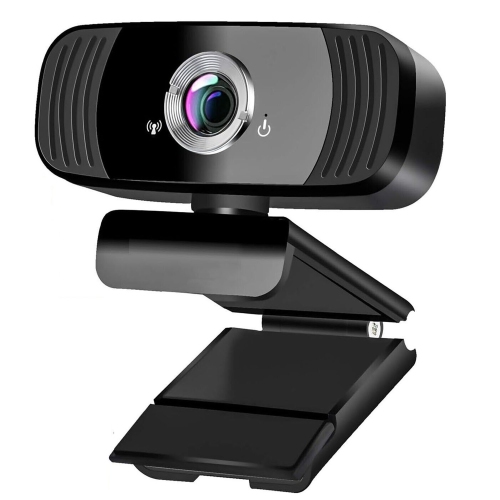
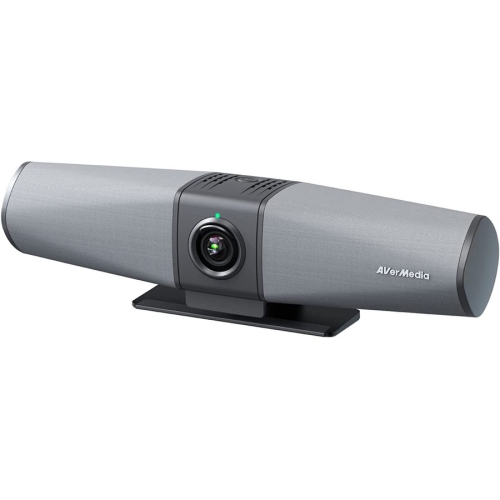
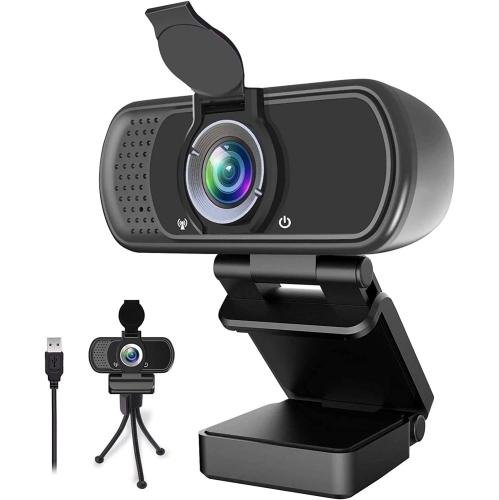
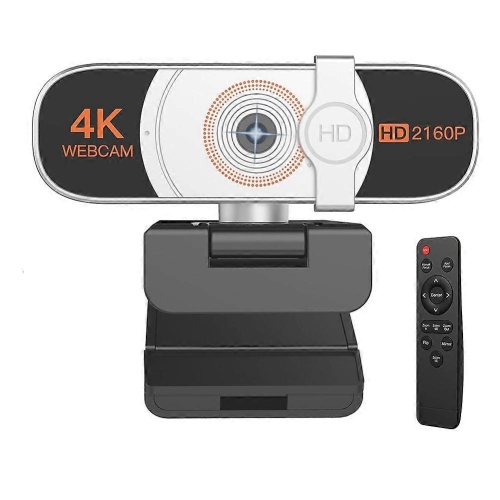
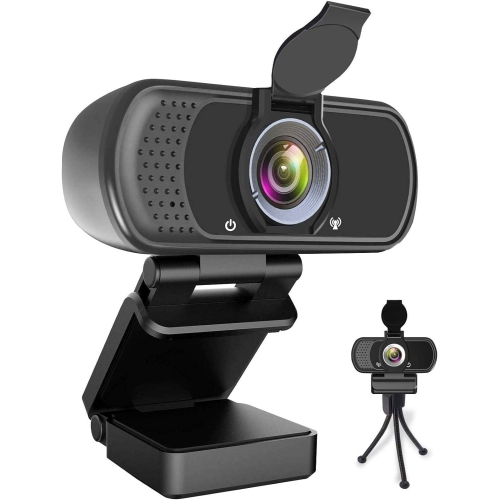
Portable video calling with clearer images and flexible positioning
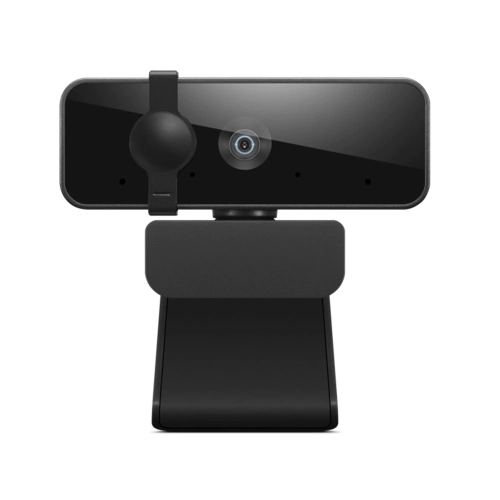
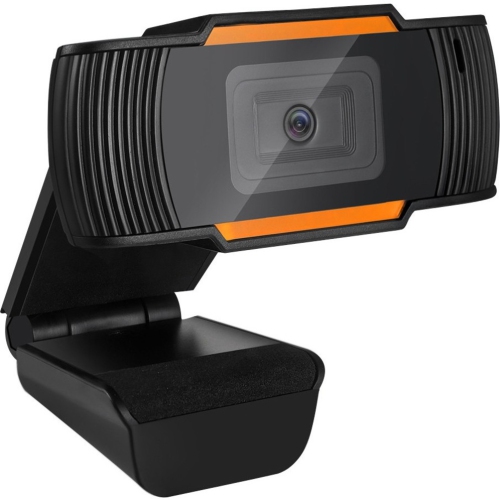
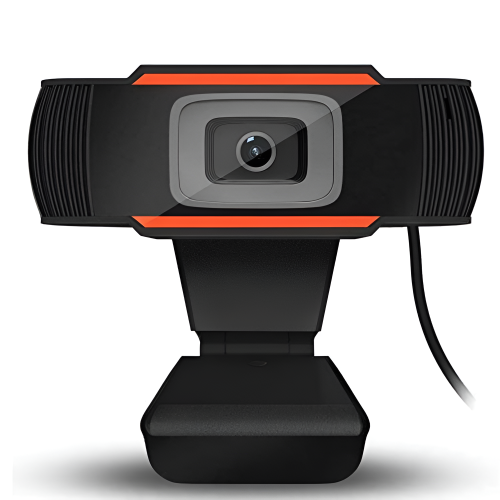
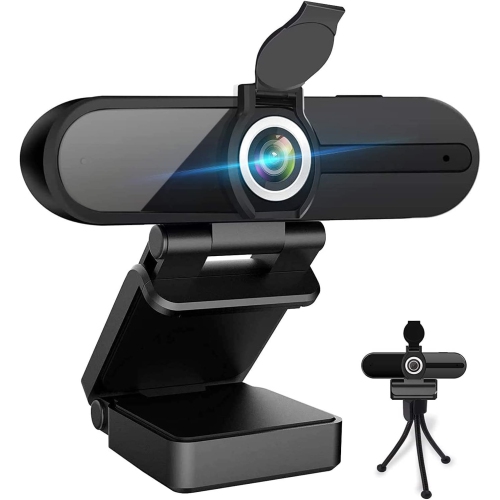
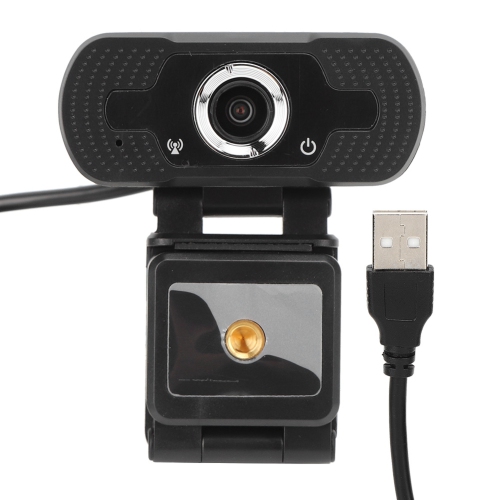
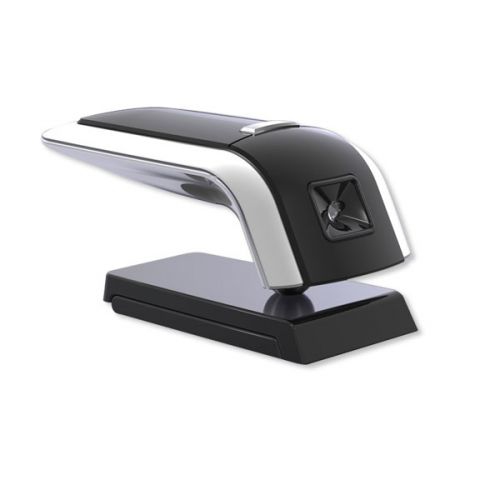
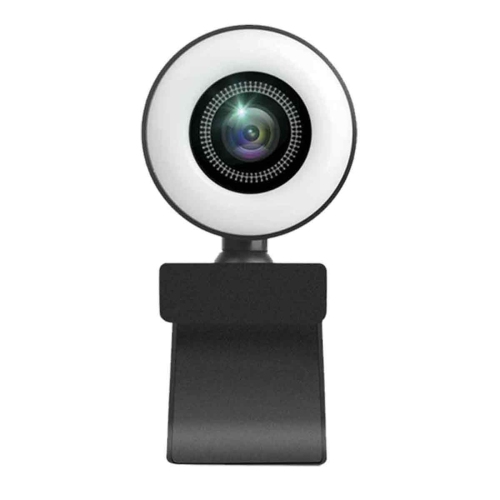
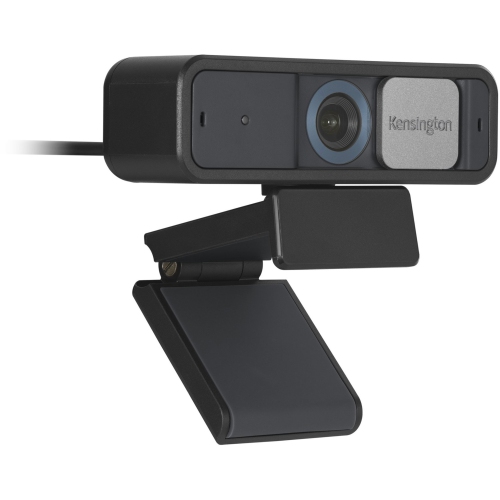
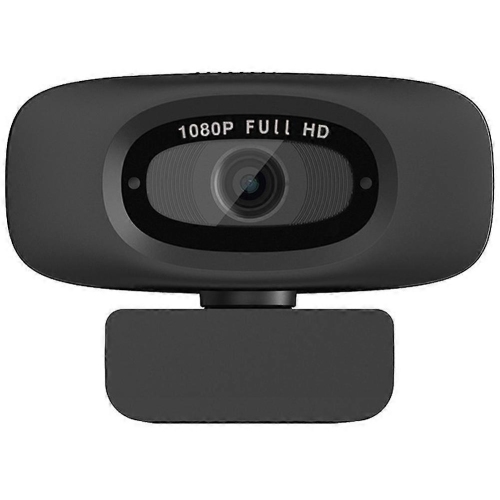
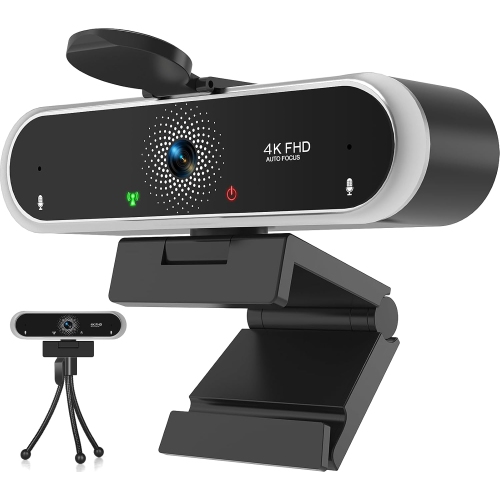
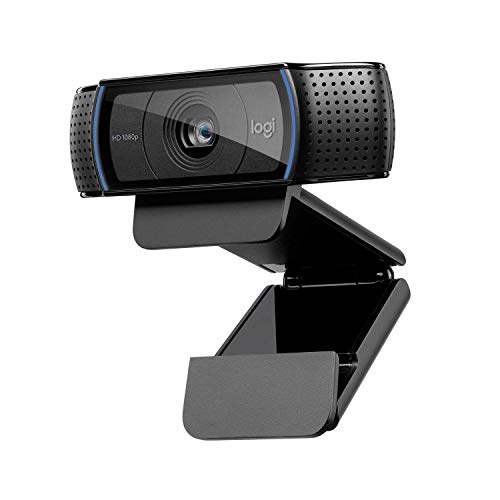
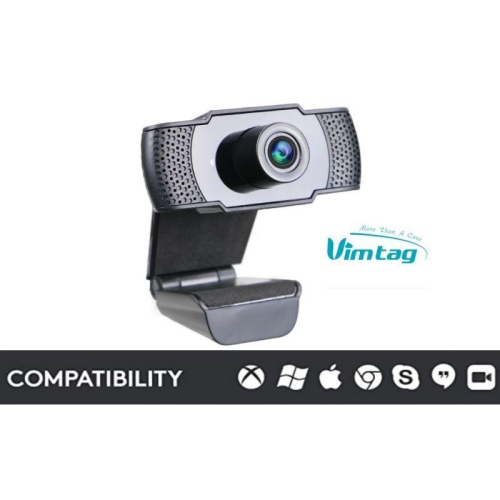
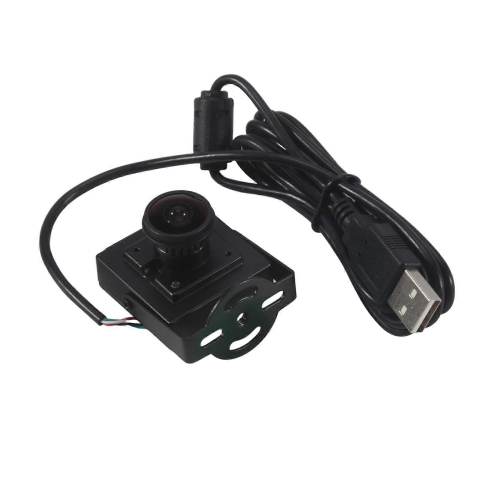
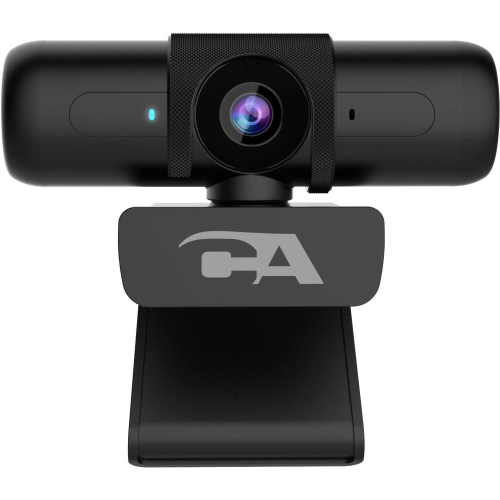
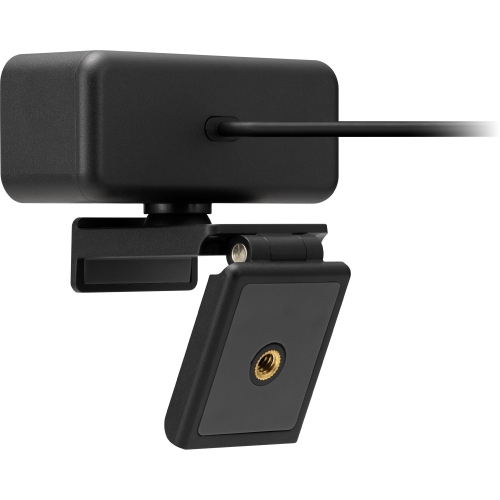
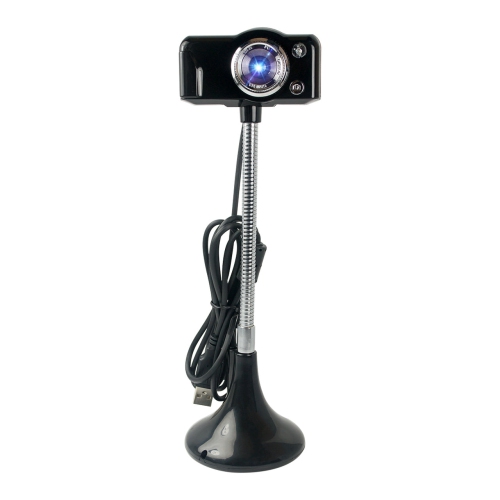
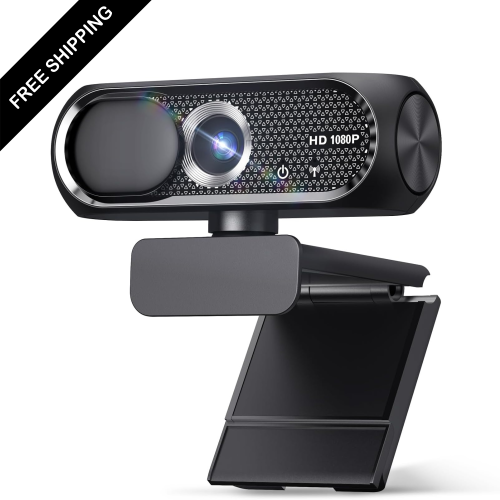
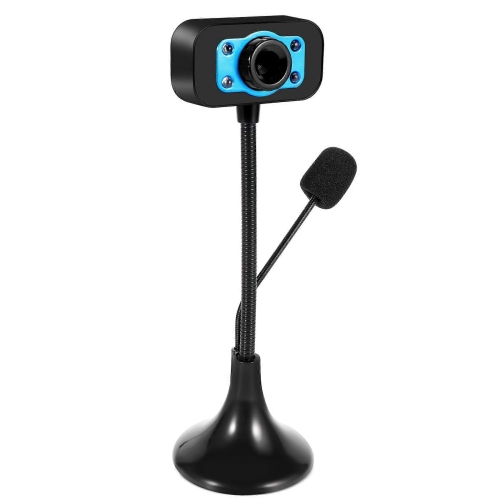
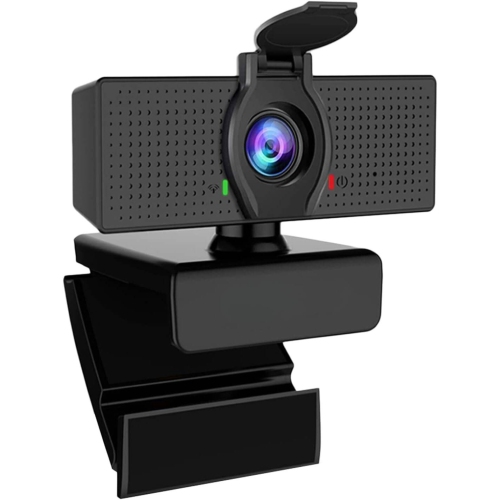
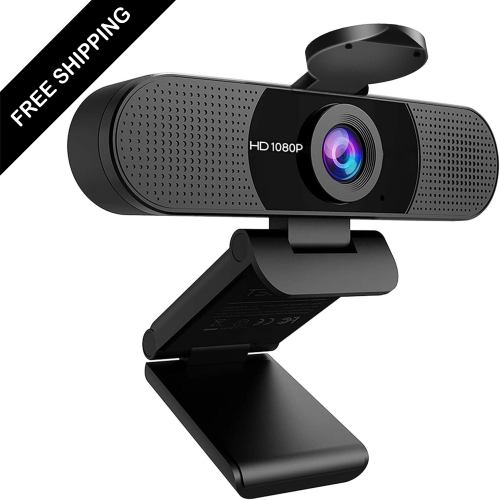
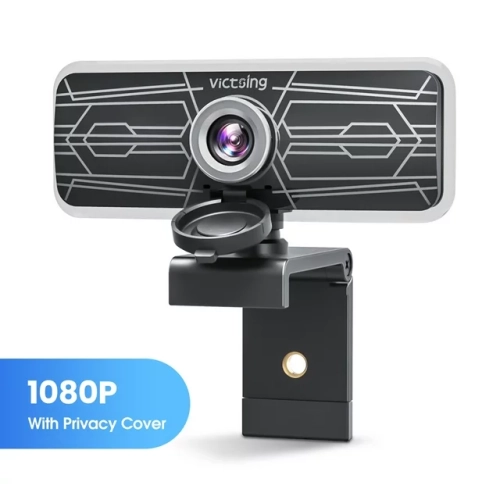
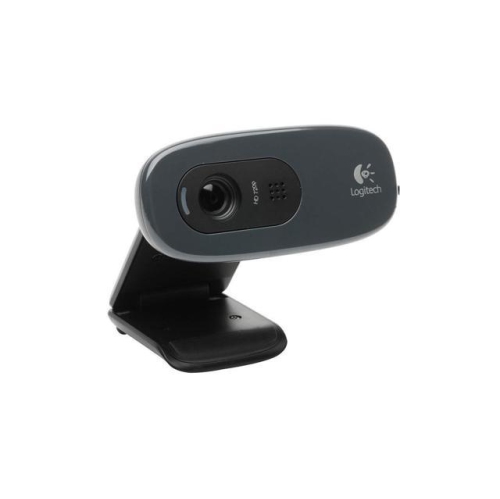
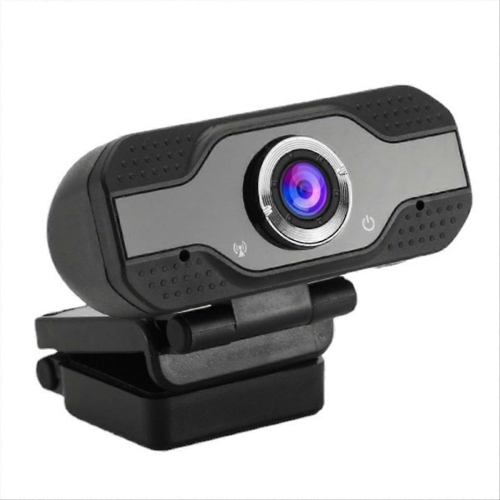
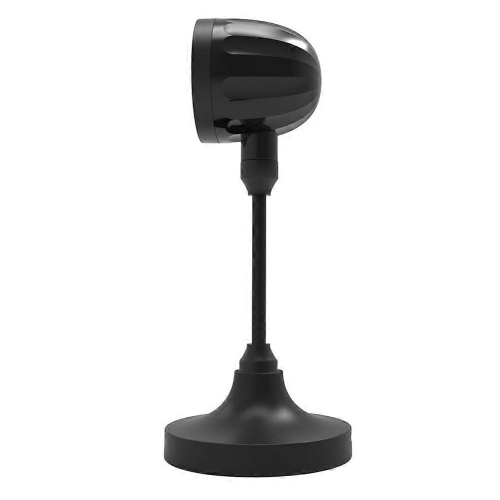
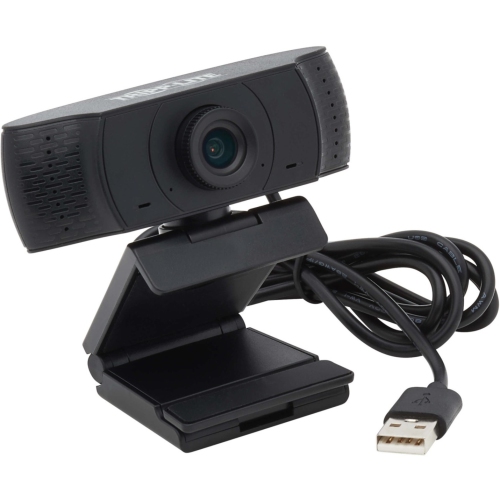
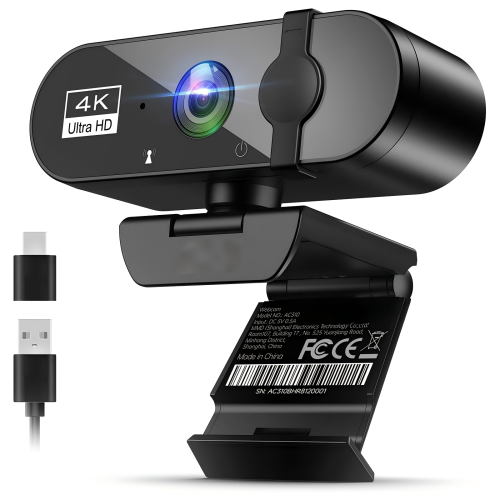
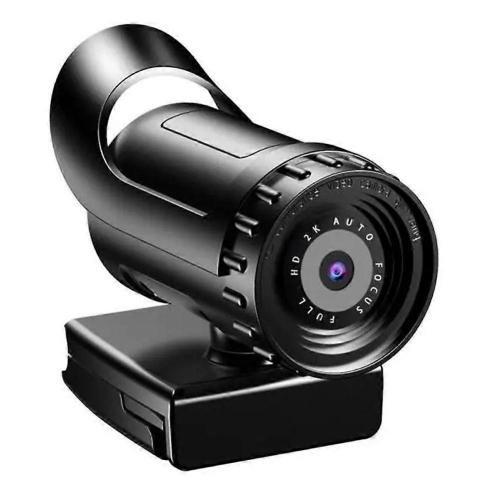
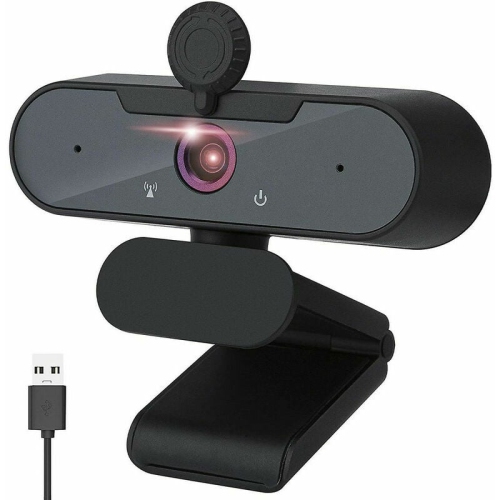
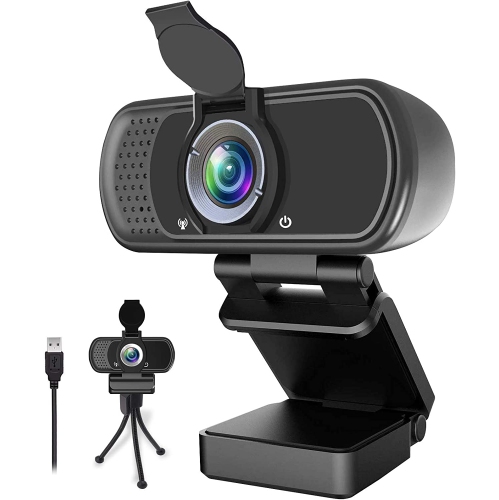
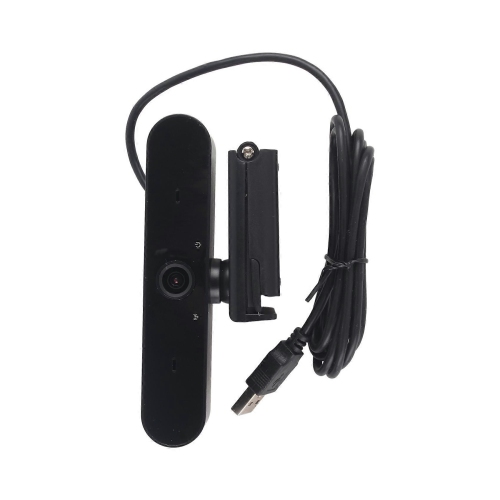
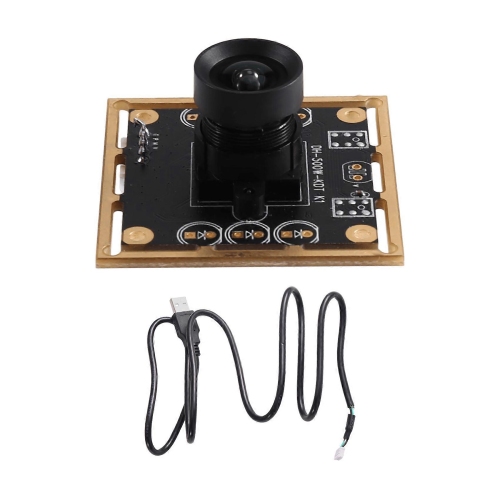
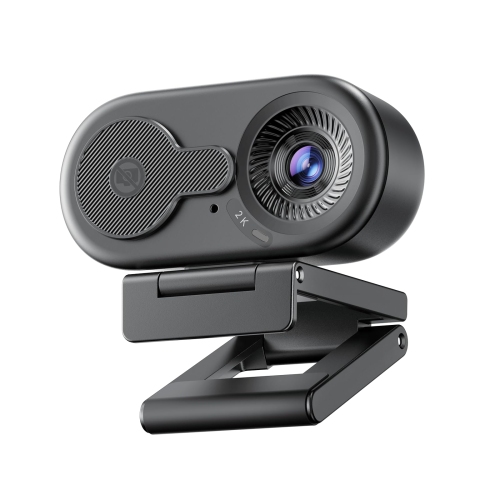
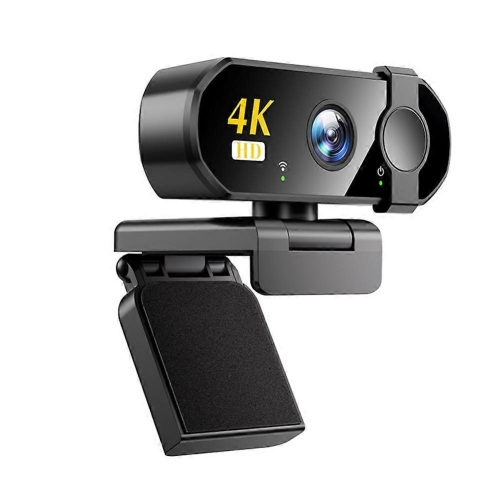
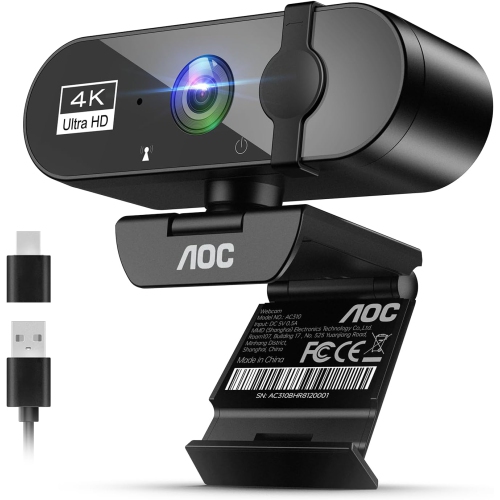
Portable webcams are compact cameras designed to make video calling, streaming, online learning, telehealth appointments, interviews, and remote work easier when you are away from a permanent desk setup. Unlike a built-in laptop camera, a portable webcam can offer a clearer image, more flexible positioning, and useful features that help you look and sound your best in changing surroundings. Many models connect through USB and are ready to use with popular video conferencing and messaging services, making them practical for Windows PCs, Mac computers, Chromebooks, and other compatible devices. Their small size makes them convenient to carry between a home office, workplace, classroom, library, hotel room, or shared living space. A clip-on design can attach to the top of a laptop or monitor, while some cameras can sit on a desk, tripod, or other stable surface. This flexibility is helpful for people who move between workstations or travel with only a laptop and a few accessories. A portable webcam can also be a thoughtful gift for a student settling into online classes, a family member who stays in touch through video calls, a professional working from different locations, or a creative person beginning to livestream or record presentations. When choosing one, consider how often it will be carried, how much room is available in a computer bag, and whether the camera needs to work in more than one environment. An ultra-compact camera is easy to pack and quick to position, while a slightly larger model may provide a wider viewing angle, a stronger mount, better microphones, or more control over the image. Checking the camera’s dimensions, connection type, cable length, and operating-system compatibility before buying can help ensure a smooth fit with the rest of your setup.
Image resolution is one of the most visible differences between portable webcams. HD resolution can be suitable for casual conversations and basic online meetings, while Full HD can provide a sharper, more polished image for presentations, interviews, and regular remote work. Higher-resolution options may capture finer details and allow more flexibility when cropping or recording, although the result also depends on your computer, internet connection, lighting, and the software being used. Automatic light correction is especially useful when a workspace changes throughout the day. A camera with exposure and colour adjustment can help balance a bright window behind you, a dim room, or the mixed lighting found in a café or hotel. For the most natural-looking image, position a light source in front of you rather than directly behind your head, and place the webcam close to eye level. A wider field of view can include two people in a frame or show more of a presentation area, while a narrower view may keep attention on one speaker and make a small room feel less distracting. Some portable webcams let you adjust the viewing angle or choose between different framing options. Built-in microphones can make a major difference when you are calling from a quiet room, but microphone performance varies with distance and background noise. If you expect to use a webcam in a shared office, near a kitchen, or while travelling, look for features that help reduce unwanted sound, and remember that a headset or dedicated microphone may still provide the clearest audio. A physical privacy cover or shutter is another useful consideration. It allows you to block the lens when the camera is not in use, offering a simple visual reminder that video is off. A foldable clip, protective cover, carrying pouch, or compact cable can make a portable model easier to store and transport. For additional options intended for a more permanent workstation, explore Desktop Webcams.
The best portable webcam is the one that matches the way you communicate. Someone who joins occasional family calls may value simple plug-and-play operation and a small footprint, while a remote professional may prefer clearer Full HD or higher-resolution video, automatic framing, a privacy shutter, and a microphone that keeps conversations understandable. Students can benefit from a camera that clips securely to a laptop and packs away quickly between classes. Travellers may appreciate a lightweight design that can be moved from a hotel desk to a temporary work area without requiring a complicated installation. Content creators and streamers may look for sharper video, smoother motion, a broad compatibility range, and mounting options that support different angles. Before using a new webcam, place it on a steady surface, confirm that the clip is secure, and select it as the camera and microphone in your meeting or recording application. A quick test call can reveal whether your face is well lit, whether the framing includes too much ceiling or desk space, and whether your voice is clear from the intended seating position. Keep the lens clean with a soft, dry cloth, and store the webcam safely when it is travelling in a backpack or laptop sleeve. During the cooler months, when work, study, and social plans may shift indoors, a portable webcam can help maintain face-to-face contact from almost anywhere. It can turn a kitchen table into a temporary office, make a long-distance conversation feel more personal, or give a presentation a more professional appearance without adding much equipment to your daily routine. Paying attention to portability, resolution, lighting support, audio, privacy, mounting, and device compatibility will help you choose a webcam that feels natural to use and remains useful across changing locations and everyday activities.
Image resolution is one of the most visible differences between portable webcams. HD resolution can be suitable for casual conversations and basic online meetings, while Full HD can provide a sharper, more polished image for presentations, interviews, and regular remote work. Higher-resolution options may capture finer details and allow more flexibility when cropping or recording, although the result also depends on your computer, internet connection, lighting, and the software being used. Automatic light correction is especially useful when a workspace changes throughout the day. A camera with exposure and colour adjustment can help balance a bright window behind you, a dim room, or the mixed lighting found in a café or hotel. For the most natural-looking image, position a light source in front of you rather than directly behind your head, and place the webcam close to eye level. A wider field of view can include two people in a frame or show more of a presentation area, while a narrower view may keep attention on one speaker and make a small room feel less distracting. Some portable webcams let you adjust the viewing angle or choose between different framing options. Built-in microphones can make a major difference when you are calling from a quiet room, but microphone performance varies with distance and background noise. If you expect to use a webcam in a shared office, near a kitchen, or while travelling, look for features that help reduce unwanted sound, and remember that a headset or dedicated microphone may still provide the clearest audio. A physical privacy cover or shutter is another useful consideration. It allows you to block the lens when the camera is not in use, offering a simple visual reminder that video is off. A foldable clip, protective cover, carrying pouch, or compact cable can make a portable model easier to store and transport. For additional options intended for a more permanent workstation, explore Desktop Webcams.
The best portable webcam is the one that matches the way you communicate. Someone who joins occasional family calls may value simple plug-and-play operation and a small footprint, while a remote professional may prefer clearer Full HD or higher-resolution video, automatic framing, a privacy shutter, and a microphone that keeps conversations understandable. Students can benefit from a camera that clips securely to a laptop and packs away quickly between classes. Travellers may appreciate a lightweight design that can be moved from a hotel desk to a temporary work area without requiring a complicated installation. Content creators and streamers may look for sharper video, smoother motion, a broad compatibility range, and mounting options that support different angles. Before using a new webcam, place it on a steady surface, confirm that the clip is secure, and select it as the camera and microphone in your meeting or recording application. A quick test call can reveal whether your face is well lit, whether the framing includes too much ceiling or desk space, and whether your voice is clear from the intended seating position. Keep the lens clean with a soft, dry cloth, and store the webcam safely when it is travelling in a backpack or laptop sleeve. During the cooler months, when work, study, and social plans may shift indoors, a portable webcam can help maintain face-to-face contact from almost anywhere. It can turn a kitchen table into a temporary office, make a long-distance conversation feel more personal, or give a presentation a more professional appearance without adding much equipment to your daily routine. Paying attention to portability, resolution, lighting support, audio, privacy, mounting, and device compatibility will help you choose a webcam that feels natural to use and remains useful across changing locations and everyday activities.
Top selling and popular products
-
 Your price for this item is $79.99
 -
 Your price for this item is $123.44
 -
 Your price for this item is $27.98
 -
 Your price for this item is $48.49
 -
 Your price for this item is $149.99
 -
 Your price for this item is $249.99
 -
 Your price for this item is $49.99
 -
 Your price for this item is $34.99
Discover more categories related to Portable Webcams
Top Collections:
Pokemon Centers, Best Cameras for Sports Photography, Kindle Devices, Samsung Galaxy Phones, Canon G7X Cameras, Pokémon 30th Celebration Cards, Refurbished Apple Laptops, iPhone 15 Apple, Laptops for Students, Budget Smartphones
Some products may be subject to Environmental Handling Fees
(EHF) depending on your province.
Learn more about EHFs.