Mice for Gaming Laptops
Level up your gameplay with the right mouse for gaming laptops, designed to enhance precision and responsiveness during every match. Whether you’re battling in fast-paced shooters or exploring expansive open worlds, finding a reliable mouse can make all the difference. Explore a wide selection of options tailored to suit various play styles and preferences, making it easy to find the perfect fit for your setup. Discover the best mouse for gaming laptops and enjoy a smoother, more immersive experience every time you play.
Sort






Mouse comfort and control beyond your usual gaming desk
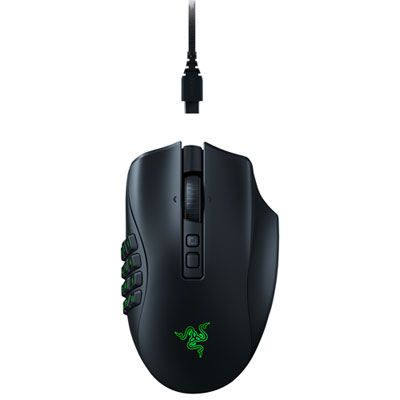
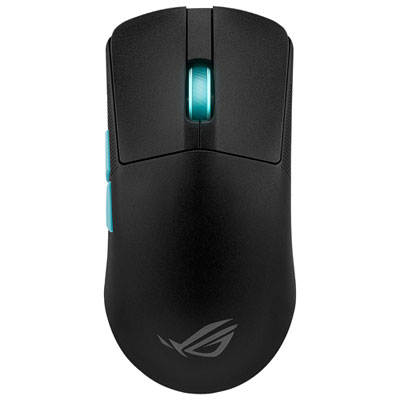
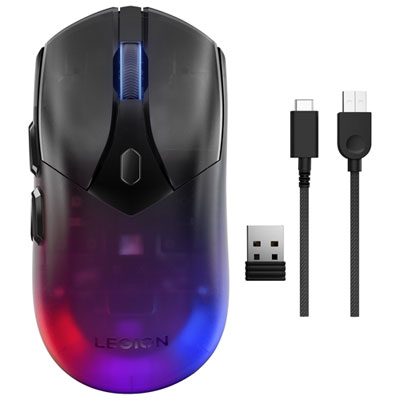
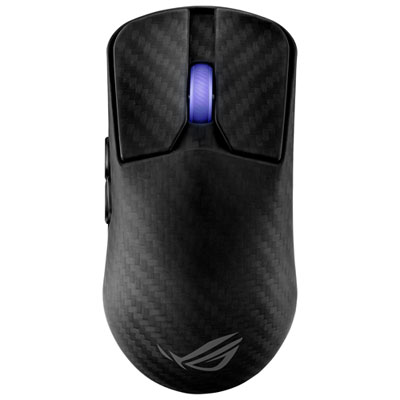
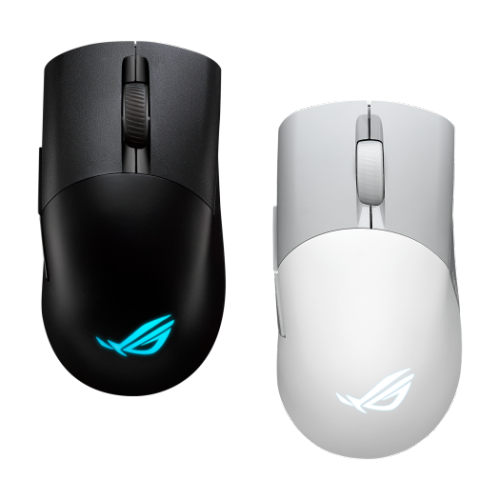
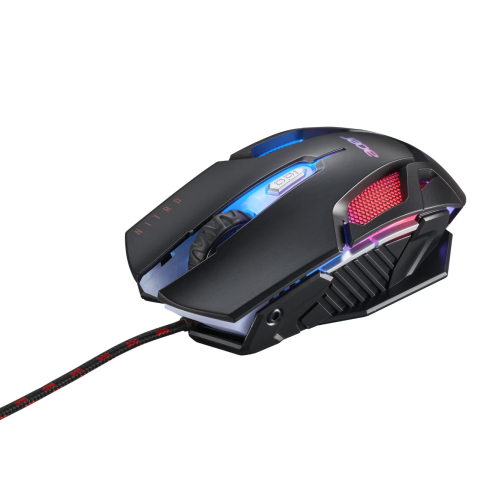
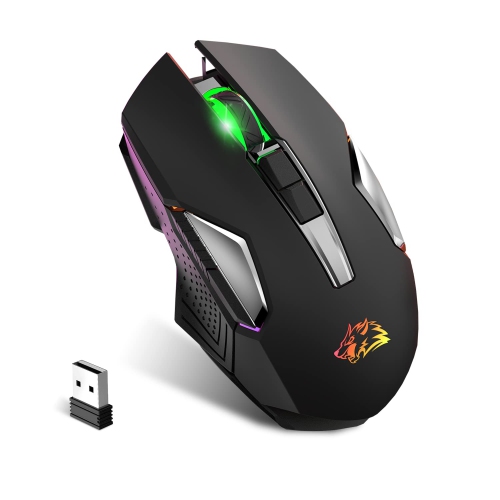
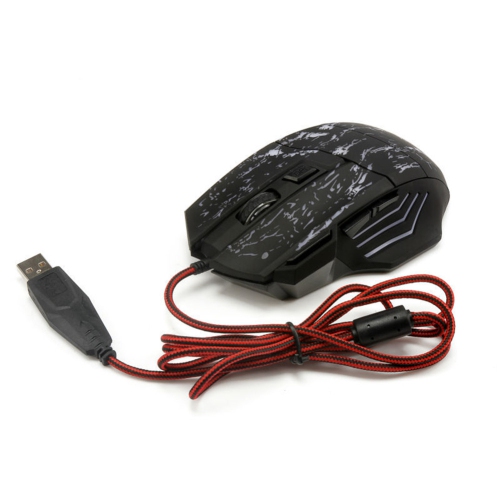
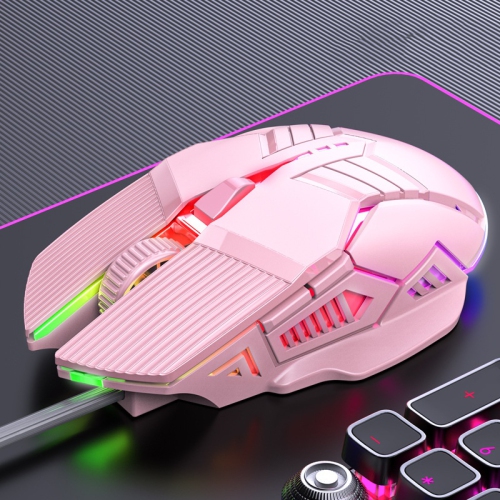
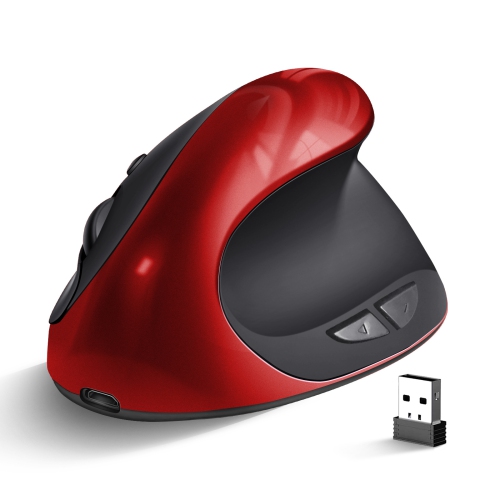
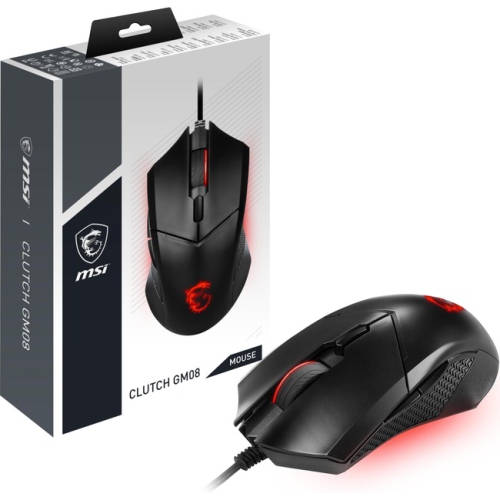
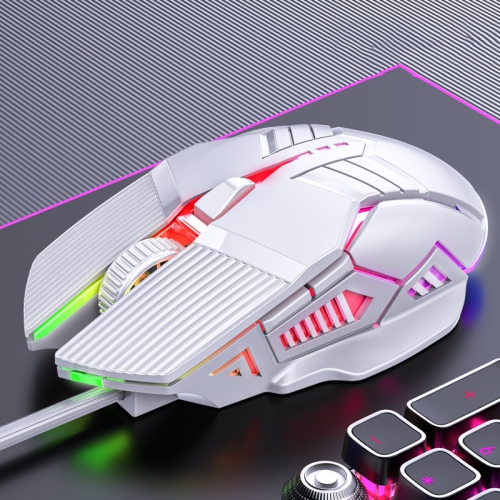
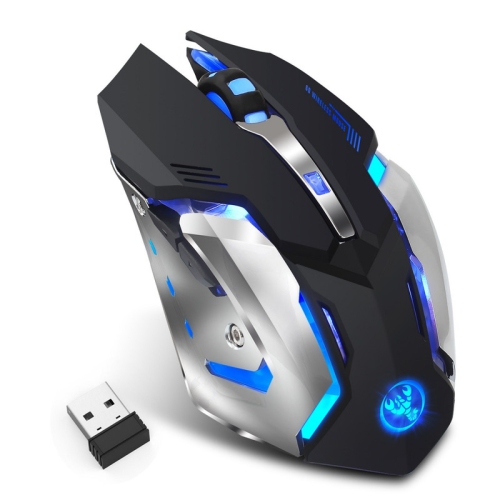
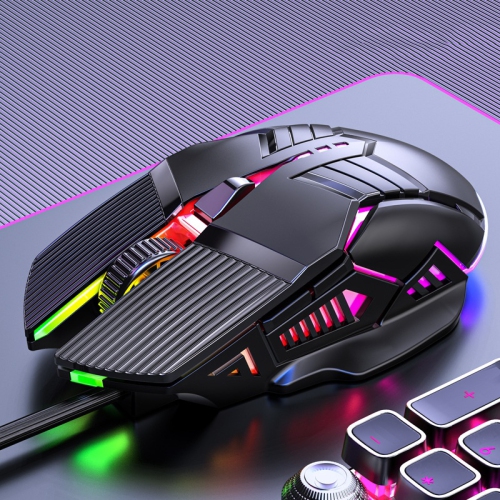
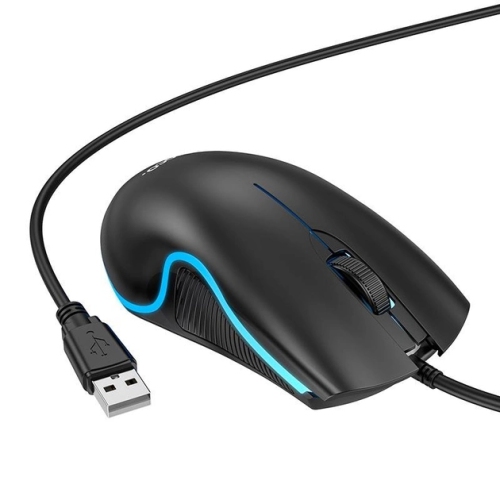
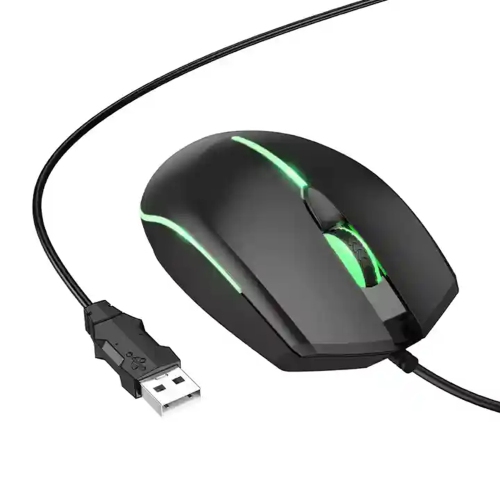
Mice for gaming laptops combine responsive tracking, comfortable controls, and practical portability for play at a desk or away from a regular setup. The right fit depends on hand size, preferred games, connection options, and how much room there is beside the laptop. A compact mouse is easy to tuck into a carrying sleeve, but a fuller shape may provide better palm support during longer sessions. Wired gaming mice offer a direct USB connection without a battery to charge, making them useful for players who prefer a straightforward setup. Their cables do need enough slack for broad movements, especially when the laptop’s USB ports sit on the opposite side of the desk. Wireless gaming mice remove that cable from the playing surface, while models with a dedicated 2.4 GHz USB receiver can provide the low-latency connection suited to fast-paced games. Bluetooth is convenient for everyday laptop use without a receiver, although it generally has higher latency than a gaming-focused wireless connection. Dual-mode or multi-mode designs can make it easier to switch between gaming and coursework, office tasks, or browsing. Port compatibility matters here: a USB-A receiver or cable may need an adapter for a laptop equipped only with USB-C ports. Rechargeable models and mice that use replaceable batteries also suit different routines. Battery life varies with lighting, polling rate, connection mode, and usage, so a quoted maximum does not necessarily reflect intensive gaming. For a setup that moves between a bedroom desk and a shared table, an on-board receiver compartment and a protective pouch help keep small parts together. A mouse with wired operation while charging can also be useful, provided that feature is supported; a charging cable does not always carry mouse input. These everyday details can matter as much as headline specifications when a gaming laptop serves as both a portable computer and the centre of a home gaming setup.
Shape, weight, and button placement influence how a gaming mouse feels long before its highest sensitivity setting becomes relevant. Palm-grip players tend to rest more of the hand on the shell, while claw and fingertip grips use different contact points and may feel more natural with a shorter body or a differently positioned hump. Hand size still matters within each grip style. A small mouse can travel neatly yet leave a larger hand feeling cramped, and a wide shell can make side buttons difficult to reach for someone with a narrower hand. Right-handed sculpted designs often include a thumb rest or a sloped body; symmetrical shapes may suit a wider range of grips, but they are not necessarily fully ambidextrous if their side buttons appear only on the left. Lightweight mice are often favoured for the repeated sweeping movements used in first-person shooters, while some players prefer a more substantial feel for controlled cursor movement. Adjustable DPI changes how far the pointer travels for a given physical movement, helping match the mouse to personal preference, display resolution, and in-game sensitivity. A very high maximum DPI is not, by itself, evidence of better accuracy. Consistent sensor tracking, suitable lift-off behaviour, and a comfortable shape are usually more meaningful in play. Polling rate describes how frequently the mouse reports input to the computer; higher settings can reduce the interval between reports, but may also increase power use and processing demands. For role-playing games, extra programmable buttons can put frequently used commands within thumb reach, while strategy players may appreciate clearly separated buttons and a scroll wheel with distinct steps. Customization features depend on software and operating-system support. On-board memory, where included, can retain supported settings when moving between computers. For someone who uses the same laptop for gaming, design projects, and spreadsheets, separate profiles can make those transitions simpler without requiring the same sensitivity or button assignments for every task.
Materials and construction affect both daily comfort and how well a mouse holds up to regular travel. Gaming mice commonly use plastic shells, with smooth, matte, or textured finishes that feel different under the hand. Rubberized side grips can add traction, although their texture and long-term wear vary. Perforated shells reduce material and can lower weight, but their openings may collect dust more readily than a closed design. Underneath, low-friction feet help the mouse glide; their condition and the surface beneath them influence how smooth each movement feels. A consistent mouse pad is useful beside a laptop, especially on tables with reflective, uneven, or visibly grained surfaces that may interfere with tracking. Smaller mice do not automatically require less playing space: low-sensitivity settings still call for room to move. A compact pad can suit tighter arrangements, while a wider surface accommodates broad arm movements without repeatedly reaching an edge. Routine care is simple but worthwhile. With the mouse disconnected or switched off, a soft cloth can remove hand oils from the shell, and gentle cleaning around the wheel and feet helps prevent debris from building up. Any cleaning solution should follow the manufacturer’s care directions rather than being sprayed directly into openings. Cables last better when loosely coiled instead of tightly wrapped around the mouse, and a separate compartment helps prevent buttons and scroll wheels from being pressed against a laptop charger during transport. Appearance can be part of the choice, too, whether the preference is understated black, a brighter colour, or adjustable lighting that coordinates with a keyboard. For a more playful look, Cute Mice for Laptops offers a related style direction, with gaming suitability still depending on each mouse’s tracking, controls, and connection. As a gift for a student, a frequent traveller, or someone building a laptop gaming setup, a mouse is most personal when its size, handedness, and button layout match the recipient’s habits. A comfortable fit and dependable connection give it a useful role well beyond any single game.
Shape, weight, and button placement influence how a gaming mouse feels long before its highest sensitivity setting becomes relevant. Palm-grip players tend to rest more of the hand on the shell, while claw and fingertip grips use different contact points and may feel more natural with a shorter body or a differently positioned hump. Hand size still matters within each grip style. A small mouse can travel neatly yet leave a larger hand feeling cramped, and a wide shell can make side buttons difficult to reach for someone with a narrower hand. Right-handed sculpted designs often include a thumb rest or a sloped body; symmetrical shapes may suit a wider range of grips, but they are not necessarily fully ambidextrous if their side buttons appear only on the left. Lightweight mice are often favoured for the repeated sweeping movements used in first-person shooters, while some players prefer a more substantial feel for controlled cursor movement. Adjustable DPI changes how far the pointer travels for a given physical movement, helping match the mouse to personal preference, display resolution, and in-game sensitivity. A very high maximum DPI is not, by itself, evidence of better accuracy. Consistent sensor tracking, suitable lift-off behaviour, and a comfortable shape are usually more meaningful in play. Polling rate describes how frequently the mouse reports input to the computer; higher settings can reduce the interval between reports, but may also increase power use and processing demands. For role-playing games, extra programmable buttons can put frequently used commands within thumb reach, while strategy players may appreciate clearly separated buttons and a scroll wheel with distinct steps. Customization features depend on software and operating-system support. On-board memory, where included, can retain supported settings when moving between computers. For someone who uses the same laptop for gaming, design projects, and spreadsheets, separate profiles can make those transitions simpler without requiring the same sensitivity or button assignments for every task.
Materials and construction affect both daily comfort and how well a mouse holds up to regular travel. Gaming mice commonly use plastic shells, with smooth, matte, or textured finishes that feel different under the hand. Rubberized side grips can add traction, although their texture and long-term wear vary. Perforated shells reduce material and can lower weight, but their openings may collect dust more readily than a closed design. Underneath, low-friction feet help the mouse glide; their condition and the surface beneath them influence how smooth each movement feels. A consistent mouse pad is useful beside a laptop, especially on tables with reflective, uneven, or visibly grained surfaces that may interfere with tracking. Smaller mice do not automatically require less playing space: low-sensitivity settings still call for room to move. A compact pad can suit tighter arrangements, while a wider surface accommodates broad arm movements without repeatedly reaching an edge. Routine care is simple but worthwhile. With the mouse disconnected or switched off, a soft cloth can remove hand oils from the shell, and gentle cleaning around the wheel and feet helps prevent debris from building up. Any cleaning solution should follow the manufacturer’s care directions rather than being sprayed directly into openings. Cables last better when loosely coiled instead of tightly wrapped around the mouse, and a separate compartment helps prevent buttons and scroll wheels from being pressed against a laptop charger during transport. Appearance can be part of the choice, too, whether the preference is understated black, a brighter colour, or adjustable lighting that coordinates with a keyboard. For a more playful look, Cute Mice for Laptops offers a related style direction, with gaming suitability still depending on each mouse’s tracking, controls, and connection. As a gift for a student, a frequent traveller, or someone building a laptop gaming setup, a mouse is most personal when its size, handedness, and button layout match the recipient’s habits. A comfortable fit and dependable connection give it a useful role well beyond any single game.
Top selling and popular products
-
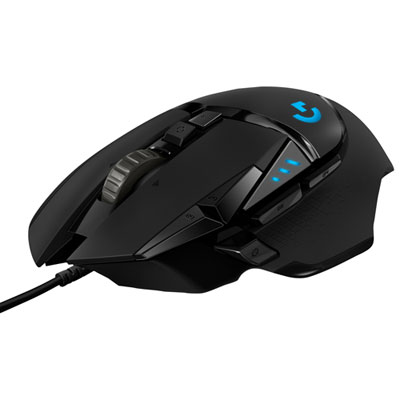 Your price for this item is $59.99
-
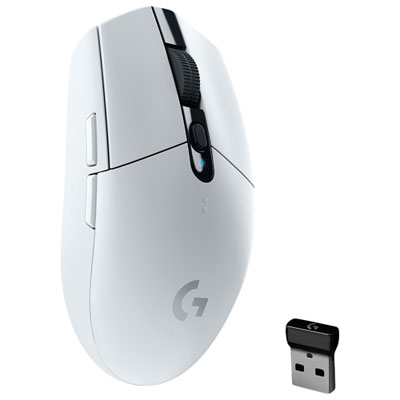 Your price for this item is $49.99
-
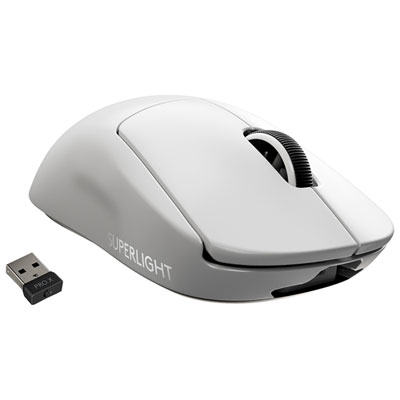 Your price for this item is $199.95
-
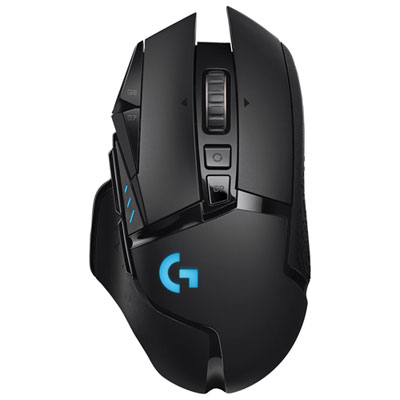 Your price for this item is $149.99
-
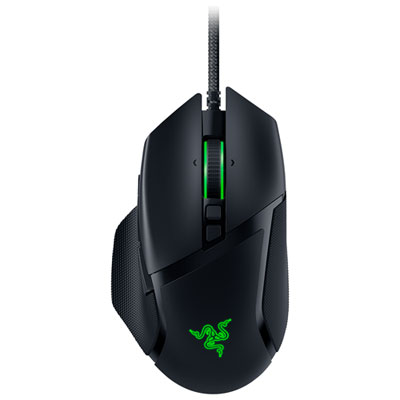 Your price for this item is $99.99
-
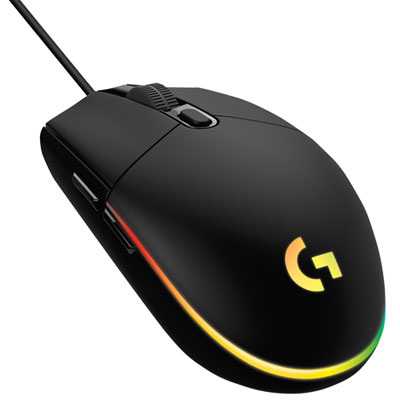 Your price for this item is $39.99
-
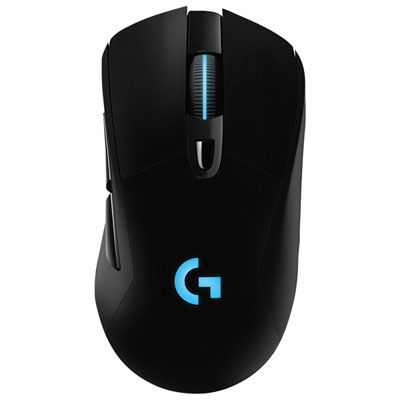 Your price for this item is $119.99
-
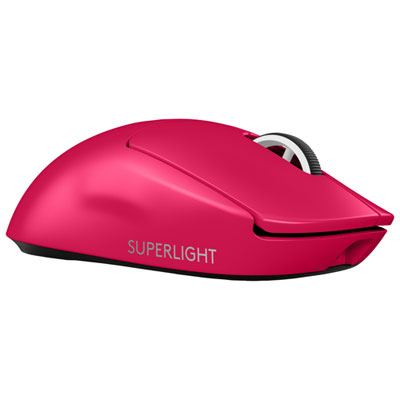 Your price for this item is $219.99
Discover more categories related to Mice for Gaming Laptops
Top Collections:
Pokemon Centers, Pokémon 30th Celebration Cards, Best Budget Office Chairs, Kindle Devices, Best Cameras for Sports Photography, Canon G7X Cameras, Best Black Friday Deals On Electronics, Best Laptops for Writers, iPhone 15 Apple, Jackery Power Stations
Some products may be subject to Environmental Handling Fees
(EHF) depending on your province.
Learn more about EHFs.