MSI Aegis R
Elevate your gaming and computing setup with the MSI Aegis R. Designed for high-performance users, this lineup delivers powerful capabilities to handle demanding tasks and immersive entertainment experiences. Whether you're upgrading your home office or building the ultimate gaming station, the MSI Aegis R offers reliability and style to match your needs. Discover options that blend cutting-edge design with advanced performance, making it easy to find the perfect addition to your tech collection.
Sort
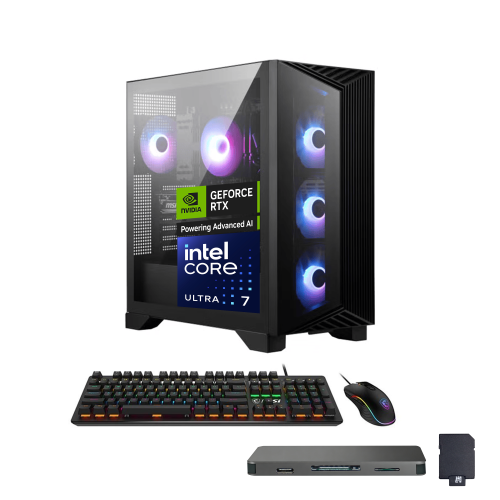
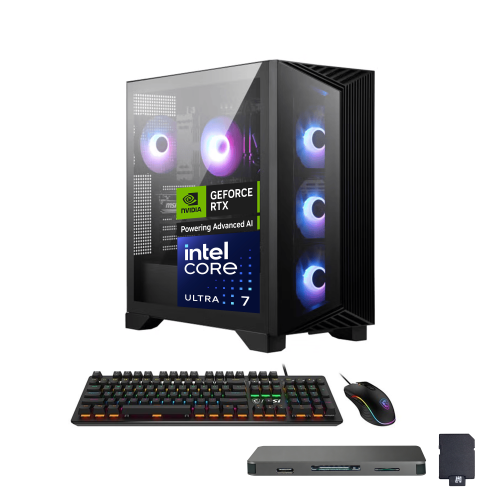
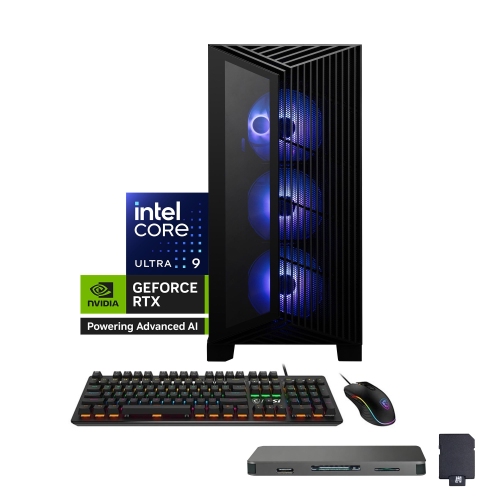
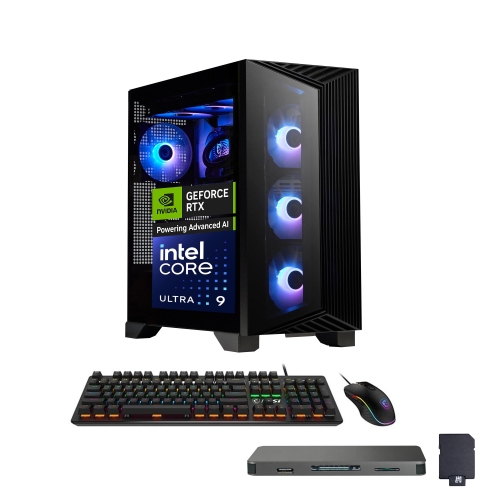
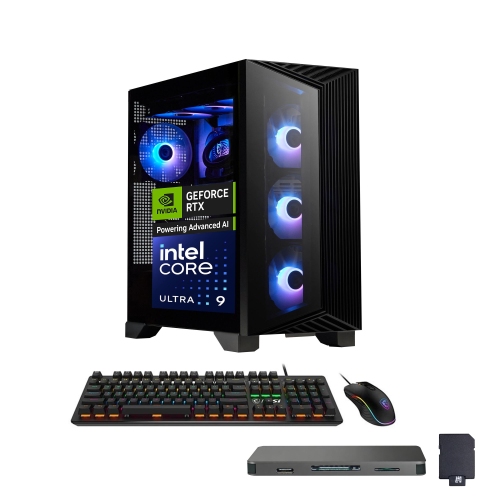
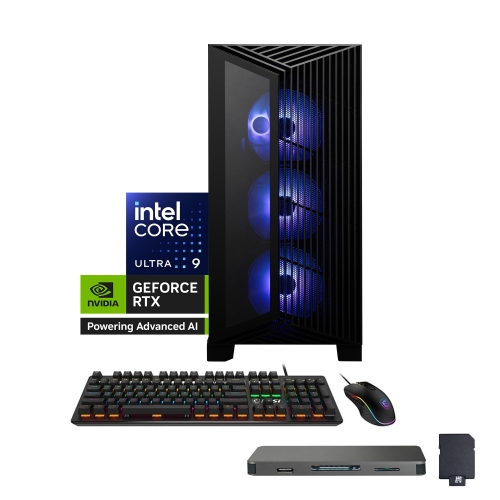
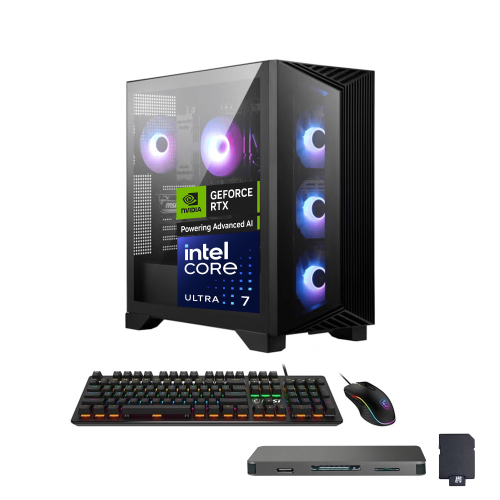
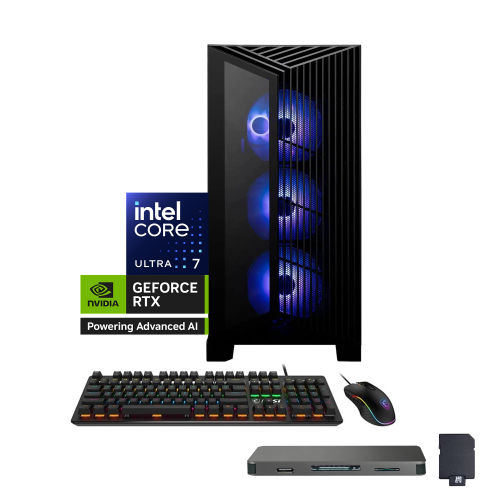
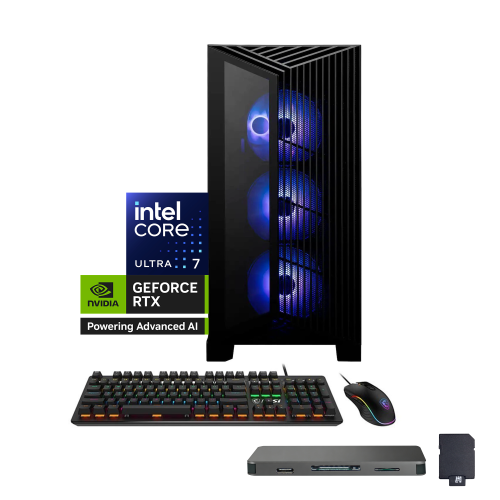
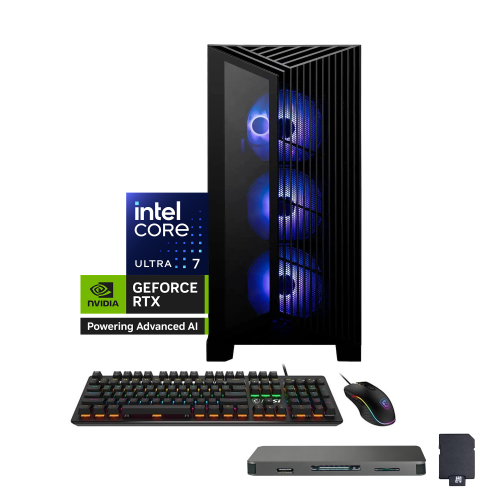
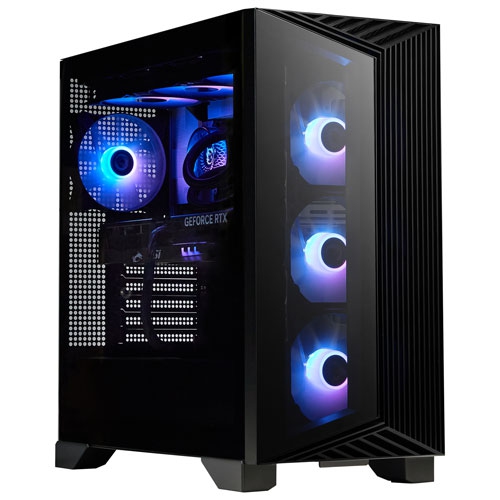
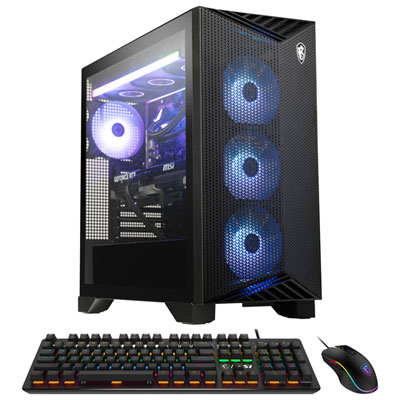
Why gaming towers are more than their graphics cards
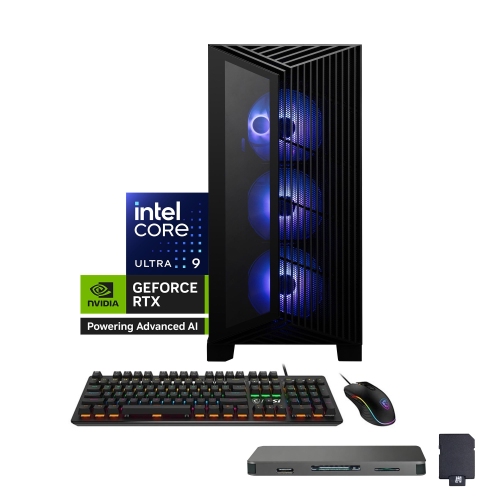
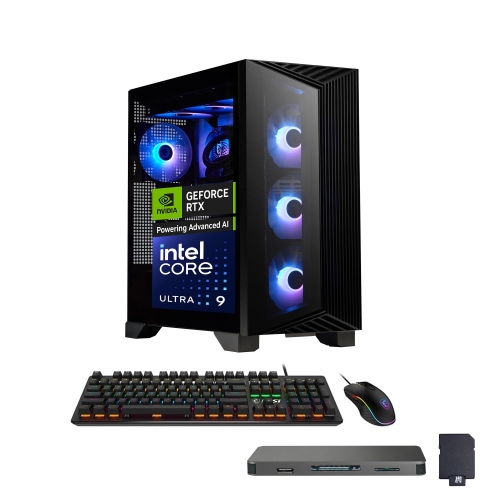
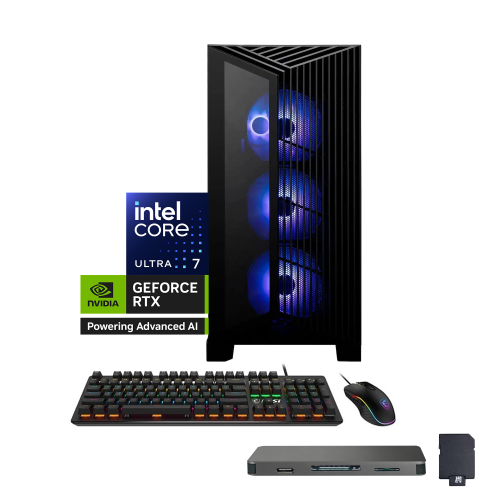
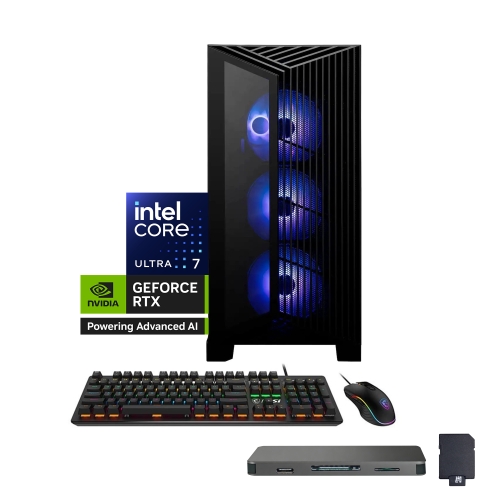
Pre-built gaming tower desktops bring a processor, graphics hardware, memory, storage, and cooling together in an assembled computer, making them a practical choice for players who want a dedicated gaming setup without building a system from individual parts. Their appeal extends beyond games: the same desktop can handle school assignments, video calls, photo editing, and everyday multitasking, with performance depending on its configuration. Within the broader category of MSI Desktops, gaming towers are distinguished by their focus on graphics performance, cooling, and space for internal components. A dedicated graphics card does much of the work involved in rendering detailed game worlds, while the processor handles game logic and supports applications running alongside the game. The balance between those components matters more than any single specification. A fast-paced competitive game played on a high-refresh-rate monitor places different demands on a computer than a visually detailed adventure played at a higher resolution. Recording gameplay, keeping a voice chat open, or broadcasting a live session adds another layer of work. System memory helps active programs run together, while graphics memory serves a separate role in handling textures and other visual data. For many gaming and everyday computing tasks, 16 GB of system memory is a useful starting point; 32 GB can provide more room for heavier multitasking and some creative workloads. Actual requirements still depend on the software being used. Solid-state storage contributes to responsive startup and application loading, but storage capacity deserves equal attention when several large games share space with recordings, projects, and personal files. A gaming tower is therefore best understood as a complete hardware combination rather than a graphics card or processor alone. The display also shapes the experience: its resolution and refresh rate influence how much graphics performance is useful, and a capable tower paired with an appropriate monitor can deliver a more balanced setup than either component chosen in isolation.
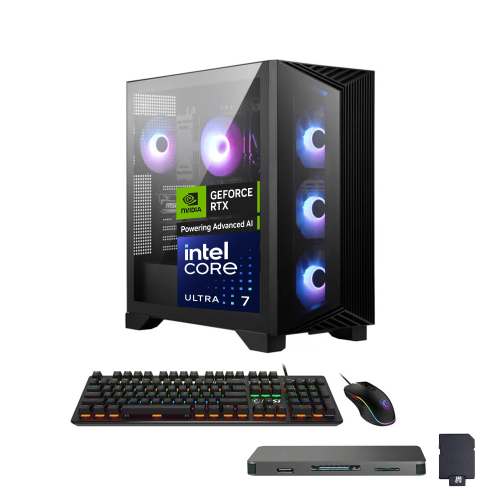
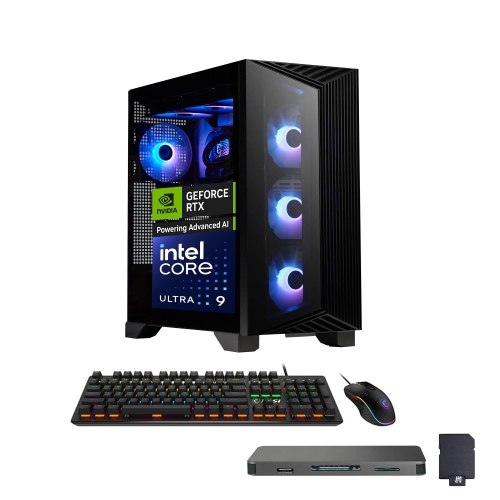
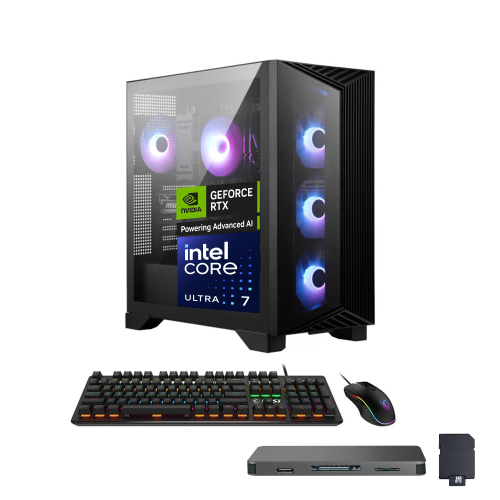
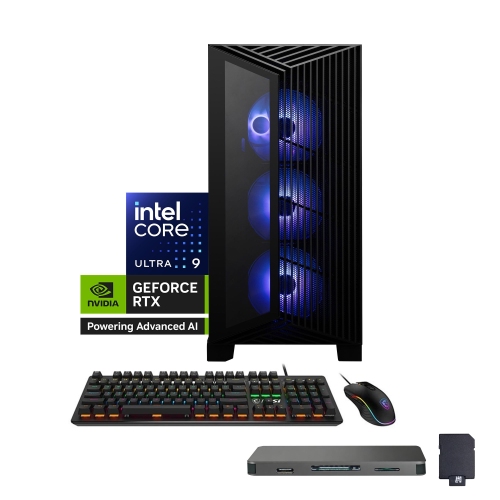
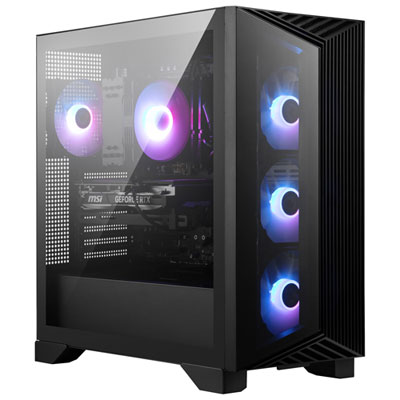
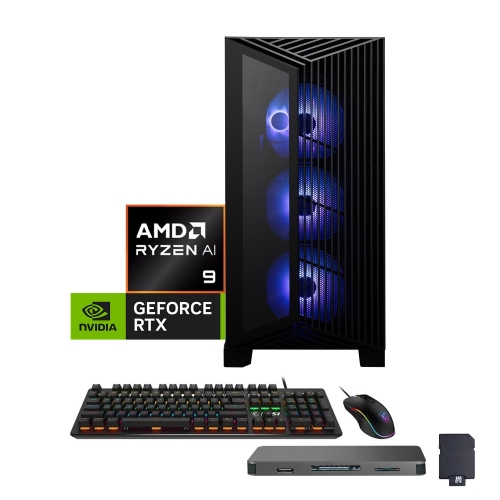
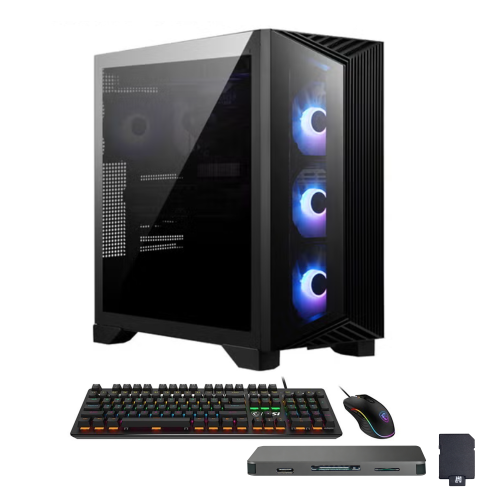
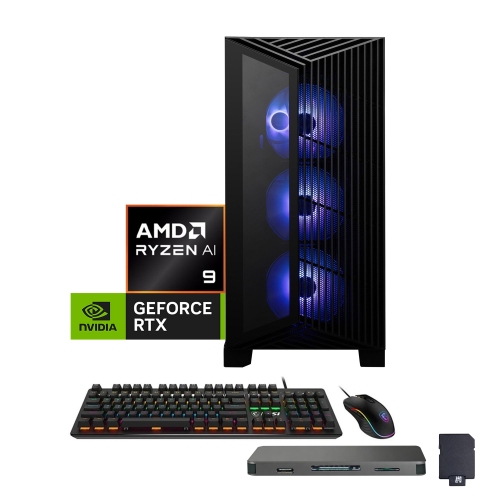
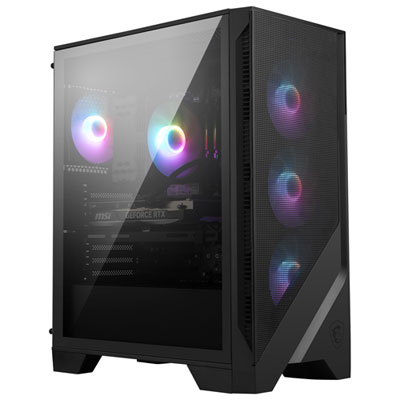
The tower’s physical design affects how comfortably it fits into daily life. Mid-tower cases can provide space for substantial graphics cards, multiple cooling fans, and internal storage, although dimensions and expansion capacity vary between configurations. On a desk, a tower becomes part of the visible setup; beneath a desk, it needs enough clearance to keep ventilation openings unobstructed and cables from being sharply bent. Case depth matters when a desk sits close to a wall, especially once display cables, power connections, and USB accessories are attached at the back. Many gaming cases combine a metal chassis with plastic trim and a glass side panel, balancing structural support with a clear view of the components. A glass panel needs careful handling during moves and cleaning, while painted surfaces benefit from a soft cloth rather than abrasive cleaners. Dust filters, where fitted, make routine upkeep easier, but they still need attention to prevent buildup from restricting airflow. Cleaning methods should follow the computer’s care instructions, with power disconnected before any permitted internal maintenance. Cooling design is particularly important during extended gaming sessions or lengthy video exports, when components are working continuously. Fan placement, clear intake paths, and suitable processor cooling all contribute to consistent operation; additional fans alone do not guarantee quieter or better cooling. Sound can be as noticeable as appearance in a shared room, especially when a desktop sits beside a microphone used for calls or streaming. Customizable RGB lighting adds another visual element, ranging from a subtle single colour to animated effects, depending on the hardware and control software. Lighting is separate from computing performance, so it can be treated as a preference rather than a measure of capability. Front or top connections are also a small but meaningful convenience: accessible USB ports and headset connections reduce the need to reach behind the tower whenever a controller, external drive, or wired headset is connected.
Upgrade potential is another reason gaming towers appeal to people who expect their computing needs to change. Standardized components can make later changes more straightforward, but an upgrade-friendly design does not mean that every replacement part will fit or work. A future graphics card must fit the case and have suitable power connections, while the power supply needs sufficient capacity for the revised configuration. Processor compatibility depends on the motherboard and its supported firmware, and additional memory must match the platform’s requirements. Storage expansion also depends on the connections, slots, and mounting space provided. These details matter for a student who may move from gaming into design coursework, a hobbyist beginning to edit longer videos, or a player whose favourite games become more demanding over time. Day-to-day connectivity deserves similar attention. Wired Ethernet offers a direct network connection where a cable run is practical, while built-in Wi-Fi can simplify placement away from the router; wireless features vary by configuration. Bluetooth, where included, can connect compatible accessories without occupying a USB port. Display connections should match the intended monitor setup, and monitors used for gaming generally connect to the dedicated graphics card rather than the motherboard’s video outputs. A tower can support a tidy single-screen workstation or a more expansive arrangement for a game, chat window, and reference material, provided its graphics hardware supports those displays. It is also worth distinguishing the desktop itself from the rest of the setup: monitors, speakers, headsets, and other accessories may be separate, and included peripherals vary. As a gift, a gaming desktop is most useful when its capabilities suit the recipient’s actual games, software, and available desk space. A shared family computer may need flexibility across different users, while a dedicated gaming station may place greater emphasis on graphics performance and peripheral connections. Across these uses, a well-matched tower combines suitable performance, practical access, manageable upkeep, and a clear path for compatible changes, creating a desktop that remains useful beyond a single game or task.
Top selling and popular products
-
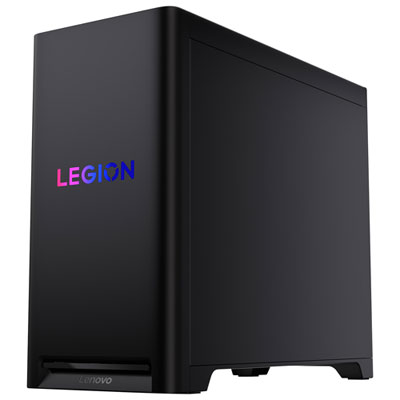 Your price for this item is $3499.99
-
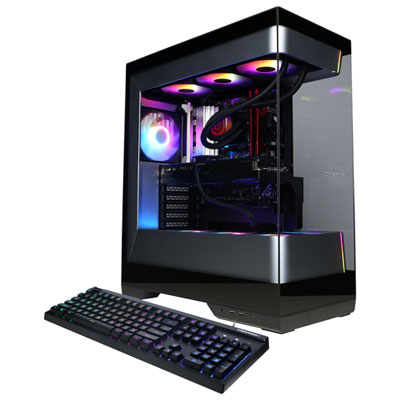 Your price for this item is $3559.99
-
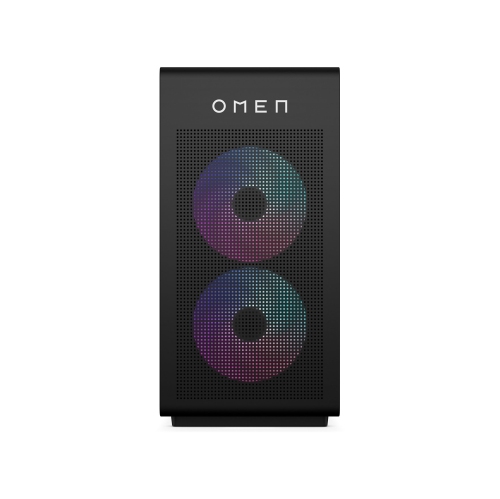 Your price for this item is $7958.99
-
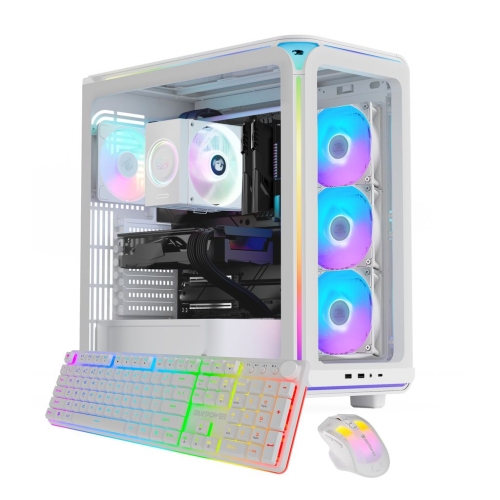 Your price for this item is $2999.99
-
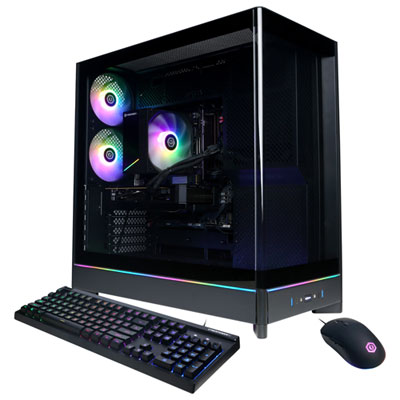 Your price for this item is $2149.99
-
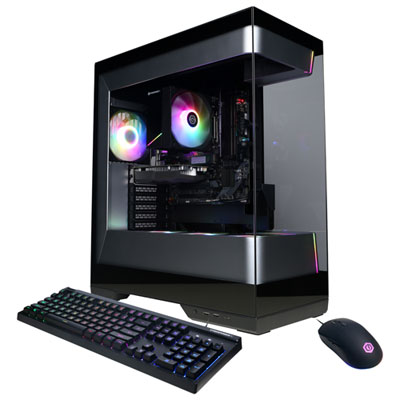 Your price for this item is $1549.99
-
 Your price for this item is $7579.99
-
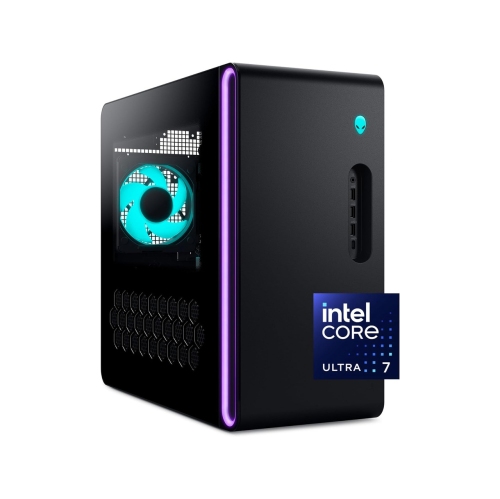 Your price for this item is $3150.49
Discover more categories related to MSI Aegis R
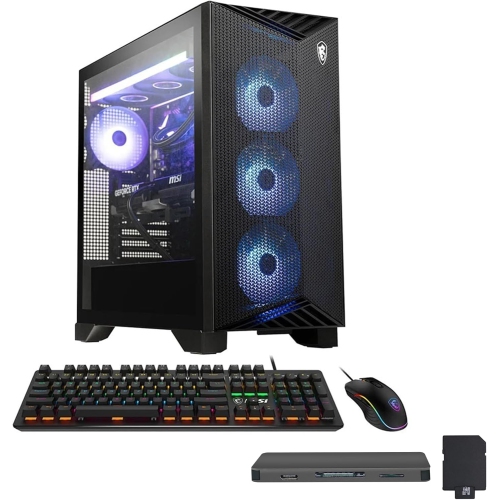
Top Collections:
Best Black Friday Deals This Year, Best Black Friday Deals On Electronics, Kindle Devices, Pokemon Centers, Best Black Friday Deals On Apple Products, Best Cameras for Sports Photography, Dyson Airwrap, Pokémon 30th Celebration Cards, Apple iPhone 17 Pro, Canon G7X Cameras
Some products may be subject to Environmental Handling Fees
(EHF) depending on your province.
Learn more about EHFs.