Music Production Tools for Beginners
Music production tools for beginners are designed to make it easy to start creating your own tracks and exploring your musical ideas. Whether you’re setting up a home studio or looking to experiment with new sounds, the right equipment can help you learn the basics and develop your skills. Discover a range of user-friendly options that simplify the process, so you can focus on making music and enjoying every step of your creative journey.
Sort



From a hummed melody to your first track
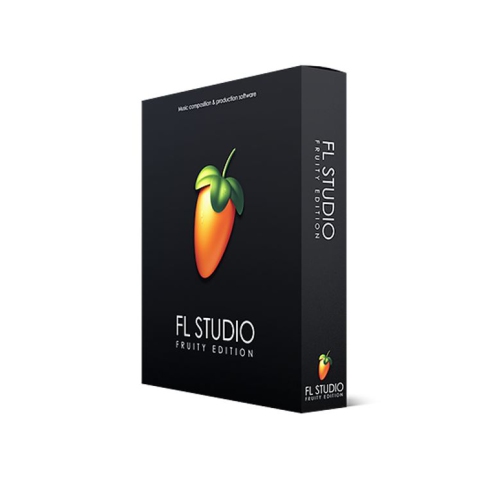
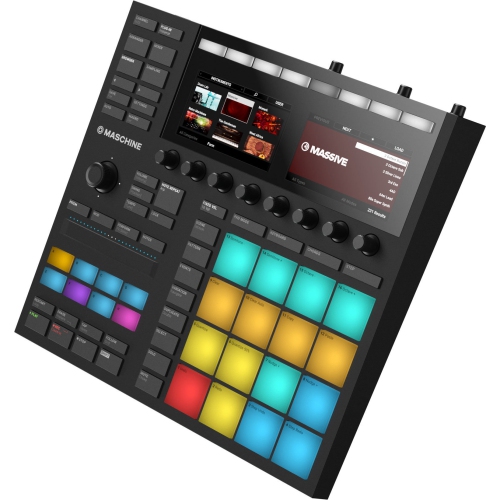
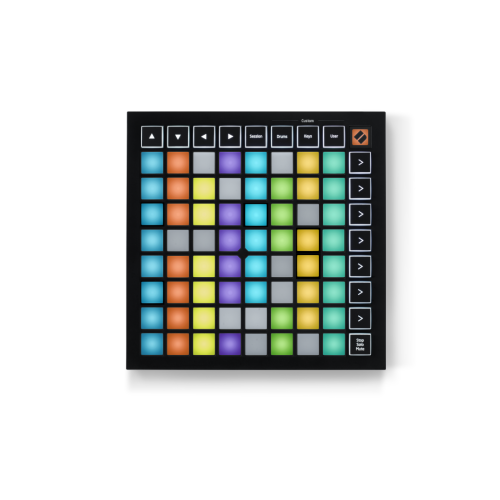
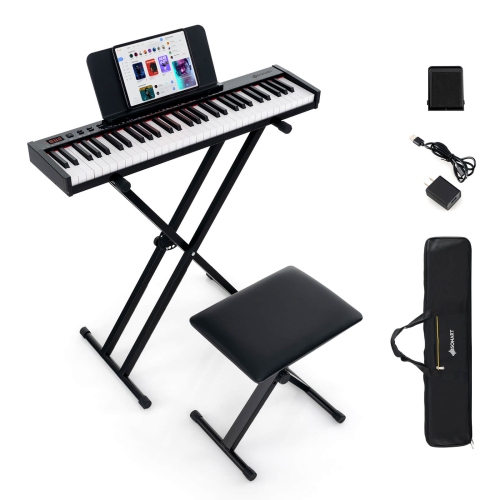
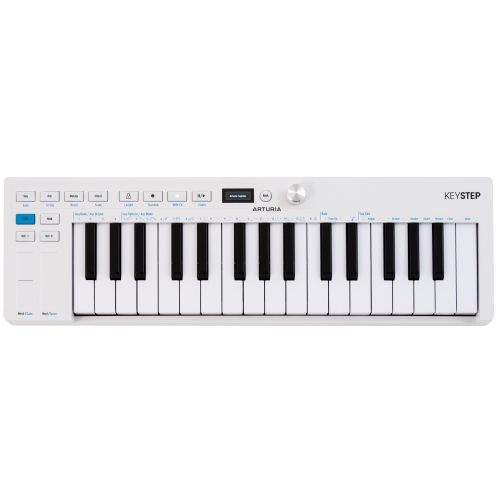
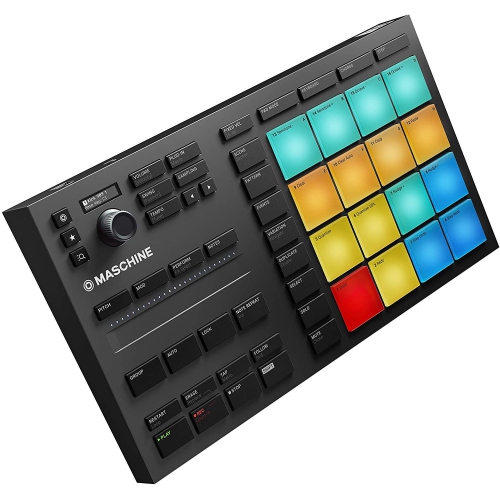
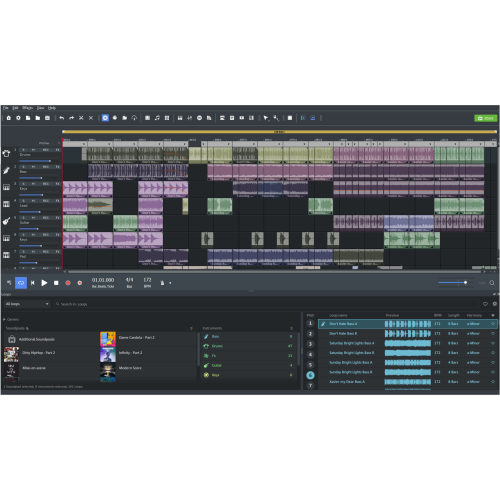
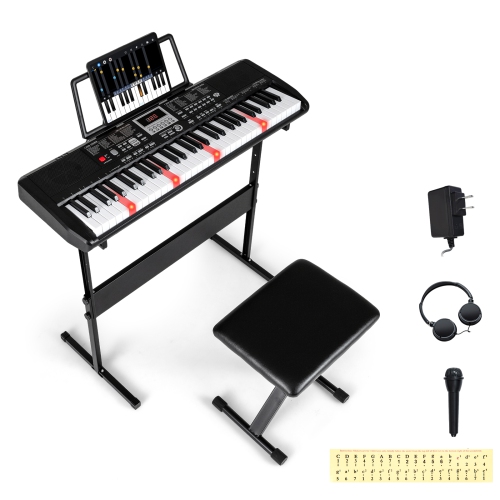
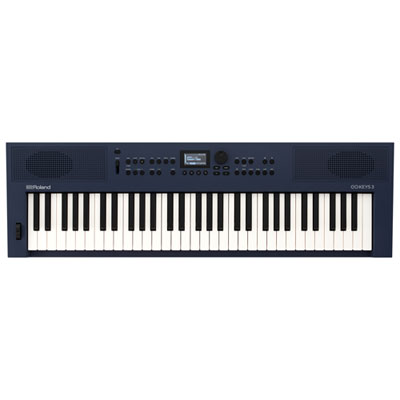
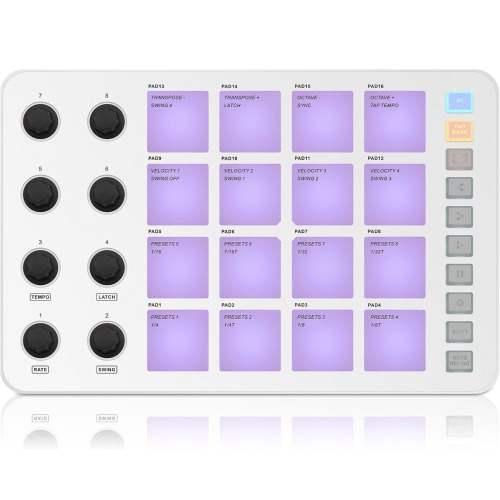
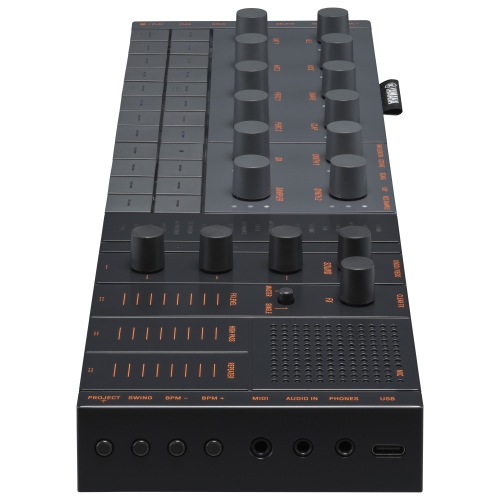
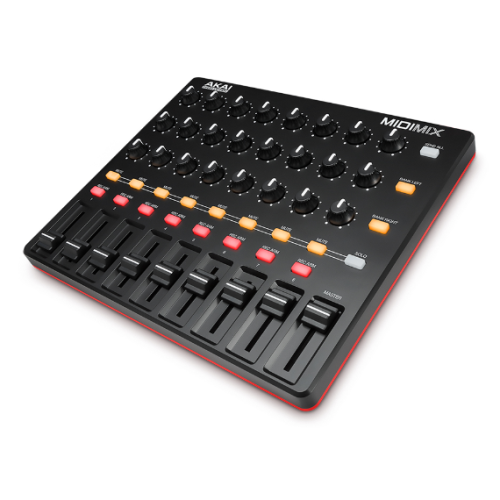
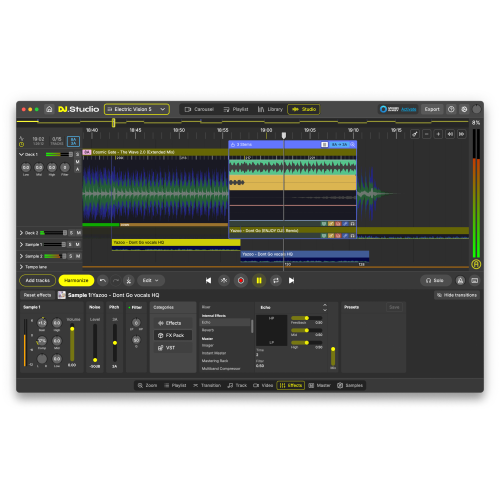
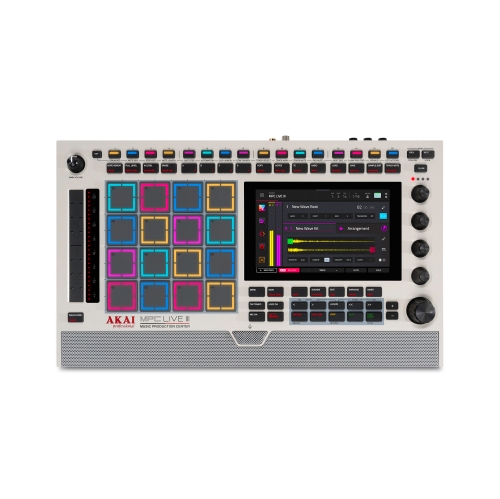
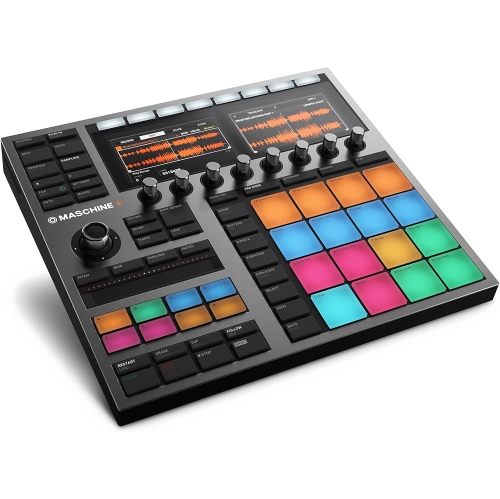
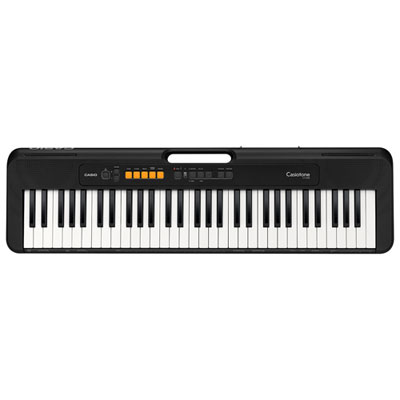
Music production tools for beginners help turn a hummed melody, a guitar riff, or a drum pattern tapped on a desk into a recorded track. A basic setup can centre on a compatible computer and a digital audio workstation, usually shortened to DAW: software used to record, arrange, edit, and mix sound. Within a DAW, separate tracks hold vocals, instruments, drum sounds, and other elements, making it possible to build a song a layer at a time. Virtual instruments generate sounds inside the software, while effects such as equalization, compression, and reverb shape how those sounds sit together. For someone making electronic beats, software instruments and a MIDI controller may be more useful than a microphone; for a singer-songwriter, recording vocals and an instrument may be the main priority. That distinction gives beginner music production equipment a practical purpose beyond simply filling a desk. Computer compatibility matters throughout the setup, including the operating system, available connections, software requirements, and space for recorded audio and sound libraries. A laptop supports projects that move between rooms or rehearsal spaces, while a desktop can suit a dedicated workspace. MIDI keyboards and pad controllers add a hands-on way to enter musical ideas rather than drawing every note with a mouse. Most controllers send performance information to software rather than producing sound independently, so their usefulness depends on the connected device and music software. Compact keys can suit simple bass lines and melodies, while full-size keys offer more familiar spacing for someone who already plays piano. Velocity-sensitive pads respond to playing strength and can make drum programming feel more expressive. Knobs, sliders, and transport buttons can also put frequently used functions within reach. For beginners, clearly labelled controls and an understandable layout often matter more than a large number of functions. The result is a workspace suited to the music being made, whether that means layering instrumental loops, sketching songs after lessons, or recording a first original performance. Equipment that makes those everyday tasks comfortable is likely to remain useful as projects become more ambitious.
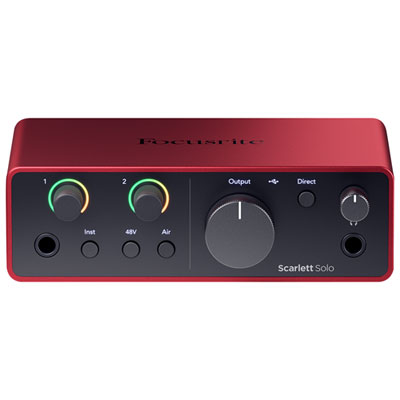
Recording equipment connects sounds made in the room with the tracks inside the computer. An audio interface converts microphone and instrument signals into digital audio and provides connections for listening back through headphones or studio monitors. Its inputs determine what can be recorded together: a single vocal has different requirements from a voice and guitar captured on separate tracks at the same time. Microphone, instrument, and line-level connections serve different purposes, even when their sockets look similar, so matching the input type to the sound source is an important compatibility consideration. Many condenser microphones require phantom power from a suitable interface, while a USB microphone typically connects directly to a compatible computer. Either approach can suit a beginner, depending on whether the goal is a simple vocal setup or a system with more connection options. Dynamic microphones are often useful for close vocals and louder sources, while condenser microphones can capture fine detail along with more of the surrounding room. Microphone choice does not remove the influence of a bare wall, a noisy fan, or sound from an adjacent room. Directional pickup patterns, stable stands, and suitable placement all affect what reaches the recording. Pop filters help soften bursts of air from certain speech sounds, and shock mounts can reduce vibration transmitted through a stand. Closed-back studio headphones are useful during recording because they help limit sound leaking from the headphones into a nearby microphone. They also support private listening in shared homes, though their isolation varies and should not be confused with active noise cancellation. Fit matters during longer sessions: earcup depth, headband adjustment, clamping pressure, and the feel of the cushions can affect comfort as much as weight. Studio monitors offer another way to judge a mix, but their performance depends partly on listening distance, placement, and room acoustics. A small desk and a shared living space may favour headphones, while a dedicated listening area can make monitor speakers more practical. Both serve the same broad purpose: making details such as an overpowering bass line, a buried vocal, or an uneven rhythm easier to hear.
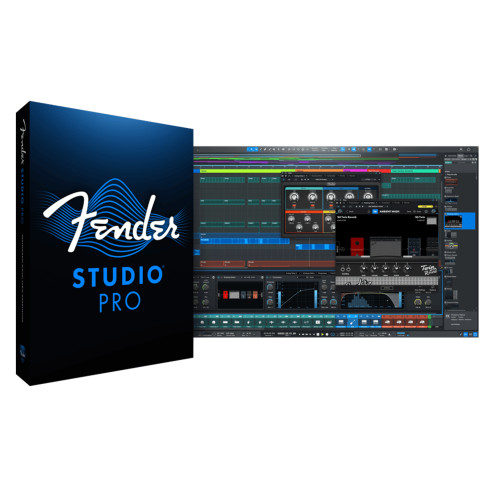
The physical details of beginner studio equipment make a difference once recording becomes a regular habit. A controller with a rigid housing, secure connections, and controls that move consistently can feel reassuring during repeated use. Metal interface enclosures can offer sturdiness for equipment carried between locations, while lighter housings may suit a setup that needs to pack away easily. Neither material alone determines durability; well-supported sockets, sensible cable routing, and careful handling also matter. A cable pulled taut across a desk can strain a connection or drag a small interface towards the edge, whereas enough slack allows equipment to stay securely positioned. Stands and mounts need to match the weight and attachment fittings of the equipment they support, especially when a microphone sits on a boom arm beside a keyboard or screen. Desk space is another form of fit: room for a mouse, comfortable access to keys and pads, and a clear view of recording levels can make a compact setup easier to use. Routine care is generally straightforward, with equipment disconnected before cleaning, dust removed according to the manufacturer’s directions, and liquids kept away from controls and openings. Headphone cushions and cables deserve particular attention because they receive frequent handling; replaceable parts can help keep familiar equipment working well. Portable setups benefit from padded storage and protection for exposed knobs and connectors. For musicians focused on capturing voices and live instruments, home recording studio tools for beginners share many of these same practical considerations. Music production equipment can also make a thoughtful gift for a music student, an aspiring beatmaker, or someone returning to songwriting, especially when it complements the computer and instruments they already use. Any included software warrants attention to licence terms, activation requirements, and whether it duplicates tools the recipient already owns. A well-matched setup leaves space for experimentation without making every session feel like a technical exercise, giving beginners useful ways to capture ideas, hear the details, and develop their own sound.
Top selling and popular products
-
 Your price for this item is $989
-
 Your price for this item is $699
-
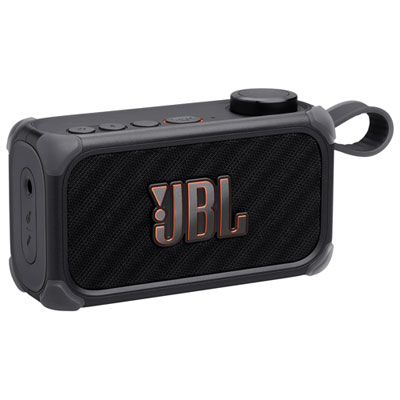 Your price for this item is $329.99
-
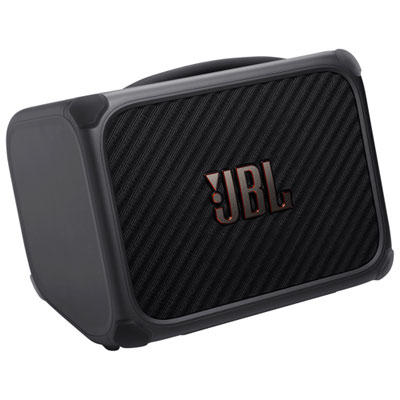 Your price for this item is $799.99
-
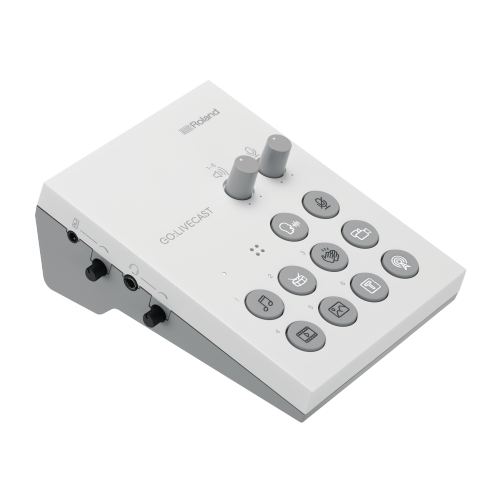 Your price for this item is $69
-
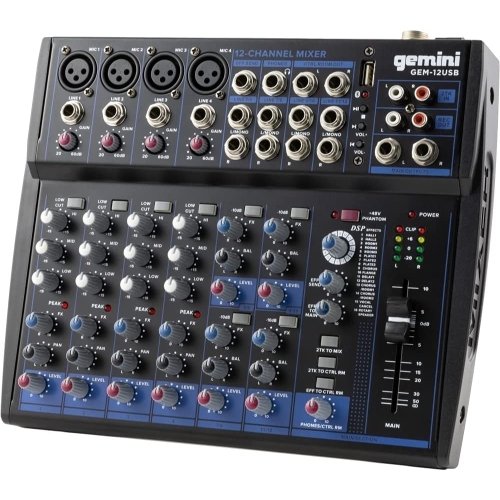 Your price for this item is $205.95
-
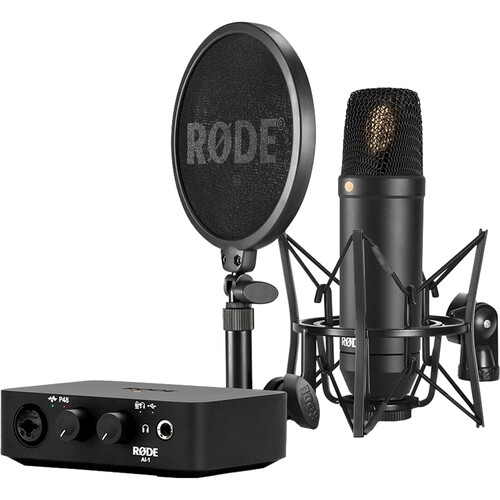 Your price for this item is $199
-
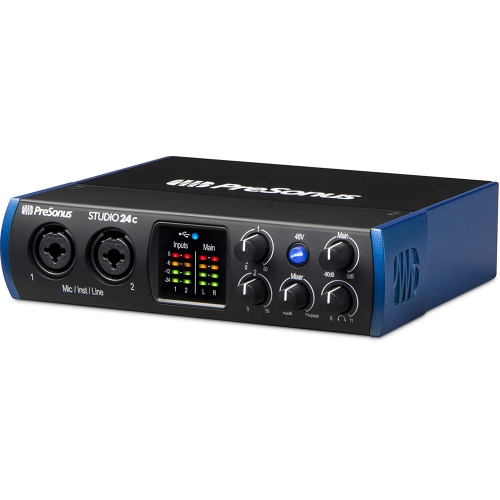 Your price for this item is $241.49
Discover more categories related to Music Production Tools for Beginners

Top Collections:
Best Black Friday Deals This Year, Best Black Friday Deals On Electronics, Kindle Devices, Pokemon Centers, Best Black Friday Deals On Apple Products, Best Cameras for Sports Photography, Dyson Airwrap, Pokémon 30th Celebration Cards, Apple iPhone 17 Pro, Canon G7X Cameras
Some products may be subject to Environmental Handling Fees
(EHF) depending on your province.
Learn more about EHFs.