Software Subscriptions
Unlock the potential of your devices with software subscriptions, a gateway to enhanced productivity, creativity, and entertainment. Whether you're looking to streamline your workflow, protect your digital life, or explore new creative horizons, our diverse range of software subscriptions offers something for everyone. Enjoy the convenience of regular updates and exclusive features that keep you ahead in a rapidly evolving digital landscape. Dive into a world of possibilities and find the perfect subscription to match your needs at Best Buy Canada.
Sort
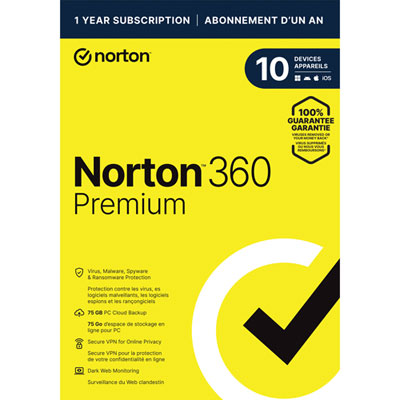
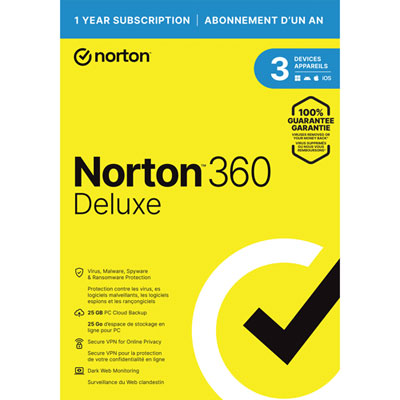
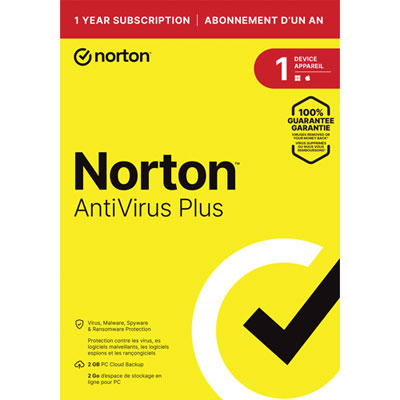

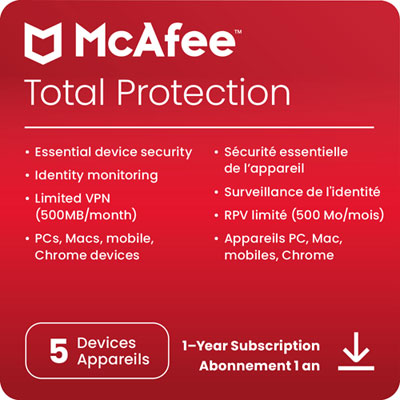
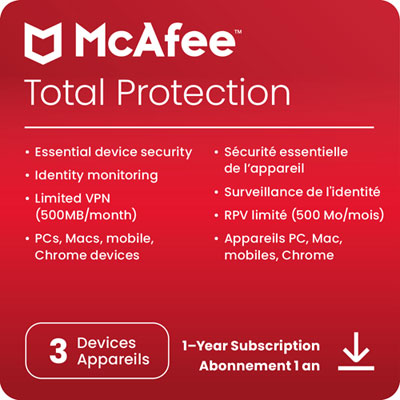
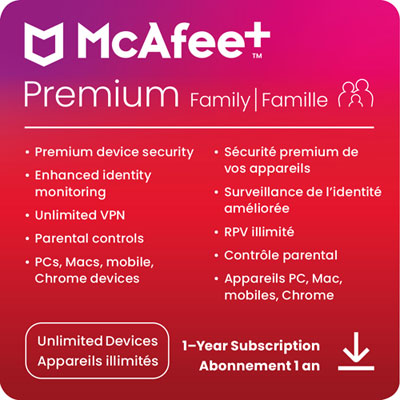
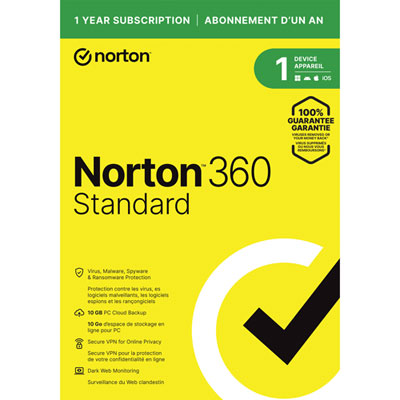





How recurring software access fits work, study, and creativity
Software subscriptions provide ongoing access to digital applications and services through a recurring monthly or annual payment. Unlike a traditional one-time software licence, which may provide permanent access to a specific version, a subscription typically includes continued use for as long as payments remain active, along with updates, technical support, cloud features, security improvements, and other connected services. This model can be useful for households, students, freelancers, creative professionals, small businesses, and families who want access to capable software without paying the full cost of a perpetual licence upfront. Productivity tools can help with documents, spreadsheets, presentations, notes, schedules, and everyday organization, while creative applications may support photo editing, video projects, illustration, publishing, music, or design work. Other subscriptions focus on communication, data storage, learning, device management, or online security. During the transition from warmer weather to cooler months, software can make it easier to organize schoolwork, prepare household budgets, manage personal projects, or keep important files available across a computer, tablet, or other compatible device. A subscription may also be a thoughtful gift for someone setting up a home office, returning to school, exploring a creative hobby, or building skills for a new role. Before choosing one, consider the main task the software needs to handle, the devices it supports, the operating system requirements, and whether the subscription is intended for one person or multiple users. Some plans allow installation on several devices but limit simultaneous use, while others are designed for a household or a larger team. Checking these details in advance helps prevent surprises when it is time to activate the service.
Recurring billing is one of the most important considerations when comparing software subscriptions. Plans are generally billed monthly or annually, and the subscription may renew automatically until it is cancelled. An annual plan can offer convenience and, depending on the terms, a lower effective monthly cost, while a monthly plan may be preferable for short-term projects, temporary work, or anyone who wants more flexibility. Read the renewal, cancellation, trial, and refund terms carefully before completing a purchase, and note whether access ends immediately after cancellation or continues until the end of the paid period. If a subscription lapses, some services may restrict access to premium features, pause cloud storage, or place files in a read-only state; downloading important documents and confirming how data is handled can help protect ongoing work. It is also worth considering the total cost over time rather than focusing only on the initial payment. A lower entry cost can make advanced tools more accessible, but several recurring services can add up across a household or business budget. Make a short list of the functions that matter most and avoid paying for a larger plan simply because it includes features that will rarely be used. For shared plans, review the number of included users, permission controls, administrator settings, and privacy options. For personal devices, security and account recovery features can be just as important as editing or productivity tools. Customers looking for protection-focused software can also explore Antivirus Software Licenses to compare options for helping safeguard compatible devices and personal information.
The best software subscription fits naturally into the way a person works, studies, creates, or manages everyday responsibilities. Someone who moves between a home computer and a laptop may benefit from cloud synchronization, while a family may value separate profiles that keep files, settings, and activity organized for each user. A student might prioritize document tools, collaborative features, and dependable access from different locations; a photographer or designer may need specialized editing capabilities and generous storage; a small business may look for team collaboration, invoicing, scheduling, or customer management features. Accessibility settings, interface language, offline access, file compatibility, and customer support can also influence whether a service feels convenient over the long term. Subscription software often receives automatic updates, which can provide new features and help maintain compatibility with newer devices, but updates may also change layouts or system requirements, so checking device specifications remains worthwhile. When giving a subscription as a present, confirm whether the recipient already uses similar software, which platform they prefer, and whether the gift includes a code, an account credit, or a direct activation process. For personal use, setting a renewal reminder and reviewing subscriptions as routines change can make recurring services easier to manage. Whether it supports a fresh course of study, a growing side project, organized family files, or a more efficient workday, the right subscription should offer practical value, dependable access, and features that match the user’s real habits rather than simply adding another account to maintain.
Recurring billing is one of the most important considerations when comparing software subscriptions. Plans are generally billed monthly or annually, and the subscription may renew automatically until it is cancelled. An annual plan can offer convenience and, depending on the terms, a lower effective monthly cost, while a monthly plan may be preferable for short-term projects, temporary work, or anyone who wants more flexibility. Read the renewal, cancellation, trial, and refund terms carefully before completing a purchase, and note whether access ends immediately after cancellation or continues until the end of the paid period. If a subscription lapses, some services may restrict access to premium features, pause cloud storage, or place files in a read-only state; downloading important documents and confirming how data is handled can help protect ongoing work. It is also worth considering the total cost over time rather than focusing only on the initial payment. A lower entry cost can make advanced tools more accessible, but several recurring services can add up across a household or business budget. Make a short list of the functions that matter most and avoid paying for a larger plan simply because it includes features that will rarely be used. For shared plans, review the number of included users, permission controls, administrator settings, and privacy options. For personal devices, security and account recovery features can be just as important as editing or productivity tools. Customers looking for protection-focused software can also explore Antivirus Software Licenses to compare options for helping safeguard compatible devices and personal information.
The best software subscription fits naturally into the way a person works, studies, creates, or manages everyday responsibilities. Someone who moves between a home computer and a laptop may benefit from cloud synchronization, while a family may value separate profiles that keep files, settings, and activity organized for each user. A student might prioritize document tools, collaborative features, and dependable access from different locations; a photographer or designer may need specialized editing capabilities and generous storage; a small business may look for team collaboration, invoicing, scheduling, or customer management features. Accessibility settings, interface language, offline access, file compatibility, and customer support can also influence whether a service feels convenient over the long term. Subscription software often receives automatic updates, which can provide new features and help maintain compatibility with newer devices, but updates may also change layouts or system requirements, so checking device specifications remains worthwhile. When giving a subscription as a present, confirm whether the recipient already uses similar software, which platform they prefer, and whether the gift includes a code, an account credit, or a direct activation process. For personal use, setting a renewal reminder and reviewing subscriptions as routines change can make recurring services easier to manage. Whether it supports a fresh course of study, a growing side project, organized family files, or a more efficient workday, the right subscription should offer practical value, dependable access, and features that match the user’s real habits rather than simply adding another account to maintain.
Top selling and popular products
-
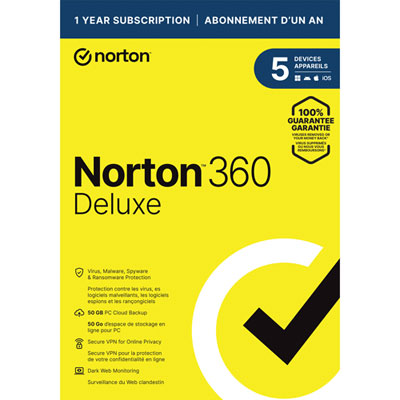 Your price for this item is $89.99
 -
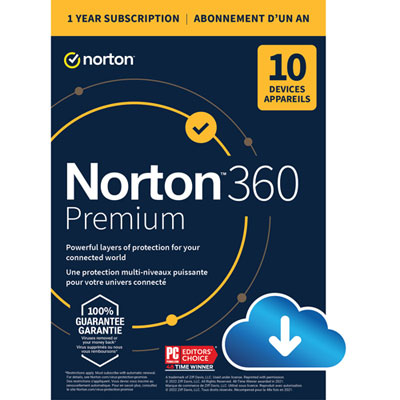 Your price for this item is $99.99
 -
 Your price for this item is $89.99
 -
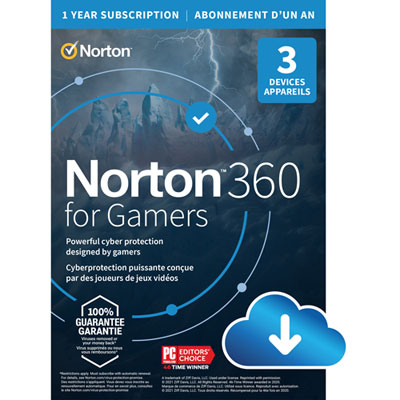 Your price for this item is $89.99
 -
 Your price for this item is $14.99
 -
 Your price for this item is $84.99
 -
 Your price for this item is $69.99
 -
 Your price for this item is $59.95
Discover more categories related to Software Subscriptions

Top Collections:
Pokemon Centers, Best Cameras for Sports Photography, Kindle Devices, Samsung Galaxy Phones, Canon G7X Cameras, Pokémon 30th Celebration Cards, Refurbished Apple Laptops, iPhone 15 Apple, Laptops for Students, Budget Smartphones
Some products may be subject to Environmental Handling Fees
(EHF) depending on your province.
Learn more about EHFs.