PC Audio
Transform your computing experience with exceptional PC audio solutions that elevate your soundscape. Whether you're a gamer seeking immersive sound, a music lover craving crystal-clear tunes, or a professional in need of precise audio for work, our range of PC audio products offers something for everyone. Discover an array of speakers, headphones, and sound systems designed to enhance every note and beat. Dive into the world of high-quality audio and find the perfect match to complement your PC setup, ensuring every sound is delivered with clarity and precision.
Sort

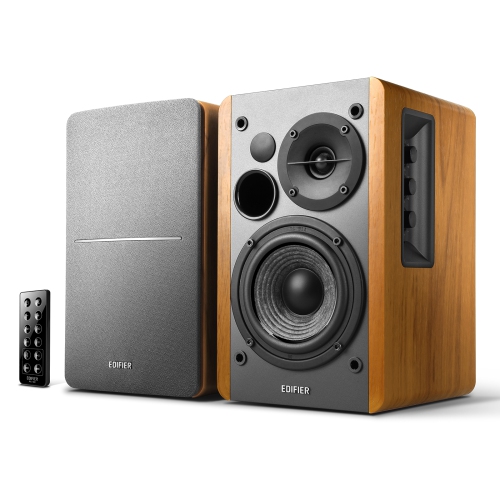
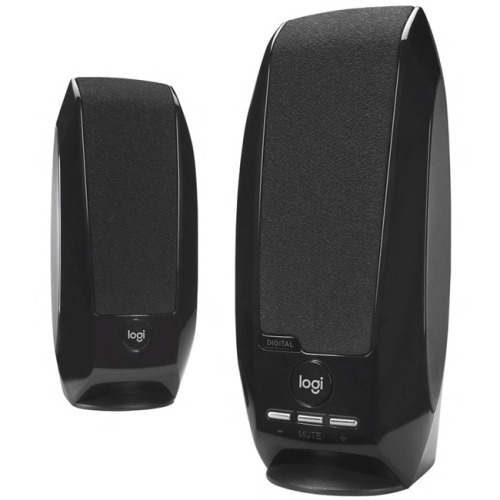
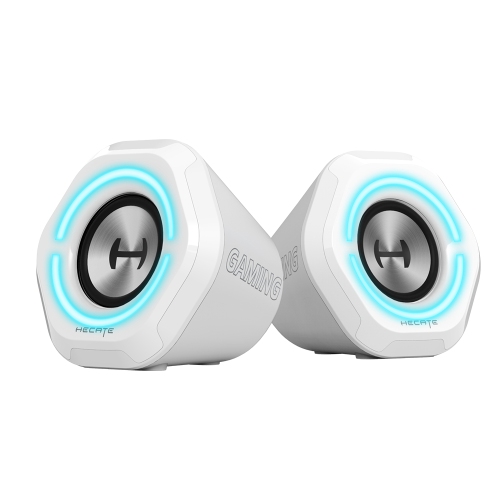
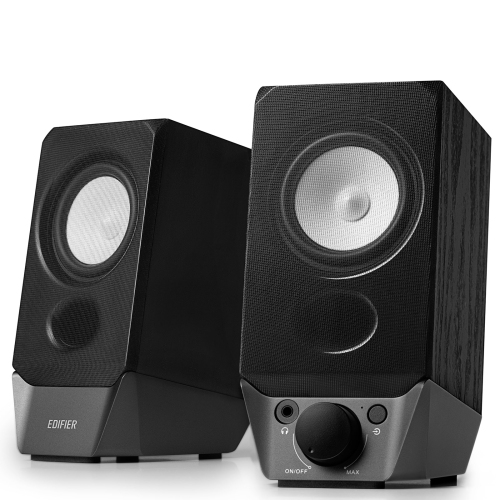

Clearer sound for work and play at your desk
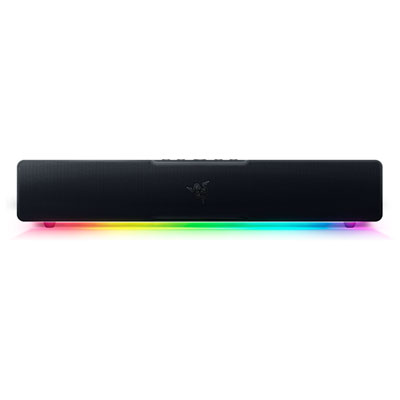
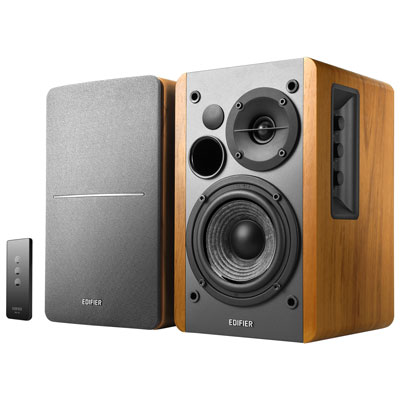
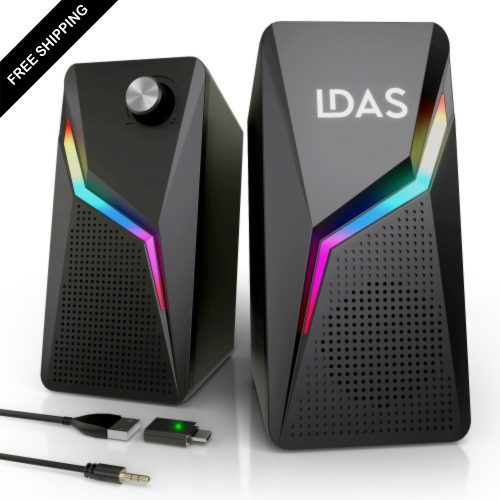
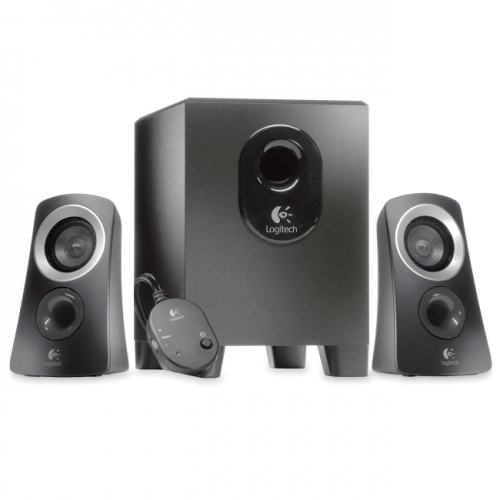
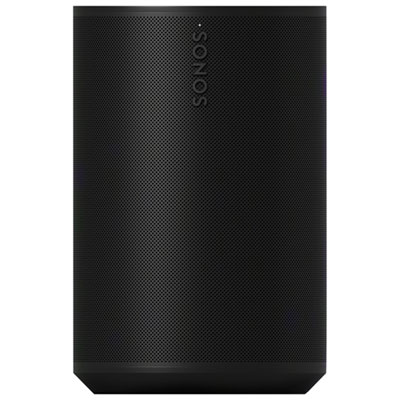
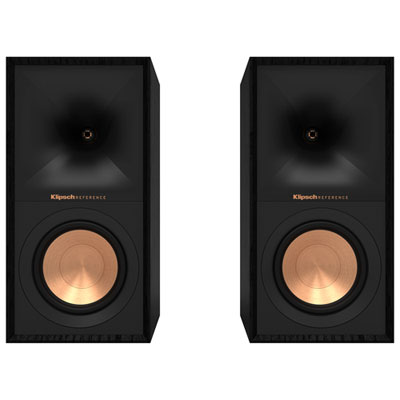
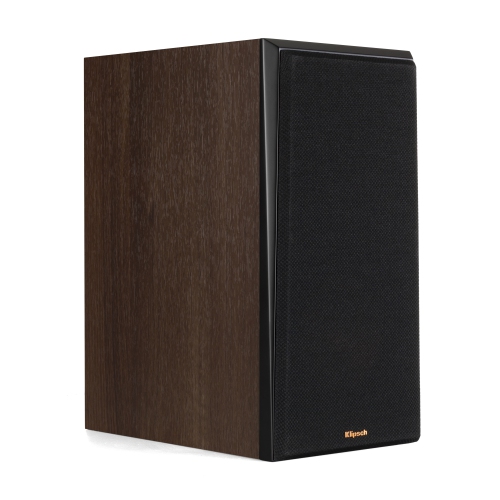
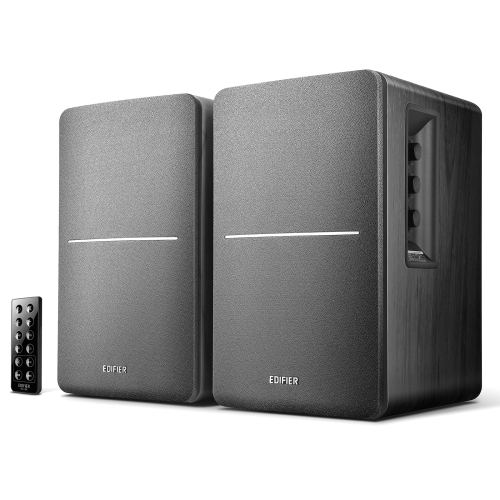
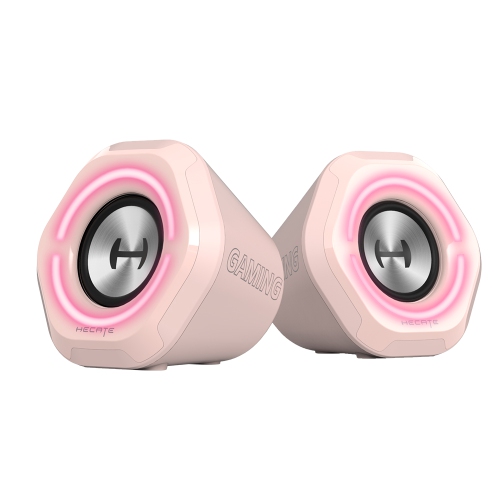
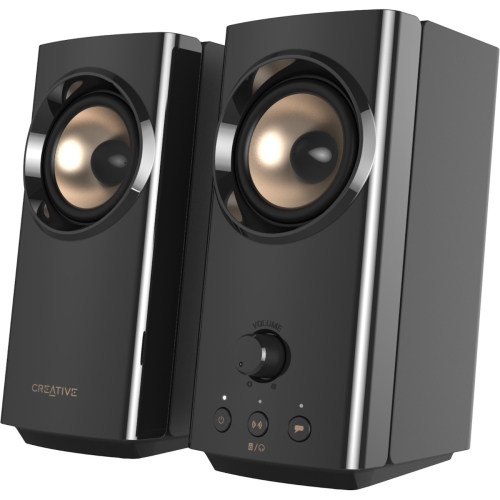
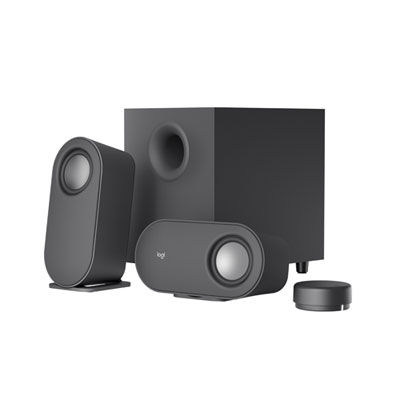
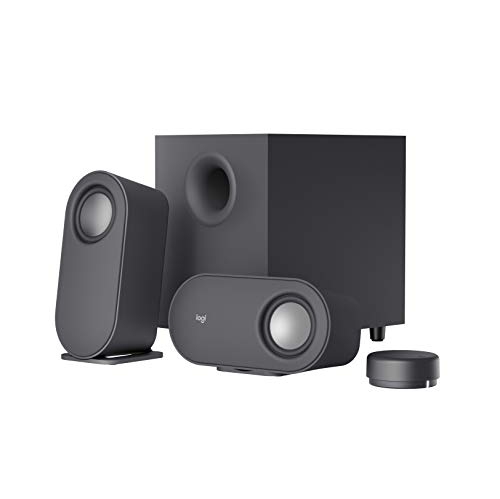
PC audio brings music, conversations, games, and films into clearer focus at a desktop or laptop. The category includes computer speakers, desktop soundbars, headphones, gaming headsets, microphones, sound cards, and external audio components, with different formats suited to shared listening or private use. A compact pair of stereo speakers can give a small desk a more spacious presentation than built-in laptop speakers, while a desktop soundbar keeps the listening area centred beneath a monitor. A 2.0 speaker system uses two speakers without a separate subwoofer; a 2.1 system adds a subwoofer for low-frequency sound. That extra bass can give game effects and film soundtracks more weight, although clear dialogue and balanced music depend on more than bass output alone. For someone editing a presentation, following an online lecture, or listening to a podcast while answering messages, vocal clarity at a comfortable volume may matter more than room-filling power. Speaker dimensions, cable length, and access to volume controls all affect how naturally a system fits into daily use. A front-mounted dial or accessible headphone socket can be especially convenient when the computer tower sits under the desk. Powered speakers contain amplification, whereas passive speakers need a compatible amplifier, so the connection requirements are an important distinction. Enclosures may use plastic, wood-based panels, or metal, with construction, driver design, and placement all contributing to performance. Rubber feet help keep speakers steady and may reduce vibration passing into a desktop. Leaving space around ventilation openings and keeping speaker surfaces free of dust supports everyday care. Stereo speakers positioned on either side of a display can create a useful sense of left and right, while a subwoofer needs floor space that does not interfere with feet or chair movement. In a shared room, the ability to enjoy detailed sound quietly can be more useful than maximum output. These practical differences make PC audio relevant to home offices, study spaces, gaming desks, and computers used for entertainment.
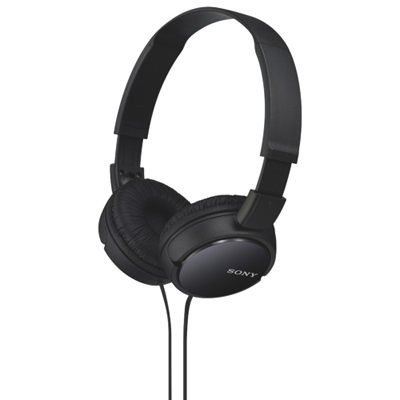
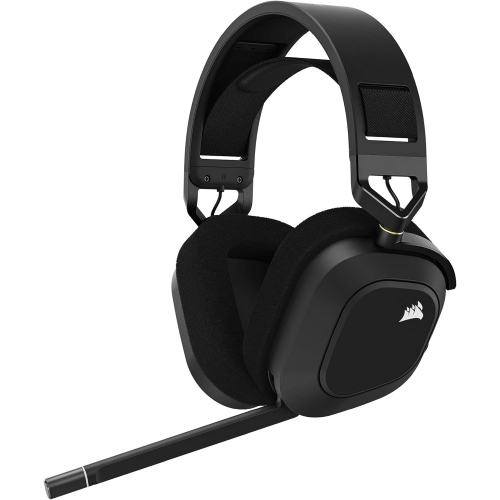
Headphones and headsets offer a more personal approach to PC audio, particularly where sound from speakers would interrupt someone nearby. Headphones focus on listening, while a headset combines headphones with a microphone for calls, multiplayer chat, and other two-way communication. Over-ear designs surround the ears, and on-ear designs rest against them; comfort depends on the headband adjustment, clamping pressure, weight, and ear cushion shape rather than the style alone. Someone wearing a headset through a long study session may appreciate breathable fabric cushions, while smooth synthetic coverings can be convenient to wipe clean according to the manufacturer’s care directions. Glasses can affect the seal and pressure around the temples, making fit especially important for extended use. Closed-back headphones help limit sound leakage and provide some passive isolation, while open-back designs let more sound pass in both directions and are generally better suited to a quiet, private space. Active noise cancellation, where included, reduces certain outside sounds for the listener; microphone noise reduction instead aims to reduce unwanted sound picked up during speech. Neither feature guarantees complete silence or the removal of every nearby voice. Microphone placement, a flexible boom, and an easy-to-reach mute control can make a noticeable difference during meetings or team play. A detachable microphone gives some headsets a simpler profile when used just for listening. Wired connections avoid battery charging and can provide consistent audio timing, while wireless designs offer greater freedom to move away from the desk. Wireless performance depends on the connection type, with dedicated USB receivers and Bluetooth serving different compatibility and latency needs. For gaming or video, keeping sound closely synchronized with the action is particularly valuable. Replaceable cushions, detachable cables, and sturdy adjustment points can support longer use when those parts are designed to be serviced. Headsets can also make thoughtful gifts for students, remote workers, and players, provided the connector, microphone support, and fit suit the recipient’s computer and habits.
Connections help determine how easily PC audio components work together. A 3.5 mm analogue connection carries an audio signal, while USB audio sends digital information to a device that handles conversion and playback. Some speakers use USB only for power and still require a separate audio cable, so a USB plug does not automatically mean a single-cable audio connection. Computers may have separate headphone and microphone sockets or a combined headset socket, and a headset may need a compatible adapter to support both functions. Bluetooth can reduce cable clutter, but support for a microphone, stereo playback, and low-latency sound varies by device and connection mode. External digital-to-analogue converters, commonly called DACs, convert digital audio into an analogue signal for compatible headphones or speakers. A headphone amplifier supplies the power needed to drive headphones, with some components combining both functions in one housing. An external audio interface adds connections for microphones or instruments and is particularly relevant to voice recording, streaming, and music creation. These components serve different purposes rather than offering an automatic improvement to every computer; the source audio, listening equipment, connection quality, and room acoustics still matter. For a desk used for both meetings and entertainment, accessible controls and easy switching between speakers and headphones can be more valuable than an elaborate arrangement of equipment. A microphone stand can keep the microphone closer to the speaker’s voice, while suitable isolation can help reduce the transfer of desk bumps and keyboard vibration. Cable routing, connector clearance, and a stable place for each component help keep the workspace comfortable, especially around a monitor arm or adjustable desk. Complementary PC Setup Accessories can help organize the surrounding workspace without crowding the listening area. Gentle cleaning with appropriate materials, avoiding tension at cable joints, and keeping drinks away from controls are useful habits across most audio setups. Whether the computer is used for conversation, focused listening, or immersive entertainment, compatible connections, comfortable fit, and straightforward daily controls help make sound a natural part of the desk.
Headphones and headsets offer a more personal approach to PC audio, particularly where sound from speakers would interrupt someone nearby. Headphones focus on listening, while a headset combines headphones with a microphone for calls, multiplayer chat, and other two-way communication. Over-ear designs surround the ears, and on-ear designs rest against them; comfort depends on the headband adjustment, clamping pressure, weight, and ear cushion shape rather than the style alone. Someone wearing a headset through a long study session may appreciate breathable fabric cushions, while smooth synthetic coverings can be convenient to wipe clean according to the manufacturer’s care directions. Glasses can affect the seal and pressure around the temples, making fit especially important for extended use. Closed-back headphones help limit sound leakage and provide some passive isolation, while open-back designs let more sound pass in both directions and are generally better suited to a quiet, private space. Active noise cancellation, where included, reduces certain outside sounds for the listener; microphone noise reduction instead aims to reduce unwanted sound picked up during speech. Neither feature guarantees complete silence or the removal of every nearby voice. Microphone placement, a flexible boom, and an easy-to-reach mute control can make a noticeable difference during meetings or team play. A detachable microphone gives some headsets a simpler profile when used just for listening. Wired connections avoid battery charging and can provide consistent audio timing, while wireless designs offer greater freedom to move away from the desk. Wireless performance depends on the connection type, with dedicated USB receivers and Bluetooth serving different compatibility and latency needs. For gaming or video, keeping sound closely synchronized with the action is particularly valuable. Replaceable cushions, detachable cables, and sturdy adjustment points can support longer use when those parts are designed to be serviced. Headsets can also make thoughtful gifts for students, remote workers, and players, provided the connector, microphone support, and fit suit the recipient’s computer and habits.
Connections help determine how easily PC audio components work together. A 3.5 mm analogue connection carries an audio signal, while USB audio sends digital information to a device that handles conversion and playback. Some speakers use USB only for power and still require a separate audio cable, so a USB plug does not automatically mean a single-cable audio connection. Computers may have separate headphone and microphone sockets or a combined headset socket, and a headset may need a compatible adapter to support both functions. Bluetooth can reduce cable clutter, but support for a microphone, stereo playback, and low-latency sound varies by device and connection mode. External digital-to-analogue converters, commonly called DACs, convert digital audio into an analogue signal for compatible headphones or speakers. A headphone amplifier supplies the power needed to drive headphones, with some components combining both functions in one housing. An external audio interface adds connections for microphones or instruments and is particularly relevant to voice recording, streaming, and music creation. These components serve different purposes rather than offering an automatic improvement to every computer; the source audio, listening equipment, connection quality, and room acoustics still matter. For a desk used for both meetings and entertainment, accessible controls and easy switching between speakers and headphones can be more valuable than an elaborate arrangement of equipment. A microphone stand can keep the microphone closer to the speaker’s voice, while suitable isolation can help reduce the transfer of desk bumps and keyboard vibration. Cable routing, connector clearance, and a stable place for each component help keep the workspace comfortable, especially around a monitor arm or adjustable desk. Complementary PC Setup Accessories can help organize the surrounding workspace without crowding the listening area. Gentle cleaning with appropriate materials, avoiding tension at cable joints, and keeping drinks away from controls are useful habits across most audio setups. Whether the computer is used for conversation, focused listening, or immersive entertainment, compatible connections, comfortable fit, and straightforward daily controls help make sound a natural part of the desk.
Top selling and popular products
-
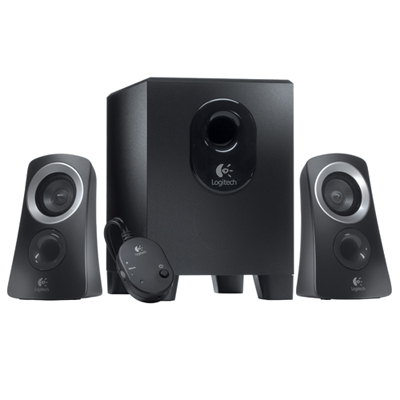 Your price for this item is $89.99
 -
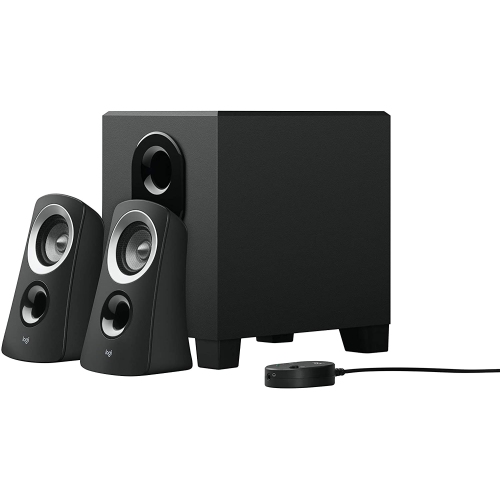 Your price for this item is $108.23
 -
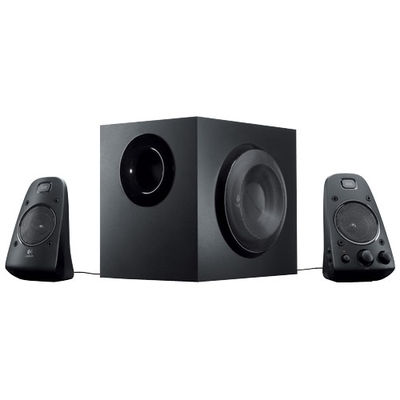 Your price for this item is $249.99
 -
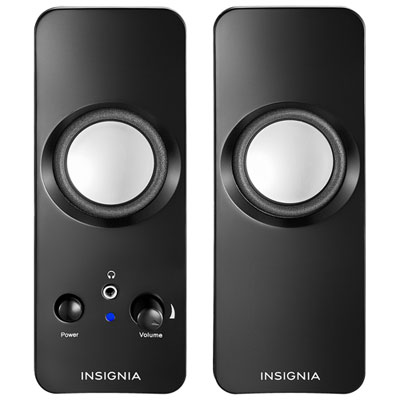 Your price for this item is $29.99
 -
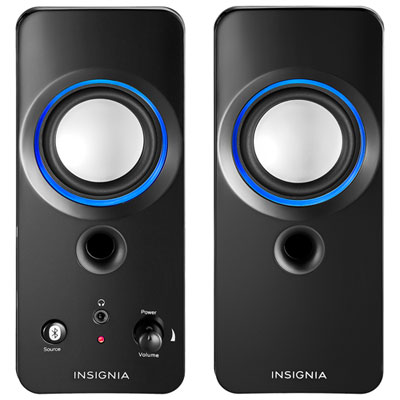 Your price for this item is $39.99
 -
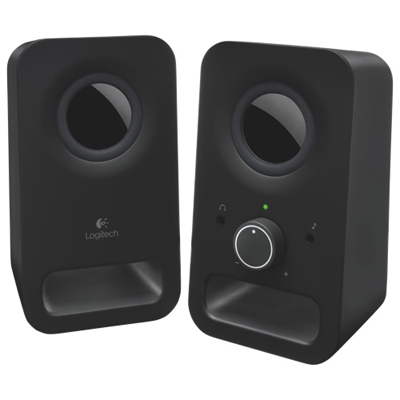 Your price for this item is $39.99
 -
 Your price for this item is $129.98
 -
 Your price for this item is $221.99
Discover more categories related to PC Audio
Top Collections:
Pokemon Centers, Kindle Devices, Best Budget Office Chairs, Canon G7X Cameras, Apple iPhones 16, Samsung Galaxy Phones, Refurbished Apple Laptops, Laptops for Students, iPhone 15 Apple, Budget Smartphones
Some products may be subject to Environmental Handling Fees
(EHF) depending on your province.
Learn more about EHFs.