Point To Point Wi-Fi Extenders
Looking to boost your Wi-Fi signal and eliminate dead zones in your home or office? Look no further than our Point To Point Wifi Extender collection. These powerful devices are designed to extend the range of your existing Wi-Fi network, ensuring a strong and reliable connection throughout every corner of your space. Whether you're struggling with weak signals in the basement, backyard, or even on different floors, our Point To Point Wifi Extenders have got you covered. Say goodbye to frustrating lag and buffering, and enjoy seamless internet browsing, streaming, and online gaming with these high-performance devices.
Sort


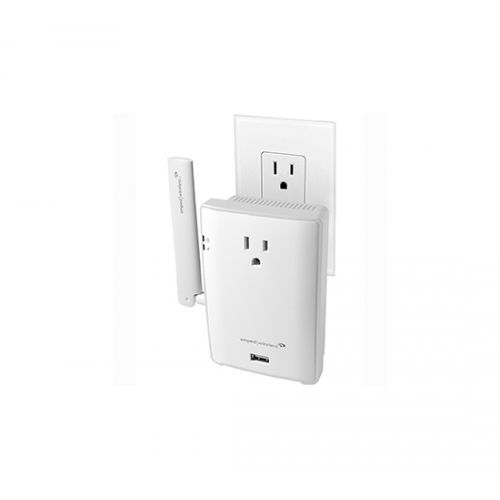
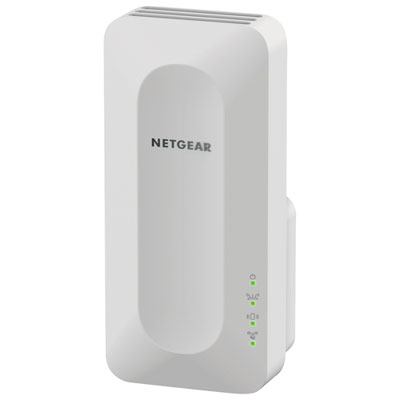
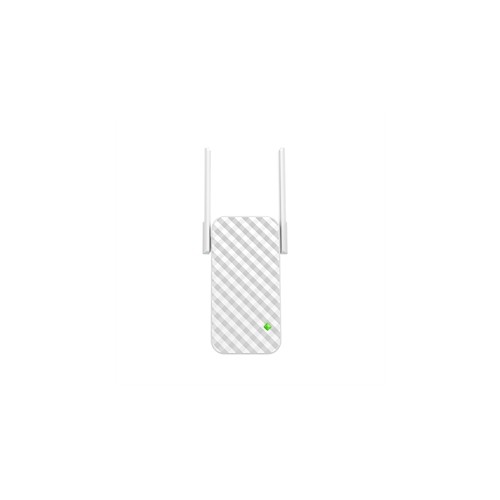
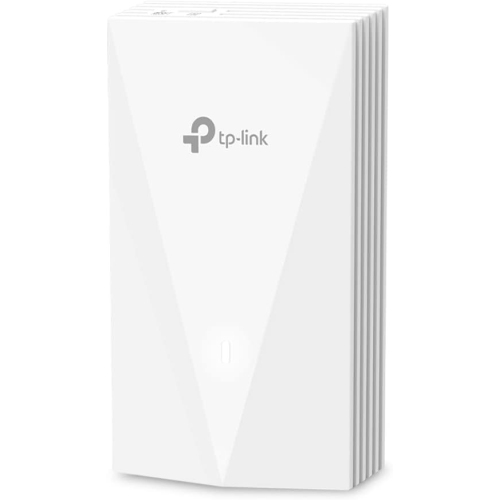





Reliable connections between buildings depend on clear line of sight
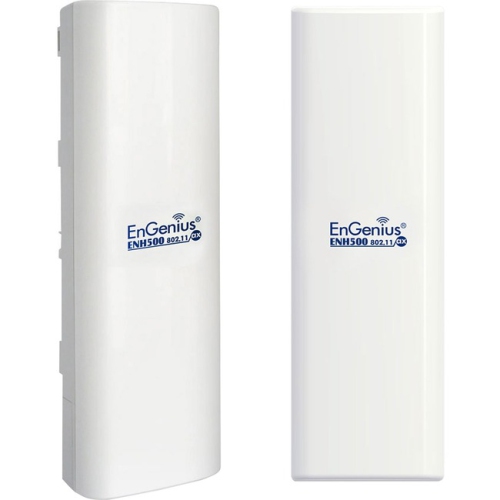
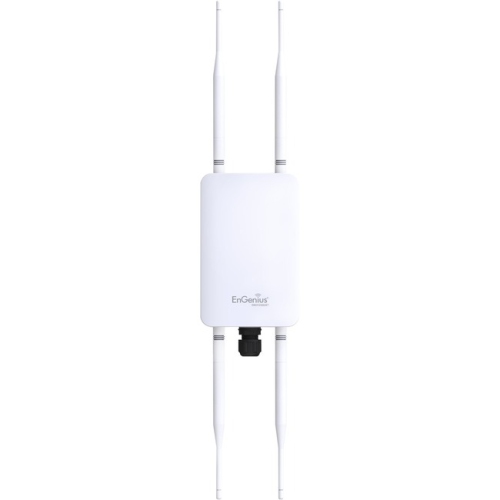
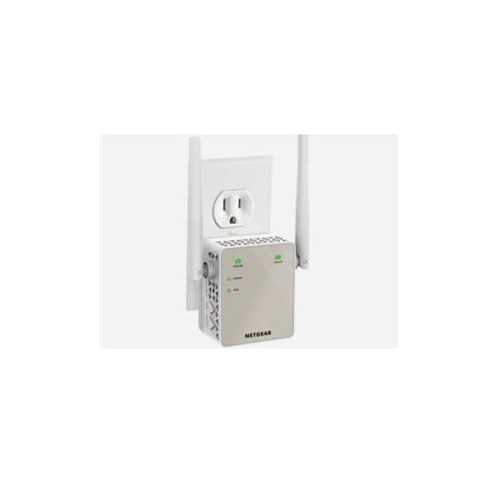
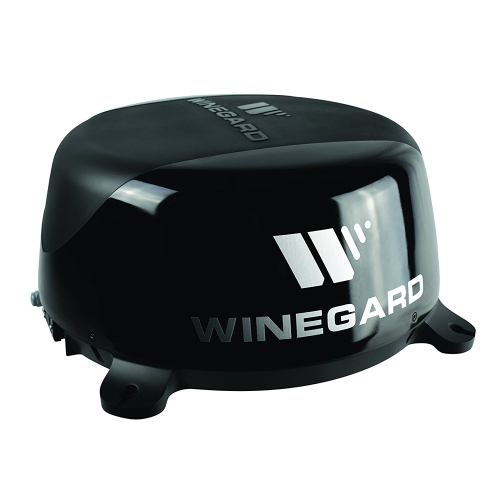
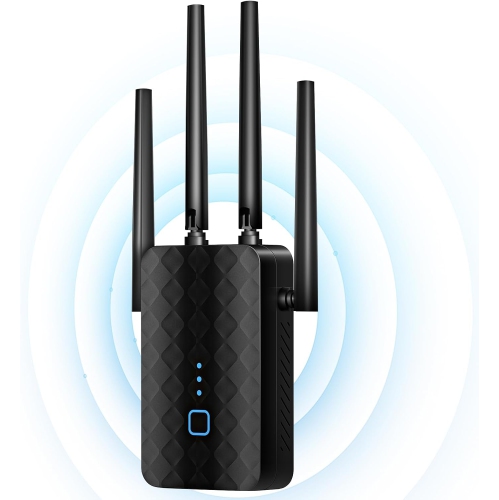
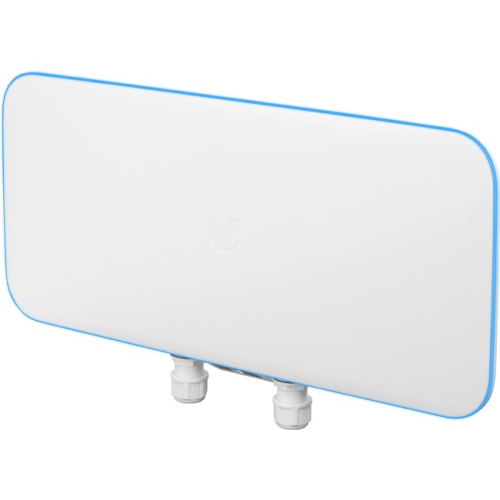
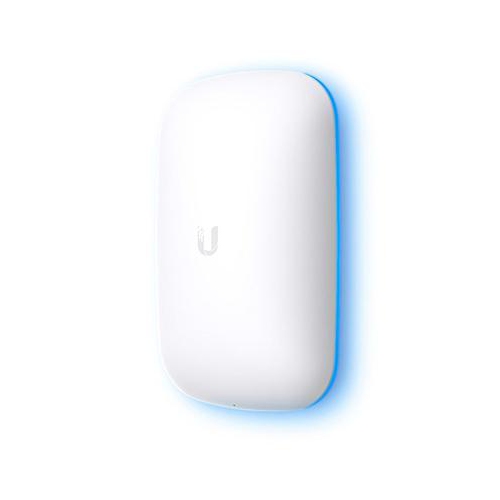
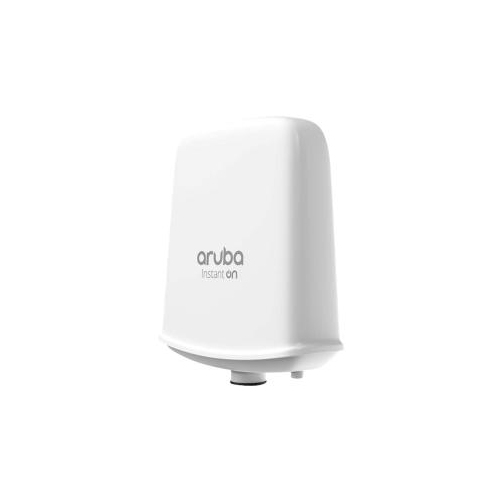
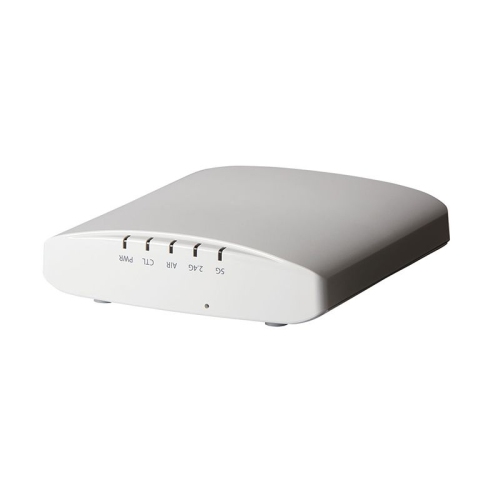
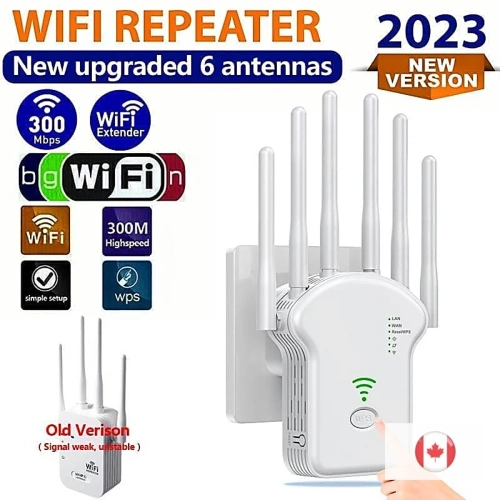
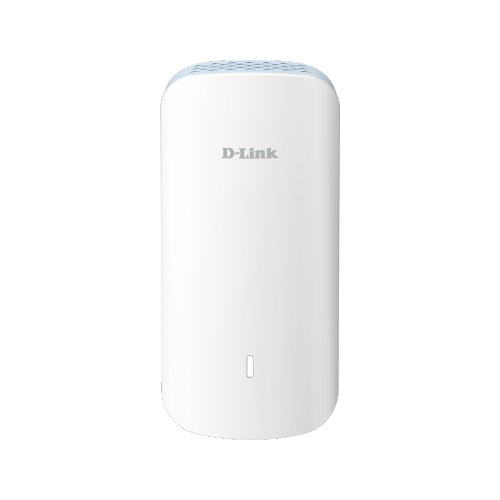
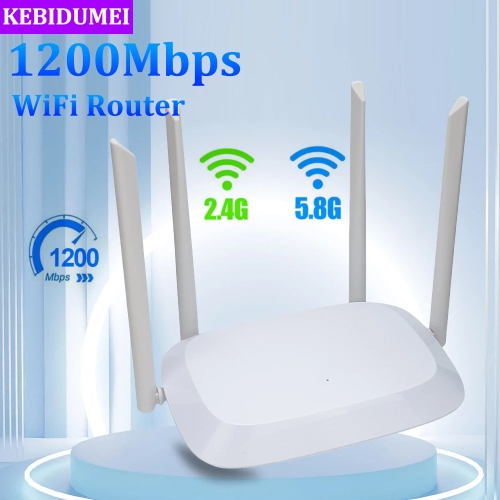
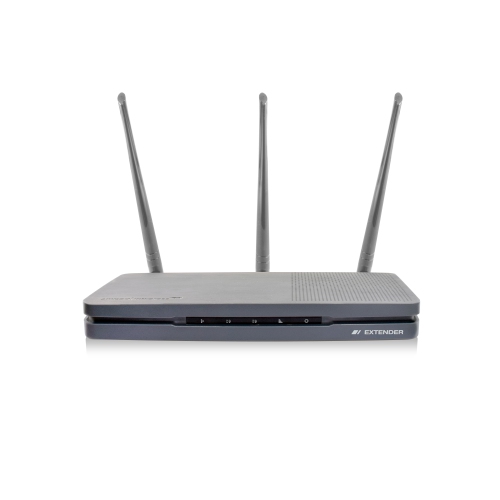
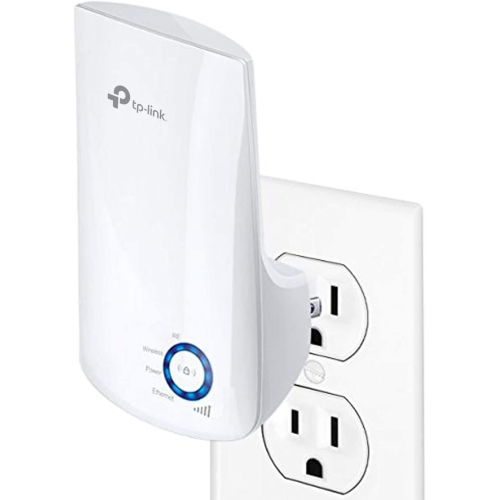
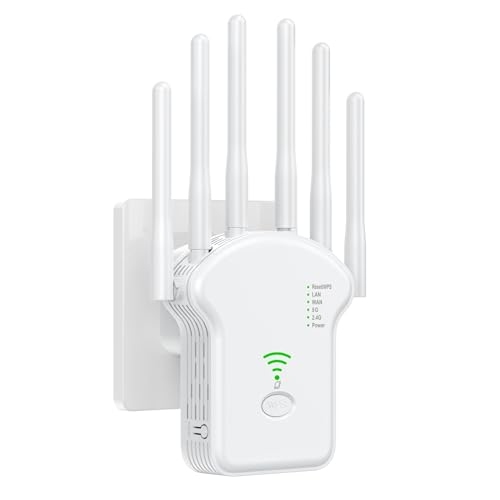
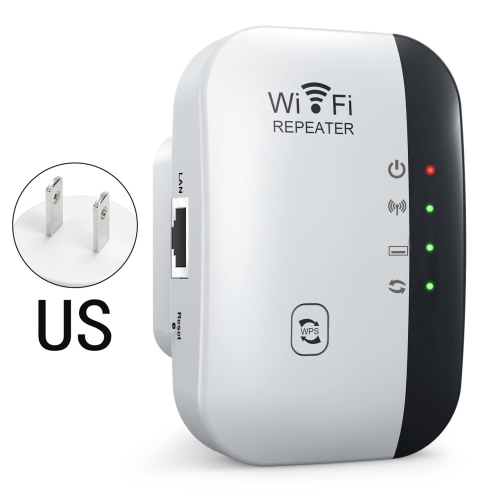
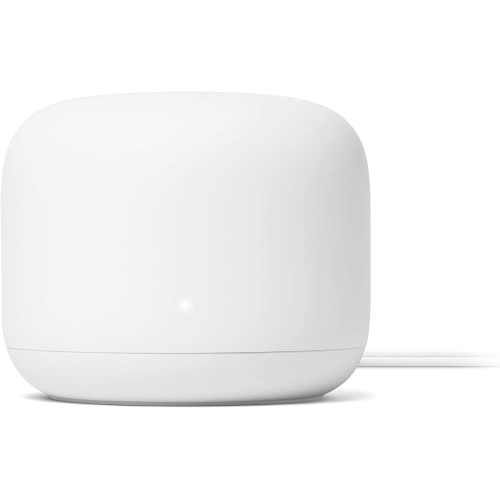
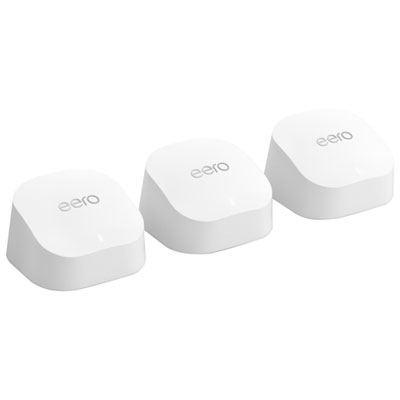
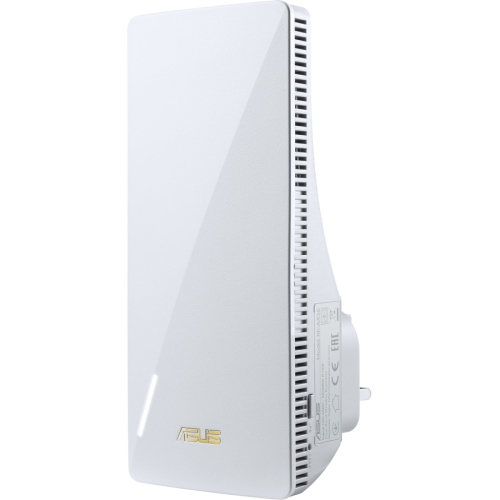
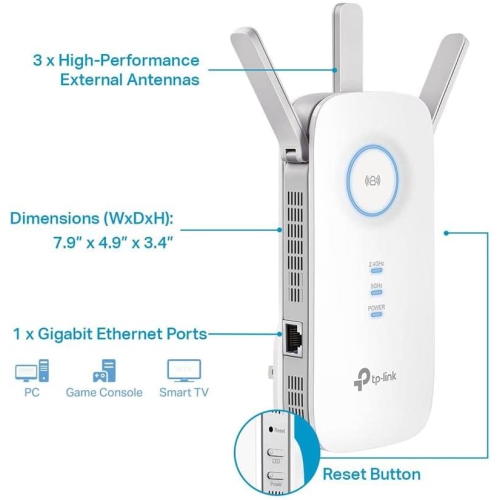
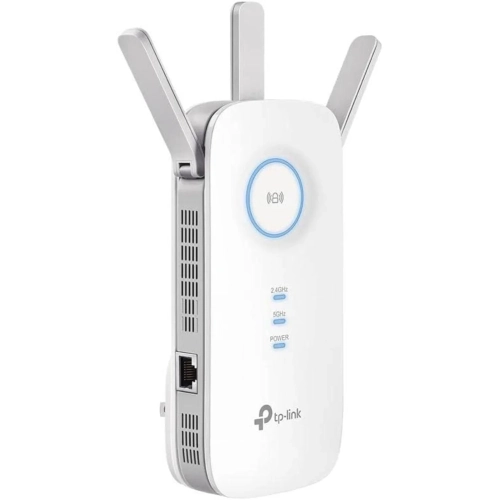
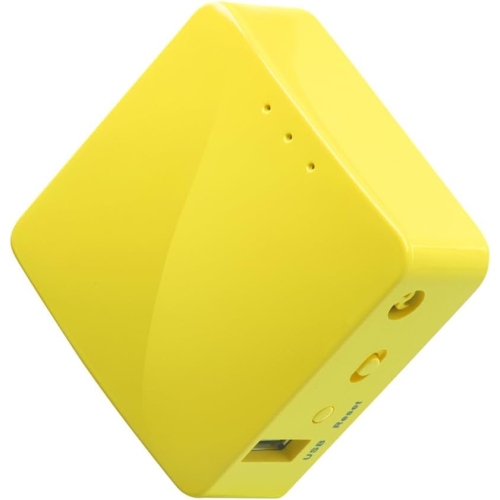
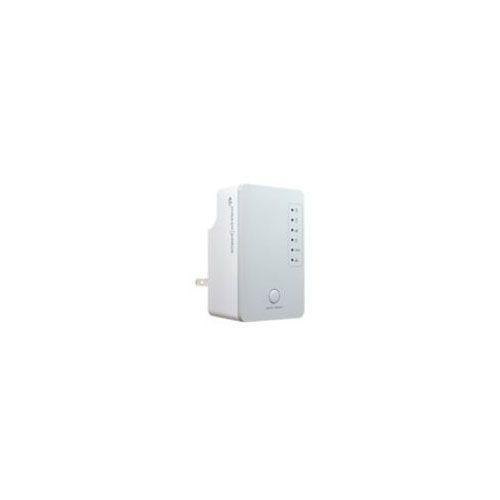
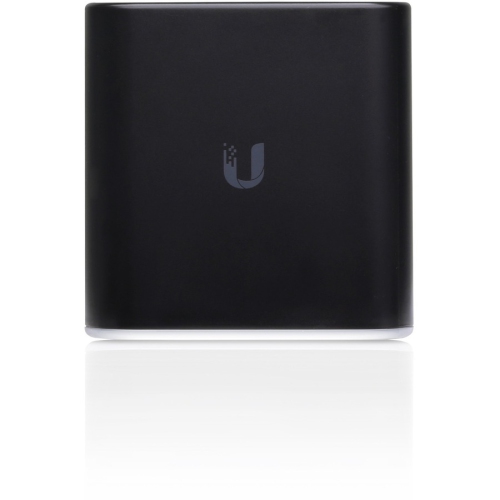
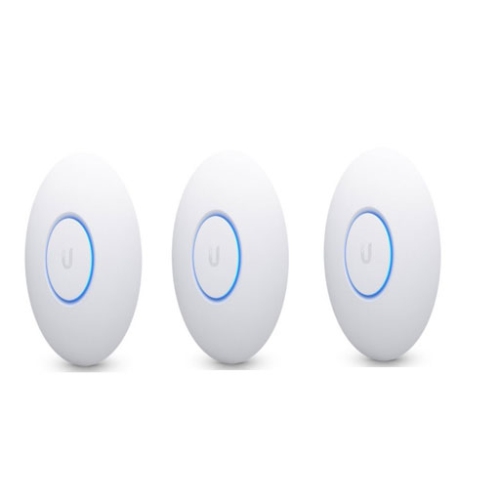
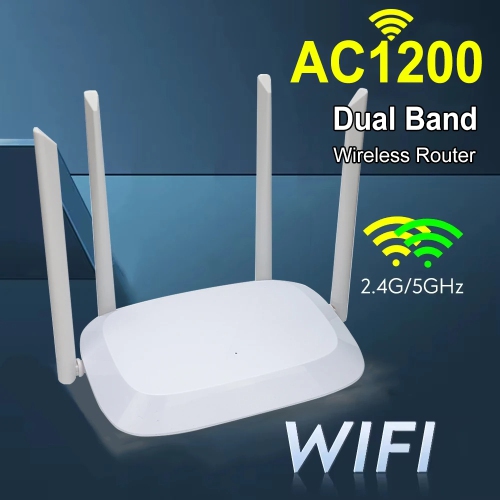
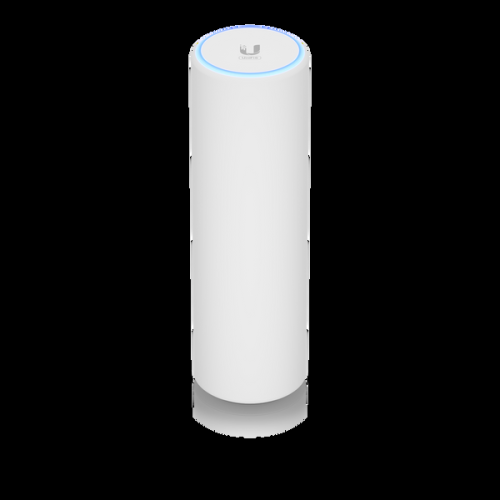
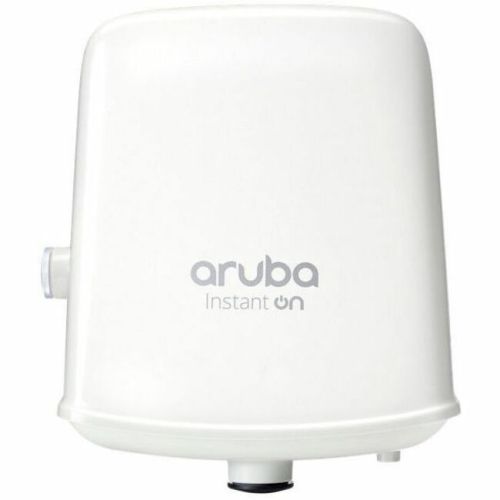
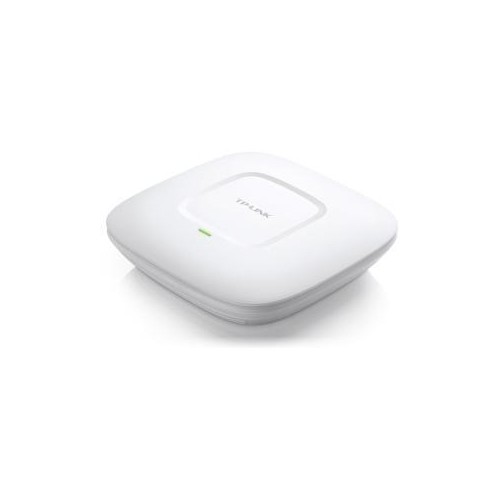
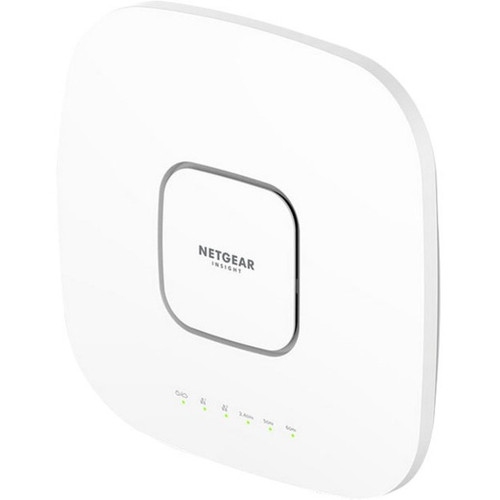
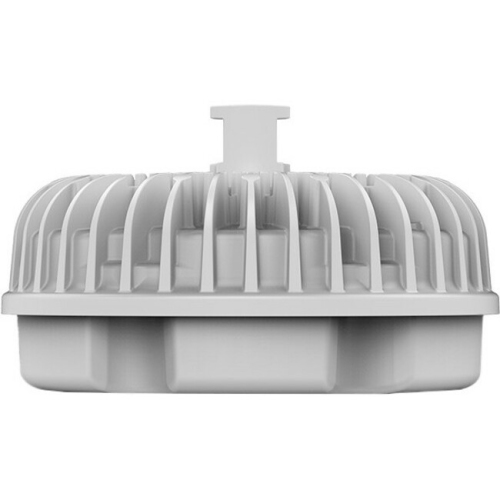
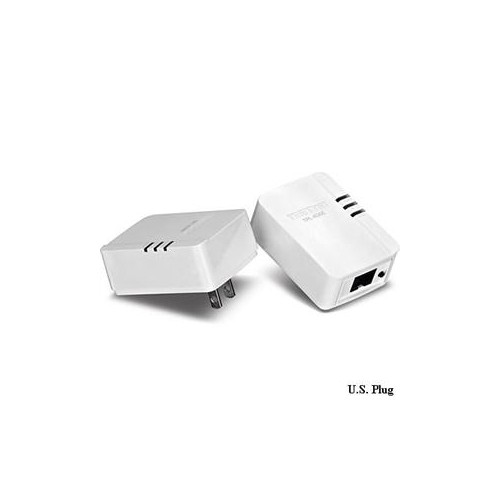
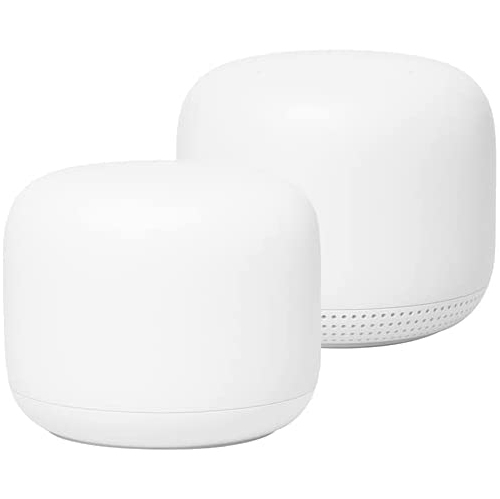
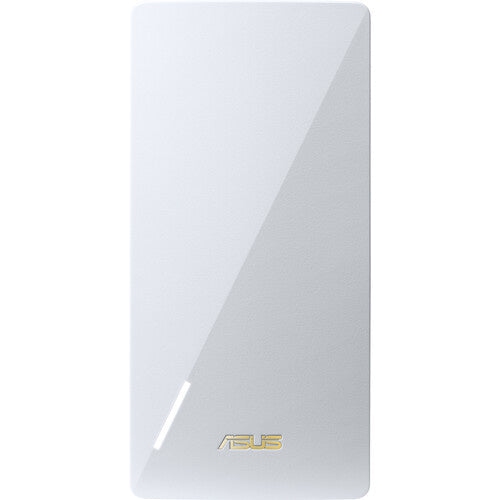
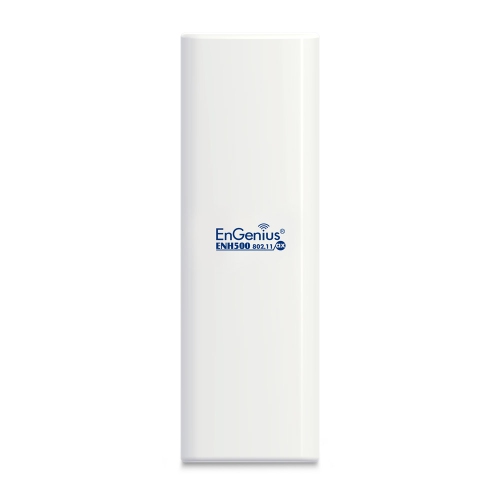
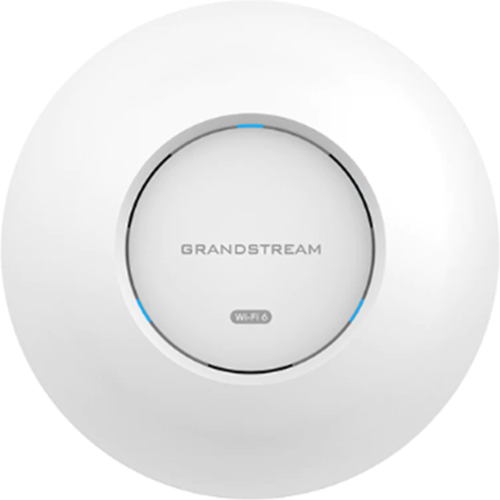
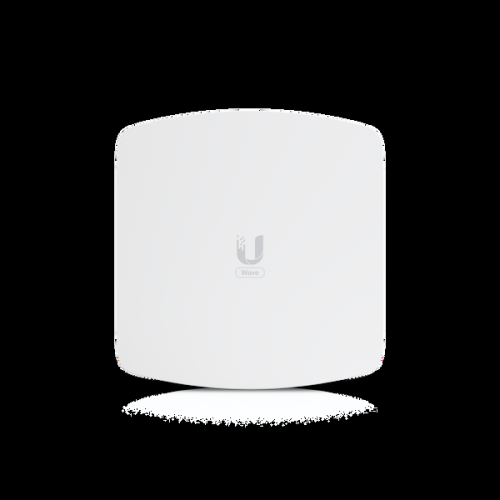
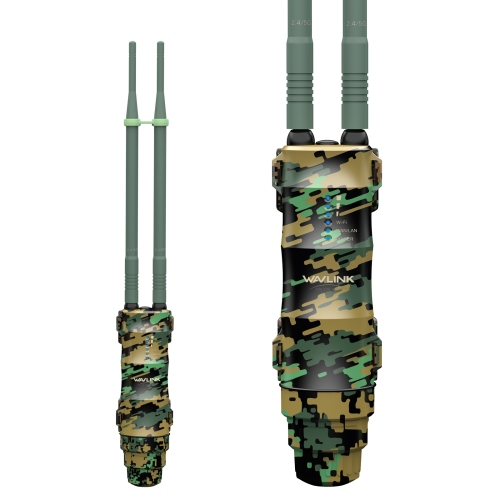
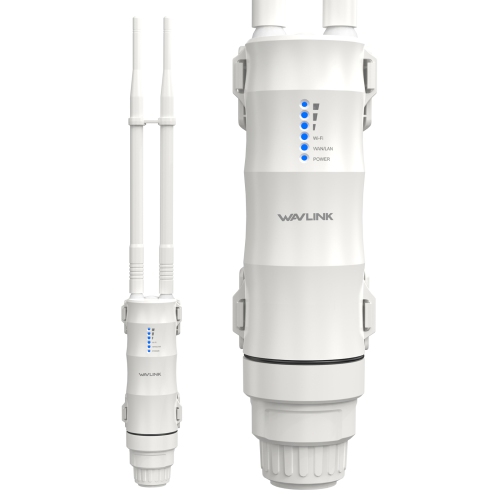
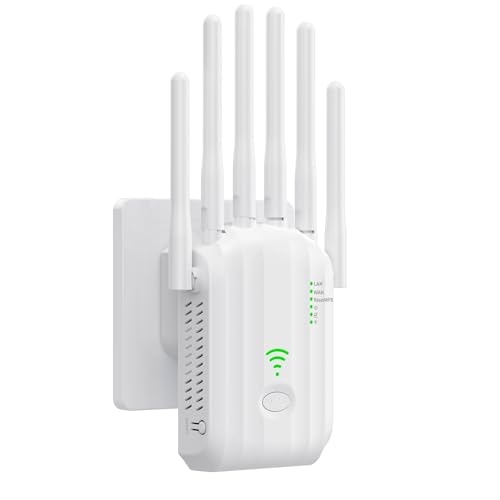
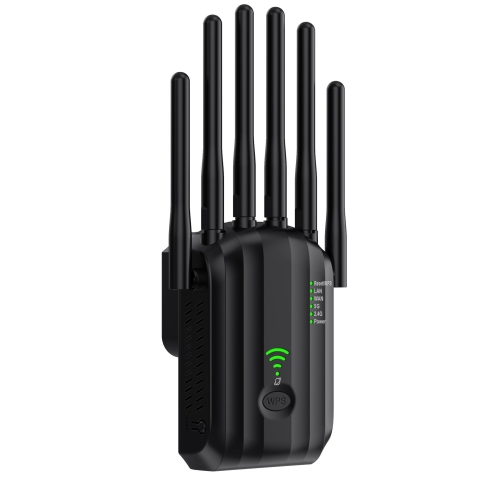
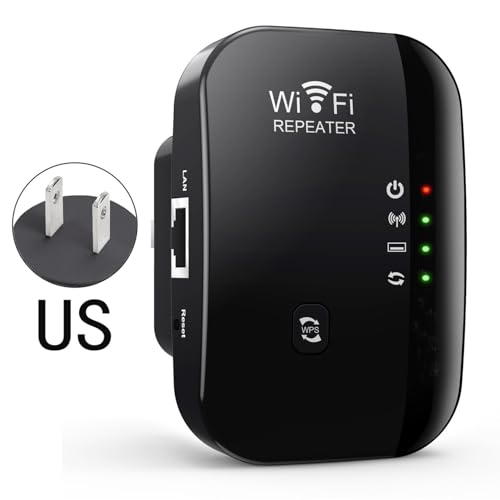
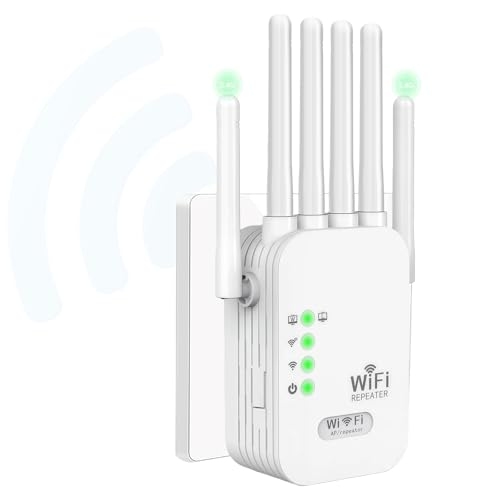
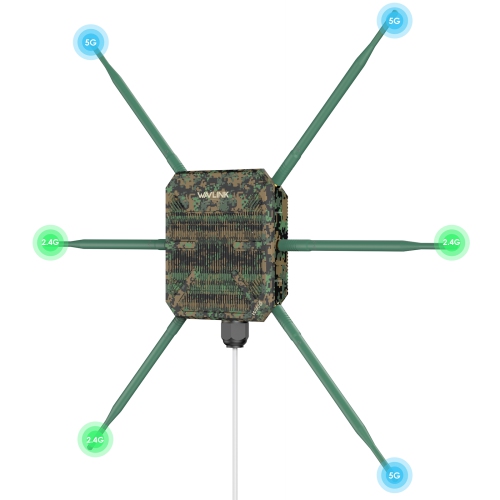
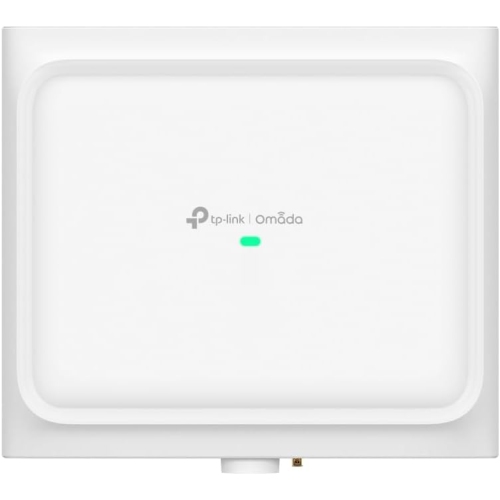
Point-to-point Wi-Fi extenders, also known as wireless bridges, are designed to connect two separate locations without the need to bury or run a long Ethernet cable between them. A typical setup uses two matching outdoor units: one transmitter connects to the router at the primary building, while the second receiver is installed at a nearby detached location such as a garage, workshop, barn, pool house, guest house, cottage or home office. The units communicate over a focused wireless link, creating an invisible network connection between the buildings. At the far end, the receiving unit can connect to a secondary Wi-Fi access point, network switch, computer, security camera system or other wired device, depending on the design of the network. This makes point-to-point equipment different from a conventional indoor range extender, which generally repeats a wireless signal within the same building. It is also different from a mesh system, where several nodes work together to provide roaming coverage throughout a home. A point-to-point link is intended to carry the network from one structure to another, making it a practical choice when a detached space is too far away for a standard router signal but close enough for a direct wireless connection. Homeowners may use one to bring internet access to a backyard office where video calls take place, a garage where files are accessed from a desktop computer, or a workshop where connected tools and cameras need a dependable connection. On a larger property, the same type of link can connect a main house with a barn, gatehouse or storage building. For broader outdoor coverage around a single building, explore Outdoor Wi-Fi Range Extenders.
Clear positioning is one of the most important considerations when choosing and installing a point-to-point Wi-Fi extender. The two units should generally have a direct line of sight, with as few obstructions as possible between them. Dense tree branches, hills, neighbouring buildings, metal structures and even some types of roofing can weaken or interrupt a focused wireless signal. It is helpful to think of the connection as a narrow beam rather than a broad household signal; the antennas need to face one another accurately, and a small change in height or angle can make a noticeable difference over a longer distance. Leave room around the path between the units for the signal to travel, especially when the buildings are far apart. Distance ratings and wireless speeds are usually measured under ideal conditions, so actual performance can be affected by interference from other networks, the construction of each building, antenna alignment and the quality of the network equipment connected at either end. A 5 GHz link can offer high throughput and low congestion, but it typically needs a clearer path and may not travel through obstacles as effectively as lower-frequency wireless signals. Check the stated range, frequency bands, data rates and outdoor operating specifications against the layout of the property rather than choosing solely by the highest advertised speed. Weather-resistant housings are important for units mounted outdoors, and the installation location should allow water to drain away while keeping connectors properly protected. Many point-to-point systems use Power over Ethernet, or PoE, so a single Ethernet cable carries both network data and electrical power between the outdoor unit and an indoor injector or compatible network device. This can simplify installation, although the cable length, connector protection and available power should be confirmed before mounting anything permanently. A stable connection also depends on the router, switch and access point at each end, so make sure the rest of the network can support the intended activities.
These systems suit people who need a reliable connection beyond the walls of the main home and have enough control over both locations to mount and align the equipment. They can be especially useful for rural properties, homeowners with detached offices, small businesses operating from multiple buildings, hobbyists with a separate studio, and families who want to use internet-connected devices in a garage or guest space. A point-to-point link may support browsing, cloud access, streaming, online meetings, smart-home equipment and compatible security cameras, although camera systems can require consistent upload capacity and sufficient bandwidth for several simultaneous feeds. If the far building needs wireless coverage for phones, laptops and tablets, the receiving unit is normally paired with a separate access point positioned inside that building. If the goal is to connect a single desktop computer, network video recorder or wired device, a direct Ethernet connection from the receiver may be enough. Before purchasing, measure the approximate distance between the buildings, identify any trees or structures in the path, note where power is available and decide what will be connected at the remote end. Consider whether the system should pair automatically, whether configuration tools are included, how the units will be mounted, and whether the network supports the security settings used by the main router. A little planning can prevent common problems, such as mounting one unit behind a metal wall, placing an access point too far inside the remote building, or selecting equipment that cannot provide enough power to the connected devices. For someone moving into a property with a detached workspace, setting up a cottage, or improving connectivity between buildings, a point-to-point Wi-Fi extender can be a practical and thoughtful technology gift because it solves a real everyday inconvenience: turning a distant room or outbuilding into a more useful part of the network.
Clear positioning is one of the most important considerations when choosing and installing a point-to-point Wi-Fi extender. The two units should generally have a direct line of sight, with as few obstructions as possible between them. Dense tree branches, hills, neighbouring buildings, metal structures and even some types of roofing can weaken or interrupt a focused wireless signal. It is helpful to think of the connection as a narrow beam rather than a broad household signal; the antennas need to face one another accurately, and a small change in height or angle can make a noticeable difference over a longer distance. Leave room around the path between the units for the signal to travel, especially when the buildings are far apart. Distance ratings and wireless speeds are usually measured under ideal conditions, so actual performance can be affected by interference from other networks, the construction of each building, antenna alignment and the quality of the network equipment connected at either end. A 5 GHz link can offer high throughput and low congestion, but it typically needs a clearer path and may not travel through obstacles as effectively as lower-frequency wireless signals. Check the stated range, frequency bands, data rates and outdoor operating specifications against the layout of the property rather than choosing solely by the highest advertised speed. Weather-resistant housings are important for units mounted outdoors, and the installation location should allow water to drain away while keeping connectors properly protected. Many point-to-point systems use Power over Ethernet, or PoE, so a single Ethernet cable carries both network data and electrical power between the outdoor unit and an indoor injector or compatible network device. This can simplify installation, although the cable length, connector protection and available power should be confirmed before mounting anything permanently. A stable connection also depends on the router, switch and access point at each end, so make sure the rest of the network can support the intended activities.
These systems suit people who need a reliable connection beyond the walls of the main home and have enough control over both locations to mount and align the equipment. They can be especially useful for rural properties, homeowners with detached offices, small businesses operating from multiple buildings, hobbyists with a separate studio, and families who want to use internet-connected devices in a garage or guest space. A point-to-point link may support browsing, cloud access, streaming, online meetings, smart-home equipment and compatible security cameras, although camera systems can require consistent upload capacity and sufficient bandwidth for several simultaneous feeds. If the far building needs wireless coverage for phones, laptops and tablets, the receiving unit is normally paired with a separate access point positioned inside that building. If the goal is to connect a single desktop computer, network video recorder or wired device, a direct Ethernet connection from the receiver may be enough. Before purchasing, measure the approximate distance between the buildings, identify any trees or structures in the path, note where power is available and decide what will be connected at the remote end. Consider whether the system should pair automatically, whether configuration tools are included, how the units will be mounted, and whether the network supports the security settings used by the main router. A little planning can prevent common problems, such as mounting one unit behind a metal wall, placing an access point too far inside the remote building, or selecting equipment that cannot provide enough power to the connected devices. For someone moving into a property with a detached workspace, setting up a cottage, or improving connectivity between buildings, a point-to-point Wi-Fi extender can be a practical and thoughtful technology gift because it solves a real everyday inconvenience: turning a distant room or outbuilding into a more useful part of the network.
Top selling and popular products
-
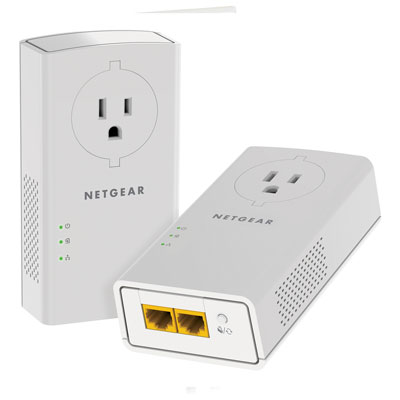 Your price for this item is $139.99
 -
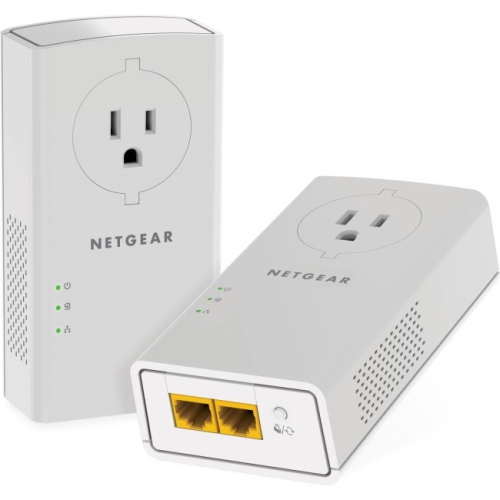 Your price for this item is $177.37
 -
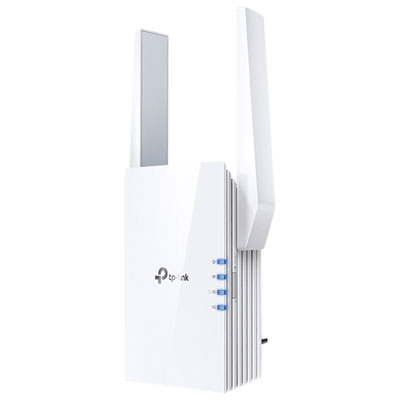 Your price for this item is $69.99
 -
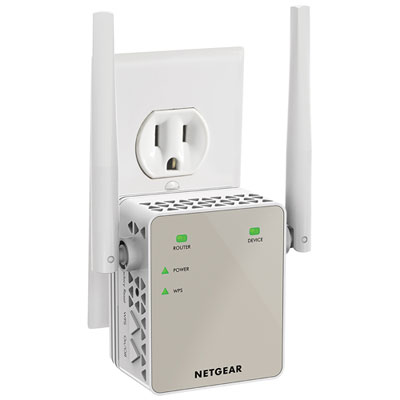 Your price for this item is $79.99
 -
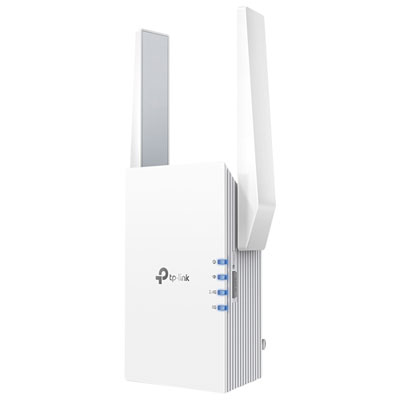 Your price for this item is $98.99
 -
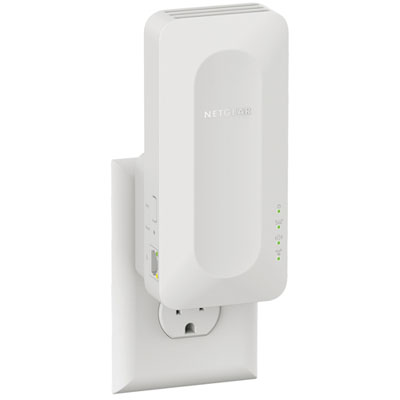 Your price for this item is $99.99
 -
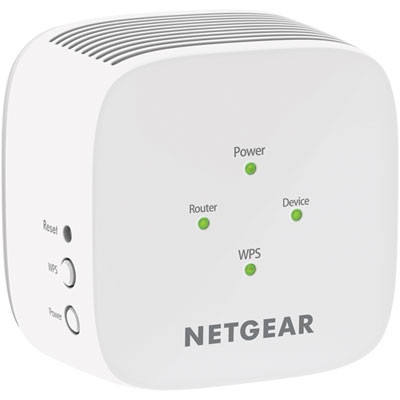 Your price for this item is $45.95
 -
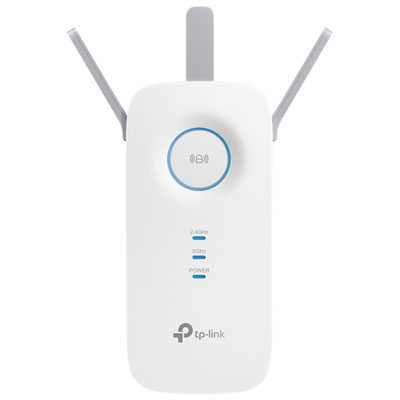 Your price for this item is $59.99
Discover more categories related to Point To Point Wi-Fi Extenders
Top Collections:
Pokemon Centers, Kindle Devices, Best Budget Office Chairs, Apple iPhones 16, Best Laptops for Writers, iPhone 15 Apple, Canon G7X Cameras, Refurbished Apple Laptops, Alarm Clock, Motorola Razr Phones
Some products may be subject to Environmental Handling Fees
(EHF) depending on your province.
Learn more about EHFs.