Printers With Automatic Duplex Printing
Printers With Automatic Duplex Printing offer a convenient solution for handling double-sided documents with ease. Designed to streamline your workflow, these printers are ideal for busy home offices, classrooms, or businesses where efficiency matters. Explore a range of models that make it simple to produce professional-quality prints while saving time on every project. Find the perfect printer to meet your needs and enjoy smooth, reliable performance with every page.
Sort
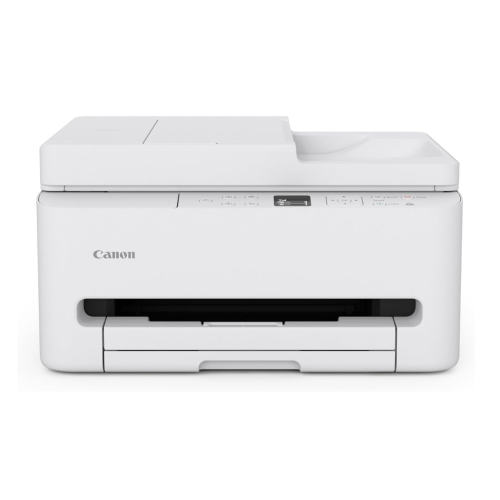
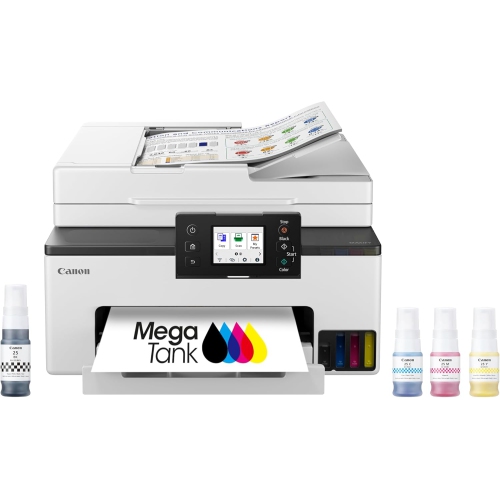
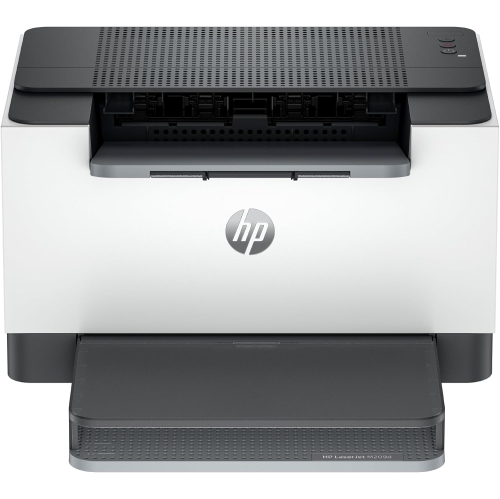
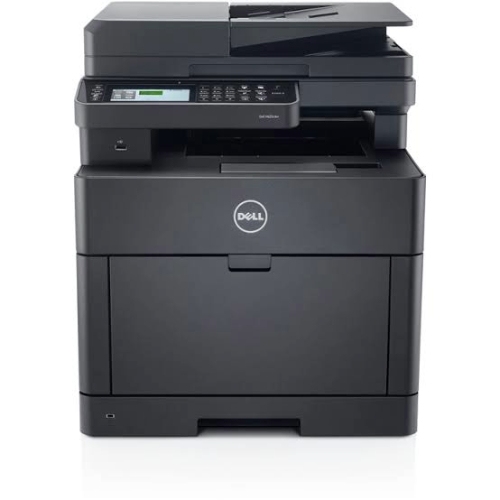
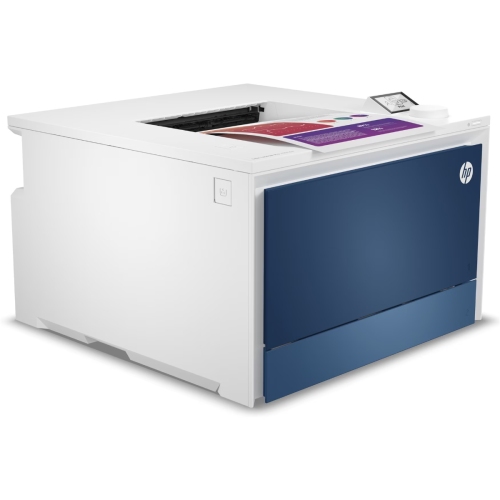
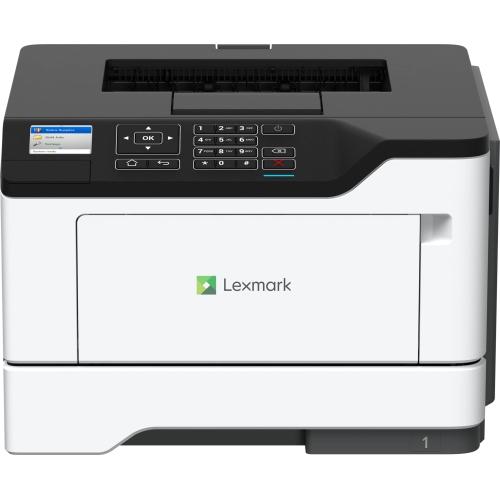
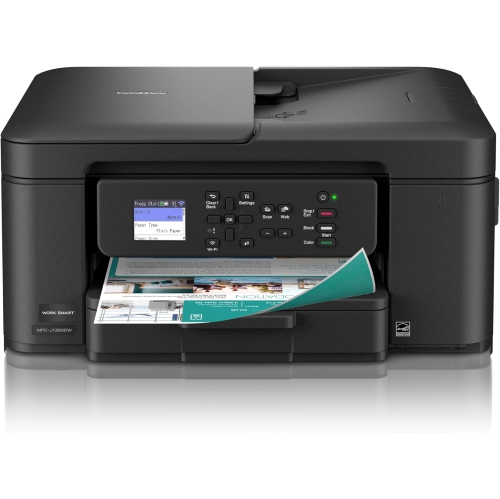
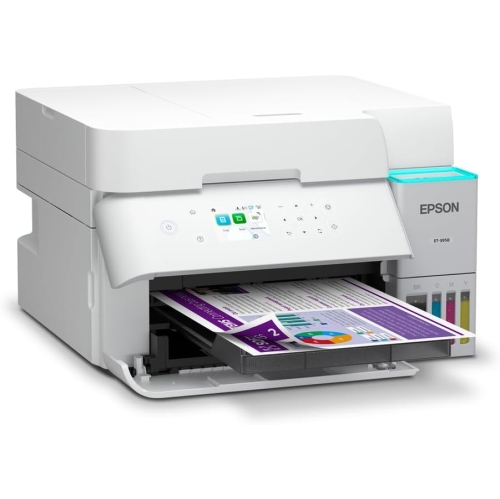
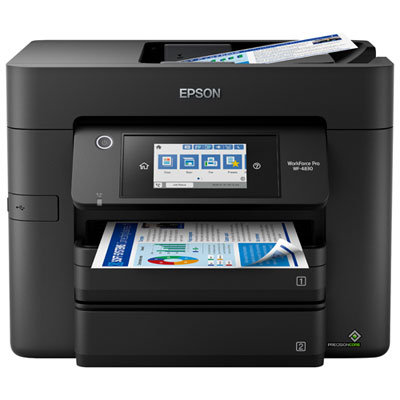
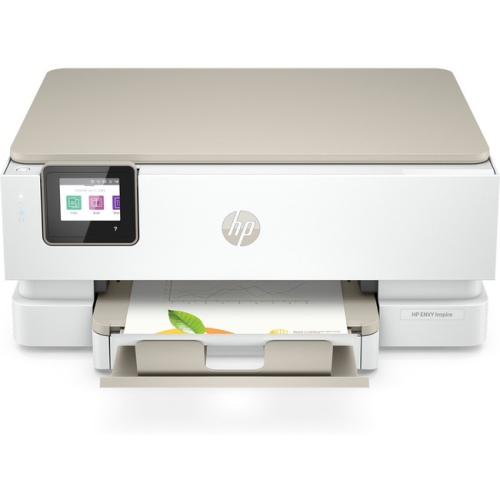
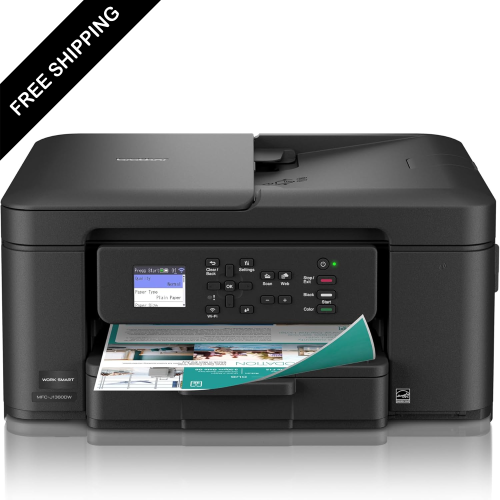
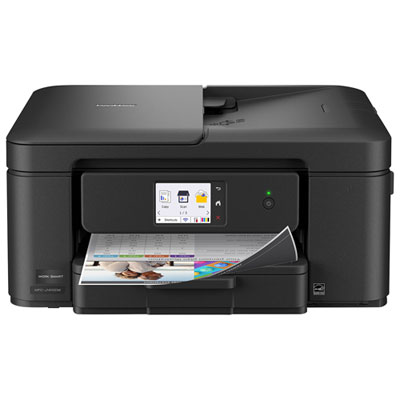
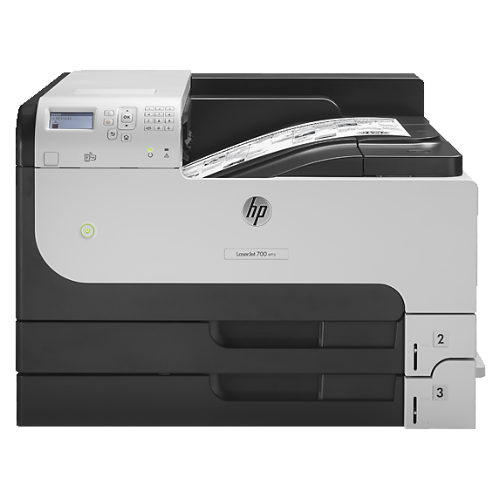
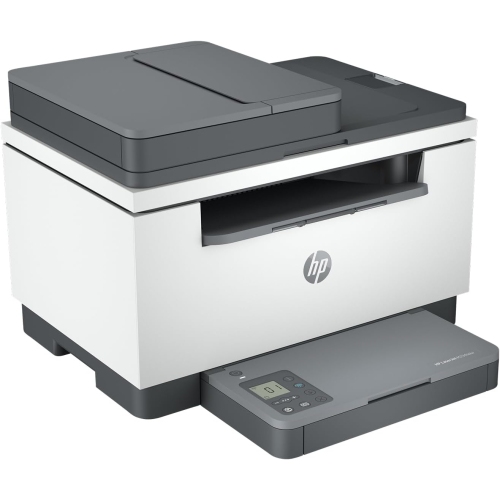
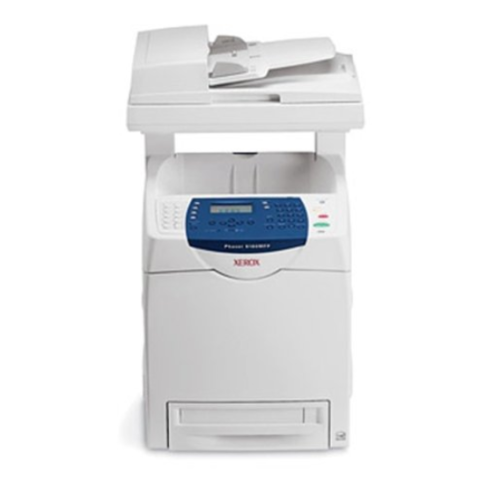
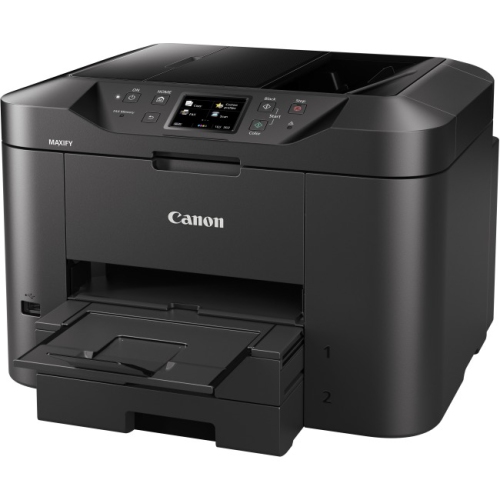
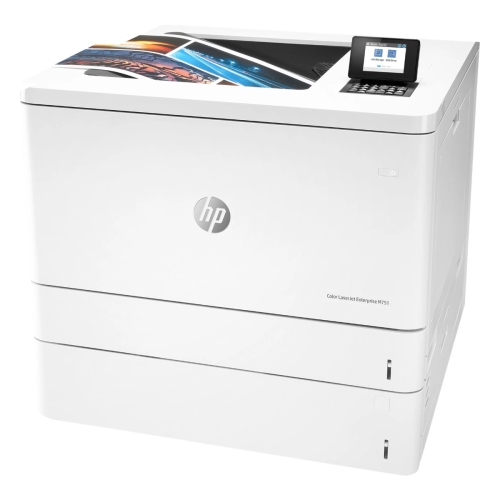
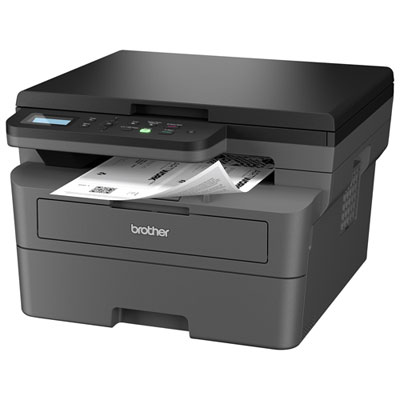
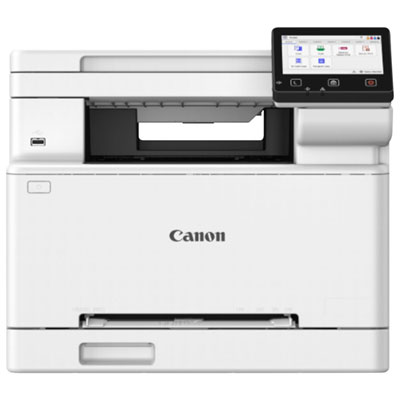
Two-sided documents without flipping each sheet by hand
Printers with automatic duplex printing print on both sides of a sheet without requiring you to turn the paper over and feed it through again. After printing the first side, the printer moves the sheet through an internal paper path to print the reverse, keeping longer documents in order with less hands-on attention. That makes automatic two-sided printing useful for course readings, contracts, meeting notes, household records, and other documents that are easier to handle as a compact stack. A student can print a chapter to annotate, while a home office user can prepare a multipage proposal without standing beside the paper tray. Automatic duplex printing is different from manual duplex printing, which relies on someone reinserting the pages, sometimes in a particular orientation. It is also separate from duplex scanning: a printer that prints on both sides does not necessarily scan or copy both sides of an original automatically. Single-function printers focus on printing, while all-in-one models combine printing with features such as scanning and copying, with faxing included on some designs. The best fit depends on which of those tasks actually comes up during the day. For a desk used mainly for correspondence and forms, straightforward document printing may be enough. A shared family workspace or small office may benefit from a scanner for signed paperwork and a document feeder for multipage originals. Two-sided printing generally works best with supported plain paper, and the compatible sizes and weights vary by printer. Letter-size documents are a common use, but automatic duplex support for legal-size paper or smaller sheets should be confirmed in the specifications. Envelopes, labels, heavy cardstock, and some photo papers may require single-sided printing or a separate feed slot. The automatic duplex feature is therefore most useful when its supported media match the documents you print regularly, rather than simply appearing as a feature on the box.
Both laser and inkjet printers can include automatic duplex printing, with each type suited to different document needs. Monochrome laser printers produce black-and-white output and are a practical match for text-heavy reports, shipping paperwork, reading assignments, and internal office documents. Colour laser printers add colour charts, presentation handouts, and other business graphics to that workload. Laser printing uses toner that is fused to the page, while inkjet printing places liquid ink onto the paper. Inkjets can suit households and workspaces that alternate between text, colour illustrations, school projects, and photographs, although photo quality depends on the printer, ink, paper, and chosen settings. For a closer look at that category, Inkjet Printers With Duplex Printing Capabilities brings together the inkjet format and automatic two-sided document printing. Cartridge-based and refillable ink-tank designs have different replenishment routines, so ease of replacing cartridges or filling tanks can matter just as much as the initial setup. Expected printing volume is another useful consideration. An occasional batch of forms places different demands on a printer than several people sending reports throughout the day. A manufacturer's recommended monthly page volume is a more practical reference for regular use than its maximum duty cycle, which describes an upper workload limit rather than a routine target. Paper-tray capacity and output-tray capacity also affect how often someone needs to refill paper or clear finished pages. A larger input tray can keep a lengthy assignment moving, while separate paper sources can make switching between supported sizes more convenient. Print-speed figures deserve a little context: advertised speeds may describe single-sided output, and automatic duplex printing can take longer because the sheet must travel through the printer again. Inkjet models may also pause to let ink dry before printing the reverse side. For short jobs, the time before the first page appears can matter more than a high pages-per-minute figure. Clear text, legible fine print, and consistent page positioning are especially valuable for documents that will be reviewed, signed, or filed.
Everyday convenience also depends on how a duplex printer fits into the space and connects to the people using it. Overall dimensions do not always show the full working footprint, so allow room for extended trays, an open scanner lid, and access to the rear paper path for clearing jams. A compact printer may fit neatly on a shelf but still need clearance around it for ventilation and maintenance. Wi-Fi can make sharing easier across a household or small team, Ethernet offers a wired network connection where supported, and USB suits a direct connection to a computer. Mobile printing support varies by operating system and app, and two-sided settings may not appear in every printing interface. Compatibility with the devices and software used for daily work helps avoid unnecessary steps when sending a document. Within the print settings, long-edge binding is typically appropriate for portrait pages that turn like a book; short-edge binding is often useful for pages that flip upward. Orientation changes how the reverse side appears, so a two-page test can prevent a full set of handouts from printing with upside-down backs. Paper choice makes a visible difference, too. Thin sheets can allow dark text or dense graphics to show through, while paper that is too heavy may fall outside the automatic duplex limits. Supported paper with suitable opacity helps keep both sides readable. For inkjet output, paper intended for two-sided use can improve results when colour appears on both faces. Keeping paper flat and dry, adjusting tray guides without squeezing the stack, and avoiding overfilled trays all support smooth feeding. Printer durability depends partly on matching the machine to its workload and following its maintenance schedule. Accessible replacement supplies and user-replaceable maintenance parts, where supported, can simplify ongoing care. Inkjet printers may need printhead cleaning when output develops gaps, while laser printers can have separate drum or other maintenance requirements. Follow the manufacturer's cleaning instructions rather than using household sprays inside the printer. With the right media, settings, and routine care, automatic duplex printing can make repeated document tasks more manageable, from preparing a neatly ordered training pack to printing a double-sided reference file that stays easy to carry and store.
Both laser and inkjet printers can include automatic duplex printing, with each type suited to different document needs. Monochrome laser printers produce black-and-white output and are a practical match for text-heavy reports, shipping paperwork, reading assignments, and internal office documents. Colour laser printers add colour charts, presentation handouts, and other business graphics to that workload. Laser printing uses toner that is fused to the page, while inkjet printing places liquid ink onto the paper. Inkjets can suit households and workspaces that alternate between text, colour illustrations, school projects, and photographs, although photo quality depends on the printer, ink, paper, and chosen settings. For a closer look at that category, Inkjet Printers With Duplex Printing Capabilities brings together the inkjet format and automatic two-sided document printing. Cartridge-based and refillable ink-tank designs have different replenishment routines, so ease of replacing cartridges or filling tanks can matter just as much as the initial setup. Expected printing volume is another useful consideration. An occasional batch of forms places different demands on a printer than several people sending reports throughout the day. A manufacturer's recommended monthly page volume is a more practical reference for regular use than its maximum duty cycle, which describes an upper workload limit rather than a routine target. Paper-tray capacity and output-tray capacity also affect how often someone needs to refill paper or clear finished pages. A larger input tray can keep a lengthy assignment moving, while separate paper sources can make switching between supported sizes more convenient. Print-speed figures deserve a little context: advertised speeds may describe single-sided output, and automatic duplex printing can take longer because the sheet must travel through the printer again. Inkjet models may also pause to let ink dry before printing the reverse side. For short jobs, the time before the first page appears can matter more than a high pages-per-minute figure. Clear text, legible fine print, and consistent page positioning are especially valuable for documents that will be reviewed, signed, or filed.
Everyday convenience also depends on how a duplex printer fits into the space and connects to the people using it. Overall dimensions do not always show the full working footprint, so allow room for extended trays, an open scanner lid, and access to the rear paper path for clearing jams. A compact printer may fit neatly on a shelf but still need clearance around it for ventilation and maintenance. Wi-Fi can make sharing easier across a household or small team, Ethernet offers a wired network connection where supported, and USB suits a direct connection to a computer. Mobile printing support varies by operating system and app, and two-sided settings may not appear in every printing interface. Compatibility with the devices and software used for daily work helps avoid unnecessary steps when sending a document. Within the print settings, long-edge binding is typically appropriate for portrait pages that turn like a book; short-edge binding is often useful for pages that flip upward. Orientation changes how the reverse side appears, so a two-page test can prevent a full set of handouts from printing with upside-down backs. Paper choice makes a visible difference, too. Thin sheets can allow dark text or dense graphics to show through, while paper that is too heavy may fall outside the automatic duplex limits. Supported paper with suitable opacity helps keep both sides readable. For inkjet output, paper intended for two-sided use can improve results when colour appears on both faces. Keeping paper flat and dry, adjusting tray guides without squeezing the stack, and avoiding overfilled trays all support smooth feeding. Printer durability depends partly on matching the machine to its workload and following its maintenance schedule. Accessible replacement supplies and user-replaceable maintenance parts, where supported, can simplify ongoing care. Inkjet printers may need printhead cleaning when output develops gaps, while laser printers can have separate drum or other maintenance requirements. Follow the manufacturer's cleaning instructions rather than using household sprays inside the printer. With the right media, settings, and routine care, automatic duplex printing can make repeated document tasks more manageable, from preparing a neatly ordered training pack to printing a double-sided reference file that stays easy to carry and store.
Top selling and popular products
-
 Your price for this item is $249.99
 -
 Your price for this item is $89.95
 -
 Your price for this item is $309.47
 -
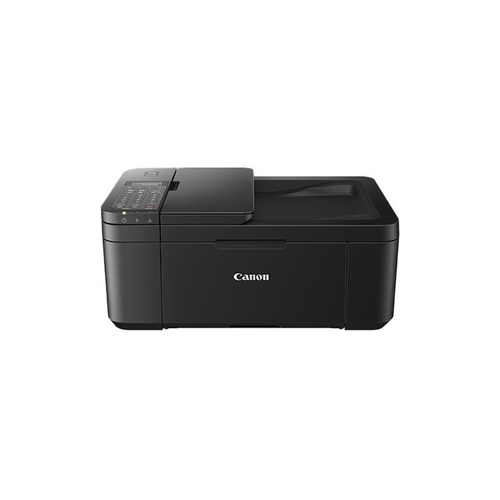 Your price for this item is $247.92
 -
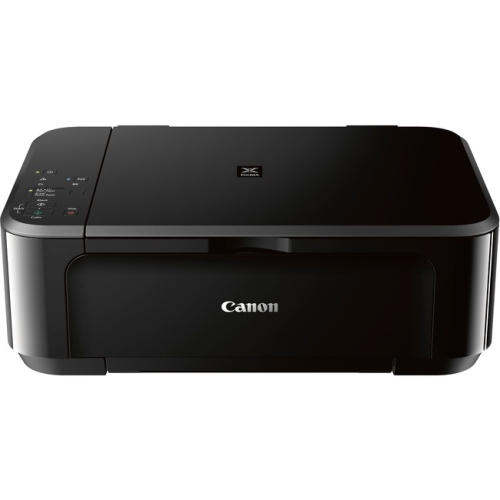 Your price for this item is $89.95
 -
 Your price for this item is $149.99
 -
 Your price for this item is $214.99
 -
 Your price for this item is $129.95
Discover more categories related to Printers With Automatic Duplex Printing
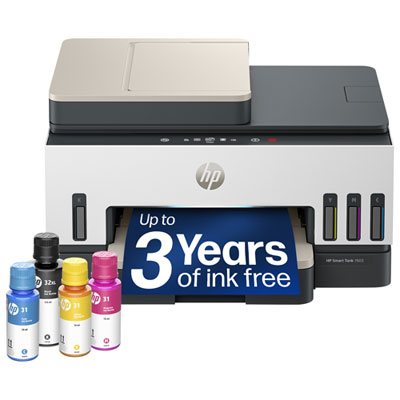
Top Collections:
Pokemon Centers, Best Cameras for Sports Photography, Kindle Devices, Samsung Galaxy Phones, Canon G7X Cameras, Pokémon 30th Celebration Cards, Refurbished Apple Laptops, iPhone 15 Apple, Laptops for Students, Budget Smartphones
Some products may be subject to Environmental Handling Fees
(EHF) depending on your province.
Learn more about EHFs.