Inkjet Printers With Duplex Printing Capabilities
If you're looking for a printer that can handle your home or small-office needs, consider an inkjet printer with duplex printing capabilities. These models can print on both sides of the page, which is great for saving paper and reducing waste.
Sort
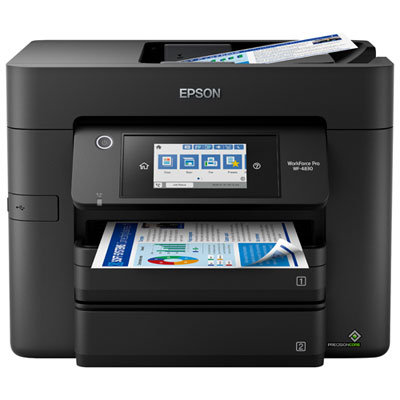
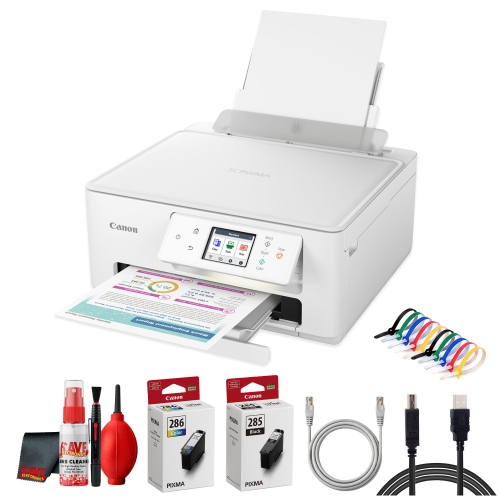
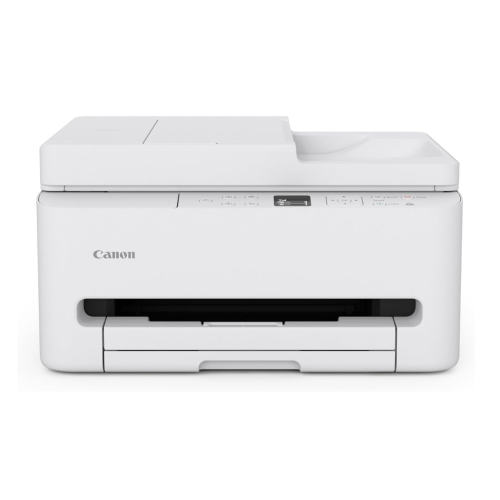
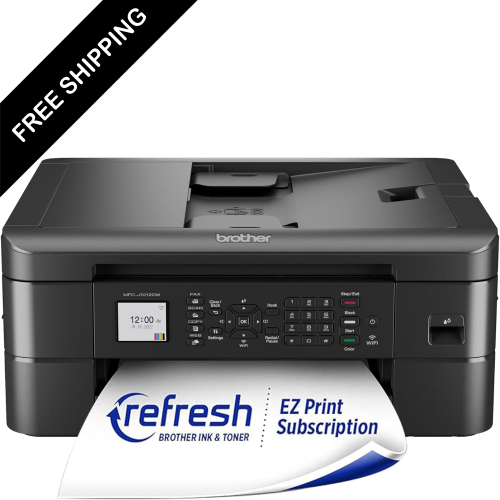
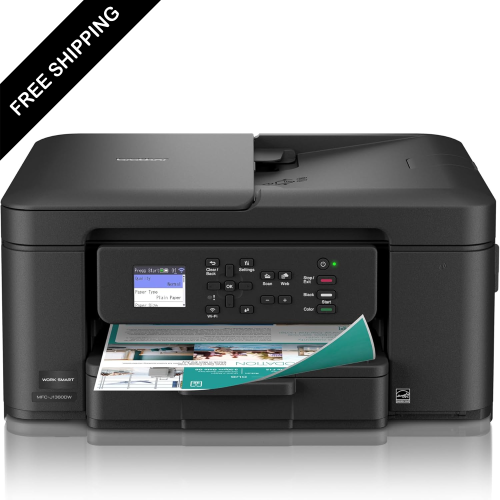
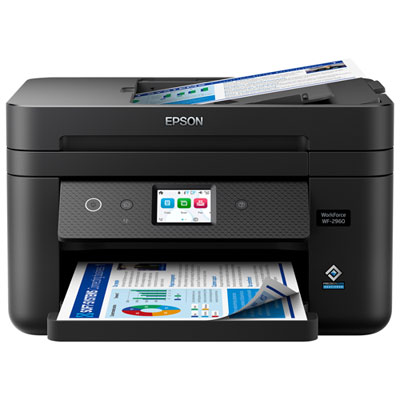
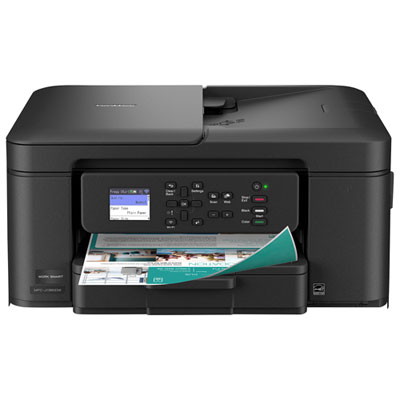
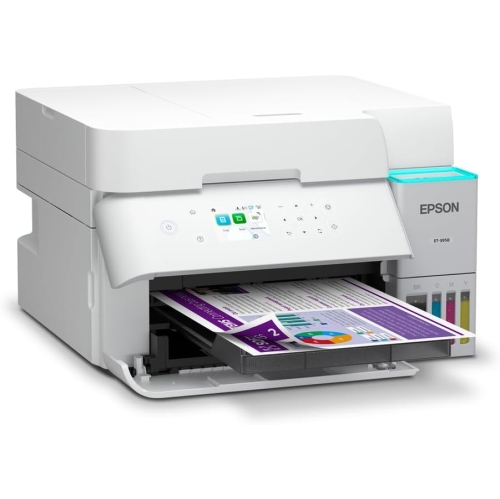
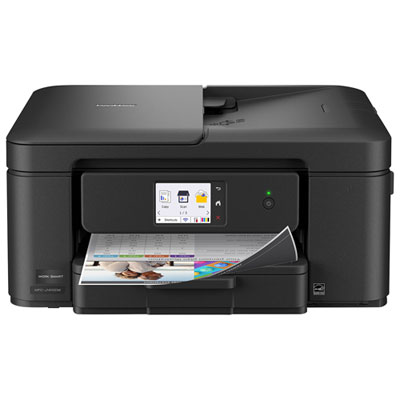
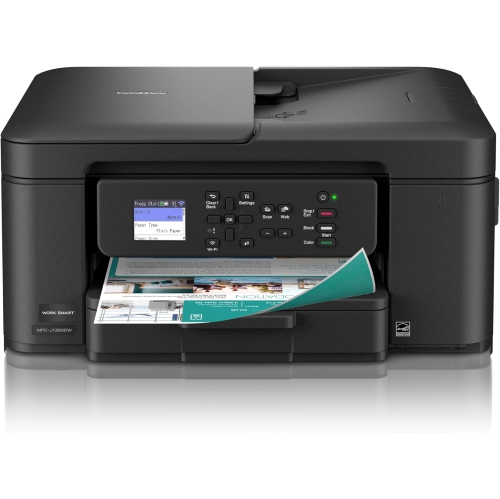
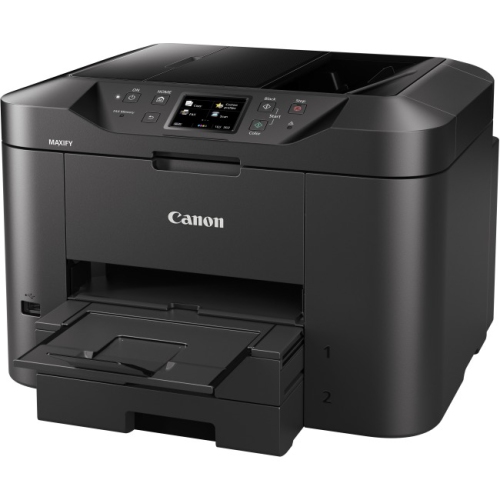

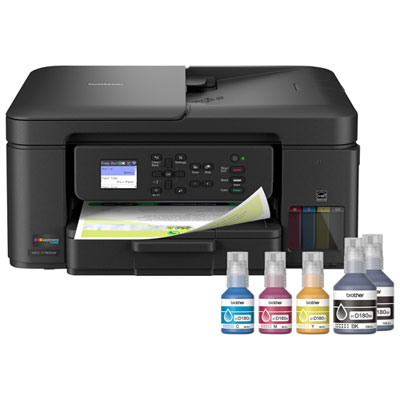
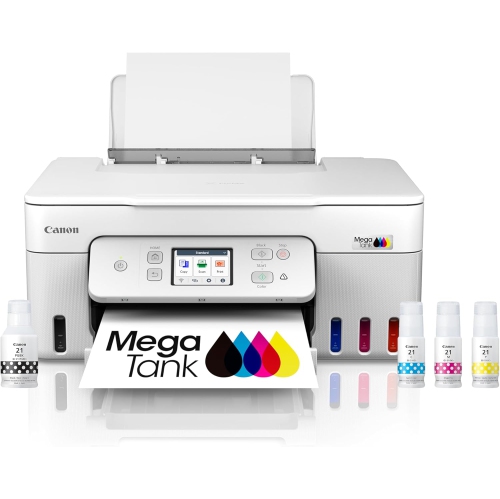
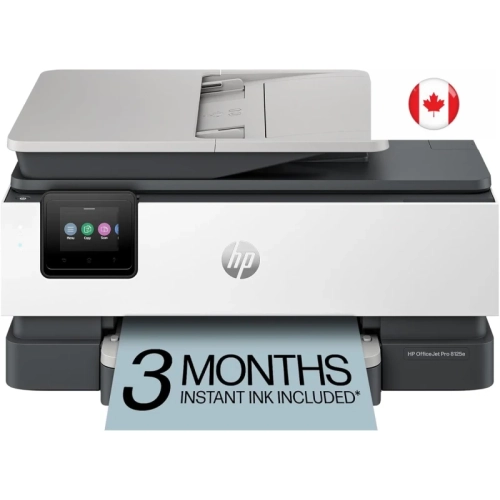
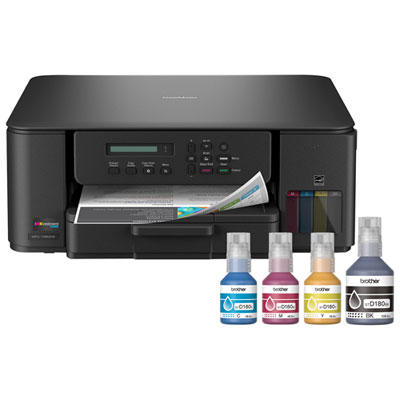
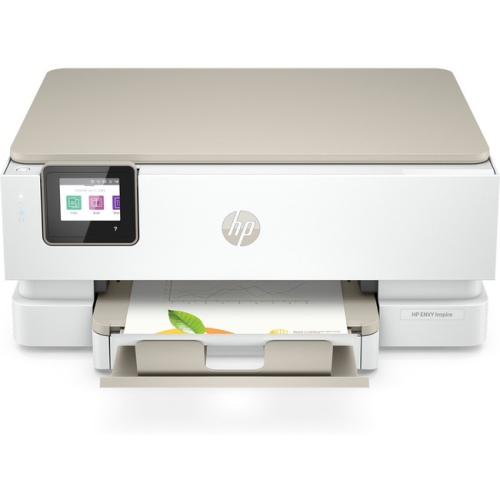
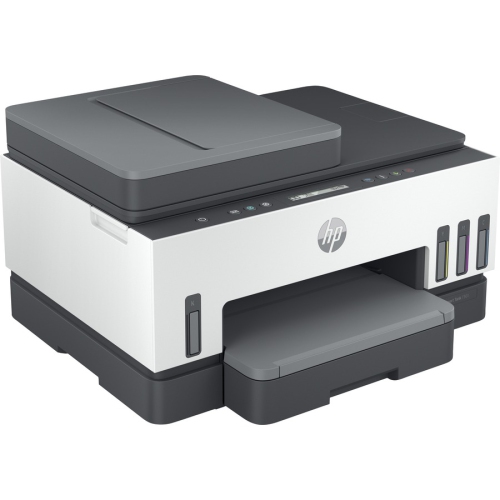
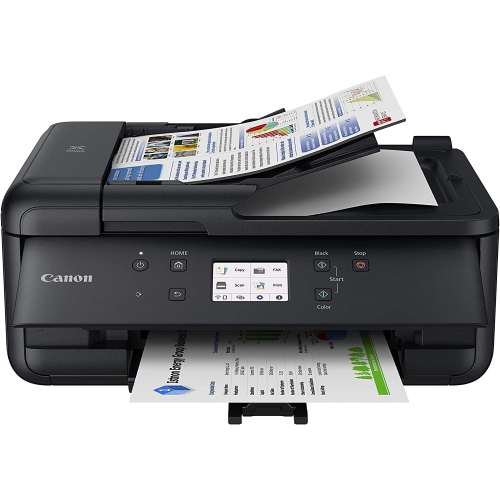
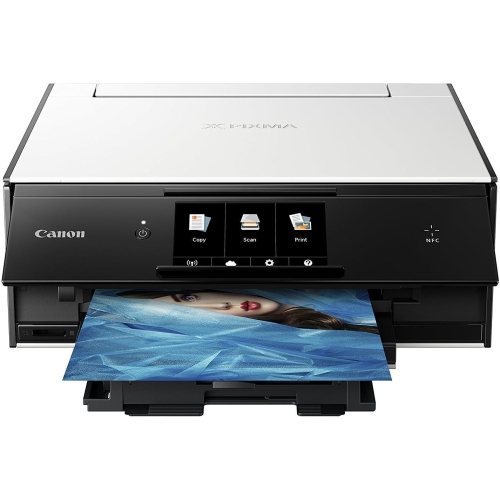
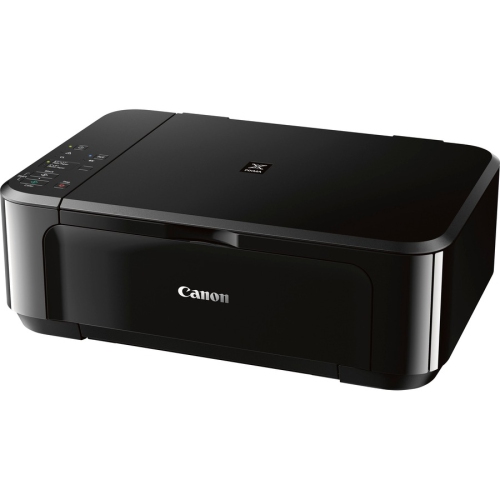


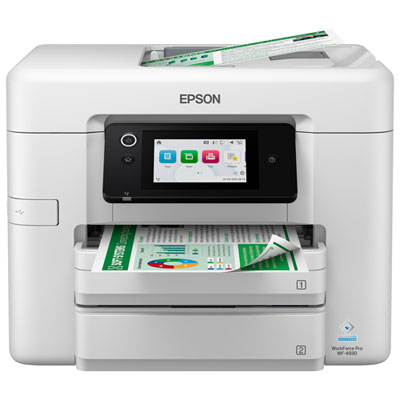
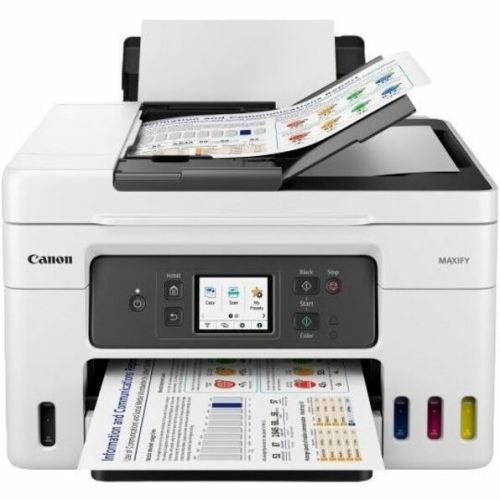
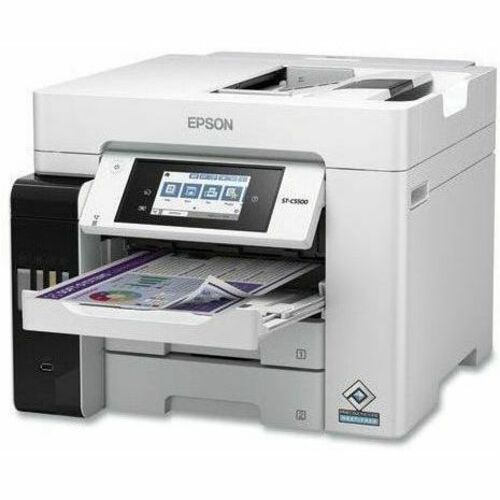
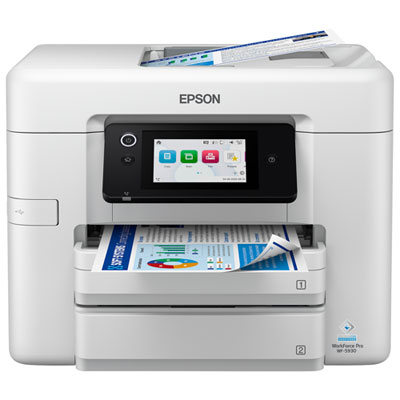
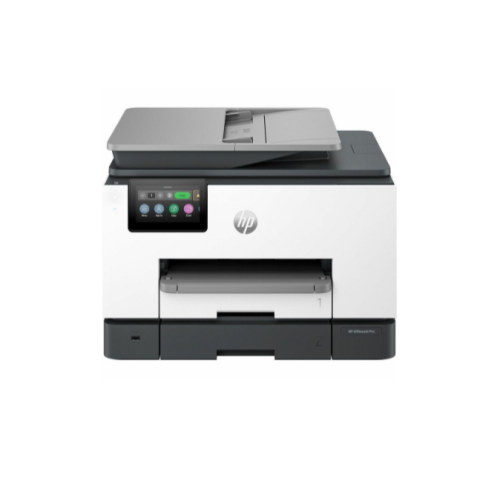
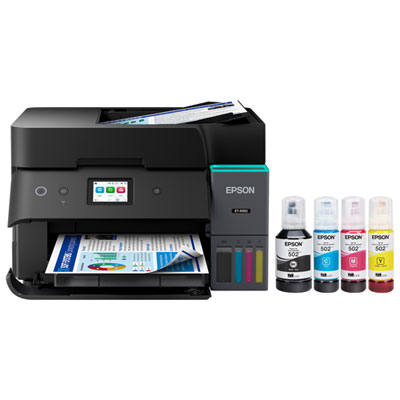
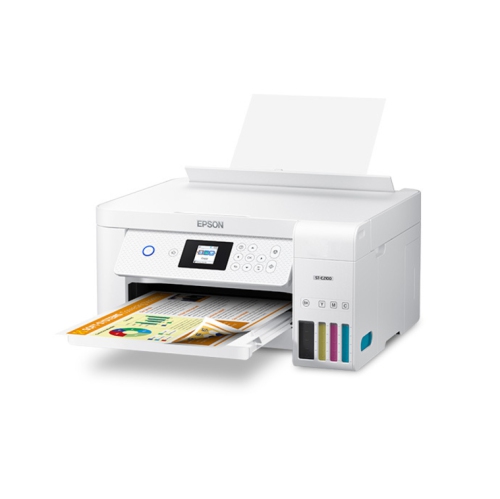
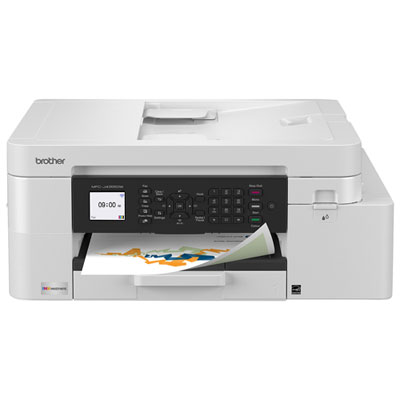
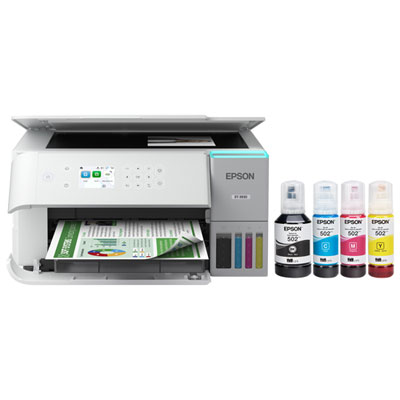
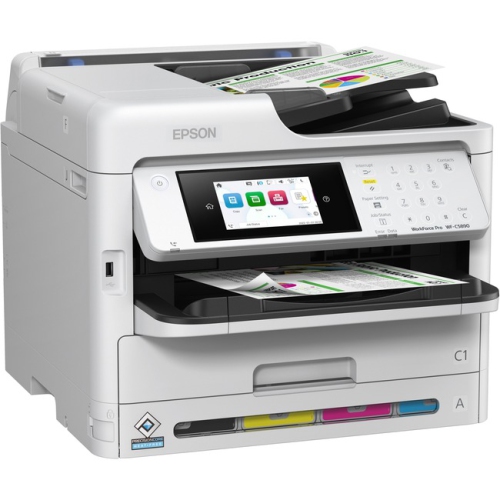
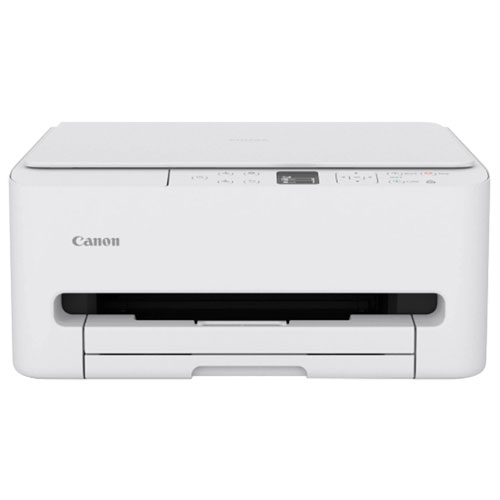

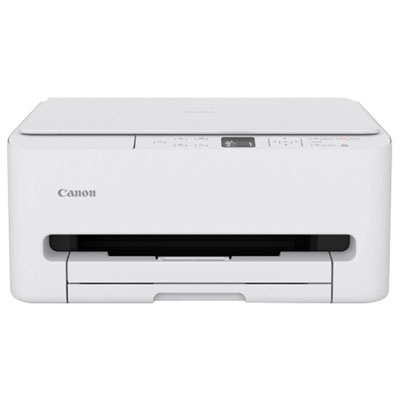
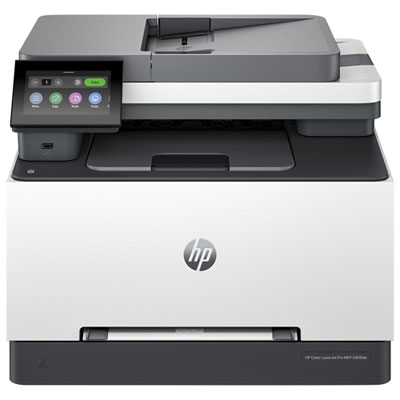
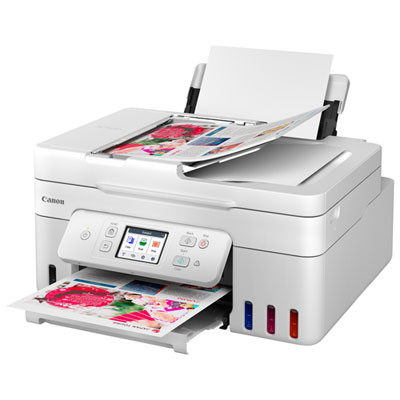
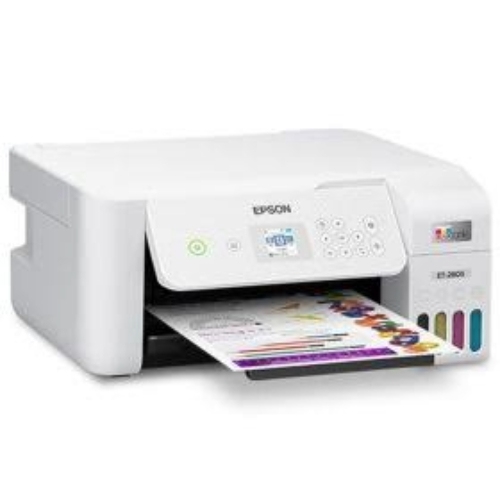
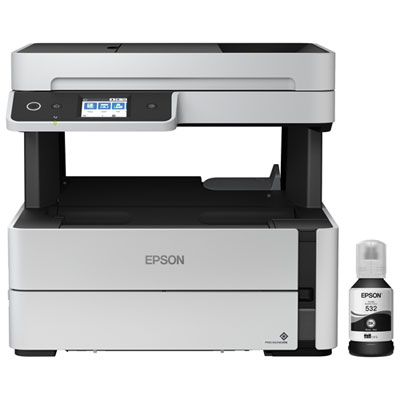
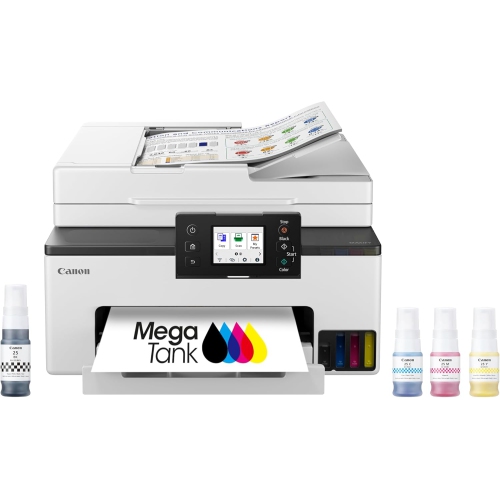
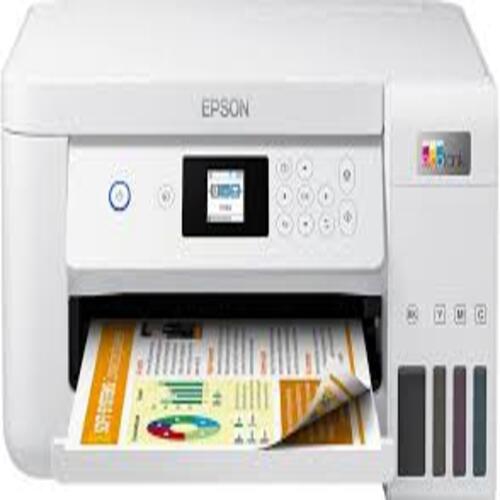
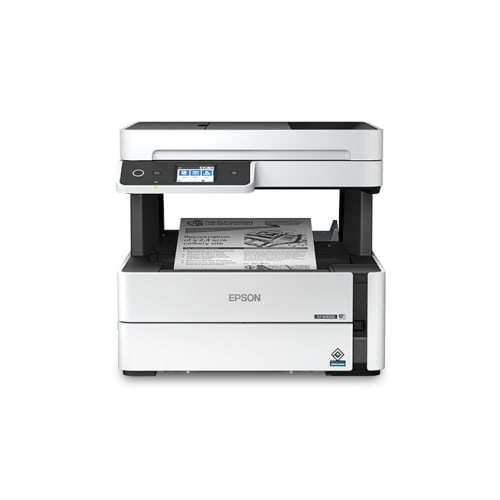
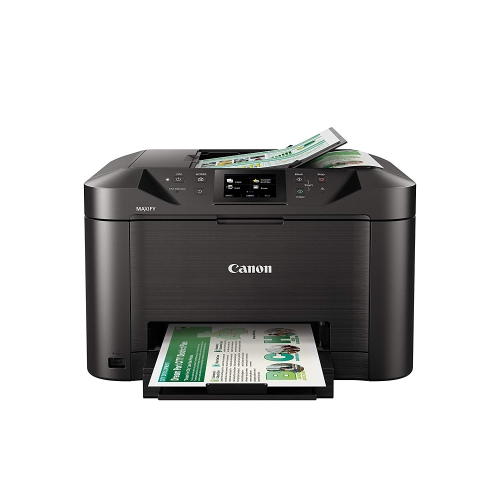
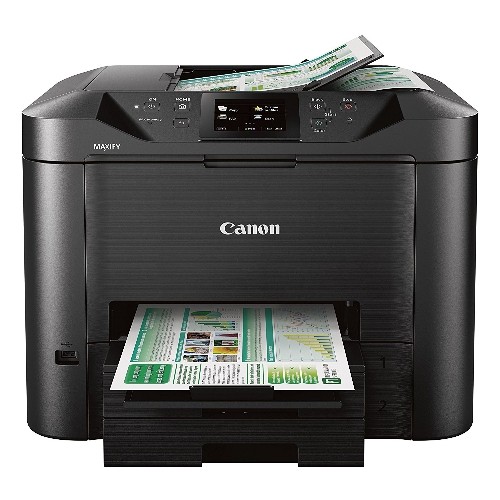
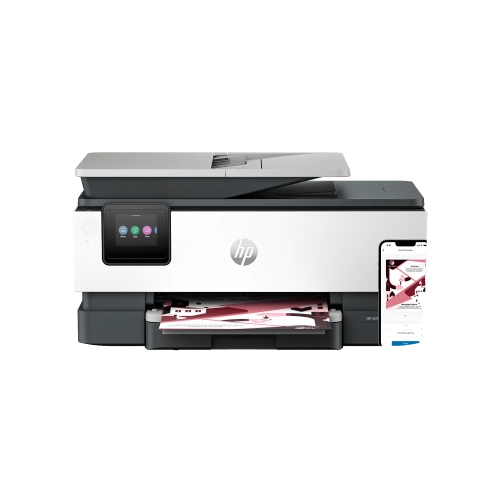
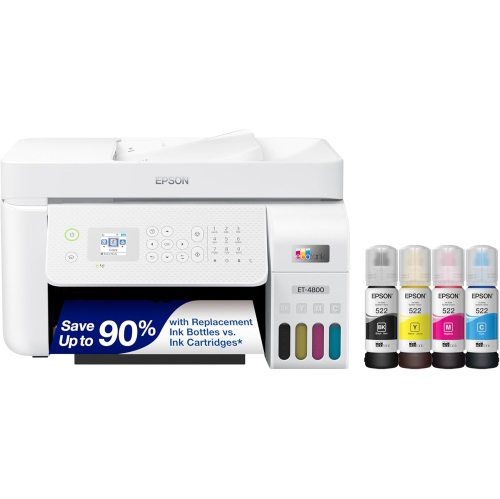
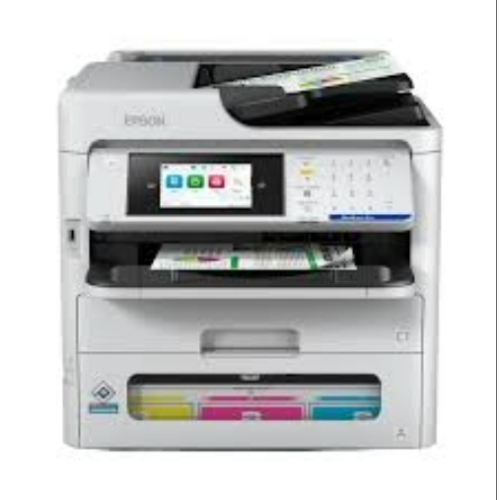
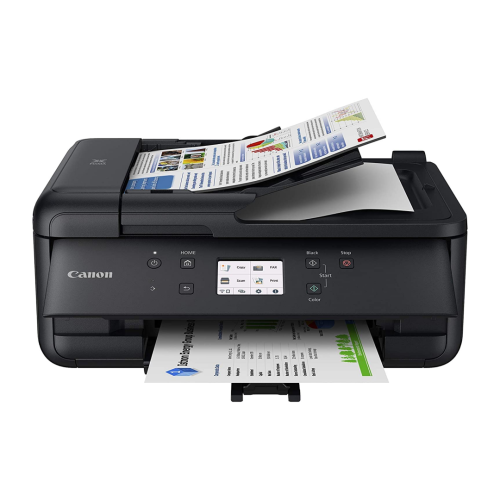
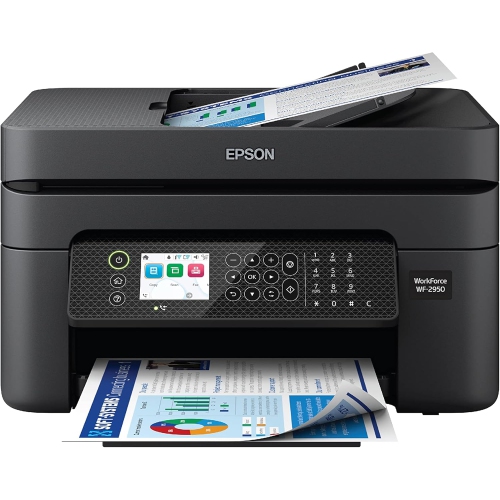
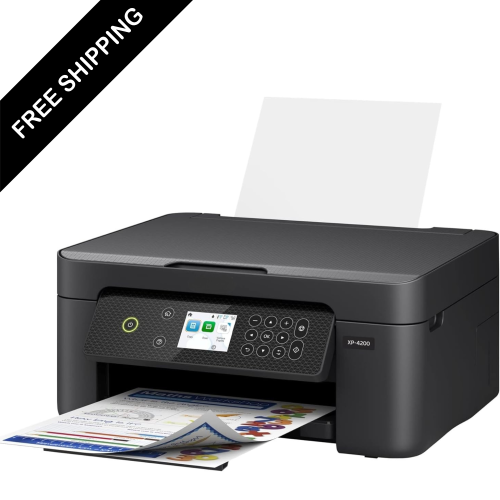
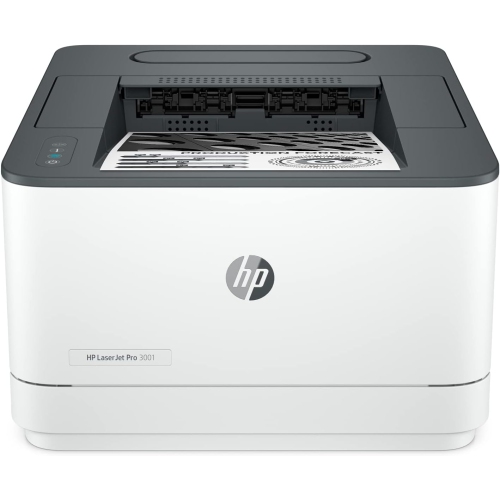
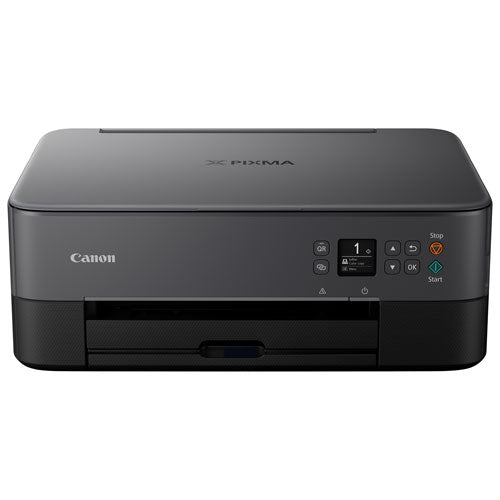
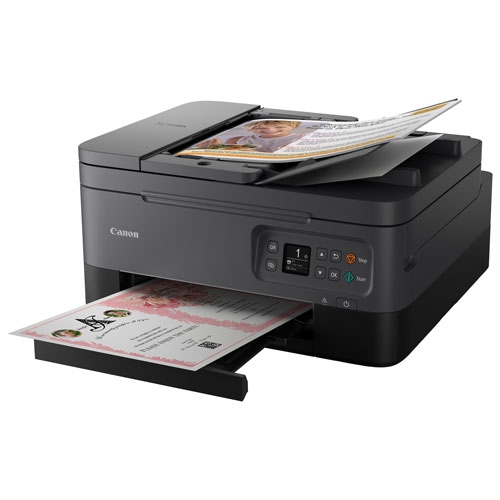

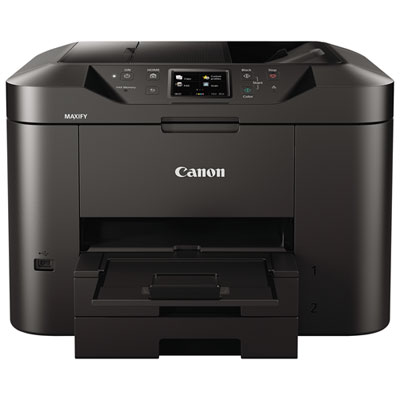
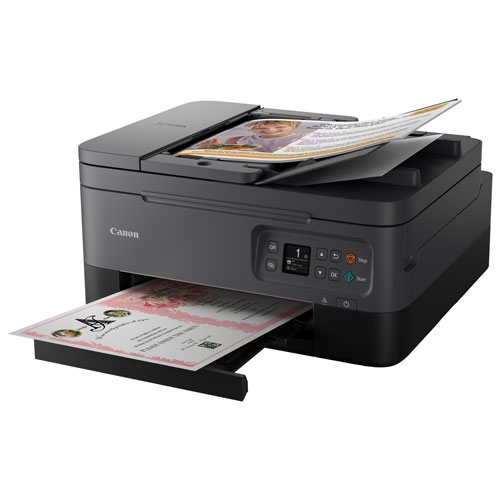
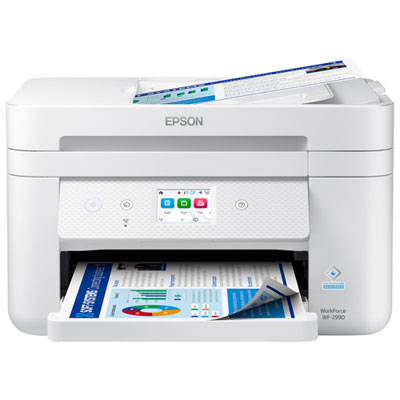
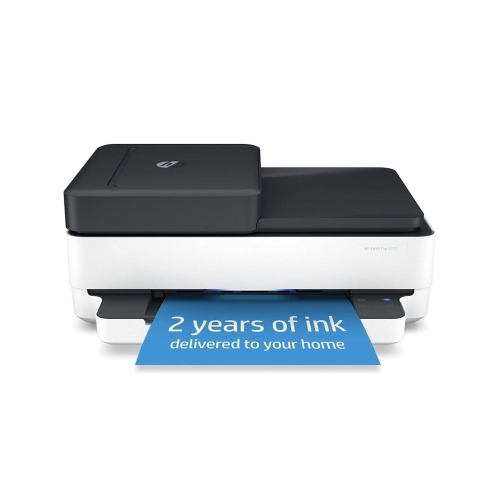
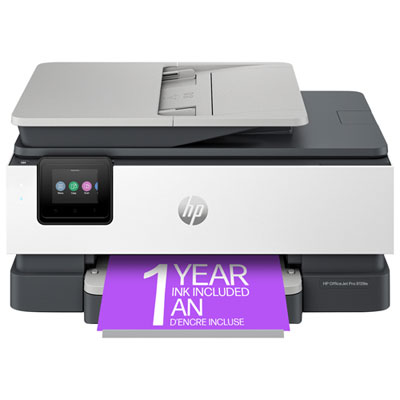
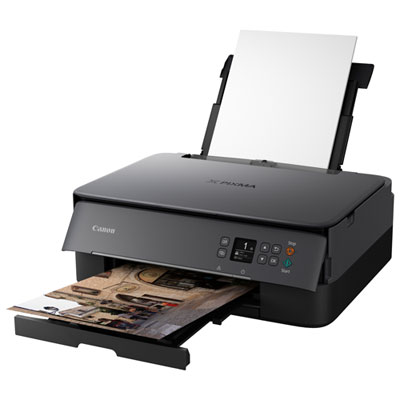
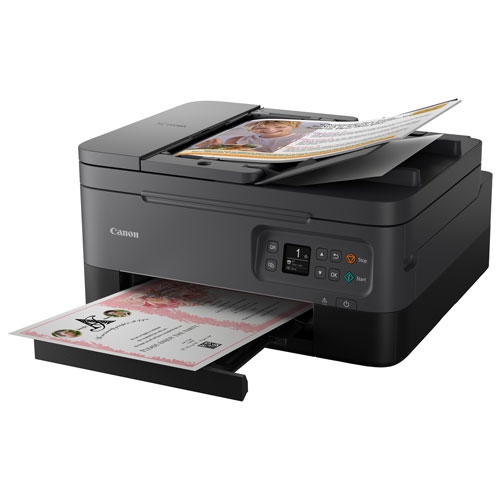
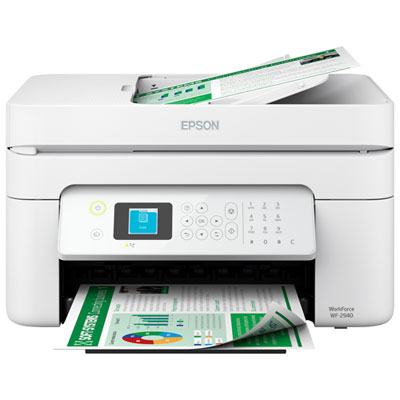
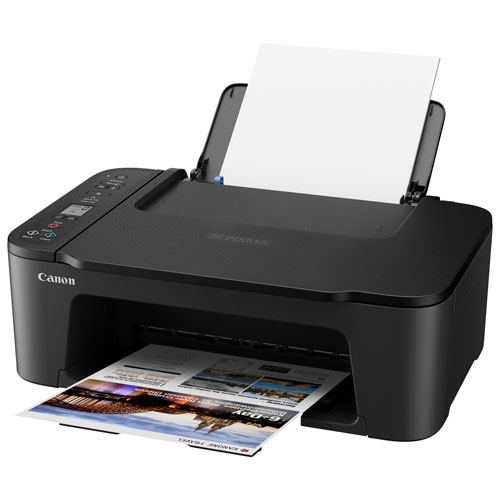
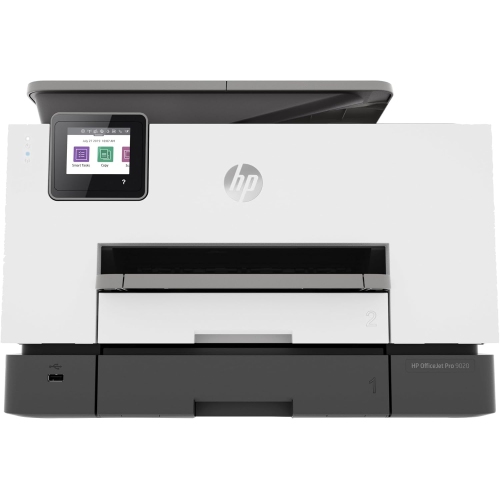
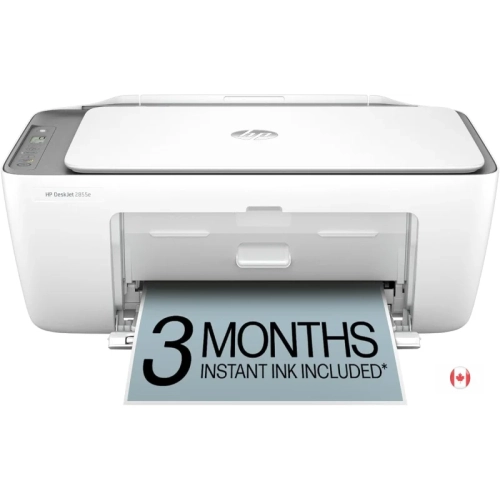
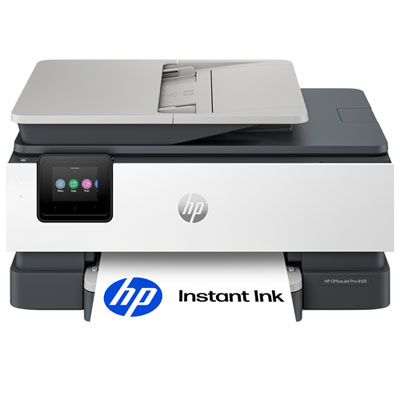
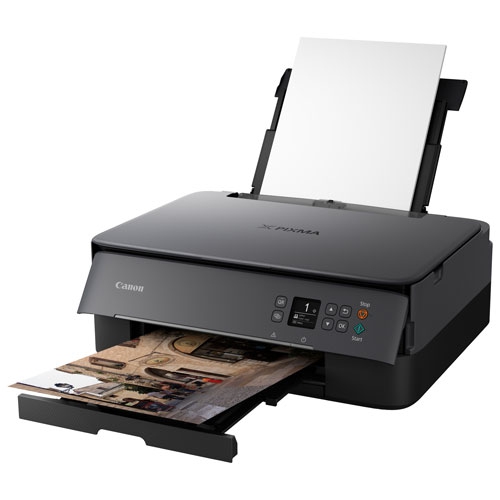
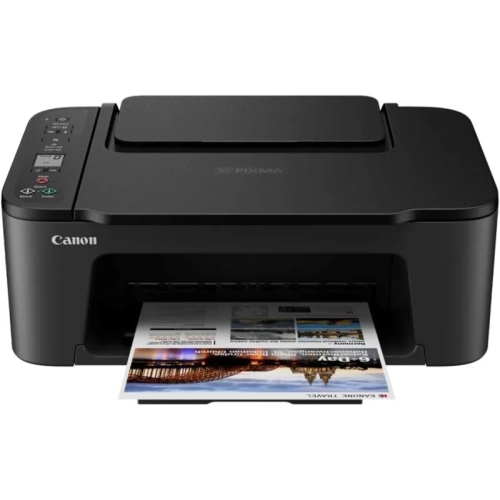
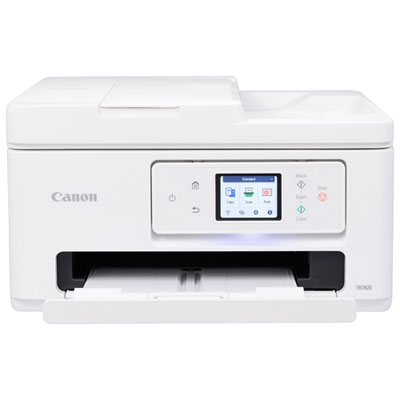
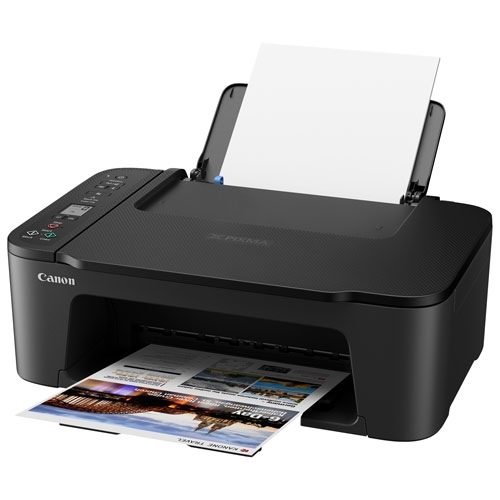
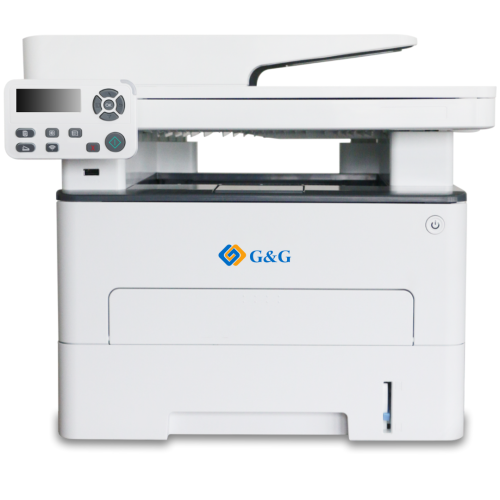
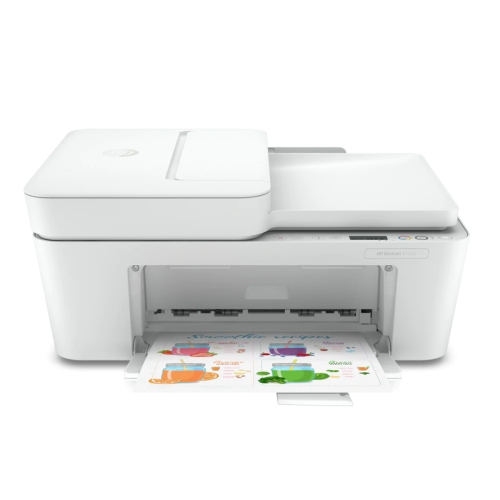
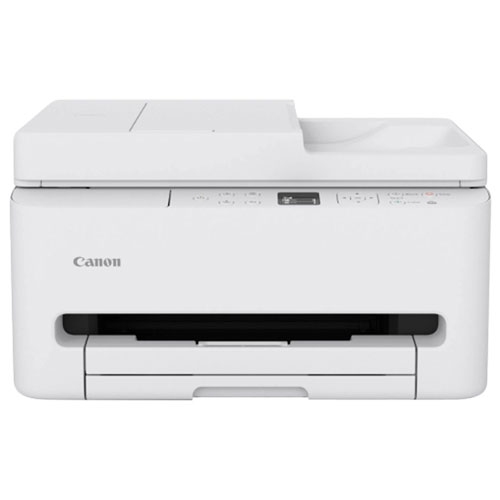
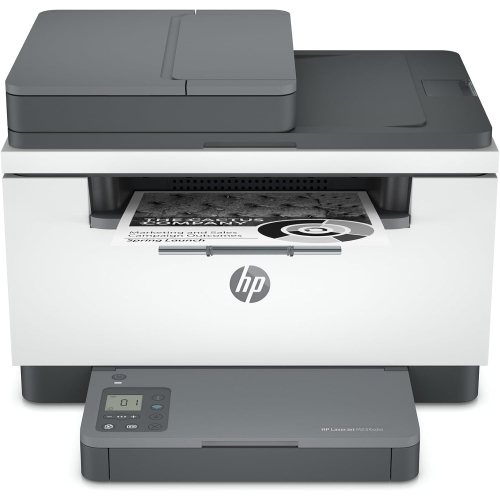
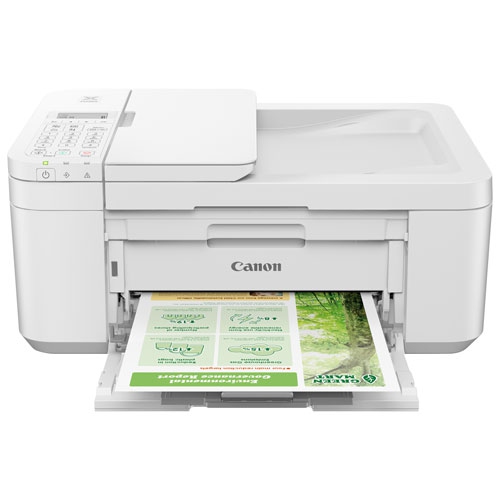
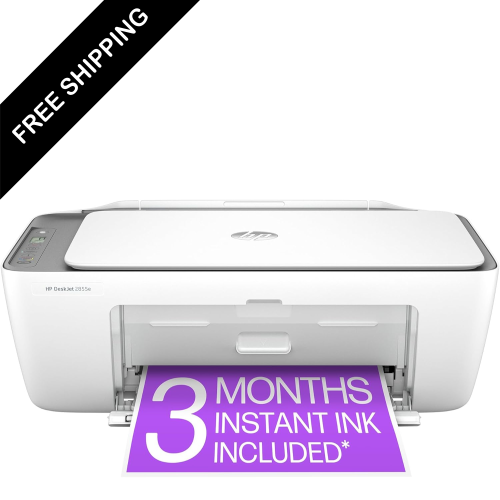
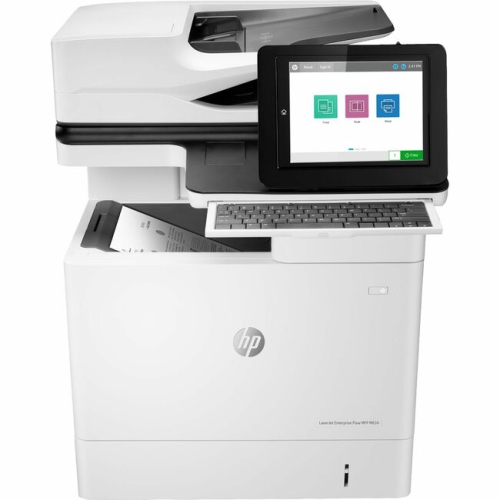
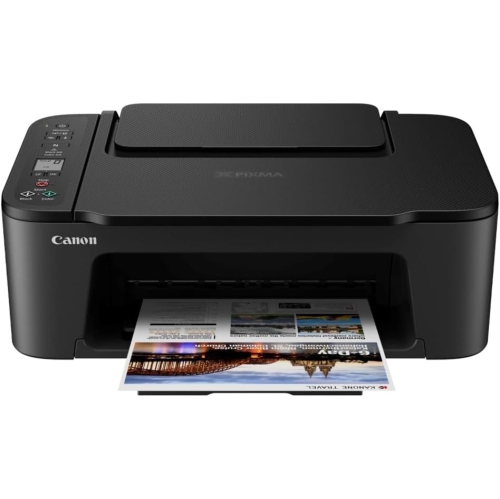
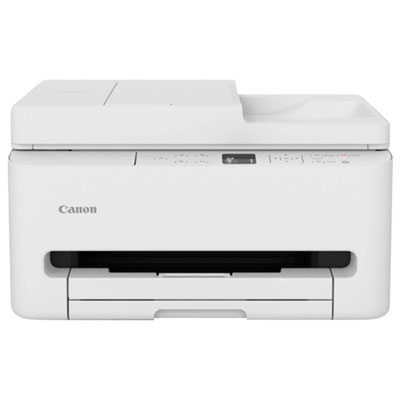
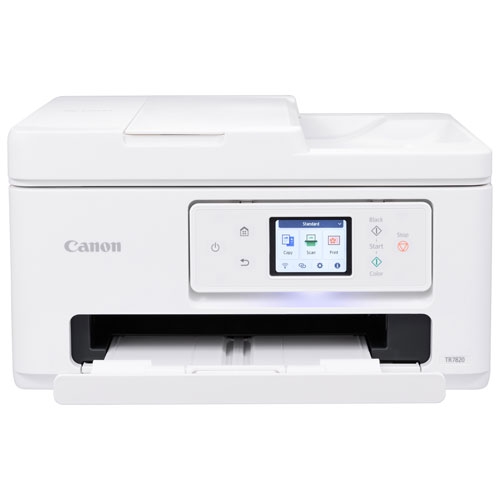
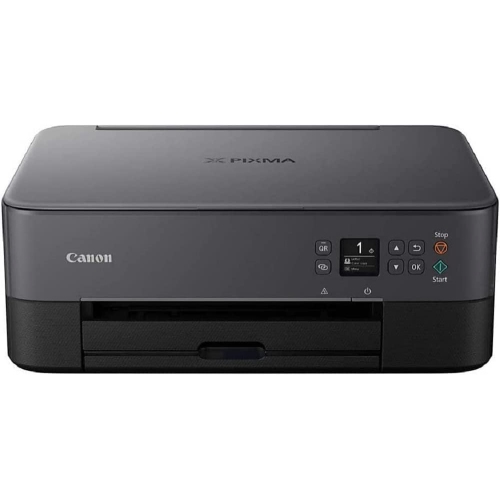
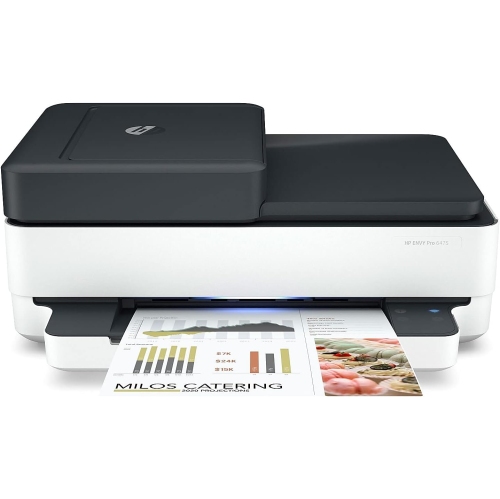
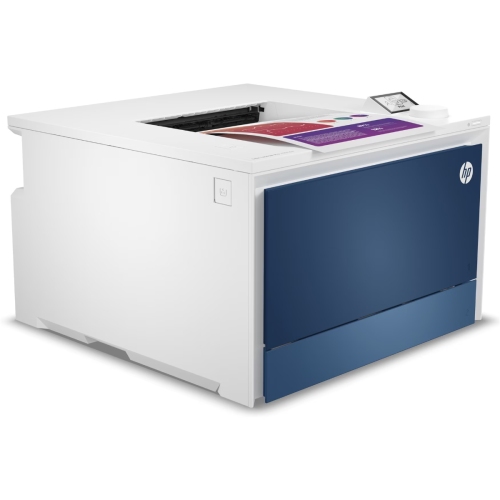
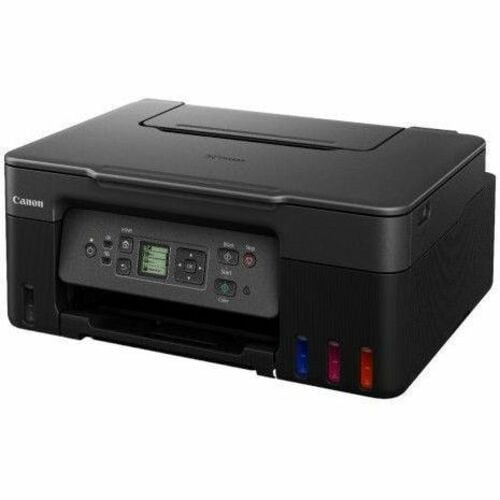
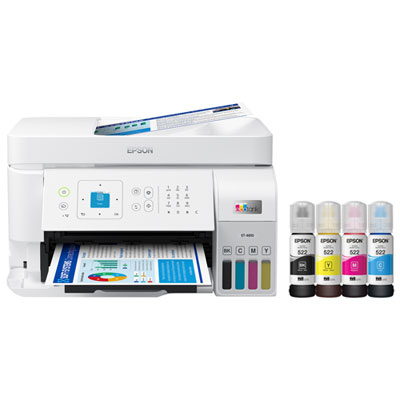
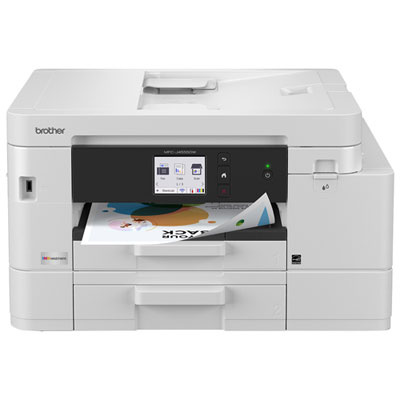
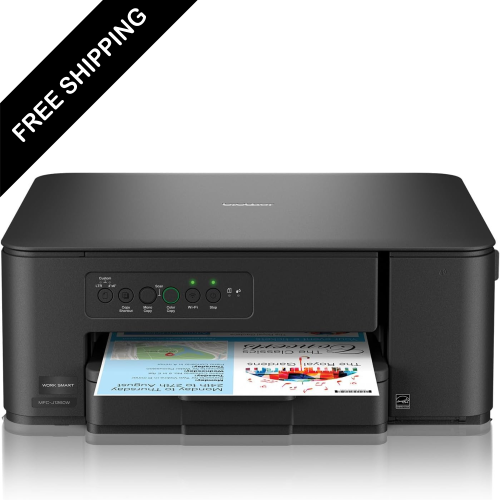
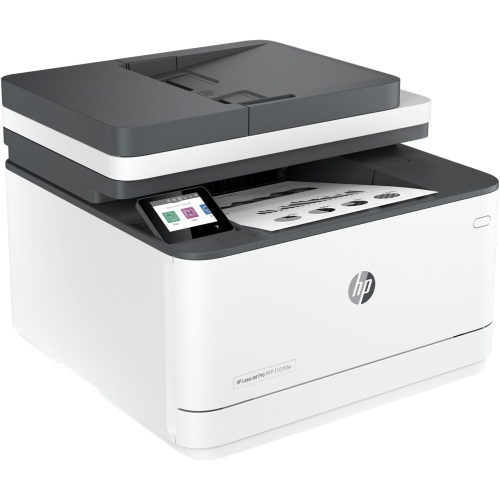
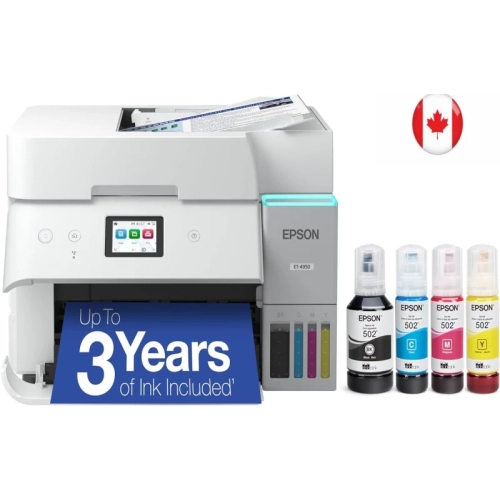
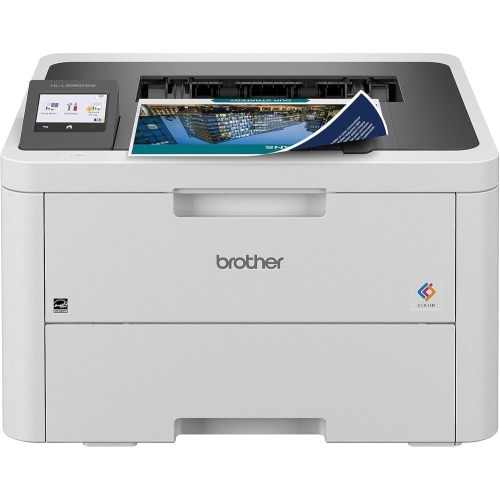
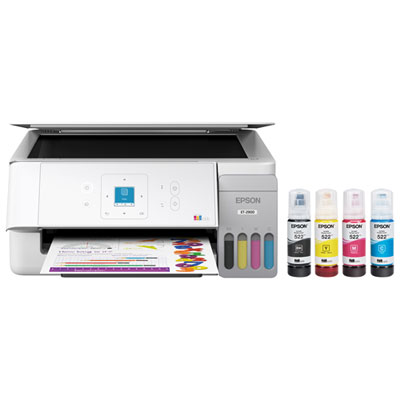
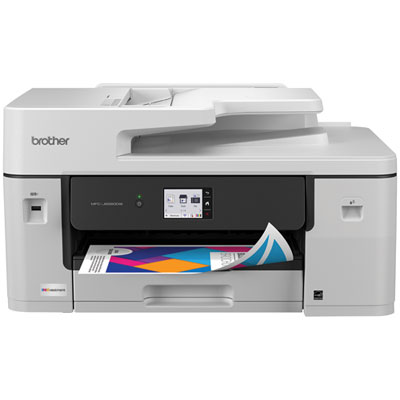
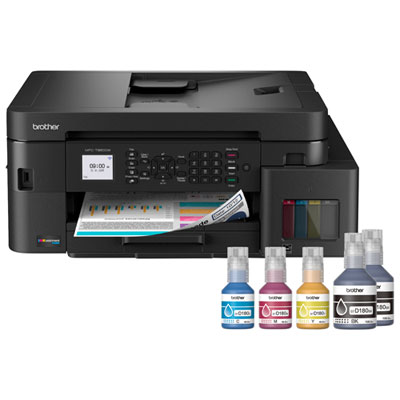
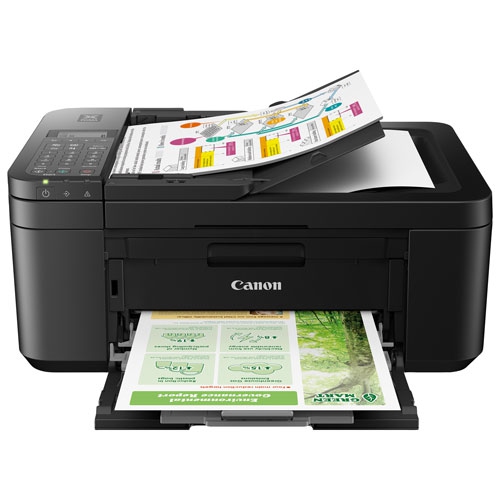
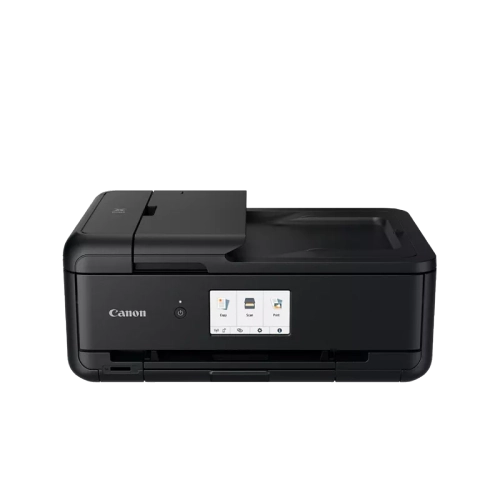
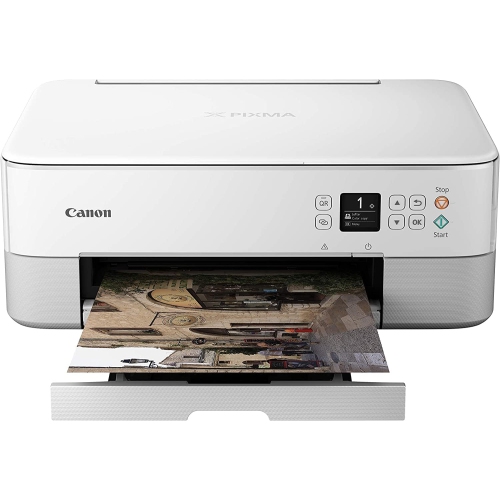

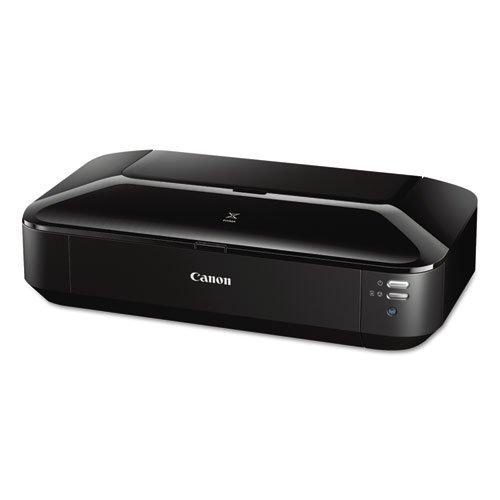
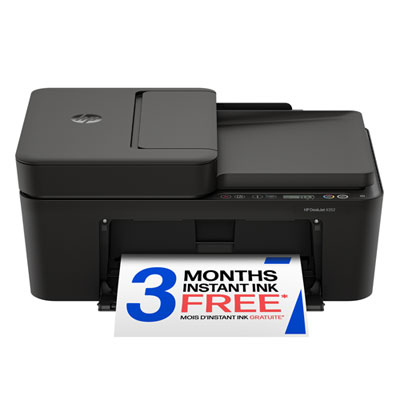
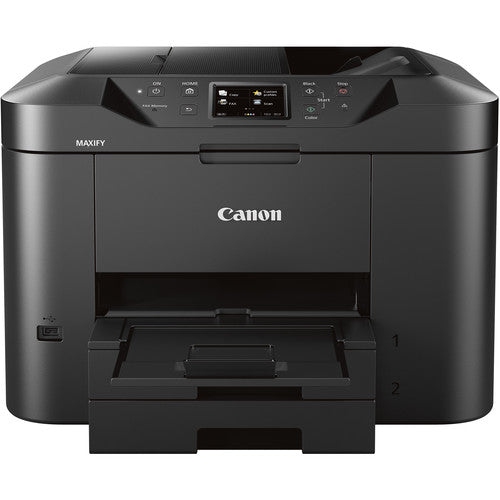
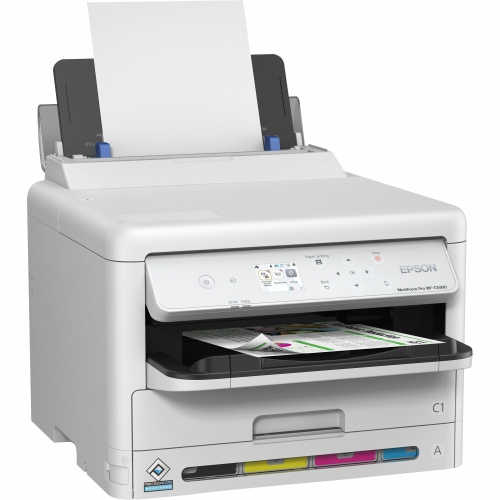
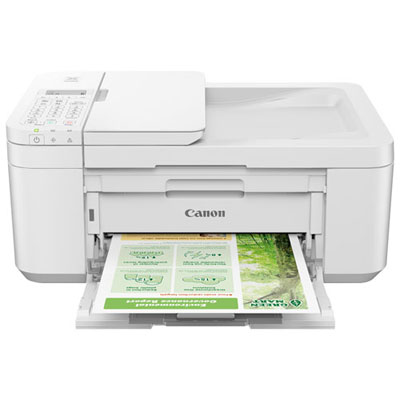

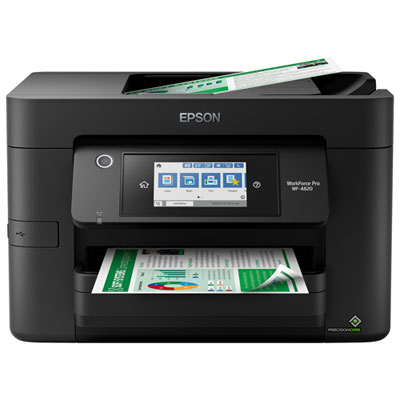
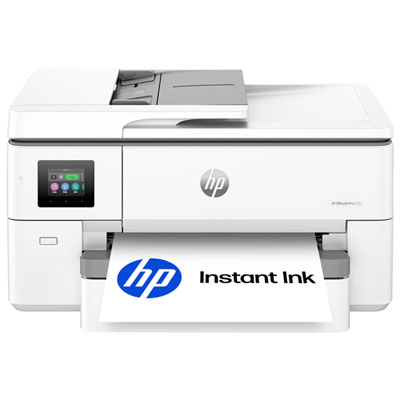
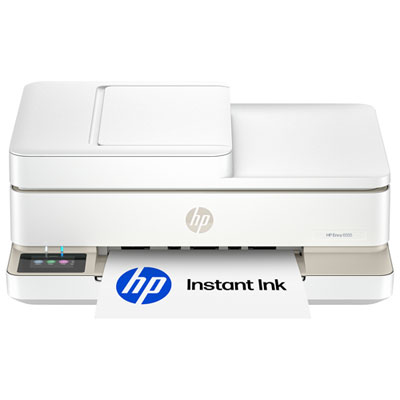
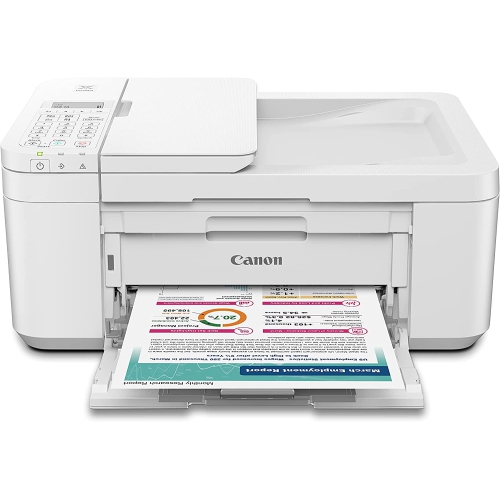
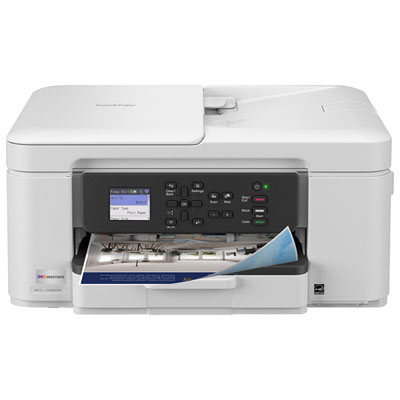
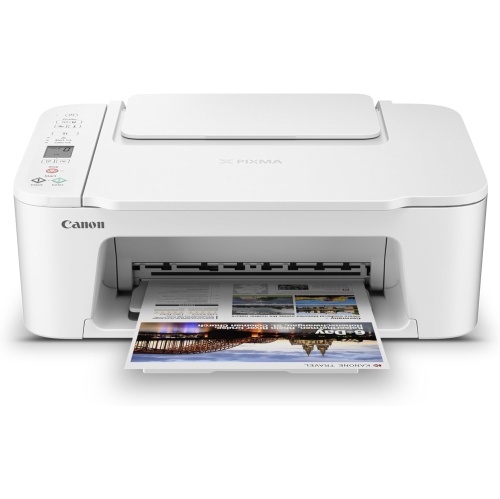
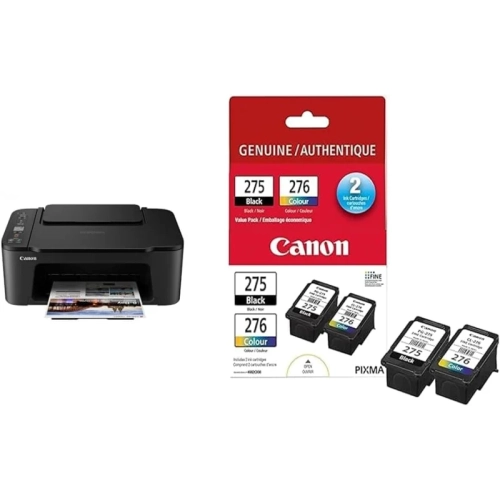
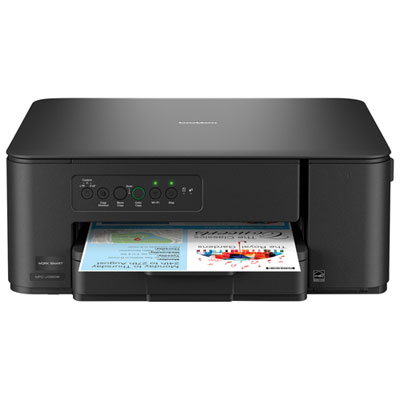

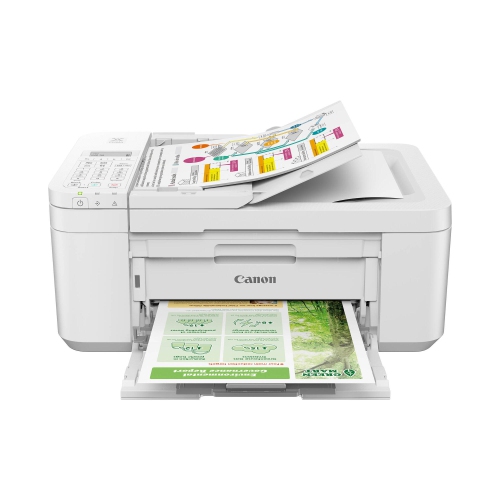
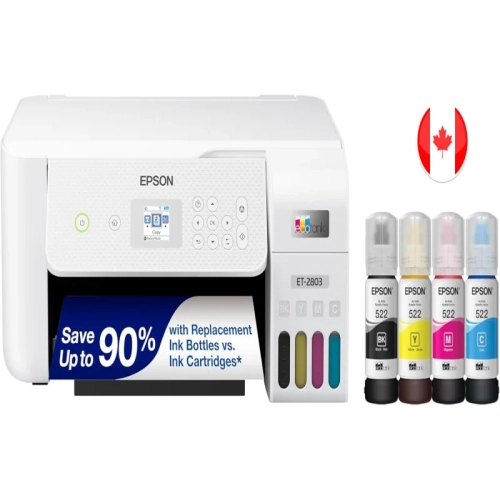
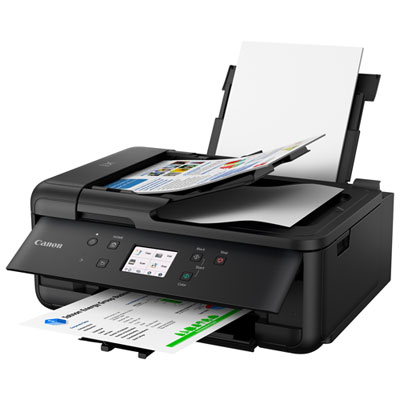
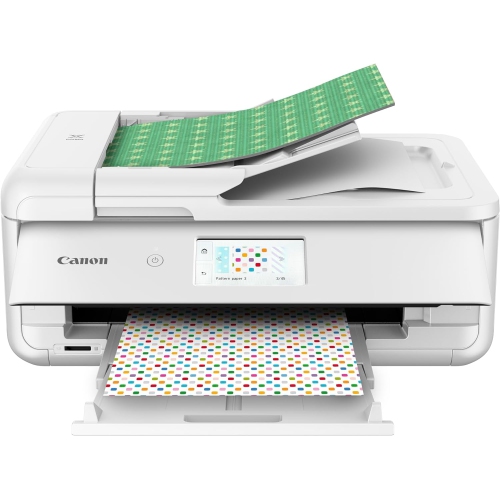
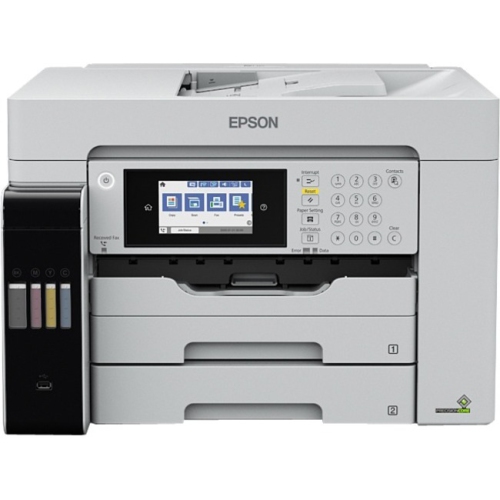
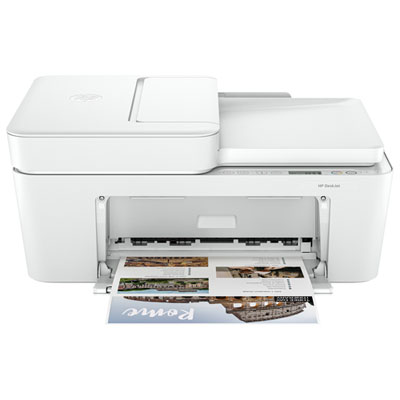
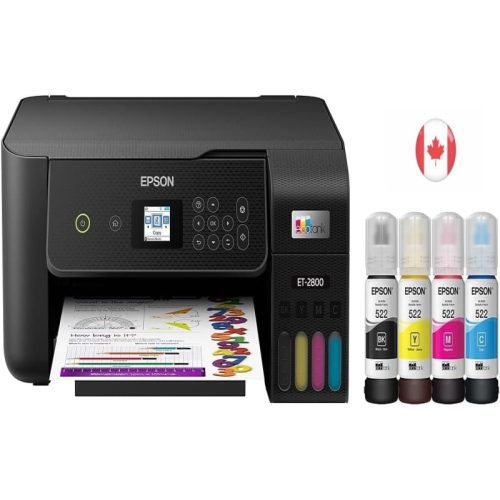
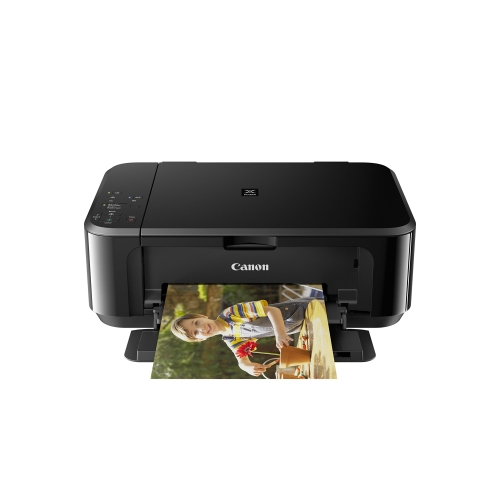
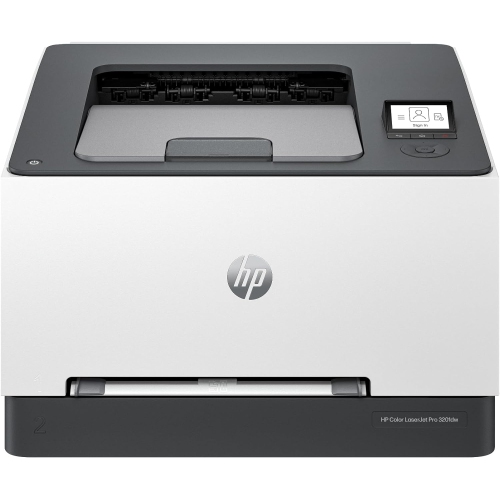
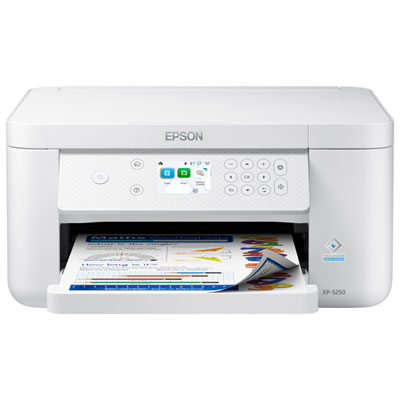
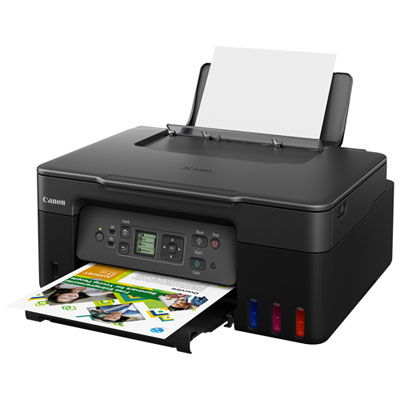
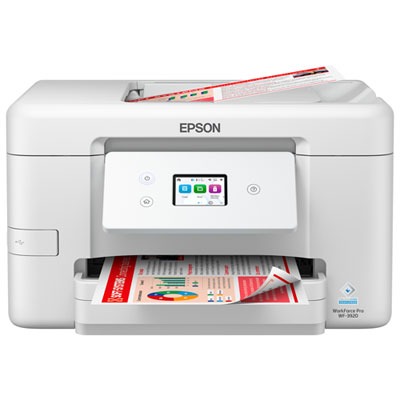
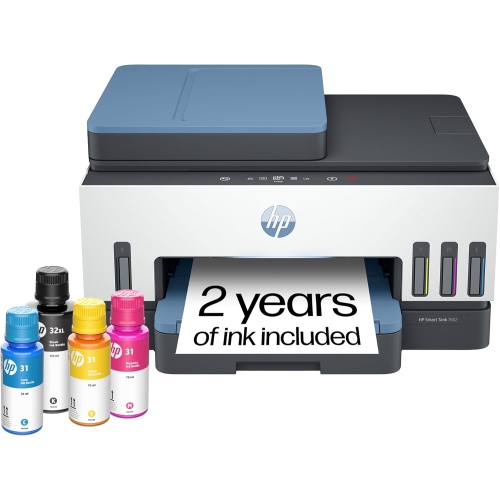
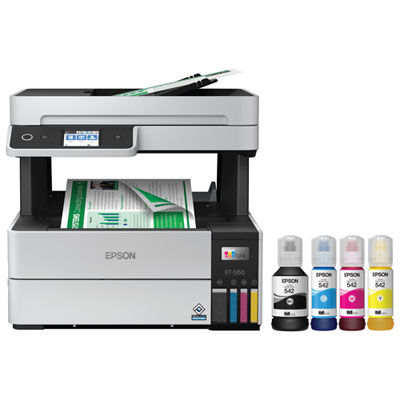
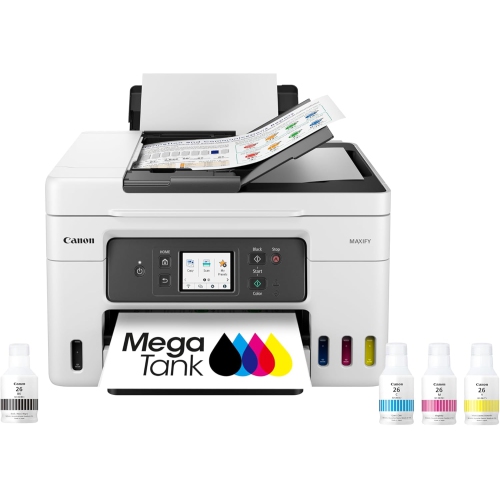
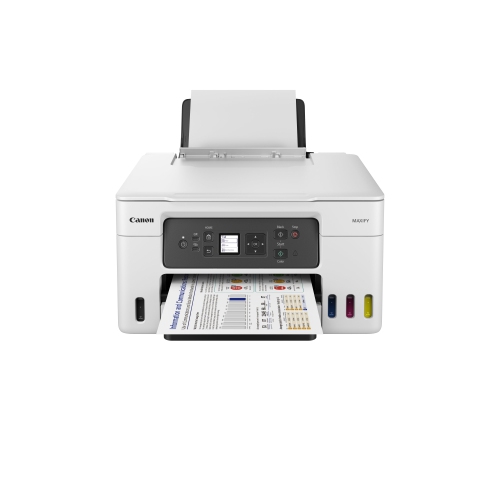
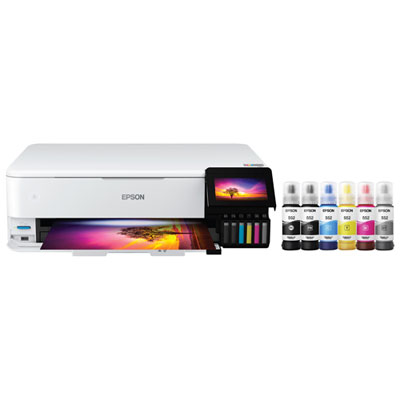
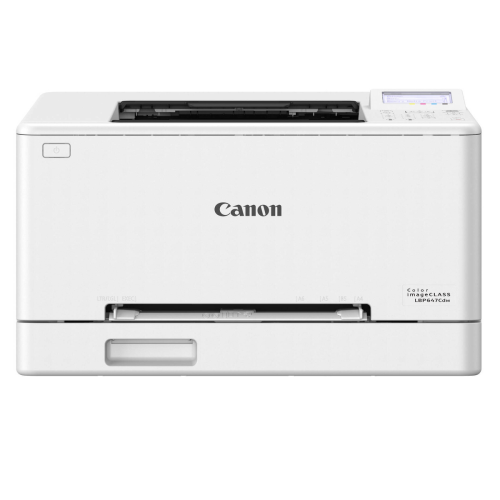
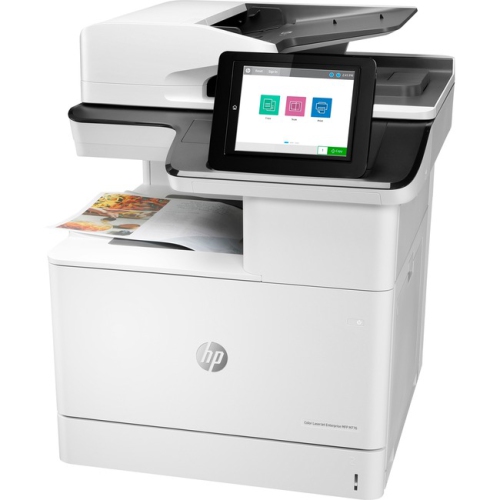
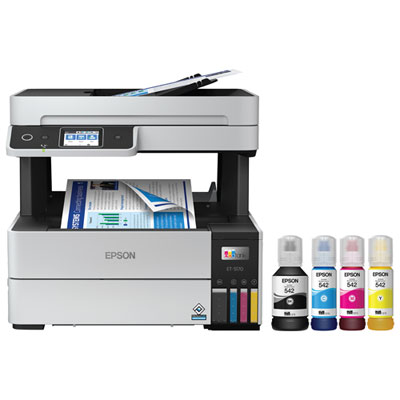
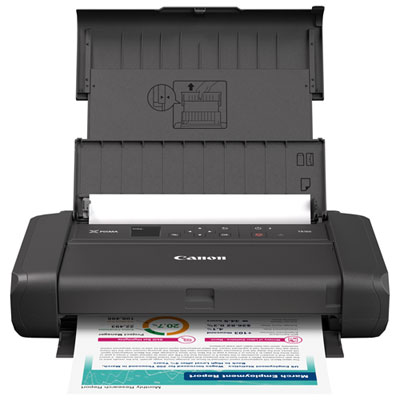
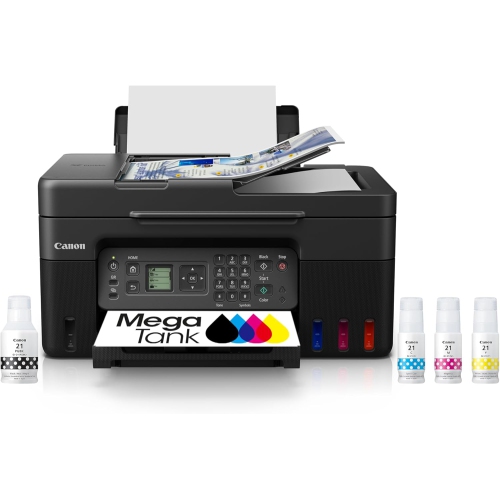
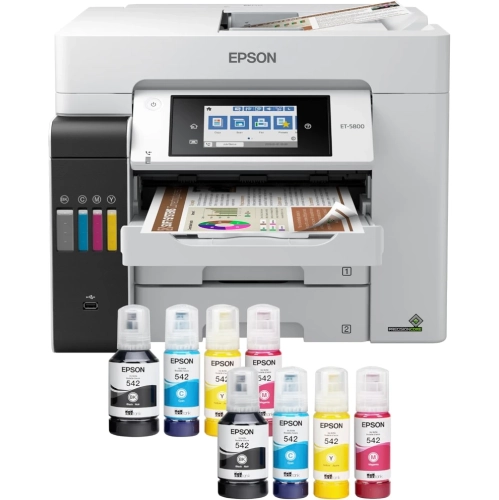
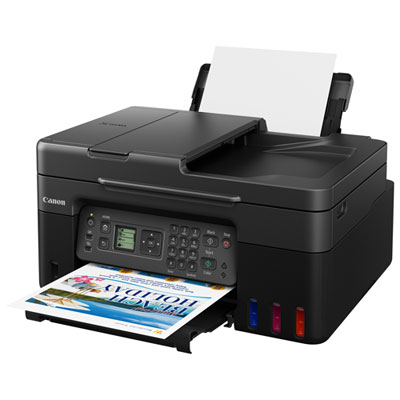
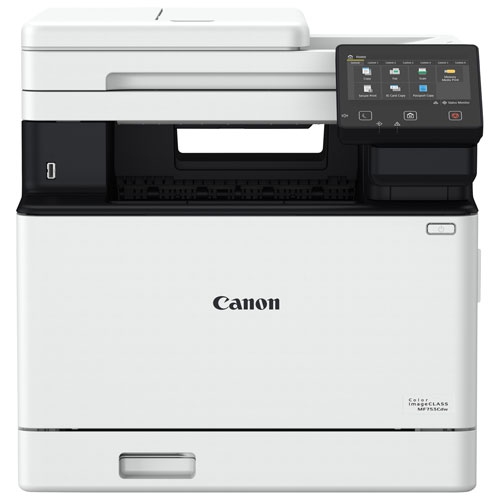
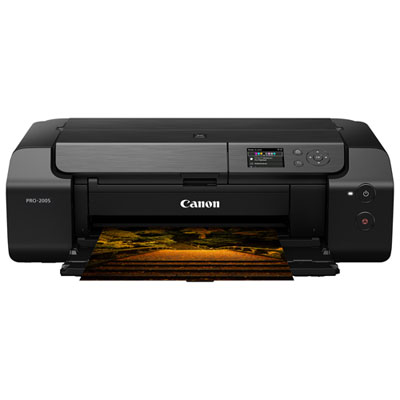
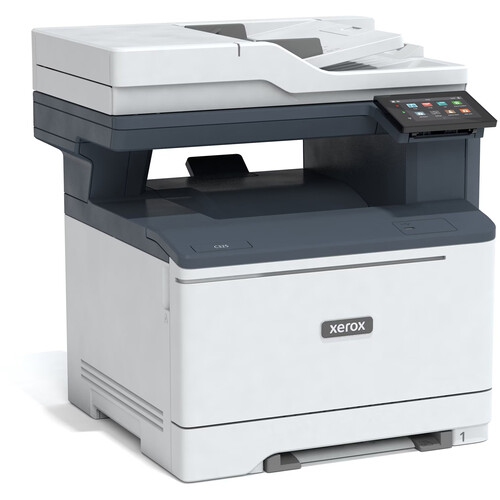
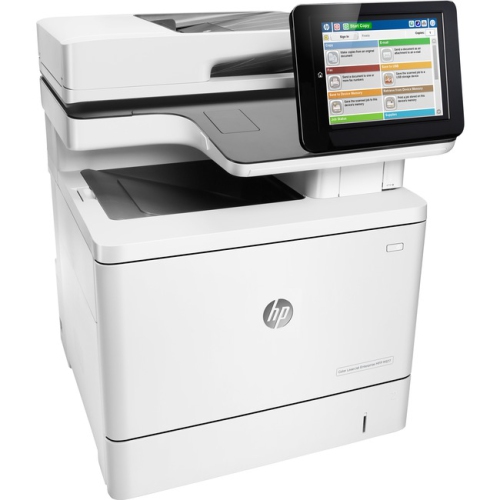
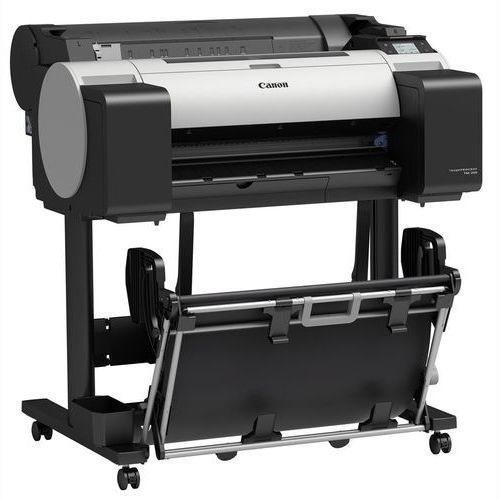
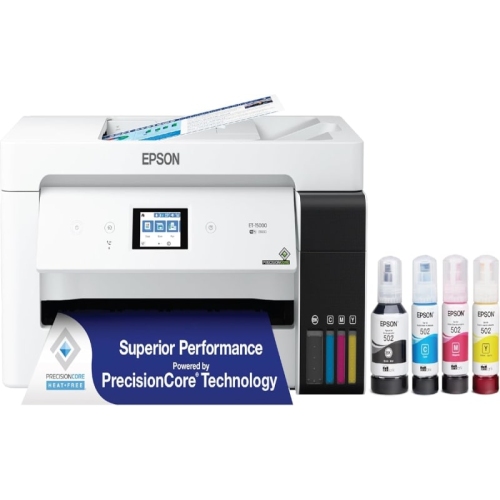
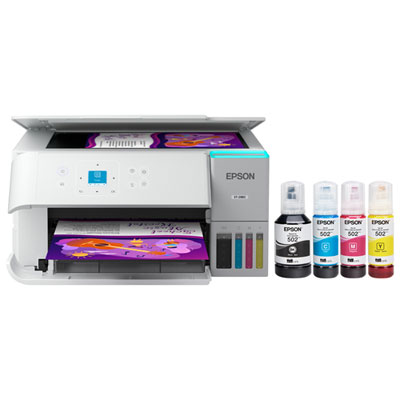
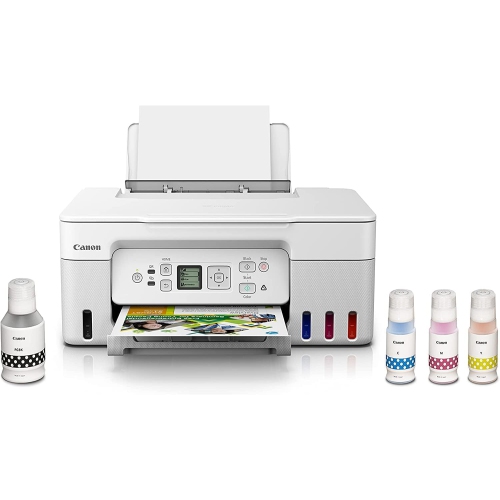
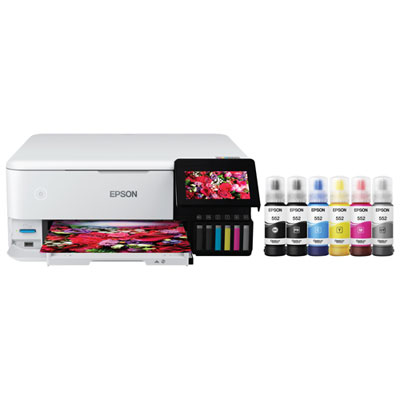
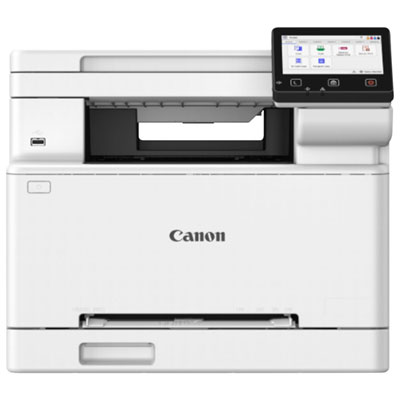
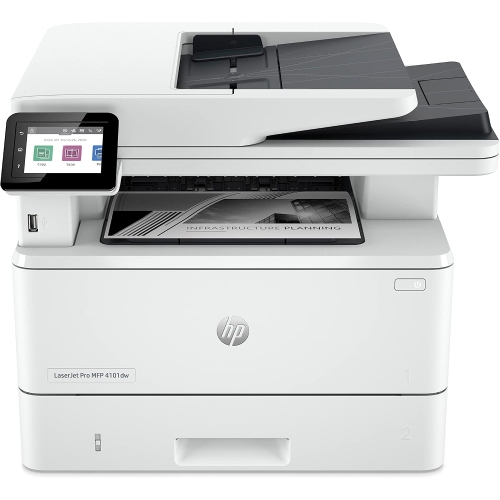
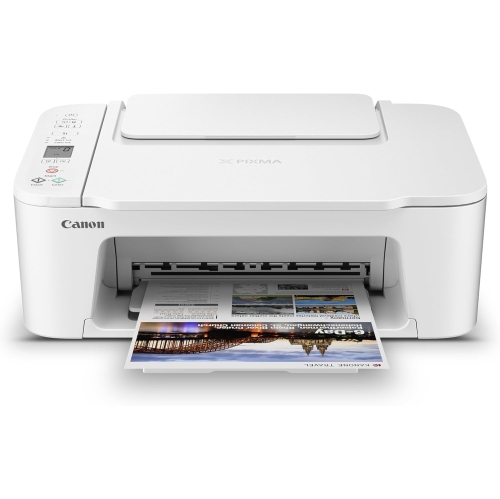
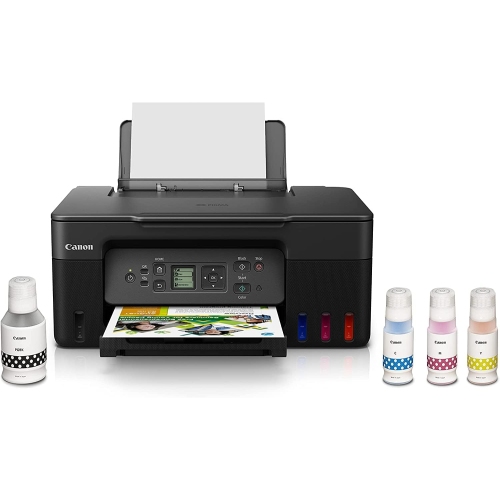
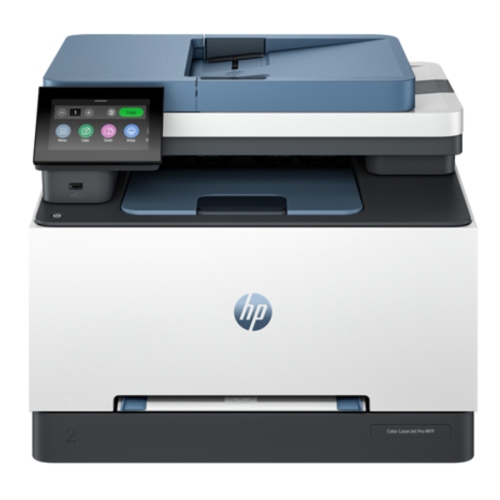
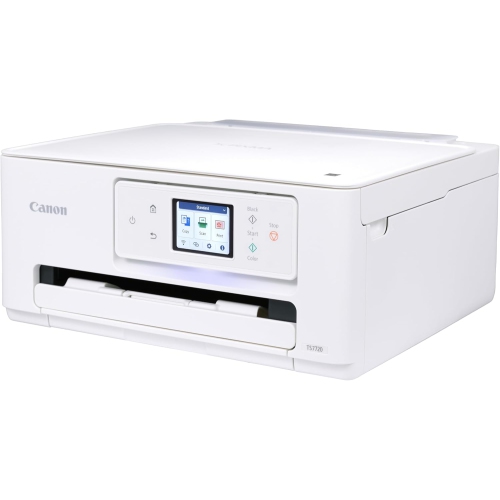
Why automatic two-sided printing matters for longer documents
Inkjet printers with duplex printing capabilities can print on both sides of a sheet, making them useful for reports, school assignments, reference documents, and everyday paperwork. Automatic duplex printing feeds the paper through the printer to print the reverse side without requiring someone to turn the sheets over. Manual duplex printing requires the user to reload the paper, usually following instructions in the print software. That distinction matters when printing a lengthy document: a few double-sided pages may be manageable by hand, while a multi-page report is easier to prepare with automatic two-sided printing. Inkjet technology places tiny droplets of ink onto paper to reproduce text, graphics, and photographs, giving these printers a role in both home offices and shared household workspaces. A student might print lecture notes with room for handwritten annotations, a home-based business might prepare colour proposals, and a family might keep recipes or activity sheets together in a binder. Duplex printing also keeps longer documents compact. A 20-page document can fit onto 10 sheets when every sheet is printed on both sides, although covers, blank pages, and print settings can change that total. For shoppers specifically interested in hands-off two-sided output, printers with automatic duplex printing provide a useful way to focus on that feature. The binding setting determines how the finished pages turn: long-edge binding typically suits a portrait report that reads like a book, while short-edge binding is often used for pages that flip upward. Matching this setting to the document layout prevents the reverse side from appearing upside down. Paper compatibility is equally important. A printer may support automatic duplex printing on ordinary letter-size paper but require different handling for legal-size sheets, heavier stock, or specialty media. Supported paper sizes and weights should be checked specifically for the duplex function, not just for the printer’s general paper feed. A quick two-page test can confirm orientation, margins, and readability before a larger batch is printed.
The best fit for a workspace depends on what gets printed, how often the printer runs, and how much room it needs to operate. Someone producing mostly text documents may place greater importance on crisp lettering, reliable paper feeding, and a tray that holds enough sheets for regular assignments. Someone printing charts, illustrations, or photographs may pay closer attention to colour reproduction, supported media, and available quality settings. Some inkjet printers use pigment-based black ink for document text and dye-based colour inks for images, while others use different ink combinations; the ink formulation and paper work together to influence the result. Paper designed for inkjet printing can help control absorption, and sufficiently opaque sheets can make double-sided text easier to read by limiting show-through. Thick photo paper, labels, envelopes, and cardstock should only be used with duplex printing when that combination is supported. Ink systems also vary, with cartridge-based and refillable-tank designs offering different replacement and maintenance routines. Page-yield figures help explain how much output an ink supply is designed to provide under standardized testing, but actual yield changes with page coverage, quality settings, cleaning cycles, and the balance of text and images. A page filled with colour graphics uses ink differently from a short black-text letter. Print speed deserves similar context: a stated pages-per-minute figure may describe single-sided printing rather than duplex output, and two-sided jobs can include pauses for drying or paper reversal. For shared use, tray capacity and the recommended monthly print volume are often more practical measures than a maximum duty-cycle figure, which is not an everyday usage target. Physical fit includes more than the closed dimensions of the printer. Allow space for an extended output tray, access to ink compartments, and any rear paper feed. A stable desk or shelf helps keep the paper path level, while accessible trays make it easier to reload paper and retrieve finished documents without disrupting the surrounding workspace.
Printing on both sides is separate from scanning or copying both sides, a distinction that matters when an inkjet printer also functions as an all-in-one. Automatic duplex printing does not, by itself, mean the scanner can capture both sides of an original document. An automatic document feeder, often called an ADF, moves a stack of originals through the scanner, but some feeders scan only one side. Automatic two-sided scanning requires a feeder designed for that task, either by reversing the original or by capturing both sides in a single pass. This can be especially useful for signed agreements, double-sided forms, and multi-page records that need to become digital files. A flatbed scanner serves a different purpose, accommodating individual pages, photographs, and suitable bound material placed directly on the glass. Copying a two-sided original onto a two-sided output therefore depends on both the scanning hardware and the available copy settings. Connectivity is another everyday consideration. Wi-Fi can let compatible computers and mobile devices send print jobs without a direct cable, while USB provides a wired connection to a computer; Ethernet is available on some printers for connection to a wired network. Supported operating systems, mobile printing services, and network requirements should match the devices that will use the printer. A household sharing one printer may also appreciate clearly accessible controls for choosing paper size, colour mode, and two-sided output. For dependable operation over time, use compatible ink and paper, keep sheets flat and dry, and avoid overfilling the tray. Aligning the paper guides without squeezing the stack helps reduce skewed feeds and jams. Inkjet printheads can develop missing lines or uneven colour after periods of inactivity, so occasional printing and the manufacturer’s prescribed maintenance routine can help keep output consistent. A nozzle check can identify gaps before a full cleaning cycle is needed, and cleaning should follow the printer’s instructions rather than being repeated unnecessarily. Leaving ventilation openings clear and keeping dust away from the paper feed also supports reliable use. Together, appropriate paper handling, suitable ink supplies, and correctly configured duplex settings help an inkjet printer produce tidy, readable documents for study, work, and household tasks.
The best fit for a workspace depends on what gets printed, how often the printer runs, and how much room it needs to operate. Someone producing mostly text documents may place greater importance on crisp lettering, reliable paper feeding, and a tray that holds enough sheets for regular assignments. Someone printing charts, illustrations, or photographs may pay closer attention to colour reproduction, supported media, and available quality settings. Some inkjet printers use pigment-based black ink for document text and dye-based colour inks for images, while others use different ink combinations; the ink formulation and paper work together to influence the result. Paper designed for inkjet printing can help control absorption, and sufficiently opaque sheets can make double-sided text easier to read by limiting show-through. Thick photo paper, labels, envelopes, and cardstock should only be used with duplex printing when that combination is supported. Ink systems also vary, with cartridge-based and refillable-tank designs offering different replacement and maintenance routines. Page-yield figures help explain how much output an ink supply is designed to provide under standardized testing, but actual yield changes with page coverage, quality settings, cleaning cycles, and the balance of text and images. A page filled with colour graphics uses ink differently from a short black-text letter. Print speed deserves similar context: a stated pages-per-minute figure may describe single-sided printing rather than duplex output, and two-sided jobs can include pauses for drying or paper reversal. For shared use, tray capacity and the recommended monthly print volume are often more practical measures than a maximum duty-cycle figure, which is not an everyday usage target. Physical fit includes more than the closed dimensions of the printer. Allow space for an extended output tray, access to ink compartments, and any rear paper feed. A stable desk or shelf helps keep the paper path level, while accessible trays make it easier to reload paper and retrieve finished documents without disrupting the surrounding workspace.
Printing on both sides is separate from scanning or copying both sides, a distinction that matters when an inkjet printer also functions as an all-in-one. Automatic duplex printing does not, by itself, mean the scanner can capture both sides of an original document. An automatic document feeder, often called an ADF, moves a stack of originals through the scanner, but some feeders scan only one side. Automatic two-sided scanning requires a feeder designed for that task, either by reversing the original or by capturing both sides in a single pass. This can be especially useful for signed agreements, double-sided forms, and multi-page records that need to become digital files. A flatbed scanner serves a different purpose, accommodating individual pages, photographs, and suitable bound material placed directly on the glass. Copying a two-sided original onto a two-sided output therefore depends on both the scanning hardware and the available copy settings. Connectivity is another everyday consideration. Wi-Fi can let compatible computers and mobile devices send print jobs without a direct cable, while USB provides a wired connection to a computer; Ethernet is available on some printers for connection to a wired network. Supported operating systems, mobile printing services, and network requirements should match the devices that will use the printer. A household sharing one printer may also appreciate clearly accessible controls for choosing paper size, colour mode, and two-sided output. For dependable operation over time, use compatible ink and paper, keep sheets flat and dry, and avoid overfilling the tray. Aligning the paper guides without squeezing the stack helps reduce skewed feeds and jams. Inkjet printheads can develop missing lines or uneven colour after periods of inactivity, so occasional printing and the manufacturer’s prescribed maintenance routine can help keep output consistent. A nozzle check can identify gaps before a full cleaning cycle is needed, and cleaning should follow the printer’s instructions rather than being repeated unnecessarily. Leaving ventilation openings clear and keeping dust away from the paper feed also supports reliable use. Together, appropriate paper handling, suitable ink supplies, and correctly configured duplex settings help an inkjet printer produce tidy, readable documents for study, work, and household tasks.
Top selling and popular products
-
 Your price for this item is $249.99
 -
 Your price for this item is $89.95
 -
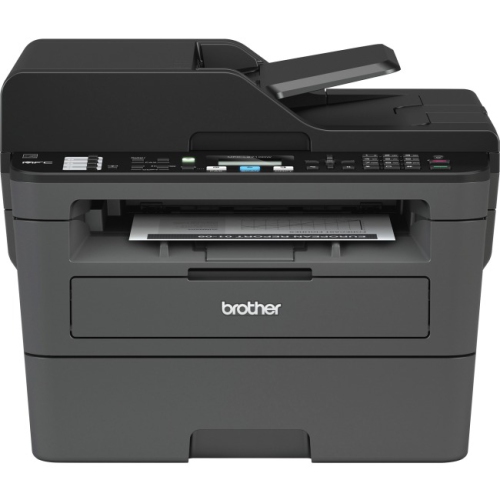 Your price for this item is $309.47
 -
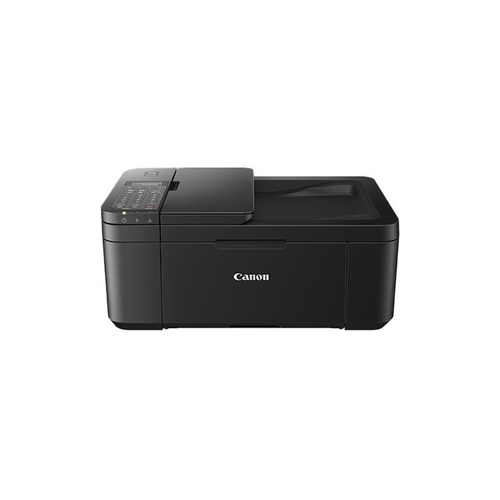 Your price for this item is $247.92
 -
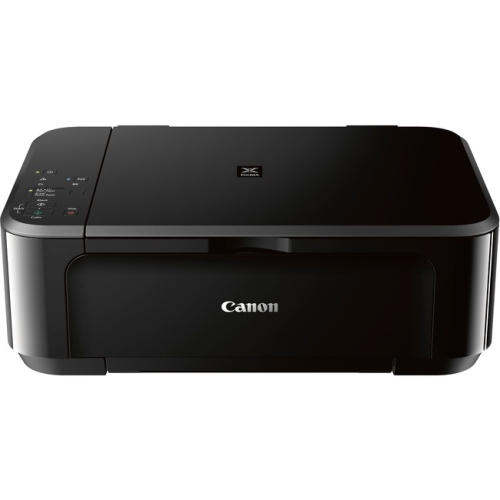 Your price for this item is $89.95
 -
 Your price for this item is $149.99
 -
 Your price for this item is $214.99
 -
 Your price for this item is $129.95
Discover more categories related to Inkjet Printers With Duplex Printing Capabilities
Top Collections:
Pokemon Centers, Best Cameras for Sports Photography, Kindle Devices, Samsung Galaxy Phones, Canon G7X Cameras, Pokémon 30th Celebration Cards, Refurbished Apple Laptops, iPhone 15 Apple, Laptops for Students, Budget Smartphones
Some products may be subject to Environmental Handling Fees
(EHF) depending on your province.
Learn more about EHFs.