Productivity Keyboards
Elevate your workspace and enhance your efficiency with a range of productivity keyboards designed to meet the demands of modern life. Whether you're working from home, tackling office tasks, or managing creative projects, the right keyboard can make all the difference. Discover options that offer ergonomic designs, customizable features, and seamless connectivity to help you type faster and more comfortably. From quiet keystrokes to backlit keys that illuminate your late-night sessions, find the perfect tool to boost your productivity and transform your typing experience.
Sort


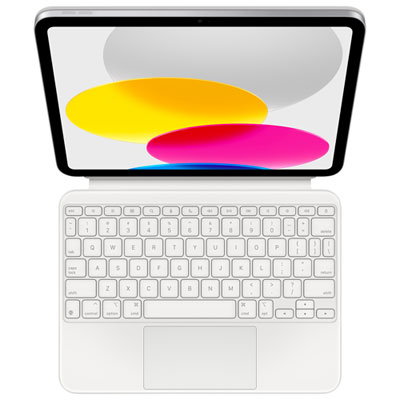
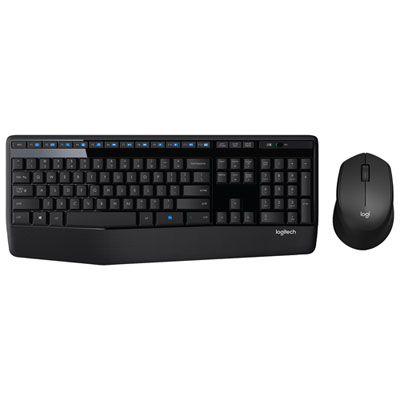
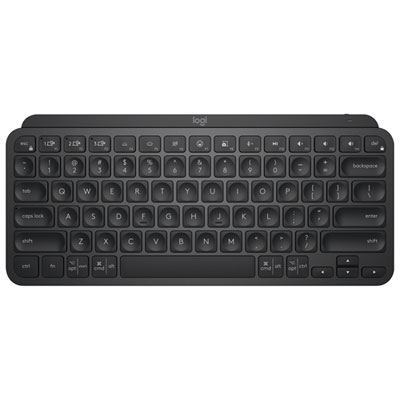
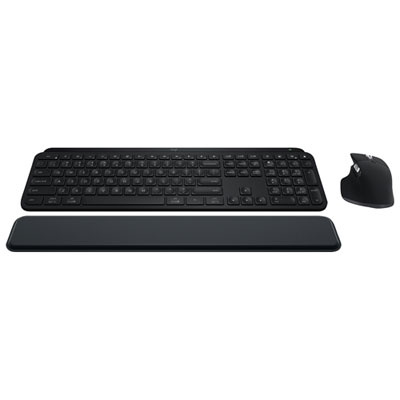
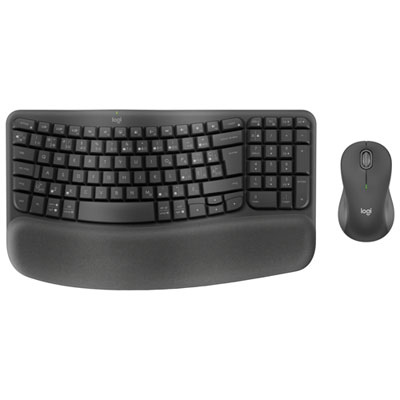
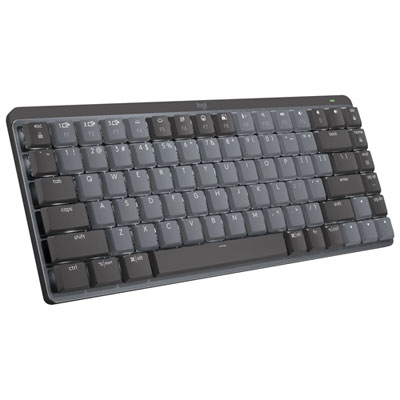
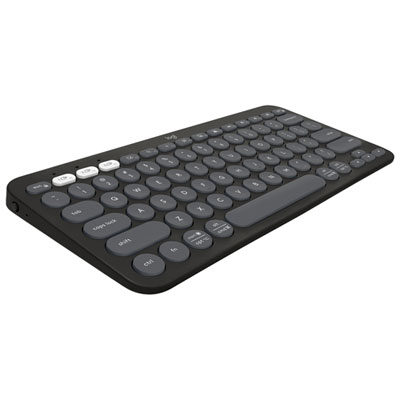
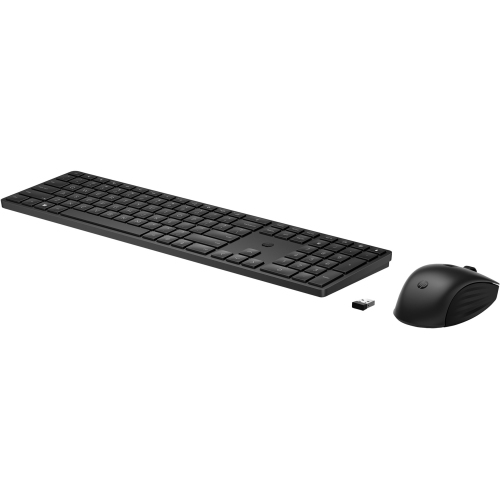
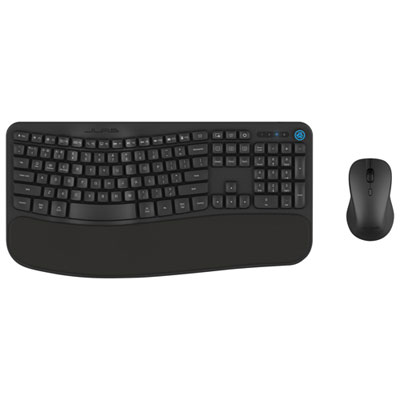
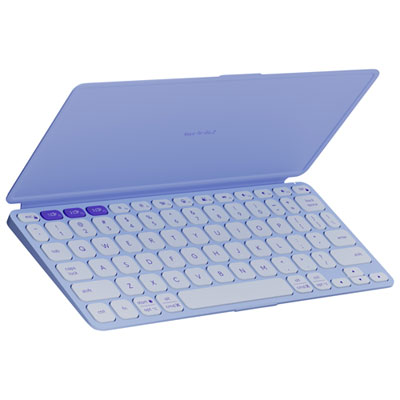
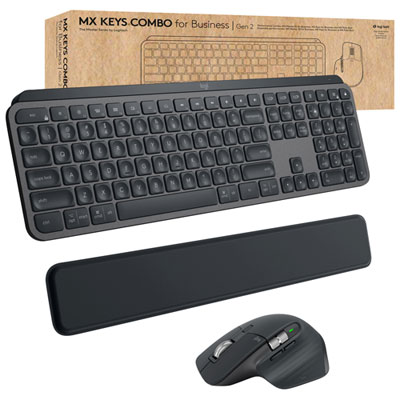
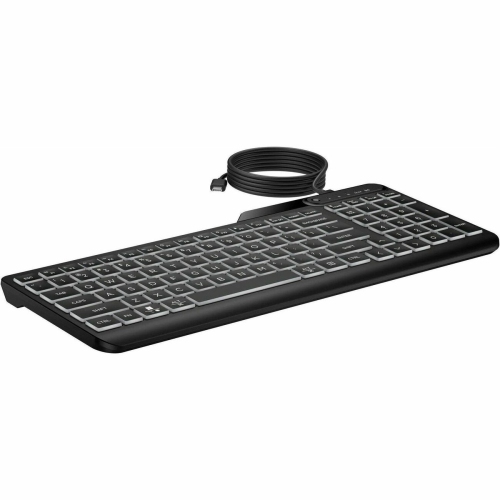
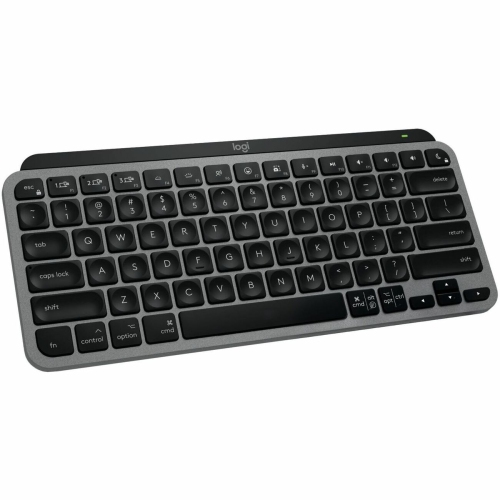
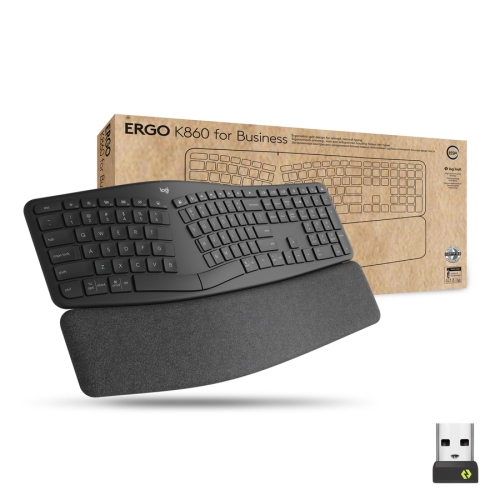
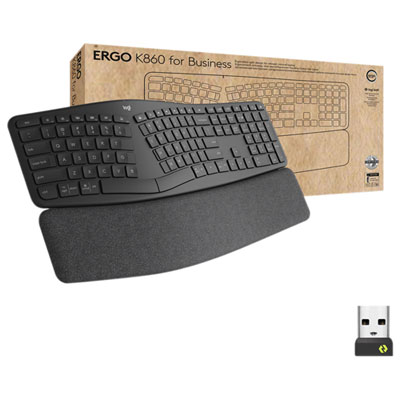
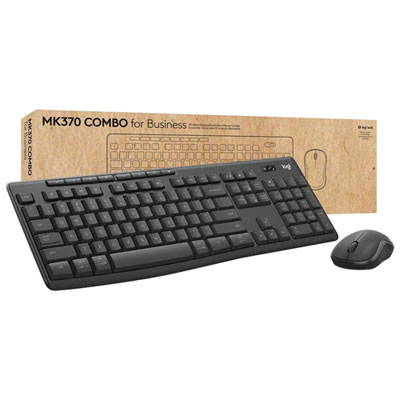
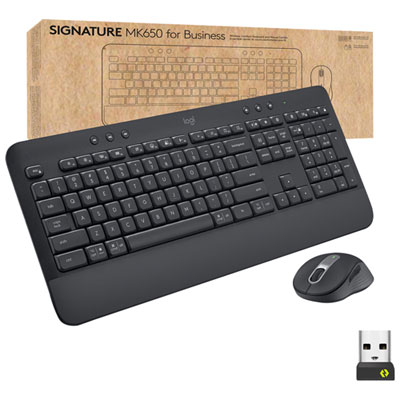
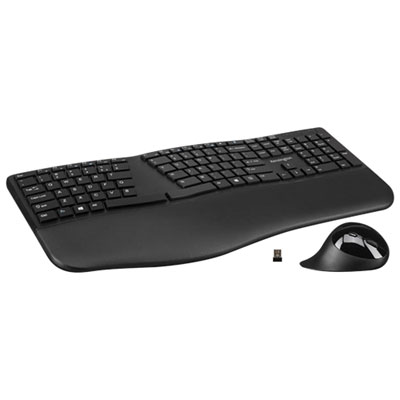
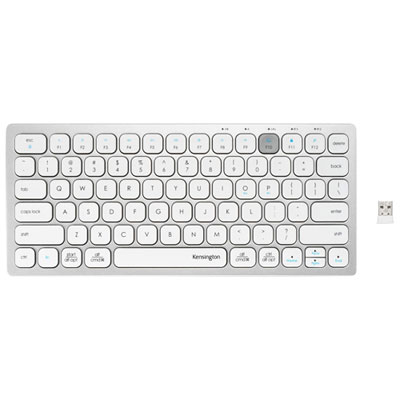
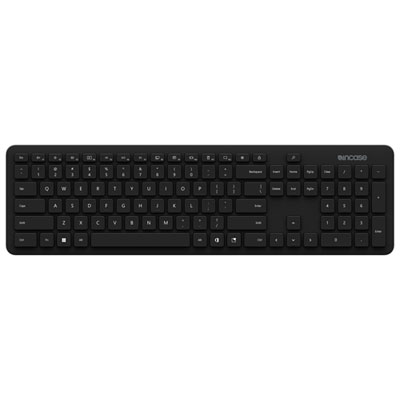
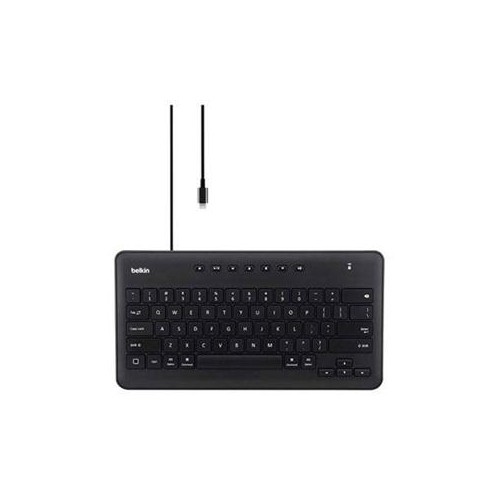
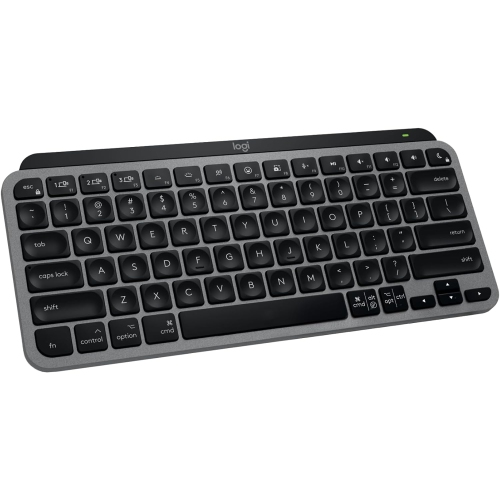
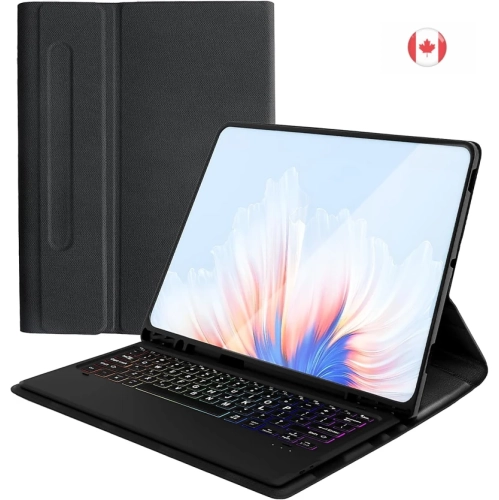
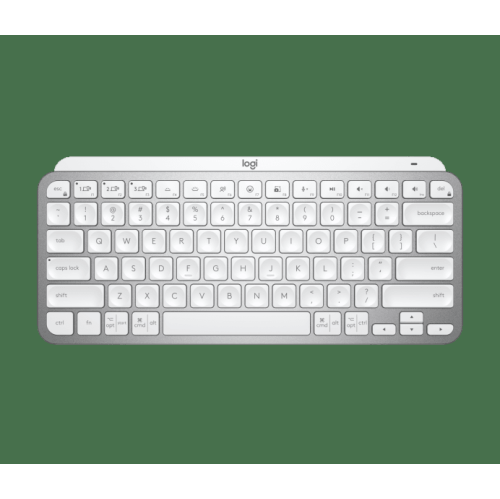
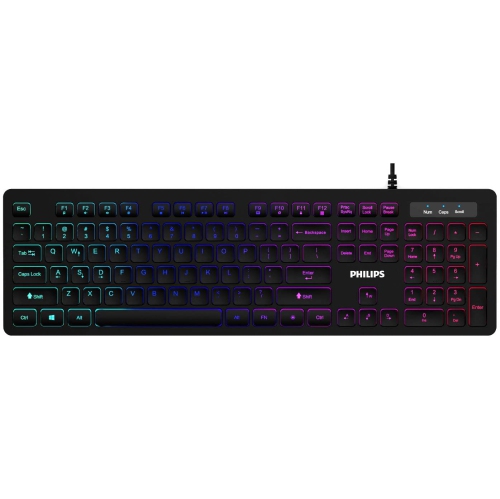

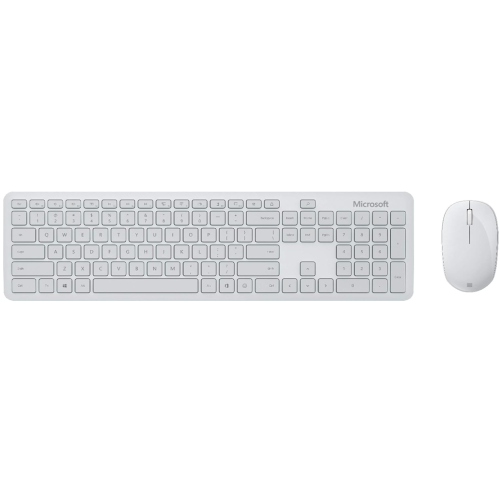
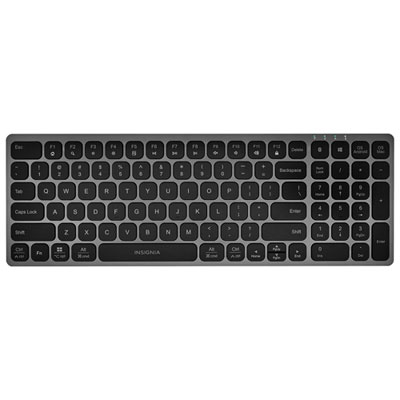
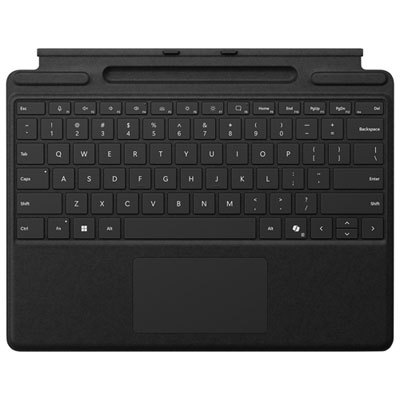
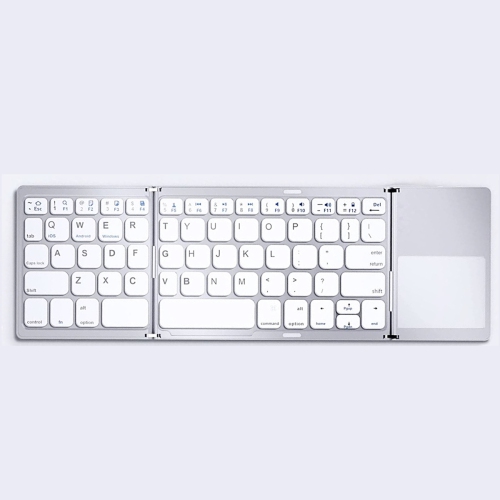
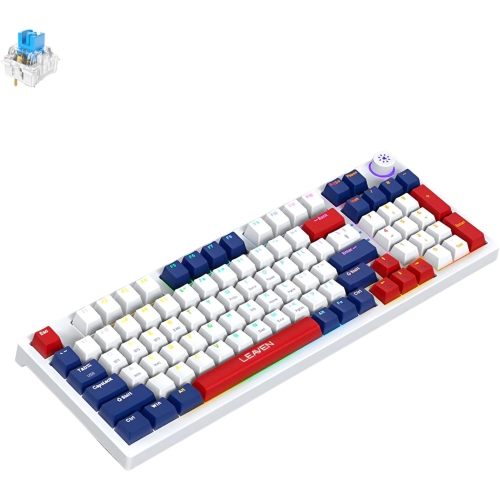
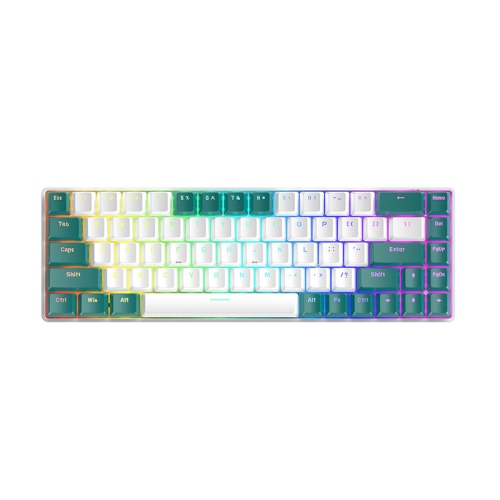
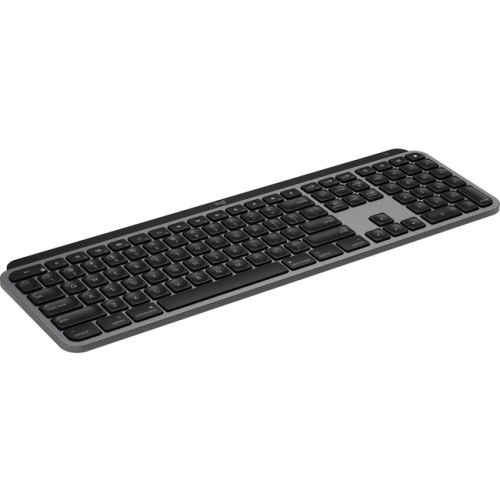
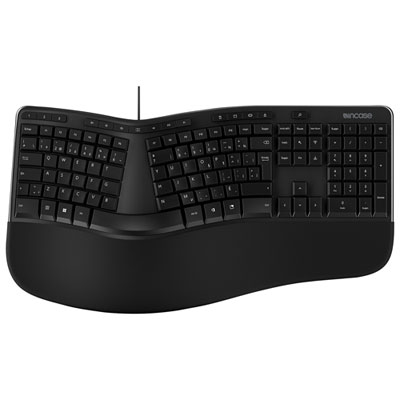
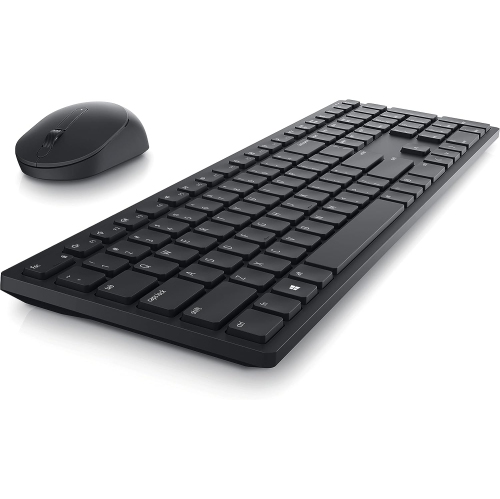
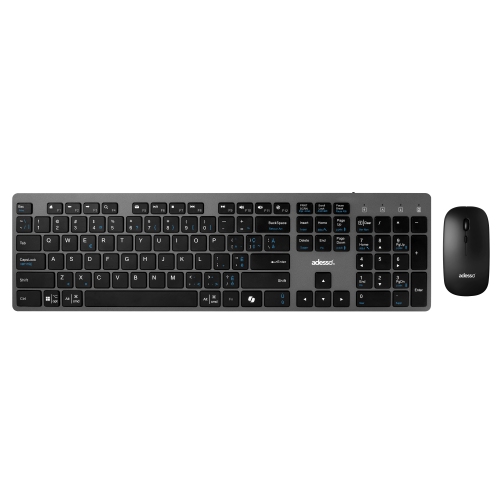
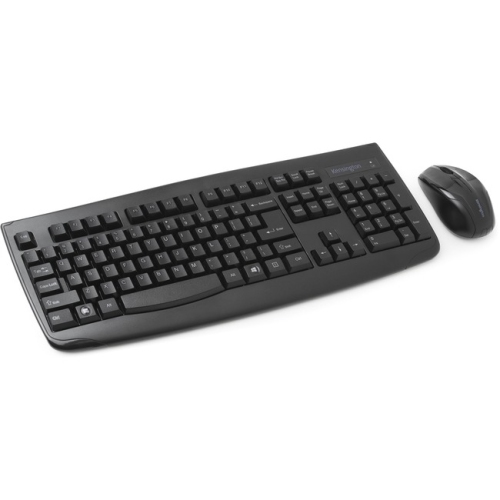
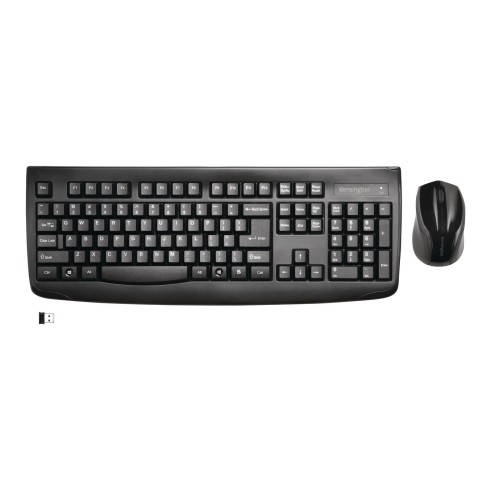
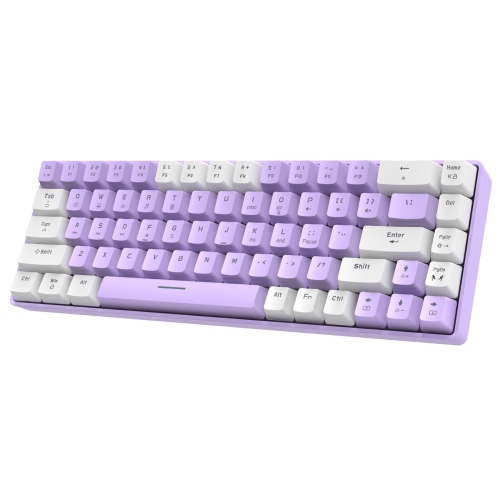
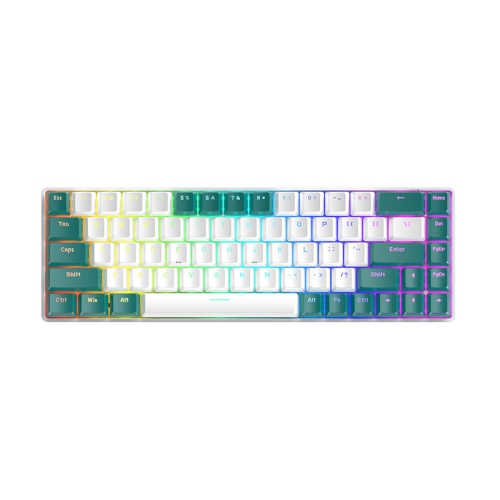
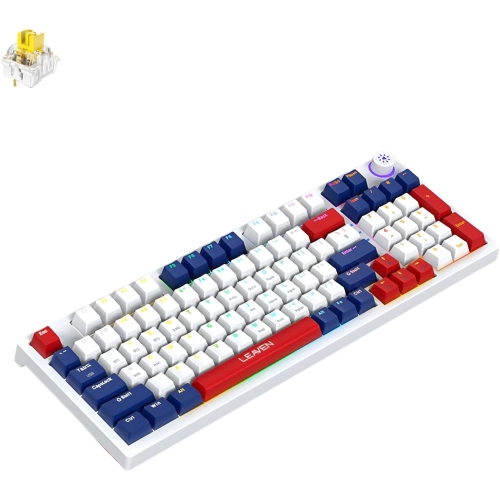
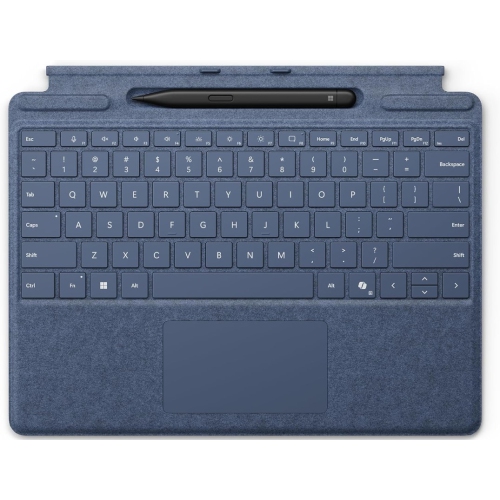
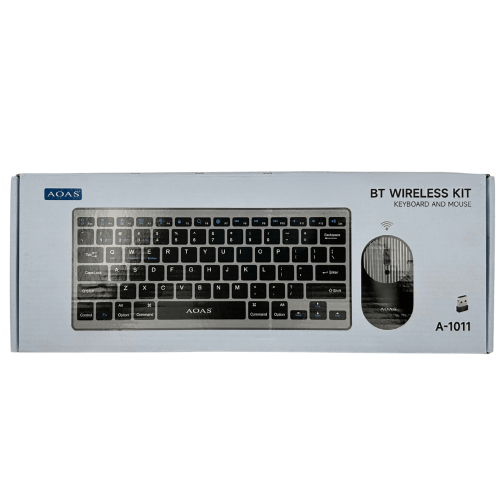
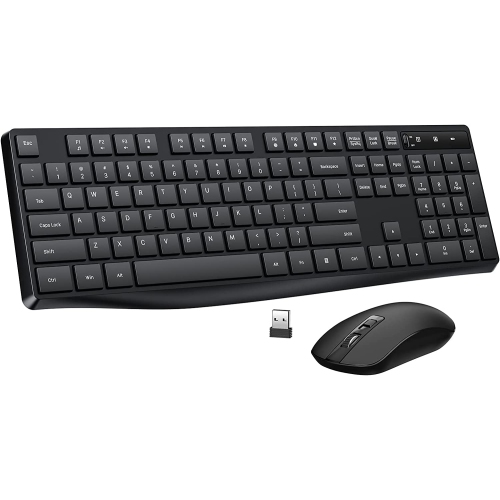
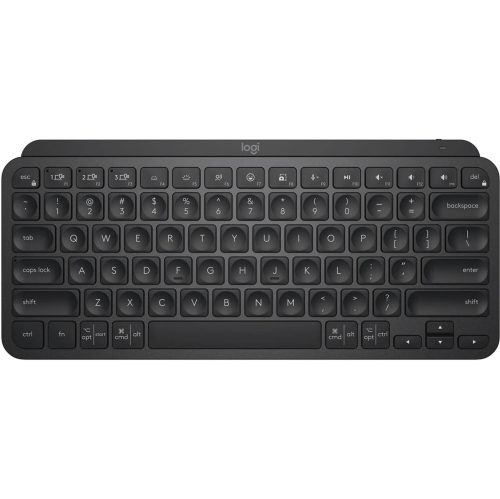
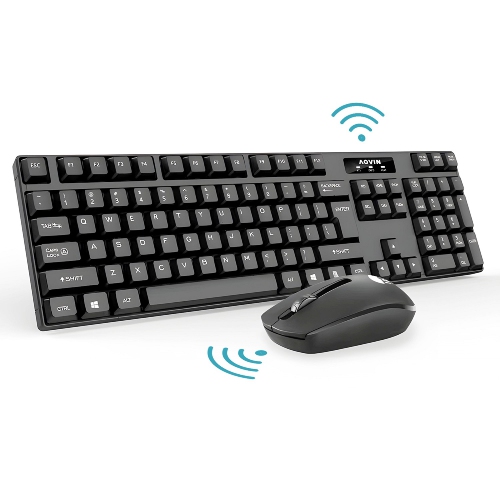

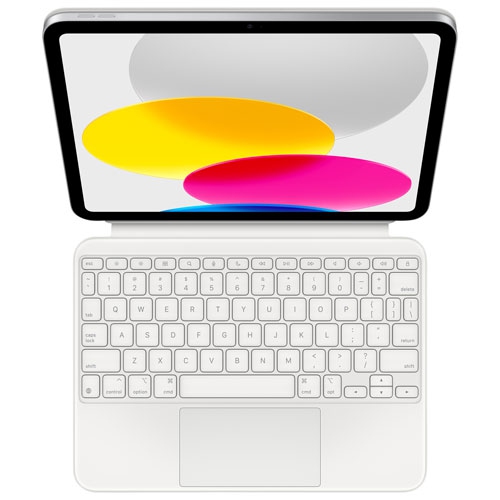
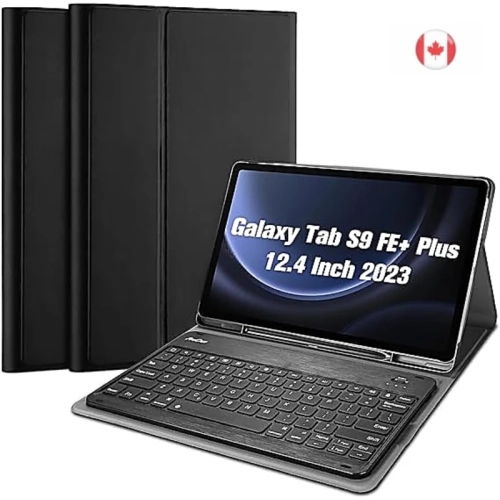
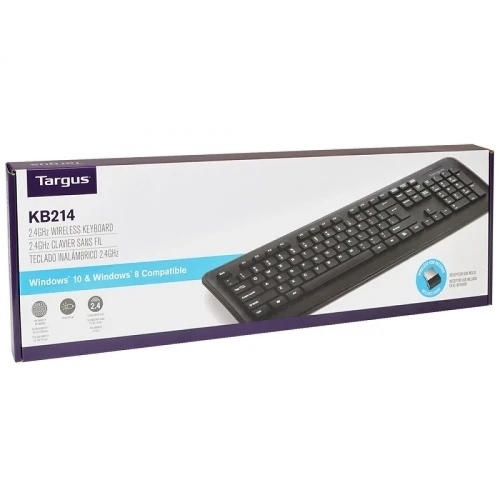
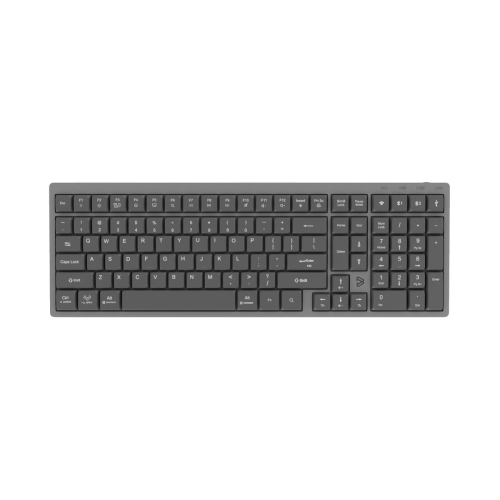
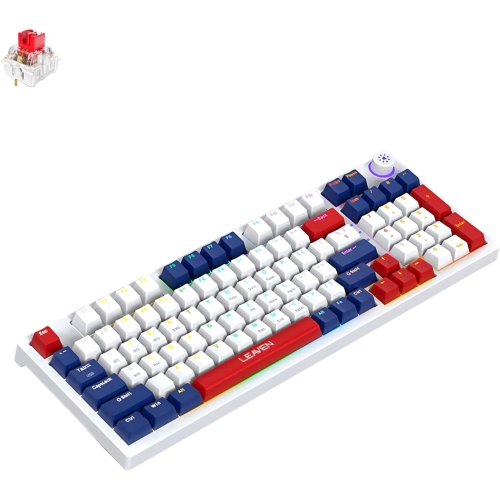

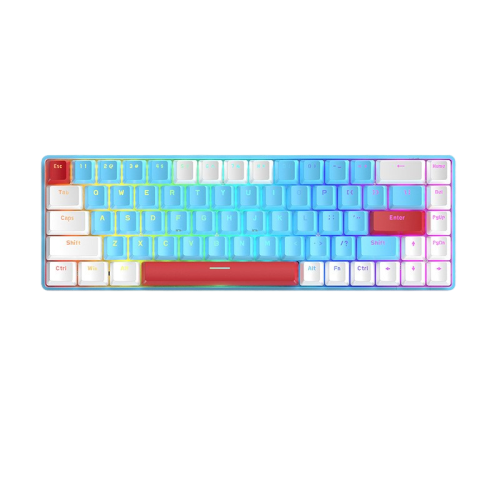
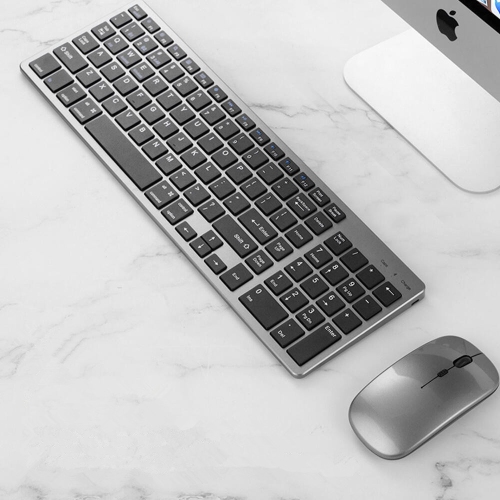
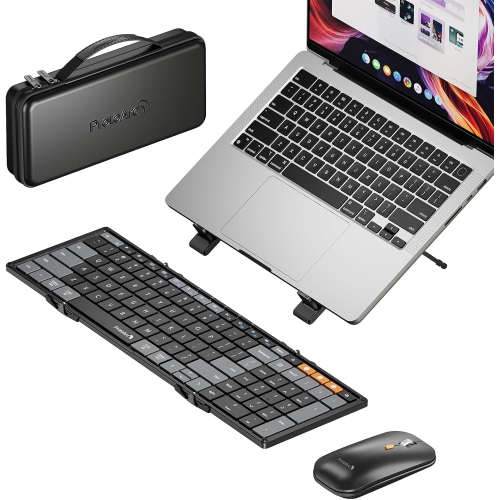
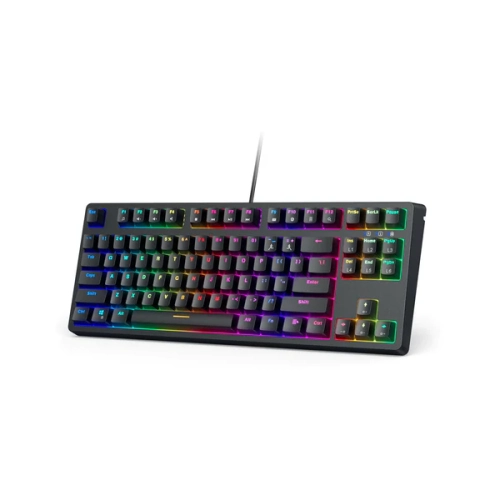
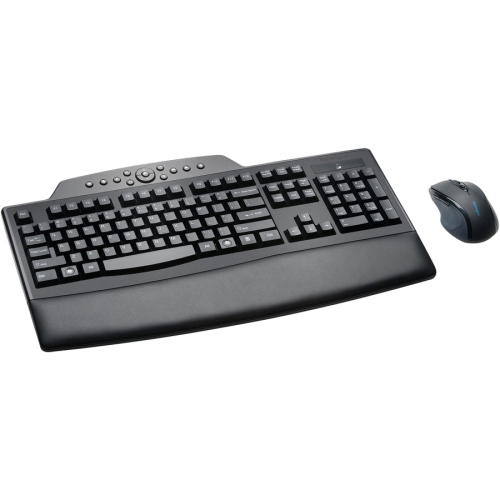
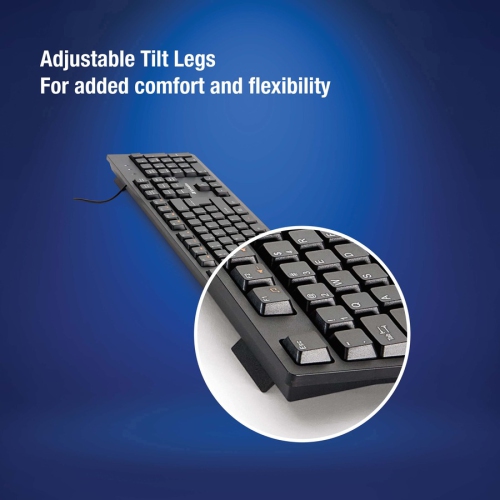

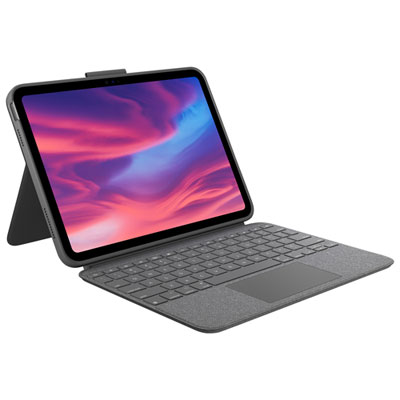
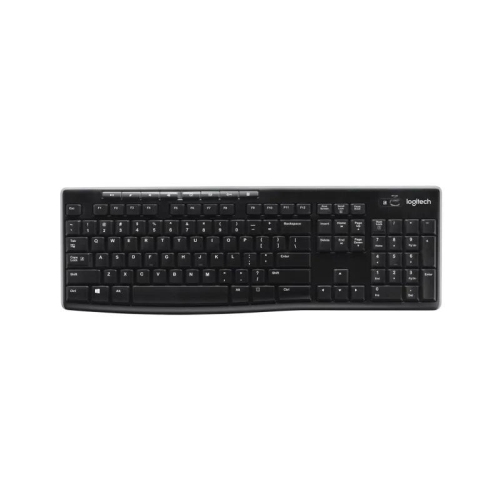
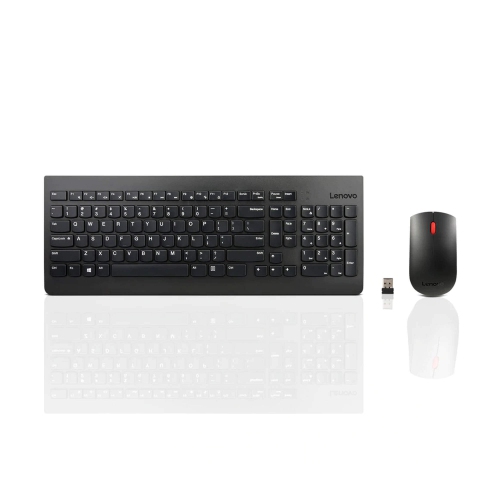
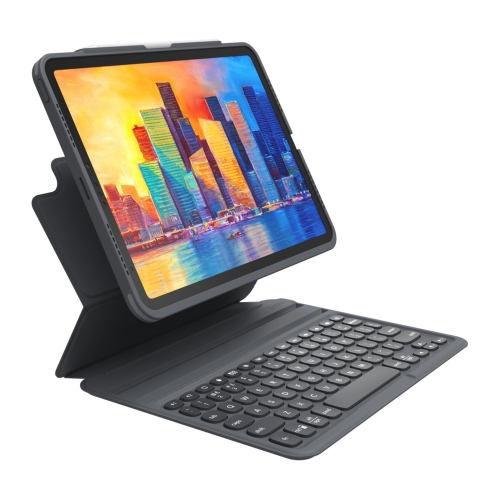
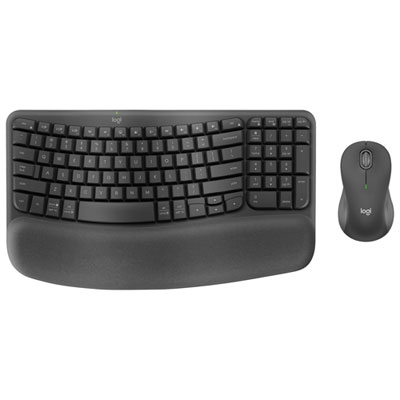
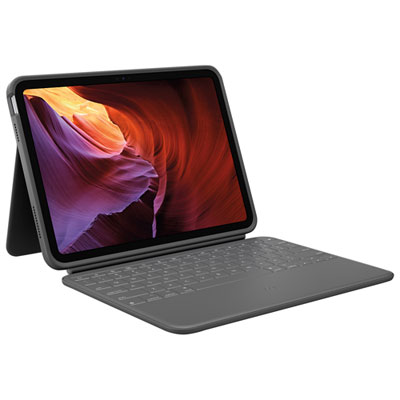
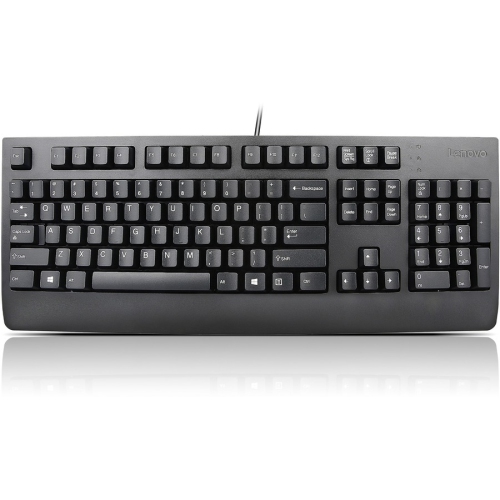

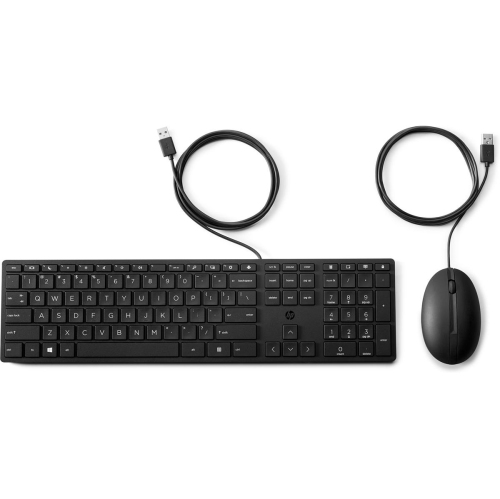
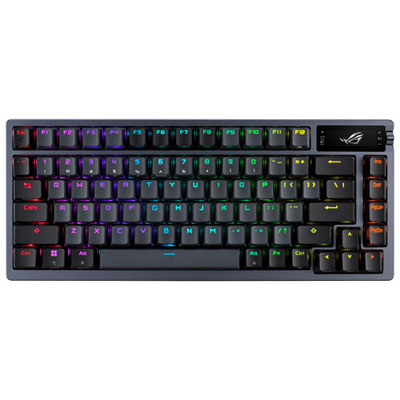
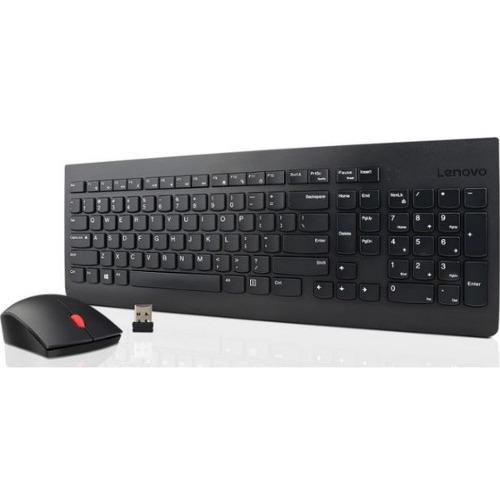
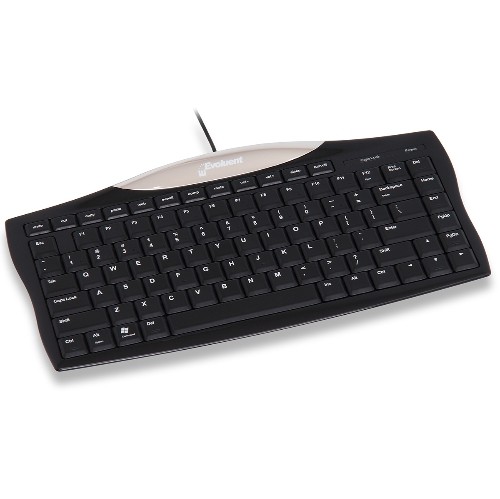
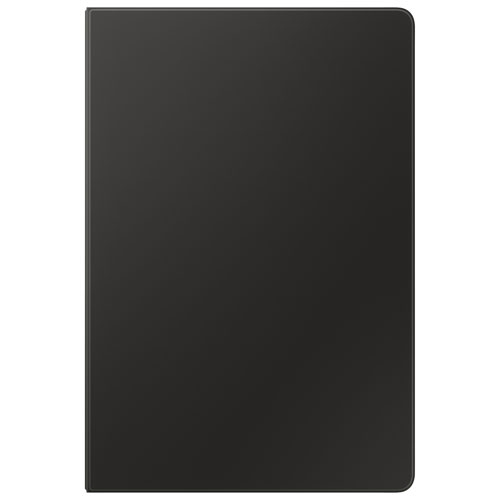

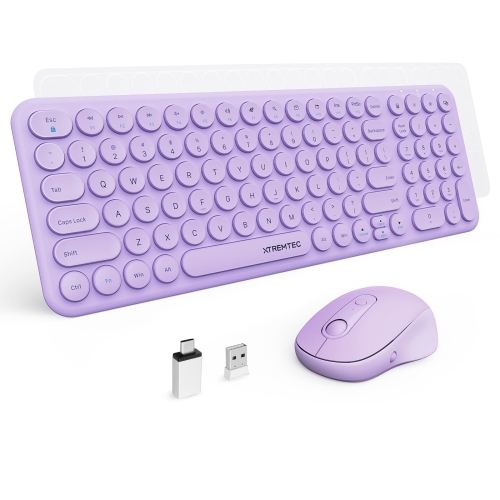
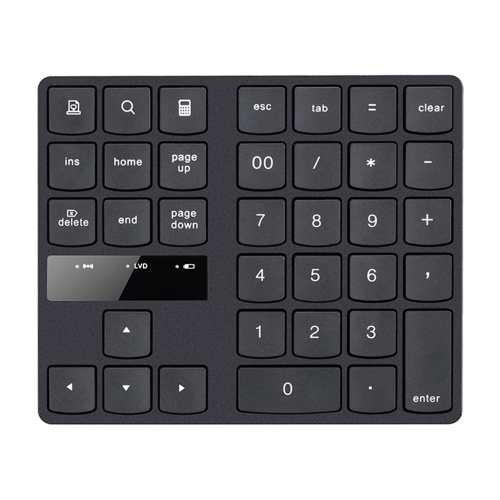
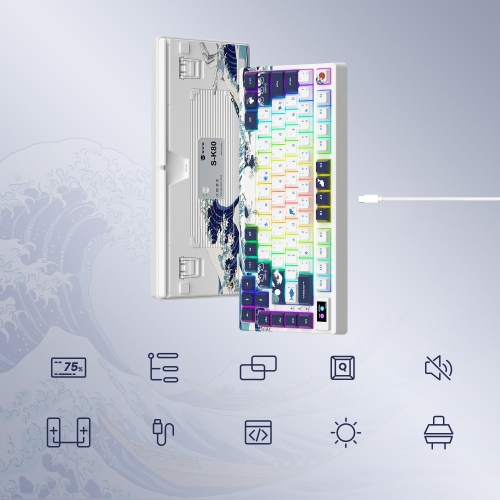
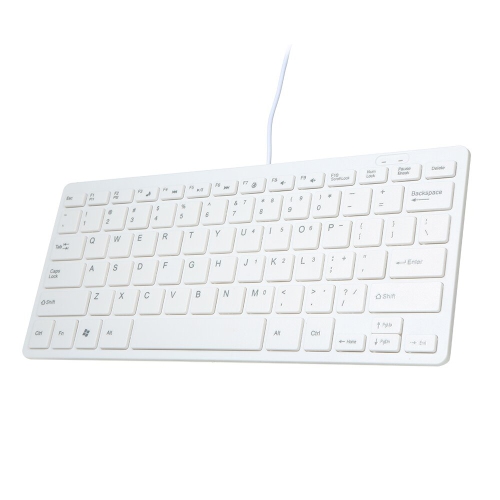
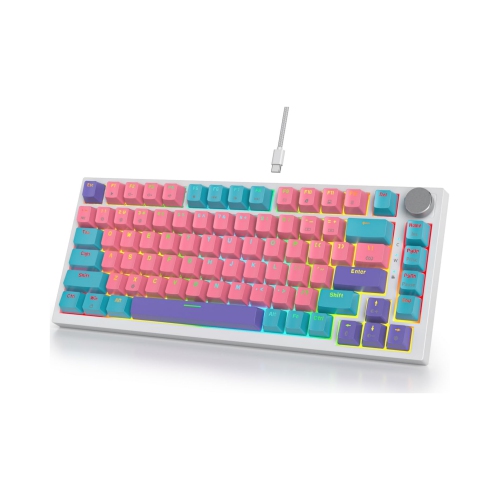
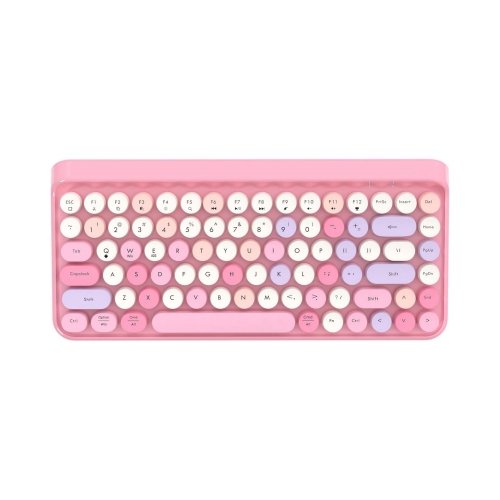
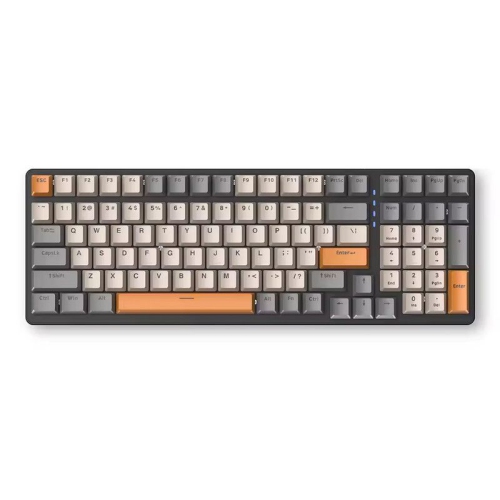
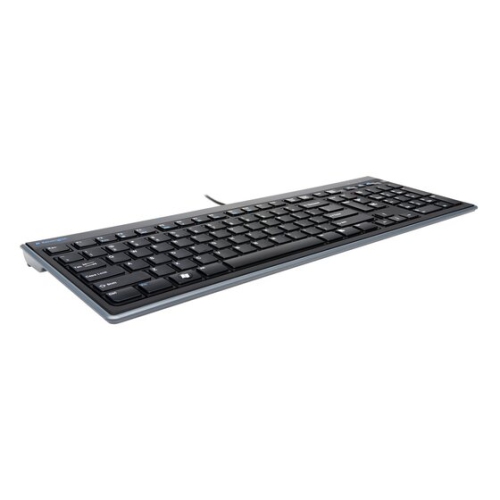
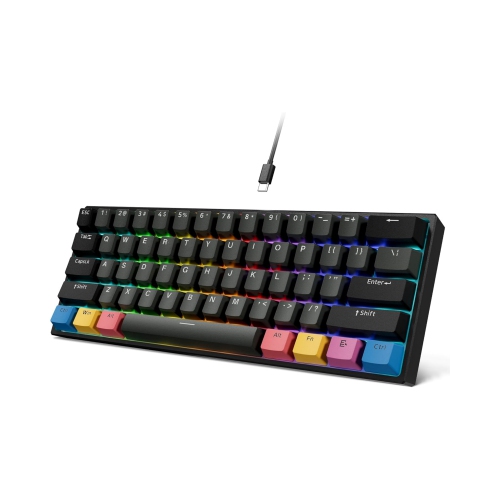
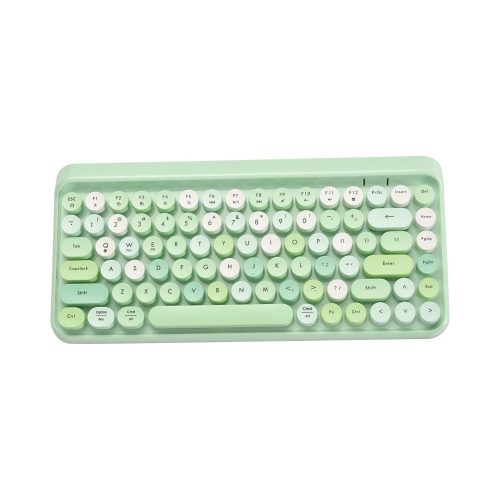
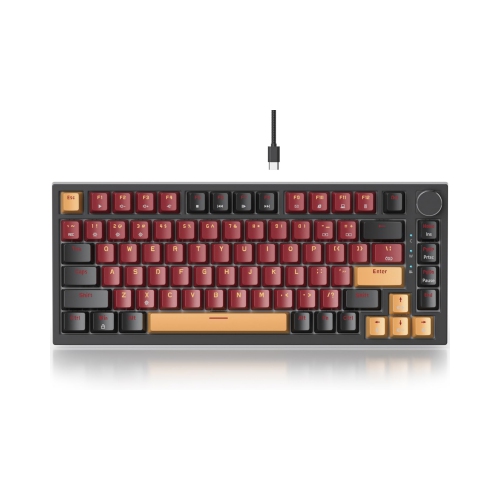
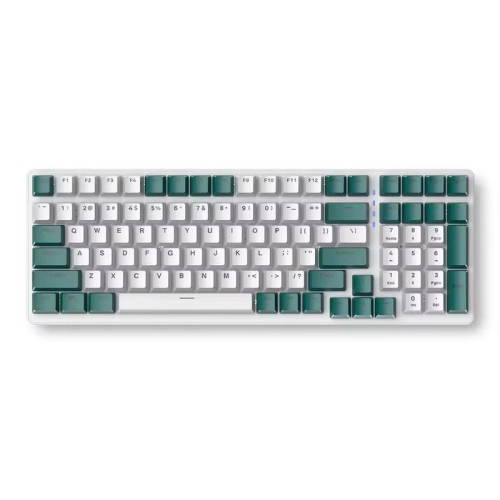
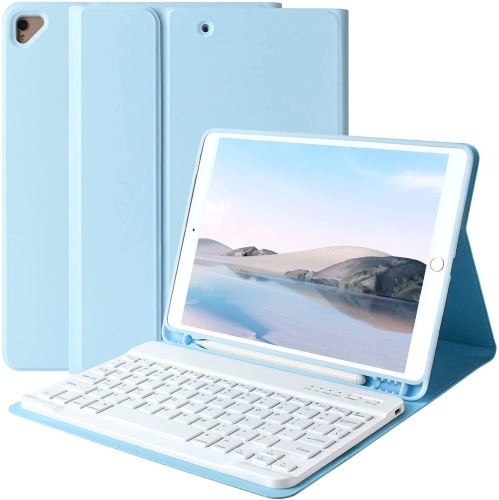

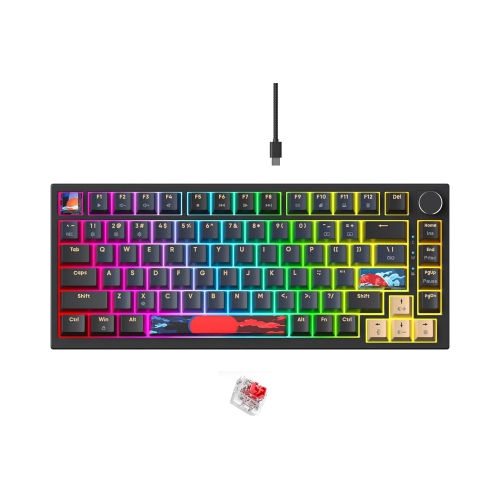
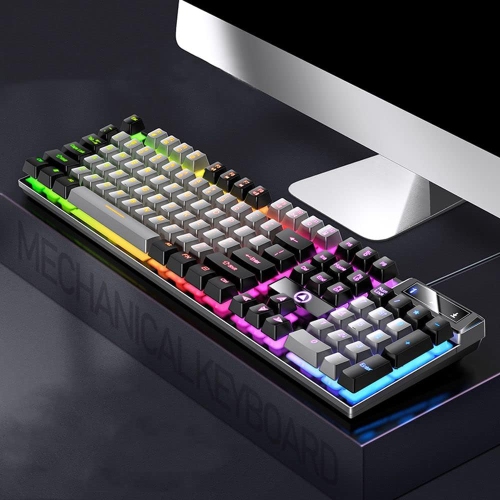
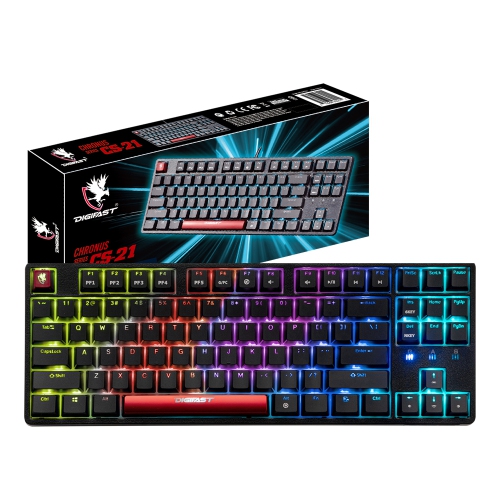
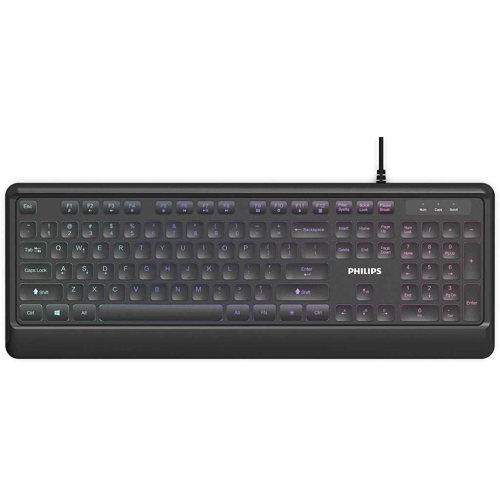





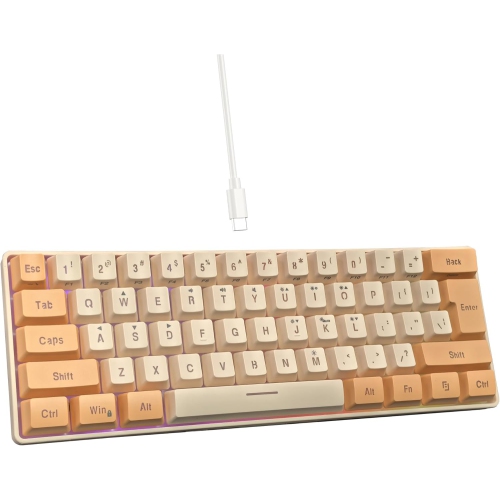
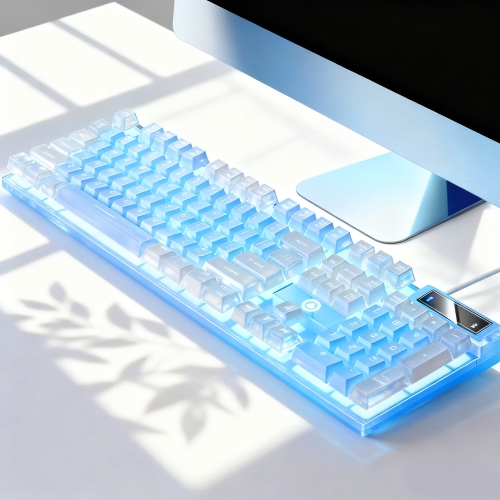
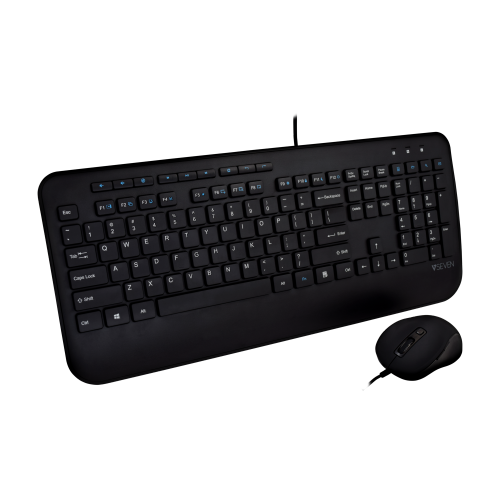
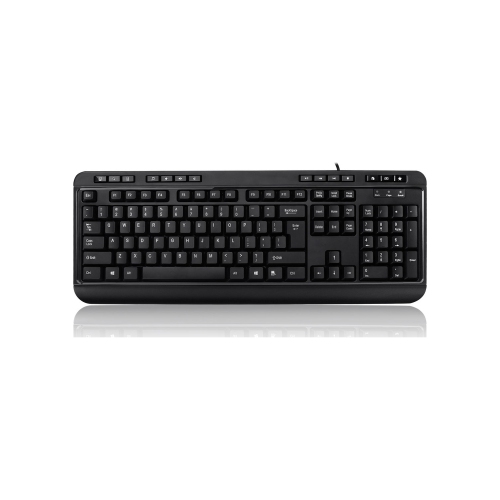
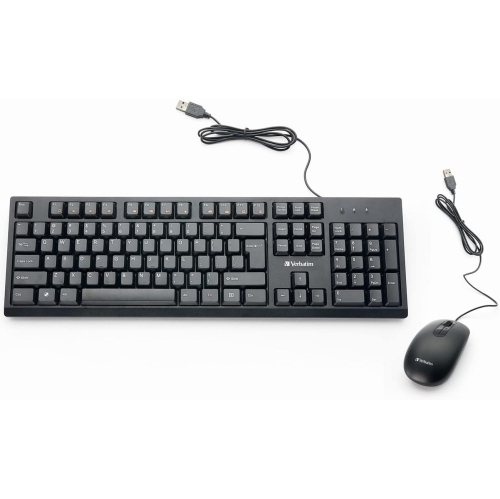
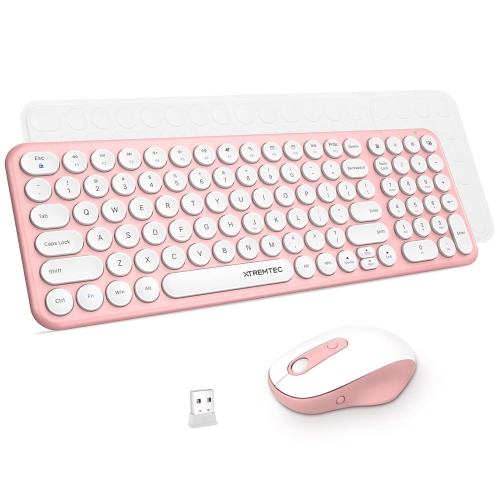
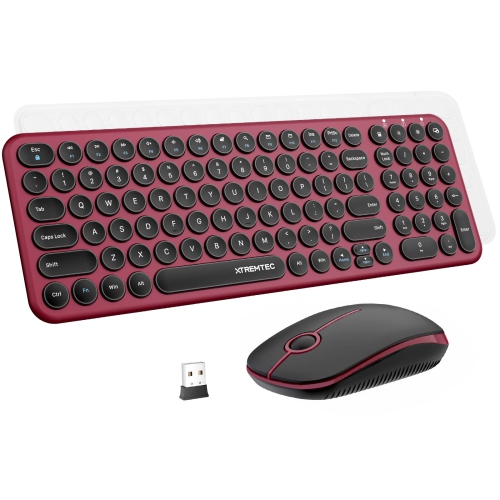
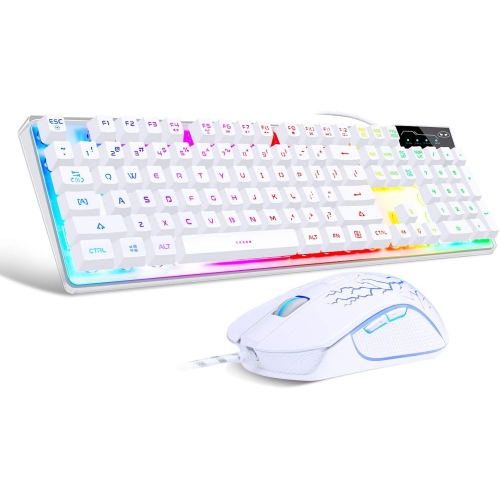

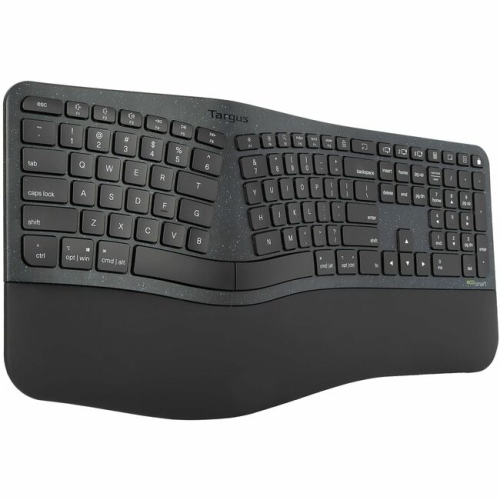
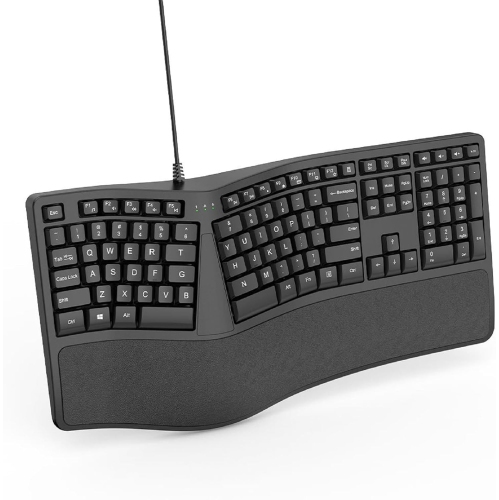
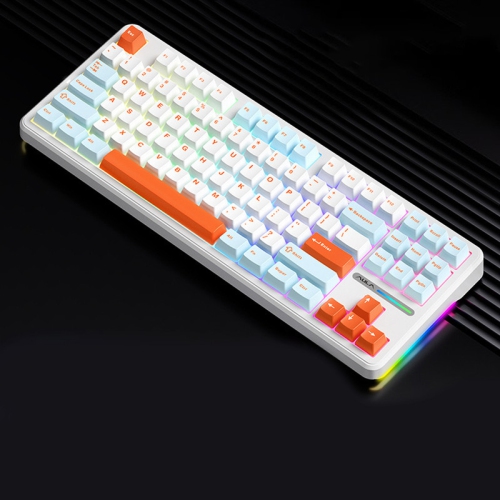
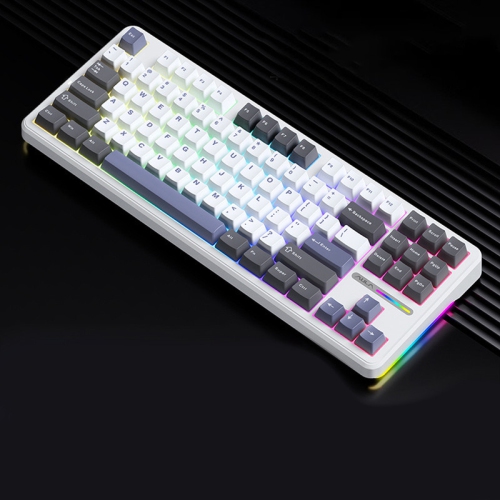

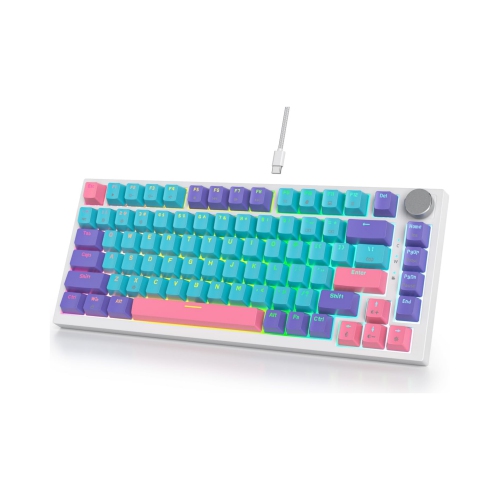
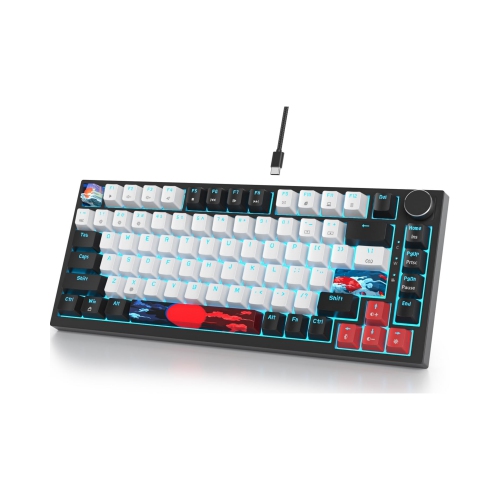
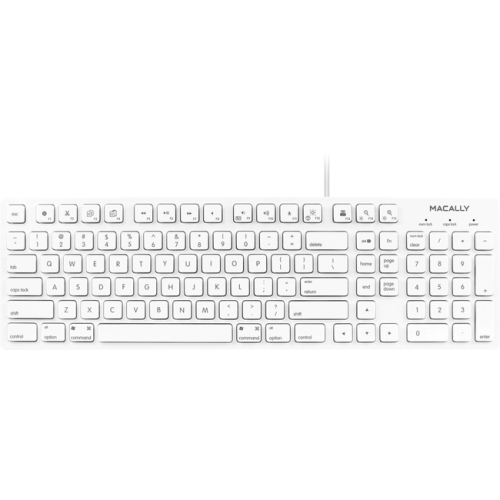
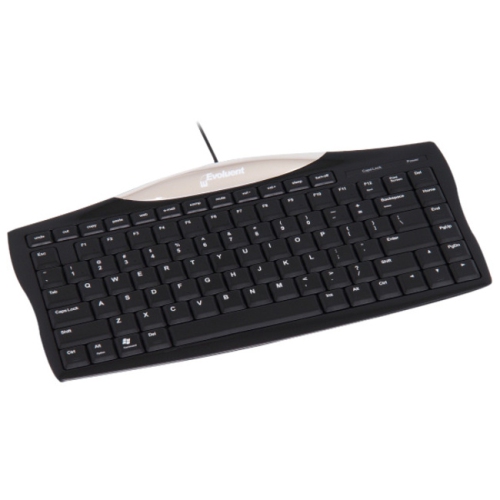
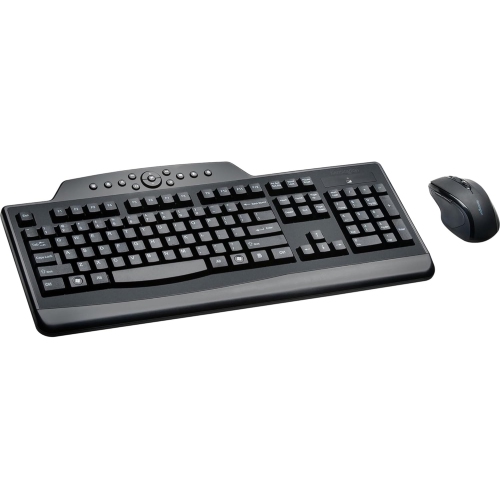
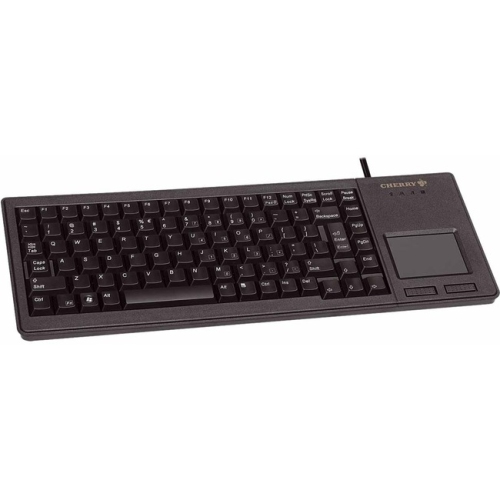
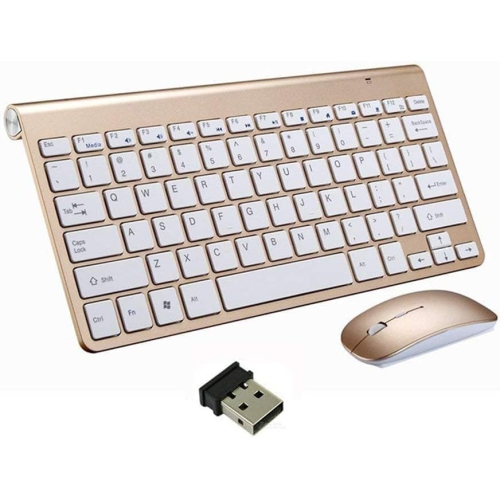
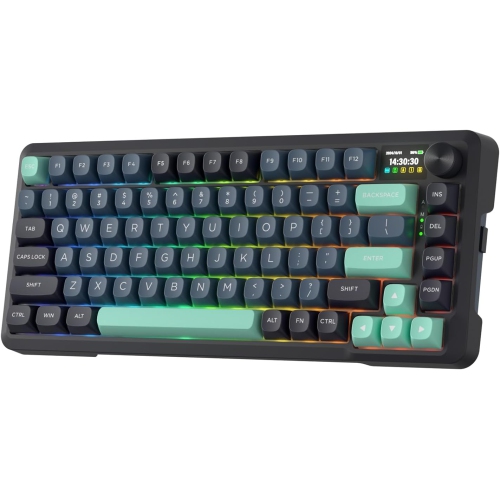
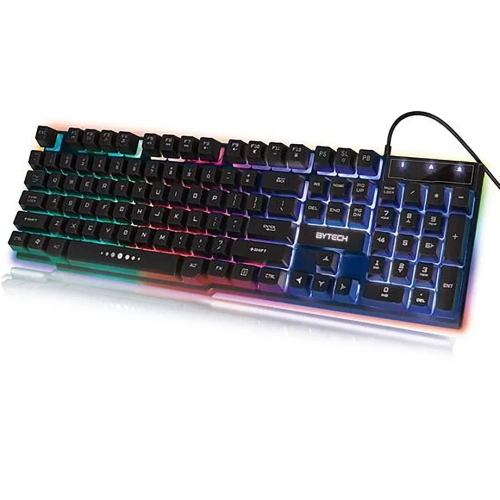
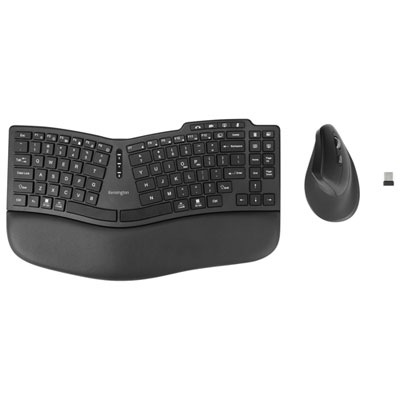
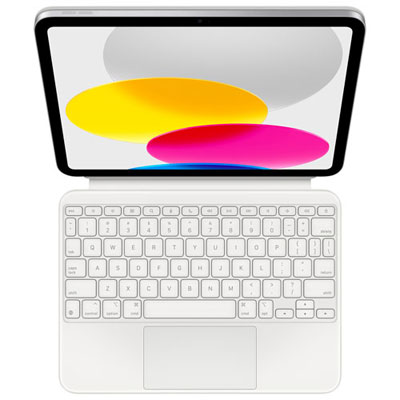
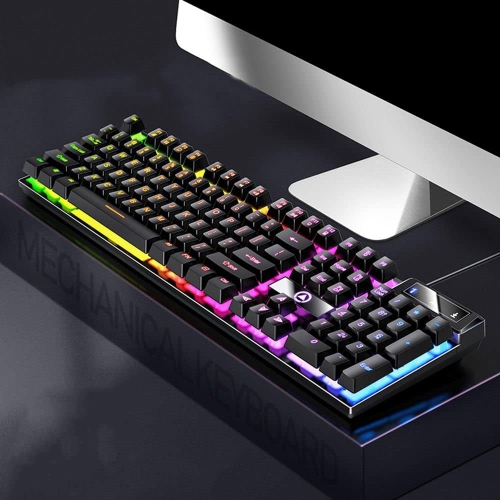
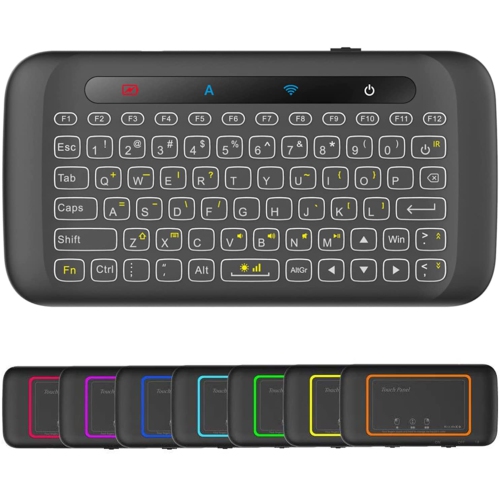
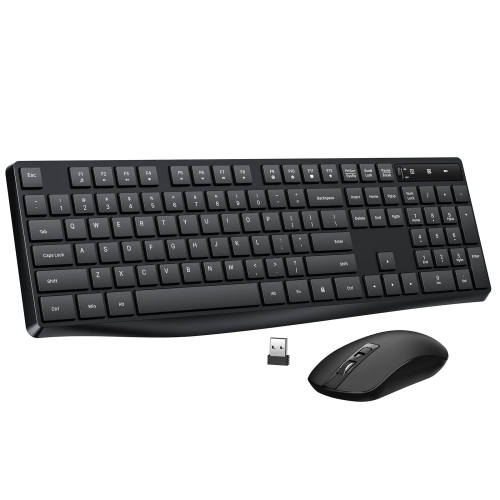
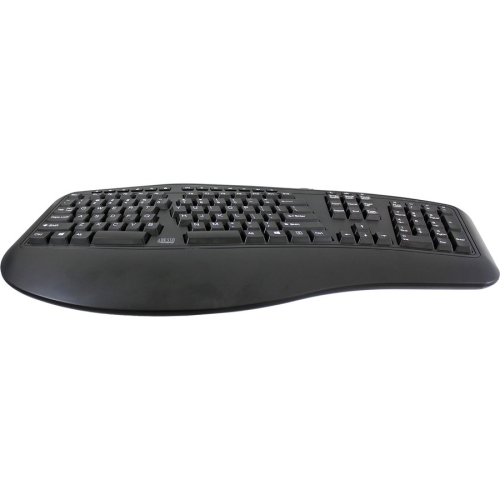
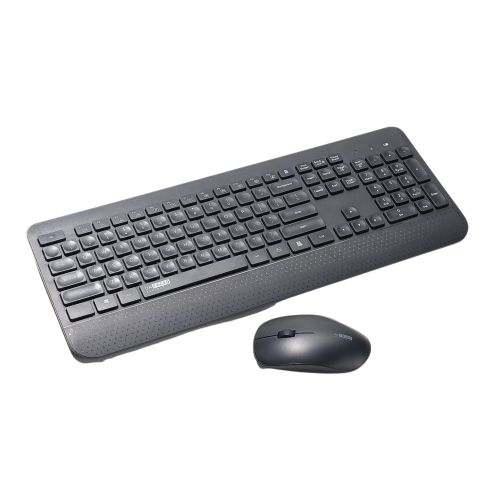
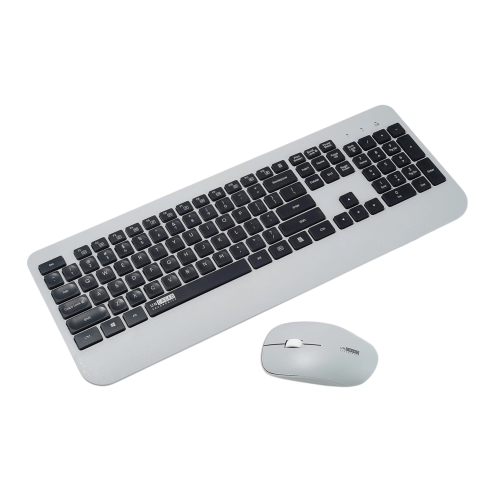
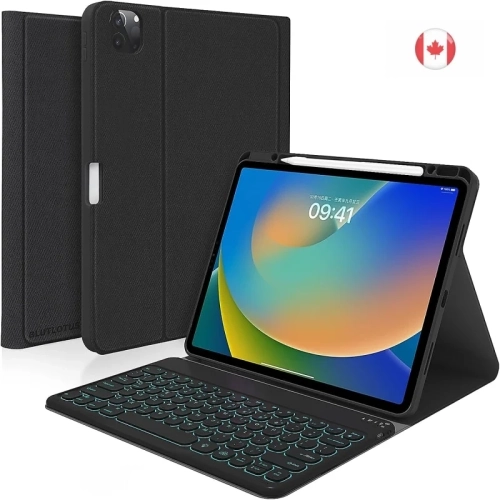
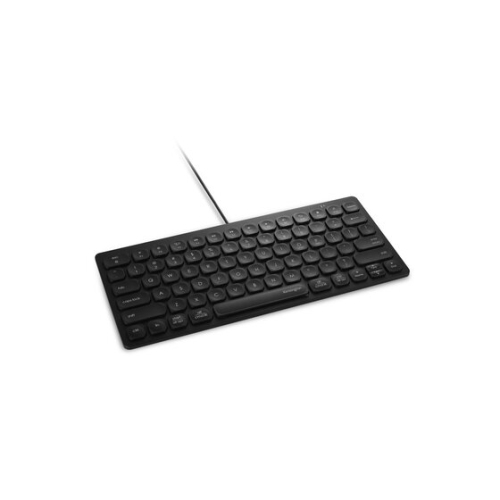
Comfort and flexibility for focused work at any desk
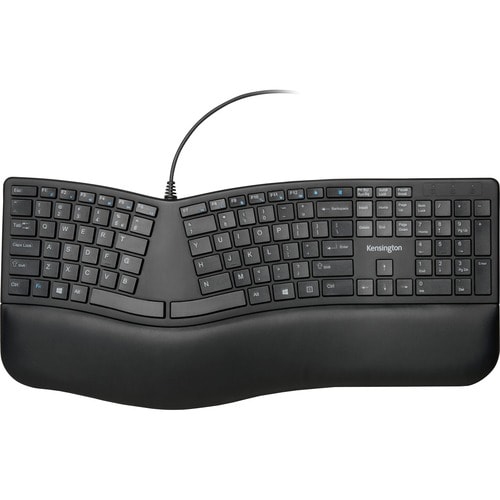
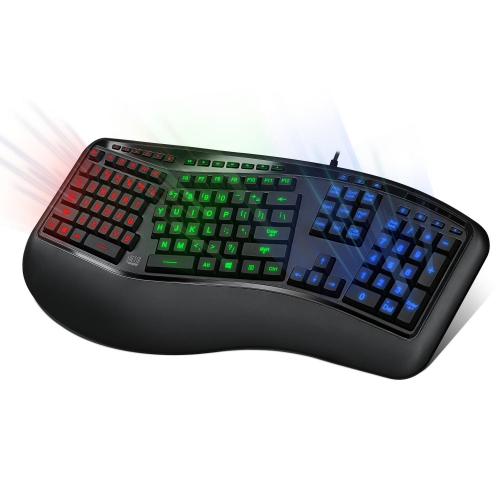
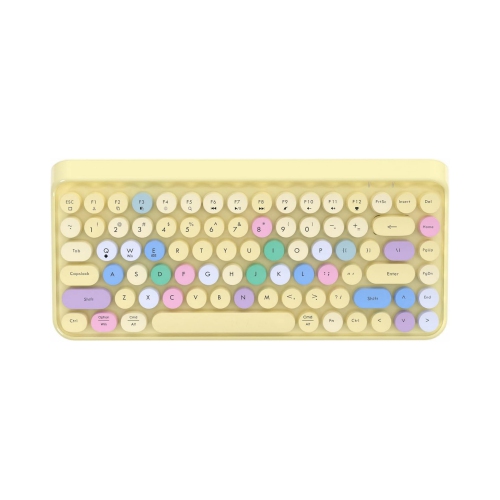
Productivity keyboards are designed to make everyday computer work feel more comfortable, efficient, and dependable. Whether they are used at a home office desk, a shared workspace, a classroom, or a kitchen table, the right keyboard can make a noticeable difference during long stretches of typing, navigating spreadsheets, replying to messages, and moving between browser tabs. Compared with the compact keyboard built into a laptop, a separate keyboard gives you more freedom to position your screen at a comfortable viewing height while keeping your hands and wrists in a natural place. Many people appreciate the extra room provided by a full-size layout, especially when working with numbers, while others prefer a compact design that leaves more space for a mouse, notebook, or drawing tablet. Key feel also plays an important role. Some keyboards offer a quiet, soft touch that suits open offices and shared rooms, while others provide more pronounced feedback that helps you feel each keystroke as you work. A low-profile design can create a sleek, laptop-like typing experience, while a taller key design may appeal to anyone who prefers a more traditional desktop feel. Consider how the keyboard will fit into your routine, from writing reports and editing documents to organizing files, managing online orders, or completing coursework during the cooler months when more time is spent indoors. A comfortable layout can turn a crowded desk into a more inviting place to settle in, with the gentle rhythm of keystrokes helping work feel more focused and less tiring.
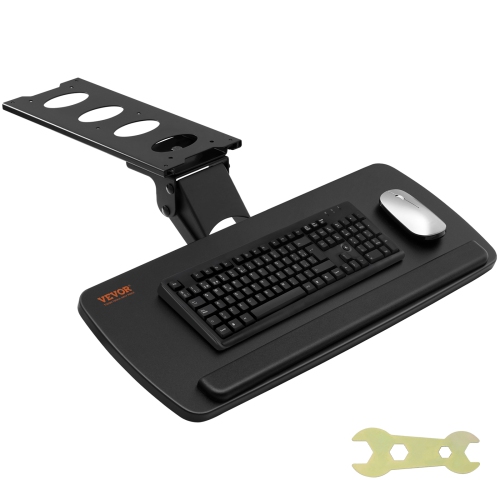
When choosing a productivity keyboard, pay attention to the features that support the way you use your computer each day. Wireless models can reduce cable clutter and make it easier to move a keyboard between a desk and a dining table, while wired options provide a straightforward connection without requiring charging or battery replacement. If you often switch between a desktop computer, laptop, tablet, or phone, a keyboard with multi-device connectivity can help keep your workflow moving with fewer interruptions. Look for dedicated shortcut keys, media controls, or customizable function keys if you regularly adjust volume, open applications, lock your screen, or manage video calls. A numeric keypad is especially useful for budgeting, inventory, accounting, and data entry, although a tenkeyless or compact layout may be a better fit for smaller work surfaces. The shape and angle of the keyboard can influence comfort, so features such as adjustable feet, a gently curved layout, or a cushioned wrist rest may be worth considering for extended sessions. It is also helpful to check compatibility with your operating system and the devices you plan to connect, particularly when using a tablet or a computer with limited ports. For tablet-based work, a keyboard made for a more portable setup can provide a useful balance between typing comfort and flexibility; shoppers comparing options for Apple tablets can also browse Professional Productivity iPad Keyboards. Think about the sounds around you as well. A quieter keyboard can be considerate in a shared home, library, reception area, or video meeting, while a more tactile option may be satisfying for someone who spends much of the day writing. Small details such as key legends, backlighting, spill resistance, and the ease of cleaning can become surprisingly important over time, particularly when the keyboard is part of a busy daily workspace.
A productivity keyboard can be a practical gift for a student preparing for a new term, a remote worker refreshing a home office, or a family member who spends evenings writing, planning, and staying connected. It can also be a thoughtful addition to a first desk setup, pairing naturally with a monitor, mouse, laptop stand, or desk lamp to create a more comfortable place for focused tasks. Writers may value a consistent, responsive feel that keeps ideas flowing without distracting stiffness, while professionals working with figures may prioritize a full-size layout and quick access to number keys. Creative users may appreciate customizable shortcuts that reduce repetitive clicks, and people who travel between workspaces may prefer a lightweight model that can be tucked into a bag without taking up much room. During the transition from warmer days into the cooler season, a dependable keyboard can support a wide range of routines, from early-morning study sessions to late-afternoon video calls and quiet evenings spent organizing personal projects. The best choice depends on the space available, the devices being used, and the kind of feedback that feels comfortable beneath your fingertips. A well-matched keyboard should feel natural rather than demanding attention, helping you move from one task to the next with fewer distractions. As you compare productivity keyboards, consider the balance of comfort, layout, connectivity, durability, and appearance that fits your workspace, along with the habits you expect the keyboard to support over the long term.
When choosing a productivity keyboard, pay attention to the features that support the way you use your computer each day. Wireless models can reduce cable clutter and make it easier to move a keyboard between a desk and a dining table, while wired options provide a straightforward connection without requiring charging or battery replacement. If you often switch between a desktop computer, laptop, tablet, or phone, a keyboard with multi-device connectivity can help keep your workflow moving with fewer interruptions. Look for dedicated shortcut keys, media controls, or customizable function keys if you regularly adjust volume, open applications, lock your screen, or manage video calls. A numeric keypad is especially useful for budgeting, inventory, accounting, and data entry, although a tenkeyless or compact layout may be a better fit for smaller work surfaces. The shape and angle of the keyboard can influence comfort, so features such as adjustable feet, a gently curved layout, or a cushioned wrist rest may be worth considering for extended sessions. It is also helpful to check compatibility with your operating system and the devices you plan to connect, particularly when using a tablet or a computer with limited ports. For tablet-based work, a keyboard made for a more portable setup can provide a useful balance between typing comfort and flexibility; shoppers comparing options for Apple tablets can also browse Professional Productivity iPad Keyboards. Think about the sounds around you as well. A quieter keyboard can be considerate in a shared home, library, reception area, or video meeting, while a more tactile option may be satisfying for someone who spends much of the day writing. Small details such as key legends, backlighting, spill resistance, and the ease of cleaning can become surprisingly important over time, particularly when the keyboard is part of a busy daily workspace.
A productivity keyboard can be a practical gift for a student preparing for a new term, a remote worker refreshing a home office, or a family member who spends evenings writing, planning, and staying connected. It can also be a thoughtful addition to a first desk setup, pairing naturally with a monitor, mouse, laptop stand, or desk lamp to create a more comfortable place for focused tasks. Writers may value a consistent, responsive feel that keeps ideas flowing without distracting stiffness, while professionals working with figures may prioritize a full-size layout and quick access to number keys. Creative users may appreciate customizable shortcuts that reduce repetitive clicks, and people who travel between workspaces may prefer a lightweight model that can be tucked into a bag without taking up much room. During the transition from warmer days into the cooler season, a dependable keyboard can support a wide range of routines, from early-morning study sessions to late-afternoon video calls and quiet evenings spent organizing personal projects. The best choice depends on the space available, the devices being used, and the kind of feedback that feels comfortable beneath your fingertips. A well-matched keyboard should feel natural rather than demanding attention, helping you move from one task to the next with fewer distractions. As you compare productivity keyboards, consider the balance of comfort, layout, connectivity, durability, and appearance that fits your workspace, along with the habits you expect the keyboard to support over the long term.
Top selling and popular products
-
 Your price for this item is $39.98
 -
 Your price for this item is $49.72
 -
 Your price for this item is $159
 -
 Your price for this item is $219.99
 -
 Your price for this item is $199.99
 -
 Your price for this item is $44.99
 -
 Your price for this item is $22.68
 -
 Your price for this item is $169.99
Discover more categories related to Productivity Keyboards
Top Collections:
Pokemon Centers, Kindle Devices, Best Budget Office Chairs, Apple iPhones 16, Best Laptops for Writers, iPhone 15 Apple, Canon G7X Cameras, Refurbished Apple Laptops, Alarm Clock, Motorola Razr Phones
Some products may be subject to Environmental Handling Fees
(EHF) depending on your province.
Learn more about EHFs.