Quiet PC Keyboards
A quiet keyboard is a must for almost anyone who wants to be productive while they work. Whether you're in a crowded office, at home with your family or in a quiet corner of your local coffee shop, a quiet keyboard can help you get your work done without disturbing those around you. Here are some of our favorites.
Sort
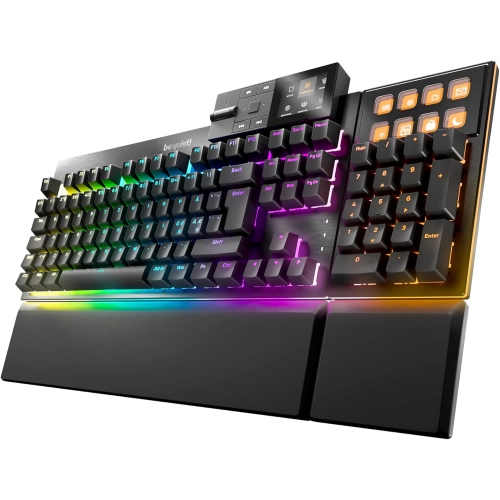
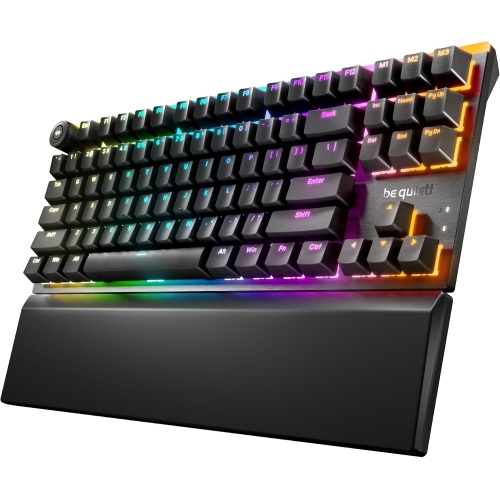
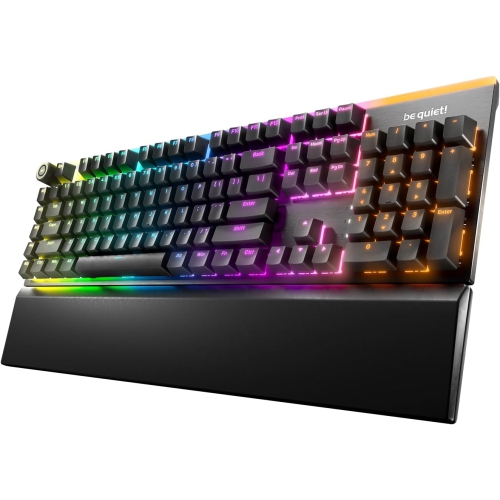
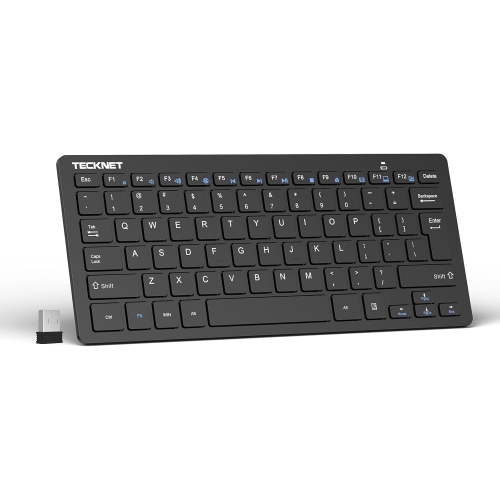



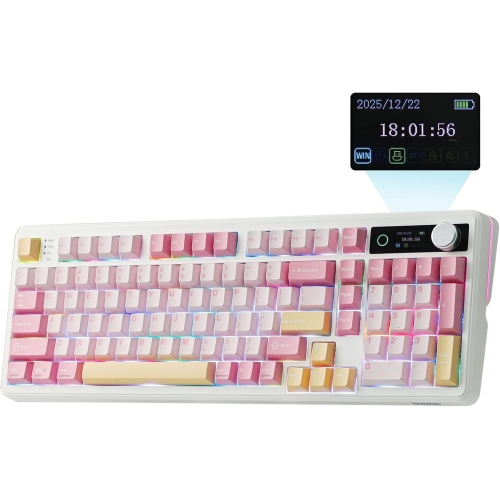
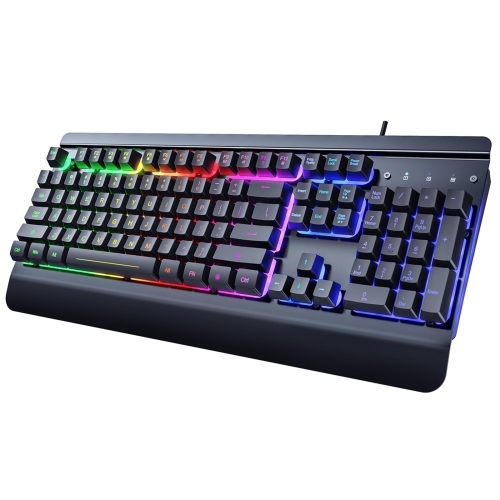

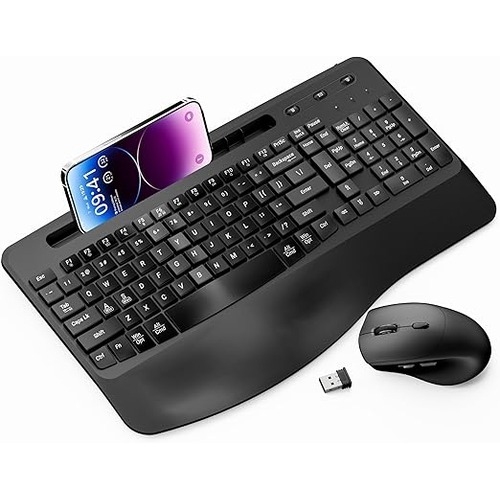
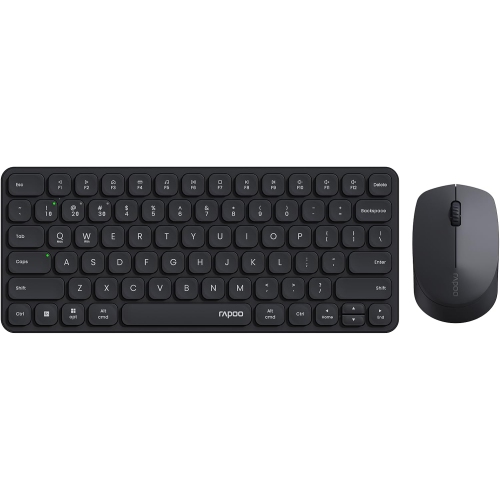
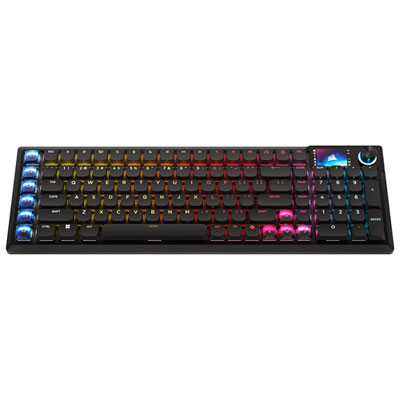
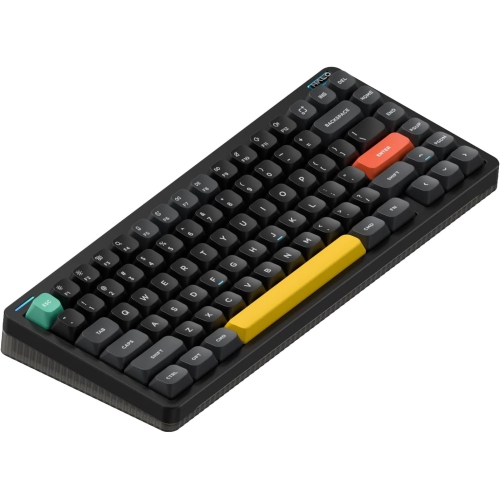
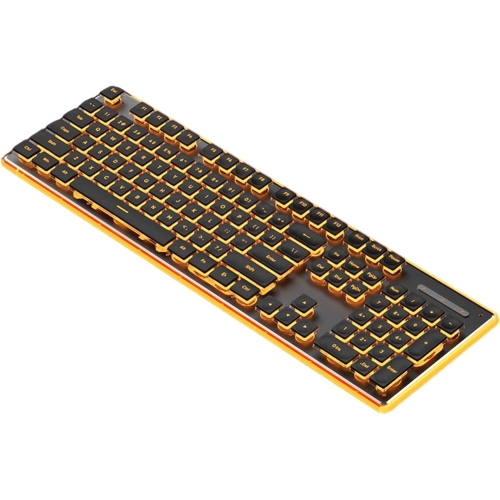
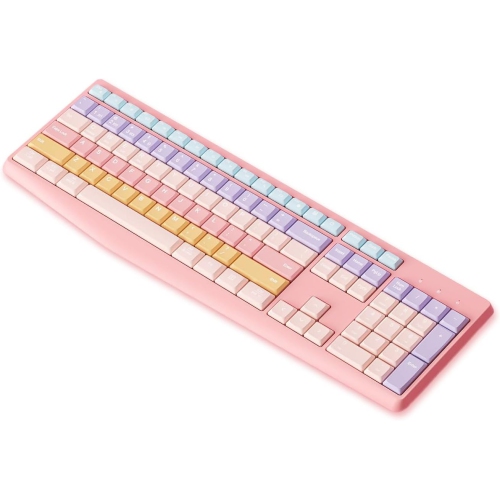


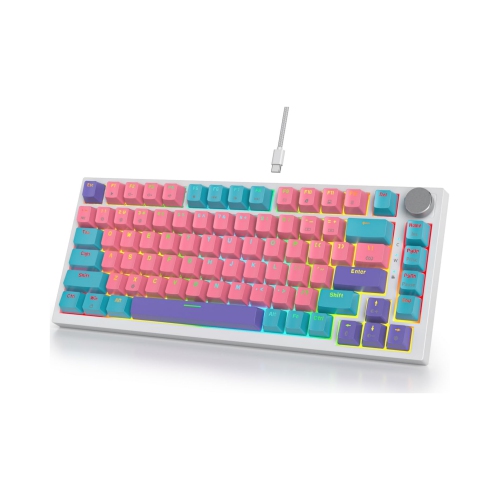
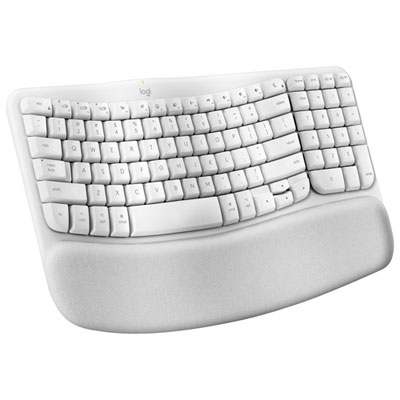
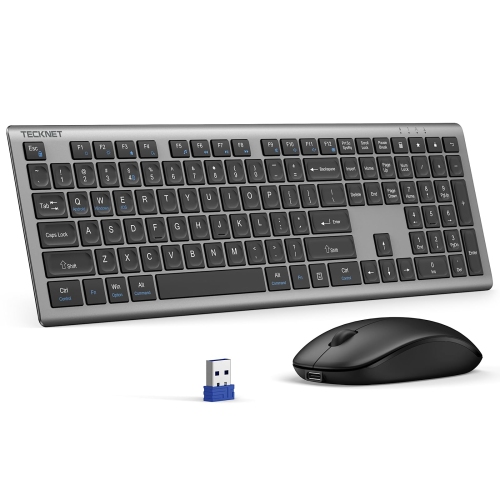
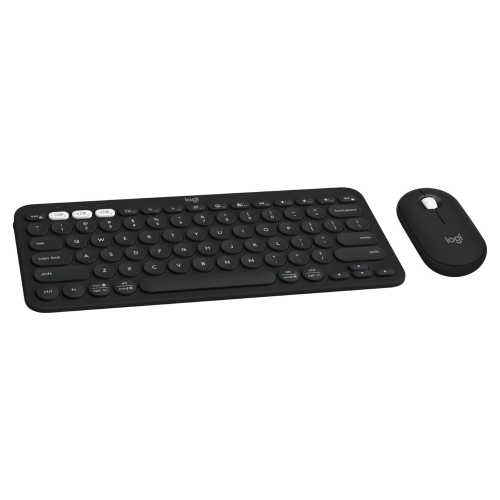
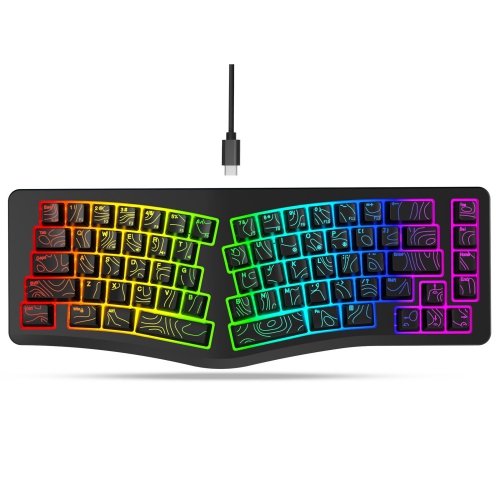
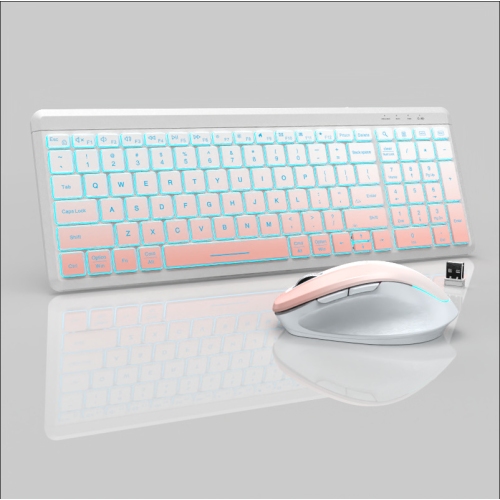
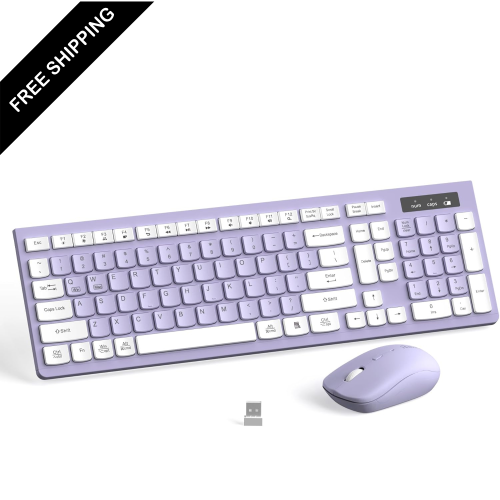
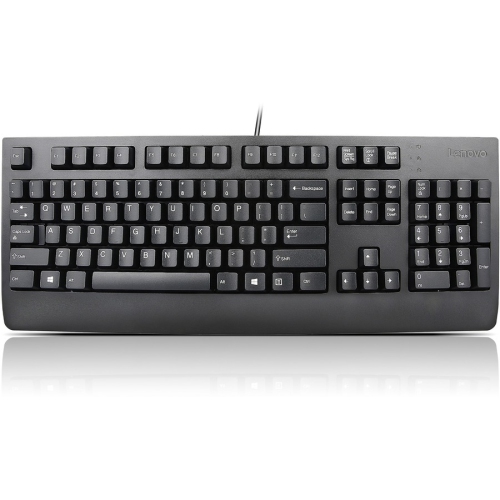
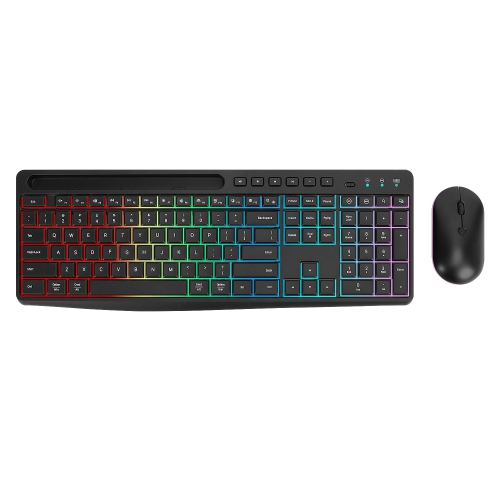
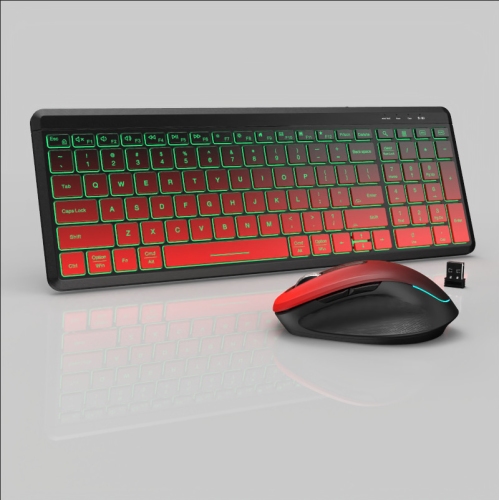
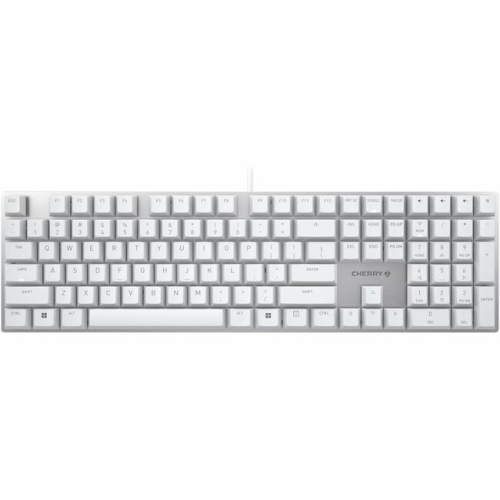
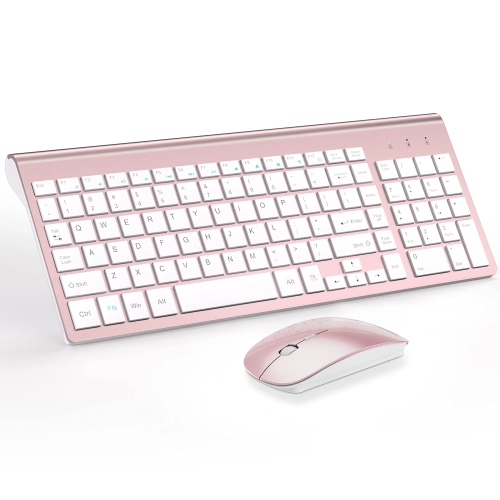
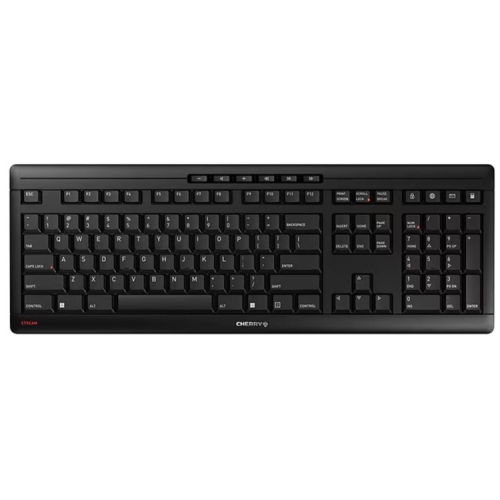
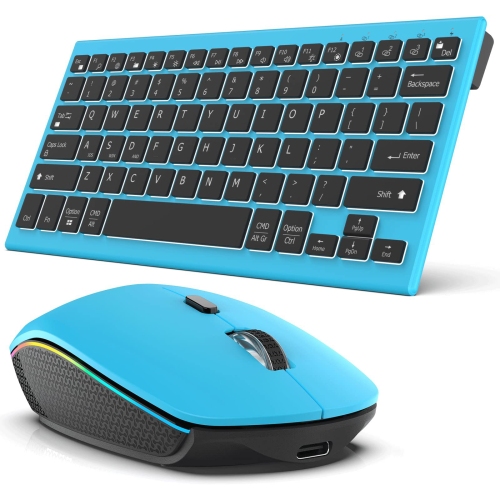
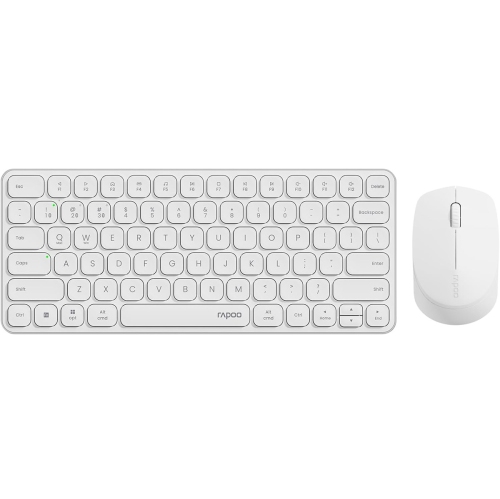

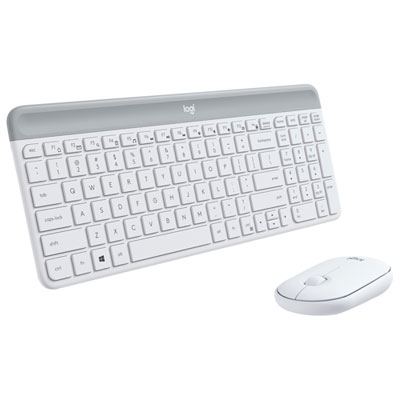
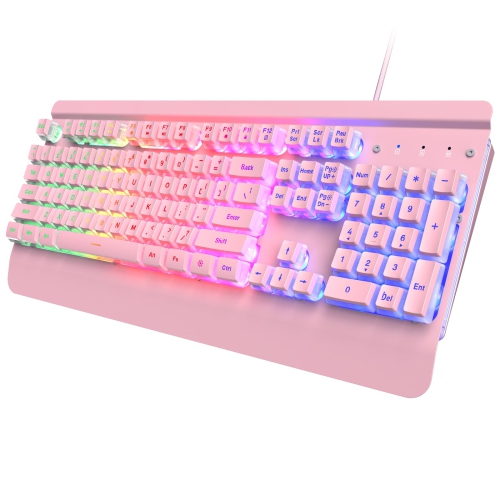
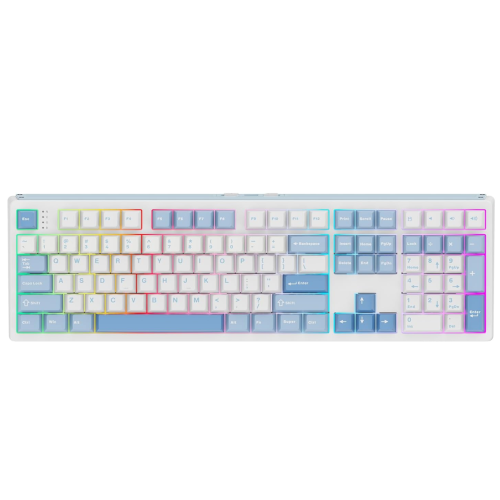
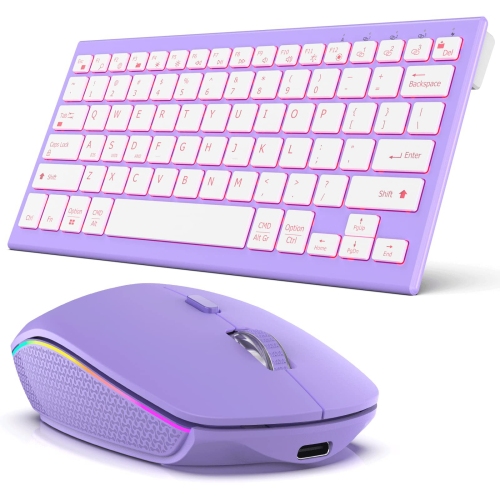
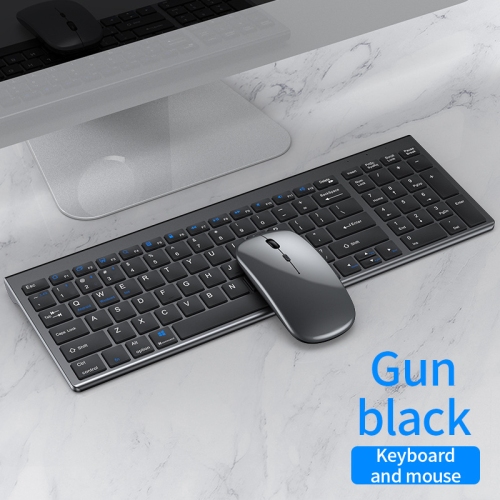
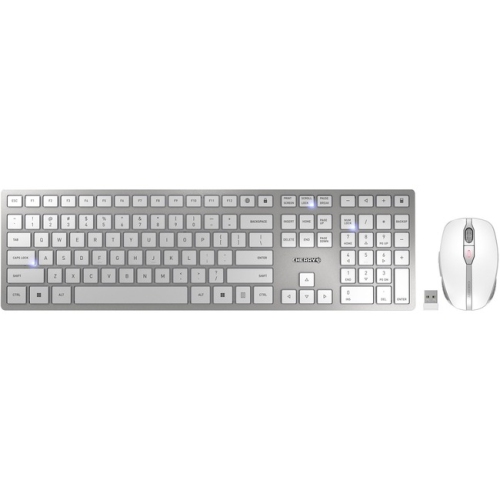
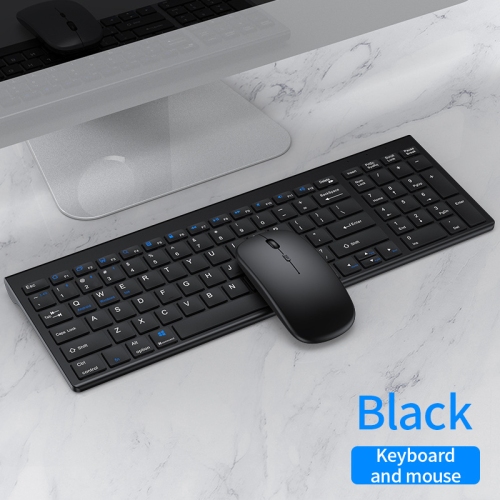
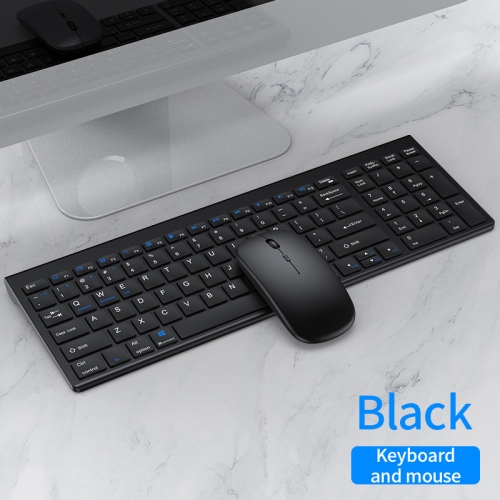
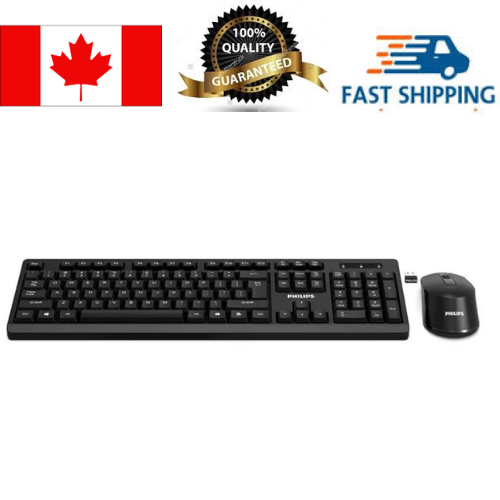
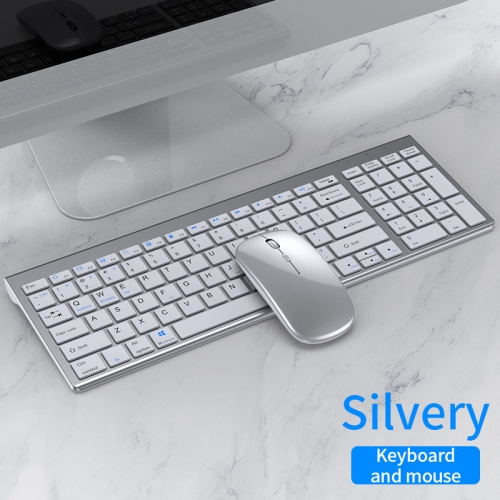
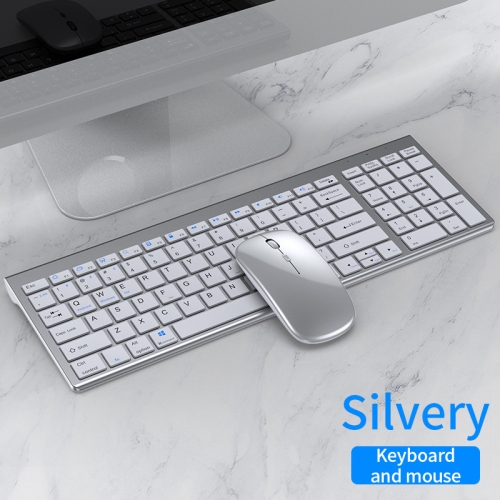
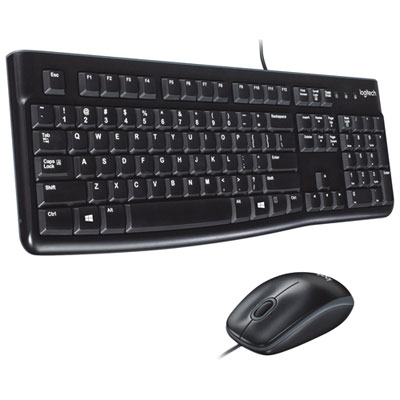
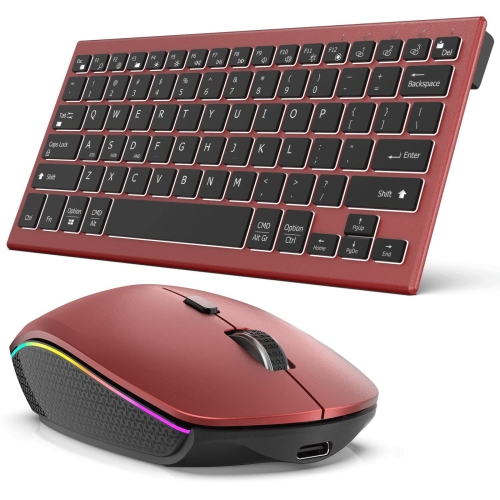
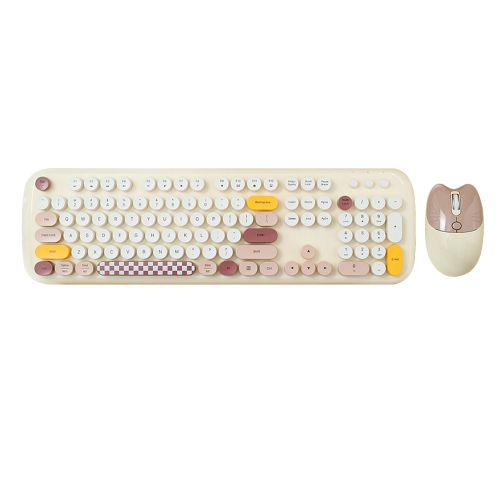
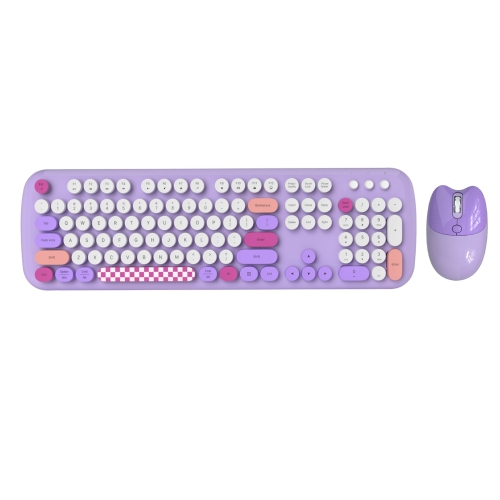
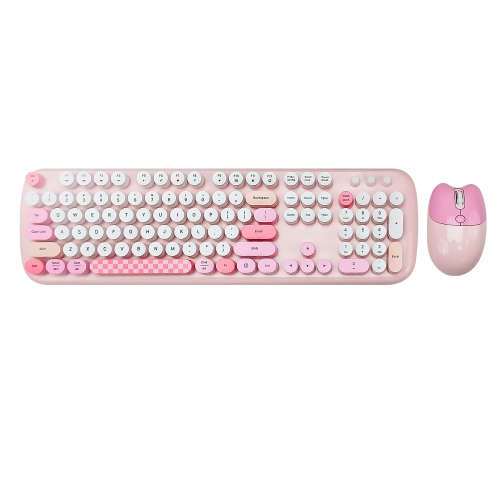
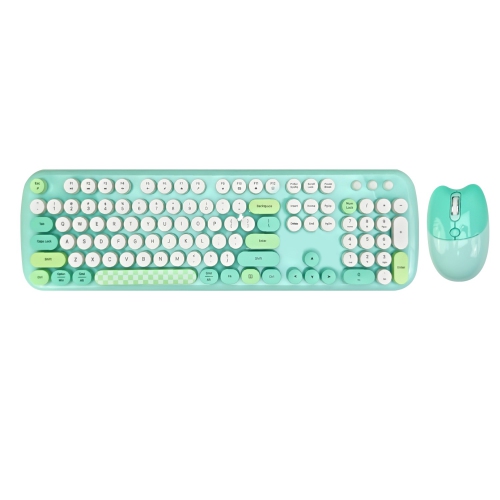
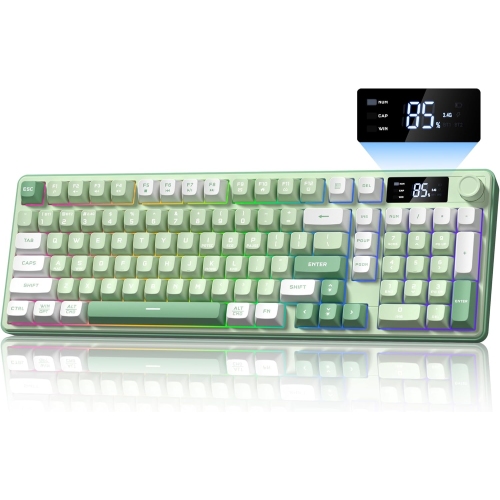
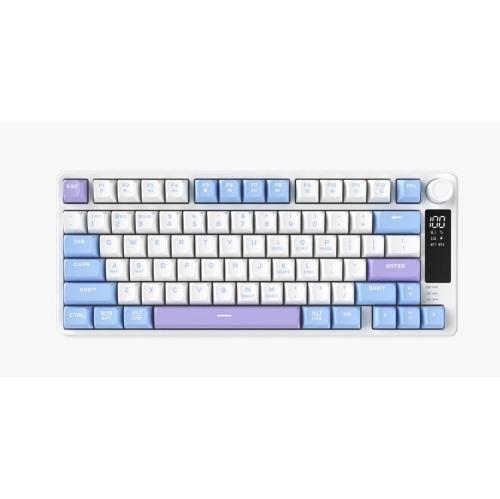
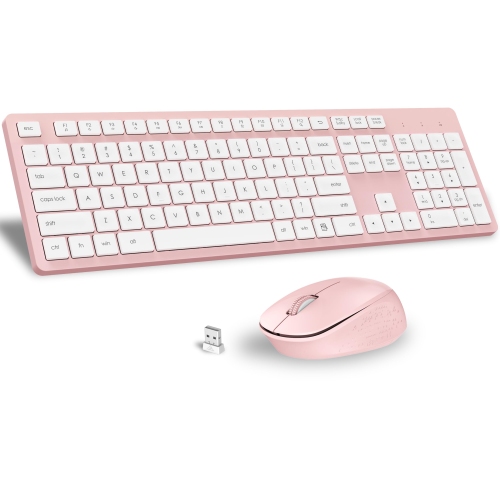
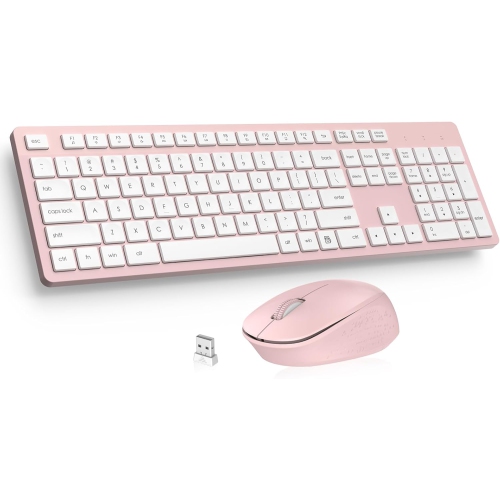

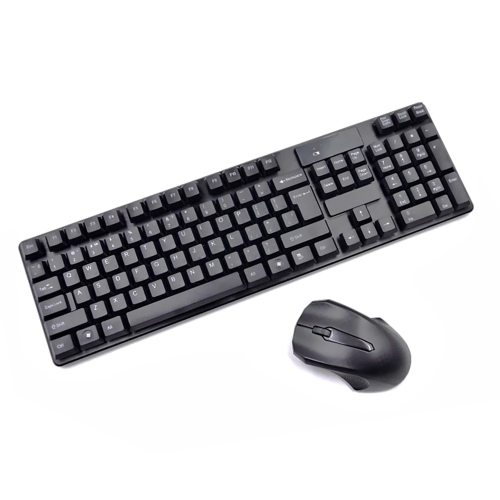
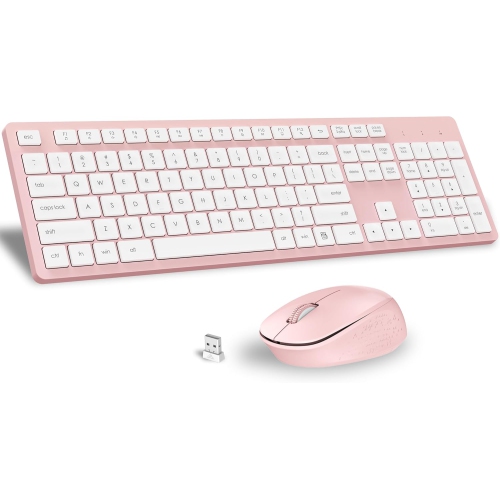
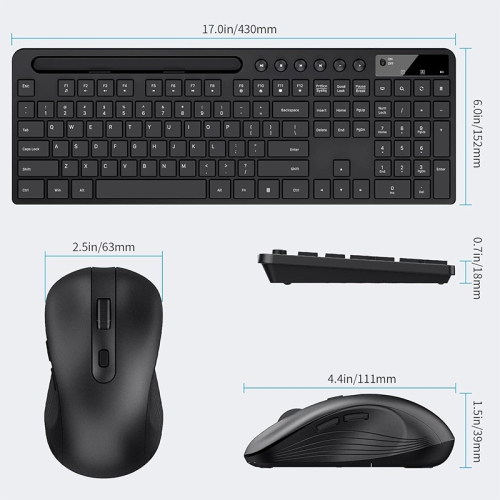
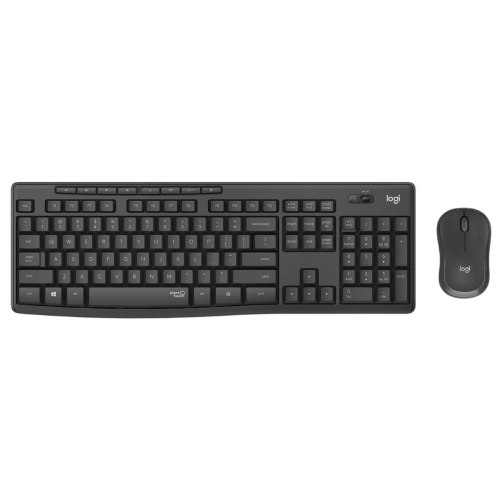
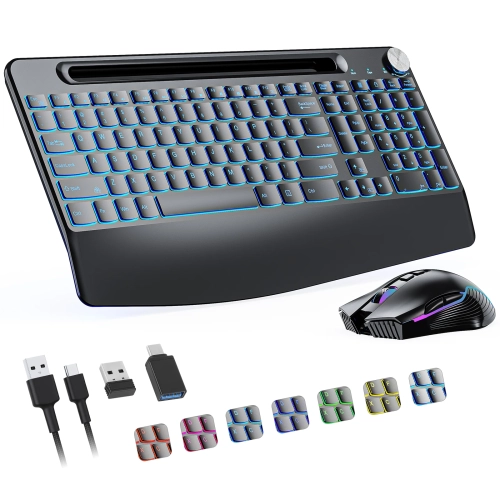
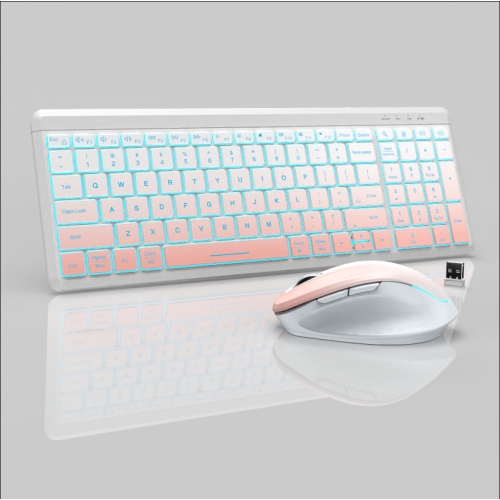
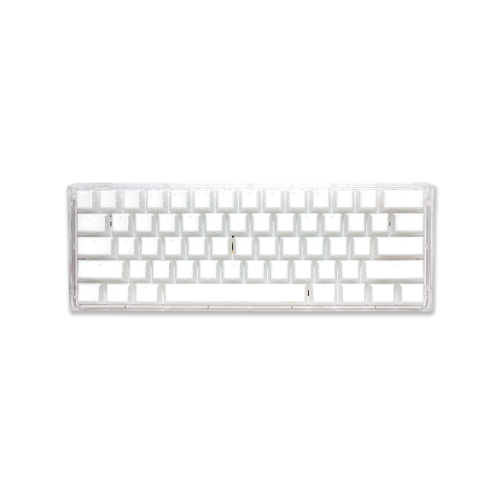
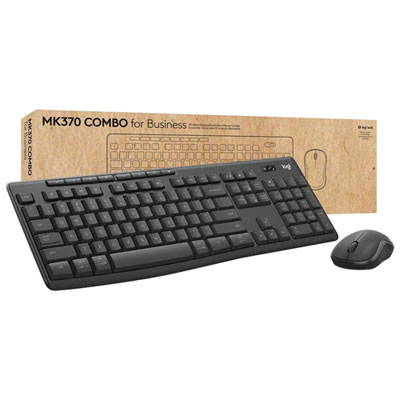
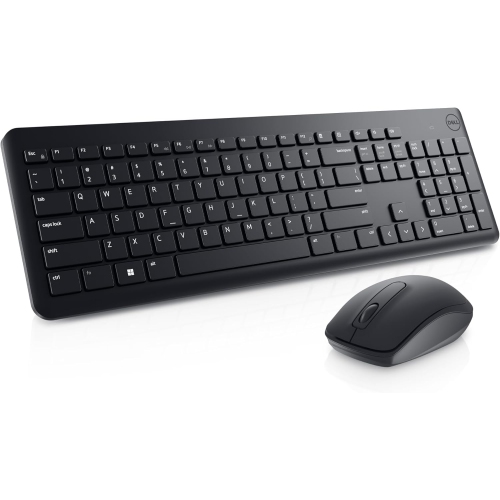

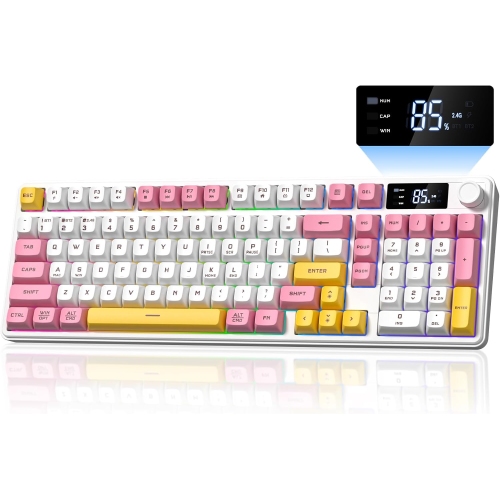
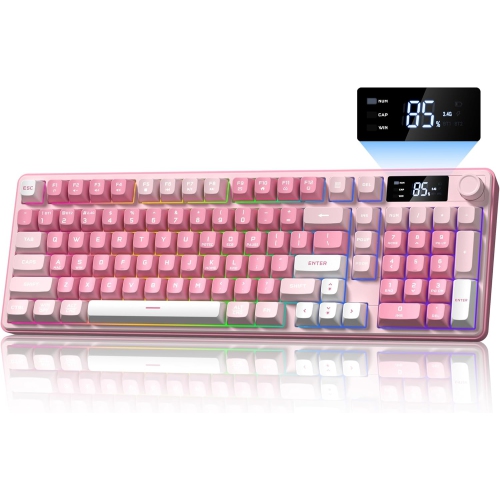
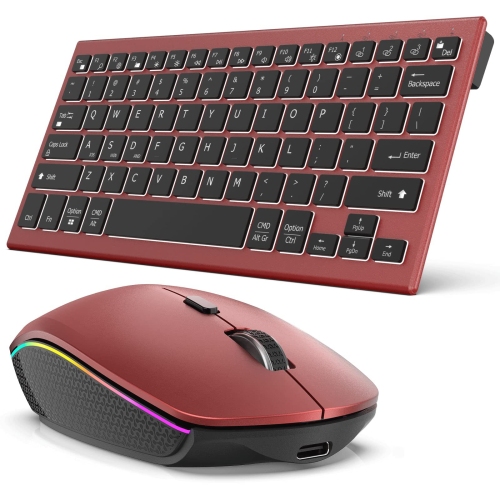
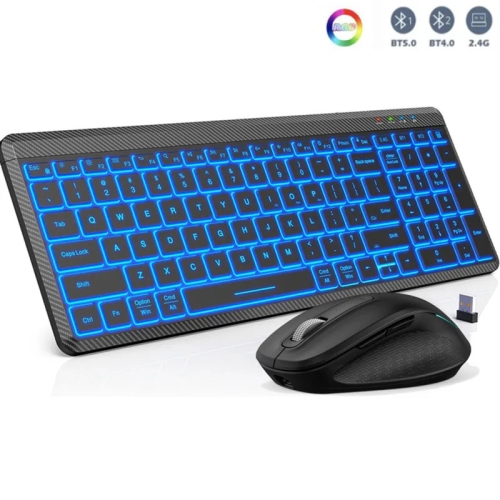
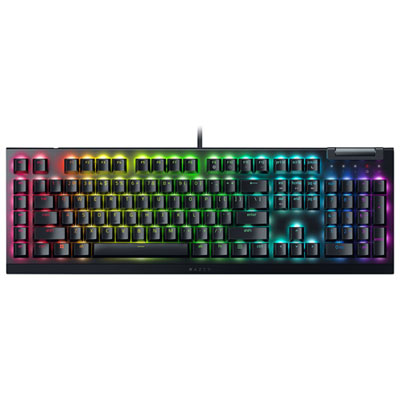
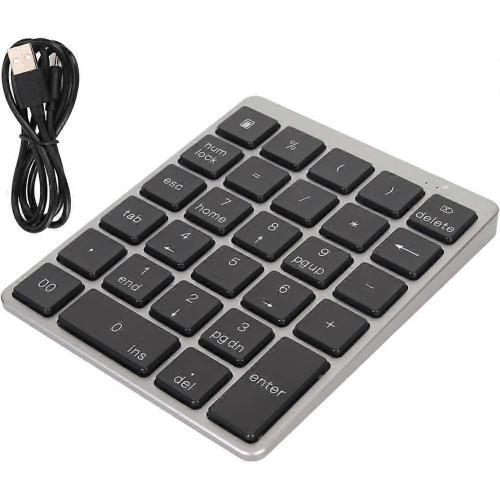
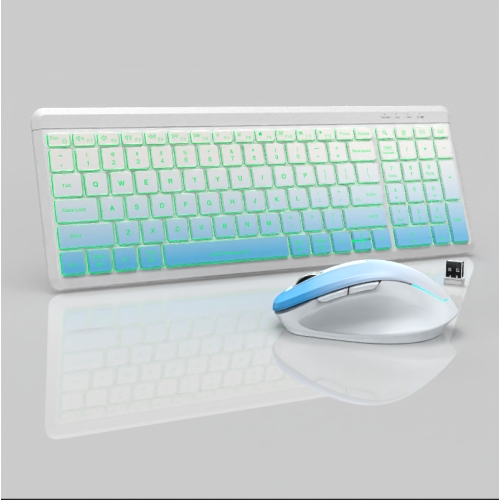
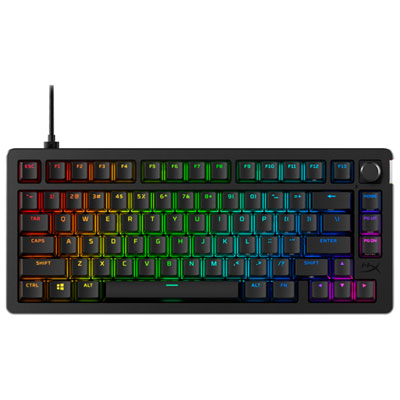
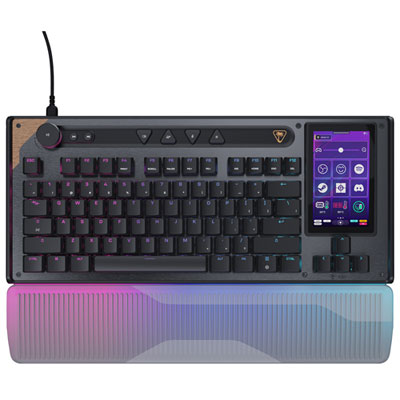
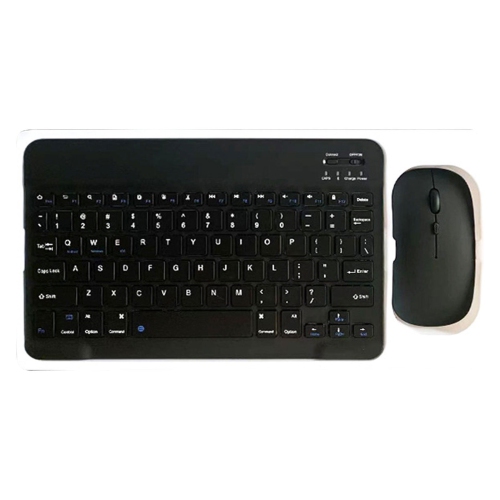
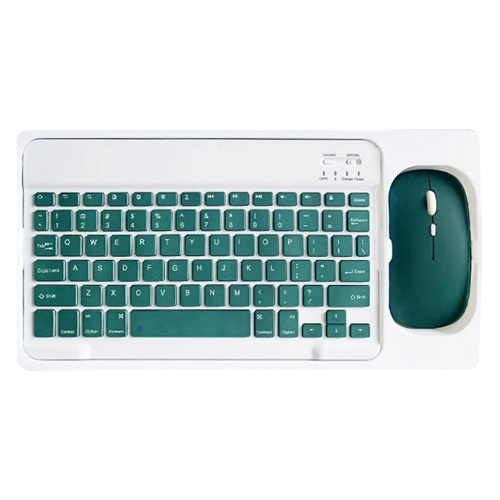
Quieter typing depends on more than the switches
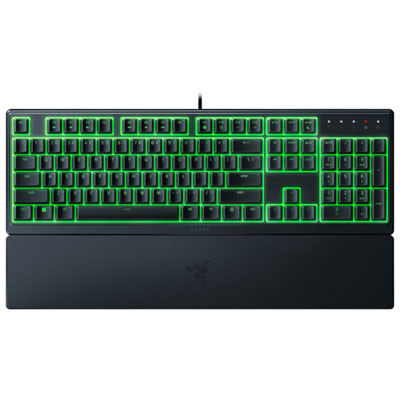
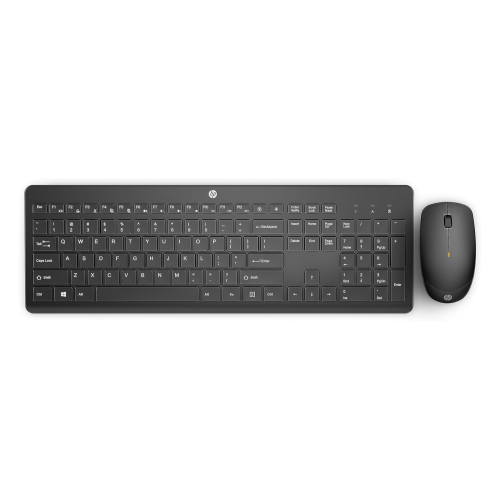
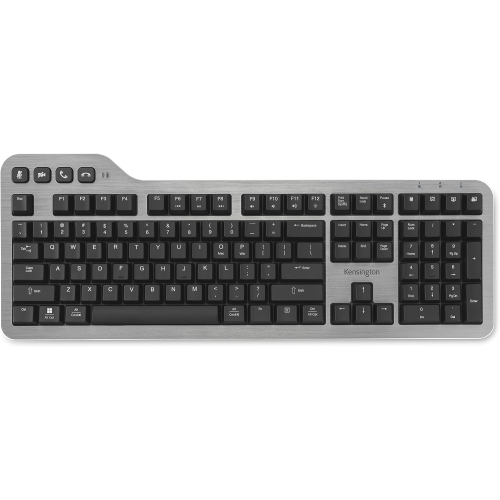
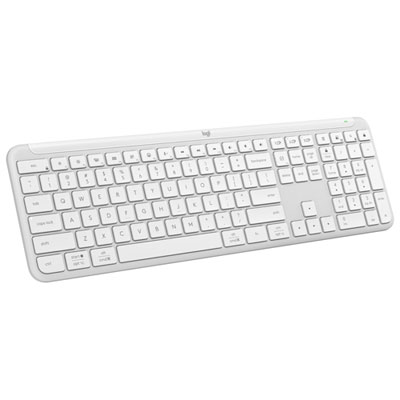
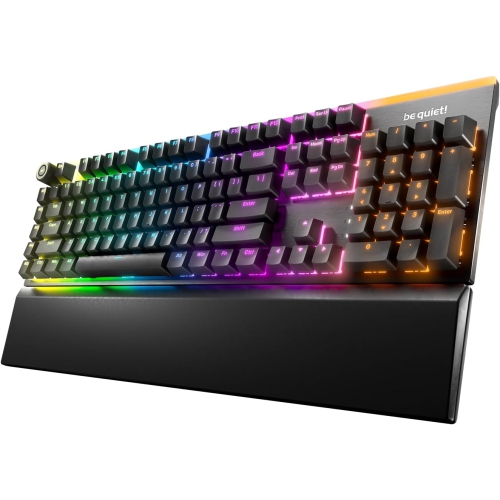
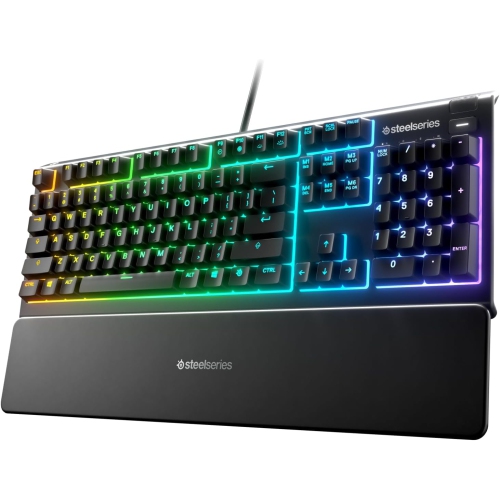
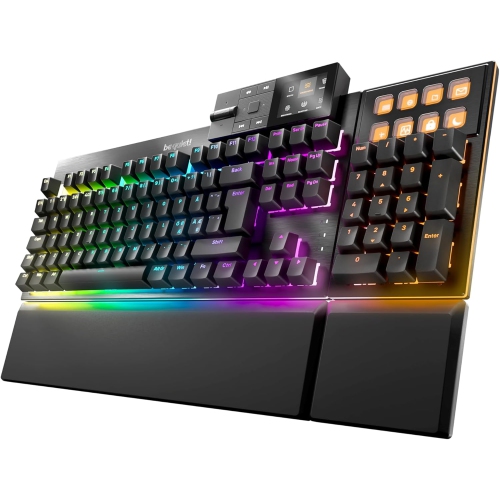
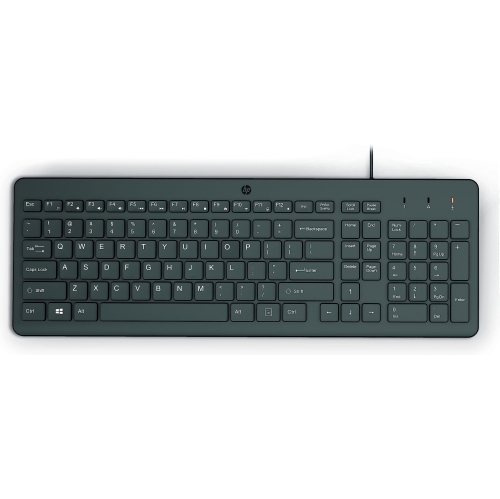
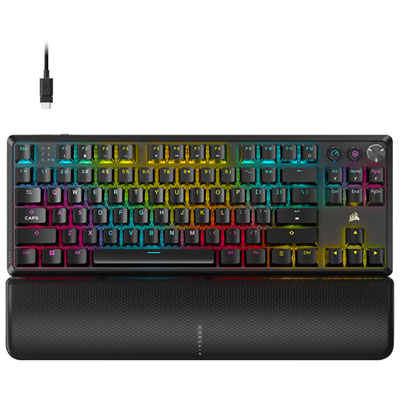
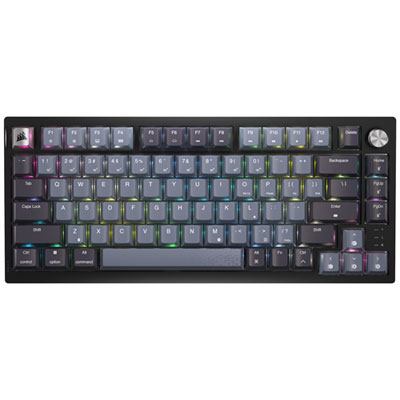
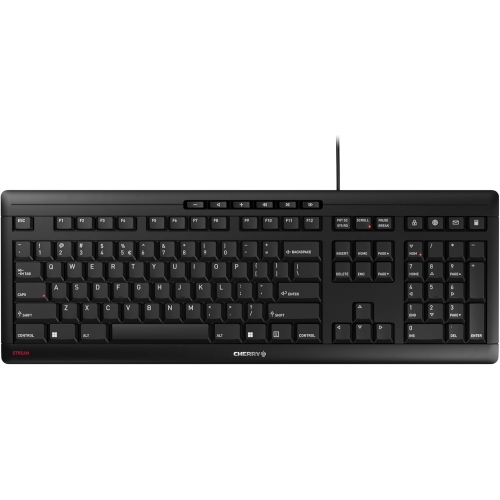
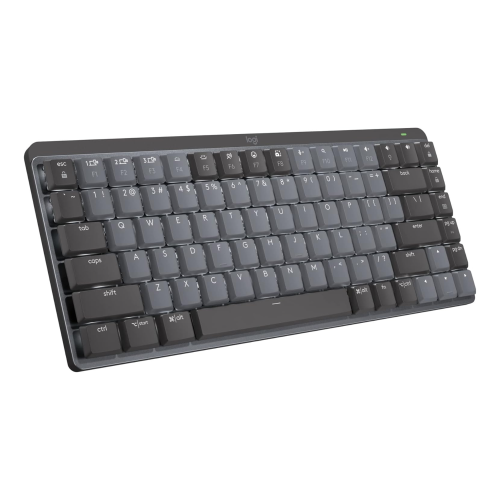
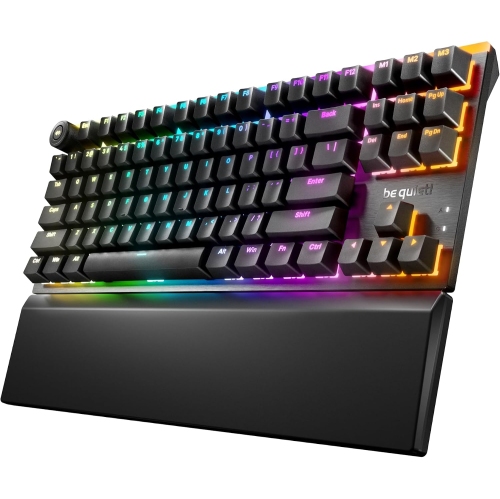
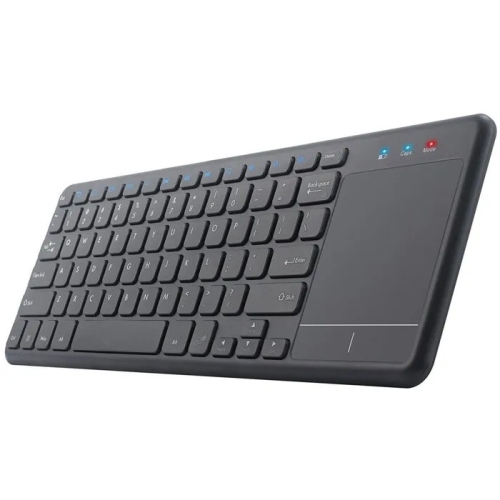
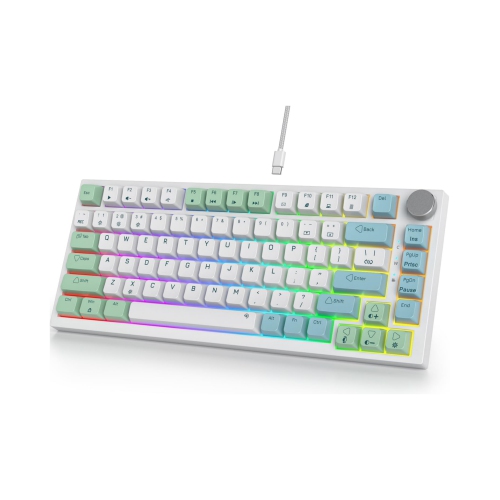
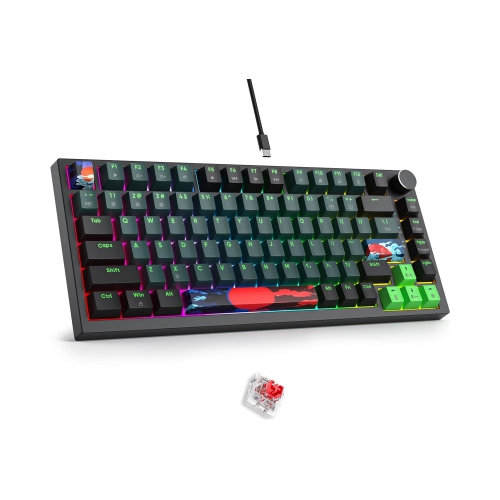
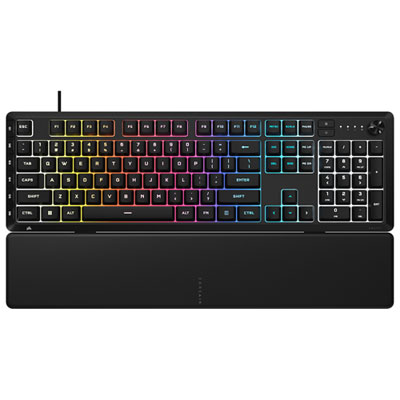
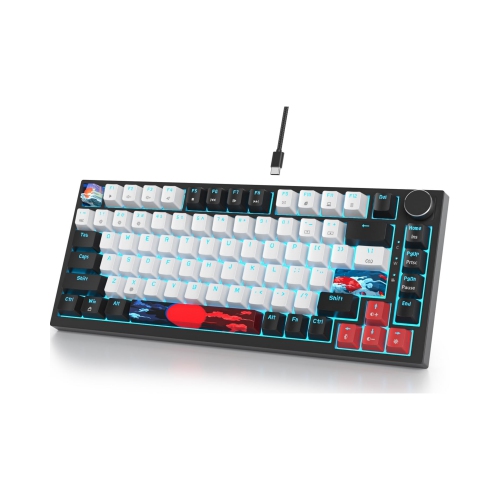
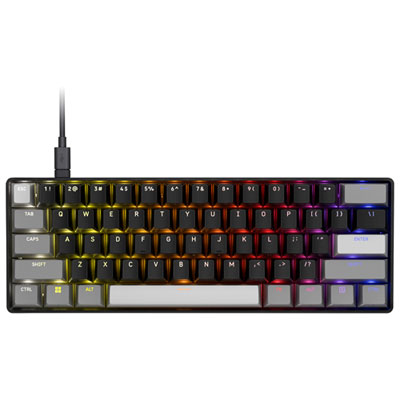
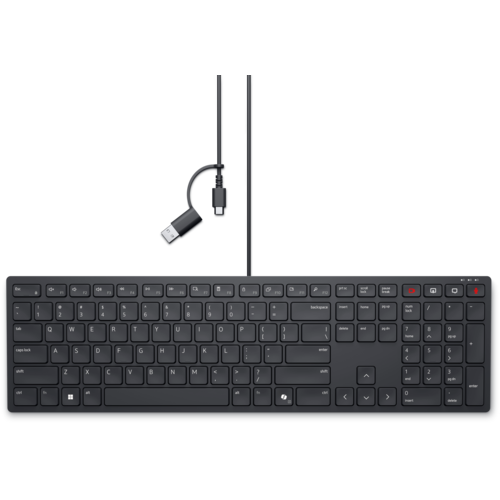
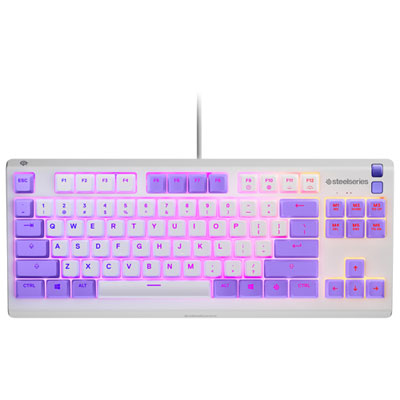
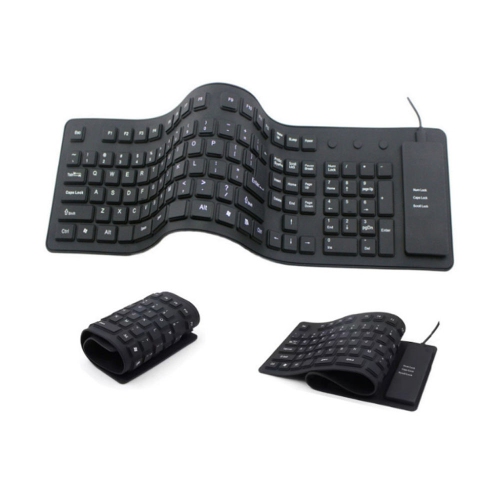
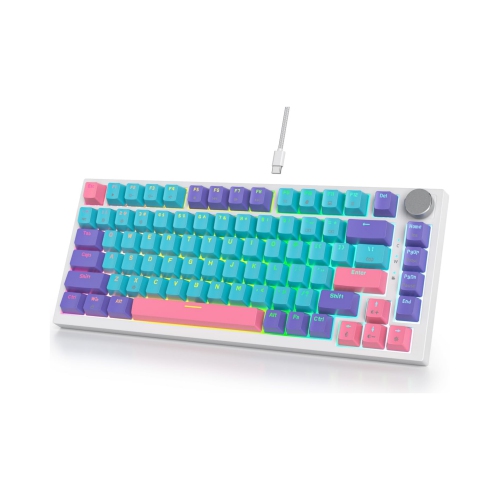
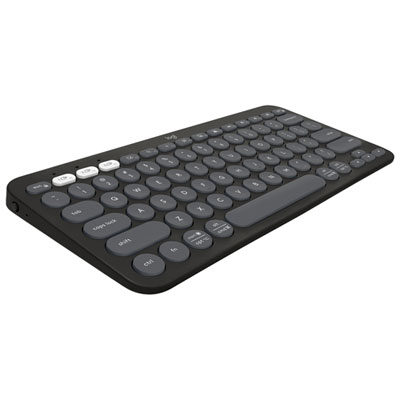
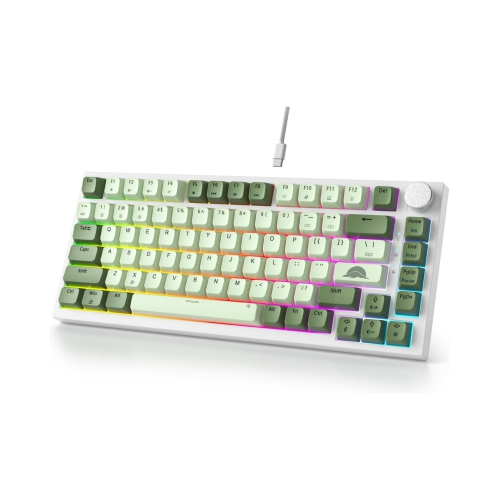
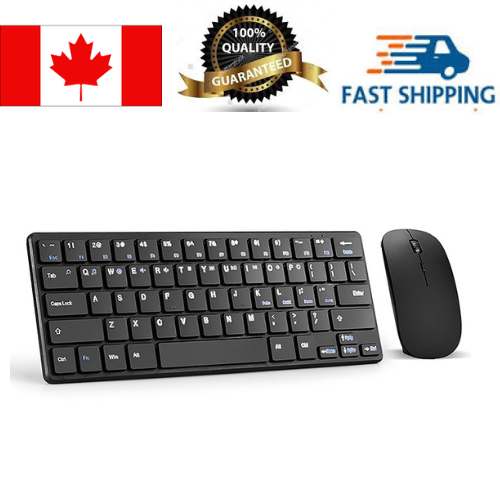
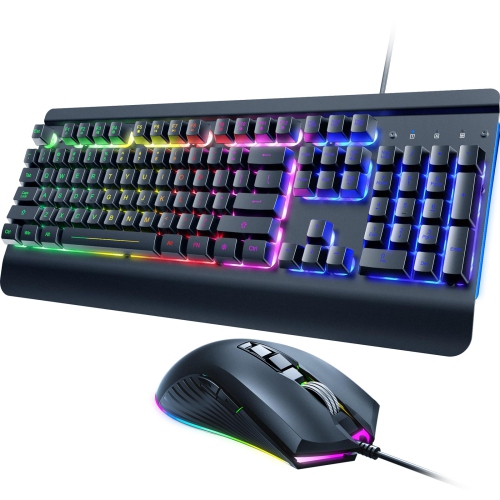
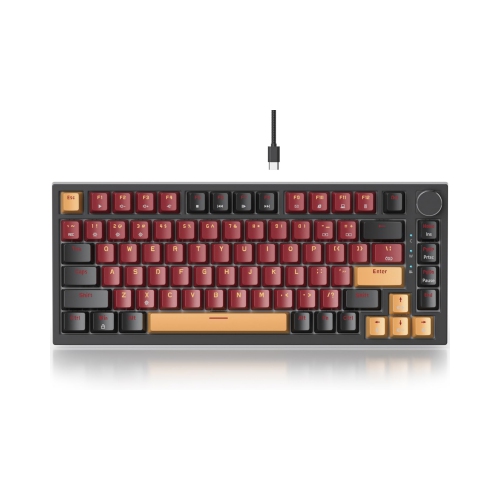
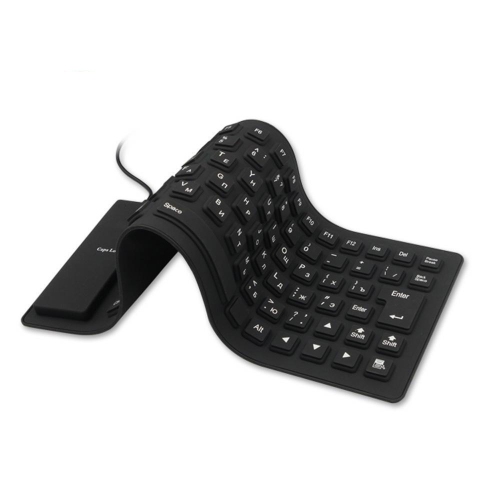
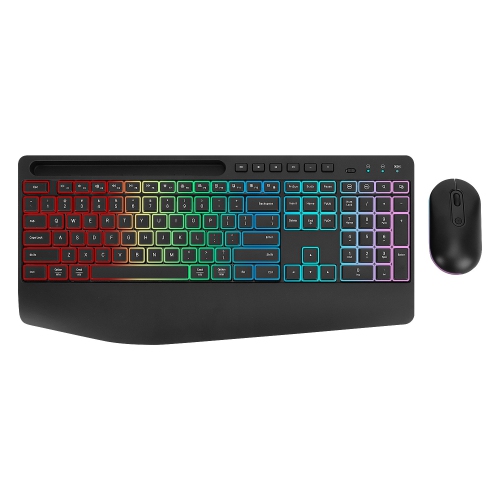
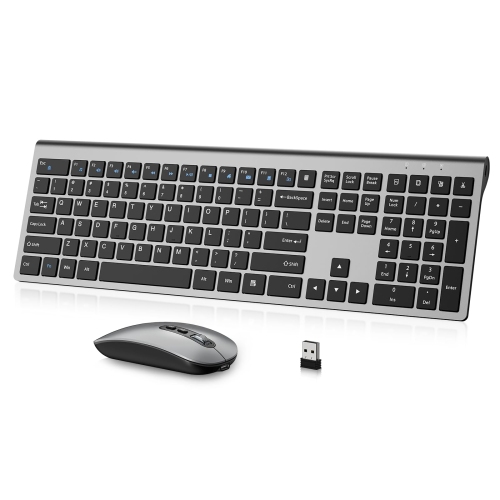
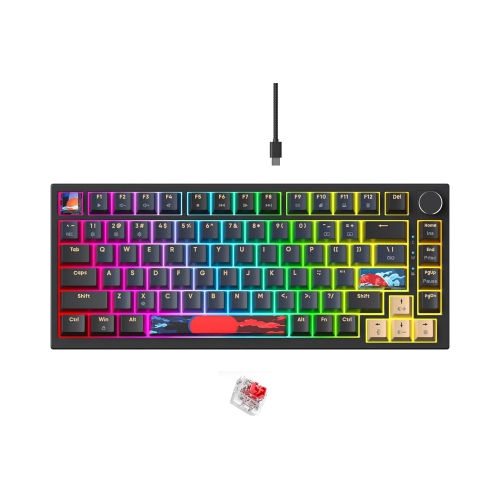
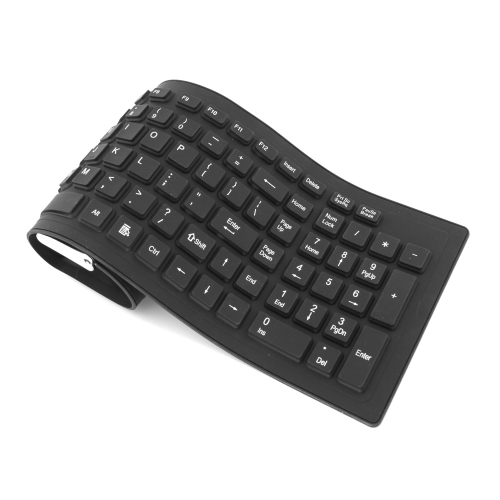
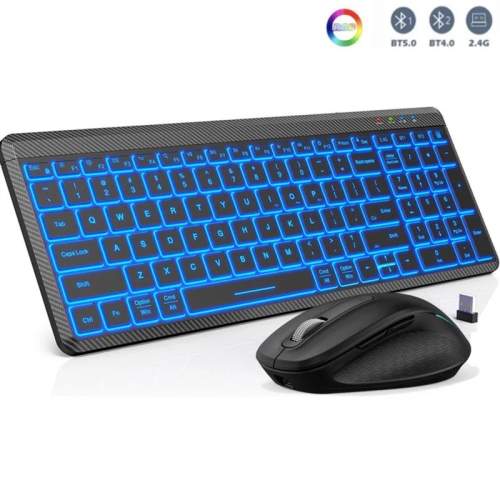
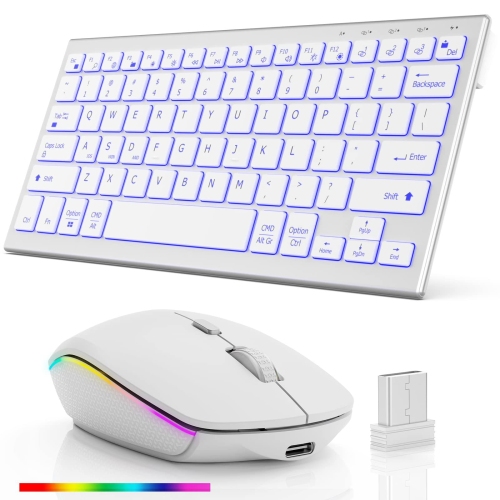
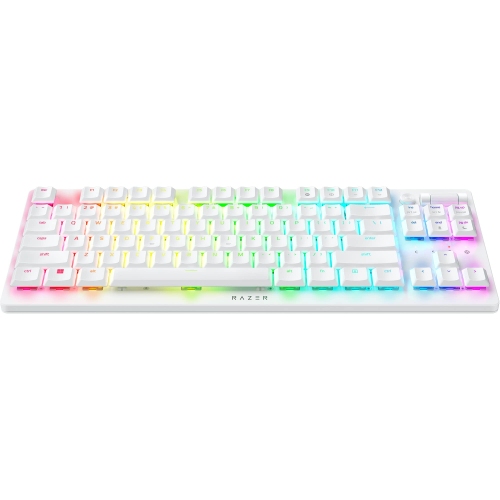
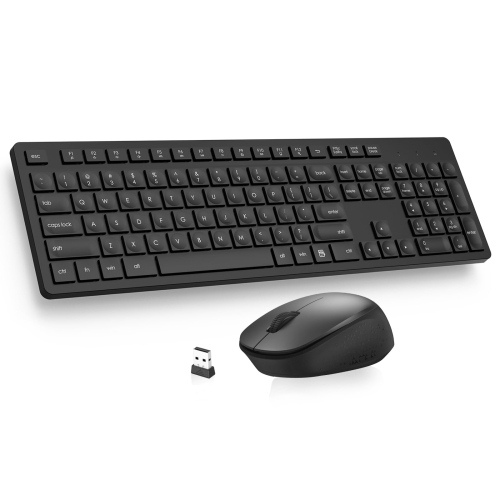
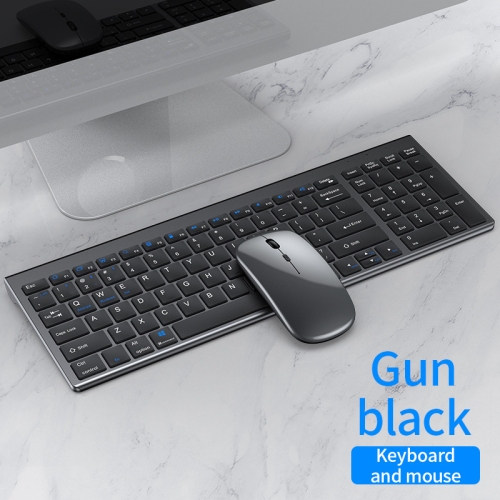
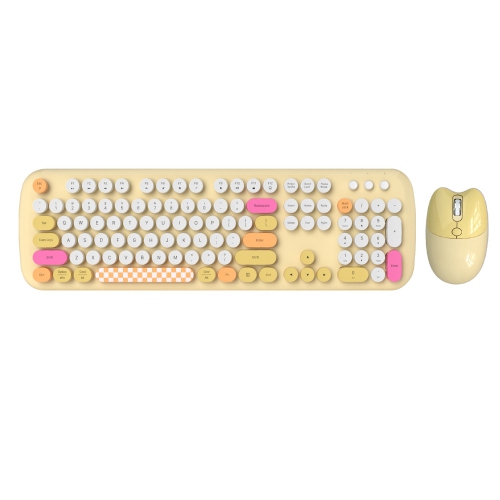
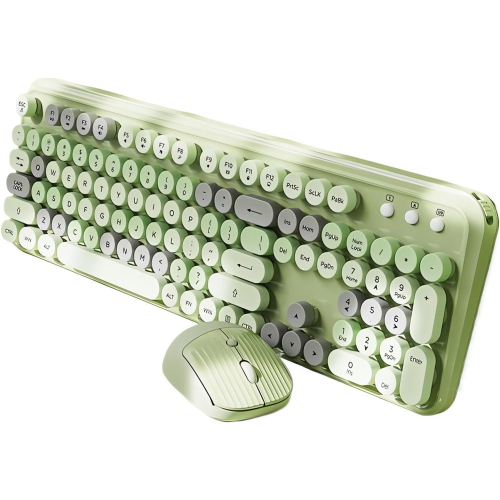
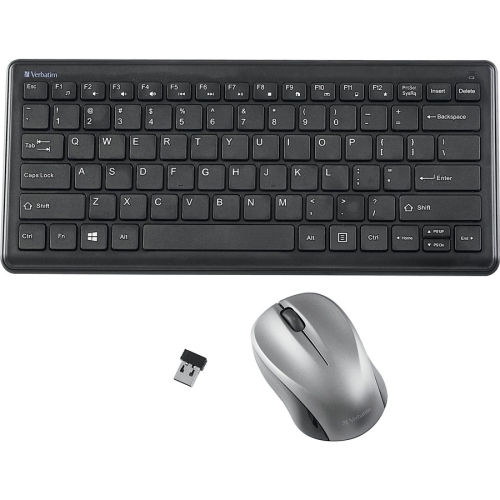
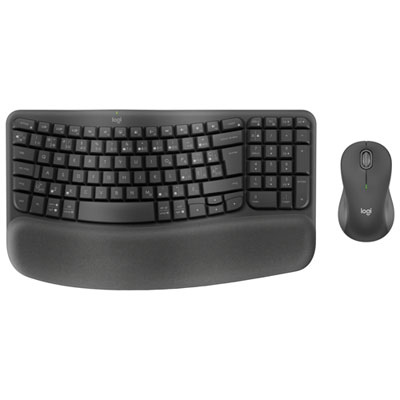
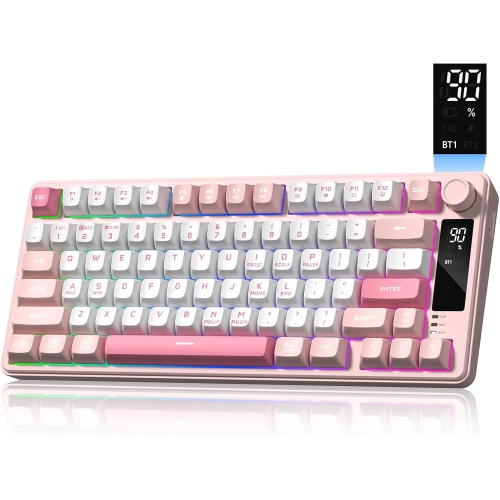
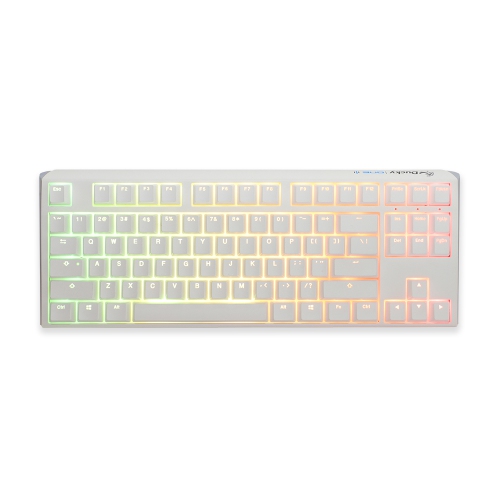
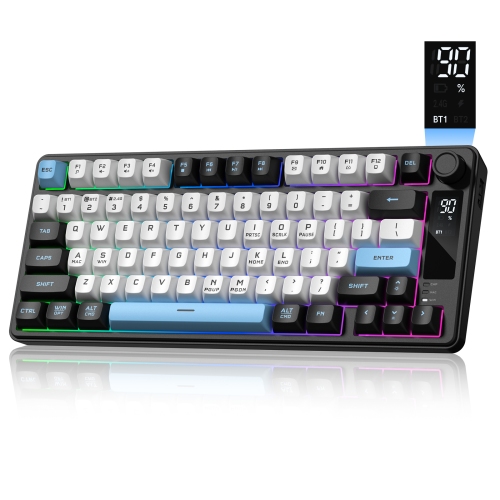
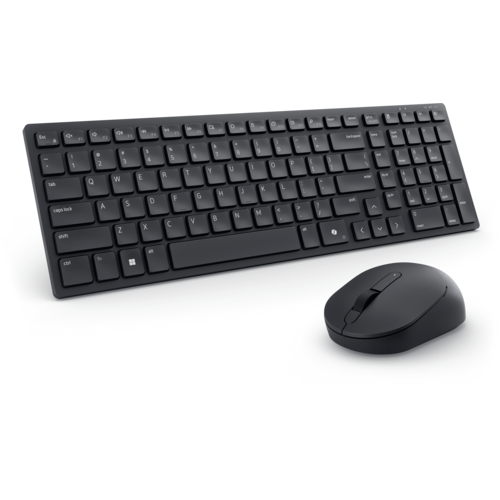
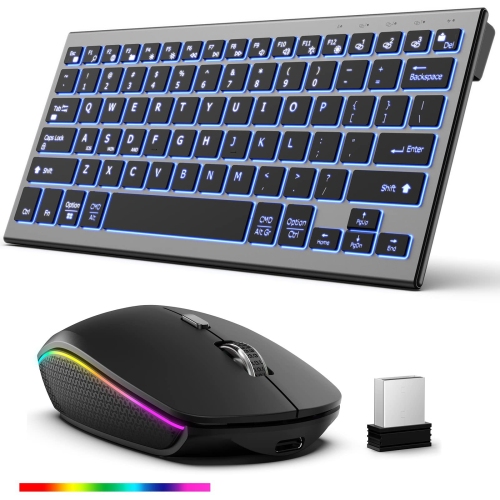
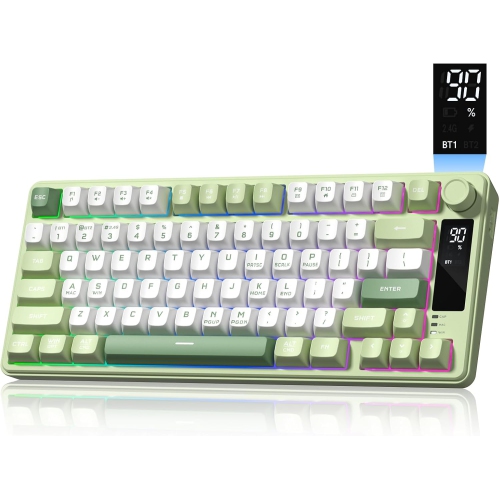
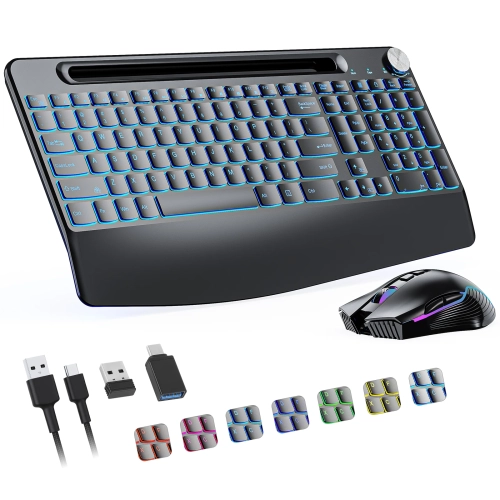
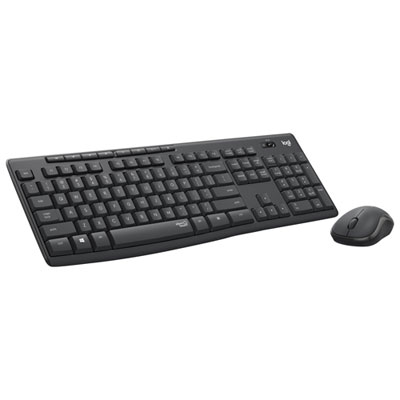
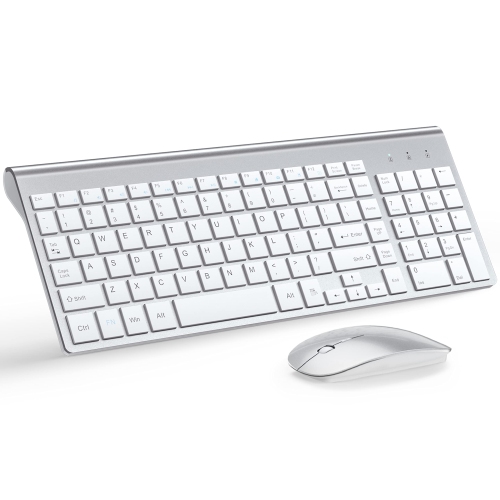
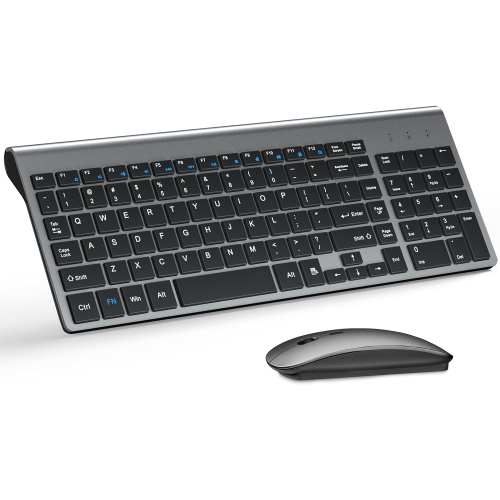
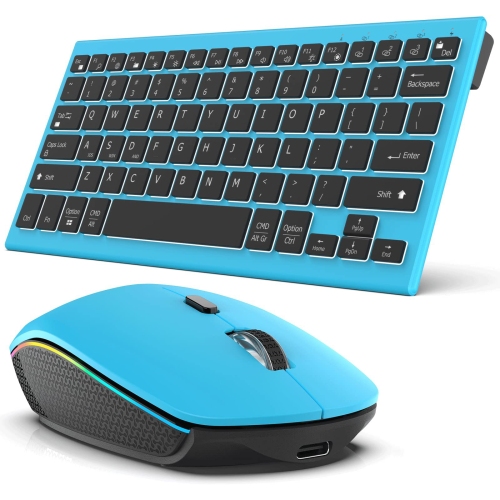
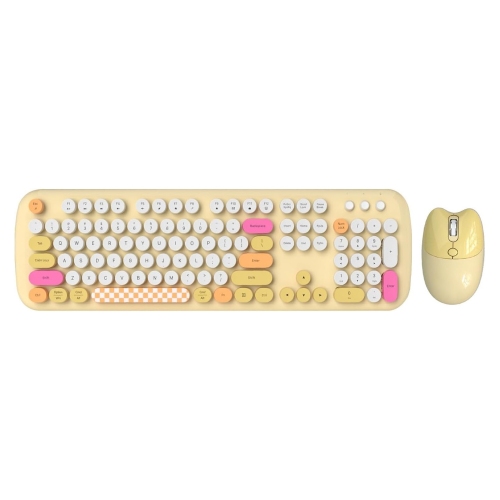
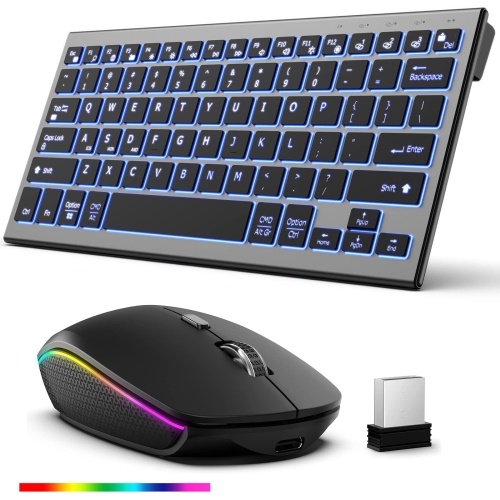
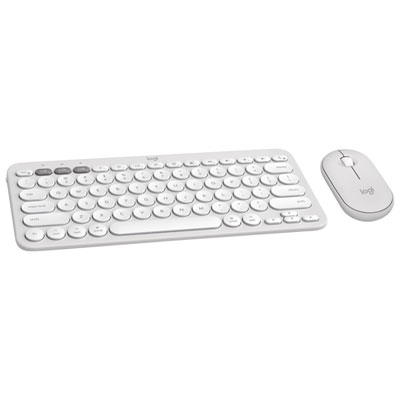
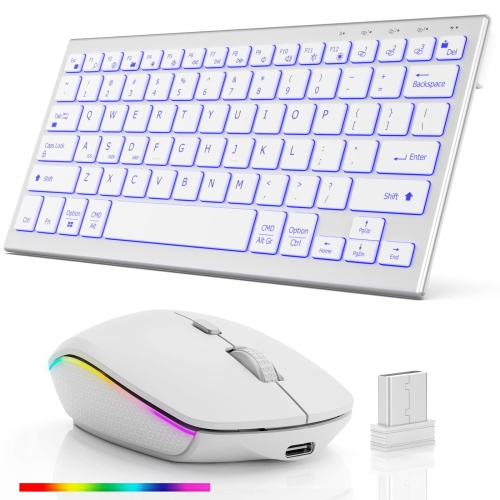
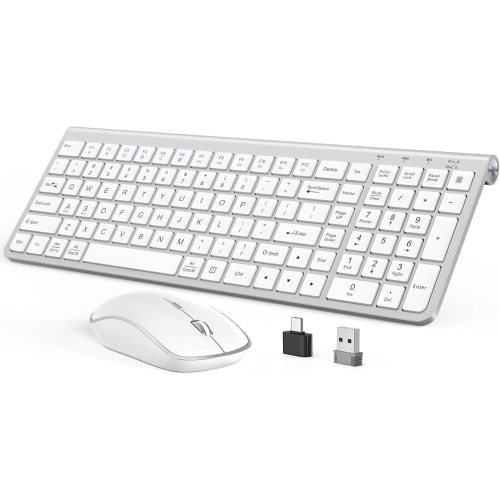
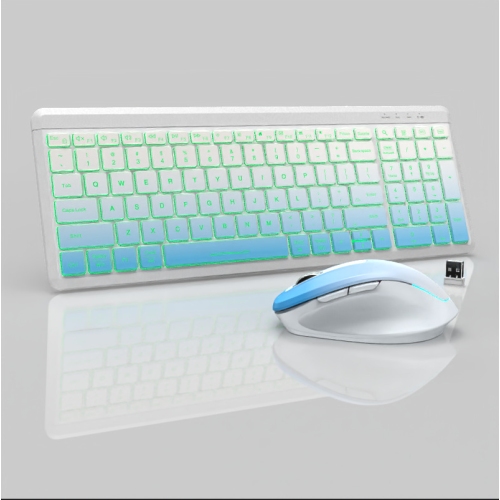
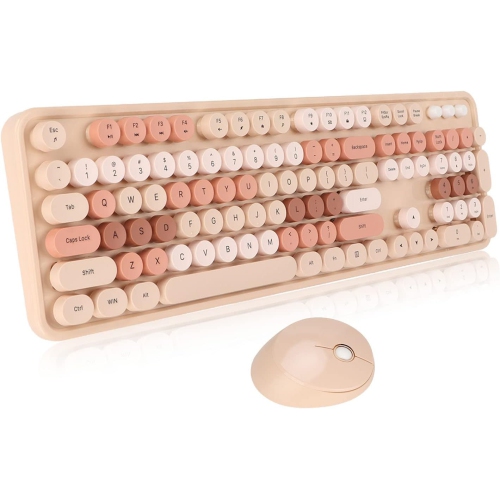
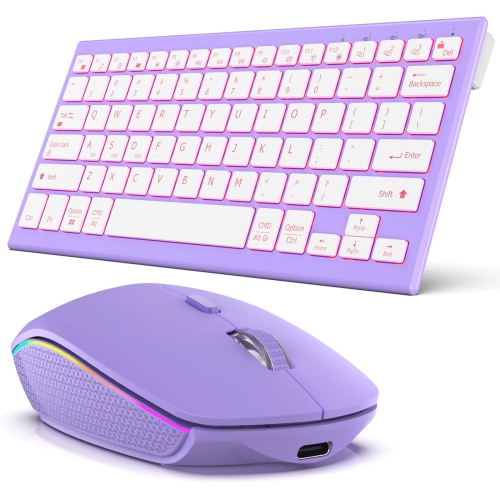
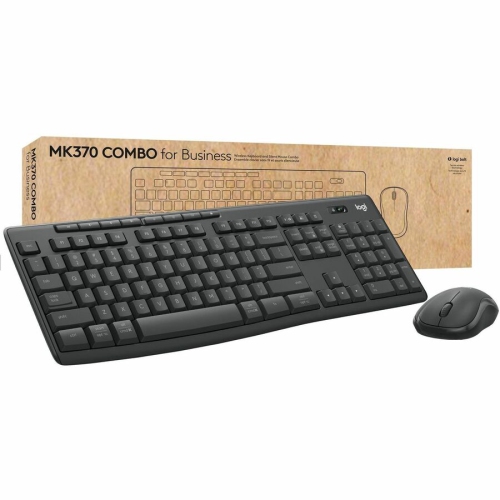
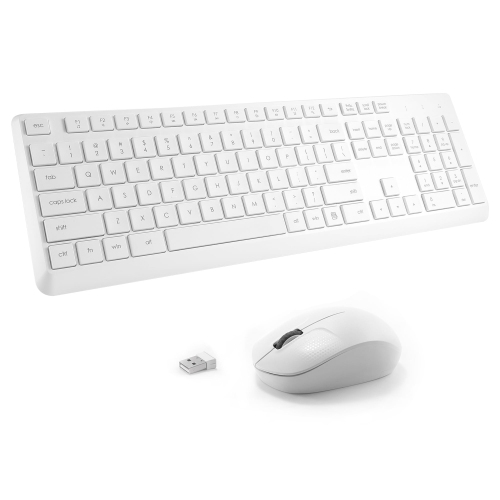
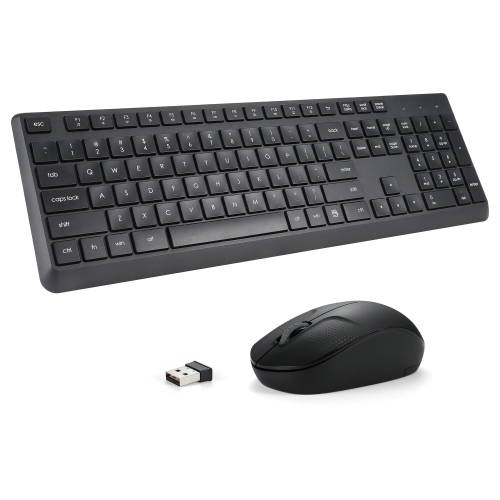
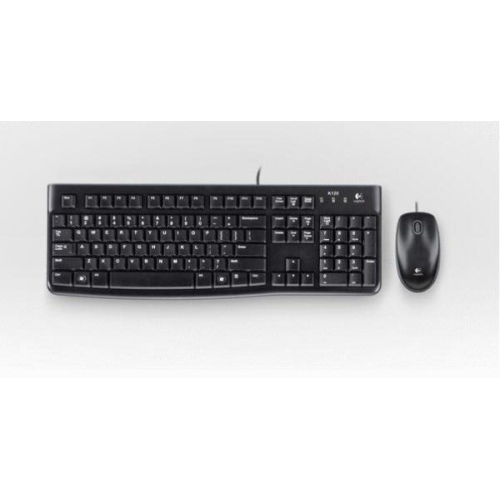
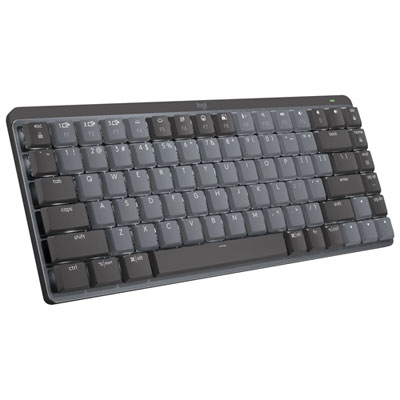
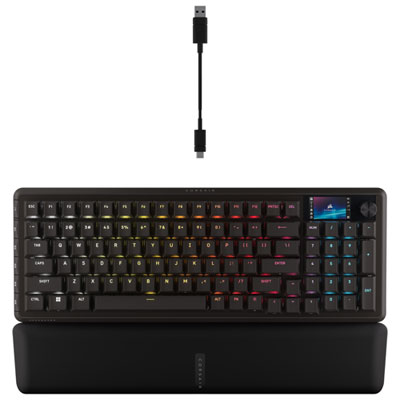
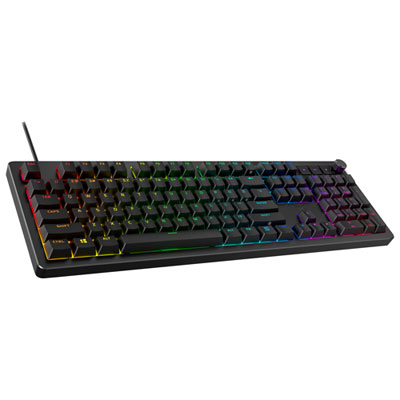
Quiet PC keyboards are designed to reduce the tapping, clicking, and clatter of everyday typing, making them a practical addition to shared offices, study spaces, and home computer setups. They commonly use scissor switches, membrane key mechanisms, or dampened mechanical switches to soften keystroke noise. No keyboard is completely silent: the sound depends on the switch design, keycaps, case construction, typing force, and even the desk beneath it. A light touch on a solid desk can sound quite different from forceful typing on a hollow tabletop. Scissor-switch keyboards typically have slim keys with short travel and a stable, laptop-like feel, which suits writing emails, taking meeting notes, and working through documents. Membrane keyboards generally use rubber domes beneath the keys, creating a cushioned feel that can keep typing noise subdued without the distinct click of a clicky mechanical switch. Mechanical keyboards can also be quiet when their switches include dampening that reduces sound as the keys travel down and return. A linear switch has a smooth stroke without a tactile bump, but that alone does not make it silent; an undampened linear switch can still produce noticeable noise when pressed fully. Tactile switches provide a small bump during the keystroke, and some dampened versions offer that feedback without a sharp click. Larger keys, including the space bar and Enter key, can contribute extra sound through their stabilizers, so overall construction matters as much as the switch label. These differences become especially noticeable when someone is typing beside a sleeping partner, sharing a desk area with a colleague, or entering notes while a microphone is open. A quieter keyboard can reduce one source of distraction during calls, although microphone placement and sensitivity still affect what others hear. For shoppers browsing quiet computer keyboards, the most relevant distinction is not simply mechanical versus non-mechanical, but how the complete keyboard balances sound, key feel, and everyday comfort.
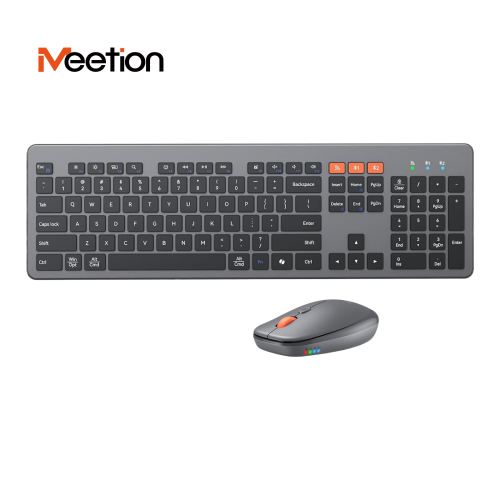
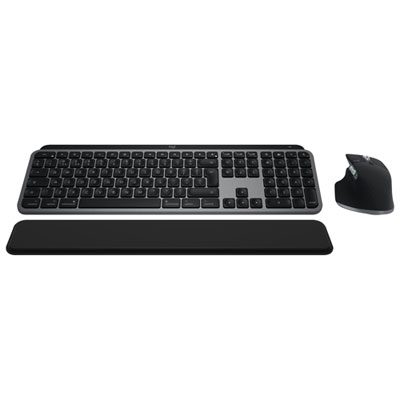
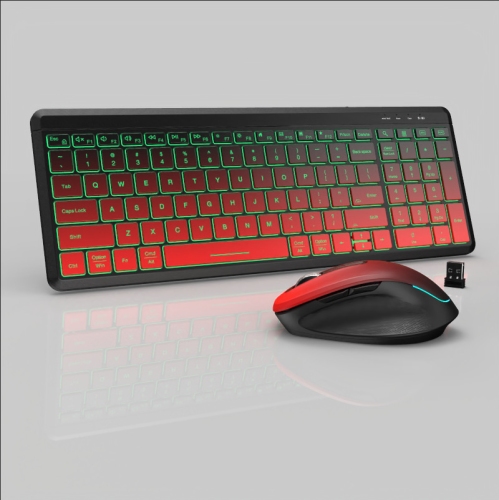
Size and layout shape how a quiet keyboard fits into a workspace. Full-size keyboards include a dedicated number pad, which is useful for spreadsheets, bookkeeping, and frequent numerical entry. Tenkeyless keyboards leave out that number pad while generally retaining the function row, arrow keys, and navigation cluster, freeing up room for a mouse without making familiar shortcuts difficult to reach. More compact layouts can work well on shallow desks or alongside a notebook computer, though some move navigation commands onto key combinations. Someone who edits lengthy documents may appreciate dedicated Home, End, and Page Up keys, while a student carrying a keyboard between study spaces may prefer a lighter, slimmer design. Key spacing, readable legends, and the shape of the keycaps also influence comfort over a long session. Low-profile keys can feel familiar to laptop users, whereas taller keycaps and deeper travel may appeal to those who prefer more movement beneath their fingertips. Neither style is automatically quieter or more comfortable for everyone. A keyboard positioned close enough to keep the elbows relaxed, with space to move the mouse freely, is often more useful than a large layout crowded against the edge of the desk. Adjustable feet change the typing angle, but a steeper tilt does not necessarily improve wrist position. Connection options add another practical difference: a wired USB keyboard avoids battery charging, while wireless designs reduce cable clutter and offer more flexibility in placement. Bluetooth requires a compatible computer, and wireless keyboards that use a USB receiver need an appropriate port. Switching between multiple devices, backlighting, programmable keys, and media controls are useful features when supported, but their operation can vary by model and operating system. For gaming, quiet switches are only part of the picture; input response, simultaneous key registration, and a dependable connection also matter. A shared work-and-play setup benefits from a keyboard that handles quick commands without turning an evening session into a stream of sharp clicks.
Materials and build quality help determine how a quiet PC keyboard feels and holds up to regular use. Plastic cases are common and can be lightweight and sturdy, while metal top plates or frames may add rigidity and weight. Neither material guarantees a softer sound: internal dampening, mounting design, and the way vibrations travel through the case all play a role. ABS and PBT are common keycap plastics. ABS can develop a smooth shine with use, while PBT generally resists that polished appearance for longer, although texture and wear also depend on the finish. Keycap legends vary in durability according to how they are applied, so clear lettering and a suitable layout deserve attention when a keyboard will be used heavily. Canadian English and bilingual users may also want to check the physical key layout and its compatibility with their preferred input settings, particularly for punctuation and accented characters. On the desk, secure rubber feet help prevent sliding, and a soft desk mat can reduce some of the vibration transferred to a hard surface. Routine care is straightforward: disconnect a wired keyboard or turn off a wireless one before cleaning, remove loose debris gently, and follow the manufacturer's directions for wiping the keys and case. Liquid should not be sprayed directly onto the keyboard, and low-profile keycaps should not be pulled off unless the manufacturer permits removal. A spill-resistant design is not the same as a waterproof one, and any stated protection has limits. For rechargeable keyboards, charging access and battery indicators are worth considering; lighting and connection settings can affect the time between charges. Quiet keyboards make thoughtful gifts for students, remote workers, writers, and anyone sharing a computer space, provided the layout, connection, and typing feel suit the recipient. For work-centred setups, Silent Office Keyboards offer a closely related focus for browsing. Whether the keyboard sits beside a stack of course notes or anchors a home office desk, the goal is a comfortable, dependable typing experience with less noise reaching the people nearby.
Size and layout shape how a quiet keyboard fits into a workspace. Full-size keyboards include a dedicated number pad, which is useful for spreadsheets, bookkeeping, and frequent numerical entry. Tenkeyless keyboards leave out that number pad while generally retaining the function row, arrow keys, and navigation cluster, freeing up room for a mouse without making familiar shortcuts difficult to reach. More compact layouts can work well on shallow desks or alongside a notebook computer, though some move navigation commands onto key combinations. Someone who edits lengthy documents may appreciate dedicated Home, End, and Page Up keys, while a student carrying a keyboard between study spaces may prefer a lighter, slimmer design. Key spacing, readable legends, and the shape of the keycaps also influence comfort over a long session. Low-profile keys can feel familiar to laptop users, whereas taller keycaps and deeper travel may appeal to those who prefer more movement beneath their fingertips. Neither style is automatically quieter or more comfortable for everyone. A keyboard positioned close enough to keep the elbows relaxed, with space to move the mouse freely, is often more useful than a large layout crowded against the edge of the desk. Adjustable feet change the typing angle, but a steeper tilt does not necessarily improve wrist position. Connection options add another practical difference: a wired USB keyboard avoids battery charging, while wireless designs reduce cable clutter and offer more flexibility in placement. Bluetooth requires a compatible computer, and wireless keyboards that use a USB receiver need an appropriate port. Switching between multiple devices, backlighting, programmable keys, and media controls are useful features when supported, but their operation can vary by model and operating system. For gaming, quiet switches are only part of the picture; input response, simultaneous key registration, and a dependable connection also matter. A shared work-and-play setup benefits from a keyboard that handles quick commands without turning an evening session into a stream of sharp clicks.
Materials and build quality help determine how a quiet PC keyboard feels and holds up to regular use. Plastic cases are common and can be lightweight and sturdy, while metal top plates or frames may add rigidity and weight. Neither material guarantees a softer sound: internal dampening, mounting design, and the way vibrations travel through the case all play a role. ABS and PBT are common keycap plastics. ABS can develop a smooth shine with use, while PBT generally resists that polished appearance for longer, although texture and wear also depend on the finish. Keycap legends vary in durability according to how they are applied, so clear lettering and a suitable layout deserve attention when a keyboard will be used heavily. Canadian English and bilingual users may also want to check the physical key layout and its compatibility with their preferred input settings, particularly for punctuation and accented characters. On the desk, secure rubber feet help prevent sliding, and a soft desk mat can reduce some of the vibration transferred to a hard surface. Routine care is straightforward: disconnect a wired keyboard or turn off a wireless one before cleaning, remove loose debris gently, and follow the manufacturer's directions for wiping the keys and case. Liquid should not be sprayed directly onto the keyboard, and low-profile keycaps should not be pulled off unless the manufacturer permits removal. A spill-resistant design is not the same as a waterproof one, and any stated protection has limits. For rechargeable keyboards, charging access and battery indicators are worth considering; lighting and connection settings can affect the time between charges. Quiet keyboards make thoughtful gifts for students, remote workers, writers, and anyone sharing a computer space, provided the layout, connection, and typing feel suit the recipient. For work-centred setups, Silent Office Keyboards offer a closely related focus for browsing. Whether the keyboard sits beside a stack of course notes or anchors a home office desk, the goal is a comfortable, dependable typing experience with less noise reaching the people nearby.
Top selling and popular products
-
 Your price for this item is $34.99
 -
 Your price for this item is $43.99
 -
 Your price for this item is $39.99
 -
 Your price for this item is $59.99
 -
 Your price for this item is $64.99
 -
 Your price for this item is $126.49
 -
 Your price for this item is $129.99
 -
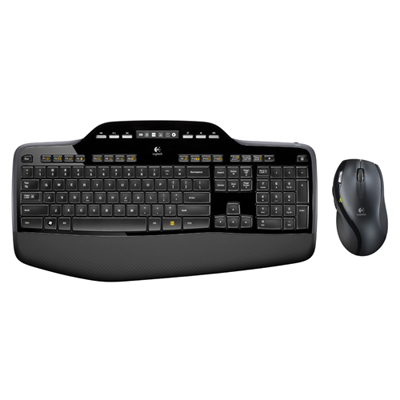 Your price for this item is $99.95
Discover more categories related to Quiet PC Keyboards

Top Collections:
Pokemon Centers, Best Cameras for Sports Photography, Kindle Devices, Samsung Galaxy Phones, Canon G7X Cameras, Pokémon 30th Celebration Cards, Refurbished Apple Laptops, iPhone 15 Apple, Laptops for Students, Budget Smartphones
Some products may be subject to Environmental Handling Fees
(EHF) depending on your province.
Learn more about EHFs.