Quiet Keyboard And Mice
If you're a gamer, or just someone who likes to work in quiet surroundings, a quiet keyboard and mouse can be a godsend. These devices allow you to type or move your cursor without the noise of your keyboard or mousepad clattering against the desk. Here are some great options available today.
Sort
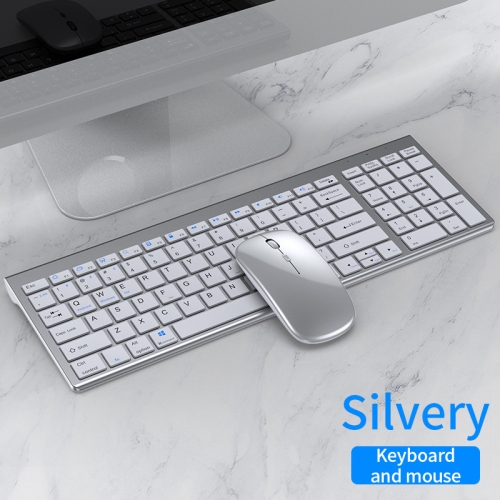
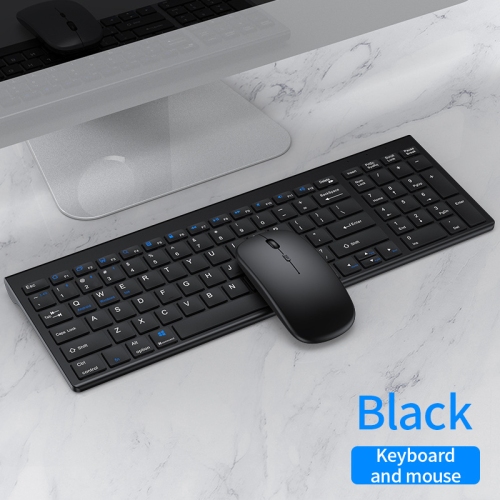
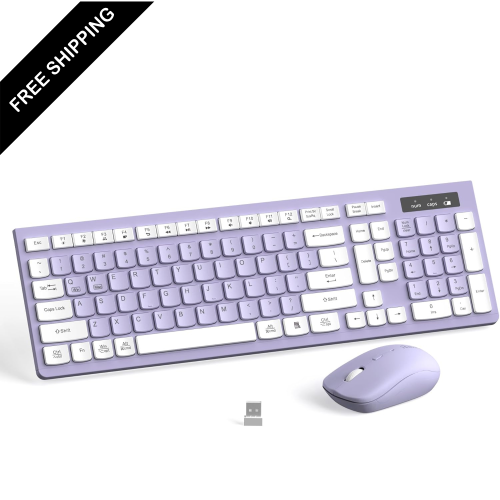
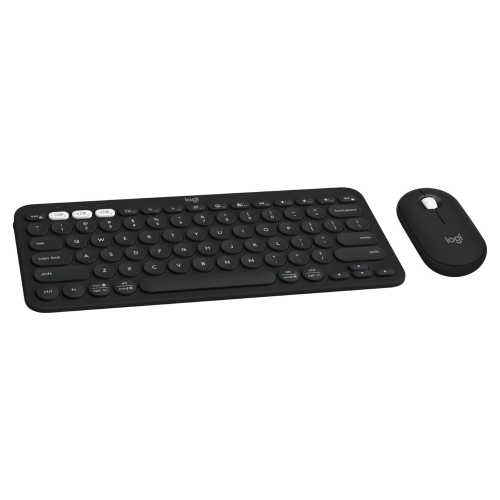
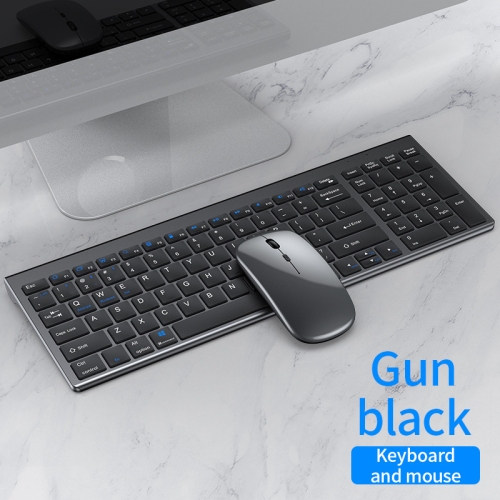

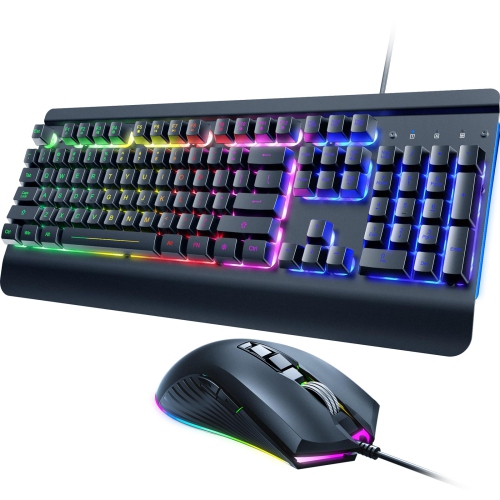
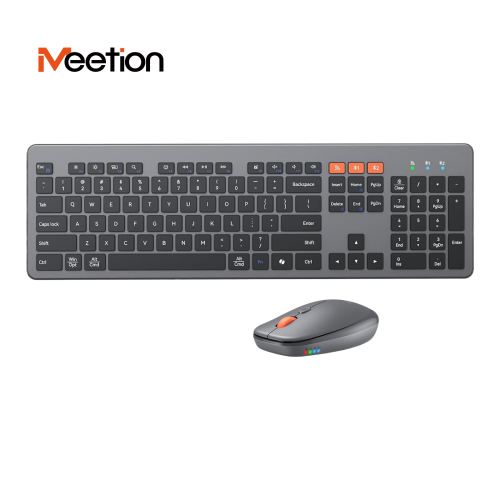
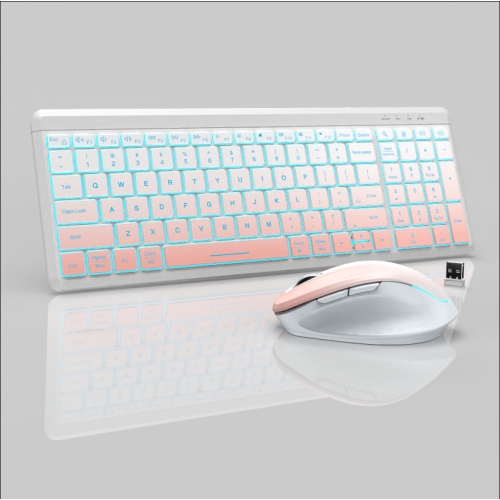
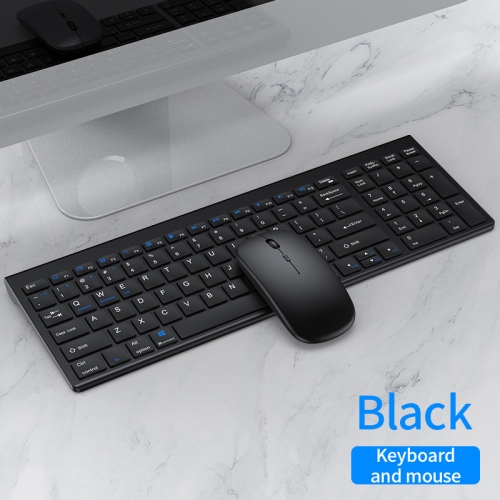
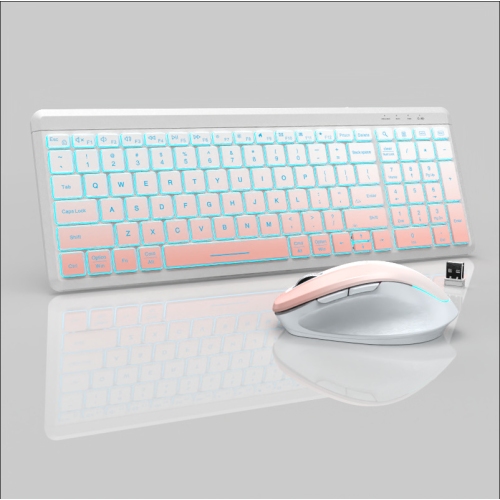
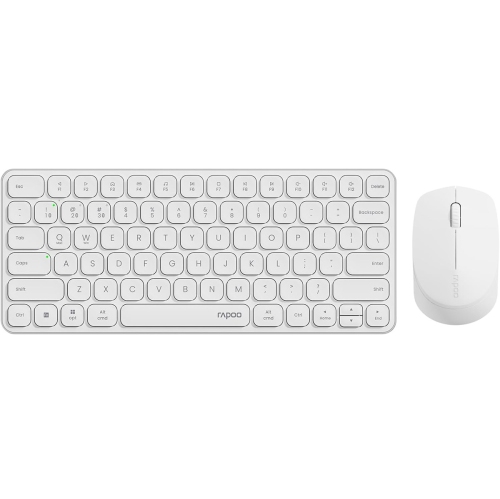
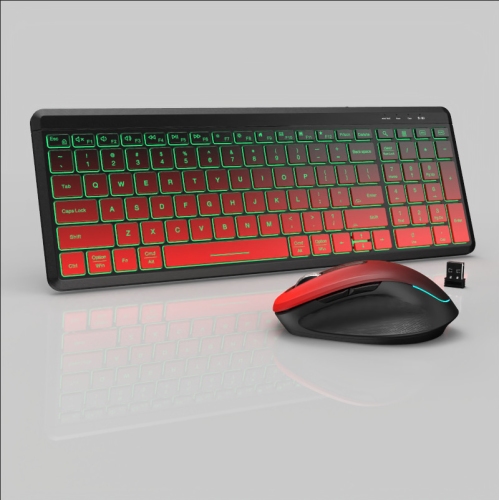
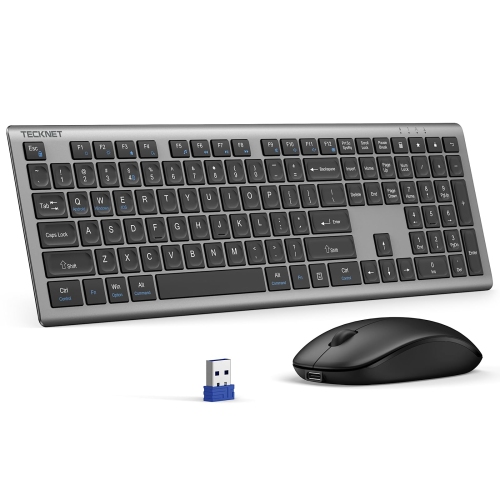
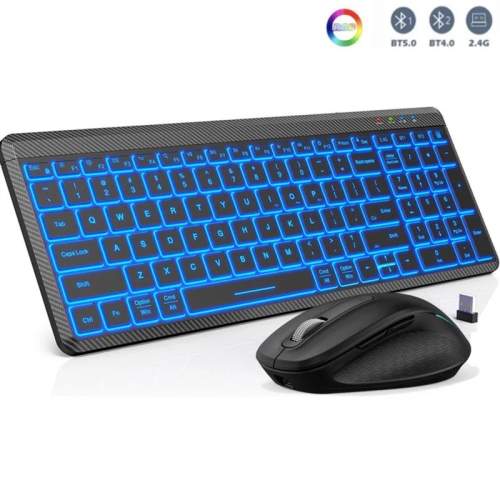
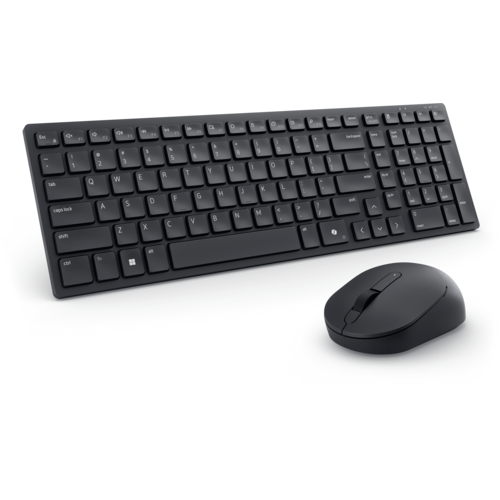
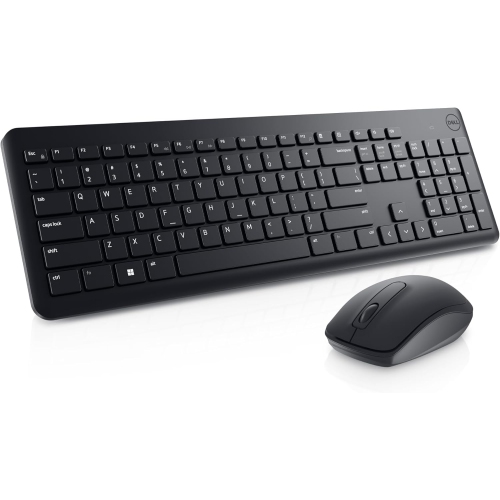
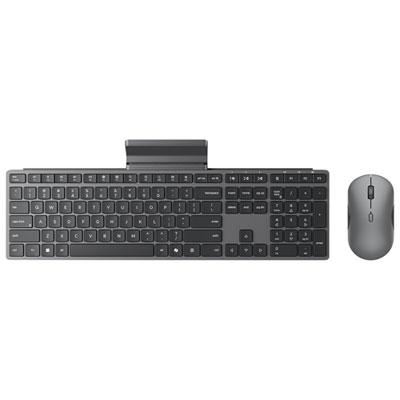
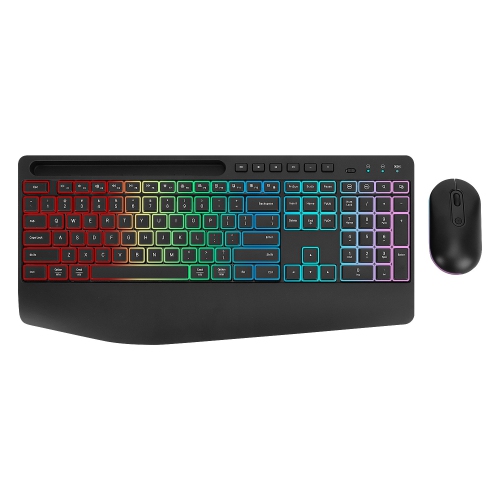
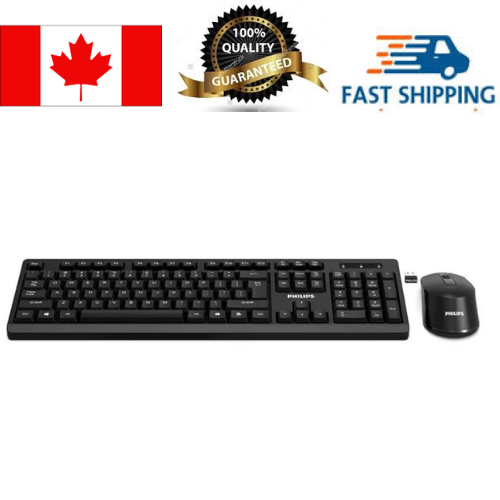
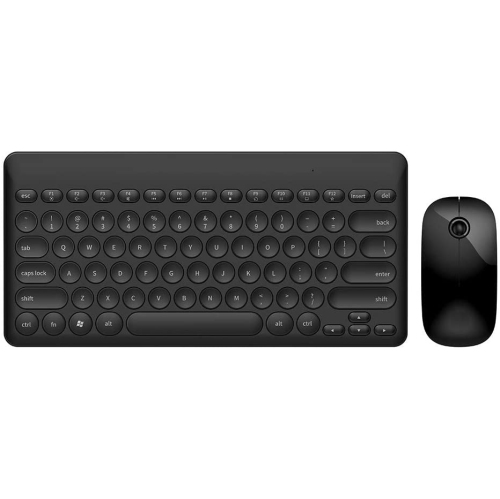
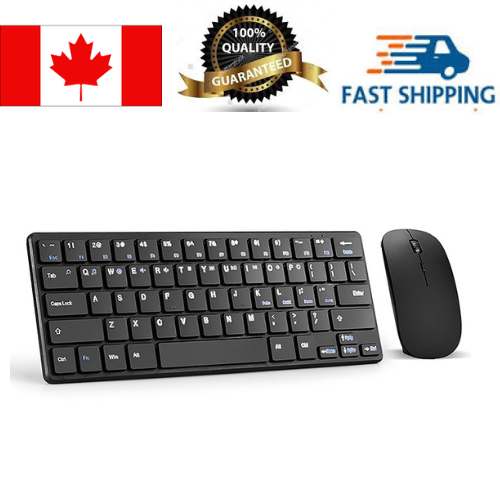
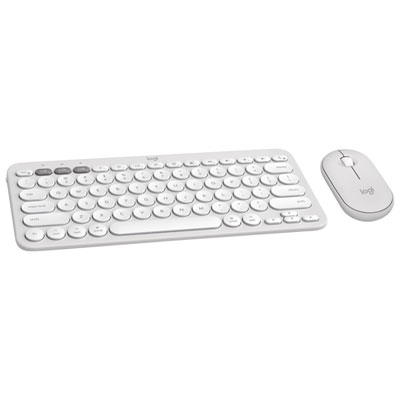
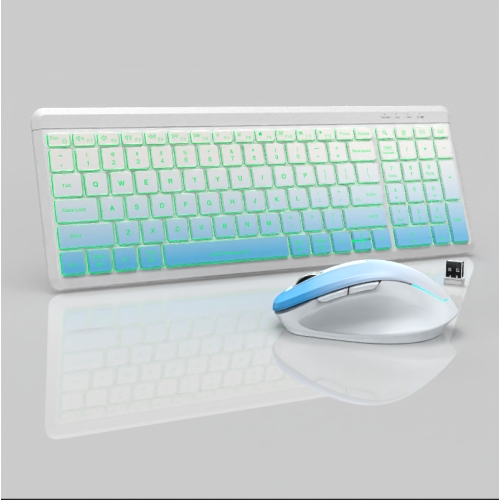
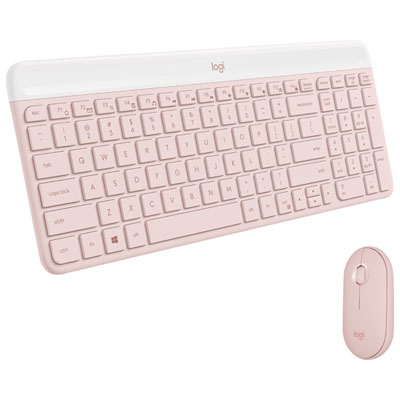
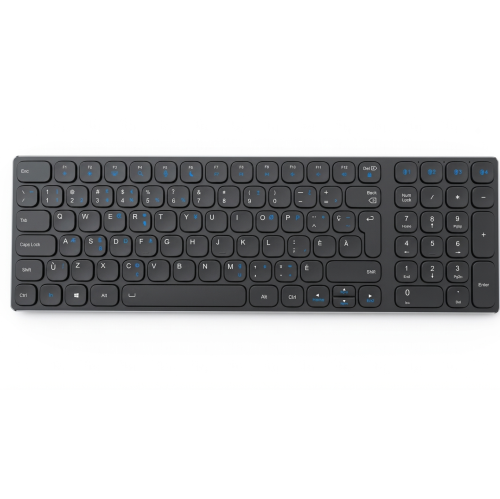
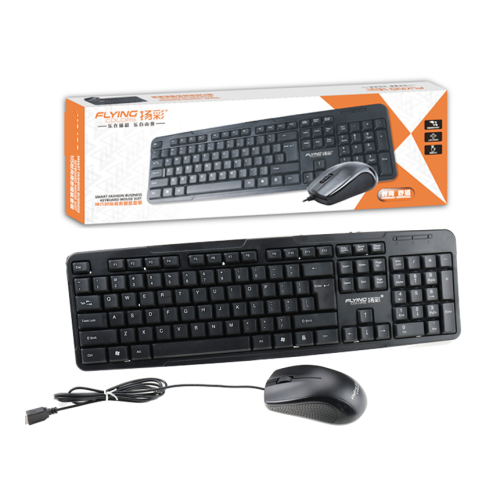
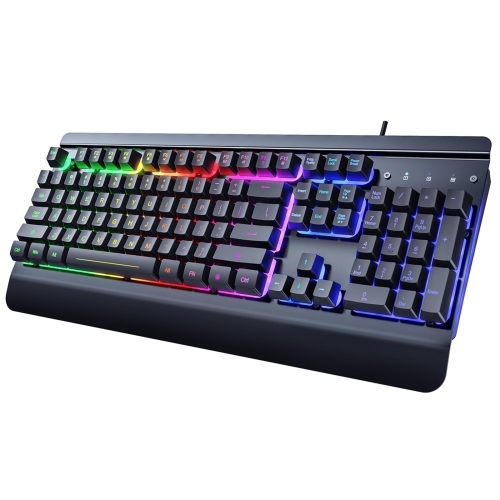
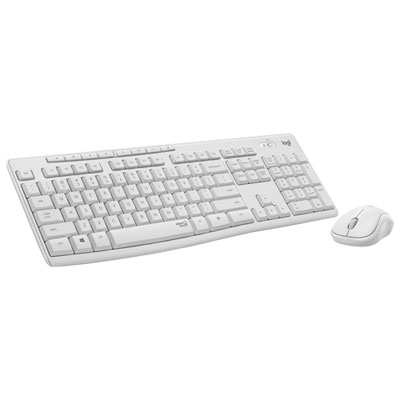
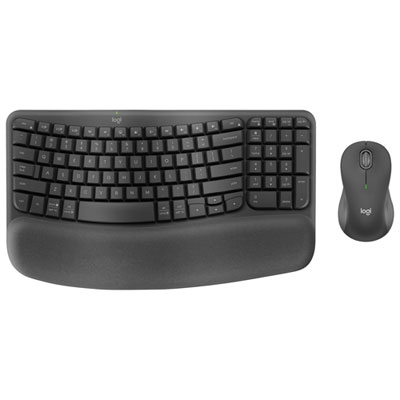
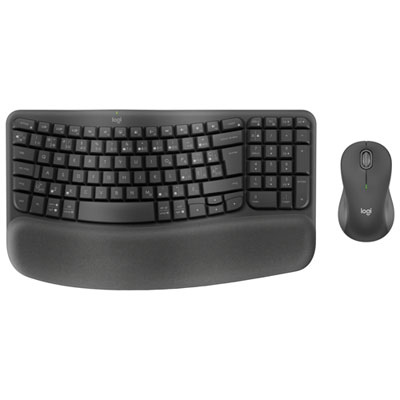
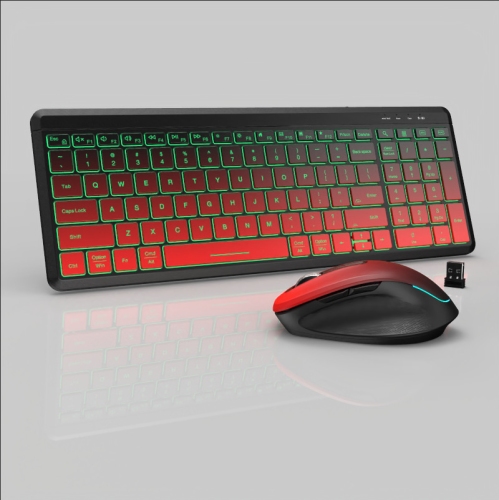
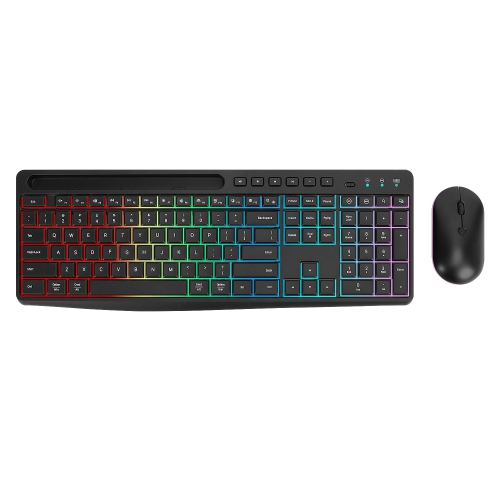
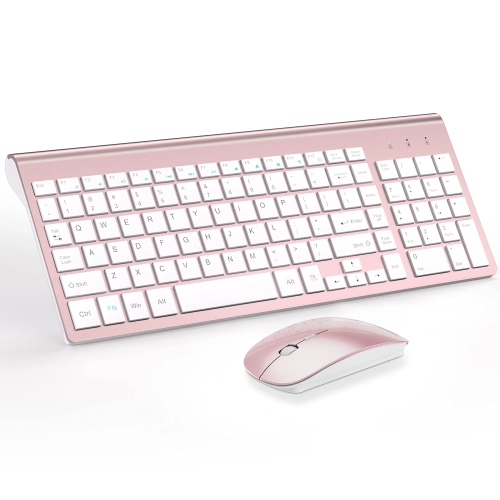
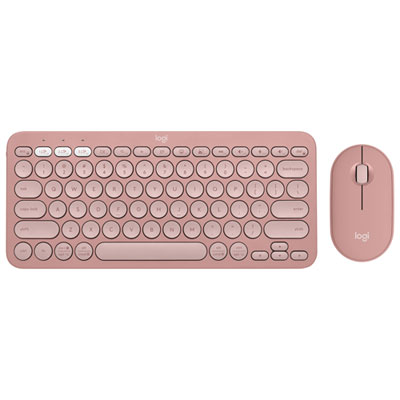
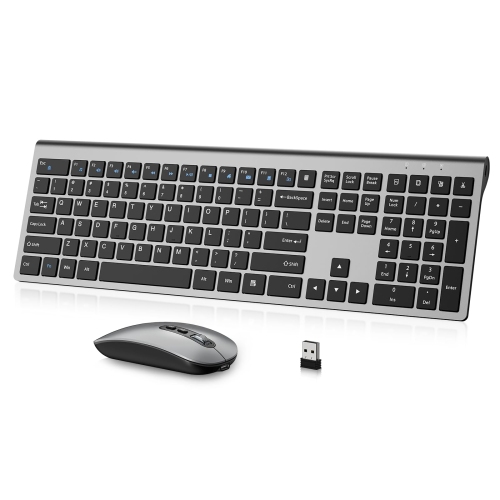
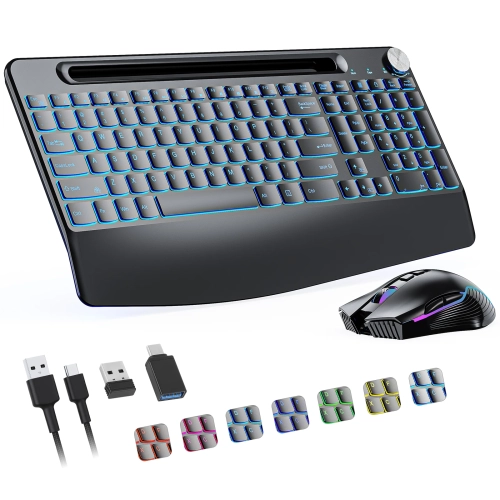
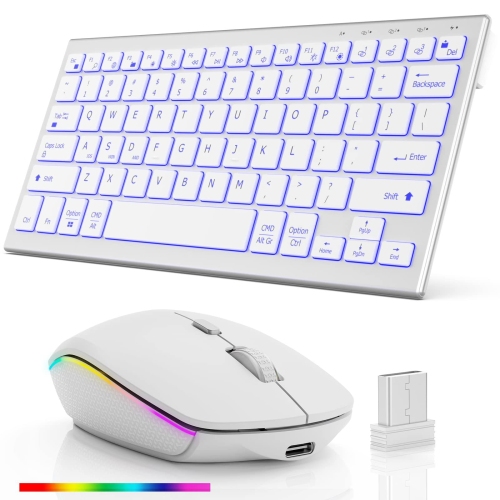
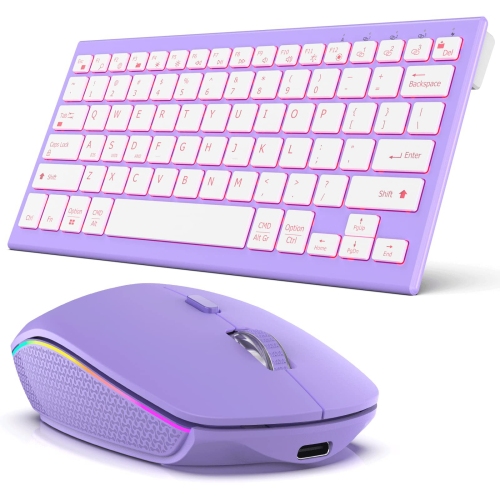
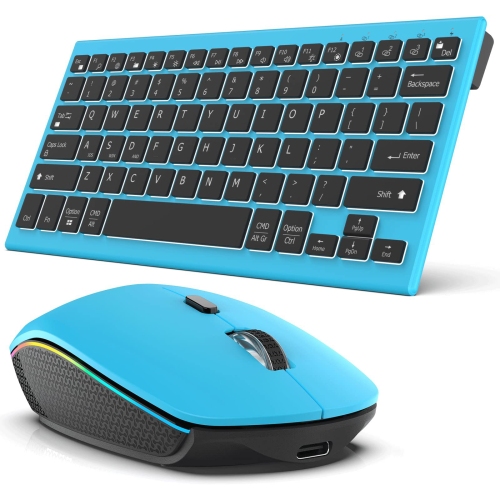
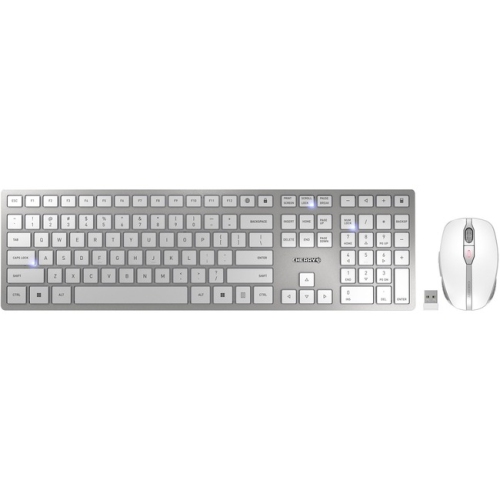
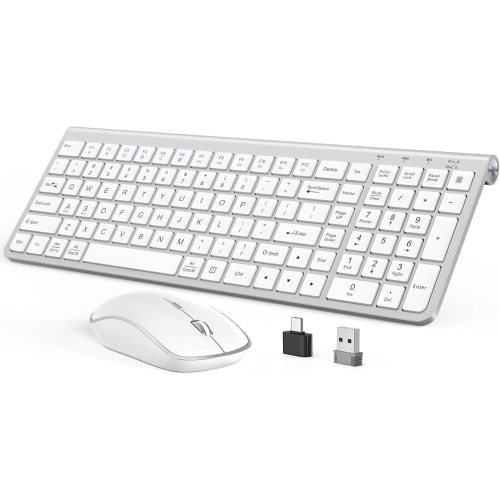
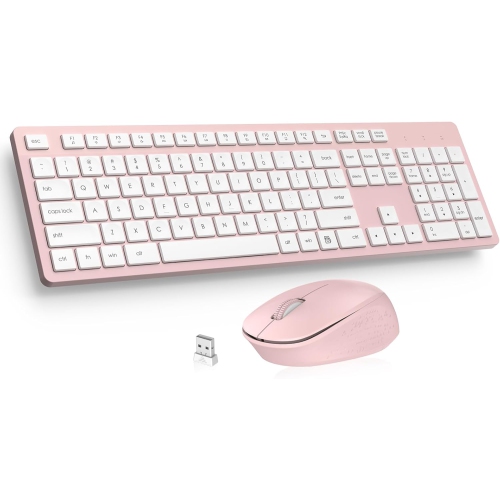
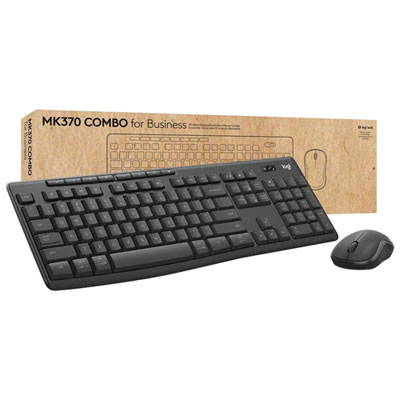
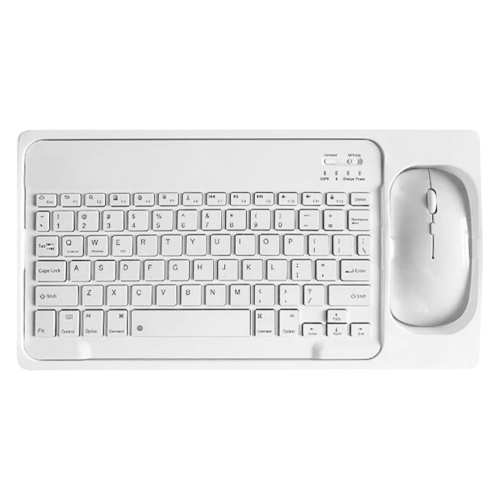

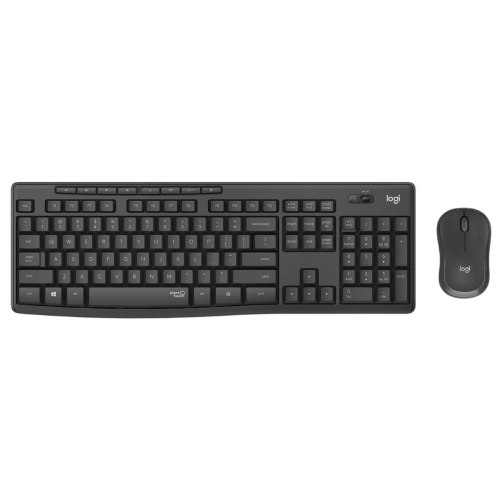
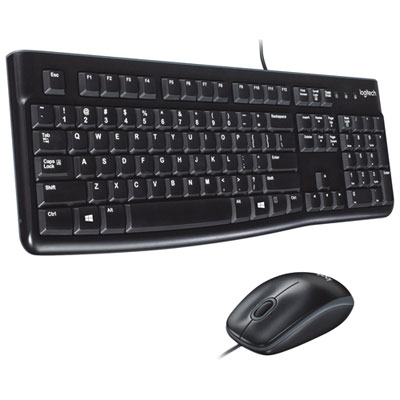
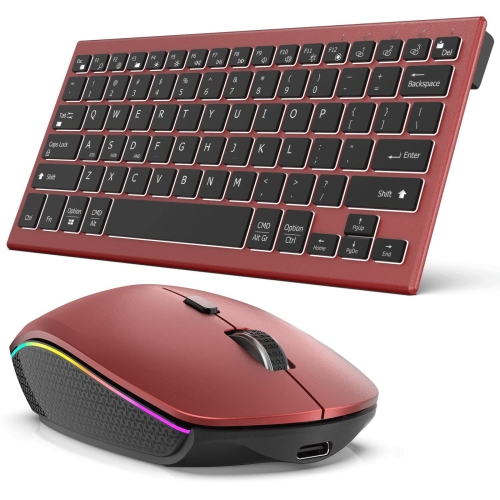
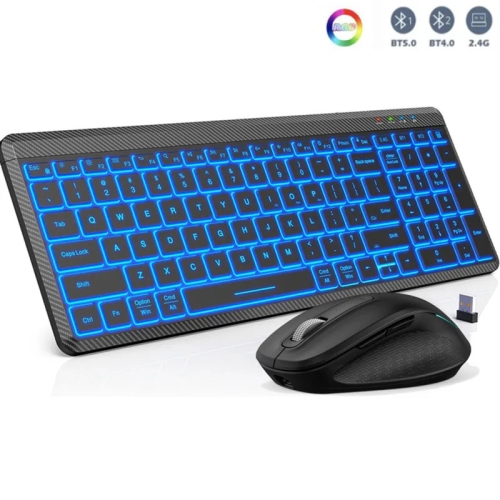
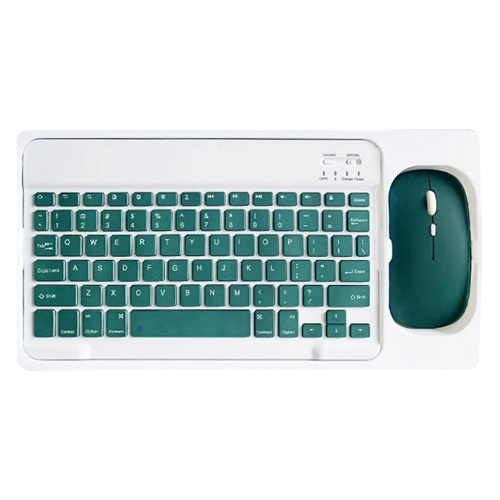
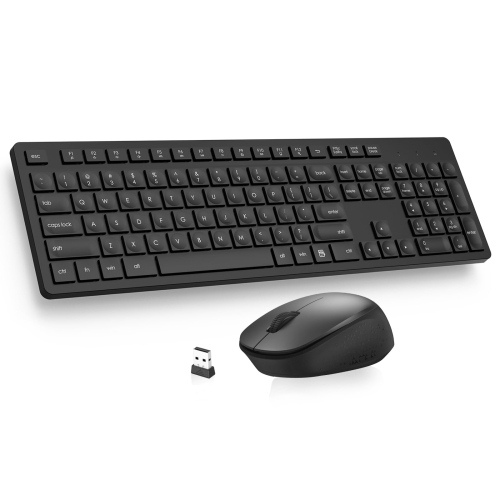
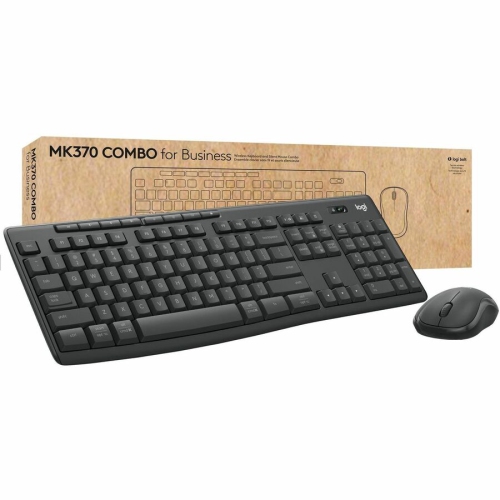
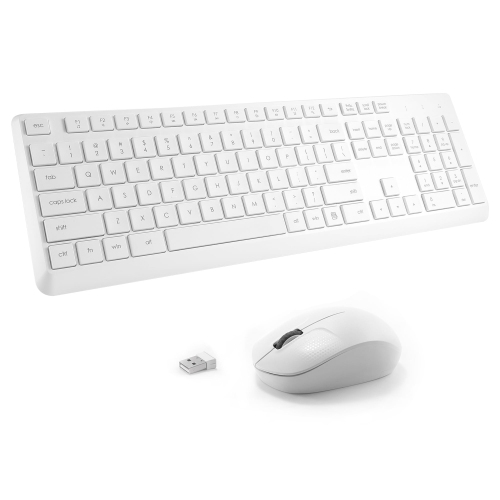
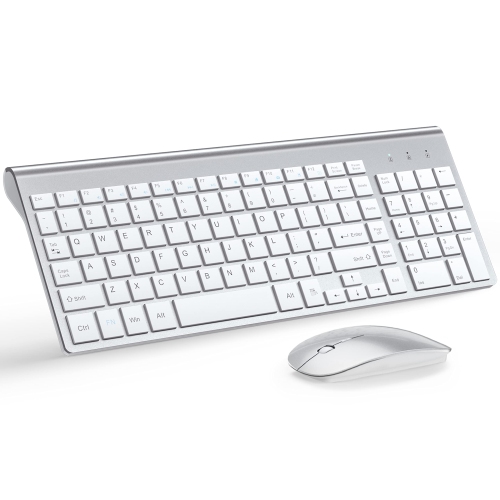
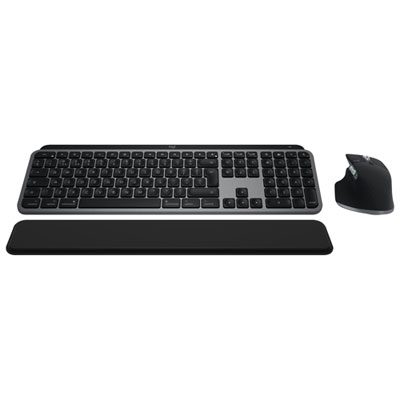
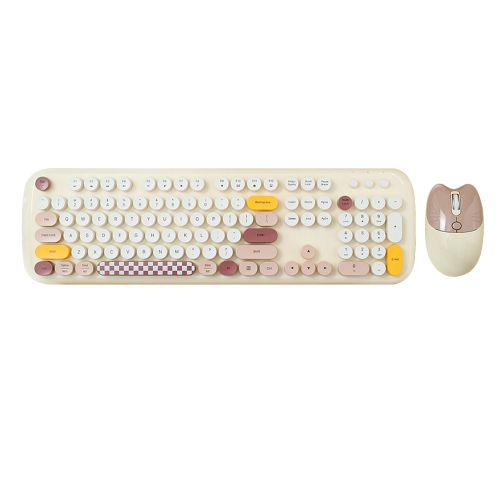
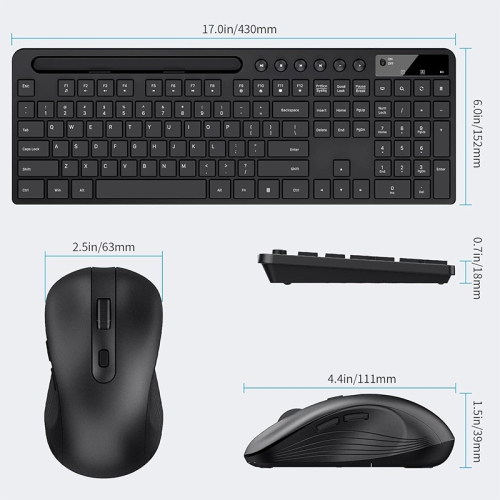
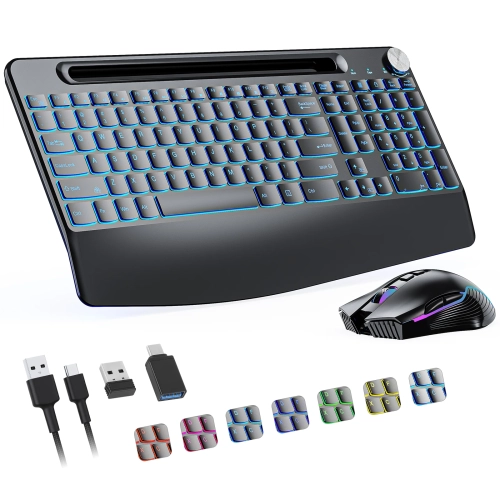
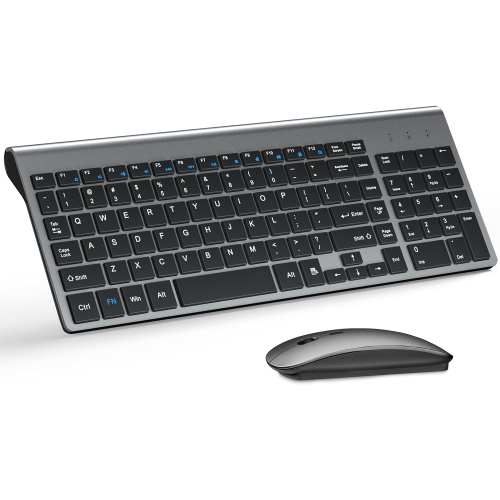
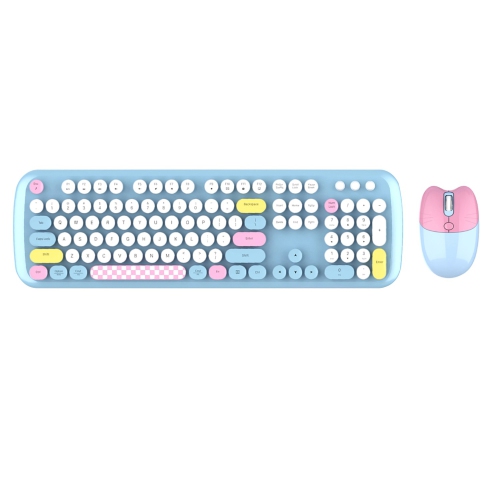
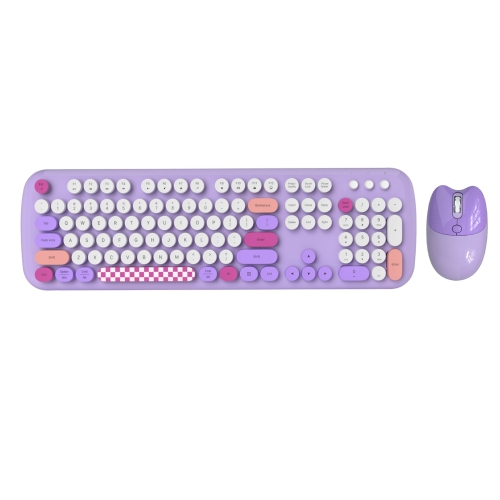
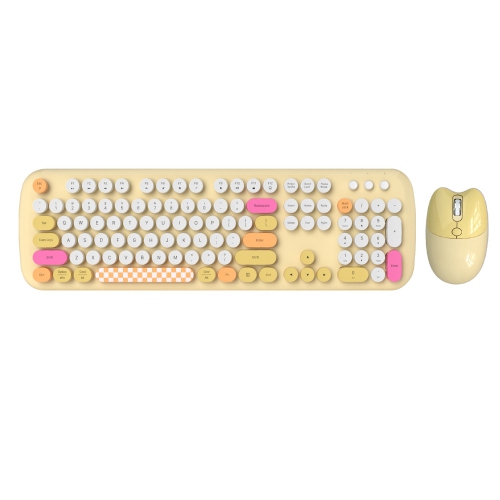
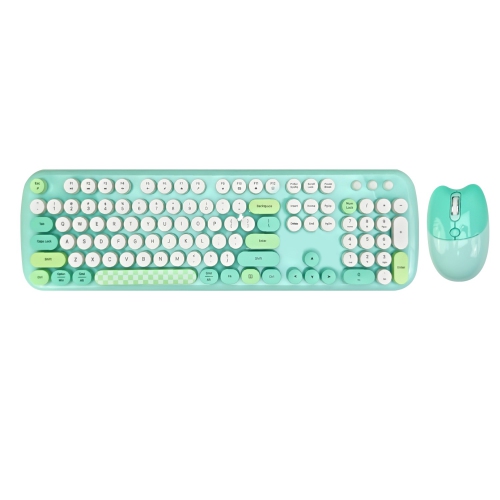
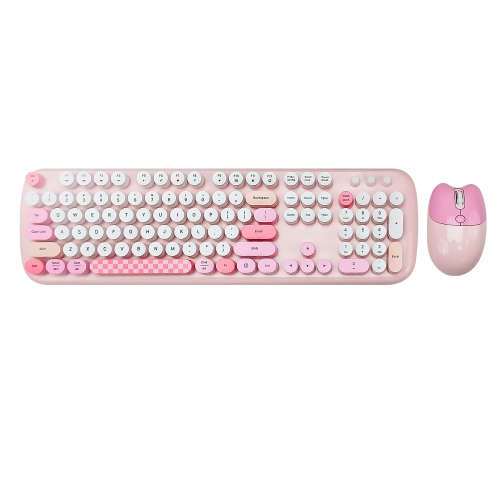
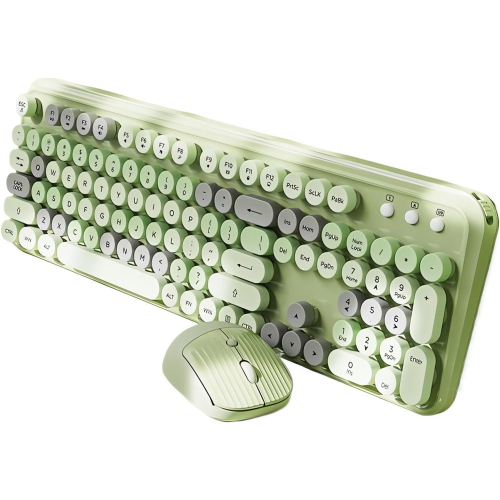
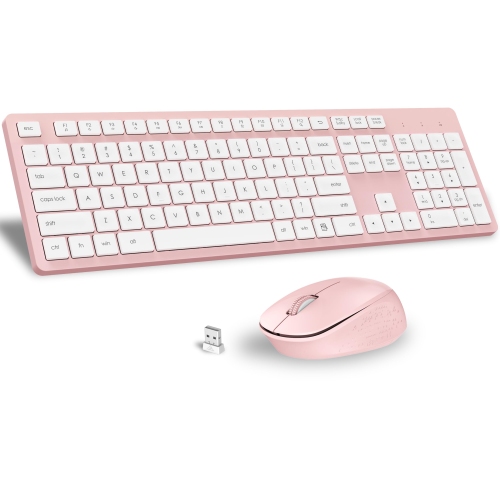
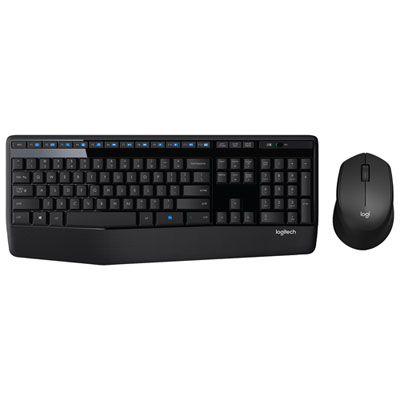
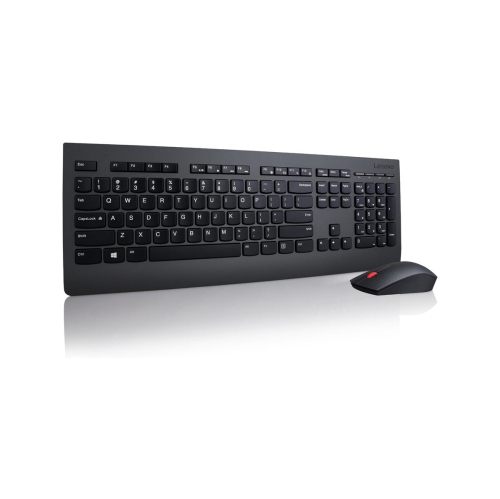
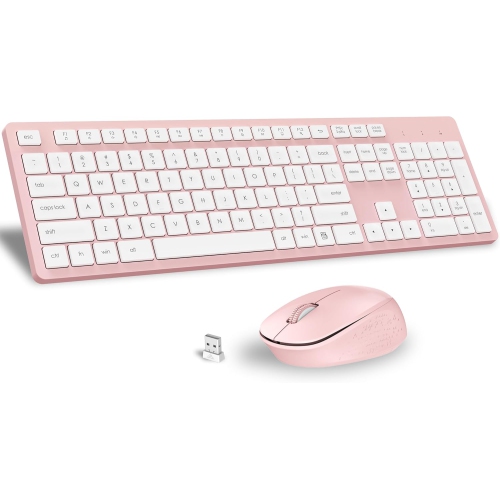
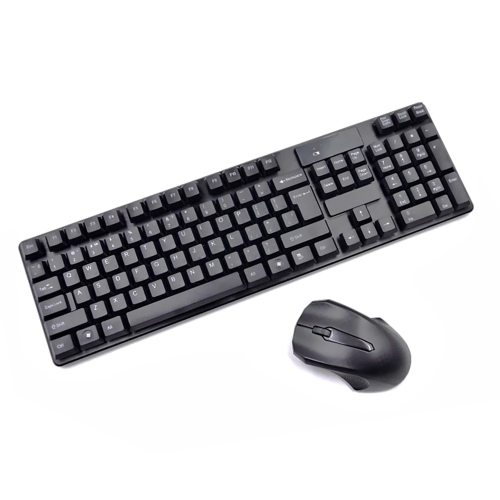

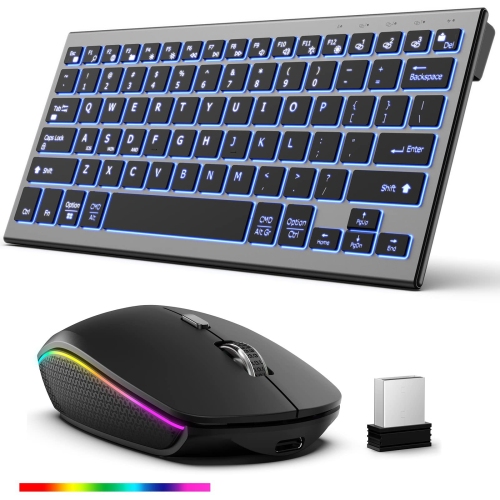
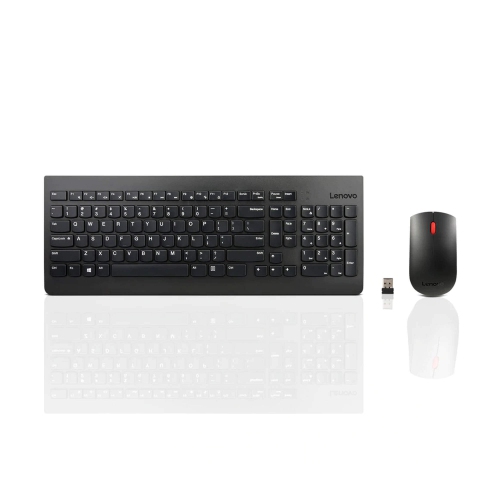
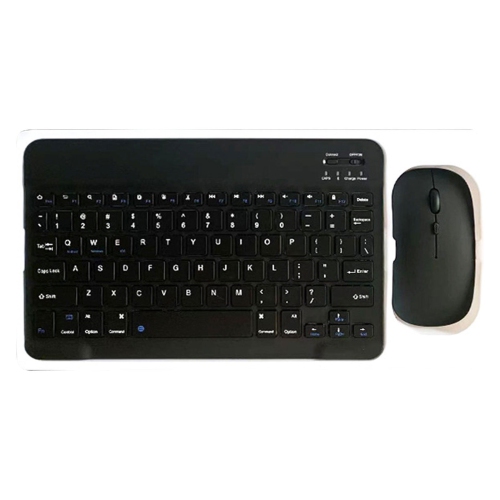
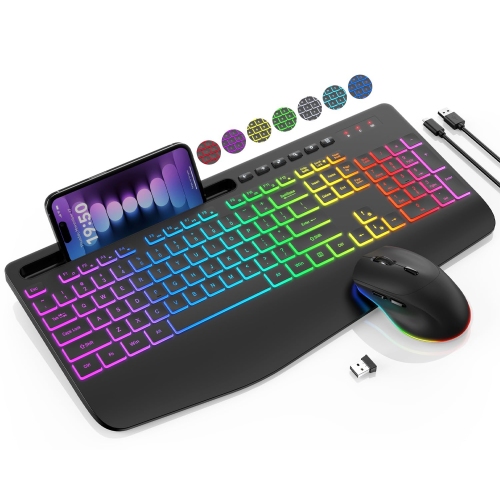
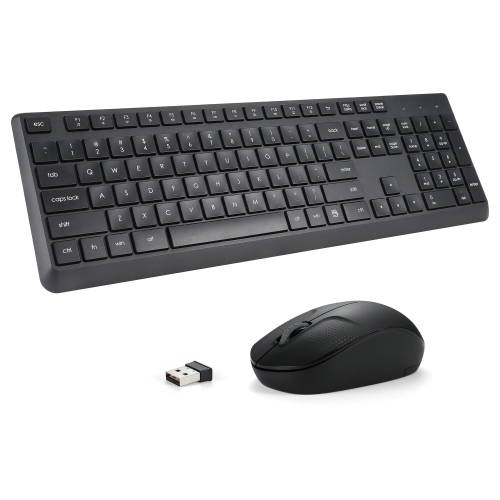
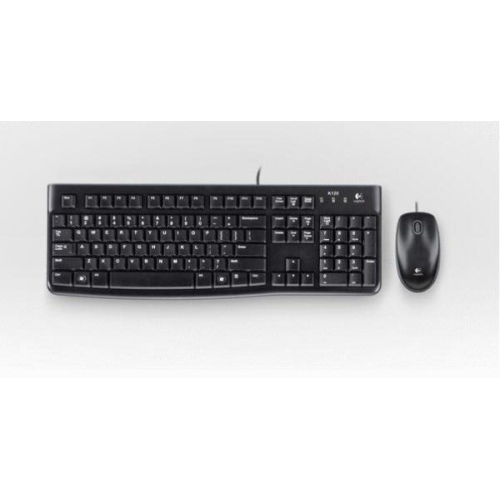
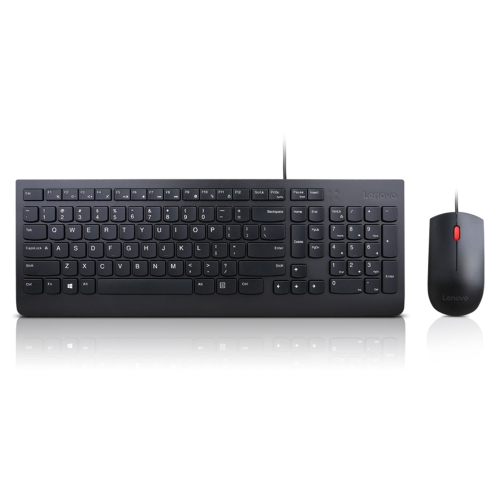
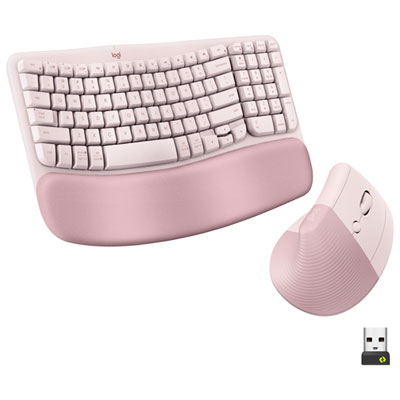
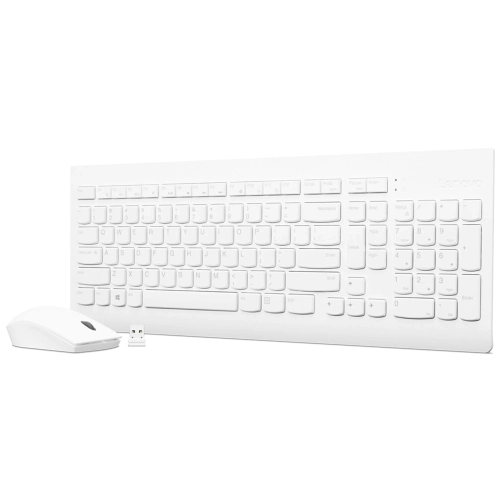
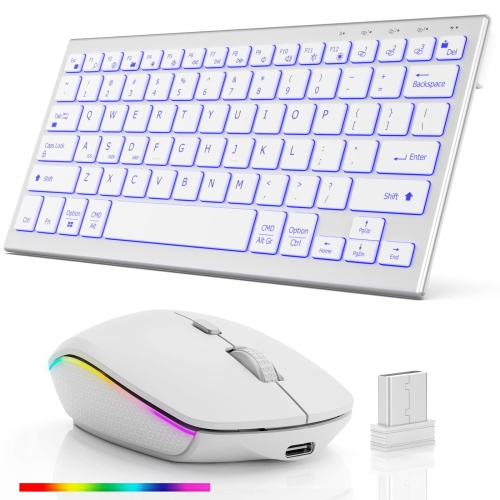
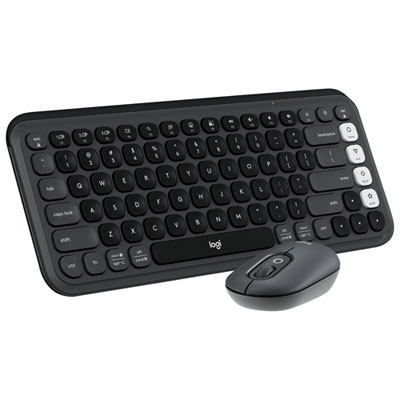

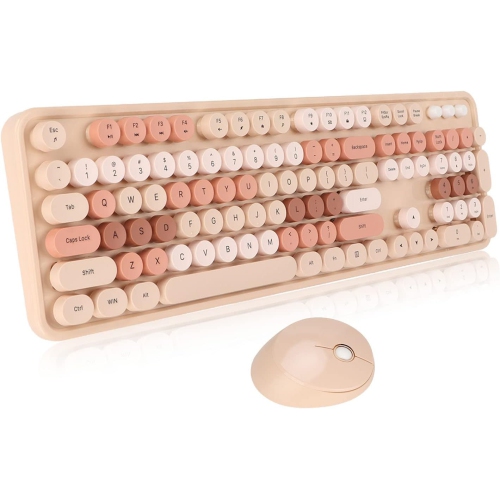
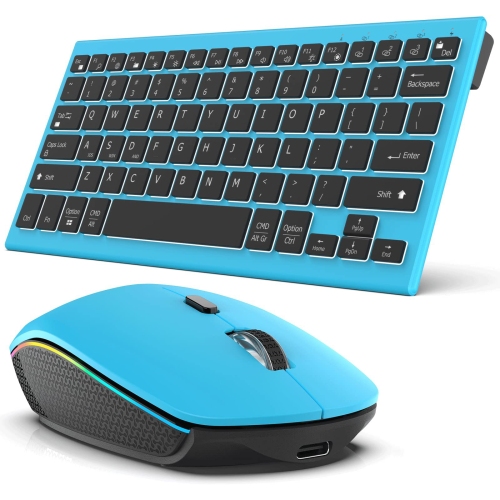
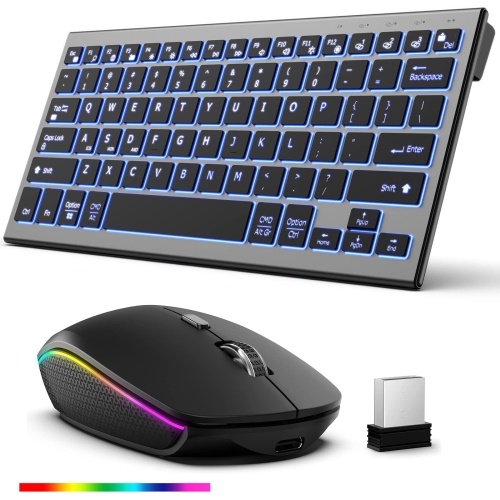
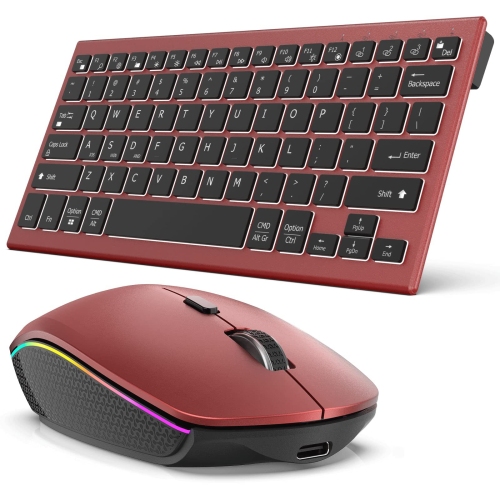
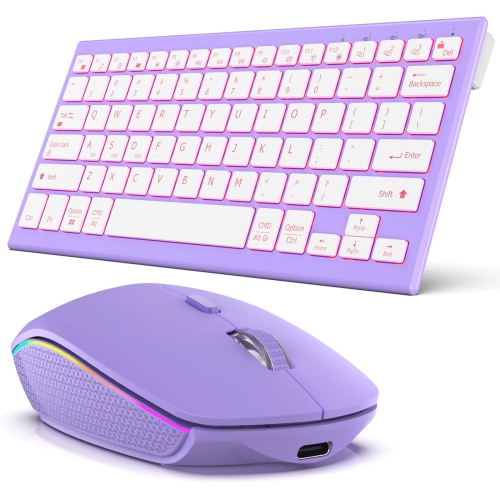
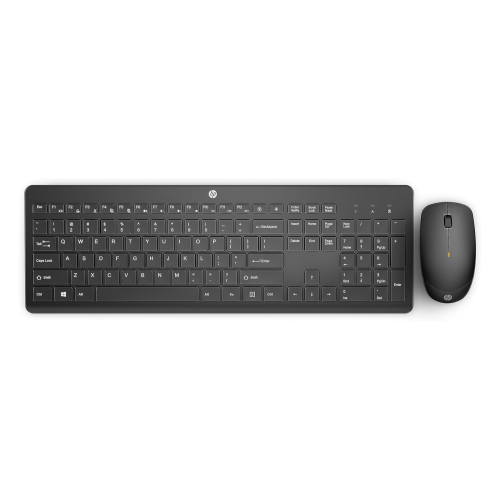
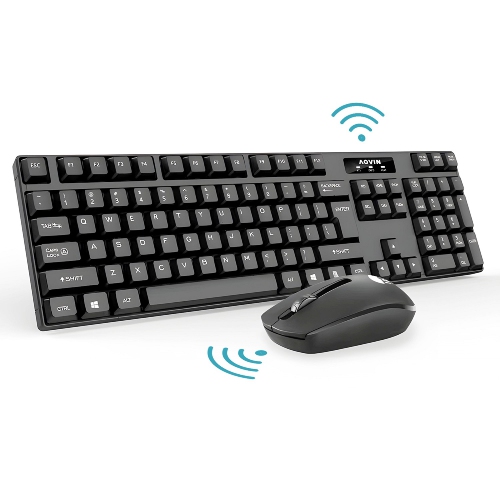
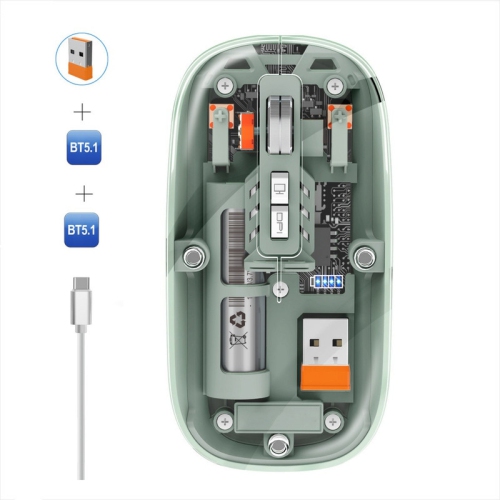
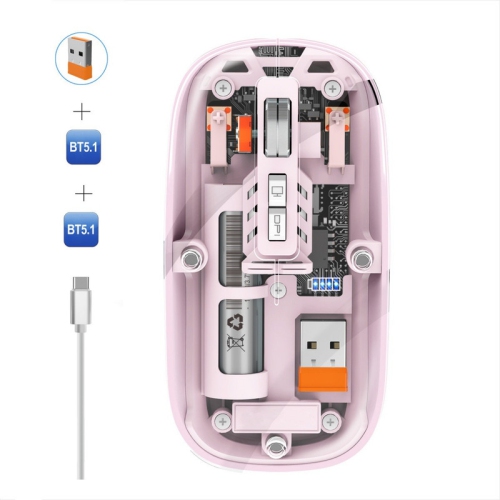
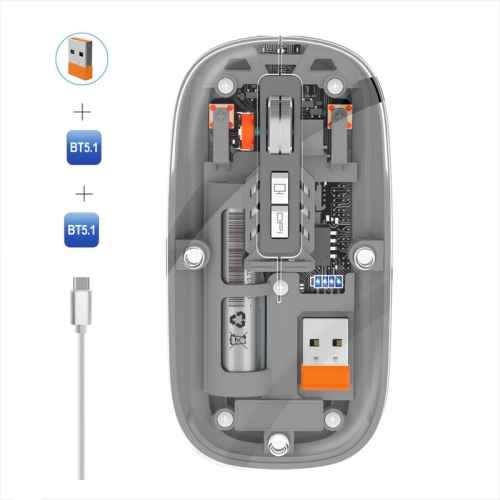
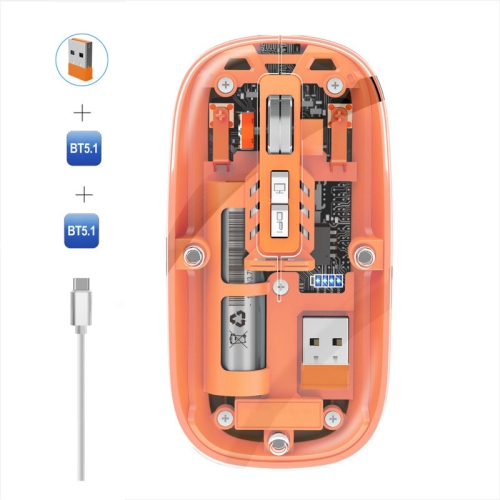
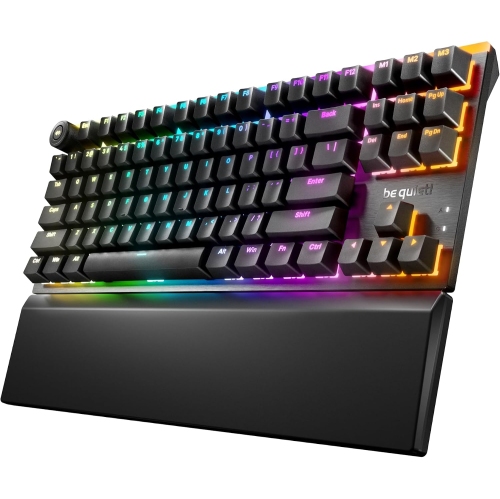
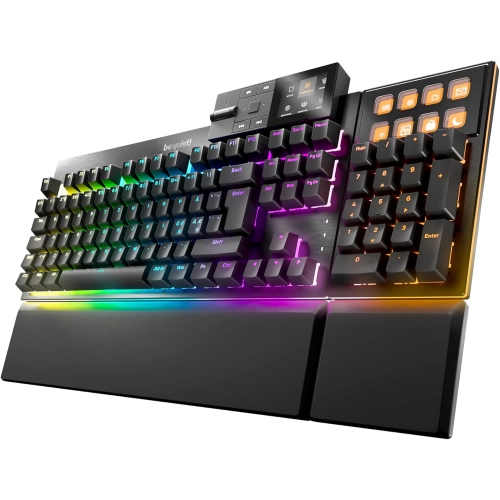
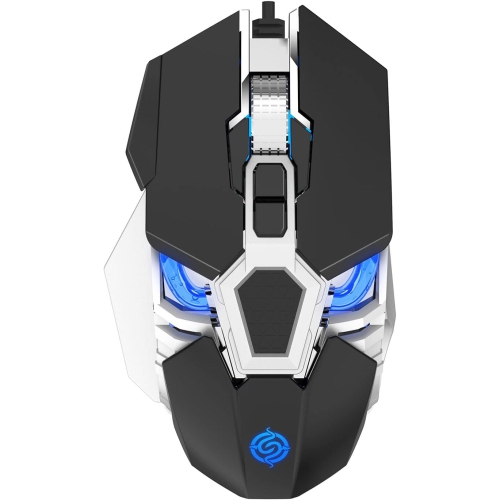
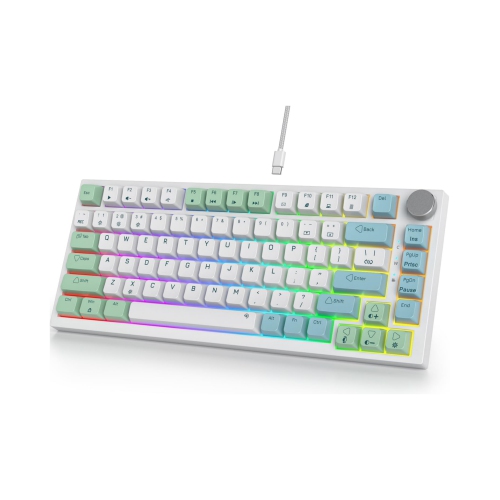


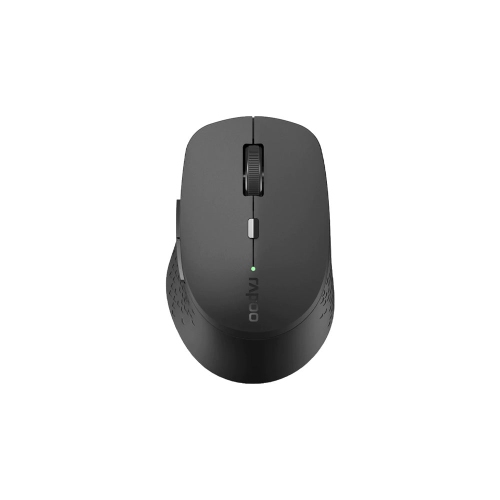
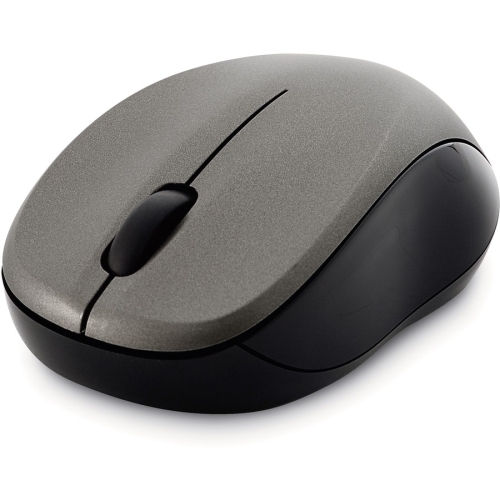
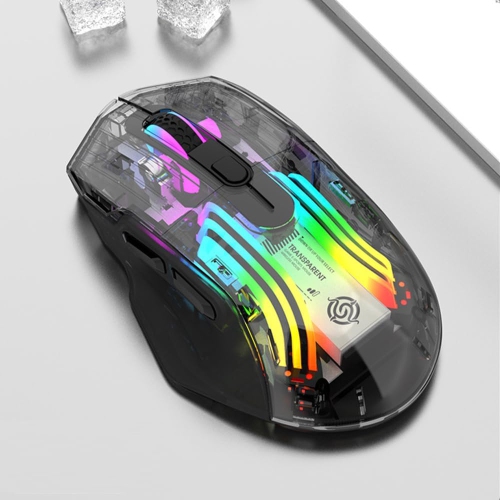
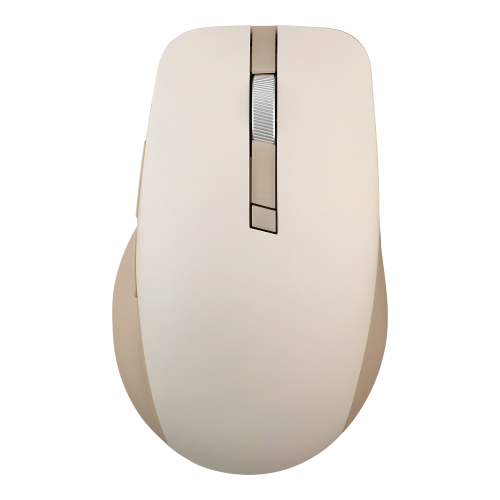
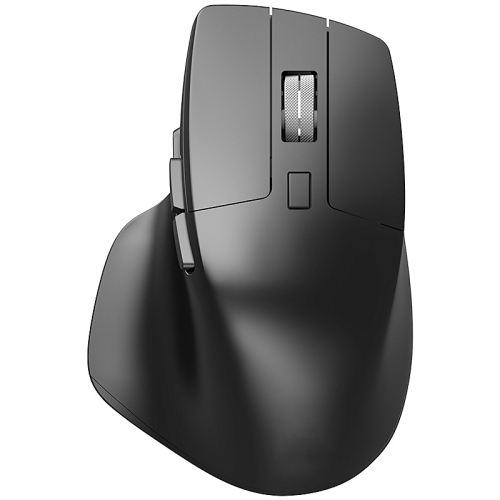
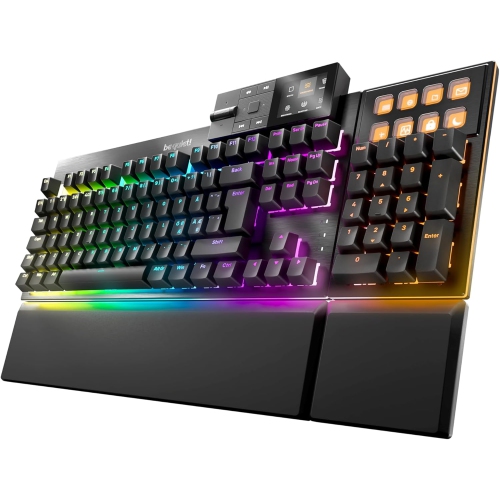

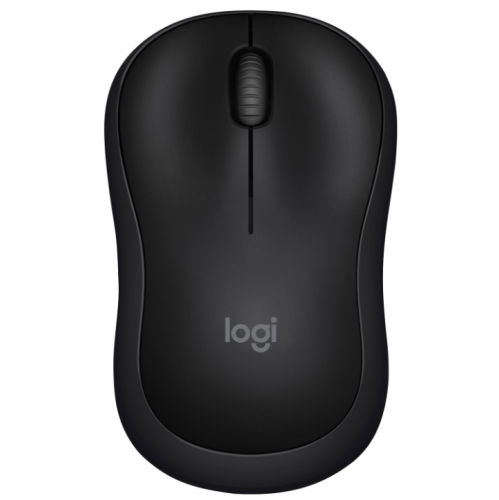
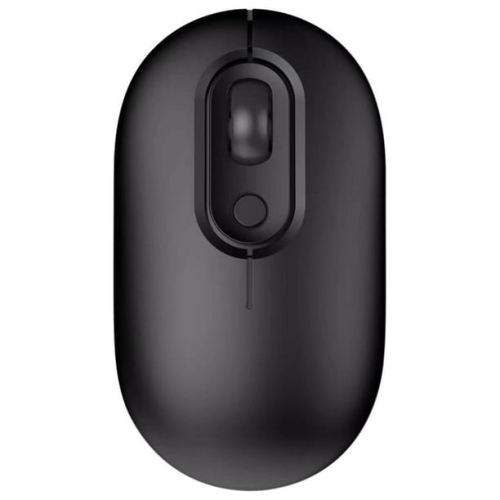
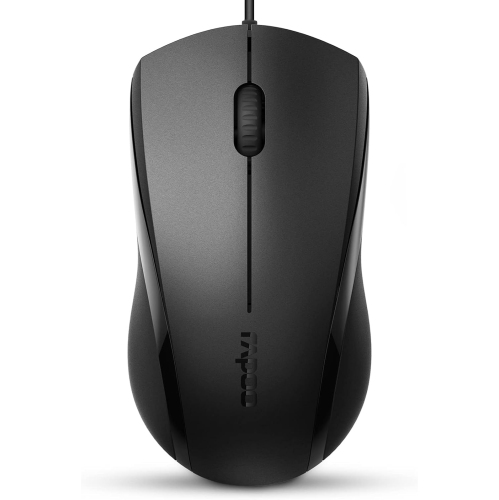
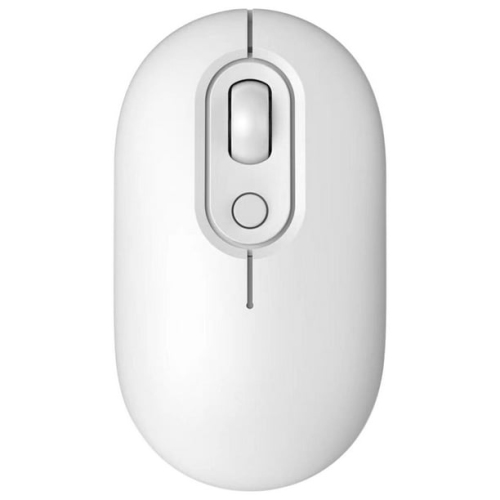
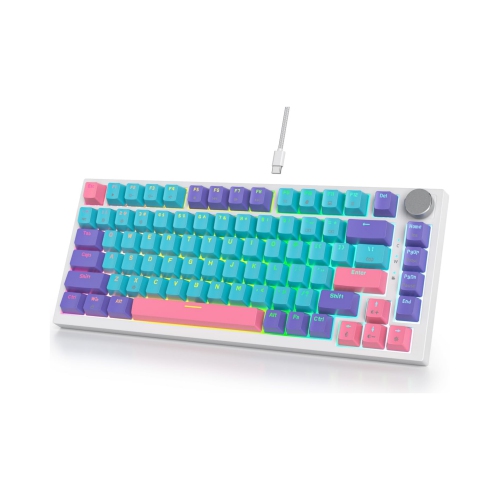
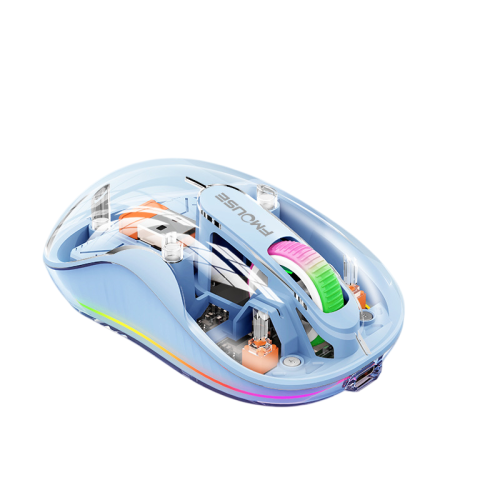
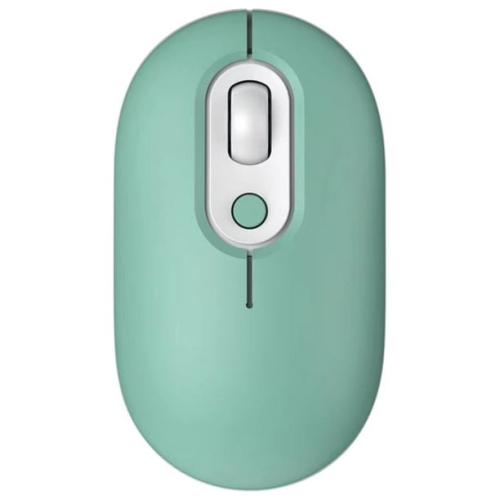
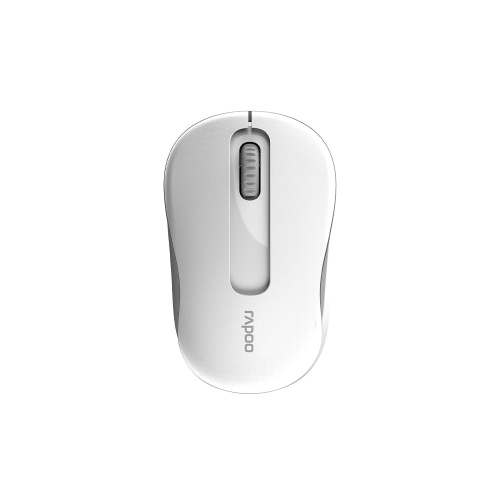
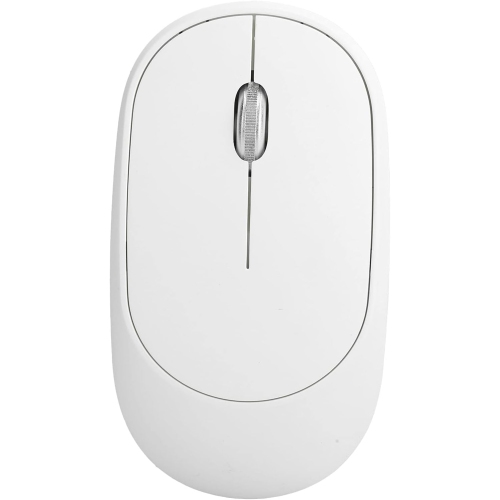
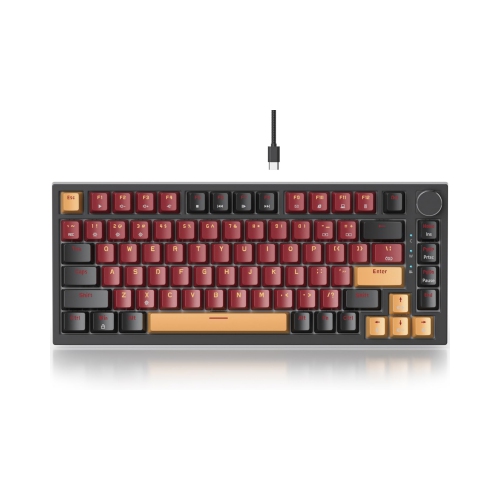


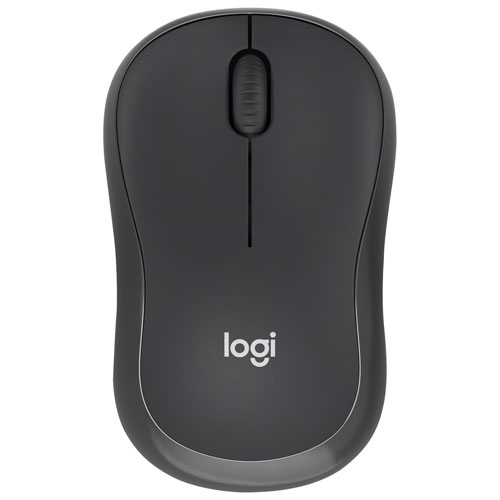
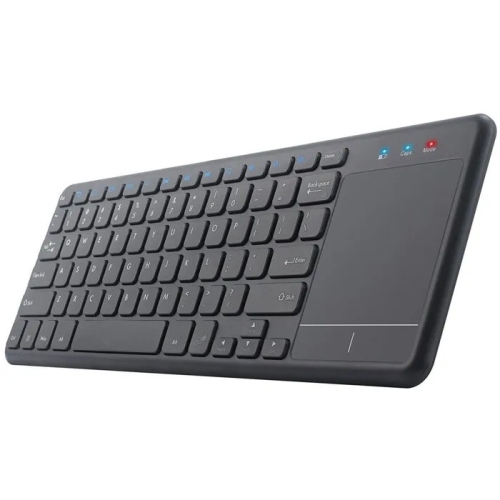
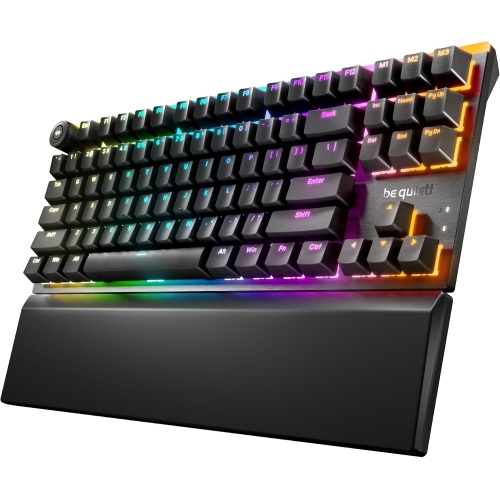
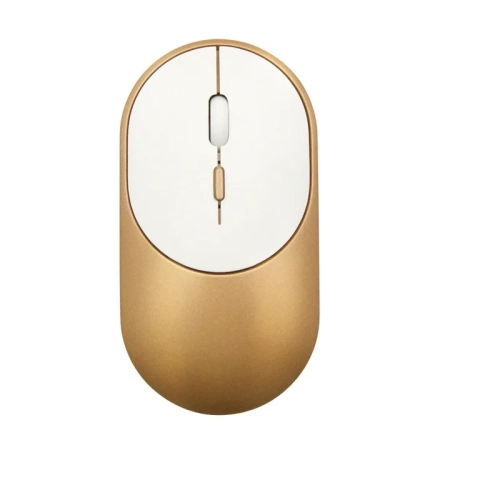
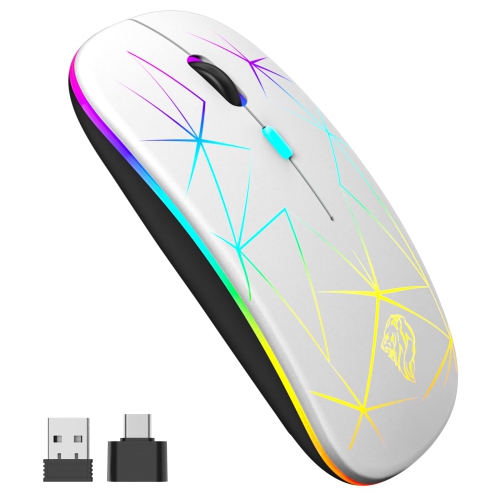
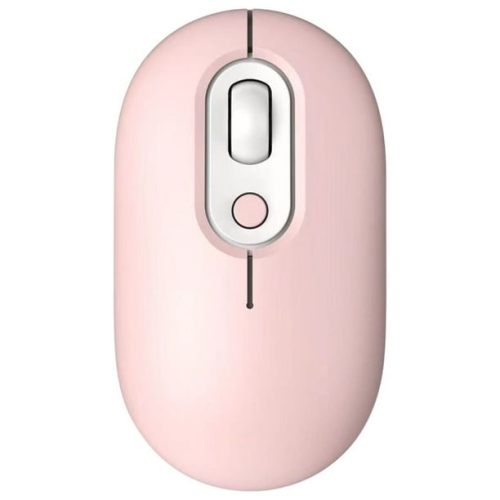
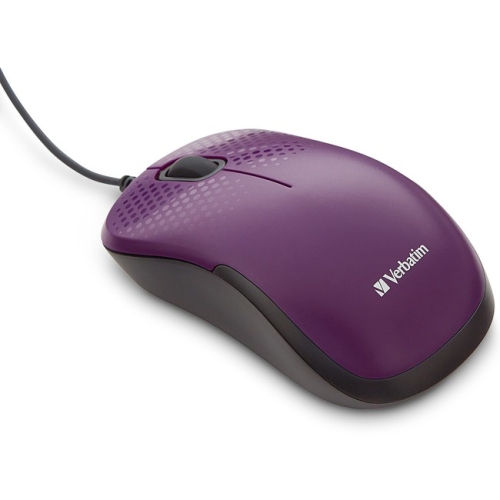
A quieter workstation for shared spaces and focused work
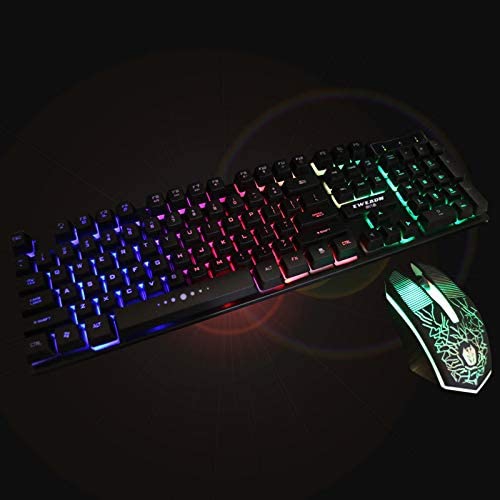
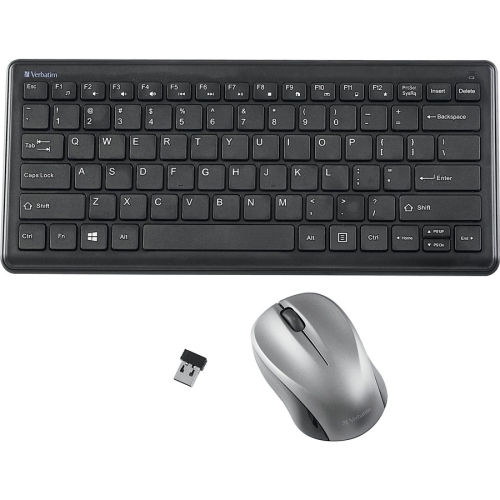
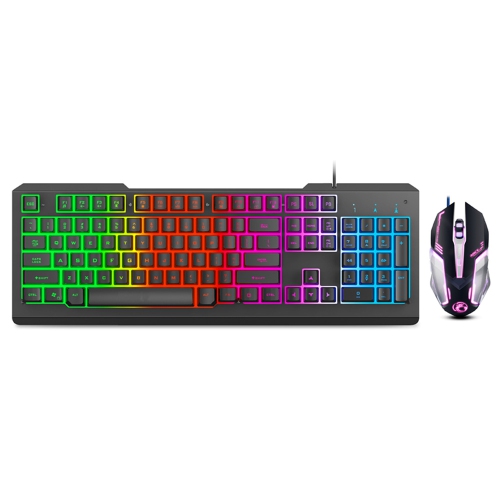
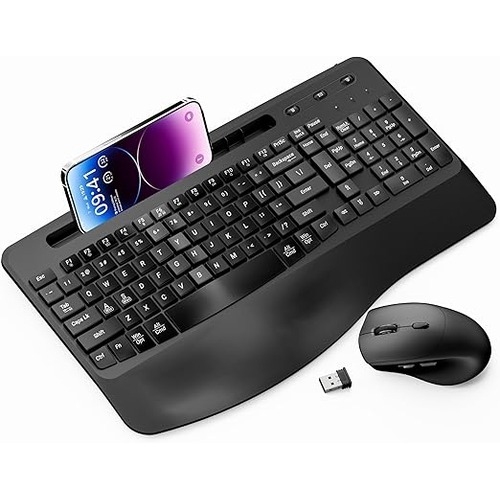
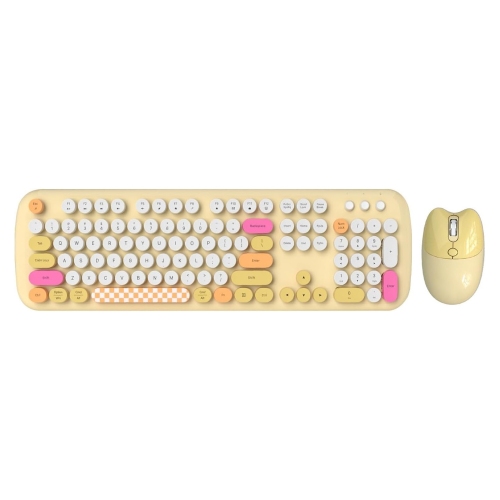
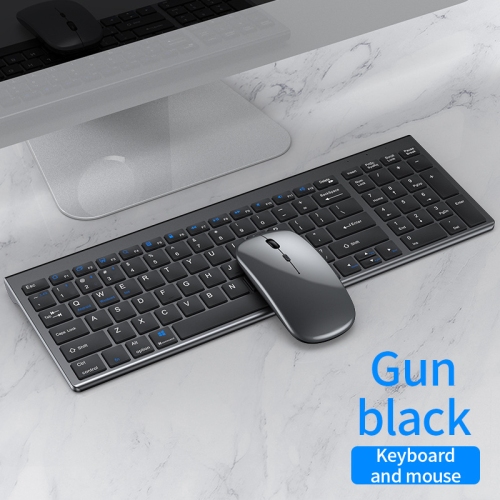
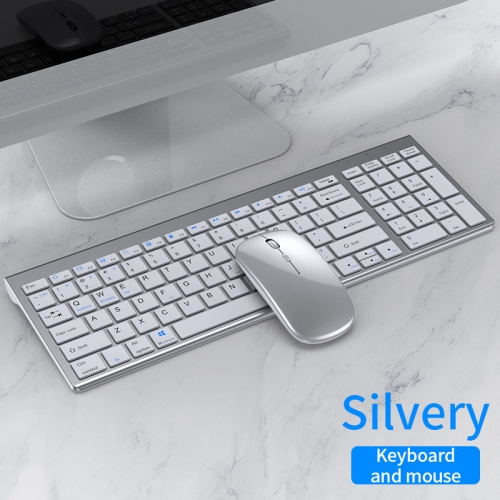
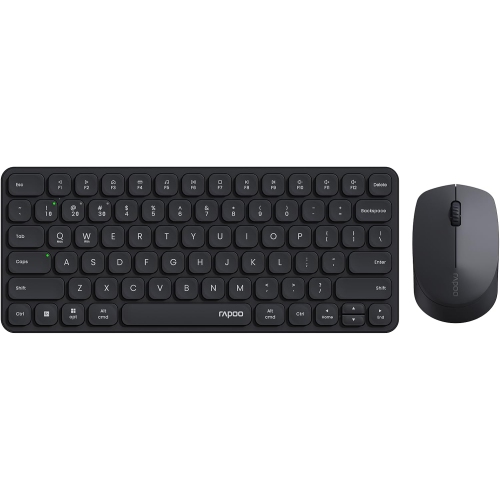
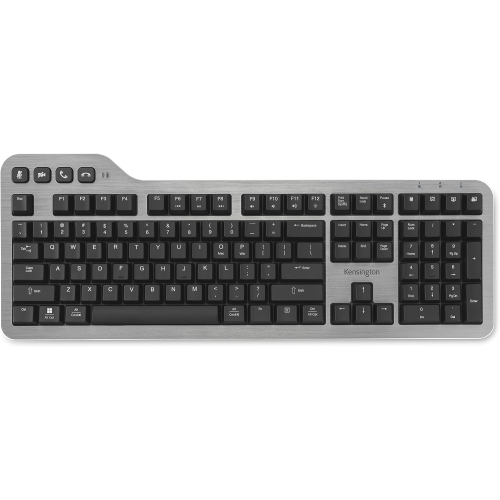
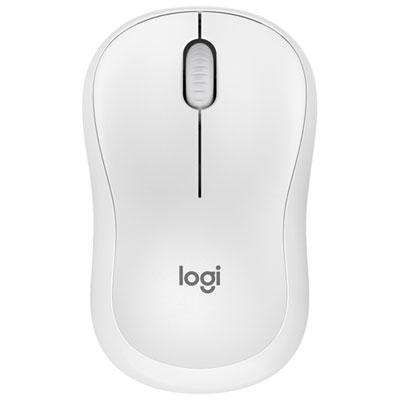
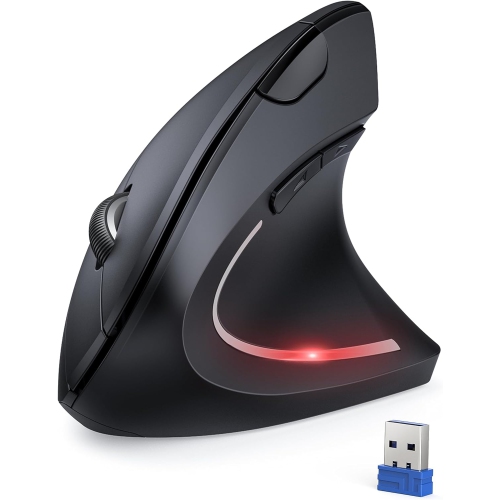
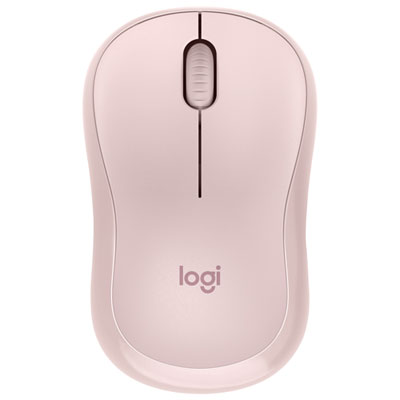
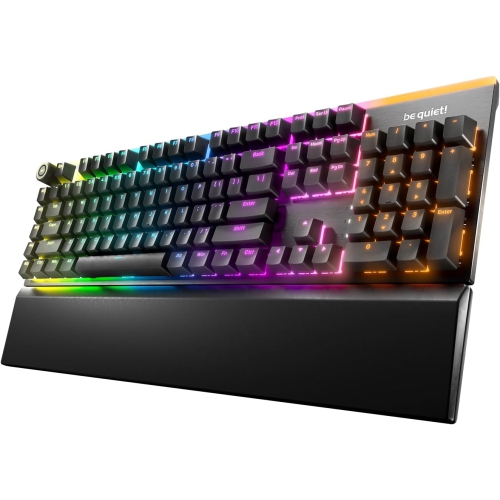
Quiet keyboard and mice are designed to make everyday computer use more comfortable in shared spaces, home offices, libraries, bedrooms, and other areas where sharp clicks and loud keystrokes can be distracting. A well-designed quiet keyboard can soften the sound of typing, while a quiet mouse reduces the repeated tapping of button clicks as you work through documents, browse the web, edit photos, or move between applications. Some silent input sets are rated to reduce clicking and typing noise by more than 90% compared with standard keyboards and mice, although the exact experience depends on the construction, surface, typing style, and surrounding room. Membrane and scissor-switch keyboards are often naturally subdued, while mechanical-style designs may use quieter switches and dampening materials to deliver a more tactile feel without the pronounced clatter associated with some traditional mechanical keyboards. Mouse noise can also vary by design, so look for descriptions that specifically mention silent or low-noise left and right buttons rather than assuming every wireless mouse will be quiet. These products can be especially helpful in an open-concept office, where nearby conversations and focused work share the same space, or in a home where one person is working while another is reading, watching a film, or sleeping. During the cooler months, when more time is spent indoors and rooms may feel busier, a quieter workstation can make a noticeable difference to the atmosphere. For shoppers comparing options, the best starting point is the layout. A full-size keyboard includes a dedicated number pad for spreadsheets, accounting, inventory, and frequent number entry, while a tenkeyless or compact keyboard leaves more room for a mouse and may suit smaller desks. A low-profile layout can feel familiar to laptop users, whereas a taller design may offer more key travel and a more traditional typing experience. Consider the shape and size of the mouse as well, since a comfortable fit matters during long work sessions just as much as low noise.
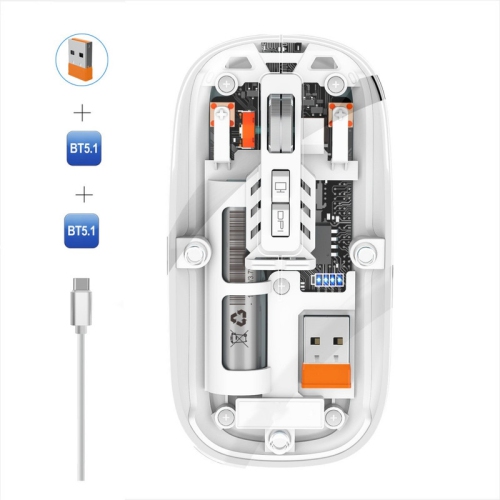
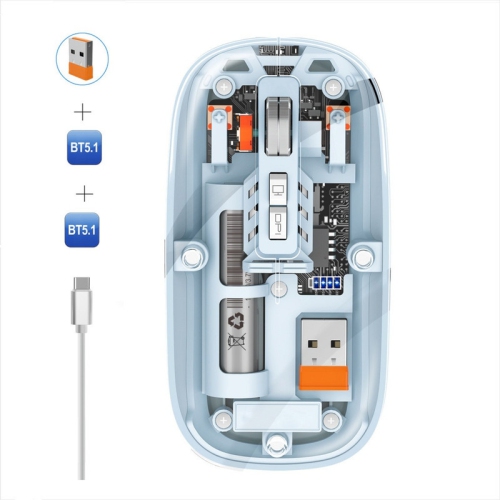
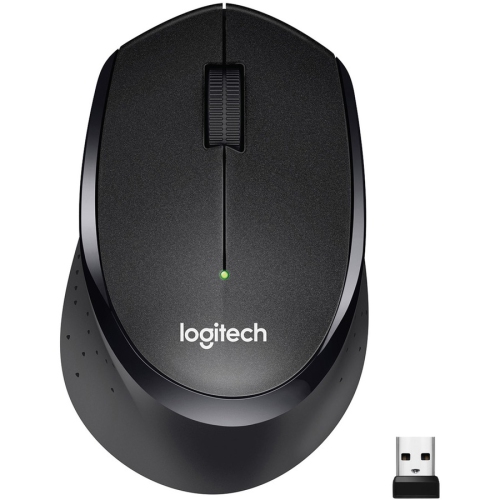
Connectivity is another important consideration when choosing a quiet keyboard and mouse set. Wireless models that use a small USB receiver are straightforward for desktop computers and many laptops with a compatible port, while Bluetooth models can connect without occupying a USB port and may be convenient for tablets, notebooks, or devices used in more than one room. Some sets support both connection types, giving you flexibility when moving between a personal computer, a work laptop, or a compatible smart device. Check the advertised operating-system compatibility and whether the keyboard and mouse share one receiver or use separate connections. Battery life can range from weeks to several years depending on the design, backlighting, connection method, and daily usage. A set with long battery life can be useful for a workstation that is always ready to go, while rechargeable models may suit people who prefer to top up their accessories alongside their other devices. Power-saving features, an on/off switch, and an indicator for low battery can help prevent interruptions. A spill-resistant keyboard may provide added reassurance around coffee, water, or the occasional lunch at a desk, but it should not be treated as waterproof unless the manufacturer clearly states that it is. Mouse features can include adjustable sensitivity, a scroll wheel with a smooth or stepped feel, side buttons for navigation, and an ambidextrous shape for shared workstations. If precise cursor movement is important for design, gaming, photo editing, or large displays, pay close attention to sensitivity controls and sensor performance. For general typing and browsing, comfort, quiet buttons, and reliable tracking may matter more than advanced specifications. You can also explore Quiet PC Keyboards when a keyboard is the main priority and you want to compare layouts and quieter typing designs separately from mouse features.
Quiet keyboard and mice can be practical gifts for students, remote workers, writers, office professionals, and anyone creating a dedicated computer space. They are particularly considerate for people who share a desk, work in a common room, attend virtual meetings from home, or study late in the evening when every keystroke seems louder than usual. A student may appreciate a compact wireless set that leaves space for notebooks and course materials, while someone managing invoices or budgets may prefer a full-size keyboard with a number pad and clearly spaced keys. For a family computer, a comfortable, neutral layout and an ambidextrous mouse can accommodate different users without requiring a highly specialised setup. A quiet set can also refresh an older workstation by replacing worn keys, a stiff scroll wheel, or a mouse that has developed an irritatingly loud click. When setting one up, place the keyboard on a stable, flat surface and position the mouse close enough that your arm can remain relaxed rather than reaching forward. A desk mat can soften movement and reduce the sound of the mouse contacting the surface, while a monitor positioned at a comfortable height can help create a more natural posture. Keep the keyboard and mouse clean according to the manufacturer’s care instructions, and avoid pressing keys or buttons harder than necessary; a light touch usually produces less noise and reduces fatigue. If the workspace is used for video calls, quieter controls can also limit the sound picked up by a nearby microphone, though microphone placement and noise-cancelling settings remain important. From early starts in a shared home office to quiet evenings spent organising photos, gaming, studying, or catching up on messages, the right low-noise accessories help a computer feel less intrusive. Focus on the features that match your routine—layout, hand comfort, connection method, battery life, tracking, and the sound profile of the keys and buttons—so your keyboard and mouse feel natural to use every day rather than simply quiet on paper.
Connectivity is another important consideration when choosing a quiet keyboard and mouse set. Wireless models that use a small USB receiver are straightforward for desktop computers and many laptops with a compatible port, while Bluetooth models can connect without occupying a USB port and may be convenient for tablets, notebooks, or devices used in more than one room. Some sets support both connection types, giving you flexibility when moving between a personal computer, a work laptop, or a compatible smart device. Check the advertised operating-system compatibility and whether the keyboard and mouse share one receiver or use separate connections. Battery life can range from weeks to several years depending on the design, backlighting, connection method, and daily usage. A set with long battery life can be useful for a workstation that is always ready to go, while rechargeable models may suit people who prefer to top up their accessories alongside their other devices. Power-saving features, an on/off switch, and an indicator for low battery can help prevent interruptions. A spill-resistant keyboard may provide added reassurance around coffee, water, or the occasional lunch at a desk, but it should not be treated as waterproof unless the manufacturer clearly states that it is. Mouse features can include adjustable sensitivity, a scroll wheel with a smooth or stepped feel, side buttons for navigation, and an ambidextrous shape for shared workstations. If precise cursor movement is important for design, gaming, photo editing, or large displays, pay close attention to sensitivity controls and sensor performance. For general typing and browsing, comfort, quiet buttons, and reliable tracking may matter more than advanced specifications. You can also explore Quiet PC Keyboards when a keyboard is the main priority and you want to compare layouts and quieter typing designs separately from mouse features.
Quiet keyboard and mice can be practical gifts for students, remote workers, writers, office professionals, and anyone creating a dedicated computer space. They are particularly considerate for people who share a desk, work in a common room, attend virtual meetings from home, or study late in the evening when every keystroke seems louder than usual. A student may appreciate a compact wireless set that leaves space for notebooks and course materials, while someone managing invoices or budgets may prefer a full-size keyboard with a number pad and clearly spaced keys. For a family computer, a comfortable, neutral layout and an ambidextrous mouse can accommodate different users without requiring a highly specialised setup. A quiet set can also refresh an older workstation by replacing worn keys, a stiff scroll wheel, or a mouse that has developed an irritatingly loud click. When setting one up, place the keyboard on a stable, flat surface and position the mouse close enough that your arm can remain relaxed rather than reaching forward. A desk mat can soften movement and reduce the sound of the mouse contacting the surface, while a monitor positioned at a comfortable height can help create a more natural posture. Keep the keyboard and mouse clean according to the manufacturer’s care instructions, and avoid pressing keys or buttons harder than necessary; a light touch usually produces less noise and reduces fatigue. If the workspace is used for video calls, quieter controls can also limit the sound picked up by a nearby microphone, though microphone placement and noise-cancelling settings remain important. From early starts in a shared home office to quiet evenings spent organising photos, gaming, studying, or catching up on messages, the right low-noise accessories help a computer feel less intrusive. Focus on the features that match your routine—layout, hand comfort, connection method, battery life, tracking, and the sound profile of the keys and buttons—so your keyboard and mouse feel natural to use every day rather than simply quiet on paper.
Top selling and popular products
-
 Your price for this item is $34.99
 -
 Your price for this item is $43.99
 -
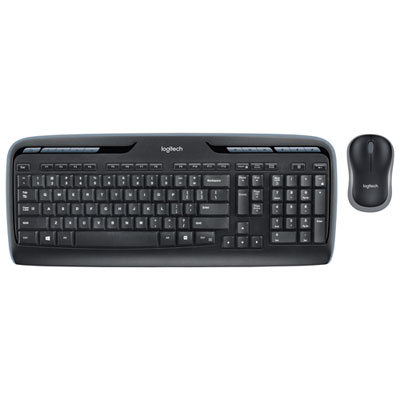 Your price for this item is $39.99
 -
 Your price for this item is $59.99
 -
 Your price for this item is $64.99
 -
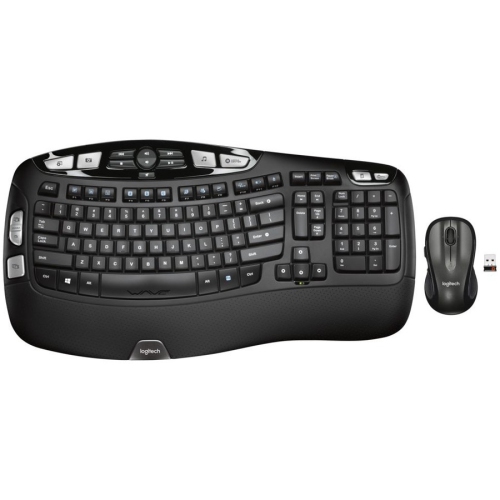 Your price for this item is $126.49
 -
 Your price for this item is $129.99
 -
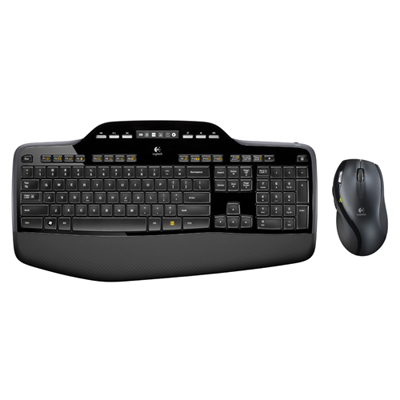 Your price for this item is $99.95
Discover more categories related to Quiet Keyboard And Mice

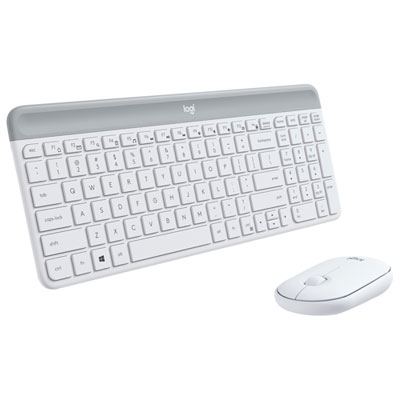
Top Collections:
Pokemon Centers, Best Cameras for Sports Photography, Kindle Devices, Samsung Galaxy Phones, Canon G7X Cameras, Pokémon 30th Celebration Cards, Refurbished Apple Laptops, iPhone 15 Apple, Laptops for Students, Budget Smartphones
Some products may be subject to Environmental Handling Fees
(EHF) depending on your province.
Learn more about EHFs.