Server Cabinet Shelves
Organize your server cabinet with ease and efficiency using our selection of sturdy and versatile server cabinet shelves. Designed to maximize space and optimize organization, these shelves are the perfect solution for storing servers, networking equipment, and other essential hardware securely. Whether you need adjustable shelves for flexibility or fixed shelves for stability, we have a variety of options to suit your specific needs. Keep your equipment neatly arranged and easily accessible with our high-quality server cabinet shelves.
Sort

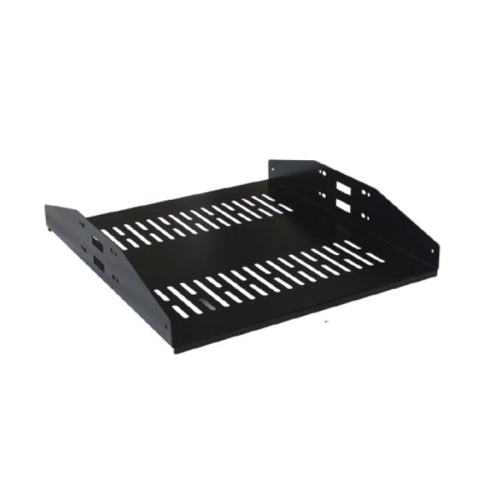
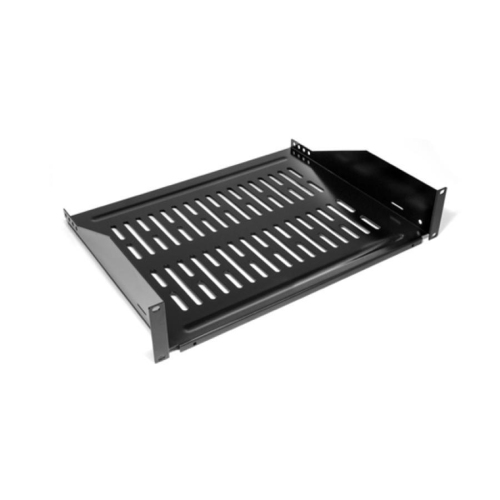
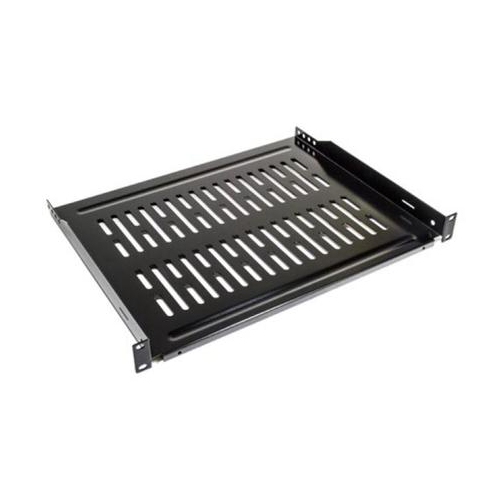
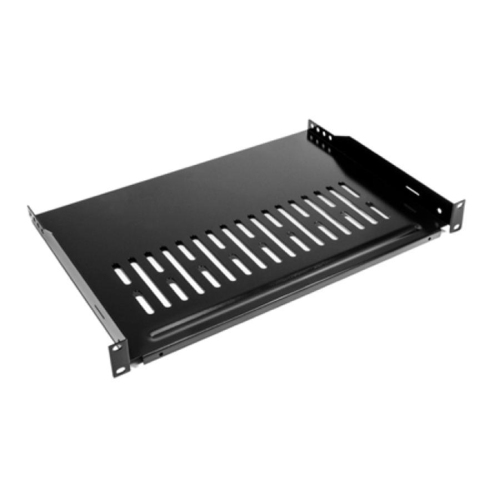
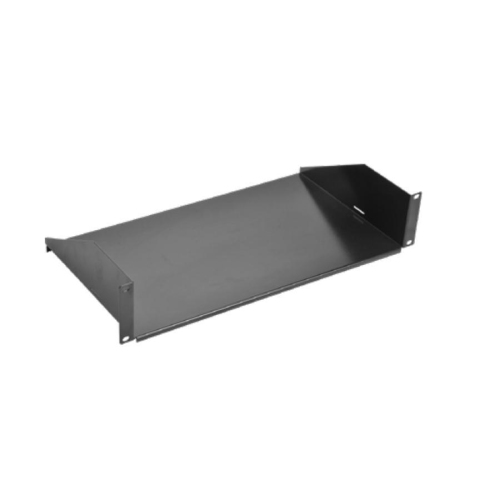
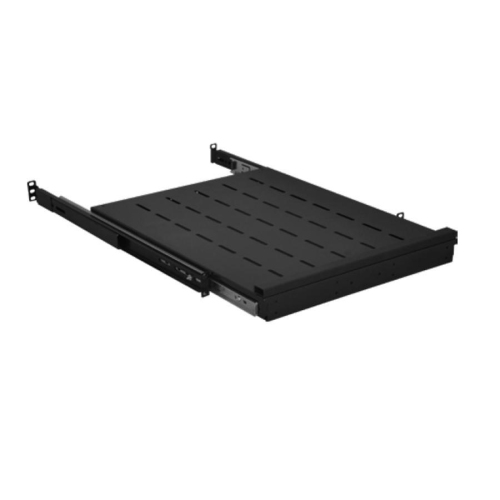
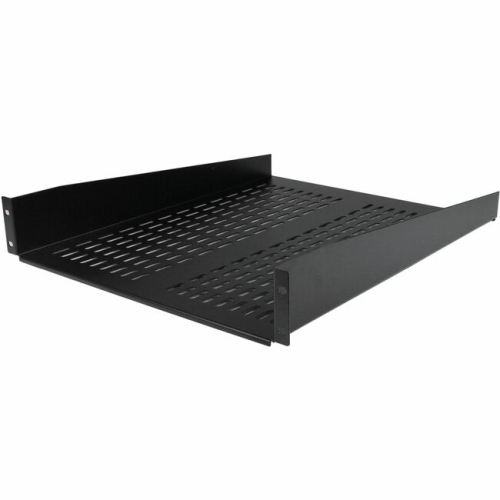
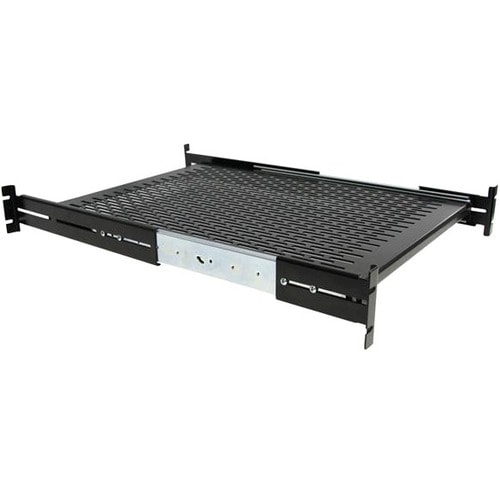
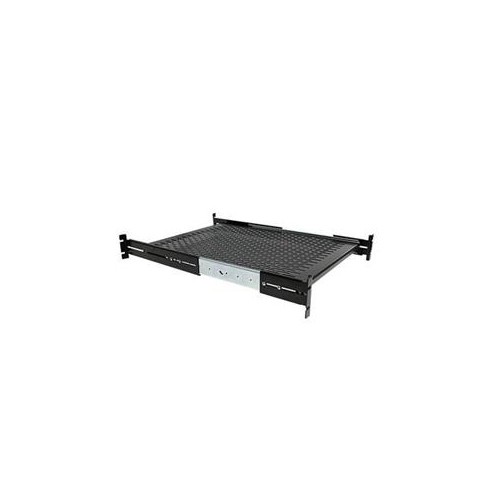
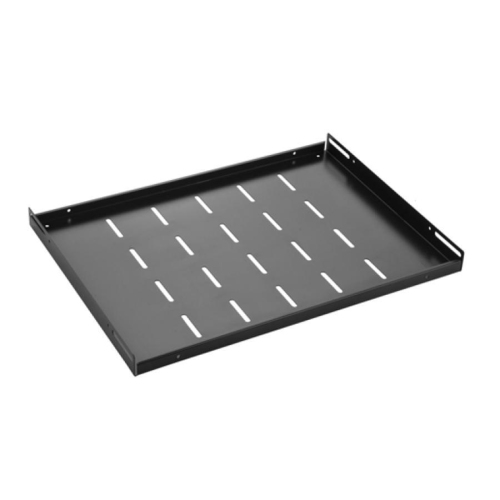
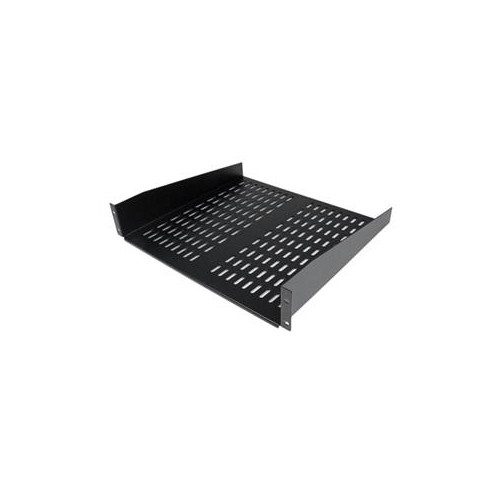
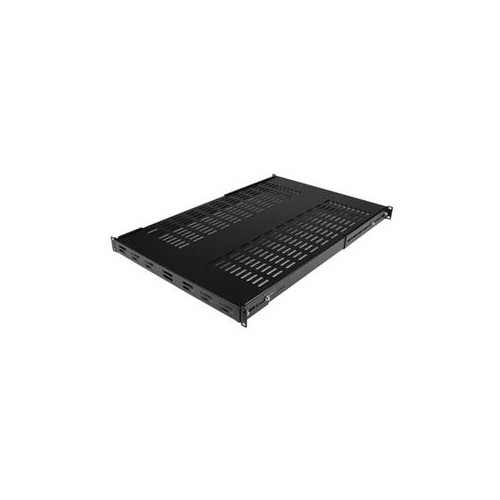
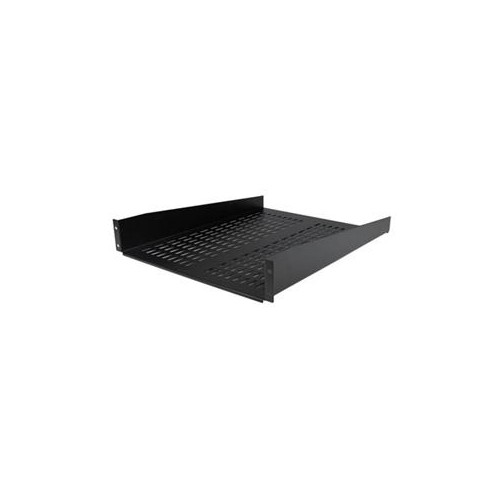
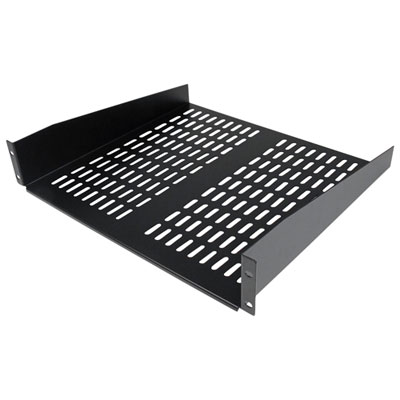
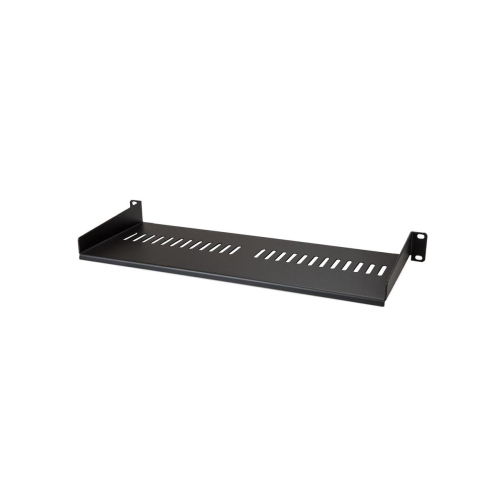
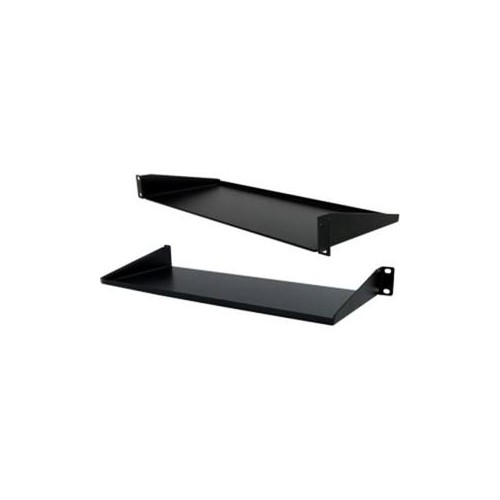
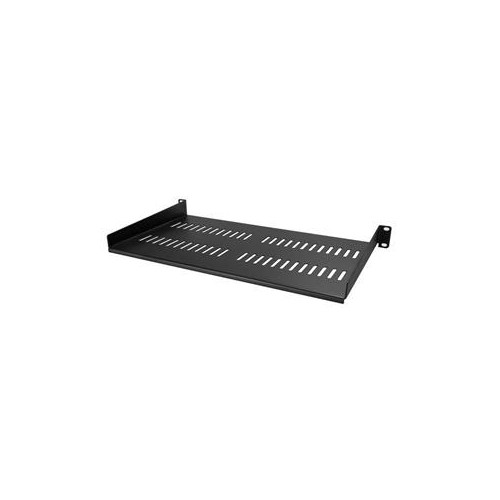
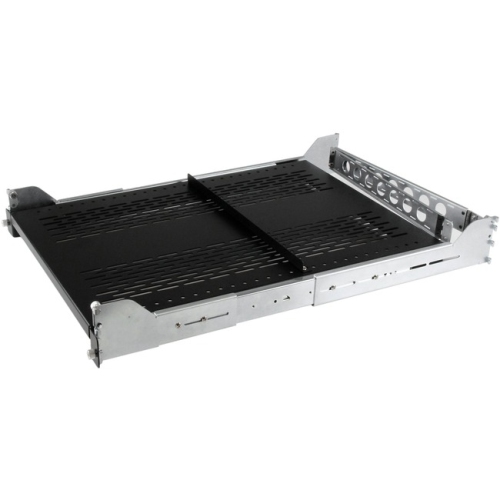
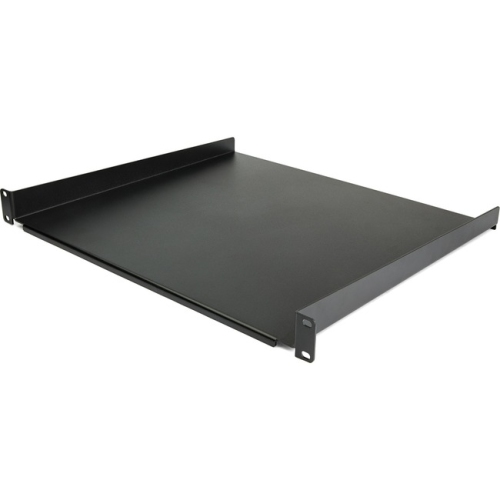

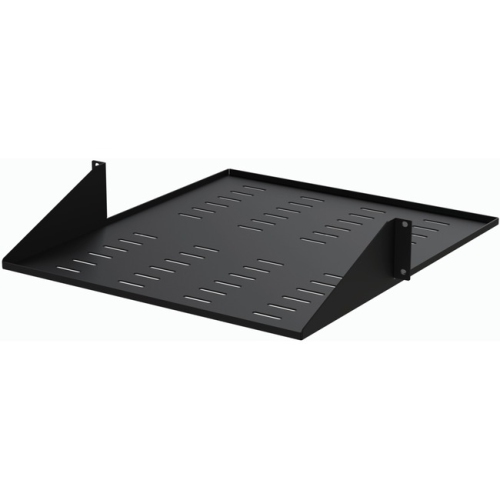
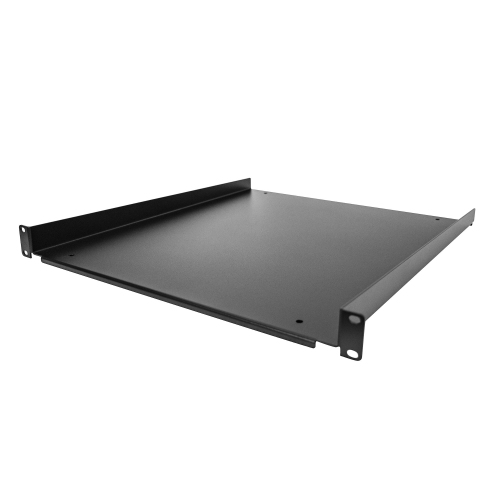
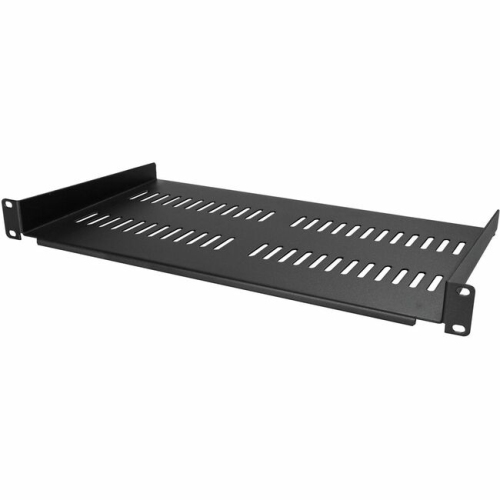
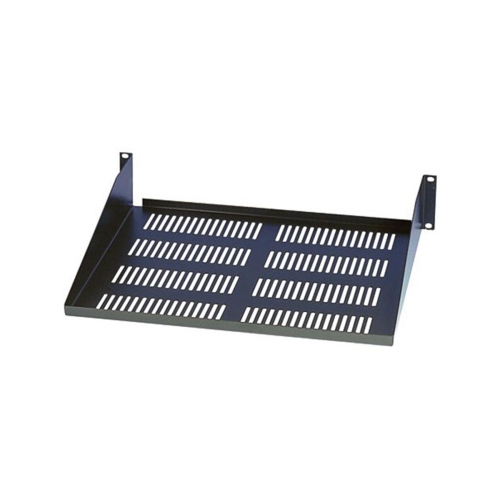
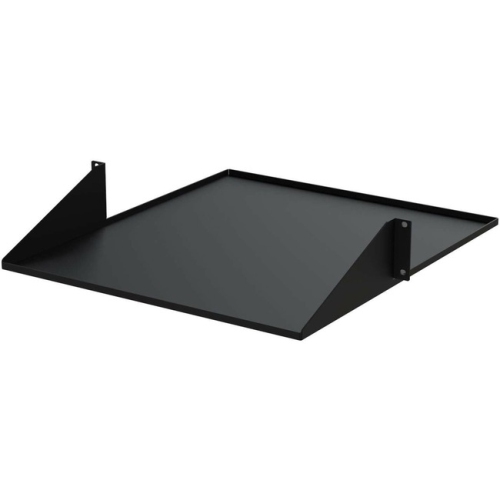
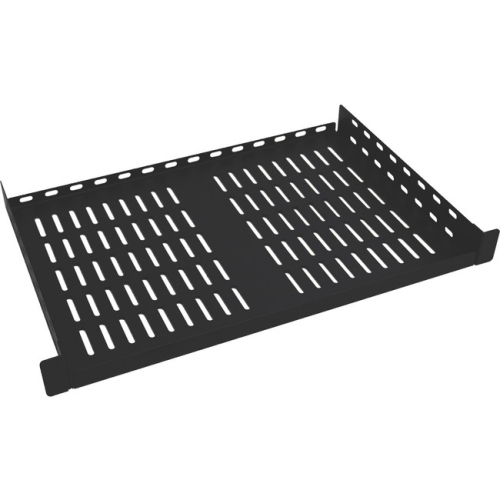
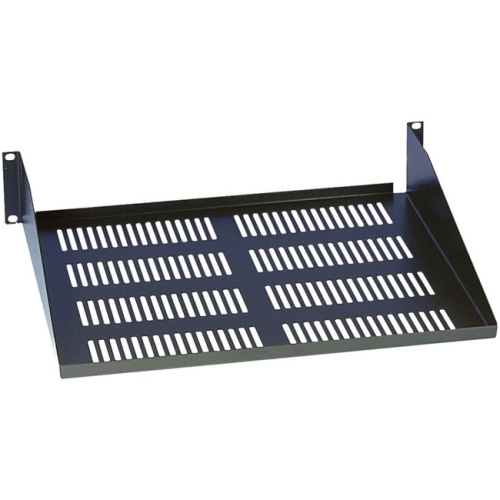
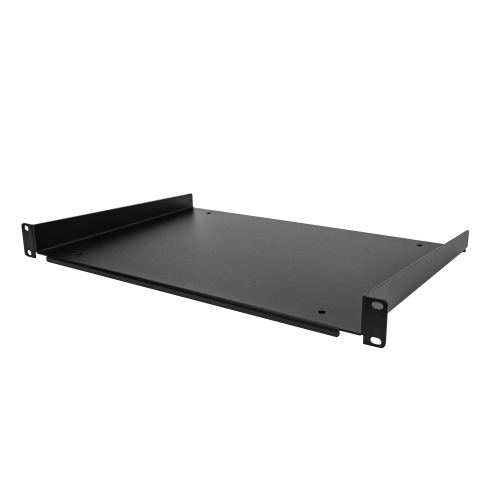
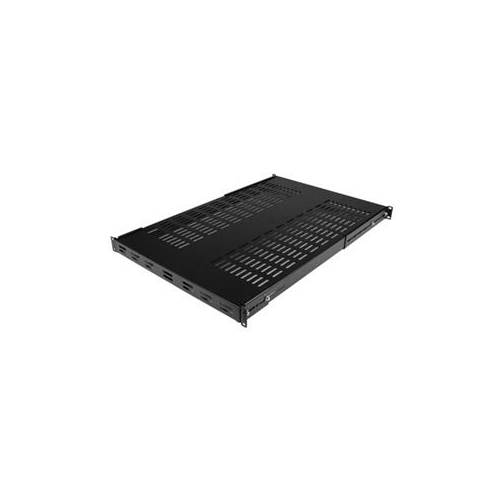

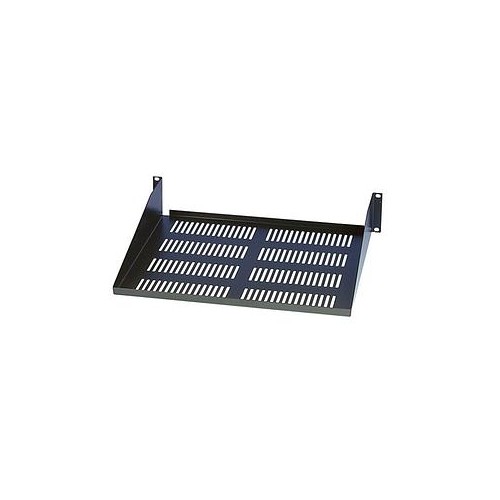
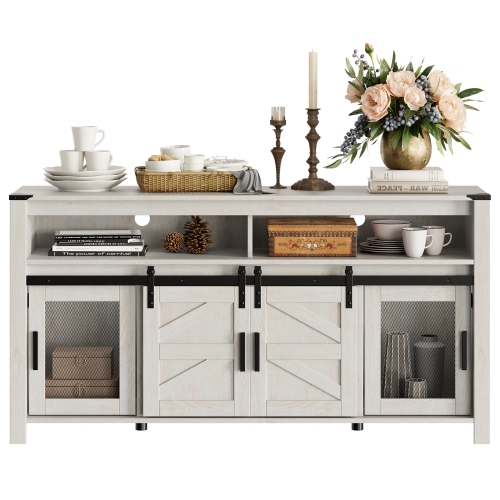
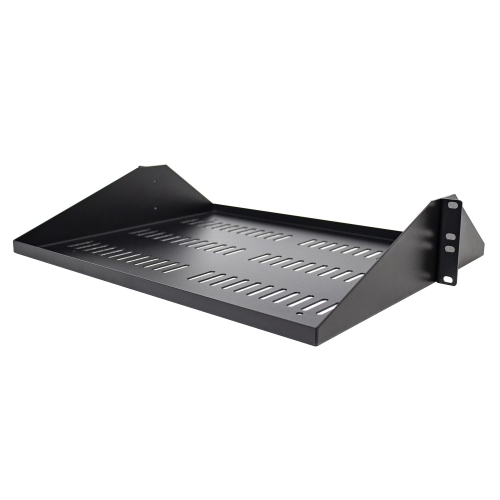
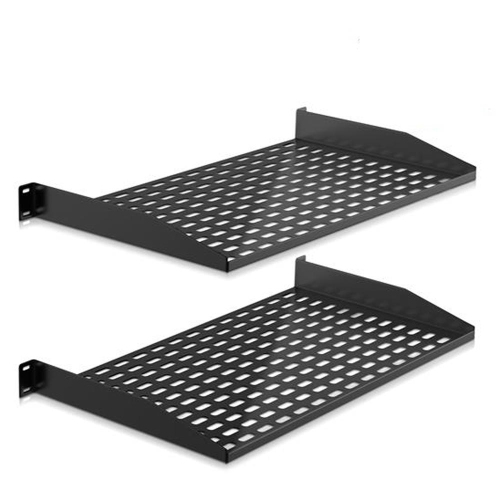
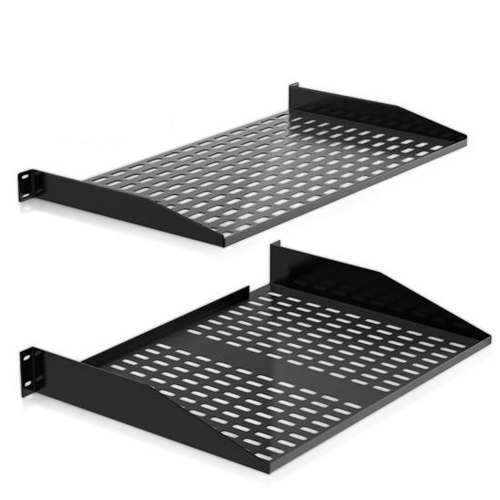
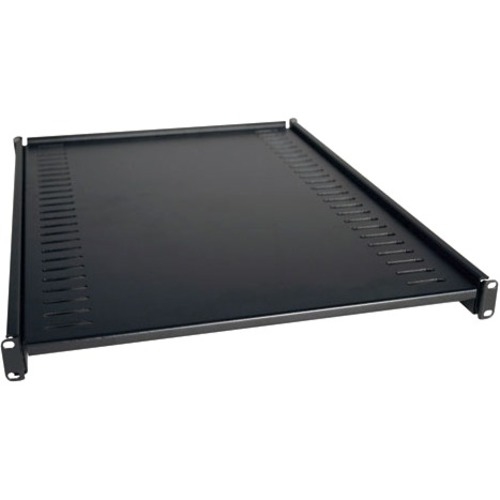
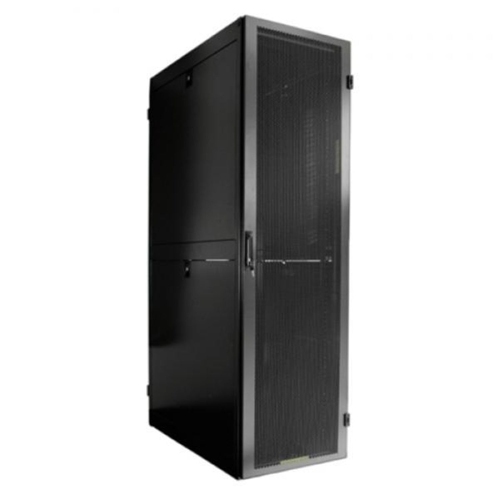
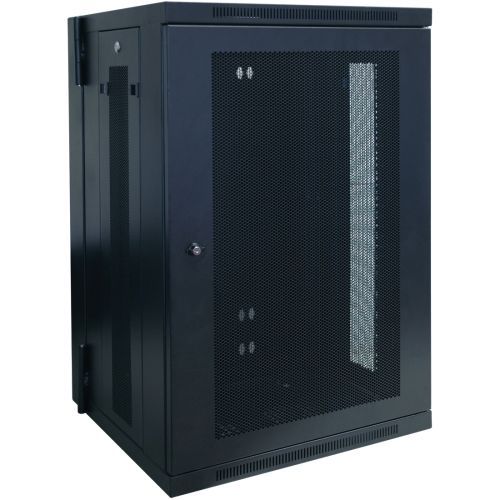


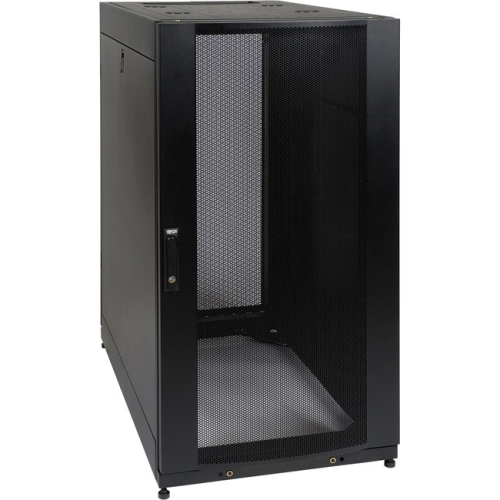
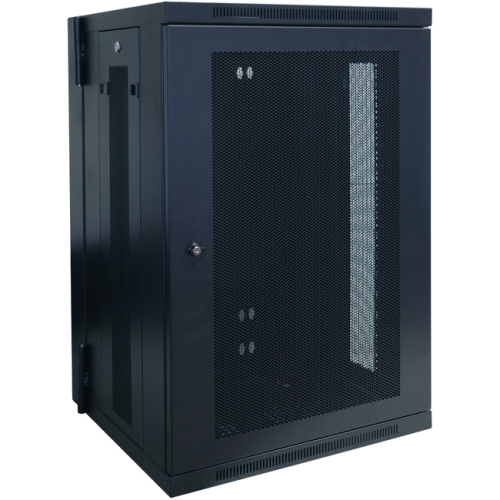
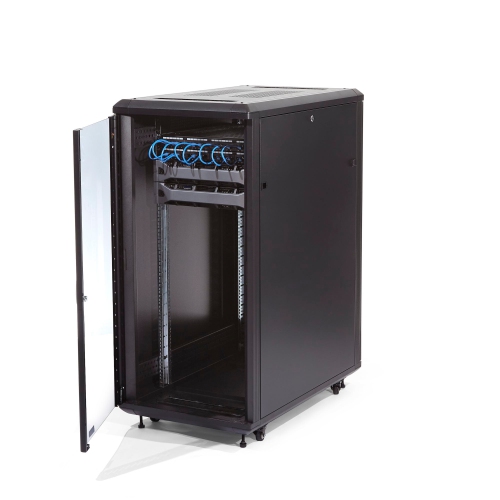
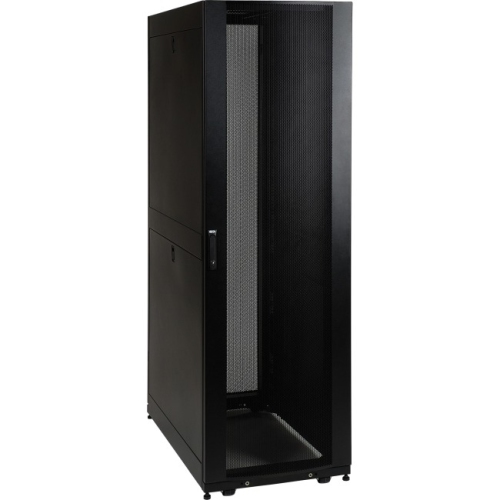
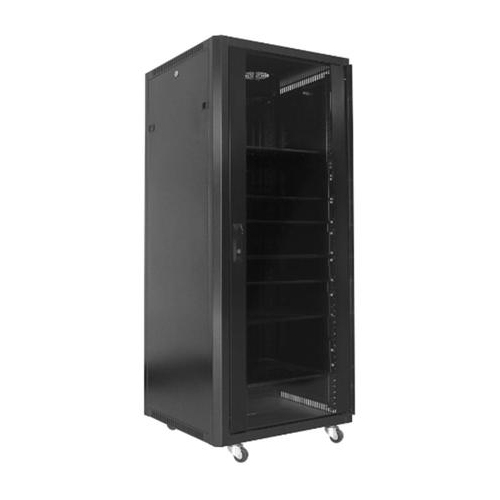

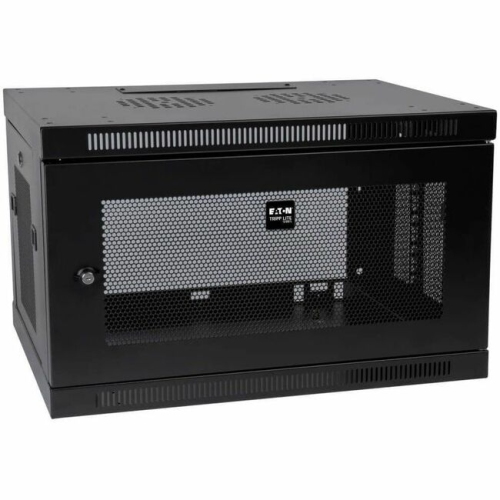
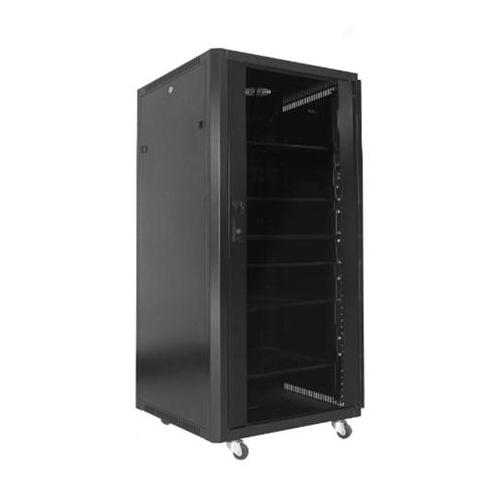

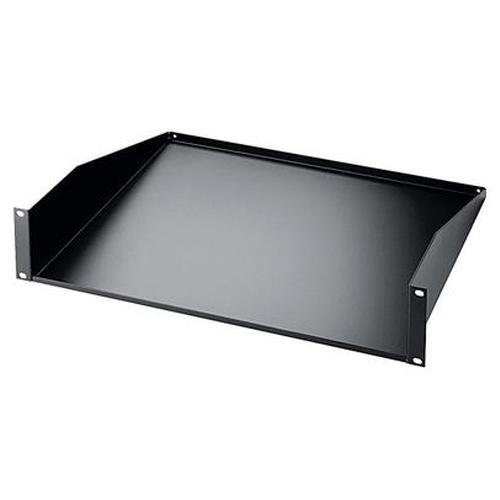
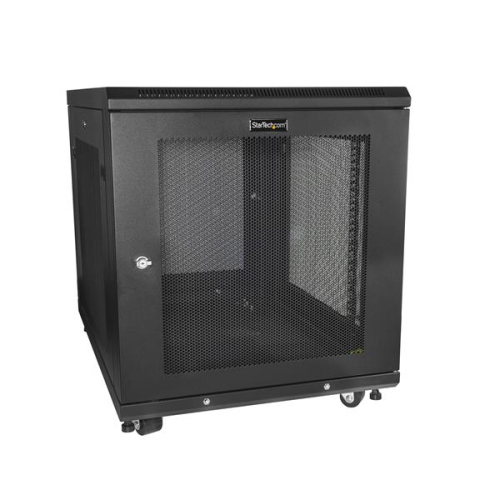
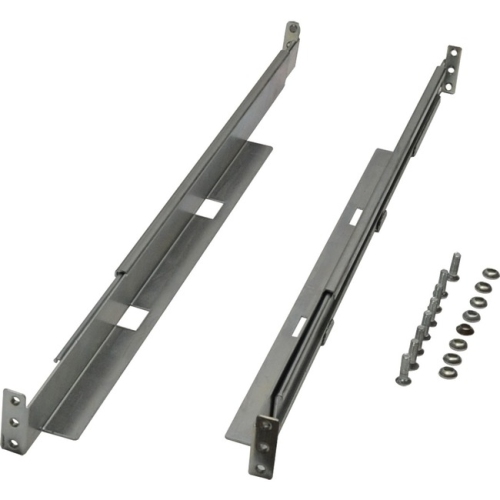
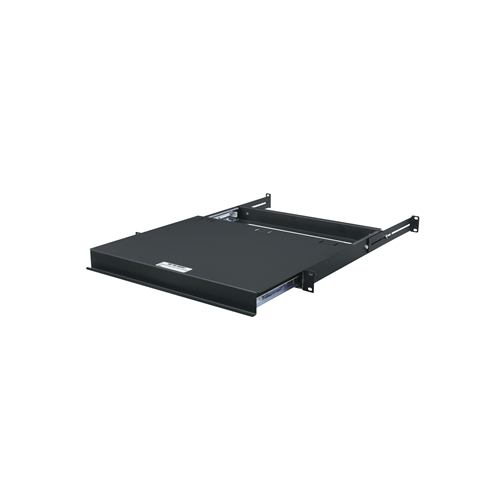
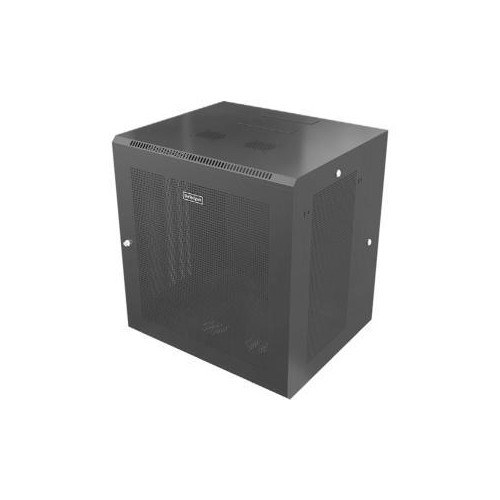
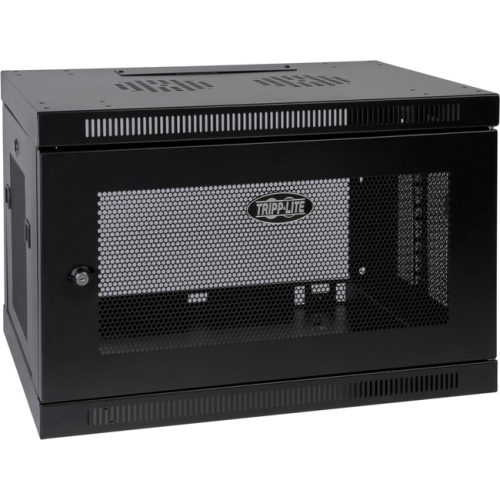
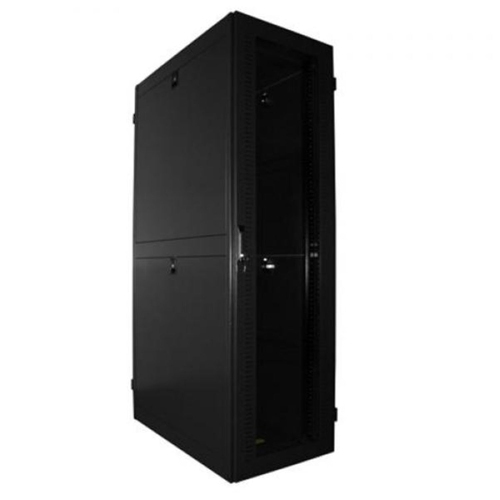
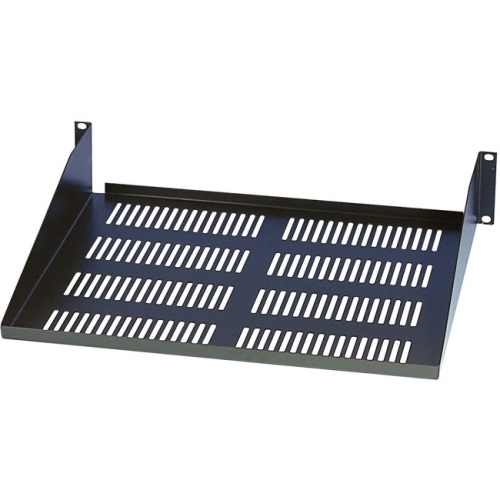
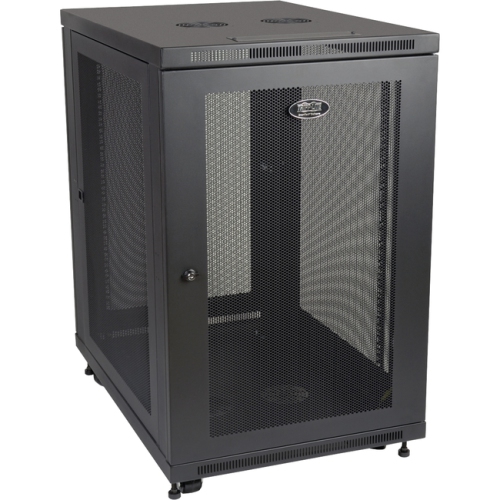
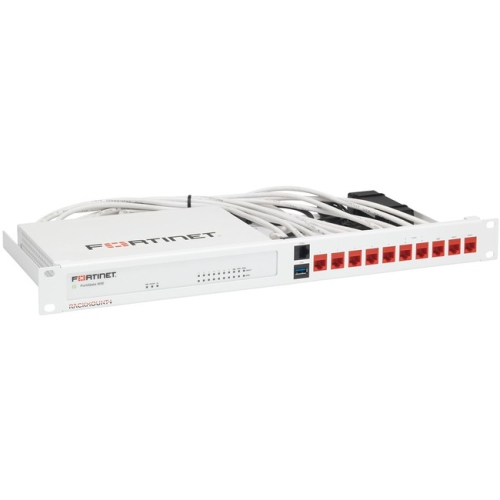
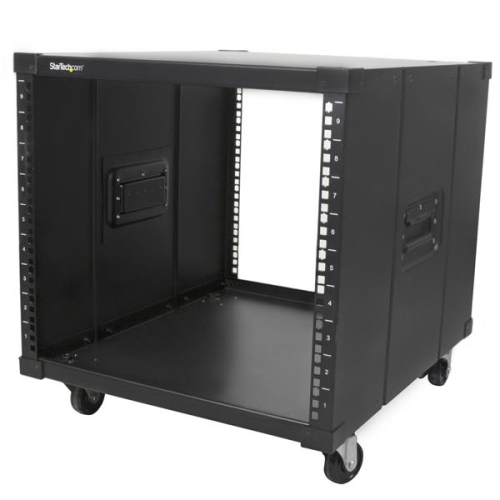
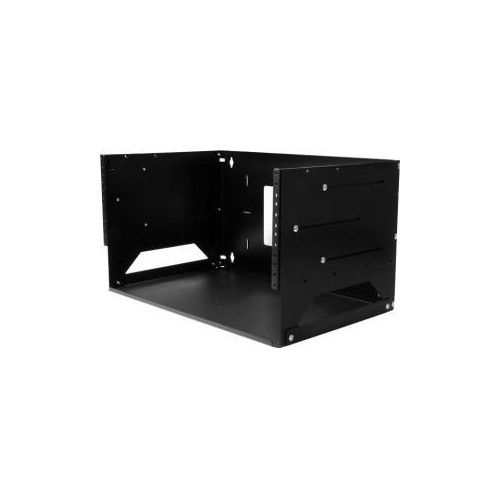
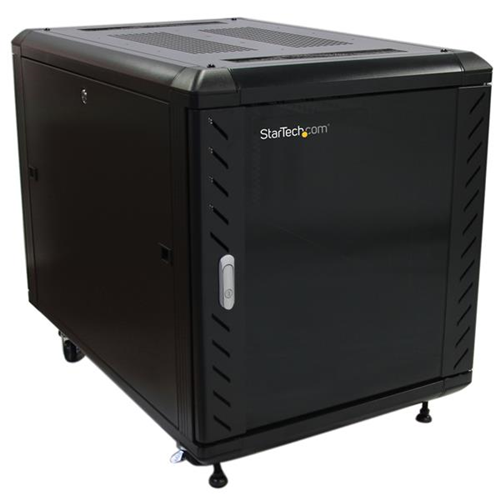
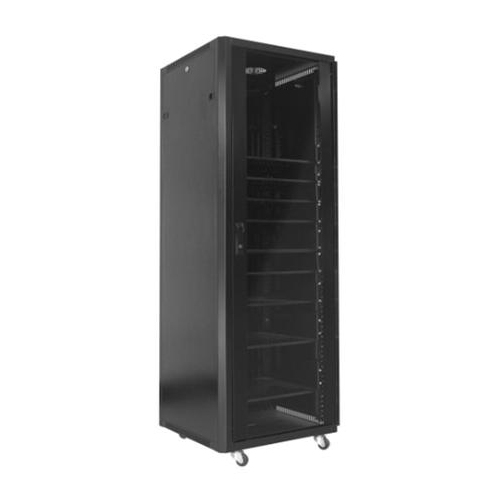
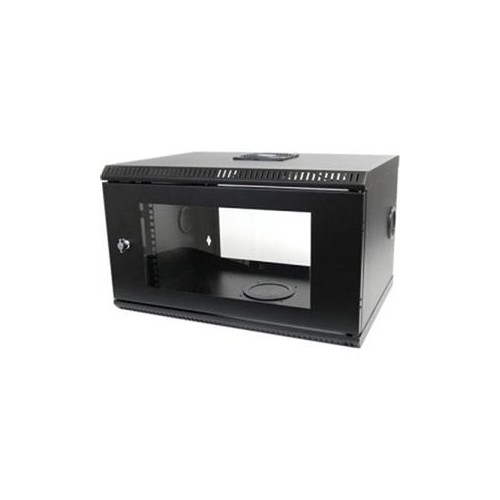
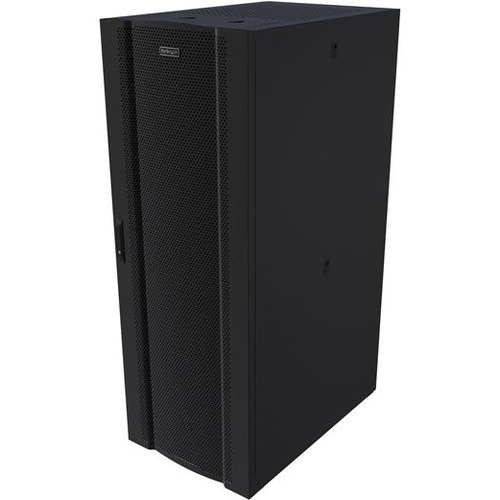
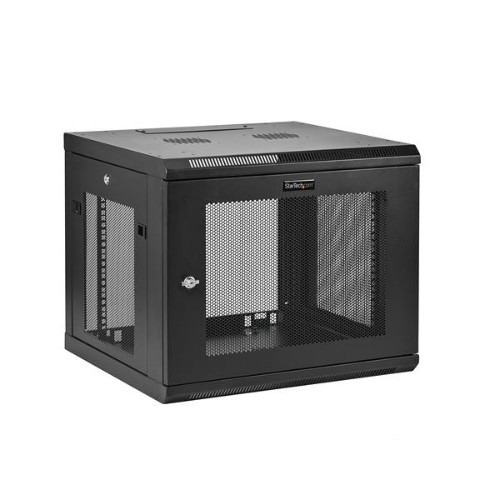
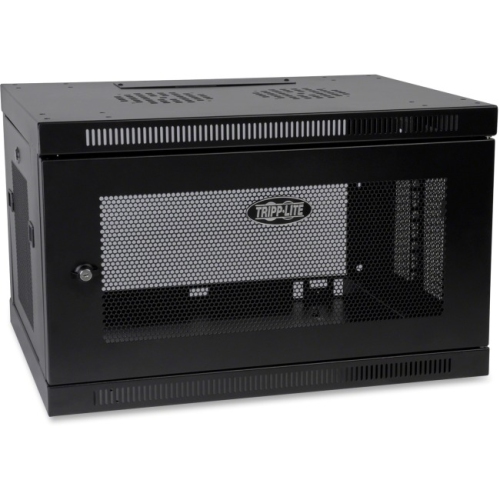
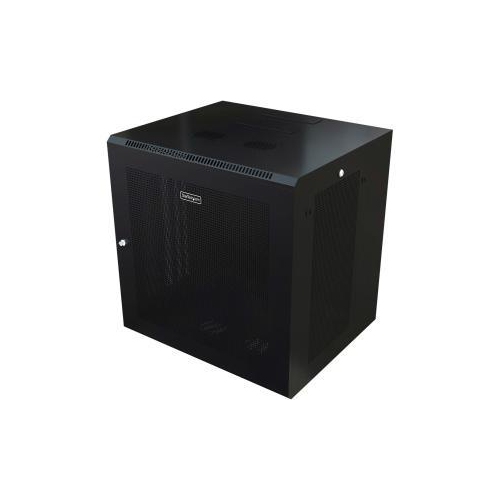

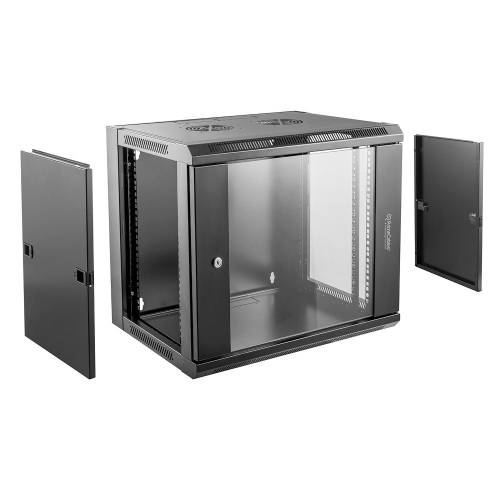
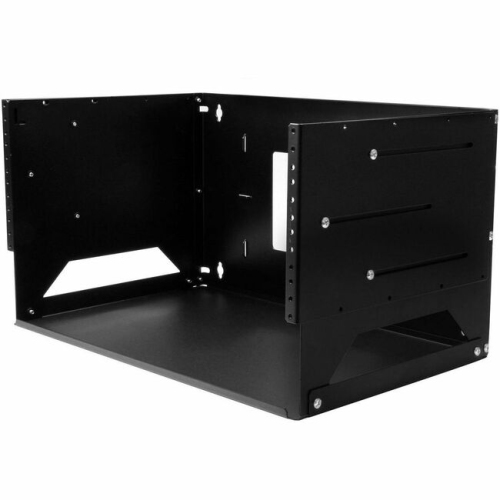
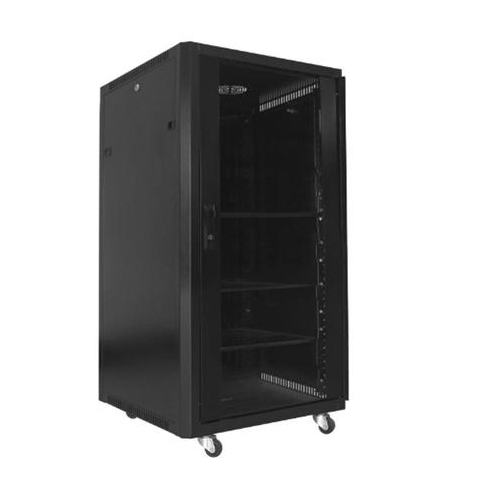
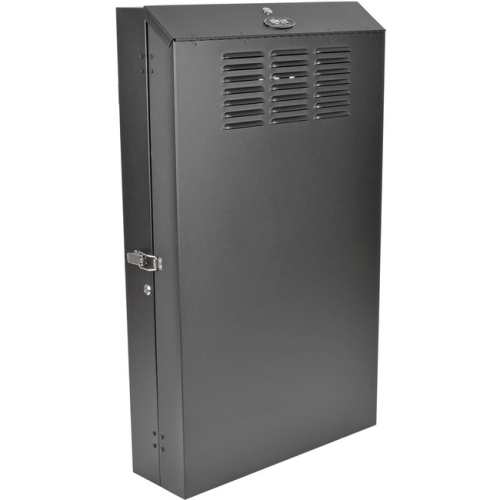


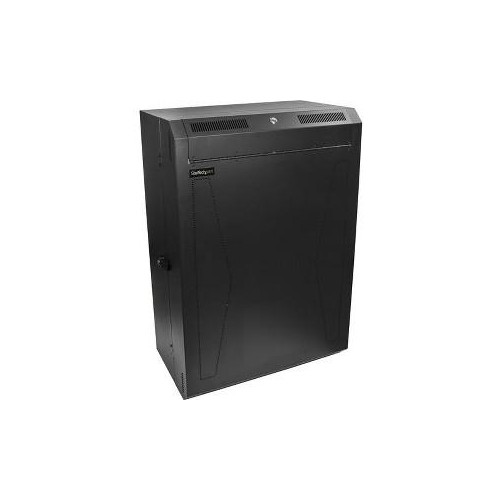
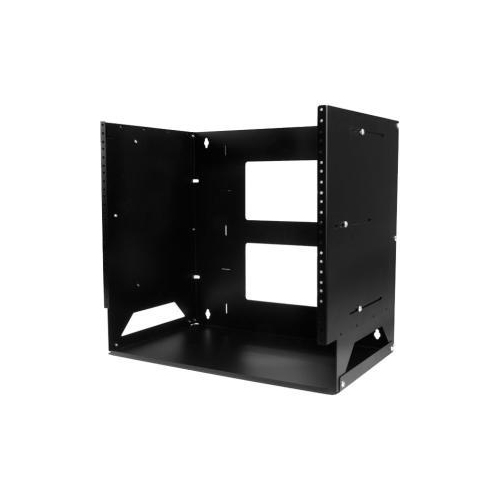
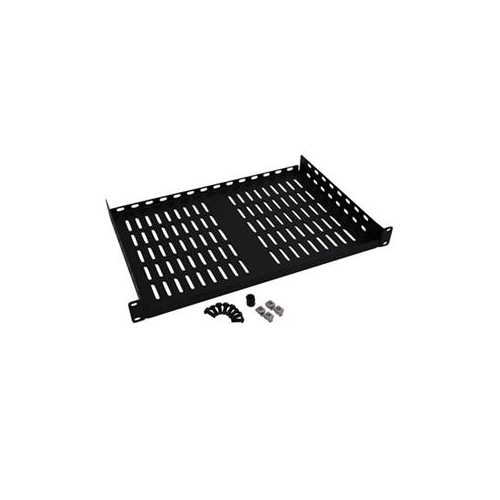
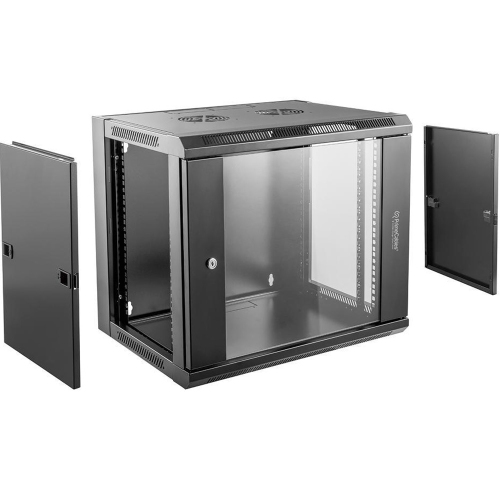

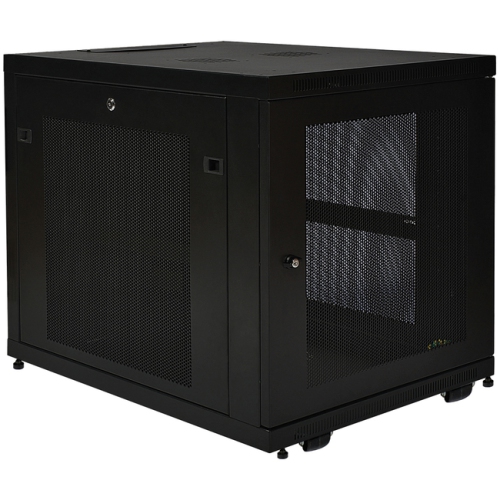
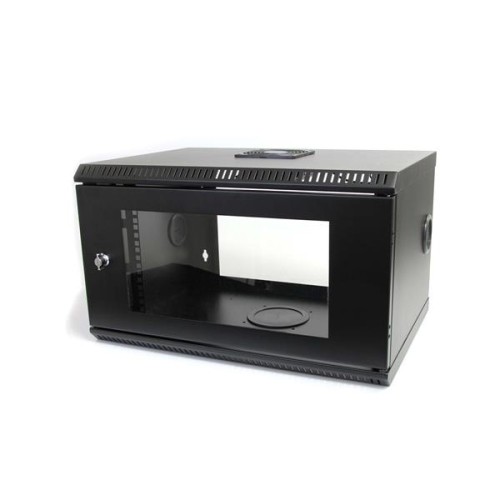
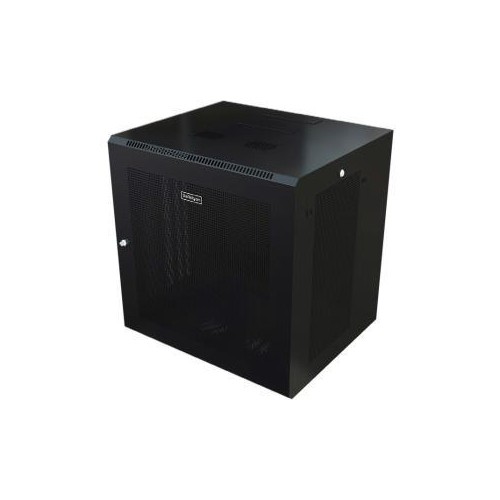
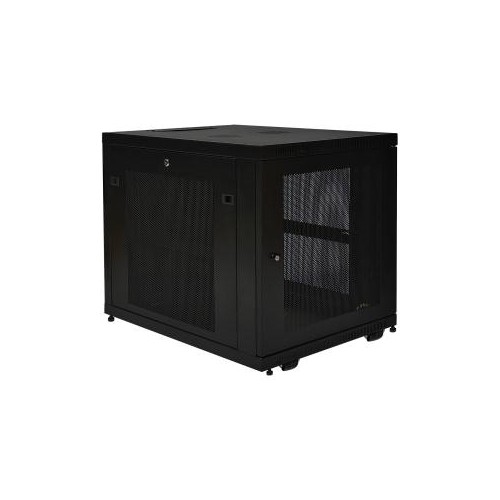
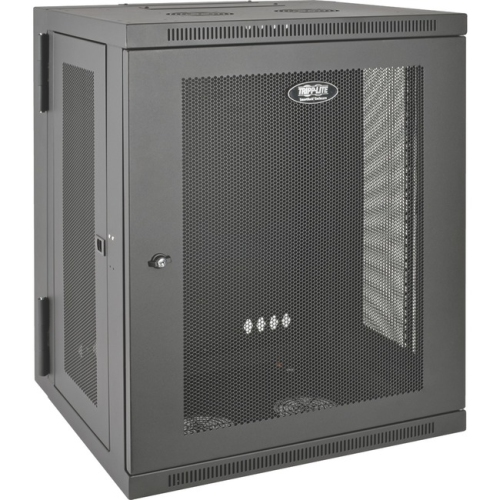
Turn unused rack space into organized, accessible equipment storage
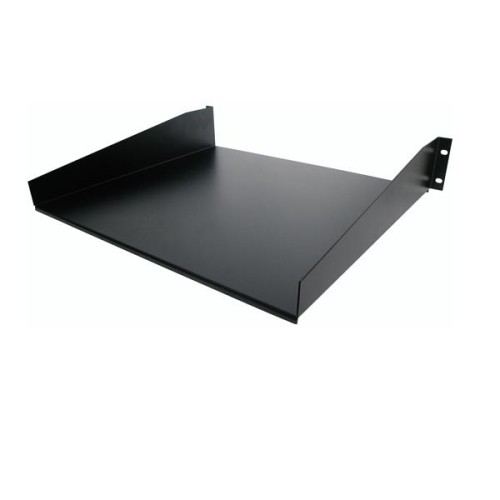
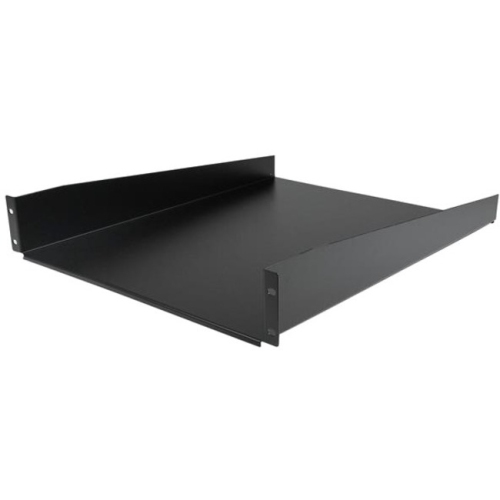
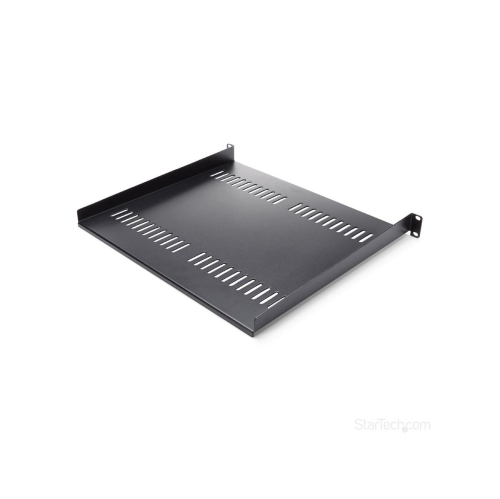
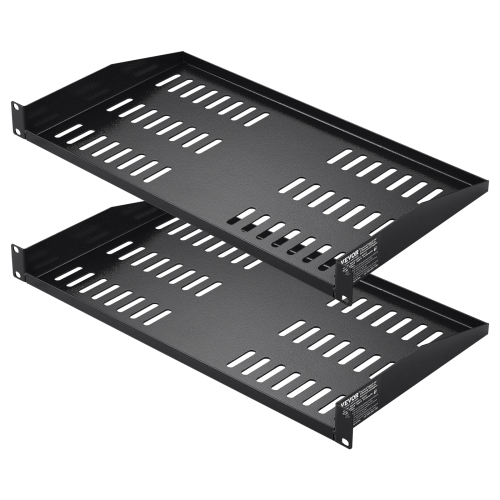
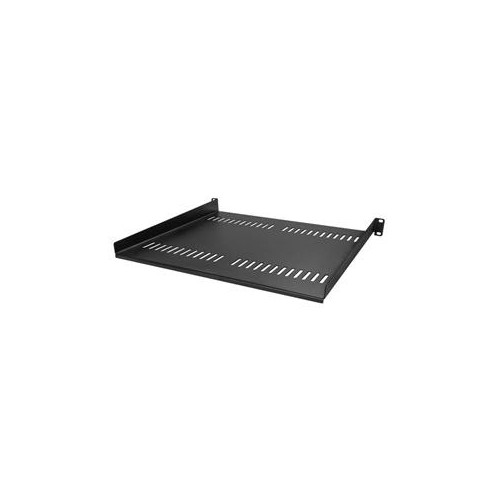
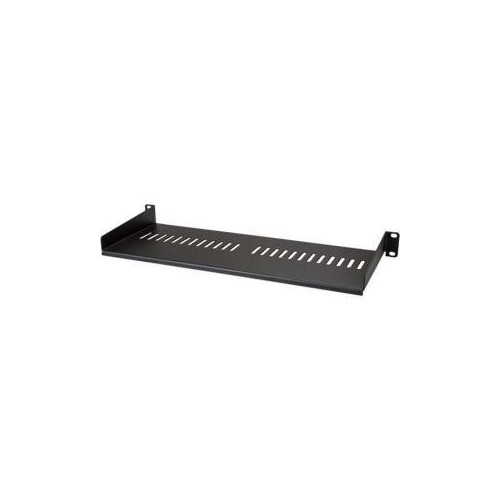
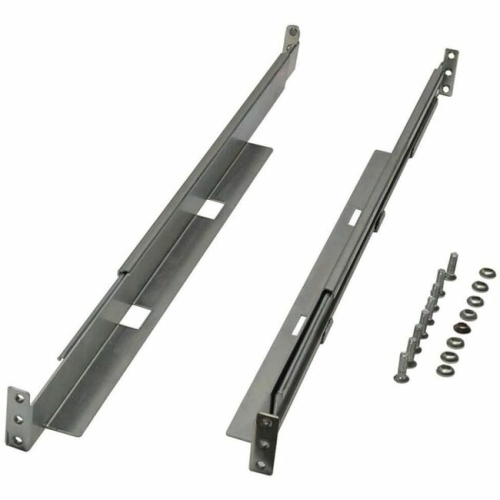
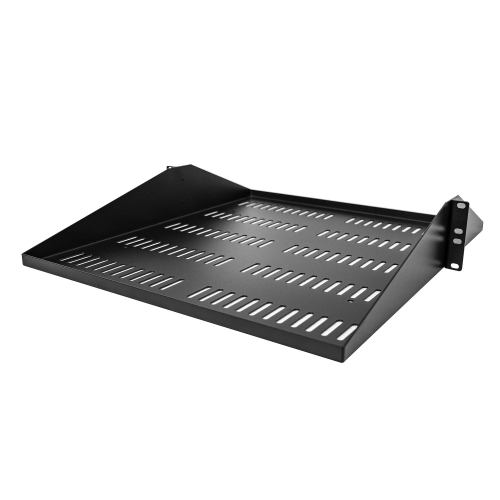
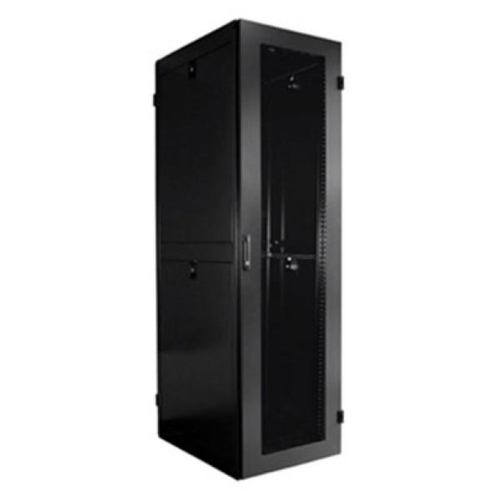
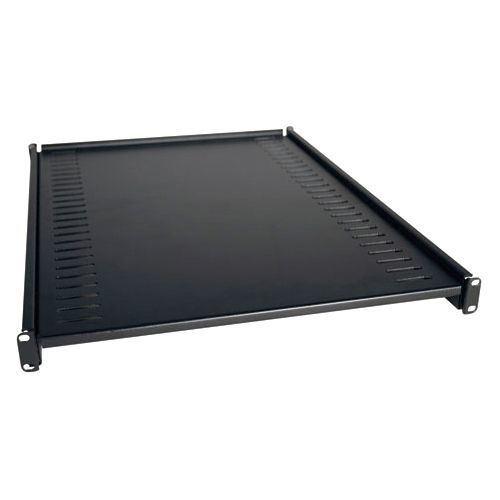
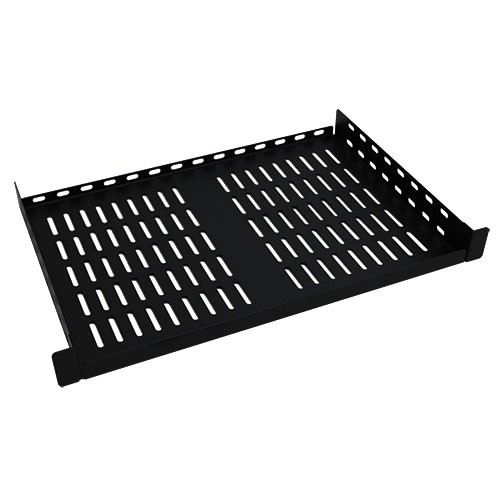
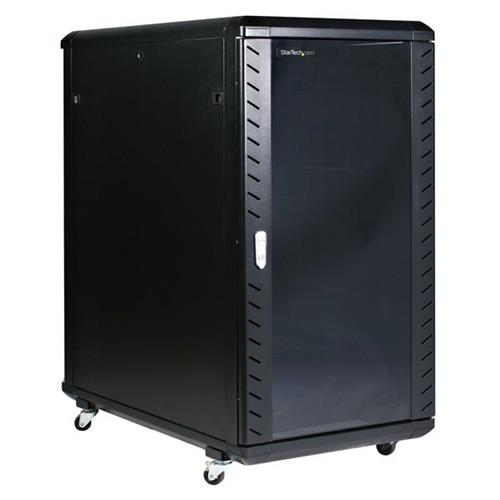
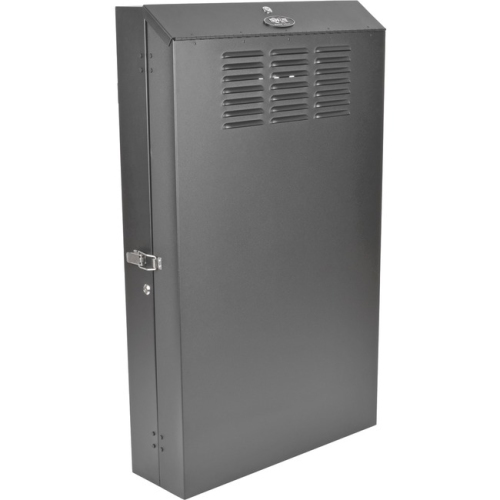
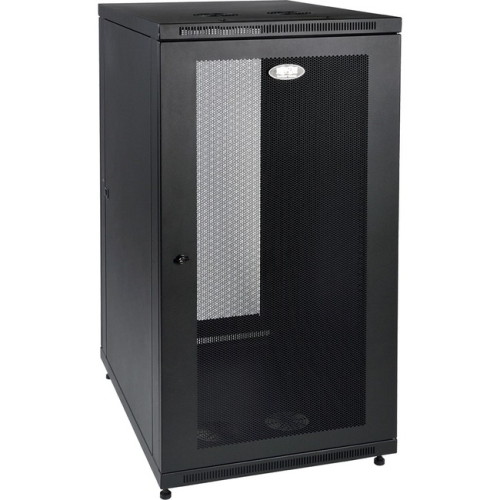
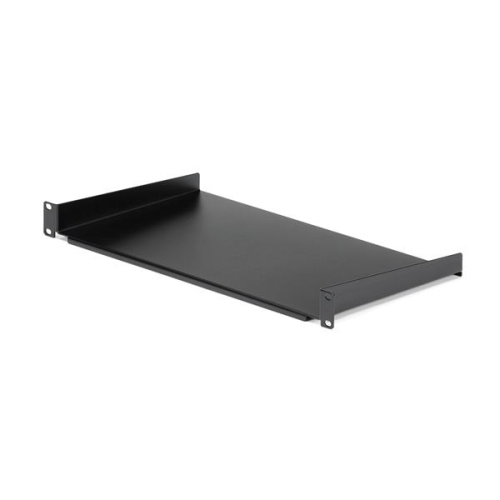
Server cabinet shelves add practical storage to a standard rack when the equipment you need to organize does not have its own rack-mount brackets. They are designed to fit inside common 19-inch server cabinets and open-frame racks, creating a stable platform for routers, switches, small computers, modems, keyboards, testing equipment, tools, and other accessories. A shelf can turn unused rack space into a useful work area while keeping devices off the floor, away from crowded desktops, and close to the network or power connections they need. They are useful in business server rooms, home labs, studios, classrooms, retail offices, security installations, and workshops where several types of hardware need to share one organized enclosure. When browsing server cabinet shelves, start by checking the rack’s mounting style, usable depth, available vertical space, and the weight of the equipment you plan to place on it. Many shelves are made for standard 19-inch racks, but the cabinet still needs compatible mounting posts and enough interior clearance. A shelf that looks suitable from the front may be too deep for a shallow cabinet, or it may leave too little room behind a device for power cables, network leads, ventilation, or maintenance access. Measuring the inside of the cabinet from the front mounting rails to the rear obstruction provides a more useful figure than measuring the cabinet’s outside dimensions. It is also helpful to measure the equipment itself, including any power brick, handles, protruding connectors, or cable bend radius. These small details can make the difference between a neat installation and a shelf that is difficult to use once everything is connected.
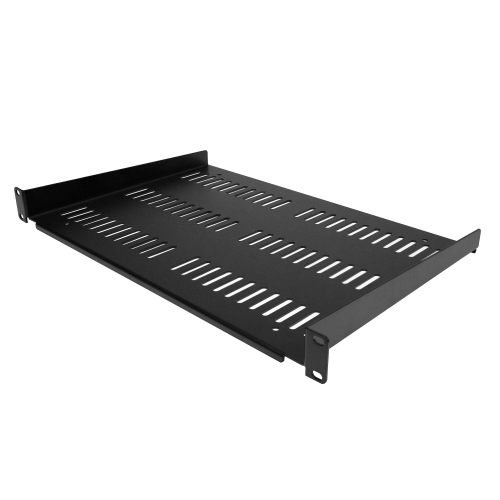
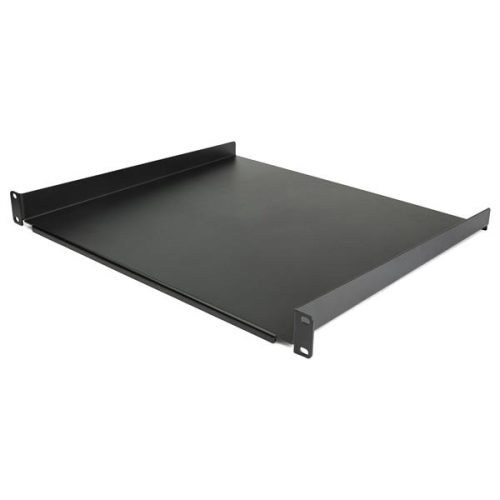
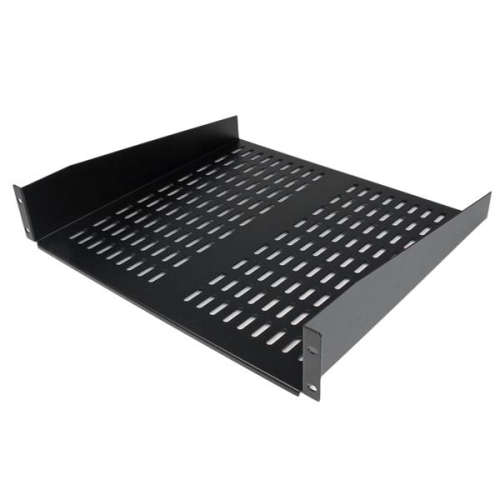
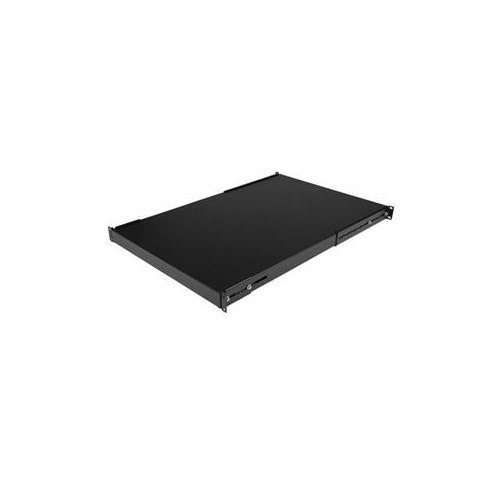
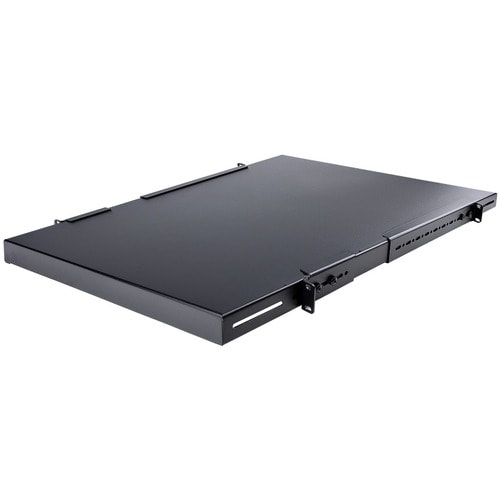
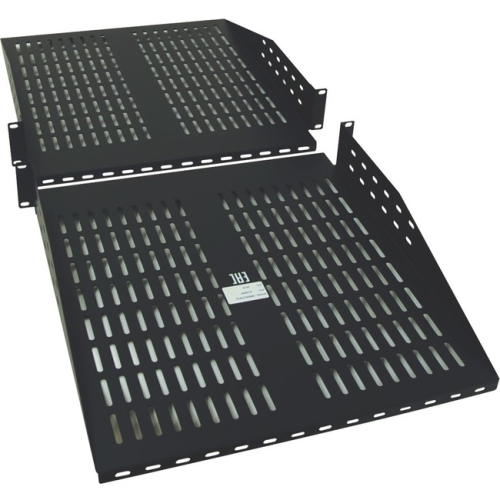
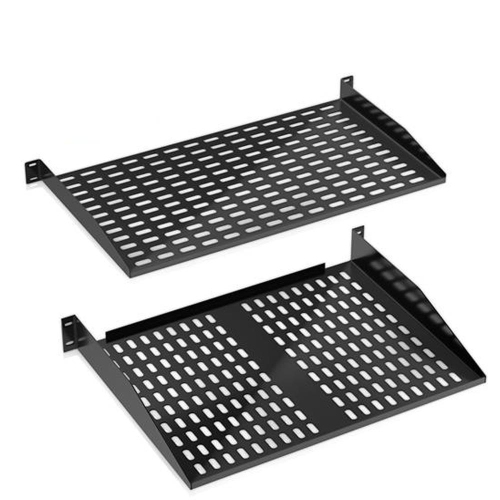
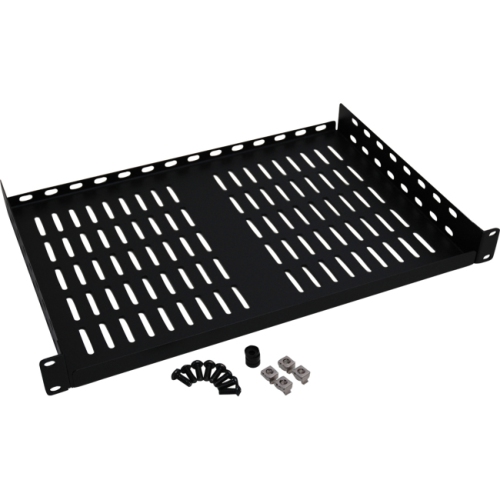
The main shelf styles are fixed cantilever shelves and sliding or adjustable shelves. Fixed shelves attach to the front rails, and some designs also use rear supports for greater stability. They offer a straightforward, stationary platform for equipment that is set up once and accessed occasionally, such as a compact tower computer, a network appliance, a test instrument, or a collection of tools. Sliding shelves use rails so the tray can extend from the cabinet like a drawer, making it easier to reach rear connections, inspect labels, replace cables, or service equipment without removing everything from the rack. This convenience is particularly useful for diagnostic devices, keyboards, monitors, and hardware that needs regular adjustment. Consider the space around the cabinet before choosing a sliding design, since the shelf needs room to extend and should not collide with a wall, desk, or nearby equipment. Shelf height is another important specification. One rack unit, usually written as 1U, occupies 1.75 inches of vertical rack space and is a compact choice when the cabinet is already full. A 2U shelf or a taller option takes up more room but can provide a broader platform, greater stability, and a higher weight capacity for bulkier equipment. Vented shelves have openings or slots in the metal tray to encourage airflow beneath the device. This can be helpful when the equipment produces heat or when the shelf is installed in a cabinet with limited circulation. Ventilation does not replace the equipment’s own cooling requirements, so leave room around air intakes and exhaust vents, avoid blocking fans, and follow the manufacturer’s recommended clearances. Solid shelves can be useful for small loose items or equipment that needs a continuous surface, while vented designs are often better suited to warm-running electronics.
Weight capacity should be treated as a central safety specification rather than an afterthought. Light-duty shelves may be appropriate for a keyboard, compact router, or small accessories, while heavy-duty shelves are better for tower-style computers, batteries, test equipment, and other dense hardware. Check the listed maximum load and consider how the weight is distributed across the tray. A device placed at the front edge creates more leverage than the same device positioned close to the mounting posts, especially on a cantilever shelf. If the equipment approaches the shelf’s stated limit, choose a stronger design with appropriate rear support instead of relying on the rating as a target. Depth options can range from approximately 7 inches to more than 20 inches, so matching the shelf to both the equipment and the cabinet is essential. Width is usually designed around the standard 19-inch rack format, but the usable tray width may be narrower than the cabinet opening. Look for raised edges, mounting holes, included hardware, and a finish that suits the surrounding rack components. In a busy server room, a lip can help keep small equipment from sliding when cables are moved; in a home lab, a clean, flat tray may make it easier to reposition devices. Cable management also deserves attention. Leave enough space for cables to bend naturally, keep heavy power adapters from pulling on ports, and group network and power leads so they can be traced later. A shelf is most effective when it supports an orderly installation rather than simply creating another place to stack hardware. For additional rack-compatible storage options, explore Rack Mount Shelves. Whether used by an IT professional maintaining a small business network, a student building a home lab, an audiovisual technician organizing control equipment, or a hands-on maker setting up a workshop rack, the right server cabinet shelf can make equipment easier to reach, easier to protect, and easier to manage through everyday maintenance.
The main shelf styles are fixed cantilever shelves and sliding or adjustable shelves. Fixed shelves attach to the front rails, and some designs also use rear supports for greater stability. They offer a straightforward, stationary platform for equipment that is set up once and accessed occasionally, such as a compact tower computer, a network appliance, a test instrument, or a collection of tools. Sliding shelves use rails so the tray can extend from the cabinet like a drawer, making it easier to reach rear connections, inspect labels, replace cables, or service equipment without removing everything from the rack. This convenience is particularly useful for diagnostic devices, keyboards, monitors, and hardware that needs regular adjustment. Consider the space around the cabinet before choosing a sliding design, since the shelf needs room to extend and should not collide with a wall, desk, or nearby equipment. Shelf height is another important specification. One rack unit, usually written as 1U, occupies 1.75 inches of vertical rack space and is a compact choice when the cabinet is already full. A 2U shelf or a taller option takes up more room but can provide a broader platform, greater stability, and a higher weight capacity for bulkier equipment. Vented shelves have openings or slots in the metal tray to encourage airflow beneath the device. This can be helpful when the equipment produces heat or when the shelf is installed in a cabinet with limited circulation. Ventilation does not replace the equipment’s own cooling requirements, so leave room around air intakes and exhaust vents, avoid blocking fans, and follow the manufacturer’s recommended clearances. Solid shelves can be useful for small loose items or equipment that needs a continuous surface, while vented designs are often better suited to warm-running electronics.
Weight capacity should be treated as a central safety specification rather than an afterthought. Light-duty shelves may be appropriate for a keyboard, compact router, or small accessories, while heavy-duty shelves are better for tower-style computers, batteries, test equipment, and other dense hardware. Check the listed maximum load and consider how the weight is distributed across the tray. A device placed at the front edge creates more leverage than the same device positioned close to the mounting posts, especially on a cantilever shelf. If the equipment approaches the shelf’s stated limit, choose a stronger design with appropriate rear support instead of relying on the rating as a target. Depth options can range from approximately 7 inches to more than 20 inches, so matching the shelf to both the equipment and the cabinet is essential. Width is usually designed around the standard 19-inch rack format, but the usable tray width may be narrower than the cabinet opening. Look for raised edges, mounting holes, included hardware, and a finish that suits the surrounding rack components. In a busy server room, a lip can help keep small equipment from sliding when cables are moved; in a home lab, a clean, flat tray may make it easier to reposition devices. Cable management also deserves attention. Leave enough space for cables to bend naturally, keep heavy power adapters from pulling on ports, and group network and power leads so they can be traced later. A shelf is most effective when it supports an orderly installation rather than simply creating another place to stack hardware. For additional rack-compatible storage options, explore Rack Mount Shelves. Whether used by an IT professional maintaining a small business network, a student building a home lab, an audiovisual technician organizing control equipment, or a hands-on maker setting up a workshop rack, the right server cabinet shelf can make equipment easier to reach, easier to protect, and easier to manage through everyday maintenance.
Top selling and popular products
-
 Your price for this item is $1303.99
 -
 Your price for this item is $748.99
 -
 Your price for this item is $611.68
 -
 Your price for this item is $407.99
 -
 Your price for this item is $260.68
 -
 Your price for this item is $264.99
 -
 Your price for this item is $54.99
 -
 Your price for this item is $532.37
Discover more categories related to Server Cabinet Shelves

Top Collections:
Pokemon Centers, Best Cameras for Sports Photography, Kindle Devices, Samsung Galaxy Phones, Canon G7X Cameras, Pokémon 30th Celebration Cards, Refurbished Apple Laptops, iPhone 15 Apple, Laptops for Students, Budget Smartphones
Some products may be subject to Environmental Handling Fees
(EHF) depending on your province.
Learn more about EHFs.