Retro Style Keyboards
Looking to add a touch of nostalgia to your workspace? Our collection of retro style keyboards combines vintage aesthetics with modern functionality, bringing back the charm of typewriters and classic design. Whether you're a seasoned writer or simply looking to elevate your desk setup, these keyboards offer a unique blend of style and performance. With their eye-catching designs and tactile keys, typing becomes an enjoyable experience that harkens back to simpler times. Discover the perfect retro keyboard to enhance your productivity and add a dash of personality to your workspace.
Sort
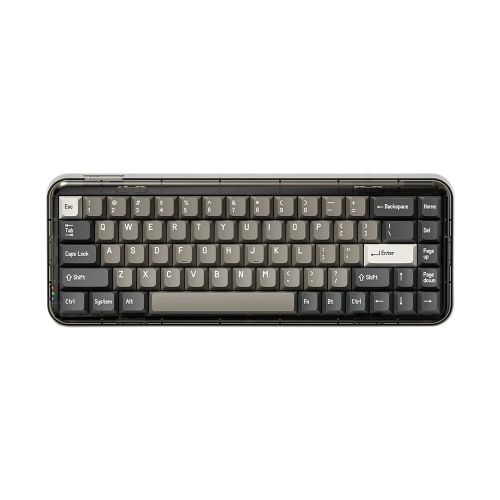
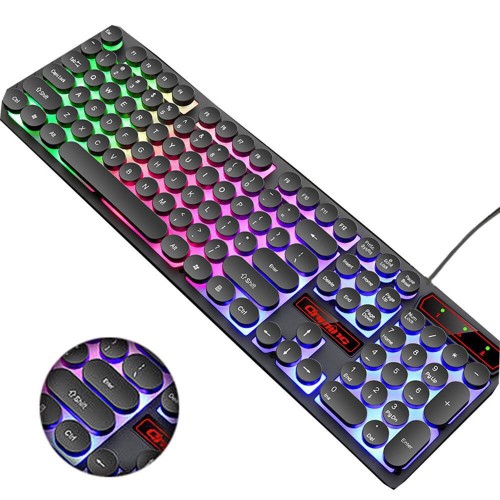
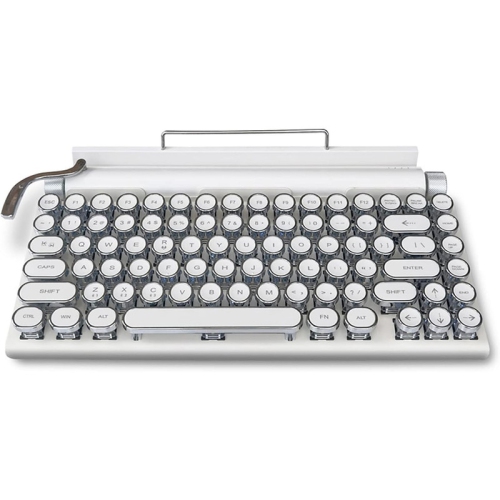
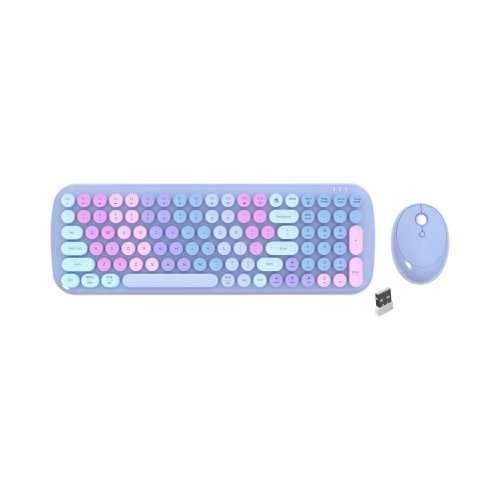
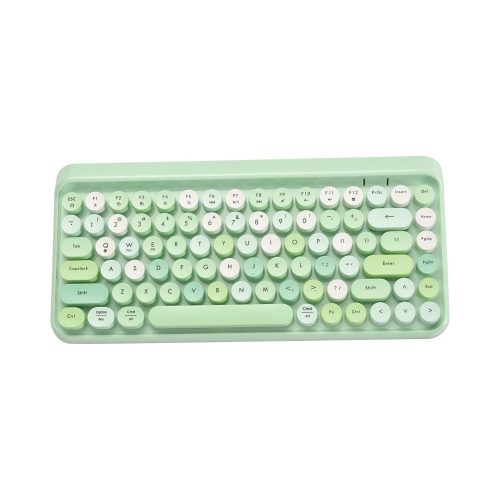
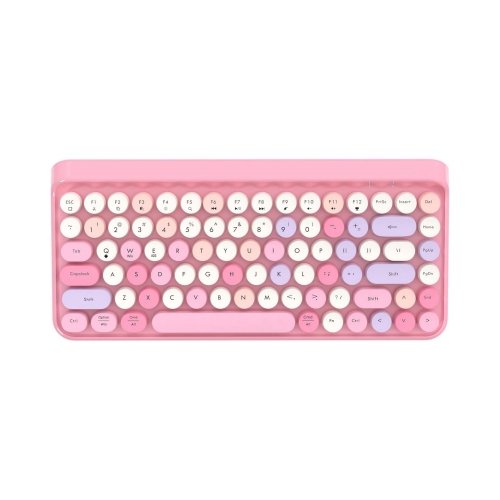
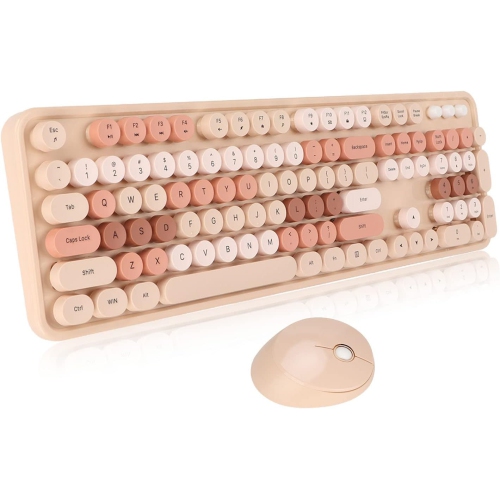
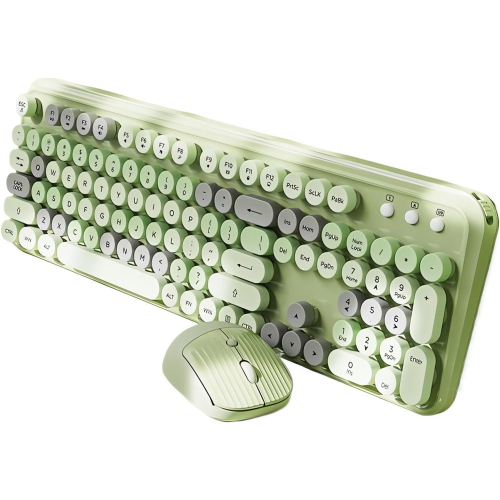
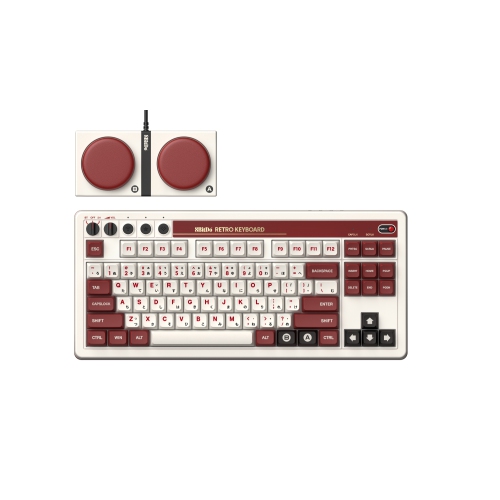
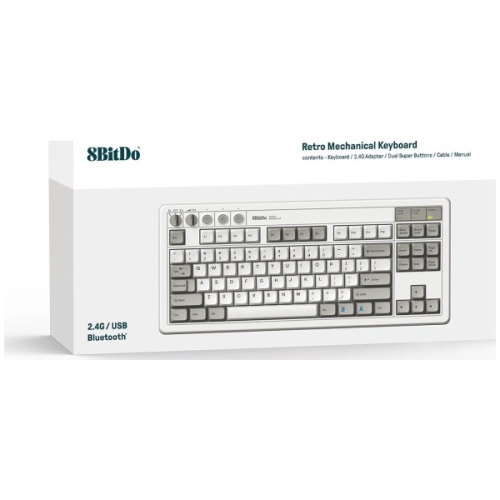
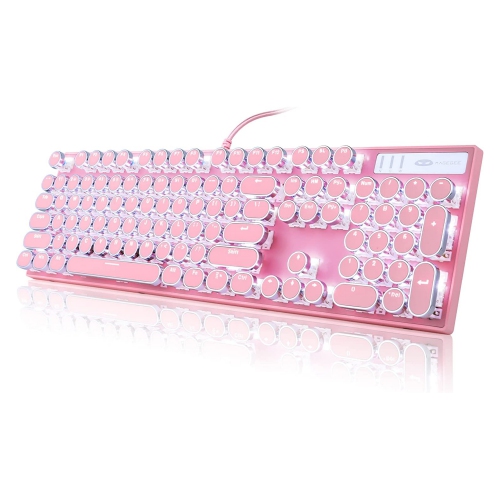

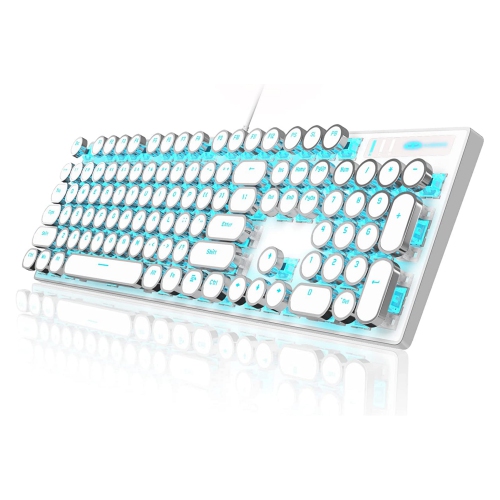
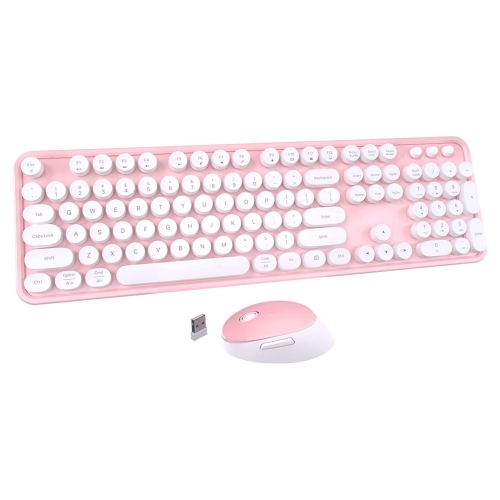
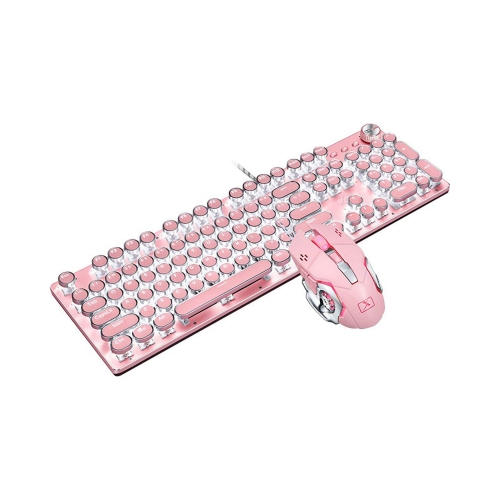
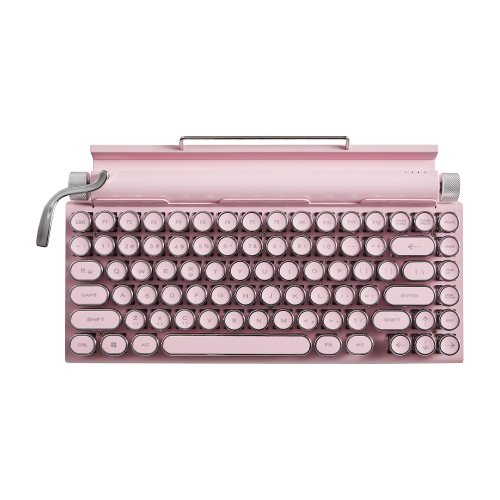
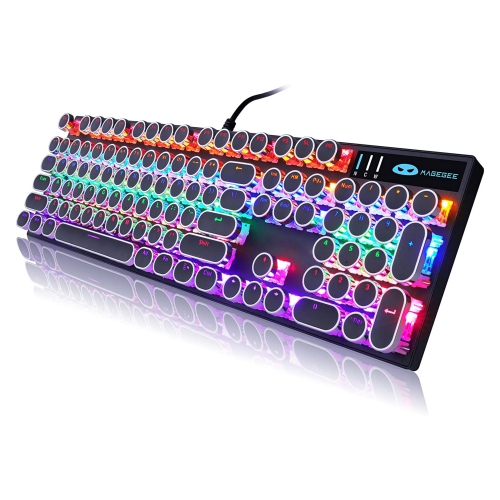
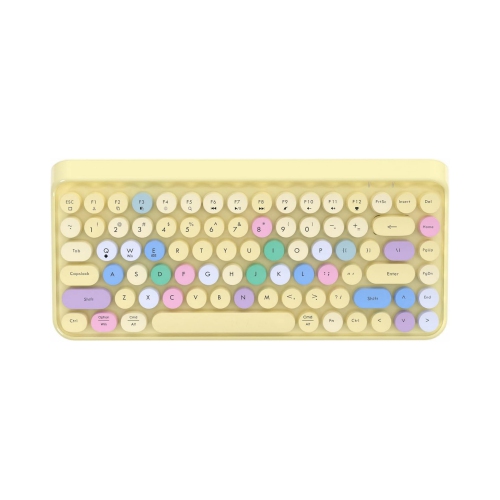
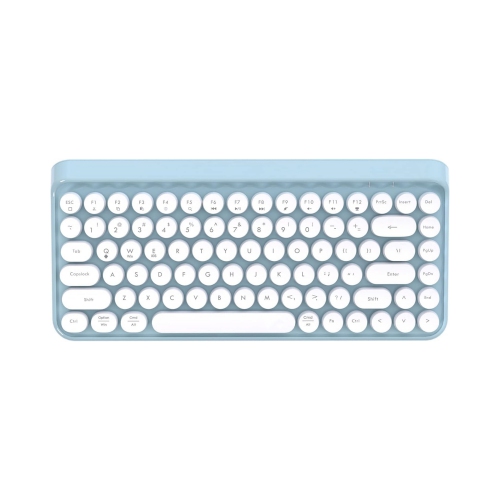
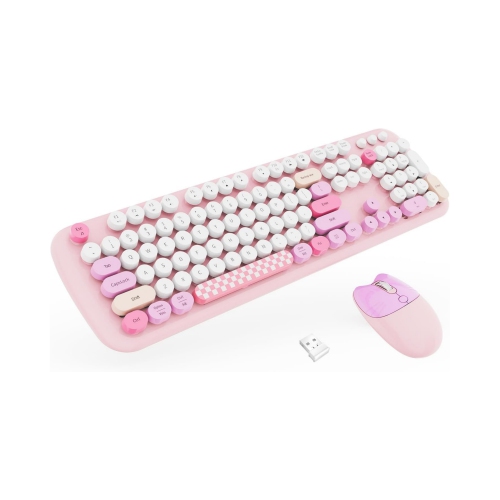

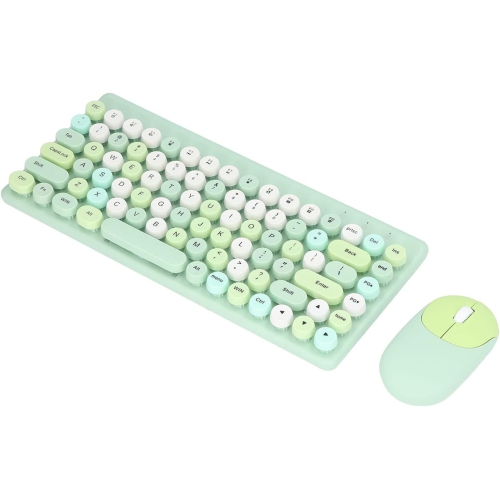
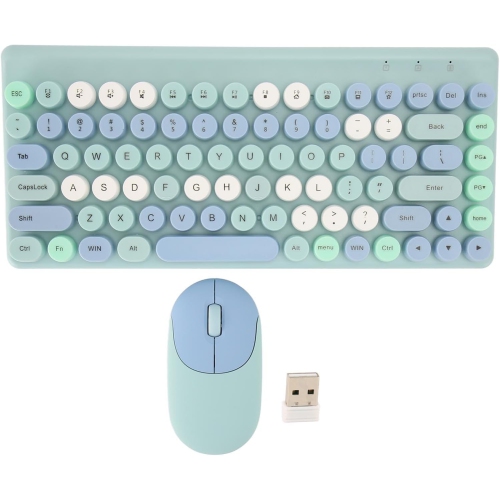
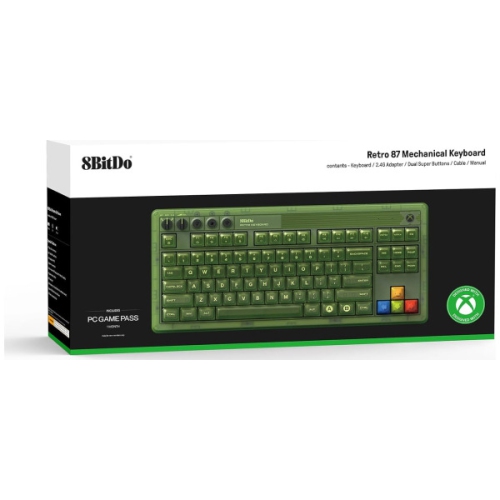
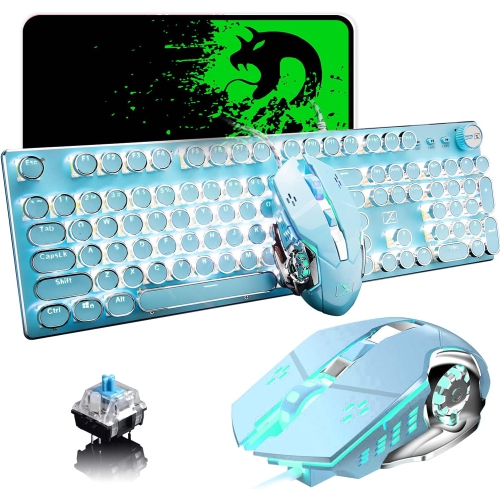
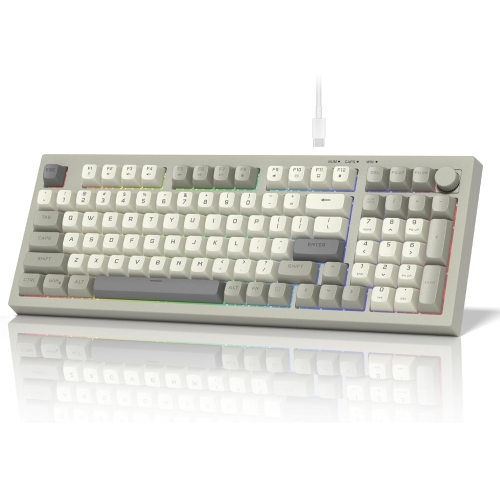
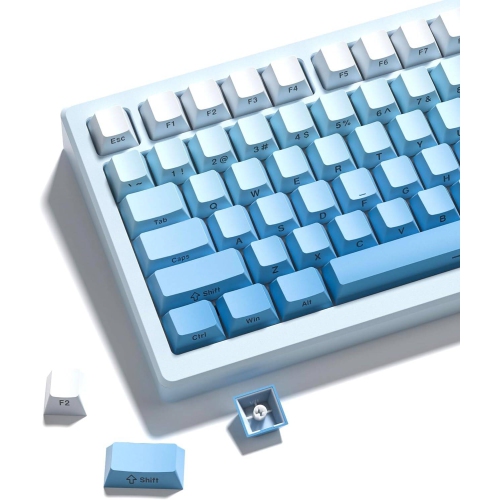
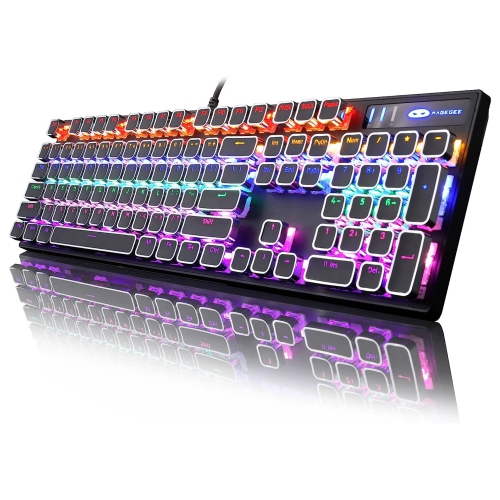
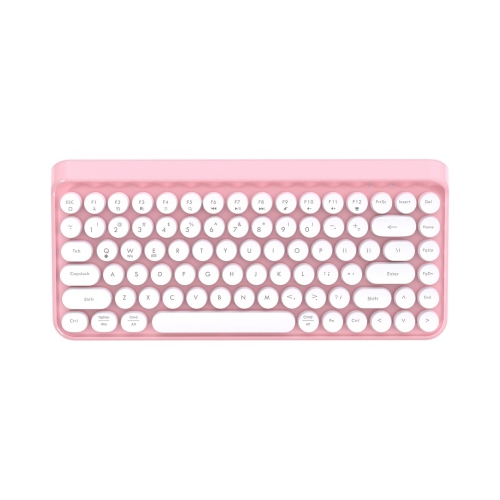
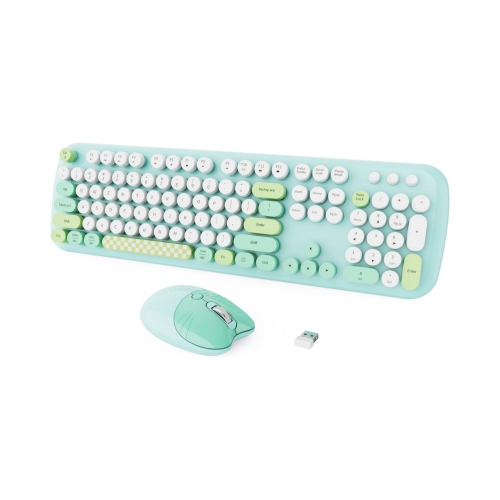
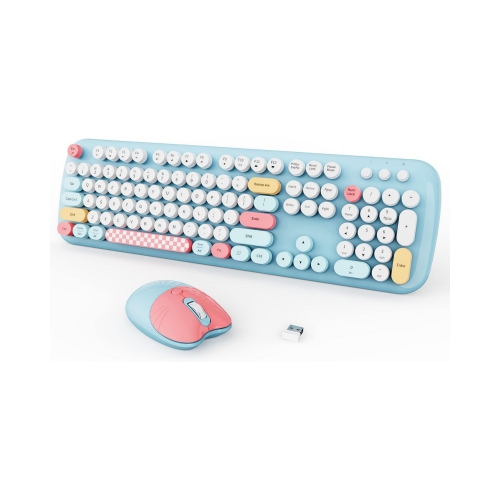
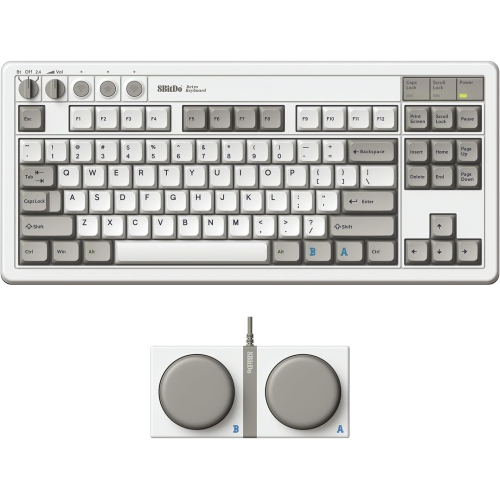
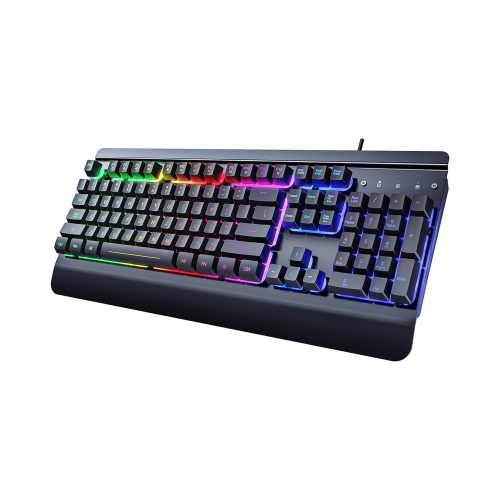
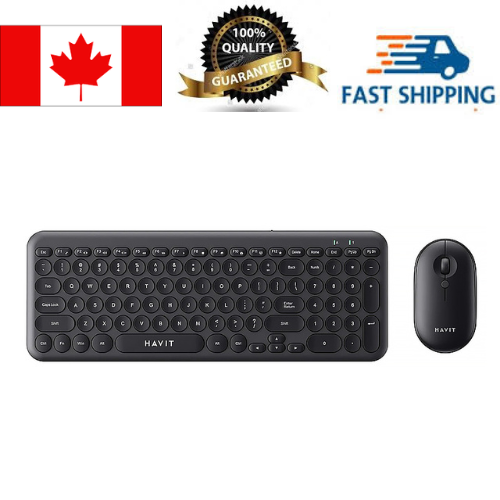
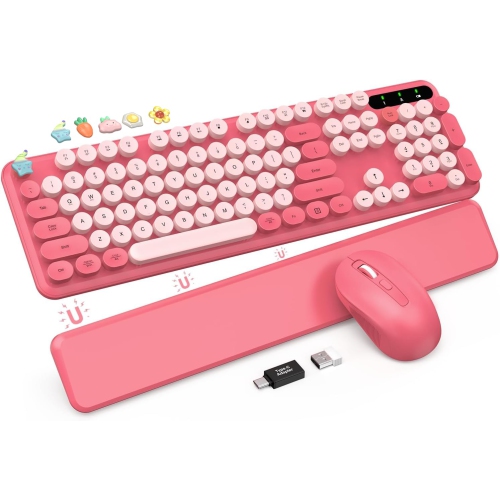
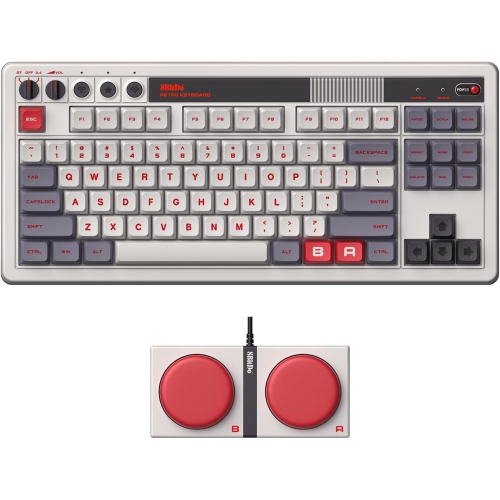
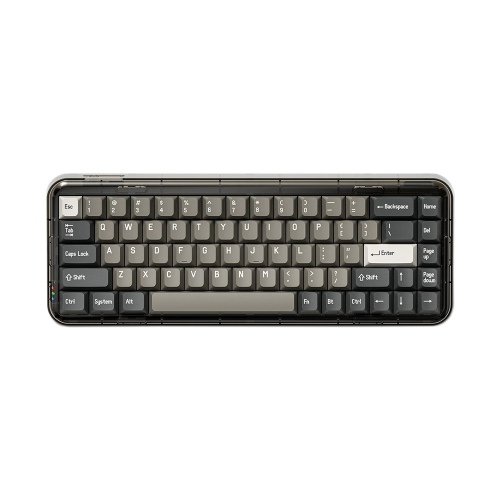
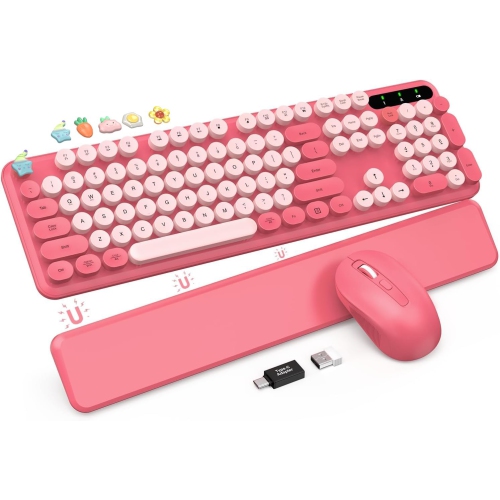

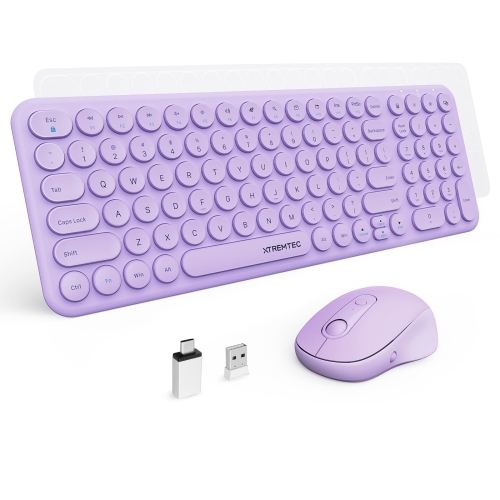
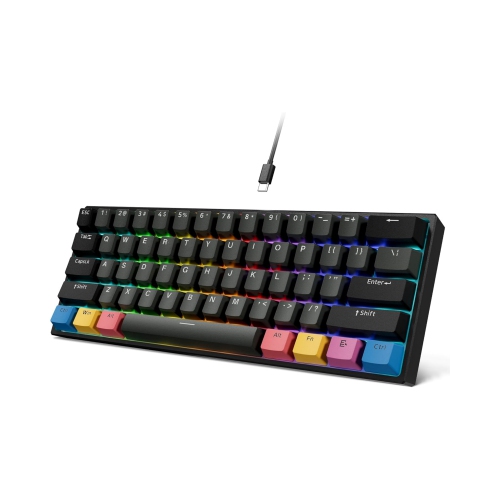
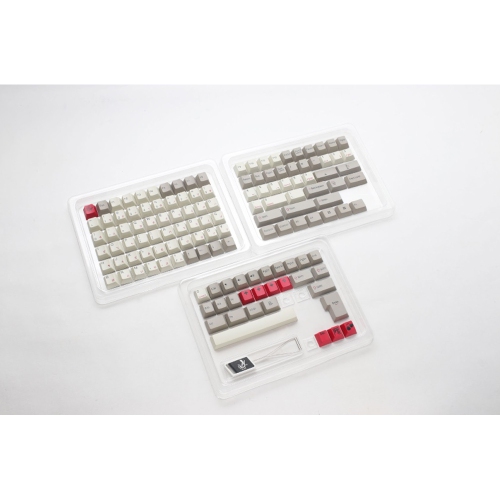
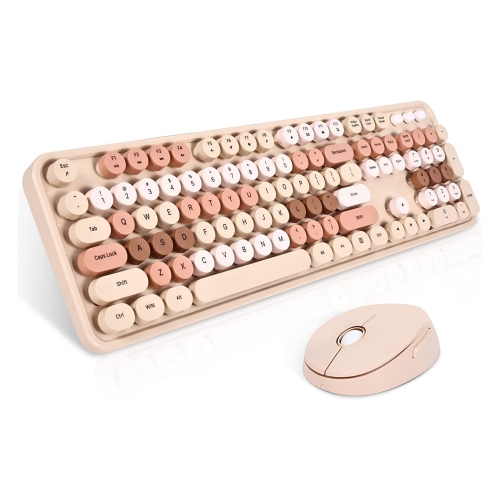

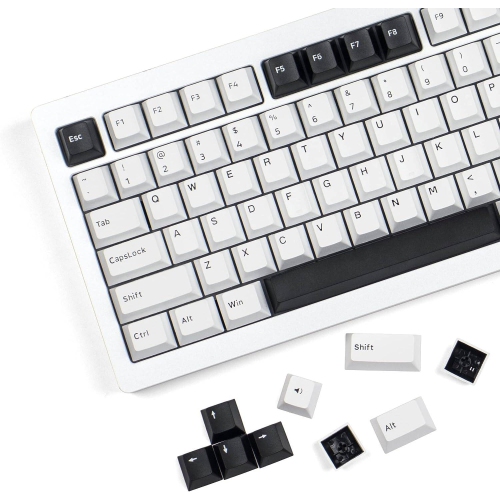
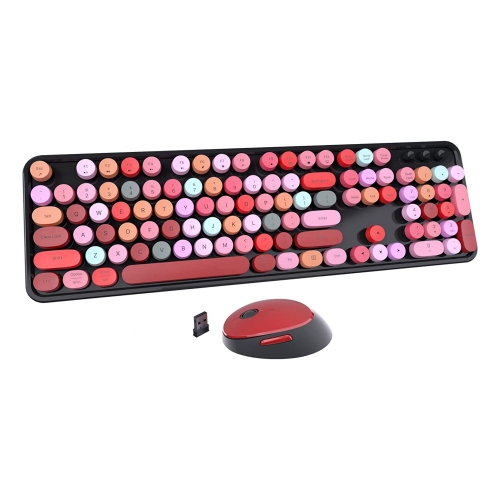
Nostalgic design meets modern typing comfort and connectivity
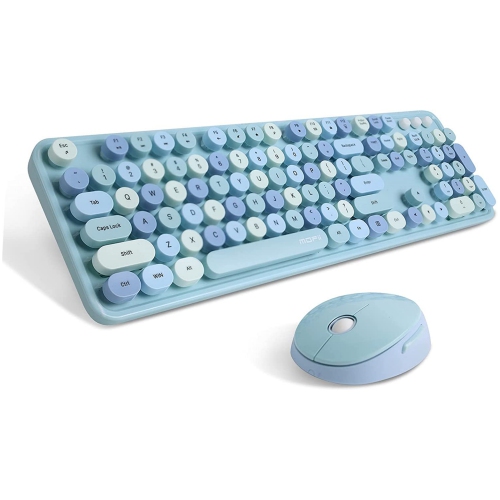
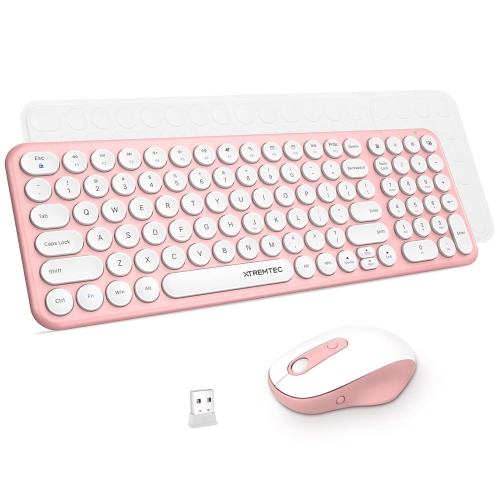
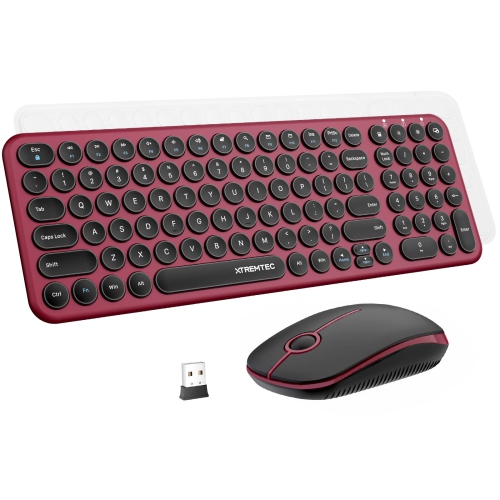
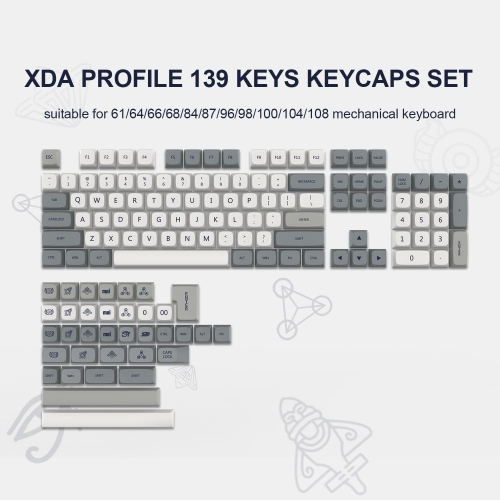
Retro style keyboards bring the character of classic computing and typewriting into a modern workspace. Their rounded keycaps, bold colour combinations, sculpted profiles, metallic accents, and nostalgic layouts can make a desk feel more personal without giving up the convenience expected from a current keyboard. Some designs recall the warm beige tones of early home computers, while others use deep reds, creams, greens, or contrasting accent keys to create the look of a vintage typewriter or an old-school gaming setup. Behind that distinctive appearance, many retro style keyboards include mechanical switches, reliable USB-C charging, wireless pairing, backlighting, programmable keys, and compatibility with computers, tablets, and phones. They can be a natural fit for a home office, study area, gaming station, writing nook, or shared family workstation, especially when a standard black keyboard feels too plain. A retro-inspired keyboard can also be a thoughtful gift for someone who enjoys classic technology, collecting, creative hobbies, gaming, journalling, or design. It adds a small moment of personality to everyday tasks: the satisfying press of a key while drafting a story, the soft glow of backlighting during an evening gaming session, or the familiar rhythm of typing while music plays in the background. For a coordinated setup, explore Stylish Keyboards to find other designs that bring visual appeal to a desk.
Switch choice has a major effect on how a retro style keyboard feels and sounds. Clicky mechanical switches produce a pronounced snap with each keystroke and can recreate the lively, unmistakable sound associated with a typewriter. They may appeal to writers and enthusiasts who enjoy audible feedback, although the sound can carry across a quiet room or shared workspace. Tactile switches provide a noticeable bump without the same level of volume, offering a balanced option for general typing, schoolwork, office tasks, and casual gaming. Linear switches move smoothly from top to bottom with little resistance, which can suit users who prefer a quieter, quicker feel. Keyboards with hot-swappable switch sockets offer additional flexibility because compatible switches can be changed without soldering; this makes it possible to fine-tune the sound and feel over time. Keycap shape matters as well. Round keycaps emphasize the typewriter-inspired appearance, while sculpted or flatter keycaps may feel more familiar to someone moving from a conventional computer keyboard. Look at the overall profile, key spacing, wrist position, and included wrist rest, particularly if the keyboard will be used for several hours at a time. A physical volume knob, dedicated media controls, adjustable feet, and clearly marked function layers can make everyday use more convenient while still fitting the retro theme. Backlighting ranges from subtle single-colour illumination to more expressive lighting effects, so consider whether the keyboard is intended for a calm office setting or a more colourful gaming area.
Layout and connectivity should match the way the keyboard will be used. Compact layouts remove some keys to save desk space and leave more room for a mouse, drawing tablet, notebook, or other accessories. A 75% layout generally keeps the function row and arrow keys in a smaller footprint, while a tenkeyless layout removes the number pad but retains a familiar arrangement for many users. Full-size keyboards include a dedicated number pad, which can be helpful for spreadsheets, accounting, data entry, and anyone who regularly works with numbers. Some compact models include programmable layers that provide access to missing navigation or media keys, though users who rely on dedicated keys may prefer a larger format. Wireless keyboards can connect through Bluetooth for laptops, tablets, and mobile devices, while a 2.4 GHz wireless receiver may provide a more direct connection for desktop use and gaming. Wired USB-C operation can be useful when charging, minimizing latency, or switching between devices. Multi-device support is particularly helpful in a home office where one keyboard moves between a desktop computer, laptop, and tablet. Check the operating system compatibility, receiver storage, battery life, charging method, and whether key remapping software is available for the platform you use. During the cooler months, when more time may be spent working, studying, creating, or gaming indoors, a comfortable and dependable keyboard can make a desk feel inviting. Retro style keyboards are available in a range of sizes, switch types, materials, colours, and features, making it easier to choose a design that balances nostalgic charm with the practical needs of modern computing.
Switch choice has a major effect on how a retro style keyboard feels and sounds. Clicky mechanical switches produce a pronounced snap with each keystroke and can recreate the lively, unmistakable sound associated with a typewriter. They may appeal to writers and enthusiasts who enjoy audible feedback, although the sound can carry across a quiet room or shared workspace. Tactile switches provide a noticeable bump without the same level of volume, offering a balanced option for general typing, schoolwork, office tasks, and casual gaming. Linear switches move smoothly from top to bottom with little resistance, which can suit users who prefer a quieter, quicker feel. Keyboards with hot-swappable switch sockets offer additional flexibility because compatible switches can be changed without soldering; this makes it possible to fine-tune the sound and feel over time. Keycap shape matters as well. Round keycaps emphasize the typewriter-inspired appearance, while sculpted or flatter keycaps may feel more familiar to someone moving from a conventional computer keyboard. Look at the overall profile, key spacing, wrist position, and included wrist rest, particularly if the keyboard will be used for several hours at a time. A physical volume knob, dedicated media controls, adjustable feet, and clearly marked function layers can make everyday use more convenient while still fitting the retro theme. Backlighting ranges from subtle single-colour illumination to more expressive lighting effects, so consider whether the keyboard is intended for a calm office setting or a more colourful gaming area.
Layout and connectivity should match the way the keyboard will be used. Compact layouts remove some keys to save desk space and leave more room for a mouse, drawing tablet, notebook, or other accessories. A 75% layout generally keeps the function row and arrow keys in a smaller footprint, while a tenkeyless layout removes the number pad but retains a familiar arrangement for many users. Full-size keyboards include a dedicated number pad, which can be helpful for spreadsheets, accounting, data entry, and anyone who regularly works with numbers. Some compact models include programmable layers that provide access to missing navigation or media keys, though users who rely on dedicated keys may prefer a larger format. Wireless keyboards can connect through Bluetooth for laptops, tablets, and mobile devices, while a 2.4 GHz wireless receiver may provide a more direct connection for desktop use and gaming. Wired USB-C operation can be useful when charging, minimizing latency, or switching between devices. Multi-device support is particularly helpful in a home office where one keyboard moves between a desktop computer, laptop, and tablet. Check the operating system compatibility, receiver storage, battery life, charging method, and whether key remapping software is available for the platform you use. During the cooler months, when more time may be spent working, studying, creating, or gaming indoors, a comfortable and dependable keyboard can make a desk feel inviting. Retro style keyboards are available in a range of sizes, switch types, materials, colours, and features, making it easier to choose a design that balances nostalgic charm with the practical needs of modern computing.
Top selling and popular products
-
 Your price for this item is $39.99
 -
 Your price for this item is $56.37
 -
 Your price for this item is $39.99
 -
 Your price for this item is $59.99
 -
 Your price for this item is $69.98
 -
 Your price for this item is $126.49
 -
 Your price for this item is $129.99
 -
 Your price for this item is $99.95
Discover more categories related to Retro Style Keyboards
Top Collections:
Pokemon Centers, Budget 4K TVs, Best Budget Office Chairs, Kindle Devices, Canon G7X Cameras, Apple iPhones 16, iPhone 15 Apple, Laptops for Business Work, Xiaomi Phones, Flip Phones
Some products may be subject to Environmental Handling Fees
(EHF) depending on your province.
Learn more about EHFs.