Typewriter Style Keyboards
A typewriter keyboard is a style of keyboard that uses the same style of keys found on old-fashioned typewriters. These keyboards are usually wireless, and and some don't have a number pad. They are designed for people who type frequently, and they can be used with any operating system. Here are some of our favorites.
Sort
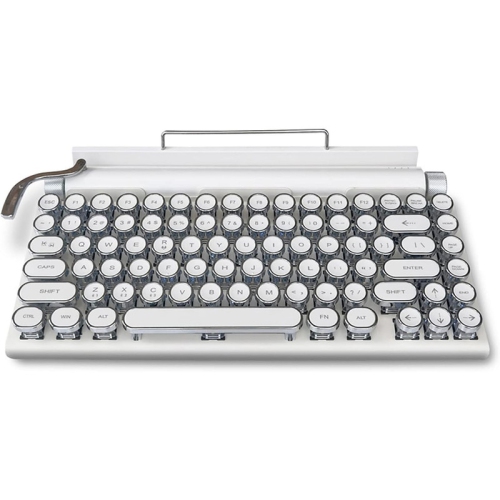
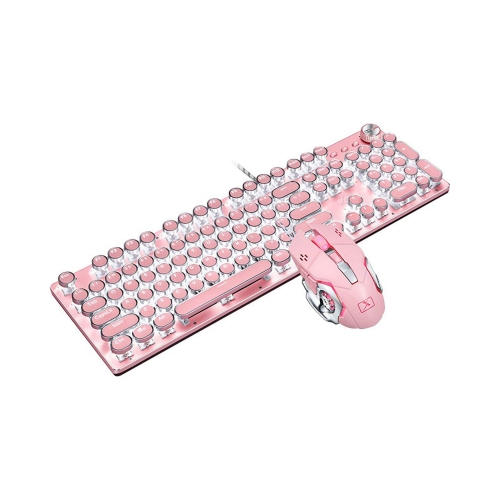
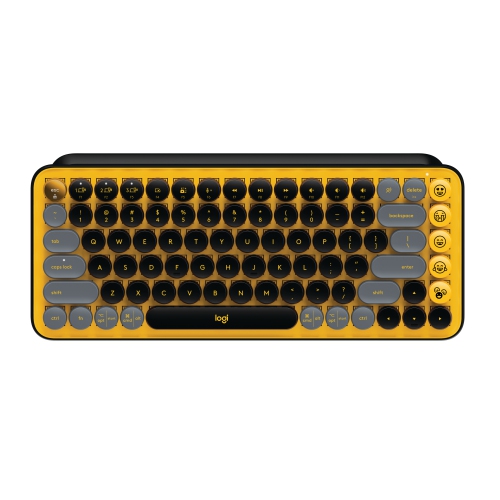
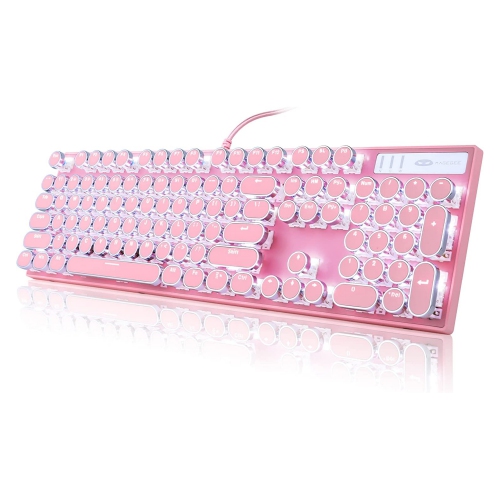

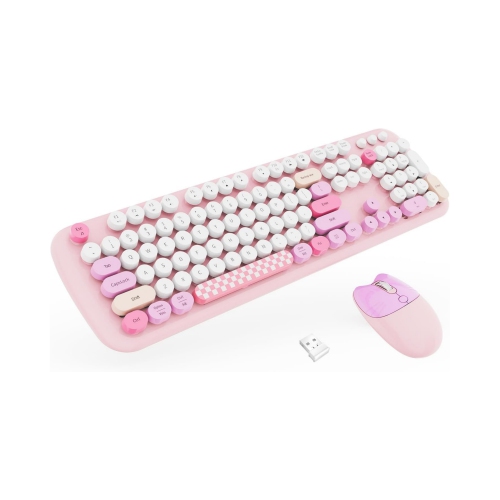
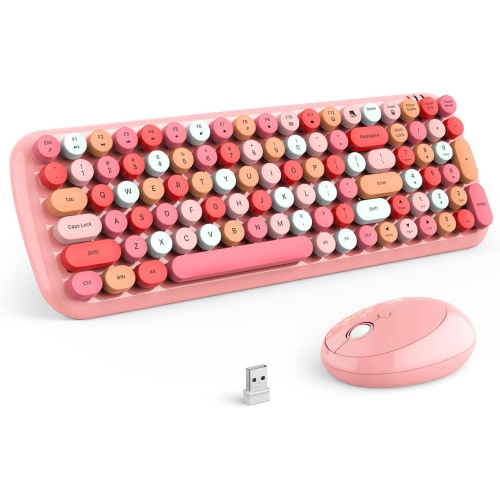
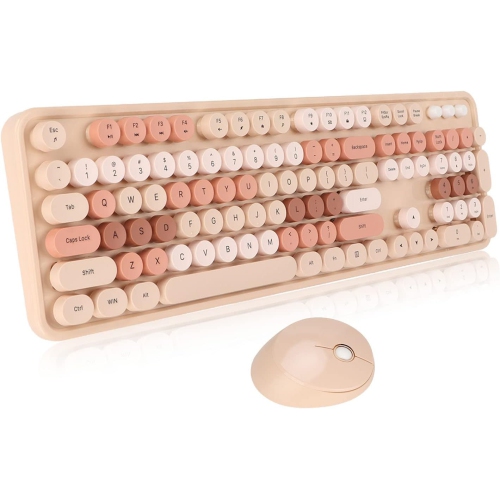
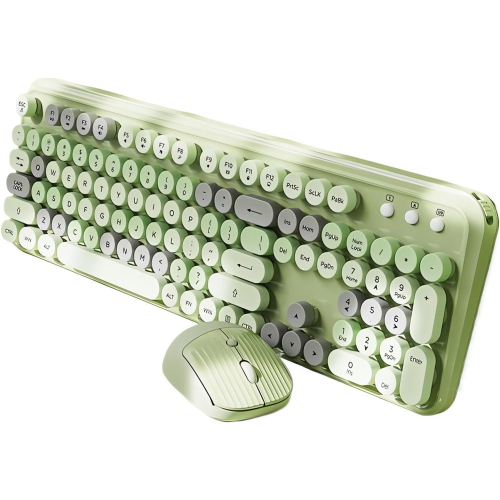
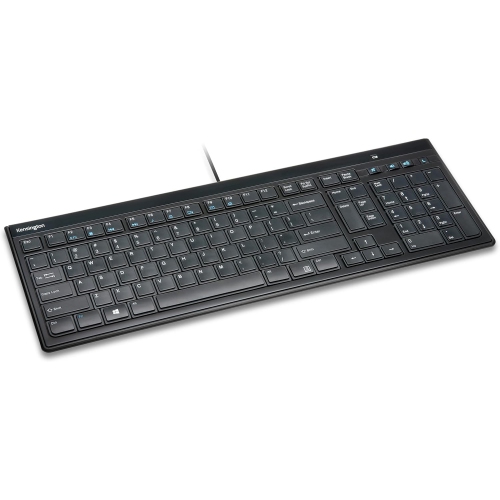
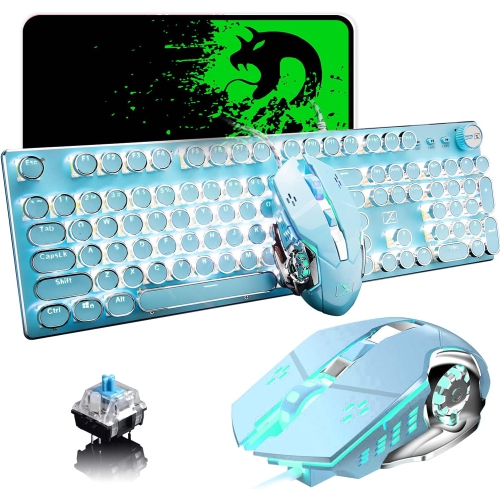
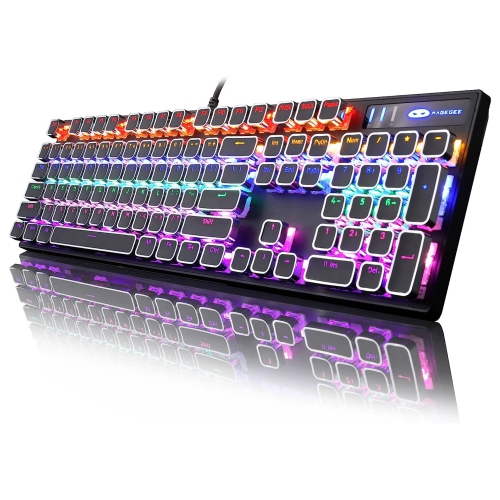
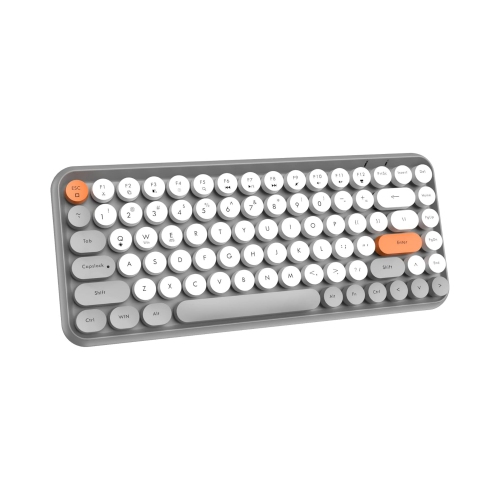
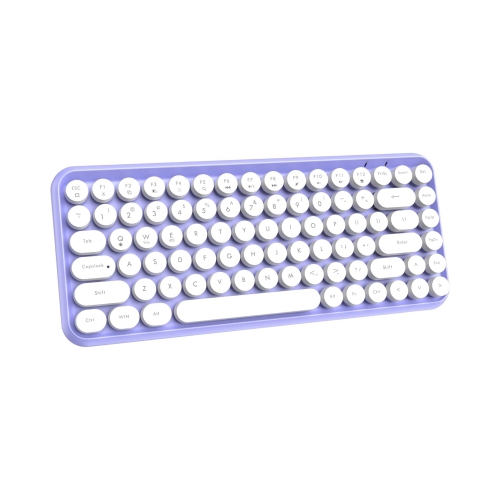
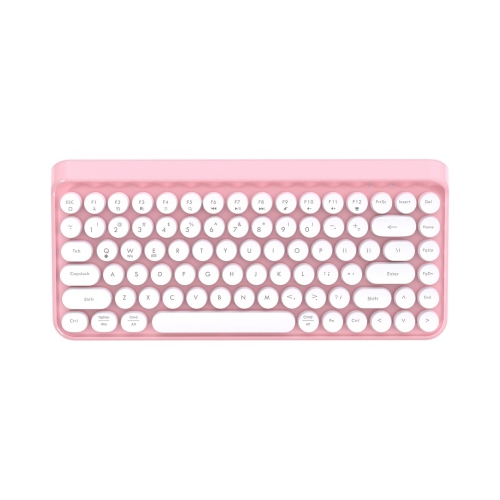
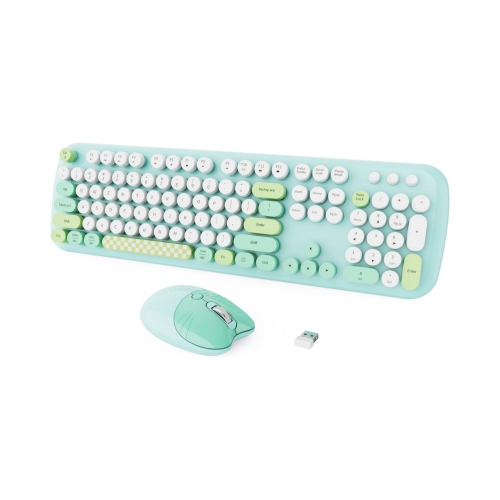
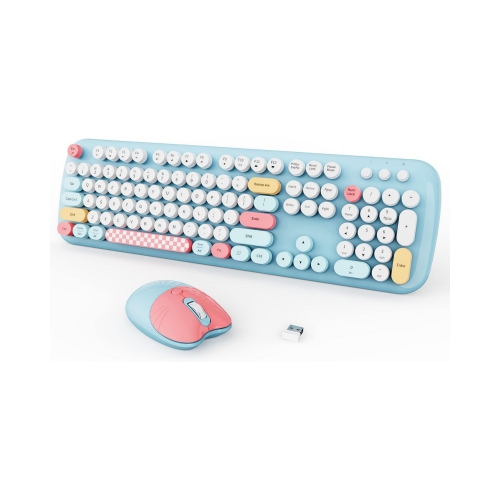
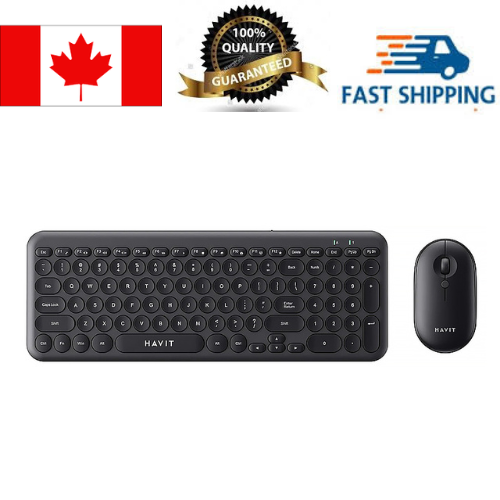
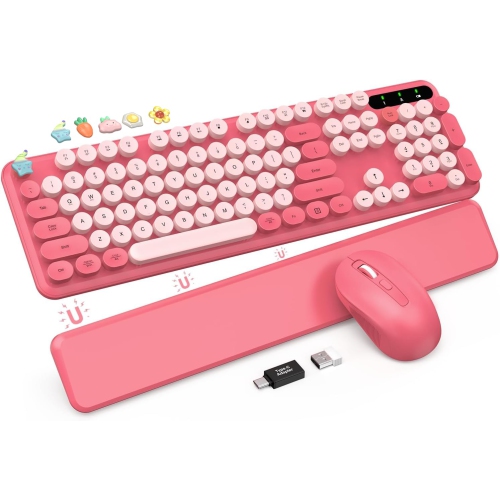
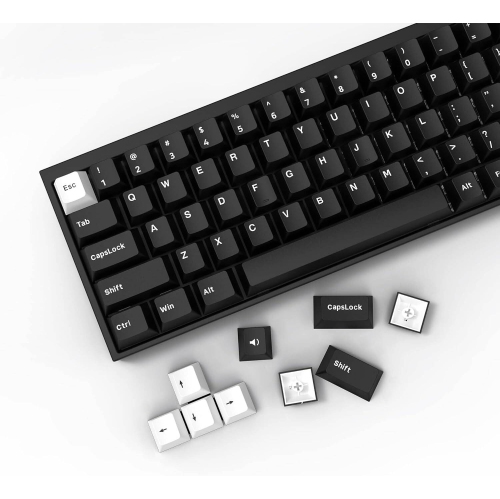
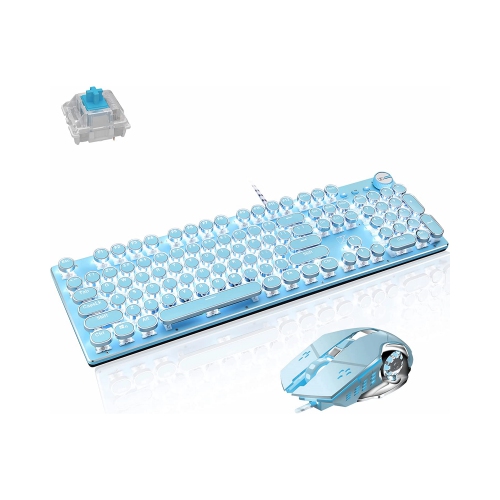
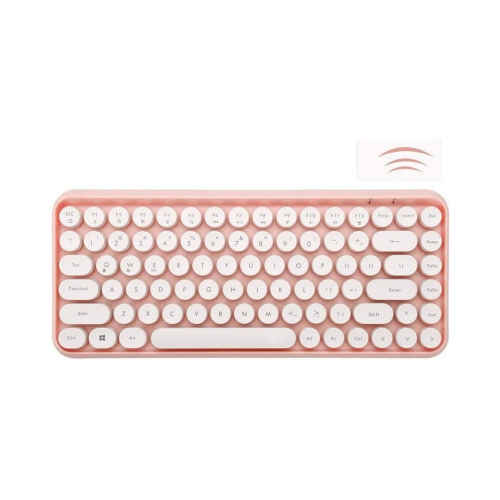
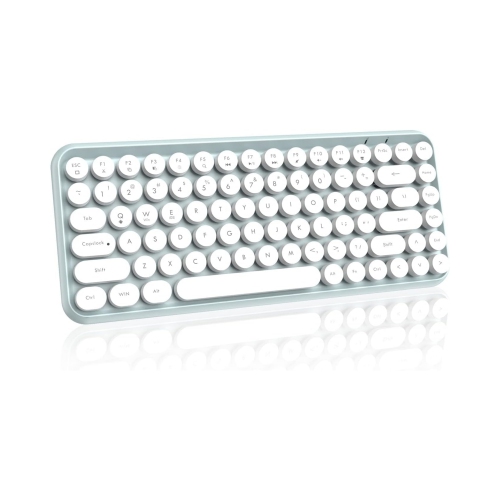
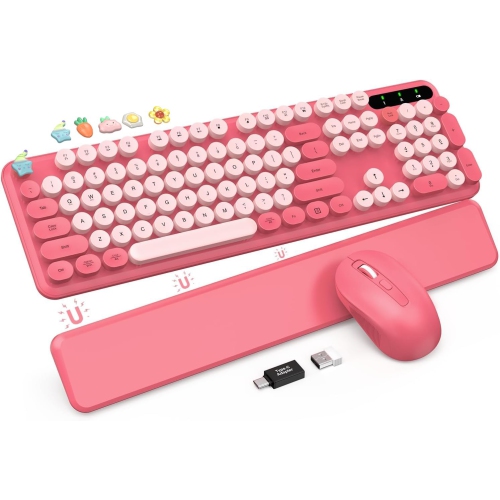
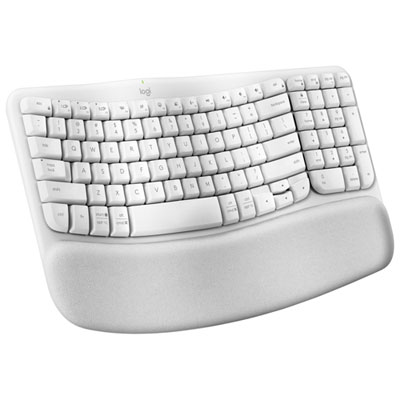
Vintage character meets modern features for more tactile typing
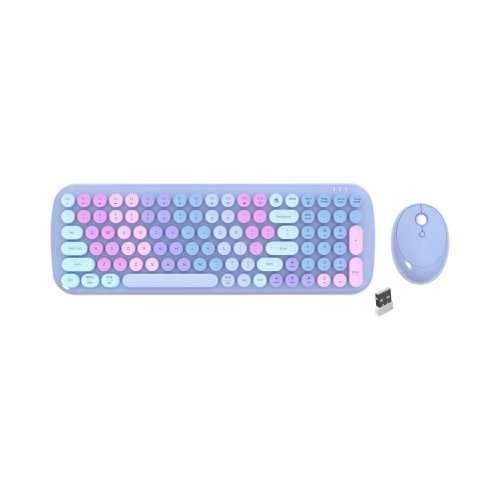
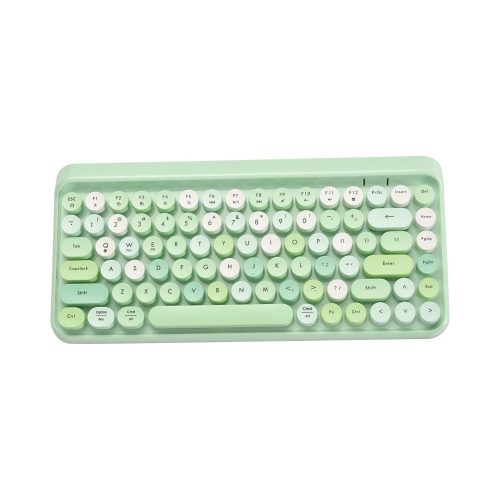
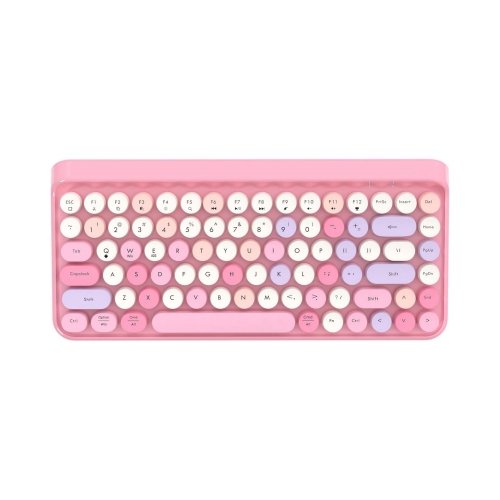
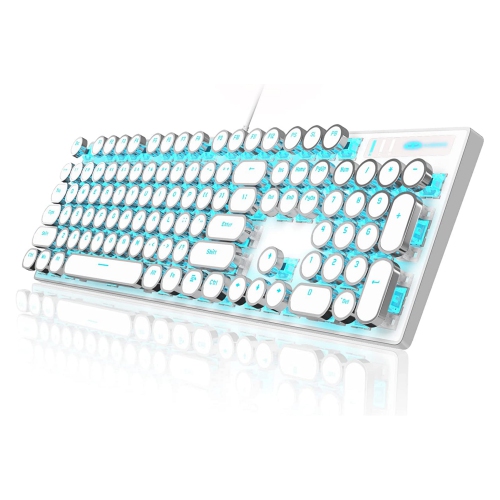
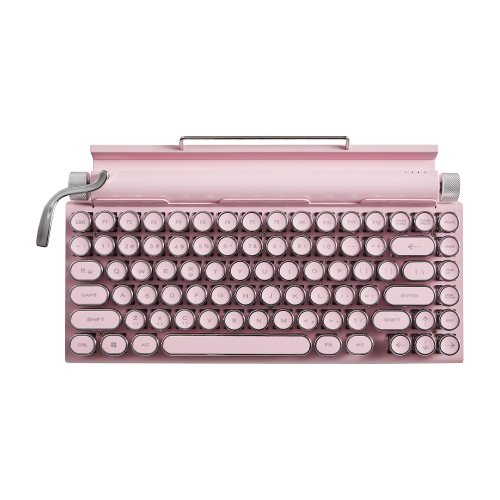
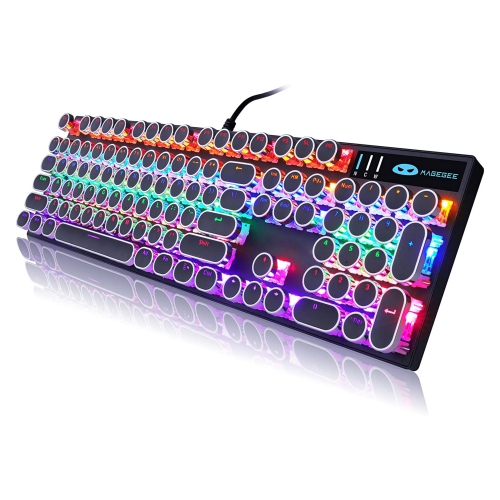
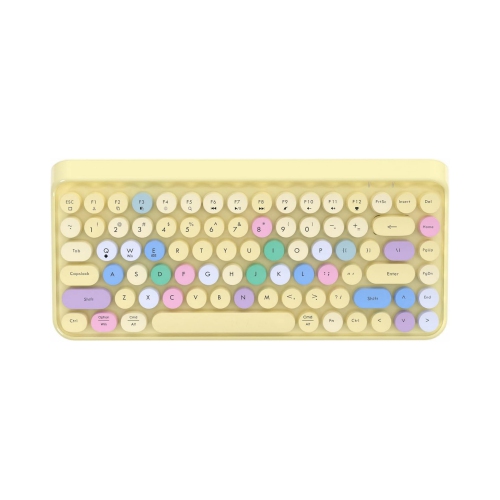
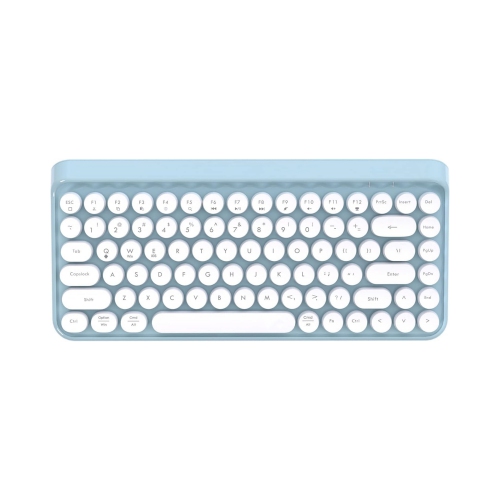
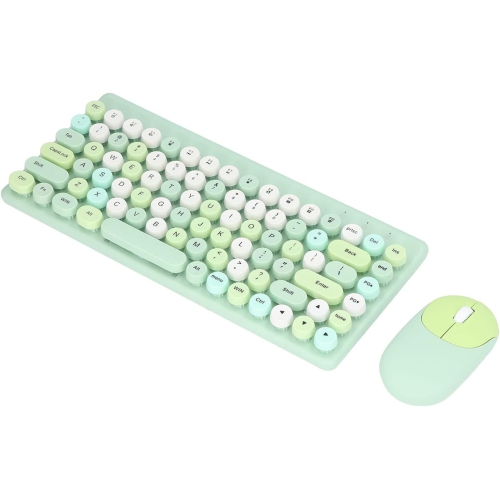
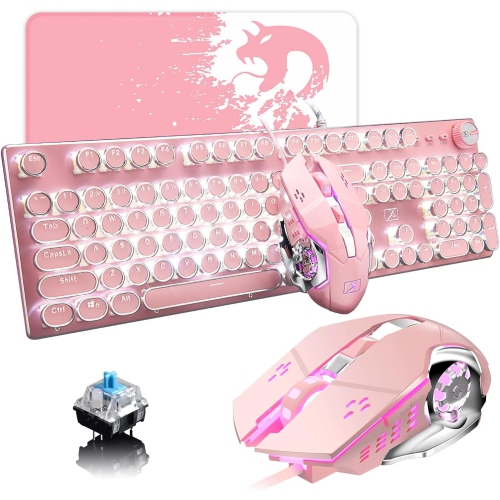
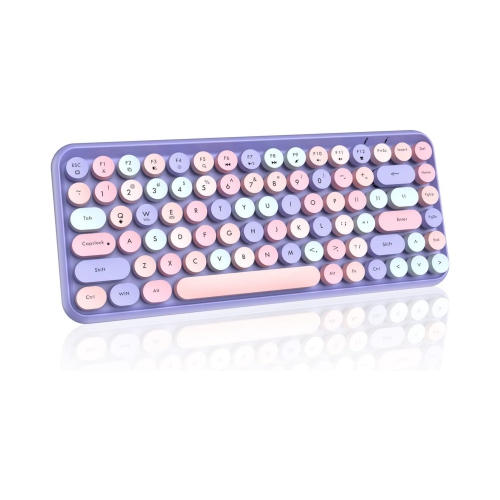
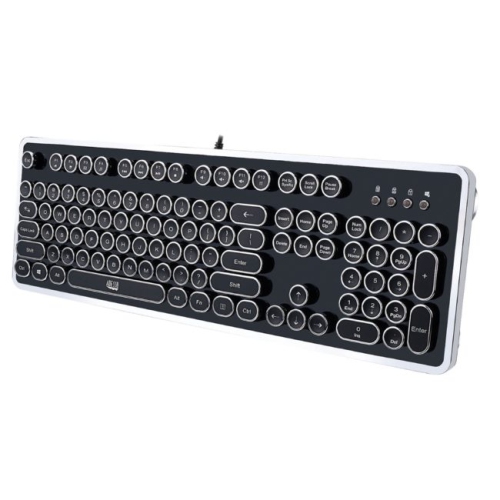
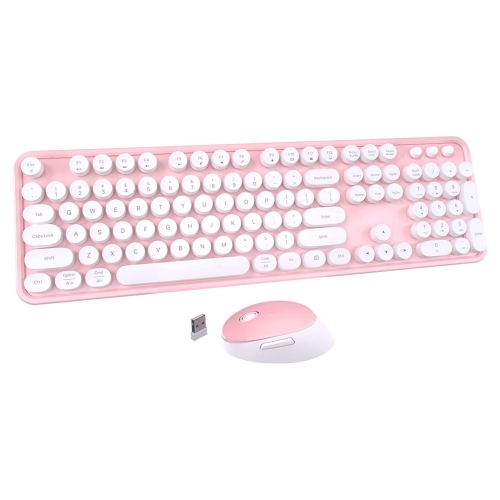
Typewriter-style keyboards bring the character of a vintage writing desk to a modern computer, tablet, or phone. Their round, often scooped keycaps are inspired by the keys found on classic typewriters, creating a distinctive look and a slightly different feel beneath your fingertips. Many models use mechanical switches, so each press can provide a clear response and, depending on the switch type, a satisfying click or a quieter, softer sound. That audible feedback can make everyday writing feel more deliberate, whether you are drafting a novel, answering emails, keeping a journal, preparing schoolwork, or simply enjoying a more tactile way to interact with your devices. A metal return bar or lever may be designed to perform the same function as an Enter key, while a prominent volume knob can make it easy to adjust music or video without reaching for on-screen controls. Some designs also include a compact display, decorative details, or a raised slot that holds a phone or tablet upright as you type. These touches help create the atmosphere of an old-fashioned writing machine while retaining features expected from a contemporary keyboard. If you like the look but want to compare a wider range of vintage-inspired designs, explore Retro Style Keyboards for additional styles and layouts.
When choosing a typewriter-style keyboard, start with the way you expect to use it and the space available on your desk. A full-size layout includes a dedicated number pad and can be useful for spreadsheets, accounting, data entry, and other tasks that involve frequent number input. A compact layout, such as a 75% design, keeps the function row and most navigation keys while reducing the footprint, leaving more room for a notebook, mouse, coffee cup, or tablet stand. Smaller layouts can be especially appealing for a writing corner, dorm room, apartment workspace, or shared family desk. Connection options are another important consideration. Wired keyboards connect directly through a USB cable and are well suited to a fixed desktop setup, while wireless models help keep the surface uncluttered and make it easier to move between a computer, tablet, and phone. Some keyboards offer more than one wireless mode, allowing you to pair with several devices and switch between them, although compatibility and switching methods vary by model. Check the specifications for the operating systems, connection types, battery requirements, and included cables that suit your devices. Mechanical switches also deserve attention. Clicky switches tend to deliver the pronounced sound associated with typewriters, while tactile switches provide a noticeable bump with less noise, and linear switches offer a smoother, more even key press. If you share a workspace or type during quiet hours, a lower-noise option may be more comfortable for everyone nearby. Keycap shape, spacing, backlighting, wrist position, and overall keyboard height can affect long writing sessions, so consider whether you prefer a sculpted profile, illuminated keys, or a more traditional flat arrangement. Hot-swappable designs may allow compatible switches to be changed later without replacing the entire keyboard, but the available switch format and installation requirements should be reviewed before purchase. Construction is equally personal: wood-look accents, leather details, painted surfaces, and solid metal frames each create a different visual and tactile impression. A heavier chassis may stay firmly in place during energetic typing, while a lighter design may be easier to carry between rooms or take to a library.
These keyboards can suit writers, students, remote workers, designers, streamers, and anyone who spends a great deal of time at a computer but wants the desk to feel more personal. A built-in device stand can make a typewriter-style keyboard practical for tablet-based note-taking, recipe viewing, research, or video calls, while wireless connectivity can help turn a kitchen counter, reading nook, or dining table into a temporary workstation. Writers often appreciate the rhythm of mechanical keys when composing fiction, poetry, letters, or personal notes; the sound and resistance can provide a useful sense of progress as words fill a page. Students may use one for essays, study notes, and creative projects, particularly when they want a keyboard that adds visual interest to a small desk. For a home office, a retro-inspired design can soften the appearance of a screen-and-cable setup and give a workspace the inviting feel of a study, especially during the cooler months when more time is spent indoors. These keyboards can also make thoughtful gifts for a graduate, a new remote worker, a stationery enthusiast, a dedicated journal keeper, or someone setting up a first apartment. When selecting one as a gift, consider the recipient’s usual device, preferred connection method, tolerance for typing noise, and available desk space rather than choosing by appearance alone. A person who writes for hours may value comfortable key spacing and a suitable switch type, while someone who mainly browses on a tablet may prioritize a built-in stand and simple wireless pairing. Those who enjoy customizing their setup may prefer programmable keys, replaceable keycaps, or adjustable lighting, while someone seeking a straightforward daily keyboard may favour dependable plug-and-play operation. With the right combination of layout, connectivity, switch feel, and decorative detail, a typewriter-style keyboard can become more than a desk accessory: it can make routine typing feel focused, expressive, and pleasantly distinct.
When choosing a typewriter-style keyboard, start with the way you expect to use it and the space available on your desk. A full-size layout includes a dedicated number pad and can be useful for spreadsheets, accounting, data entry, and other tasks that involve frequent number input. A compact layout, such as a 75% design, keeps the function row and most navigation keys while reducing the footprint, leaving more room for a notebook, mouse, coffee cup, or tablet stand. Smaller layouts can be especially appealing for a writing corner, dorm room, apartment workspace, or shared family desk. Connection options are another important consideration. Wired keyboards connect directly through a USB cable and are well suited to a fixed desktop setup, while wireless models help keep the surface uncluttered and make it easier to move between a computer, tablet, and phone. Some keyboards offer more than one wireless mode, allowing you to pair with several devices and switch between them, although compatibility and switching methods vary by model. Check the specifications for the operating systems, connection types, battery requirements, and included cables that suit your devices. Mechanical switches also deserve attention. Clicky switches tend to deliver the pronounced sound associated with typewriters, while tactile switches provide a noticeable bump with less noise, and linear switches offer a smoother, more even key press. If you share a workspace or type during quiet hours, a lower-noise option may be more comfortable for everyone nearby. Keycap shape, spacing, backlighting, wrist position, and overall keyboard height can affect long writing sessions, so consider whether you prefer a sculpted profile, illuminated keys, or a more traditional flat arrangement. Hot-swappable designs may allow compatible switches to be changed later without replacing the entire keyboard, but the available switch format and installation requirements should be reviewed before purchase. Construction is equally personal: wood-look accents, leather details, painted surfaces, and solid metal frames each create a different visual and tactile impression. A heavier chassis may stay firmly in place during energetic typing, while a lighter design may be easier to carry between rooms or take to a library.
These keyboards can suit writers, students, remote workers, designers, streamers, and anyone who spends a great deal of time at a computer but wants the desk to feel more personal. A built-in device stand can make a typewriter-style keyboard practical for tablet-based note-taking, recipe viewing, research, or video calls, while wireless connectivity can help turn a kitchen counter, reading nook, or dining table into a temporary workstation. Writers often appreciate the rhythm of mechanical keys when composing fiction, poetry, letters, or personal notes; the sound and resistance can provide a useful sense of progress as words fill a page. Students may use one for essays, study notes, and creative projects, particularly when they want a keyboard that adds visual interest to a small desk. For a home office, a retro-inspired design can soften the appearance of a screen-and-cable setup and give a workspace the inviting feel of a study, especially during the cooler months when more time is spent indoors. These keyboards can also make thoughtful gifts for a graduate, a new remote worker, a stationery enthusiast, a dedicated journal keeper, or someone setting up a first apartment. When selecting one as a gift, consider the recipient’s usual device, preferred connection method, tolerance for typing noise, and available desk space rather than choosing by appearance alone. A person who writes for hours may value comfortable key spacing and a suitable switch type, while someone who mainly browses on a tablet may prioritize a built-in stand and simple wireless pairing. Those who enjoy customizing their setup may prefer programmable keys, replaceable keycaps, or adjustable lighting, while someone seeking a straightforward daily keyboard may favour dependable plug-and-play operation. With the right combination of layout, connectivity, switch feel, and decorative detail, a typewriter-style keyboard can become more than a desk accessory: it can make routine typing feel focused, expressive, and pleasantly distinct.
Top selling and popular products
-
 Your price for this item is $39.99
 -
 Your price for this item is $49.72
 -
 Your price for this item is $159
 -
 Your price for this item is $219.99
 -
 Your price for this item is $189.98
 -
 Your price for this item is $44.99
 -
 Your price for this item is $29.99
 -
 Your price for this item is $169.99
Discover more categories related to Typewriter Style Keyboards


Top Collections:
Pokemon Centers, Budget 4K TVs, Best Budget Office Chairs, Kindle Devices, Canon G7X Cameras, Apple iPhones 16, iPhone 15 Apple, Laptops for Business Work, Xiaomi Phones, Flip Phones
Some products may be subject to Environmental Handling Fees
(EHF) depending on your province.
Learn more about EHFs.