Silicone Keyboards
Upgrade your typing experience with these silicone keyboards. Designed for comfort and durability, these keyboards are a must-have for anyone looking to enhance their productivity and reduce strain on their wrists. Made from high-quality silicone material, these keyboards offer a soft and flexible surface that is not only comfortable to type on but also easy to clean. Whether you're a student, professional, or gamer, this range of silicone keyboards is sure to meet your needs.
Sort
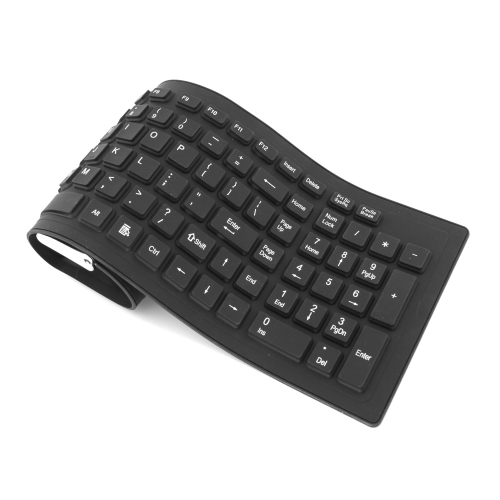
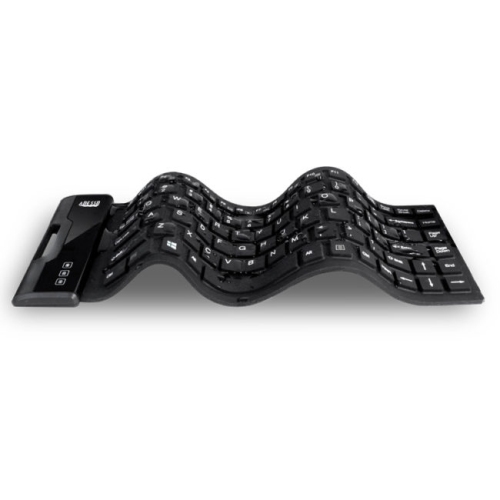
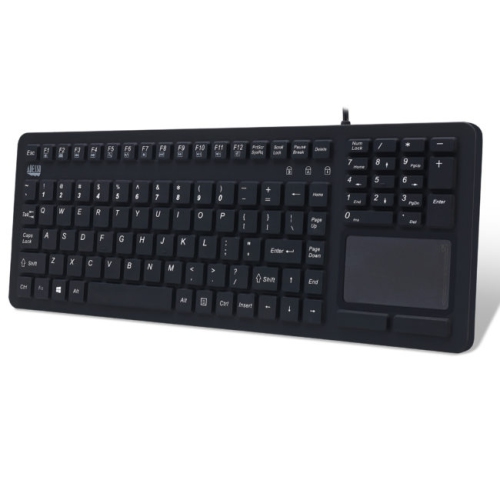

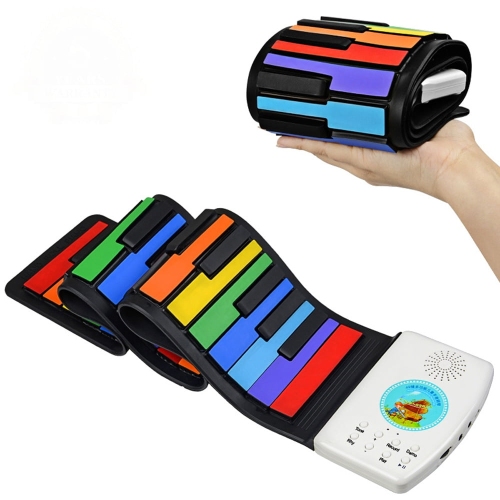
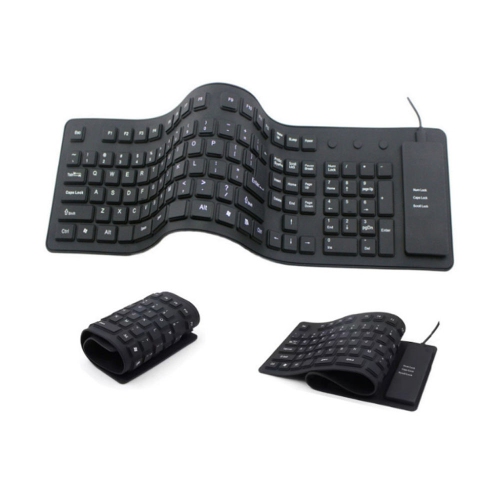
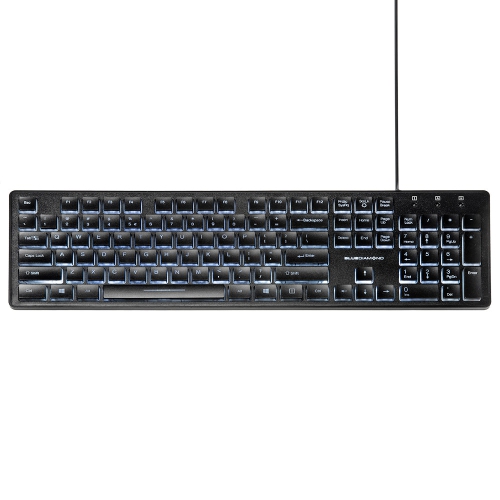
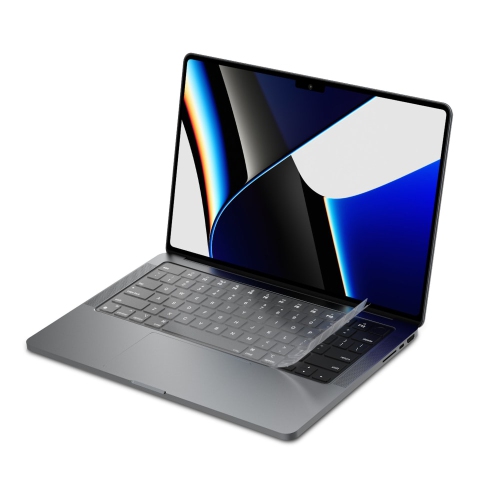
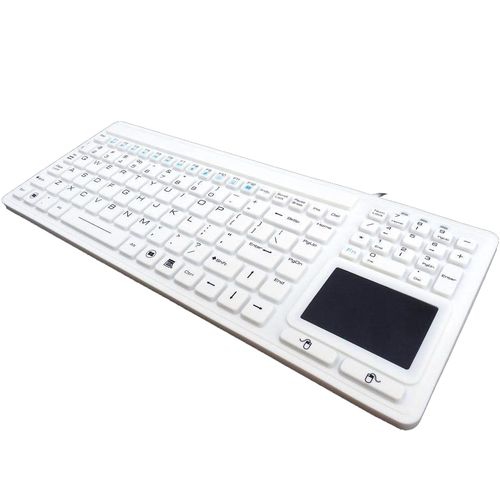
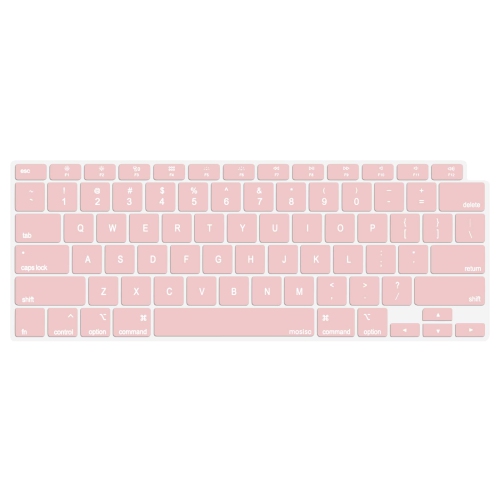
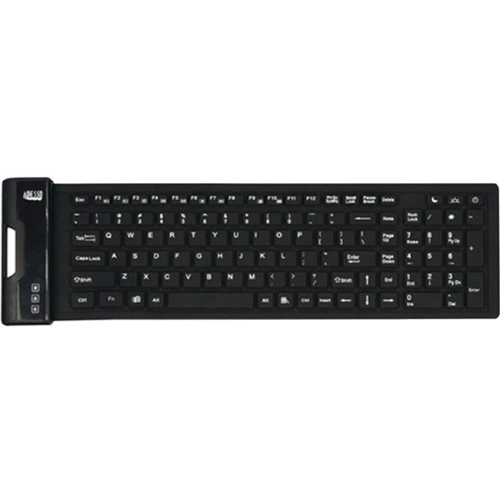
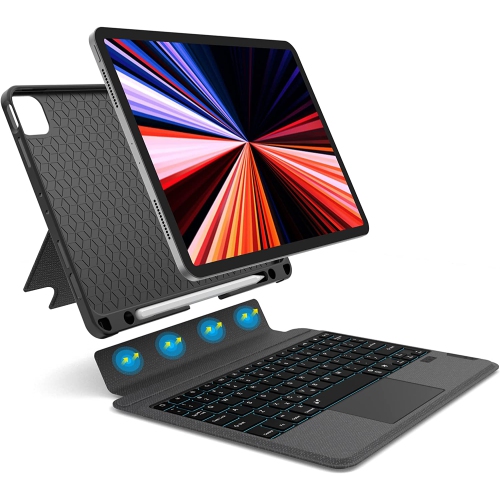

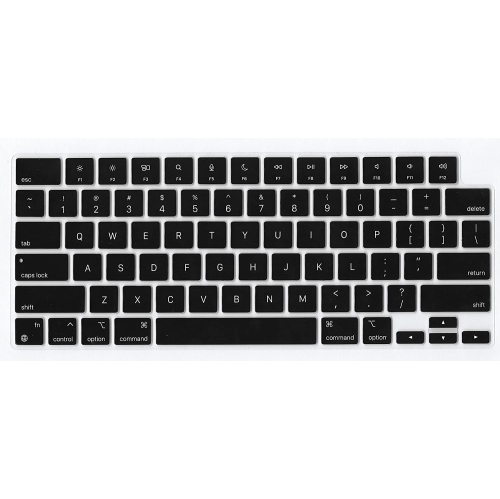
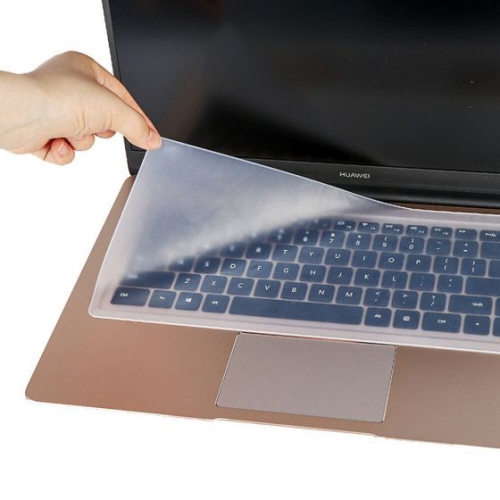
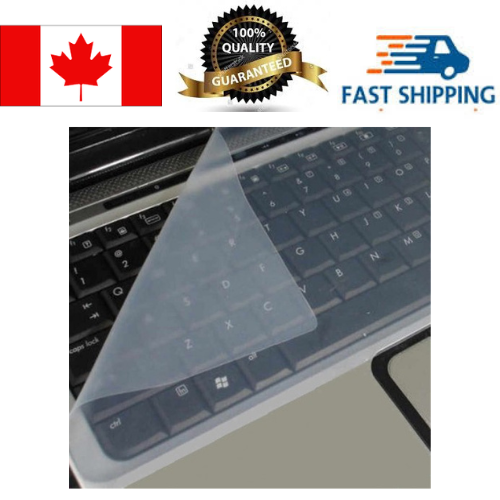
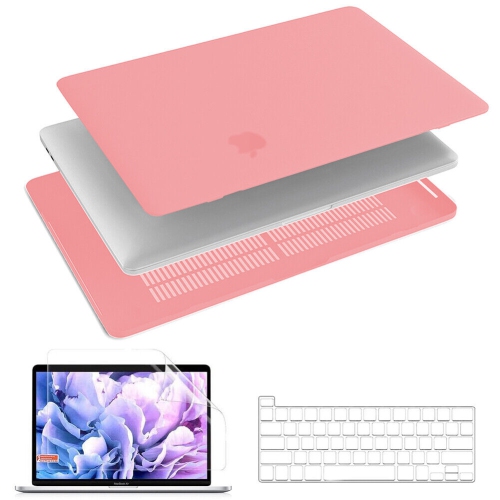
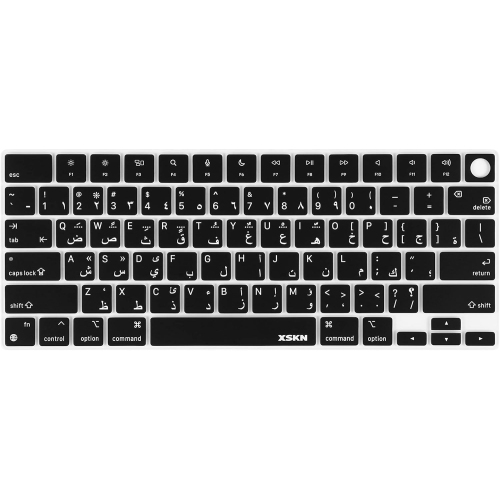
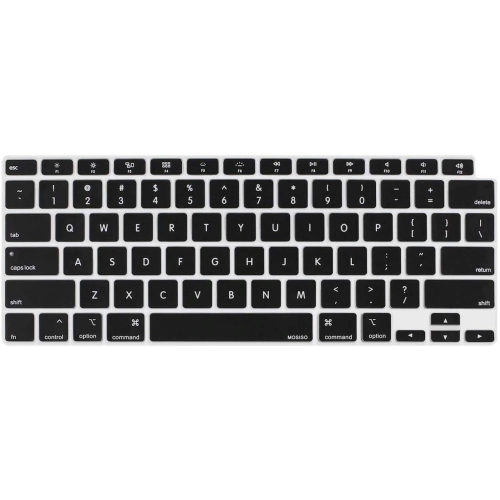
Soft, quiet designs for mess-prone spaces and travel
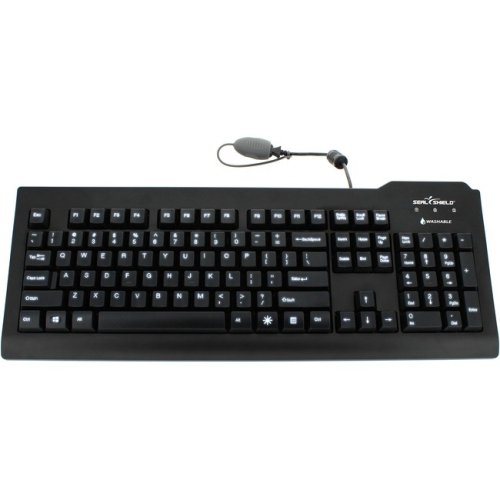
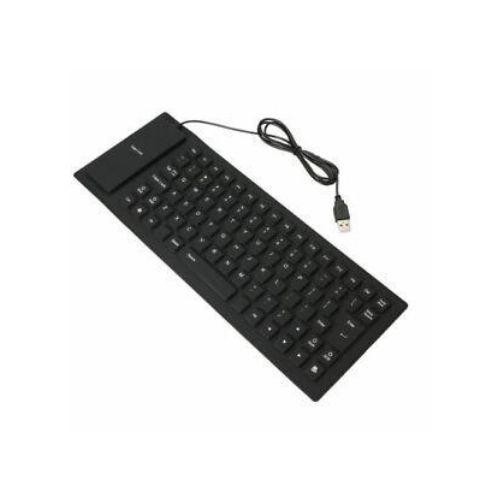
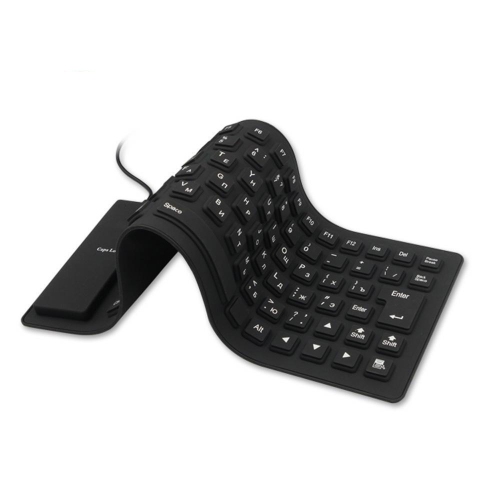
Silicone keyboards are designed for situations where a conventional keyboard may be less practical. Made with a soft, flexible silicone surface and sealed construction, these keyboards can help keep everyday spills, dust, crumbs, and light splashes away from the internal electronics. Many models connect through USB, while some may offer wireless connectivity, so checking the connection type before ordering is important. Their roll-up or flexible design makes them easy to place in a laptop bag, drawer, vehicle, workshop case, or travel kit, and their low-profile shape takes up very little room when not in use. A silicone keyboard can be useful in a home office where coffee and snacks are close at hand, in a classroom or shared workspace that needs simple cleanup, or in a work area where dust and debris are common. The sealed surface can generally be wiped with a damp cloth, and some models can be washed more thoroughly according to the manufacturer’s care instructions. Always disconnect the keyboard before cleaning, avoid soaking any connection ports, and allow the surface to dry completely before using it again. The exact level of water resistance varies, so a spill-resistant design should not automatically be treated as fully waterproof. Product descriptions may also use terms such as washable, sealed, flexible, or waterproof differently, making the manufacturer’s specifications an important part of the purchase decision. If portability is the main priority, look for a model that rolls or folds without taking up much space and that can be secured easily in a bag. If the keyboard will stay at a desk, a firmer flexible design with a stable base may feel more comfortable for longer sessions. A soft keyboard can also produce less typing noise than many rigid keyboards because the silicone material dampens the sound of the keys. That quieter operation can be helpful in libraries, bedrooms, reception areas, shared offices, and other places where a sharp tapping sound can become distracting.
The typing experience is one of the most important considerations when choosing among silicone keyboards. The keys are soft and flexible, which can feel pleasant for light or occasional typing, but they usually do not provide the crisp tactile response of a standard laptop keyboard or a mechanical model. Some users appreciate the quiet, cushioned feel, while others may find that the keys feel less precise or require more deliberate finger movement. If you regularly write long documents, enter detailed information, or type for several hours at a time, consider the key layout, key spacing, size, and overall surface before making a decision. A full-size layout with a number pad can be convenient for household budgeting, office forms, and spreadsheet work, while a compact layout may be easier to carry. Check whether the keyboard includes familiar features such as function keys, media controls, indicator lights, or a Canadian multilingual layout if those details matter for your setup. Compatibility should also be confirmed, particularly when connecting to tablets, smart televisions, laptops, or specialized equipment. A USB model may offer straightforward plug-and-play use with compatible computers, but the available port and operating system should still be checked. Wireless models can reduce cable clutter, although they may require batteries or charging and may introduce pairing steps. Silicone keyboards are not typically chosen for competitive gaming or demanding precision work, where fast actuation and strong feedback may be more important. They can, however, suit users who value easy storage, quiet keystrokes, and simple cleaning over a traditional typing sensation. They may be useful for children learning to use a computer, students moving between study spaces, travellers who want a backup input device, or anyone setting up a temporary workstation. They can also make a practical gift for a university student, a frequent traveller, a home-office user, or a family member who prefers uncomplicated computer accessories. For a softer typing surface without the full roll-up design, you can also explore Soft Touch Keyboards and compare the available styles based on comfort, size, and connectivity.
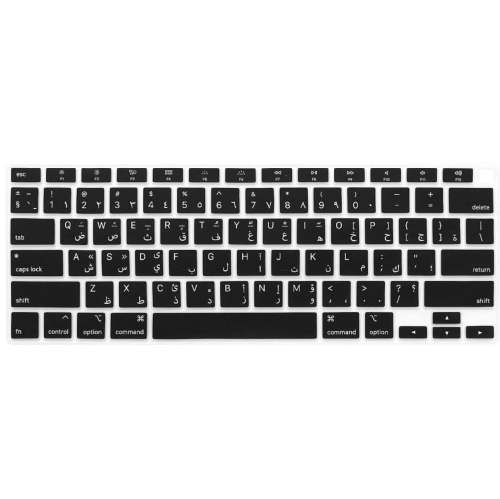
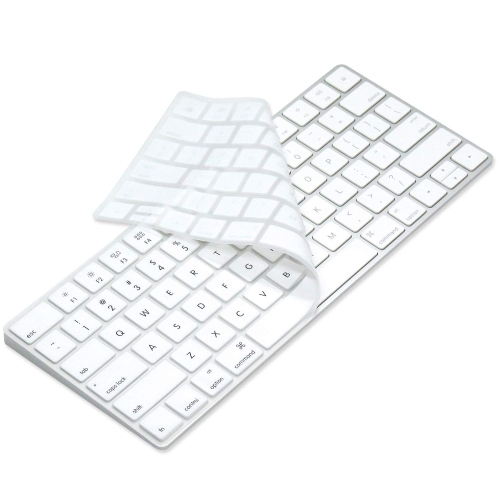
Care and storage can affect how long a silicone keyboard remains comfortable and reliable. Although the flexible material is convenient, repeated tight rolling, sharp folds, heavy objects placed on top, or storage near high heat can put unnecessary stress on the internal circuits and connection points. Roll the keyboard according to its instructions rather than forcing it into a small space, and store it flat or loosely rolled when possible. Keeping the cable and connector from being bent sharply can also help prevent connection issues. Before buying, consider where the keyboard will be used most often and what kind of mess or exposure it may encounter. A keyboard for a kitchen counter or craft area may benefit from a sealed, easy-to-wipe surface, while one for a travel bag may need a compact profile and a durable carrying pouch. For healthcare, laboratory, industrial, or other specialized environments, look for clearly stated cleaning and material specifications rather than assuming that any silicone keyboard meets professional requirements. Some users may also be considering a silicone cover that sits over an existing laptop keyboard; this is different from a standalone silicone keyboard. Covers should fit the exact keyboard layout, and they should be removed before closing a laptop lid if the manufacturer recommends it, since extra material between the screen and keyboard can affect the display or hinges. Whether you want a flexible backup for occasional use, a quiet keyboard for a shared room, or a washable option for a workspace where spills are a regular concern, compare dimensions, layout, connection method, cleaning guidance, and typing feel together. These details help ensure the keyboard fits naturally into your routine during travel, study, work, or everyday computer use.
The typing experience is one of the most important considerations when choosing among silicone keyboards. The keys are soft and flexible, which can feel pleasant for light or occasional typing, but they usually do not provide the crisp tactile response of a standard laptop keyboard or a mechanical model. Some users appreciate the quiet, cushioned feel, while others may find that the keys feel less precise or require more deliberate finger movement. If you regularly write long documents, enter detailed information, or type for several hours at a time, consider the key layout, key spacing, size, and overall surface before making a decision. A full-size layout with a number pad can be convenient for household budgeting, office forms, and spreadsheet work, while a compact layout may be easier to carry. Check whether the keyboard includes familiar features such as function keys, media controls, indicator lights, or a Canadian multilingual layout if those details matter for your setup. Compatibility should also be confirmed, particularly when connecting to tablets, smart televisions, laptops, or specialized equipment. A USB model may offer straightforward plug-and-play use with compatible computers, but the available port and operating system should still be checked. Wireless models can reduce cable clutter, although they may require batteries or charging and may introduce pairing steps. Silicone keyboards are not typically chosen for competitive gaming or demanding precision work, where fast actuation and strong feedback may be more important. They can, however, suit users who value easy storage, quiet keystrokes, and simple cleaning over a traditional typing sensation. They may be useful for children learning to use a computer, students moving between study spaces, travellers who want a backup input device, or anyone setting up a temporary workstation. They can also make a practical gift for a university student, a frequent traveller, a home-office user, or a family member who prefers uncomplicated computer accessories. For a softer typing surface without the full roll-up design, you can also explore Soft Touch Keyboards and compare the available styles based on comfort, size, and connectivity.
Care and storage can affect how long a silicone keyboard remains comfortable and reliable. Although the flexible material is convenient, repeated tight rolling, sharp folds, heavy objects placed on top, or storage near high heat can put unnecessary stress on the internal circuits and connection points. Roll the keyboard according to its instructions rather than forcing it into a small space, and store it flat or loosely rolled when possible. Keeping the cable and connector from being bent sharply can also help prevent connection issues. Before buying, consider where the keyboard will be used most often and what kind of mess or exposure it may encounter. A keyboard for a kitchen counter or craft area may benefit from a sealed, easy-to-wipe surface, while one for a travel bag may need a compact profile and a durable carrying pouch. For healthcare, laboratory, industrial, or other specialized environments, look for clearly stated cleaning and material specifications rather than assuming that any silicone keyboard meets professional requirements. Some users may also be considering a silicone cover that sits over an existing laptop keyboard; this is different from a standalone silicone keyboard. Covers should fit the exact keyboard layout, and they should be removed before closing a laptop lid if the manufacturer recommends it, since extra material between the screen and keyboard can affect the display or hinges. Whether you want a flexible backup for occasional use, a quiet keyboard for a shared room, or a washable option for a workspace where spills are a regular concern, compare dimensions, layout, connection method, cleaning guidance, and typing feel together. These details help ensure the keyboard fits naturally into your routine during travel, study, work, or everyday computer use.
Top selling and popular products
-
 Your price for this item is $39.99
 -
 Your price for this item is $49.72
 -
 Your price for this item is $159
 -
 Your price for this item is $219.99
 -
 Your price for this item is $199.99
 -
 Your price for this item is $44.69
 -
 Your price for this item is $29.99
 -
 Your price for this item is $169.99
Discover more categories related to Silicone Keyboards

Top Collections:
Pokemon Centers, Budget 4K TVs, Kindle Devices, Canon G7X Cameras, Apple iPhones 16, iPhone 15 Apple, Laptops for Business Work, Flip Phones, Xiaomi Phones, Refurbished Apple Laptops
Some products may be subject to Environmental Handling Fees
(EHF) depending on your province.
Learn more about EHFs.