Silver iPads for Home Office
Silver iPads for home office bring a sleek and modern touch to your workspace, making it easy to stay productive and organized. Perfect for multitasking, video calls, and managing daily tasks, these devices fit seamlessly into any home office setup. With their stylish silver finish, they complement a variety of décor styles while offering the versatility needed for both work and creativity. Explore a range of options to find the ideal silver iPad that matches your professional needs and personal preferences.
Sort
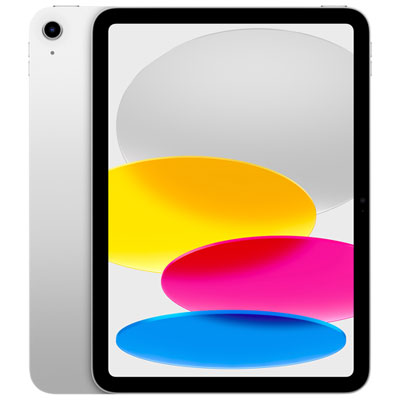
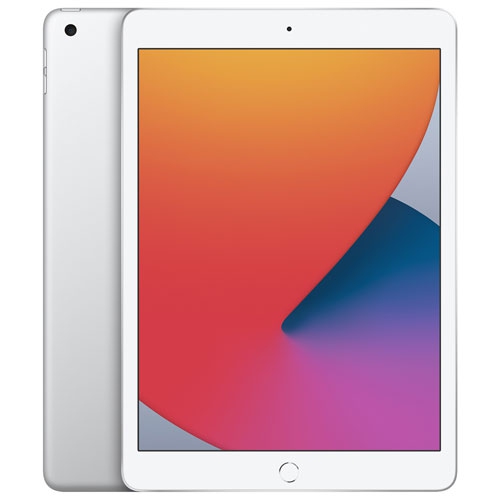
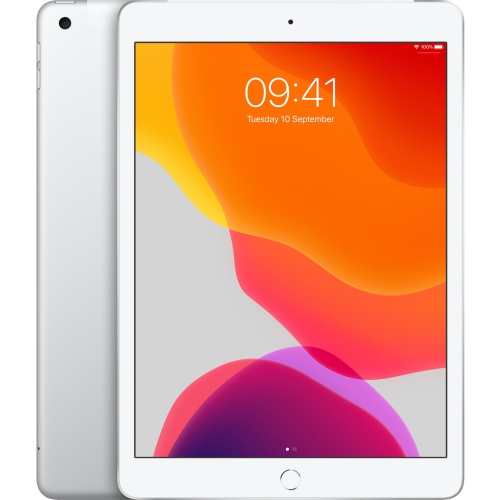

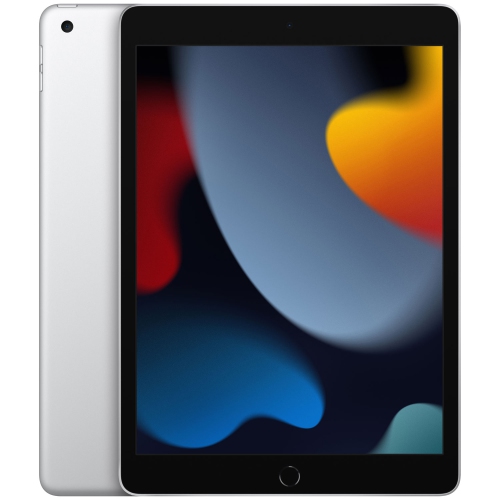









iPad productivity goes beyond the silver finish
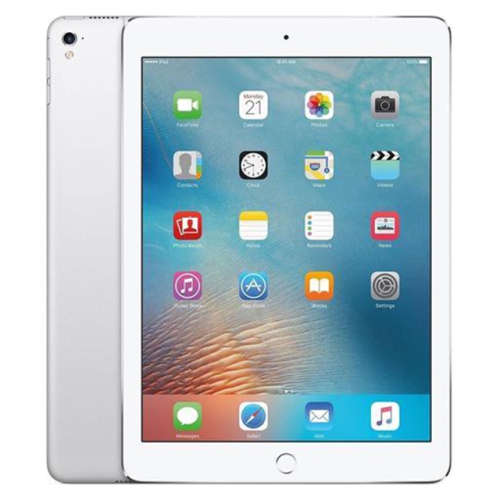
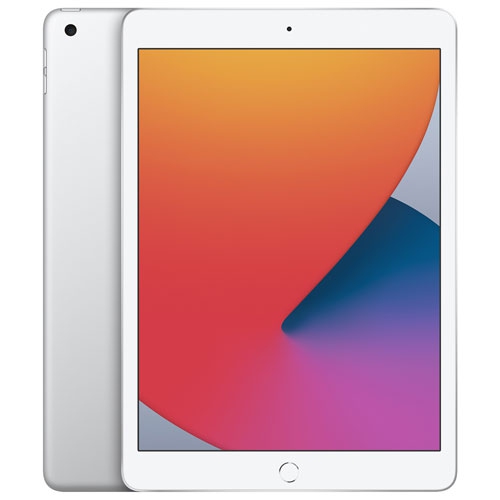
Silver iPads for a home office bring a touchscreen workspace to everyday tasks such as email, document editing, video meetings and digital note-taking. Their understated finish pairs easily with neutral desks, metal monitor stands and light or dark accessories, while the tablet format suits work that moves between a desk, a kitchen countertop and a comfortable reading chair. A silver finish describes the exterior colour, not the device’s processing power, storage or accessory support, so those details matter more than appearance when considering how a tablet will fit into a working day. For someone who spends the morning reviewing reports and the afternoon answering messages, a responsive display and comfortable screen size can make frequent interactions feel more natural. A larger screen provides more room for reading documents, viewing a spreadsheet or working with supported apps side by side. A smaller device takes up less space beside a desktop monitor and is easier to carry between rooms. Display brightness, reflections and text size also affect comfort, particularly at a desk facing a window or beneath an overhead light. Storage needs depend on what stays on the device: downloaded presentations, scanned paperwork, large image files and recorded meetings can occupy more space than email and browser-based work. Cloud storage can make files accessible across devices, but offline access remains useful when a connection is interrupted. Processor performance matters most when several demanding tasks overlap, such as editing a large document while participating in a call or working with detailed visual files. For routine scheduling, reading and correspondence, the overall experience also depends on app design and reliable connectivity. Wi-Fi supports internet access at home, while cellular connectivity on compatible models offers another way to get online with a suitable data plan. A tablet can serve as the main device for work built around supported apps, or as a companion screen for notes, reference material and communication alongside an existing computer.
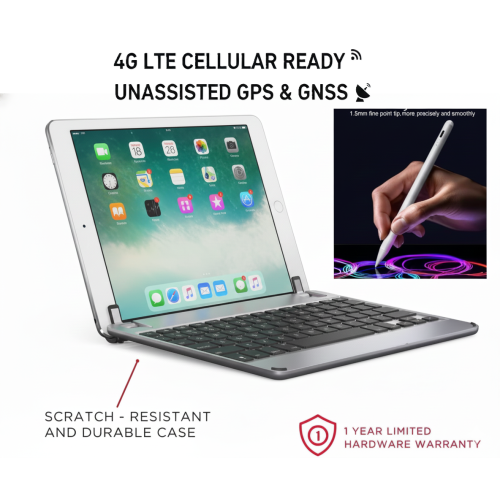
The way an iPad sits on the desk often matters as much as the tablet itself. A stable stand or fitted keyboard case can hold the screen at a comfortable viewing angle, leaving space for a notebook, a mug and the papers that still accompany many workdays. An external keyboard is particularly useful for longer emails, meeting summaries and document revisions, while a compatible mouse or trackpad can make text selection and navigation more familiar. Accessory fit is specific to the device’s dimensions, connector layout and generation; similar screen sizes do not necessarily mean that cases, keyboards or digital pens are interchangeable. A compatible stylus adds another working style, allowing handwritten notes, sketches and annotations on supported documents. It can be useful for marking changes on a floor plan, circling a detail in a presentation or jotting down an idea without interrupting a conversation. Video meetings introduce their own practical considerations. Camera placement affects framing when the tablet is used horizontally, and raising the device closer to eye level generally creates a more comfortable setup than leaving it flat on the desktop. Clear sound, a dependable microphone and headphones that connect reliably can be just as important as camera resolution. Charging connections and accessory support vary, with some setups requiring an adapter or hub for peripherals, storage devices or a wired display. External monitor capabilities also differ, so a larger screen does not provide the same workspace options on every model. Browser-based tools and tablet apps handle many common office tasks, although advanced spreadsheet functions, specialized software and certain workplace systems may require a computer. For workflows built around desktop-only applications, Silver Laptops for Home Office offer a related option with a similar visual style. The right arrangement depends on whether the tablet will handle most daily work, provide a portable meeting station or keep reference documents within reach while another device handles heavier tasks. Some productivity apps and online services also require a separate subscription or workplace account.
Materials, handling and care influence how well a tablet holds up to daily use. Aluminum enclosures provide a rigid, lightweight structure, while the glass display benefits from protection against scratches and accidental knocks. A silver surface may blend neatly with other desk equipment, but no finish makes a device resistant to every mark or impact. A well-fitted case can protect the corners and provide a more secure grip, particularly when the tablet travels between a home office and a shared workspace. A padded sleeve offers extra separation from keys, charging cables and other objects inside a bag. Cases with integrated stands need enough stability for tapping and typing, and their added weight can affect how comfortable the tablet feels when held for extended reading. Routine care is straightforward: a soft, lint-free cloth helps remove fingerprints, and cleaning methods should follow the device manufacturer’s directions rather than relying on household sprays or abrasive materials. Keeping drinks away from the charging connection and avoiding pressure on the screen are sensible precautions around a busy work surface. Battery life varies with screen brightness, video calls, wireless connections and the apps in use, so access to charging remains useful during a full day of meetings. A tidy cable route can keep the charging lead from catching on papers or pulling at the device. Work use also makes privacy and account management important. A passcode, supported biometric security, timely software updates and regular backups help protect documents and reduce disruption if the device is lost or damaged. Separate work and personal accounts can make shared use easier to manage where apps and workplace policies allow it. These tablets can suit remote employees, independent professionals, students balancing coursework with paid work, or family members managing household paperwork. As a practical gift, a silver iPad is most useful when its screen size, storage and accessory compatibility match the recipient’s routine, whether that means taking handwritten meeting notes, reviewing client documents or joining calls from a compact home office.
The way an iPad sits on the desk often matters as much as the tablet itself. A stable stand or fitted keyboard case can hold the screen at a comfortable viewing angle, leaving space for a notebook, a mug and the papers that still accompany many workdays. An external keyboard is particularly useful for longer emails, meeting summaries and document revisions, while a compatible mouse or trackpad can make text selection and navigation more familiar. Accessory fit is specific to the device’s dimensions, connector layout and generation; similar screen sizes do not necessarily mean that cases, keyboards or digital pens are interchangeable. A compatible stylus adds another working style, allowing handwritten notes, sketches and annotations on supported documents. It can be useful for marking changes on a floor plan, circling a detail in a presentation or jotting down an idea without interrupting a conversation. Video meetings introduce their own practical considerations. Camera placement affects framing when the tablet is used horizontally, and raising the device closer to eye level generally creates a more comfortable setup than leaving it flat on the desktop. Clear sound, a dependable microphone and headphones that connect reliably can be just as important as camera resolution. Charging connections and accessory support vary, with some setups requiring an adapter or hub for peripherals, storage devices or a wired display. External monitor capabilities also differ, so a larger screen does not provide the same workspace options on every model. Browser-based tools and tablet apps handle many common office tasks, although advanced spreadsheet functions, specialized software and certain workplace systems may require a computer. For workflows built around desktop-only applications, Silver Laptops for Home Office offer a related option with a similar visual style. The right arrangement depends on whether the tablet will handle most daily work, provide a portable meeting station or keep reference documents within reach while another device handles heavier tasks. Some productivity apps and online services also require a separate subscription or workplace account.
Materials, handling and care influence how well a tablet holds up to daily use. Aluminum enclosures provide a rigid, lightweight structure, while the glass display benefits from protection against scratches and accidental knocks. A silver surface may blend neatly with other desk equipment, but no finish makes a device resistant to every mark or impact. A well-fitted case can protect the corners and provide a more secure grip, particularly when the tablet travels between a home office and a shared workspace. A padded sleeve offers extra separation from keys, charging cables and other objects inside a bag. Cases with integrated stands need enough stability for tapping and typing, and their added weight can affect how comfortable the tablet feels when held for extended reading. Routine care is straightforward: a soft, lint-free cloth helps remove fingerprints, and cleaning methods should follow the device manufacturer’s directions rather than relying on household sprays or abrasive materials. Keeping drinks away from the charging connection and avoiding pressure on the screen are sensible precautions around a busy work surface. Battery life varies with screen brightness, video calls, wireless connections and the apps in use, so access to charging remains useful during a full day of meetings. A tidy cable route can keep the charging lead from catching on papers or pulling at the device. Work use also makes privacy and account management important. A passcode, supported biometric security, timely software updates and regular backups help protect documents and reduce disruption if the device is lost or damaged. Separate work and personal accounts can make shared use easier to manage where apps and workplace policies allow it. These tablets can suit remote employees, independent professionals, students balancing coursework with paid work, or family members managing household paperwork. As a practical gift, a silver iPad is most useful when its screen size, storage and accessory compatibility match the recipient’s routine, whether that means taking handwritten meeting notes, reviewing client documents or joining calls from a compact home office.
Top selling and popular products
-
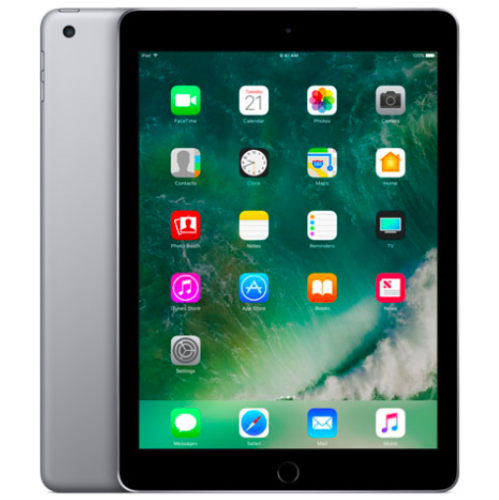 Your price for this item is $109.99
-
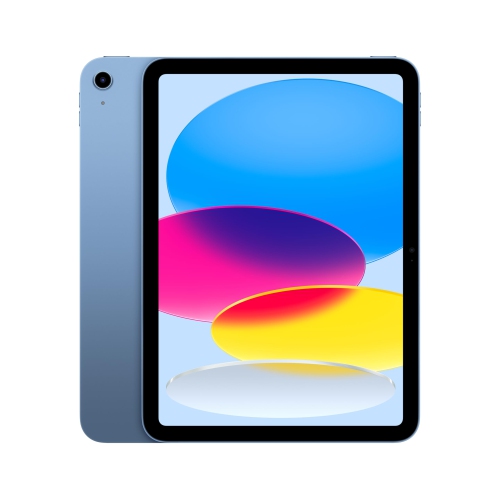 Your price for this item is $655.95
-
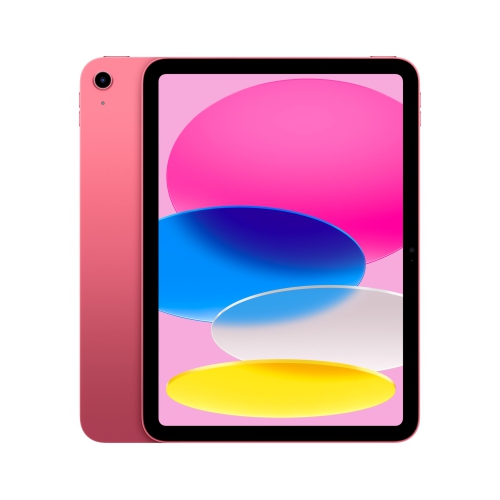 Your price for this item is $639
-
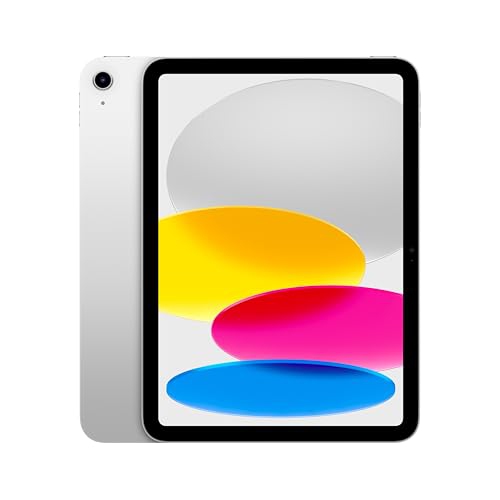 Your price for this item is $698.99
-
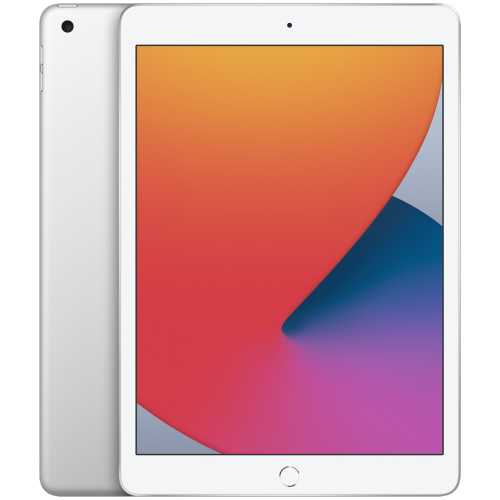 Your price for this item is $146.98
-
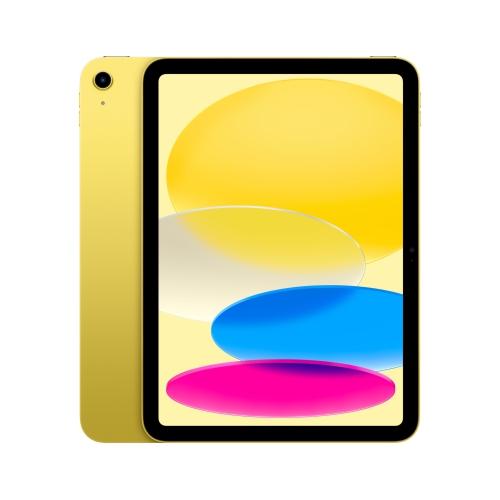 Your price for this item is $639.99
-
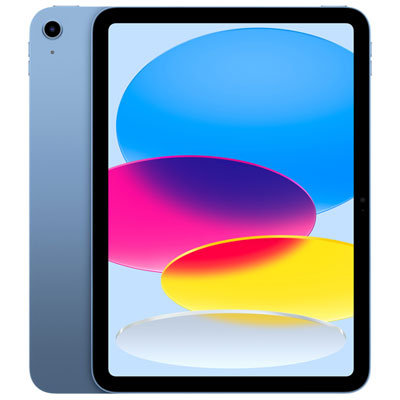 Your price for this item is $649.99
-
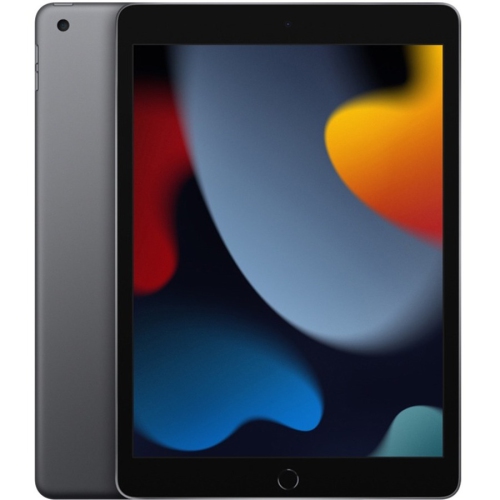 Your price for this item is $1000
Discover more categories related to Silver iPads for Home Office

Top Collections:
Pokemon Centers, Pokémon 30th Celebration Cards, Best Budget Office Chairs, Kindle Devices, Best Cameras for Sports Photography, Canon G7X Cameras, Best Black Friday Deals On Electronics, Best Laptops for Writers, iPhone 15 Apple, Jackery Power Stations
Some products may be subject to Environmental Handling Fees
(EHF) depending on your province.
Learn more about EHFs.